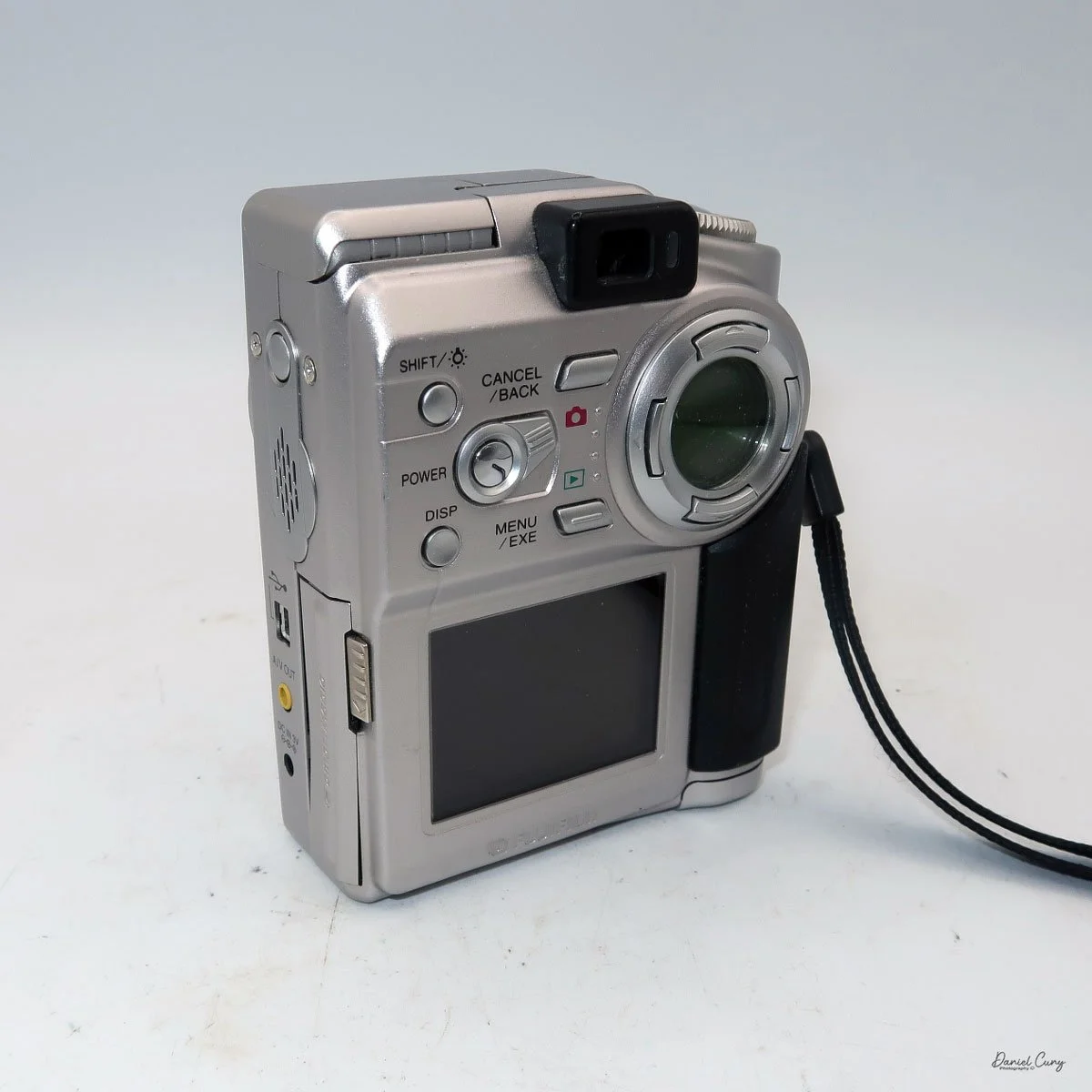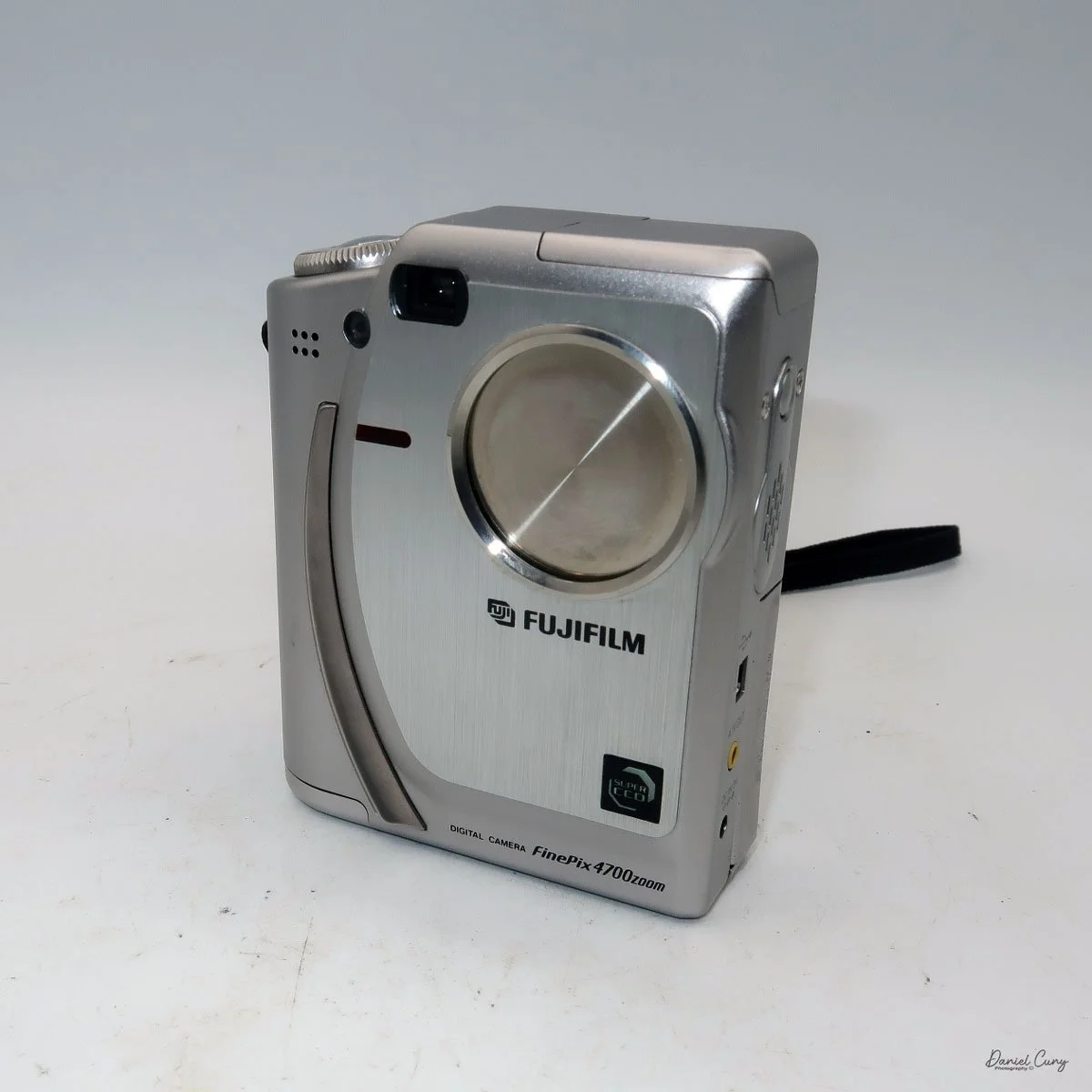
Fujifilm FinePix 4700 Zoom

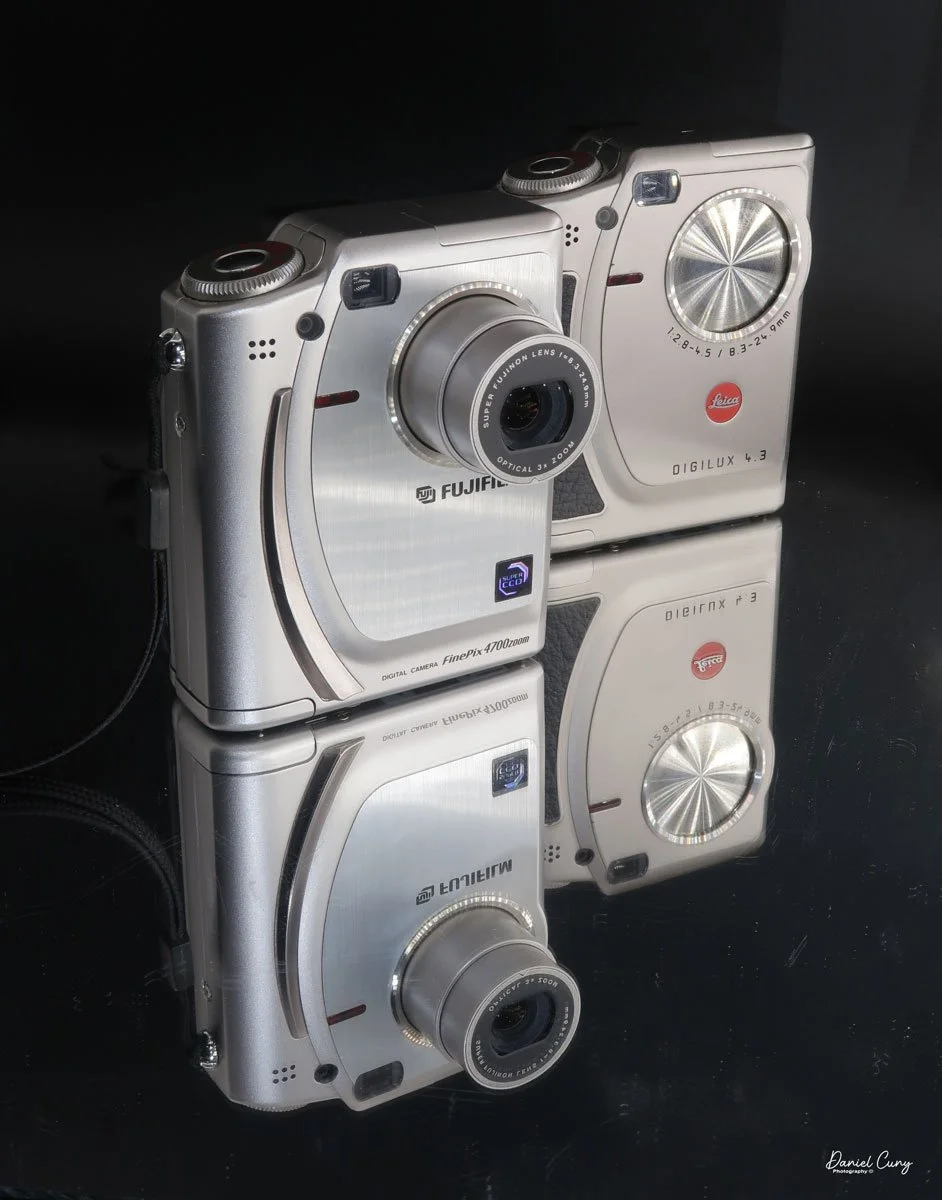
My Fujifilm FinePix 4700 Zoom and Leica Digilux 4.3 cameras

Sometime in late October or early November 2025, I was sitting back at my desk, looking at some of the cameras around me and thinking about cameras to write about for this blog. There was one camera on the top shelf above my desk that has always piqued my interest, and one that I've had for 15 years or so, but it wasn't a film camera; it was a relatively early digital camera. I hadn't included a digital camera in my blog, but that's going to change.

 To start 2026, it would be a nice change of pace if we went away from traditional film cameras and focused on some of the early digital cameras in my collection. With that said, for January, I'm picking four early digital cameras and writing about them. 

 Focusing on the early digital camera in my collection brought me unexpected challenges that were difficult to navigate at times. For many of the cameras I'm reviewing this month, I had to get my mind, and even more challenging, a computer, the computer's hardware, and software back into the late 1990s to early 2000s. Sharing these experiences can make readers feel connected and motivated to explore vintage digital cameras themselves, especially potential buyers interested in the history behind these devices.

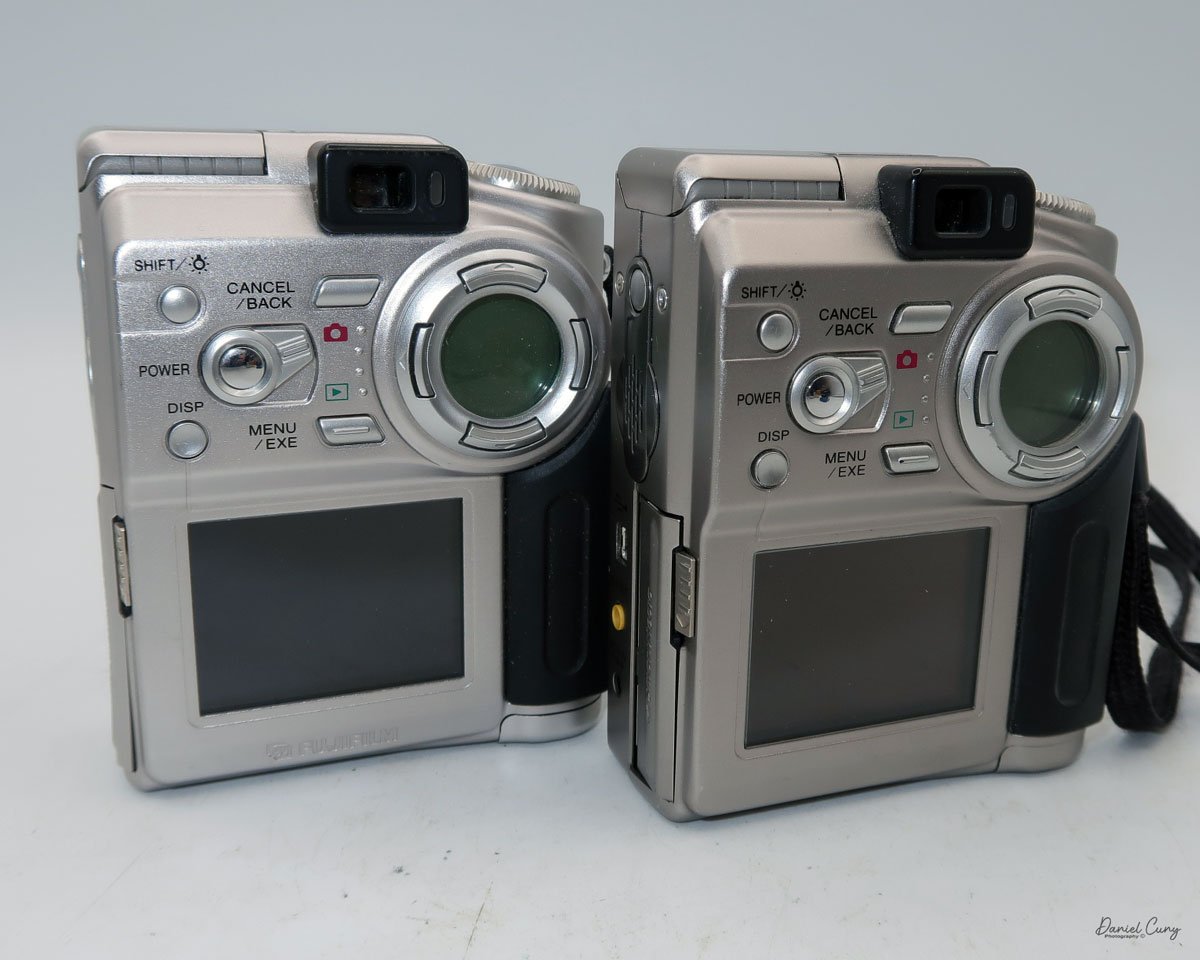
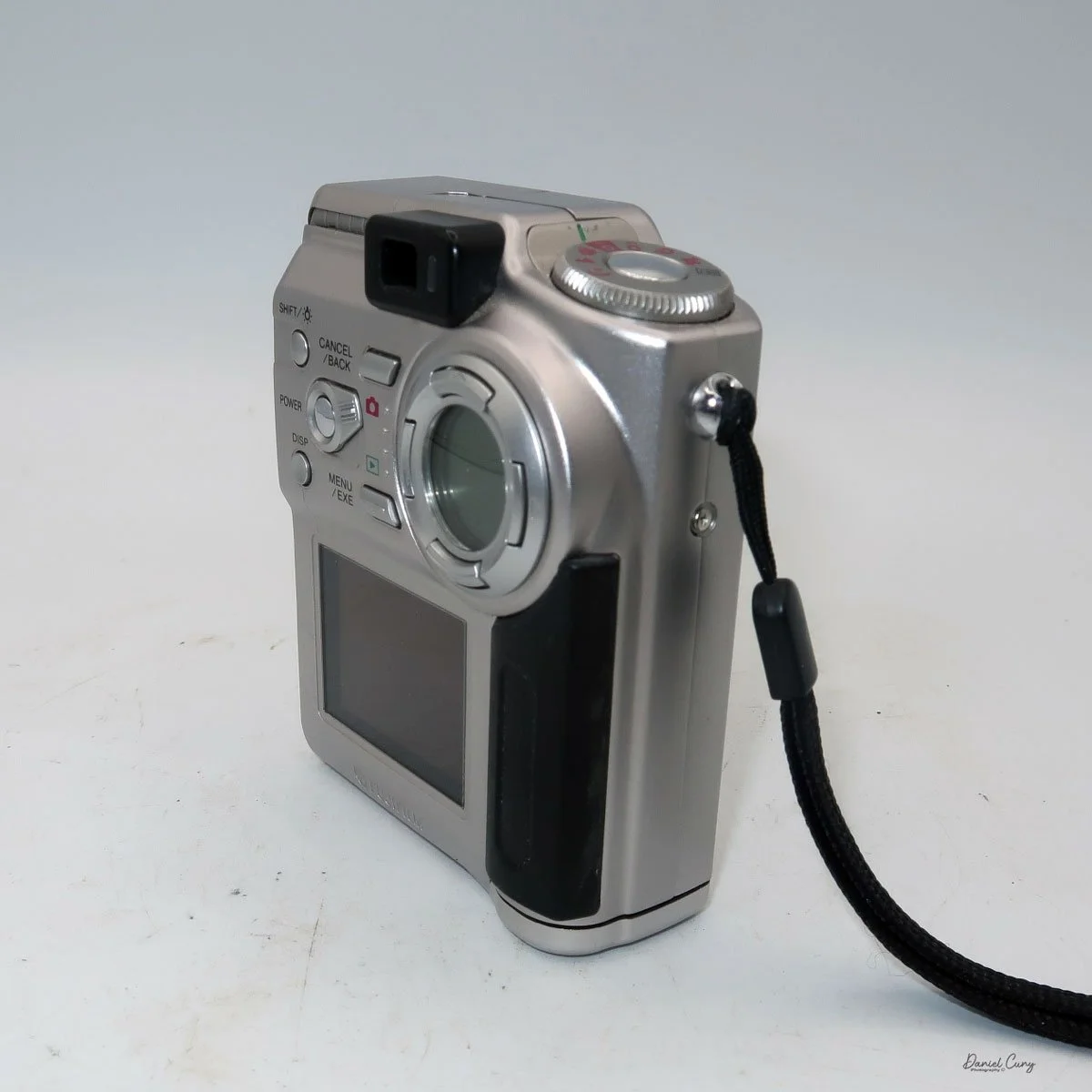
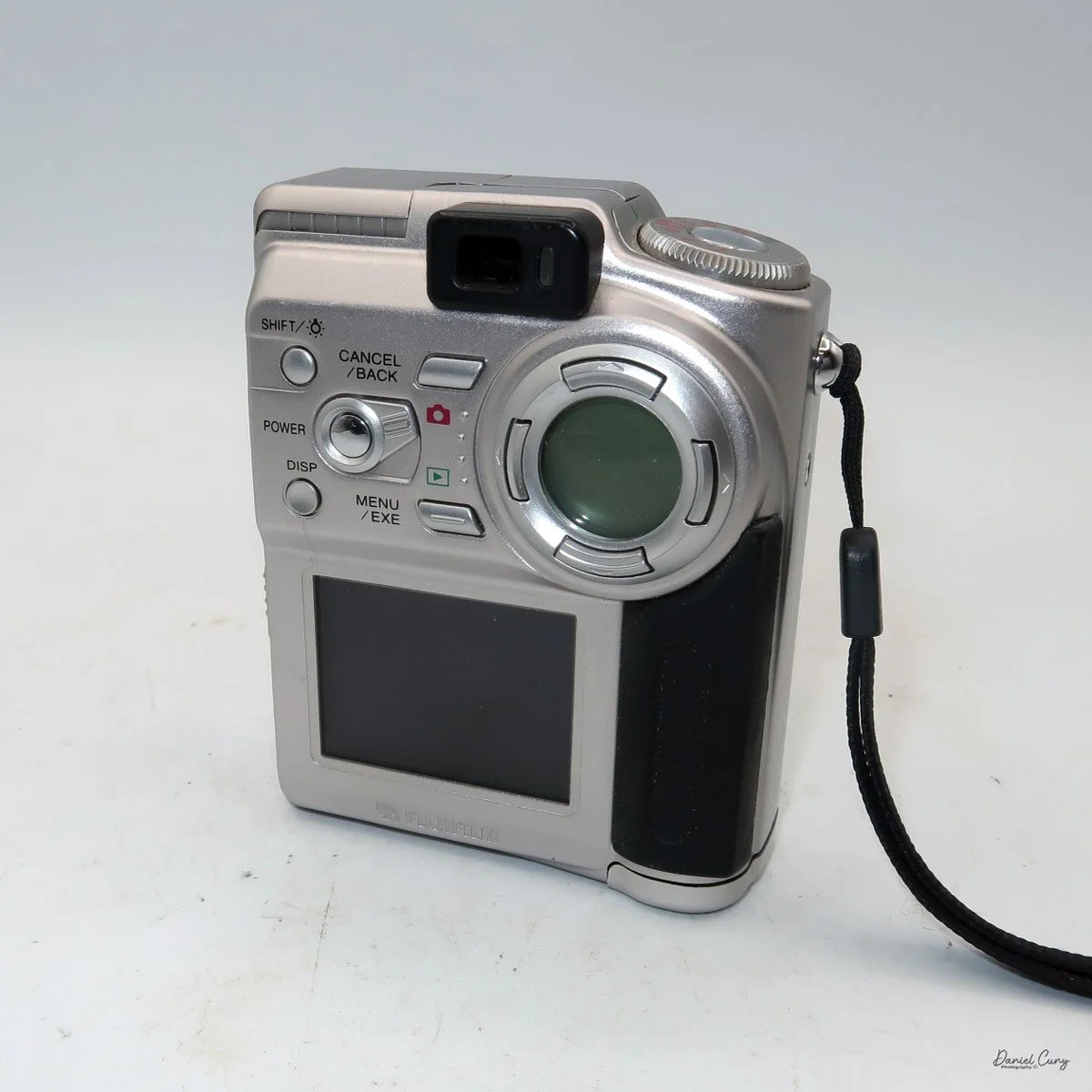
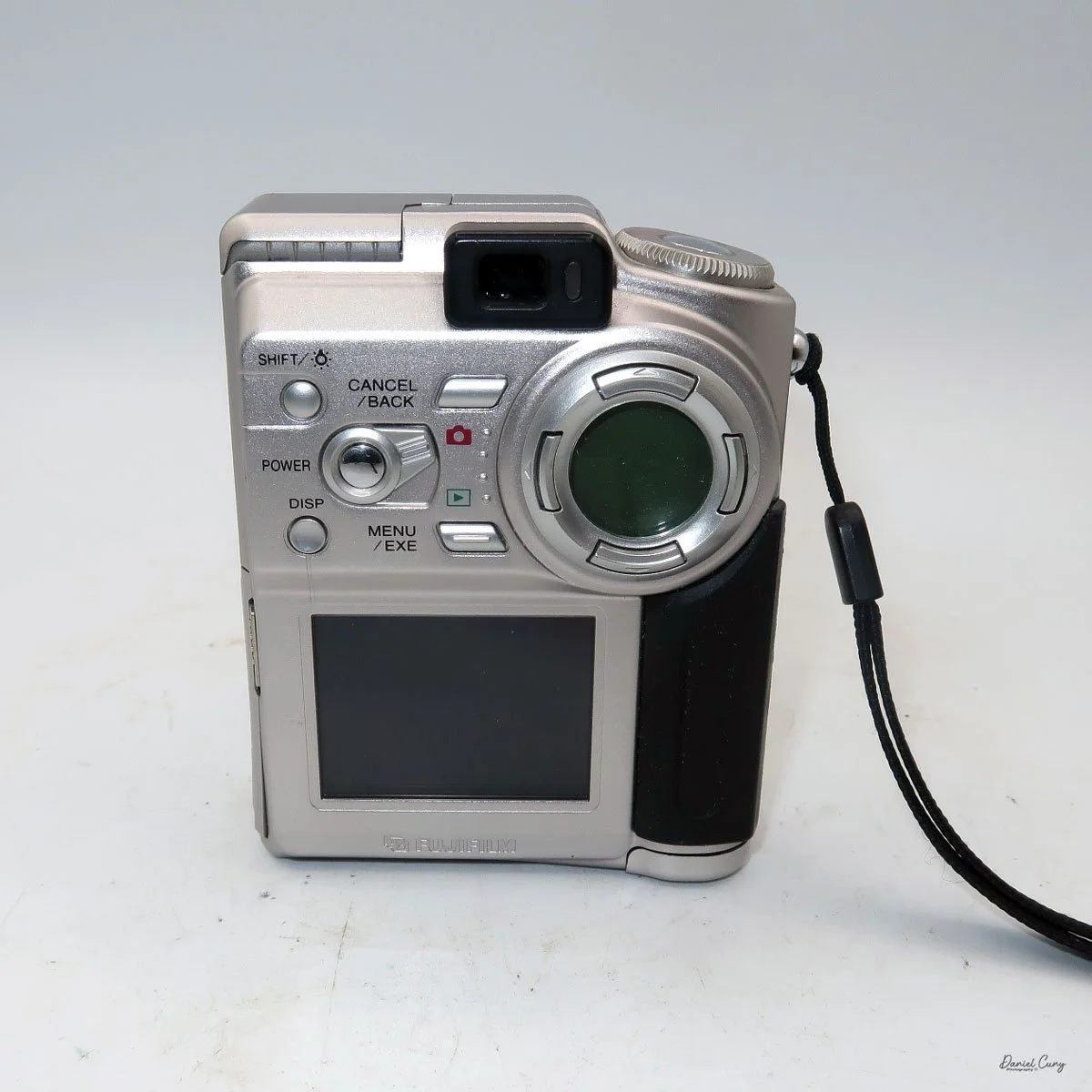
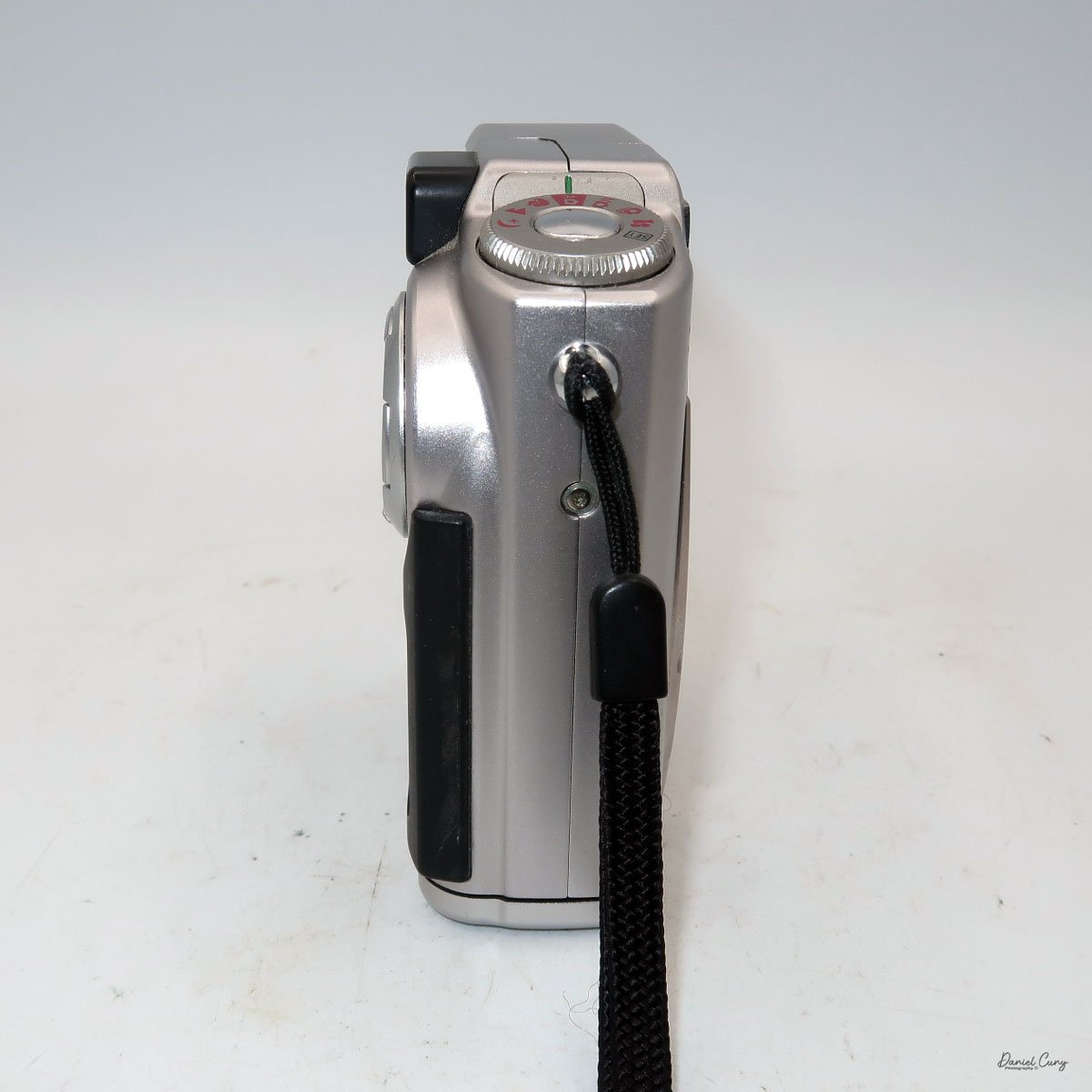
Rear view of Fujifilm FinePix 4700 zoom & Leica Digilux 4.3

 The first camera I'm going to discuss isn't as challenging as some of the cameras I'll be writing about later this month. My difficulties are mainly because I'm still working out some hardware issues with the computer, which I'll discuss in my write-up about the cameras. 

 All of the cameras are in good working condition. Aside from their specific camera menus, which are very basic compared to what we have now, the computer issues have been considerably more challenging and, at times, very frustrating, especially when finding a computer from that timeframe that functions. Still, I'll discuss that when the camera comes into play.

 It is also interesting that Fujifilm makes cameras for other brands. The two most well-known camera companies, Hasselblad and Leica, have had cameras made for them by Fujifilm. The Hasselblad XPan was produced in partnership with Fujifilm. Also, their "H" series lenses and viewfinder were developed with Fujifilm's involvement. 

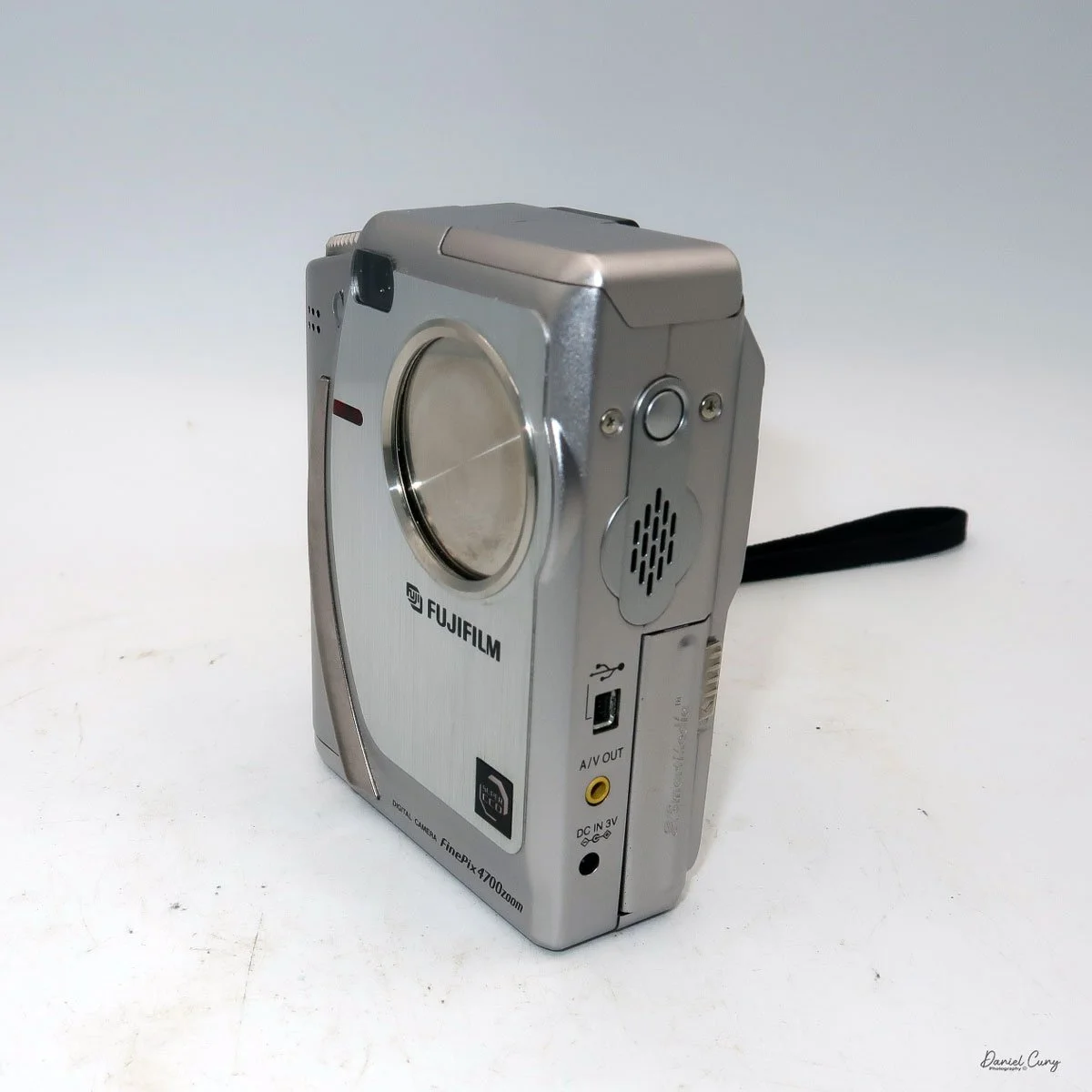
 As you can see in the photos of the cameras above, the Fujifilm FinePix 4700 zoom is rebranded as the Leica Digilux 4.3. This was the third camera that Leica rebranded. The first was the original Digilux, Digilux Zoom, and  Digilux 4.3

The Company:

 Fujifilm's history in Japan mirrors the country's own journey through modernization, war, recovery, and technological reinvention. The company was founded in 1934 as Fuji Photo Film Co., Ltd., established by the Japanese government to create a domestic photographic film industry and reduce reliance on imports, particularly from Germany and the United States. Its first factory opened in Minami-Ashigara, near Mount Fuji, which inspired the company's name and enduring brand identity.

 In its early years, Fujifilm focused on mastering the complex chemistry of photographic film, producing black-and-white film, photographic paper, and motion picture film. During World War II, like many Japanese industrial firms, it was drawn into wartime production, supplying optical and imaging materials for military use. The war left Japan's economy devastated, but Fujifilm survived and quickly pivoted back to civilian products during the postwar recovery.

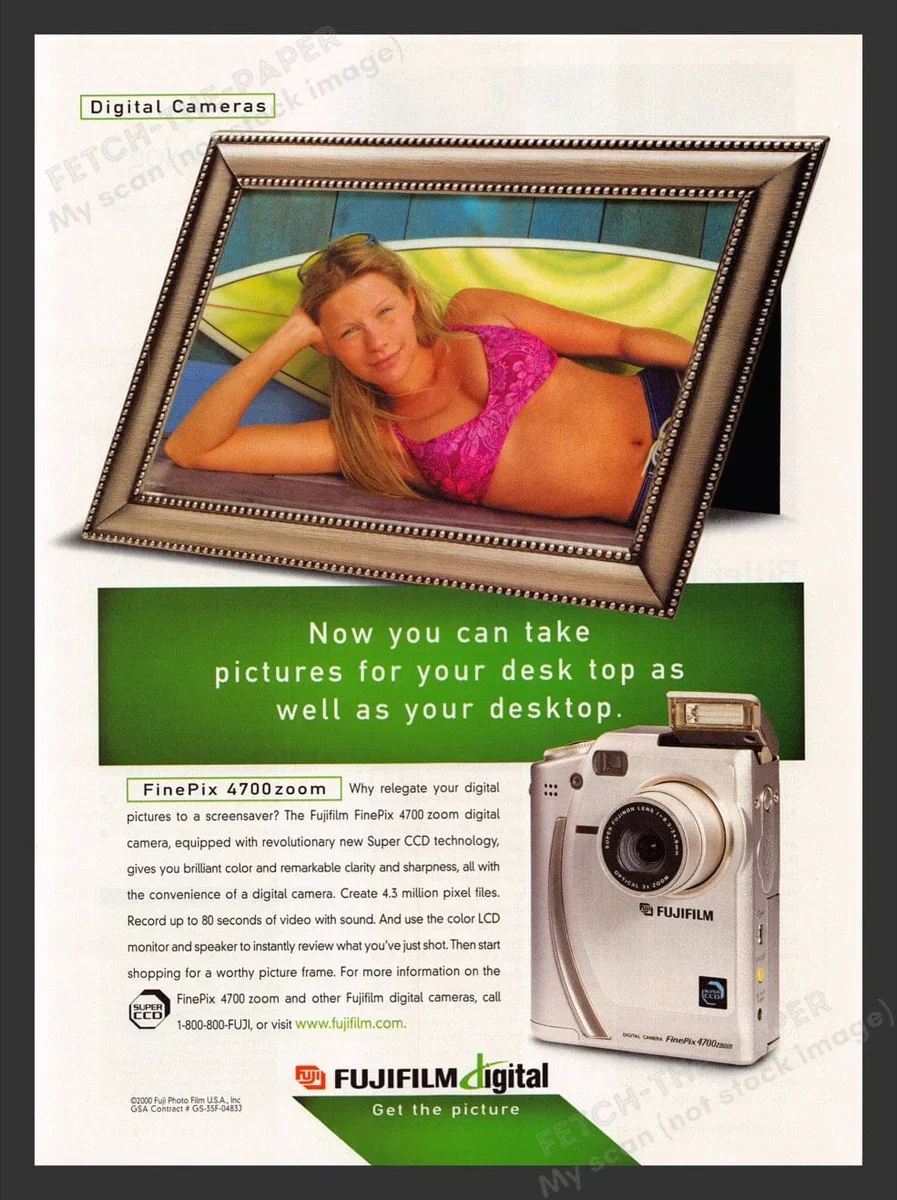
Fujifilm FinePix 4700 zoom advertisment

 The 1950s and 1960s marked a period of rapid growth. As Japan rebuilt and consumer culture expanded, photography became increasingly popular. Fujifilm introduced color film to the domestic market and steadily improved its quality, competing both domestically and internationally with companies such as Kodak. At the same time, the firm diversified into related fields, including magnetic tape, optical lenses, and X-ray film, laying the groundwork for its future resilience.

 During Japan's high-growth era of the 1970s and 1980s, Fujifilm became a global brand. It invested heavily in research and development, embracing advanced chemical engineering and precision manufacturing. These capabilities allowed the company to move beyond consumer photography into medical imaging, printing systems, and industrial materials. Fujifilm's strong export orientation also reflected Japan's emergence as a significant technological power.

 The late 1990s and early 2000s posed an existential challenge: the rapid decline of photographic film amid the rise of digital imaging. While many traditional film companies struggled, Fujifilm undertook one of the most notable corporate transformations in modern Japanese business history. Drawing on its expertise in chemistry and materials science, it diversified aggressively into healthcare, pharmaceuticals, cosmetics, electronic materials, and data storage. The company officially changed its name to Fujifilm Holdings Corporation in 2006 to reflect this broader mission.

 Today, Fujifilm remains a symbol of Japanese adaptability and long-term thinking. While it still honors its photographic heritage, its core businesses now lie in healthcare, imaging, and advanced materials. From its origins near Mount Fuji to its global presence, Fujifilm's history illustrates how a Japanese company can evolve with changing times while preserving technical excellence and cultural identity.

My Camera:

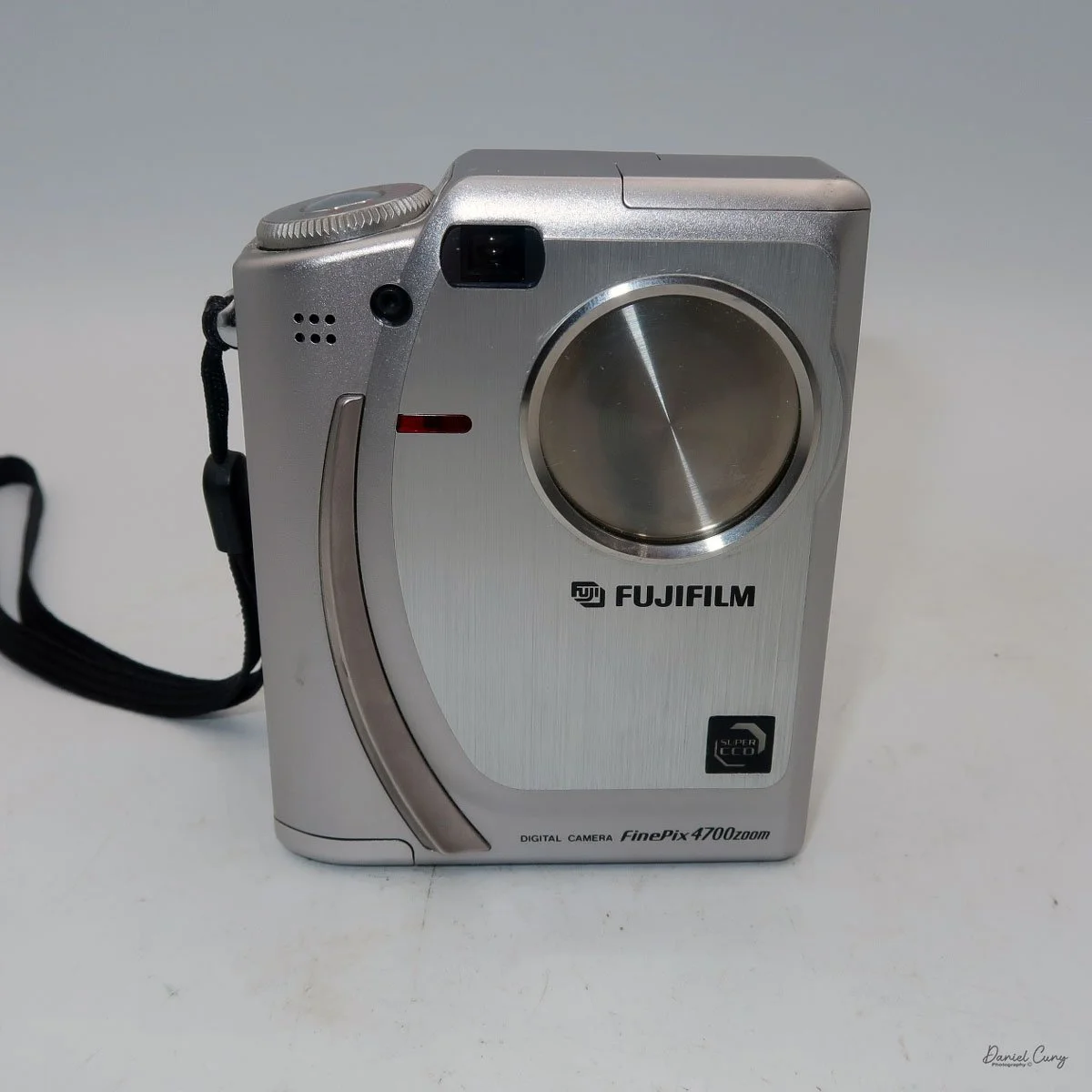
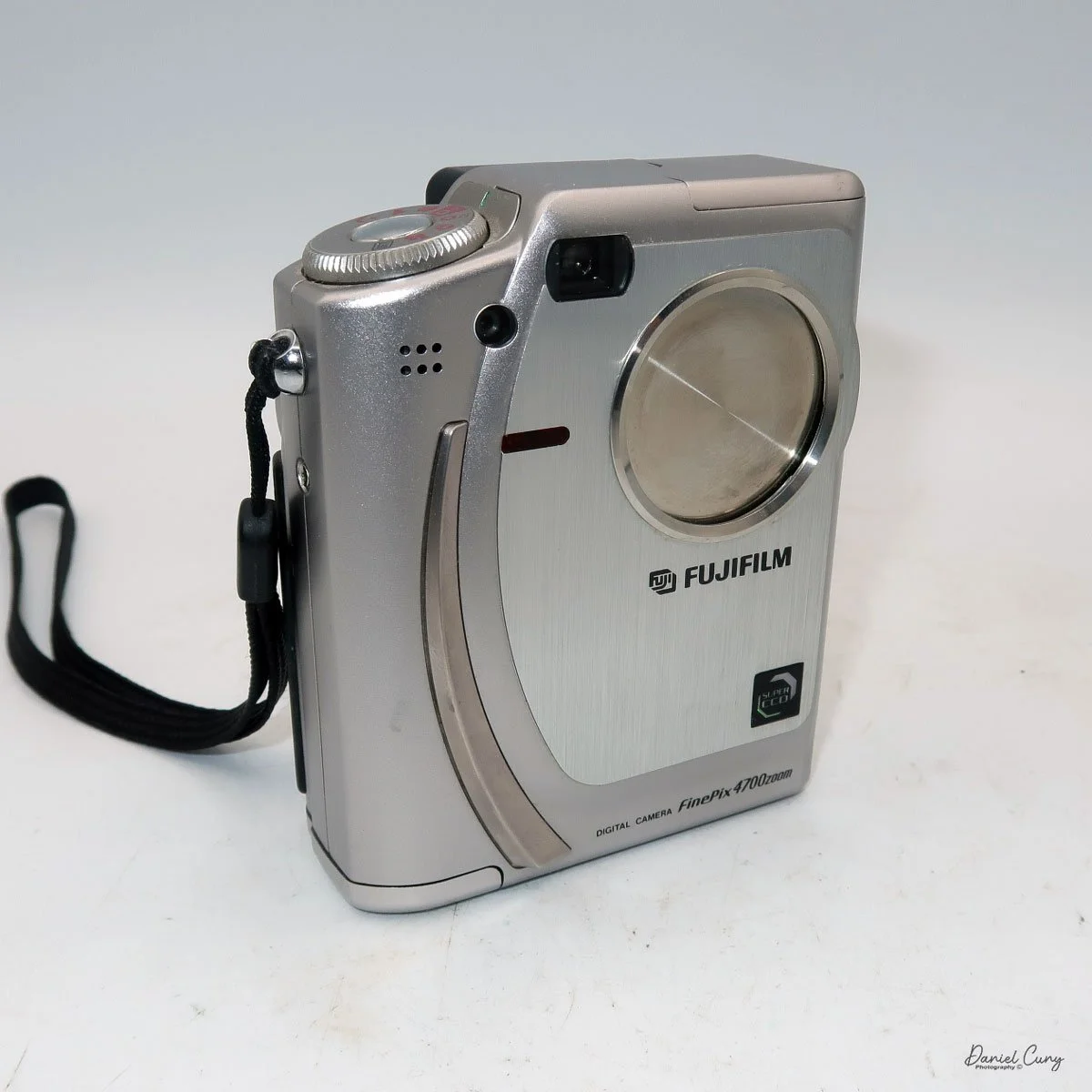
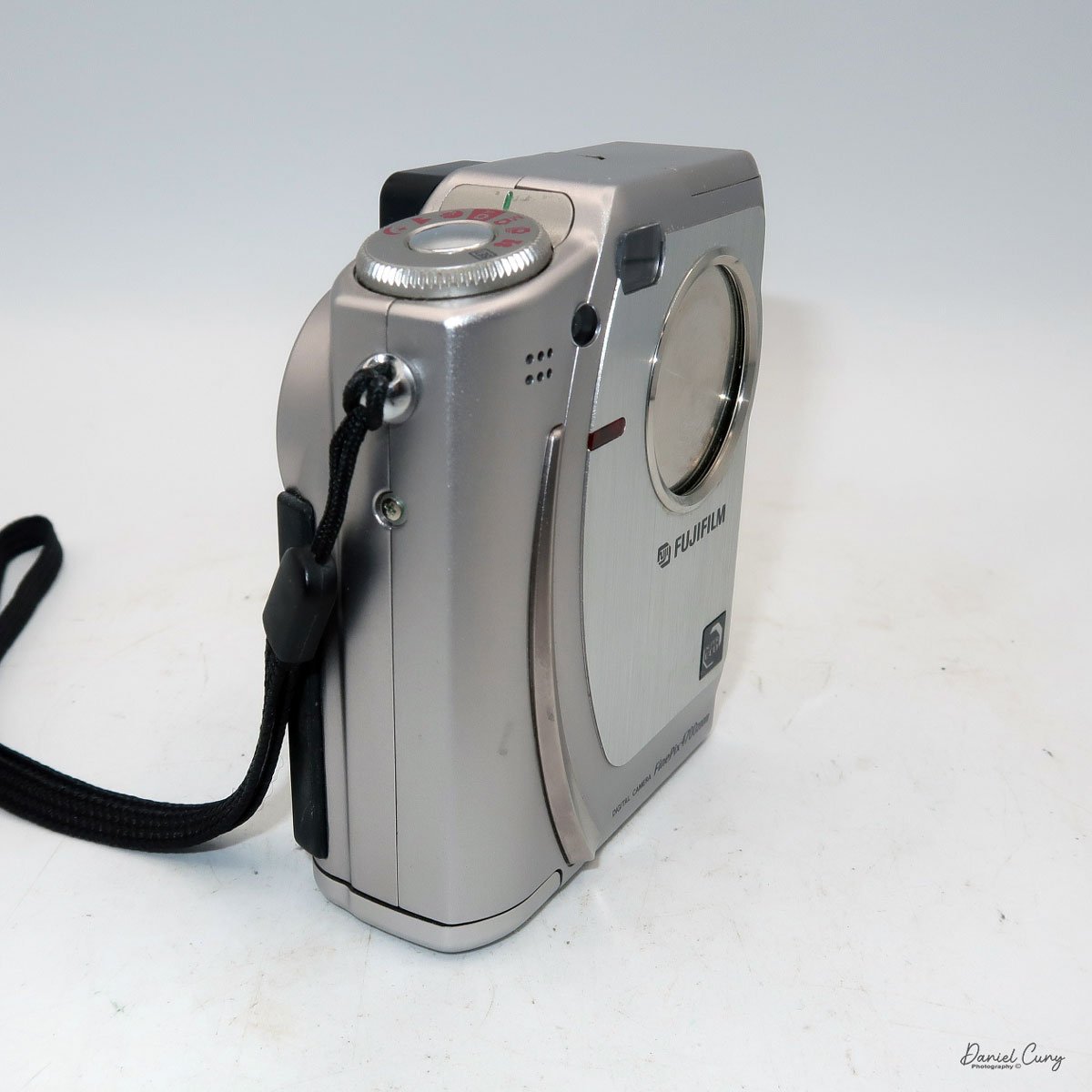
 The Fujifilm FinePix 4700 zoom may be the highest resolution digital camera I'll be writing about this month, coming in at a whopping 2mp, with a 1/1.7" SuperCCD imaging sensor which can produce a maximum resolution of 2400 x 1800-sized JPEGs on a Smart Media Card. The Fujifilm FinePix 4700 zoom has a Super Fujinon 8.3-24.9mm lens with a maximum aperture of f/2.8 to f/4.5. This 3x zoom lens is the 35mm equivalent of a 36-108mm lens.

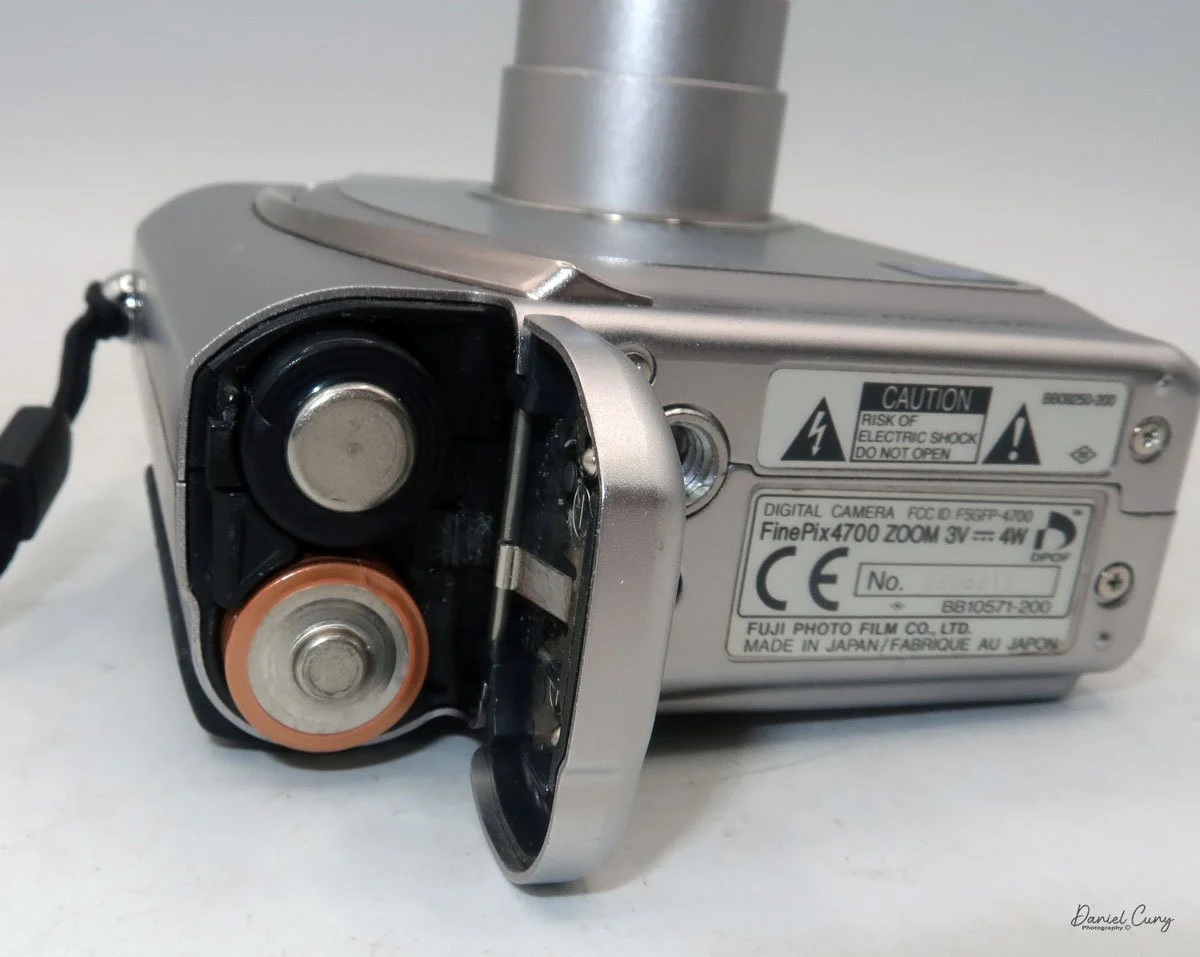
 While the Fujifilm FinePix 4700 zoom is an unconventional vertical-format camera in stature, it is very easy to hold and use. The dimensions of the camera are 4" tall by just a bit over 3" wide by 1.5" thick, and it weighs in at 10.8 ounces with the two "AA" batteries that power the camera.

I don't want to get into the full minutia of everything the camera has to offer and go into each specific button and control, but instead talk about the basic controls of the camera and how I generally use this style of camera, which is similar to probably 95% of the intended users. If you want to look at specifics and know what each button does, you can go online and find a copy of the Fujifilm FinePix 4700 instruction manual.

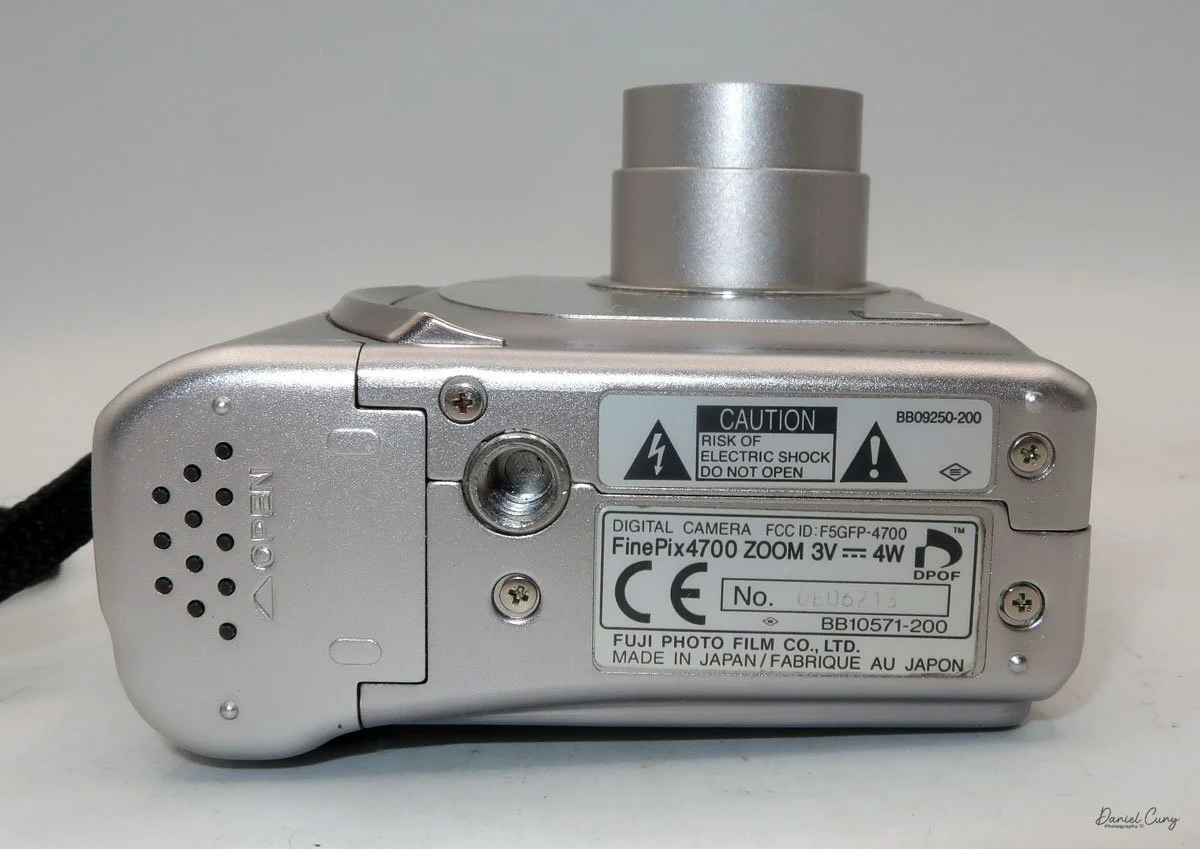
 Let's start at the beginning. To put in the 2 "AA" batteries, on the bottom of the camera is the battery door. Slide the cover outward, and the door will swing open. Insert the 2 "AA" batteries as shown on the battery lid, then close the lid and slide it back to close the battery door. 

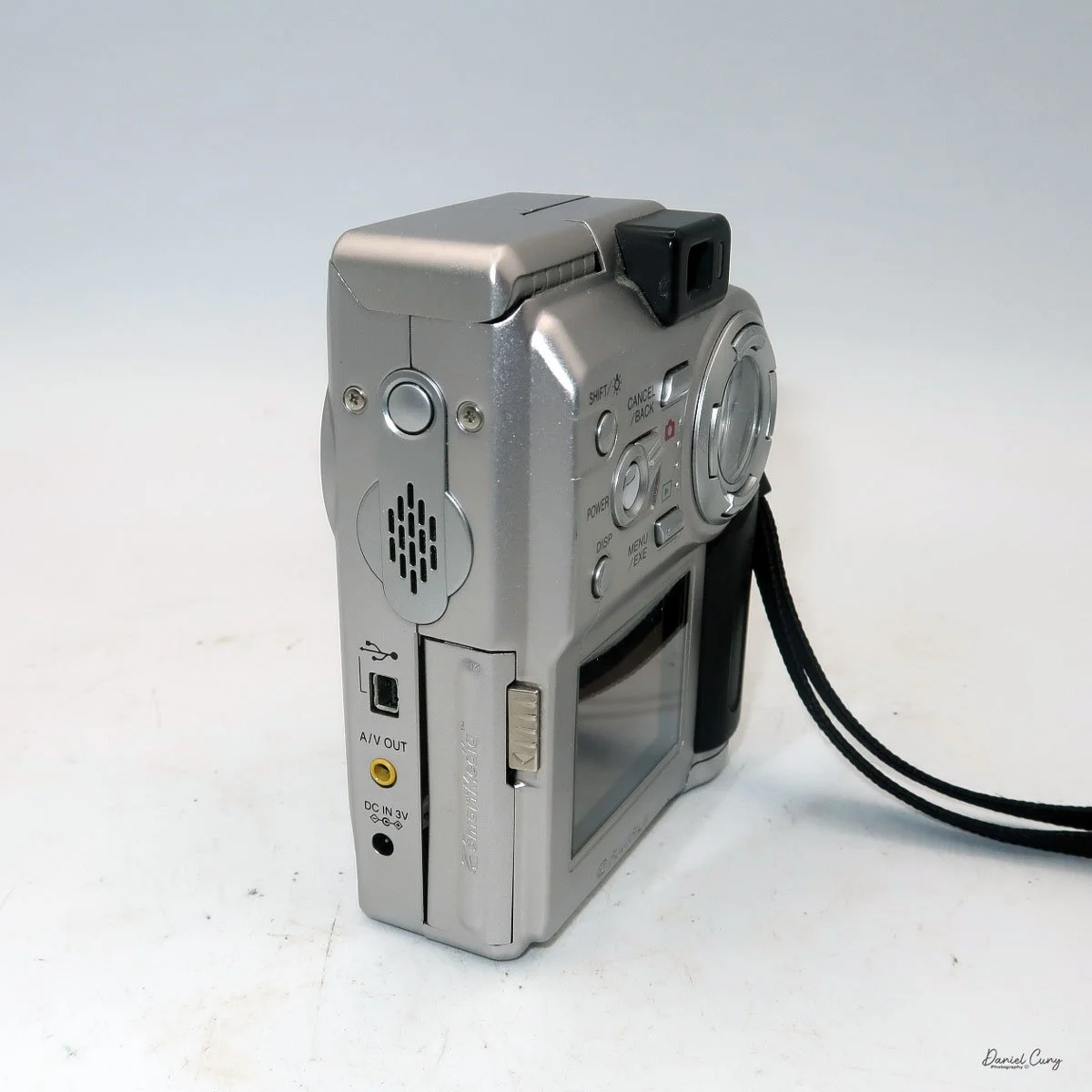
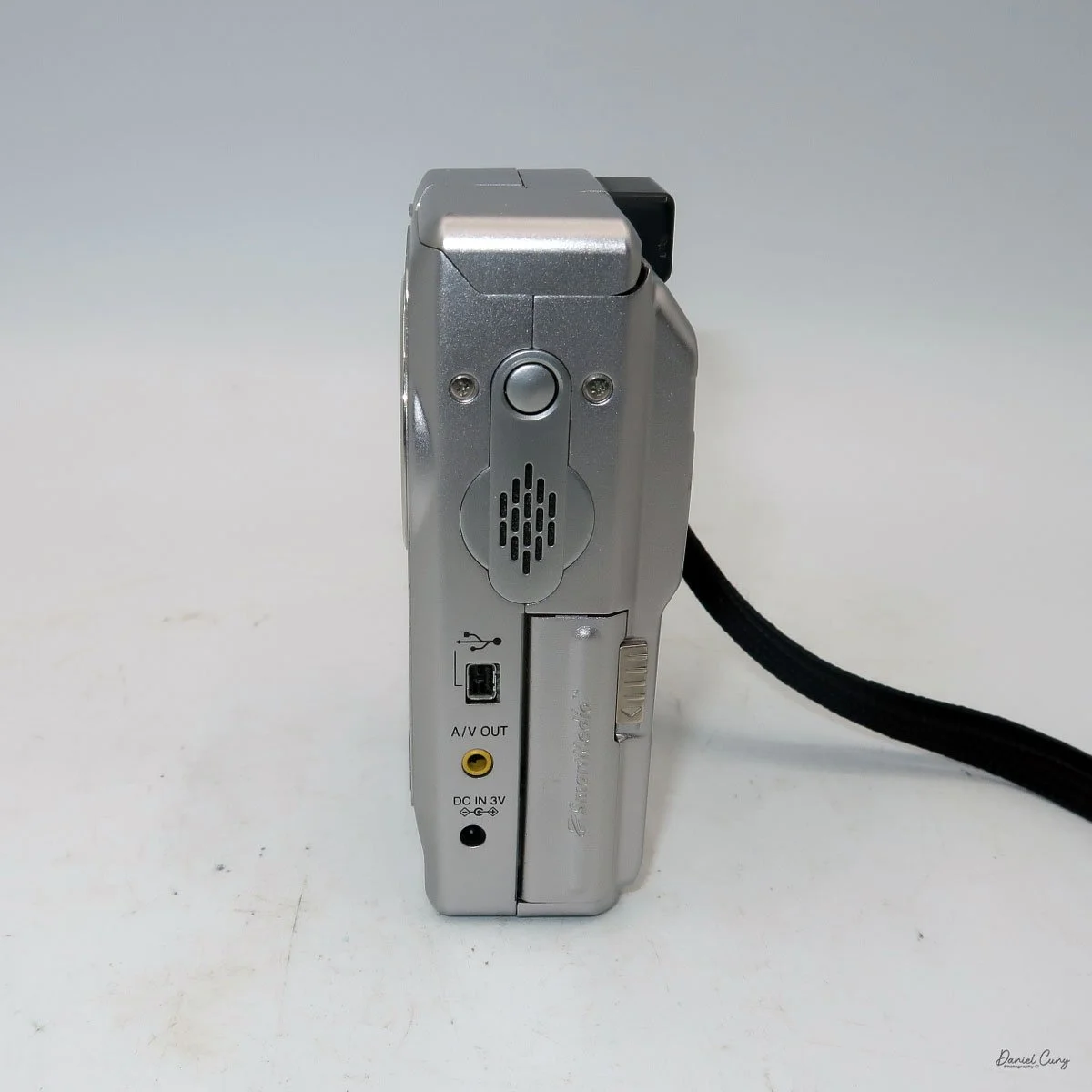
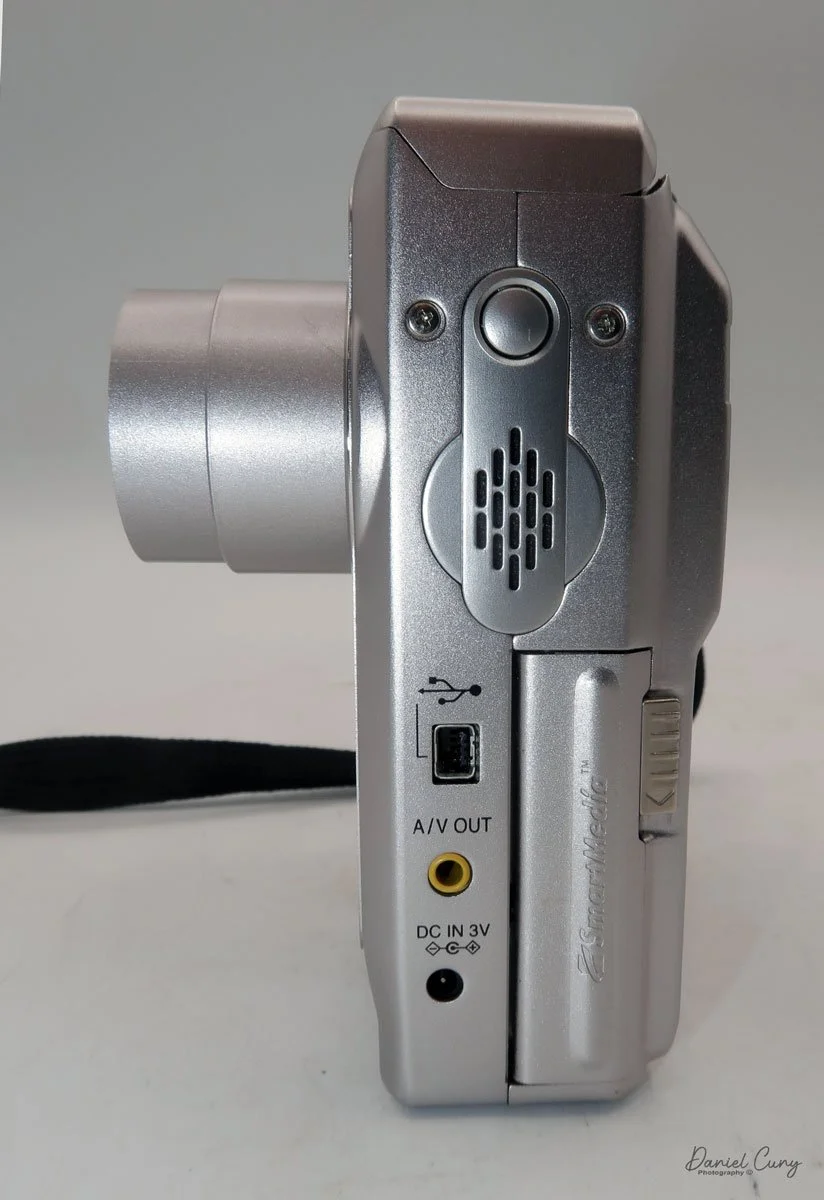
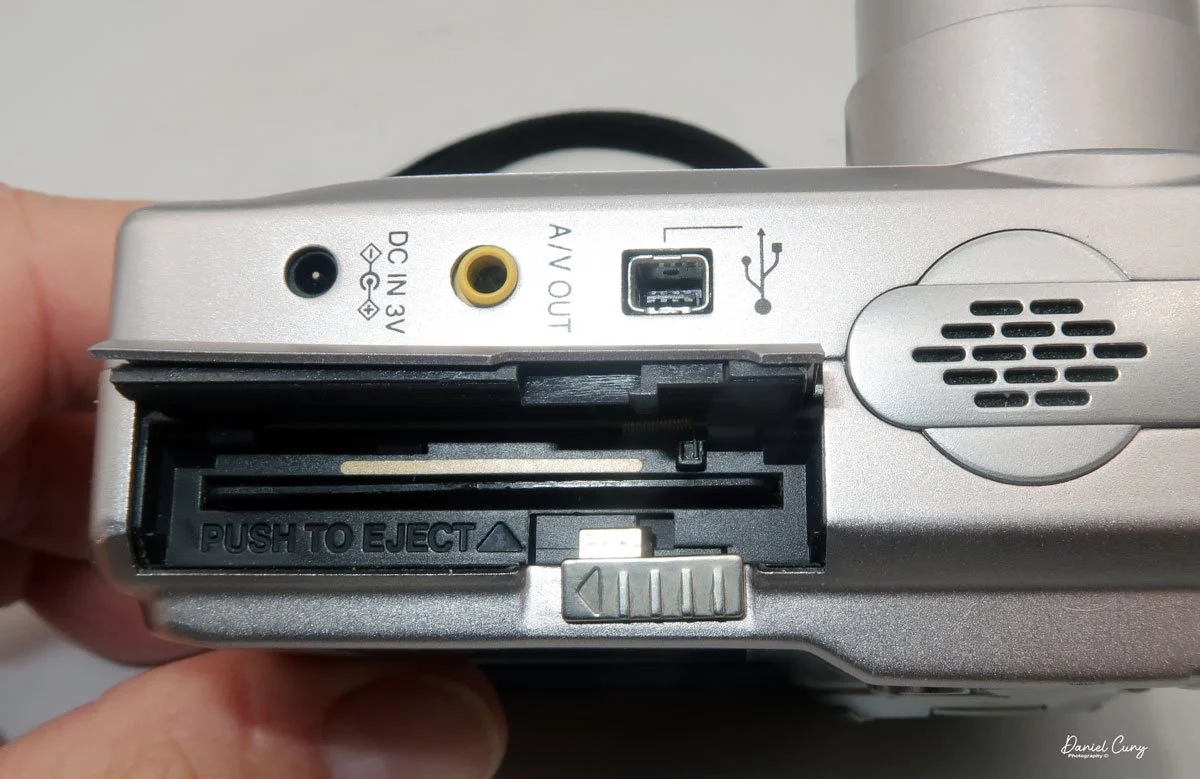
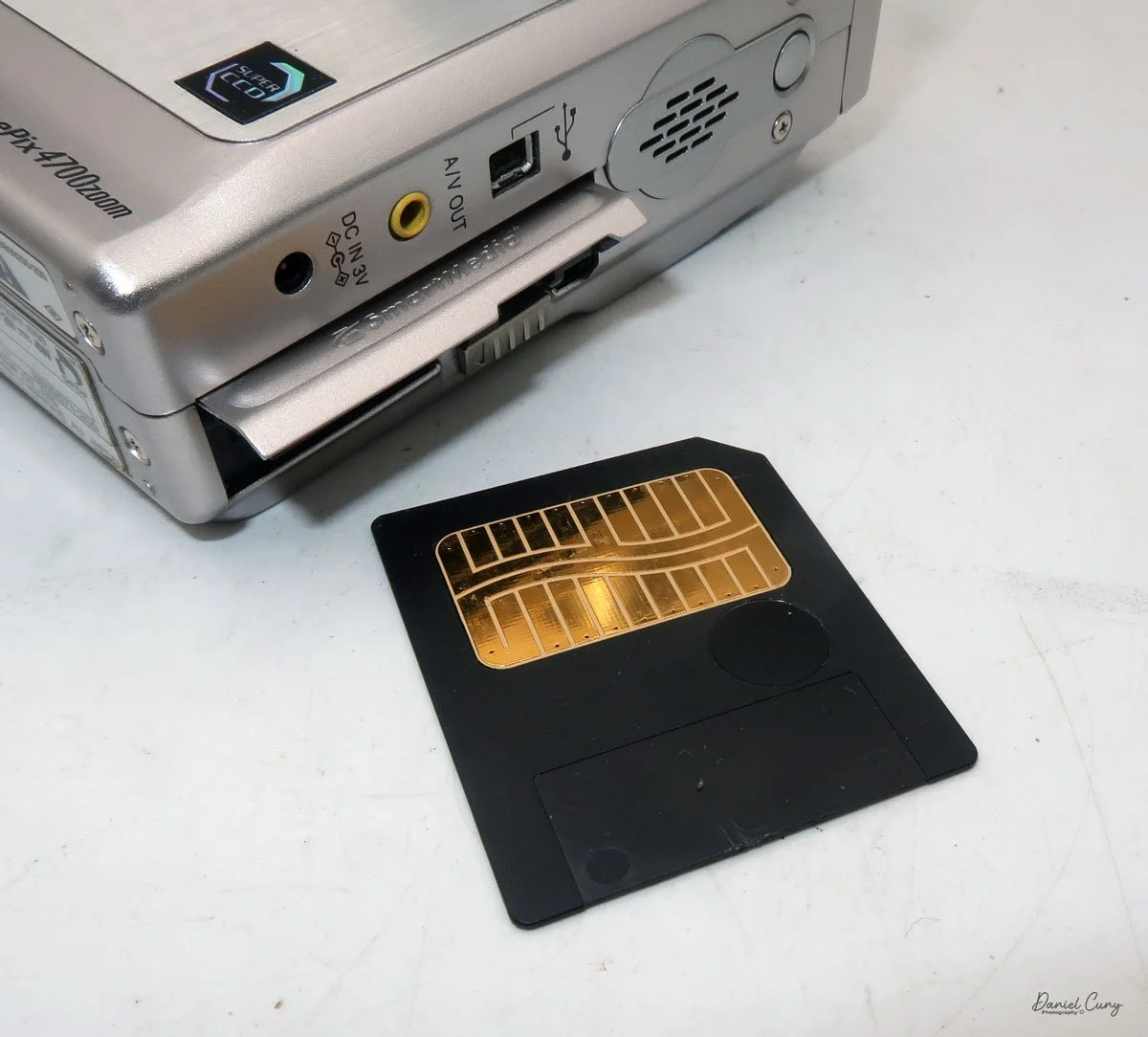
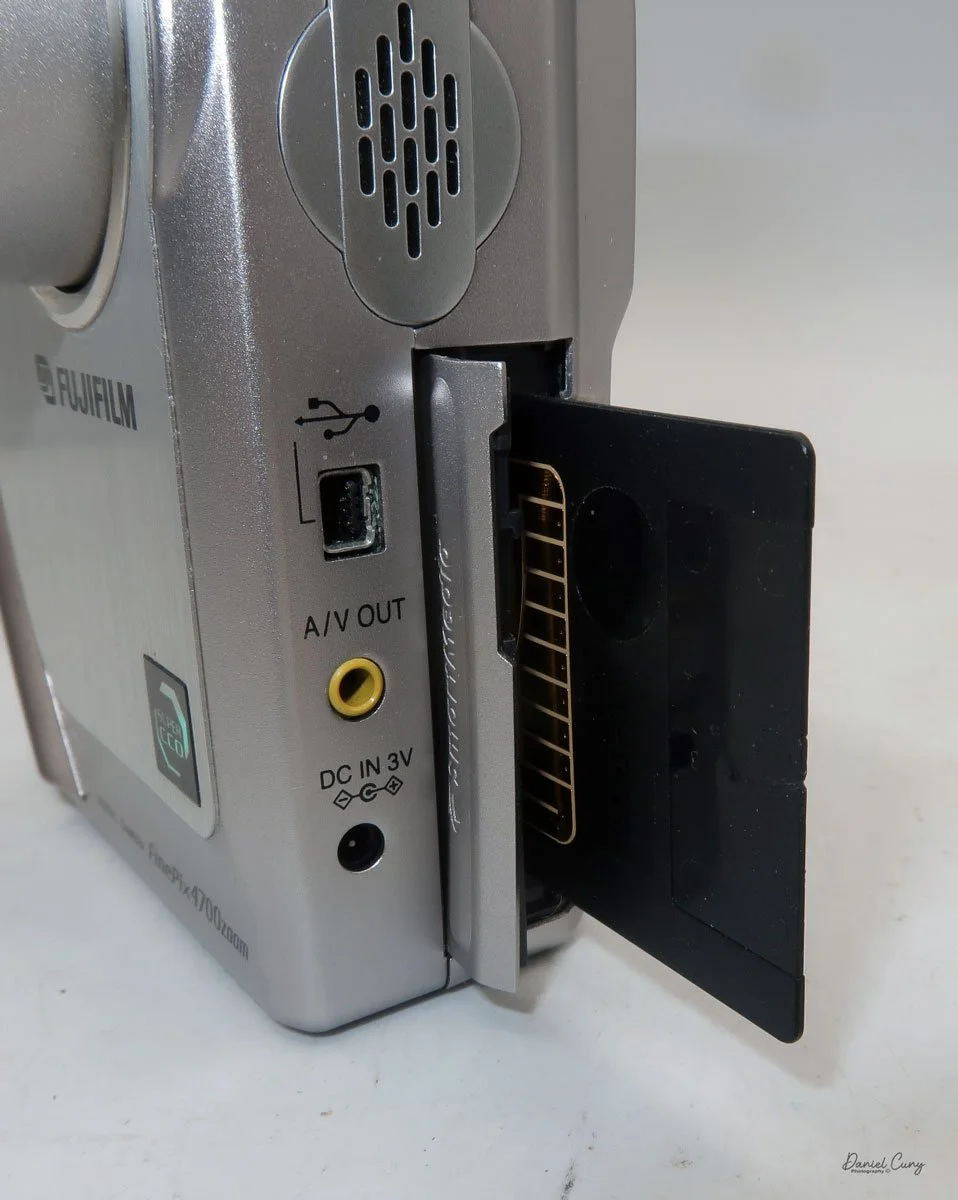
On the left side of the camera is the door where you put in the Smart Media card. Flip the small button downwards to open the memory card door. Insert the memory card so the brass portion faces the front of the camera, and press it in all the way until it stays in the camera. To release the memory card, push it in a bit, as it's spring-loaded, and it will pop out, so you can grab it and pull it out of the camera. Once the memory card is inserted in the camera, you can close the memory card door.

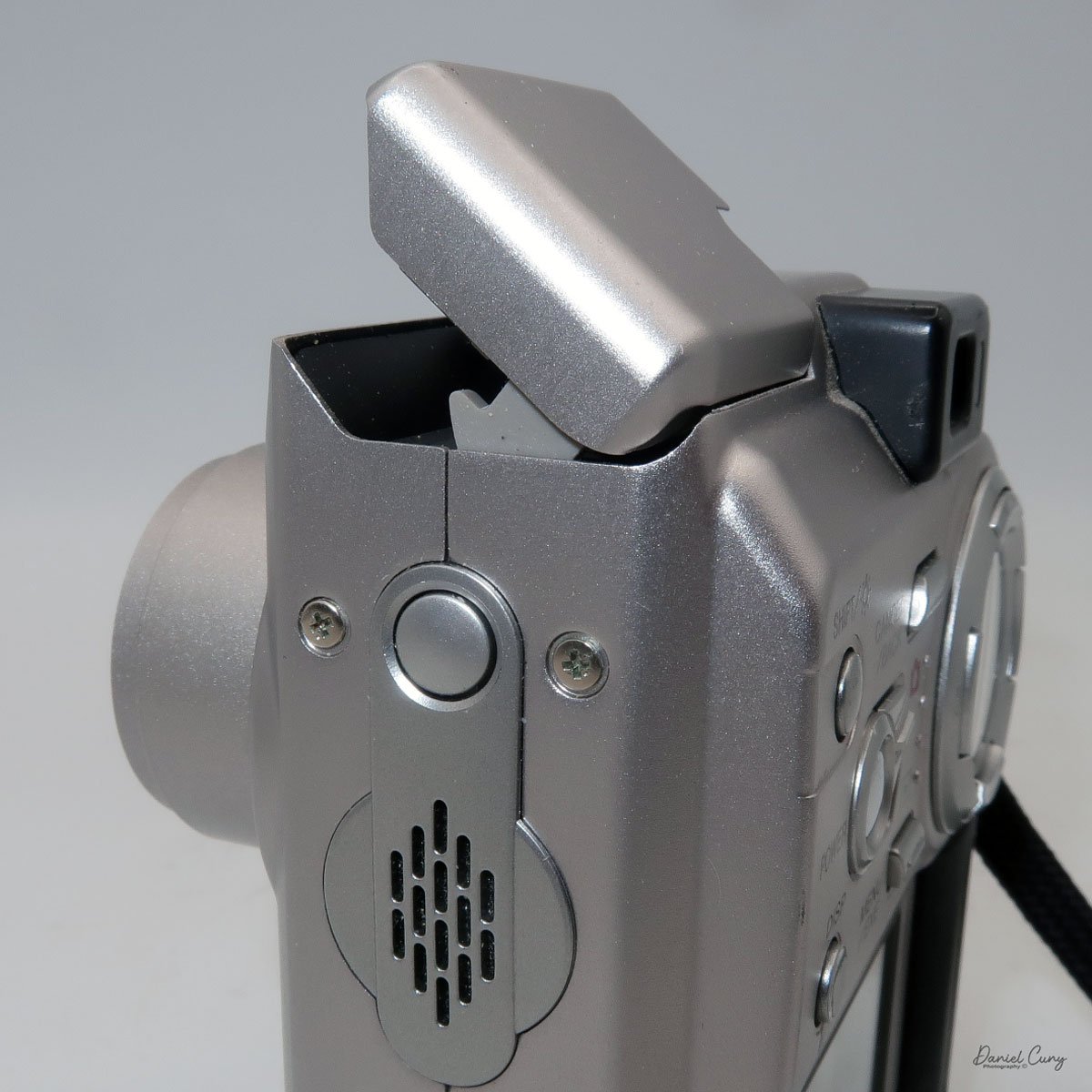
 Above the memory card door is a small speaker; above that is a small button to turn on the flash, which will pop up after the button is pressed. Also on the left side are ports for a charging device, A/V out, and a USB port.

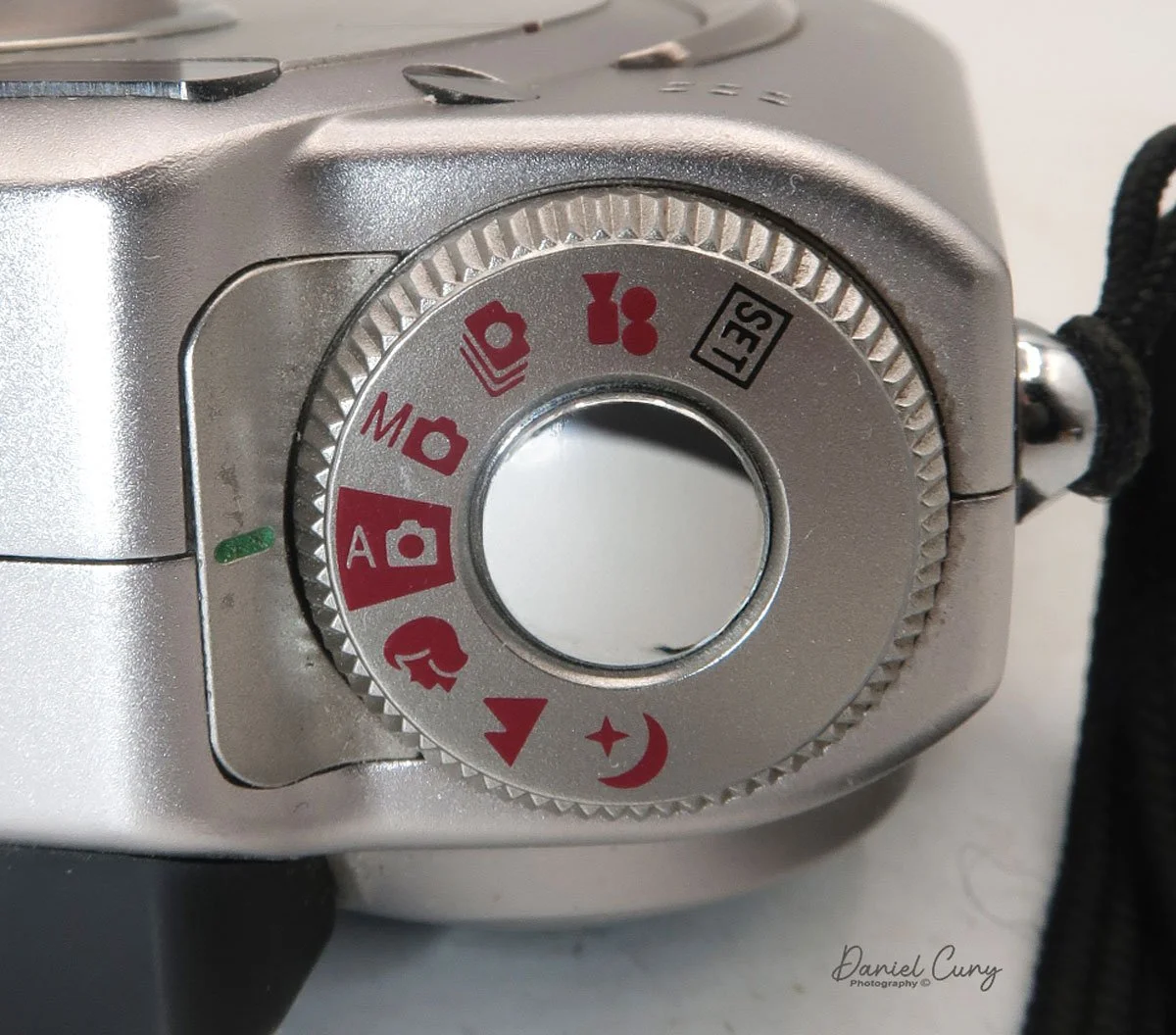
Two main areas control the camera: the selector on top of the camera, which surrounds the shutter release button, and the back of the camera, which is the main control center.

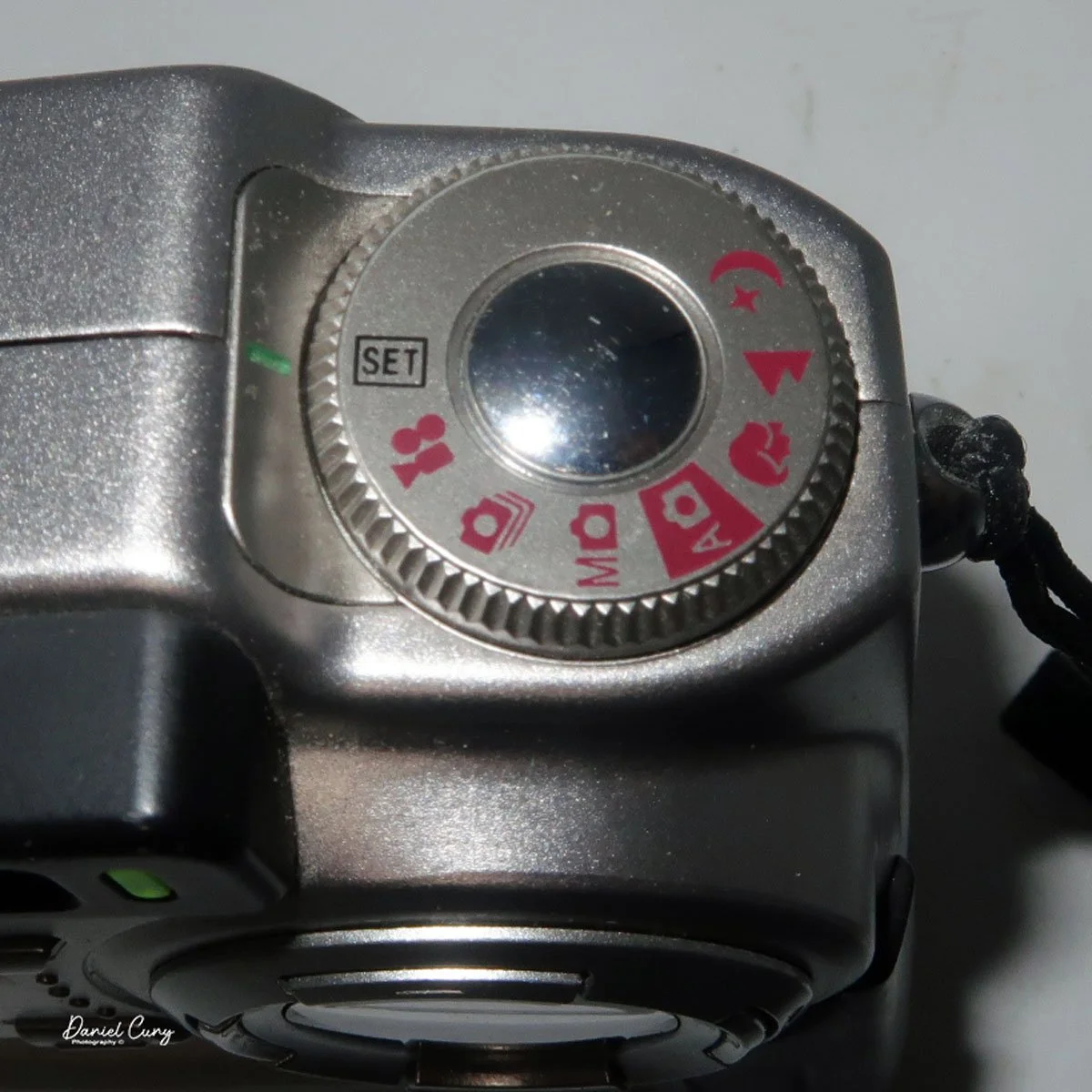
 The top controls the camera's shooting mode. Looking around the dial, from top to bottom, is Set (some of the main camera settings are set here, with controls from the camera's back). The next is Video Mode, then Multi Mode  (continuous shooting), Manual Mode, Auto Mode (the primary setting in red), Portrait Mode, Landscape Mode, and Night Mode. Initially, you'll want to put the camera into "set" mode so you can adjust basic settings.

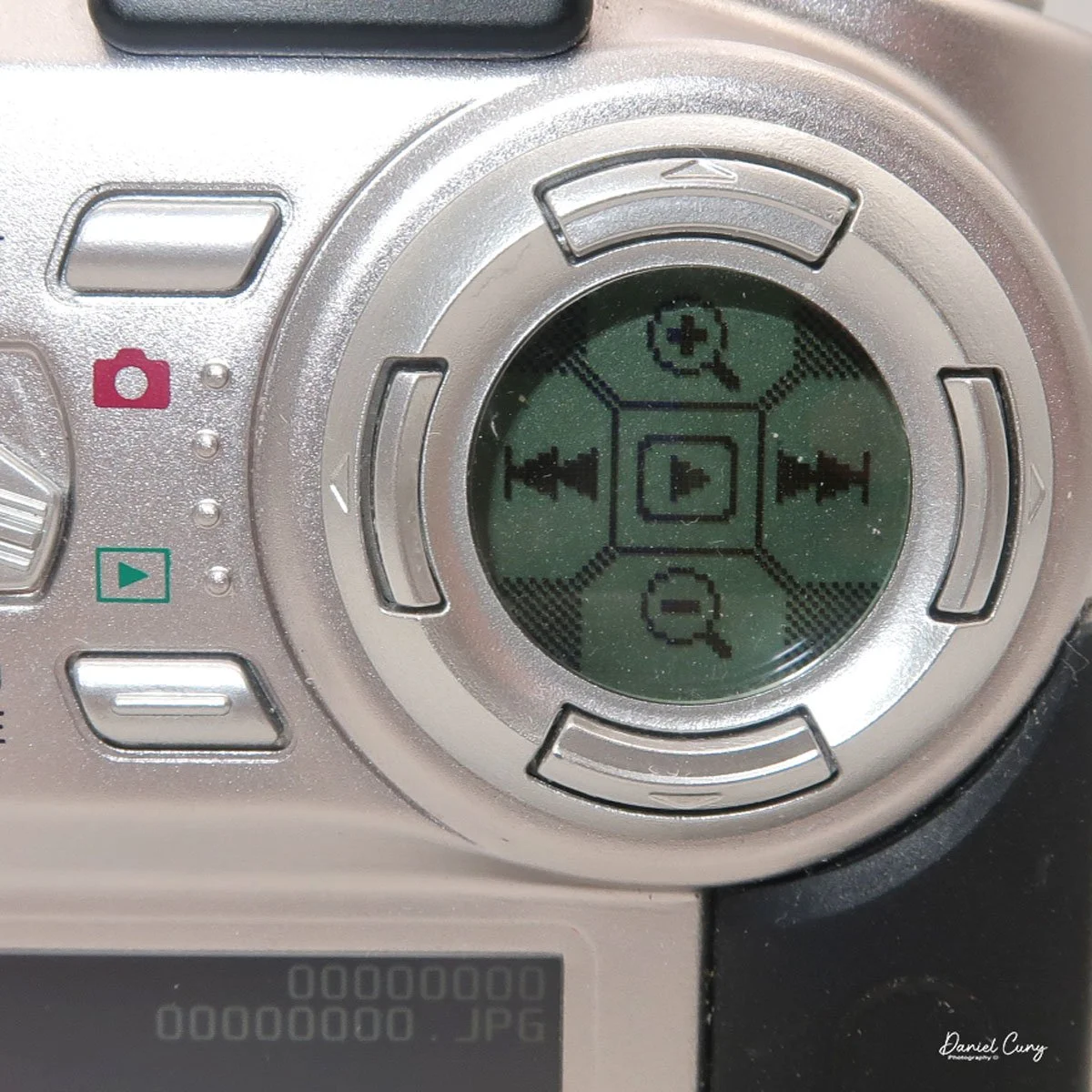
On the back of the camera are many different buttons, along with two separate screens. One circular screen in the upper right of the camera with directional controls that control certain items once the camera is on and the mode is selected. Located on the lower portion of the camera's backside is a larger 2" rectangular screen with a resolution of 130,000 pixels, which is also used in the "set up" process, along with displaying the image after it is taken.

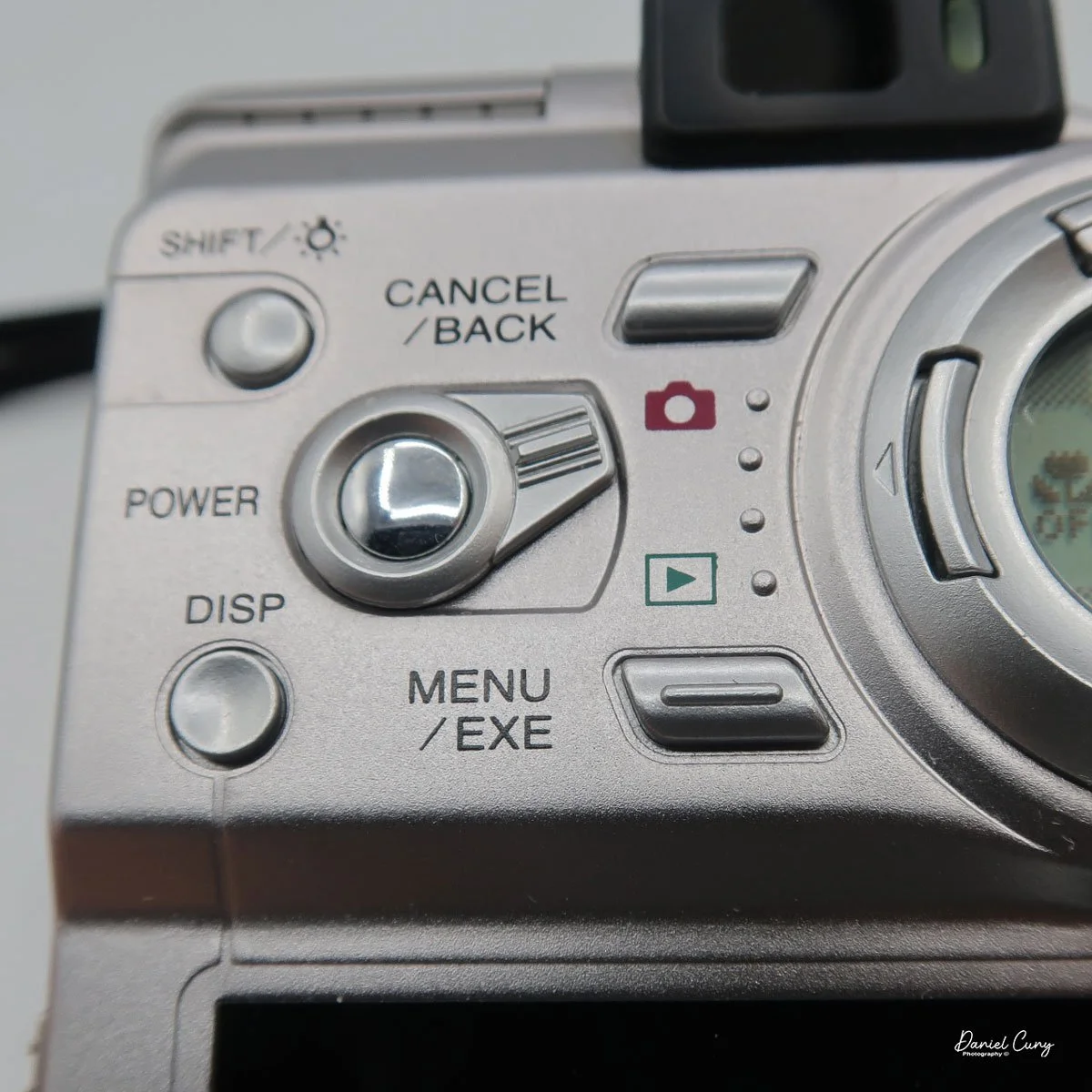
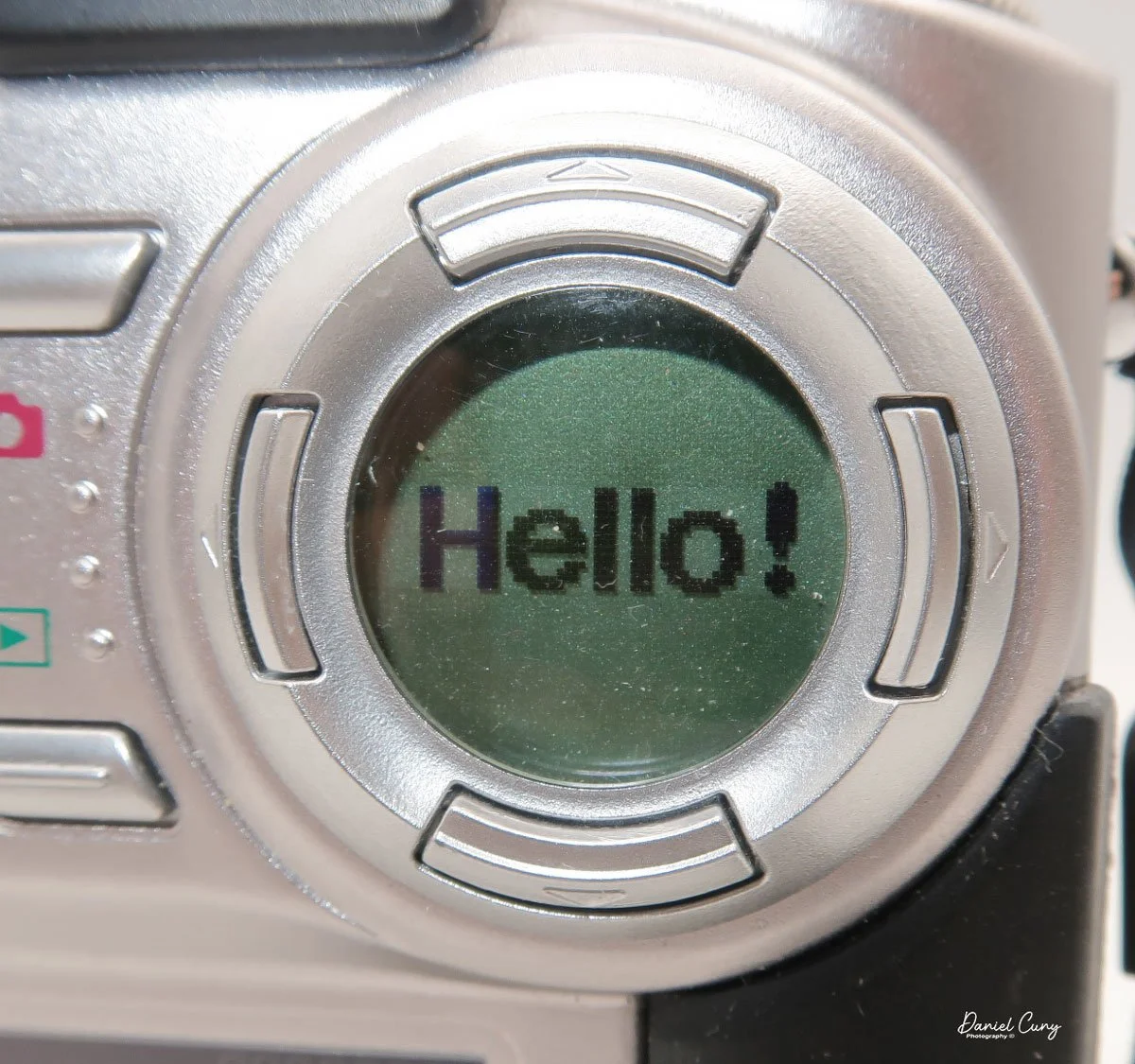
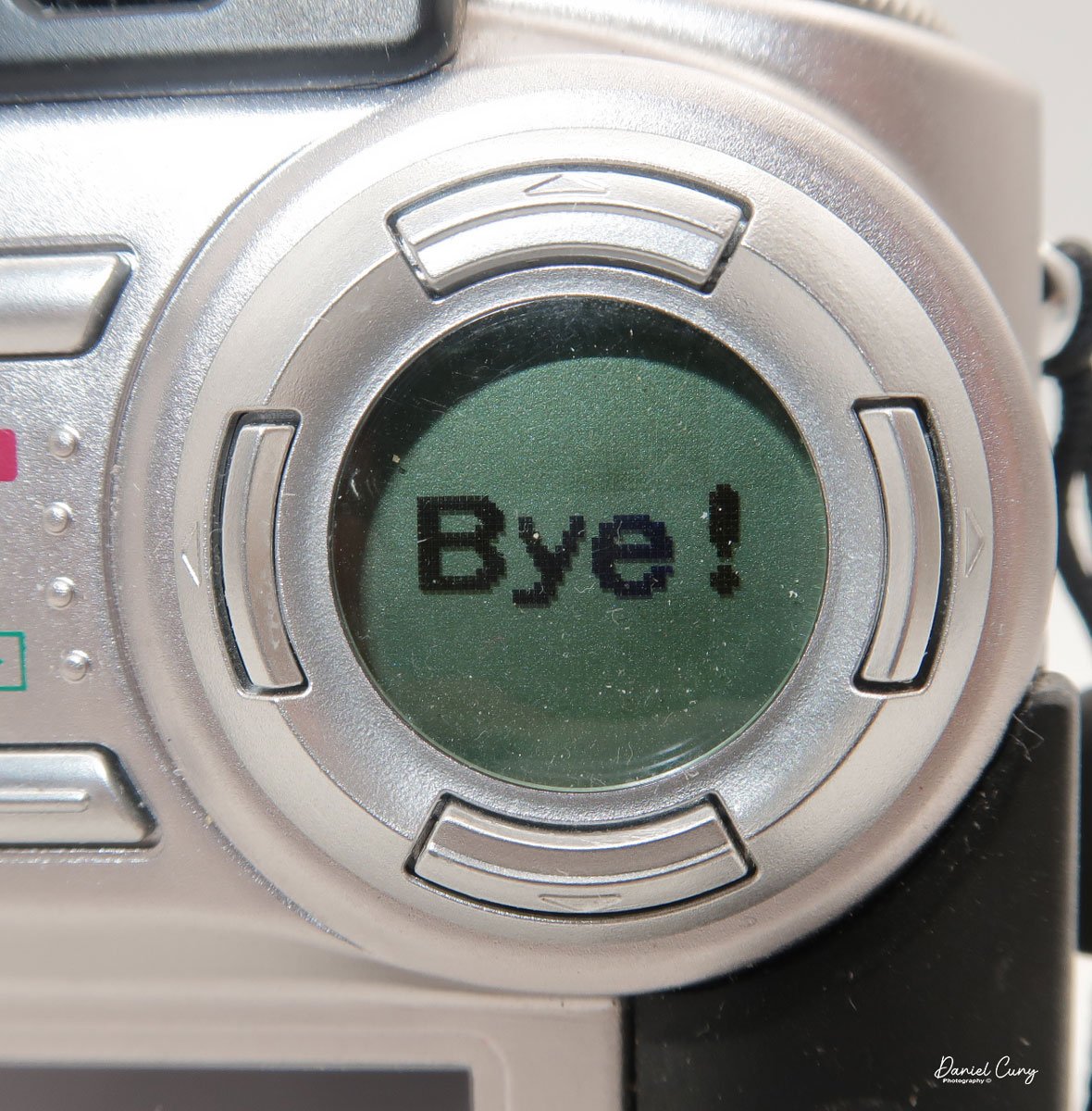
 Above the 2" screen is a series of five buttons along with a sliding pointer to a red camera or an arrow within a box. Making sure the camera is in the "Set" mode on the top wheel, put the slider to the "red camera", and press the power button inside the slider. One of my favorite things about this camera happens at this point. Inside the circular window you'll see "Hello!" illuminated inside the circular window, and the 2" screen is now in the "setup" mode. When you turn off the camera, "Bye" will appear in the window.

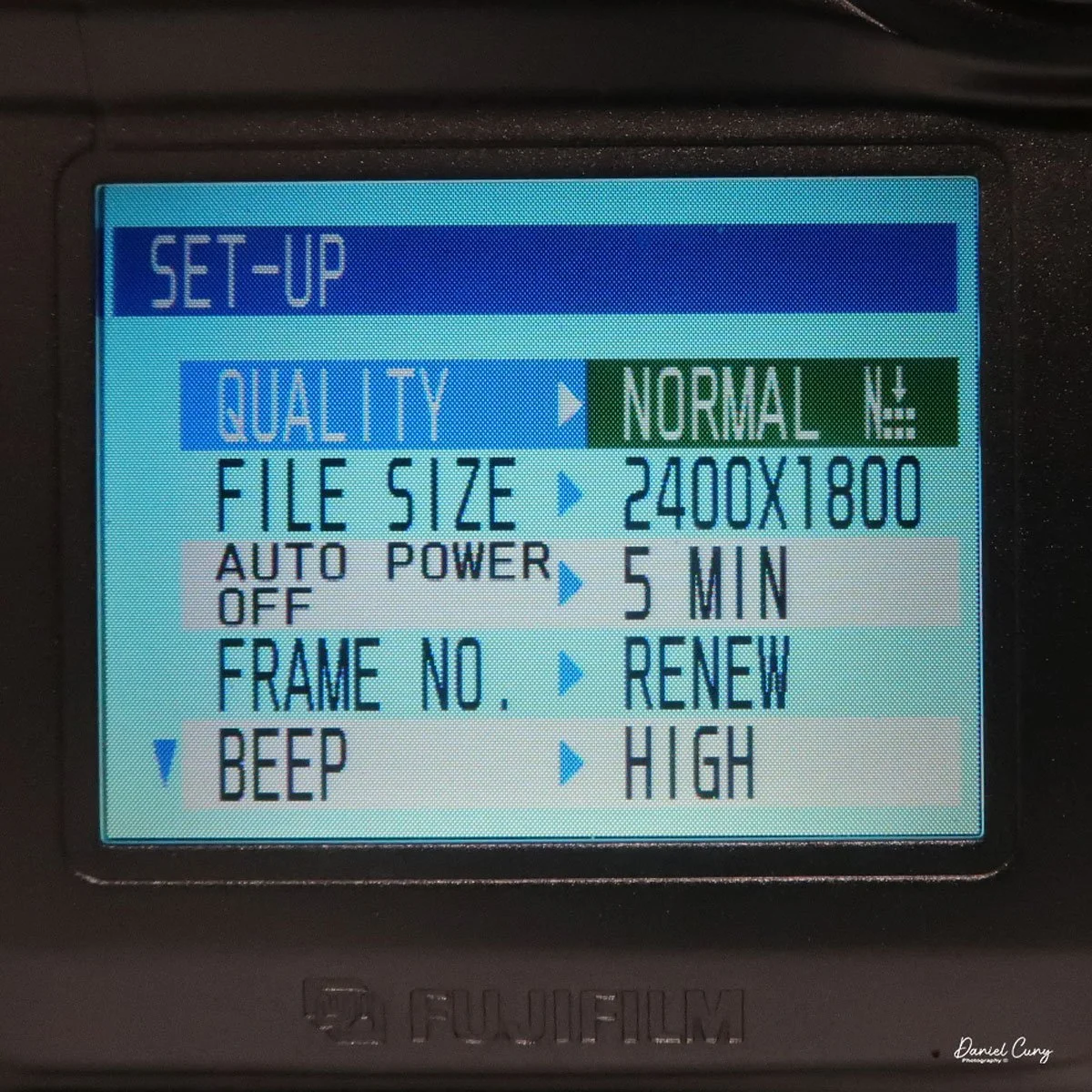
Here is where you'll set the image quality to Basic, Normal, or Fine by moving the directional buttons around the circular window. Next is file size, 640x480, 1280x960, or 2400x1800. Within each file size, you can choose to shoot in Basic, Normal, or Fine, giving you file sizes anywhere from 44kb in Basic and in 640x480 resolution, to 1.9mb shooting in 2400x1800 resolution and in Fine.

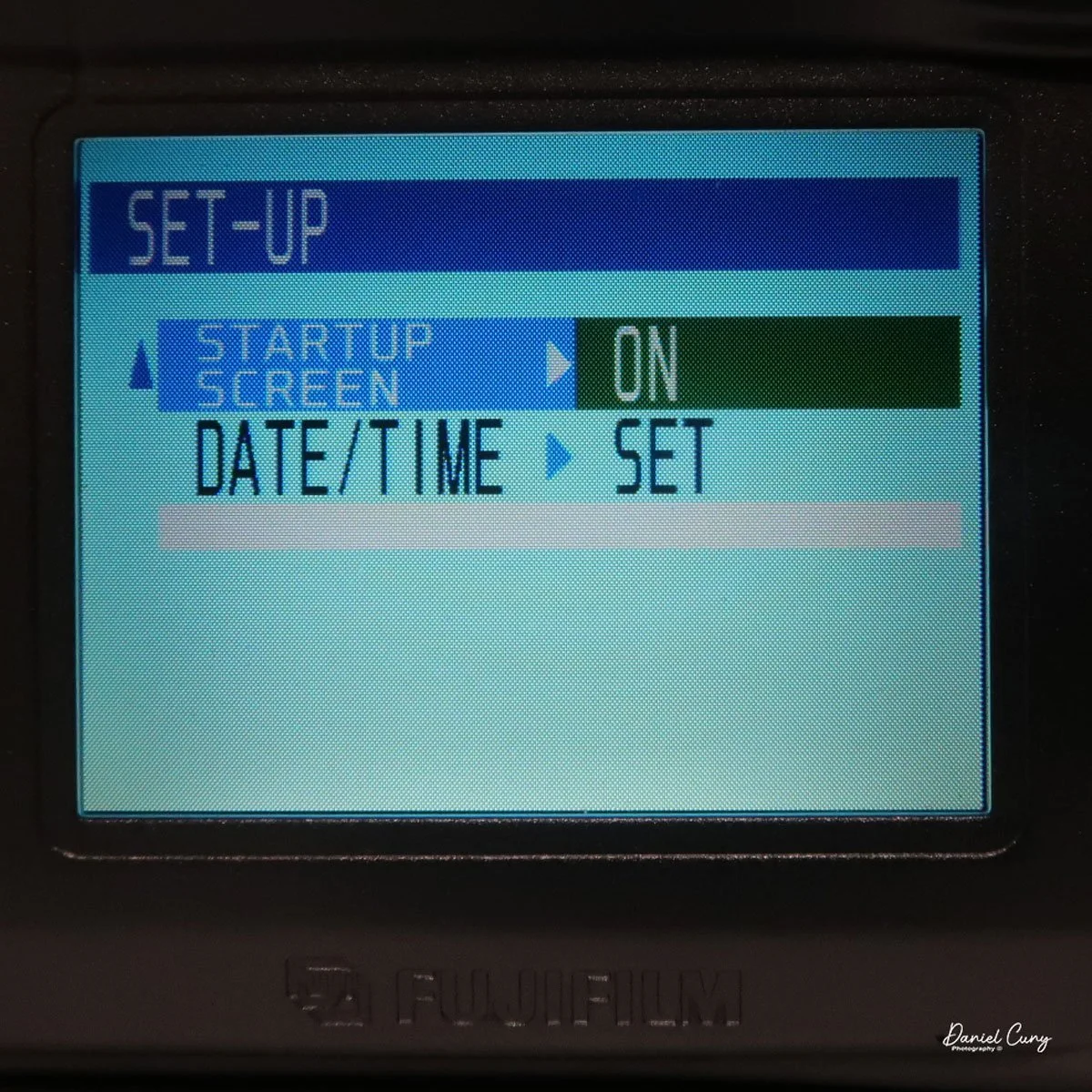
 Next is the "auto-off" setting, which is either 5 or 2 minutes, or No. Then moving down to "Frame No." with either Renew or Cont., then below that is "Beep" which can be High, Low, or Off, onto the second page and to "start up scree" either On or Off, and last on the setup screen is setting the Date. Once you make any of these choices, the button on the back of the camera, which has "Menu/Exe", is the button to press to make the changes desired.

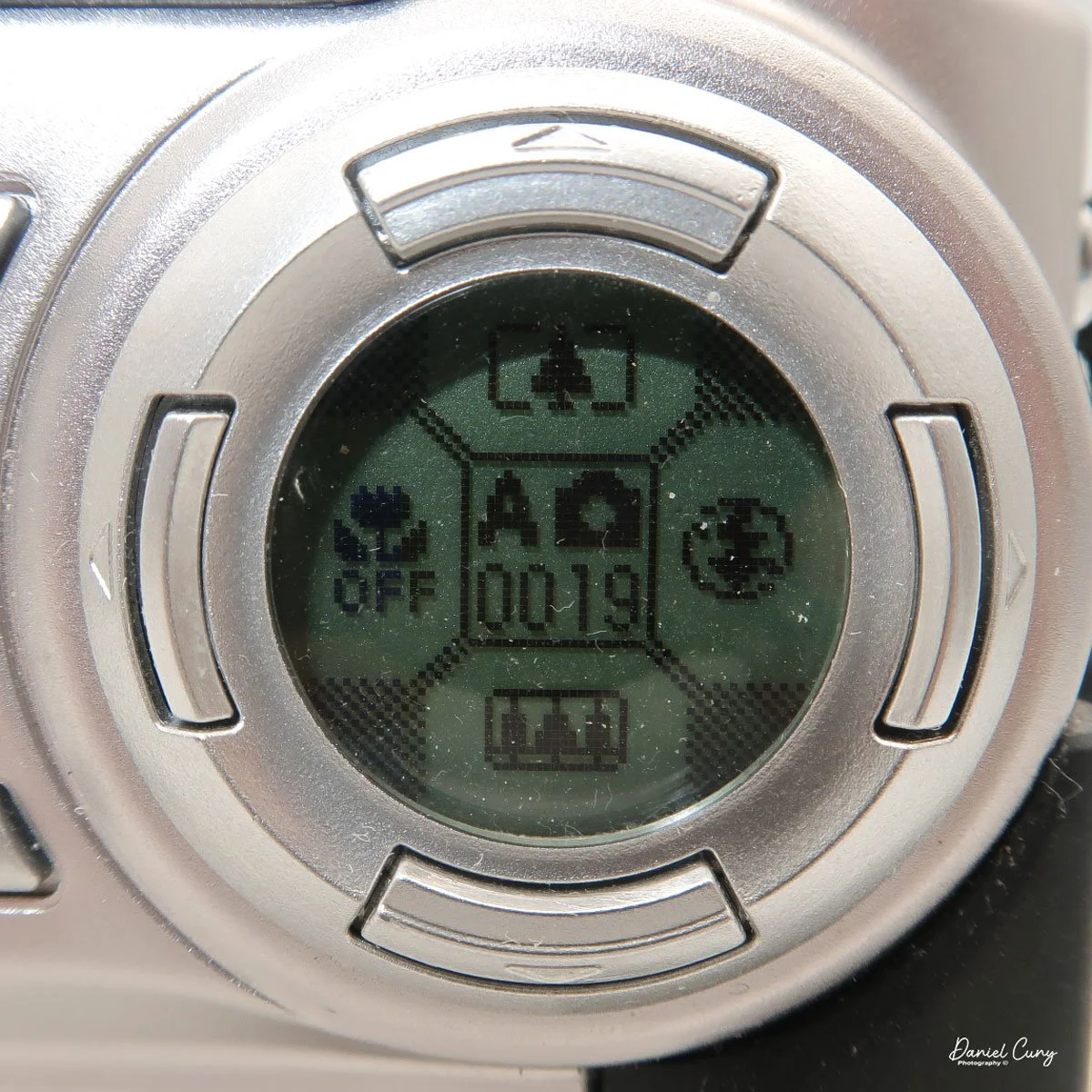
With the camera still in "red camera" mode, when you move the top dial to a specific shooting mode, like Portrait or Auto, the lens door slides over and the lens extends from the camera. Now you're in shooting mode, with the camera actually recording images to the memory card. When you're in the "shooting" mode, you'll see information inside the round directional window with details on the zoom function with the buttons pointing up or down, the macro setting on the left side of the window, and the flash setting on the right, and in the center is what "mode" you're in and the frame count.

 Just above the control buttons on the back of the camera is an optical viewfinder to look through to frame your image. You can also click on the "display" button, which will activate the "live video" feed on the 2" monitor on the back of the camera. Also on the back of the camera is a button for the Menu/Exe functions. This button sets the menu item you want to control. In the upper-left corner is a button labeled Shift and a light bulb. It allows you to light up the round window while also seeing other settings within the camera.

These are the basics for using the camera, since it is a sophisticated little camera. You have the option of manual focus, over/under exposure, flash over/under exposure, focus lock, rear screen brightness, white balance settings, image sharpening, and metering types like spot, average, and multi metering, which is the most common for this camera.  I didn't even touch on the video capabilities of this camera, which were relatively plentiful for a small digital camera from this era.


My Results:

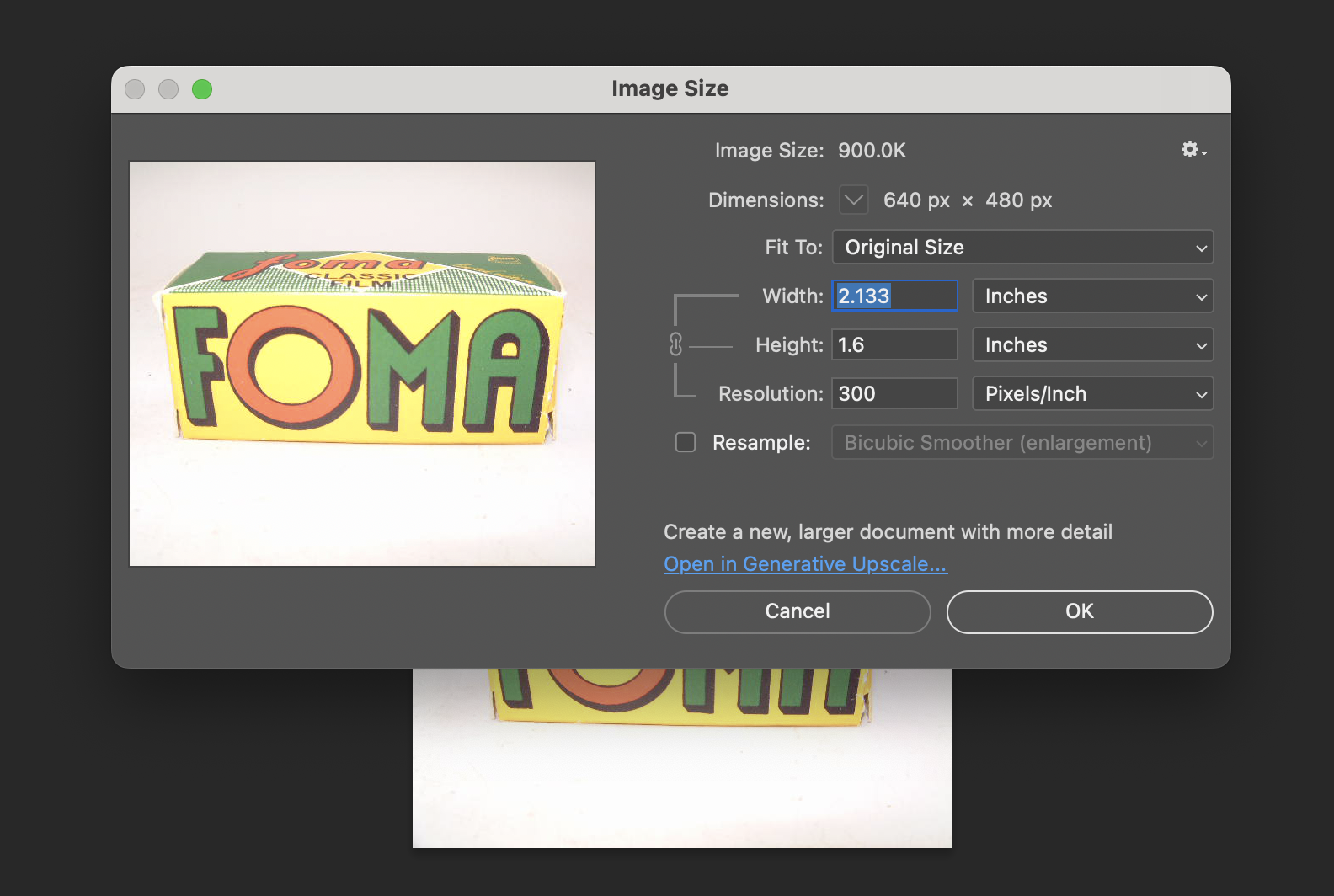
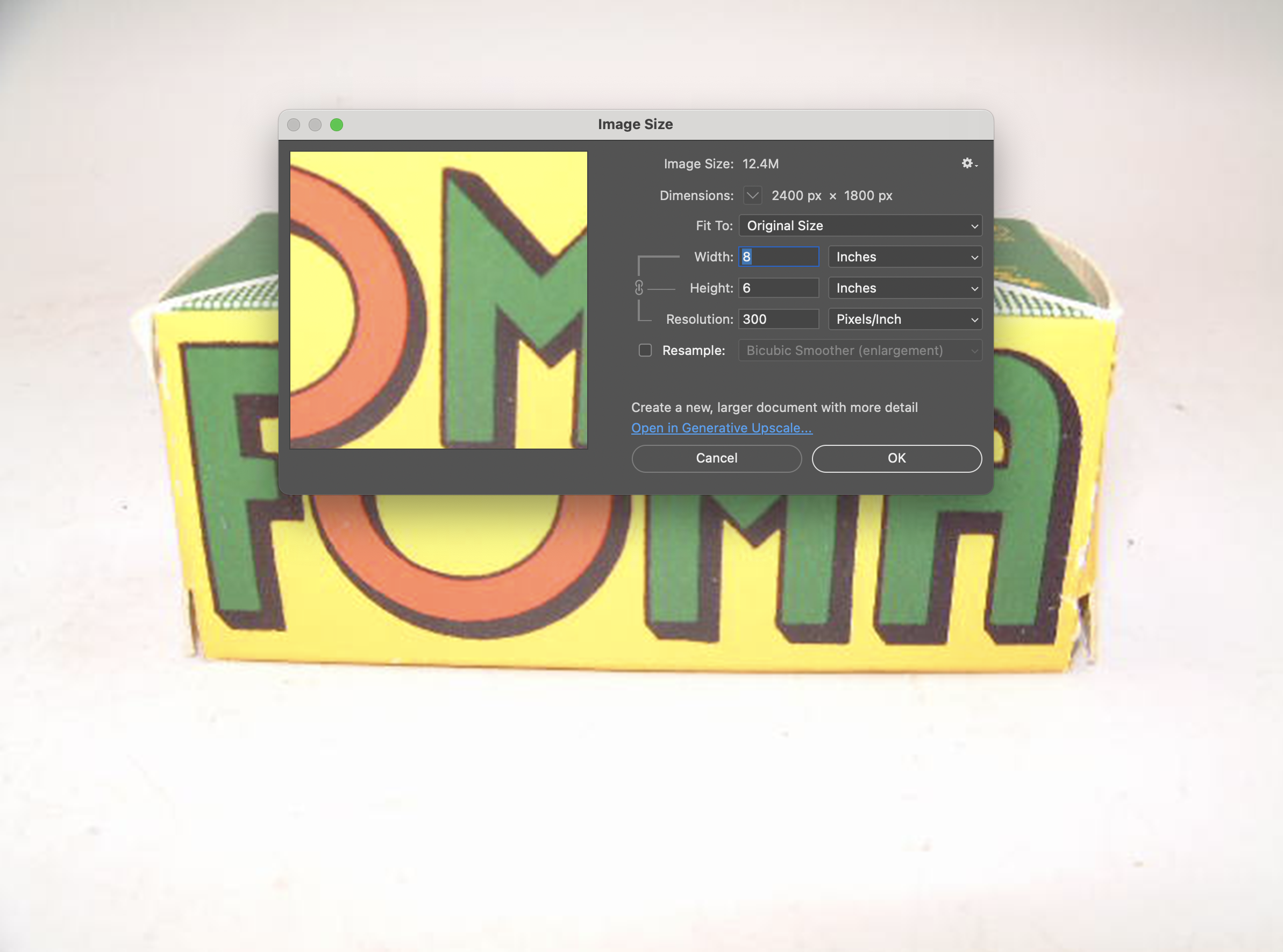
 To look at the different resolutions and shooting modes, I photographed a film box in my portable studio to compare image quality. I'm sure there's going to be a vast difference since the smallest file is only 44kb and the largest is 1.9mb.

Here are some screenshots in Photoshop showing the image size of the smallest and largest files taken with the Fujifilm FinePix 4700 zoom.

I also took a regular and macro shot, which you can see here.

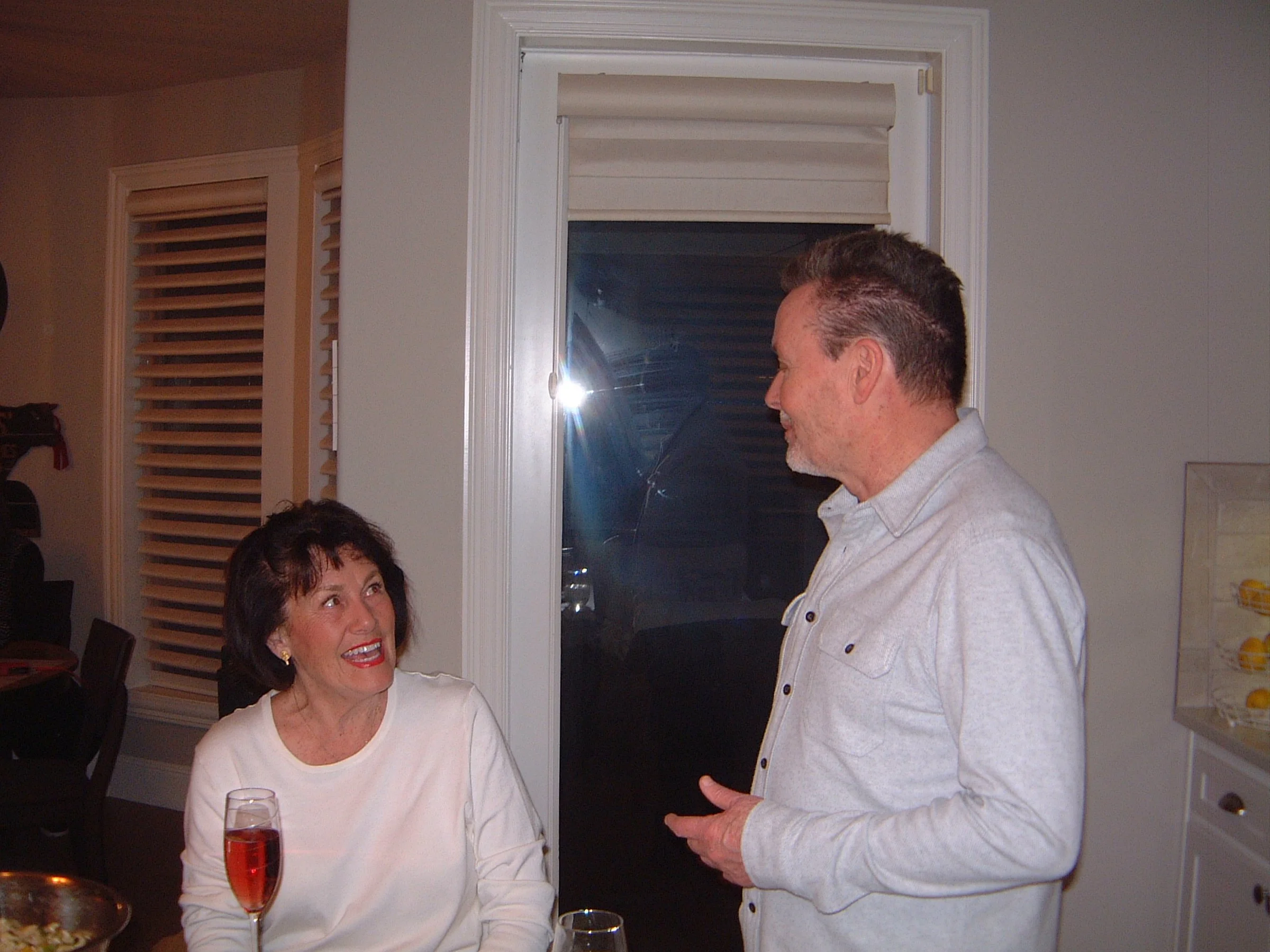
Then I used the camera at our New Year's Eve get-together with some neighbors. I'll have to admit, I haven't made it to Midnight for many years.

Conclusion:

 It's nice to pull out some of the older digital cameras and run them through their paces every once in a while. The camera is compact, easy to use, and fun to shoot with. While there are many drawbacks to cameras from this era, such as file size, and in many cases the phone you have takes better photos, it often lacks many of the controls a real camera has (yet).

 Thank you for taking the time to travel back in time about 25 years, when digital cameras were coming into their own and putting film companies out of business, except for Fujifilm, which diversified and actually embraced digital.

 Feel free to look through my other Camera Reviews.

 I also have an online eBay store, Cuny's Cameras and Photo, where I sell many of the cameras I've reviewed, along with other cameras, lenses, and camera accessories. If you find something there, please let me know, and I'll offer a nice discount.

 Until next week, please be safe.
Zeiss Kolibri-The Hummingbird

My Zeiss Kolibri Camera

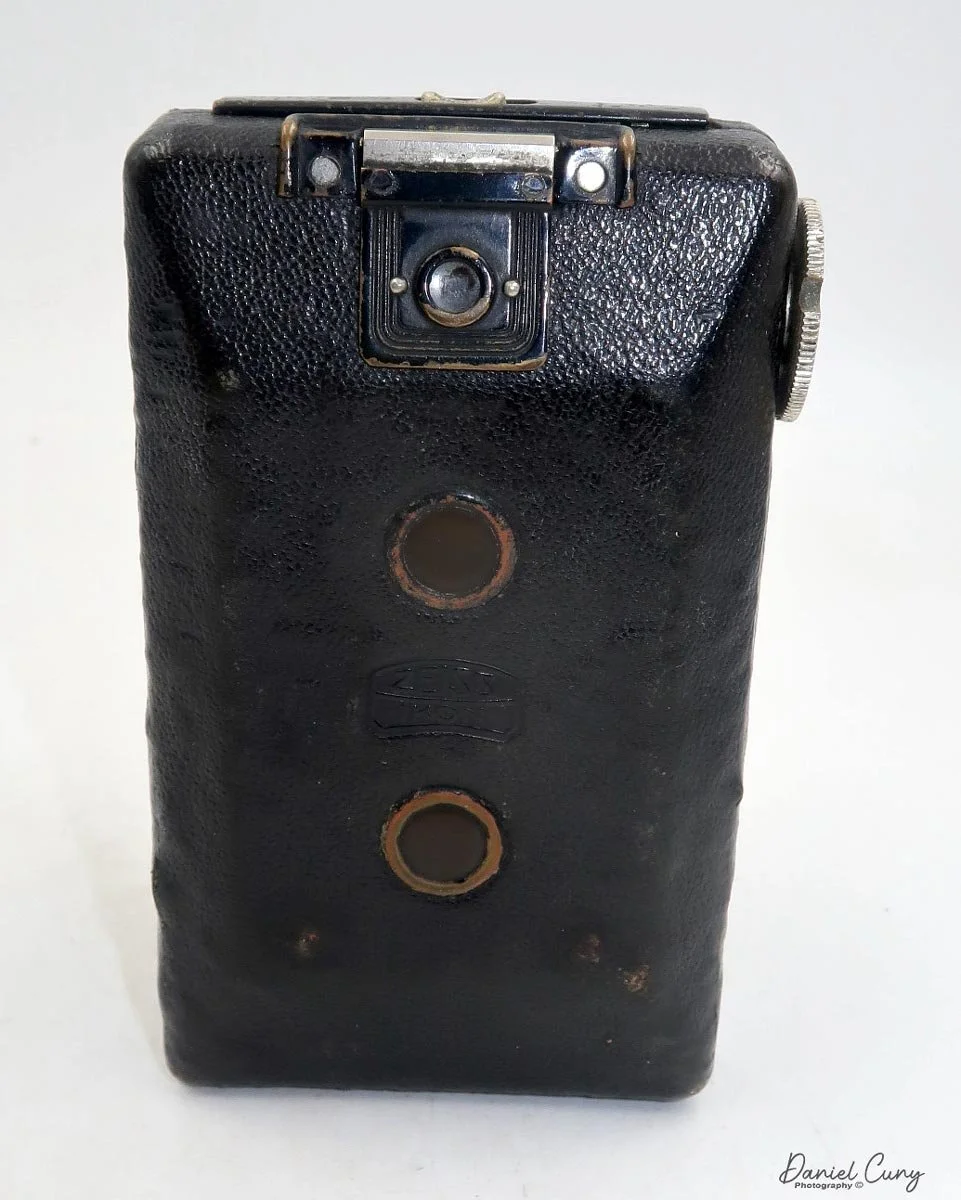
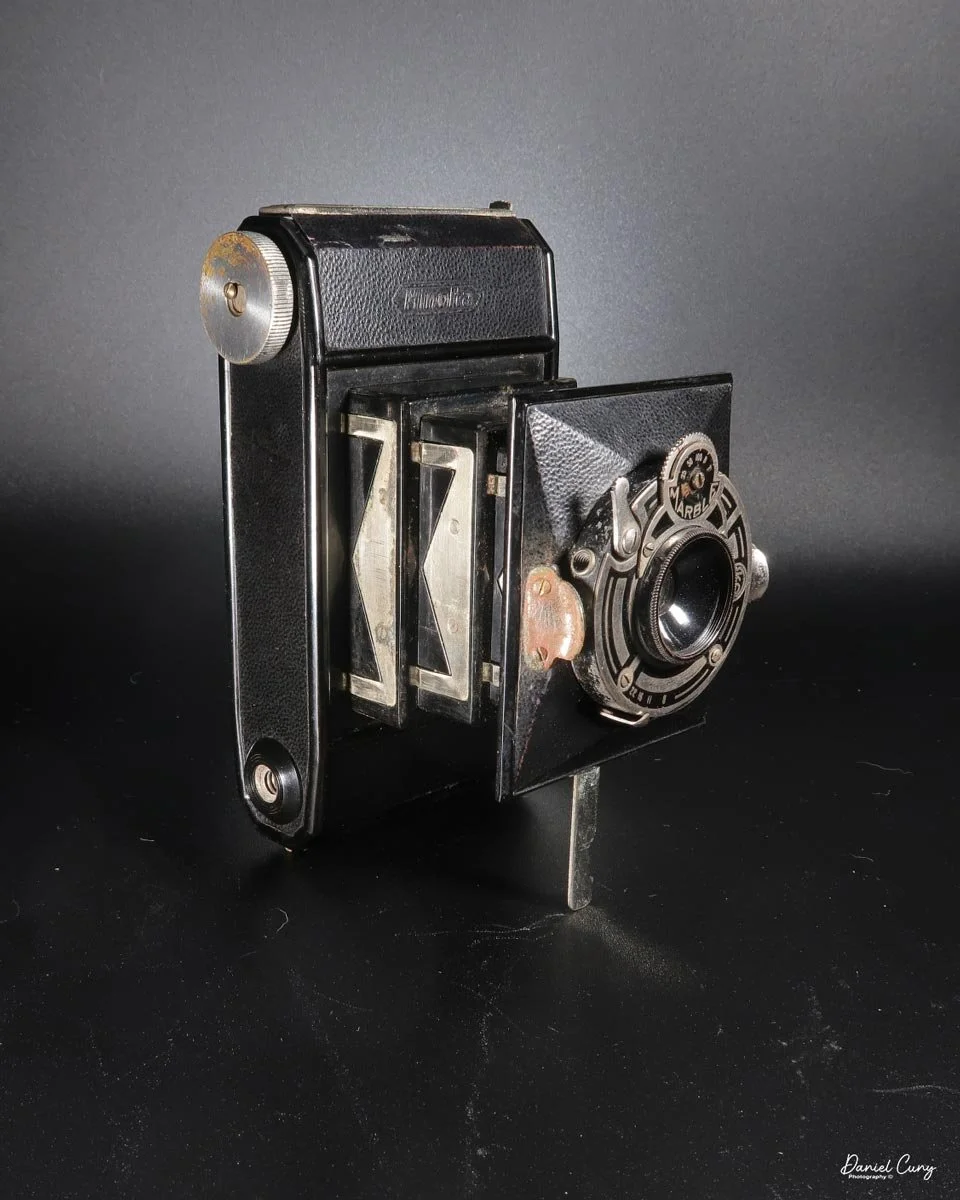
The Zeiss Kolibri, which means "Hummingbird" in German, has always been a camera I wanted for my collection. I liked it mainly because it's very sleek and petite and resembles a 35mm camera, but its main attraction was its use of a larger 127 film size. The camera was built only for a few years, from 1930 through 1932, but I've seen ads for it through 1935.

 I had the opportunity to purchase one when I visited an antique store while on a trip to Minneapolis a couple of years ago. Still, I didn't pull the trigger to buy it, and ever since that trip, I've regretted it, so when I noticed an online auction for a few of the Zeiss Kolibri cameras come up for auction, I jumped on the opportunity and bid on two. At first, I thought these were different years of production, one being older than the other. One is more worn and used than the other. Both have the "cane," which keeps the camera upright, and both are in working condition.

 I won the cameras in the auction for a fair price, including the auction house commission and shipping fees. When the cameras arrived, I was pleased to see both in good working condition. One of the cameras seemed well used, and the other needed the aperture scale indicator, something I didn't notice when I bid on the items. Still, overall, I was pleased with the purchase and wanted to take one of the cameras out to see how it would perform.

History:

The story of Zeiss cameras is deeply intertwined with the evolution of optical technology and the art of photography. Founded in 1846 by Carl Zeiss in Jena, Germany, the company began as a precision mechanics and optics workshop. While its early focus was microscopes, the company's commitment to innovation soon extended to camera lenses and photographic equipment, establishing Zeiss as a pioneer in the optical and photographic industries.

The two Kolibri cameras purchased

 In the late 19th century, Zeiss gained prominence for its advancements in lens manufacturing. In collaboration with physicist Ernst Abbe, the company introduced revolutionary optical theories that improved lens quality and design. This partnership led to the creation of the Zeiss Anastigmat lens in 1889, which minimized distortions and chromatic aberrations, setting new standards for photographic lenses.

First Zeiss Logo

As photography gained popularity in the early 20th century, Zeiss partnered with other manufacturers to produce complete cameras. In 1926, Zeiss joined forces with several German camera companies to form Zeiss Ikon, consolidating its leadership in the industry. Zeiss Ikon cameras, like the Contessa-Nettel and the Ikonta, became renowned for their precision engineering and exceptional optics.

 One of Zeiss's most iconic contributions to photography was the Contax series, introduced in 1932 to compete with Leica. The Contax cameras were known for their innovative designs, including using a rangefinder system and superior Zeiss lenses like the Sonnar and Biotar. These cameras quickly became favorites among professionals and enthusiasts for their sharpness and reliability.

Ad for Zeiss Kolibri camera

During this period, Zeiss also developed a range of lenses that became benchmarks in the industry. The Tessar lens, introduced in 1902, remains one of the most widely used lens designs in photographic history, praised for its sharpness and compact size.

World War II disrupted Zeiss's operations, splitting the company into East and West divisions. The East German division, headquartered in Jena, retained the Zeiss Ikon name, while the West German division, based in Oberkochen, became Carl Zeiss AG. Despite the division, both branches continued producing high-quality photographic equipment.

In the 1950s, Zeiss partnered with Japanese camera manufacturers, most notably Yashica, to produce the Contax series. This collaboration introduced groundbreaking features like TTL metering, which became an industry standard.

 By the late 20th century, Zeiss shifted its focus from producing cameras to developing advanced lenses for various manufacturers. The company collaborated with brands like Sony, Hasselblad, and Nokia, bringing Zeiss optics to a broader audience. In 1996, the Contax G2, a rangefinder camera with autofocus and electronic control, became a cult favorite, blending modern technology with classic Zeiss craftsmanship.

In the digital era, Zeiss continues to push the boundaries of optical technology. Its lenses are widely used in professional photography, cinematography, and even smartphones. The company's commitment to precision, innovation, and excellence defines its legacy.

 From its beginnings in 19th-century Jena to its status as a global leader in optical technology, Zeiss has profoundly shaped the world of photography. Its cameras and lenses have captured countless iconic moments, leaving an indelible mark on history. Today, Zeiss is synonymous with unparalleled optical quality, a testament to over 175 years of innovation and craftsmanship.

My Camera:

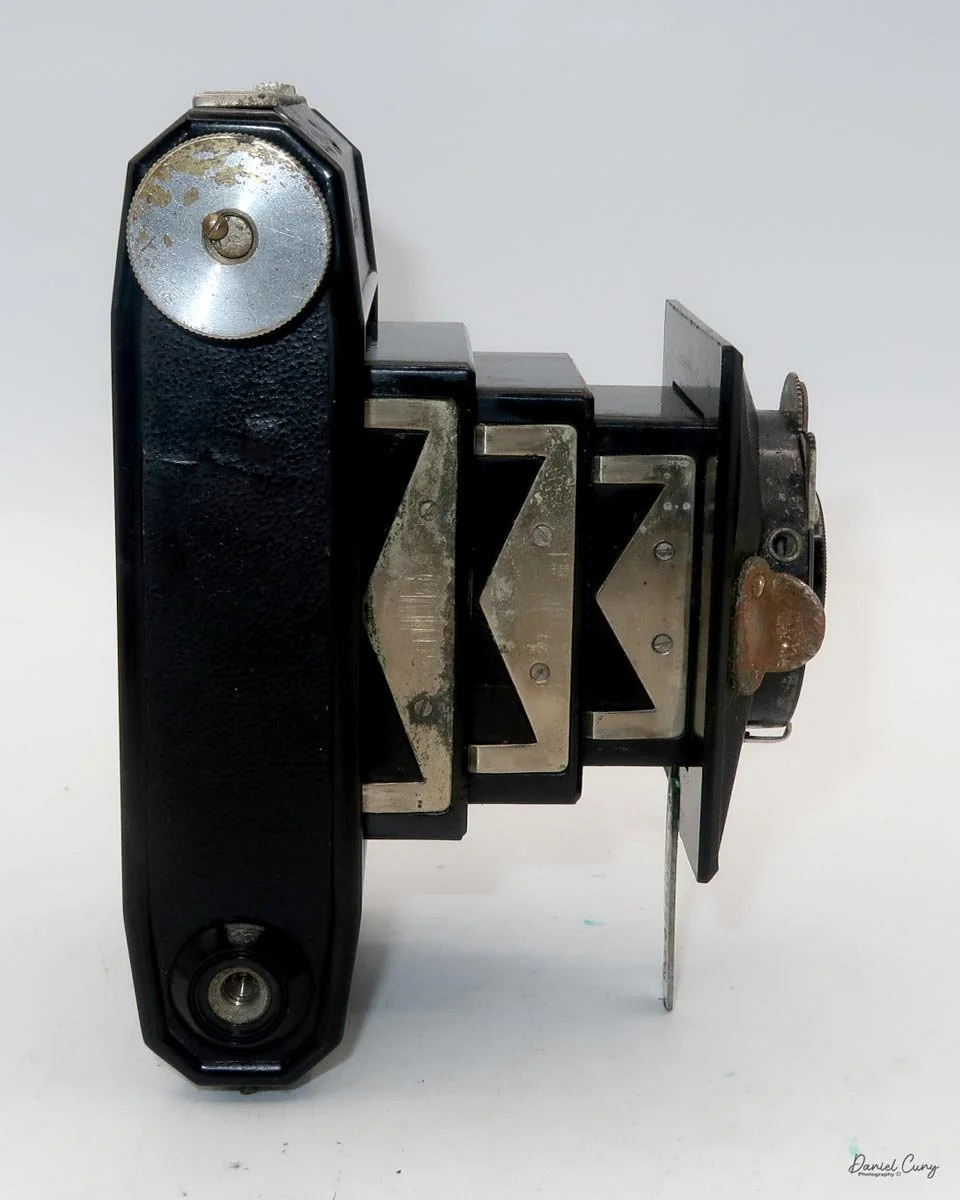
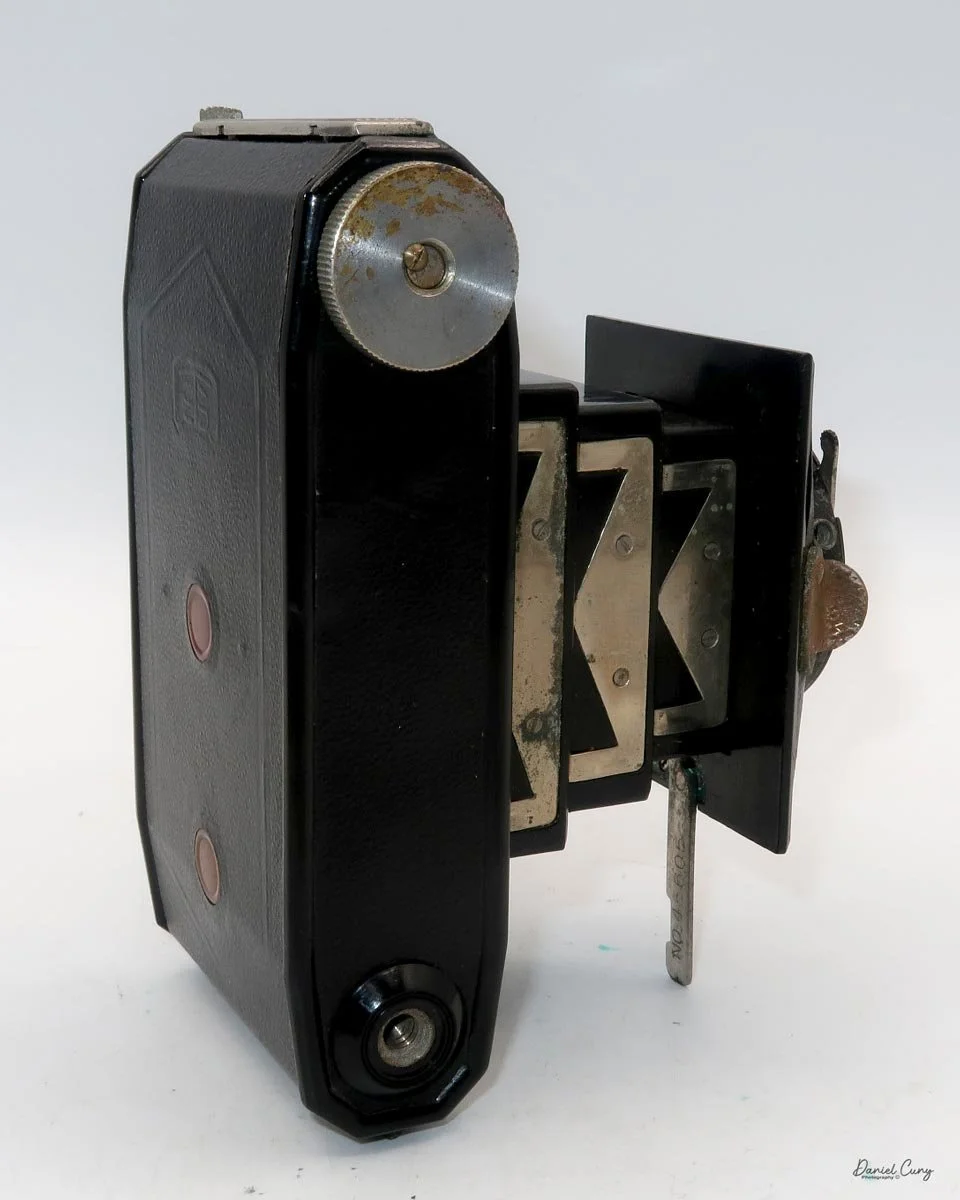
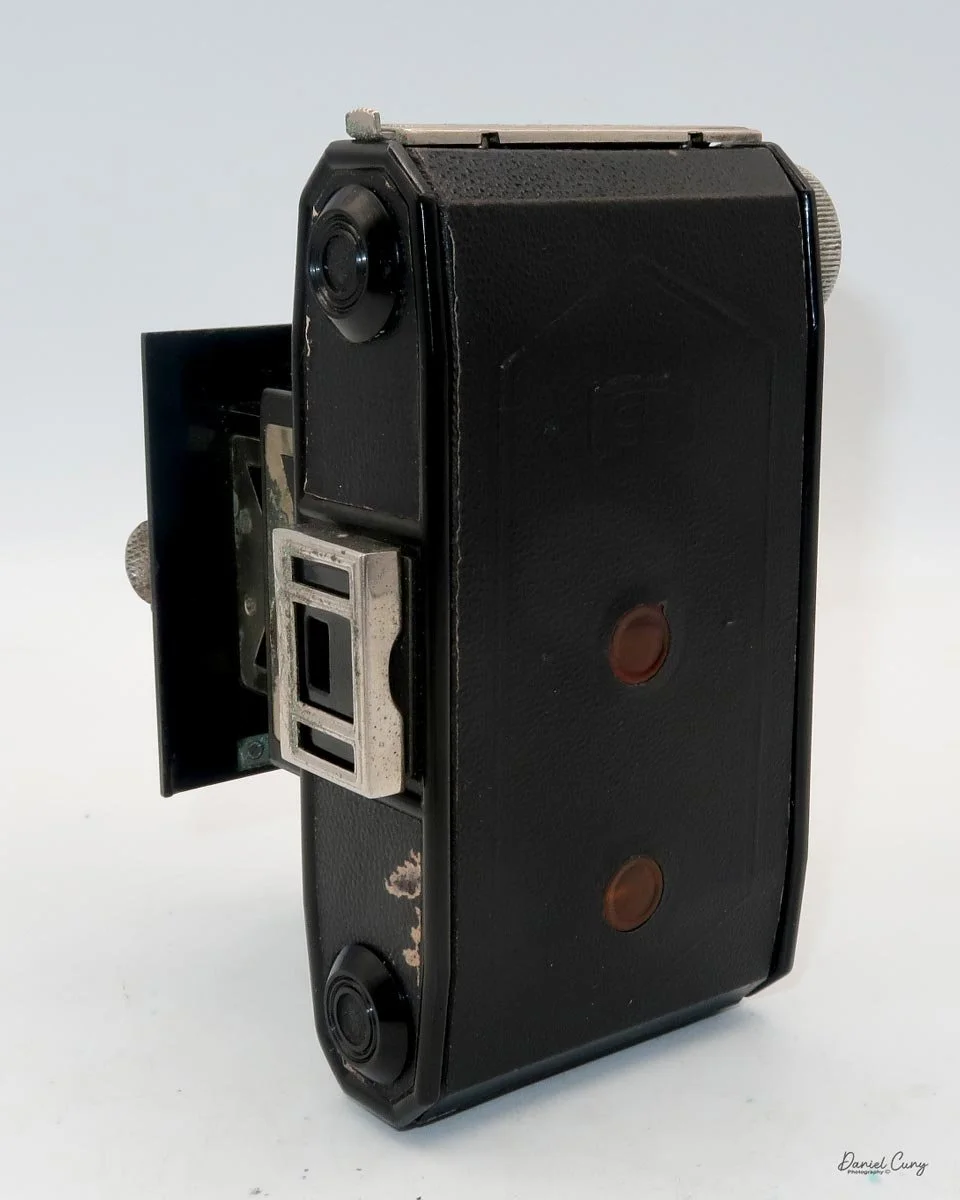
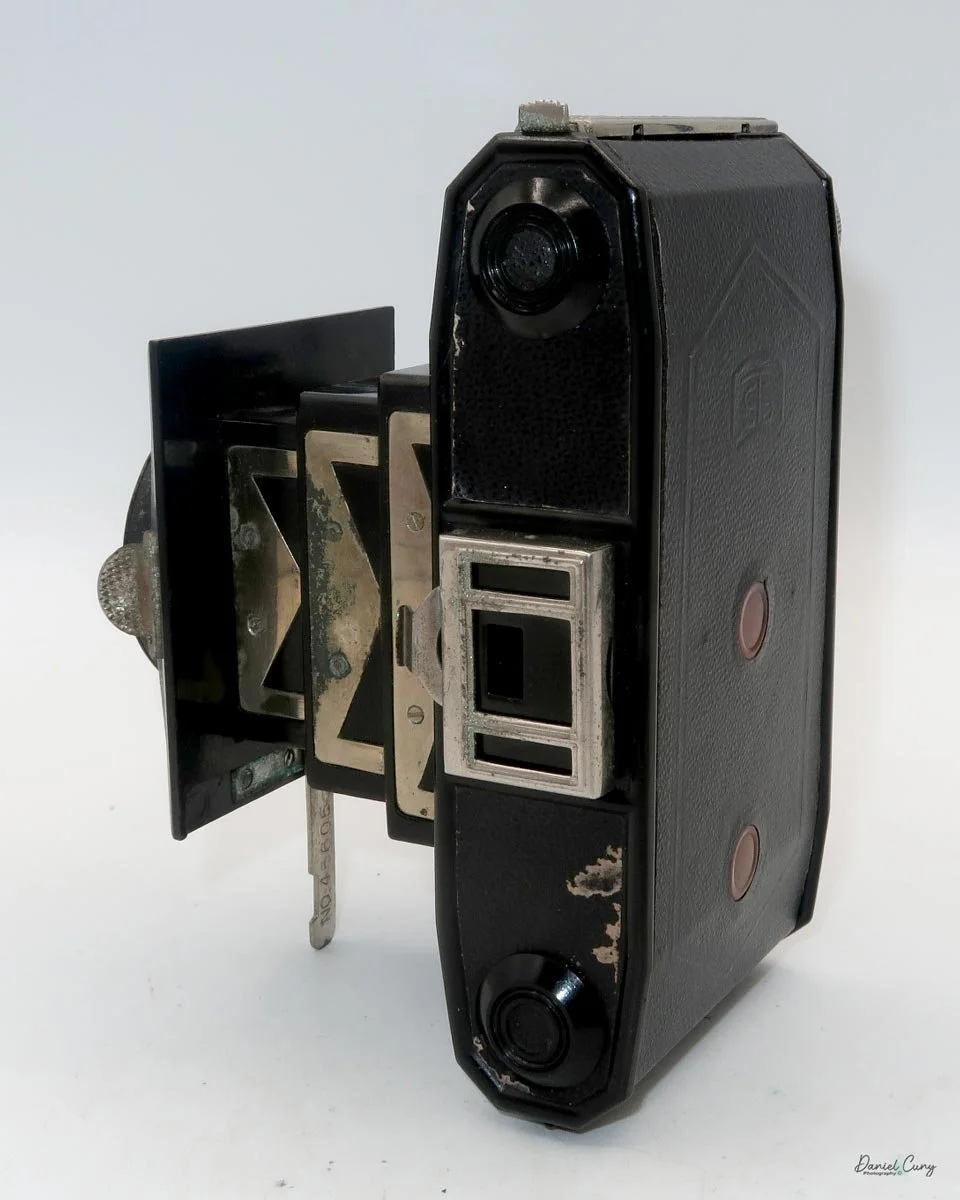
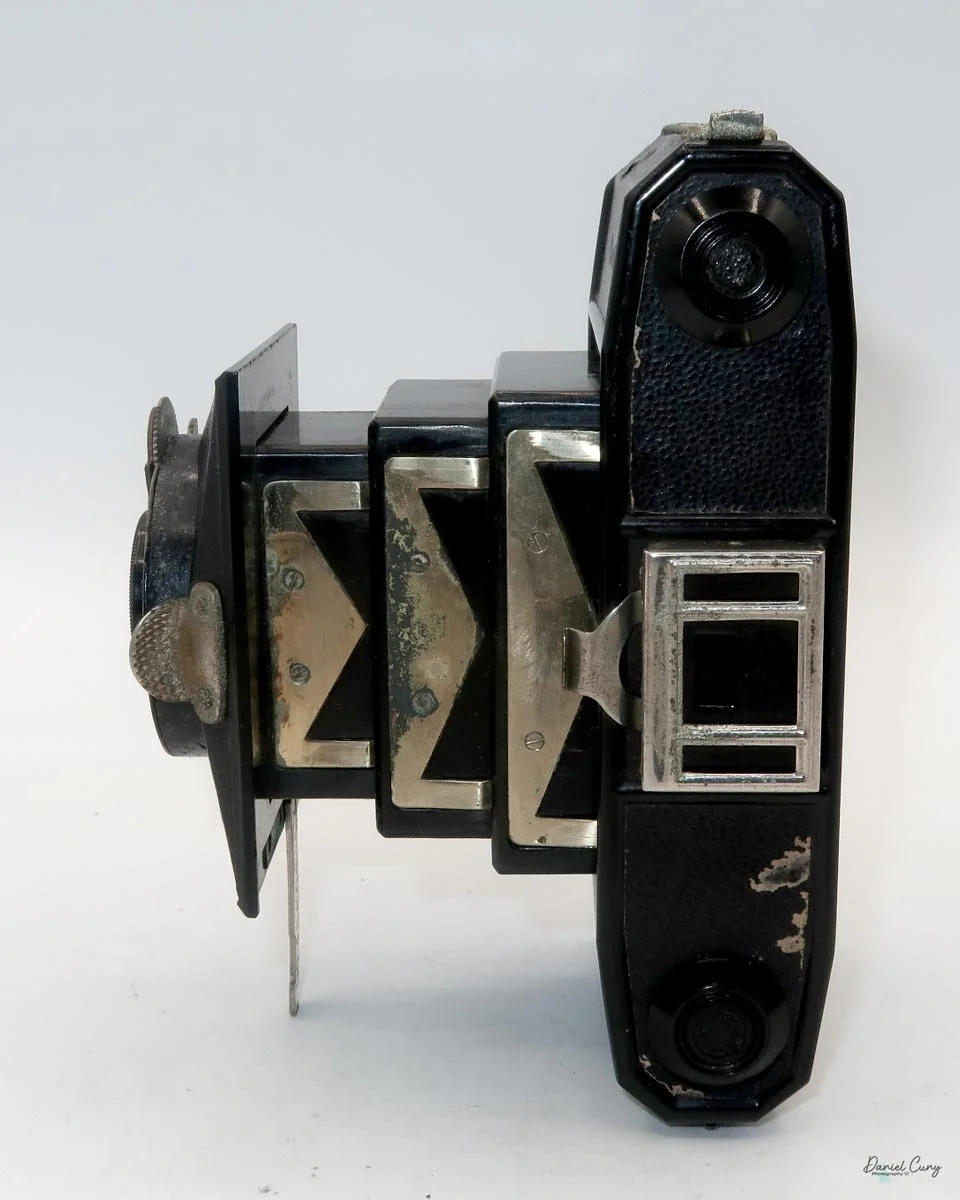
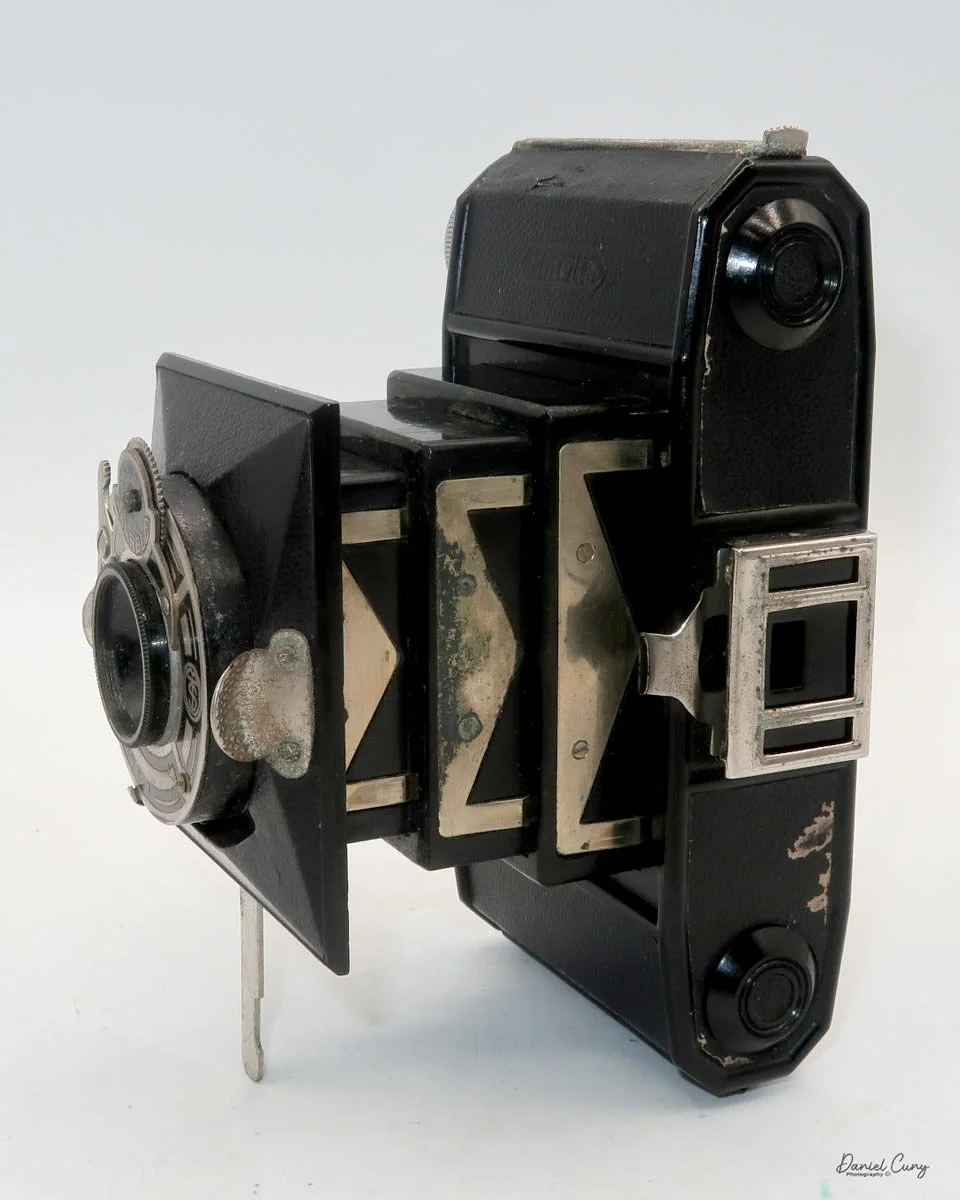
My Kolibri camera is 4.5" tall without the viewfinder erected and 5.5" with it erected, by 3" wide and 2" deep without the lens in the taking position and 2.75" with the lens popped out and in the taking position. My camera weighs just over 1 lbs at 1 lbs .6oz. With the viewfinder down and the lens retracted, it's a very compact and sturdy camera that takes 16, 3x4cm images on 127-size film. The Zeiss Kolibri (523/18) has a couple of different lens and shutter combinations. The one I used to take the photos has a Novar Anastigmat 5cm F4.5 lens in a TELMA shutter. The other camera I received has a Carl Zeiss Jena Tessar 5cm F3.5 lens in a Compur shutter. A third model has a Zeiss Biotar 5cm F2 lens. All of the different lens/shutter combinations are in a chrome polished tube that pulls out to take the photos and to retract, grab the "wings" on either side of the lens, turn the lens slightly counter-clockwise, and press the lens back into the camera body. You also grab the "wings" to pull the lens out to take photos.

The Telma shutter has only three shutter speeds, 1/100, 1/50, and 1/25, along with "B" and "T" for timed exposures. The Compur shutter is more extensive, with shutter speeds starting at 1/300, 1/100, 1/50, etc., to 1 sec along with "B" & "T." The shutter release is on the left-hand side with the Telma shutter, and you do not need to cock the shutter; just press the shutter release and the shutter fires. On the Compur shutter, the cocking mechanism is on top of the shutter, and the shutter release is below, so there is a little difference between the two cameras in the shutter and shutter release function.

Telma shutter

On both cameras, the aperture settings are under the lens with a little slide that points to the aperture setting. Focus on both cameras is done by a slider knob on top of the camera, with the closest focus at 1 meter. On the bottom of the ring that has the "wings" on it is a hole that the "cane" or strut fits into to keep the camera upright, with either the lens out or retracted. Using the "cane" is excellent for timed exposures, connecting a cable release to take a timed exposure. There is a cable release socket on both cameras incorporated into the shutter.

The aperture ring is under the lens. The shutter release is on the left, and the self-timer is on the right with a red dot.

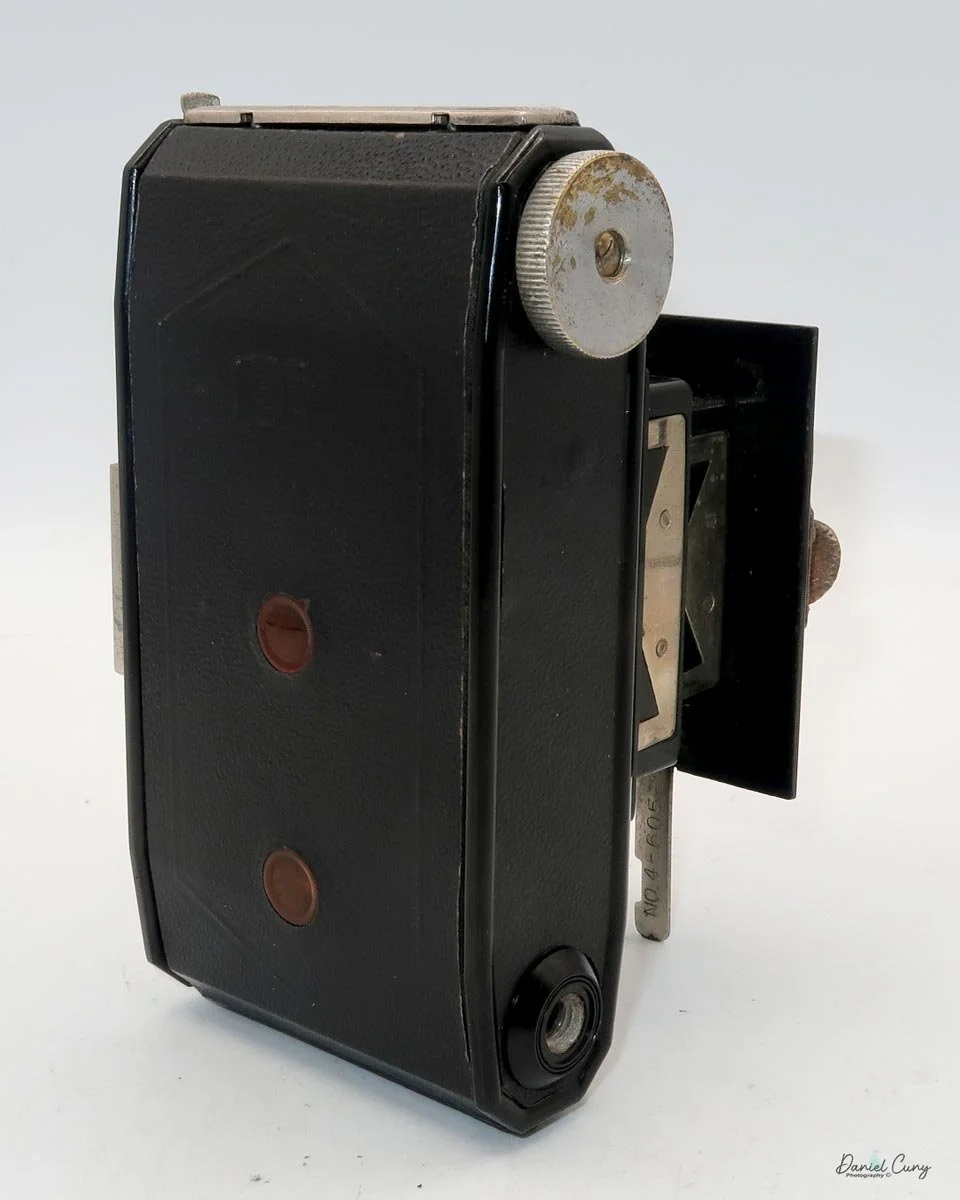
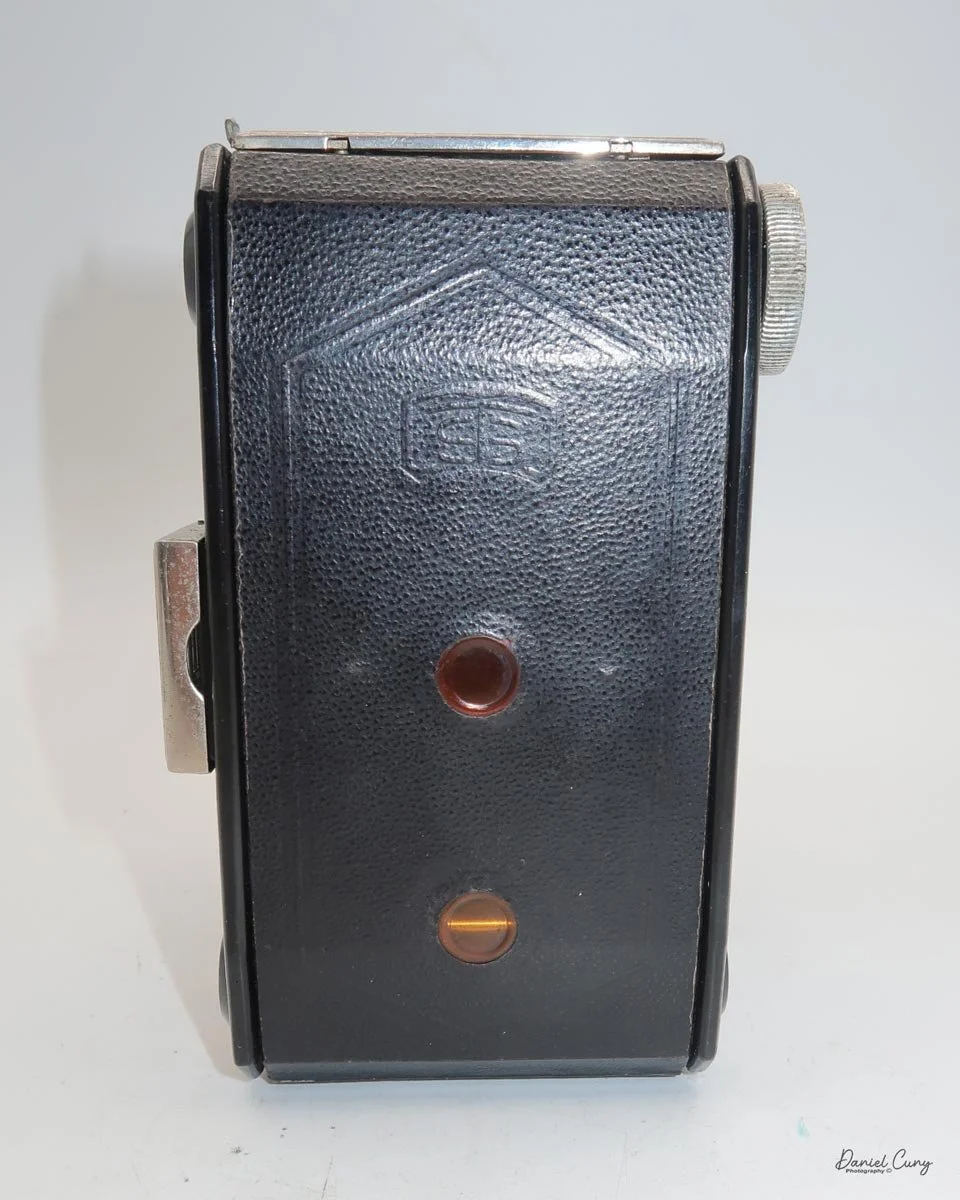
To load the film, you slide the knurled knob on the top of the camera in the direction of the arrow to open the back to load and unload the film. Once you open the back, you take the empty spool and put it on the left end, which has the winding knob, then put the fresh roll of film into the film chamber, pull the leader to the empty spool, put the leader into the slot on the reel and turn the winding knob until you see "start" on the film's paper backing. At this point, close the back of the camera and wind until you see the number 1 in the lower of the two windows. Now that you're ready to take your first photo, lift up the front and rear viewfinders so you can frame the image and take your photo.

 Since the camera has two red windows on the camera's back, the spacing between the top and bottom windows is the same as the negative size. You would take the photo once you wind the film so the number 1 appears on the bottom window. Once the photo is taken, wind until you see the number 1 in the top window, then take the picture. After you take the photo with the number 1 on the top window, roll until you see the number 2 on the bottom window and do this through the number 8.

Here's where I had some issues, and it's something I kept in mind when I was done taking the photos. In my small and simple mind, as I was holding the camera in a vertical position, it was in my mind that the camera would take a vertical photo. Unfortunately, that's not the case. If you're holding the camera in the vertical position, the camera is taking a horizontal image due to the orientation of the frame area in the camera. So, the photos I took that should have been horizontal were taken vertically and vice versa. I felt like an amateur when I finished taking the photos, only to realize I did it wrong.

 The viewfinder is tiny, and since I wear glasses, it's challenging to use. Its size also made it difficult to frame the photo accurately. Toward the end of the roll, I would just point the camera at the subject and "guess" on the framing, which seemed pretty good, with the exception of the vertical/horizontal format mishap.

Small viewfinder and glasses do not mix well.

 Once the photos were taken, I unloaded the film and processed them, and they turned out nicely.

 The serial numbers for my two Kolibri cameras are only 40 pieces off. The more well-used version is S.98995, and the Kolibri with the Compur shutter is S.98955, so they were built relatively close to each other. 

 My initial belief was that the camera with the Telma shutter was an older version. I believed that it was an older model because one camera was more used than the other. Now, I realize that the shutter and lens combination would be for a more or less expensive model that the consumer would purchase. If someone wanted the less expensive Telma shutter with a slower lens or the more expensive faster lens and Compur shutter, that made more sense to me.

My Results:

Here are some of the images taken with my more well-used Kolibri camera. I used it because the other camera didn't have the aperture settings, and I would have had to guess at the aperture. That would have been okay, and I'm a pretty good judge of that, as I could have marked on the camera what I thought the aperture setting should be.

Conclusion:

Except for my confusion about the vertical/horizontal format and the camera orientation, it's a fun camera. It is very well made, the photos are nice and sharp, and the camera fits nicely in my pocket when the lens is retracted and the viewfinder is down. As it is compact and sturdy, I can use it more often.

I look forward to shooting more photos with this in the future, but I must remember that when the camera is vertical, it's taking a horizontal photo.

 Thank you for taking a few minutes from your day to read about this gem of a camera. I hope to see you next week when I review another camera from my collection.

 Until next week, please be safe.
 

No. 0 Folding Pocket Kodak

Due to the holiday season, I thought I'd do something a bit different for the blog this week. I did pick out a camera to write about, but as you can imagine, I didn't have a lot of time to do the research, but I did have an opportunity to take the camera out and use it. The camera I picked for this week's post is a camera that's well over 110 years old, and I received some pretty peculiar looks when I took it out to shoot.

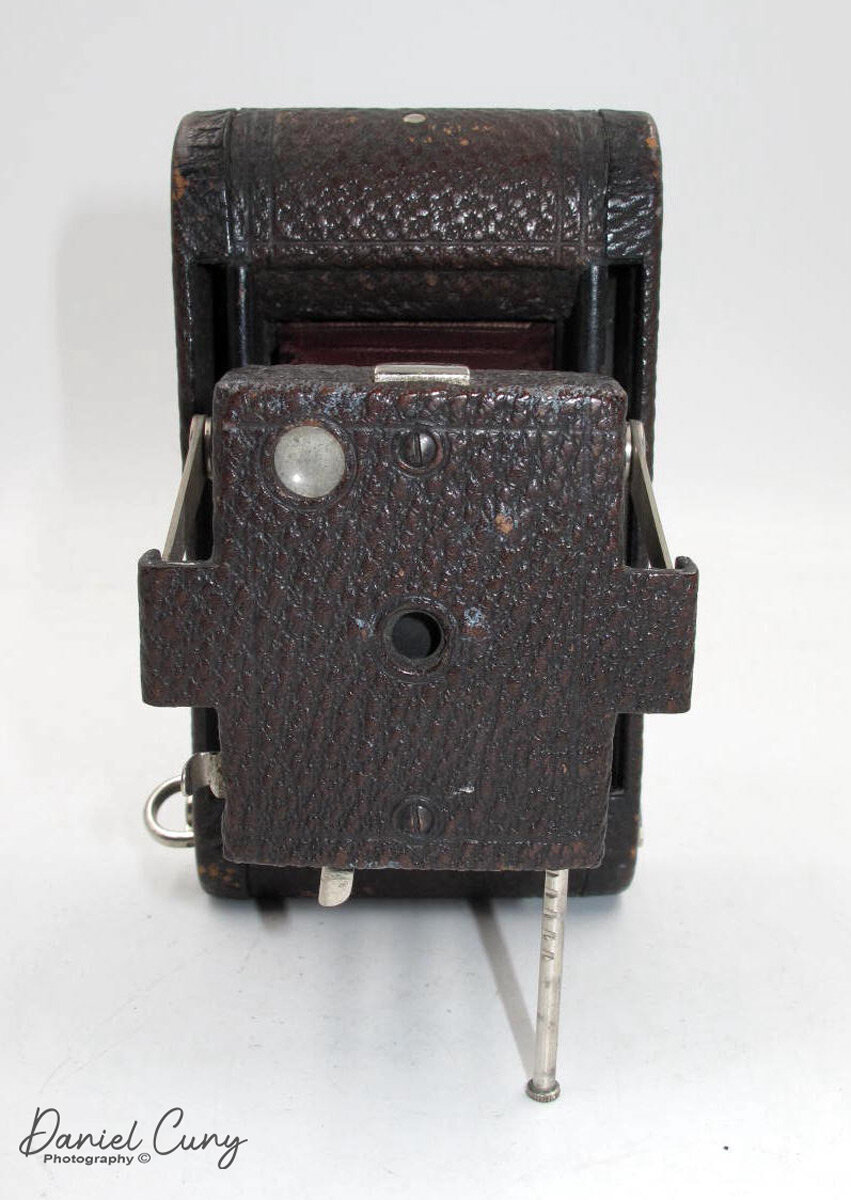
No. 0 Folding Pocket Kodak

No. 0 Folding Pocket Kodak

The Camera

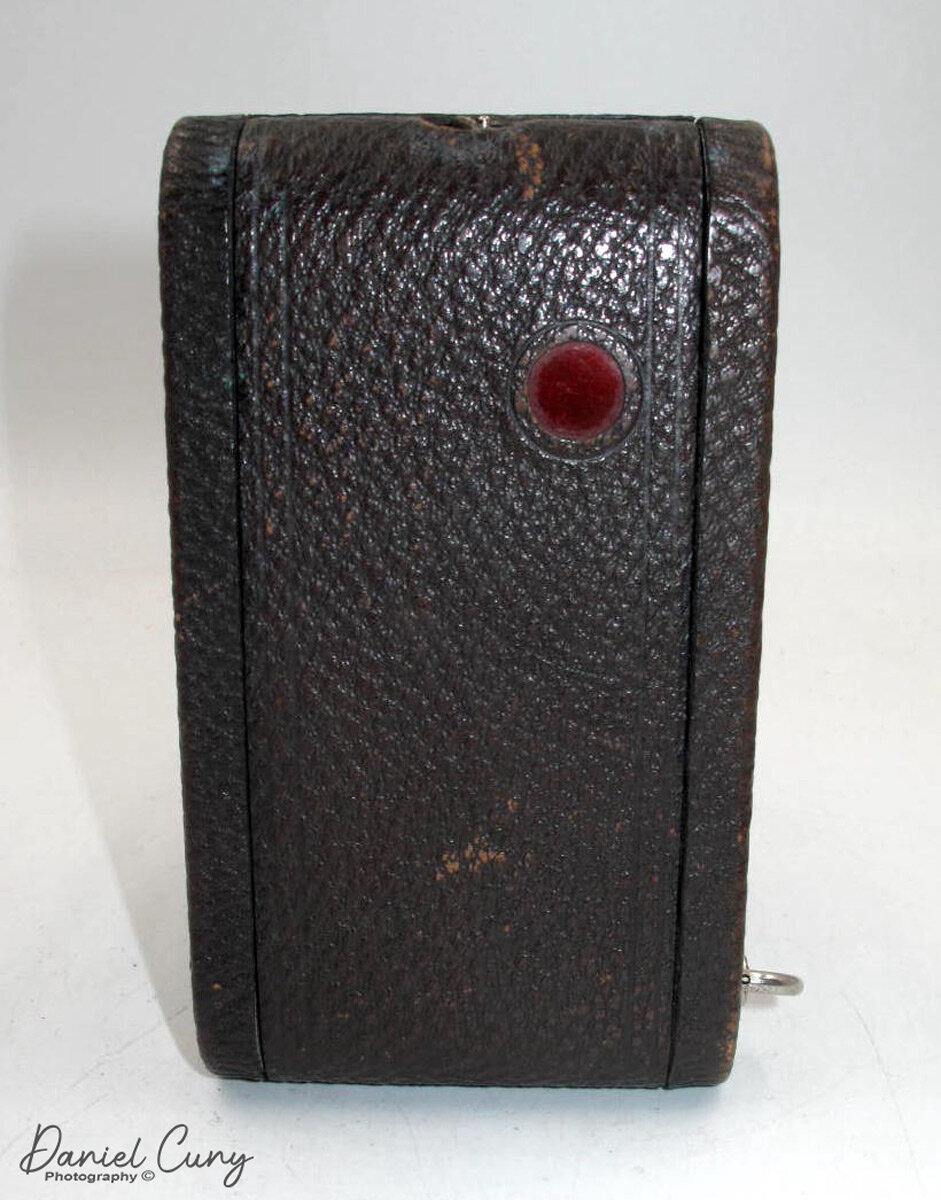
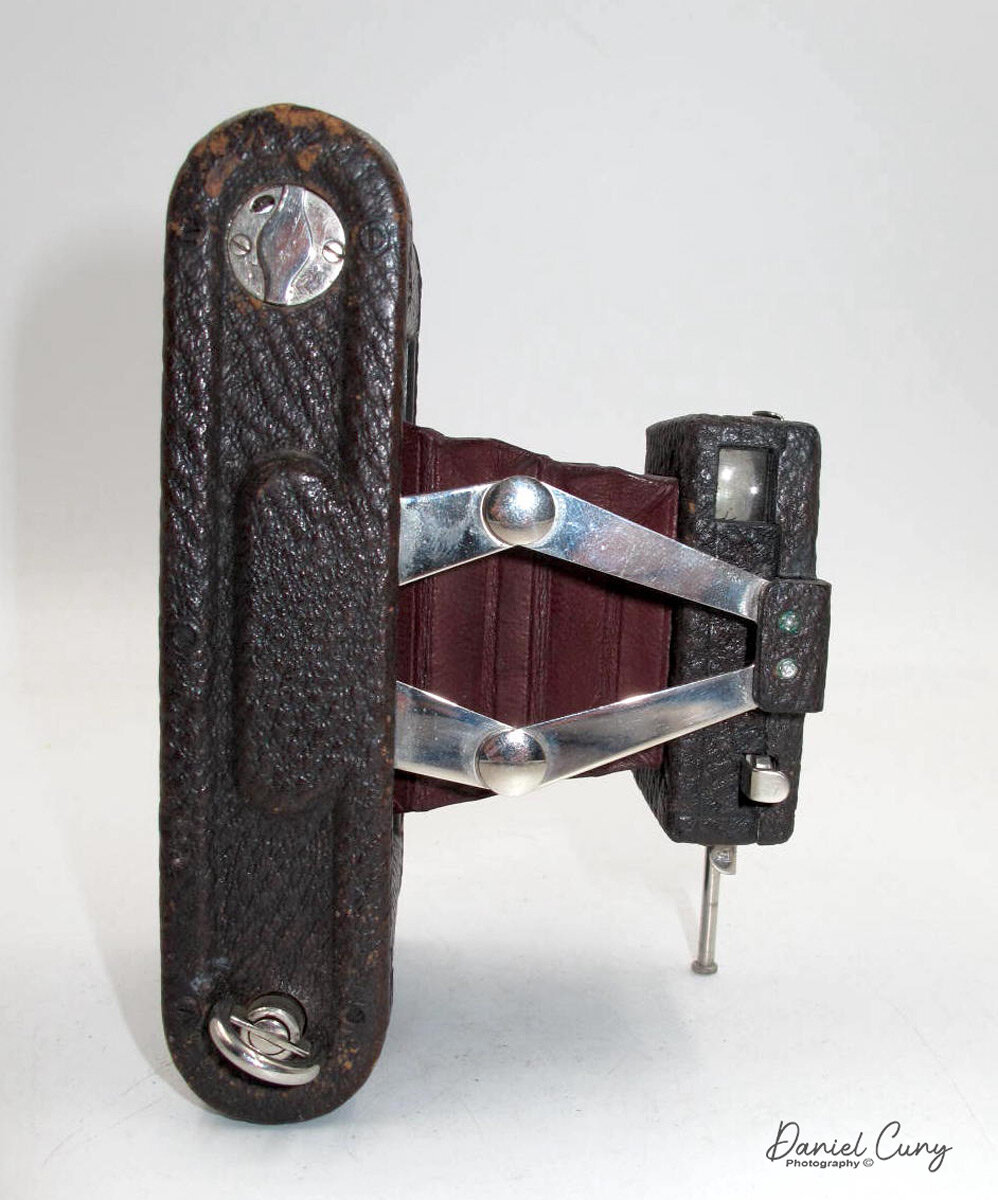
This week's camera is the No.0 Folding Pocket Kodak camera built between 1902 and 1906. It's a very compact folding camera that takes  121 size film that produced 1 5/8" x 2 1/2 size film negatives. The No.0 folding pocket Kodak is one of the earliest Kodak folding cameras and measures 5 5/8" long by 3 1/4" wide by 1 1/4" deep when closed, and 3 1/2" deep with the lens extended and weighs in at 11.5 oz.

The No.0 folding pocket Kodak is a fundamental camera that was marketed for horizontal shooting. When you pull the lens away from the body, it has a scissor-style hinge system to keep the lens erect, along with a pull-down leg on the front, right side of the camera so the camera can stand on its own. I'm a big fan of the red bellows style cameras produced during this period, and the bellows on my camera are light tight and a vibrant dark red color. The No.0 folding pocket Kodak has a Meniscus lens along with an Eastman Automatic shutter. To open the back of the camera is just a simple latch on the left side of the camera, and it opens on a hinge to load the film.

When you're holding the No.0 folding pocket Kodak with the lens extended and ready to take a photo, there is only one viewfinder, and it's for horizontal images. Most cameras have two viewfinders, one for horizontal and one for vertical photos. On the other side of the viewfinder is the shutter release button for normal instant style photos, which I'm guessing is approximately 1/60 sec. On the right side of the extended lens area is a protruding shutter release for time exposures. You click once to open the shutter and a second time to close it. On the left side of the extended lens area is the sliding mechanism, which changes the aperture setting. There are three different aperture settings set by moving the slider out to get to the desired aperture.

I am preparing the camera to shoot.

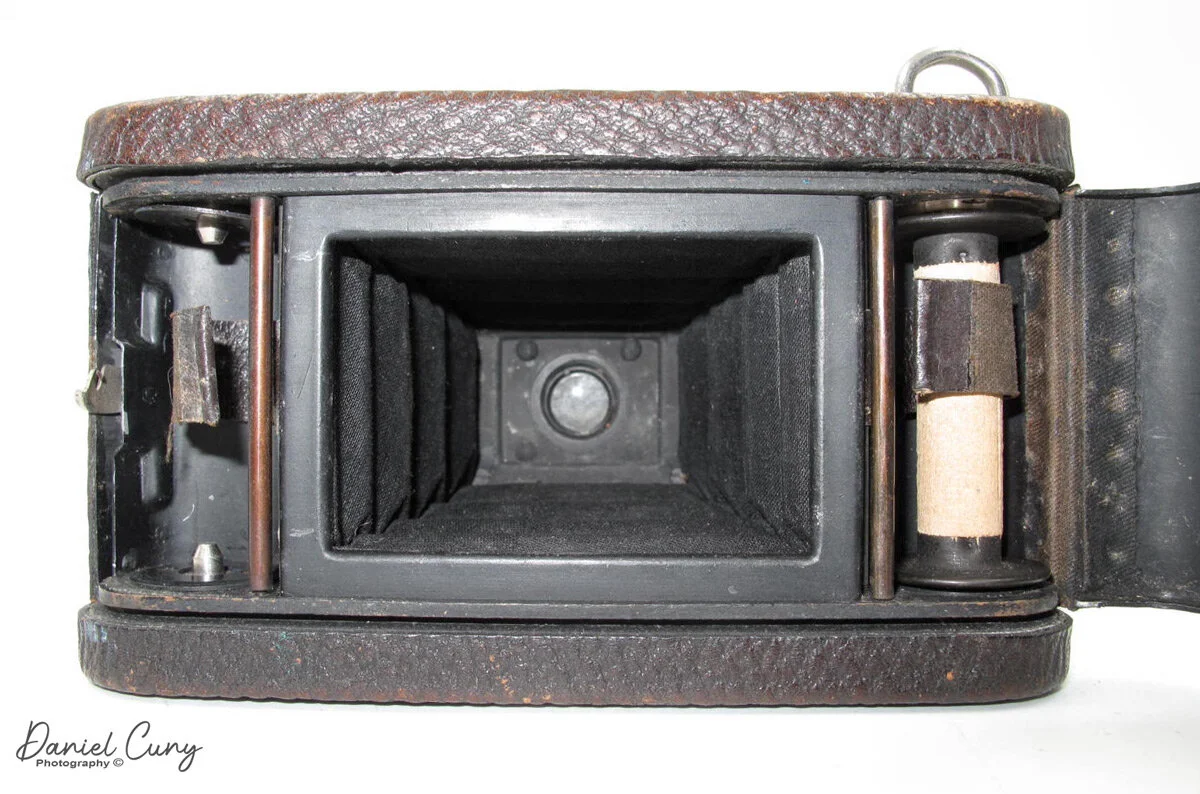
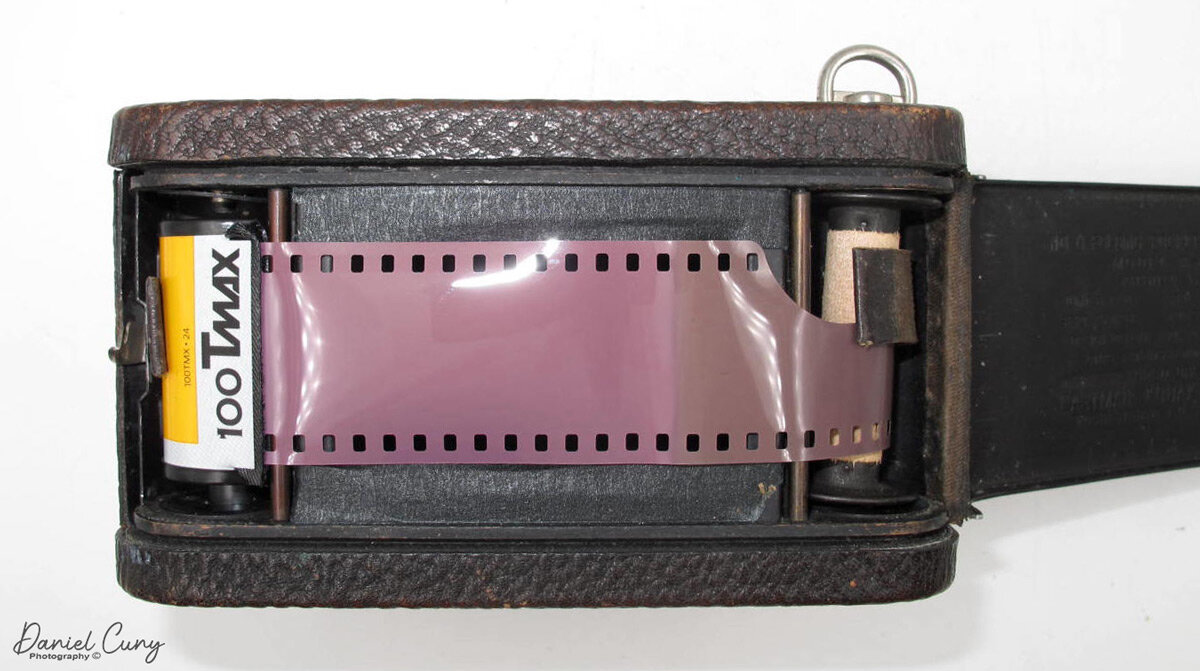
When I played with the camera, I had a roll of 35mm film on my desk. When I opened the back, the camera, it still had the wooden take-up spool in it. I picked up the 35mm film and laid it in the film chamber, and noticed how well it fit there. Pulling the film leader over to the take-up spool, I figured I'd be able to shoot 35mm through this camera.

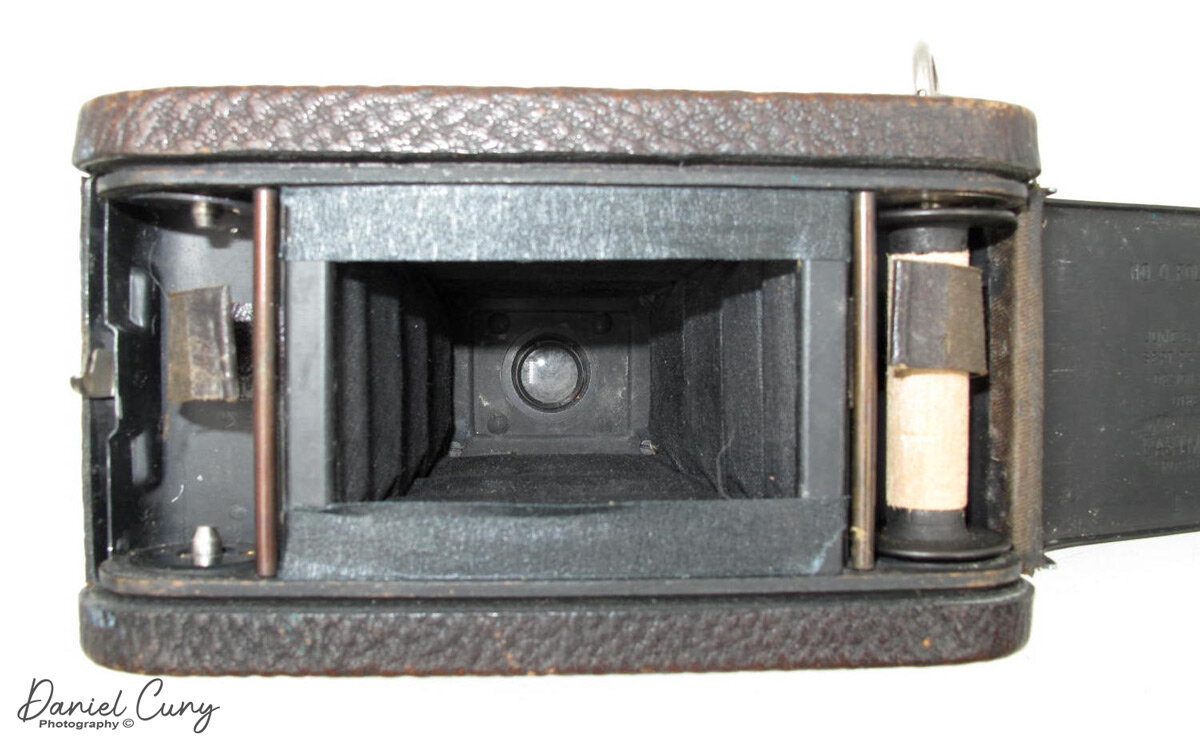
The 35mm film's width was too small, so I needed to put something across the film area to keep the film flat when shooting. I had some black masking tape in my office, which I use to mask my light table when shooting glass negatives. I measured the width of 35mm film in the camera and cut some masking tape to fit across the film chamber so the film would lay flat.

Now I needed to figure out how many turns of the winding lever would take to advance the film to the next frame without overlapping frames. I did this with a dummy roll I had in my office. It takes two full turns of the winding lever to advance to the next frame. It probably is 1 3/4 turns, but I like to keep it simple. There is a red window on the back of the camera, which I needed to block out the light since 35mm film isn't a paper-backed film like other roll films. I put a couple of black tape layers over the red window to block that light as well.

 I loaded up the film into the camera and took my dogs to the local dog park to try out the No.0 folding pocket Kodak. Once I took the roll of film, I brought it home to unload the film. There is no rewind on the No.0 folding pocket Kodak, so I put the camera into my trusty dark bag for film processing and unloaded the film.

Photos from the camera.

My local dog park, from No. 0 Folding Pocket Kodak camera

My local dog park, from No. 0 Folding Pocket Kodak camera

Lulu from the dog park. She was sitting so nicely, then got too close. Photos from No. 0 Folding Pocket Kodak

Lulu from the dog park. She was sitting so nicely, then got too close. Photos from No. 0 Folding Pocket Kodak

Vertical photo from the No. 0 Folding Pocket Kodak

Vertical photo from the No. 0 Folding Pocket Kodak

Conclusion.

It was enjoyable to put a film through this 110 plus-year-old camera. There were a couple of hiccups as I hit the time exposure shutter button a couple of times to take the photo as I'm used to having the trigger on the side of the camera instead of on top, but other than that, the results are pretty good.

 Thank you for taking a few minutes to read my camera collecting blog. I enjoy hearing from you about this or any of the other posts I've made so far. I hope everyone has a very happy and safe new year and until next week, please be safe.