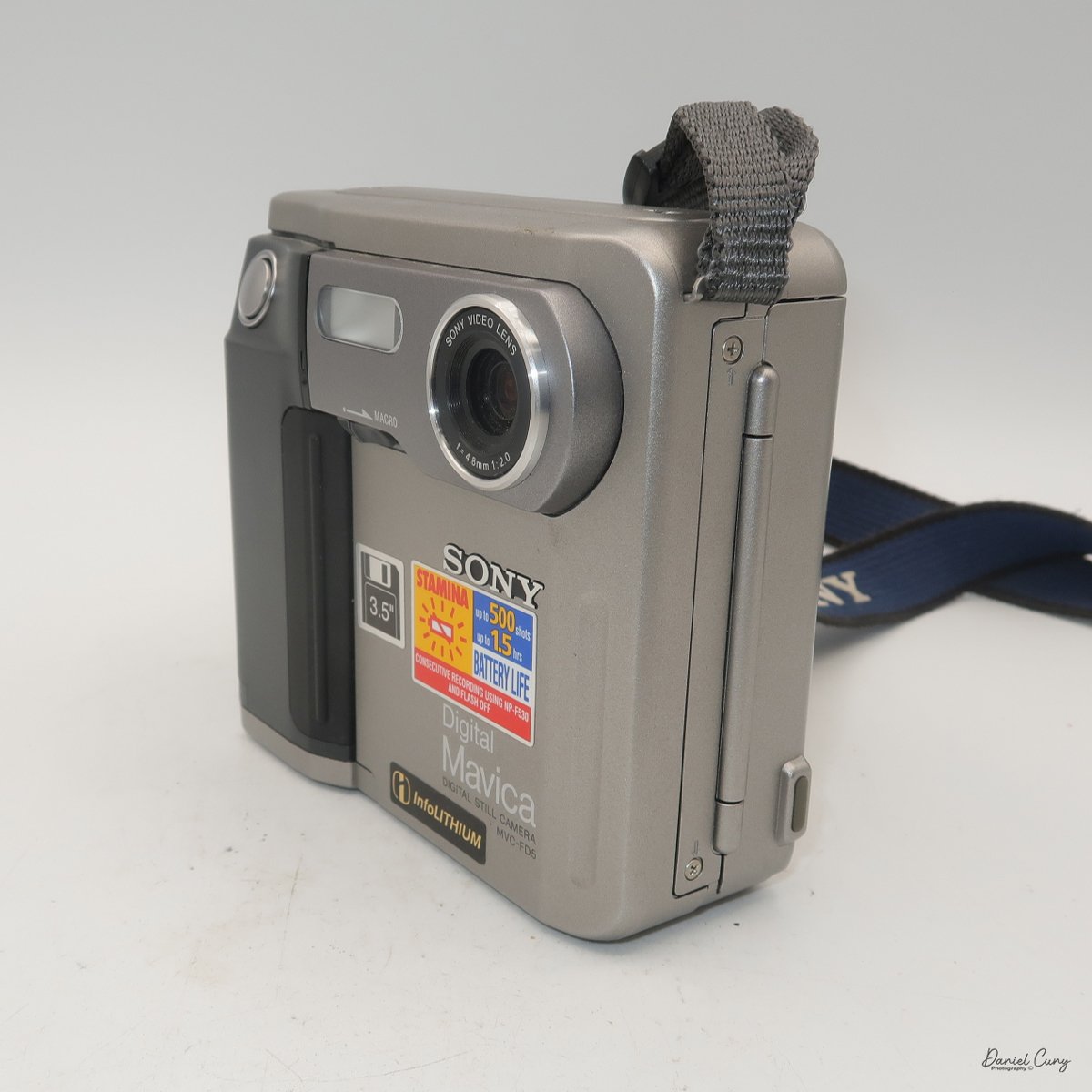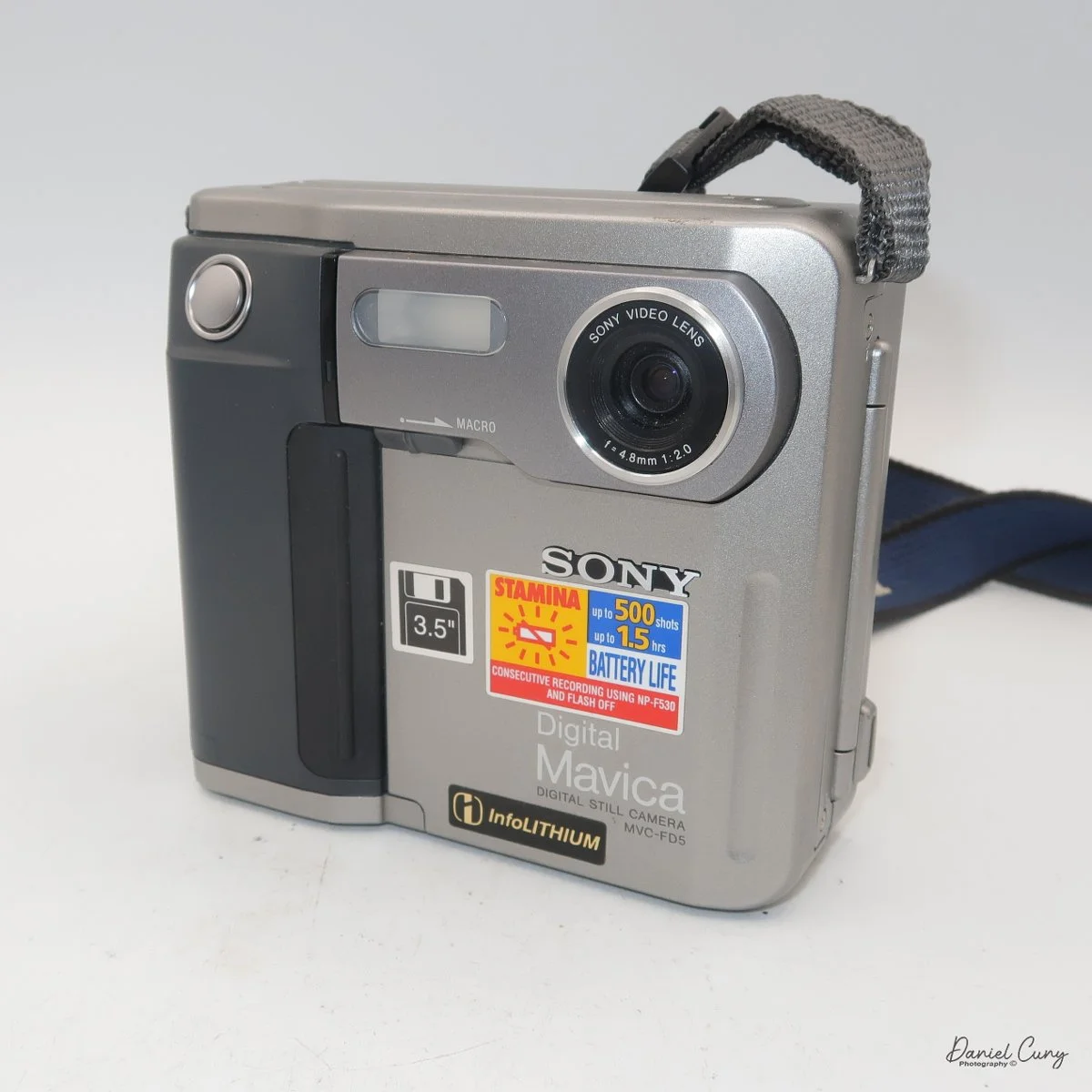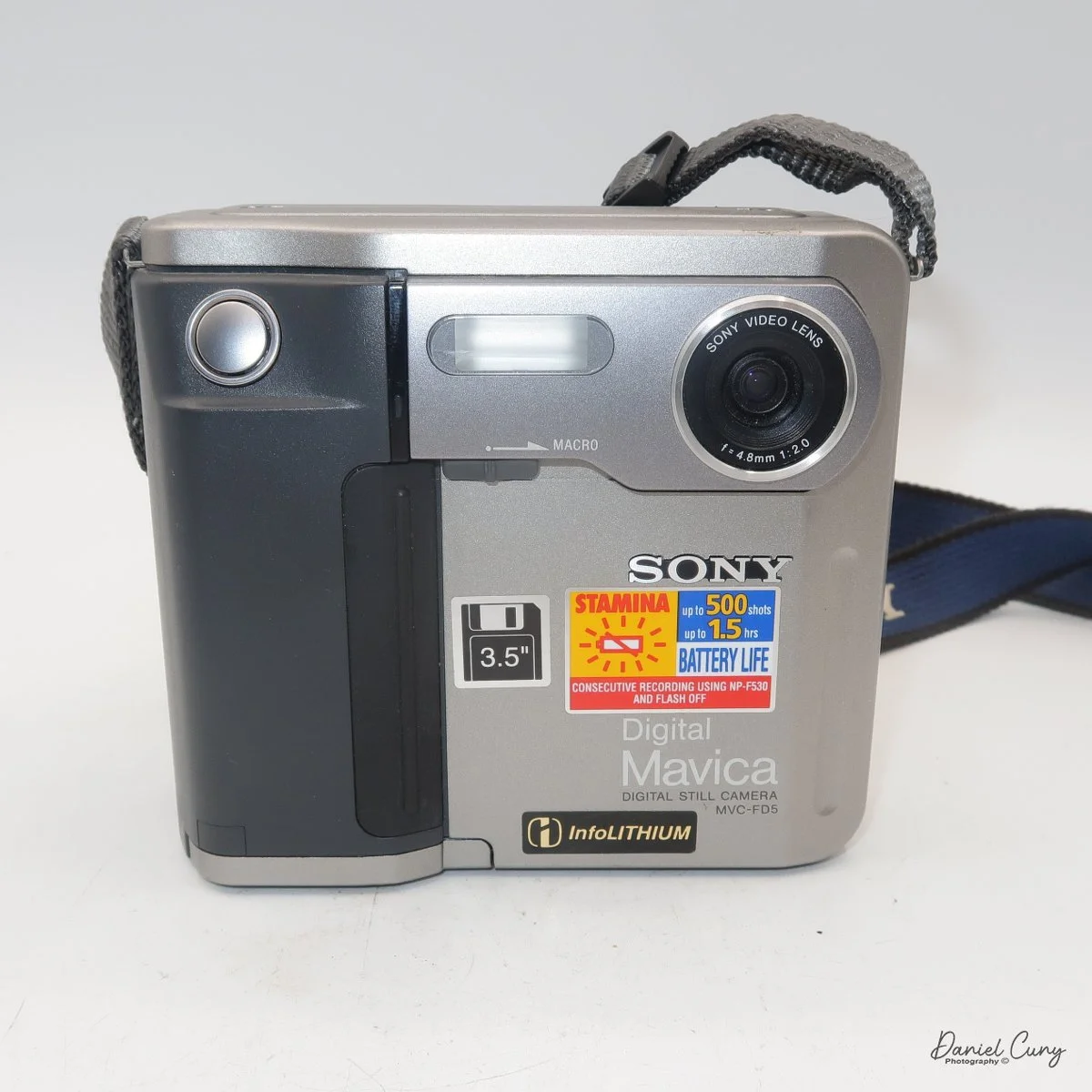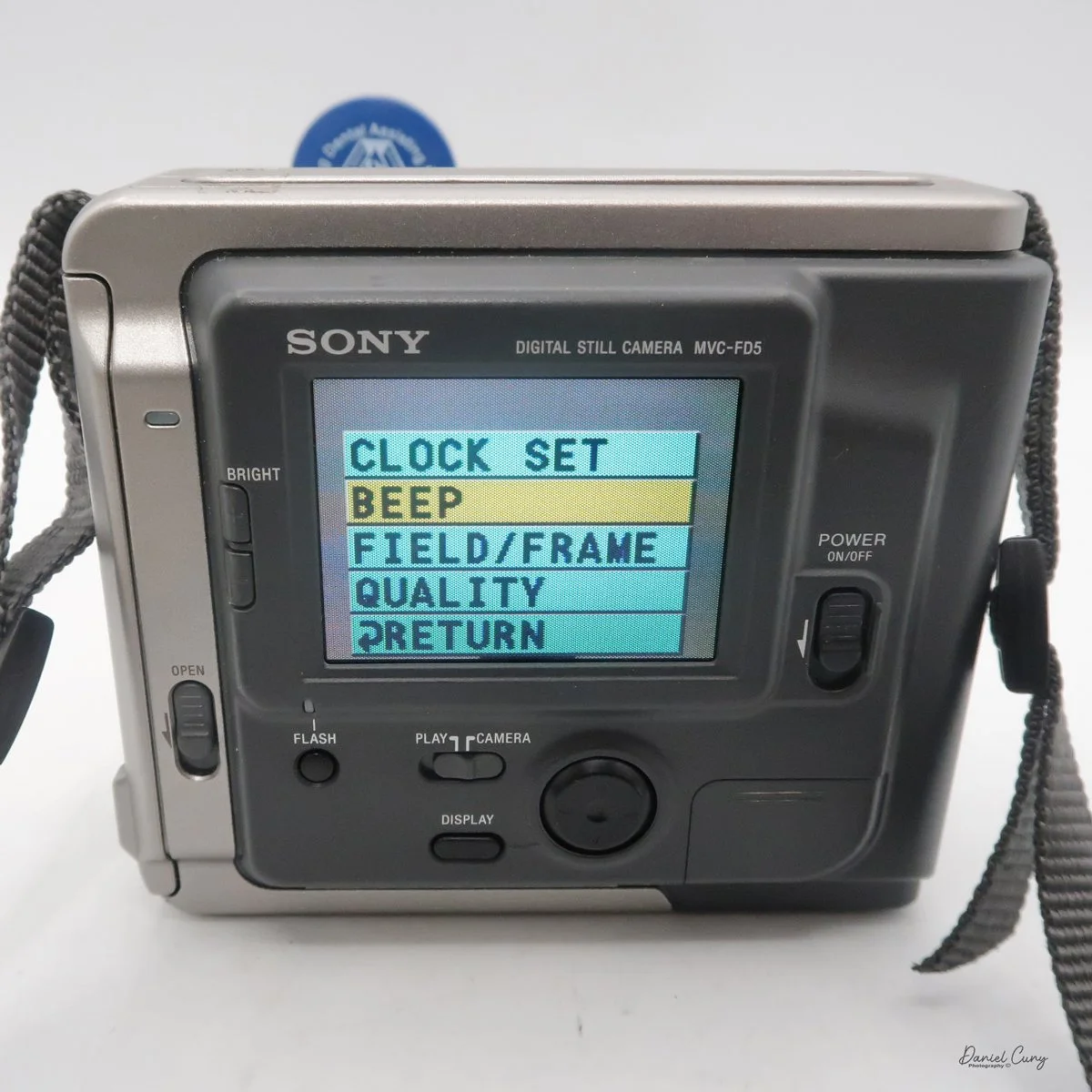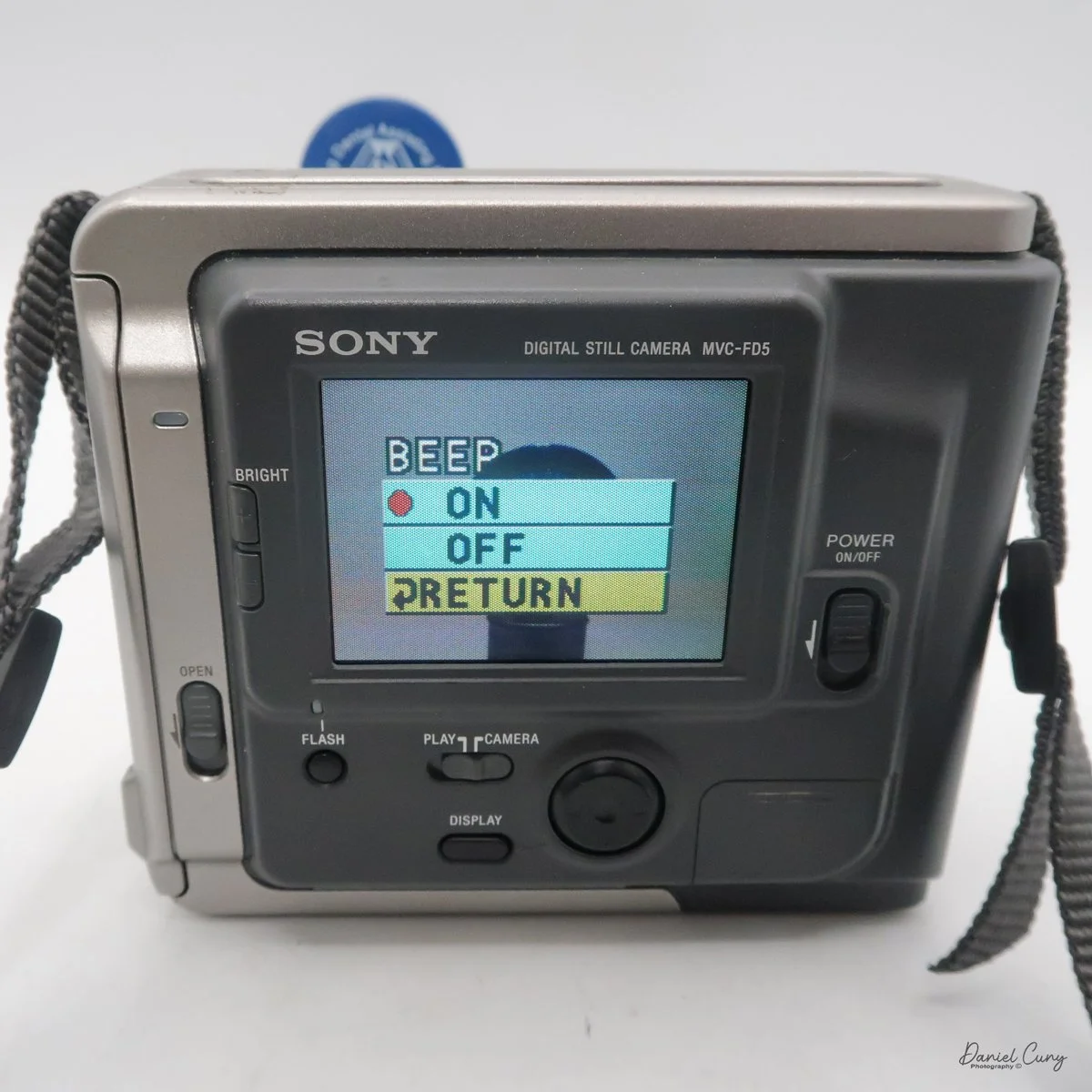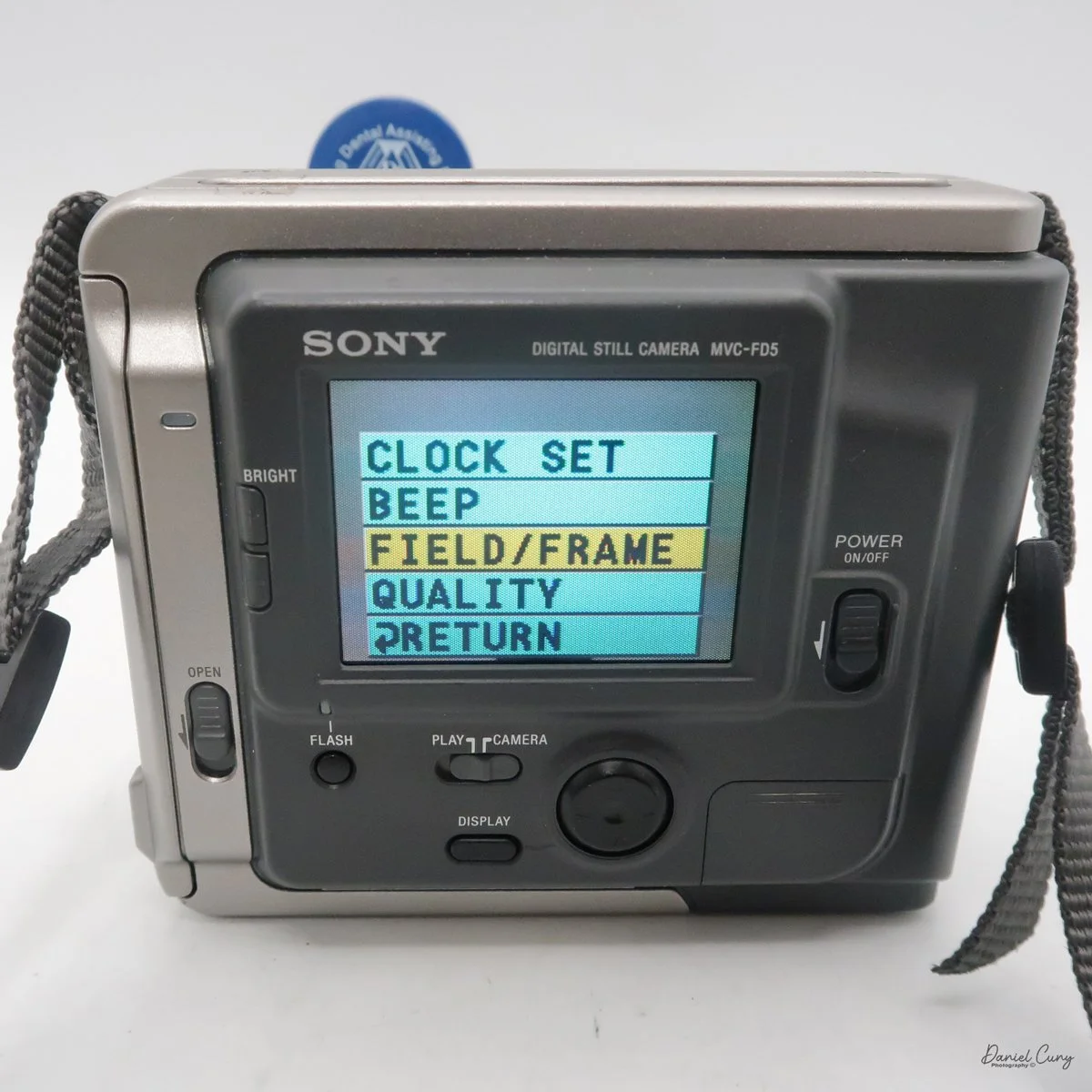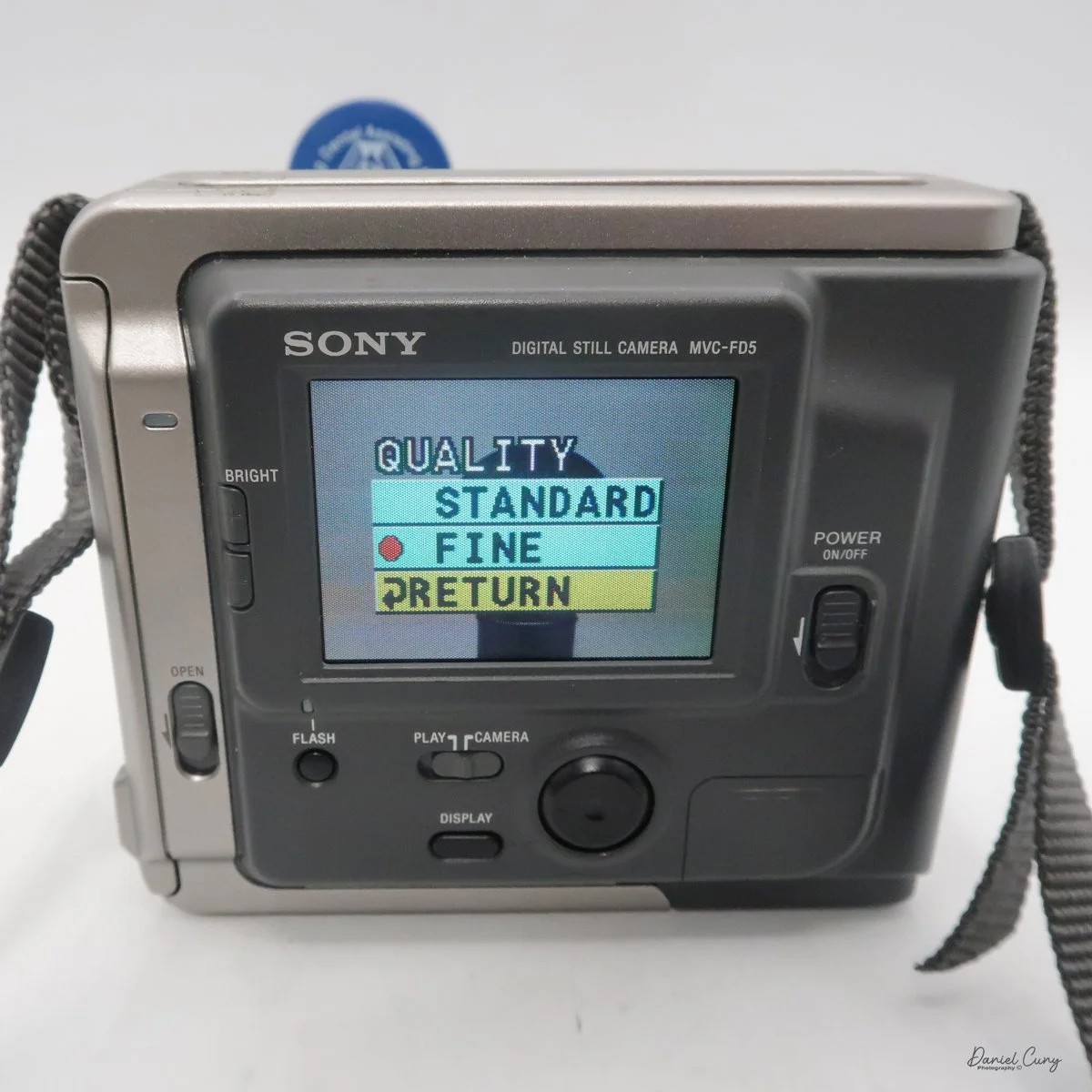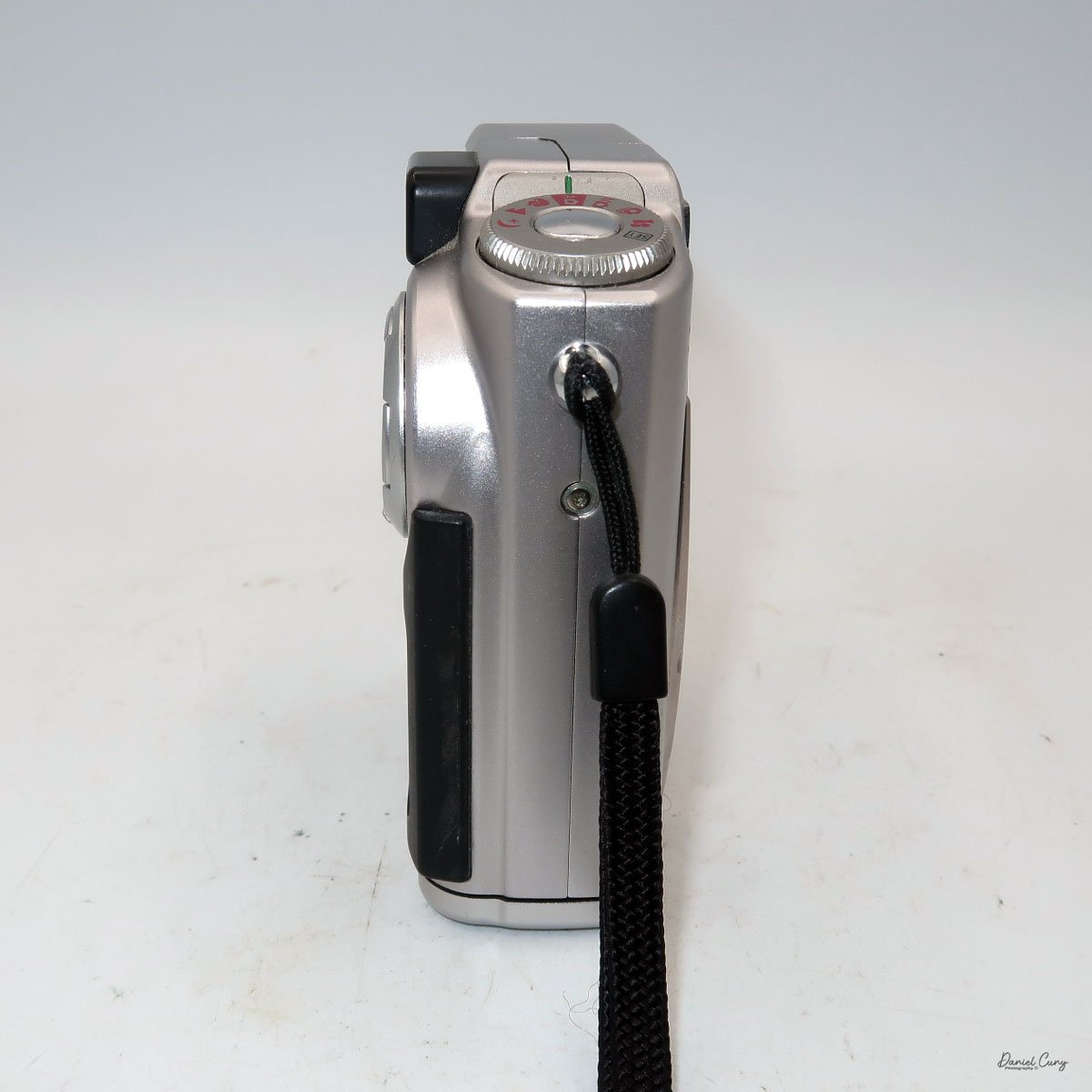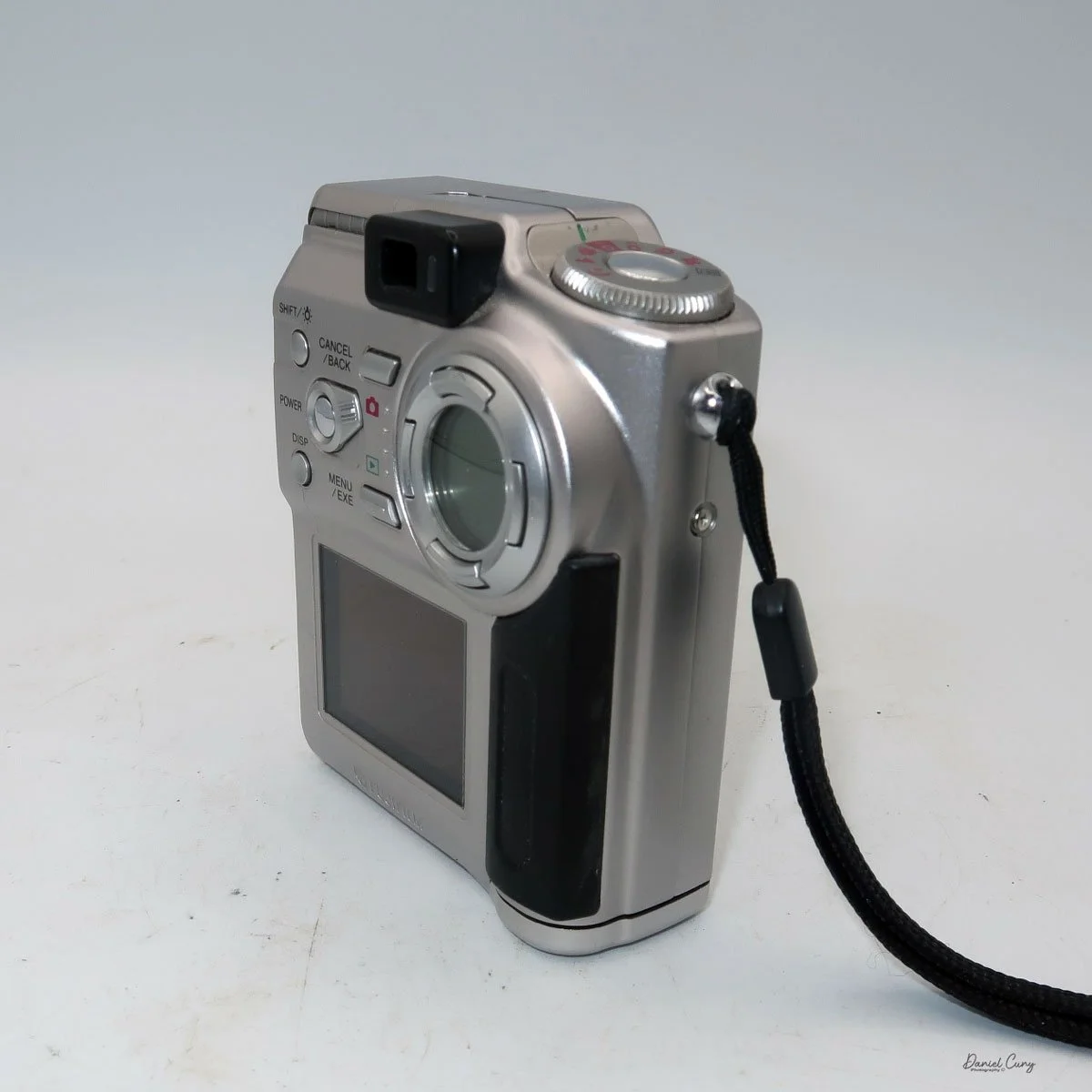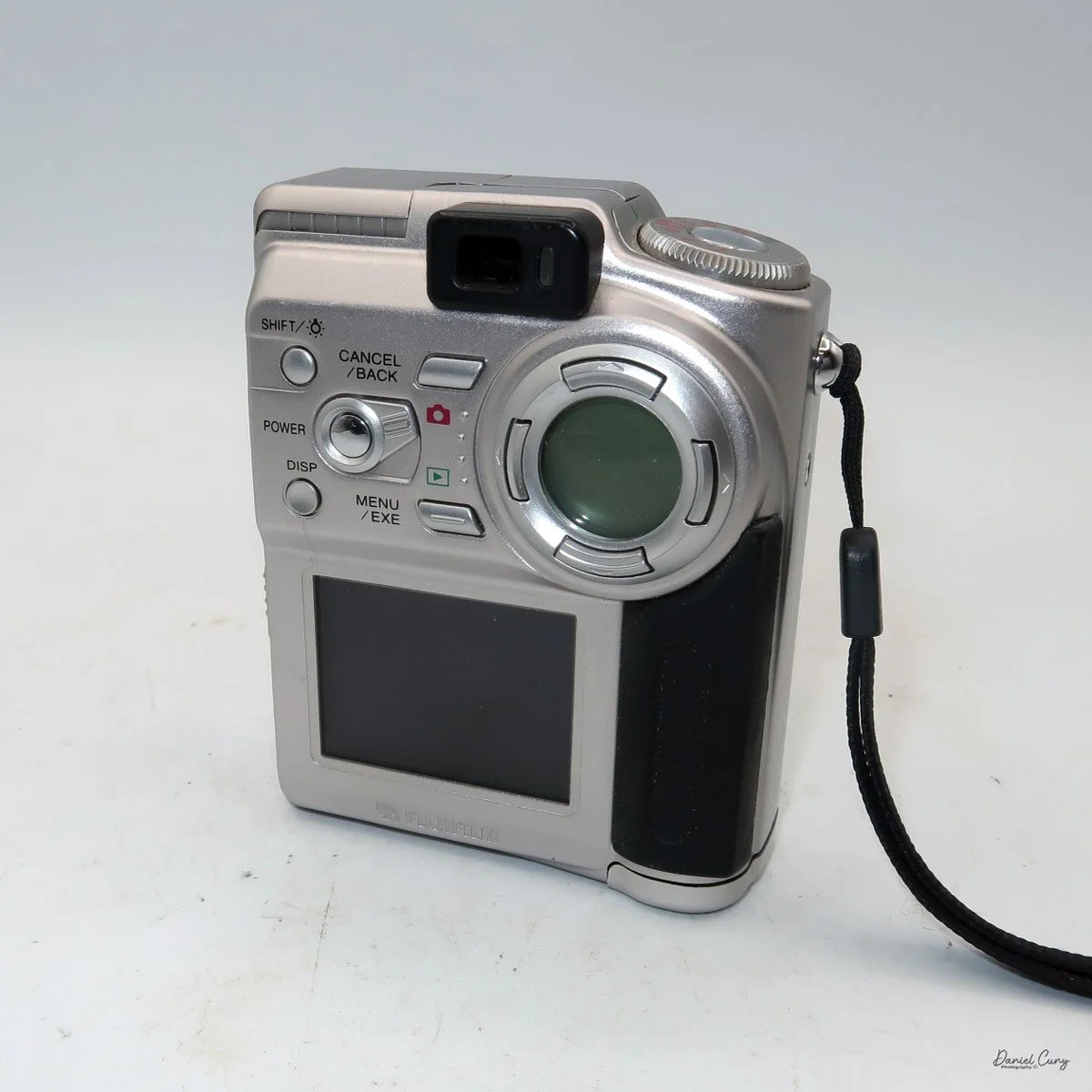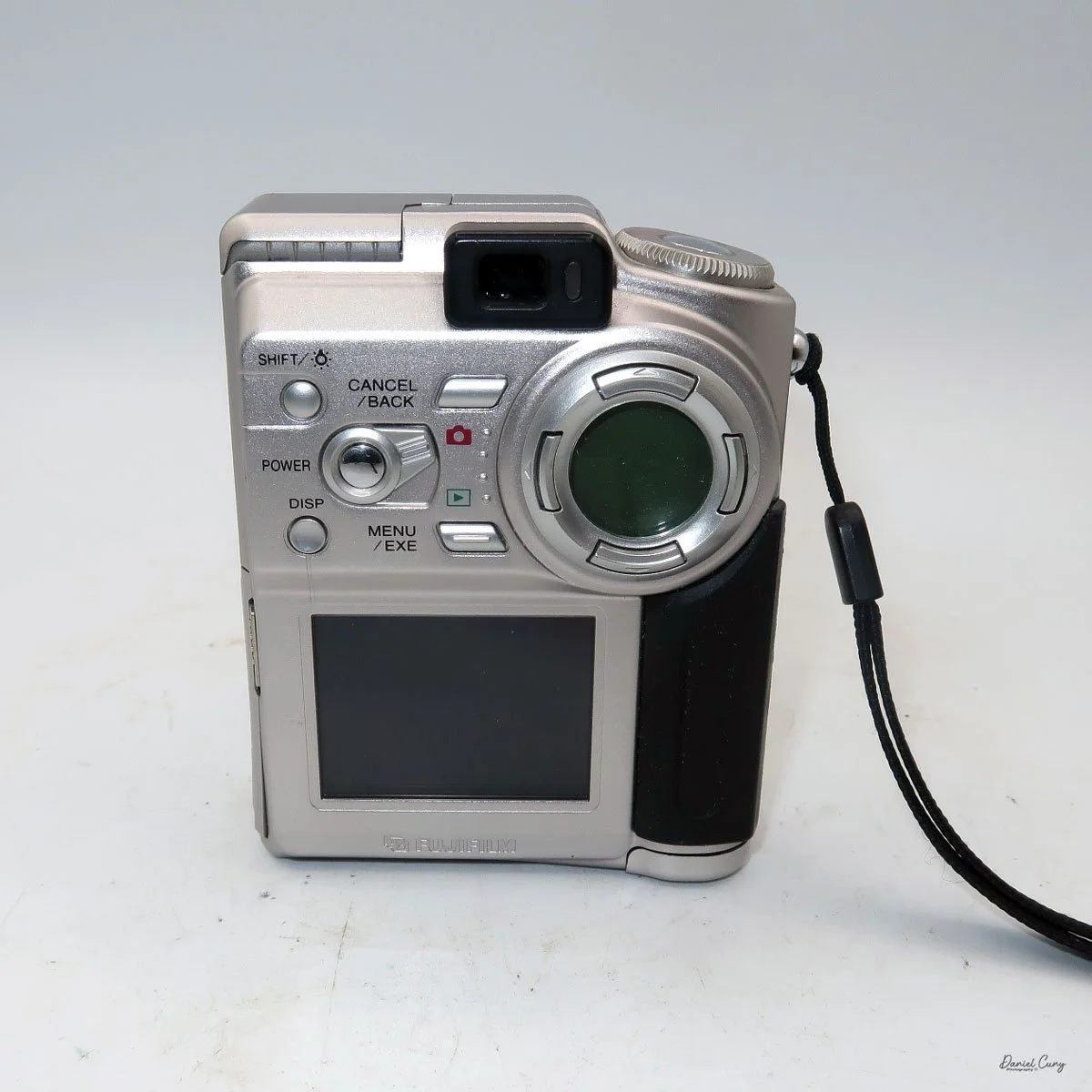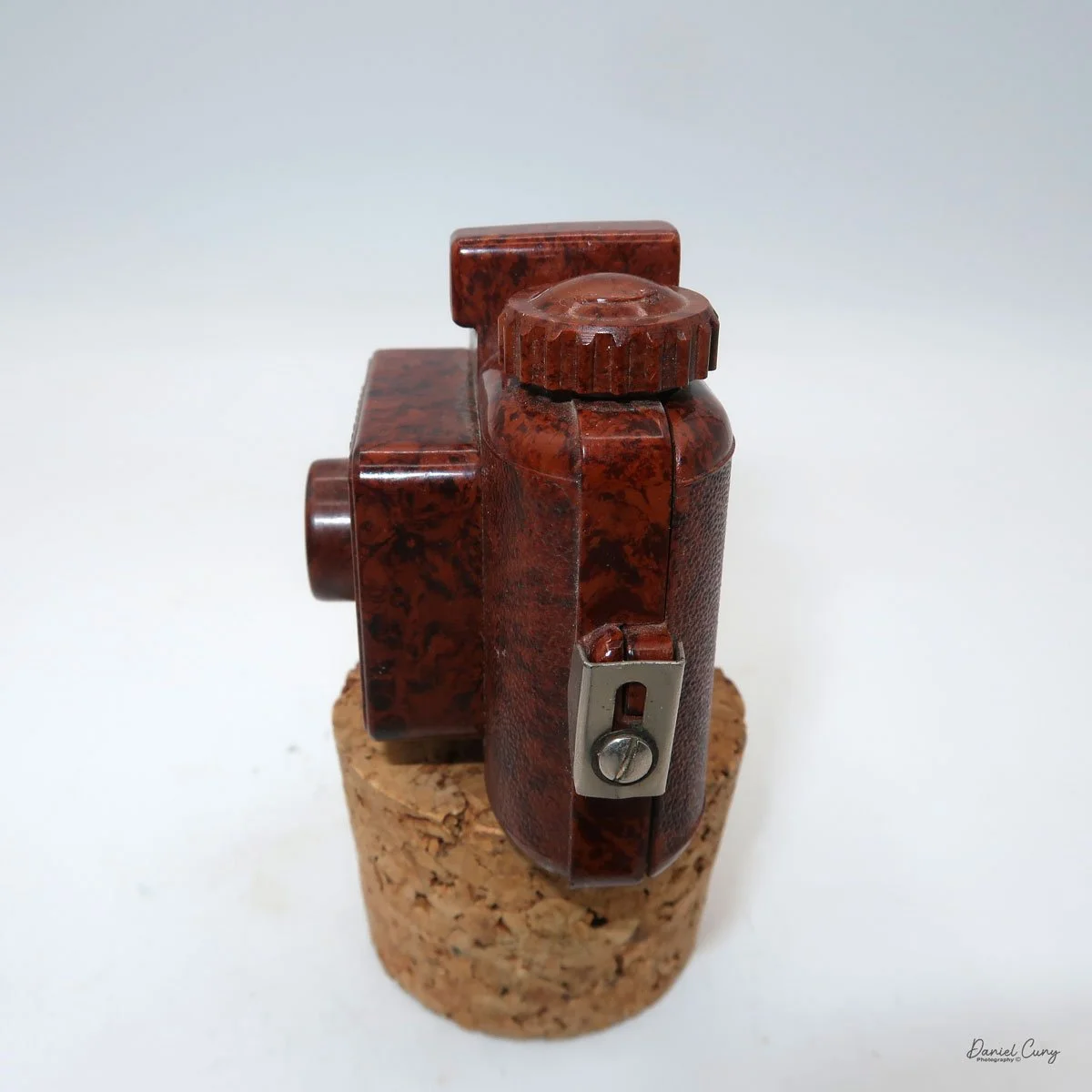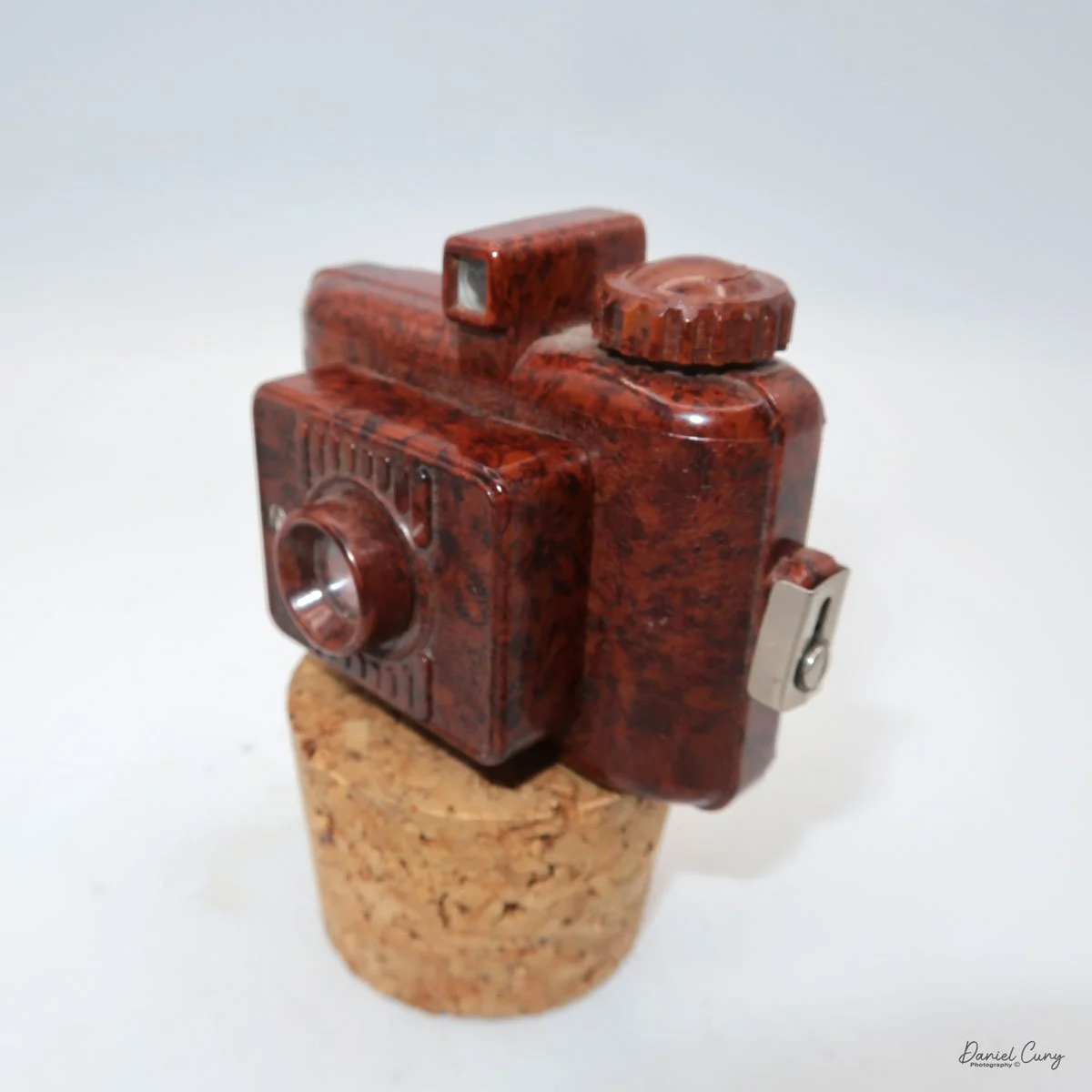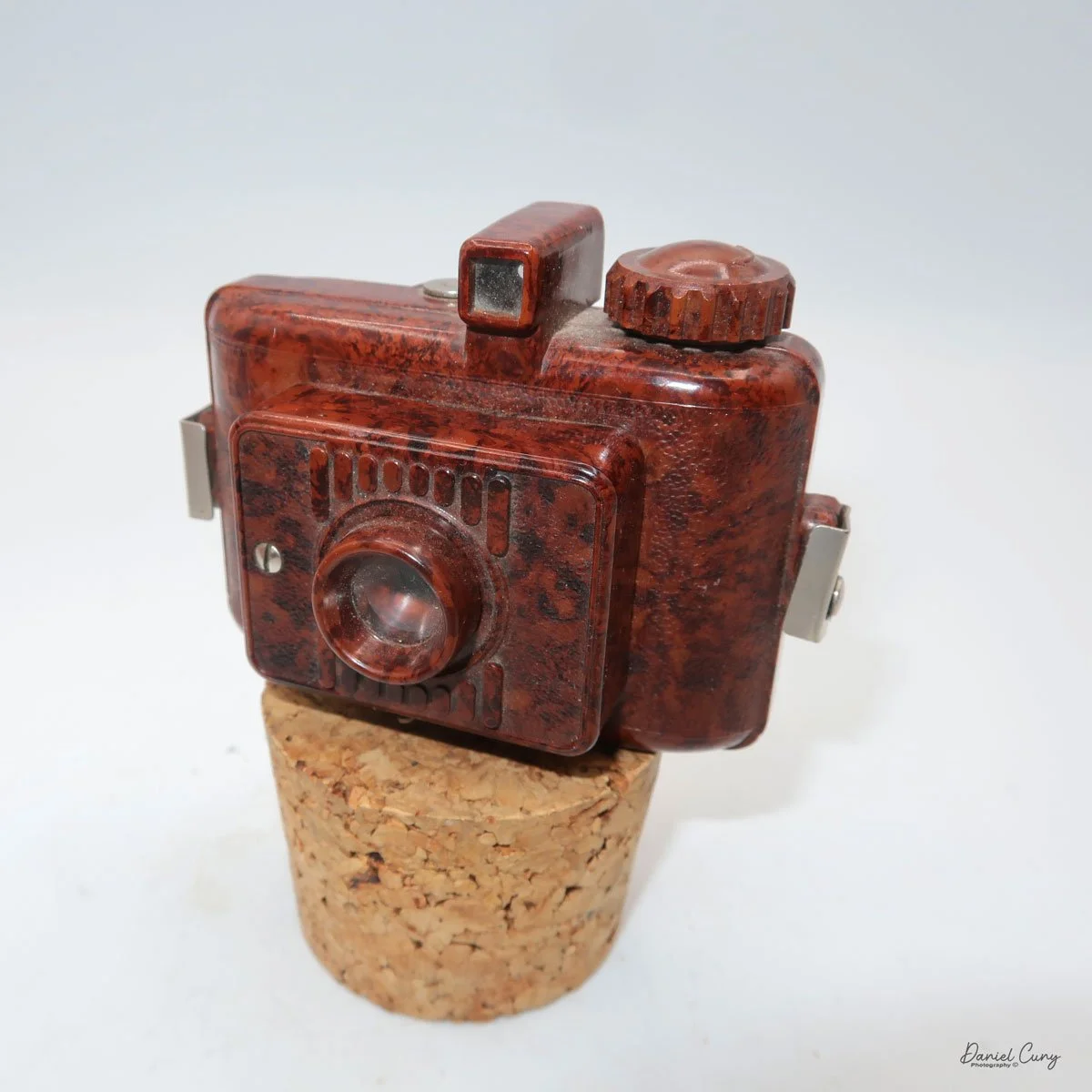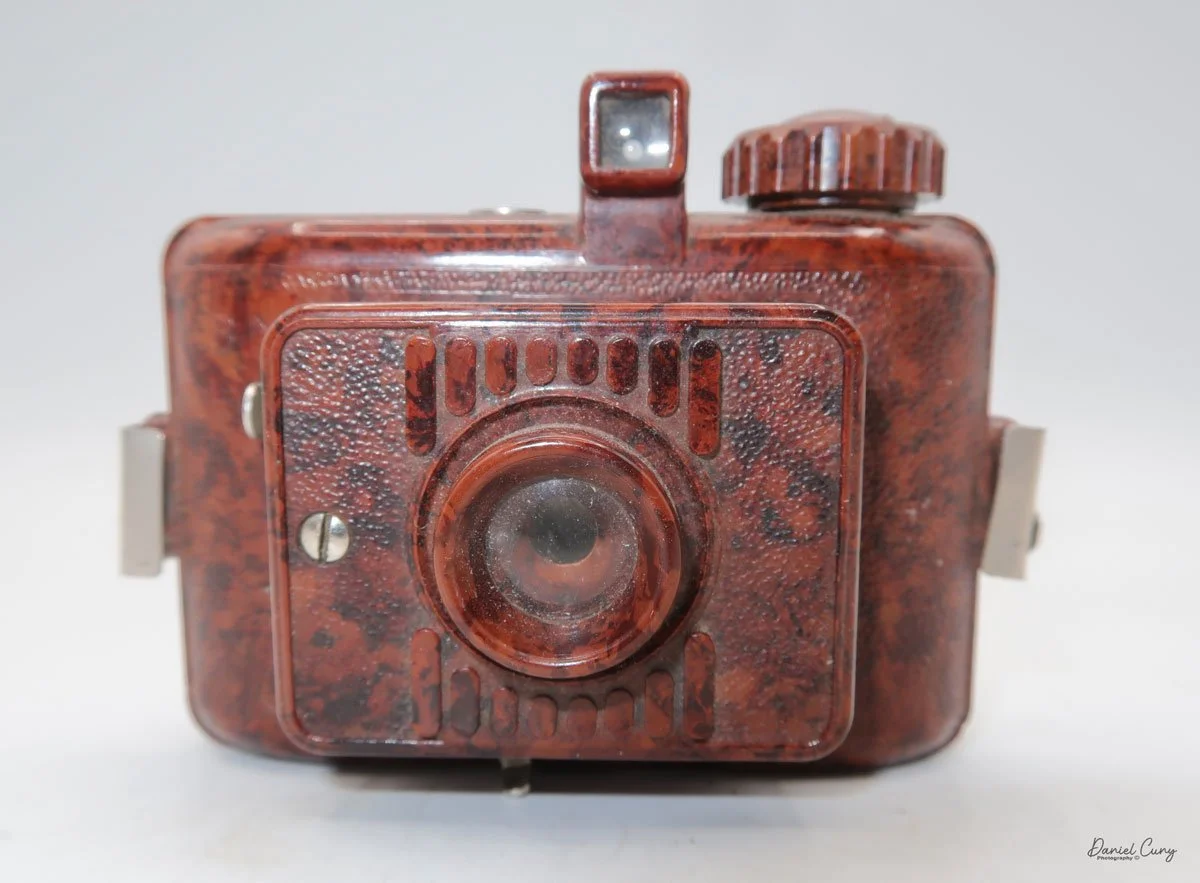
Sony Mavica MVC-FD5

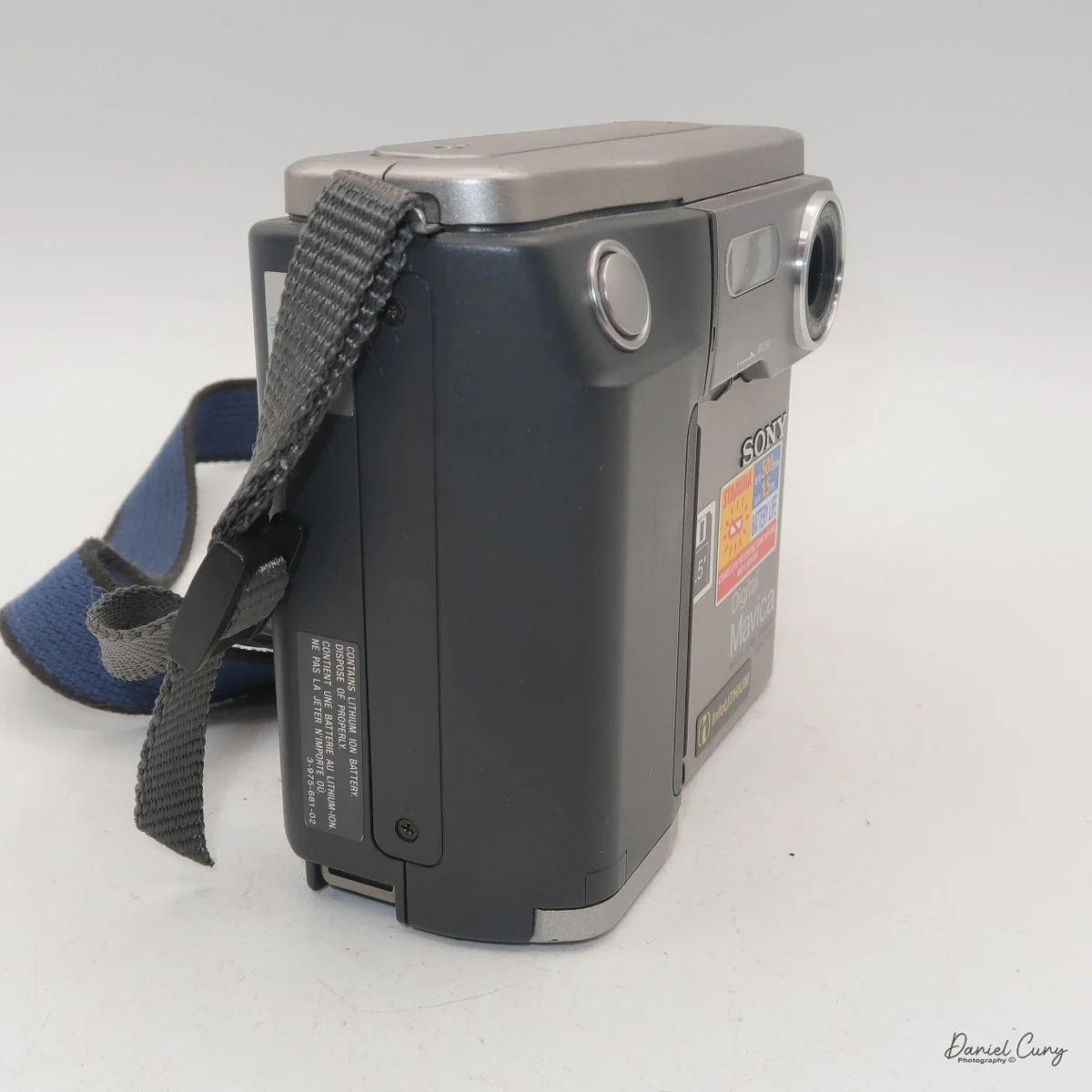
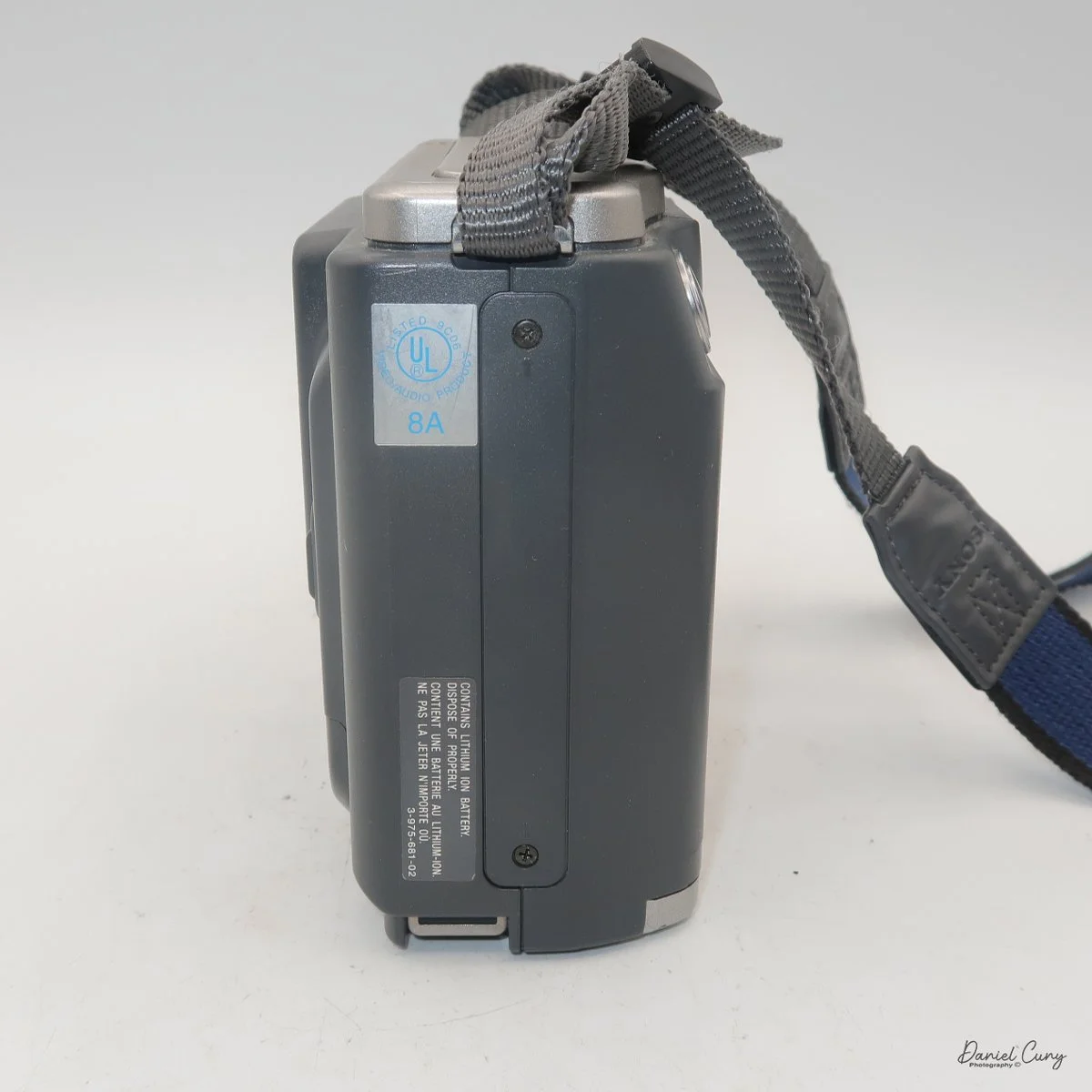
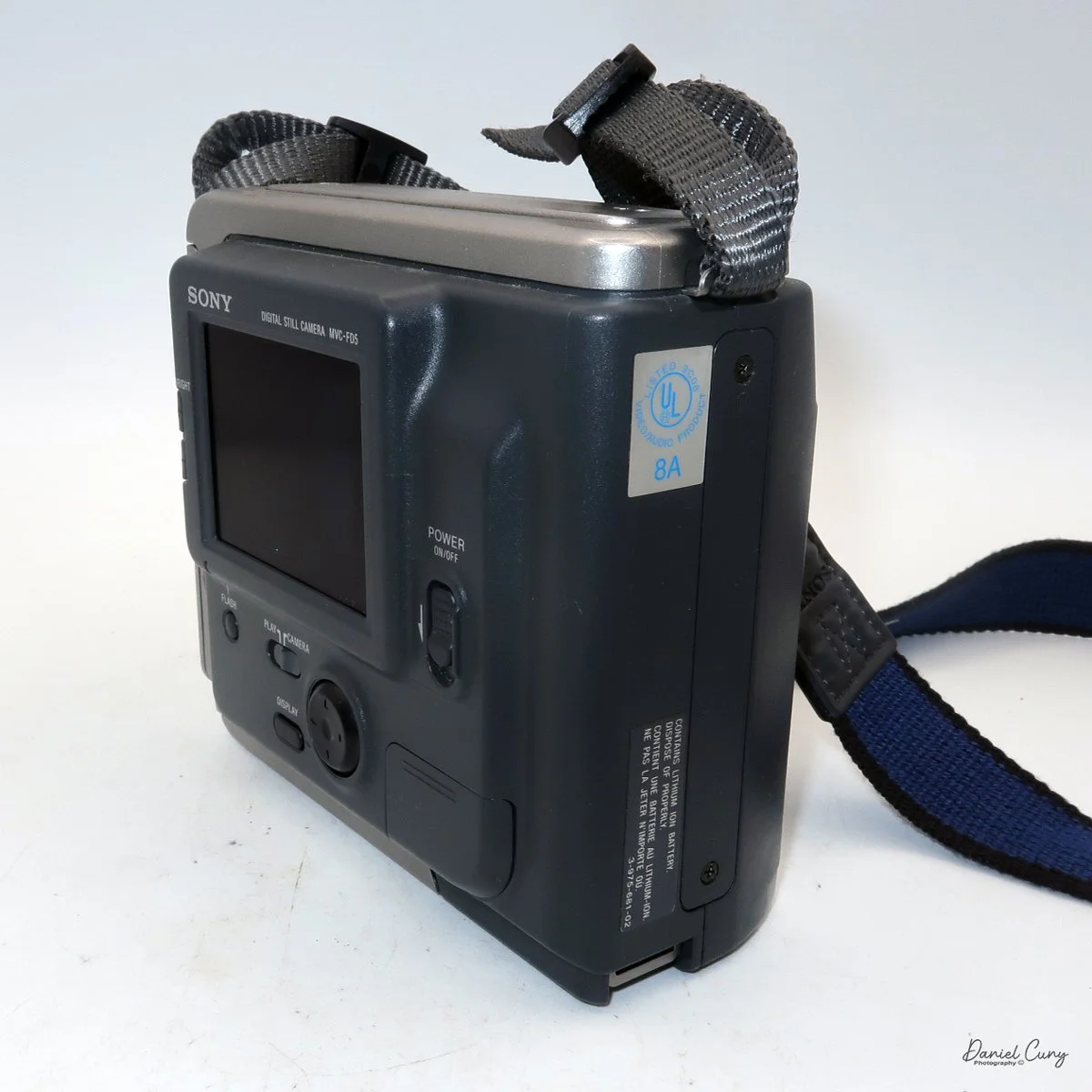
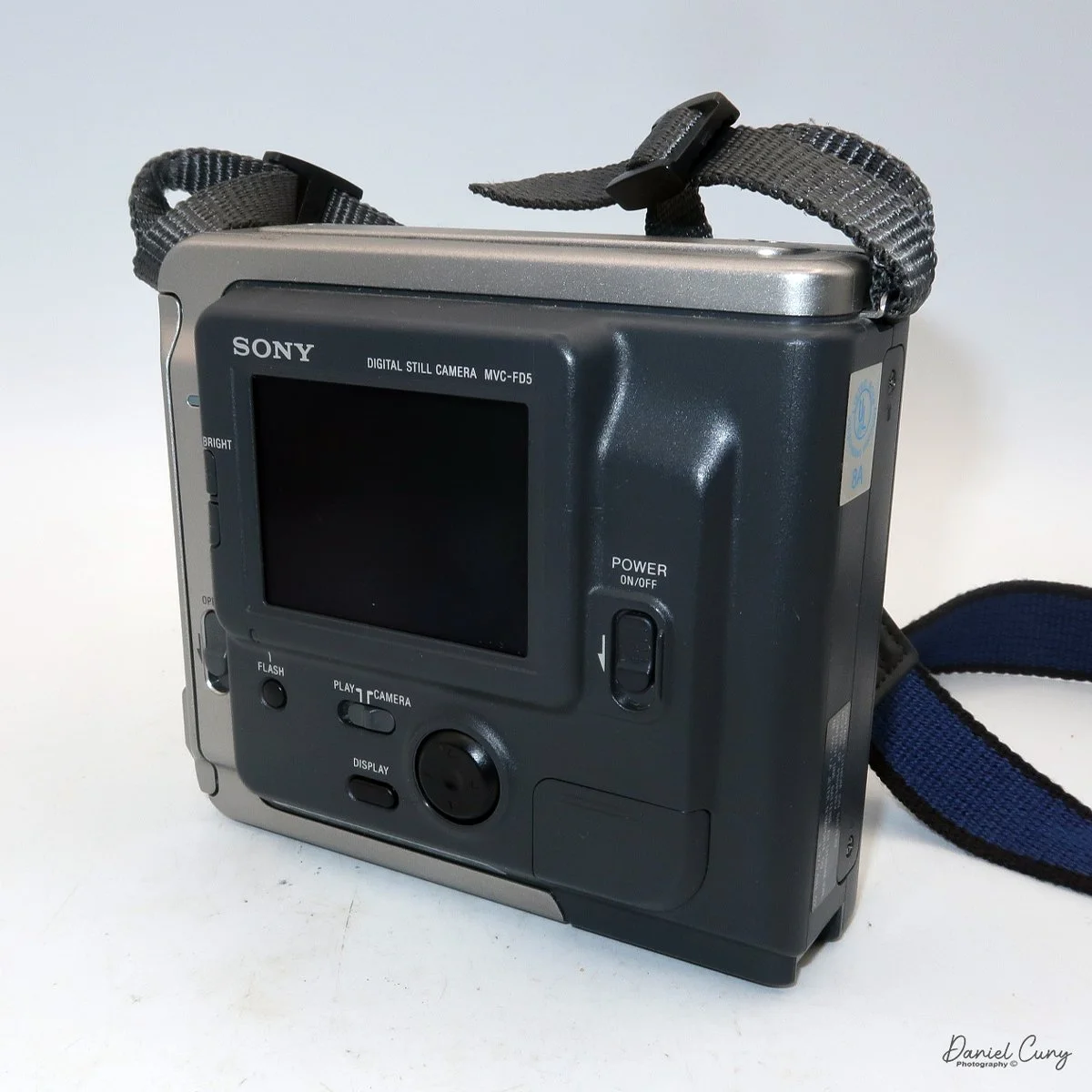
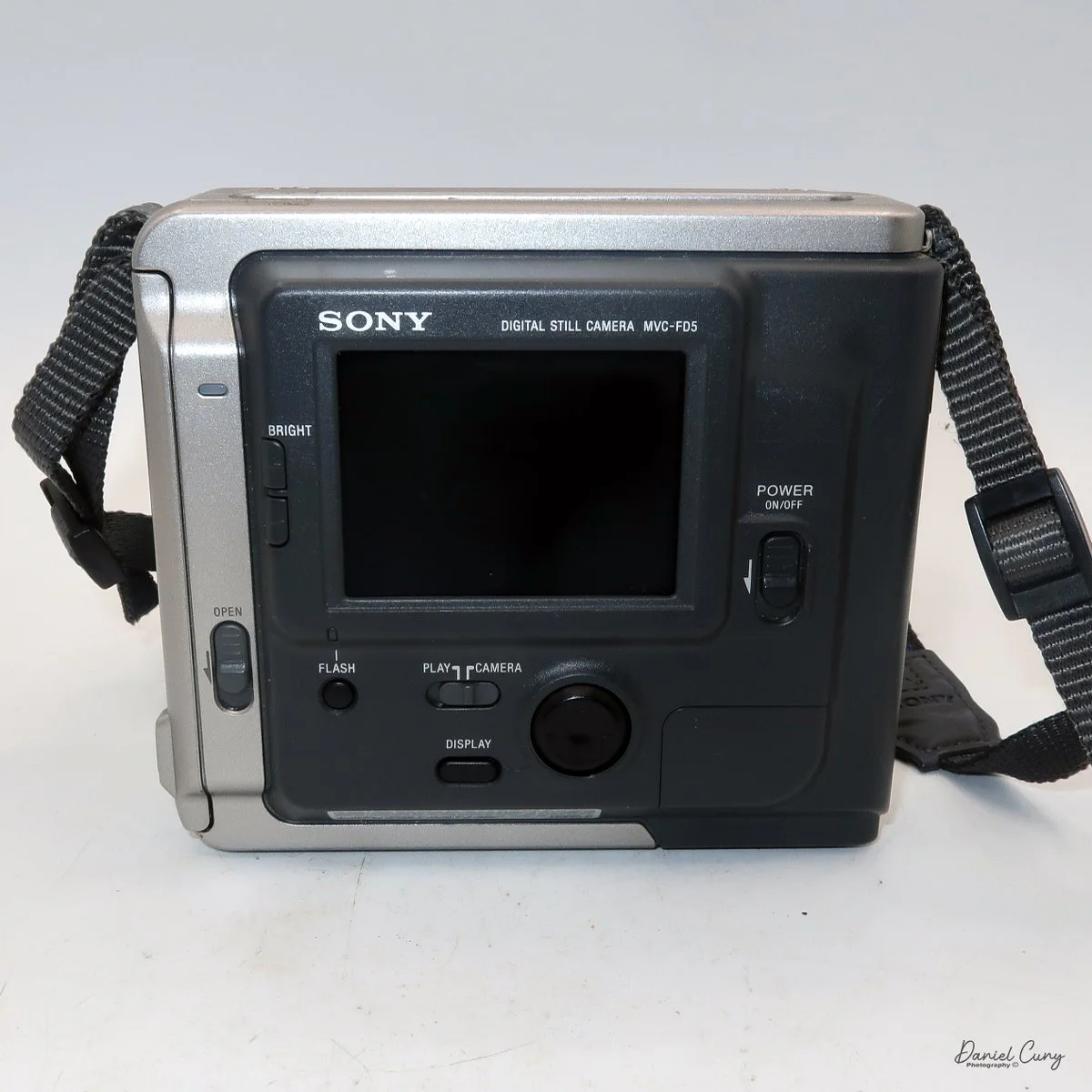
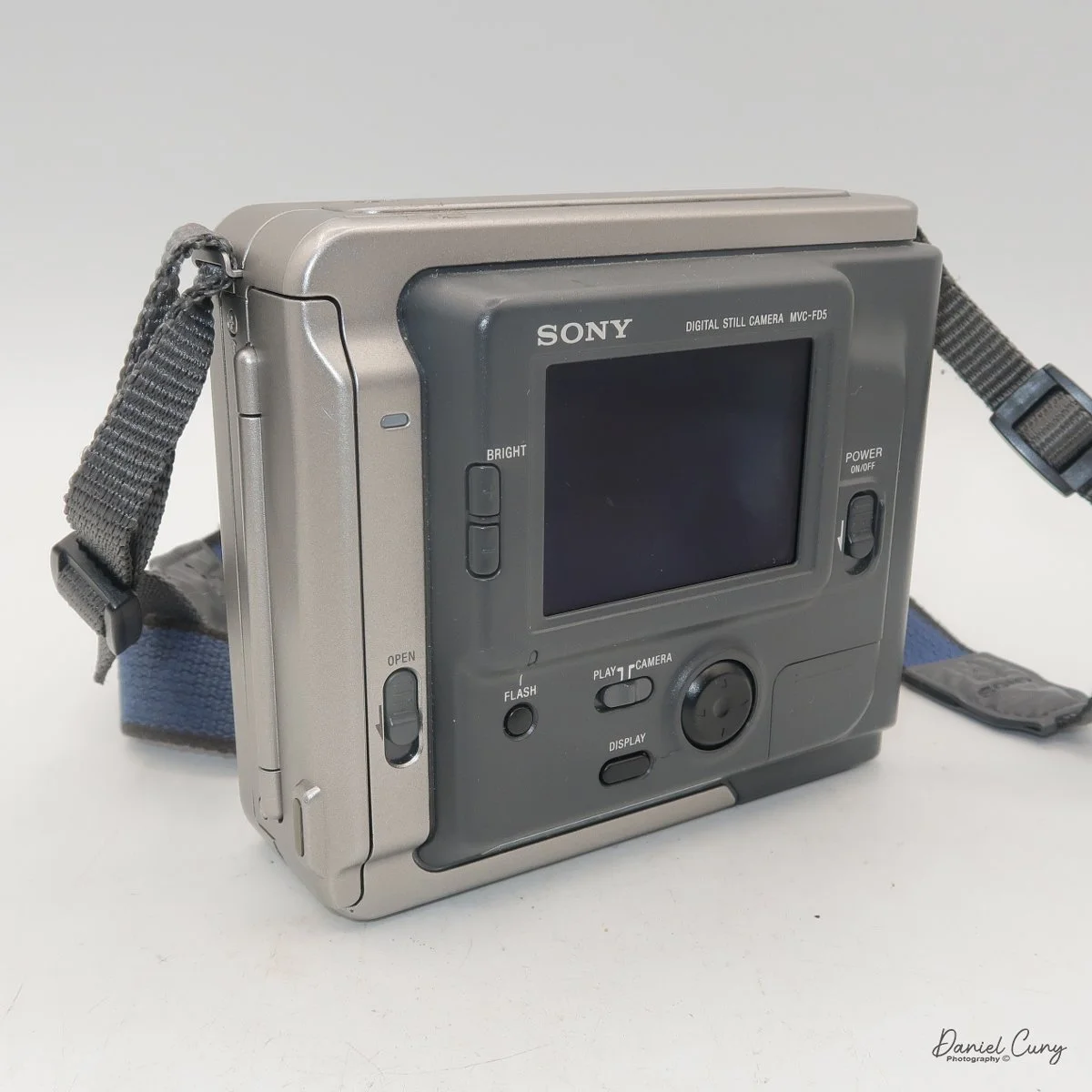
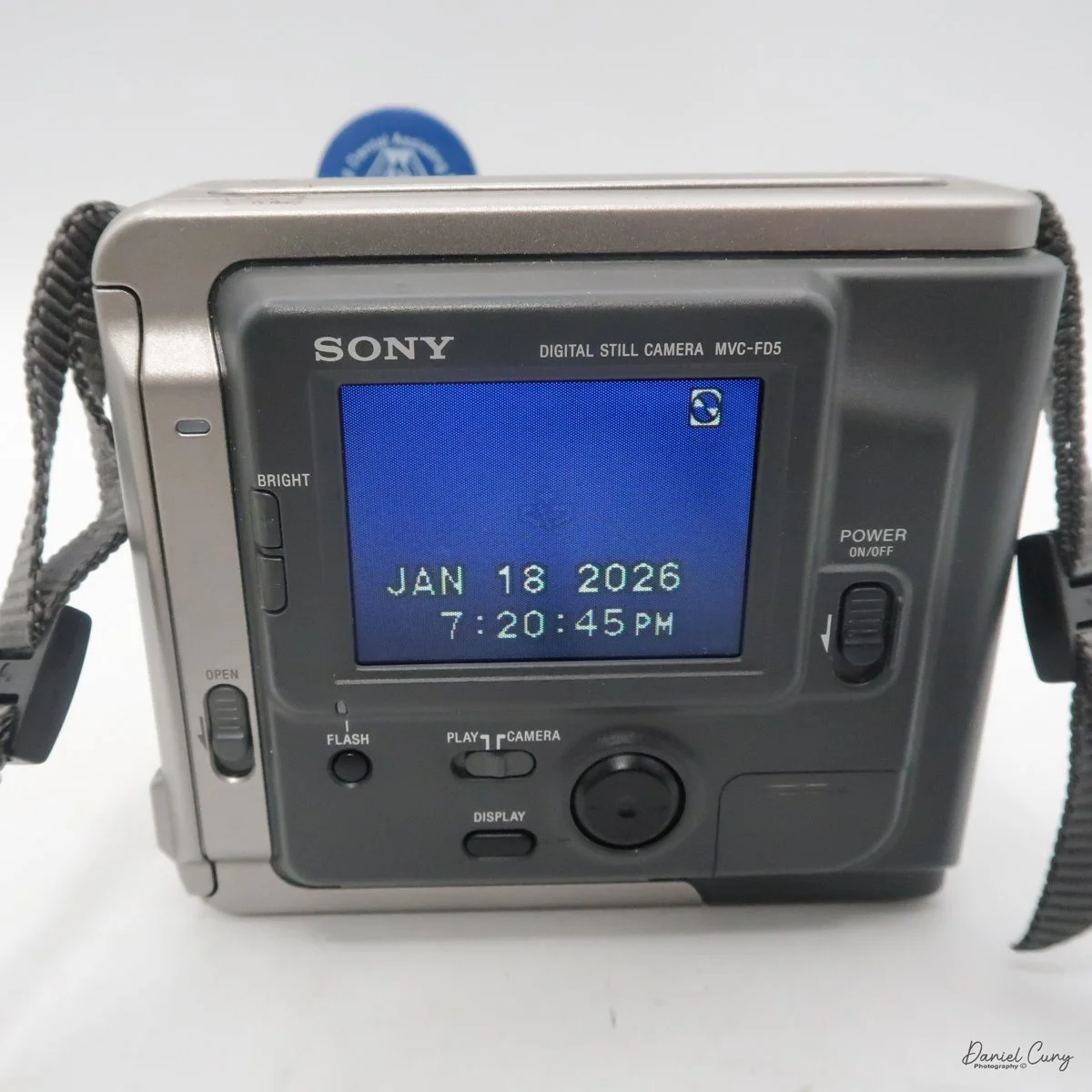
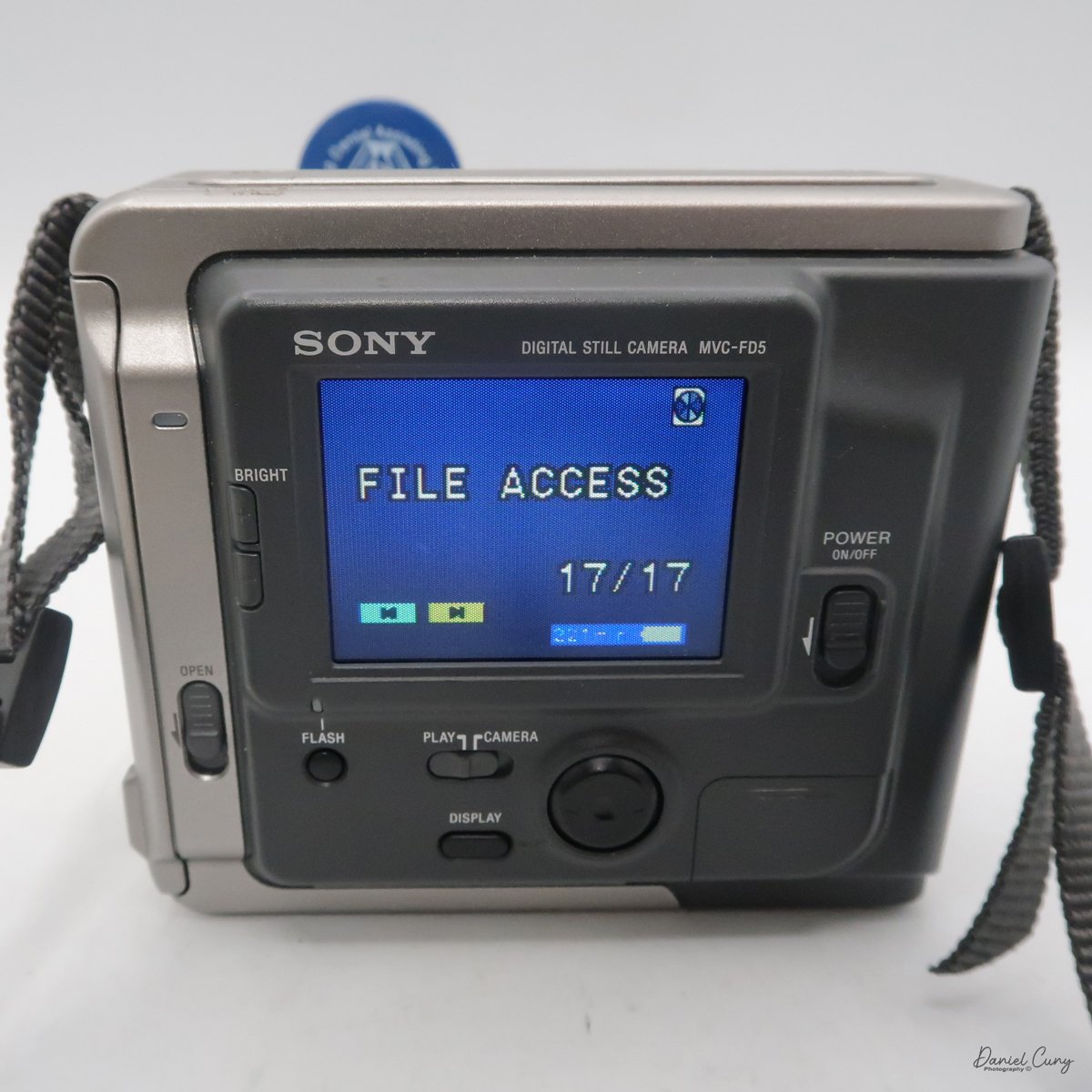
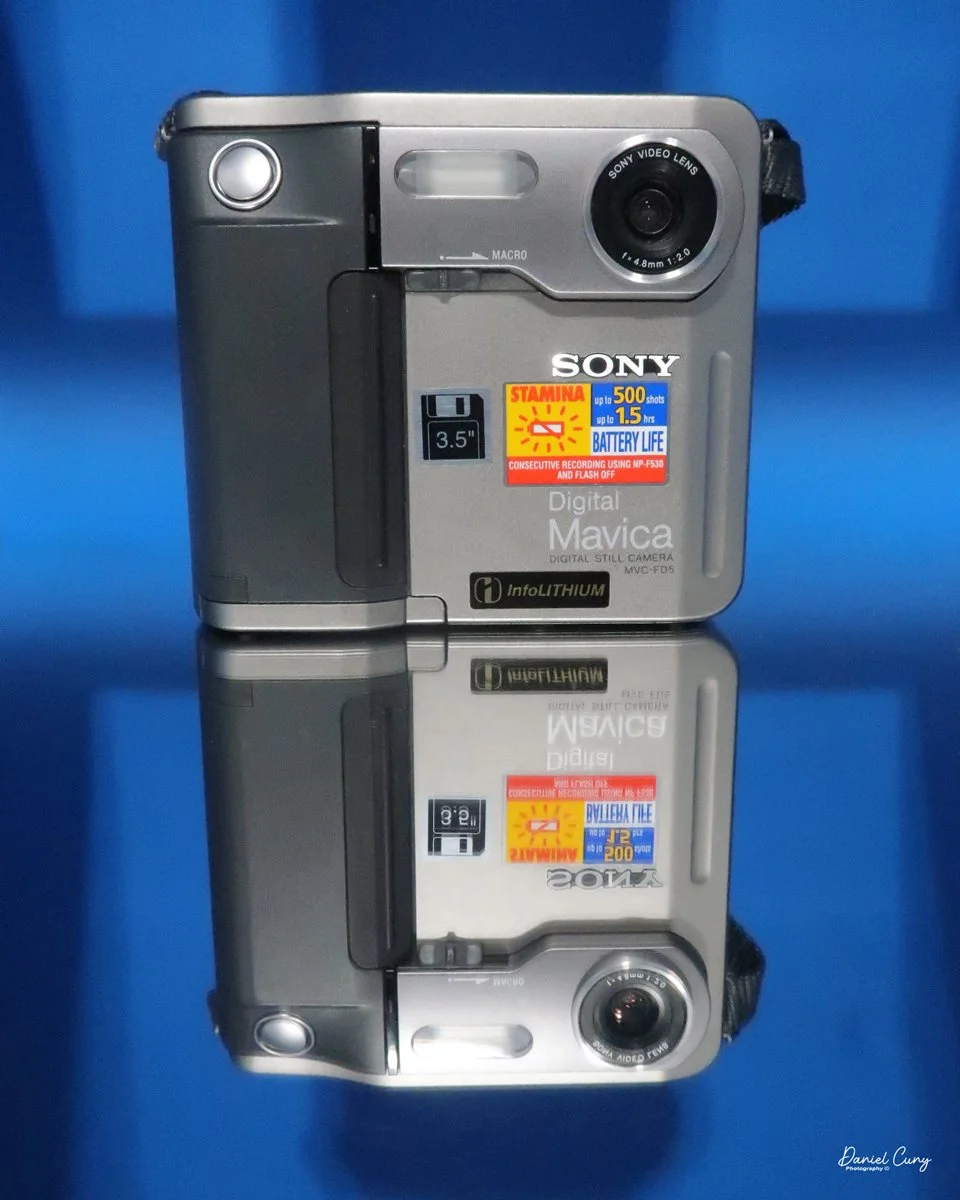
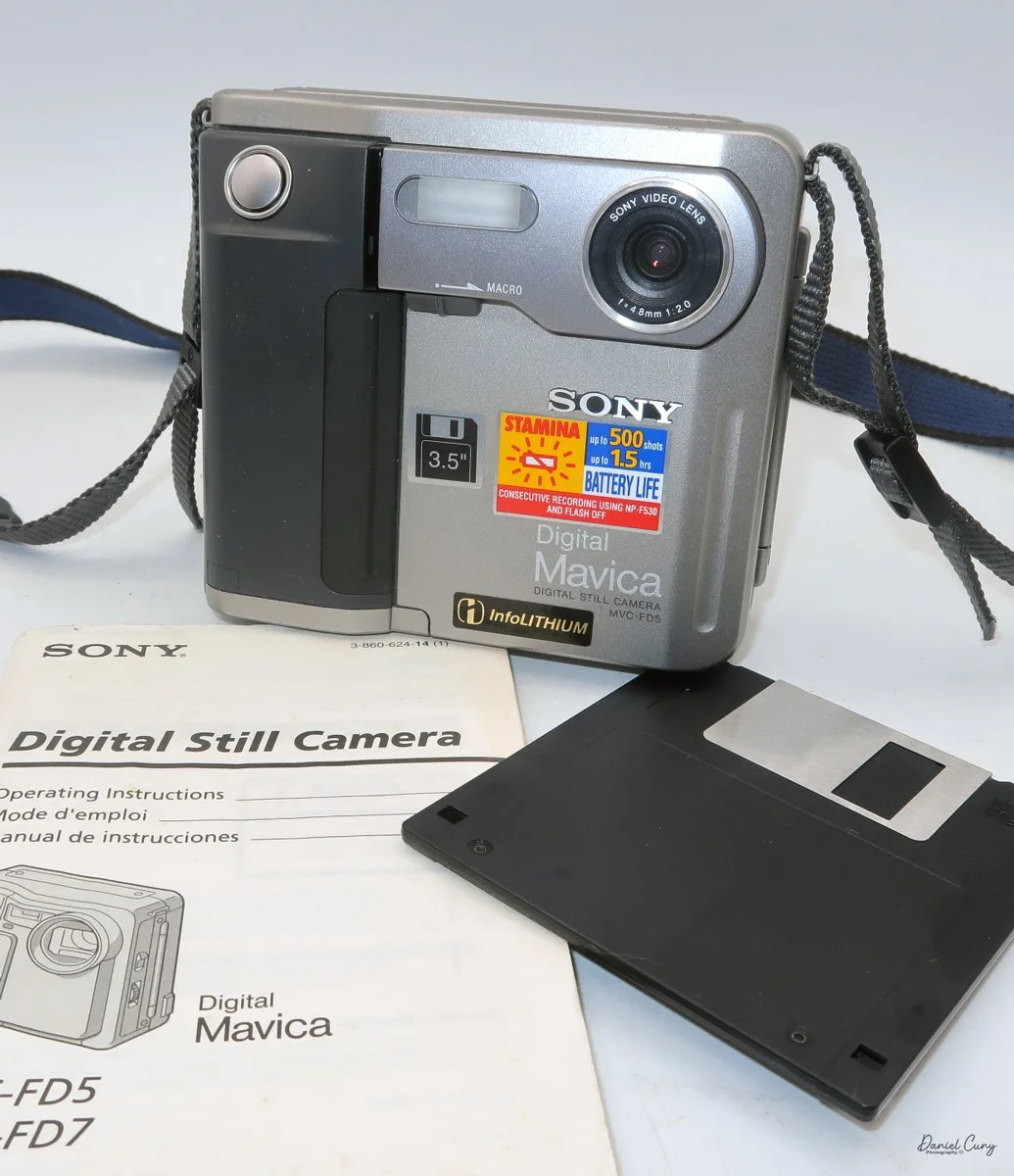
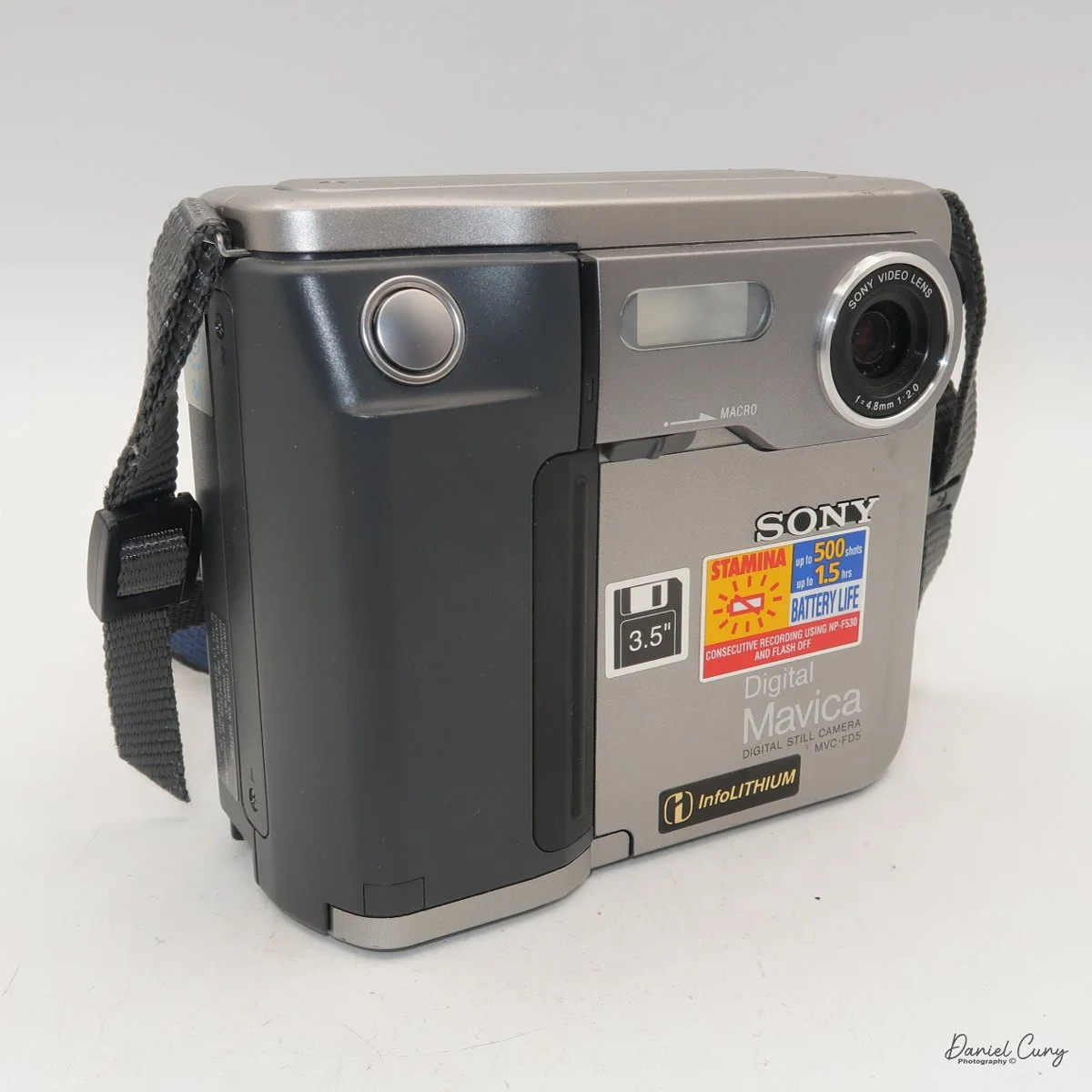
My Sony Maniac MVC-FD5 camera.

I started working in a retail camera shop way back in 1975. The store where I worked was dominated by non-professional photographers, with more of a consumer-based customer base. We sold a lot of film and processed a lot of film. At that time, the store where I worked had a good mix of simple cameras, such as the Kodak Instamatic, and some of the more basic Polaroid models of pack cameras. 

 But if you wandered over to the more professional side of the store, the cameras on that side of the store had Nikon F and Nikkormat, Minolta SRT series, Canon FTb, Pentax Spotmatic, mainly single-lens reflex and simpler rangefinder cameras were available. The market in our store didn't offer higher-end brands such as Leica, Hasselblad, or large-format brands like Sinar or Toyo.

My camera with floppy disk, and manual

 The owner of the camera shop was always looking at new technology and ways to set us apart from the other local camera stores. I still remember back in 1988, when we were introduced to "new technology" that didn't capture images on film. Still, it was a rather small 2" floppy disk. The odd thing about this new revolutionary camera was that it didn't come from a "regular" camera company, but from the major consumer electronics firm from Japan, Sony. At that time, Sony was known to most Americans for their radios, televisions, and other electronics.

 The camera was named the Mavica (magnetic video camera) MVC-C1 which was a consumer based camera which was flat shaped, that fit well in your hand, and held a 2" floppy disk called the Mavipak. At the time, these were what we consider "digital images", but rather Still Video Images recorded onto the floppy disk, and intended to be played back on your television. You could record up to fifty images on the Mavipak. Once the images were taken, you'd connect the camera to your television using the MAP-T1 adapter and display the images on the television screen.

 In December 1988, Canon introduced a similar camera, the XapShop. It too was a similar-shaped camera that captured still video images on a 2" floppy disk. While both cameras were making a splash in the market, it wasn't until early 1989 that the Sony MVC-C1 became readily available to consumers.

 At the time, the idea of capturing images on a floppy disk was odd, and the image quality was poor. Also, when the camera was introduced, it had a hefty price of $650.00 for the Sony and a similar price for the Canon XapShot kit, which, for our consumer-based market, was a steep purchase.

 Still, the owner of the camera stores thought well enough of the cameras that we picked up a few of both the Sony and Canon lines of still video cameras, and for a while, we did well selling them to the early adopters in the community. These were the same people who had early Motorola mobile phones.

Sony Digital History:

 Sony's ascent to the top of the digital imaging world didn't happen overnight; it was the result of decades of transition from analog video heritage to high-resolution silicon. While many associate the "digital revolution" with the late 90s, Sony's groundwork began much earlier with a device that wasn't technically digital, but fundamentally changed how we perceived photography.

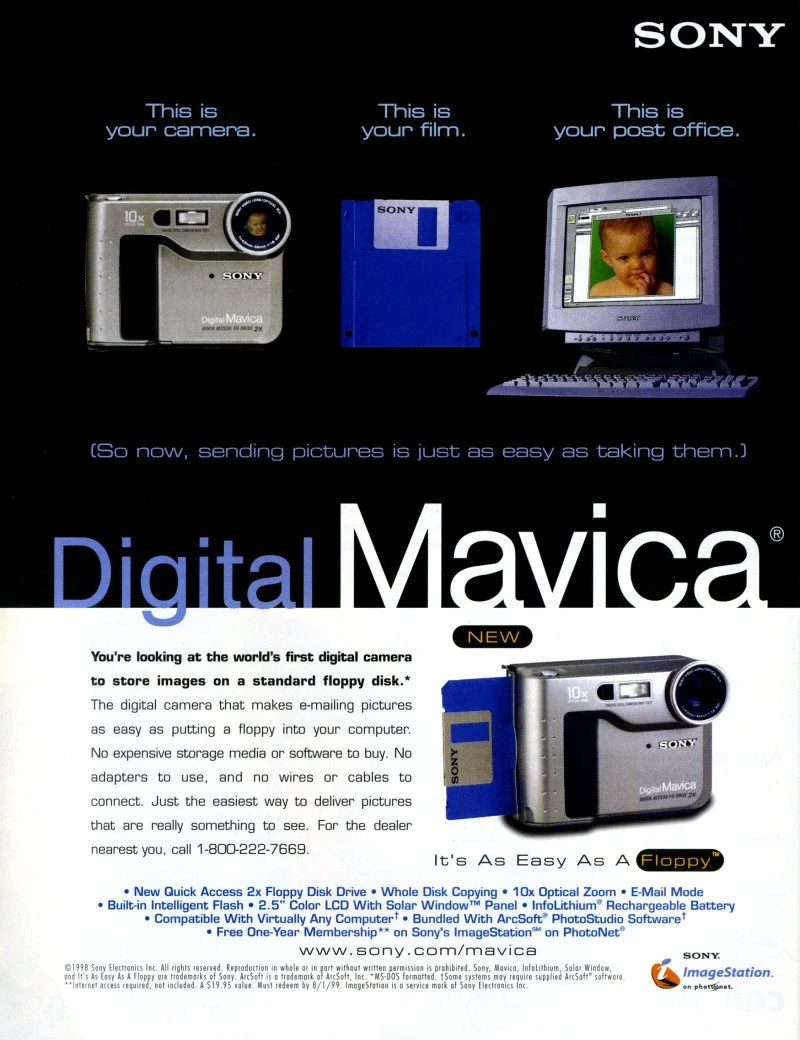
Sony Mavica advertisement.

 In 1981, Sony unveiled the Mavica (Magnetic Video Camera). It is often cited as the spark for the digital revolution, though it was actually a "still video" camera. Instead of film, it recorded analog signals onto a proprietary 2-inch floppy disk called the "Mavipak." While the resolution was equivalent to just 0.28 megapixels and intended for television viewing, it proved that the industry could move away from chemical processing toward instant gratification.

 It wasn't until the late 1980s and early 1990s that Sony moved into fully digital territory. In 1988, they introduced the MVC-C1, the first Mavica aimed at consumers. However, the real breakthrough for the masses arrived in 1996 with the Cyber-shot DSC-F1. This camera featured a distinctive swiveling lens, a built-in flash, and a 1.8-inch color LCD screen—a luxury at the time. It utilized a 0.35-megapixel CCD sensor and marked the birth of the "Cyber-shot" brand, which would dominate the point-and-shoot market for the next two decades.

 In 1997, Sony released the Digital Mavica MVC-FD5 and FD7. These were iconic because they used standard 3.5-inch floppy disks as storage media. While competitors were struggling with expensive, proprietary cables and software, Sony users could pop their disk into any PC and view their photos instantly. This ease of use allowed Sony to capture roughly 40% of the digital camera market by the end of the 1990s.

 As the 2000s began, Sony pivoted from a gadget manufacturer to a serious contender in the optics market. By acquiring Konica Minolta's camera business in 2006, Sony gained the mechanical "know-how" of traditional SLR systems. This led to the birth of the Alpha series.

From the experimental Mavica to the launch of the first full-frame mirrorless systems, Sony's beginning was defined by a willingness to abandon tradition in favor of electronic innovation. They didn't just join the camera industry; they forced it to go digital.

My Camera:

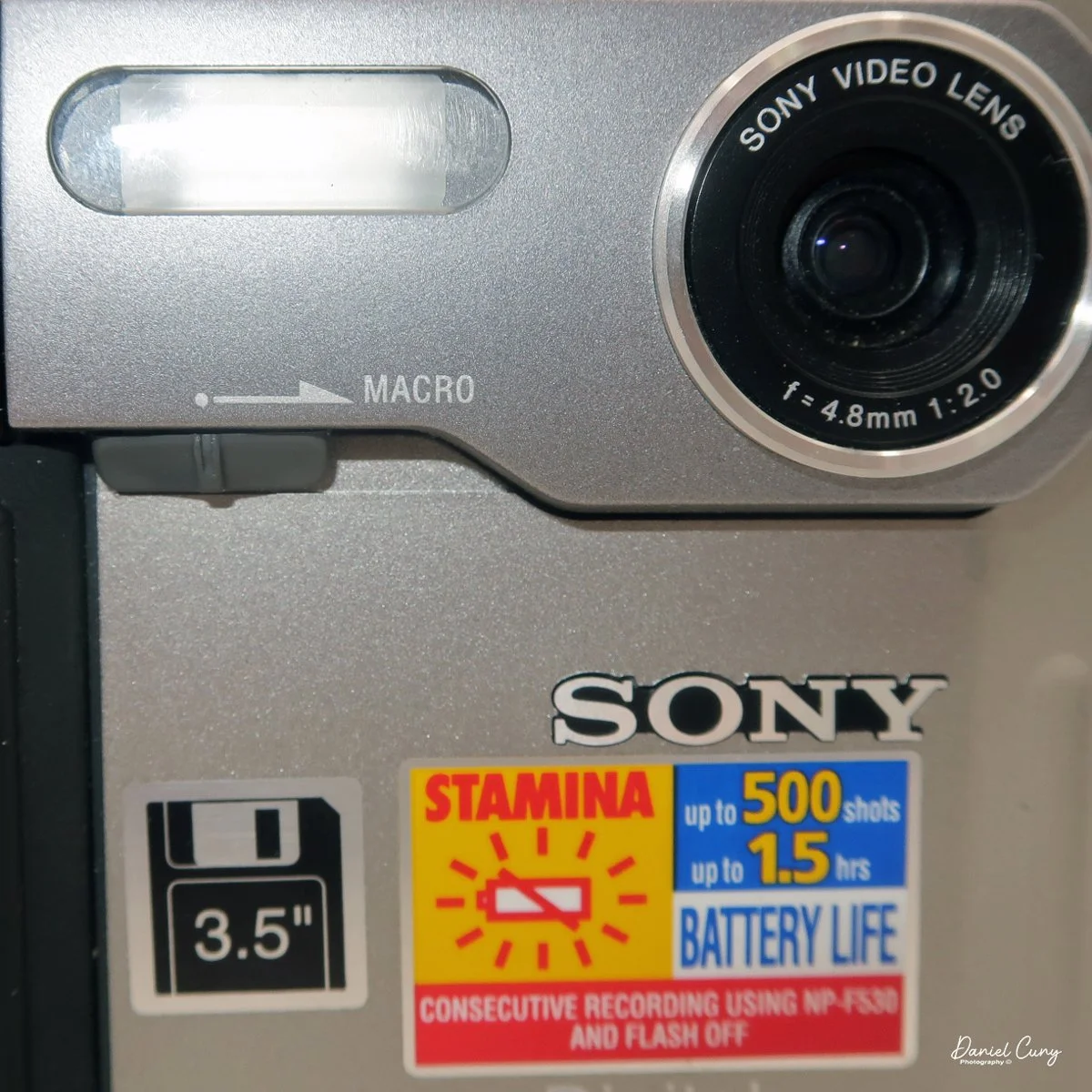
 My Sony Mavica MVC-FD5 was introduced in late 1997 or early 1998. It's a fairly large camera, measuring 5" wide by 4.25" tall by 2" deep, and it weighs 1 pound, 5.7 ounces with the battery, strap, and a 3.5" floppy disk installed. The camera has a 4.8mm F/2.0 lens, equivalent to a 47mm lens on a 35mm camera. The camera is a fixed focus camera and in normal mode will focus to approximately 4' from the lens. The camera does have a macro lens. Under the flash, there is a sliding bar you slide to put the camera in macro mode; then the focus distance is 3"-9" from the lens surface. 

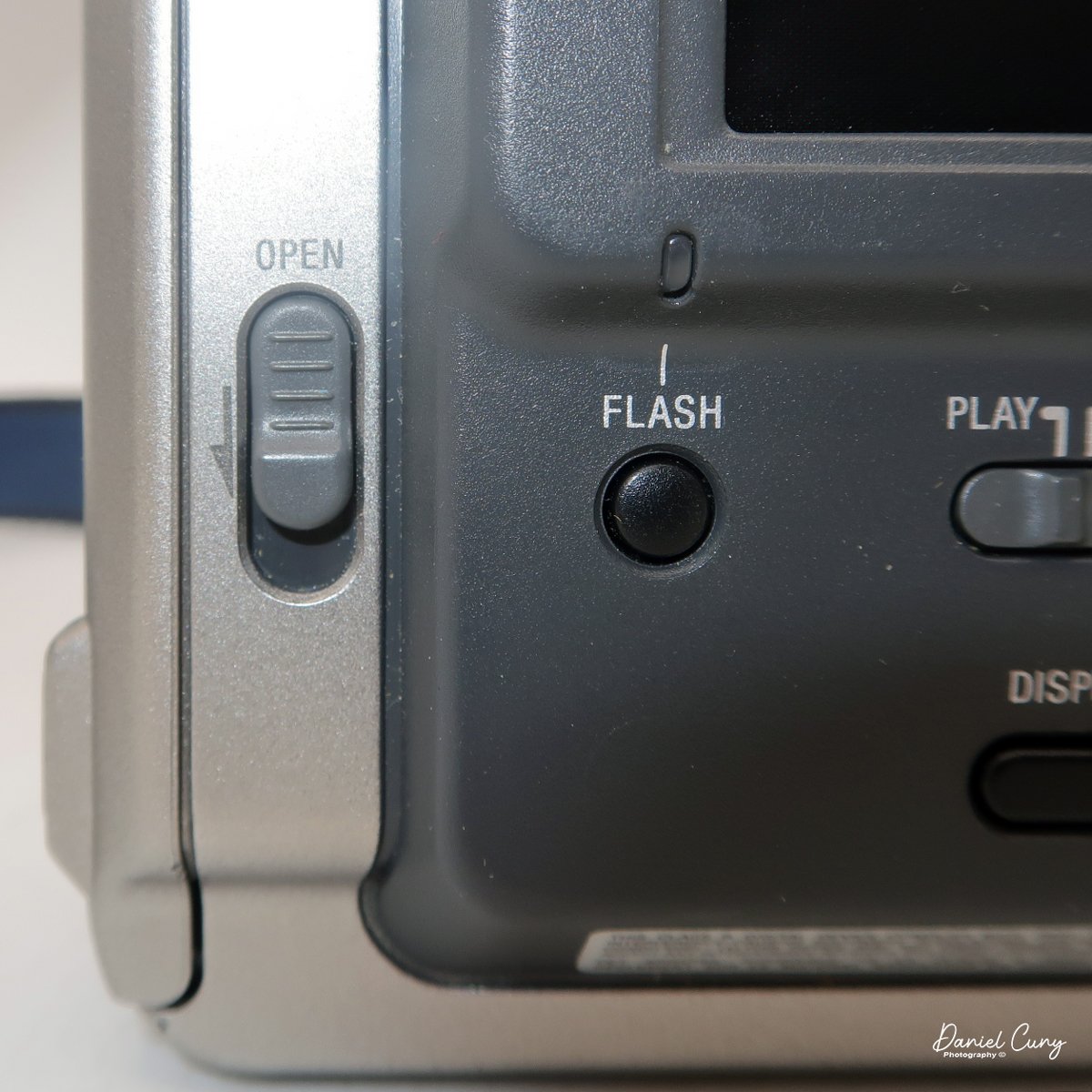
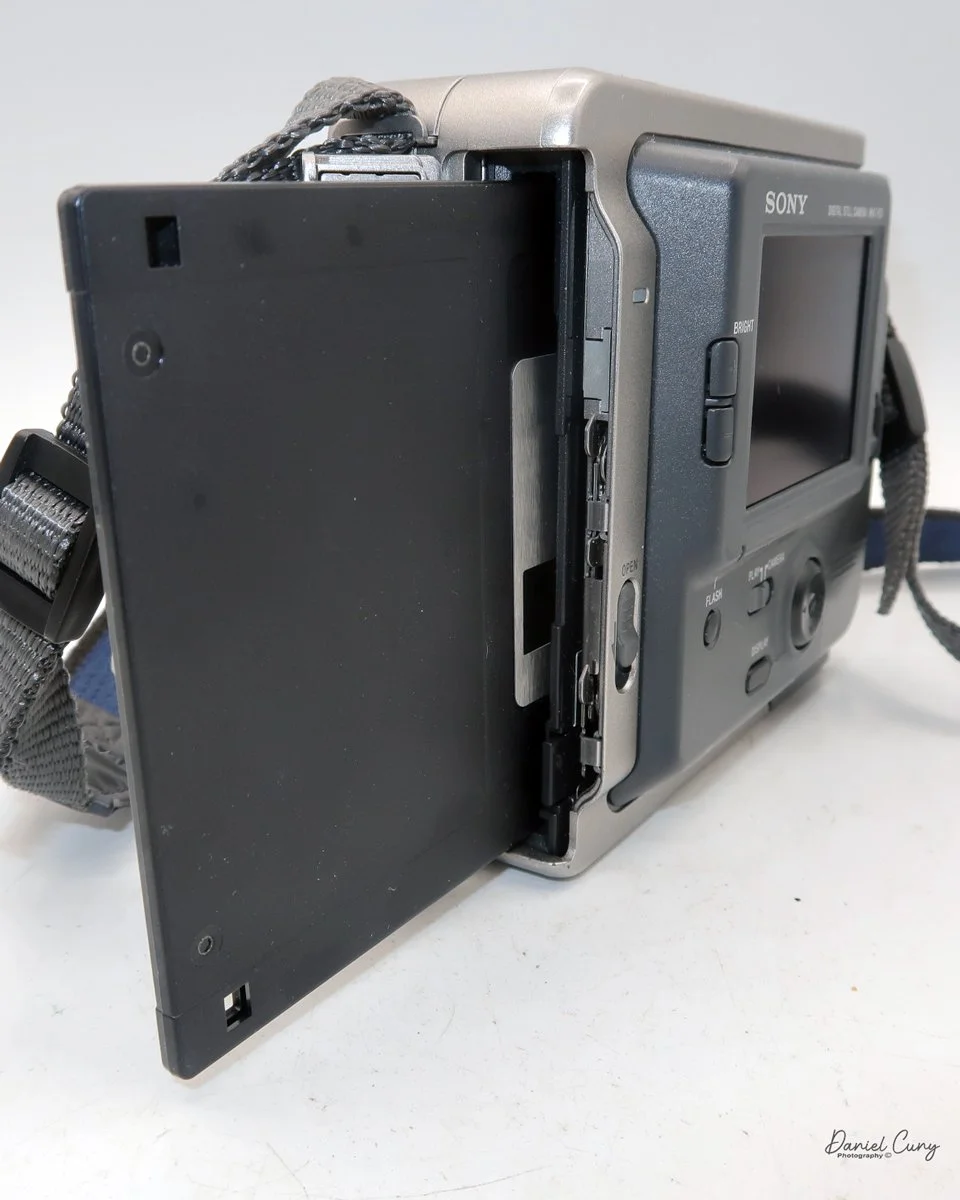
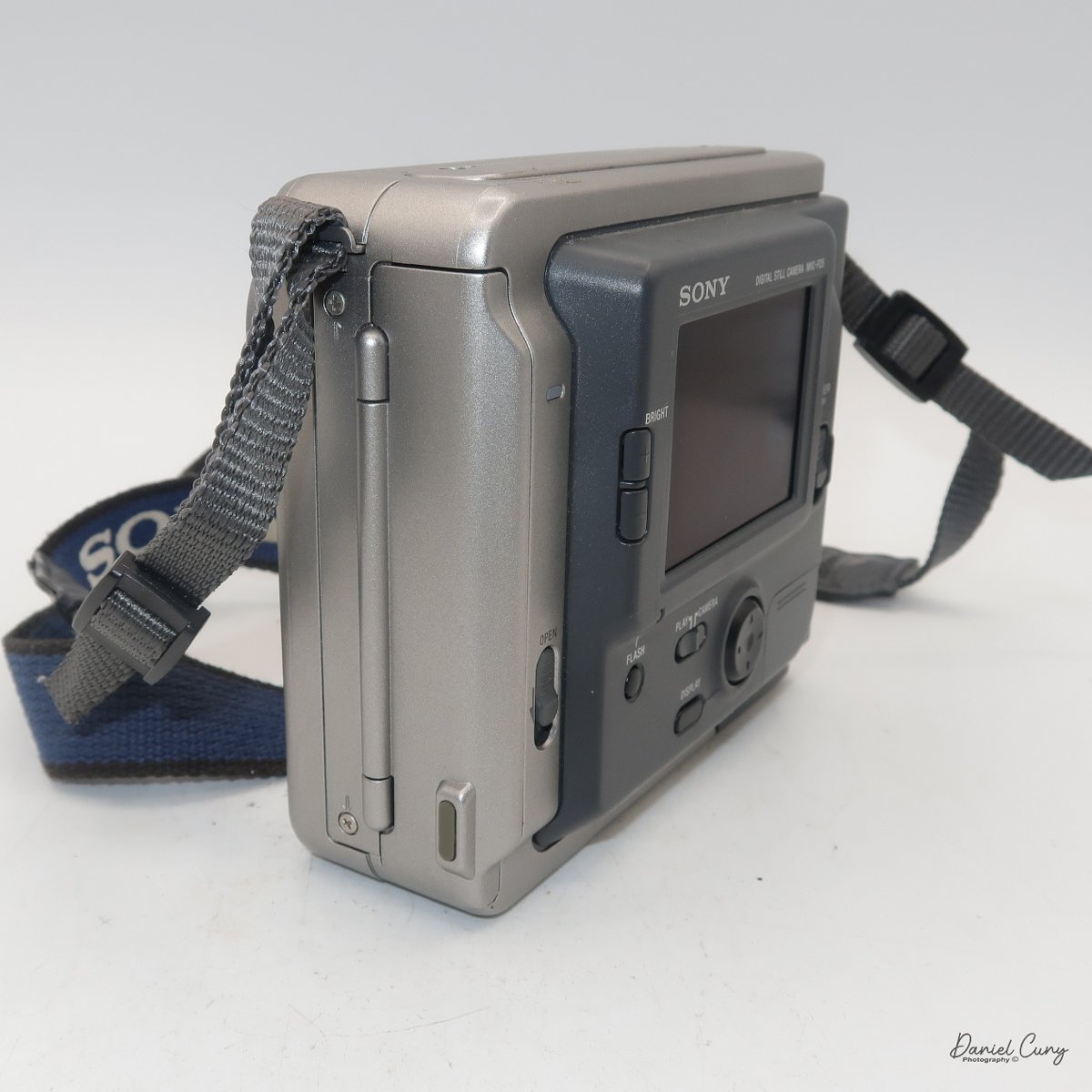
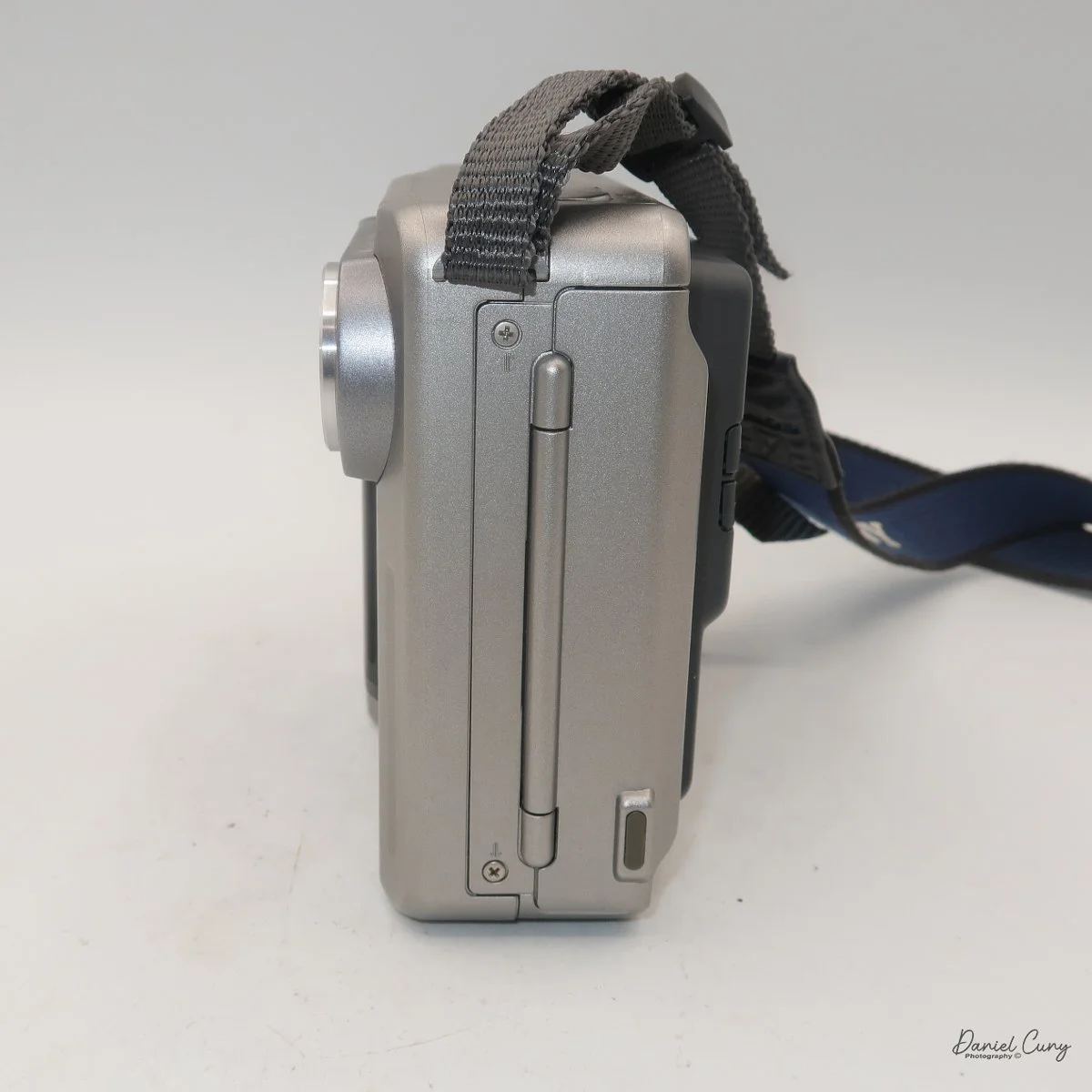
The images are recorded onto a standard 3.5" floppy disk (1.44mb) which is inserted into the camera through a door on the left side of the camera. On the back of the camera, in the lower left corner is a switch which says, "open". Sliding the button down, opens the door where you insert the 3.5" floppy disk. To remove the disk, press the button inside the disk's door, and the floppy will be ejected. 

 The camera records images at 640 x 480 resolution in JPEG format and has two shooting modes: Standard and Fine. Each floppy disk will hold 30-40 standard images or 15-20 fine images.

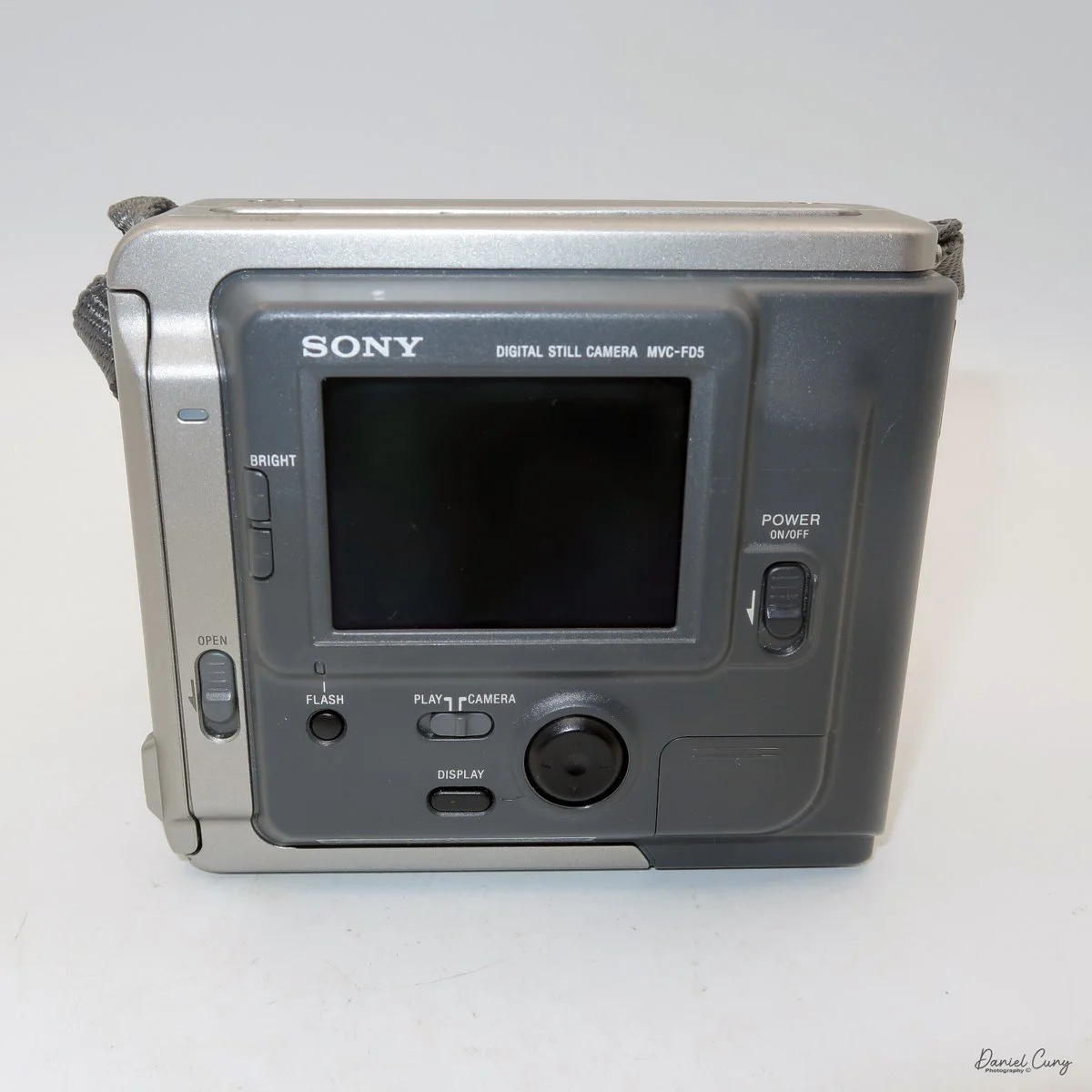
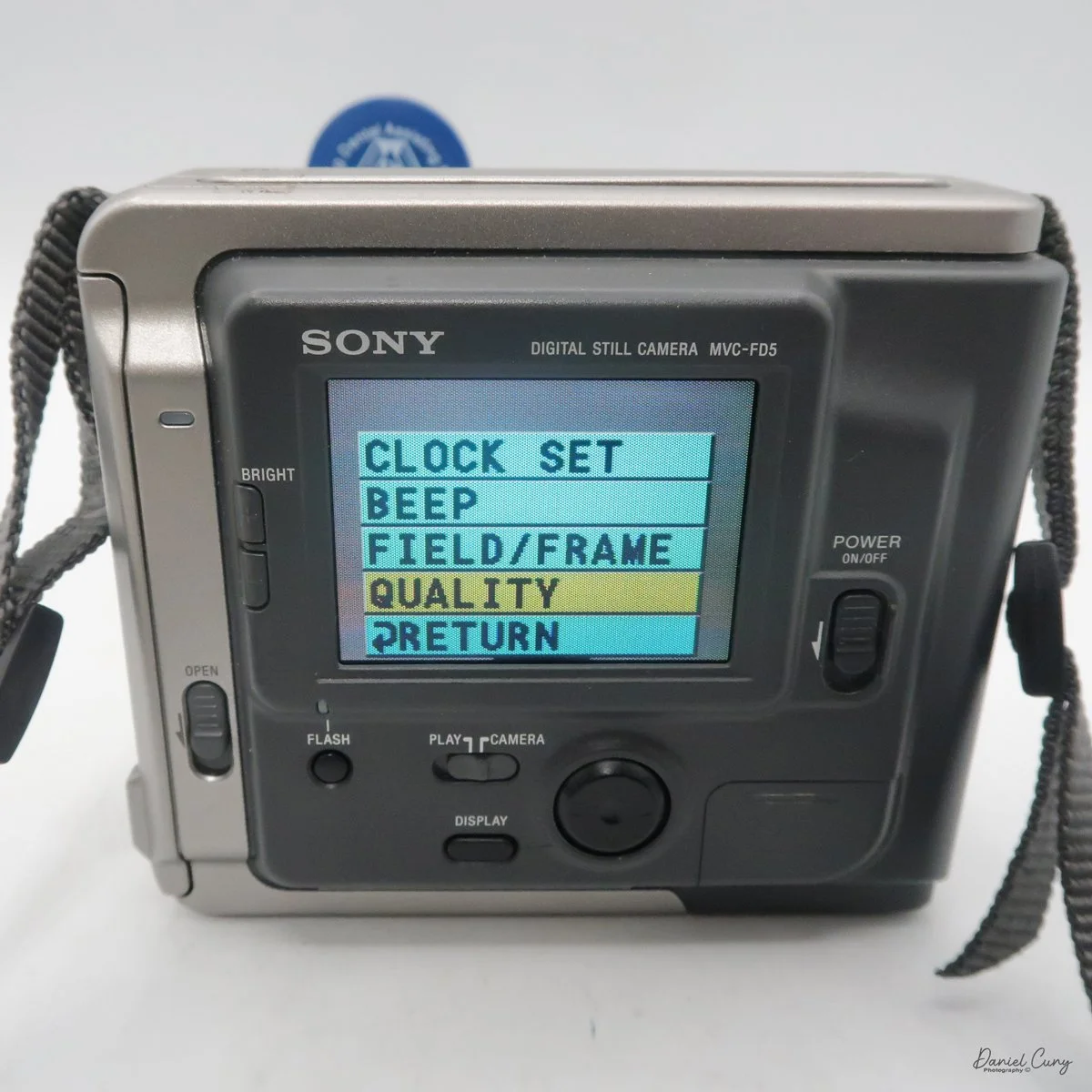
All the controls on the Sony Mavica MVC-FD5 camera are located on the back. The controls are around the main 2.5" screen, which has a total of 61380 dots. Once the camera is turned on, which is done by a sliding switch to the right of the screen, named "power on/off". Slide the switch down to turn the camera on, and to shut it off, slide it down again.

It's very interesting, and something I didn't remember from owning this camera soon after it came out in the late 1990s. Still, once you turn the camera "on, and there's a floppy disk in the camera, you'll hear a noise of the internal disk drive spinning and making sounds because the camera is checking the disk, making sure it's seated correctly and can write to it. It's also the sound you hear when you switch the button on the back of the camera from "play" to "camera," or vice versa, as the camera spins the disk to read images or prepare to accept them. It also makes a sound when in "play" mode, as you go from one image to another. Here's a short video of turning on the camera and taking a photo.

Video showing the camera being powered on and the time to record an image with camera sounds.

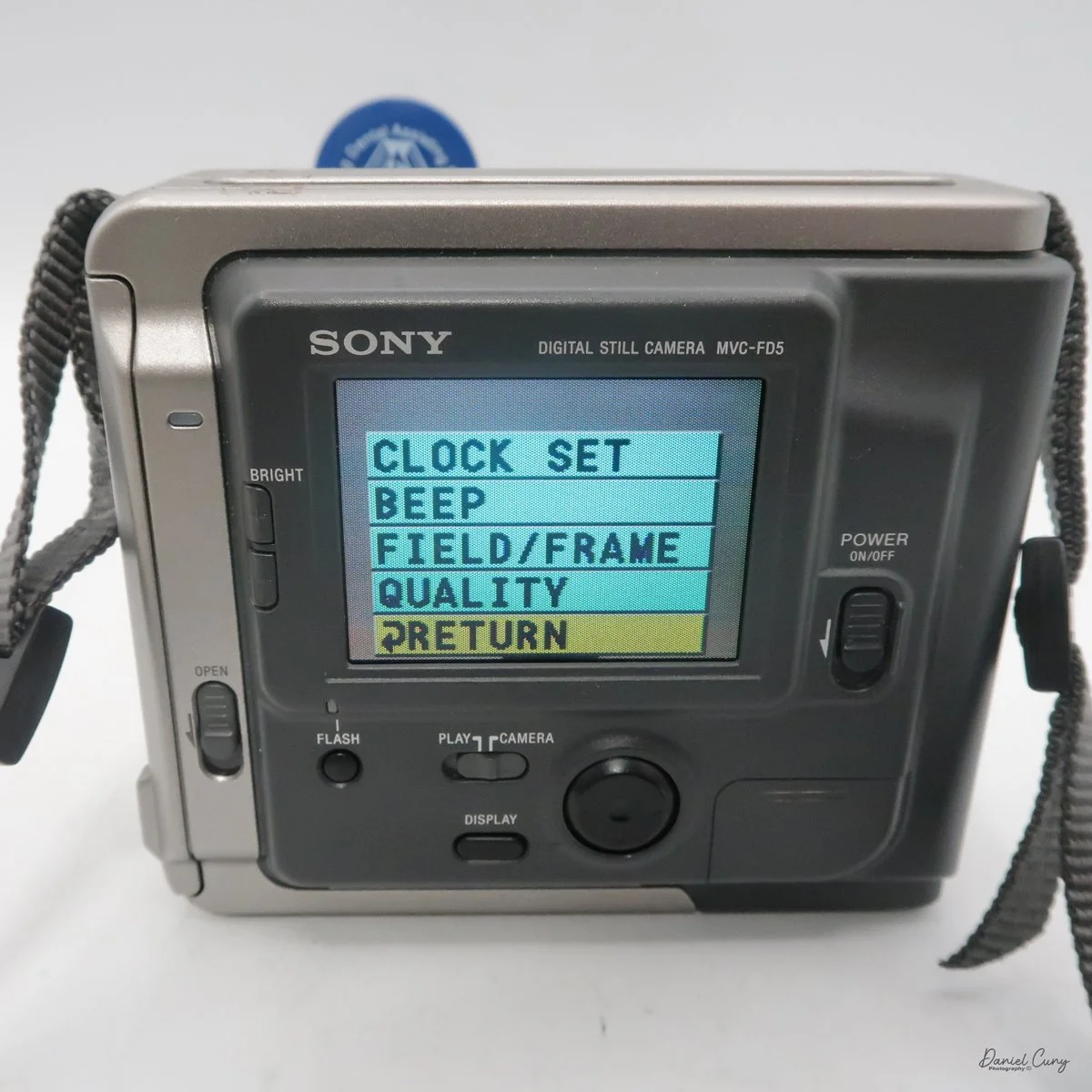
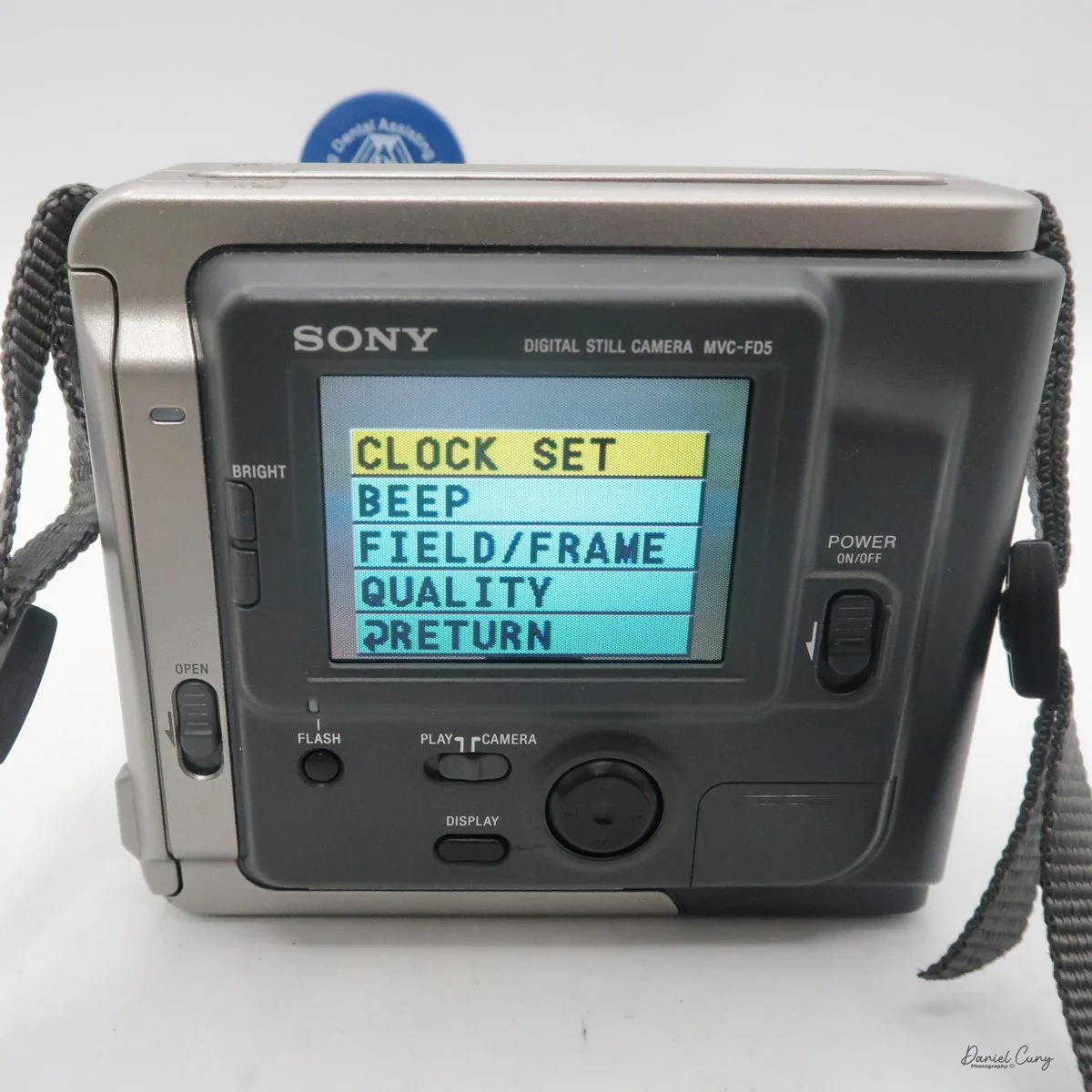
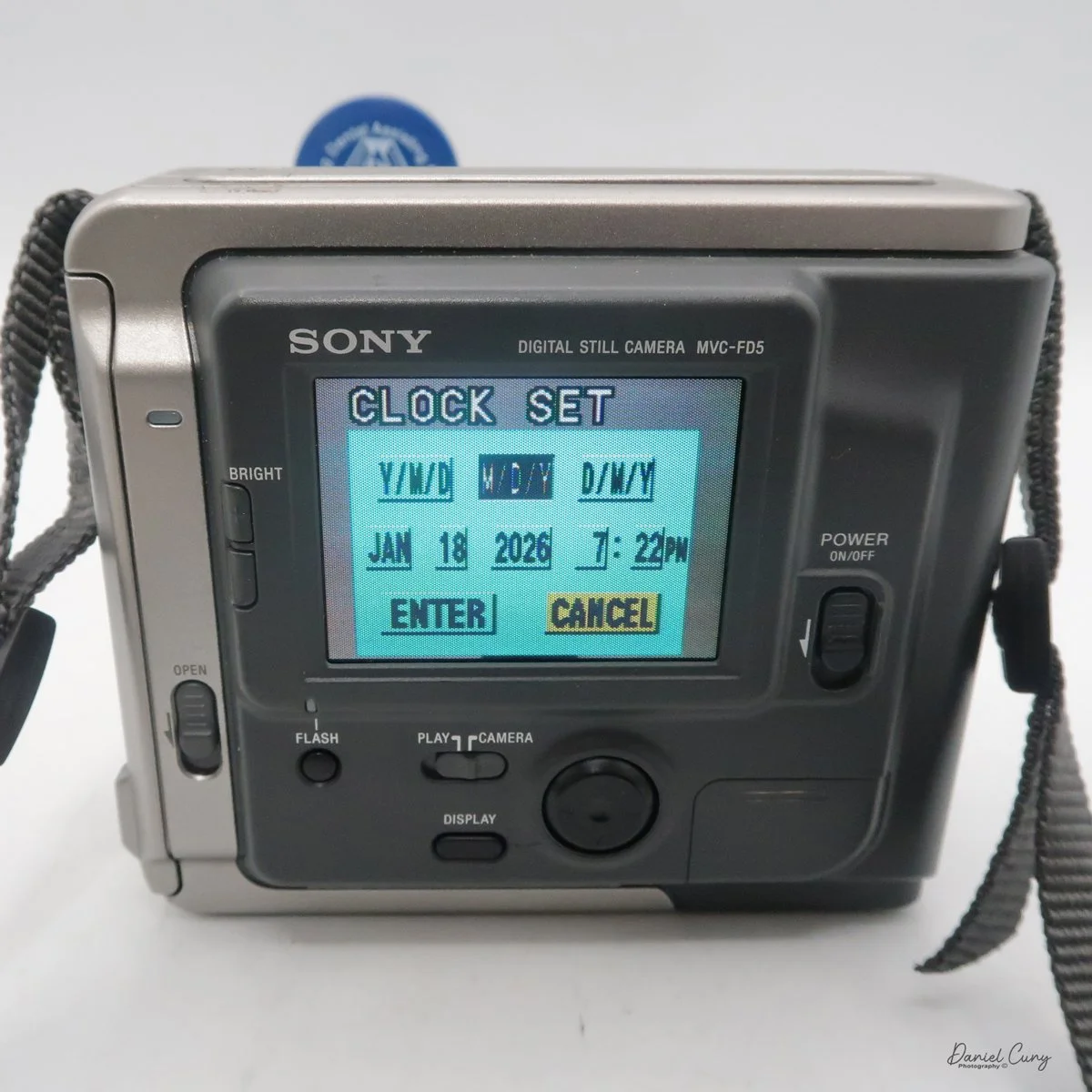
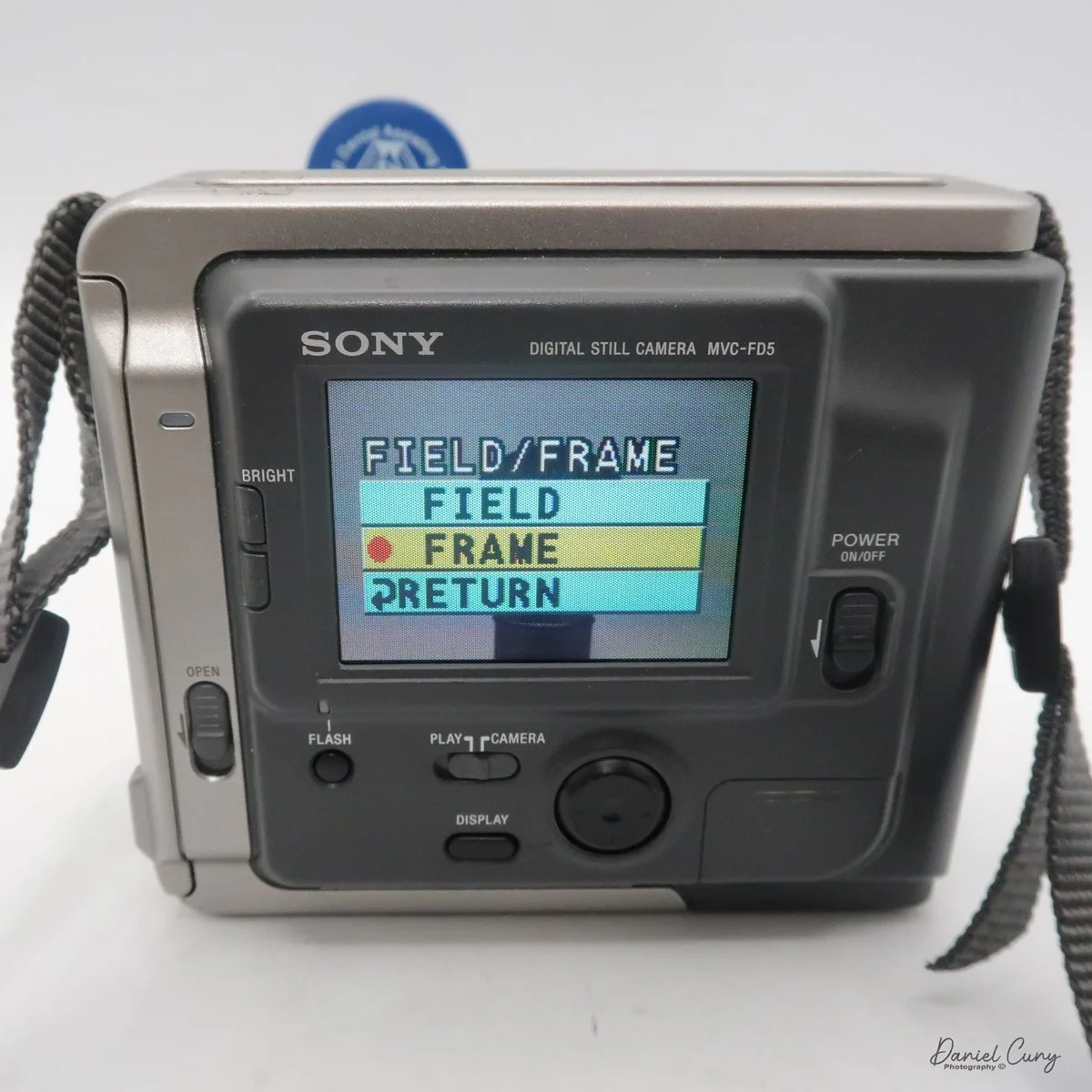
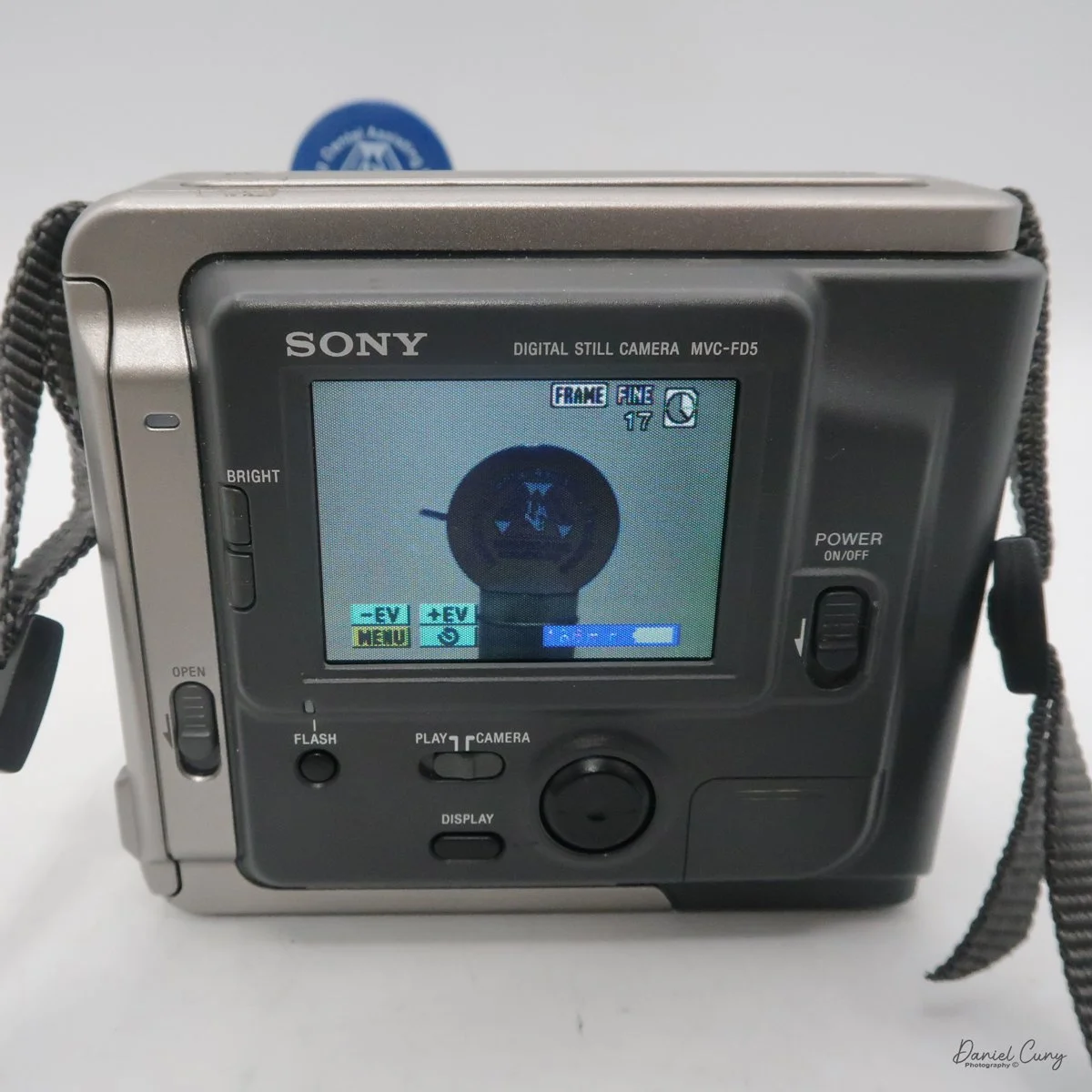
Once the camera is powered "on", most controls are set via a rocker switch and a button to the lower right of the camera's screen. As mentioned previously, there is also a switch for "camera" or "play" which allows the camera's settings to be set in each mode. If you press the rocker switch when it's in the "camera" mode, a menu will pop up with options for Clock Set, Beep, Field/Frame, Quality, and Return.

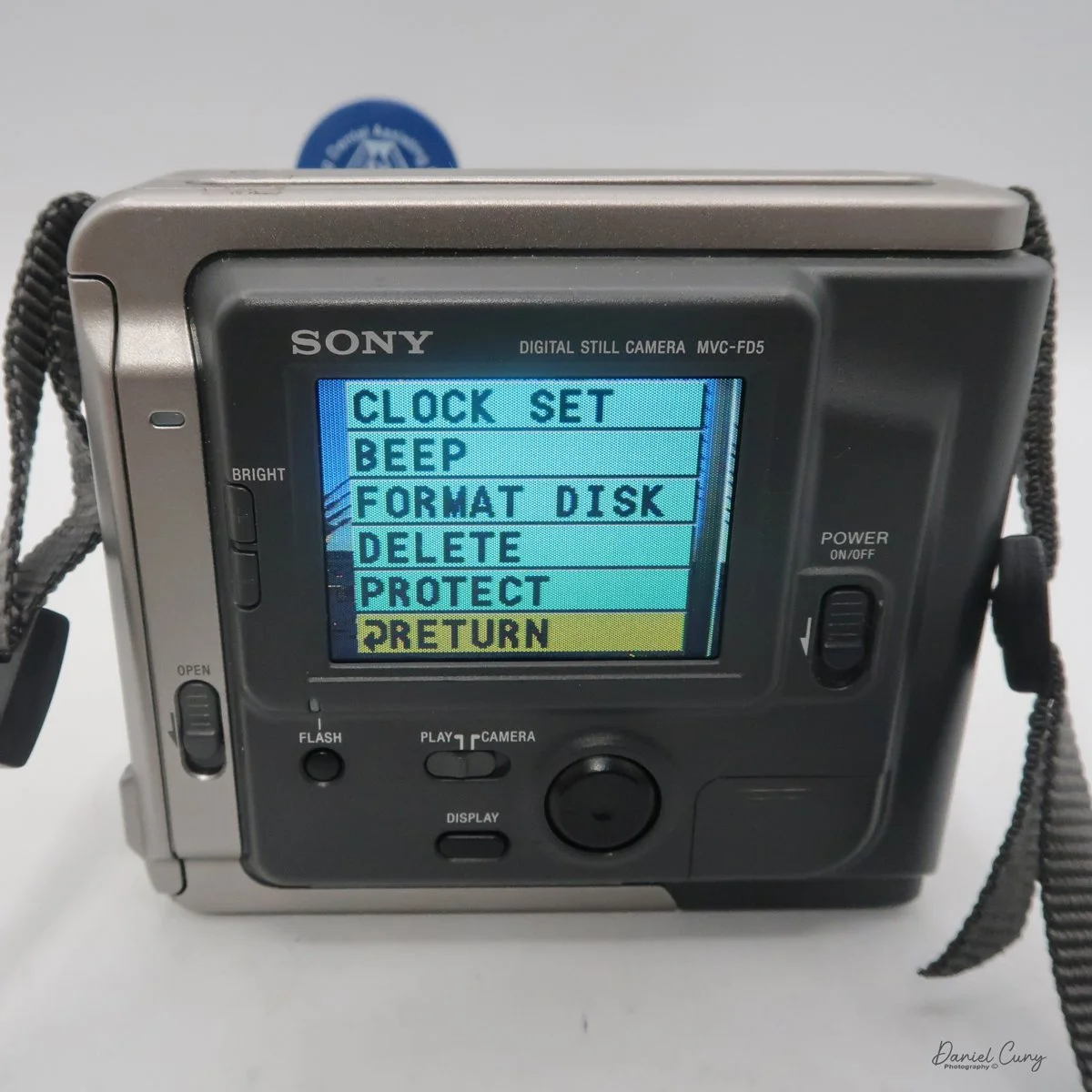
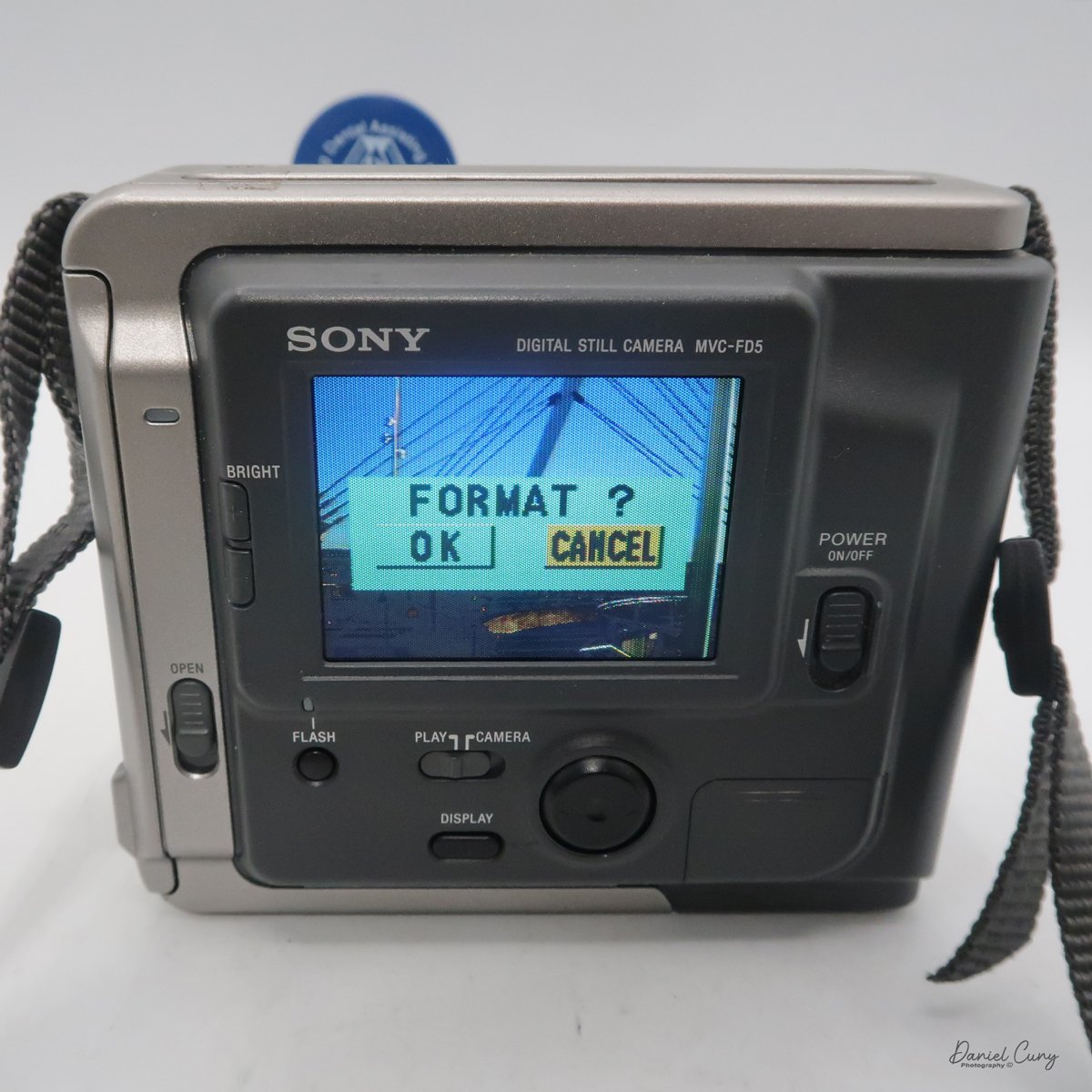
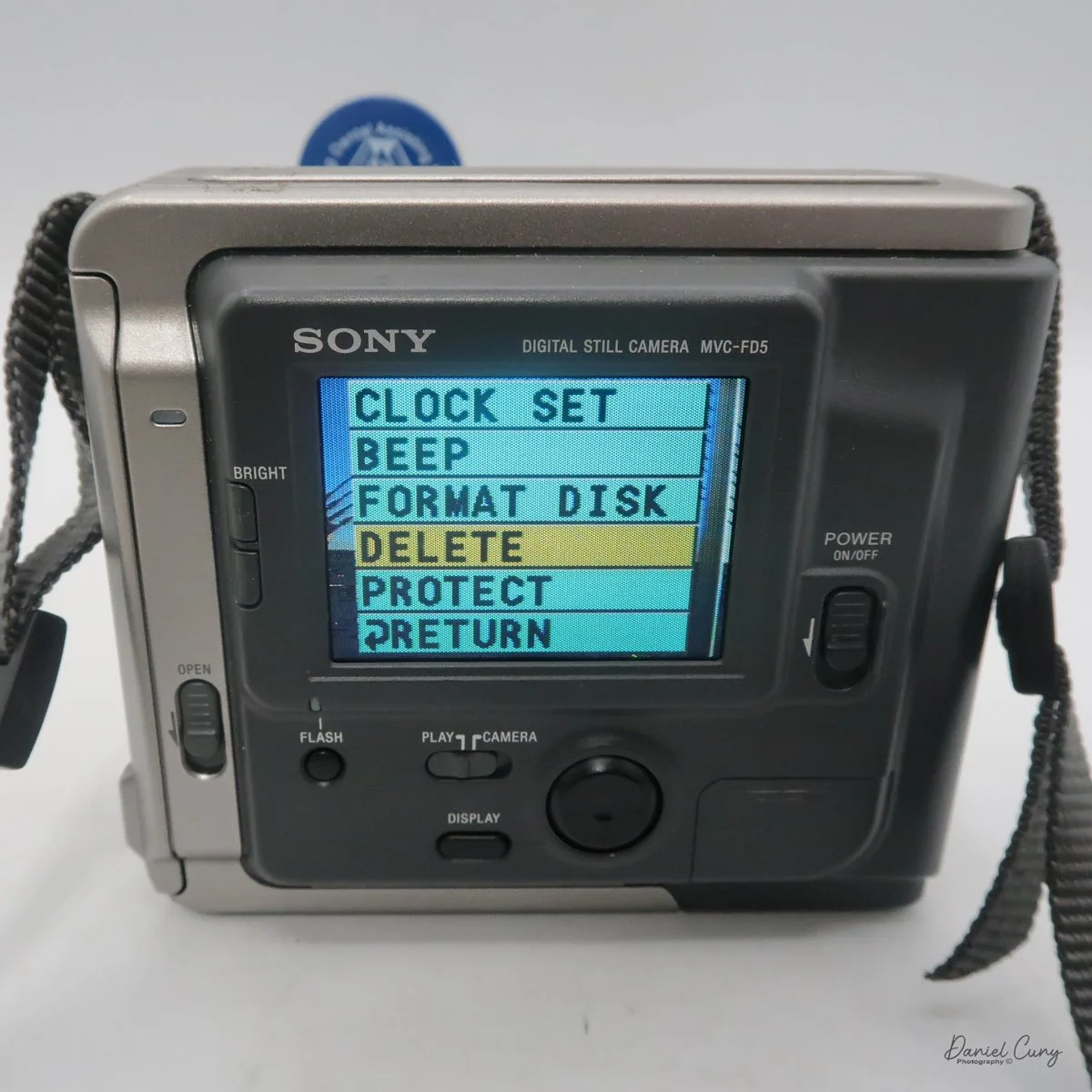
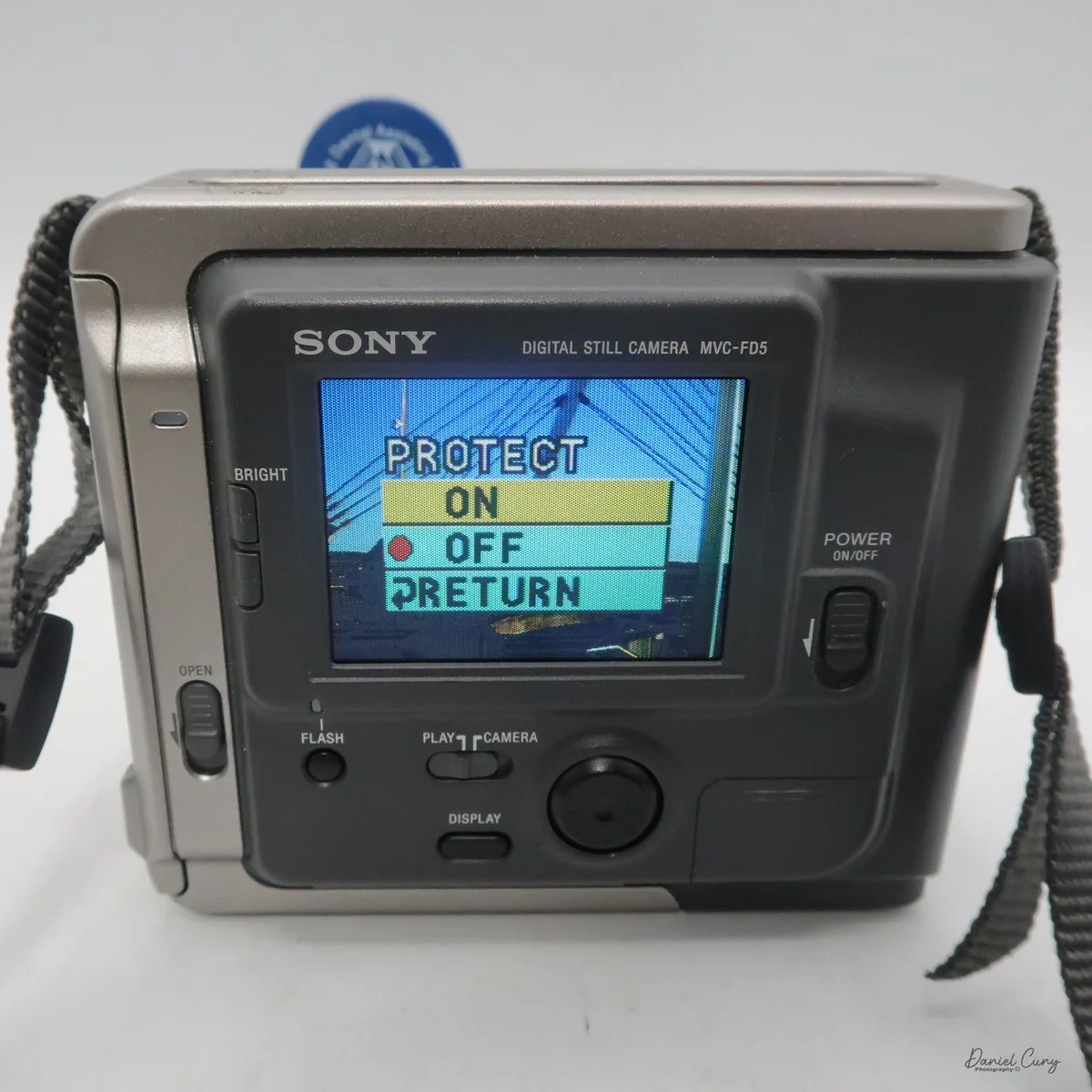
In the "play" mode, the menu settings are Clock Set, Beep, Format Disk, Delete, Protect, and Return. Interestingly, Clock Set and Beep are in both the camera and play menu. 

One other button on the back of the camera is "display," which turns the menu on or off on the camera or in play settings. It lets you focus on the images on the screen without being distracted by menu settings that can cover parts of the screen.

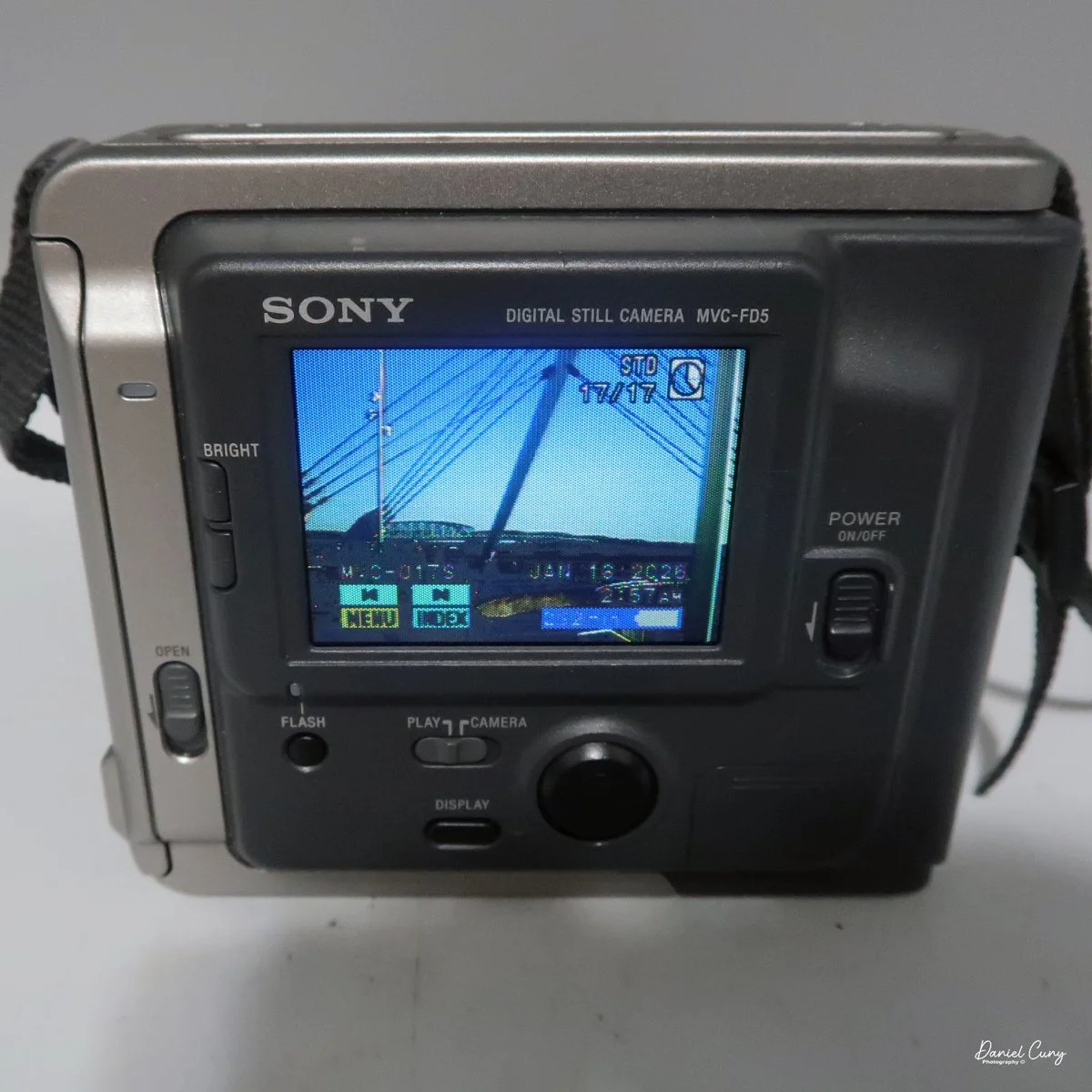
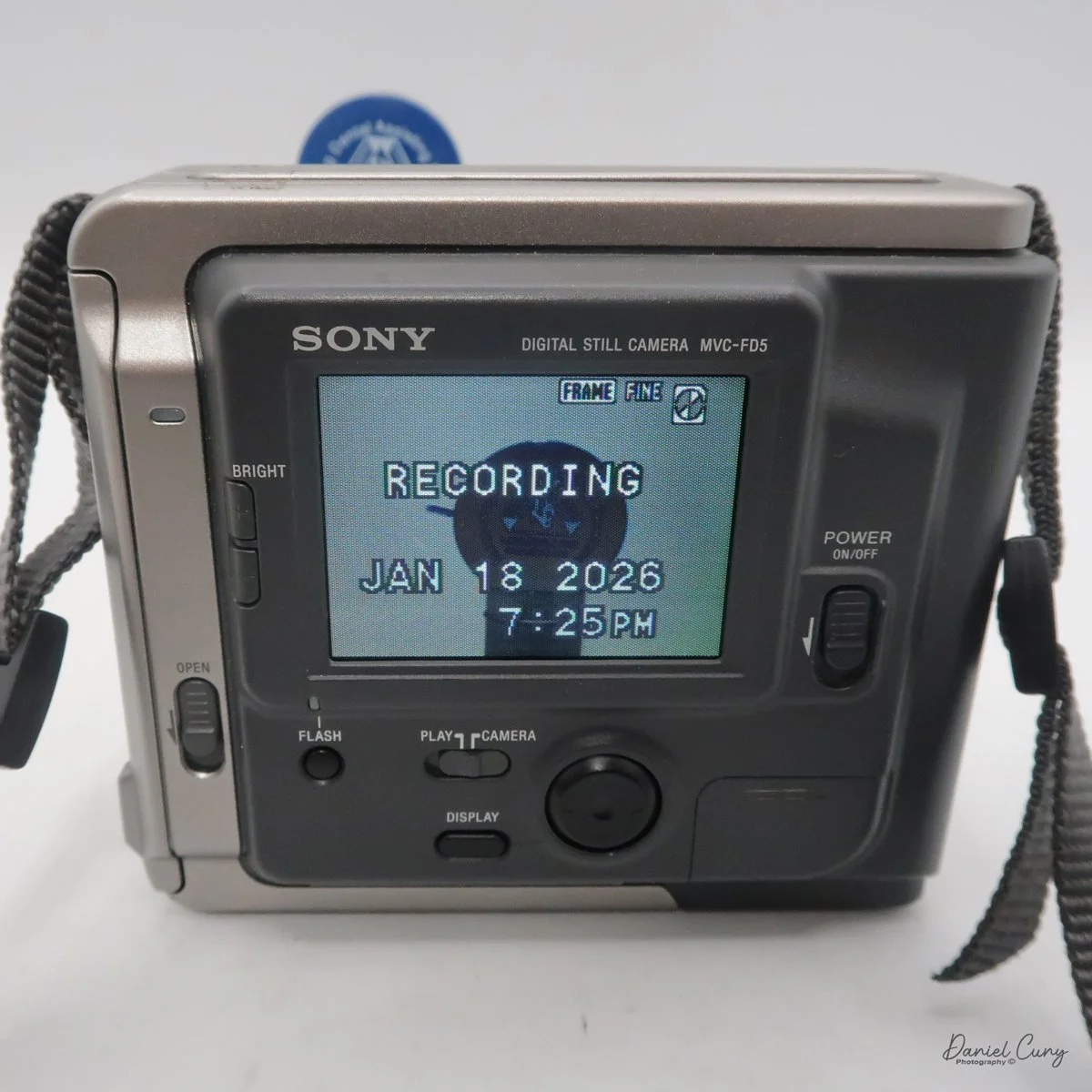
 Once the clock settings are set, you've turned on/off the beep sound, and you have the floppy disk in the camera. You're ready to power on the camera to take a photo. When you turn on the camera, you'll hear disk noises, see the date pop up on the back, and, in the upper right corner, see a spinning circle indicating the disk is turning inside the camera. Now you're ready to take photos.

 The camera doesn't have a viewfinder, so once the camera is powered on, and the screen has gotten past the time function, you've seen the spinning disk, the camera will go into "live" mode, where you'll see the images you're pointing the camera at on the back screen. Like many cameras from this era, the screen is dark, and you can barely see an image on a bright, sunny day. You can brighten or darken the screen with two switches to the left of the screen, named "bright" with a "+" on the top button, and a "-" on the bottom.

There is no shutter or aperture control on the camera, as exposure is automatically controlled. You can make the images brighter or darker by up to 1.5 stops by changing the EV setting on the camera's screen once the camera is turned on and in "camera" mode.

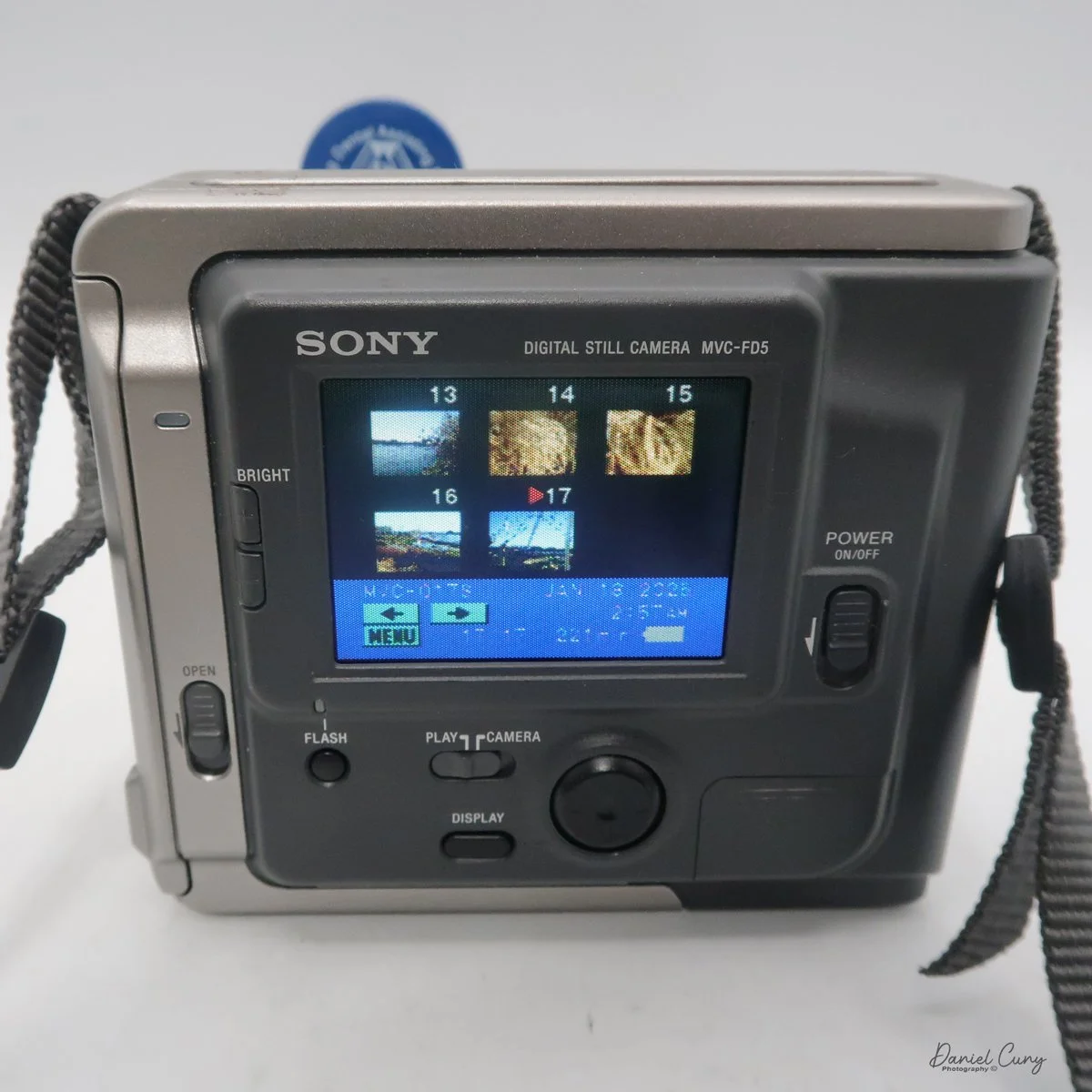
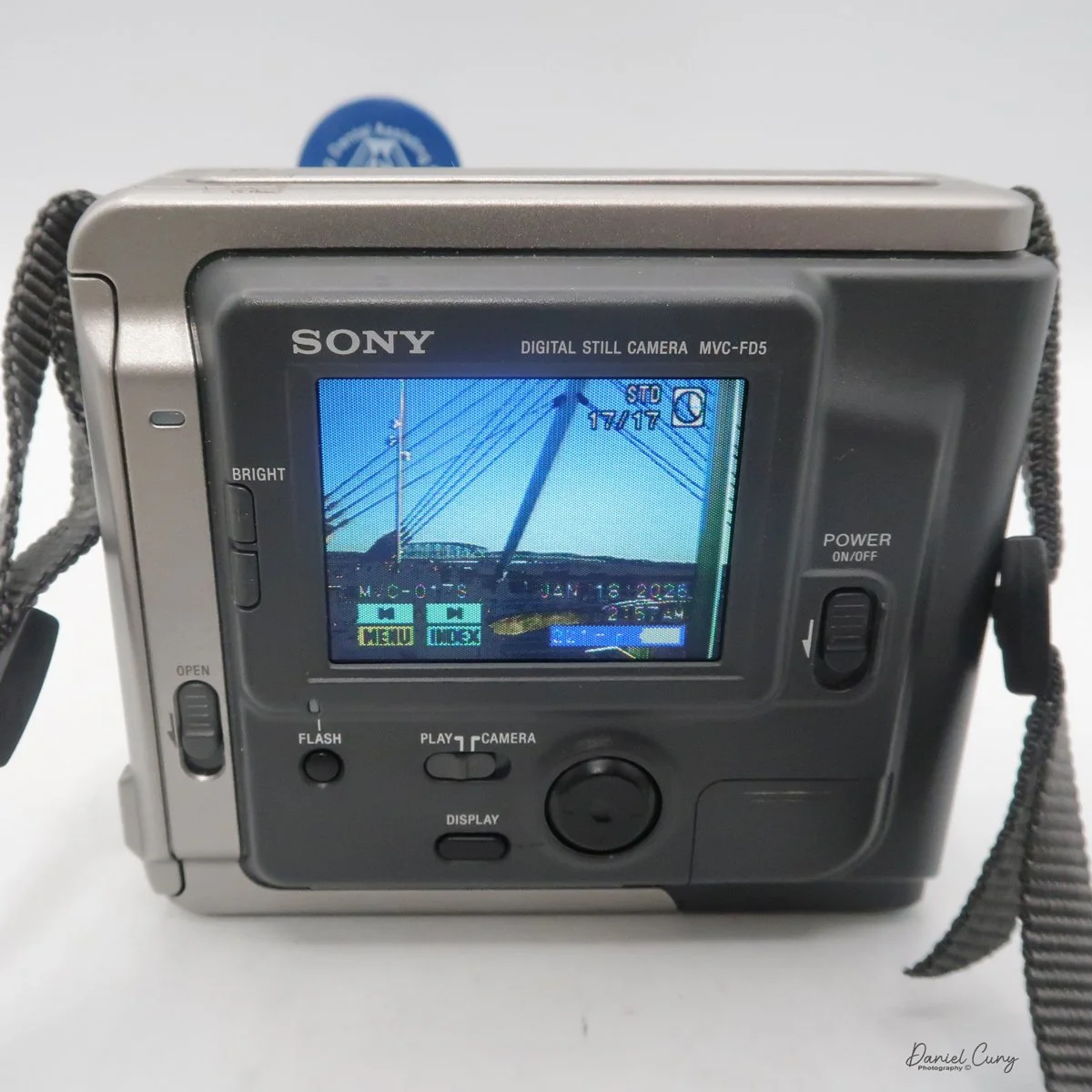
 Another oddity of this camera, as with more modern cameras, is that the Sony Mavica MVC FD5 doesn't display the "just taken" photo on the screen once it's captured. To see that image, you'll need to switch from "camera" to "play" mode. The camera will whizz the floppy disk, and you can preview the previously taken image. In the "play" mode, you can view either single images by pressing the arrows forward to backwards, or you can press "index" so you can display a series of six images at a time and scroll to the image you want to see, and press the rocker button to display. PLEASE REMEMBER: every time you switch from one image to the other, the camera displays a message on the back screen that says "accessing file," and it takes a few seconds to show the image.

 In the "play" menu, you can also "protect" or "delete" images. Still, like the other settings, it takes a few seconds for the camera to complete the request, since it's basically a small computer with a built-in floppy disk and has to find, access, and complete the request you're making.

 At the bottom of the camera is the door, which you open and insert the charged battery to power the camera. The camera's battery isn't rated in shots, but in time. Once you power the camera "on", in the lower right-hand corner of the screen, you see the time in minutes remaining on the battery before recharging is needed.

My Images:

 My wife, daughter, daughter's dog, Bean, and I went for a walk on the town's downtown walkway on the Columbia River. It's a relatively new section of town with shops, restaurants, and housing. It was a sunny and somewhat warm January day in the Portland, OR area, so I took the camera on our trip.

 Since it was a bright sunny day, the rear screen was difficult to see, especially when you're trying to have the sun on the subject, meaning the sun is also hitting the screen as you're taking the images.

 Another interesting fact is that these files are small. Even the largest files the camera produced were only 70kb for Fine and 34kb for Standard images. These were specifically made for viewing on your computer or television, and are not really intended to be printed, especially not anything larger than the standard 3x5 photo.

 Here are some images from our walk.

Conclusion:

 I never would have guessed that a 2-inch floppy disk would eventually bring the Nikon F's reign to an end. The MVC-FD5 wasn't a 'pro' tool—it couldn't compete with a Hasselblad for clarity—but it offered something those giants couldn't: the end of the waiting period. It traded resolution for time, a trade-off that eventually redefined the entire industry.

 It's interesting for the young photographers of today to compare this camera to what's available on our phones; it's an eye-opening comparison:

Camera: Sony Mavica MVC-FD5 (1997) Modern Smartphone (Approx.)

Resolution: 0.3 Megapixels (640 x 480) 12 - 48 Megapixels

Storage Media: 3.5" Floppy Disk (1.44 MB) Internal Flash (128 GB+)

Photo Capacity: ~20 "Fine" Image 30,000+ Images

Write Speed: ~4-6 Seconds per photo Instant

 I had owned this camera sometime in the late 1990s. It wasn't long after it was introduced that I purchased a used one. It was in 1999 when I had one. 

 Thinking back, this was a pretty fun camera to shoot with, and now that I have it again, it's fun to hear it make the different noises as it accesses the files to show on the screen. The images are very small and, as mentioned, made for screen viewing, not much resolution to make prints from. Even by today's computer standards, the images look very pixilated due to the higher resolution of today's screens.

 I'm happy to have this camera back in my collection, more as a marker of digital photography's growth than something I'm going to use daily. It is, just like with older film cameras, fun to see how these image-making machines have progressed over time.

 Thank you for taking the time to read a bit about this older digital camera from my collection. Next week will be the final installment of January's Early Digital month, and I have a rare and good one for you. Please remember to keep an eye out for it.

 Here are some of my other Camera Reviews.

 I also have a store on eBay, Cuny's Cameras and Photo, where I sell some of the cameras reviewed, along with many other camera odds and ends. If there's something that interests you, drop me a line, and I'll offer a discount.

 Until next week, please be safe,


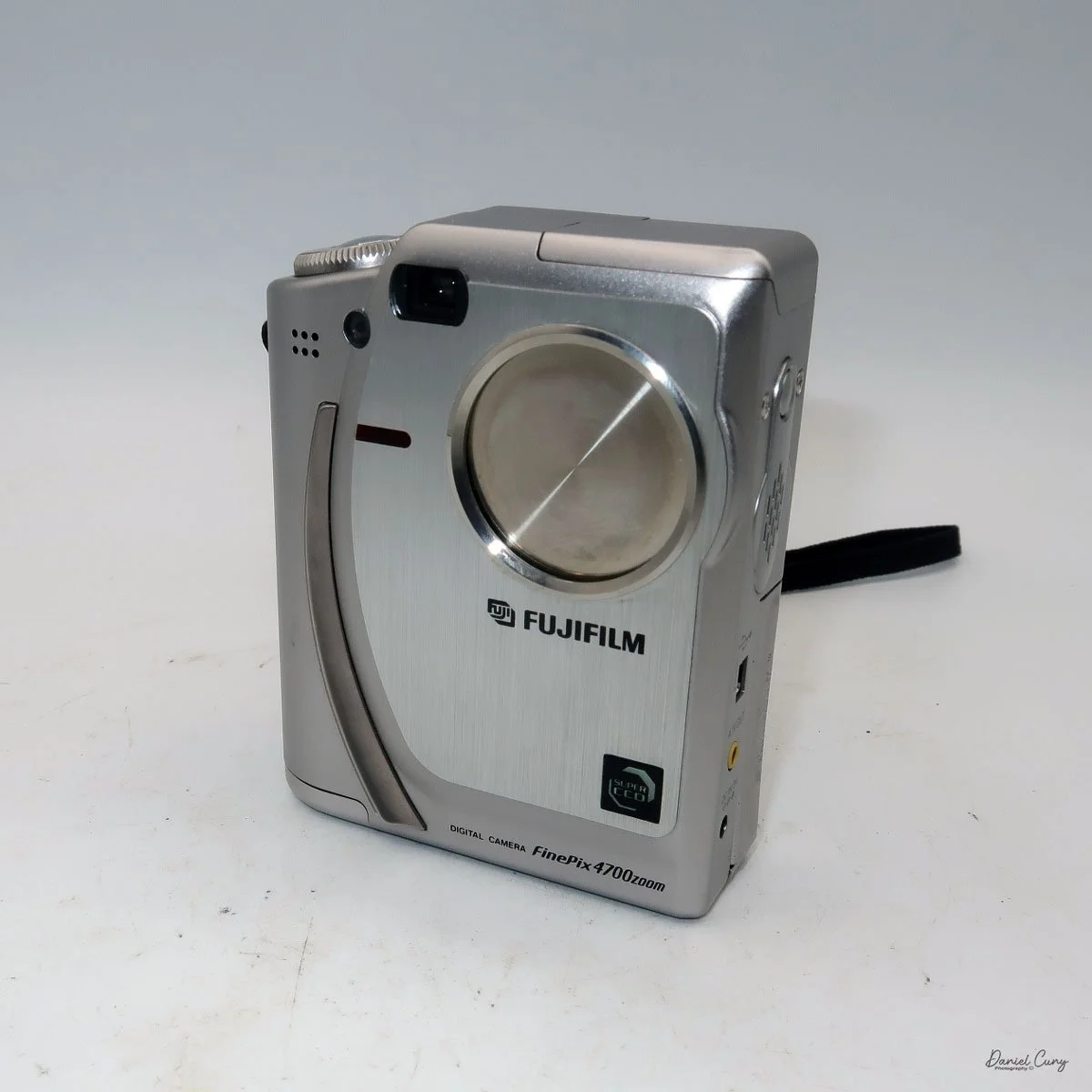
Fujifilm FinePix 4700 Zoom

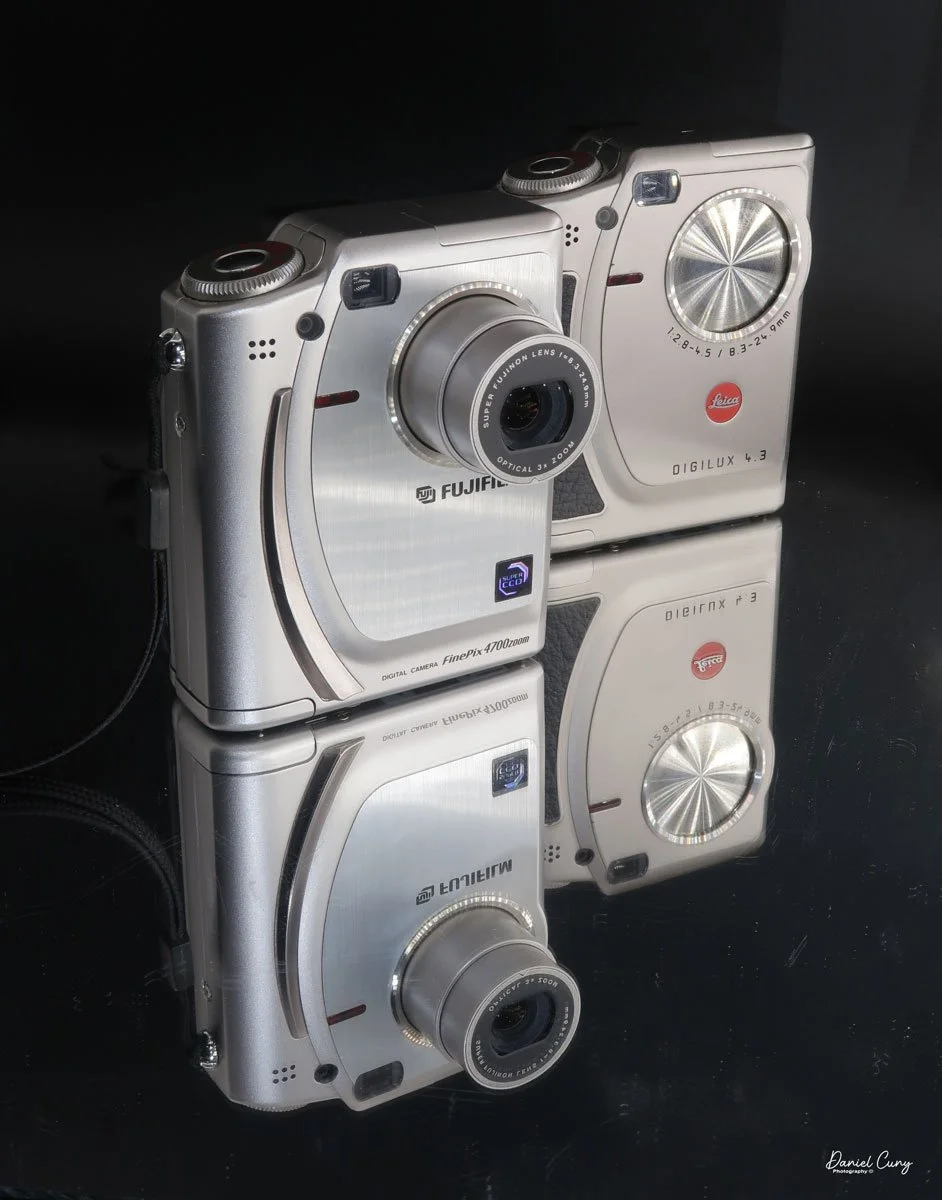
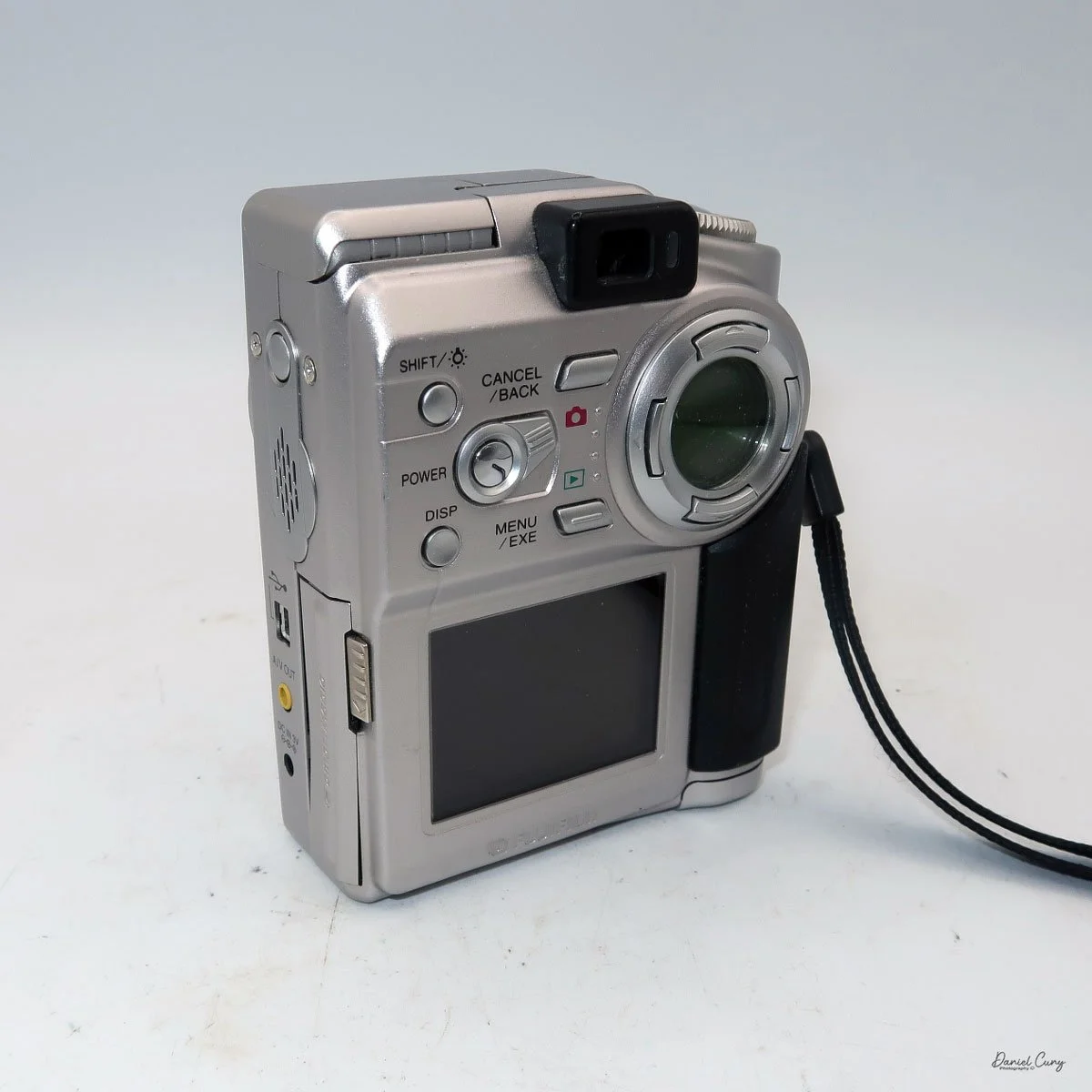
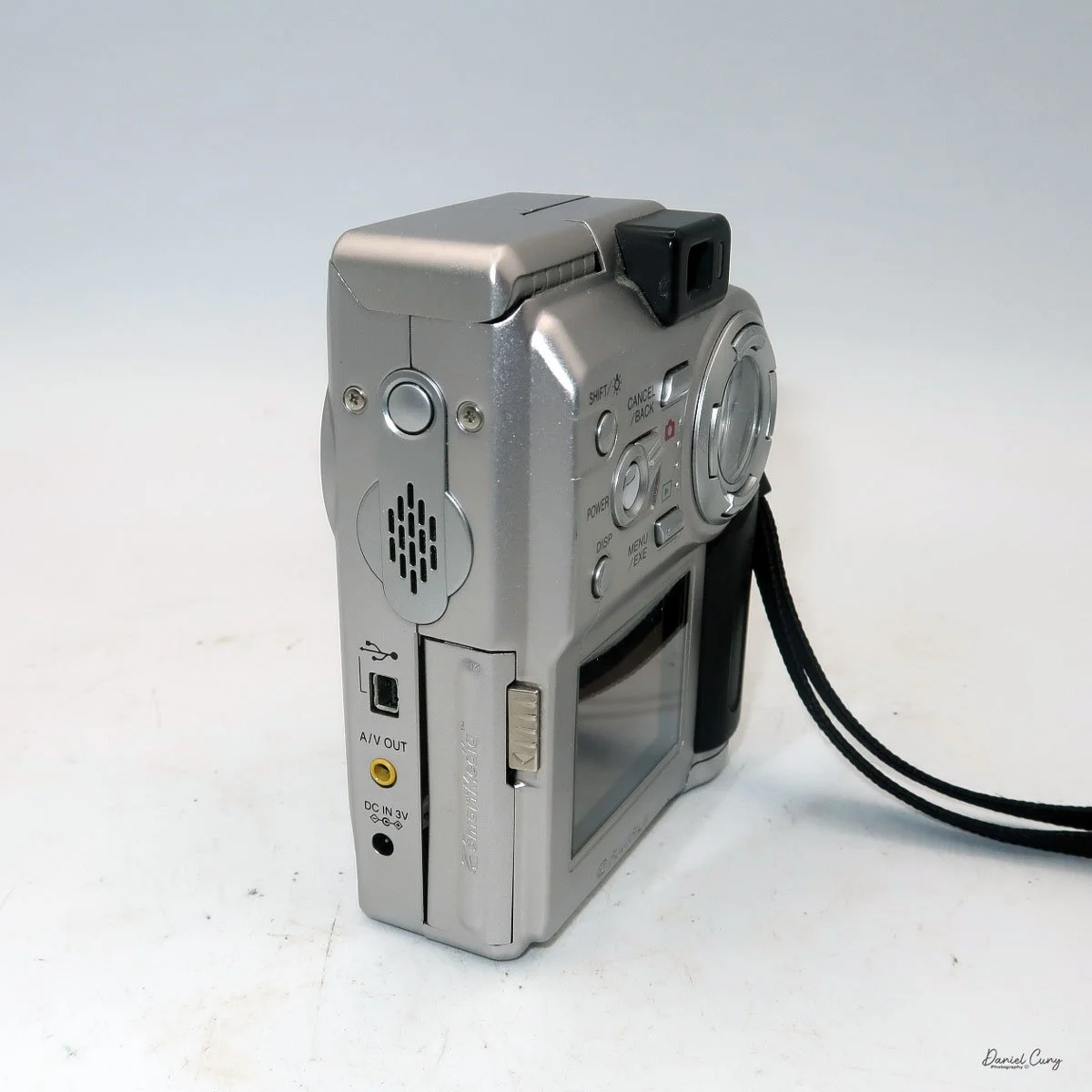
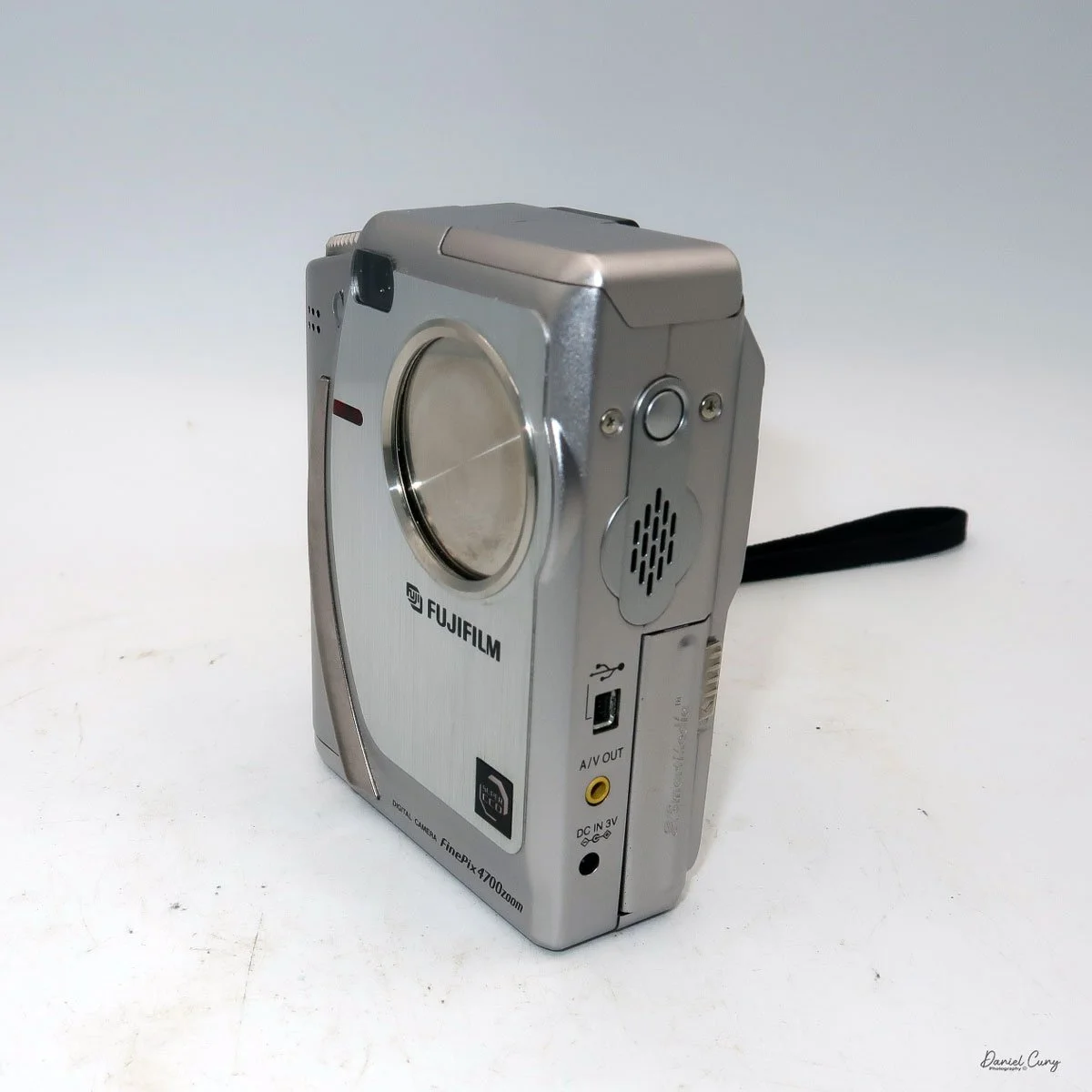
My Fujifilm FinePix 4700 Zoom and Leica Digilux 4.3 cameras

Sometime in late October or early November 2025, I was sitting back at my desk, looking at some of the cameras around me and thinking about cameras to write about for this blog. There was one camera on the top shelf above my desk that has always piqued my interest, and one that I've had for 15 years or so, but it wasn't a film camera; it was a relatively early digital camera. I hadn't included a digital camera in my blog, but that's going to change.

 To start 2026, it would be a nice change of pace if we went away from traditional film cameras and focused on some of the early digital cameras in my collection. With that said, for January, I'm picking four early digital cameras and writing about them. 

 Focusing on the early digital camera in my collection brought me unexpected challenges that were difficult to navigate at times. For many of the cameras I'm reviewing this month, I had to get my mind, and even more challenging, a computer, the computer's hardware, and software back into the late 1990s to early 2000s. Sharing these experiences can make readers feel connected and motivated to explore vintage digital cameras themselves, especially potential buyers interested in the history behind these devices.

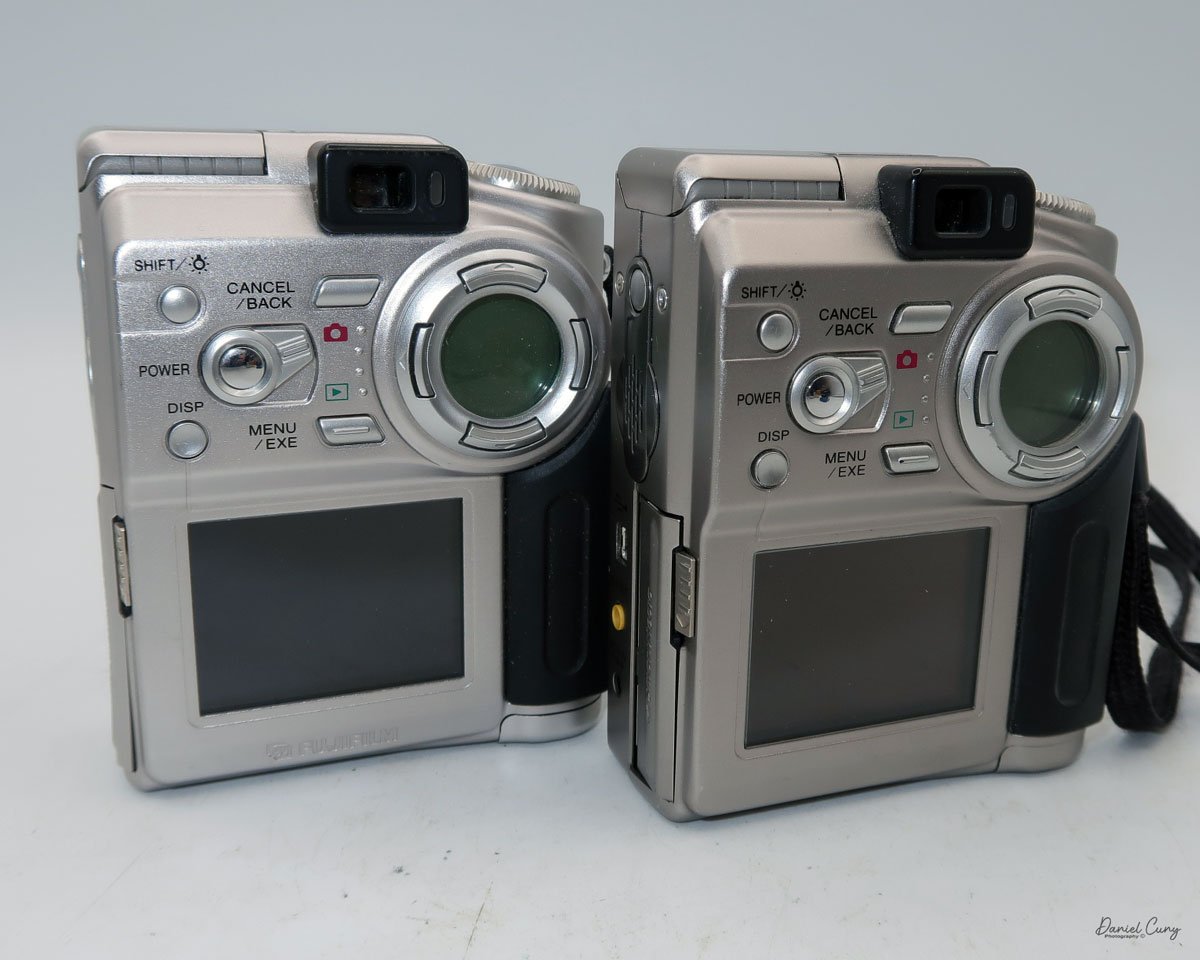
Rear view of Fujifilm FinePix 4700 zoom & Leica Digilux 4.3

 The first camera I'm going to discuss isn't as challenging as some of the cameras I'll be writing about later this month. My difficulties are mainly because I'm still working out some hardware issues with the computer, which I'll discuss in my write-up about the cameras. 

 All of the cameras are in good working condition. Aside from their specific camera menus, which are very basic compared to what we have now, the computer issues have been considerably more challenging and, at times, very frustrating, especially when finding a computer from that timeframe that functions. Still, I'll discuss that when the camera comes into play.

 It is also interesting that Fujifilm makes cameras for other brands. The two most well-known camera companies, Hasselblad and Leica, have had cameras made for them by Fujifilm. The Hasselblad XPan was produced in partnership with Fujifilm. Also, their "H" series lenses and viewfinder were developed with Fujifilm's involvement. 

 As you can see in the photos of the cameras above, the Fujifilm FinePix 4700 zoom is rebranded as the Leica Digilux 4.3. This was the third camera that Leica rebranded. The first was the original Digilux, Digilux Zoom, and  Digilux 4.3

The Company:

 Fujifilm's history in Japan mirrors the country's own journey through modernization, war, recovery, and technological reinvention. The company was founded in 1934 as Fuji Photo Film Co., Ltd., established by the Japanese government to create a domestic photographic film industry and reduce reliance on imports, particularly from Germany and the United States. Its first factory opened in Minami-Ashigara, near Mount Fuji, which inspired the company's name and enduring brand identity.

 In its early years, Fujifilm focused on mastering the complex chemistry of photographic film, producing black-and-white film, photographic paper, and motion picture film. During World War II, like many Japanese industrial firms, it was drawn into wartime production, supplying optical and imaging materials for military use. The war left Japan's economy devastated, but Fujifilm survived and quickly pivoted back to civilian products during the postwar recovery.

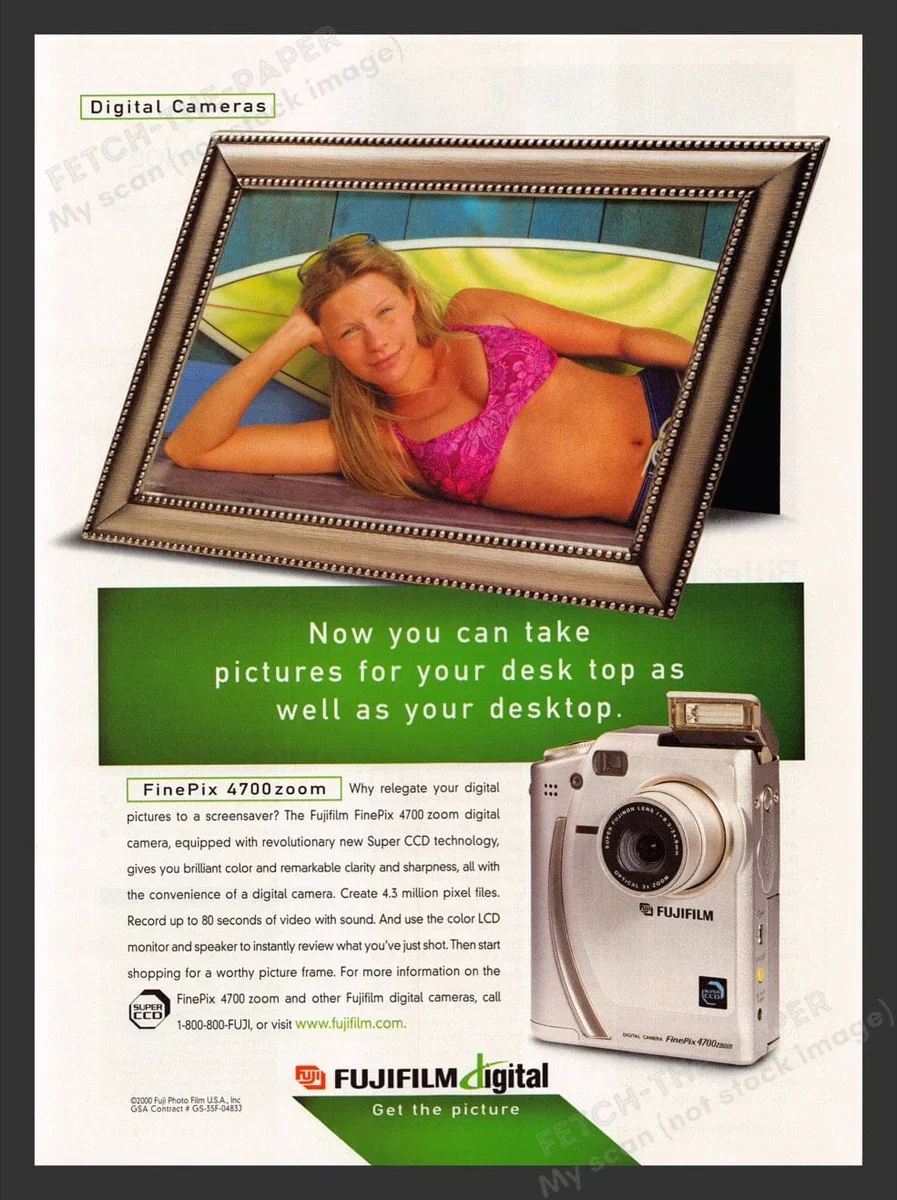
Fujifilm FinePix 4700 zoom advertisment

 The 1950s and 1960s marked a period of rapid growth. As Japan rebuilt and consumer culture expanded, photography became increasingly popular. Fujifilm introduced color film to the domestic market and steadily improved its quality, competing both domestically and internationally with companies such as Kodak. At the same time, the firm diversified into related fields, including magnetic tape, optical lenses, and X-ray film, laying the groundwork for its future resilience.

 During Japan's high-growth era of the 1970s and 1980s, Fujifilm became a global brand. It invested heavily in research and development, embracing advanced chemical engineering and precision manufacturing. These capabilities allowed the company to move beyond consumer photography into medical imaging, printing systems, and industrial materials. Fujifilm's strong export orientation also reflected Japan's emergence as a significant technological power.

 The late 1990s and early 2000s posed an existential challenge: the rapid decline of photographic film amid the rise of digital imaging. While many traditional film companies struggled, Fujifilm undertook one of the most notable corporate transformations in modern Japanese business history. Drawing on its expertise in chemistry and materials science, it diversified aggressively into healthcare, pharmaceuticals, cosmetics, electronic materials, and data storage. The company officially changed its name to Fujifilm Holdings Corporation in 2006 to reflect this broader mission.

 Today, Fujifilm remains a symbol of Japanese adaptability and long-term thinking. While it still honors its photographic heritage, its core businesses now lie in healthcare, imaging, and advanced materials. From its origins near Mount Fuji to its global presence, Fujifilm's history illustrates how a Japanese company can evolve with changing times while preserving technical excellence and cultural identity.

My Camera:

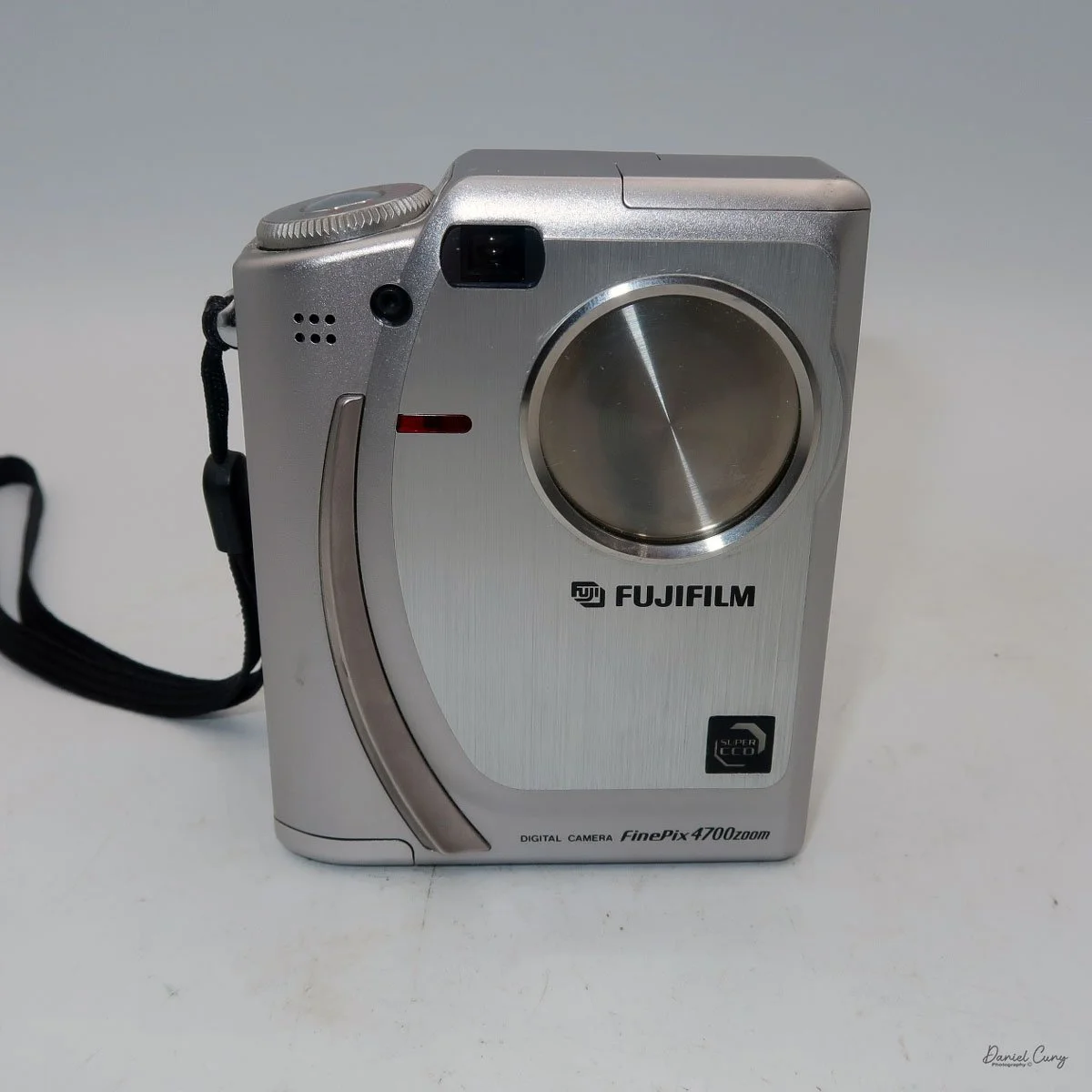
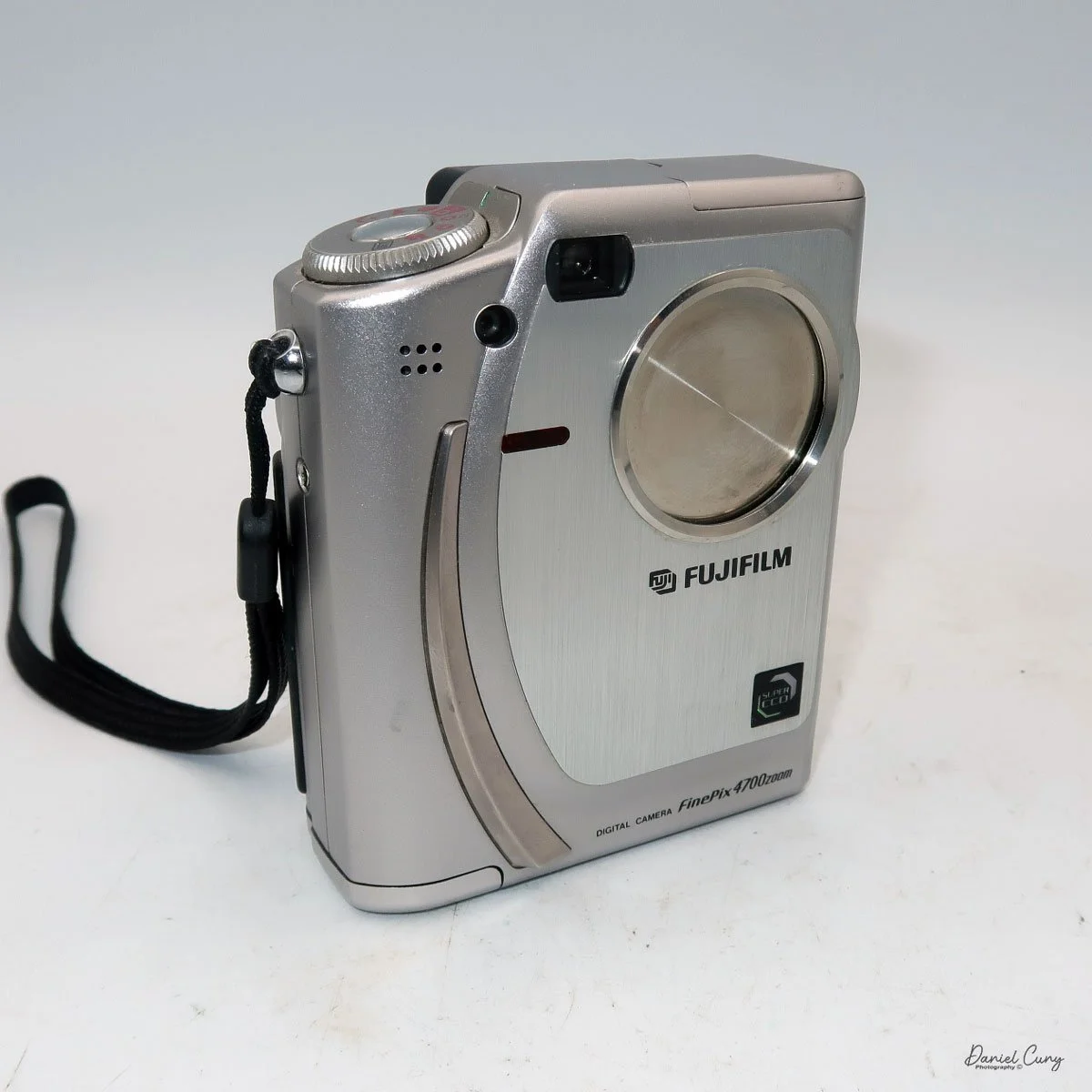
 The Fujifilm FinePix 4700 zoom may be the highest resolution digital camera I'll be writing about this month, coming in at a whopping 2mp, with a 1/1.7" SuperCCD imaging sensor which can produce a maximum resolution of 2400 x 1800-sized JPEGs on a Smart Media Card. The Fujifilm FinePix 4700 zoom has a Super Fujinon 8.3-24.9mm lens with a maximum aperture of f/2.8 to f/4.5. This 3x zoom lens is the 35mm equivalent of a 36-108mm lens.

 While the Fujifilm FinePix 4700 zoom is an unconventional vertical-format camera in stature, it is very easy to hold and use. The dimensions of the camera are 4" tall by just a bit over 3" wide by 1.5" thick, and it weighs in at 10.8 ounces with the two "AA" batteries that power the camera.

I don't want to get into the full minutia of everything the camera has to offer and go into each specific button and control, but instead talk about the basic controls of the camera and how I generally use this style of camera, which is similar to probably 95% of the intended users. If you want to look at specifics and know what each button does, you can go online and find a copy of the Fujifilm FinePix 4700 instruction manual.

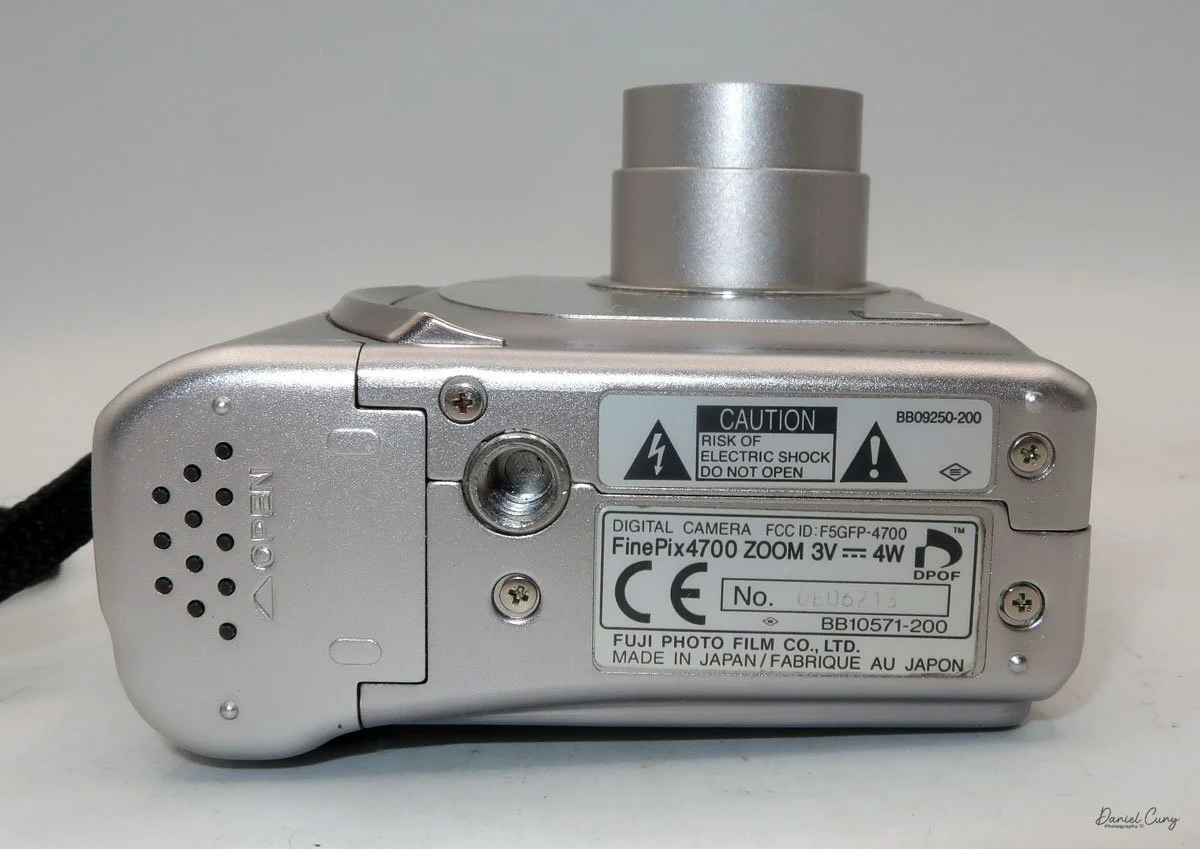
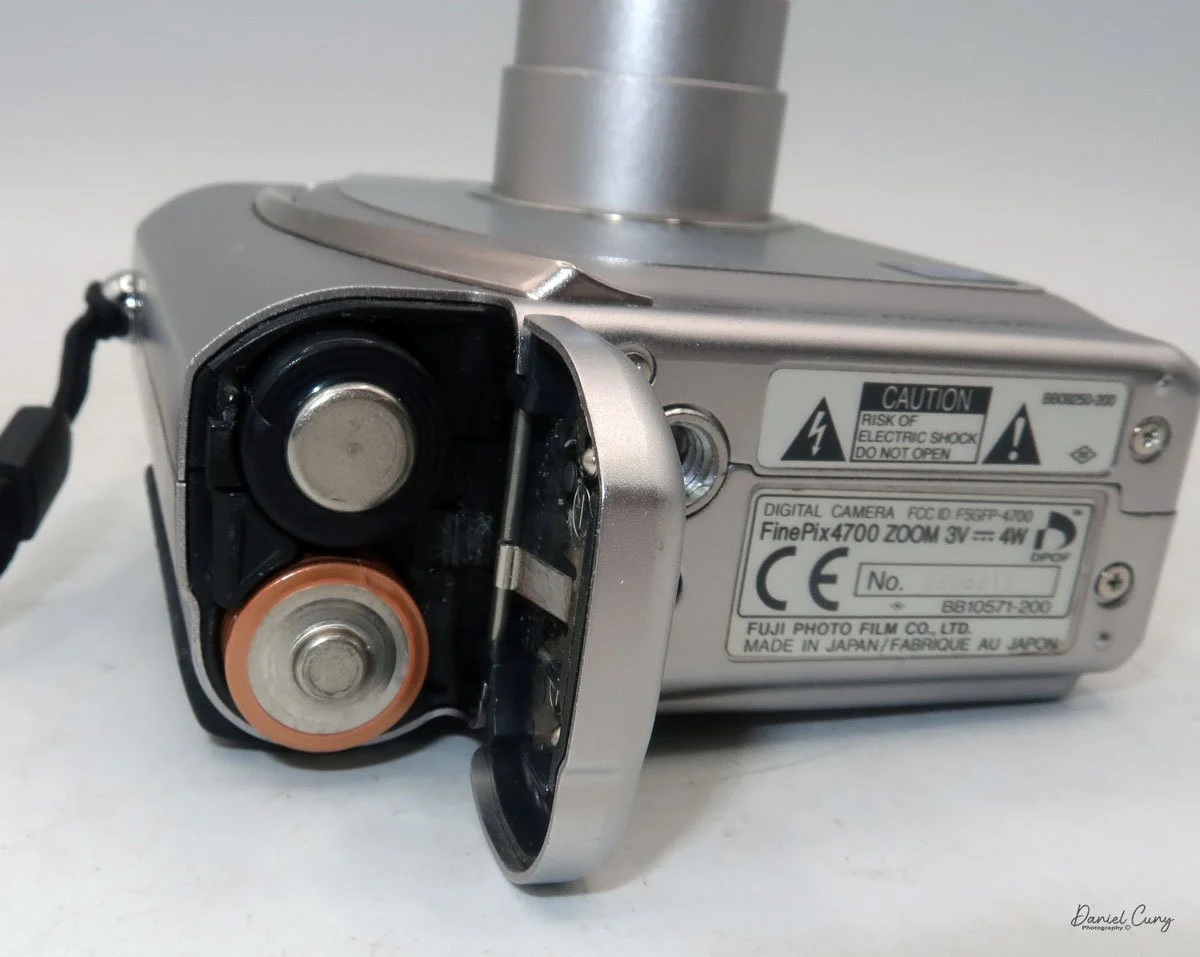
 Let's start at the beginning. To put in the 2 "AA" batteries, on the bottom of the camera is the battery door. Slide the cover outward, and the door will swing open. Insert the 2 "AA" batteries as shown on the battery lid, then close the lid and slide it back to close the battery door. 

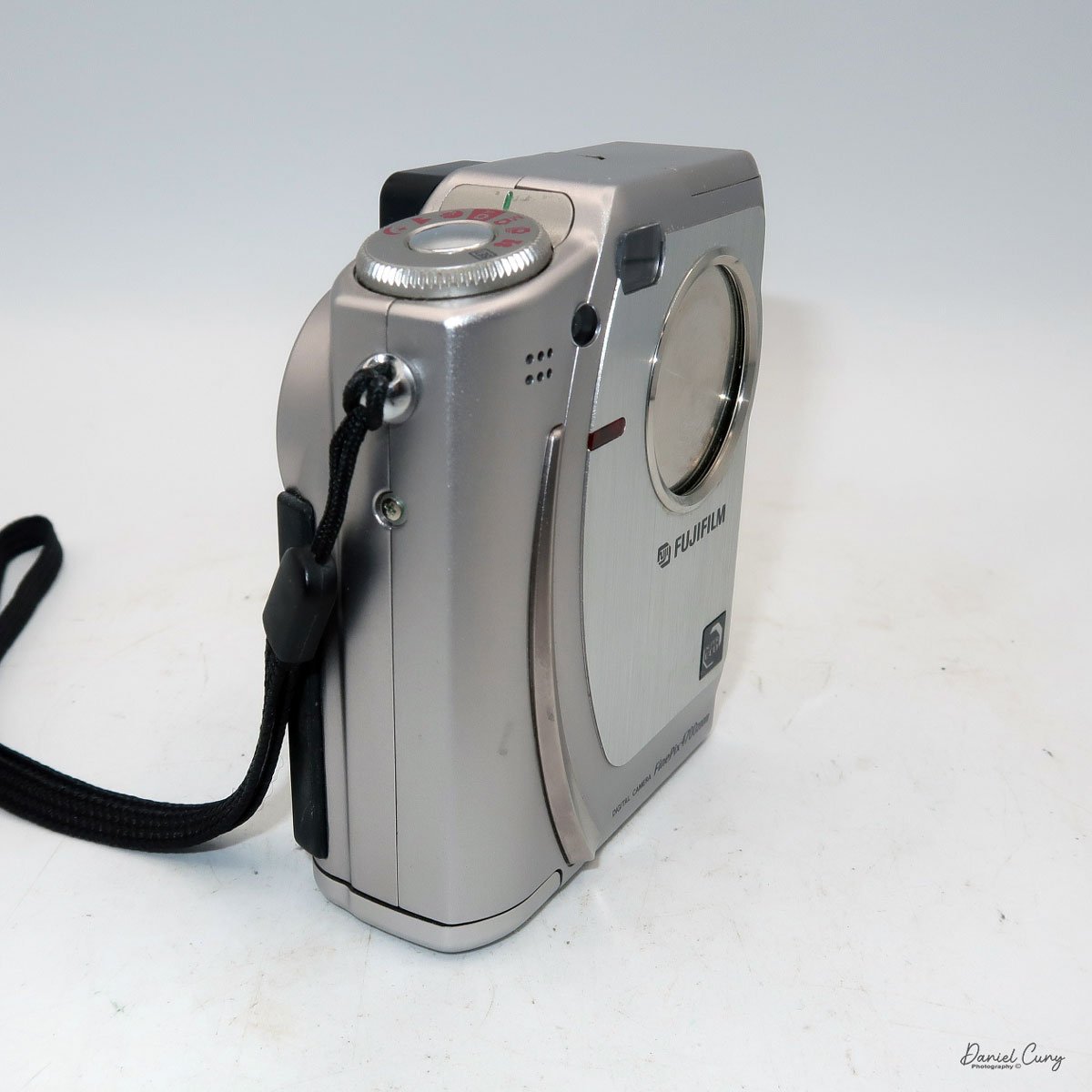
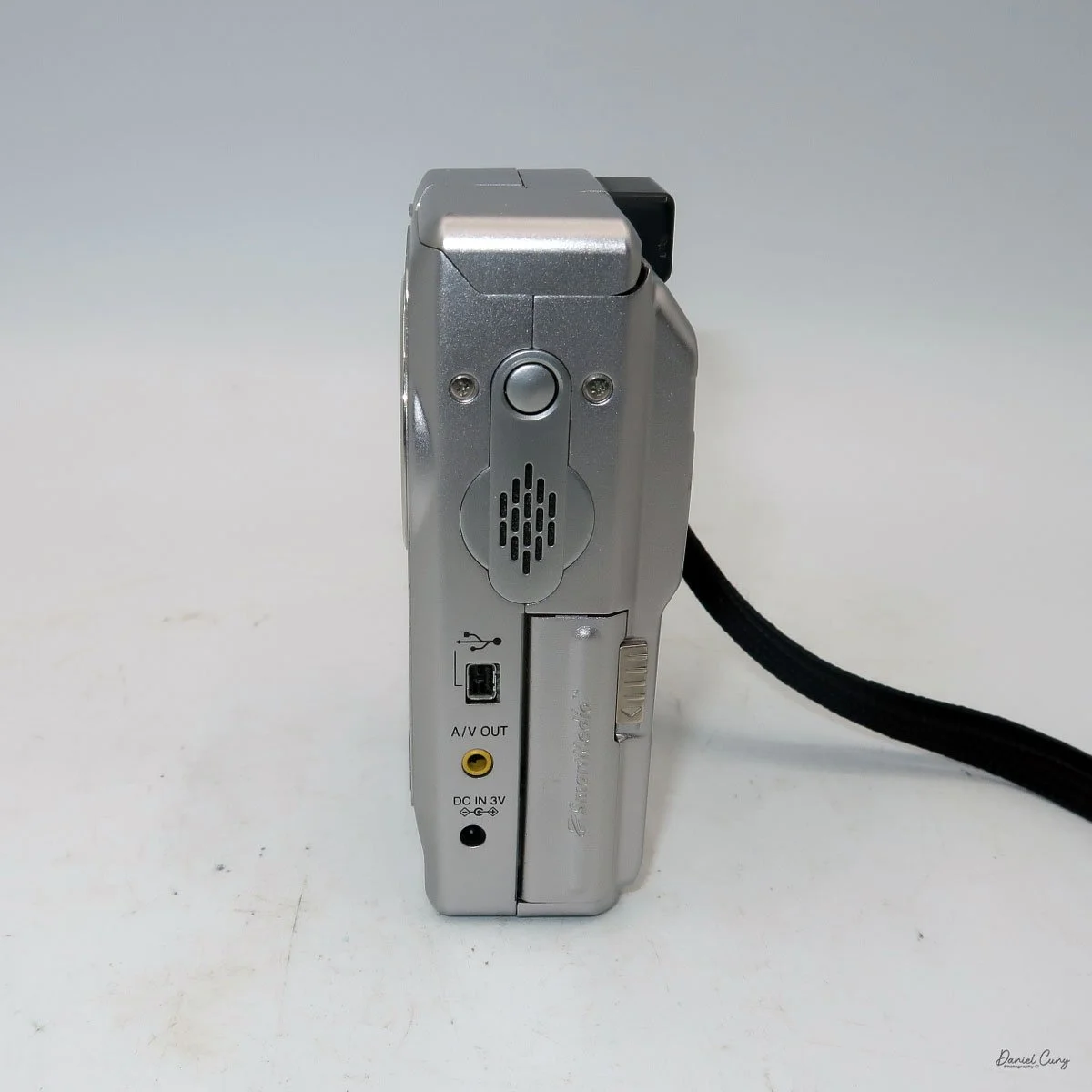
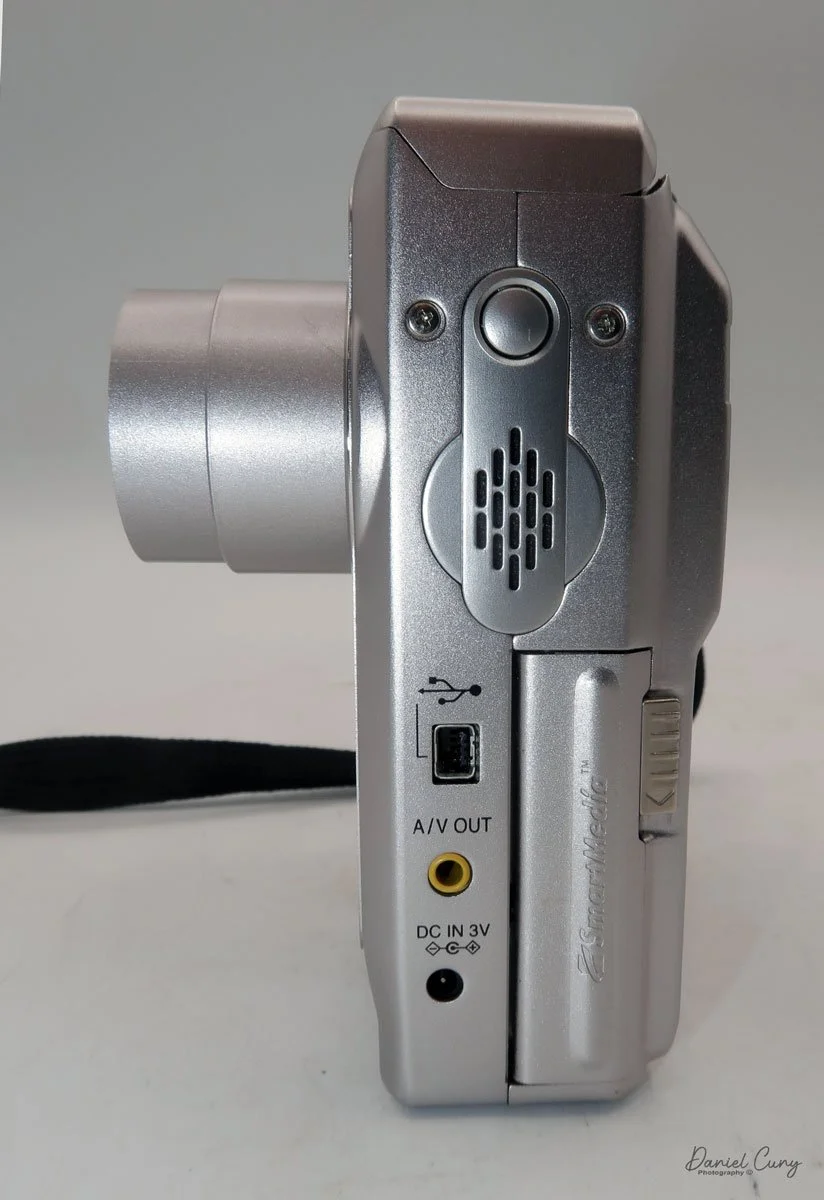
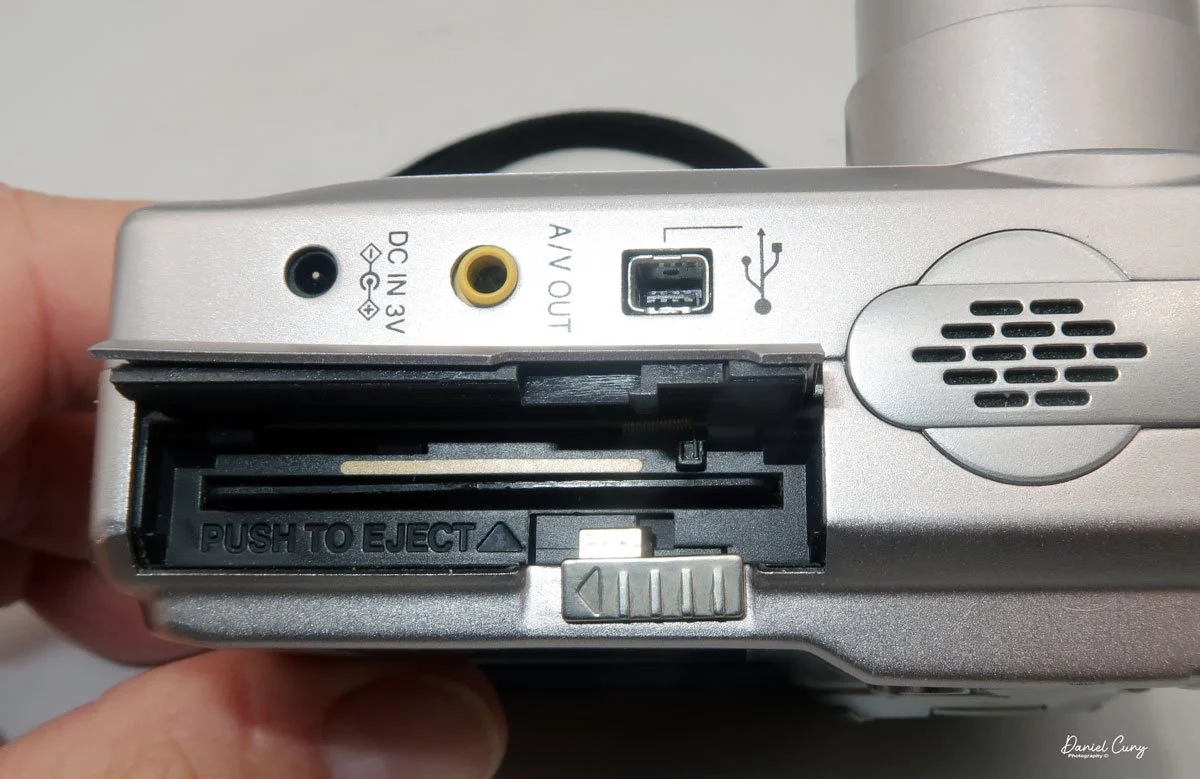
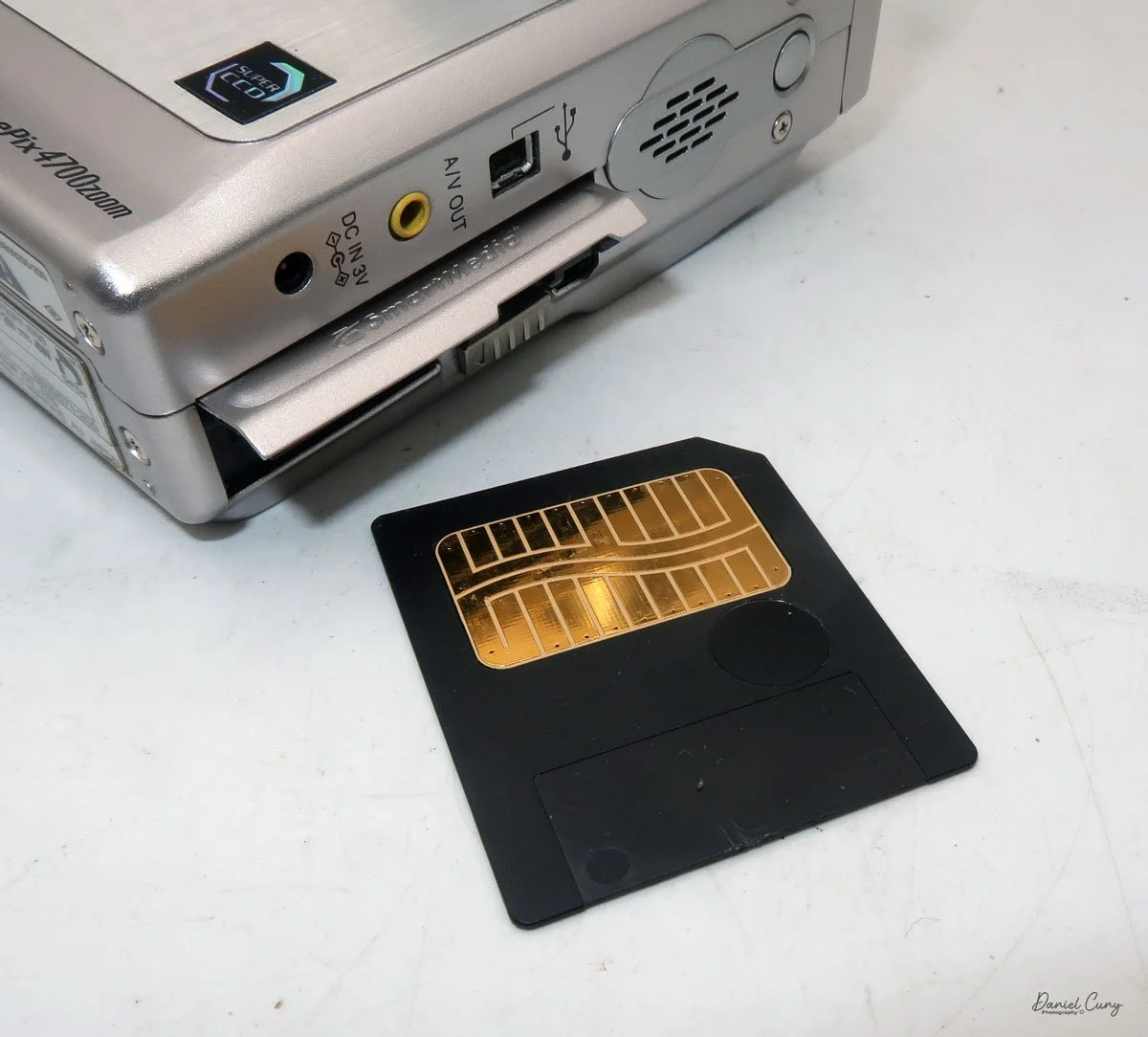
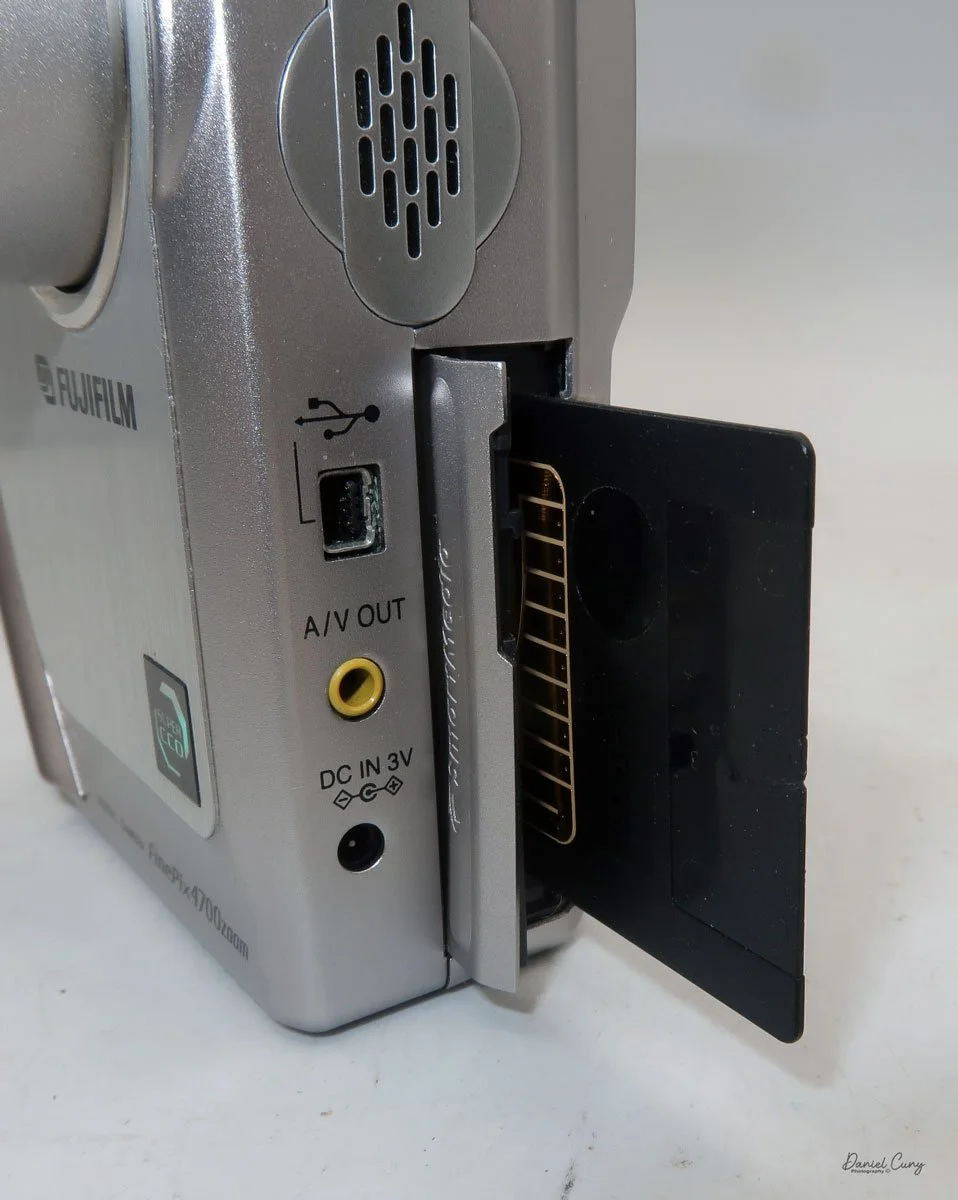
On the left side of the camera is the door where you put in the Smart Media card. Flip the small button downwards to open the memory card door. Insert the memory card so the brass portion faces the front of the camera, and press it in all the way until it stays in the camera. To release the memory card, push it in a bit, as it's spring-loaded, and it will pop out, so you can grab it and pull it out of the camera. Once the memory card is inserted in the camera, you can close the memory card door.

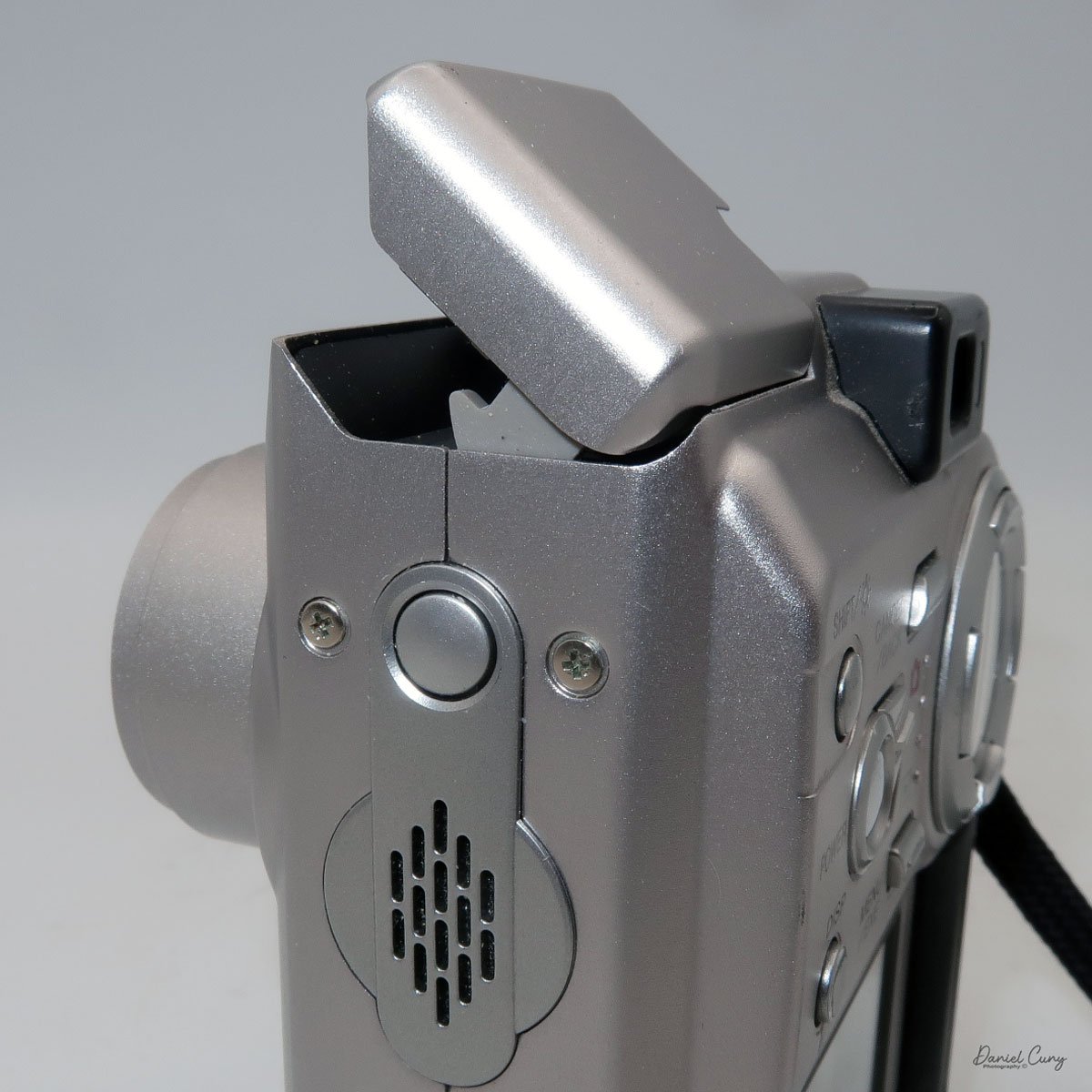
 Above the memory card door is a small speaker; above that is a small button to turn on the flash, which will pop up after the button is pressed. Also on the left side are ports for a charging device, A/V out, and a USB port.

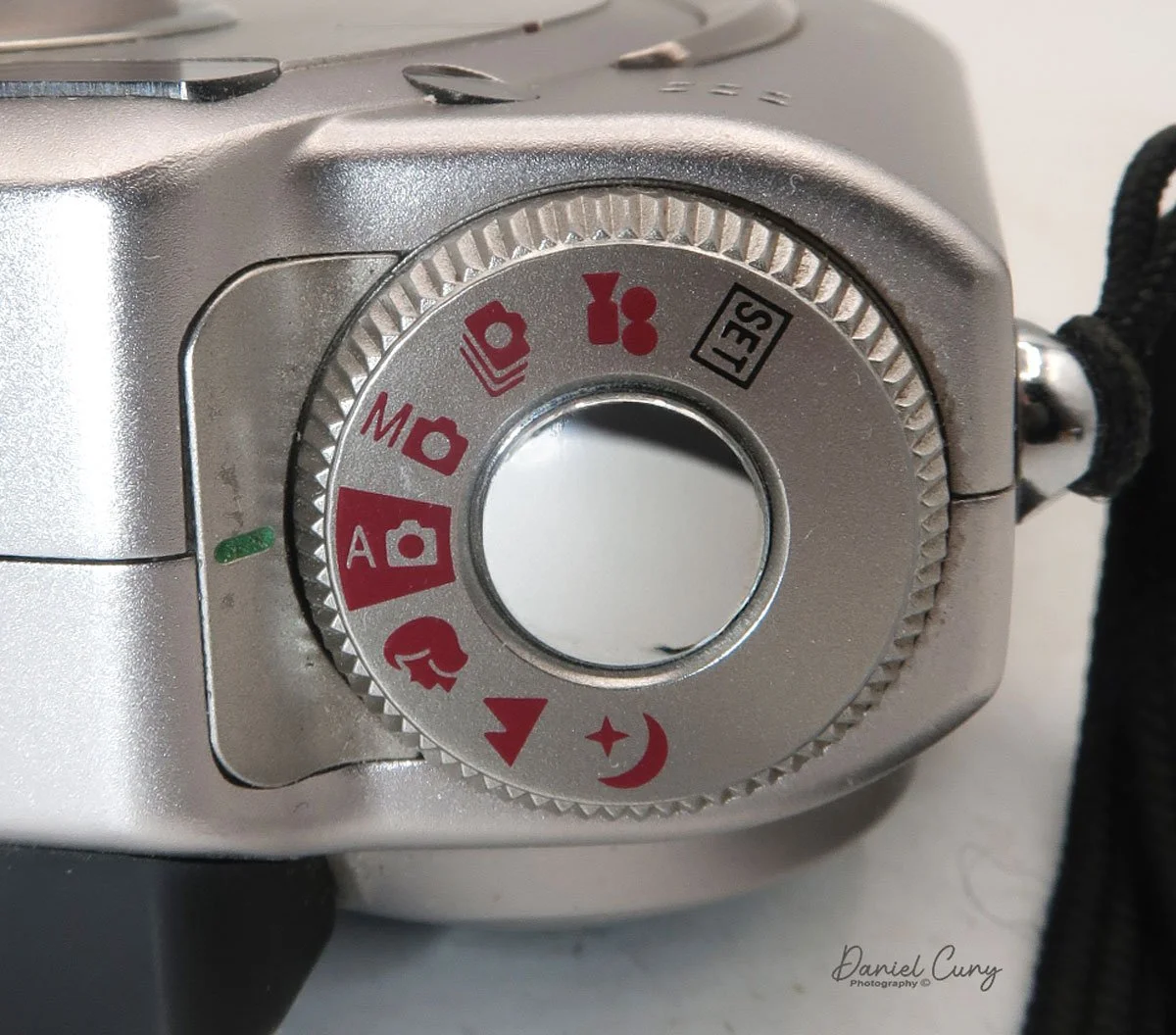
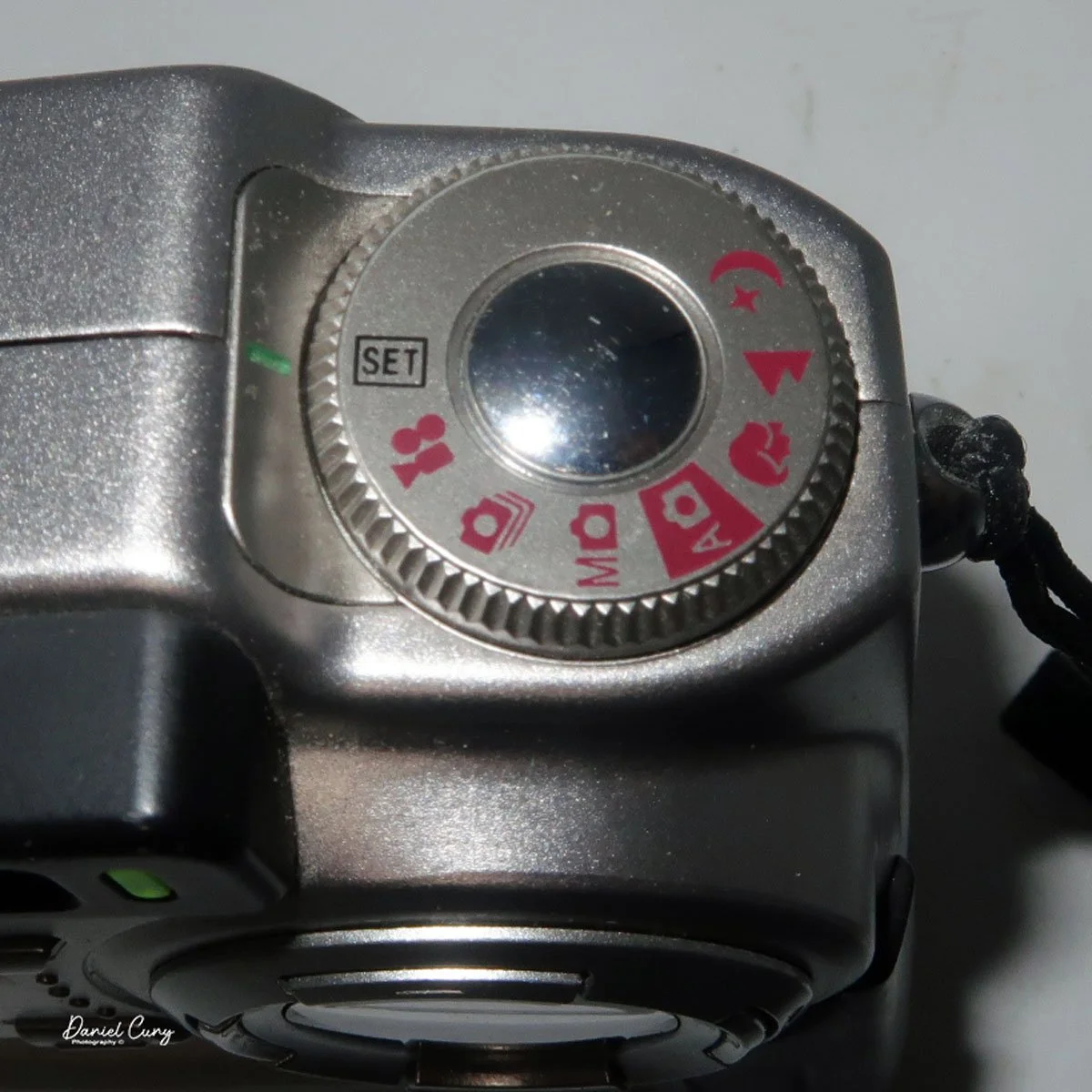
Two main areas control the camera: the selector on top of the camera, which surrounds the shutter release button, and the back of the camera, which is the main control center.

 The top controls the camera's shooting mode. Looking around the dial, from top to bottom, is Set (some of the main camera settings are set here, with controls from the camera's back). The next is Video Mode, then Multi Mode  (continuous shooting), Manual Mode, Auto Mode (the primary setting in red), Portrait Mode, Landscape Mode, and Night Mode. Initially, you'll want to put the camera into "set" mode so you can adjust basic settings.

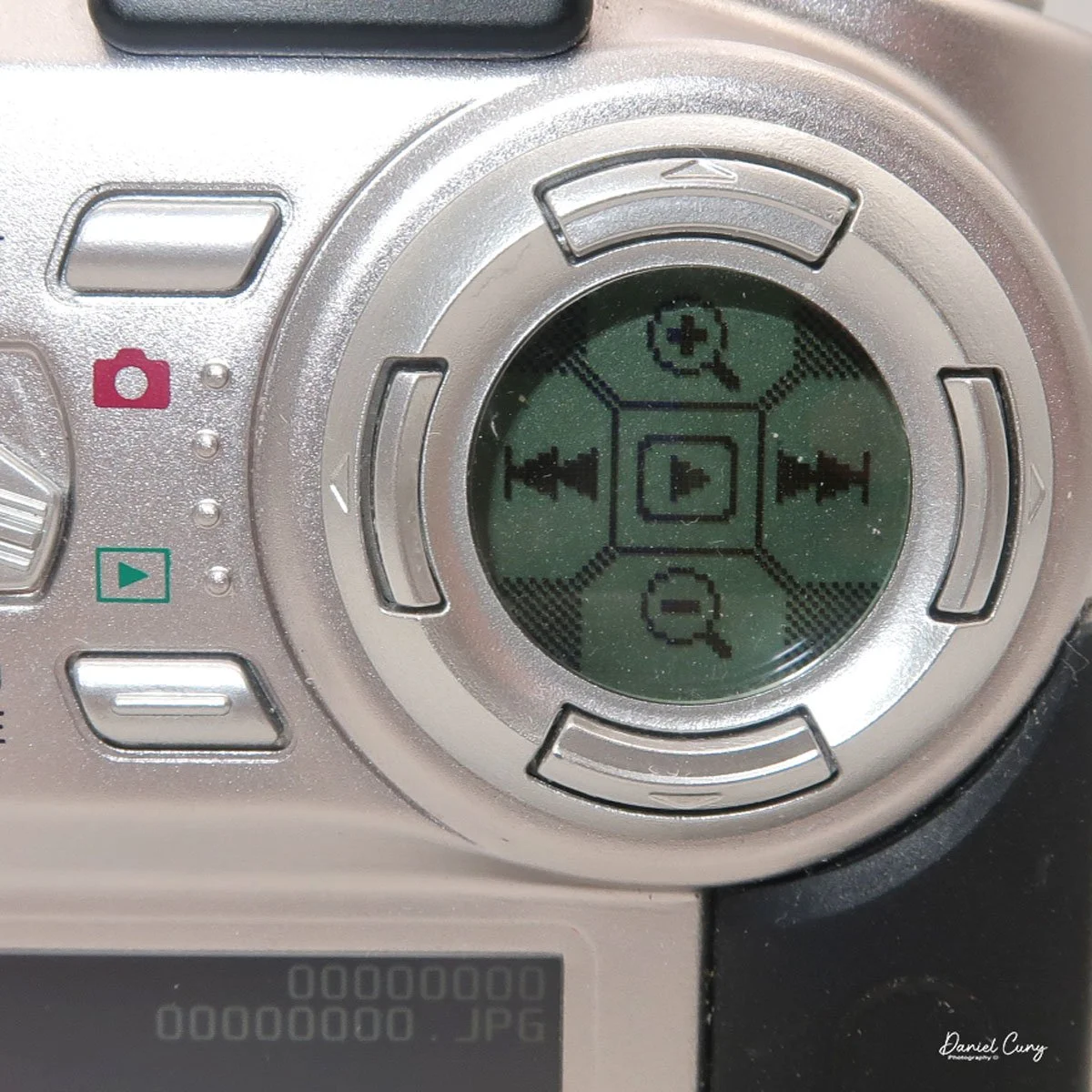
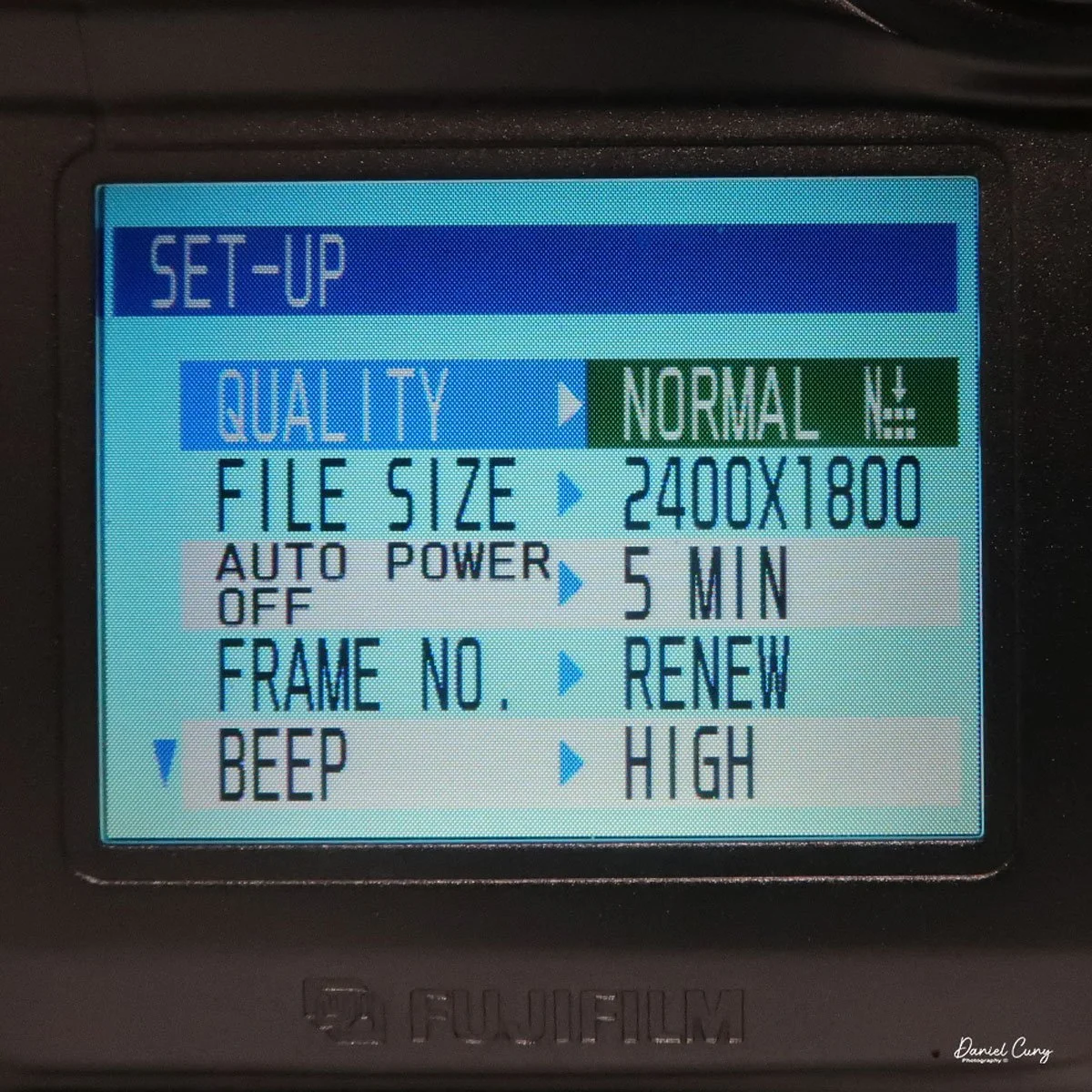
On the back of the camera are many different buttons, along with two separate screens. One circular screen in the upper right of the camera with directional controls that control certain items once the camera is on and the mode is selected. Located on the lower portion of the camera's backside is a larger 2" rectangular screen with a resolution of 130,000 pixels, which is also used in the "set up" process, along with displaying the image after it is taken.

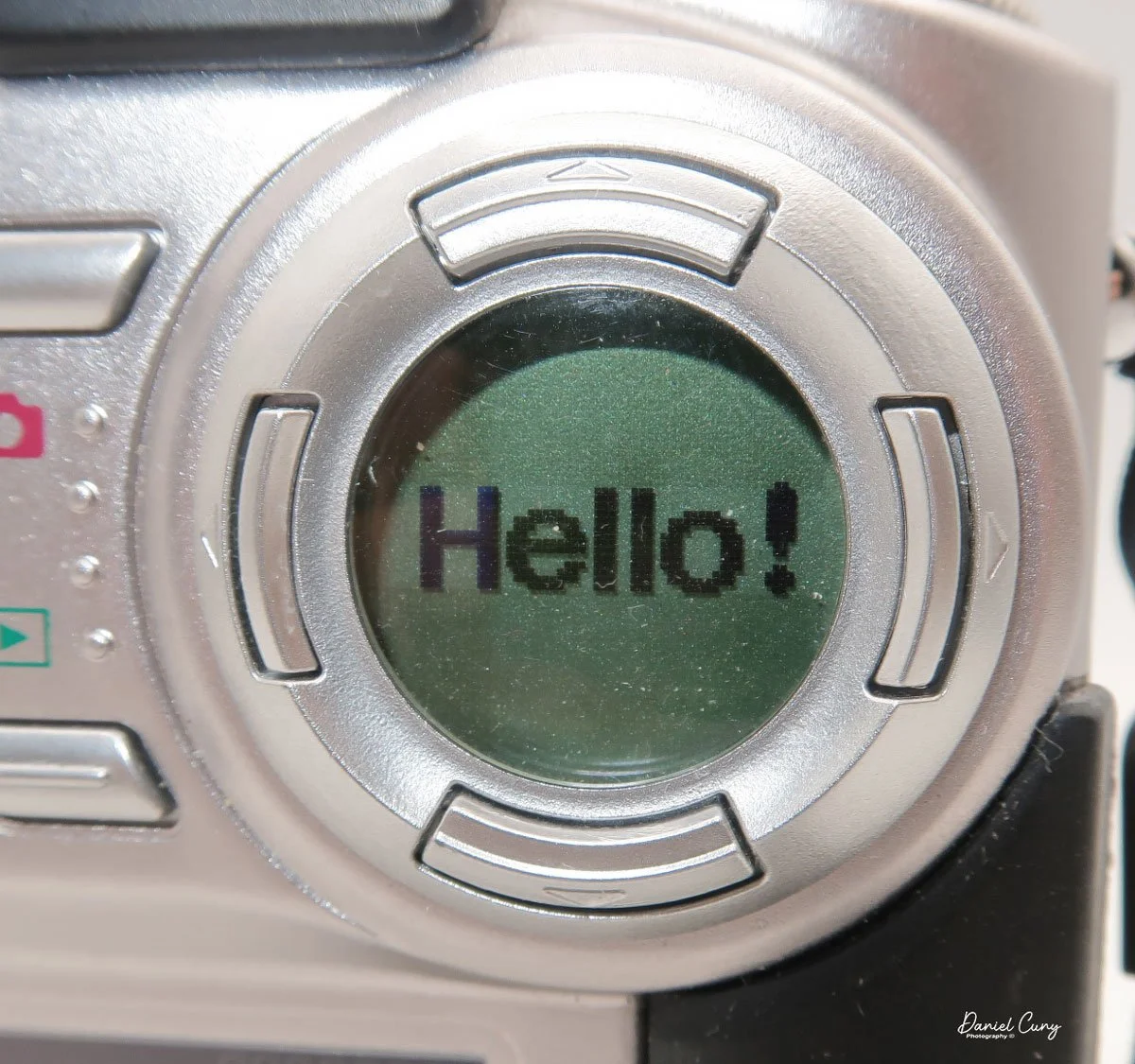
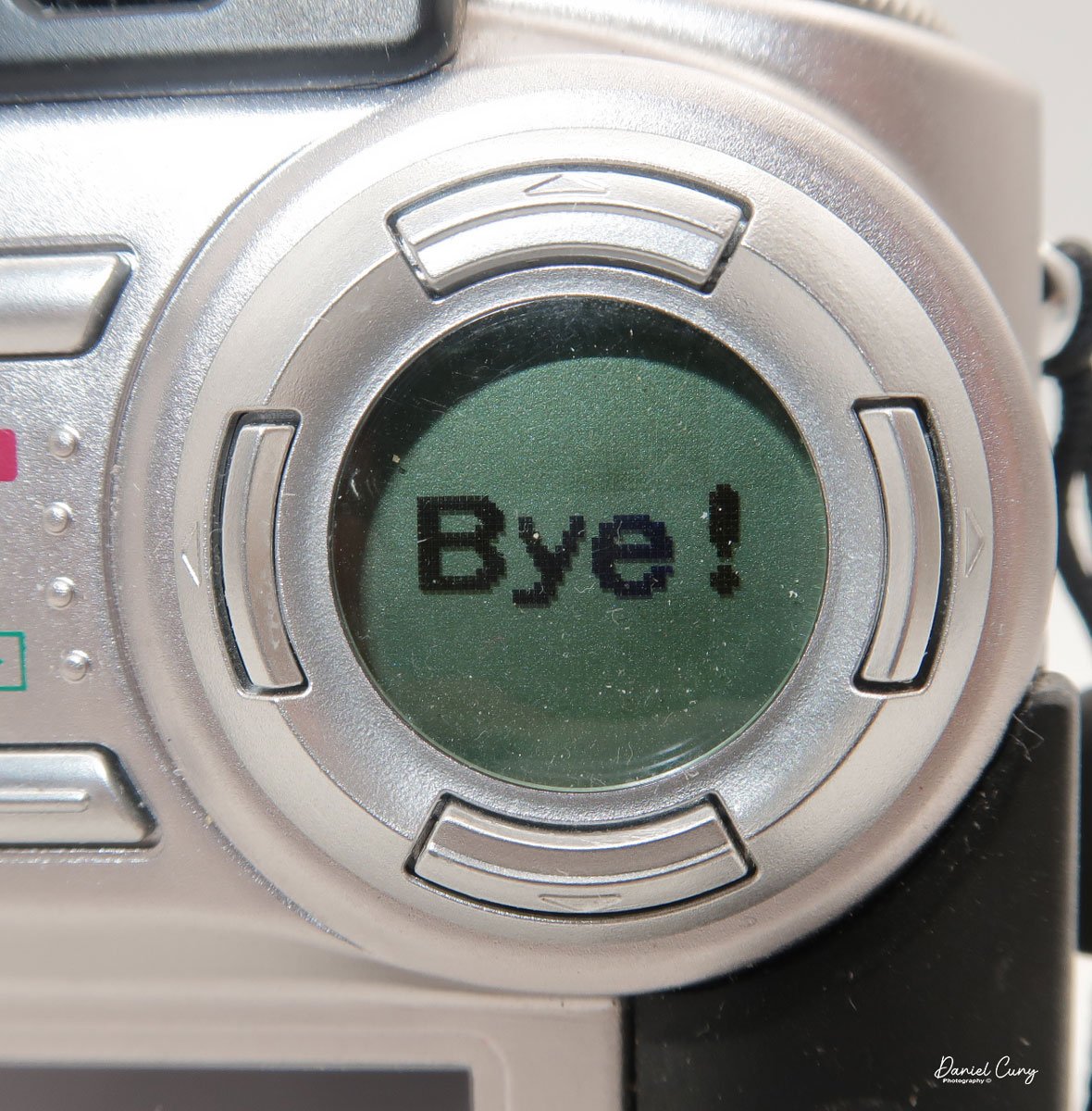
 Above the 2" screen is a series of five buttons along with a sliding pointer to a red camera or an arrow within a box. Making sure the camera is in the "Set" mode on the top wheel, put the slider to the "red camera", and press the power button inside the slider. One of my favorite things about this camera happens at this point. Inside the circular window you'll see "Hello!" illuminated inside the circular window, and the 2" screen is now in the "setup" mode. When you turn off the camera, "Bye" will appear in the window.

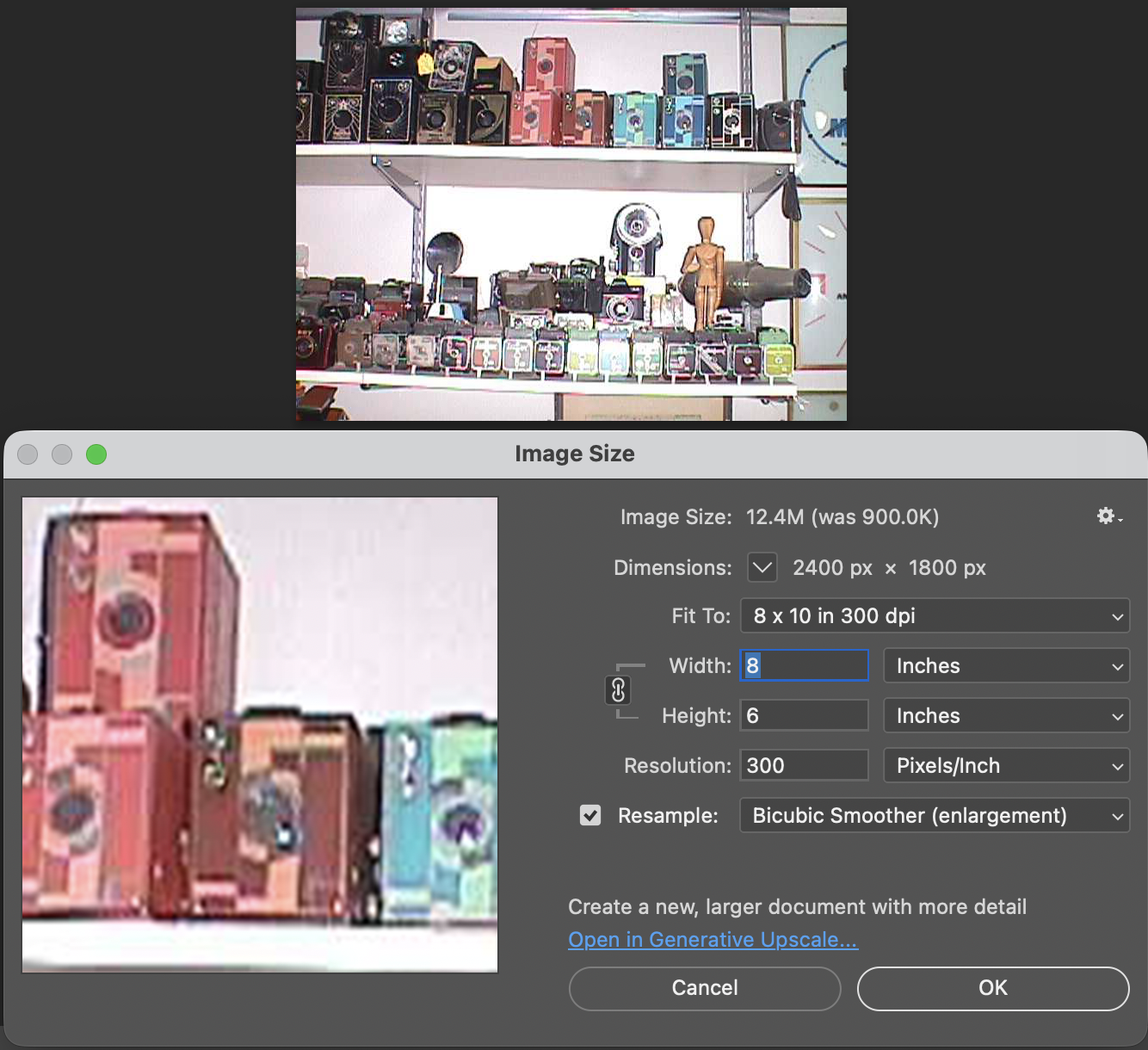
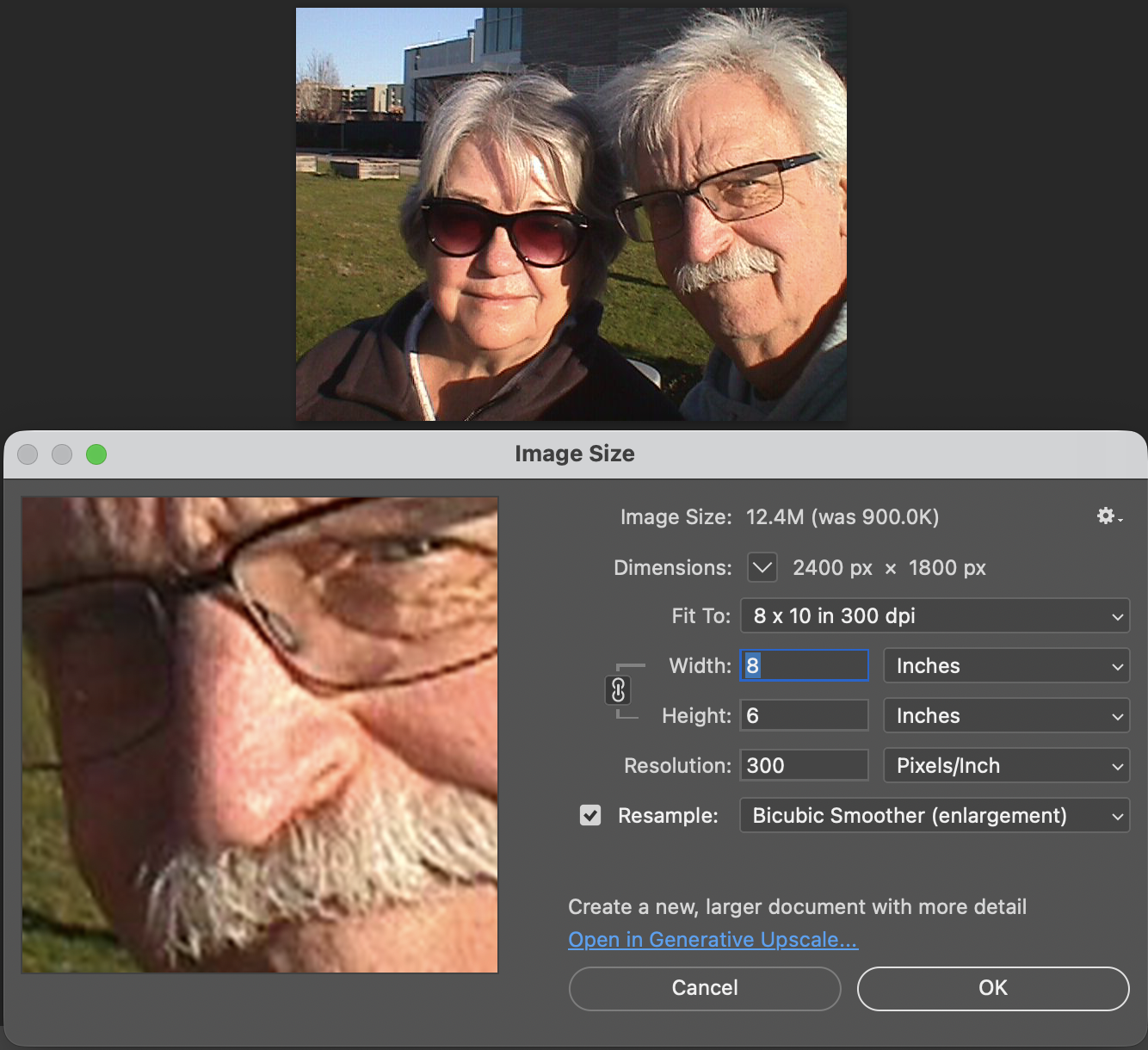
Here is where you'll set the image quality to Basic, Normal, or Fine by moving the directional buttons around the circular window. Next is file size, 640x480, 1280x960, or 2400x1800. Within each file size, you can choose to shoot in Basic, Normal, or Fine, giving you file sizes anywhere from 44kb in Basic and in 640x480 resolution, to 1.9mb shooting in 2400x1800 resolution and in Fine.

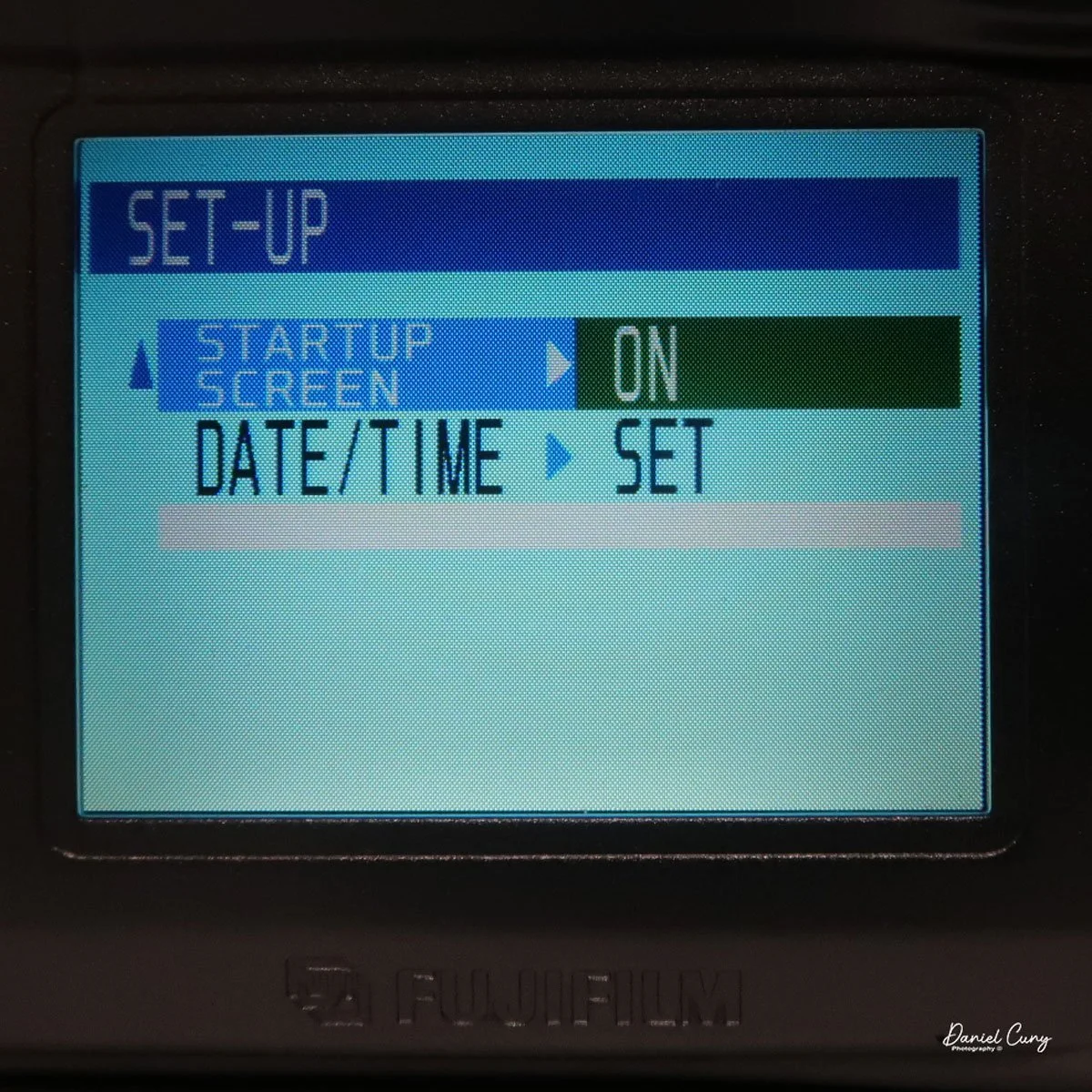
 Next is the "auto-off" setting, which is either 5 or 2 minutes, or No. Then moving down to "Frame No." with either Renew or Cont., then below that is "Beep" which can be High, Low, or Off, onto the second page and to "start up scree" either On or Off, and last on the setup screen is setting the Date. Once you make any of these choices, the button on the back of the camera, which has "Menu/Exe", is the button to press to make the changes desired.

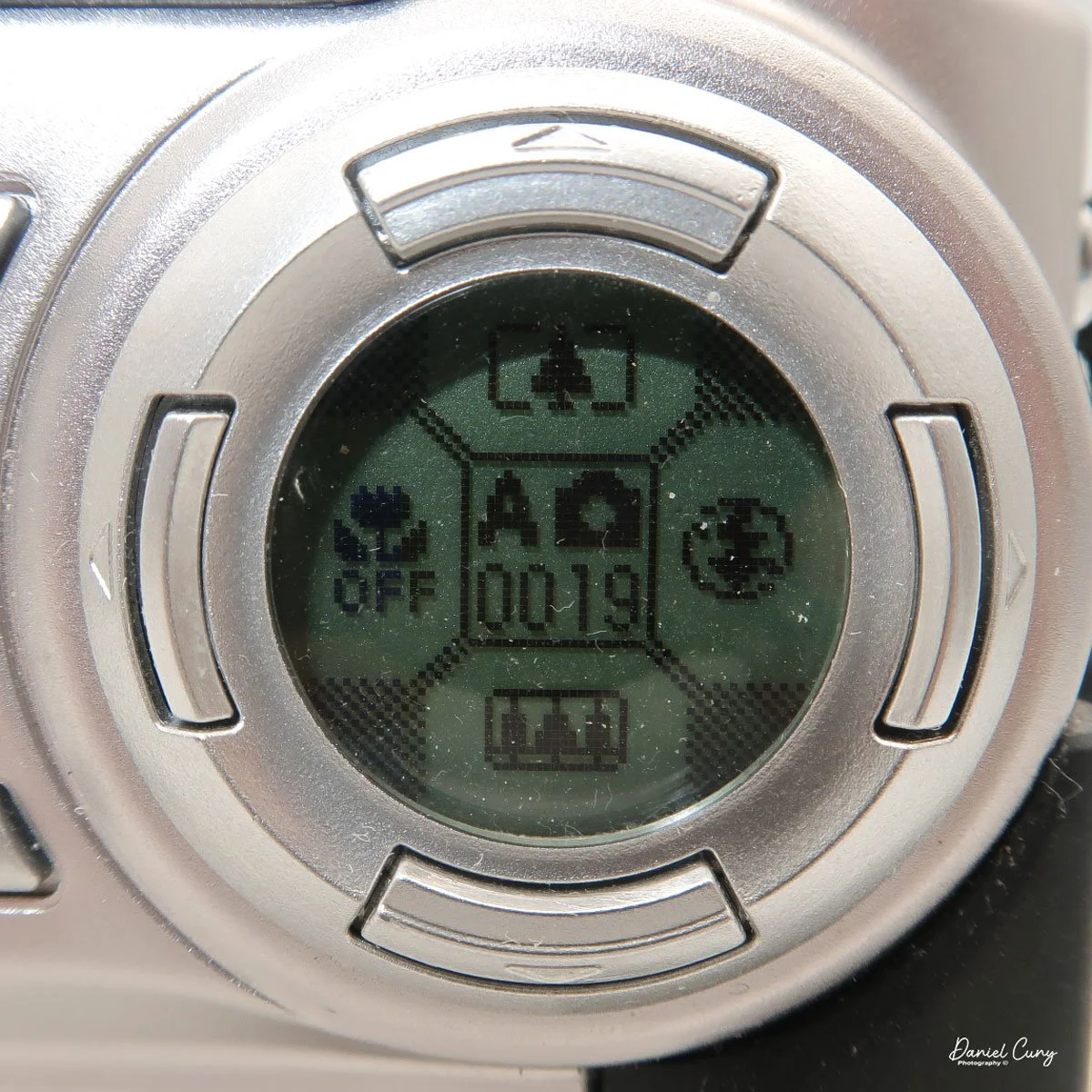
With the camera still in "red camera" mode, when you move the top dial to a specific shooting mode, like Portrait or Auto, the lens door slides over and the lens extends from the camera. Now you're in shooting mode, with the camera actually recording images to the memory card. When you're in the "shooting" mode, you'll see information inside the round directional window with details on the zoom function with the buttons pointing up or down, the macro setting on the left side of the window, and the flash setting on the right, and in the center is what "mode" you're in and the frame count.

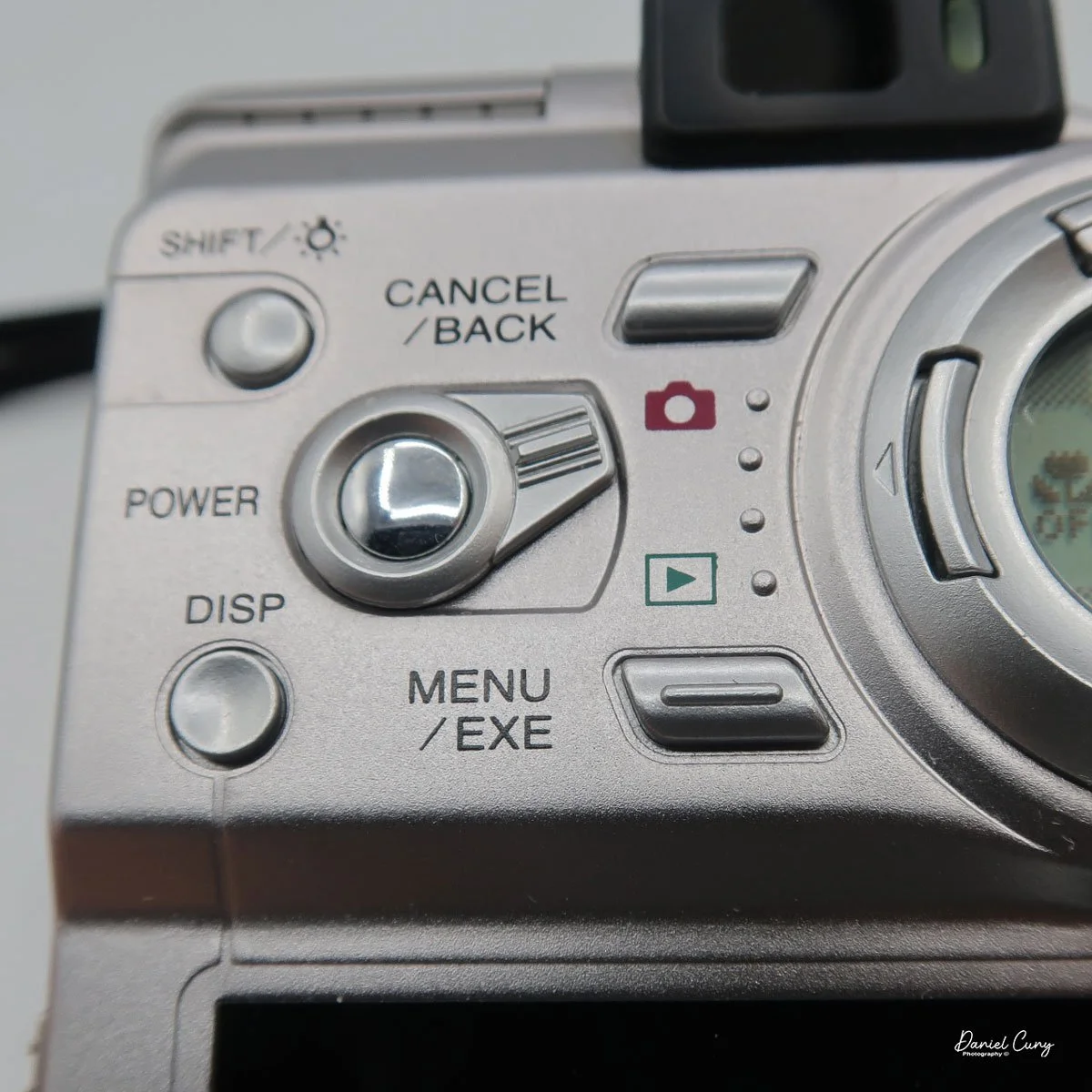
 Just above the control buttons on the back of the camera is an optical viewfinder to look through to frame your image. You can also click on the "display" button, which will activate the "live video" feed on the 2" monitor on the back of the camera. Also on the back of the camera is a button for the Menu/Exe functions. This button sets the menu item you want to control. In the upper-left corner is a button labeled Shift and a light bulb. It allows you to light up the round window while also seeing other settings within the camera.

These are the basics for using the camera, since it is a sophisticated little camera. You have the option of manual focus, over/under exposure, flash over/under exposure, focus lock, rear screen brightness, white balance settings, image sharpening, and metering types like spot, average, and multi metering, which is the most common for this camera.  I didn't even touch on the video capabilities of this camera, which were relatively plentiful for a small digital camera from this era.


My Results:

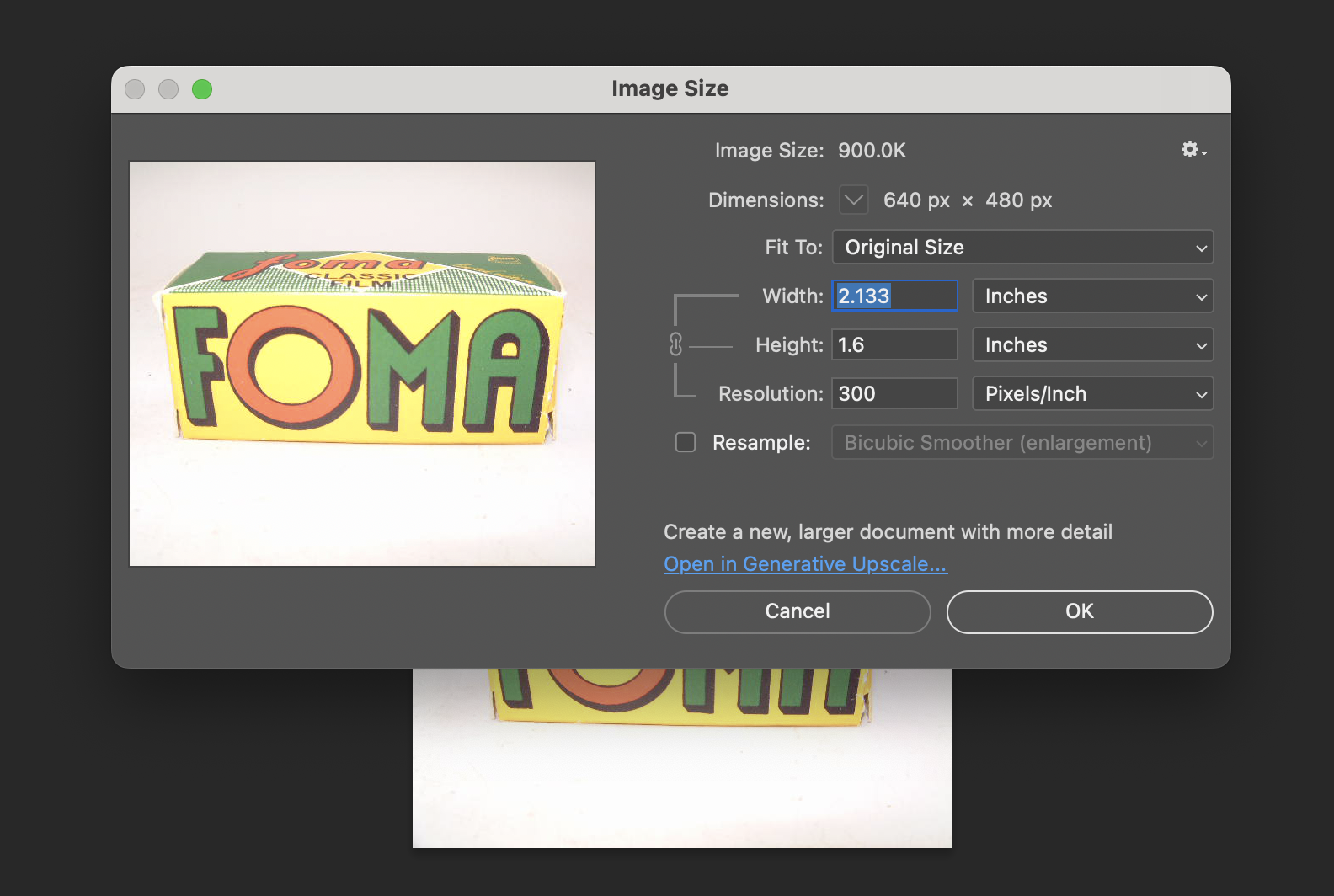
 To look at the different resolutions and shooting modes, I photographed a film box in my portable studio to compare image quality. I'm sure there's going to be a vast difference since the smallest file is only 44kb and the largest is 1.9mb.

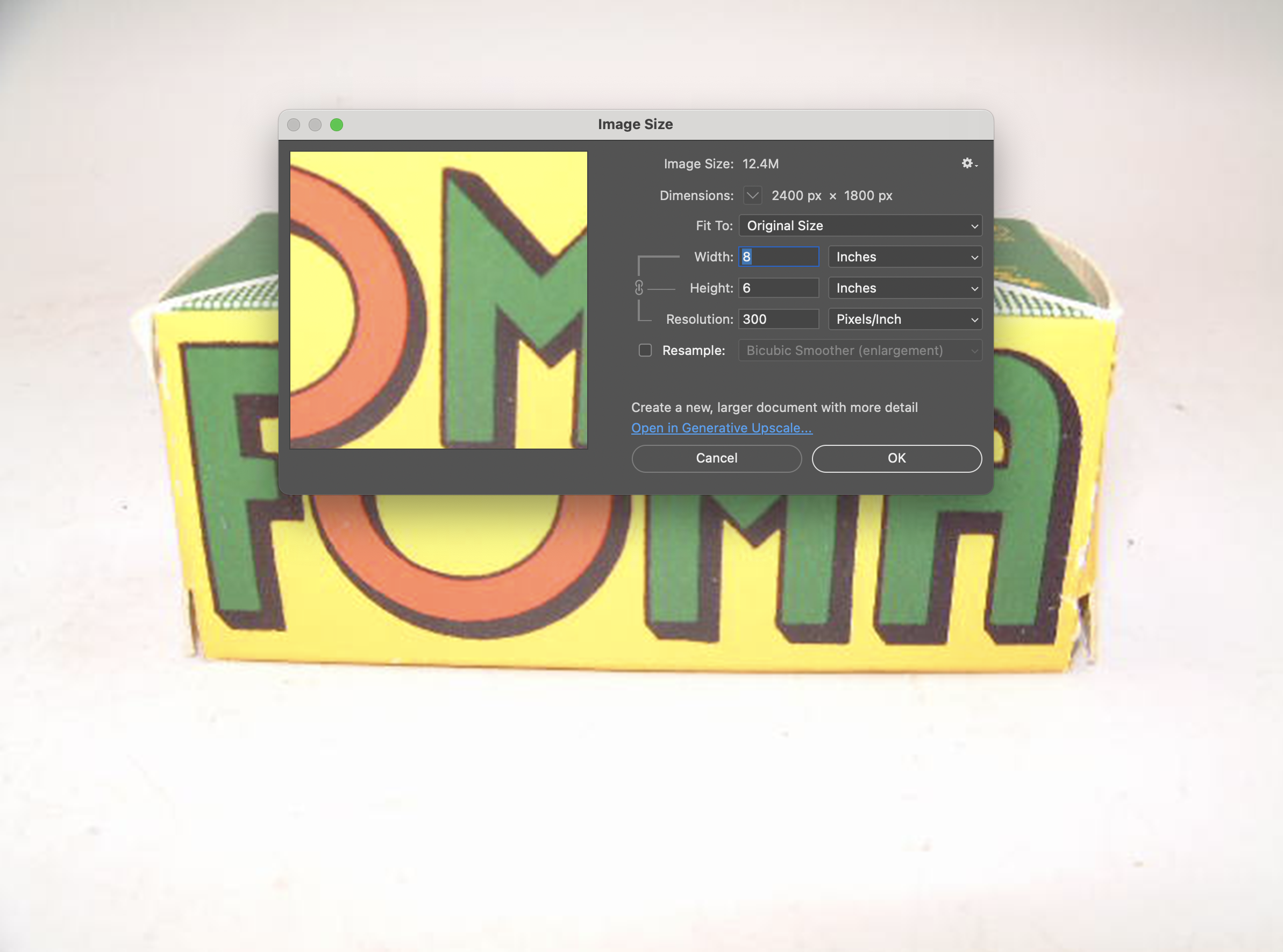
Here are some screenshots in Photoshop showing the image size of the smallest and largest files taken with the Fujifilm FinePix 4700 zoom.

I also took a regular and macro shot, which you can see here.

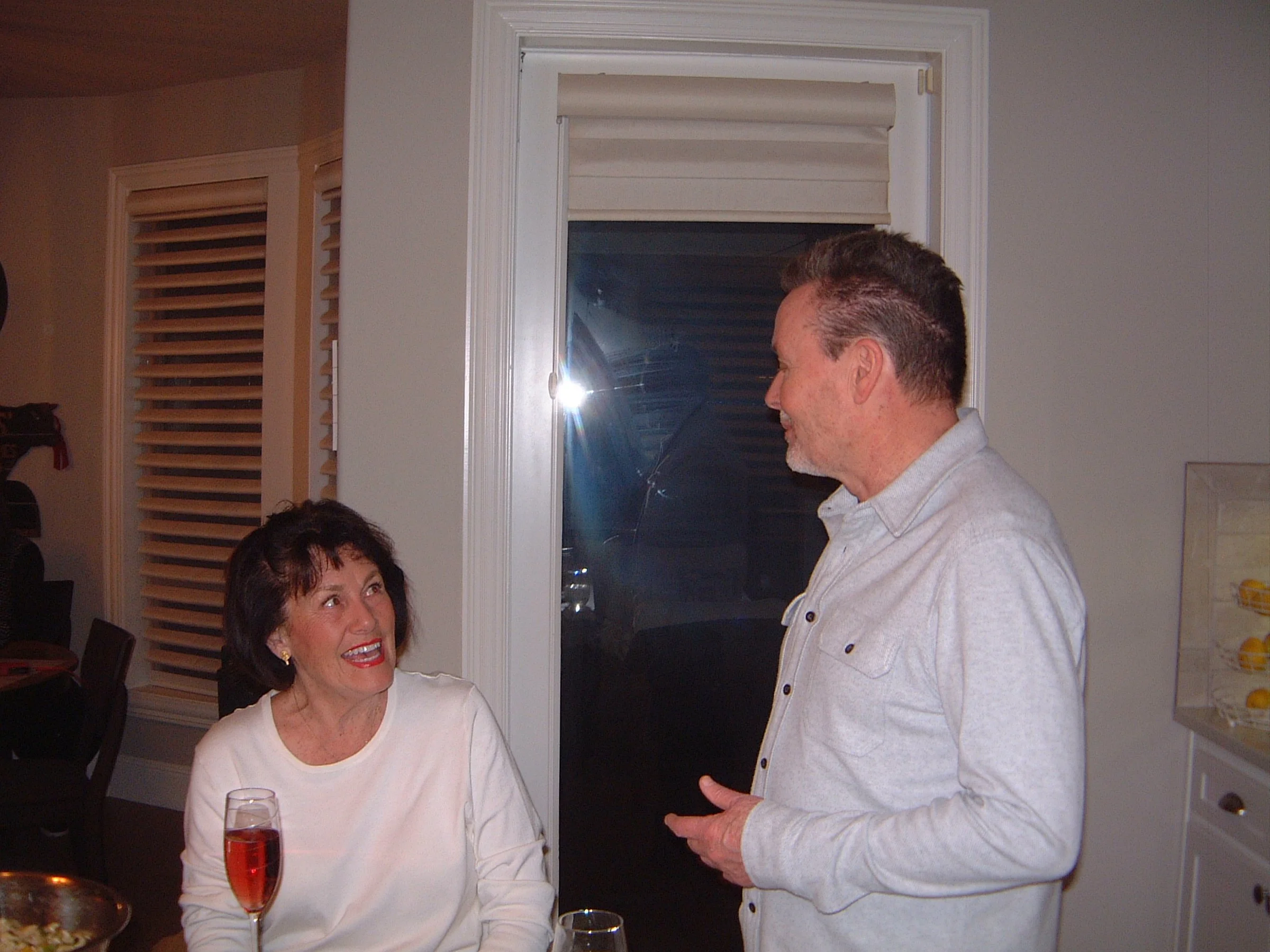
Then I used the camera at our New Year's Eve get-together with some neighbors. I'll have to admit, I haven't made it to Midnight for many years.

Conclusion:

 It's nice to pull out some of the older digital cameras and run them through their paces every once in a while. The camera is compact, easy to use, and fun to shoot with. While there are many drawbacks to cameras from this era, such as file size, and in many cases the phone you have takes better photos, it often lacks many of the controls a real camera has (yet).

 Thank you for taking the time to travel back in time about 25 years, when digital cameras were coming into their own and putting film companies out of business, except for Fujifilm, which diversified and actually embraced digital.

 Feel free to look through my other Camera Reviews.

 I also have an online eBay store, Cuny's Cameras and Photo, where I sell many of the cameras I've reviewed, along with other cameras, lenses, and camera accessories. If you find something there, please let me know, and I'll offer a nice discount.

 Until next week, please be safe.
GOMZ Malyutka Camera

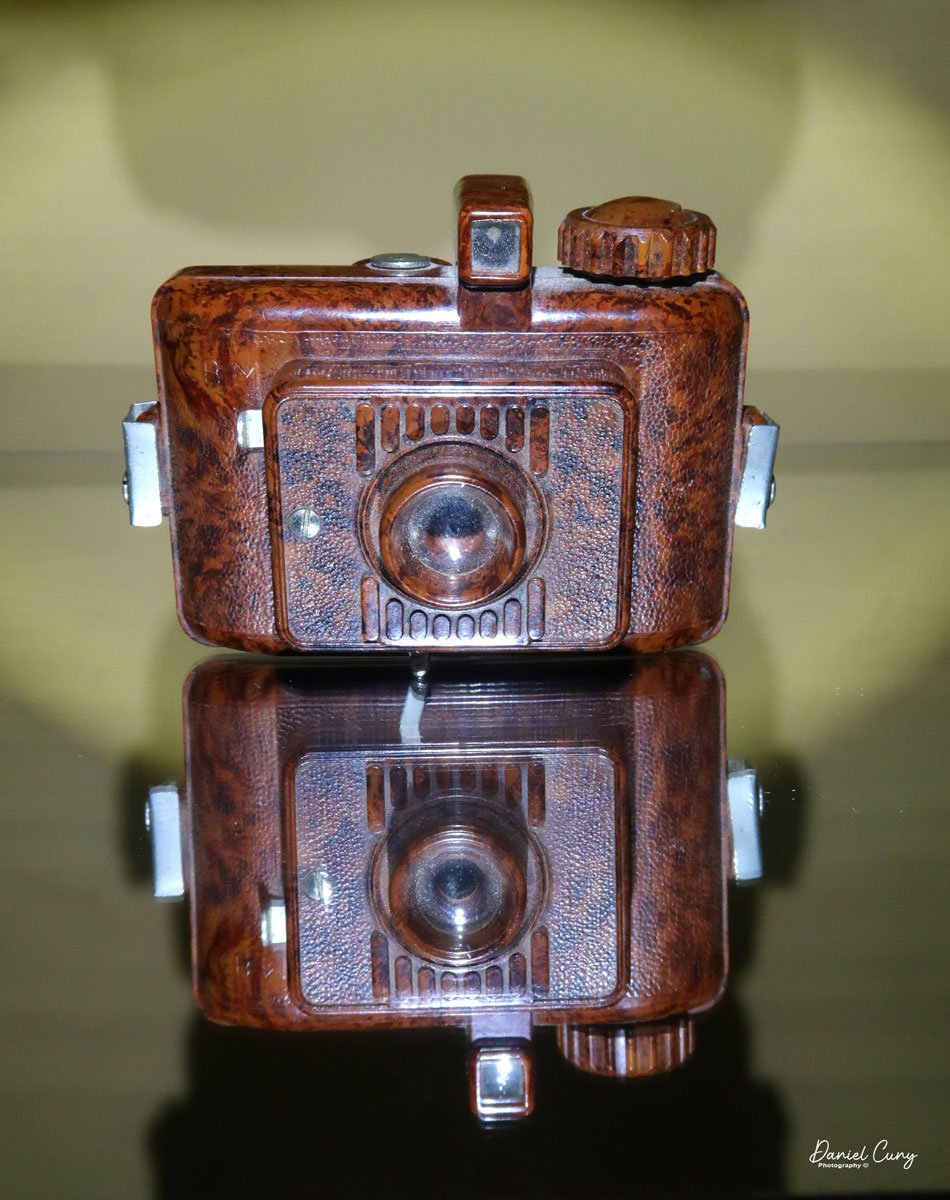
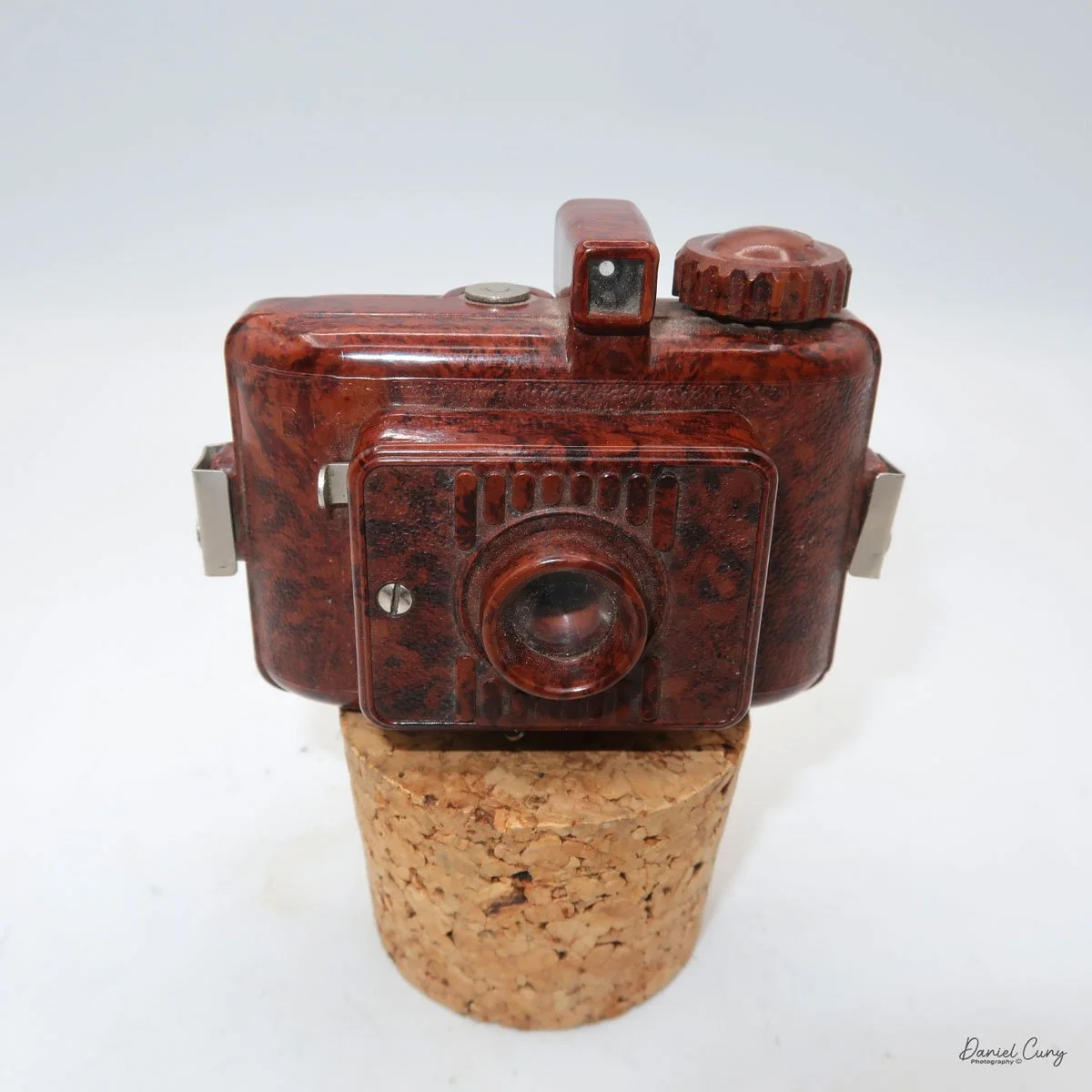
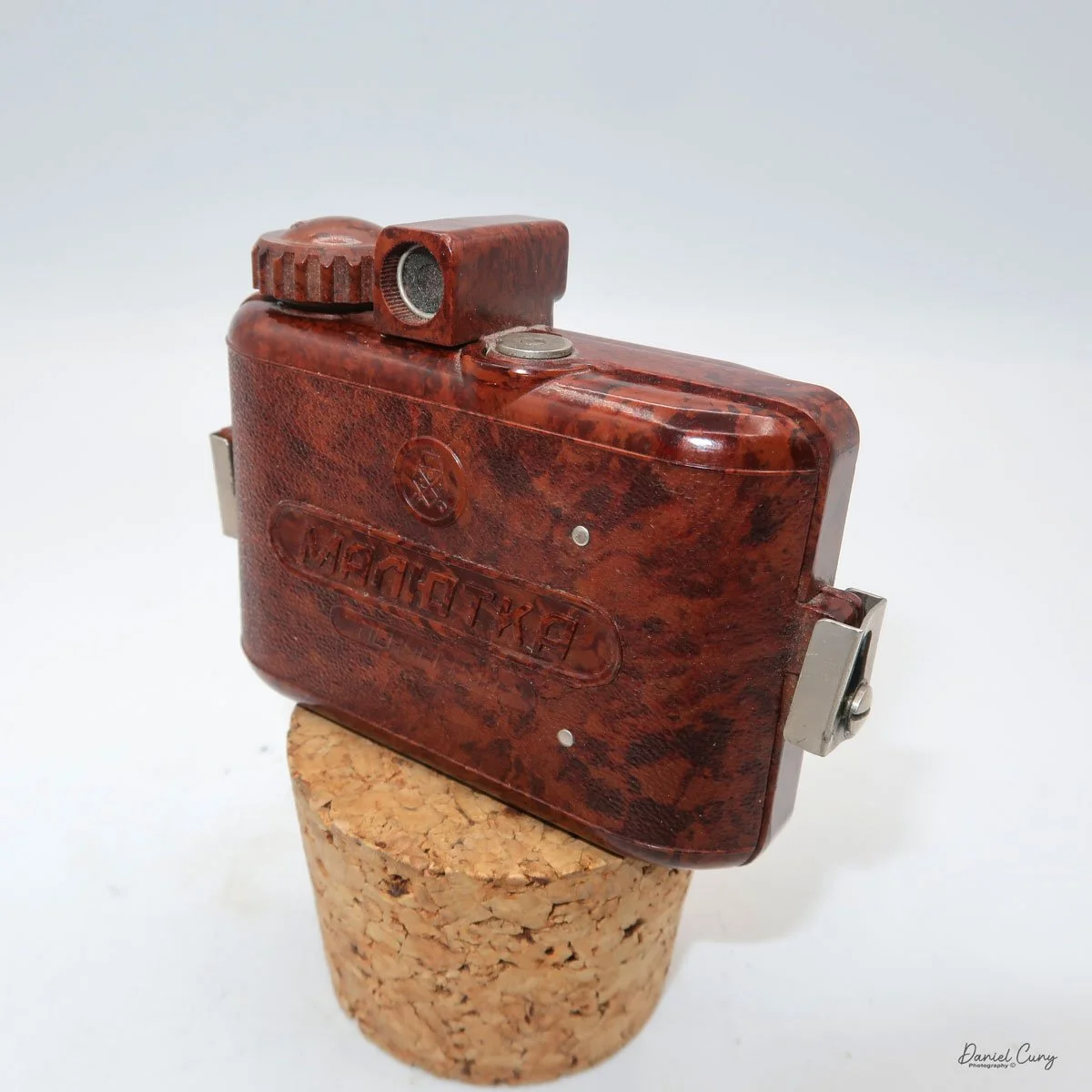
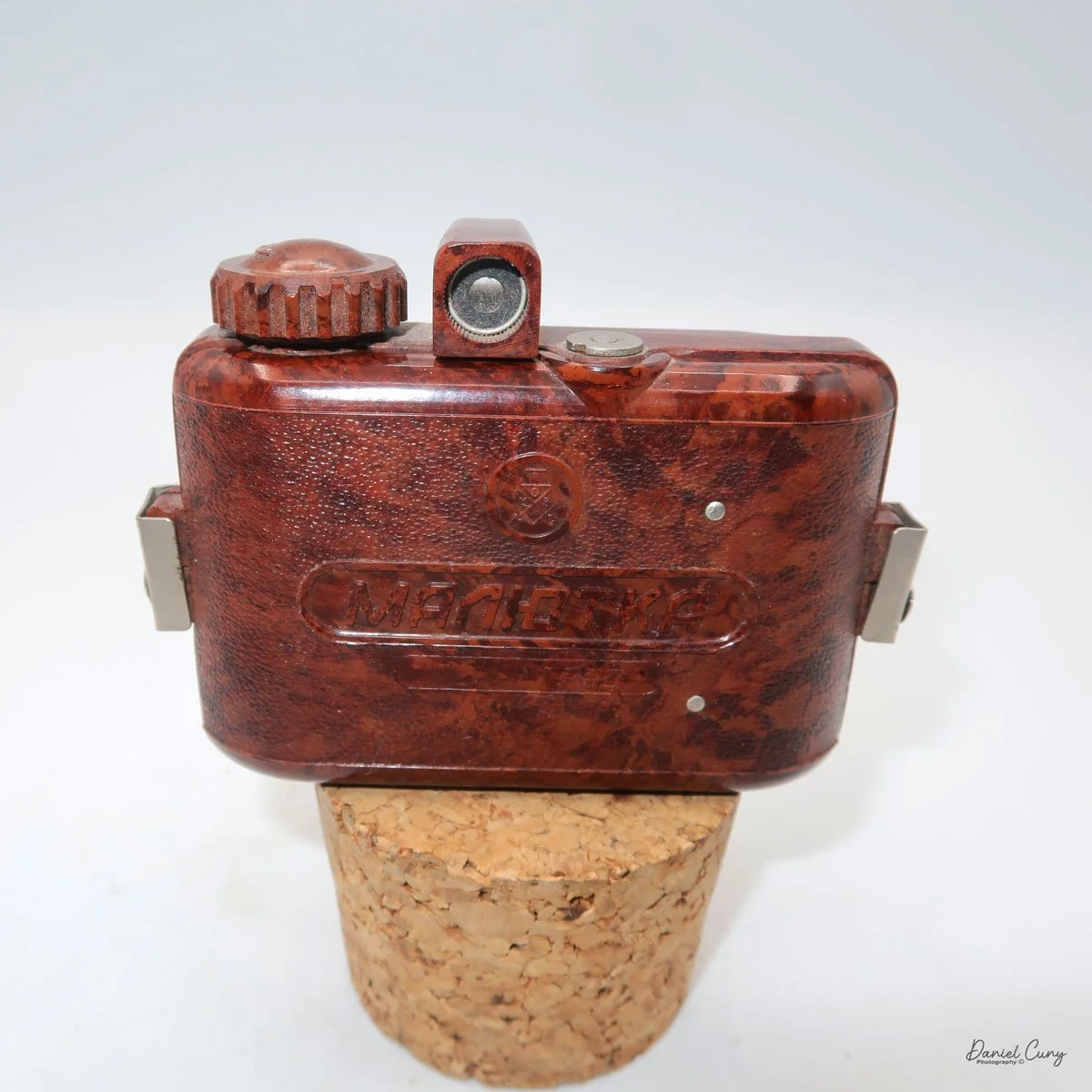
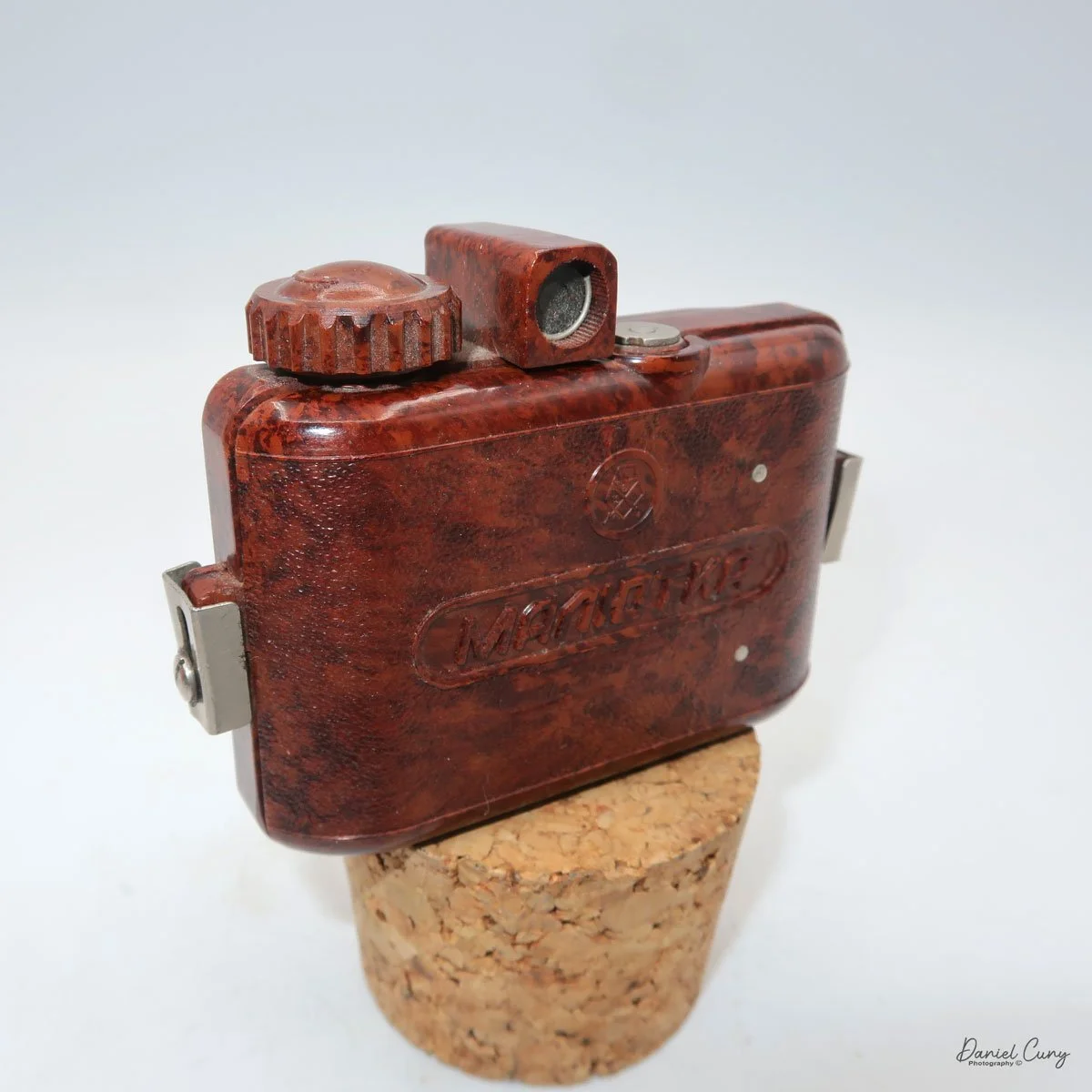
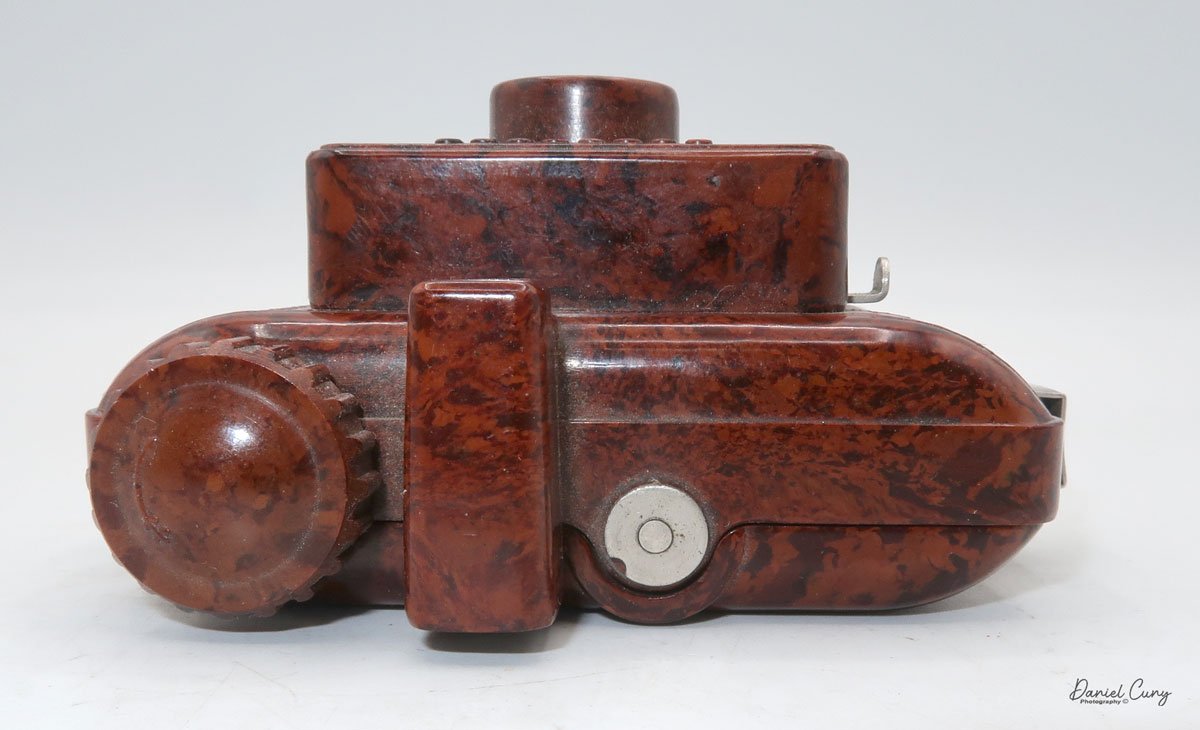
My GOMZ Malyutka camera

It wasn't until later in my camera-collecting career that I developed an interest in miniature and subminiature cameras. It was the more unusual or the odder looking camera items like the pen-shaped Stylophot,  or the round Petal camera, the Twin Lens style miniature cameras like the Gemflex camera, or the miniature cameras which resemble small rangefinder or SLR cameras like the Golden Ricoh 16, where I really enjoyed having them in my collection. They are very unique cameras and items that stand out because they are so different from the larger box, folding, or view cameras. A real advantage of having miniature and subminiature cameras in your collection is the amount of display space they save. You can display many more items and accessories in a much smaller area.

 The GOMZ Malyutka is a camera I purchased around 10 years ago, and I didn't start researching it until about a year ago, when I found out it was pretty rare. I didn't even have it in my display of miniature or subminiature cameras until that time.

 This is another camera I purchase in a group or "lot" of camera in a fairly unknown auction of camera. My real prize and the main item I was bidding on was an early Nikon F body, and tucked in the background was an early Nikon 5cm f2 tick mark lens, which, due to the angle of the lens and the low visibility of people looking, not many people bid on the "Lot", so luckily it was one that I won. There were also other items within the "lot" that I had minimal interest in, but the Tick Mark lens and early Nikon F body were the prize.

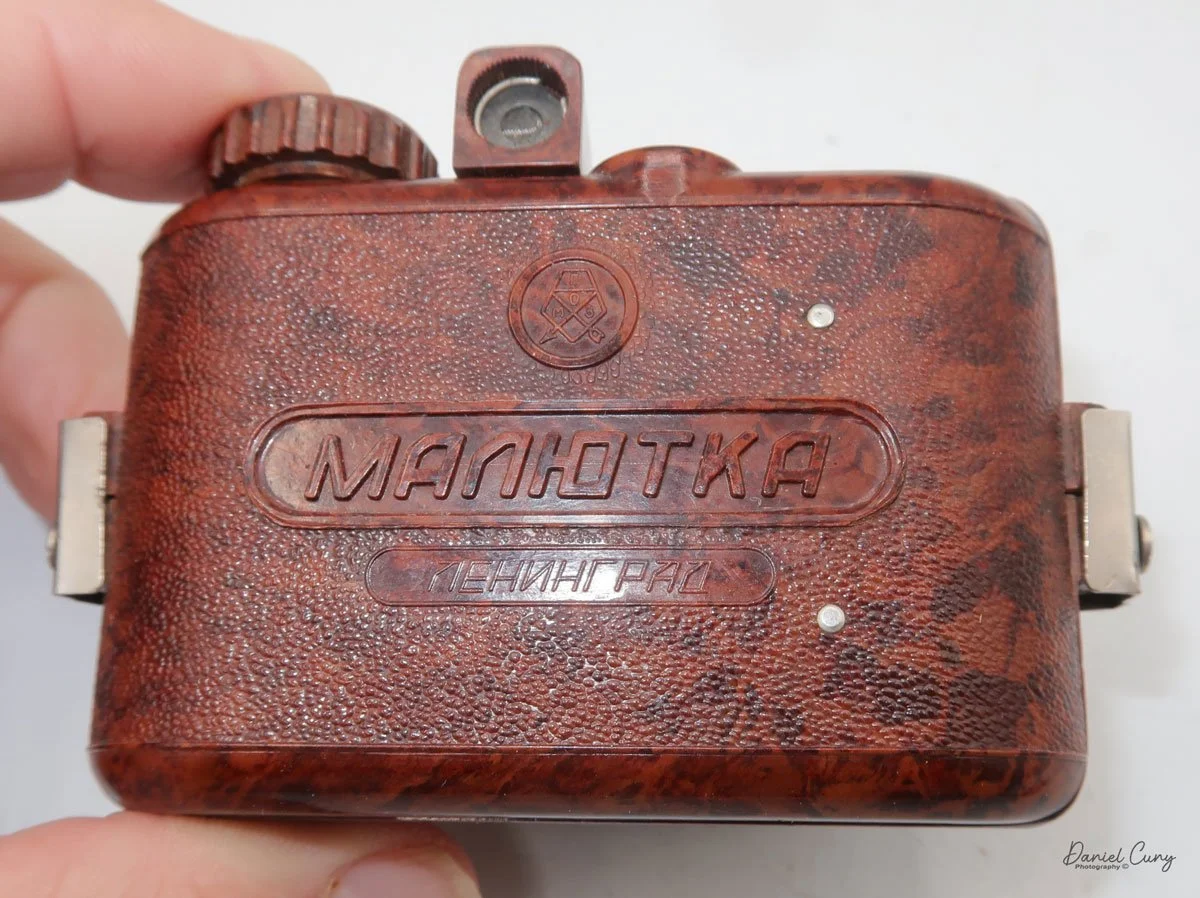
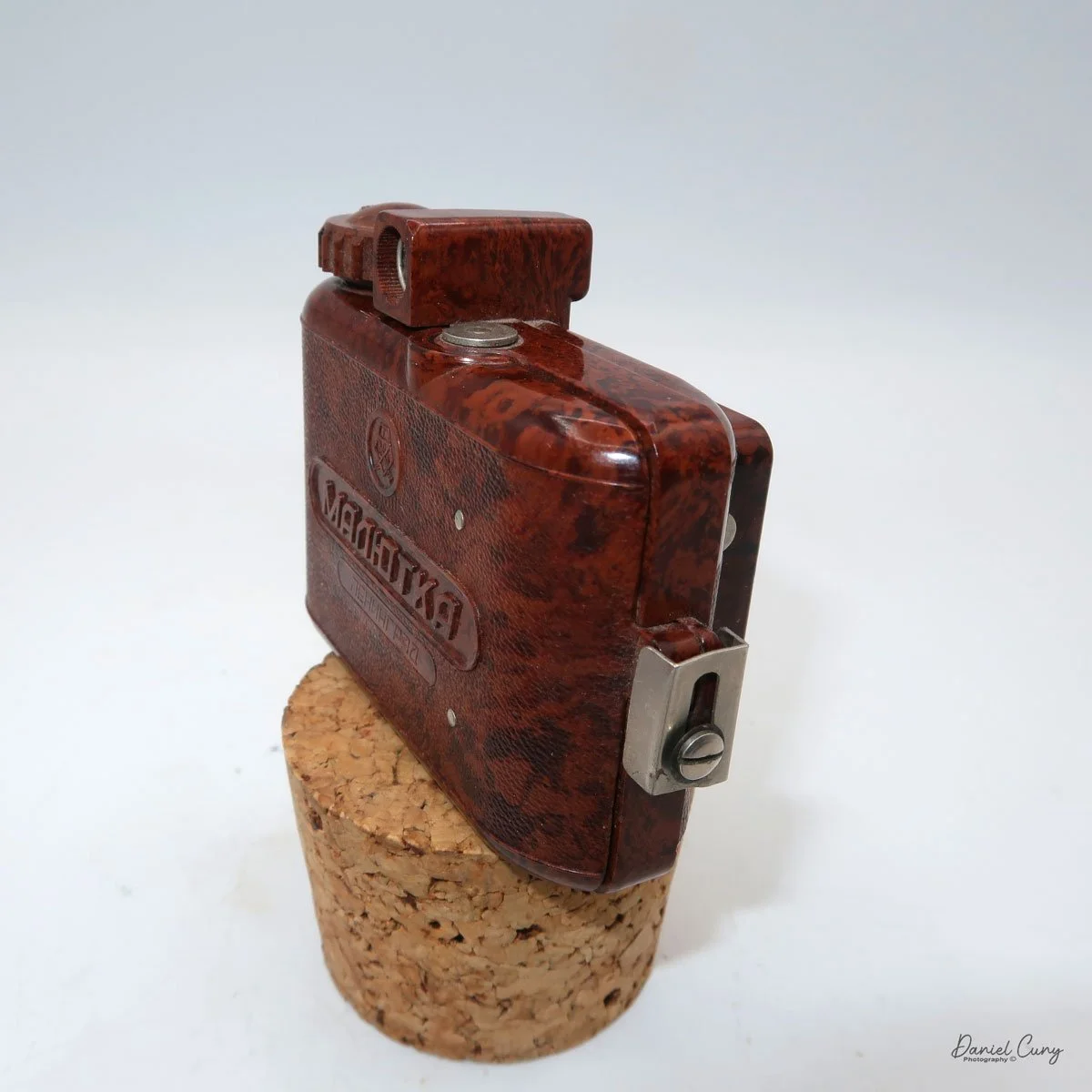
Back side of GOMZ Malyutka camera

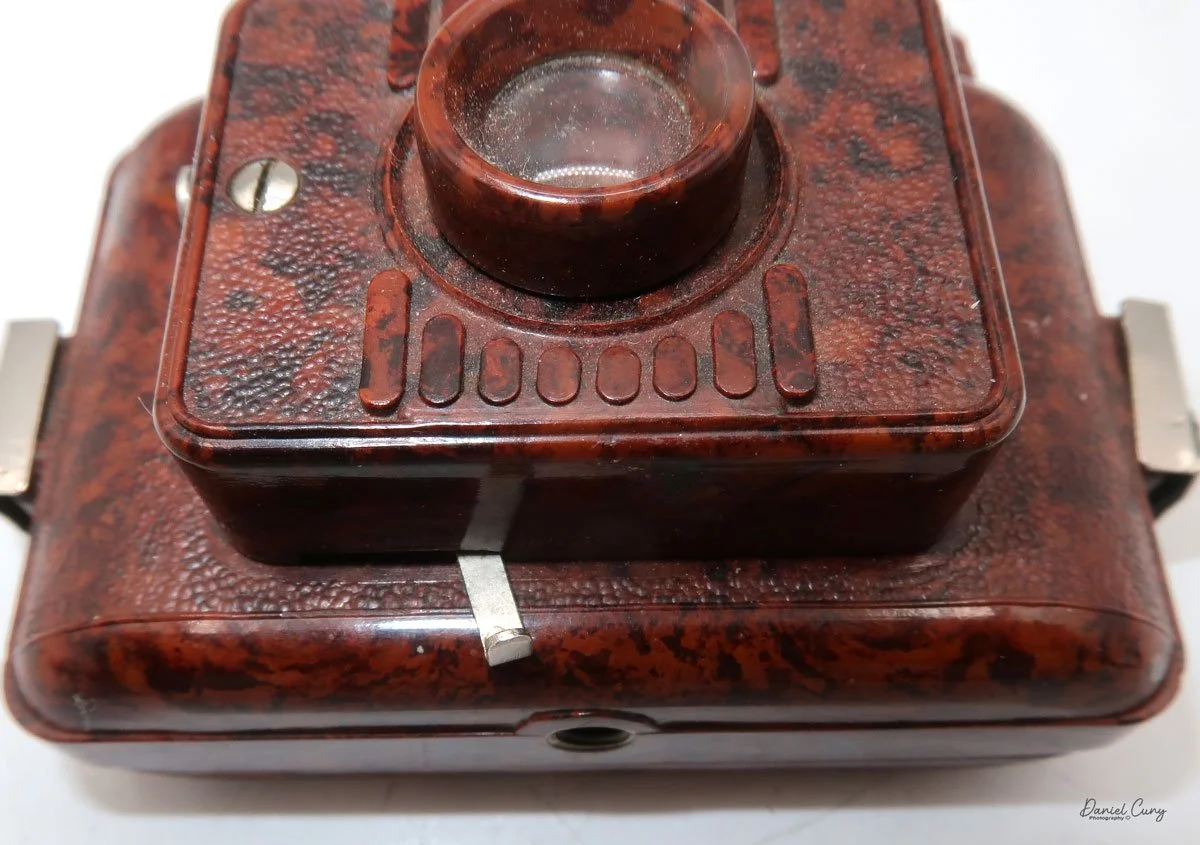
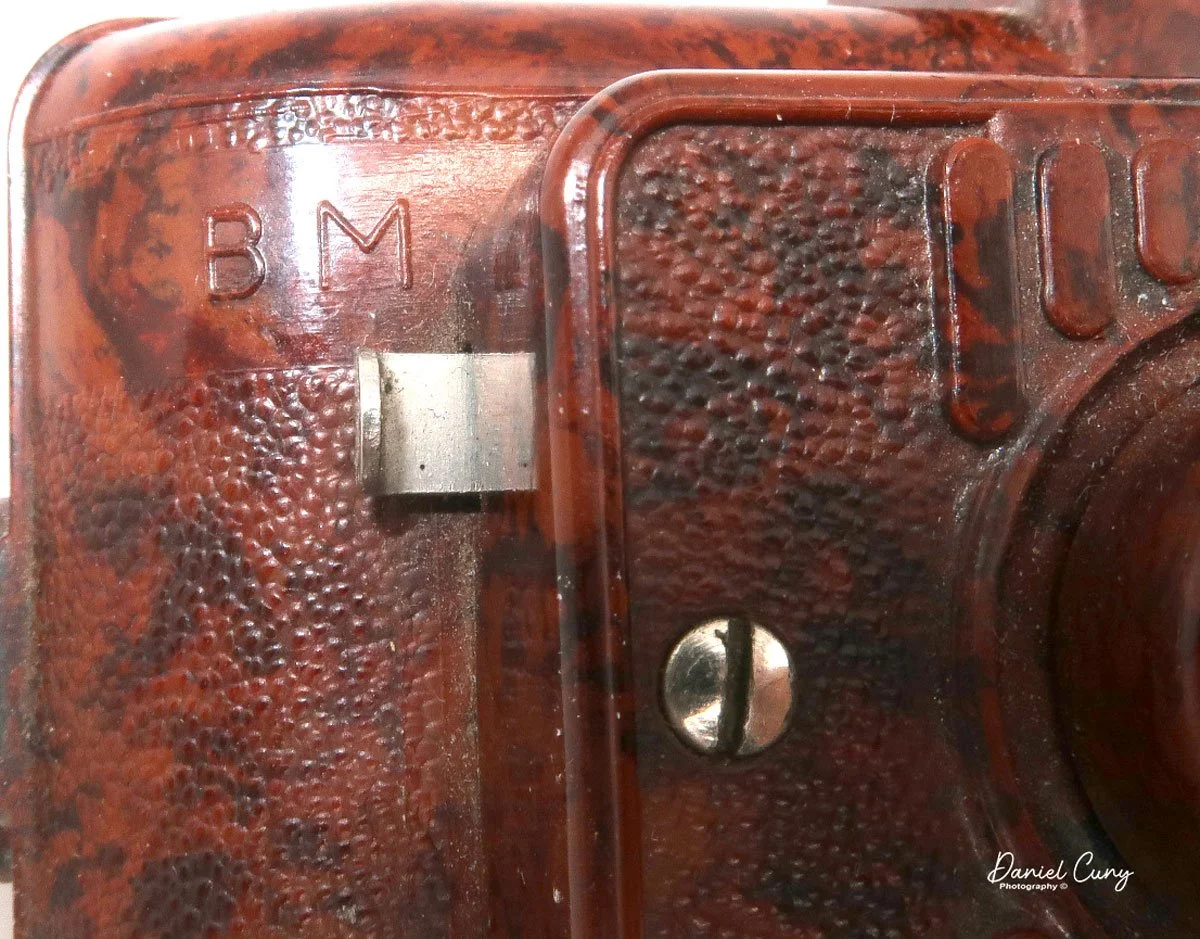
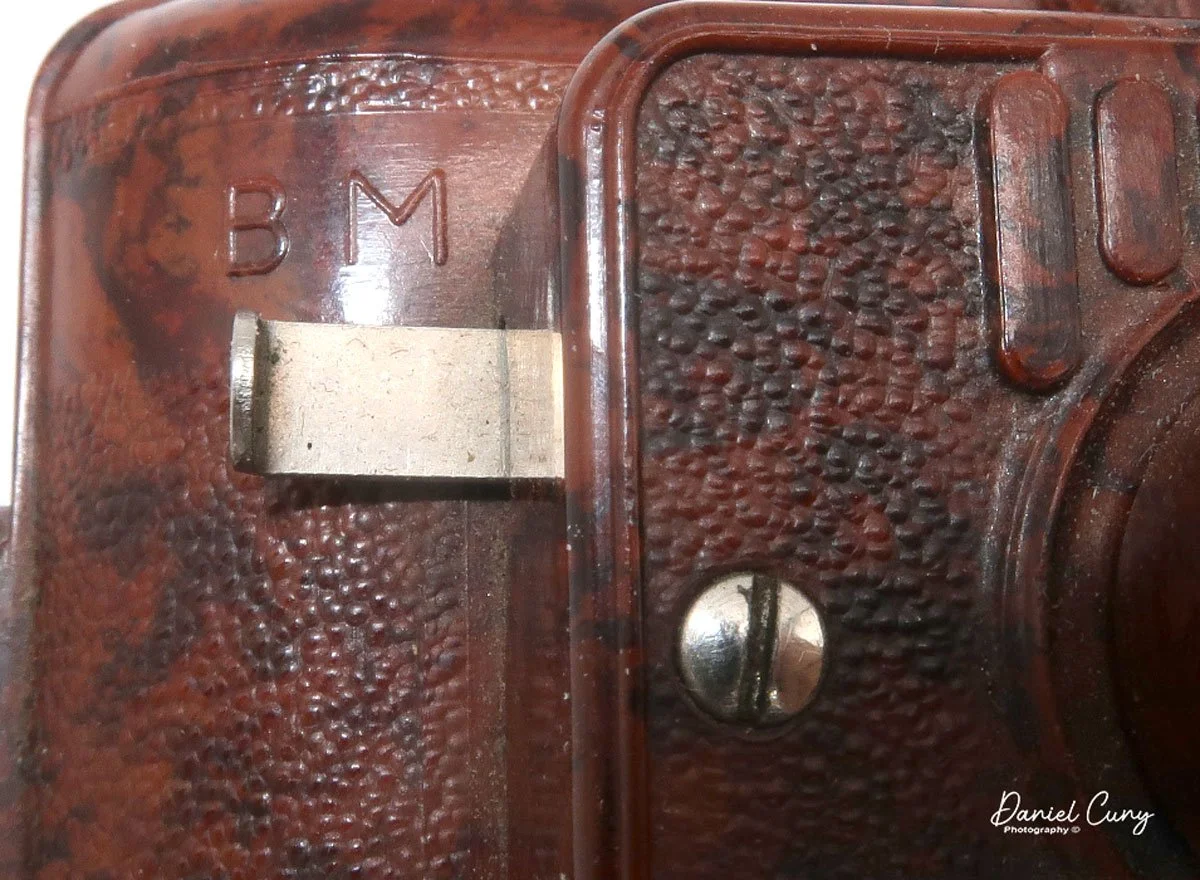
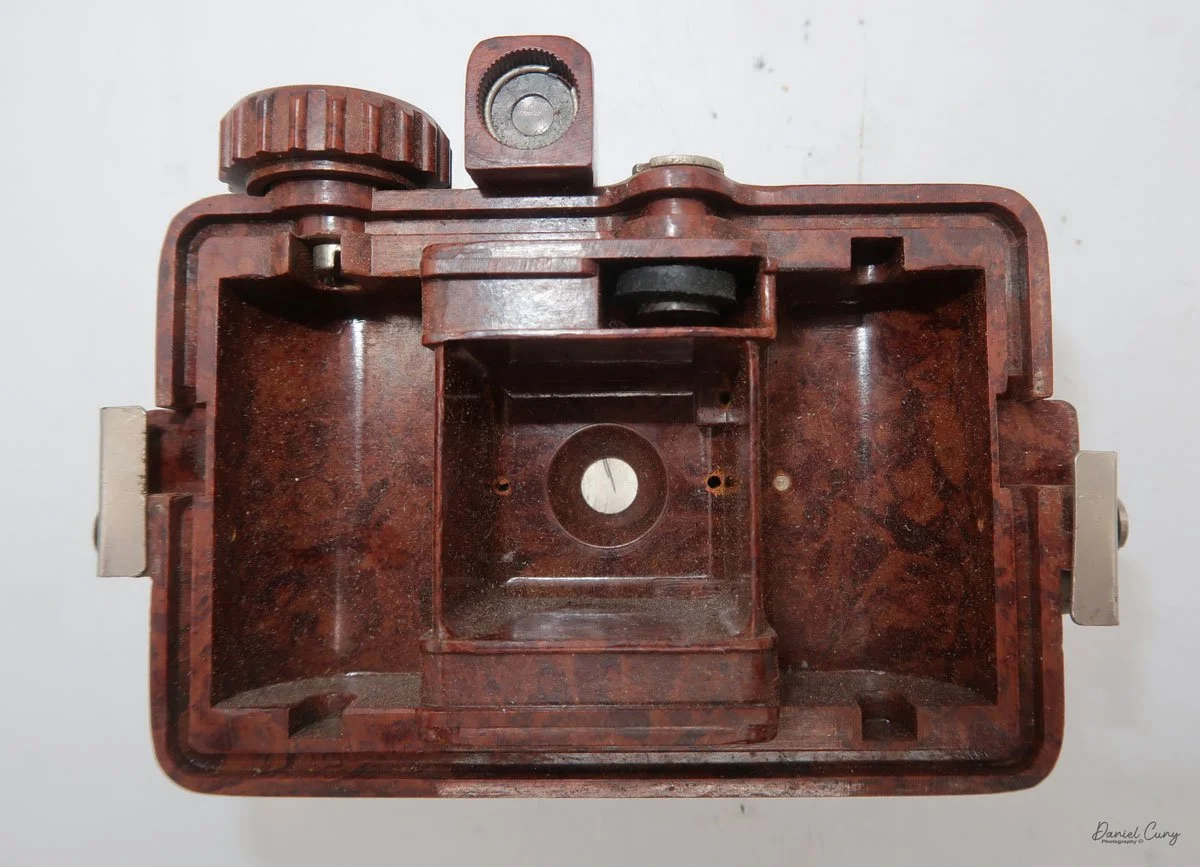
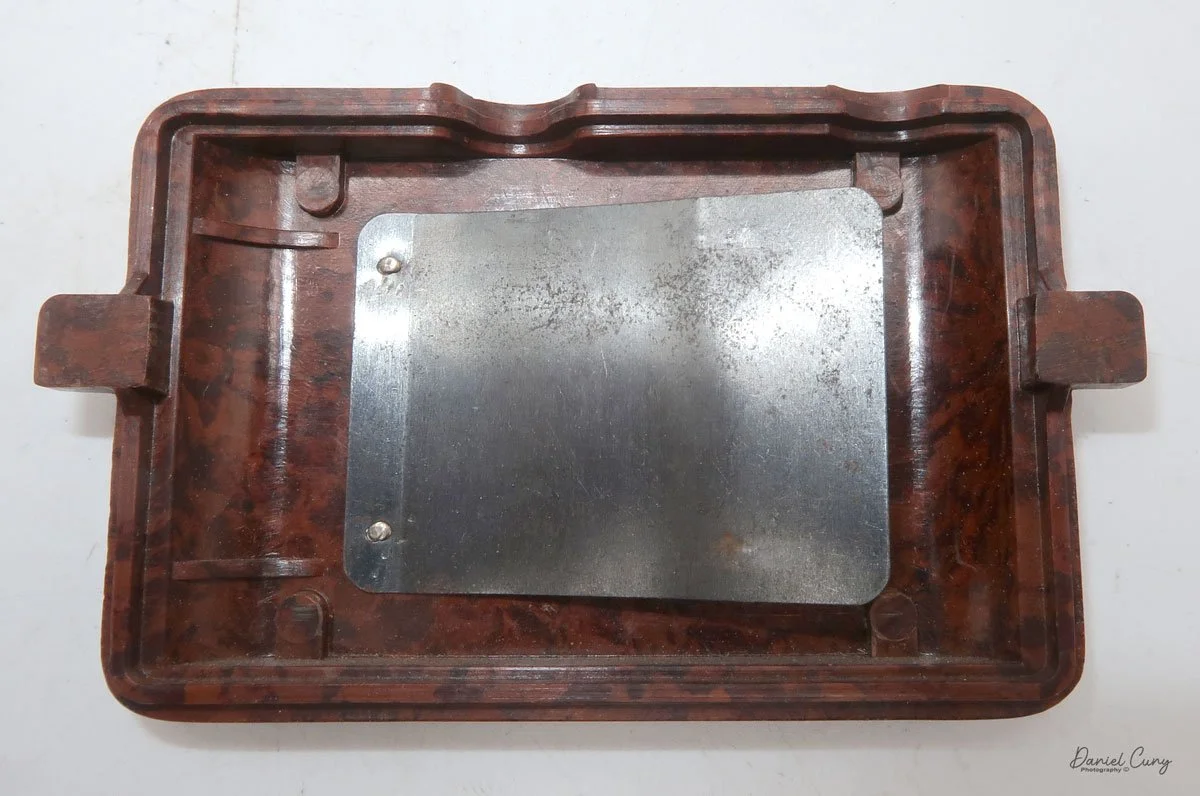
 Once I received the items from the auction, I noticed this really nice brown bakelite camera with Russian Cyrillic writing on the back. As I've mentioned before, I have a love for colored cameras, so when I saw this Gomz Malutka, I thought it was a nice little camera. I put it away, not really giving the camera much thought until about a year ago when I was going through a box of photo items for a local camera show that was selling at. I pulled the Gomz Malutka from the box, and was ready to add it to the items for the sale. Then, as I was inspecting the camera again, I thought it might be a fun camera to write about sometime in the future. I set the camera aside.

 After the camera show, as I returned to my office, I noticed the Gomz Malutka on my desk and started making some basic inquiries about the camera. At this point, I began to see that the camera is indeed somewhat rare, so let's write about it for my blog.

History:

 The history of GOMZ (Gosudarstvennyi Optiko-Mekhanicheskii Zavod), the State Optical-Mechanical Plant, reflects Russia's tumultuous and innovative 20th-century history. Located in Leningrad (now St. Petersburg), the factory was the cradle of the Soviet optical industry, responsible for producing the nation's first mass-market cameras and pioneering designs that predated Western equivalents.

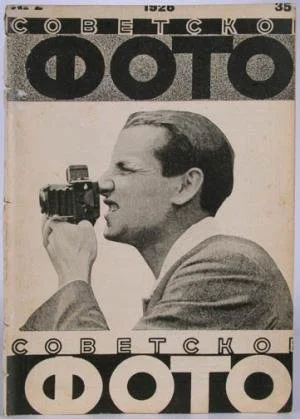
Cover of Sovetskoe Foto (Soviet Photo) Magazine

 The facility began life in 1914 as a French-Russian joint venture to produce optical sights for the military during World War I. Following the 1917 Revolution, the factory was nationalized and underwent several reorganizations before officially adopting the GOMZ acronym in 1932. While it continued to produce military optics, the Soviet leadership demanded a domestic photographic industry to reduce reliance on German imports, pushing GOMZ toward consumer cameras.

 The 1930s marked GOMZ's golden era of innovation. Its first major success was the Fotokor-1 (1930–1941), a 9x12cm folding plate camera. Based on German designs, the Fotokor-1 became the first mass-produced Soviet camera, with over one million units manufactured. It effectively democratized photography in the USSR, serving as the primary tool for documenting the Soviet state's industrialization.

Even more technically significant was the Sport (1937), a 35mm single-lens reflex (SLR) camera. Historians often debate whether the GOMZ Sport or the German Kine Exakta was the world's first proper 35mm SLR. Regardless of the title, the Sport was a marvel of engineering for its time, featuring a vertical metal shutter and a reflex viewfinder that allowed photographers to see exactly what the lens saw—a standard feature today, but revolutionary in the 1930s.

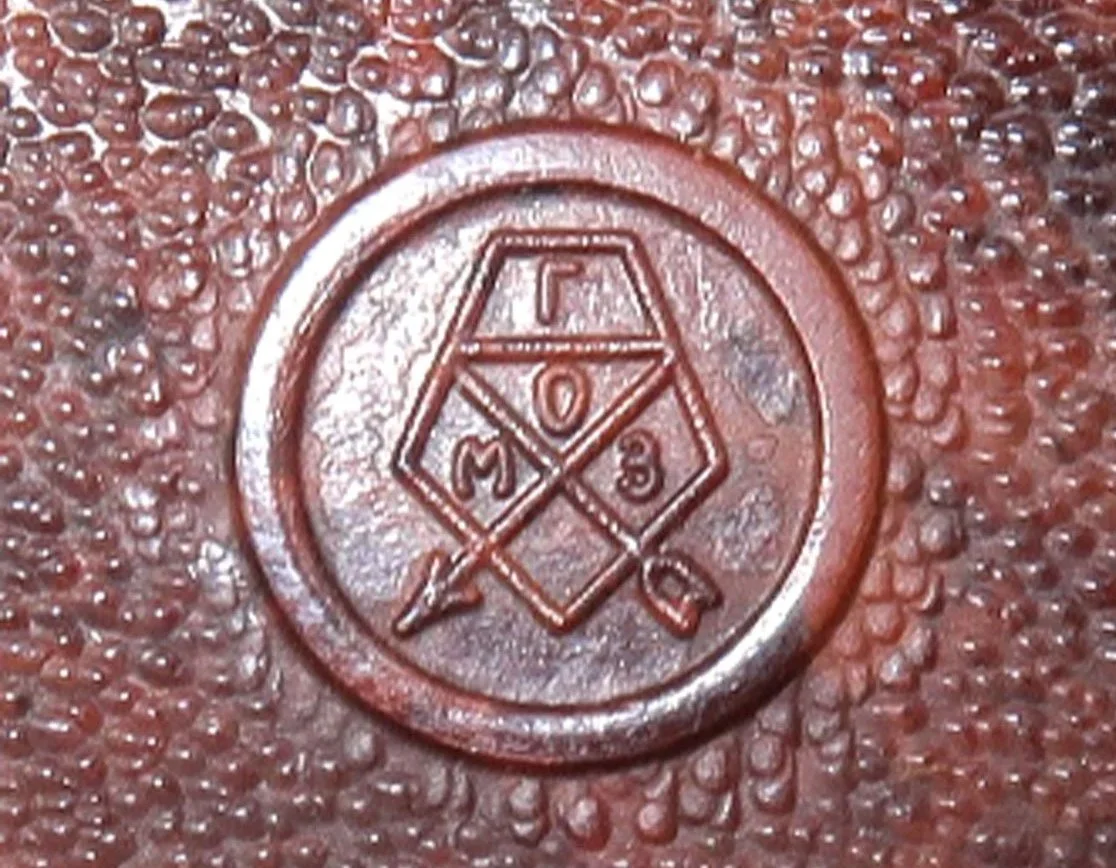
Logo of Gomz camera

 During World War II, the factory suffered heavily during the Siege of Leningrad. Production shifted entirely to military needs, such as sights for tanks and artillery. After the war, GOMZ pivoted back to consumer goods, focusing on affordable, simple cameras for the recovering population.

This post-war period gave rise to the legendary Lubitel series (starting in 1949). Based on the German Voigtländer Brilliant, the Lubitel was a twin-lens reflex (TLR) camera made of Bakelite and later plastic. It was cheap, durable, and capable of producing excellent medium-format images, introducing millions of amateurs to photography. Similarly, the Smena series provided a simple, viewfinder alternative that became a staple in Soviet households.

 In 1965, GOMZ underwent a final restructuring, becoming the Leningrad Optical-Mechanical Association (LOMO). Under this new name, the factory would later produce the LOMO LC-A, the camera that accidentally sparked the global "Lomography" art movement in the 1990s. However, the foundation of this success was laid during the GOMZ era, which transformed a military optics plant into a titan of Soviet creativity and engineering.

My Camera:

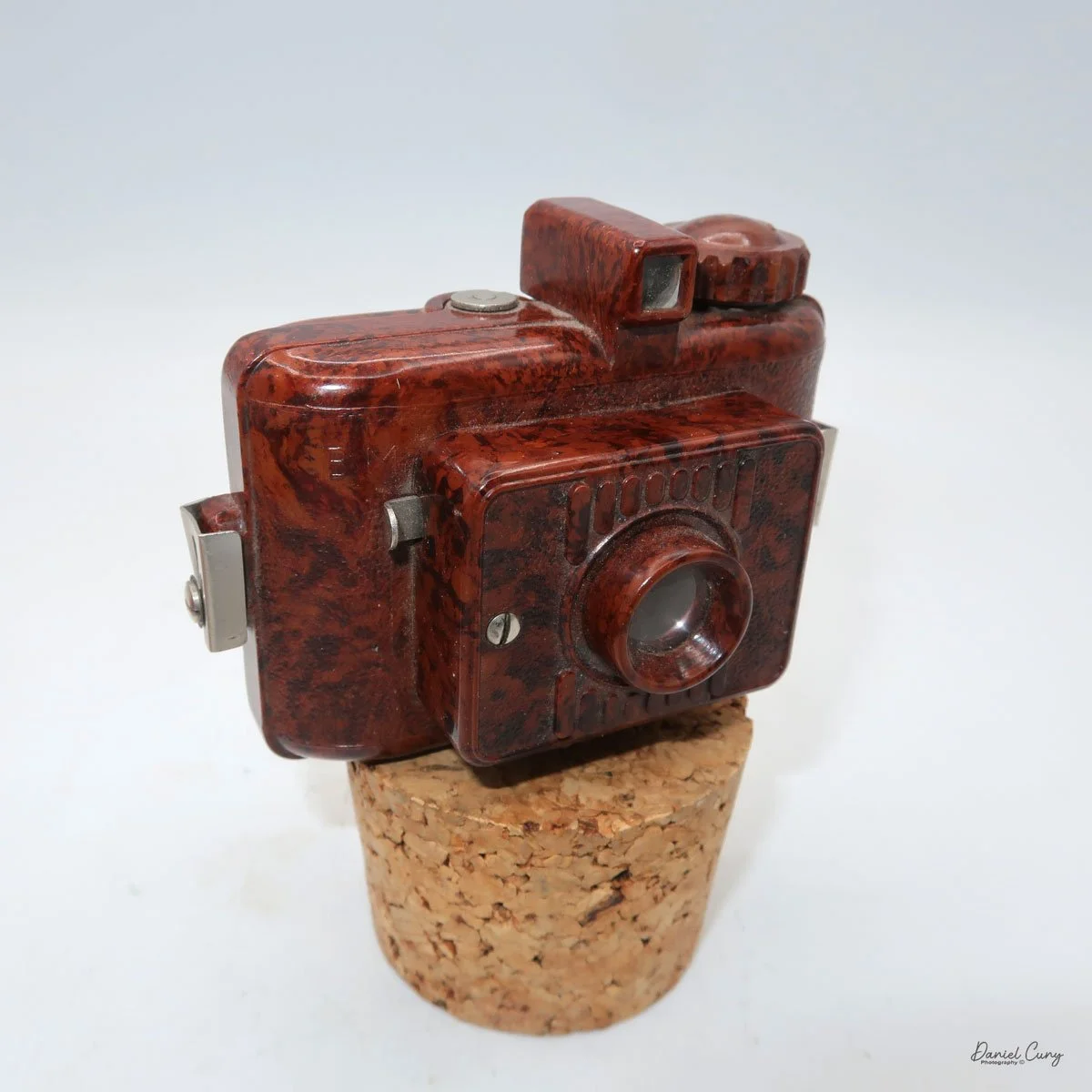
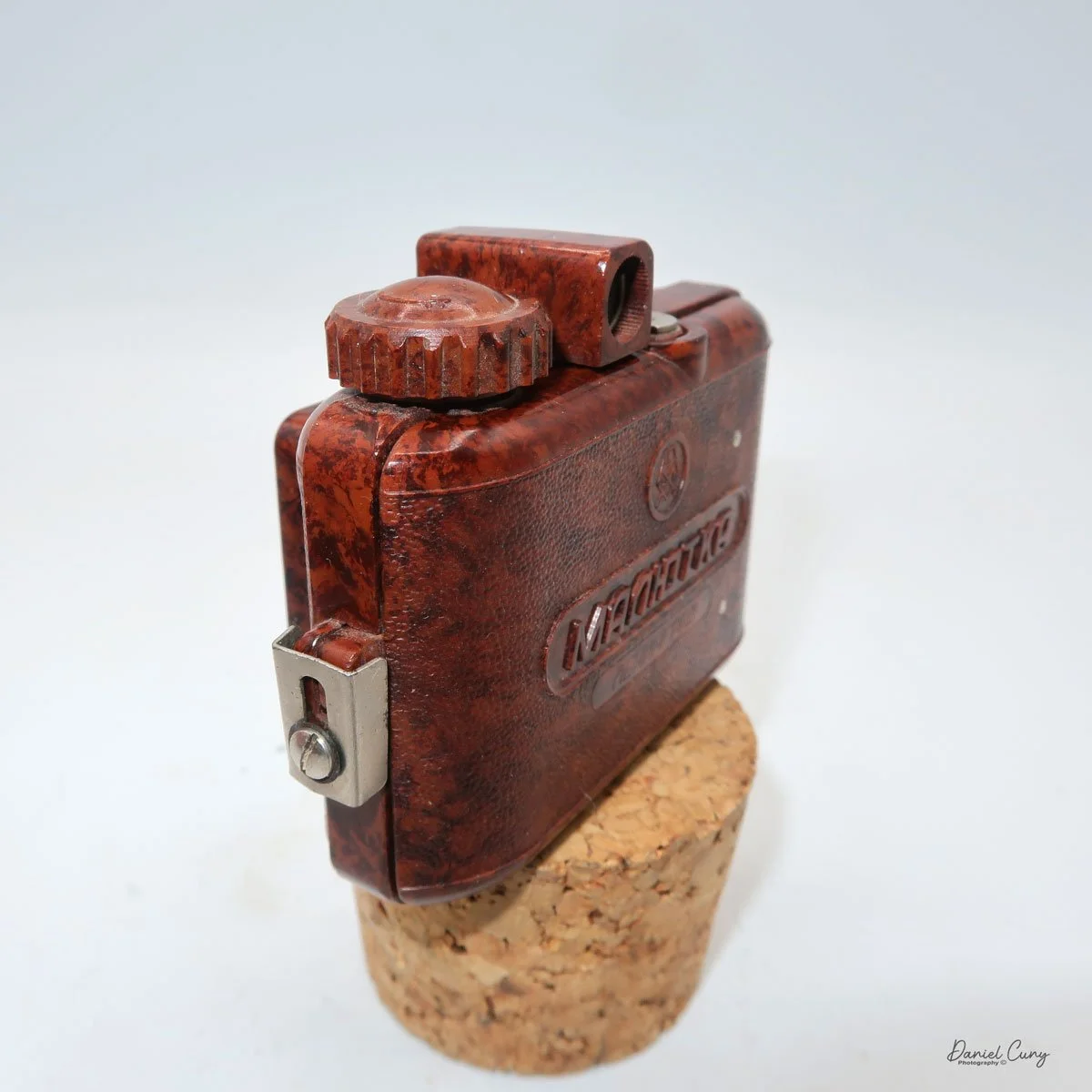
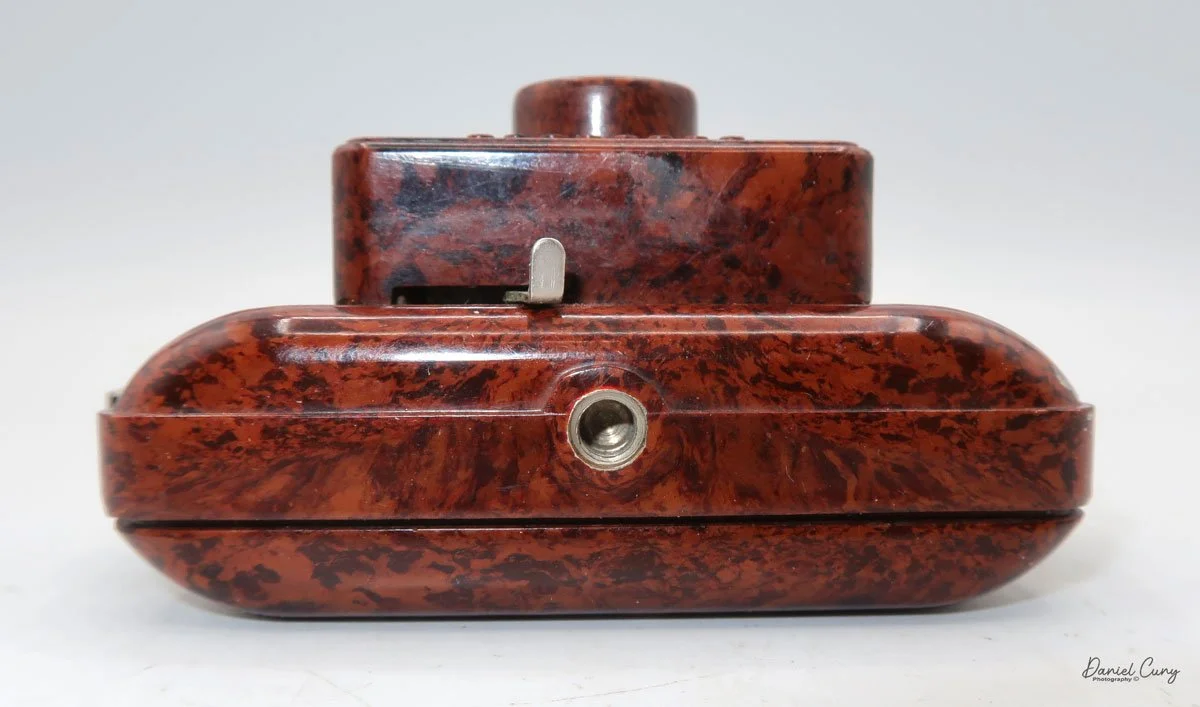
 My GOMZ Malyutka is small, measuring  2" wide, by 1.5" tall and 1.5" deep from the front of the lens to the rear of the camera, and it weighs only 2.3 ounces without film. The Gomz Malutka is based on the SIDA camera from Sida GmbH, Berlin, Germany, which was made in the mid-1930s and came in both metal and Bakelite. "Malyutka" (малютка) is a Russian word that means "baby," "little one," or "tiny thing". It is also very similar to a camera made by Gomz,  Liliput camera.

 The camera's controls are very straightforward. There is only the shutter release at the bottom of the camera, along with the shutter control on the right side next to the lens. The shutter control consists of two settings: "M" (moment) for normal shutter speed, generally around 1/50 sec, and "B" for time exposures. Sliding a bar out from the side of the camera makes these settings. Sliding the shutter release under the lens takes the photo. 

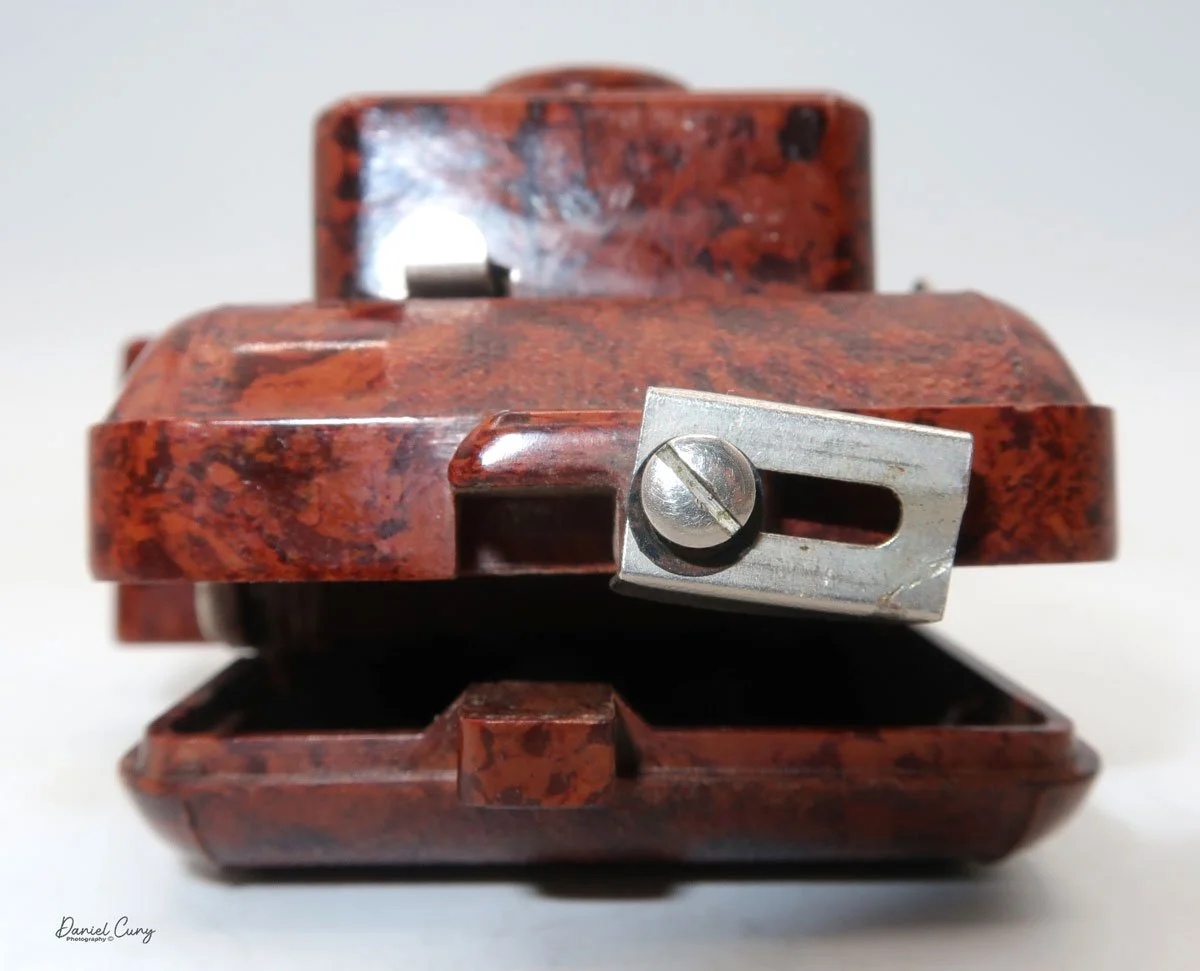
 To open the back of the camera to load film, there are clips on either side that you move to the down position to remove the back. The camera takes Boltax film, a special 35mm film that produces a 24 mm x 24 mm negative. You load the camera similarly to any roll film camera: put the empty spool on the take-up reel side and the fresh film on the opposite side. Bring the leader to the slot on the take-up spool and start winding. Put the back on the camera and slide up the clips to lock it in place. Wind the film and advance it to the first frame.

 There is a small viewfinder at the top of the camera to frame your photo, and a tripod socket at the bottom to steady the camera during long exposures. Also at the top is a small, round metal disk that rotates as the film moves within the camera. Since the camera doesn’t have a red window on the back of the film door, you need to watch the disk rotate a few times to make sure the film is moving inside the camera.

Results:

 Since I don't have any Boltax film, I wasn't able to take photos with the Malutka camera, but possibly in the future, I'll try and use some paper backing I have from a few rolls of 828 film and run some film through it using 35mm to see how the camera performs.


Conclusion:

 The Gomz Malyutka is an excellent small camera that I enjoy having in my collection. It's in fantastic condition and is another color camera that sits proudly amongst the other miniature and subminiature cameras on my shelf.

 Thank you for taking the time to learn about this small, odd Russian camera. 

 I'd love to hear from you. Please get in touch with me if you have questions, concerns, or comments.

 Here's a link to my other Camera Reviews.

 Cuny's Camera and Photo has many cameras I've reviewed for sale, along with other camera and photo oddities. If interested in any items, email me, and I'll offer a nice discount as a friend of the family.

 Until next week, please be safe.
 

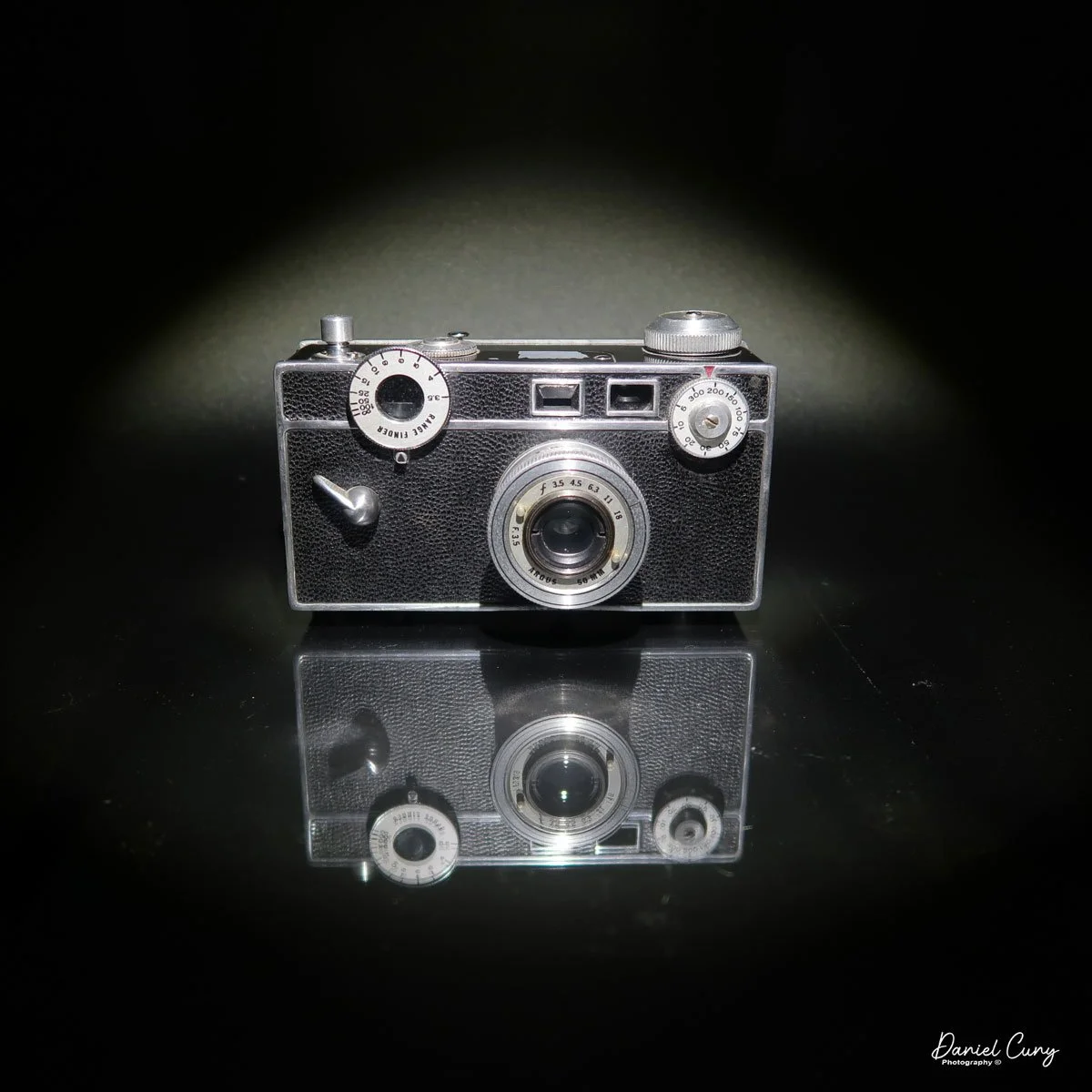
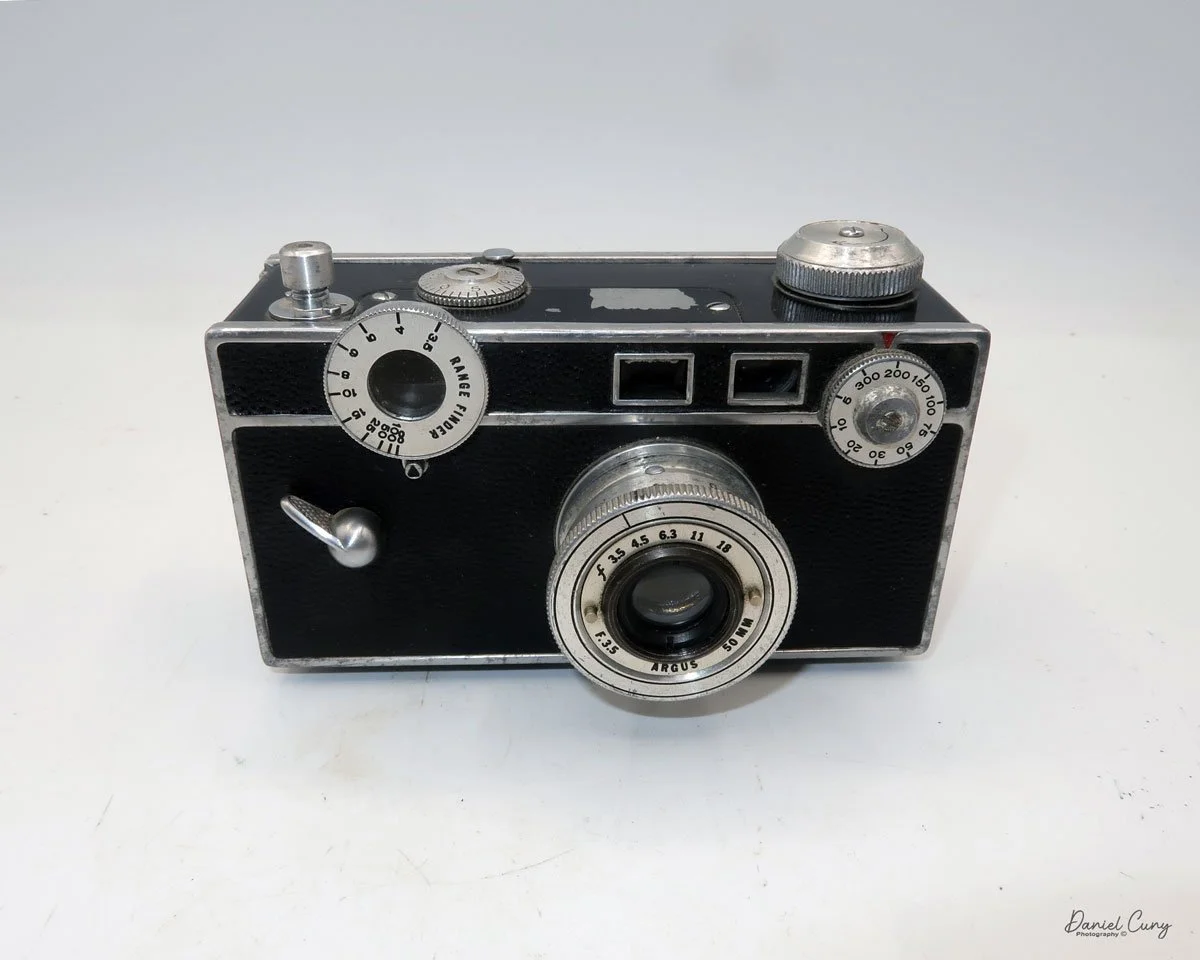
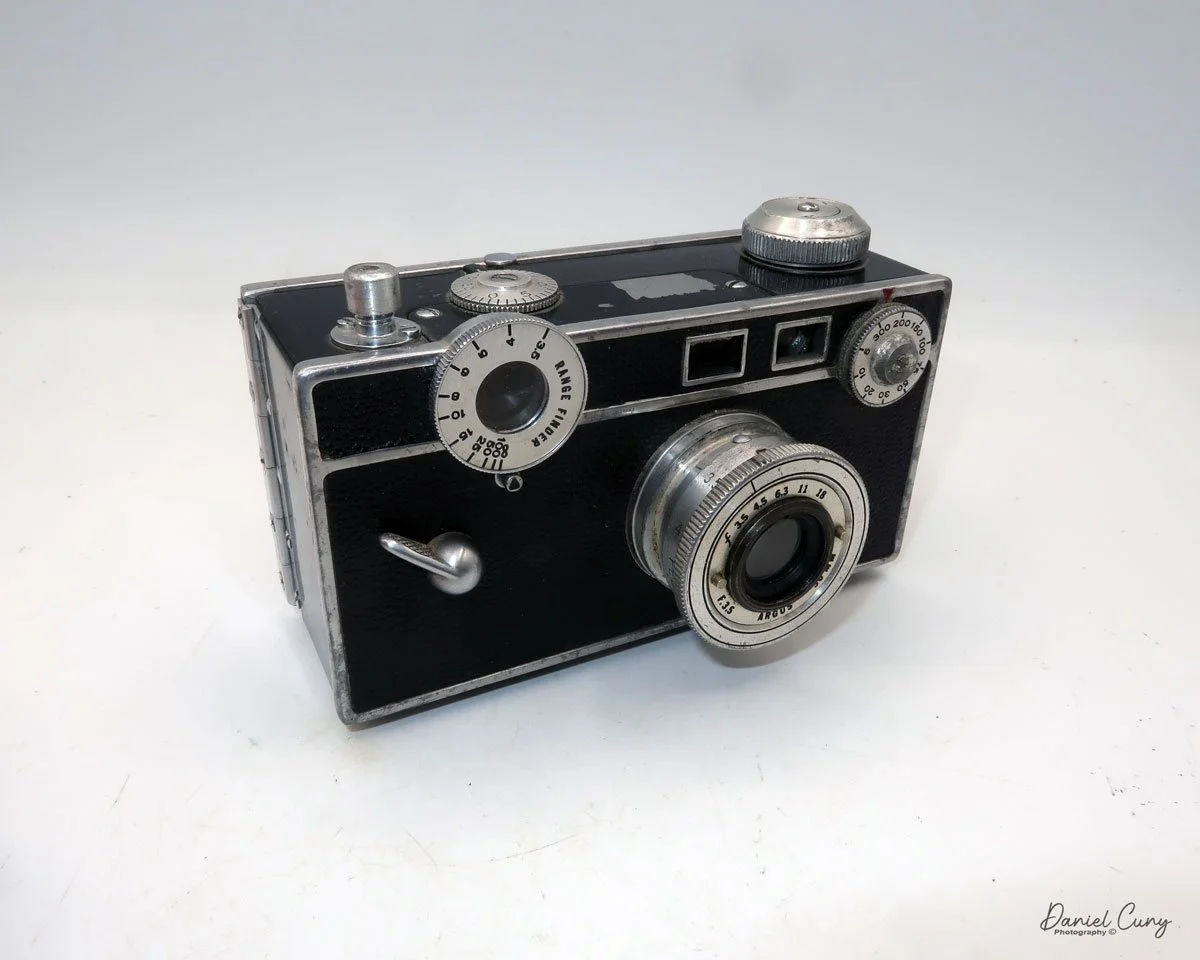
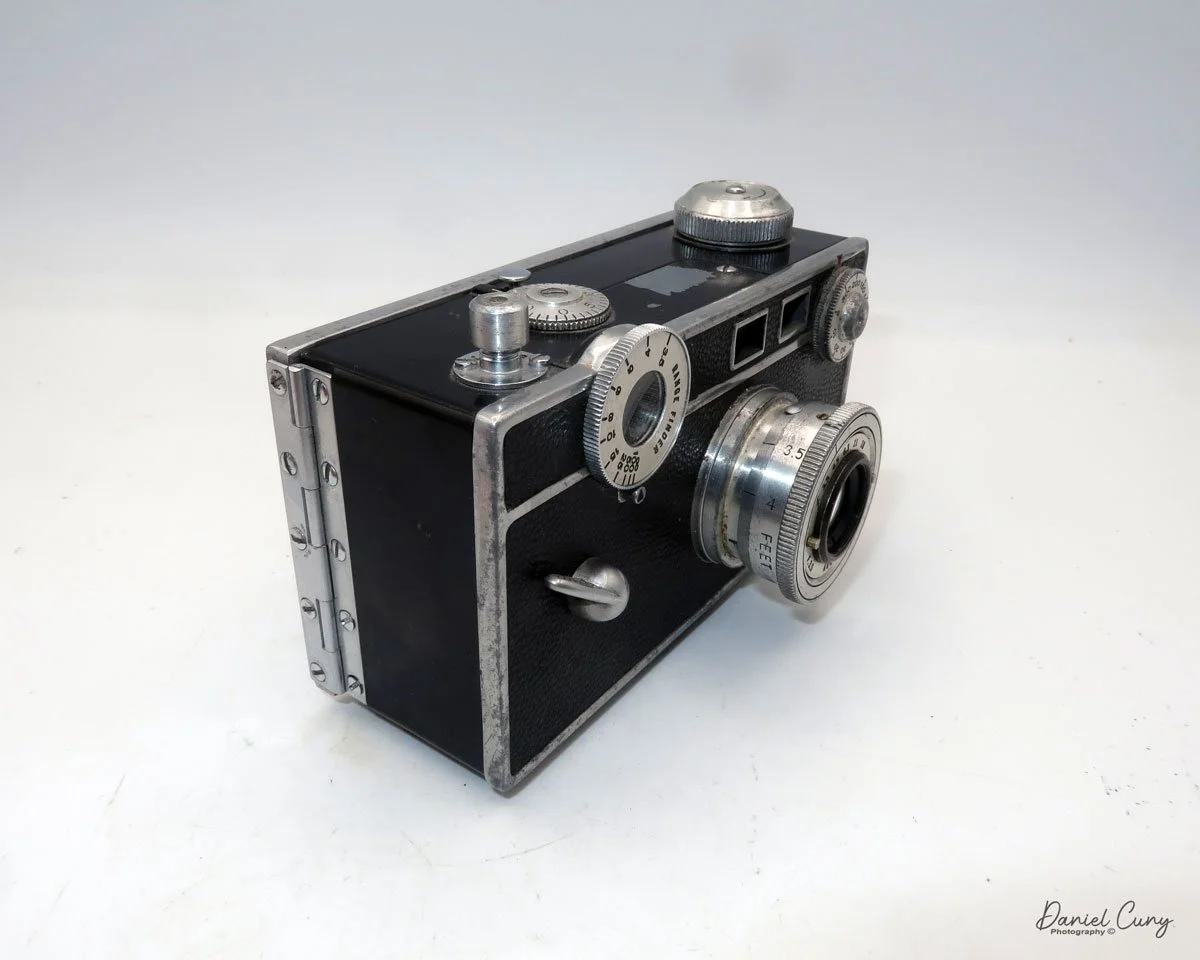
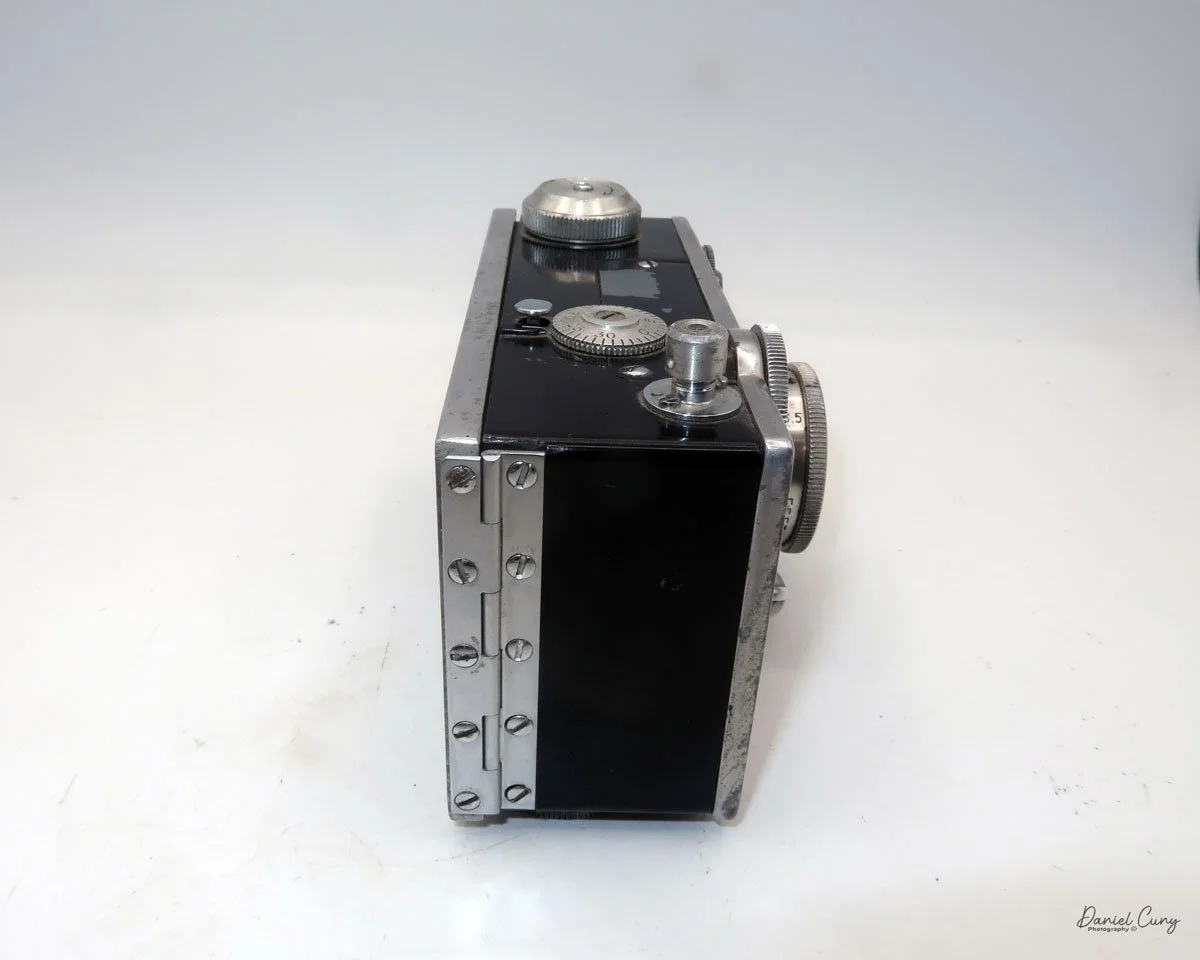
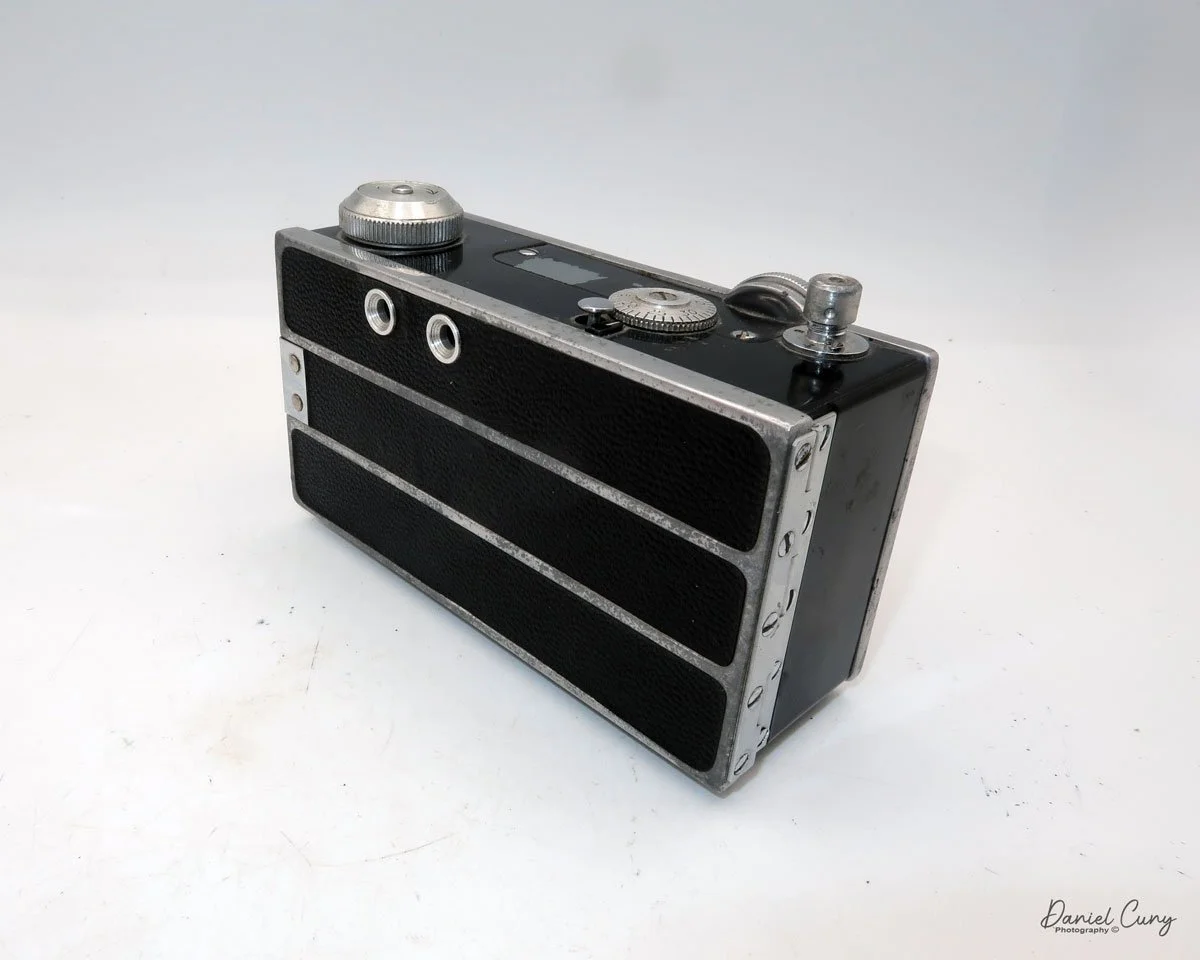
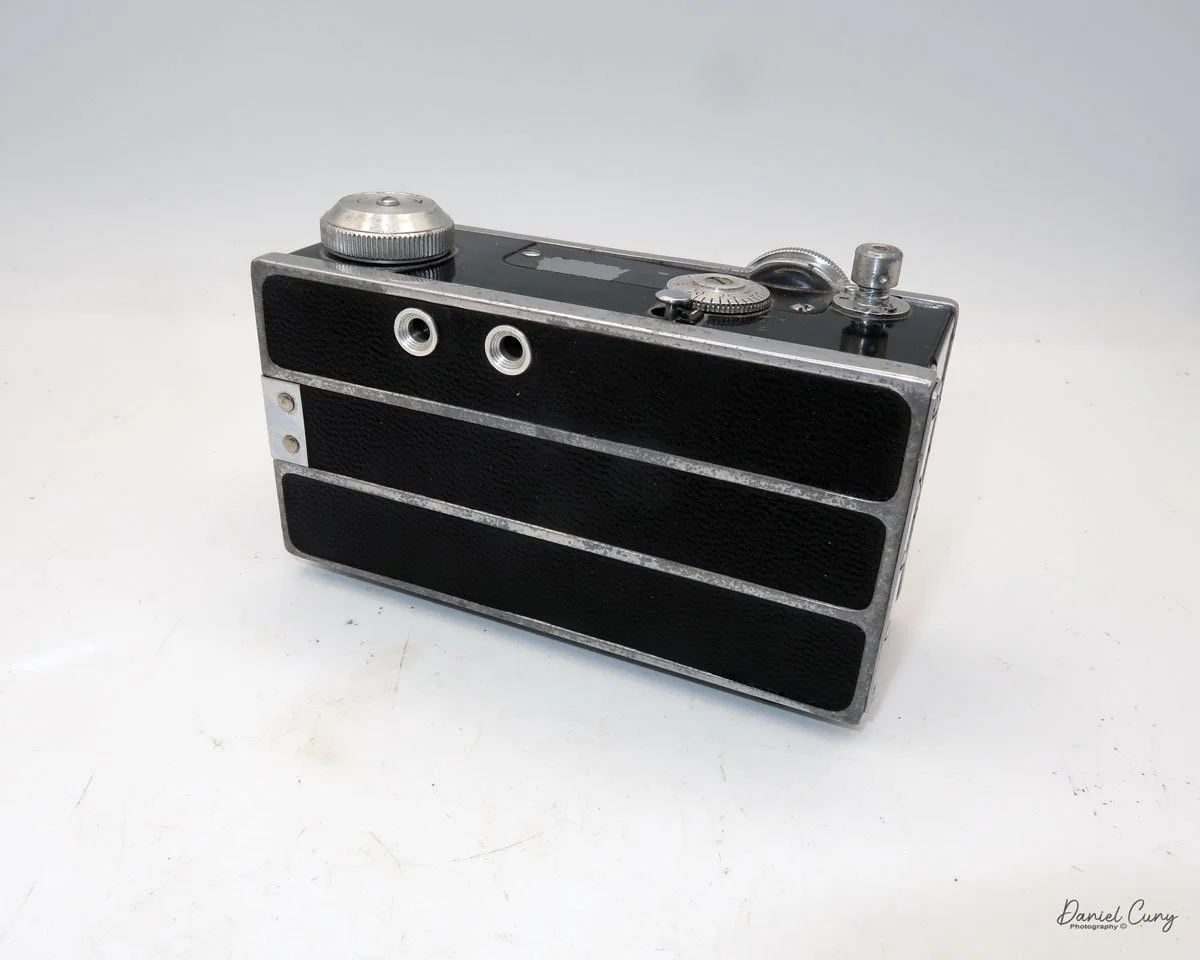
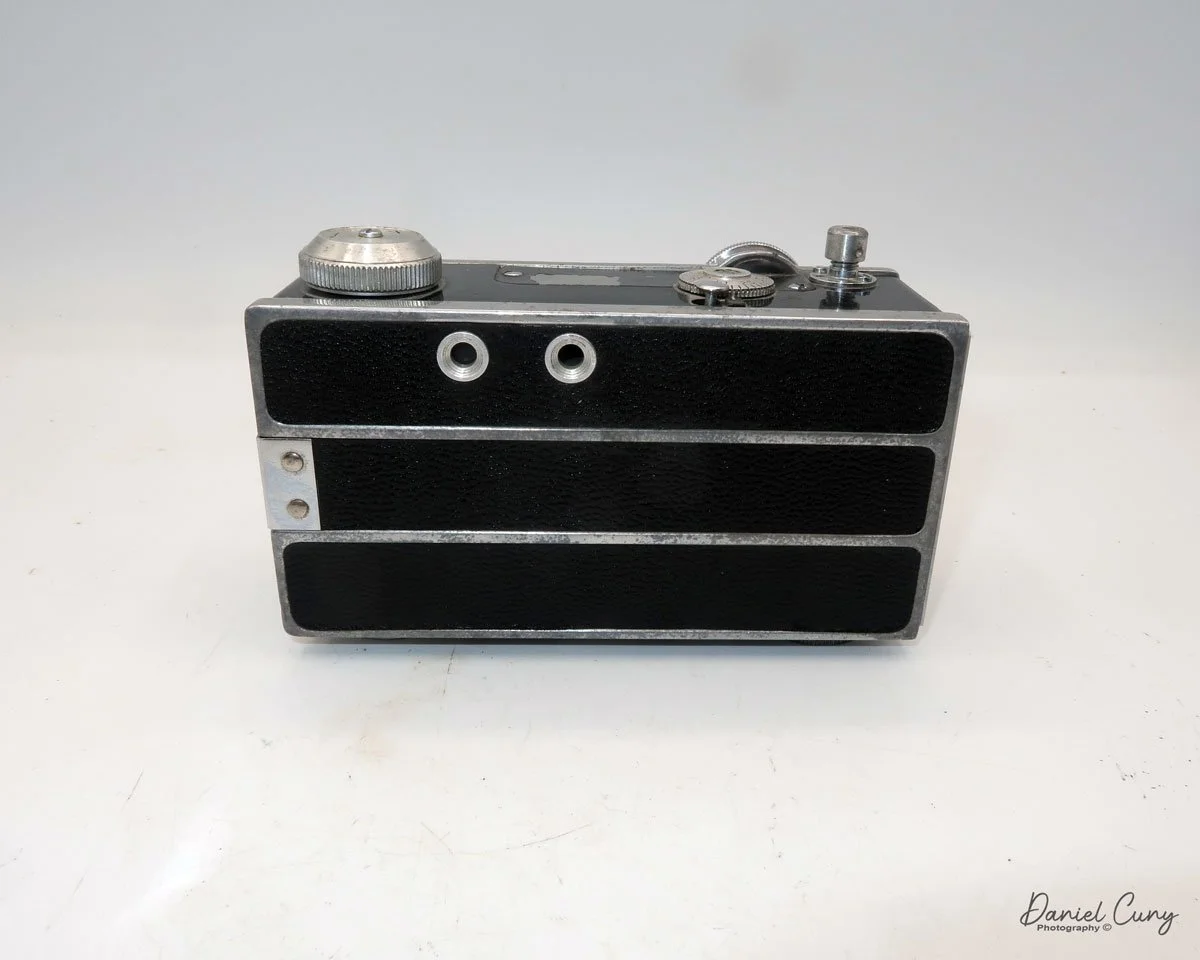
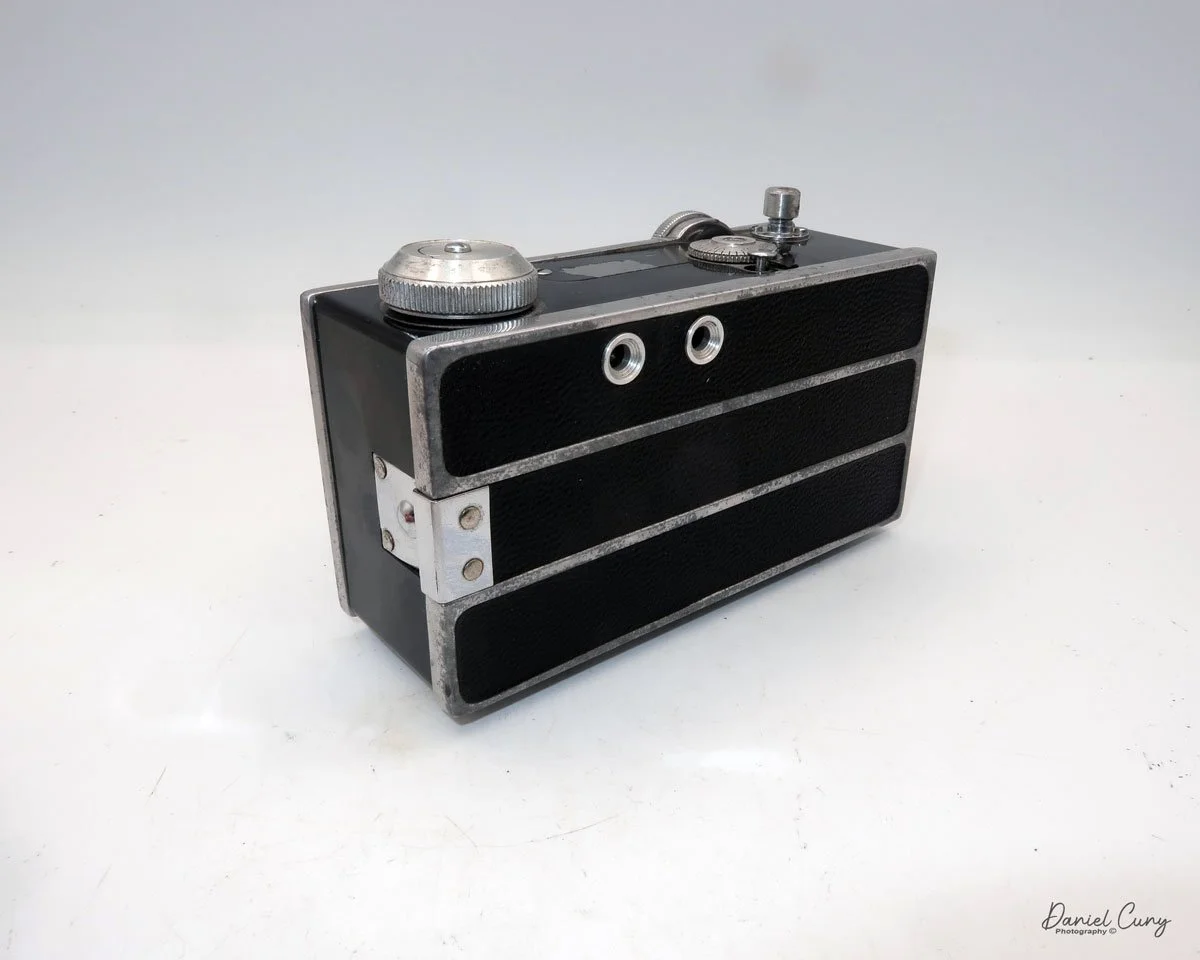
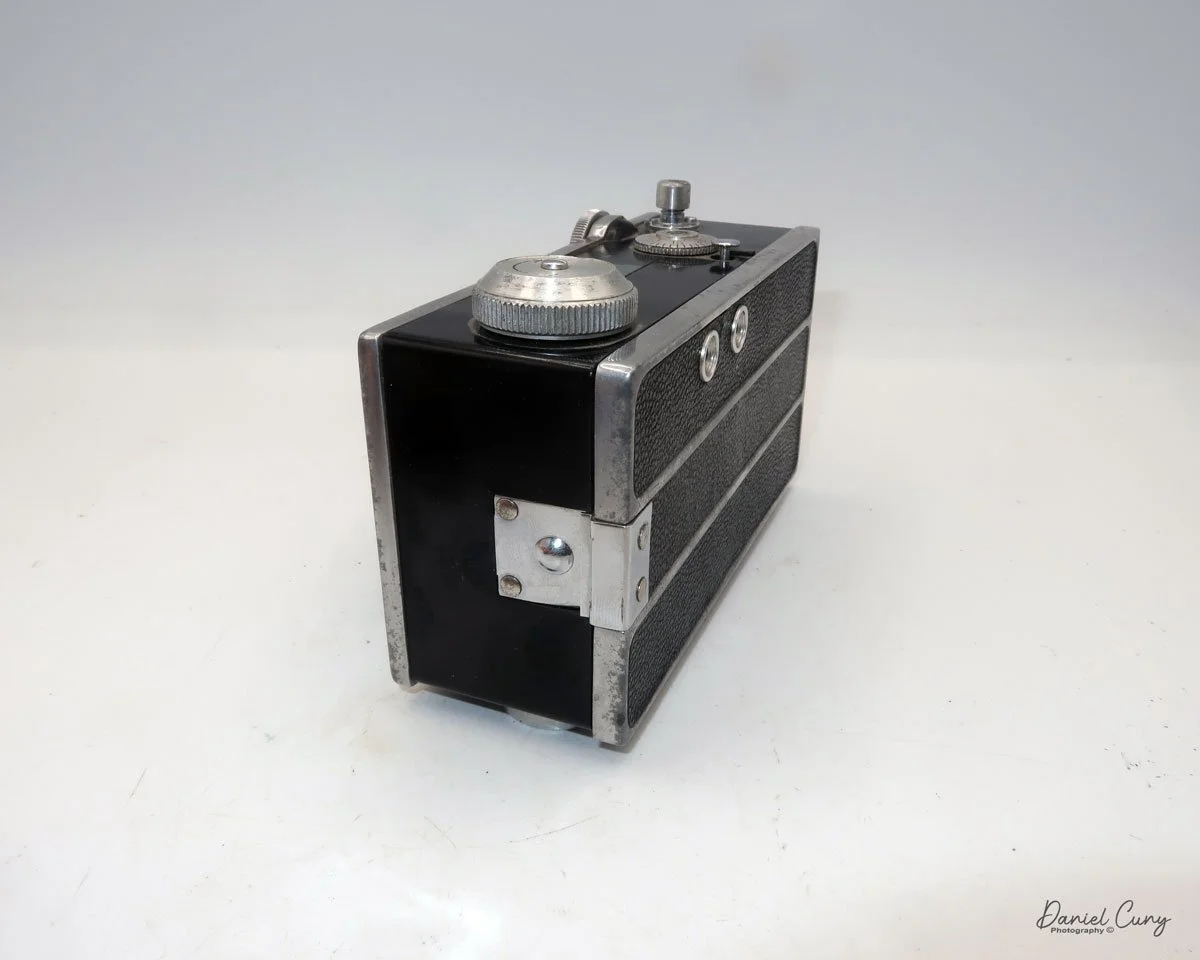
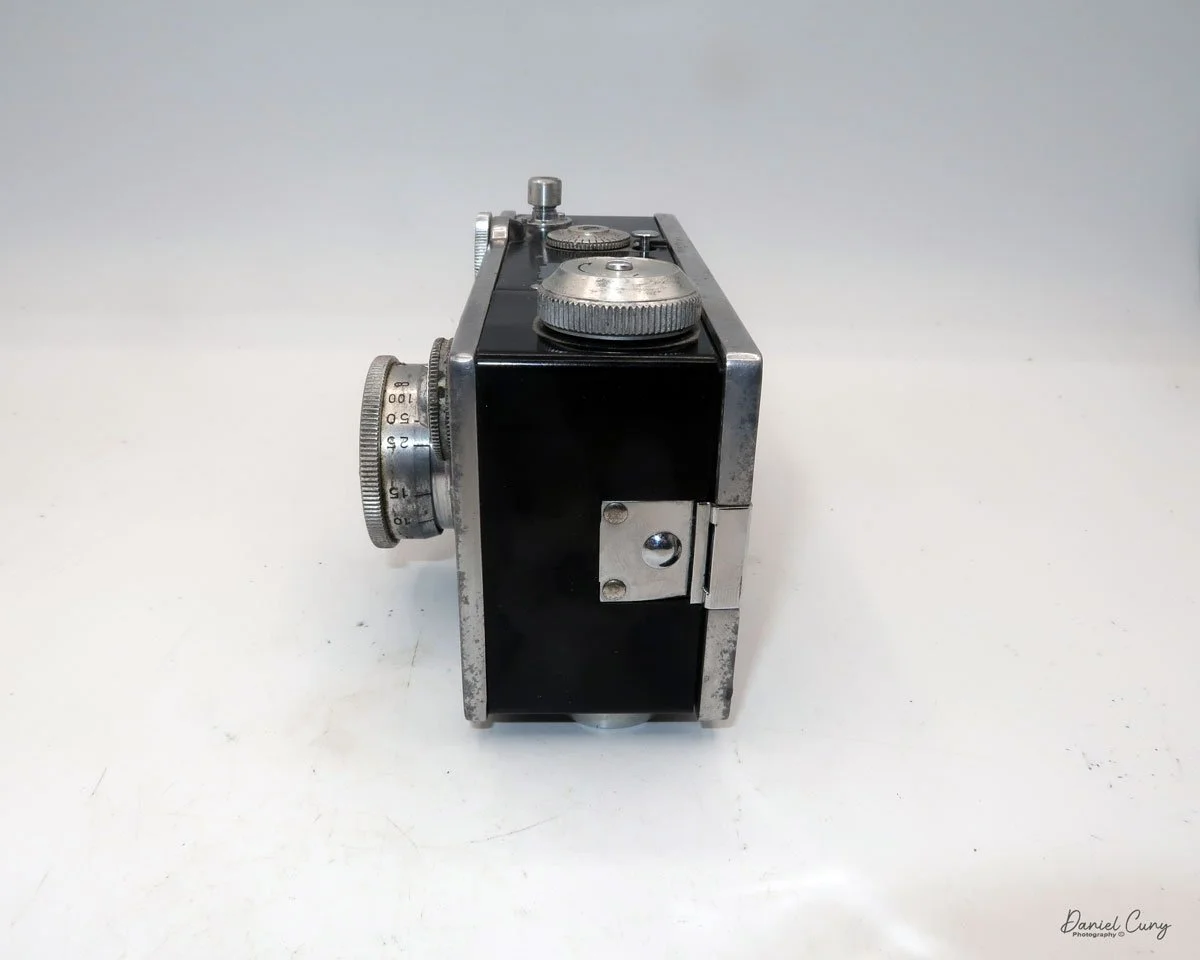
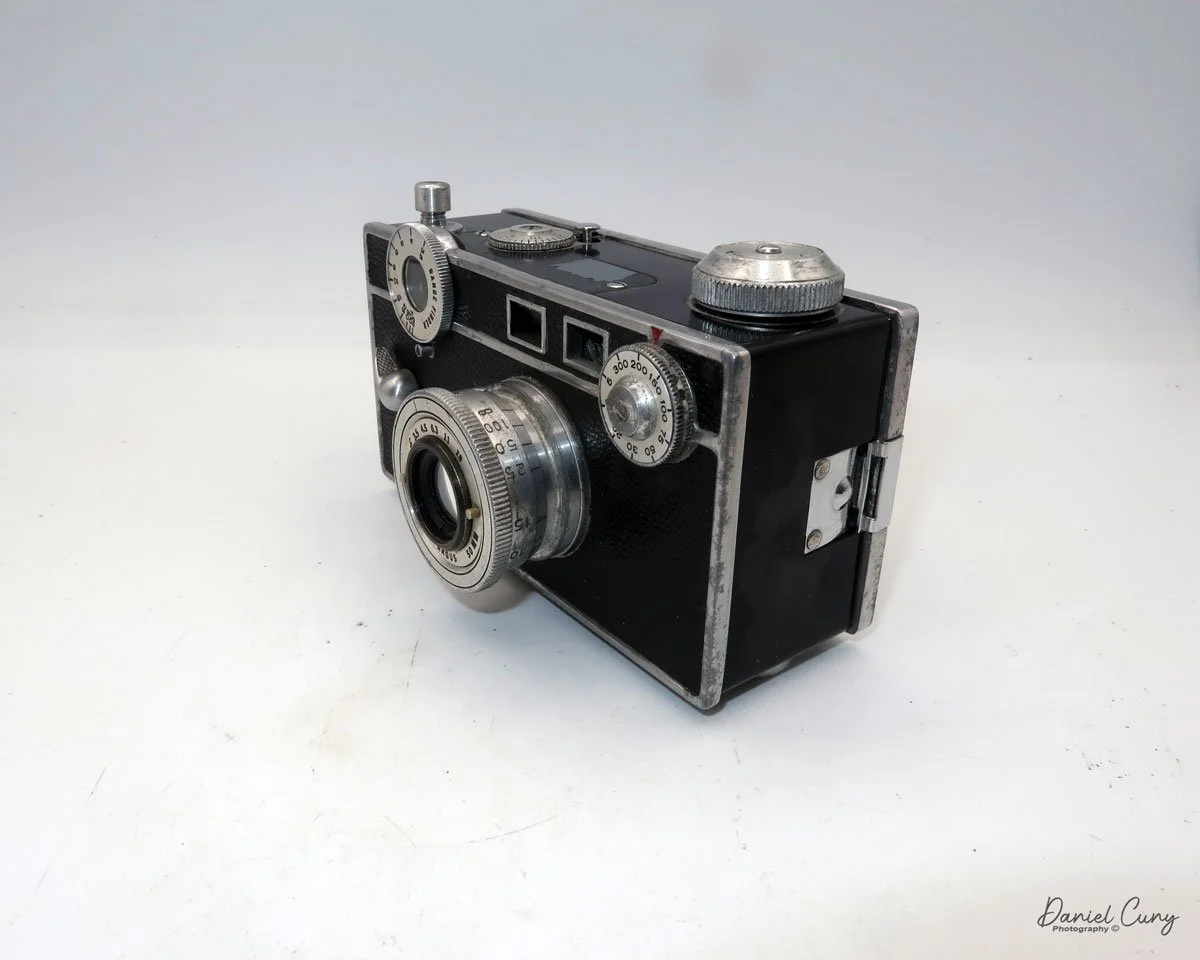
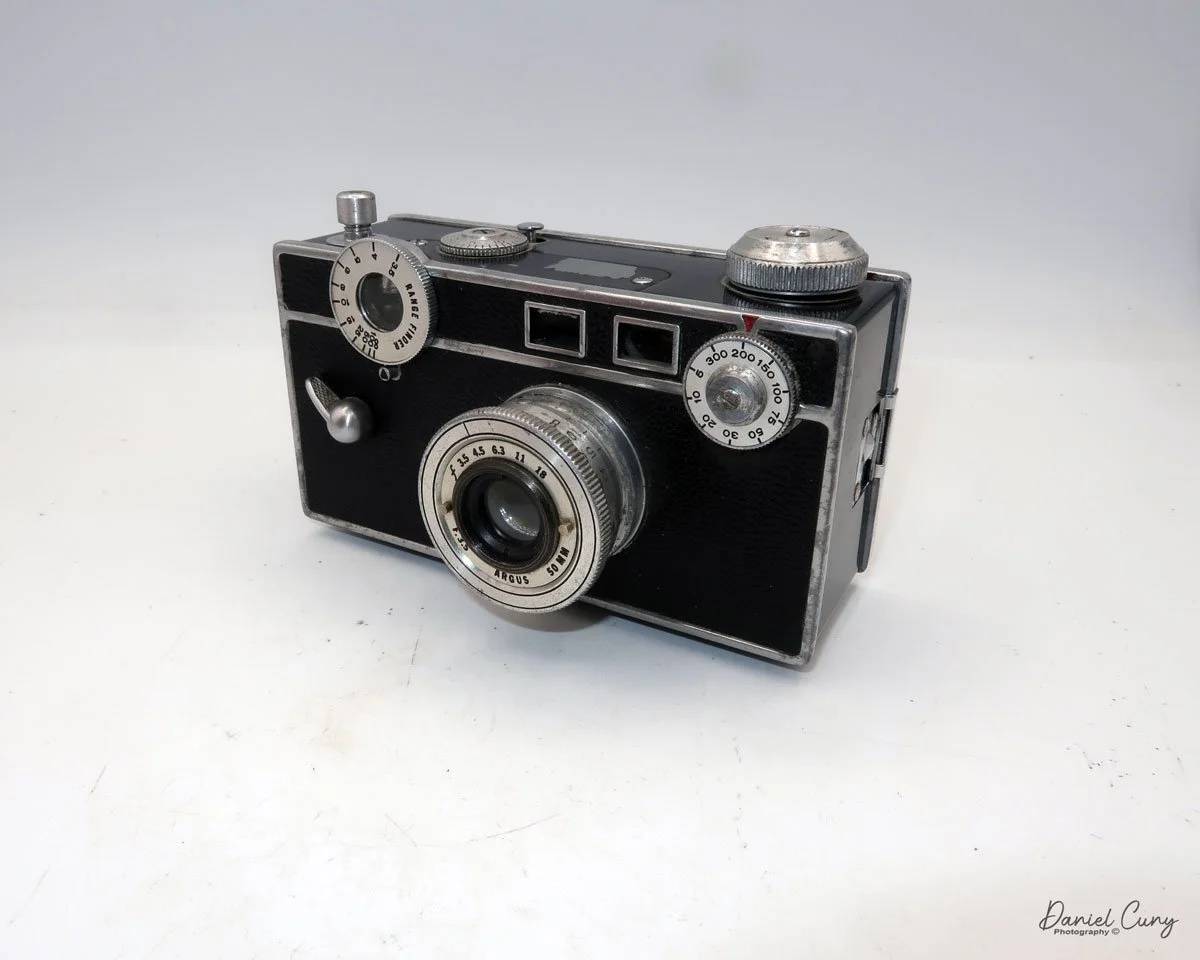
Argus Model C camera

My Argus Model C camera

During my time working in a camera store from the mid-1970s until the mid-1990s, I must have seen hundreds, if not thousands, of Argus cameras, and to be more specific, the Argus C3, or as they were affectionately known as, "The Brick" because of their boxy shape and very sturdy construction. These cameras came in on an almost daily basis just because they were so popular back in the 1940s and '50s.

 I saw so many Argus C3 cameras in my time in the camera store that, when it came to collecting cameras, I had no interest in collecting this particular model. Yet, it seemed like every time I purchased a group or "lot" of cameras, there was always an Argus C3 in the groupings of cameras. 

 I still recall thinking that if I collected enough Argus C3 cameras, I could build a retaining wall in my front yard out of them, as it was cheaper to get the Argus C3 than to purchase real clay bricks.

 To this day, I still see the Argus C3, or similar models like the C2, C3 Matchmatic, or C33, all the time at people's garage sales, estate sales, and camera shows. It is undoubtedly one of the most sold cameras in the history of photography.

 With that said, I'm still looking for one model, which I'm certain I came across during my time at the camera shop. It's the original Argus Model C camera, featuring a dual range switch located under the shutter cocking lever. It's a little earlier than the camera in this blog post, but the pricing for one of these is higher than I'm willing to pay for, so I'll wait and see if I can find one during my quest for a camera. 

 For me, the fun is the hunt for the treasures. The thrill comes from finding a camera or other photo item I've been looking for, especially when it's in an unexpected place and hopefully at a reasonable price.

History:

 Argus Cameras holds a unique place in photographic history as a pioneering American camera manufacturer that made high-quality photography accessible to the masses. The company was founded in 1931 in Ann Arbor, Michigan, as the International Radio Corporation (IRC), by local businessmen including William E. Brown Jr., George Burke, and Charles Albert Verschoor. Initially, IRC's primary business was radios, but seasonal sales fluctuations led Verschoor to seek another product to stabilize revenue. Inspired by the success of his molded plastic radio cases, he envisioned an affordable camera built with similar materials.

This is the early version with switch under cocking lever

 In 1936, IRC launched the Argus Model A, the first low-cost 35mm camera manufactured in the United States. Priced at just $12.50 when most competing models were much more expensive, the Model A democratized 35mm photography and quickly found commercial success. The Model A's innovation lay in its molded plastic body, making it both durable and less costly to produce.

 This success prompted IRC to focus entirely on cameras, eventually adopting the name Argus, Inc. in 1944, and later Argus Cameras, Inc. in 1949. The company's most iconic product, the Argus C3, was introduced in 1939. With its brick-like appearance and robust rangefinder mechanism, the C3 became known as "The Brick" and enjoyed a production run lasting until 1966, with more than two million units sold. The C3 is widely regarded as one of the best-selling cameras in photographic history.

 During World War II, Argus shifted its production to support the war effort, manufacturing military optics and radio equipment for the U.S. and Allied armed forces. By the war's end, Argus had received multiple Army-Navy "E" Awards for excellence in production. After the war, civilian production resumed, and Argus became the second-largest U.S. camera manufacturer, trailing only Kodak.

 In the late 1950s, the company was acquired by Sylvania Electric Products and later sold to Mansfield Industries. Over time, as competition intensified, especially from Japanese manufacturers, Argus struggled to maintain its leadership. U.S. camera production ended by 1969, but the Argus brand persisted in importing photographic products.

Today, vintage Argus cameras, especially the Model A and C3, are valued collectibles. The legacy of Argus endures as a symbol of inventive American manufacturing and mass-market photographic innovation.

My Camera:

 My Argus C dates from 1938, has a serial number of 12127C, so it's not one of the earliest models, but it was introduced before the Argus C2 was introduced in late 1938. The Model C measures 5 3/8" wide by 3" tall, including the shutter release, by 3" deep, including the lens. My Argus Model C camera weighs 1 pound, 7.4 ounces without film loaded in the camera.

The camera has a 50mm f3.5 Argus lens with aperture settings of F/3.5, 4.5, 6.3, 11, & 18, which are odd compared to aperture settings now. The aperture setting is made by turning a ring with two knobs on the inside of the lens that line up with a black line on top of the lens. 

The item missing on early Model C cameras is the coupling gear connecting the focusing ring on the top left to the lens, which adjusts the lens distance during focusing. To focus this model, look through the rangefinder window on the back of the camera, bring the two lines together to focus, and then check the front of the rangefinder dial to determine your distance from the subject. Finally, set that distance on the lens. On the side of the lens, there are markings indicating the focusing distances for the subject. There is an aluminum thread in style lens cap for the Argus Model C camera I own.

The shutter speed dial is located on the top right-hand side of the camera, on the front. The shutter speed settings are 1/300, 200, 150, 100, 75, 50, 30, 20, 10 & 5. There is no "B" setting on the shutter speed dial. The "B" setting is actually set on the "mushroom" shaped shutter release. You can turn the shutter release to either settings, "I" for instant, or to "B" for bulb, or timed exposures.

 The camera's shutter also needs to be cocked before you can snap the photo. The shutter cocking lever is located on the front of the camera, positioned on the far left side, in the middle. It looks like a handle that you flip down to cock the shutter, then springs back up after the shutter is released.

 On the back of the camera are just two small viewfinders. The one on the right is the rangefinder, which has a split that, by turning the focus wheel, will bring two separated vertical lines into one straight line when focused. The other window on the left is the framing window used to frame your subject when you're ready to take the photo.

To open the back to load the film, press the bump on the left side of the camera. This presses in a bar that holds the back onto the body. My camera is very difficult to open by just pressing the button, so I sometimes need to use a small screwdriver to pry the back up slightly to get it to open.

 Once open, the camera looks like any other 35mm camera, with the take-up spool on the left side. The fresh roll fits onto the right side by pulling pot the rewind knob on the bottom of the camera, bring the lead over to the take up spool, and thread into the take up spool. The film advance knob is on top of the camera. To wind to the first frame, there is a small locking lever just behind the frame counter that needs to be pressed down. This unlocks the winding gear, allowing you to wind to the first frame. Close the back of the camera and start taking photos.

This process must be repeated every time you wish to advance to the next frame. Additionally, at the end of the roll, the locking lever must be pressed down to unlock the drive gears, allowing the film to be rewound into the 35 mm cassette.

 The real reason to write about this camera was more of an exercise on how easy it was to use the early Mode Cameras, especially during a time of rapid change with cameras. Like many cameras from this era, it's not the quick and easy cameras of today, where either the shutter or aperture is being set for you. In many circumstances, both settings are being set. 

 To use cameras from this era, you need to take your time and use an external light meter to get the proper settings for your camera. Set the shutter speed and aperture settings depending on the film used. Do you lean more to the aperture and depth of field, or shutter speeds and stopping motion? Then focus on your subject. In this case, focus, then transfer the settings to the lens regarding distance. Frame your image and take the photo.

 On my camera, I also have an accessory finder, which clips onto the top for showing what a 35mm wide-angle or 100mm telephoto will do. I leave it on my camera to hide a bit of paint scratched off by it, as it's more for show, and I don't have either of these lenses. There were several different lenses available for the Argus C line of cameras, as the lens just unthreaded from the body. 

My Results:

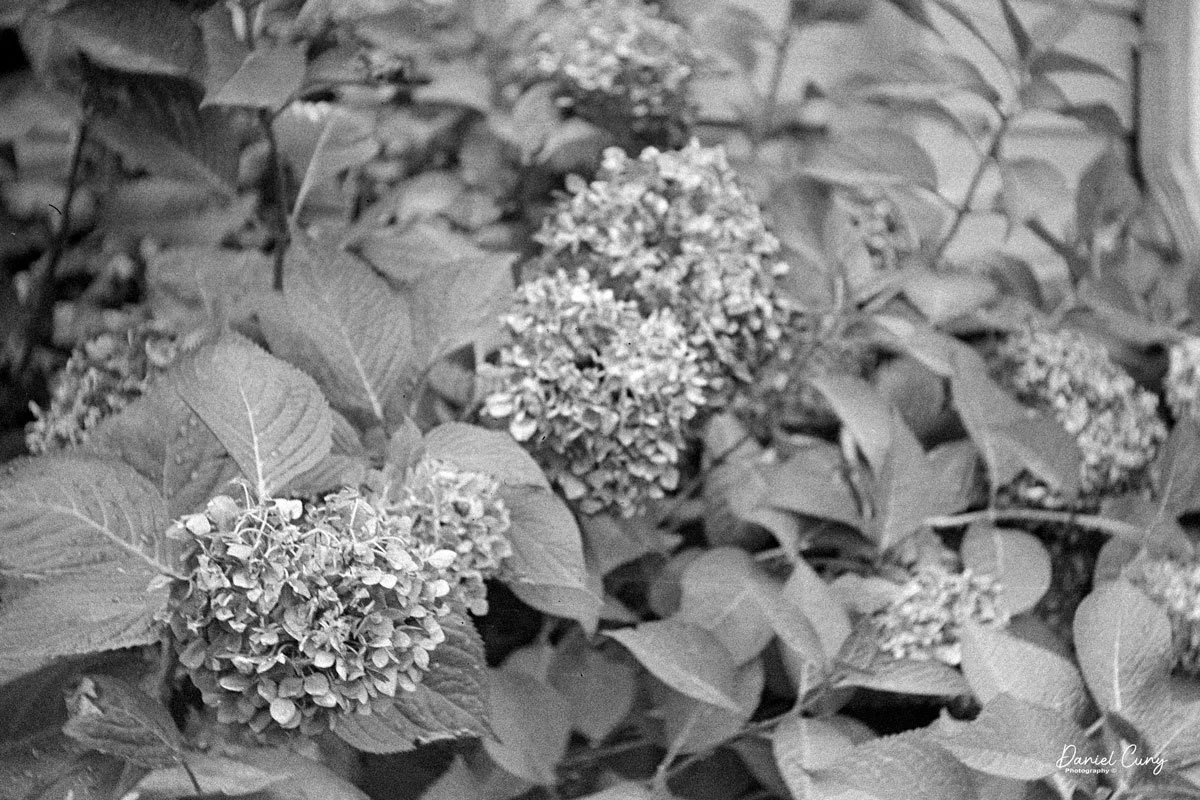
 Once you slow down and think about the process, which I'm very used to, the images are really nice. Here are a few from my walk around the neighborhood.

 I photograph similar items, which I am sure you'll notice if you're a regular reader.

Conclusion:

 While the camera isn't the most ergonomic one I've used, it's certainly not the worst.

 The camera performed very well. The images are sharp, and the shutter and aperture were easy to use. The one thing that slowed me down was the process of focusing, then transferring the distance to the lens before taking the photo. The addition of the coupling gear between the focusing wheel and the lens, which sets the distance on the lens, was a vast improvement for Argus. Without this improvement, I doubt they would have sold the number of cameras as they did.

 Thank you for taking a few minutes from your day to familiarize yourself with this early model camera from Argus.

 Here is a link to my other camera reviews.

I also have a shop on eBay, Cuny's Cameras and Photo. Please stop by and see what new and wonderful photo items I have for sale.

 Until next week, please be safe. 
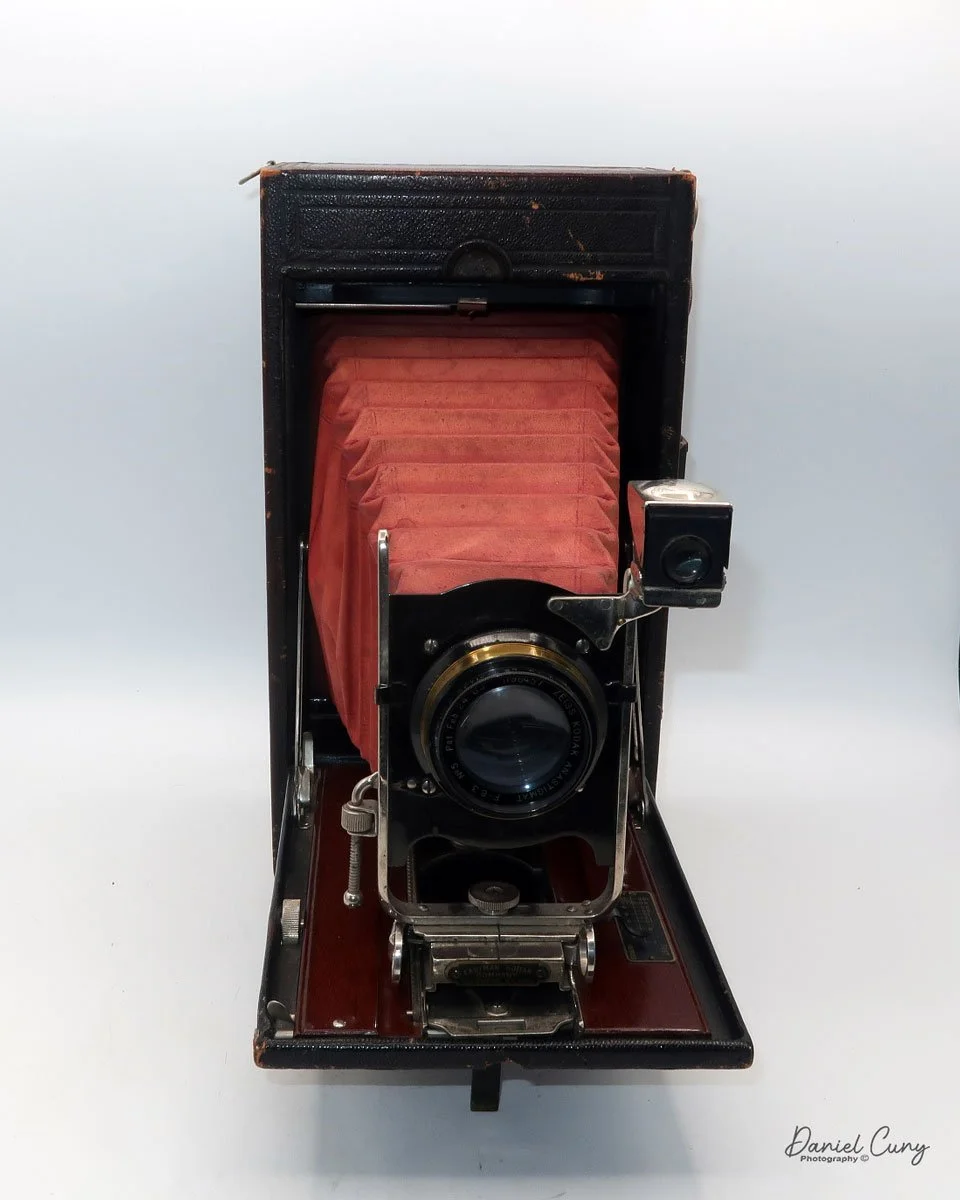
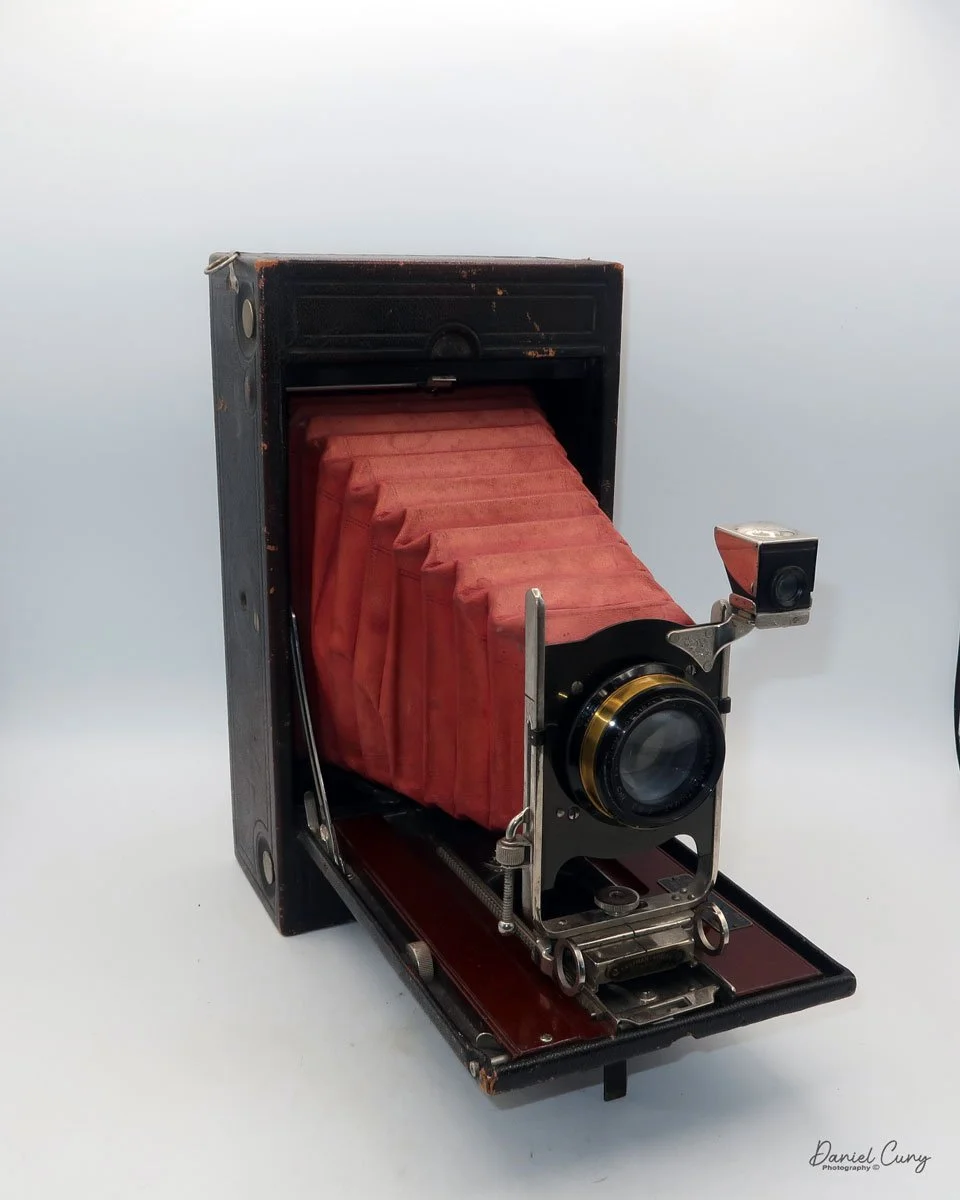
No. 4A Speed Kodak Camera

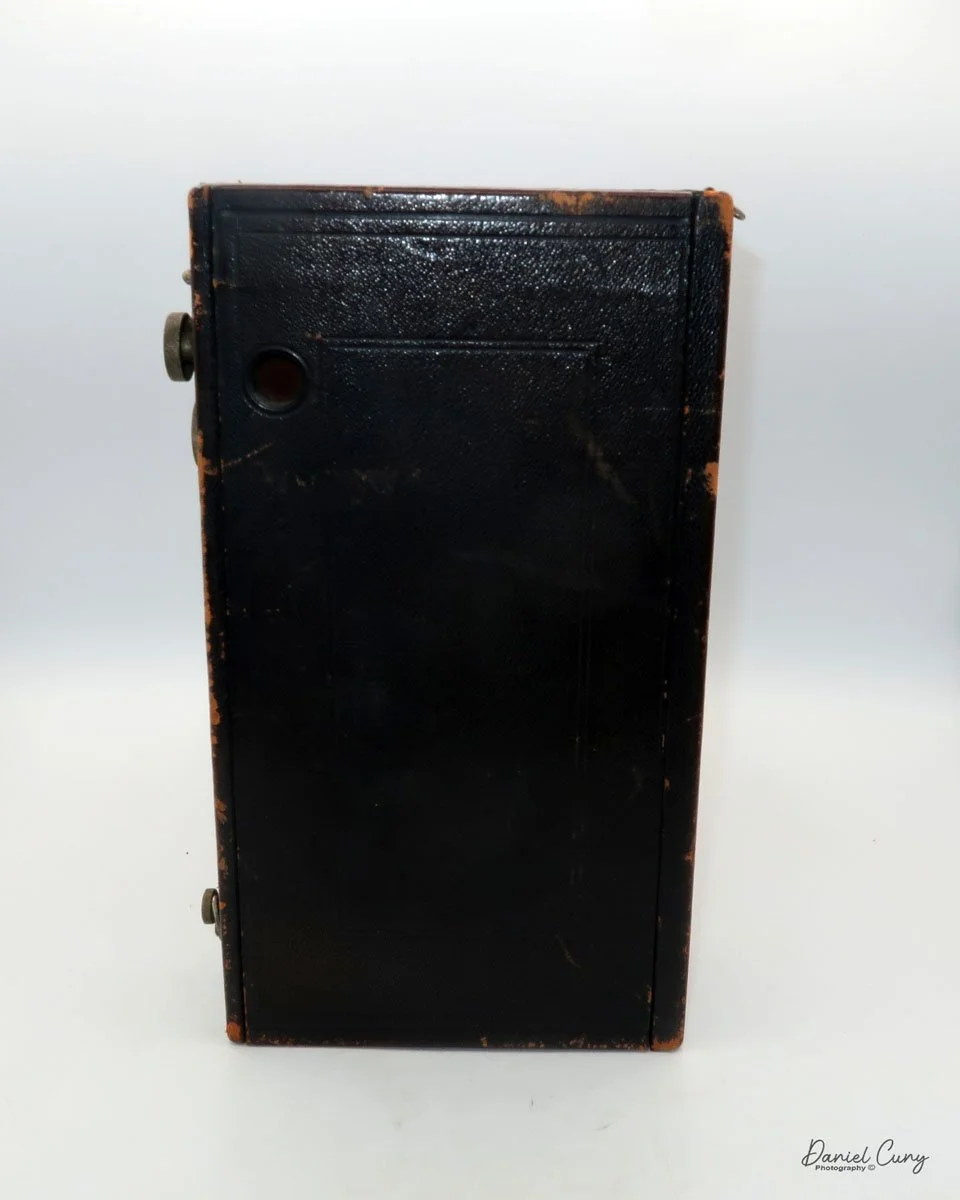
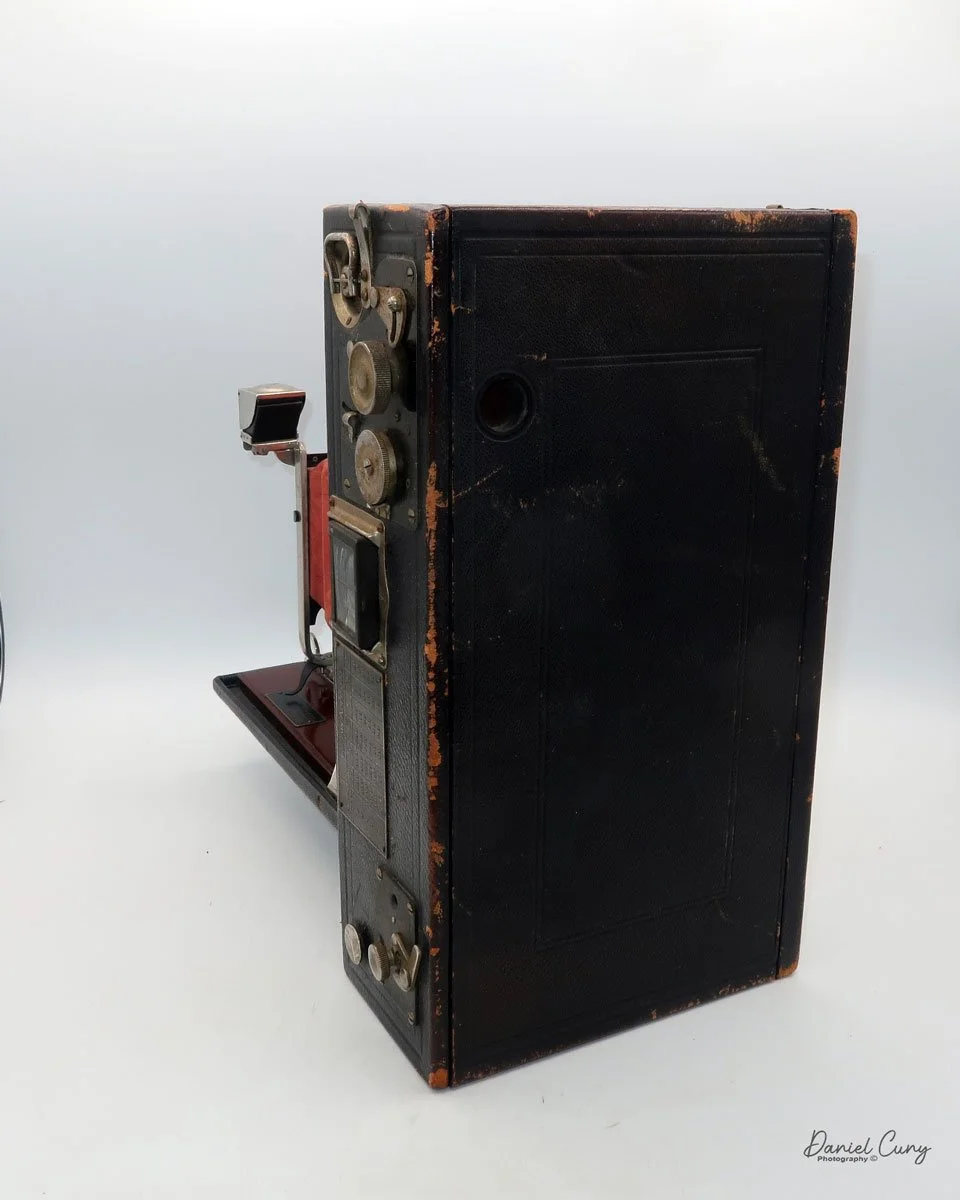
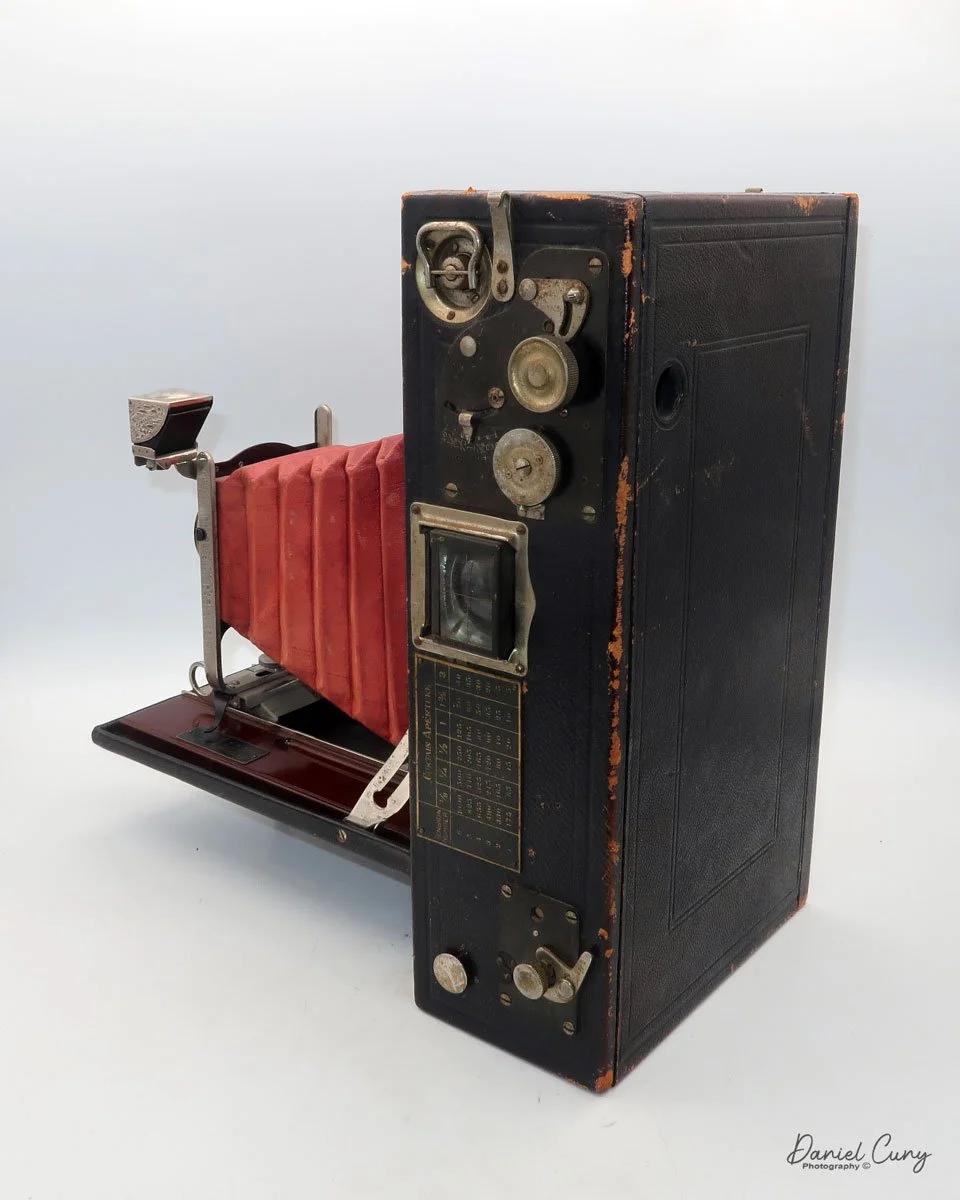
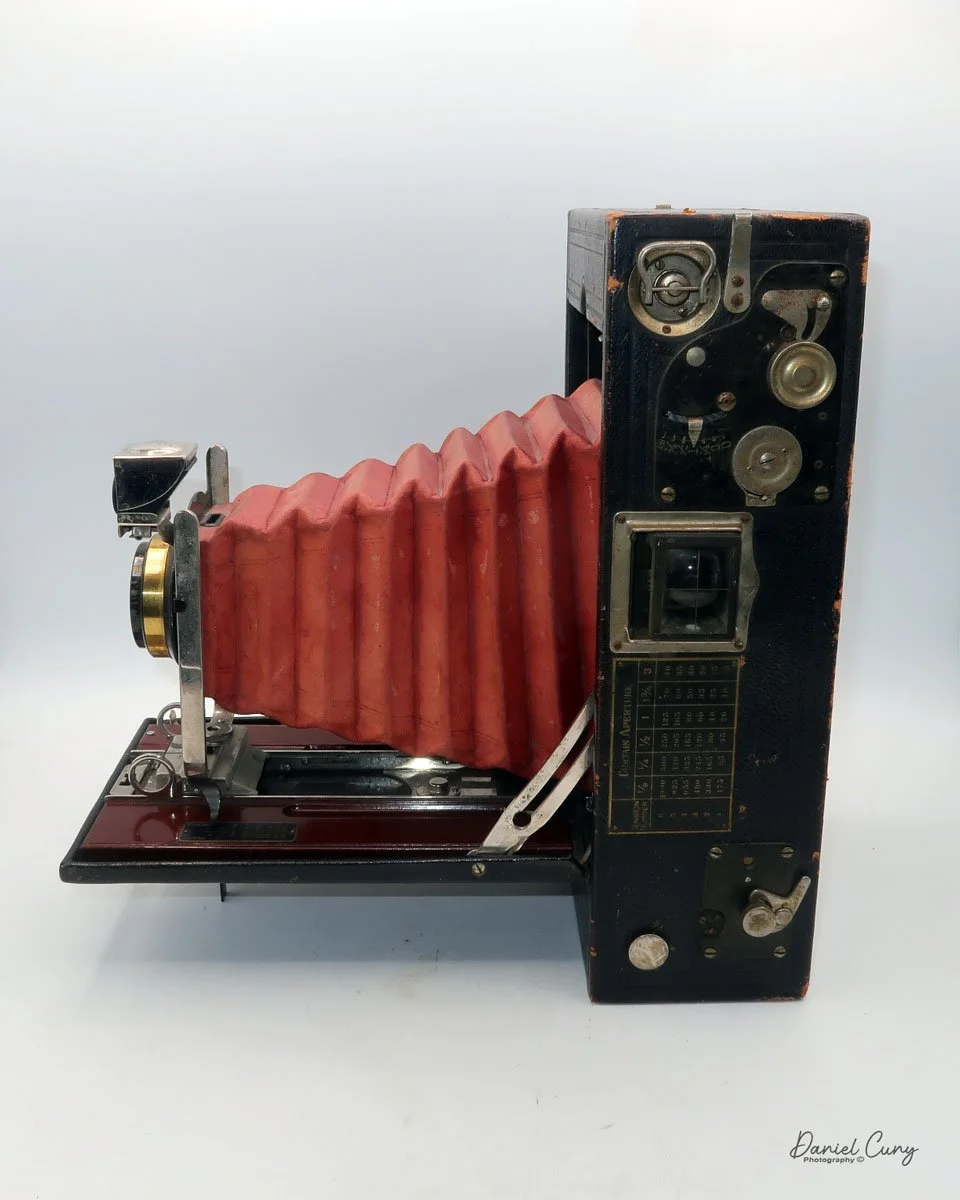
My No. 4A Speed Kodak camera

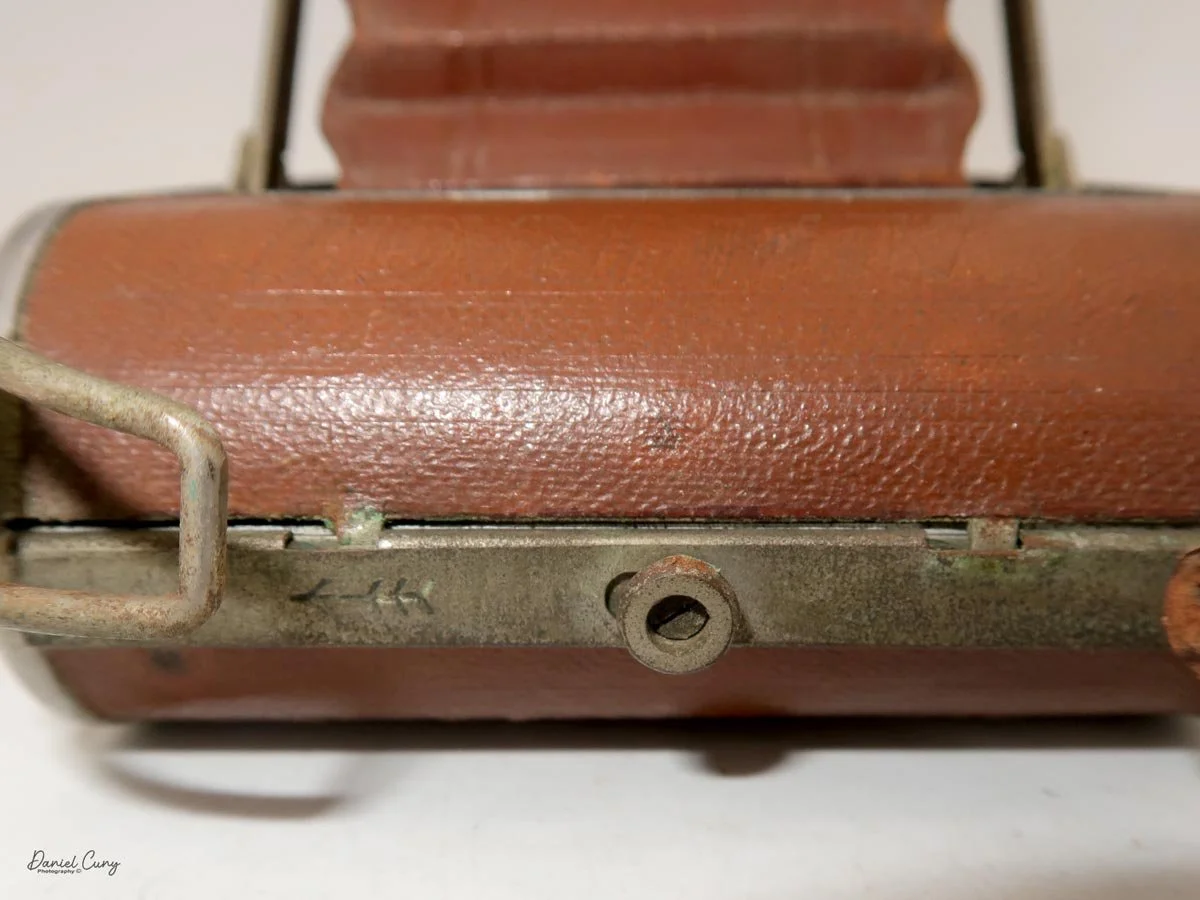
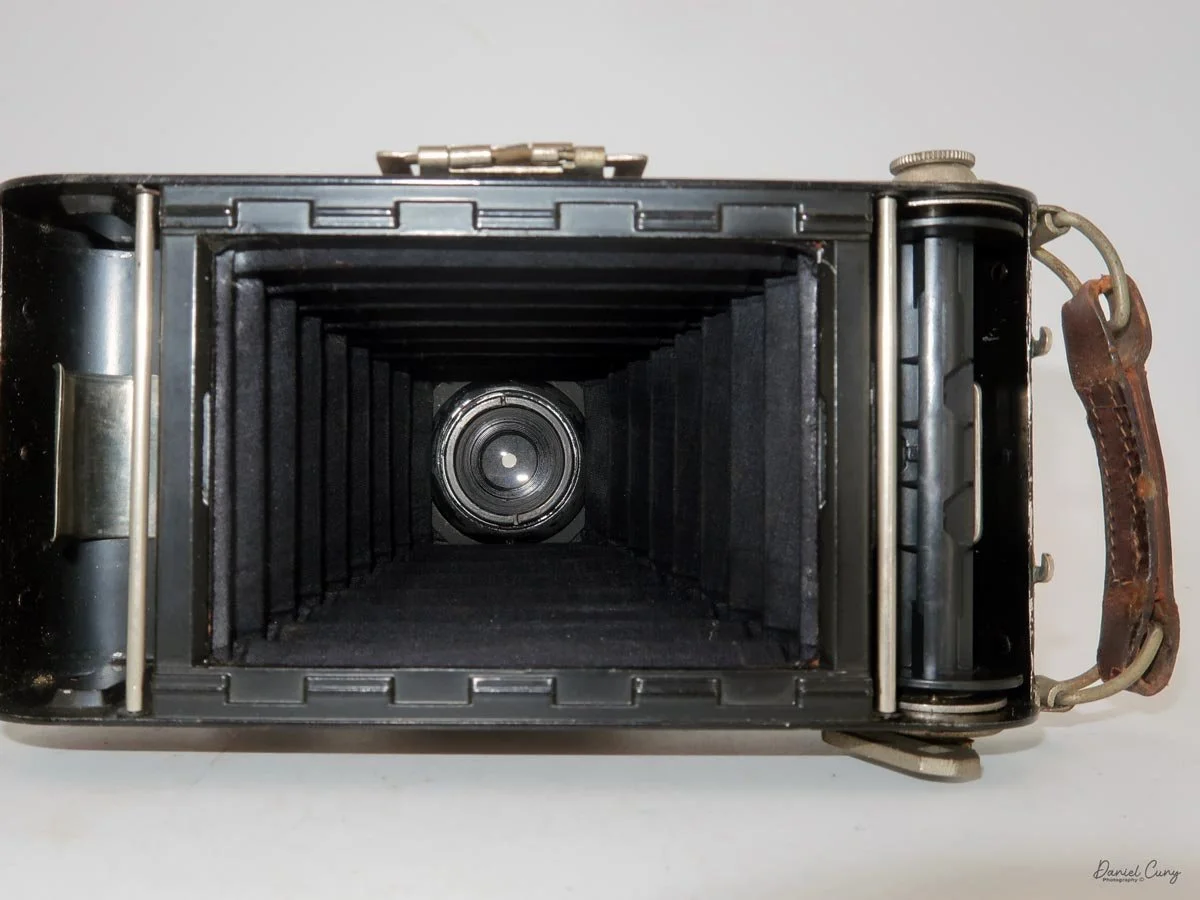
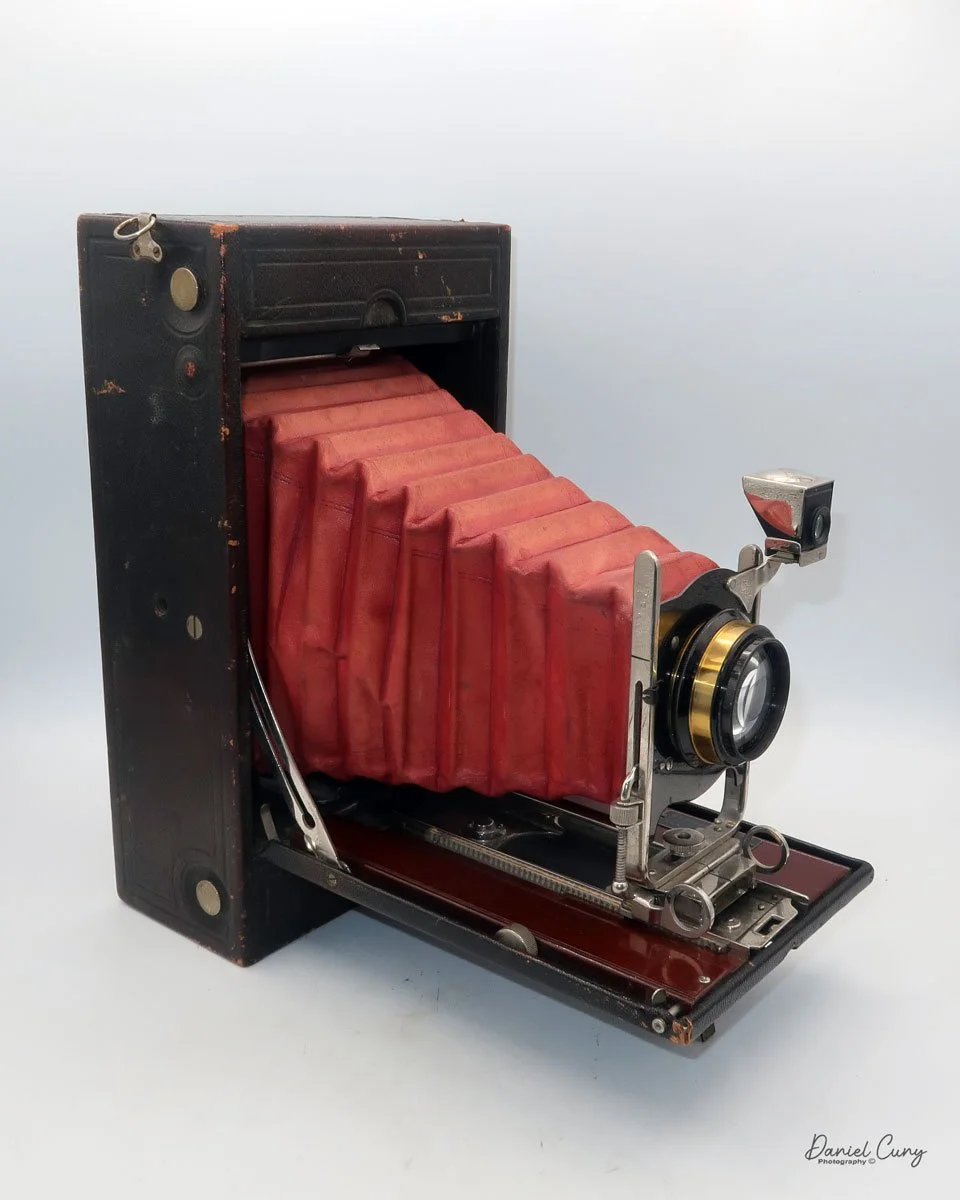
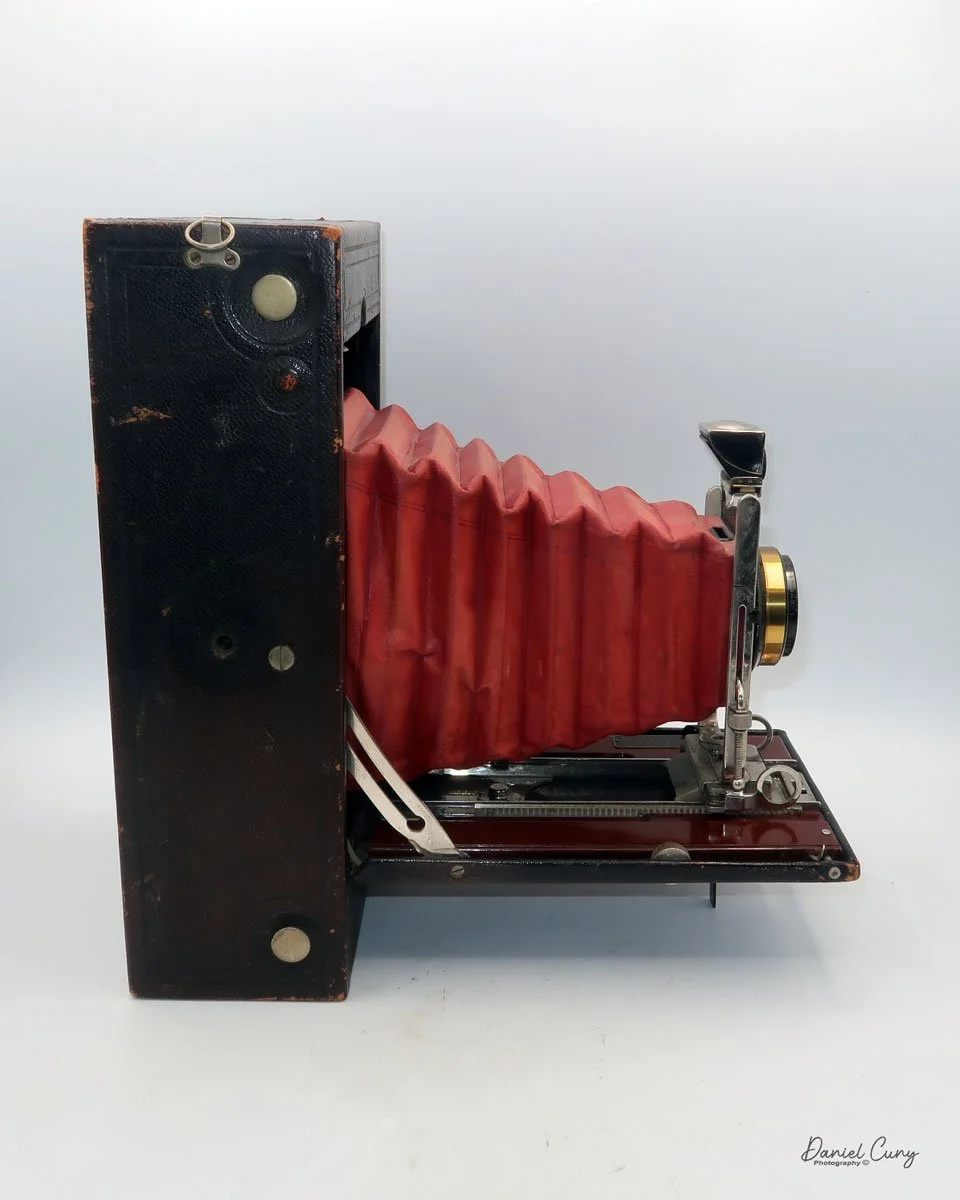
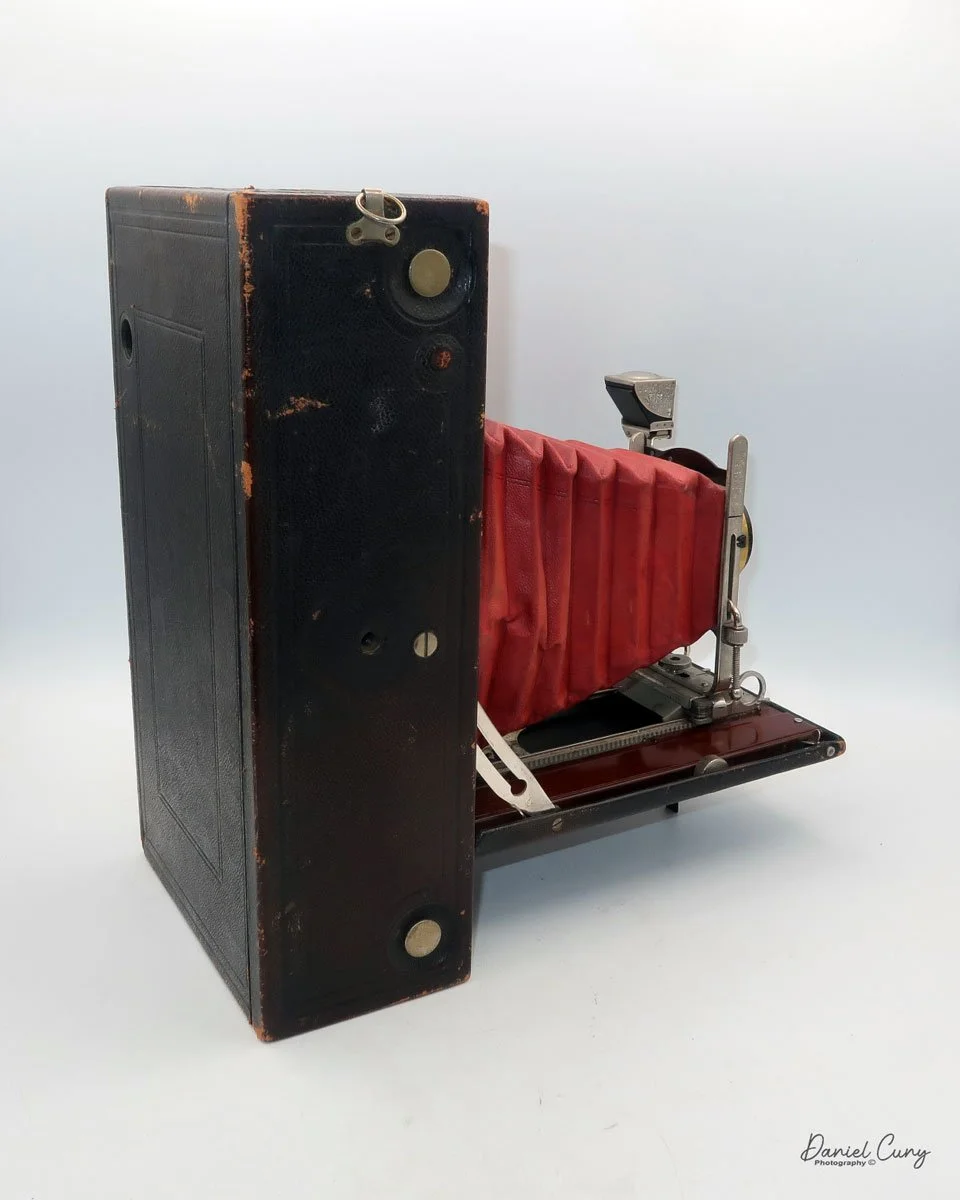
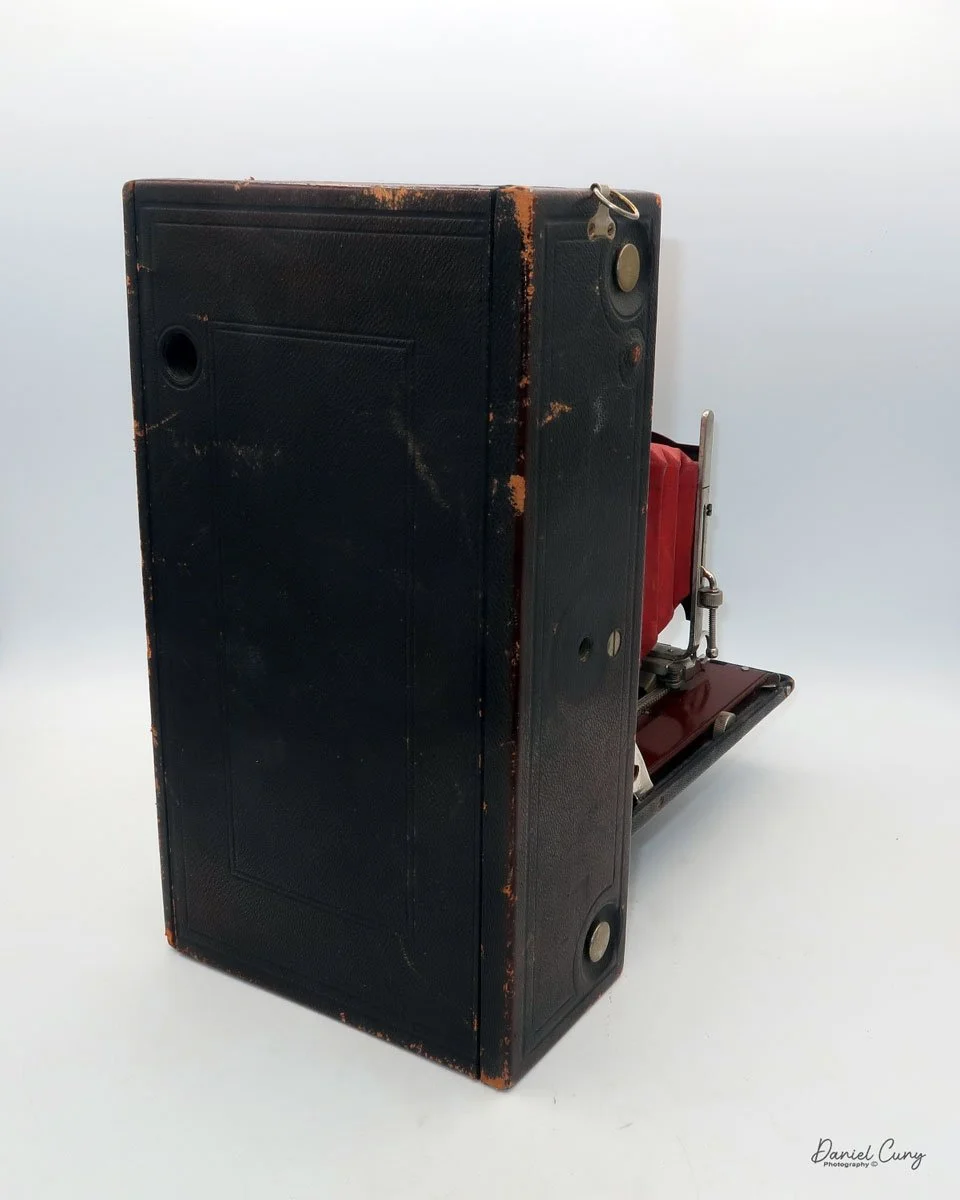
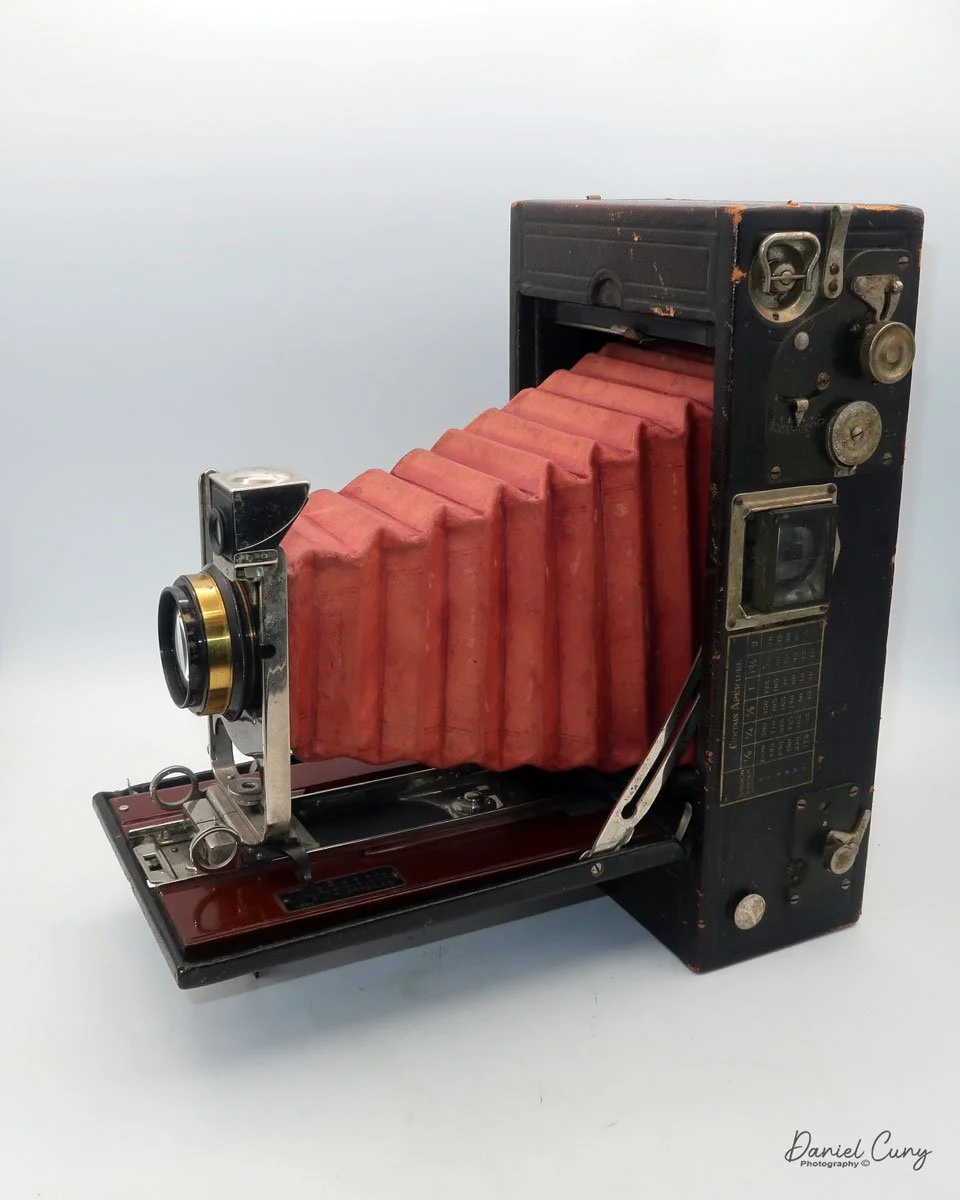
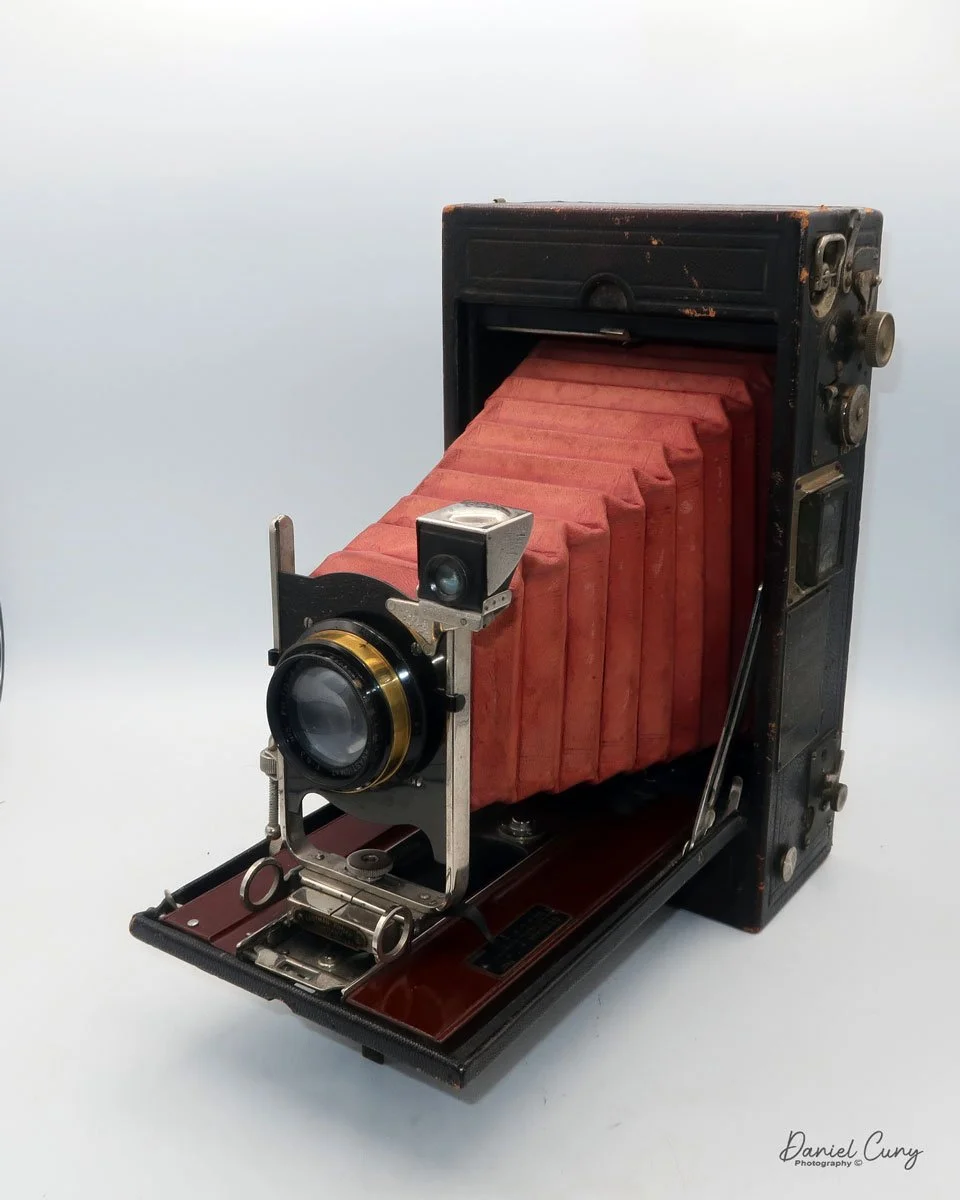
The No. 4A Speed Kodak camera is a massive camera. It's one of the largest folding-style cameras in my collection. I recently acquired this camera as a trade during a camera show in Seattle, where I was a vendor. 

 The person I acquired the camera from has a very similar collection to mine. During our discussion, he mentioned that he had two No. 4A Speed Kodak cameras. On display at the show was a large and heavy Japanese machine gun camera. I owned the camera for many years, but I didn't want to transport it back to my home, so I asked if he was interested in trading one of his No. 4A cameras for my Japanese machine gun camera. I was very excited when the discussion of trading one camera for the number four speed Kodak became official.

 This is the second No. 4A Speed Kodak camera I've had the pleasure of owning. The first number for a Kodak camera that I purchased was from a customer in Atlanta, Georgia. During a visit to an antique store, I mentioned that I collect cameras. The owner of the shop told me that they were the trustees of an estate that owned many cameras and were getting ready to sell them. I asked if I could see their collection, and they said yes. 

 Unfortunately, I only had about 30 minutes to rummage through what they had, as I had a sales appointment with a customer and didn't want to be late. While rummaging through the cameras I had set aside, I came across 15 to 20 items I wanted to purchase from the estate, including a No. 4A Speed Kodak camera. The camera was in my collection for several years until one day I decided to sell it. 

After selling the No. 4A Speed Kodak, I regretted selling it due to how rare they are and how seldom you see them for sale. It's a camera that I've been looking to purchase again for many years.  I was thrilled to find one and strike a deal for it while I was a vendor at the Camera show in Seattle.

 History:

From Kodak 1912 Sales Catalog.

 George Eastman, a self-taught chemist and businessman, revolutionized the world of photography with the founding of the Eastman Kodak Company. Born in 1854, Eastman's early life was marked by financial hardship, forcing him to leave school at 14 to support his family. His foray into photography began in the late 1870s, a time when the process was cumbersome and expensive, requiring heavy equipment and on-the-spot chemical processing. Eastman envisioned a more straightforward, more accessible method for capturing images.

Advertisement for Speed Kodak cameras.

 After years of experimenting in his mother's kitchen, Eastman developed a successful dry-plate formula and a machine for mass-producing them. This innovation led to the establishment of the Eastman Dry Plate Company in 1881. A pivotal moment came in 1888 with the introduction of the first Kodak camera. It was a small, user-friendly box camera that came pre-loaded with a roll of film capable of 100 exposures. The company's slogan, "You press the button, we do the rest," perfectly encapsulated its business model. Once the roll was finished, the entire camera was sent back to the factory in Rochester, New York, where the film was developed and printed, and a new roll of film was inserted before being returned to the customer.

 The turn of the century saw another groundbreaking innovation with the release of the Kodak Brownie camera in 1900. Priced at just one dollar, the Brownie was marketed towards children but was embraced by all. This affordable and easy-to-use camera democratized photography, turning it from a professional trade into a popular hobby. For the first time, ordinary people could create their own visual records of their lives, leading to the advent of the "snapshot."

 For much of the 20th century, Kodak dominated the photography industry, pioneering advancements in color film and motion picture technology. However, the company's reliance on its highly profitable film business model proved to be its undoing. Despite inventing the first digital camera in 1975, Kodak was slow to embrace the new technology, fearing it would cannibalize its film sales. This hesitation allowed competitors to seize the digital market. By the time Kodak fully committed to digital, it was too late. The company filed for bankruptcy in 2012, a poignant end for a company that had once put a camera in everyone's hands.

My Camera:

As I mentioned in the first line of this blog, the No. 4A Speed Kodak is a behemoth of a camera, which has a beautiful red bellows, measuring 11.75" tall, by 6.5" wide, and 3.5" deep when the camera is closed. When the camera is opened, the lens extended, the camera is 12" deep. My camera weighs in at 5 lbs. 11.5 ounces. The camera first appeared in the Kodak sales catalogue in 1908 and remained there until 1912.

The serial number of my camera is 519-D, which you can find on the back side of the "Kodak" leg used to support the camera when opened. My No. 4A Speed Kodak camera has a batch ID number of 747, which is found on the inside of the back door, along with a matching number on the film "wings" used when loading film. 

 The negative size of the No. 4A Speed Kodak is a whopping 4 1/4" x 6 1/2" on 126-sized roll film. Not to be confused with the 126 cartridge film from the 1960s. Please note the size of the film spool for the No. 4A speed Kodak compared to a spool from a 120 size film.

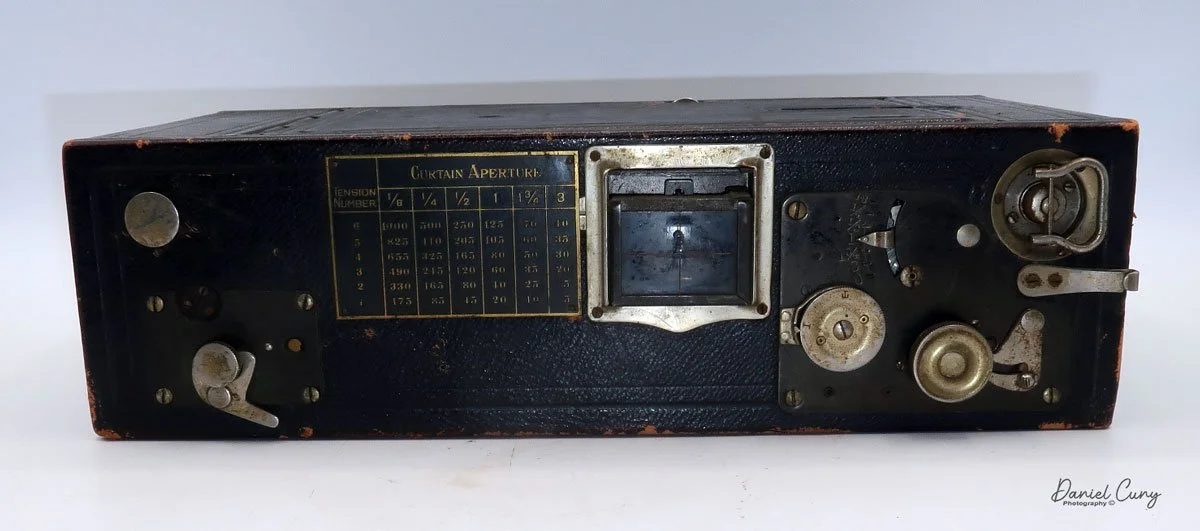
The unique feature of the No. 4A Speed Kodak is its built-in Focal Plane shutter system. This shutter allows the camera to shoot from speeds of 1/5 on the slow end to a top-end shutter speed of 1/1000. The camera could also do timed exposures if necessary. The focal plane shutter is set by a series of tension wheels and settings done on the top of the camera. To achieve the desired shutter speed, the tensions and sliders are adjusted according to the graph displayed on top of the camera.

 To open the camera and take a photo, as with many other Kodaks, a button on the side unlocks the folding bed. Once the bed is opened and in the locked position, the lens can be slid out onto the bed by pinching the two grips just under the lens and sliding it into the "taking" position. There is a fine focus adjustment on the folding bed, allowing you to focus on your subject. 

 Similar to other folding cameras, a waist-level finder is located to the top right of the lens and covered by a chrome cover to prevent dirt from hindering your ability to frame your subject. This waist-level finder can be used for vertical or swung sideways for horizontal images. There is a secondary finder on top of the camera that flips up, and according to the catalog, this is an extra called the Direct Viewfinder.  

 To close the camera, use the two grips to slide the lens back into the camera body. Once you're all the way in, press down on the arms that lock the camera erect. They will unlock, allowing you to fold the bed back into the camera's body and lock it back in place.

To open the back of the camera and load the film, use the two buttons located on each side of the camera body near the back. Press both buttons, and the back will come off the camera. Sometimes you'll need to pull the back away from the body to remove it if it doesn't spring open. The sides of the camera will also swing open, making it easier to insert or remove the roll. You'll also need to unhook the side strap before taking the back off. Unfortunately, my No. 4A Speed Kodak is missing the strap, but this procedure is similar to how the Kodak Panoram cameras open and close.

 Once the film is loaded in the camera, slide the bottom of the back into the slot and press it into position, ensuring the side wings are closed. The back will then snap and lock into place.

Conclusion:

 The focal plane shutter on my camera is not operable, and the shutter curtains are very brittle. After a bit of coaxing and taking the time to work with it, I managed to get one of the shutter curtains to close, but you can see how brittle it is from the photos.

 Also, on my No. 4A Speed Kodak, the red bellows have separated from the black fabric on the inside of the bellows on the right side of the camera. That's why the bellows seem so wonky on that side. Still, having one of these cameras for display purposes is a wonderful thing, and I'm pleased to have this 110-year-old camera back in my collection.

 Thank you for taking the time to look over and read about this fascinating camera from Kodak's past.

 Click the link to see other Camera Reviews.

 Visit Cuny's Camera and Photos on my eBay store to see cameras and other photo odds and ends I have for sale. At times, I even sell cameras from my reviews.

 Until next week, please be safe.
 

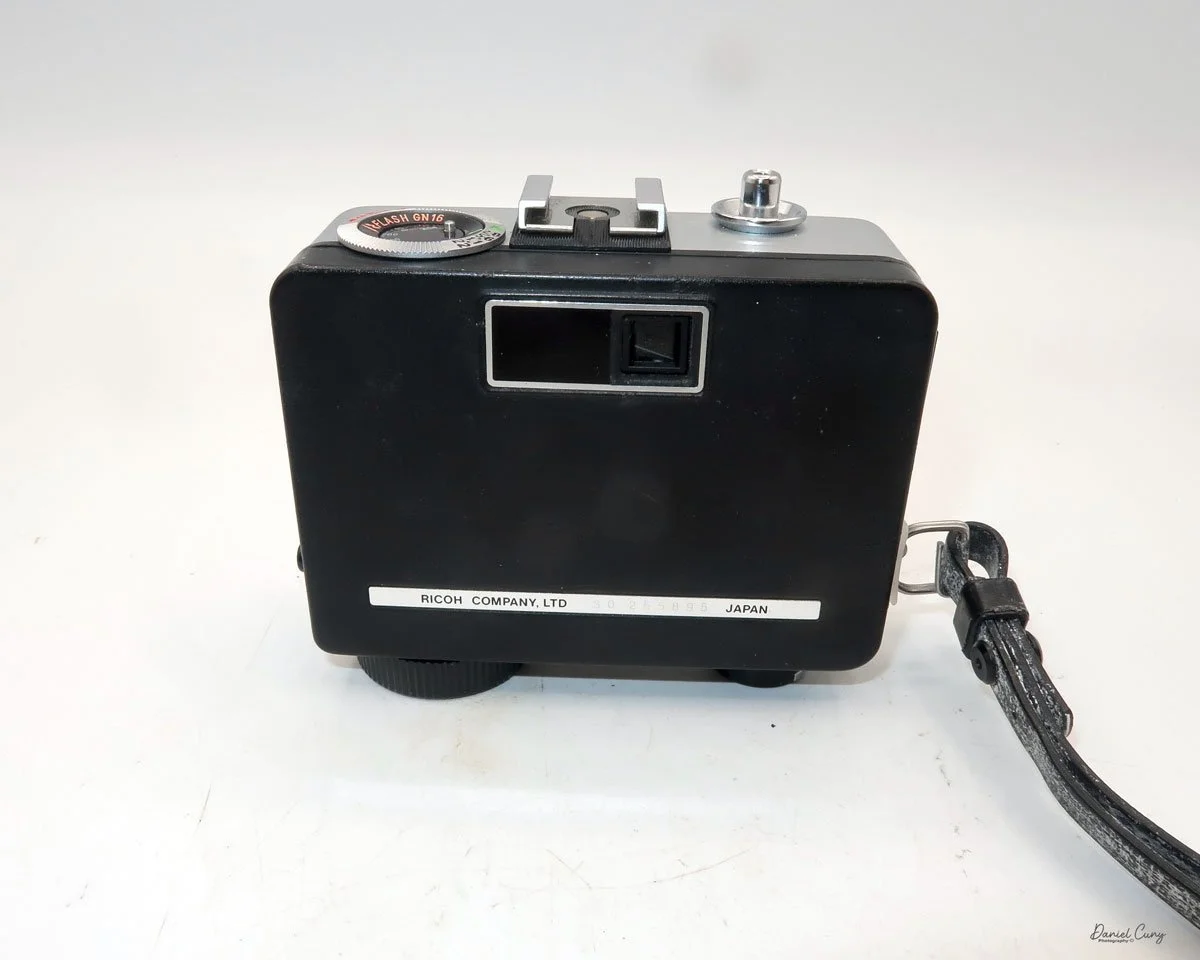
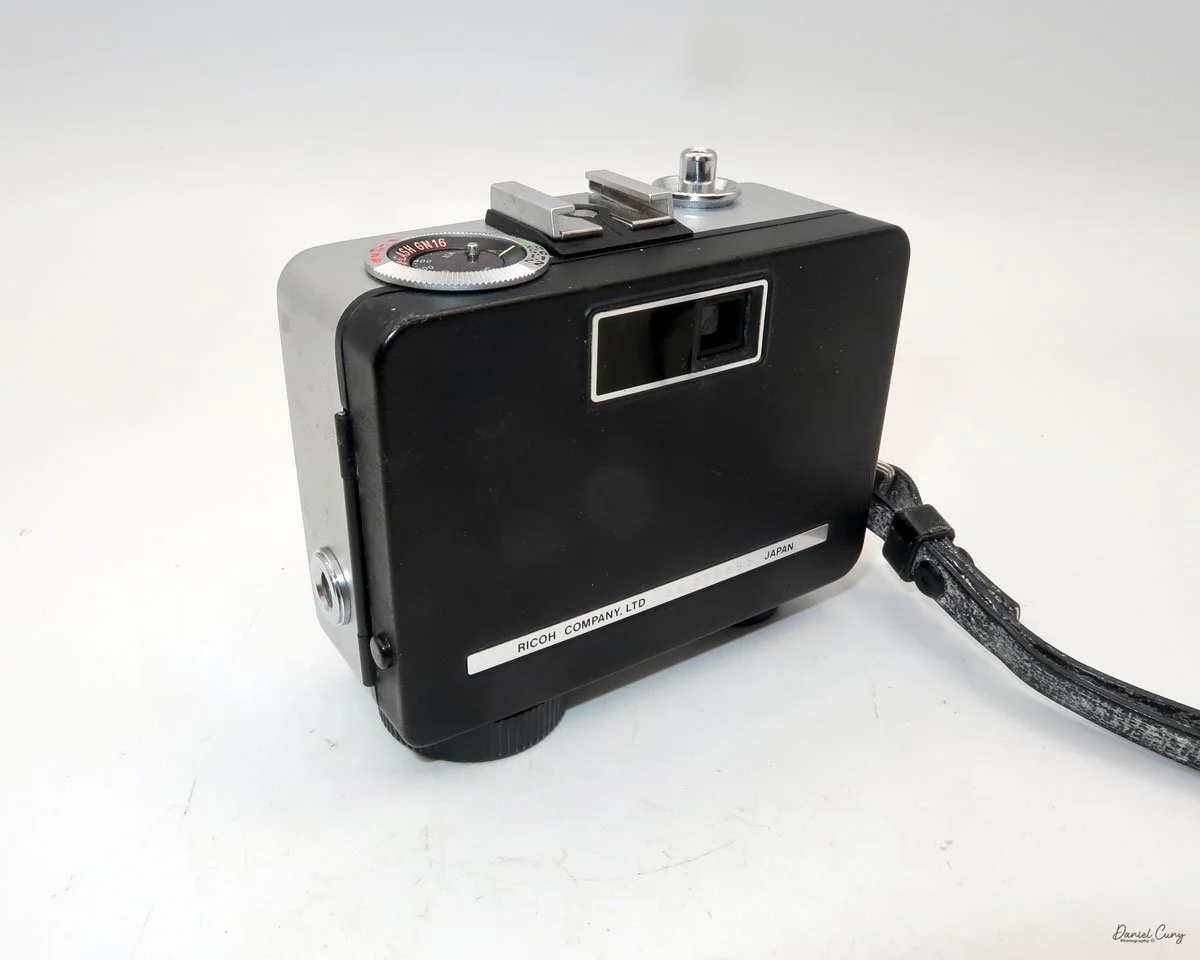
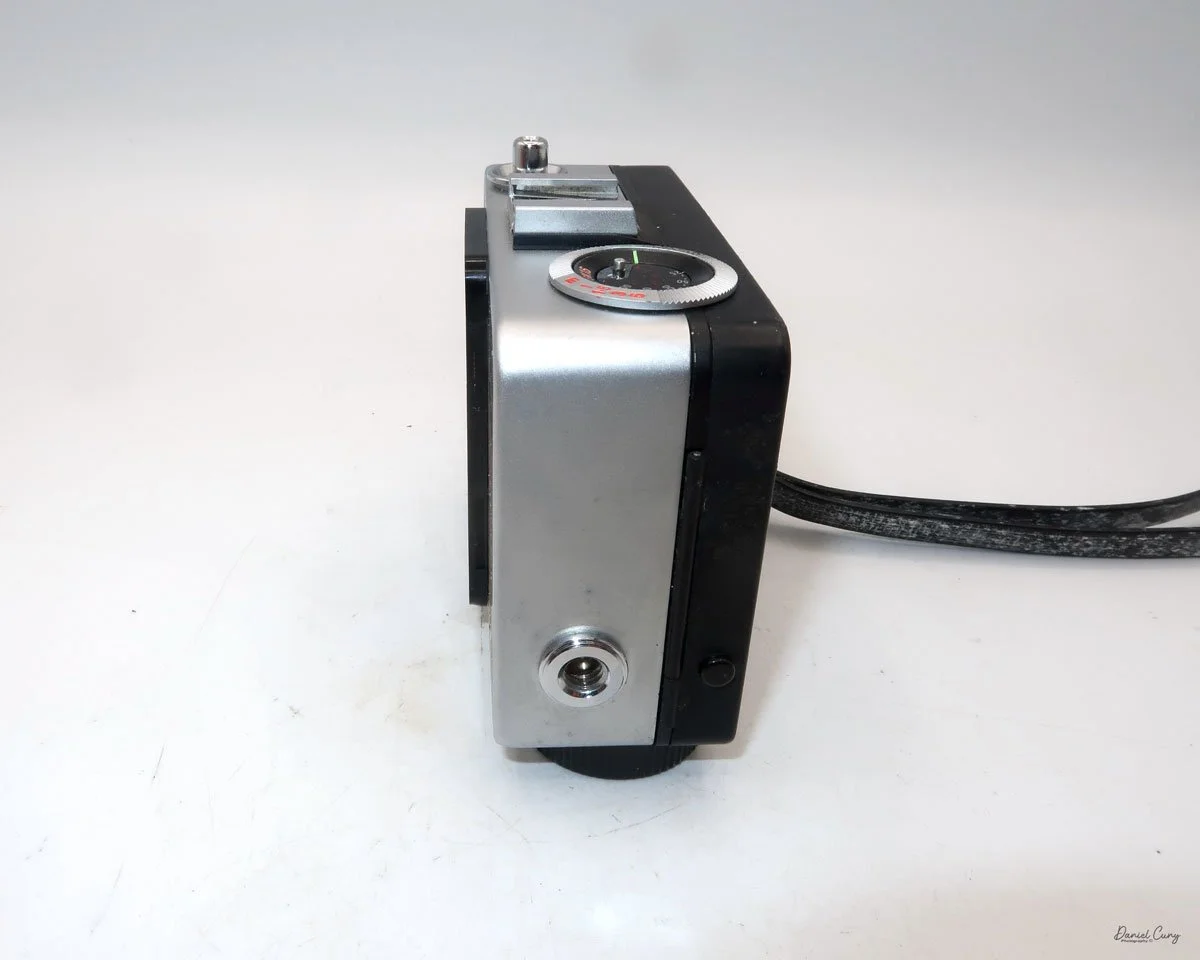
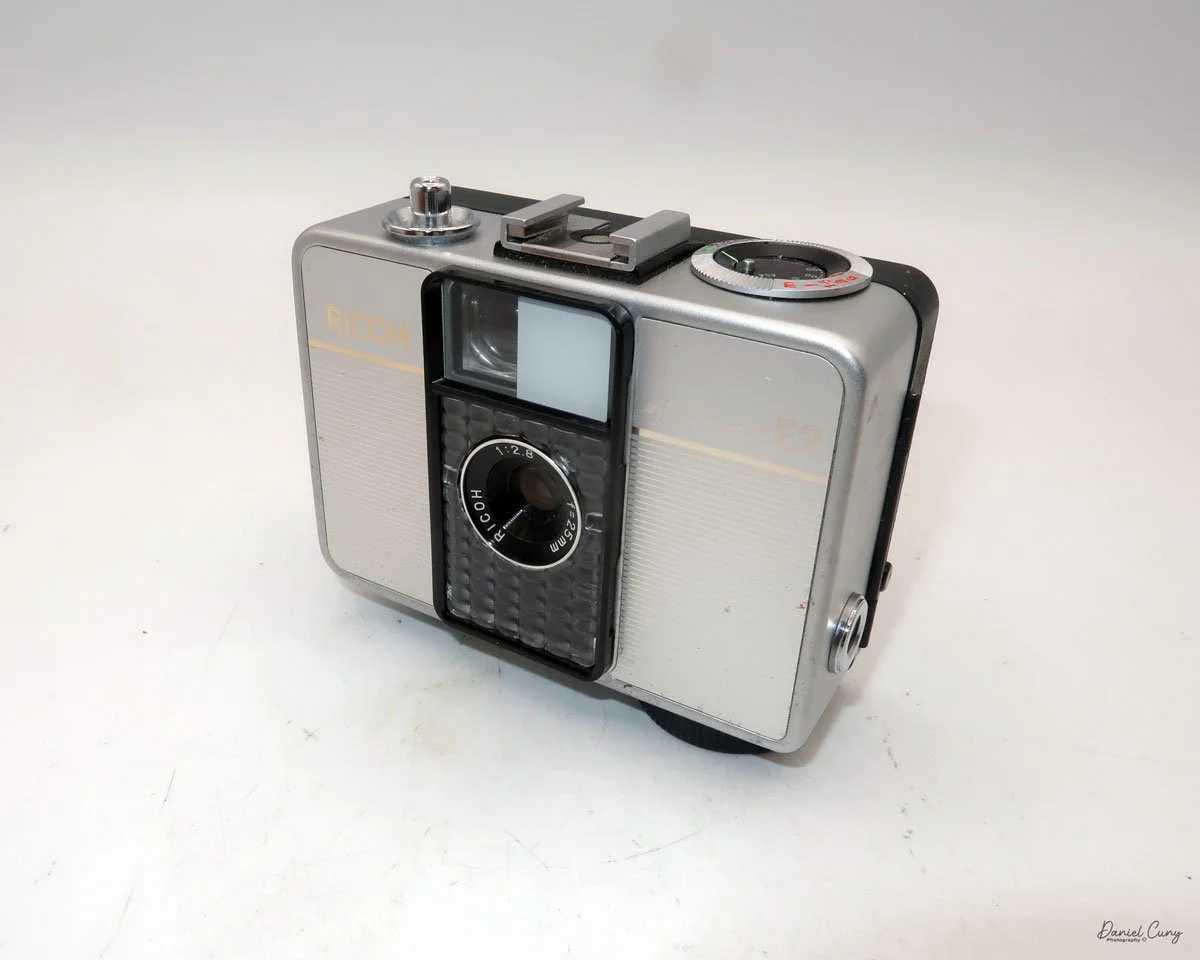
Ricoh Auto Half Camera

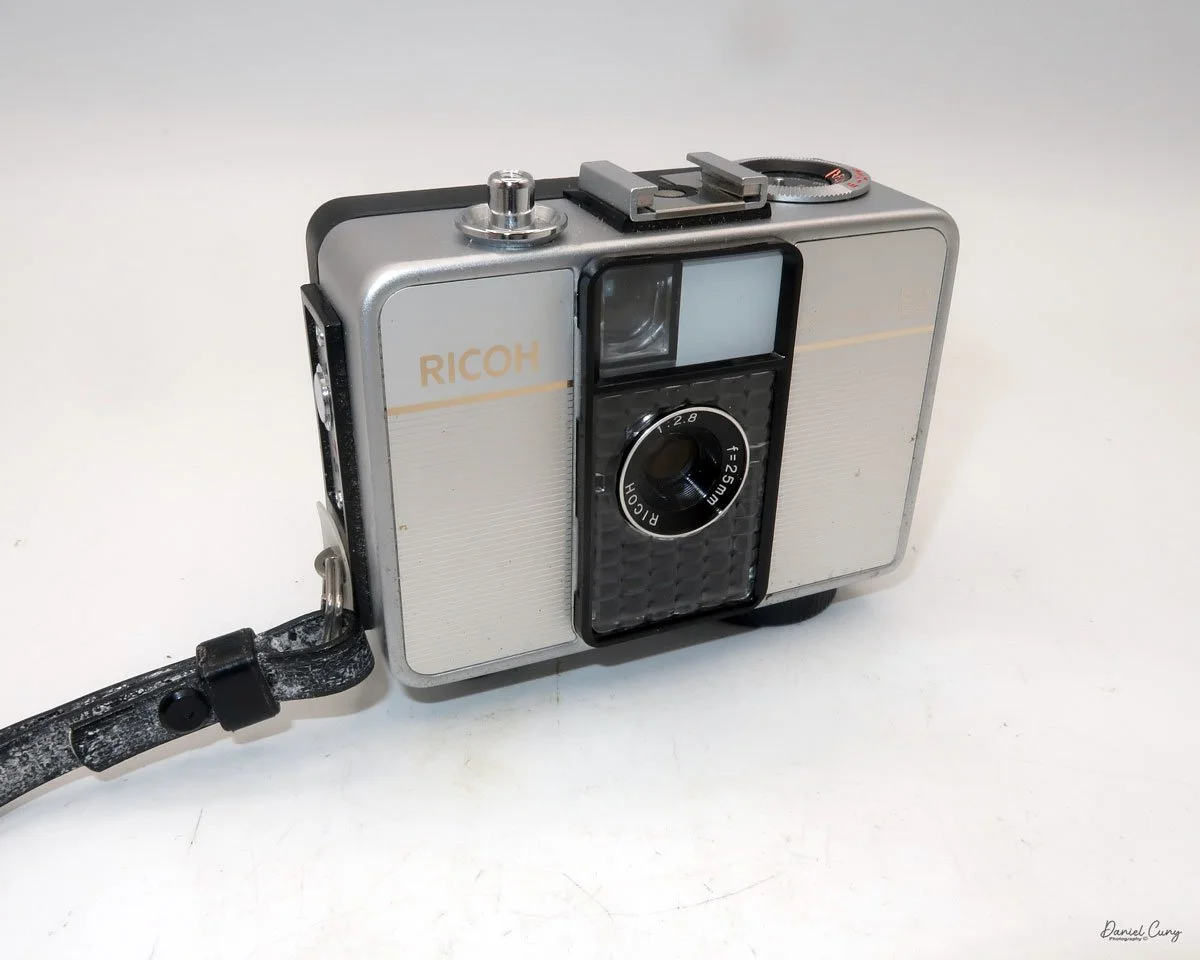
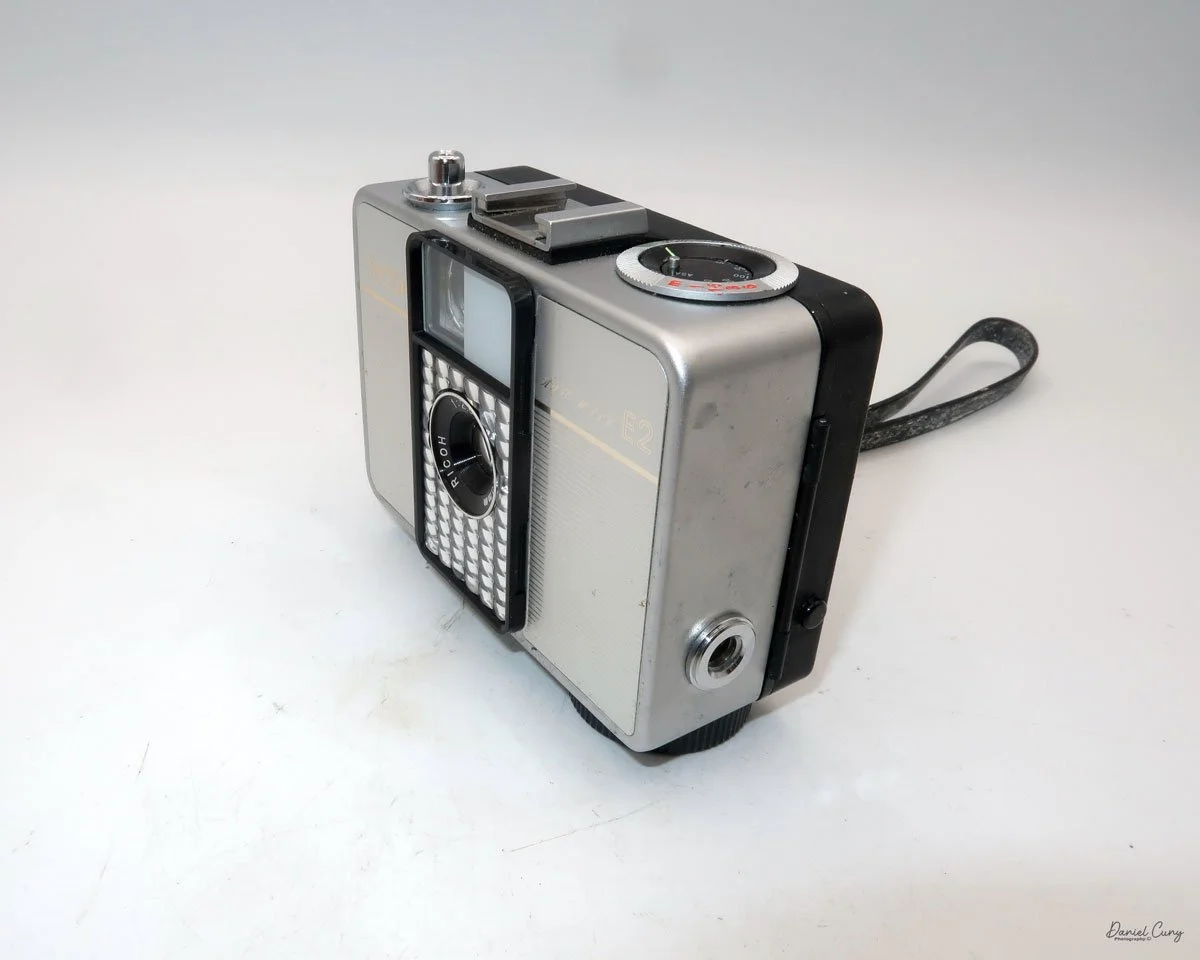
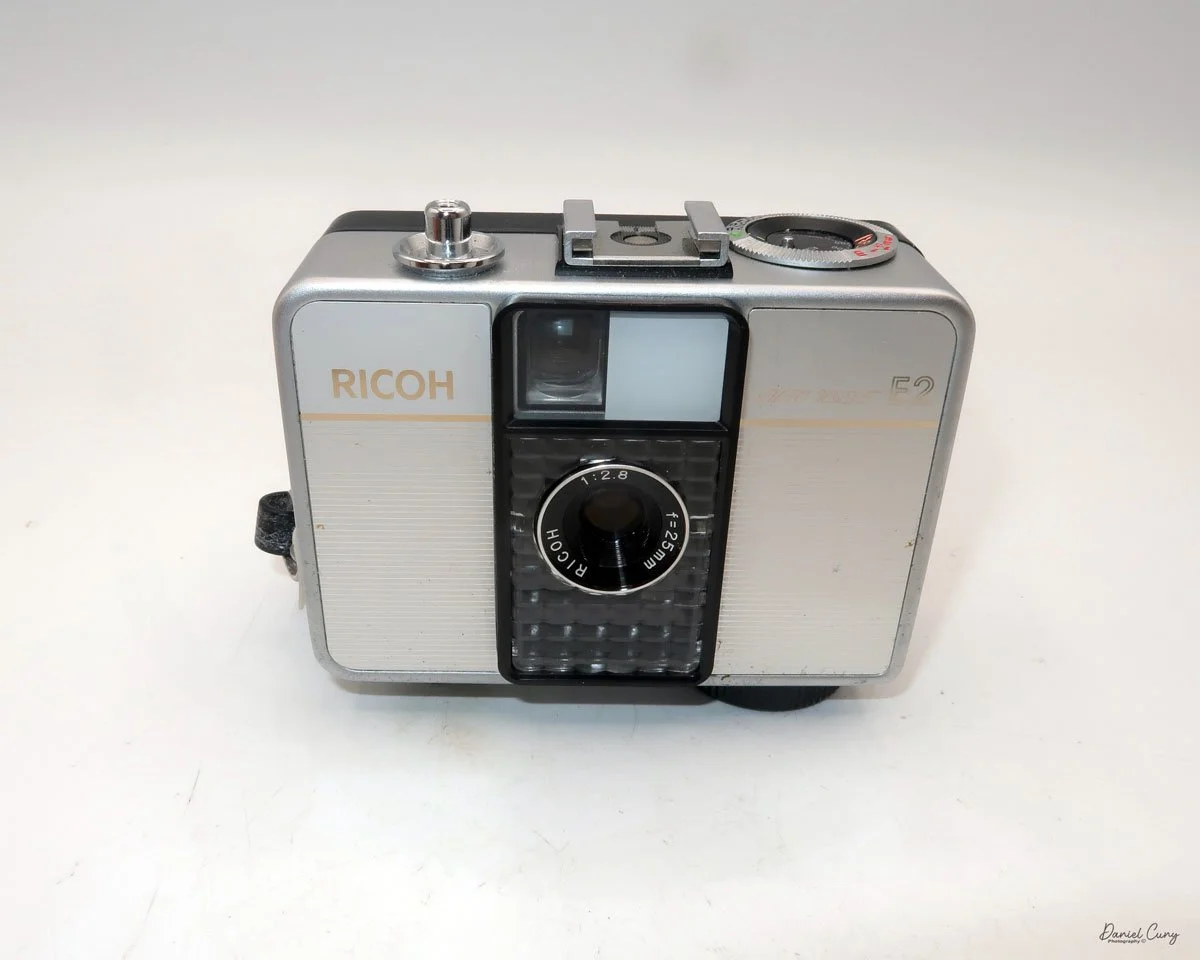
My Ricoh Auto Half E2 camera

The 1960s were a tumultuous time—a wild era—for politics, art, social change, music, and design. Having spent my early and informative years during this time, I was witness to some remarkable events that shaped the world, which I'm happy to say I lived through.

 There were the Beatles, who upended the music world; marches and protests against the war in Vietnam and civil rights; and Jackson Pollock and Andy Warhol, who were taking the art world by storm. It seemed like every month, there were issues and events in the news that shaped the world.

 In the photographic and camera design fields, in my opinion, one of the more artistic and interesting products to emerge from the 1960s was the Ricoh Auto-Half camera—a straightforward camera that underwent several model changes, keeping the design fresh for almost 20 years.

 The Ricoh Auto Half camera was introduced in December 1960. For the period, the camera was very compact and lightweight, a half-frame 35mm camera with automatic exposure, no manual focusing, and automatic winding. The size of the camera was compared to a pack of cigarettes.

 Not only were there several different model changes and improvements, but the design style, to me, was the item that kept the camera fresh. The original Ricoh Auto Half camera was available in a bright silver color and featured a wrist strap. However, later in the 1960s and well into the 1970s, the camera took on many different colors and geometric designs, which were very popular during this timeframe.

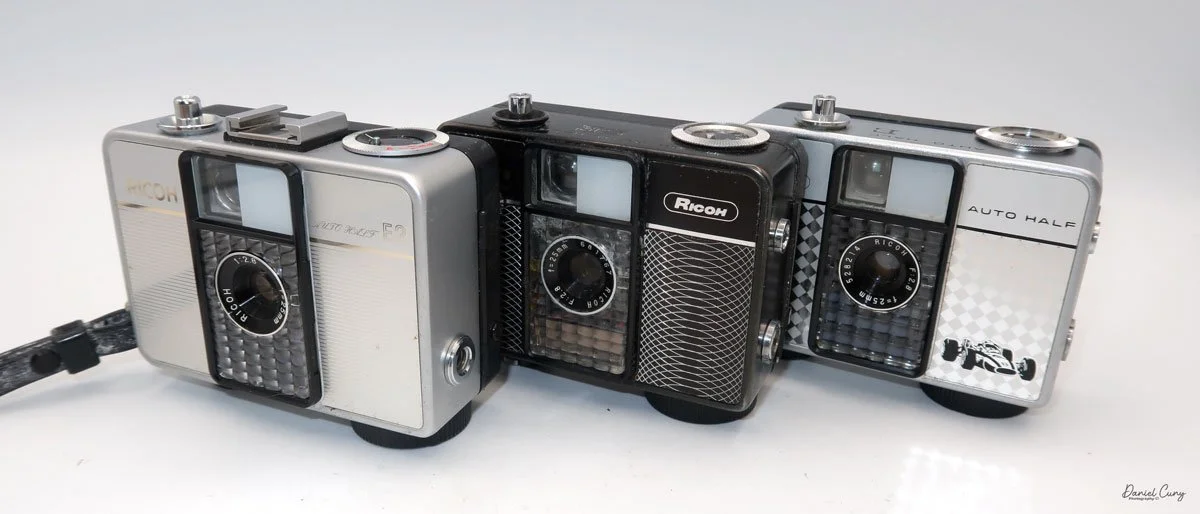
My three Ricoh Auto Half cameras

 Some of the cameras were black with a white geometric pattern on the front, like one of the models I have. Later in the production cycle of the cameras, the production became bolder and more intricate, which kept pace with the signs of the times.

 There was a yellowish-green checkerboard pattern, or some cameras had brown vertical stripes or a wavy pattern, while others had outlandish red and blue colors that appeared to create a dome pattern on the front of the camera. One of the models I saw was named "King Gold," which is a gold color camera with an interesting pattern on the front. Some have a filigree around the border, or a train or race car on the front. All of these models are just fascinating to me, and one of the main reasons I wanted to write about them.

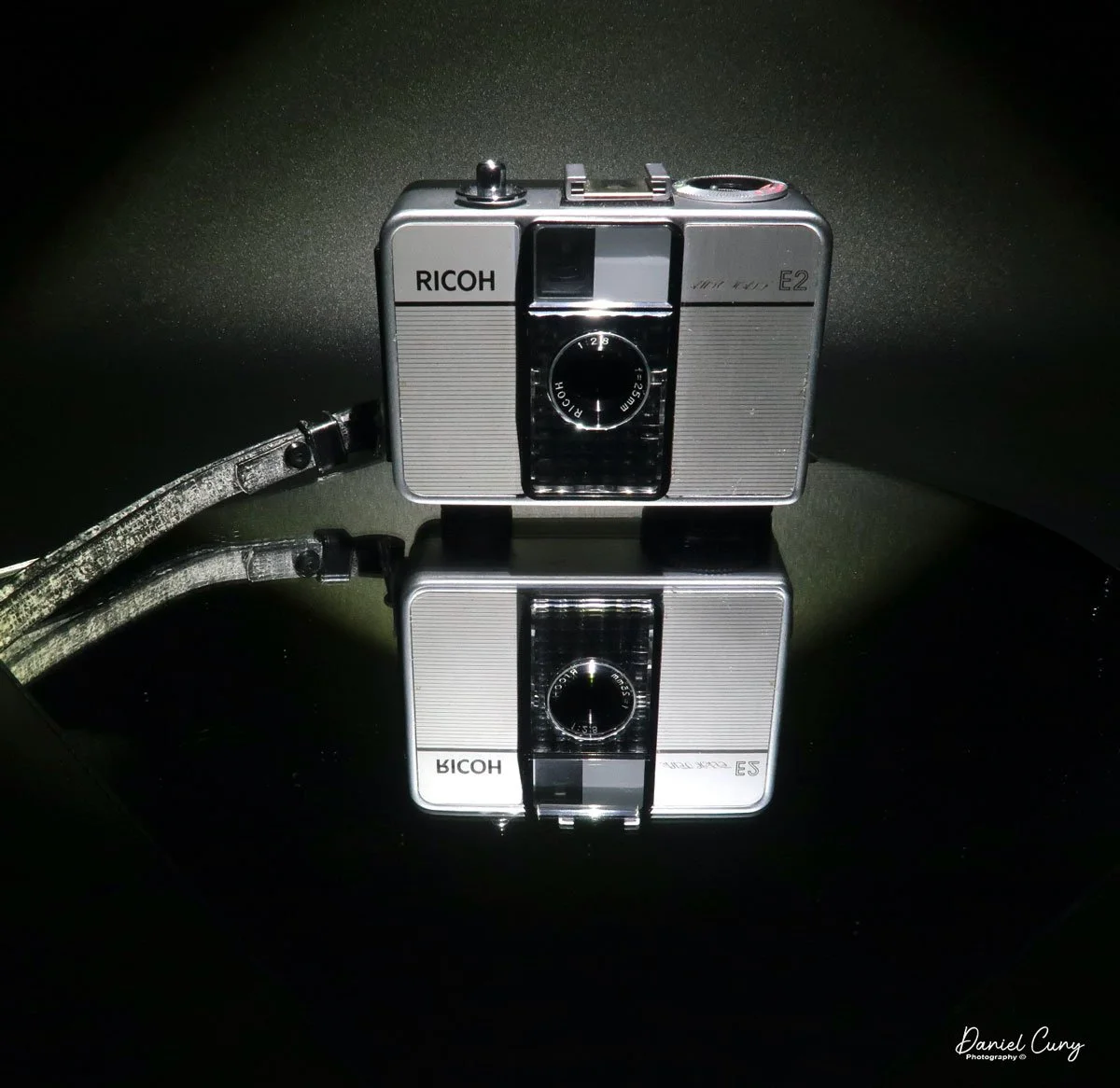
 I own three different models of the Auto Half cameras. I have an Auto Half E model with a diamond pattern and a Formula 1 race car on the front. I have a Black Auto Half SE model with a swirly pattern on the front, and the camera I used for the post was an Auto Half E2 in superb working condition.

I own three different models of the Auto Half cameras. I have an Auto Half E model with a diamond pattern and a Formula 1 race car on the front. I have a Black Auto Half SE model with a swirly pattern on the front, and the camera I used for the post was an Auto Half E2 in superb working condition.

History:

Ricoh's journey into the world of photography began not with cameras, but with sensitized paper. Established in 1936 as Riken Kankoshi Co., Ltd., the company quickly leveraged its expertise in optics, venturing into camera production just a year later in 1937. This early period laid the groundwork for a legacy of innovation and accessibility in the photographic industry. The company, which would be renamed Riken Optical Co., Ltd. in 1938, introduced its first camera, the Olympic Four, in 1939. This simple folding camera marked its entry into a competitive market.

Japanese ad for Ricoh Auto Half camera

 The post-war era proved to be a transformative period for Ricoh. A pivotal moment arrived in 1950 with the launch of the Ricohflex Model III. This twin-lens reflex (TLR) camera was a game-changer. By implementing a revolutionary belt-conveyor system for mass production—a first in Japan's camera industry—Ricoh was able to produce the Ricohflex III at a remarkably affordable price. This move single-handedly democratized photography for the Japanese public, transforming cameras from a luxury item into an accessible consumer good. The Ricohflex III became a massive commercial success, reportedly capturing over half of the domestic market share at its peak and cementing Ricoh's reputation.

 Building on this momentum, Ricoh continued to innovate throughout the 1950s and early 1960s. The company introduced the Ricoh 500 in 1957, a popular 35mm camera notable for its user-friendly features. However, it was the Ricoh Auto Half in 1962 that truly showcased the company's forward-thinking design philosophy. This remarkably compact and lightweight half-frame camera was fully automatic, with automated exposure, focusing, and film winding. Its purse-sized dimensions and ease of use made it a massive hit, particularly with female consumers, and it became a global success.

 These formative years were crucial in shaping Ricoh's identity. From the mass-produced Ricohflex that brought photography to the masses to the stylishly simple Auto Half, Ricoh's early history is a story of creating high-quality, innovative cameras that were not only technologically proficient but also thoughtfully designed for everyday users. This foundation of accessibility and user-centric innovation would continue to define the company for decades to come.

My Camera:

My Auto Half E2 model camera is 3.5: wide, by 3" tall, by 1.5" deep, and weighs 11.9 ounces. The camera is a 35mm half-frame camera that takes a vertical image of  24x17cm on 35mm film. The camera features a fixed focus 25mm F/2.8 lens, which is typical for half-frame cameras.

The Auto Half camera incorporates a selenium cell metering system, which on many of these cameras isn't working due to the age of the selenium cell. It can no longer meter the light, but fortunately, I have one in excellent working condition. The selenium cell is located around the lens. The aperture has a range from F/2.8 to F/22. 

 The ASA (ISO) range for the film speed on the Auto Half camera goes from 25 to 400. The ASA is set on a dial located on the top of the camera.  The other setting on the dial is for "A" or automatic aperture. There are aperture settings on the dial, but these are for flash settings.

The metering is done automatically and sets the aperture to achieve the proper lighting for the subject you're pointing the camera at. When in the "A" or automatic mode, the camera sets the shutter speed to 1/125th and sets the aperture. When you use a flash, the shutter is set to 1/30th of a second, and then you manually set the aperture depending on the distance to your subject.

 According to the Auto Half manual, the only indication that the camera's lighting will be set automatically is a yellow dot appearing in the center of the viewfinder. If the yellow dot doesn't appear, then the camera will not set the proper aperture, and the image will be either too light or too dark. 

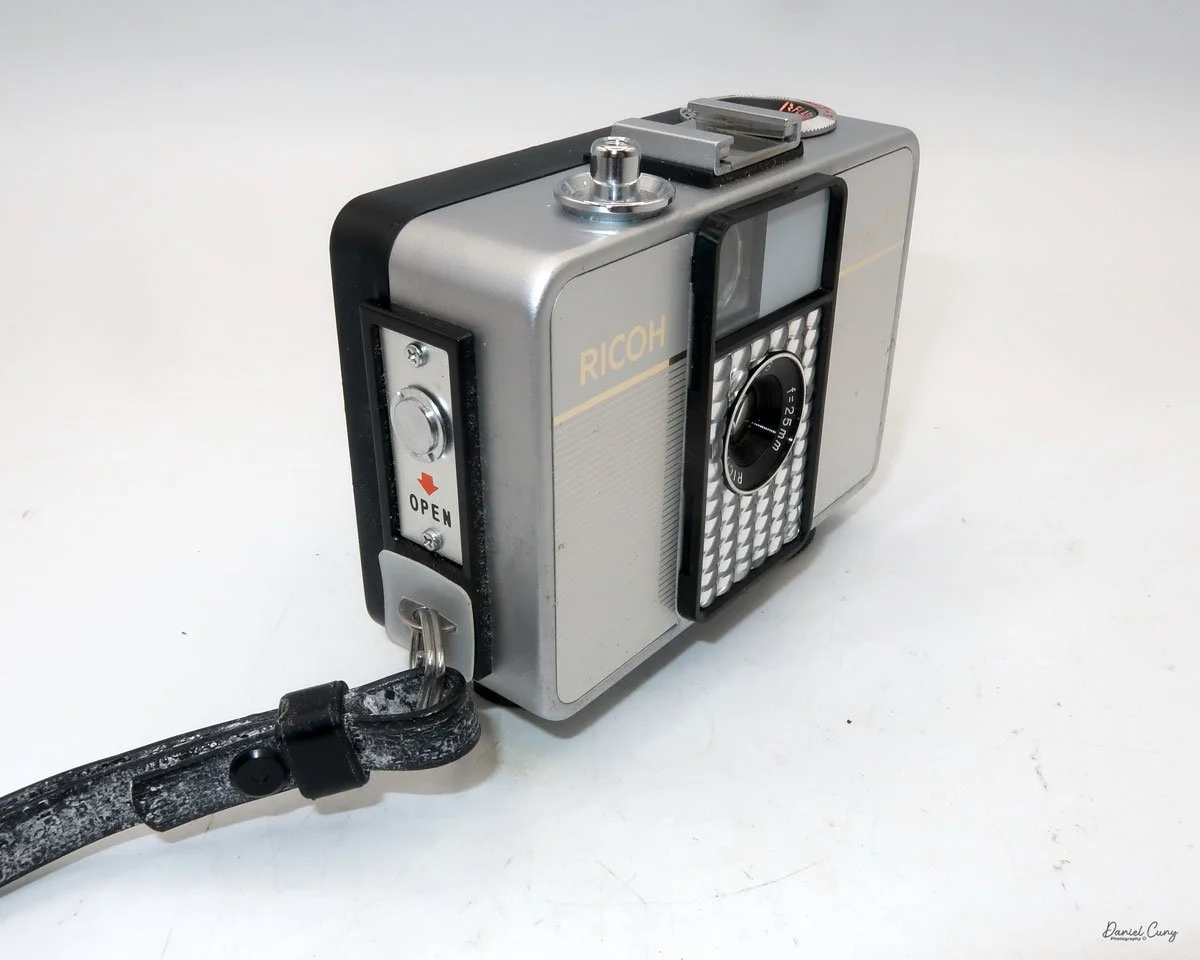
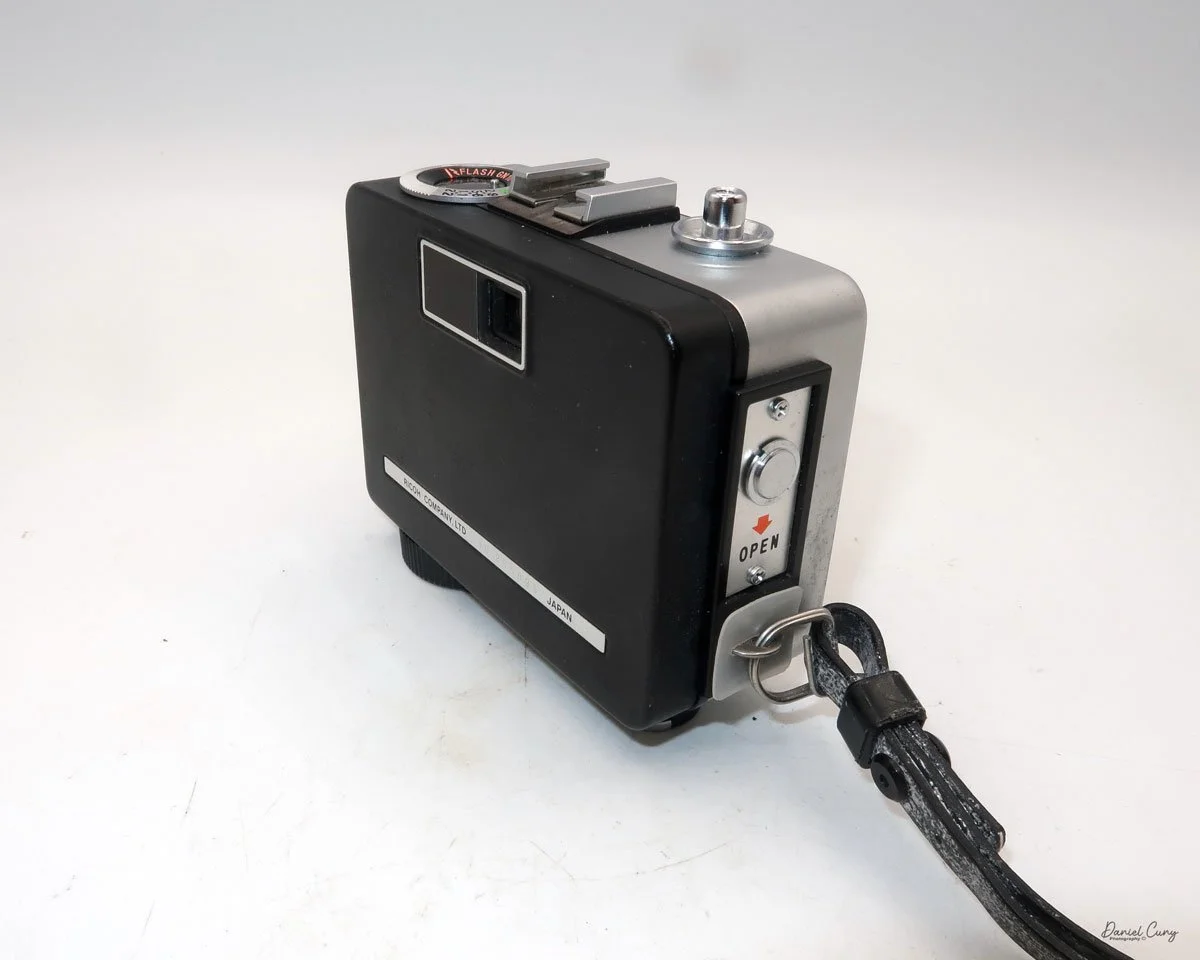
To load film into the camera, there is a lever on the side of the camera that slides down to open the back of the camera. Once open, load the camera as you would any 35mm camera, putting the film cartridge on the right side and slipping the leader under one of the silver tabs on the left. Close the back of the camera, and wind the clock drive winding lever located at the bottom of the camera in a clockwise direction. Continue winding until you can no longer wind. Click the shutter a couple of times to get to your first exposure. You're all set to take photos. The winding motor will last approximately 25 frames before it needs to be wound again.

 The frame counter is right next to the rewind lever. To rewind the film into the cartridge. The rewind release button is in the middle of the winding motor. Press the rewind button, and rewind the film into the 35mm cassette. Once that's done, you can open the back of the camera, remove the film, and have it processed.

My Results:

I loaded the camera with a roll of film and took it with me for a walk around the block with our 15-year-old Pug, Ernie. These walks are getting a bit slower every week, so I had time to snap photos of some of the houses in the neighborhood, as well as many of the flowers in people's yards.

 I wanted to push the limits of the camera and see just how close I could get to capturing a reasonably sharp image. It appears that the minimum focus distance is right around 3-4 feet, even with 200 ISO film in the camera and on a very bright summer day, around noon.

 Here are some of the images I took.

Conclusion:

I think I'm more impressed with this camera than the Canon Demi I did a couple of weeks ago. There was a bright yellow dot in the center of the viewfinder, so I trusted the meter's exposure, which was pretty accurate.

 The focus was pushed, and I received a few blurry images, which I had anticipated, but overall, the camera did a fantastic job. The transport worked flawlessly, the exposures were accurate, the camera fit nicely into my pocket, and all I needed to do was put the camera to my eye, frame the photo, and press the shutter button…Fantastic!!!!

 I'll be using this more often, since it's a small, compact, lightweight, and accurate meter. A real treasure to have in my collection. Now all I need to do is find other models and designs. I think this may be the start of something fun.

 Thank you for taking the time to read about this compact bundle of photographic bliss—a real underappreciated camera from the 1960s.

 If you're interested, you can read more of my camera reviews by clicking on the link.

 I have a store on eBay where I sell some of the cameras featured in my camera reviews, as well as a variety of photo odds and ends. Take a look at Cuny's Camera and Photo.

 Until next week, please be safe.
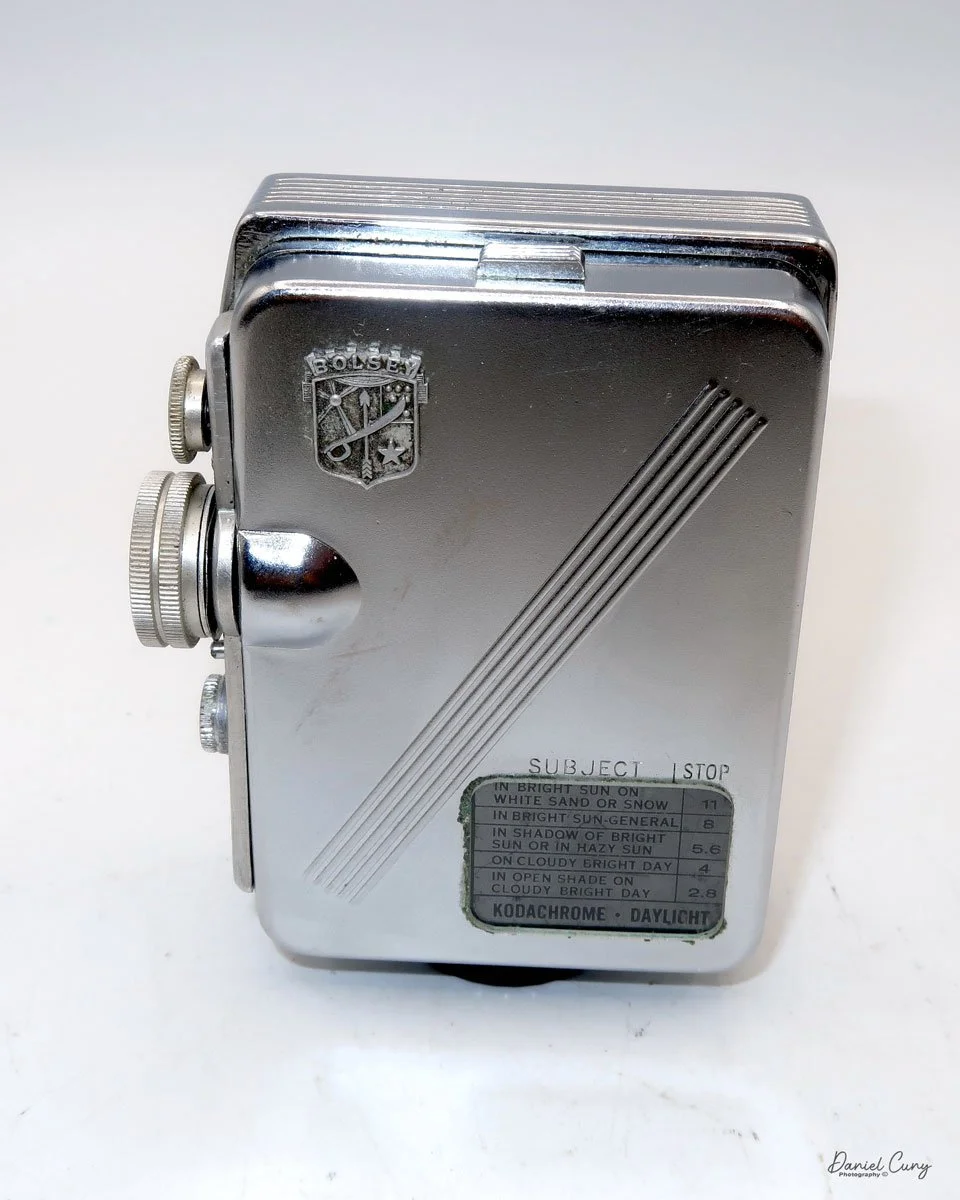
Bolsey 8 Camera

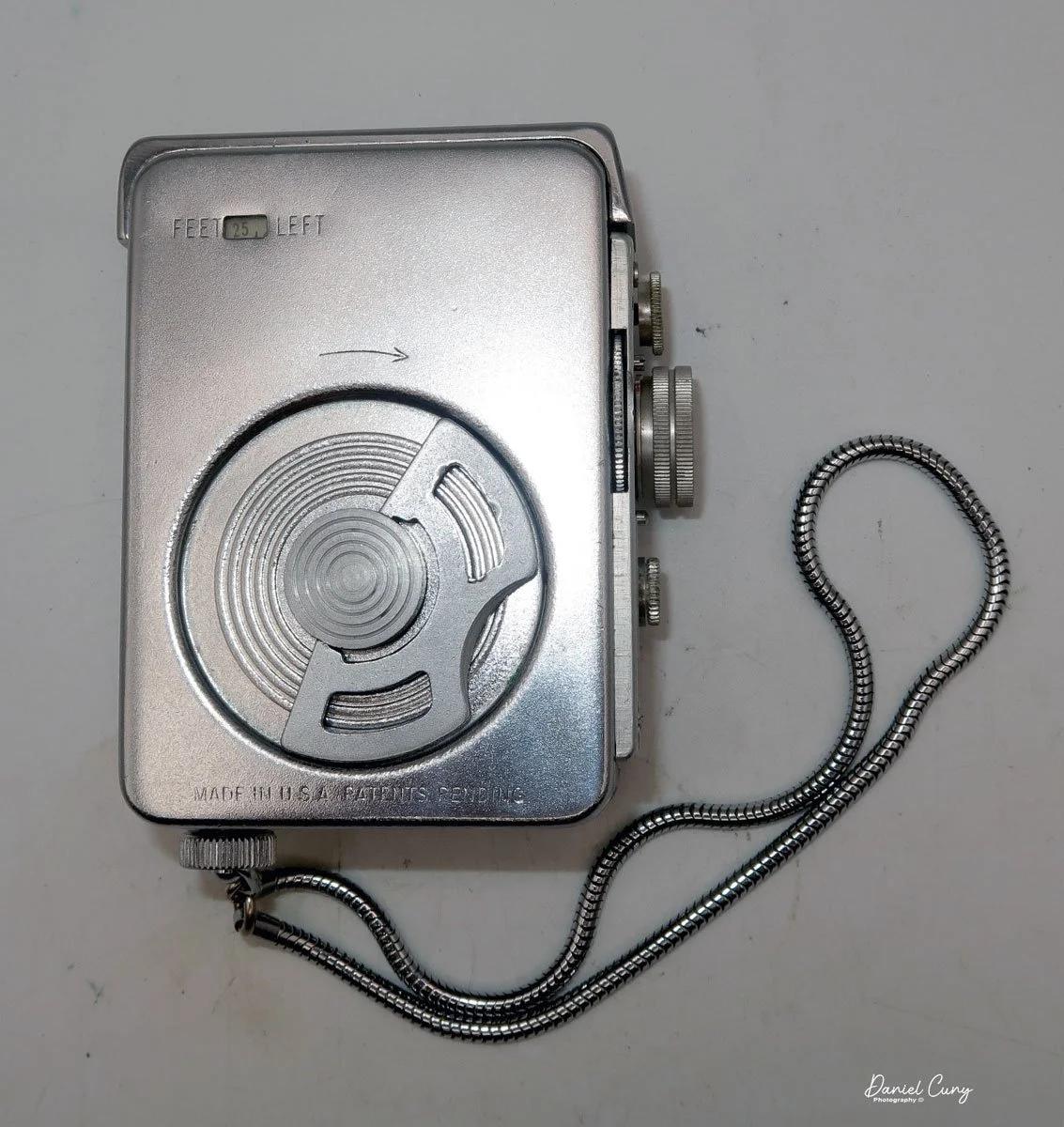
My Bolsey 8 camera

Being a big fan of Bolsey cameras, I was thrilled when a Bolsey 8 camera showed up unexpectedly with a "lot" of cameras purchased online. It was buried in the photo, and all you could see was part of the case, so to my surprise, I picked up the camera and unzipped the case to find a somewhat rare Bolsey 8.

 I've owned several different Bolsey cameras and even written about a couple in my weekly camera blogs. One is the Bolsey Flex-Trio, which I had in the original box with the flash. Just a year or so ago, I wrote about the unusual Boley Model C twin-lens camera. Both cameras are very well made, and I've always enjoyed shooting with them and having them in my collection.

 In 1956, the Bolsey 8 camera was marketed and sold as the only miniature 8mm movie and still camera made. There was even a "Lady Bolsey 8" camera sold in the United Kingdom, which I'll need to keep my eye out for a possible future purchase.

 There are many movie cameras that have single-frame capability, which is used in animation. Still, none of them that I'm aware of can change to different shutter speeds when using the camera in the single frame mode. The Bolsey 8 has just that capability and is extremely small and compact. There's an excellent website for subminiature cameras at www.submini.com, and if interested, they have a copy of the Bolsey Manual.

History:

The Bolsey Camera Company was established in 1947 in the United States by Jacques Bolsey, born Yakov Bogopolsky in Kyiv, Ukraine, in 1895. Bolsey's journey into camera design began in Switzerland, where he initially studied medicine but soon shifted to mechanical engineering and photography. 

 In the 1920s, he designed the Cinegraphe Bol, a 35mm cine camera, and later developed the renowned Bolex line of movie cameras, which became highly regarded for their precision and durability. After selling the rights to Bolex to Paillard in Switzerland, Bolsey contributed to developing the Alpa camera before immigrating to the United States in 1939.

 In America, Bolsey worked for the government during World War II, designing aerial and ground photography cameras. He then founded the Bolsey Camera Company to produce user-friendly, affordable, and durable cameras for the consumer market. The company's most iconic products were compact 35mm rangefinder cameras, such as the Bolsey B series (B, B2, B22, Jubilee), which featured cast aluminum bodies, coupled rangefinders, and built-in flash synchronization—a rare feature at the time. 

 The Bolsey C series combined twin-lens reflex (TLR) and rangefinder designs. The company also produced subminiature cameras using 8mm film and pseudo-TLR models like the Bolsey-Flex.

 Bolsey cameras gained popularity in postwar America for their accessibility and portability, appealing to amateur photographers and families. However, by the late 1950s, the company struggled to compete with the influx of advanced, competitively priced cameras from Japanese manufacturers. 

 Although the Bolsey Camera Company ceased operations in the early 1960s, its innovative designs and commitment to democratizing photography left a lasting legacy. Today, Bolsey cameras are prized by collectors for their unique blend of engineering, aesthetics, and historical significance.

My Camera

My Bolsey 8 camera is 3.25" tall by 2.5" deep by 1.25" wide and weighs 12.3oz. The camera is tiny yet easy to hold and extremely well-built. The Bolsey 8 has a clock drive spring motor that advances the film cartridge in the camera. My Bolsey 8 camera has a Bolsey Elgeet Navitar 10mm f1.8 lens. A wide-angle lens (6.5mm) and a telephoto lens (20mm) were also available for the camera. The serial number on my camera is 08823, stamped on the back of the camera just under the viewfinder.

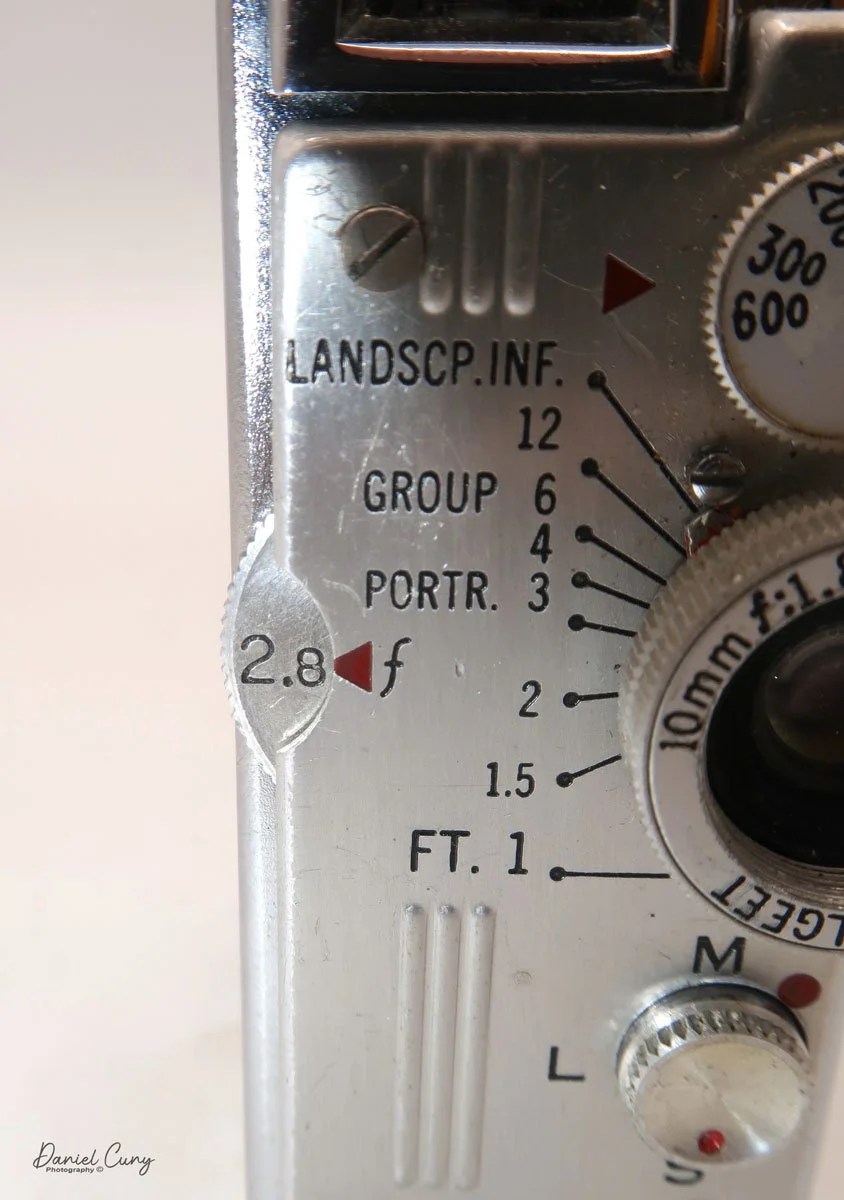
The Bolsey 8 camera has variable shutter speeds, which include 1/600, 1/300, 1/200, 1/100 & 1/50. These are set on a small dial just above the lens. The Bolsey 8 also has an aperture range from F1.8 to F22. A large wheel sets the aperture on the side of the camera body, showing what aperture the user has the camera's lens set to. In between the lens and the aperture settings are the focus marks for the distance you are from your subject. The focus on the lens needs to be set from one foot to infinity, with another setting in between, for landscape, group, or portrait. You cannot miss this in front of the camera. 

Also, on the front of the camera, below the lens, is a wheel that turns with "M" on the top, "L" in the middle, and "S" on the bottom. To use the camera as a movie camera, turn the wheel to "M," and for still photography, turn the wheel to "S." Press the button to activate the shutter on the camera in either the "M" or "S" modes. "L" locks the camera's shutter so you can't accidentally run the camera while the camera is in your pocket or fitted camera case.

 On the right side of the camera is the large winding key, which you turn clockwise to wind the motor. In the back, in the top corner, is the footage counter, which tells you how many feet of film are still available to use on the roll.

On the left side of the camera is nothing more than the Bolsey logo on a metal label on the top left front of the camera, and on the bottom right back of the camera is a window that allows you to see the recommended exposure settings information imprinted on the special Bolsey 8 film cartridge. To take the side of the camera to load the film, you pull the side off the camera by pulling from the small knob on the top of the camera. The back will come off, and you can insert the film magazine into the camera body. Then, just snap back on the side of the camera for shooting.

 The film used in the Bolsey 8 camera is a single 8mm magazine of 25 feet. The roll of film that was still in my camera was Kodachrome 25, which is a fantastic still film and one used extensively in the late 1950s and early 1960s. I can remember it's a film my dad used in our family movie cameras.

Results:

The camera wasn't used because the film in it is very old and Kodachrome, a type of film for which processing is no longer available, is not available. 


Conclusion:

I can tell you the camera was in good working condition. All the shutter speeds worked, and the lens was clean, so it would have been fun to try it out and see what results you could expect.

 Thank you for taking a few minutes from your day to read about this two-in-one camera. It is an excellent still and movie camera built into one small, dynamic package.

 I'd love to hear from you about this or any other cameras I've written about. Click on the link to read other camera reviews I've done.

 I also have an online store called Cuny's Camera, where I sell old, vintage cameras, lenses, and other knickknacks.

 Until next week, please be safe.
Riley Rilex camera

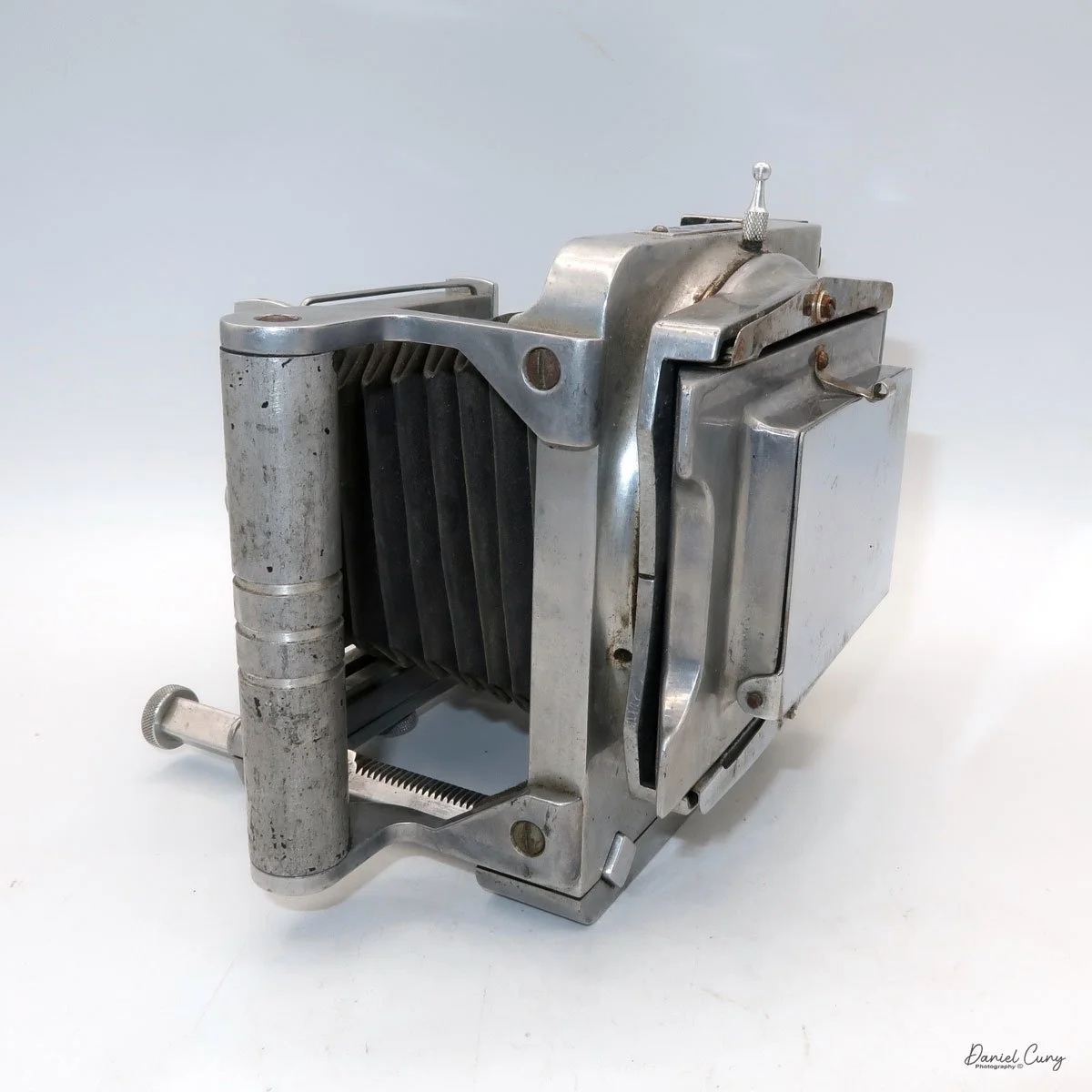
My Riley Rilex camera

The first time I saw the Riley Rilex camera was at a camera show in Seattle, WA, about six months ago. I was selling cameras and other photo items at the show. A friend who had driven up from the same area I live in and know well approached me looking to sell the Riley Rilex camera.

 He handed me the camera, and my first impression was that it was an odd and unusual-looking press-style camera. It was a full-sized 4x5 press camera, but It's a more miniature 2 1/4 x 3 1/4 press-style camera. There's a large handle on one side, making it very easy to handle and carry, but what caught my eye was the bright aluminum camera body and how light and compact the camera was. A rangefinder was attached to the side of the camera, and the focusing method seemed sketchy and rudimentary but was in working condition. 

 Playing with the camera, the shutter worked well, the aperture moved as it should, the bellows were intact and seemed in excellent condition, and the focus was smooth. When my friend told me the asking price, I told him I didn't do much with this style of camera and handed it back to him, but then he lowered his price, and my thought was, this seems to be an odd and unusual camera, it would be fun to write about it. I had never heard of a Riley Rilex camera, so it would be fun to research it. I thought I had some holder back home, so I pulled the trigger and purchased the camera from him with the intent to write this article about it.

Nameplate on my Riley Rilex camera

 I've owned several Graflex Baby Graphic cameras, so I'm not unaware of the smaller press cameras made during the 1940s and early 1950s. The Baby Graphic cameras are fully enclosed within the camera body, which is covered in black leatherette. Here is the Riley Rilex camera, which is almost the direct opposite. It is bright and shiny, made from lightweight aluminum, and without a boxy case, the lens and bellows fit into. What an odd and wonderful-looking camera.
The Company:

Several camera companies opened up in Southern California just after World War II. Companies like Printex, which manufactured a 4x5 Press camera in Pasadena, CA; Newton Photo Products in Los Angeles, CA, which made a lightweight view camera; and Brand Camera Company, also of Los Angeles, also made a rail-style view camera. All of these companies opened right after World War II, between 1947 and 1947, giving returning soldiers employment and hoping to build onto the growing photographic industry of the time.
 Curtis Riley was a tinkerer, amateur inventor, and aircraft engineer at Lockheed in Los Angeles, CA, during the 1940s. A photographer friend, frustrated by the weight of press cameras during this time, mentioned to Curtis that the cameras were rugged to carry around. Curtis, at the time, was working with lightweight aluminum for the aircraft industry, so he took up the idea of coming up with a lighter-weight camera for the industry.
Ad for Rilex camera

This was the start of the husband and wife-owned company, Riley Research Company, located at 128 Berkeley Street, Santa Monica, CA. Curtis came up with the design of the Riley Rilex camera, and they started to produce the aluminum body camera. It's unknown how many employees they had or if they did most of the manufacturing themselves. The design is relatively simple, and once the camera pieces were machined, putting them together wouldn't be difficult. It was confirmed that Gay, Curtis's wife, would fold the bellows at the kitchen table, and from what I understand, it wasn't her favorite job.

It's estimated that The Reily Research Company produced around 800 cameras over three years, during which the company was in business. The cameras had the option of a Wollensak Raptar lens in an Alphax shutter. If you wanted the Rapax shutter with speeds up to 1/400 sec., that was an additional $12.00.

 Advertising of the camera started in the fall of 1948 with ads in Popular Photography and local camera stores. The Riley Rilex camera was advertised for $49.50, including a tax-free lens. The rangefinder was "optional Equipment." In the advertisement listing the included Lens and Rangefinder, the camera is listed at $99.80, with a savings of $35.24.

 Unfortunately, the Riley Rilex was only advertised for three years, from 1948 to 1951. Due to the success of this small camera company in filling a requested need, other larger manufacturers began building a similar style of camera. After 1951, Curtis and Gay moved on to other endeavors, and the Riley Rilex camera became a desired collectible camera. 

The Camera:

My Riley Rilex camera measures 7" wide, including the metal handle, by 6" tall, including the eyesight knob, which doubles as a tightening screw on the back of the camera by the rotating back, by 6.5" with the bellows extended or 5.25" with the lens and bellows retracted. My Riley Rilex camera weighs 2 lb. 14.6oz and includes a 101mm f4.5 Wollensak Raptar lens in a Rapax shutter. My camera was an upgrade to the information above. I also have the Model B camera with the serial number 617 

 The Riley Rilex camera was made in three models: A, AB, and B. The first model, the "A," was short-lived, as the recommendation of adding a rangefinder to the side of the camera was made. The first production run was halted to add a rangefinder and the focusing rod to the camera's right side. I've seen some examples of the Rilex camera with a Kalart or Hugo Meyer rangefinder. One of the other modifications was having a rangefinder that supported an external flash.

To use the external rangefinder on the Rilex camera, a focusing rod comes out of the top of the rangefinder and leans up against an aluminum block attached to the focusing rack and pinion rod for focusing capabilities. When you used the rack and pinion focusing on the camera, the focus rod would move, thus focusing on the rangefinder.

 You can also use the traditional ground glass on the back of the camera, which flips down or up depending on the orientation of the camera's back. The back of the camera is highly polished chrome, which adds to its look.

To change the orientation of the cameras back from horizontal to vertical, the eyesight, which can be used with the wire built into the front frame, can be used as an action finder, which can be turned to lock or unlock the back rotation. There is a small line just behind the eyesight knob to show the camera's back is level with the camera.

 The camera offers full swings, tilts, rises (no falls), and horizontal shifts from the front brace of the camera. Like the back, there are centering marks on the front to quickly return the camera to a level and even settings on the camera. One thing on my camera that I'm sure some have already noticed is that I'm missing one of the knurled nuts that hold the 2 3/8"  lens board onto the camera body. That wouldn't affect the clarity or ability to use the camera. It's more of a visual appearance flaw than anything.

Unfortunately, I don't have the film holder for this size of the film, and the back of the camera cannot be easily removed to use a roll film adapter, so I could not use the camera, which would have been fun to try.


Conclusion:

I've had the absolute pleasure of continuing correspondence with Curtis and Gay's granddaughter, Barbara. She has helped me with this article by providing fabulous family photos and advertising for the family company. I want to thank her for all the insight she's offered me, which is tremendously appreciated.

 The camera itself is marvelous. It's small, compact, and visually appealing. The bellows are made from a stronger material than most view or press cameras, and it's terrific to think they were all hand-folded.

 I need to find a small film holder to try out this camera. I know I've had them, but I must have sold them with other cameras or just separately. Once I actually use the camera, I'll be sure to update this post with some images it produces.

 Thank you for reading about this unique family-owned camera company from Los Angeles that filled a niche product people were asking for at the time.

 Are you interested in reading my other camera reviews?

 I also have a store on eBay, Cuny's Camera, which has some odd and unusual products, including cameras and lenses.

 Until next week, please be safe.