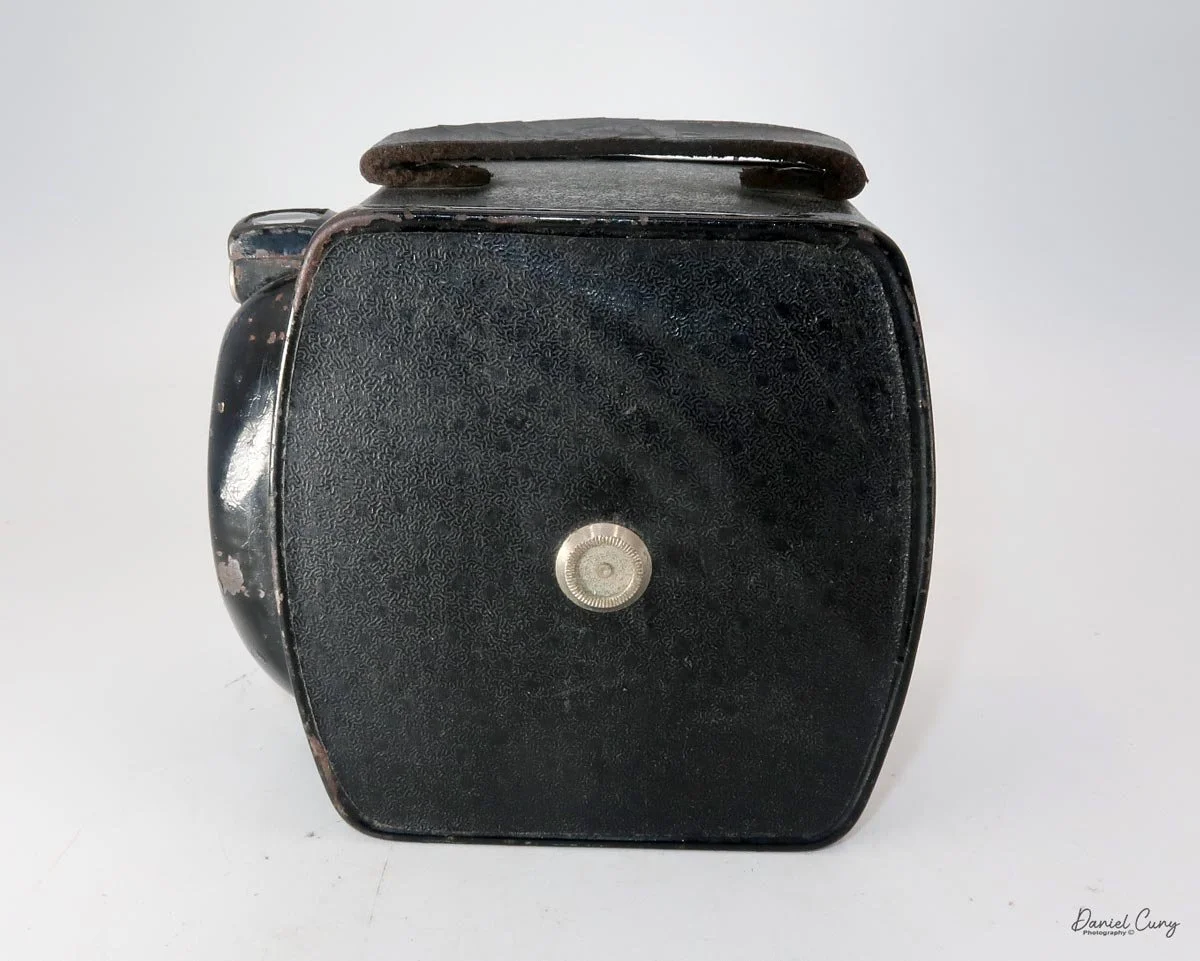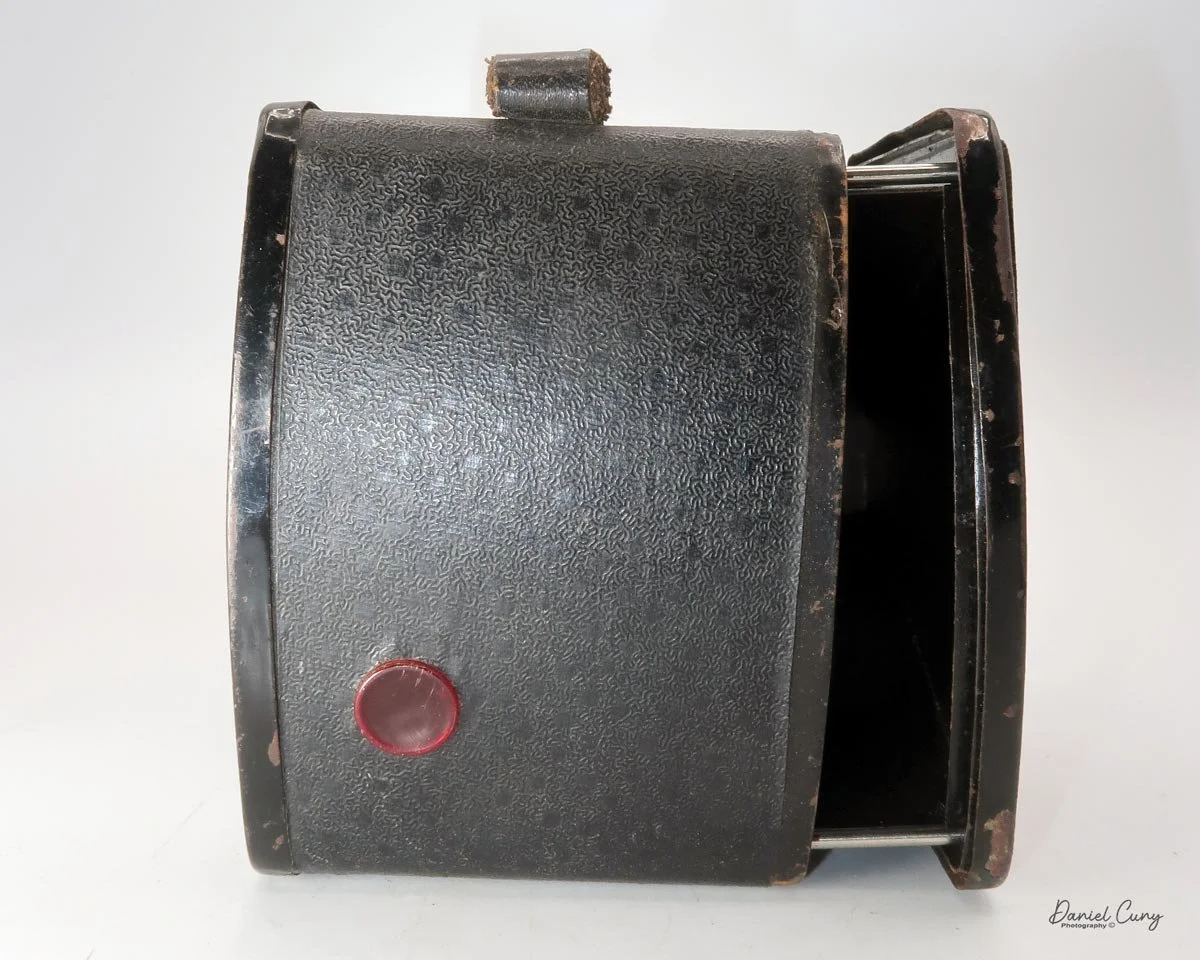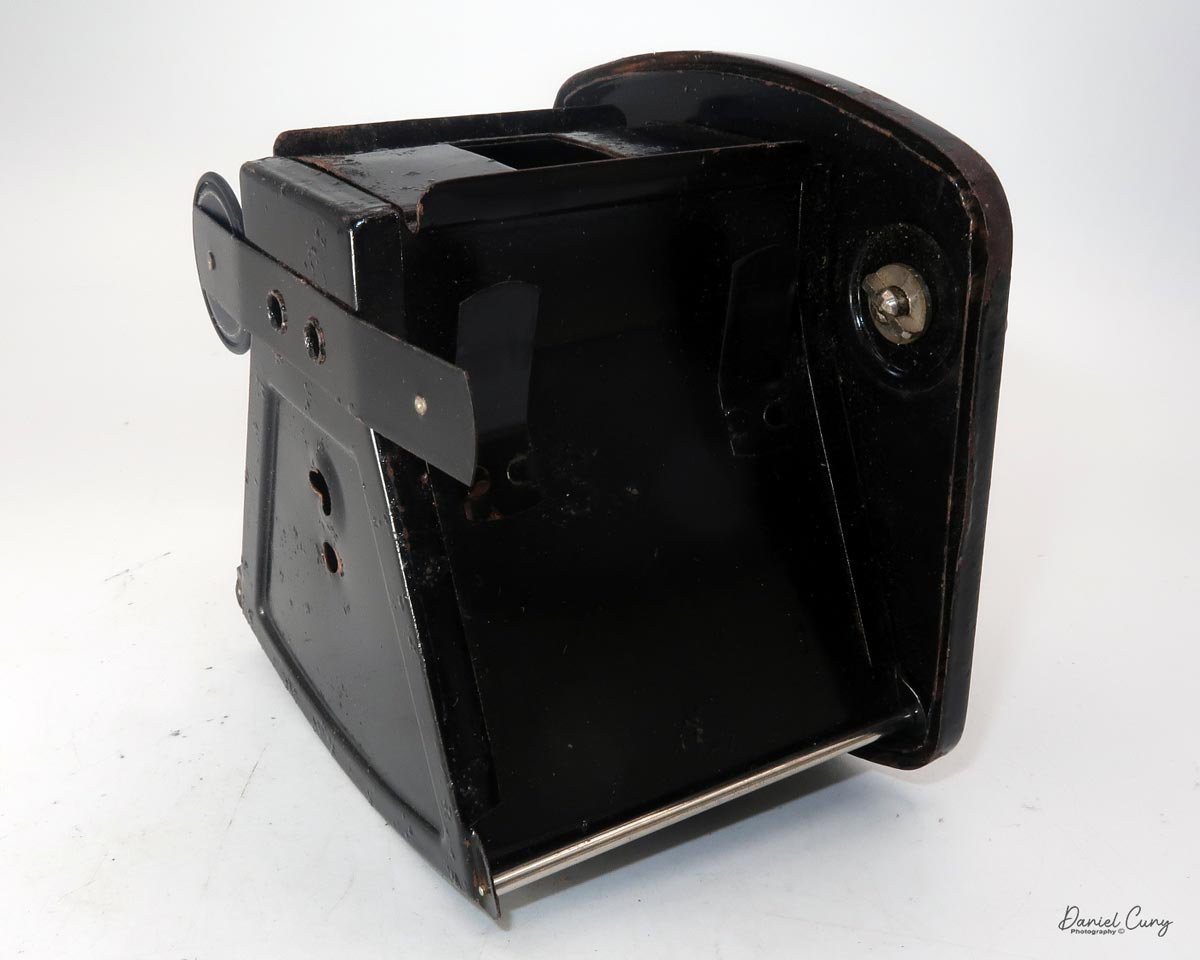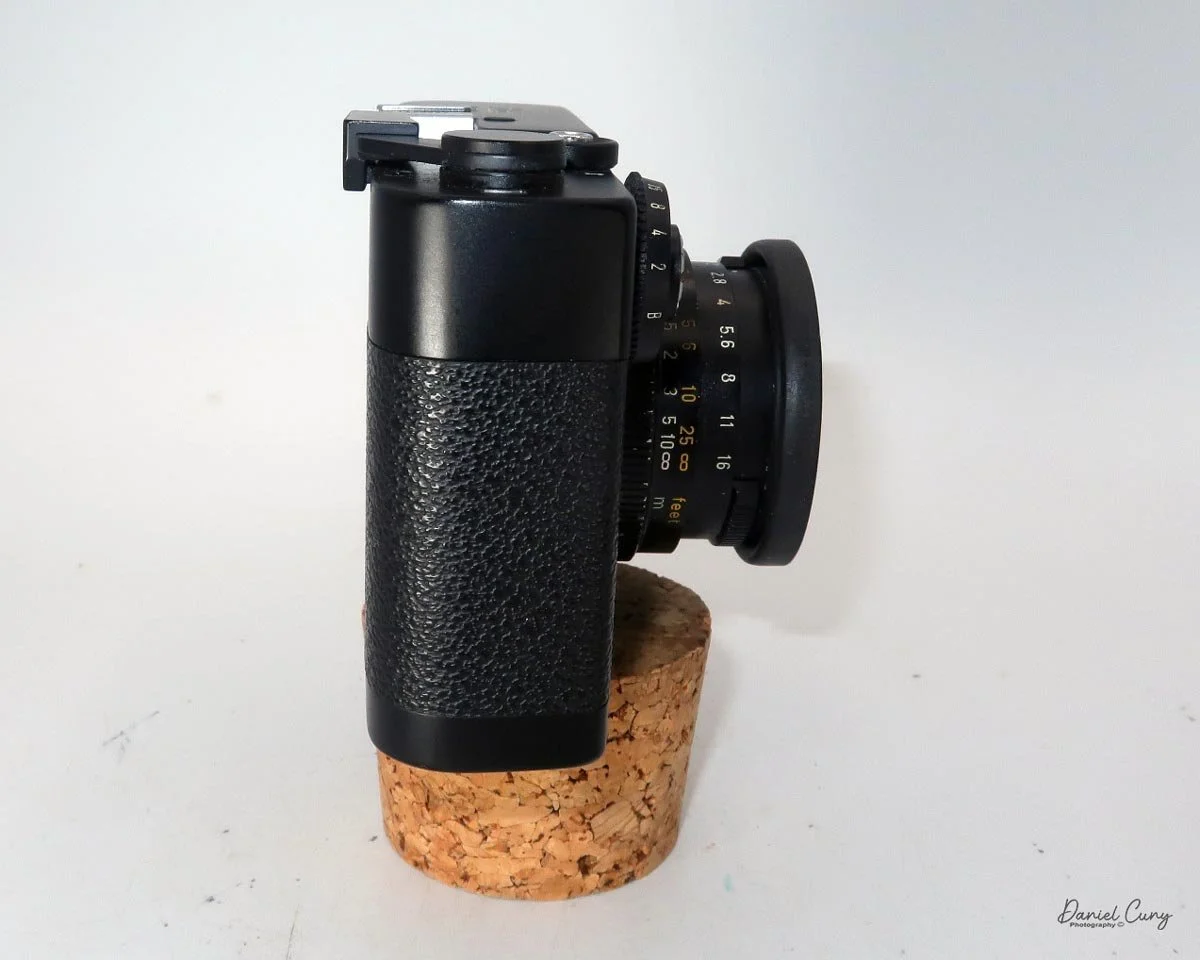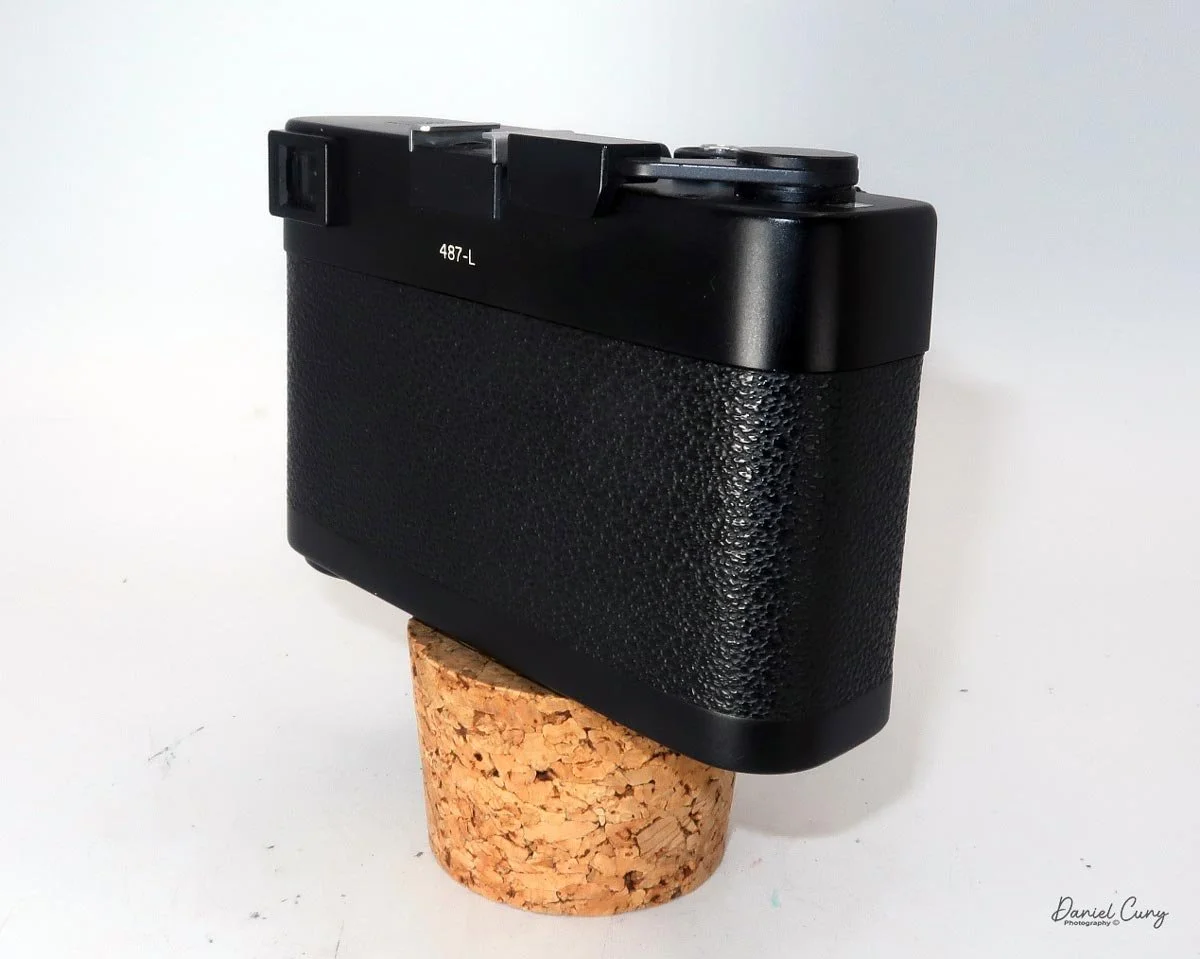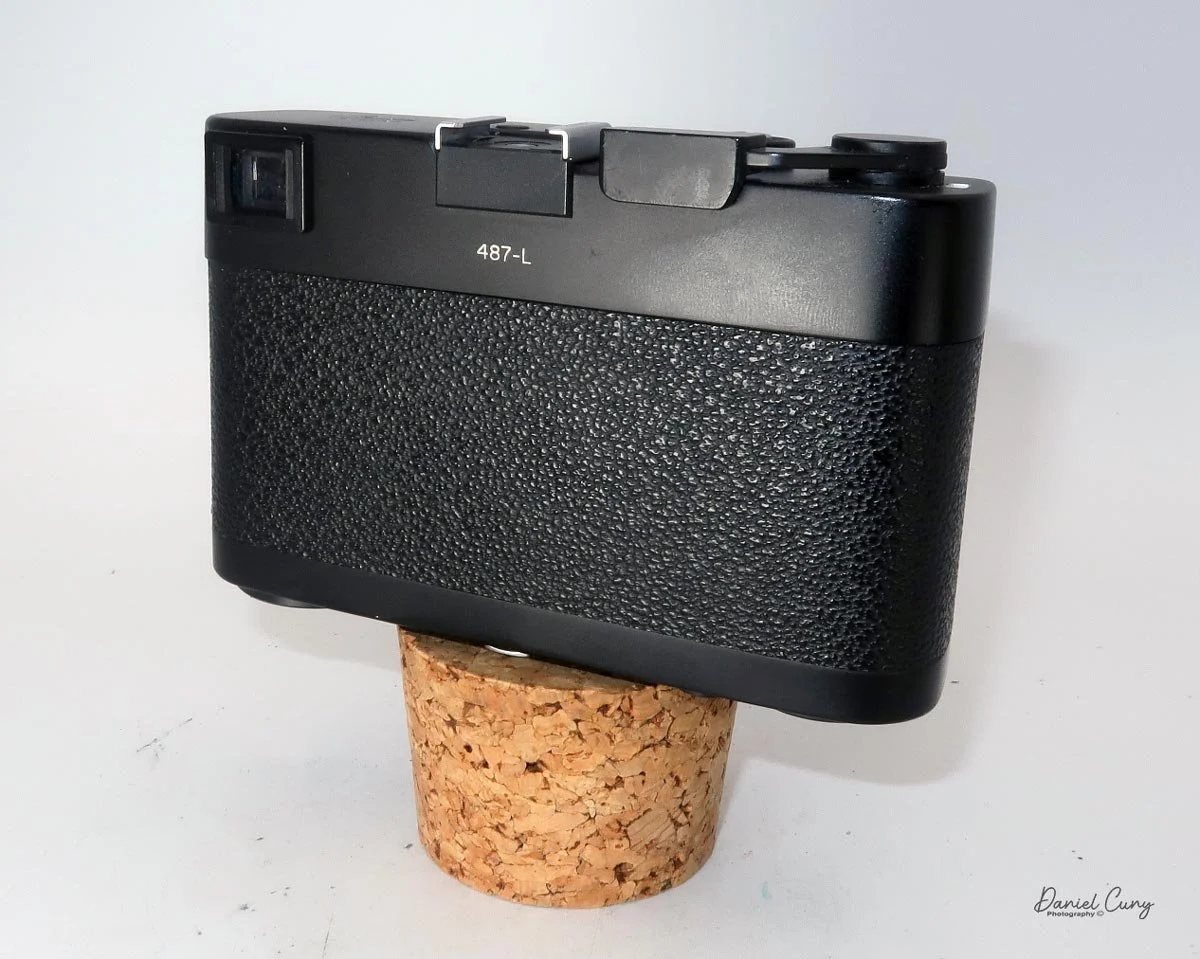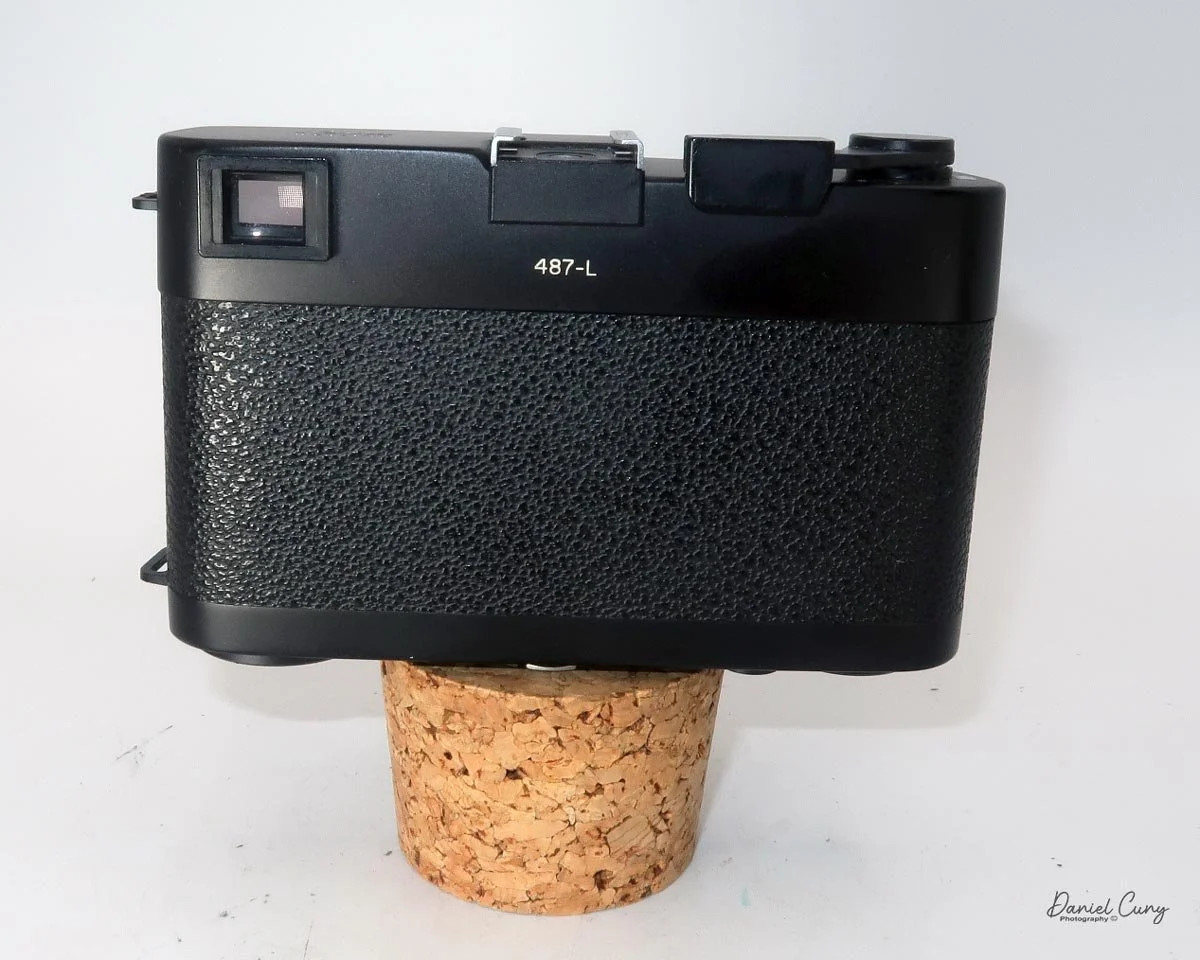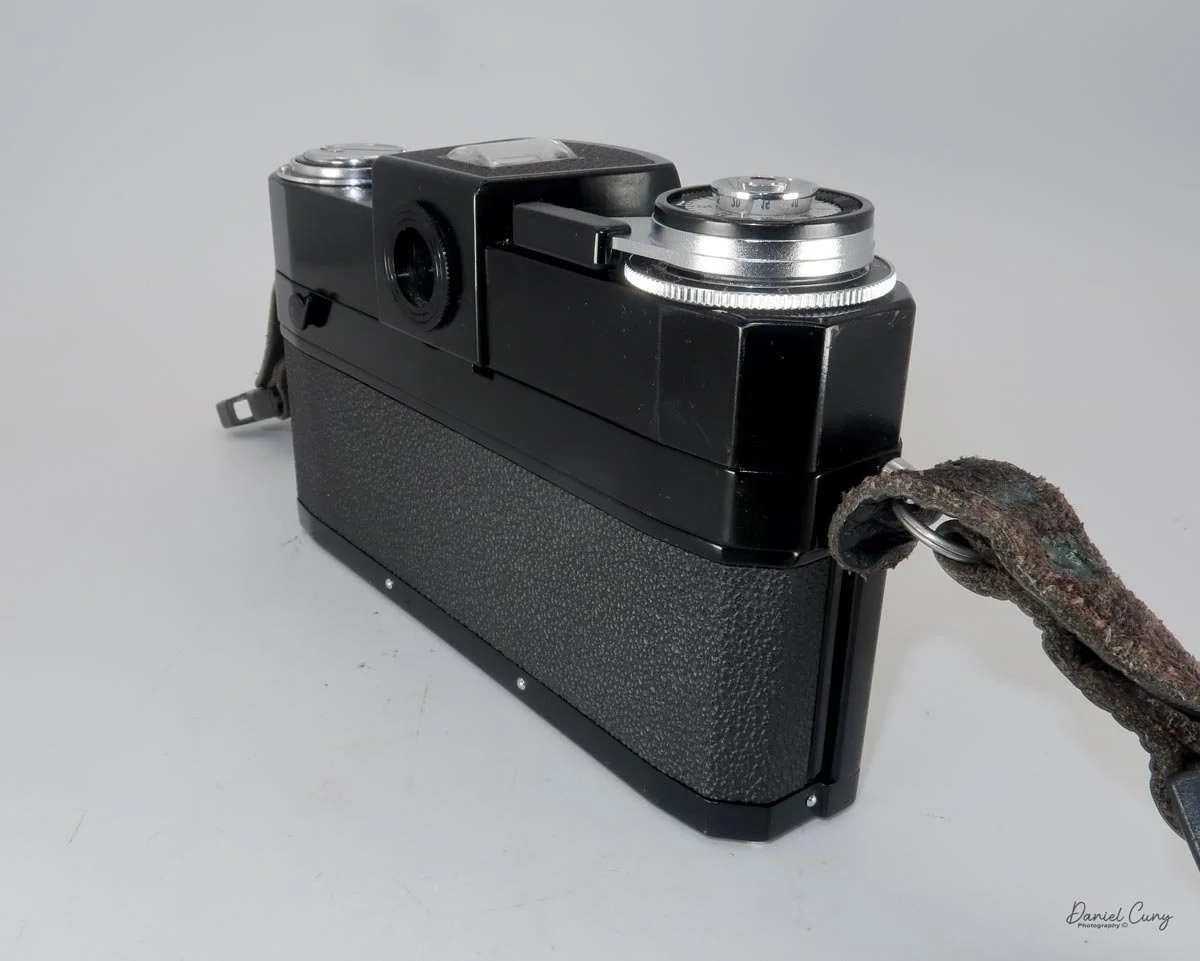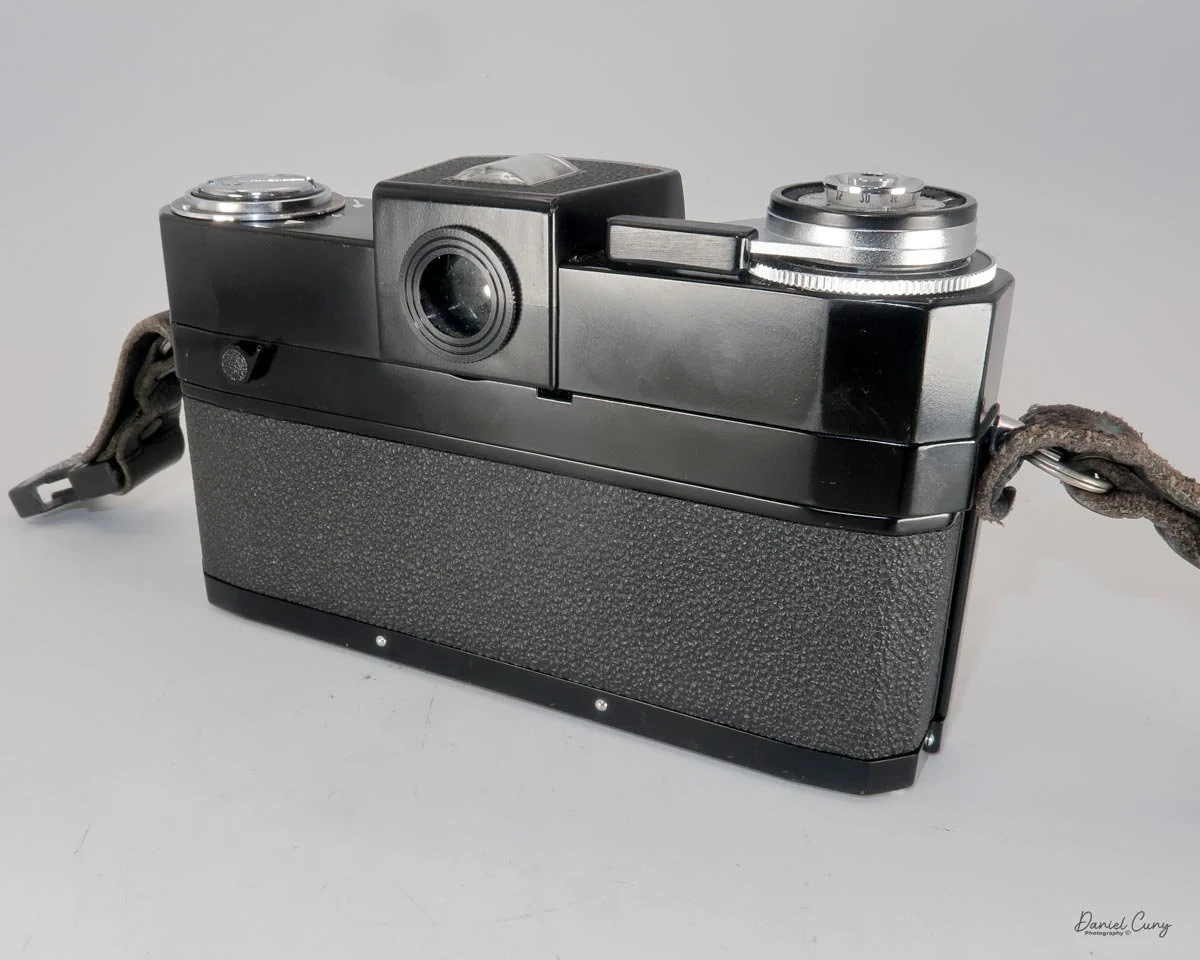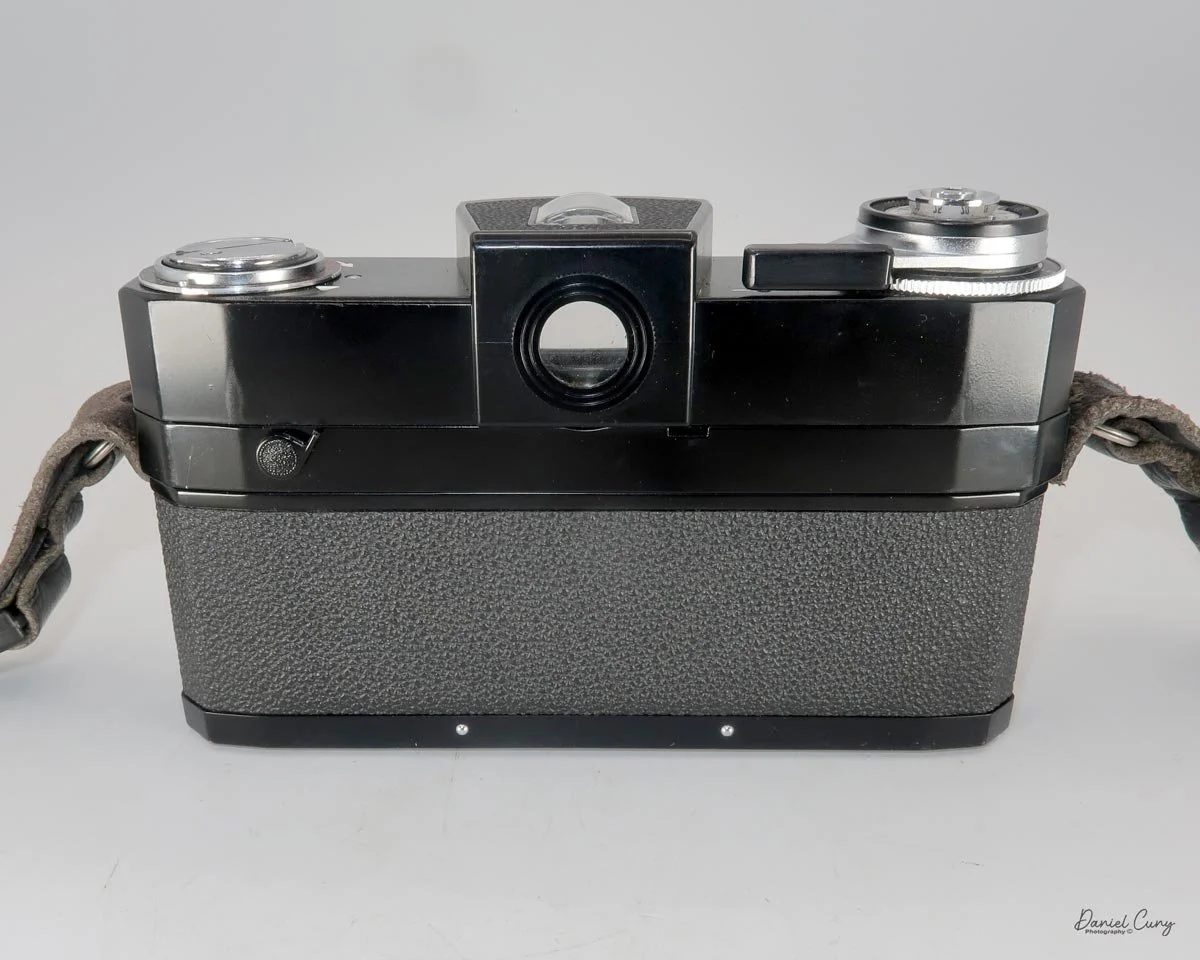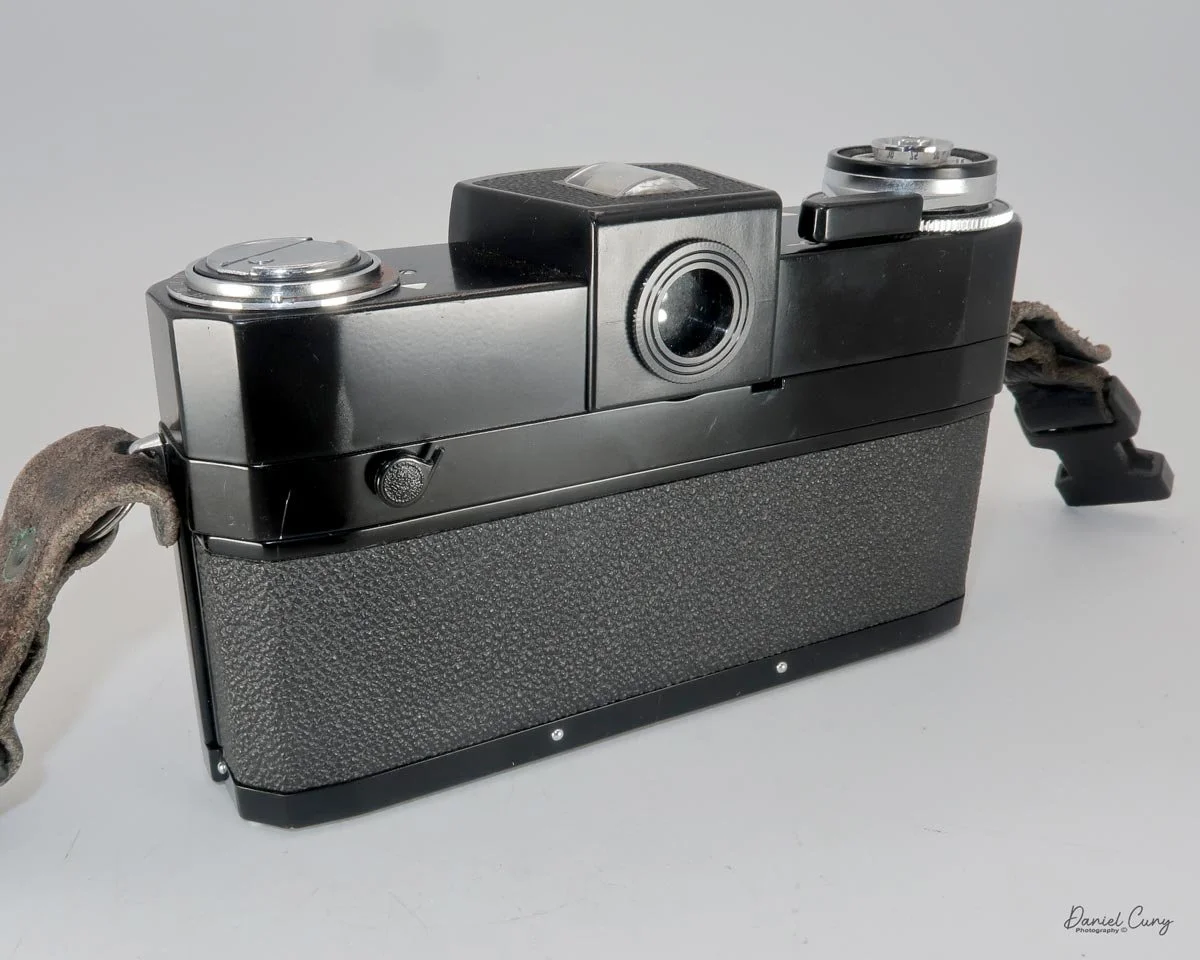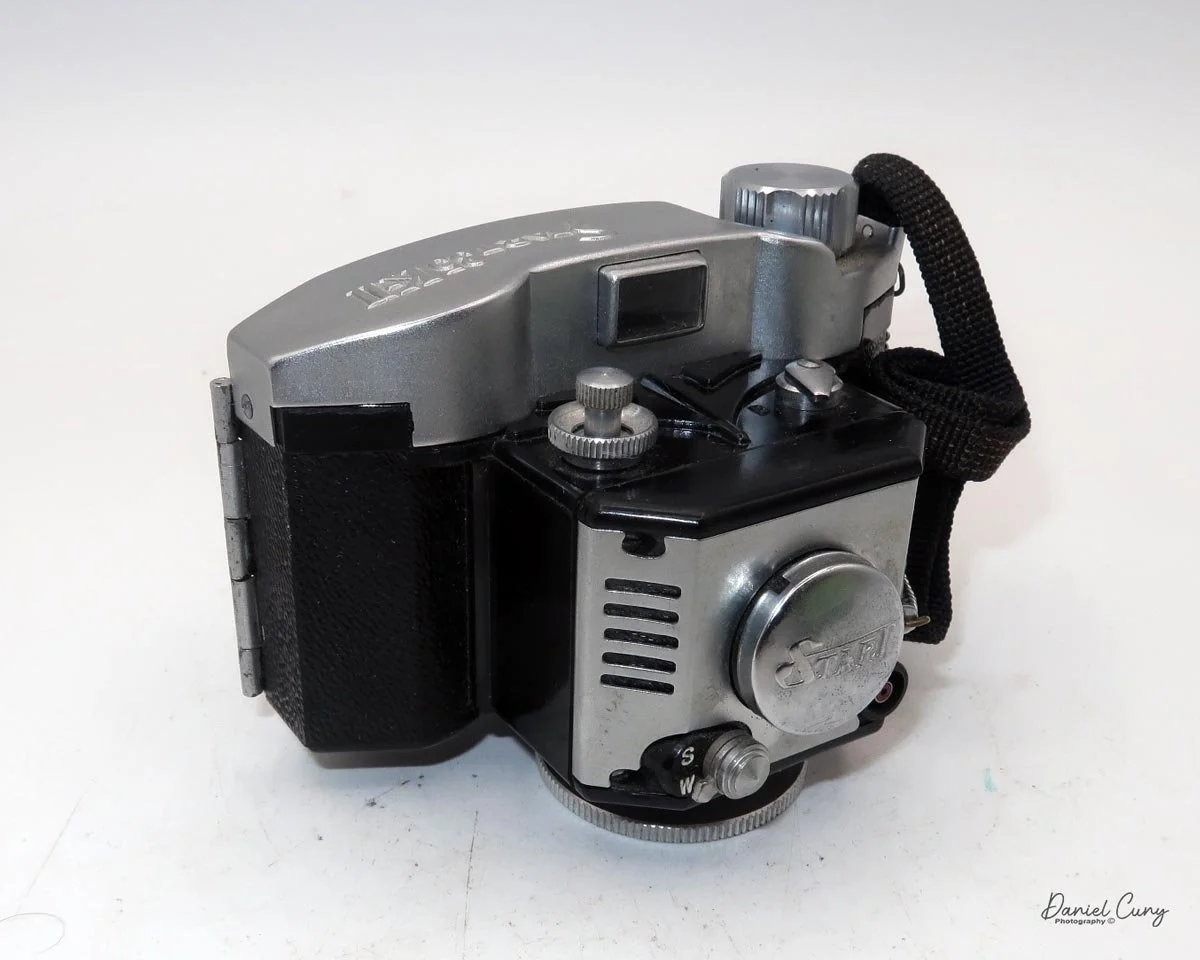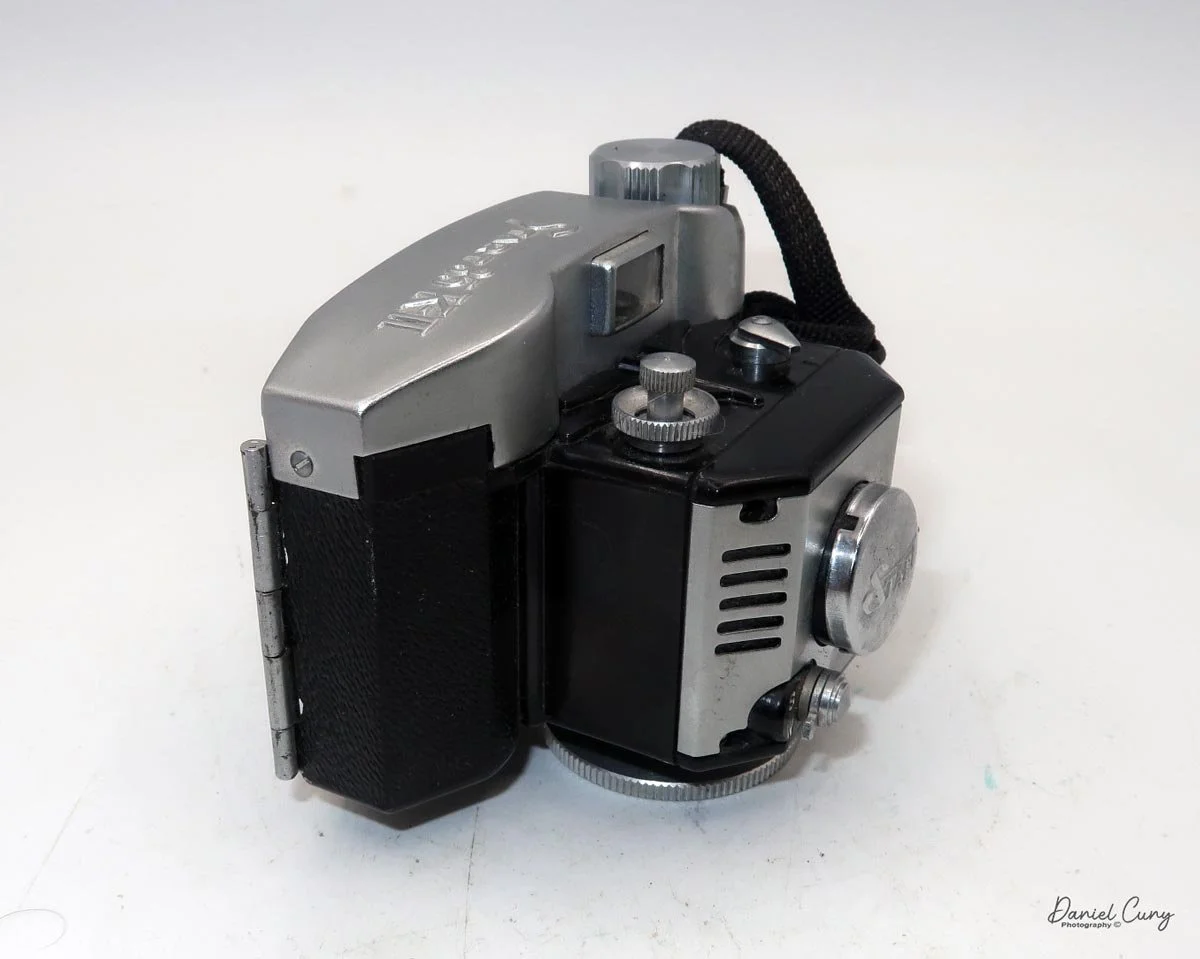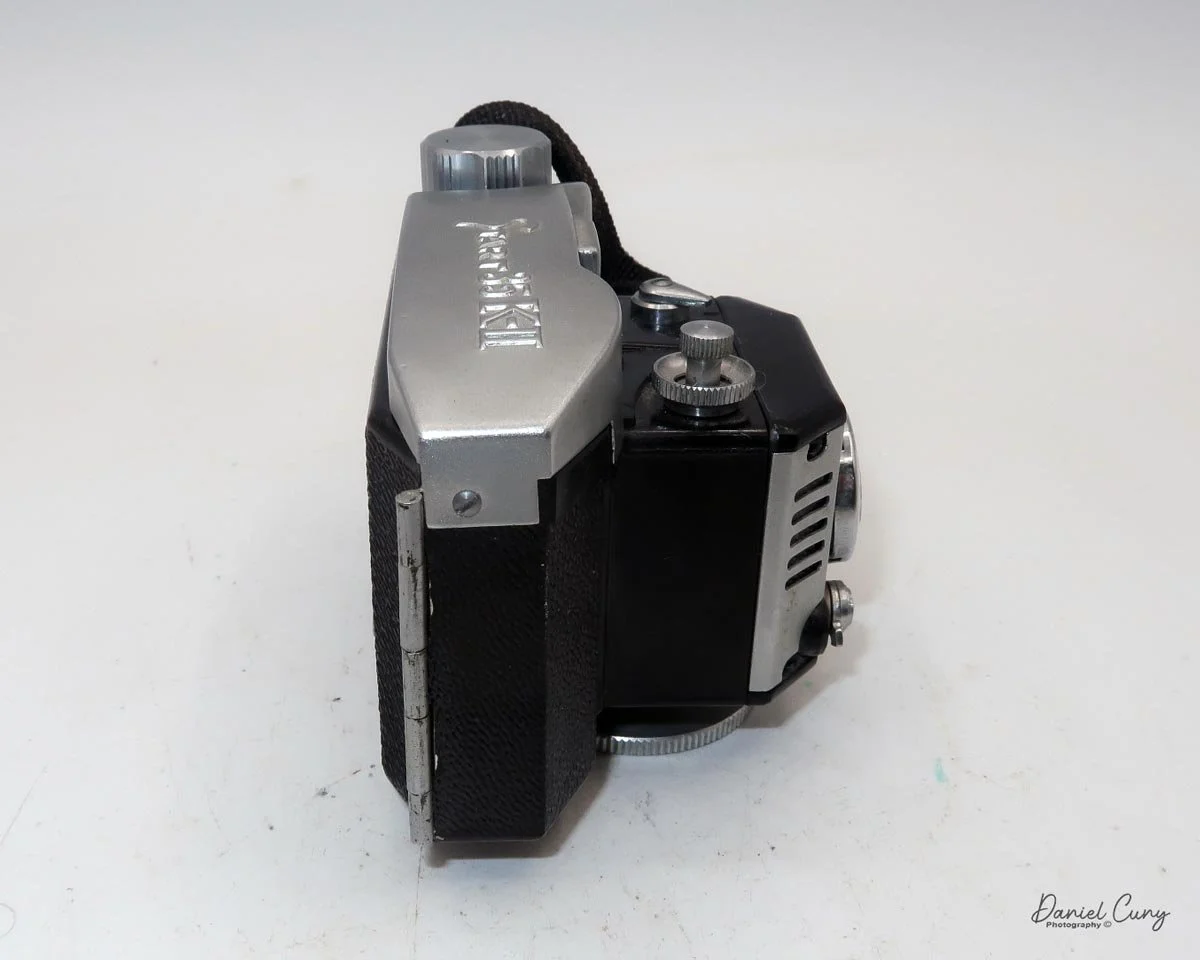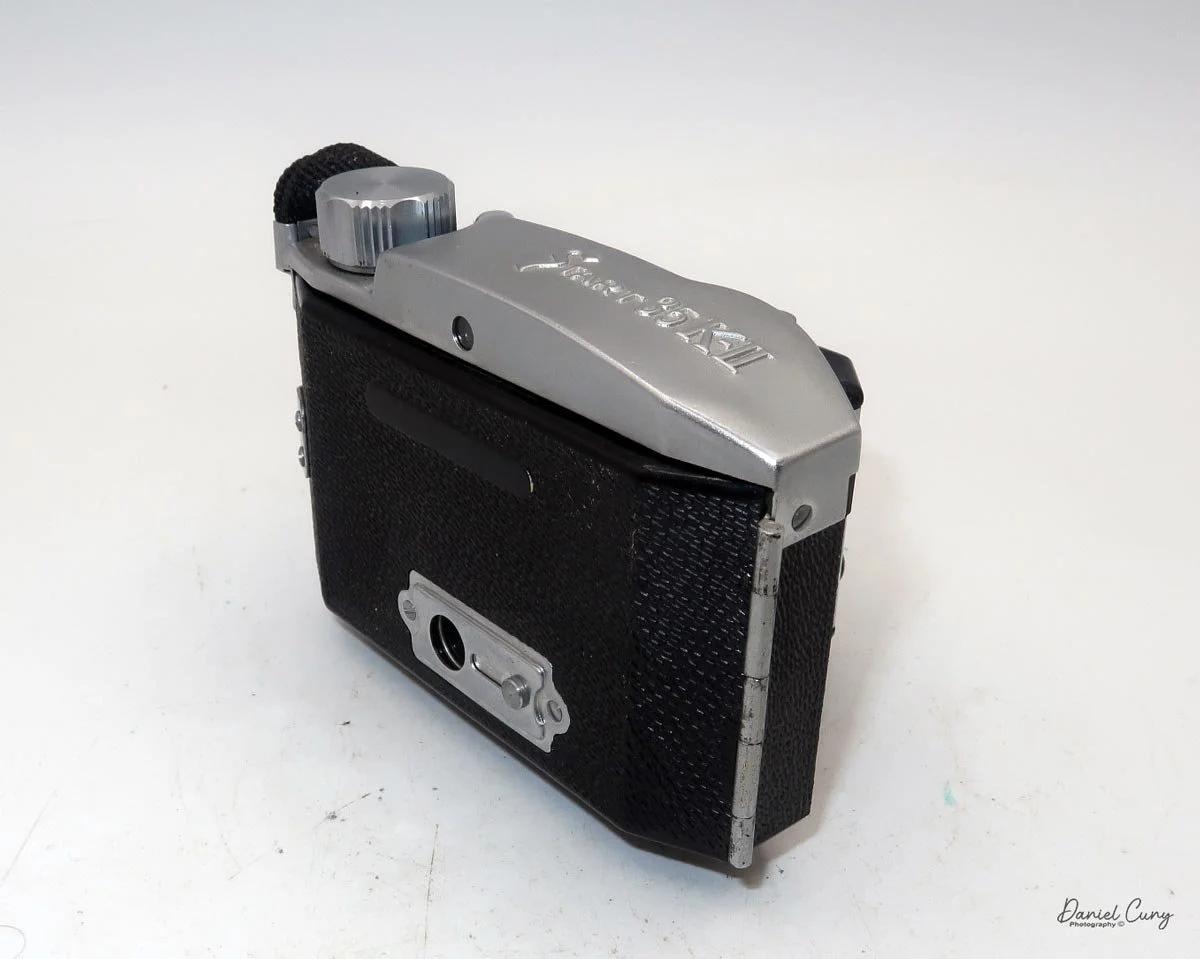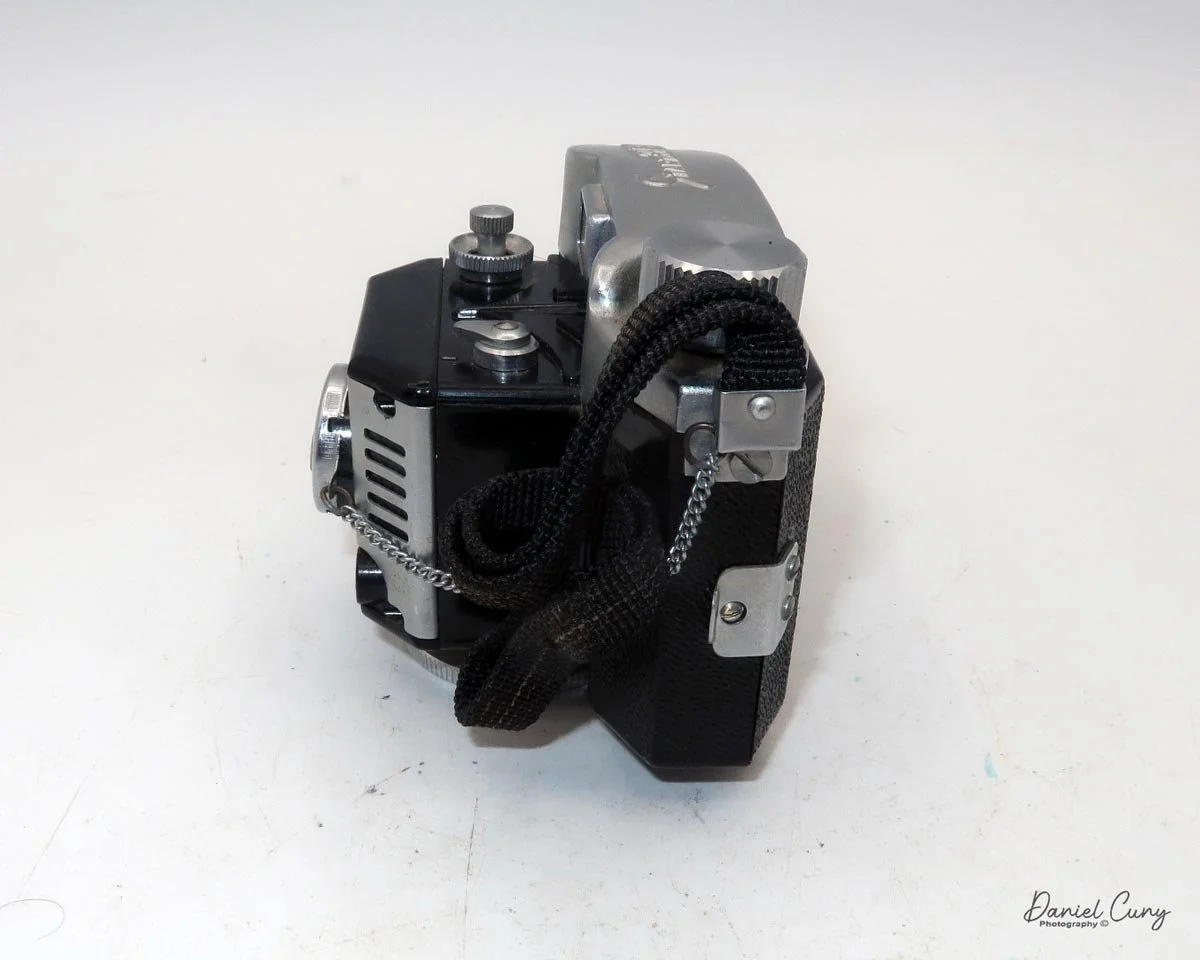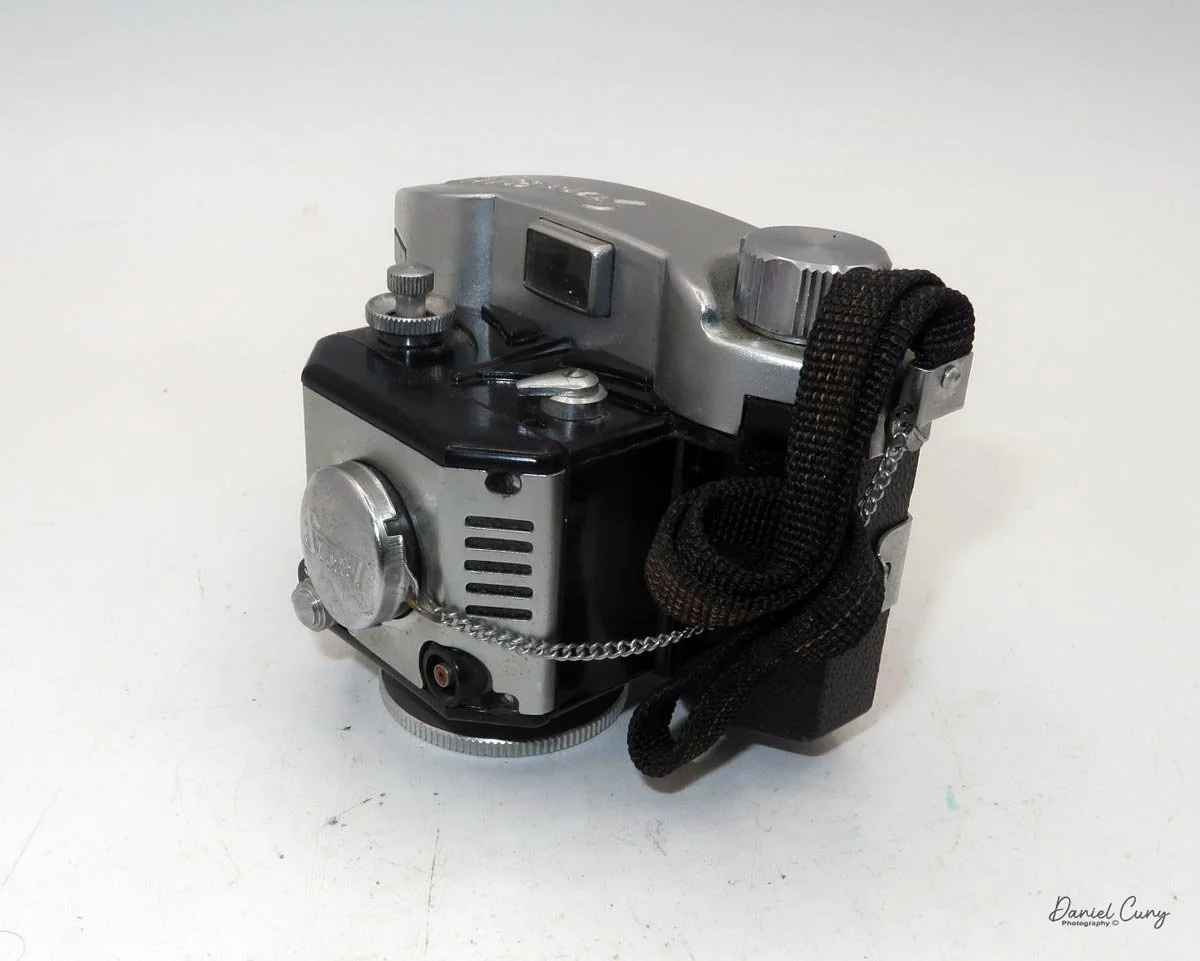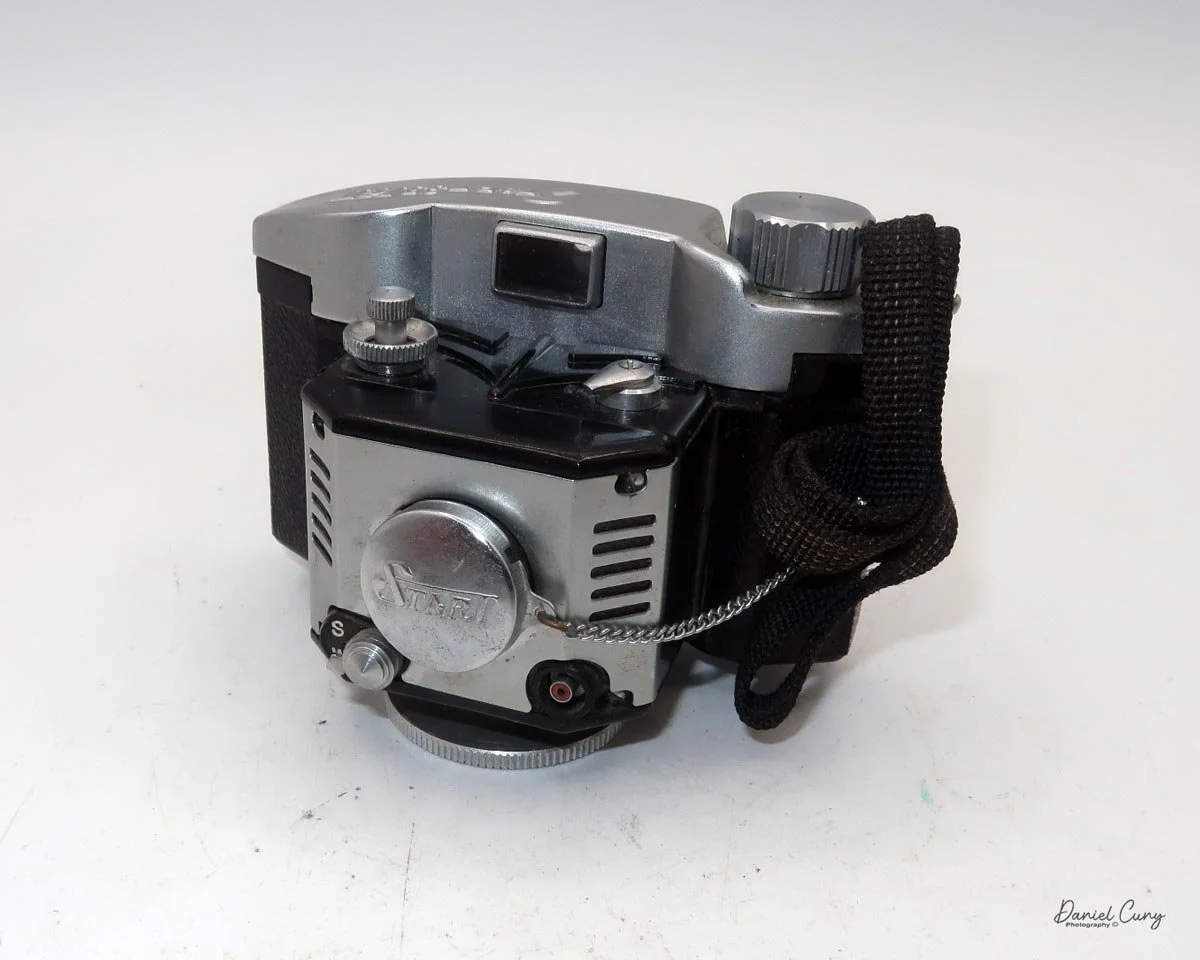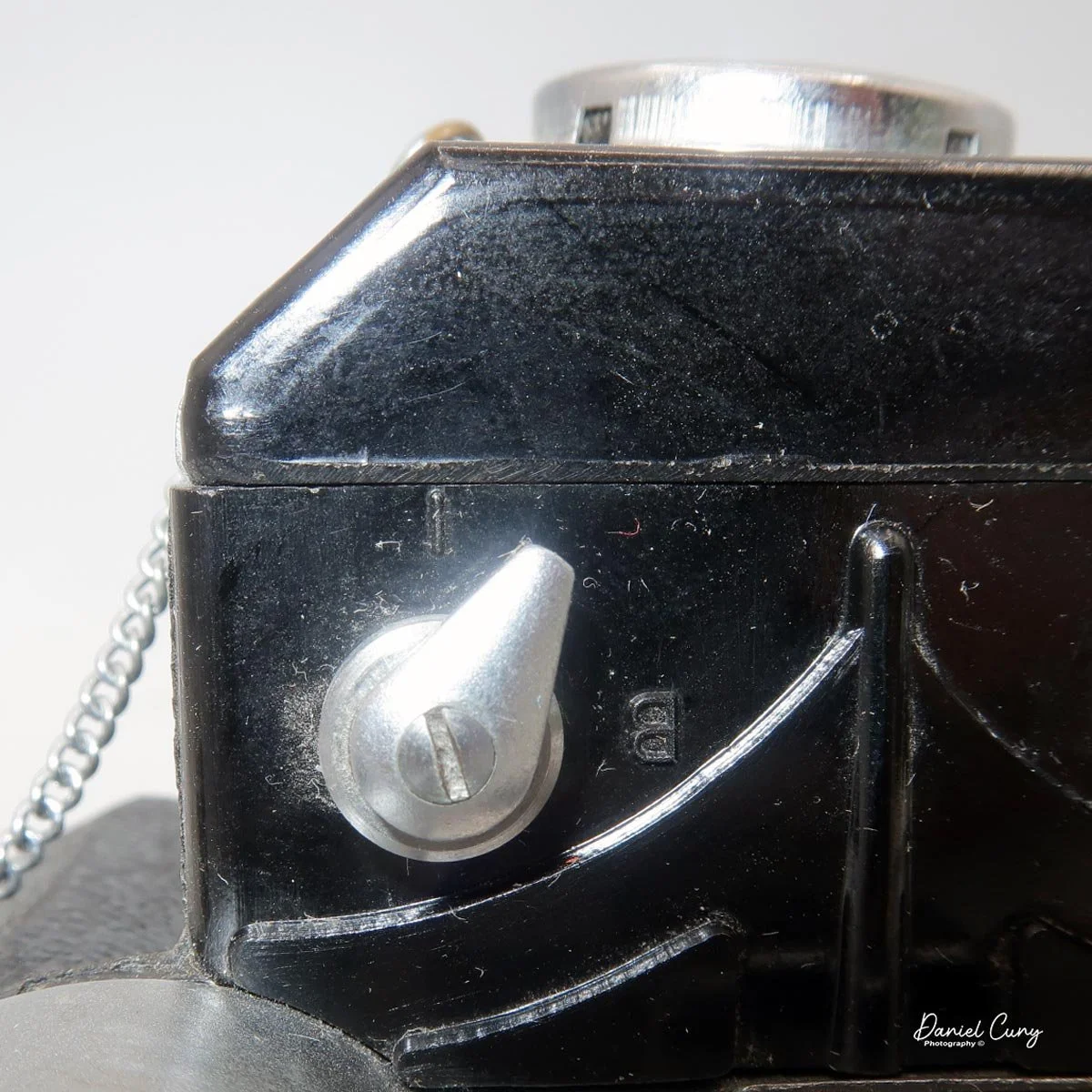
Sony Mavica MVC-FD5

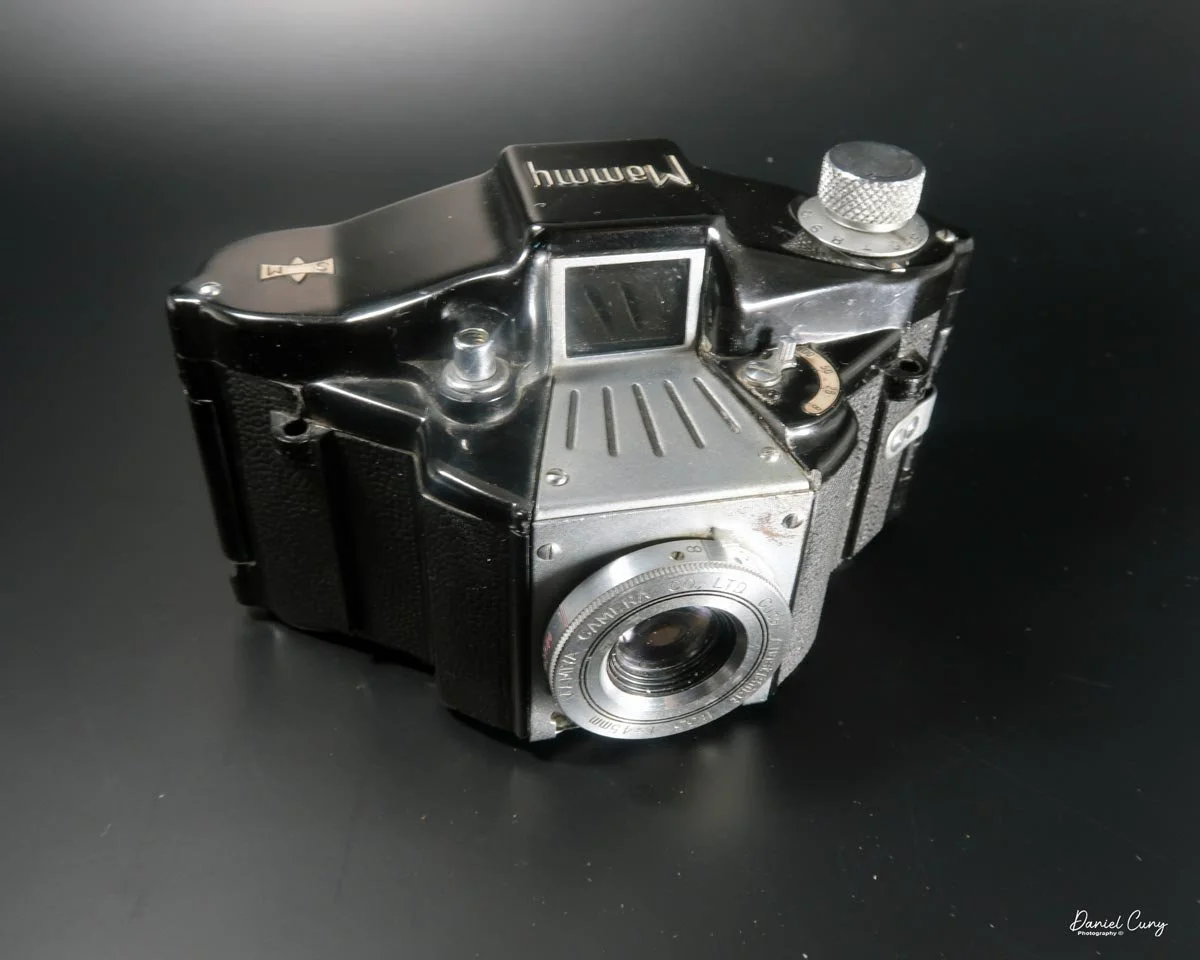
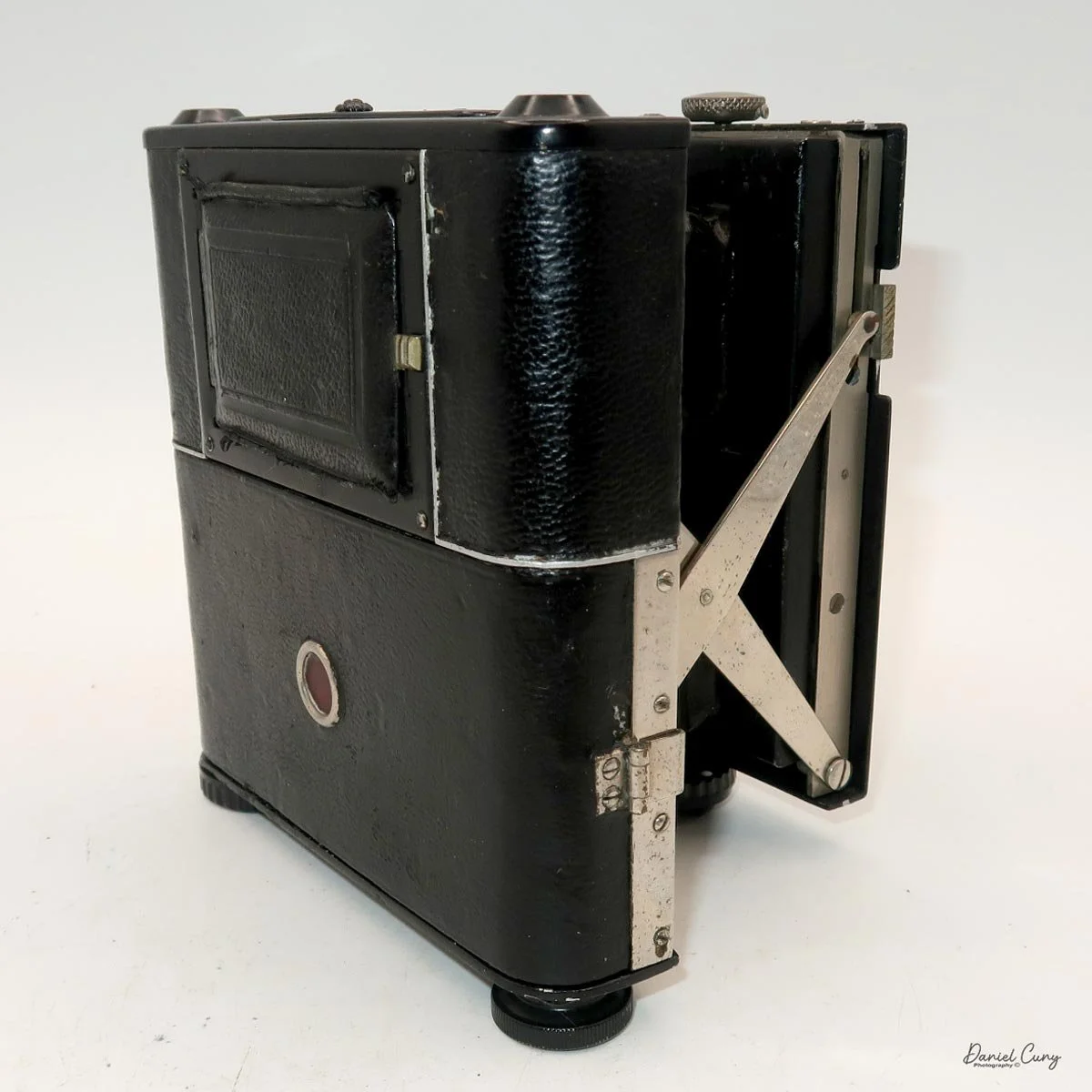
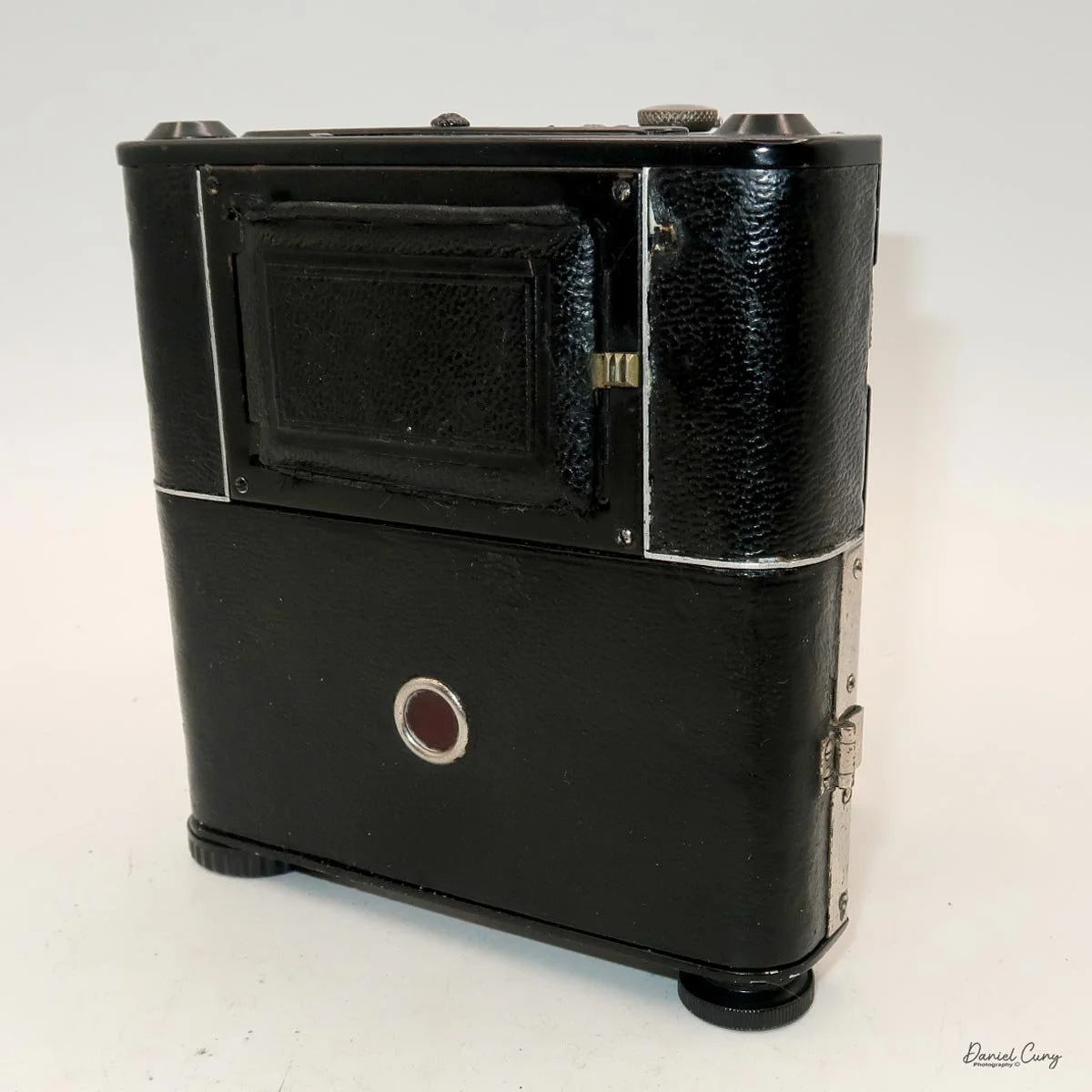
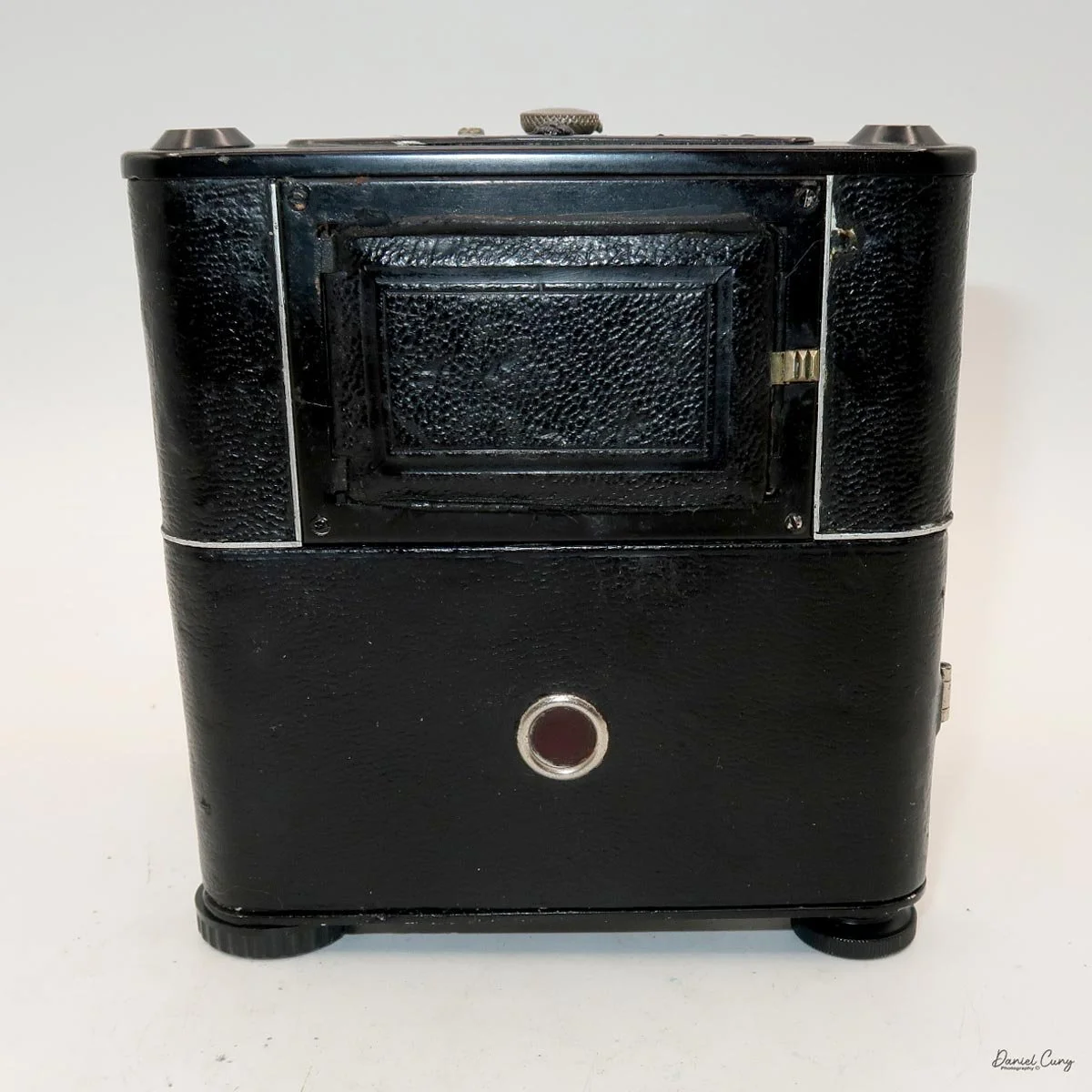
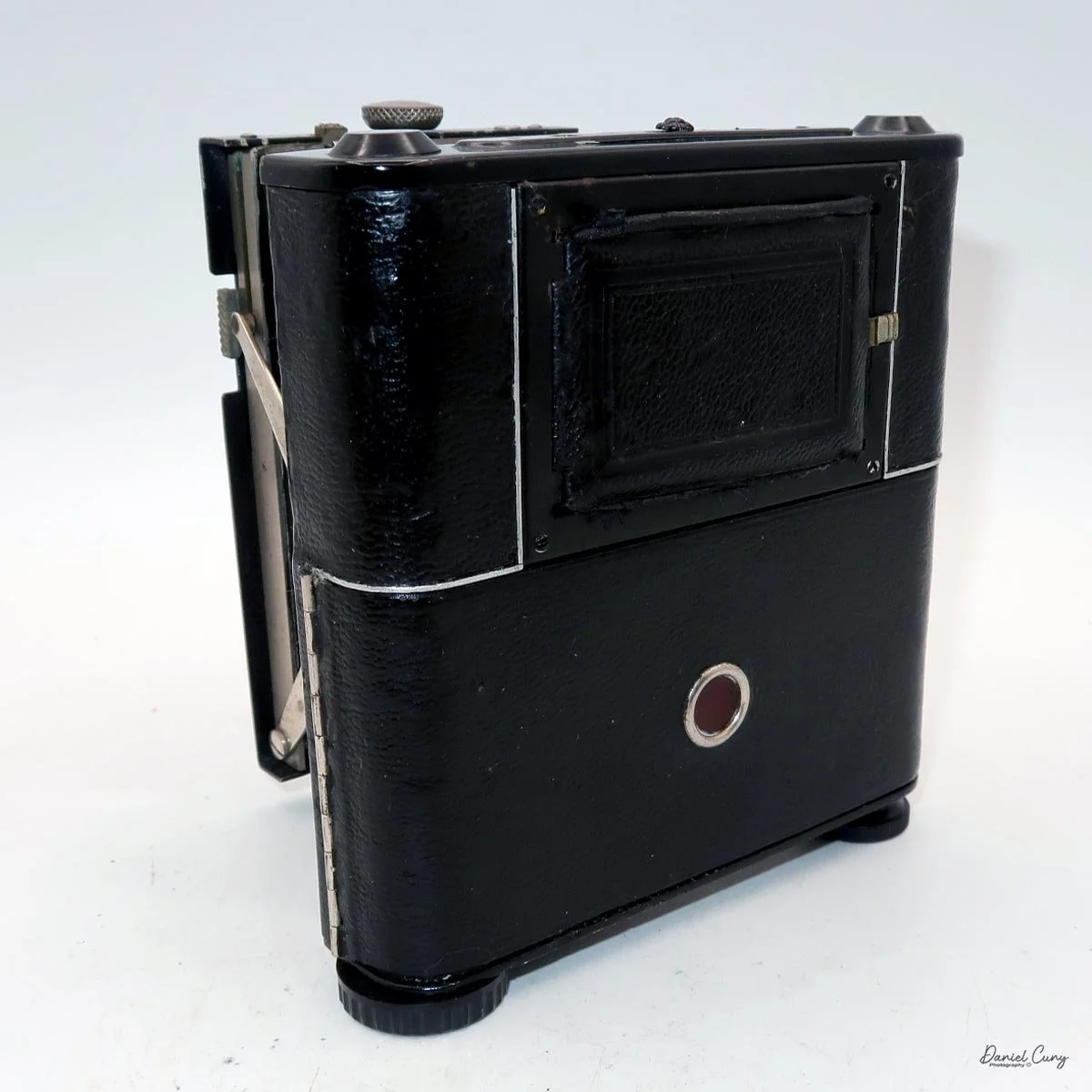
My Sony Maniac MVC-FD5 camera.

I started working in a retail camera shop way back in 1975. The store where I worked was dominated by non-professional photographers, with more of a consumer-based customer base. We sold a lot of film and processed a lot of film. At that time, the store where I worked had a good mix of simple cameras, such as the Kodak Instamatic, and some of the more basic Polaroid models of pack cameras. 

 But if you wandered over to the more professional side of the store, the cameras on that side of the store had Nikon F and Nikkormat, Minolta SRT series, Canon FTb, Pentax Spotmatic, mainly single-lens reflex and simpler rangefinder cameras were available. The market in our store didn't offer higher-end brands such as Leica, Hasselblad, or large-format brands like Sinar or Toyo.

My camera with floppy disk, and manual

 The owner of the camera shop was always looking at new technology and ways to set us apart from the other local camera stores. I still remember back in 1988, when we were introduced to "new technology" that didn't capture images on film. Still, it was a rather small 2" floppy disk. The odd thing about this new revolutionary camera was that it didn't come from a "regular" camera company, but from the major consumer electronics firm from Japan, Sony. At that time, Sony was known to most Americans for their radios, televisions, and other electronics.

 The camera was named the Mavica (magnetic video camera) MVC-C1 which was a consumer based camera which was flat shaped, that fit well in your hand, and held a 2" floppy disk called the Mavipak. At the time, these were what we consider "digital images", but rather Still Video Images recorded onto the floppy disk, and intended to be played back on your television. You could record up to fifty images on the Mavipak. Once the images were taken, you'd connect the camera to your television using the MAP-T1 adapter and display the images on the television screen.

 In December 1988, Canon introduced a similar camera, the XapShop. It too was a similar-shaped camera that captured still video images on a 2" floppy disk. While both cameras were making a splash in the market, it wasn't until early 1989 that the Sony MVC-C1 became readily available to consumers.

 At the time, the idea of capturing images on a floppy disk was odd, and the image quality was poor. Also, when the camera was introduced, it had a hefty price of $650.00 for the Sony and a similar price for the Canon XapShot kit, which, for our consumer-based market, was a steep purchase.

 Still, the owner of the camera stores thought well enough of the cameras that we picked up a few of both the Sony and Canon lines of still video cameras, and for a while, we did well selling them to the early adopters in the community. These were the same people who had early Motorola mobile phones.

Sony Digital History:

 Sony's ascent to the top of the digital imaging world didn't happen overnight; it was the result of decades of transition from analog video heritage to high-resolution silicon. While many associate the "digital revolution" with the late 90s, Sony's groundwork began much earlier with a device that wasn't technically digital, but fundamentally changed how we perceived photography.

Sony Mavica advertisement.

 In 1981, Sony unveiled the Mavica (Magnetic Video Camera). It is often cited as the spark for the digital revolution, though it was actually a "still video" camera. Instead of film, it recorded analog signals onto a proprietary 2-inch floppy disk called the "Mavipak." While the resolution was equivalent to just 0.28 megapixels and intended for television viewing, it proved that the industry could move away from chemical processing toward instant gratification.

 It wasn't until the late 1980s and early 1990s that Sony moved into fully digital territory. In 1988, they introduced the MVC-C1, the first Mavica aimed at consumers. However, the real breakthrough for the masses arrived in 1996 with the Cyber-shot DSC-F1. This camera featured a distinctive swiveling lens, a built-in flash, and a 1.8-inch color LCD screen—a luxury at the time. It utilized a 0.35-megapixel CCD sensor and marked the birth of the "Cyber-shot" brand, which would dominate the point-and-shoot market for the next two decades.

 In 1997, Sony released the Digital Mavica MVC-FD5 and FD7. These were iconic because they used standard 3.5-inch floppy disks as storage media. While competitors were struggling with expensive, proprietary cables and software, Sony users could pop their disk into any PC and view their photos instantly. This ease of use allowed Sony to capture roughly 40% of the digital camera market by the end of the 1990s.

 As the 2000s began, Sony pivoted from a gadget manufacturer to a serious contender in the optics market. By acquiring Konica Minolta's camera business in 2006, Sony gained the mechanical "know-how" of traditional SLR systems. This led to the birth of the Alpha series.

From the experimental Mavica to the launch of the first full-frame mirrorless systems, Sony's beginning was defined by a willingness to abandon tradition in favor of electronic innovation. They didn't just join the camera industry; they forced it to go digital.

My Camera:

 My Sony Mavica MVC-FD5 was introduced in late 1997 or early 1998. It's a fairly large camera, measuring 5" wide by 4.25" tall by 2" deep, and it weighs 1 pound, 5.7 ounces with the battery, strap, and a 3.5" floppy disk installed. The camera has a 4.8mm F/2.0 lens, equivalent to a 47mm lens on a 35mm camera. The camera is a fixed focus camera and in normal mode will focus to approximately 4' from the lens. The camera does have a macro lens. Under the flash, there is a sliding bar you slide to put the camera in macro mode; then the focus distance is 3"-9" from the lens surface. 

The images are recorded onto a standard 3.5" floppy disk (1.44mb) which is inserted into the camera through a door on the left side of the camera. On the back of the camera, in the lower left corner is a switch which says, "open". Sliding the button down, opens the door where you insert the 3.5" floppy disk. To remove the disk, press the button inside the disk's door, and the floppy will be ejected. 

 The camera records images at 640 x 480 resolution in JPEG format and has two shooting modes: Standard and Fine. Each floppy disk will hold 30-40 standard images or 15-20 fine images.

All the controls on the Sony Mavica MVC-FD5 camera are located on the back. The controls are around the main 2.5" screen, which has a total of 61380 dots. Once the camera is turned on, which is done by a sliding switch to the right of the screen, named "power on/off". Slide the switch down to turn the camera on, and to shut it off, slide it down again.

It's very interesting, and something I didn't remember from owning this camera soon after it came out in the late 1990s. Still, once you turn the camera "on, and there's a floppy disk in the camera, you'll hear a noise of the internal disk drive spinning and making sounds because the camera is checking the disk, making sure it's seated correctly and can write to it. It's also the sound you hear when you switch the button on the back of the camera from "play" to "camera," or vice versa, as the camera spins the disk to read images or prepare to accept them. It also makes a sound when in "play" mode, as you go from one image to another. Here's a short video of turning on the camera and taking a photo.

Video showing the camera being powered on and the time to record an image with camera sounds.

Once the camera is powered "on", most controls are set via a rocker switch and a button to the lower right of the camera's screen. As mentioned previously, there is also a switch for "camera" or "play" which allows the camera's settings to be set in each mode. If you press the rocker switch when it's in the "camera" mode, a menu will pop up with options for Clock Set, Beep, Field/Frame, Quality, and Return.

In the "play" mode, the menu settings are Clock Set, Beep, Format Disk, Delete, Protect, and Return. Interestingly, Clock Set and Beep are in both the camera and play menu. 

One other button on the back of the camera is "display," which turns the menu on or off on the camera or in play settings. It lets you focus on the images on the screen without being distracted by menu settings that can cover parts of the screen.

 Once the clock settings are set, you've turned on/off the beep sound, and you have the floppy disk in the camera. You're ready to power on the camera to take a photo. When you turn on the camera, you'll hear disk noises, see the date pop up on the back, and, in the upper right corner, see a spinning circle indicating the disk is turning inside the camera. Now you're ready to take photos.

 The camera doesn't have a viewfinder, so once the camera is powered on, and the screen has gotten past the time function, you've seen the spinning disk, the camera will go into "live" mode, where you'll see the images you're pointing the camera at on the back screen. Like many cameras from this era, the screen is dark, and you can barely see an image on a bright, sunny day. You can brighten or darken the screen with two switches to the left of the screen, named "bright" with a "+" on the top button, and a "-" on the bottom.

There is no shutter or aperture control on the camera, as exposure is automatically controlled. You can make the images brighter or darker by up to 1.5 stops by changing the EV setting on the camera's screen once the camera is turned on and in "camera" mode.

 Another oddity of this camera, as with more modern cameras, is that the Sony Mavica MVC FD5 doesn't display the "just taken" photo on the screen once it's captured. To see that image, you'll need to switch from "camera" to "play" mode. The camera will whizz the floppy disk, and you can preview the previously taken image. In the "play" mode, you can view either single images by pressing the arrows forward to backwards, or you can press "index" so you can display a series of six images at a time and scroll to the image you want to see, and press the rocker button to display. PLEASE REMEMBER: every time you switch from one image to the other, the camera displays a message on the back screen that says "accessing file," and it takes a few seconds to show the image.

 In the "play" menu, you can also "protect" or "delete" images. Still, like the other settings, it takes a few seconds for the camera to complete the request, since it's basically a small computer with a built-in floppy disk and has to find, access, and complete the request you're making.

 At the bottom of the camera is the door, which you open and insert the charged battery to power the camera. The camera's battery isn't rated in shots, but in time. Once you power the camera "on", in the lower right-hand corner of the screen, you see the time in minutes remaining on the battery before recharging is needed.

My Images:

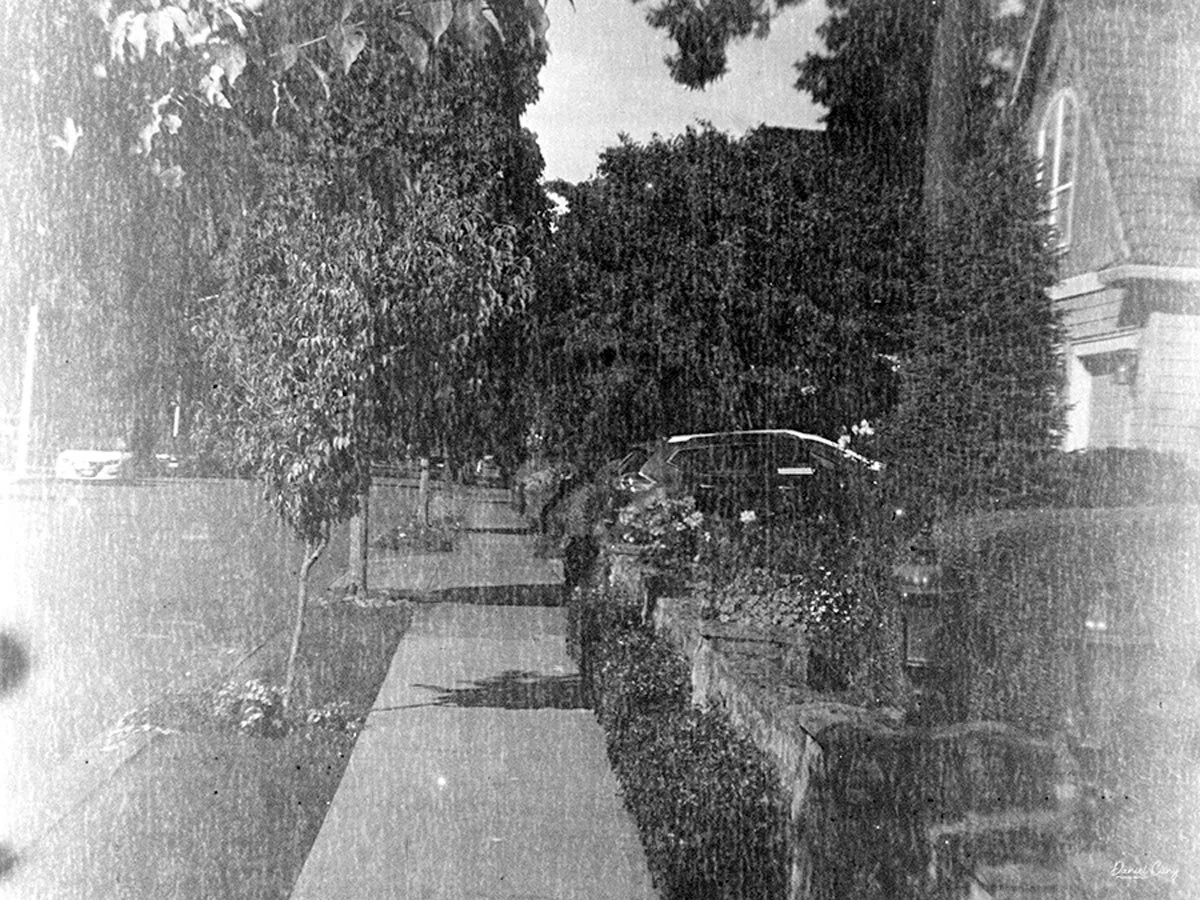
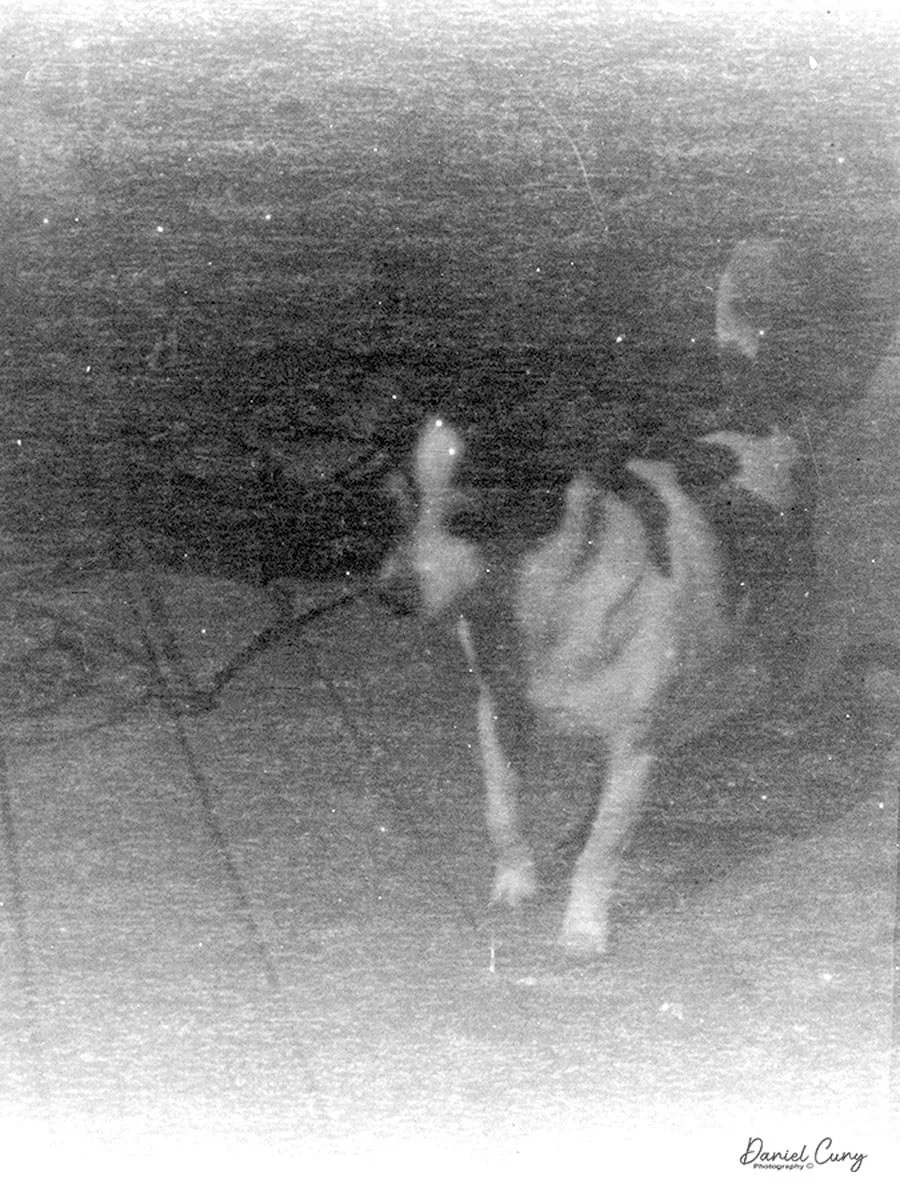
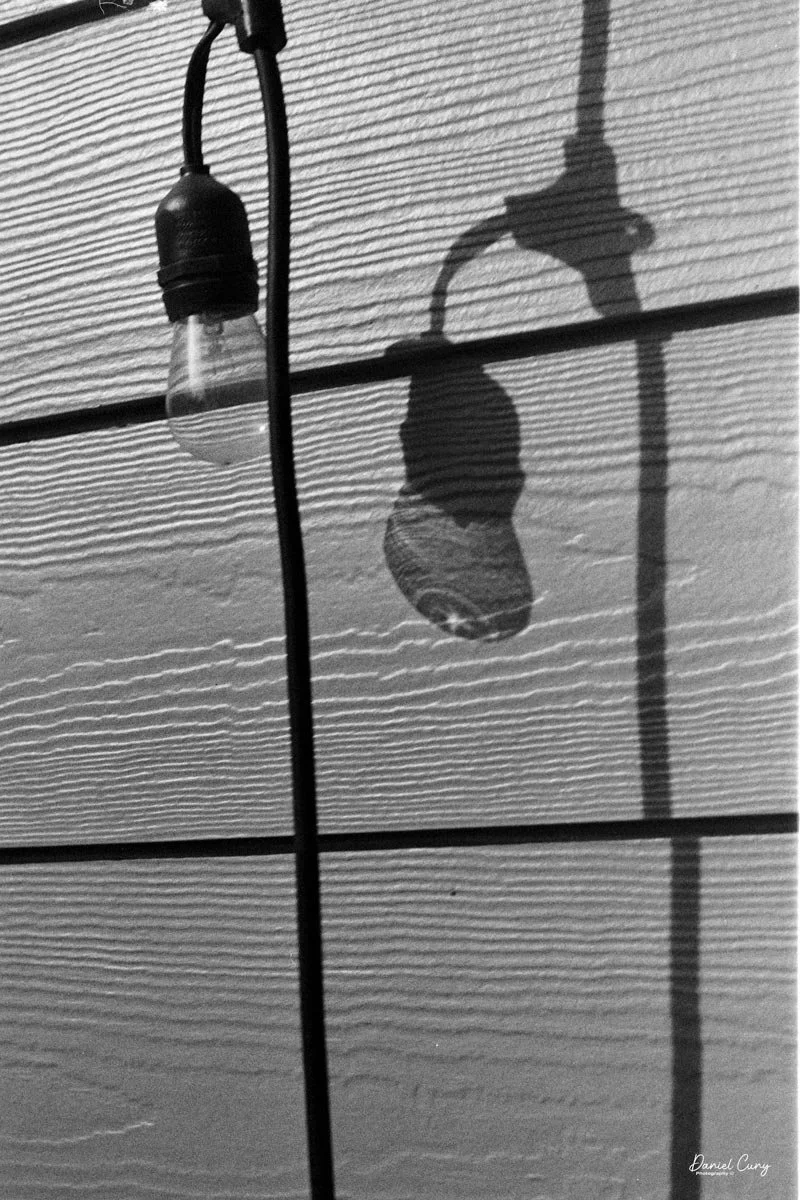
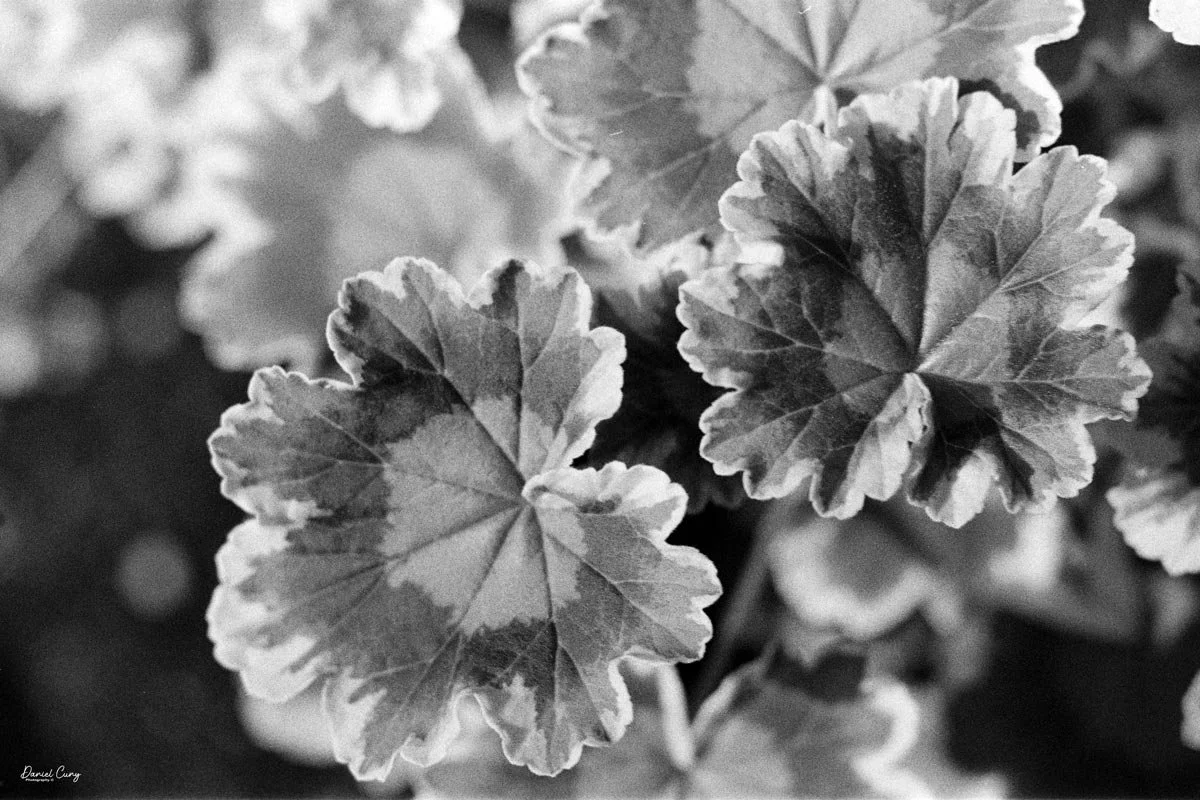
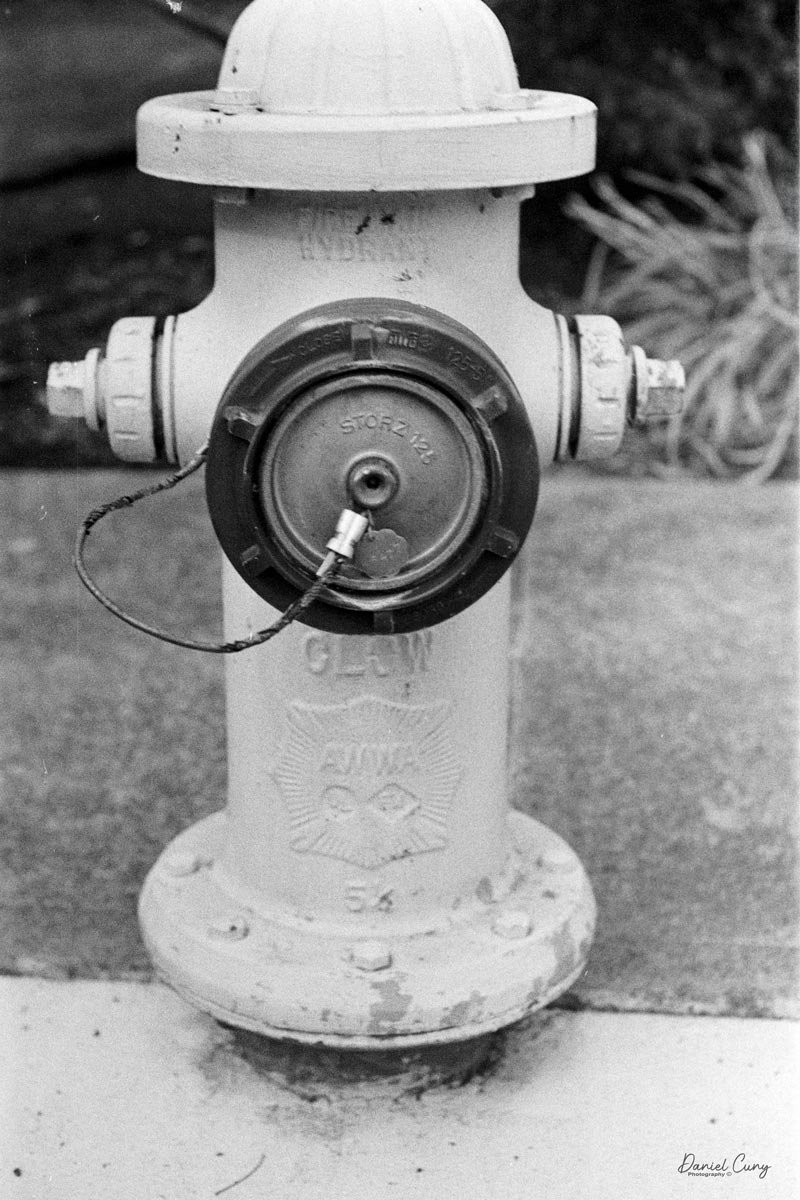
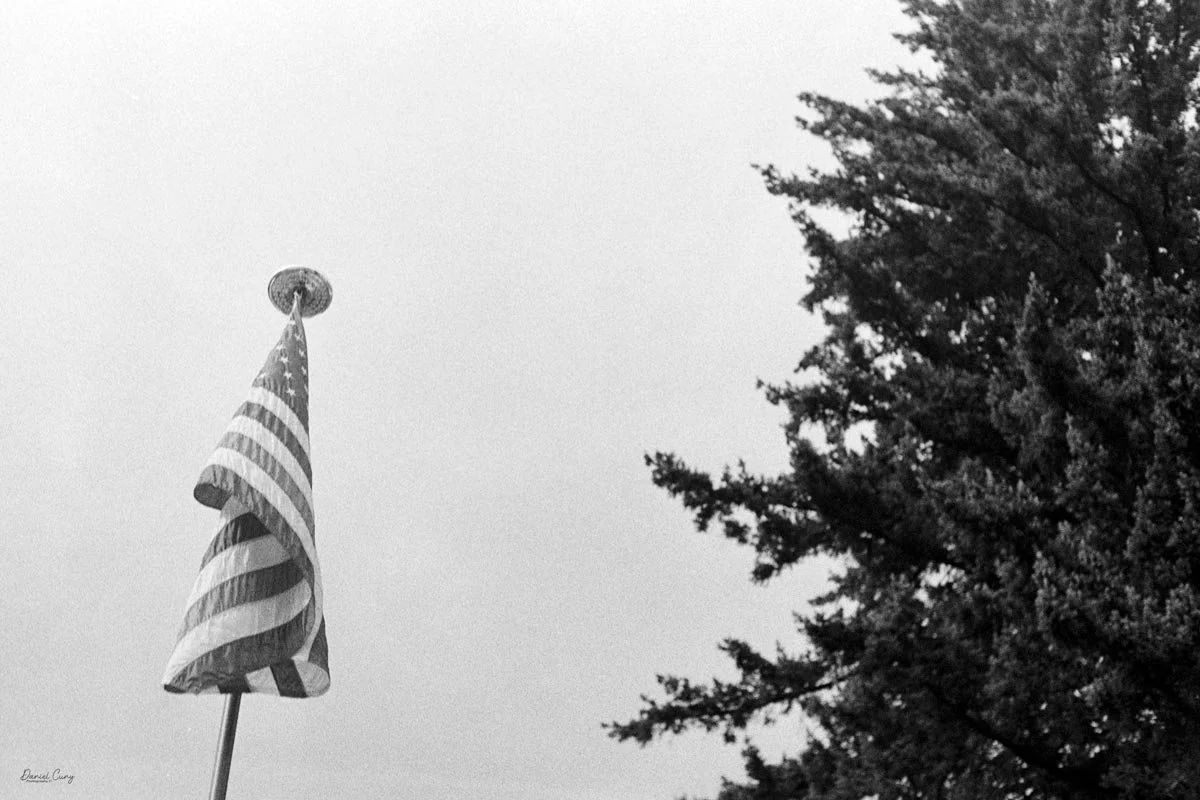
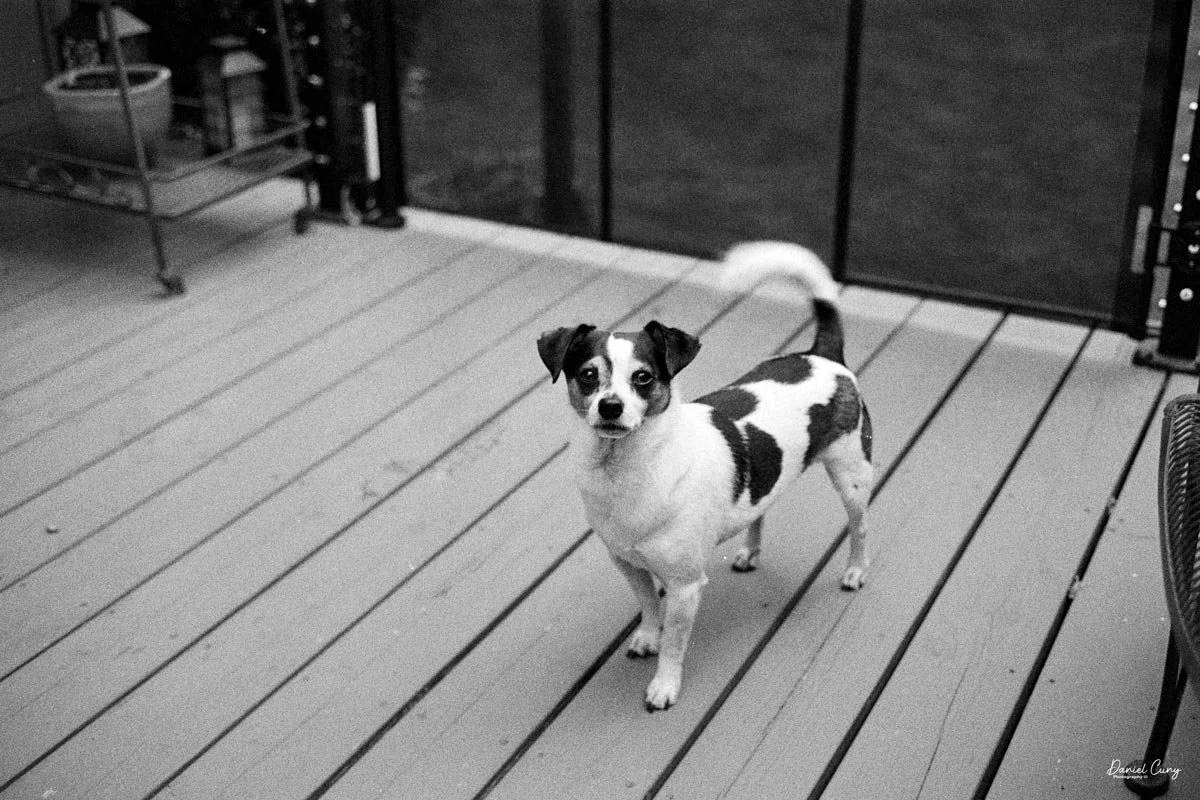
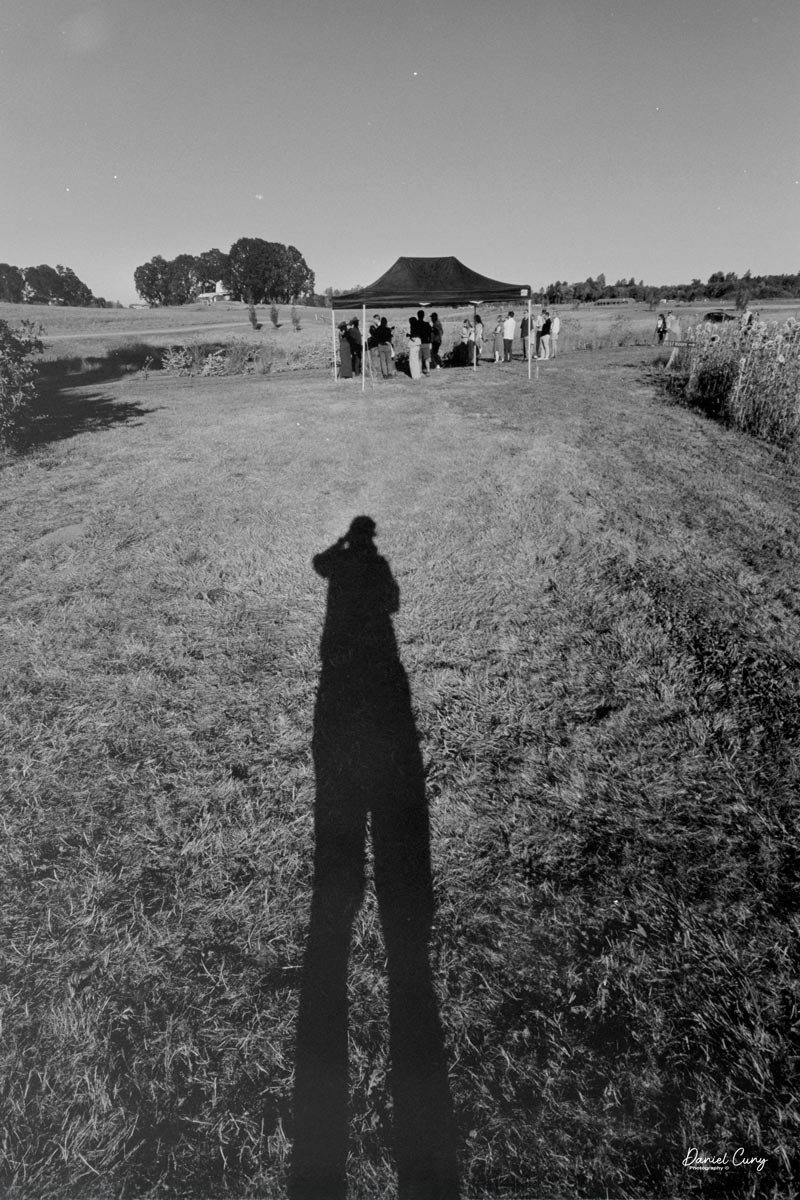
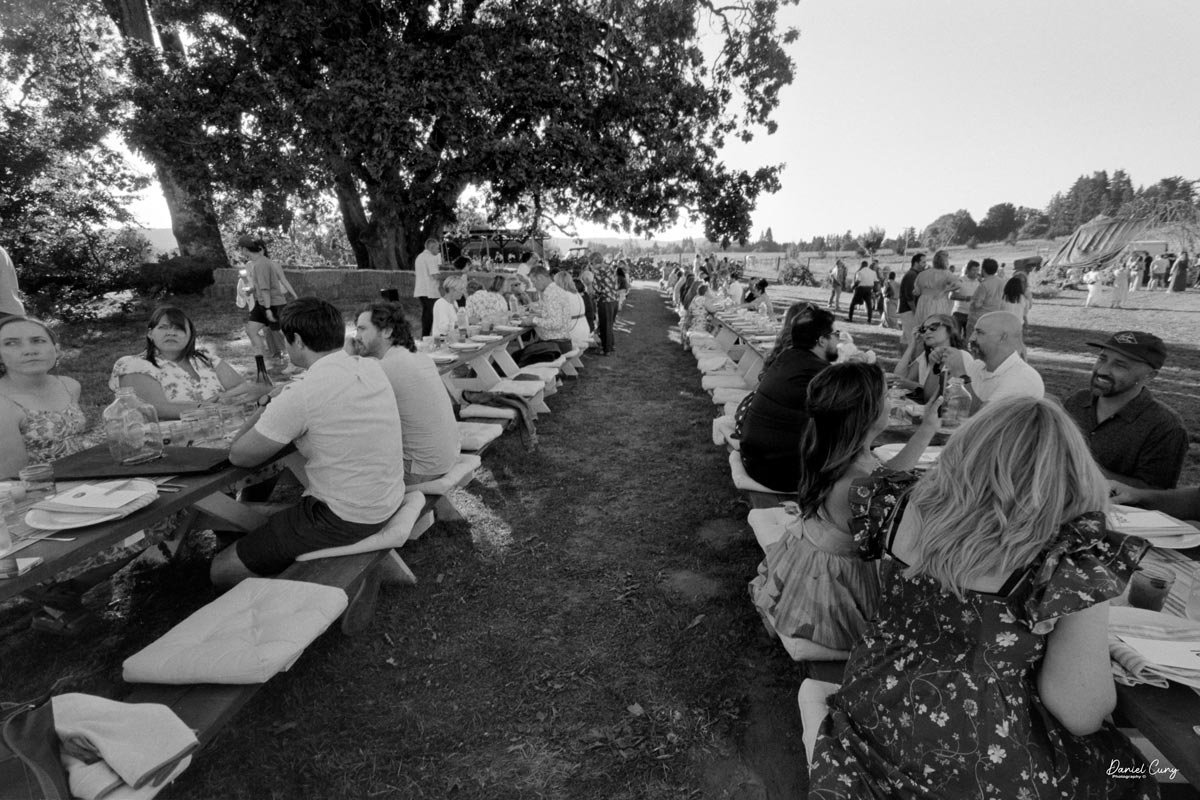
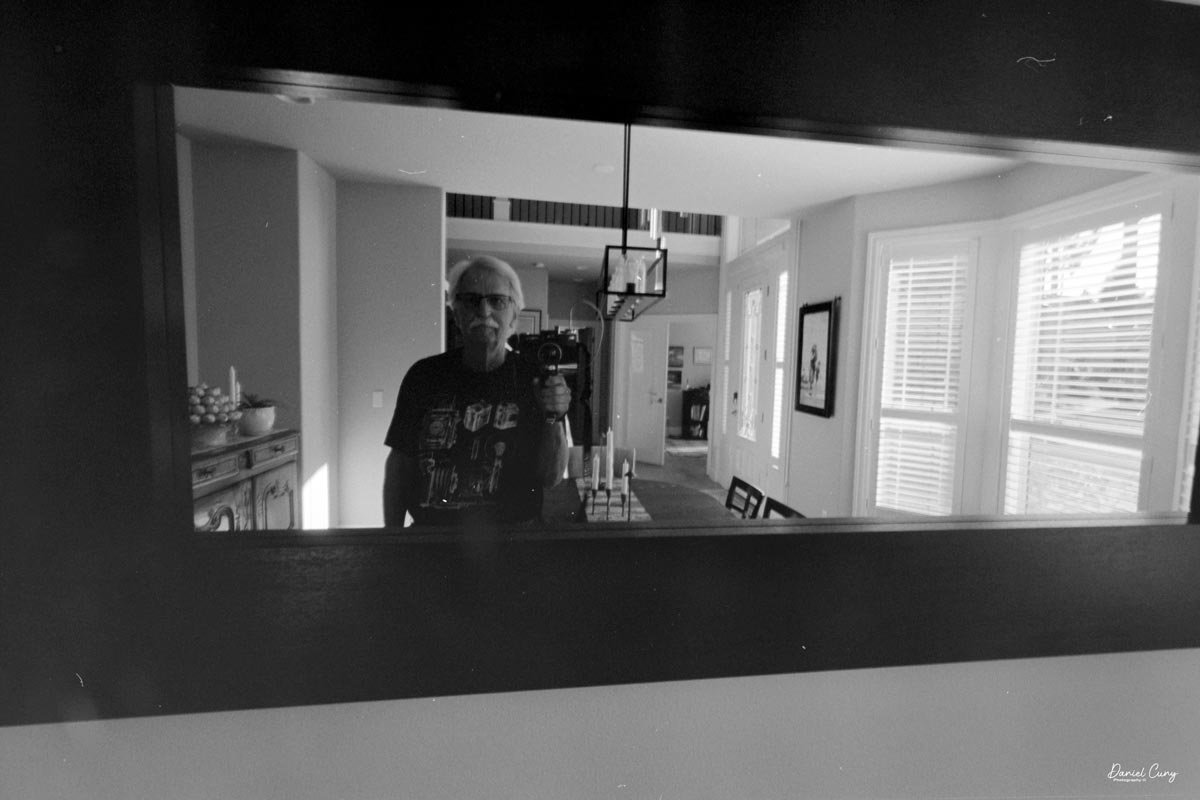
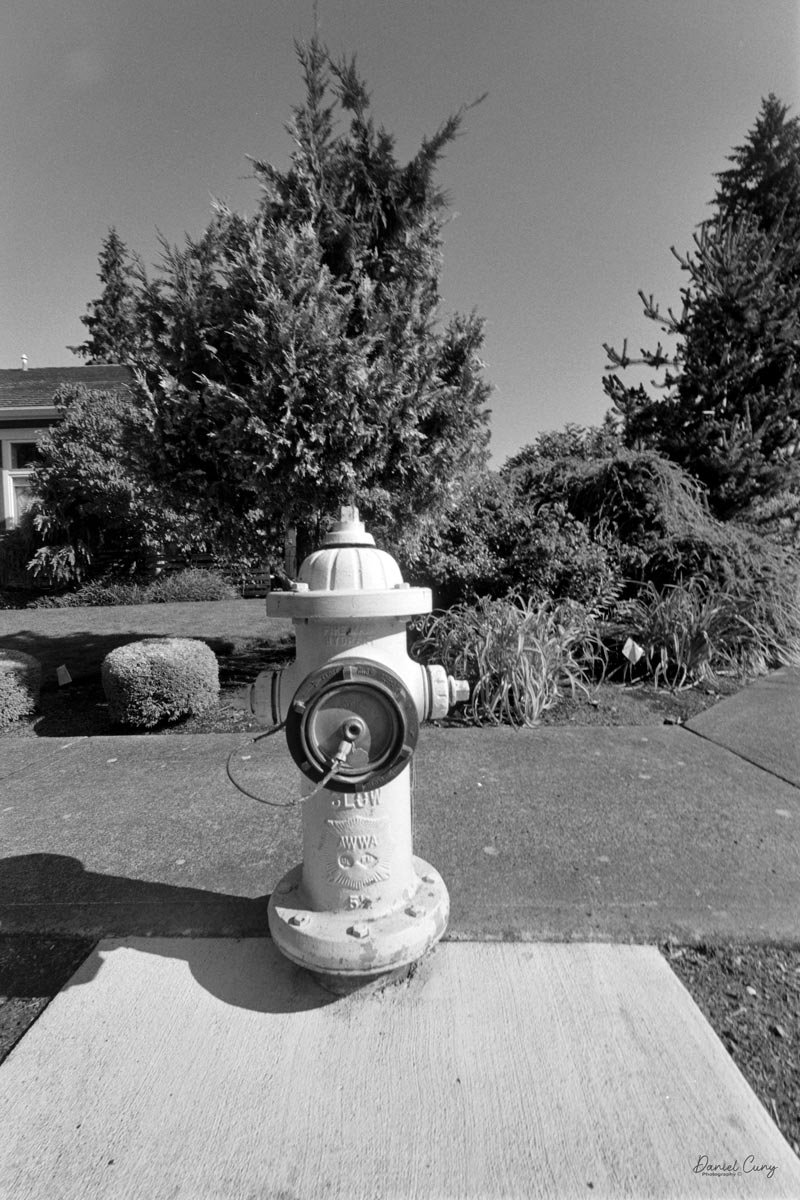
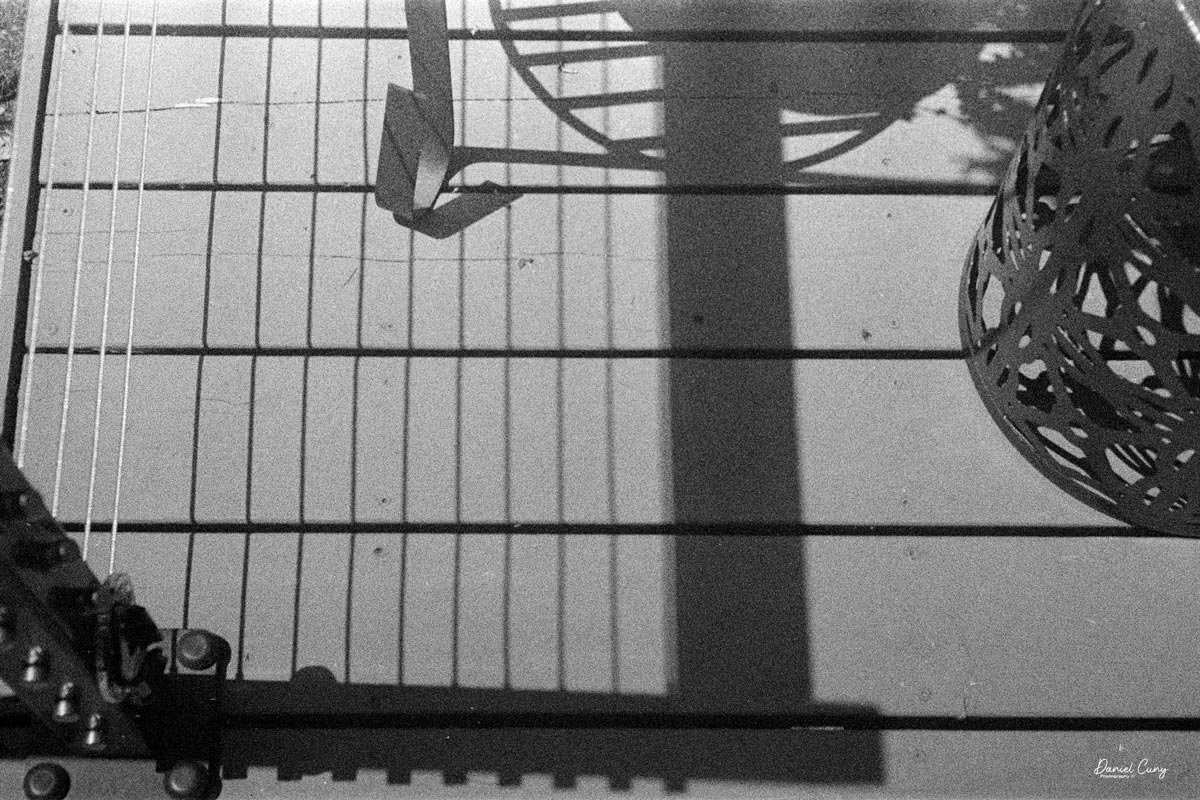
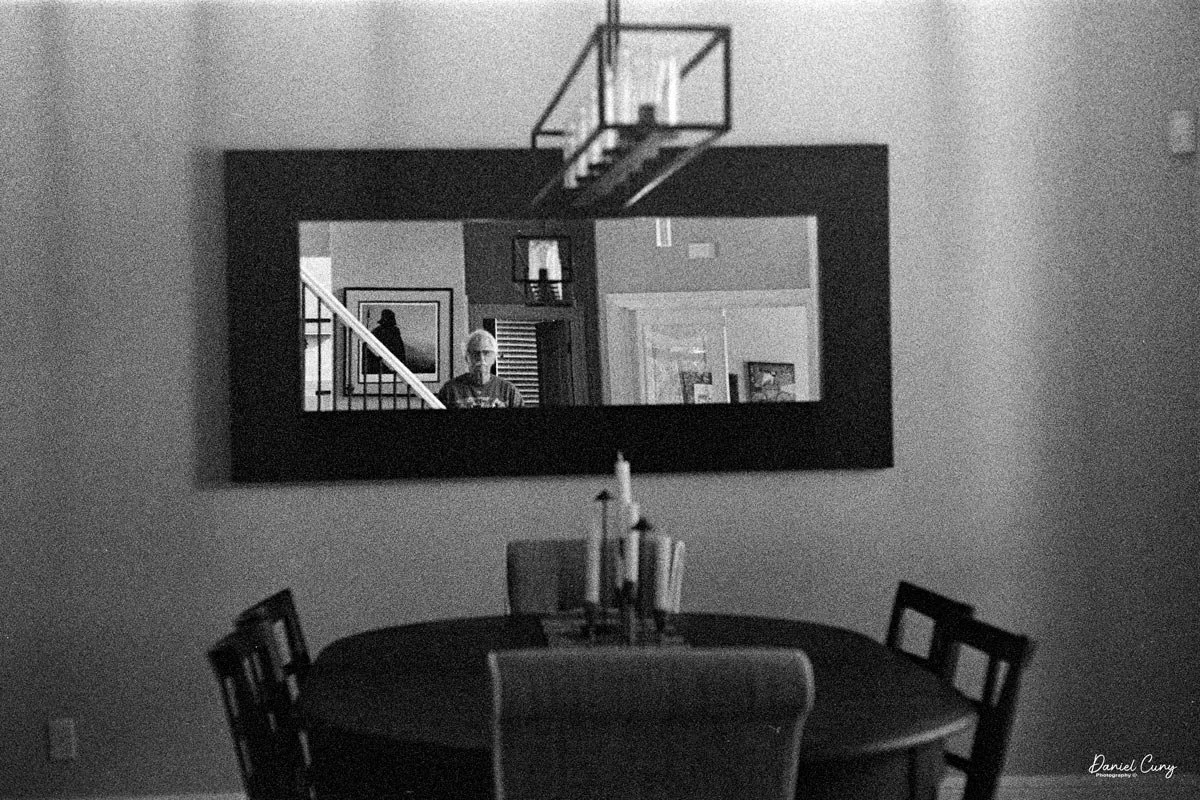
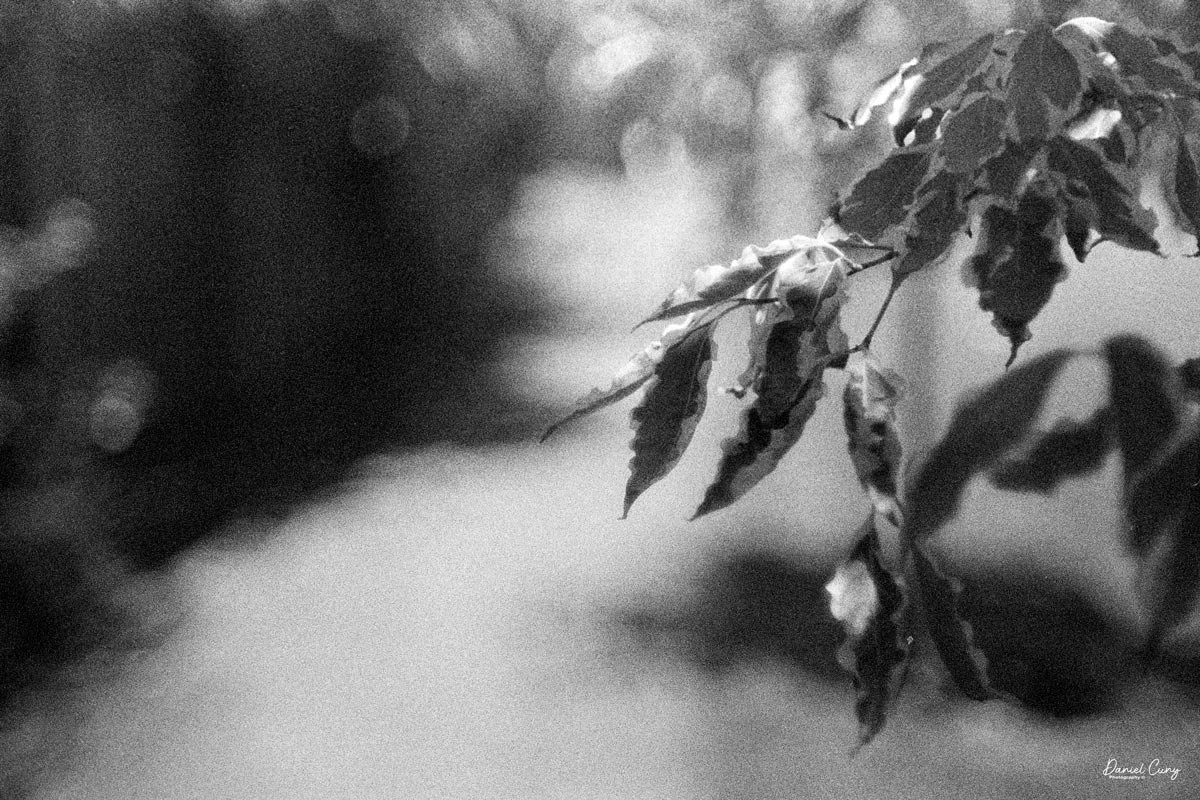
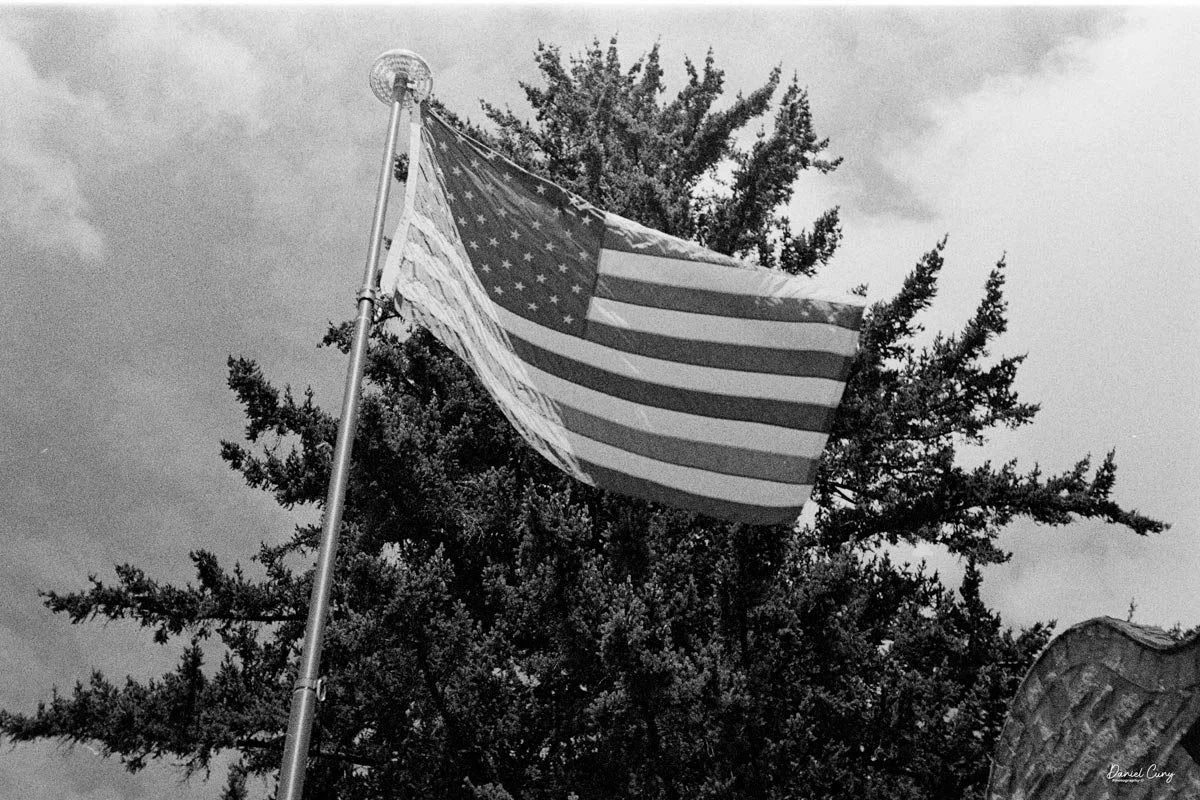
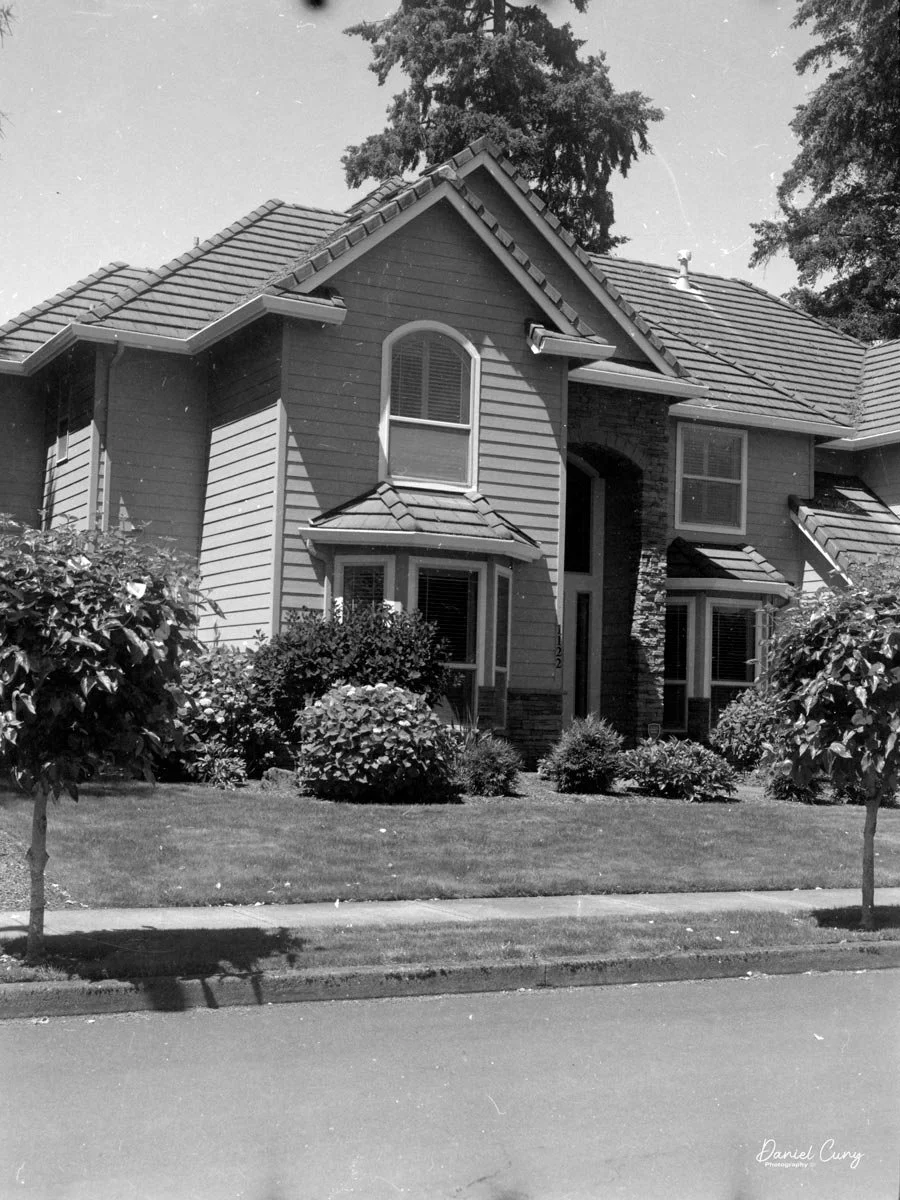
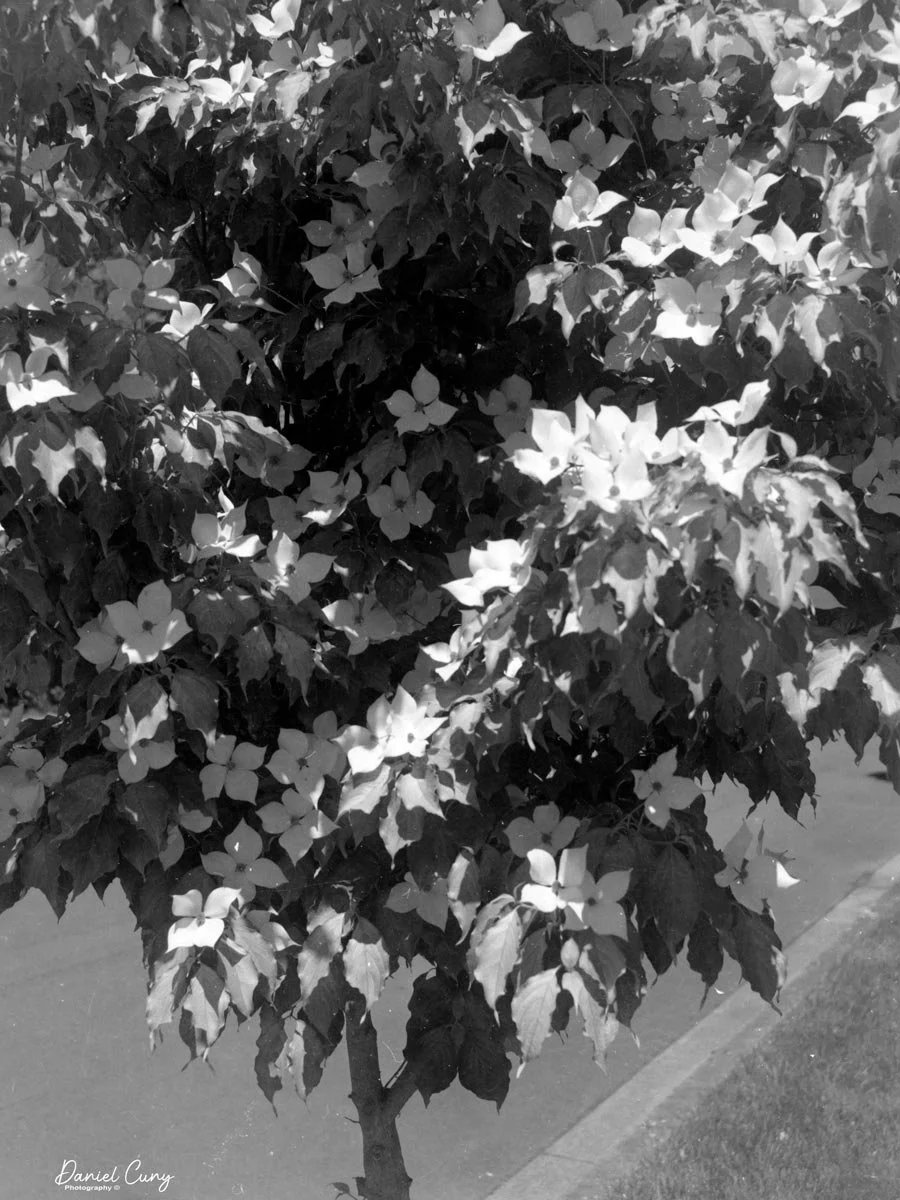
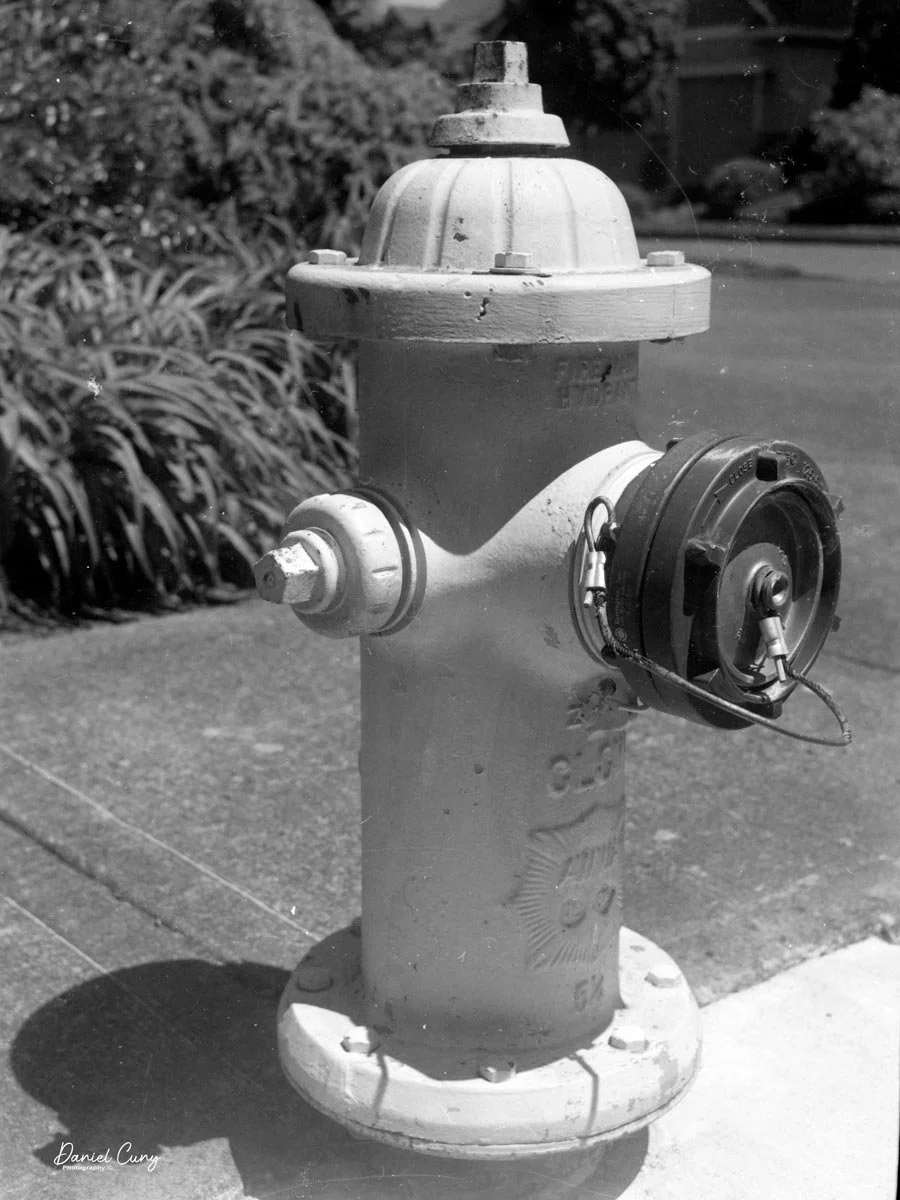
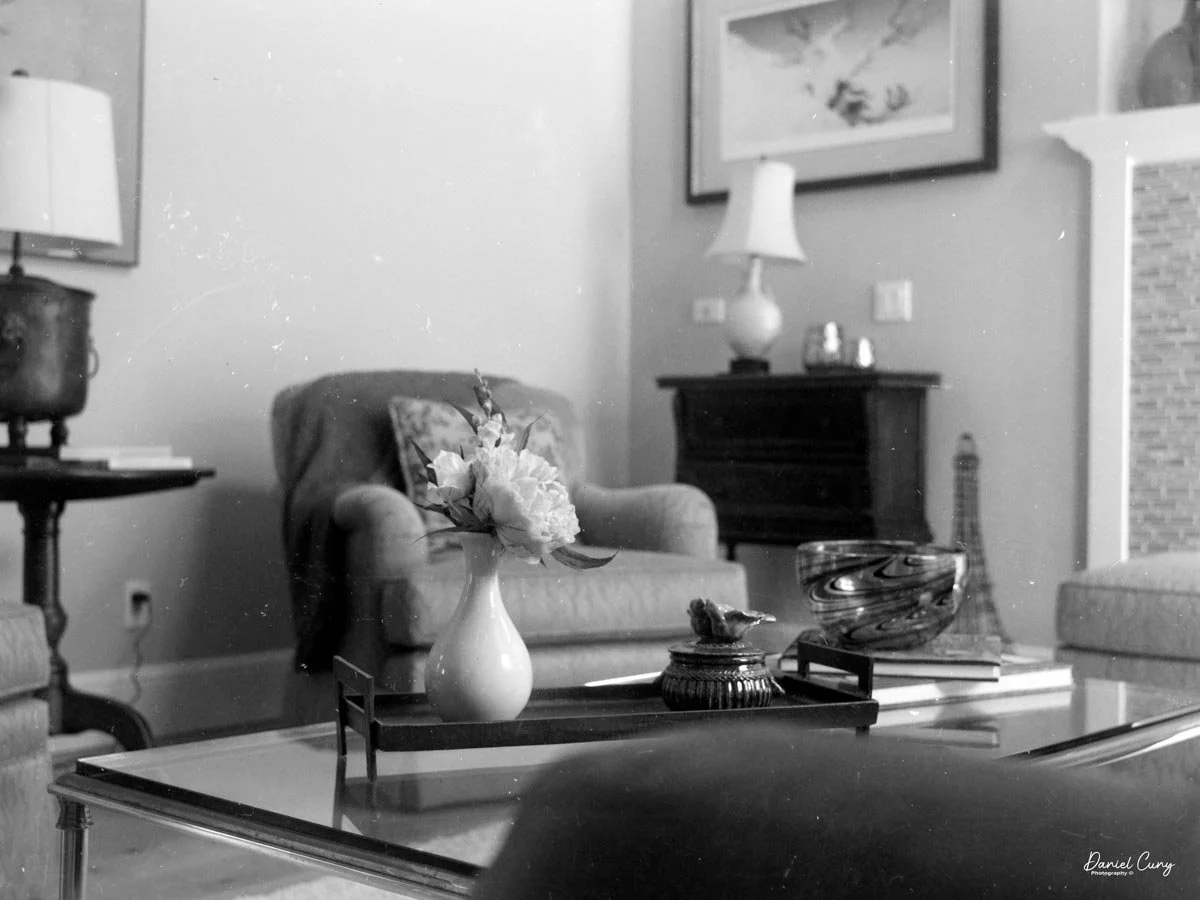
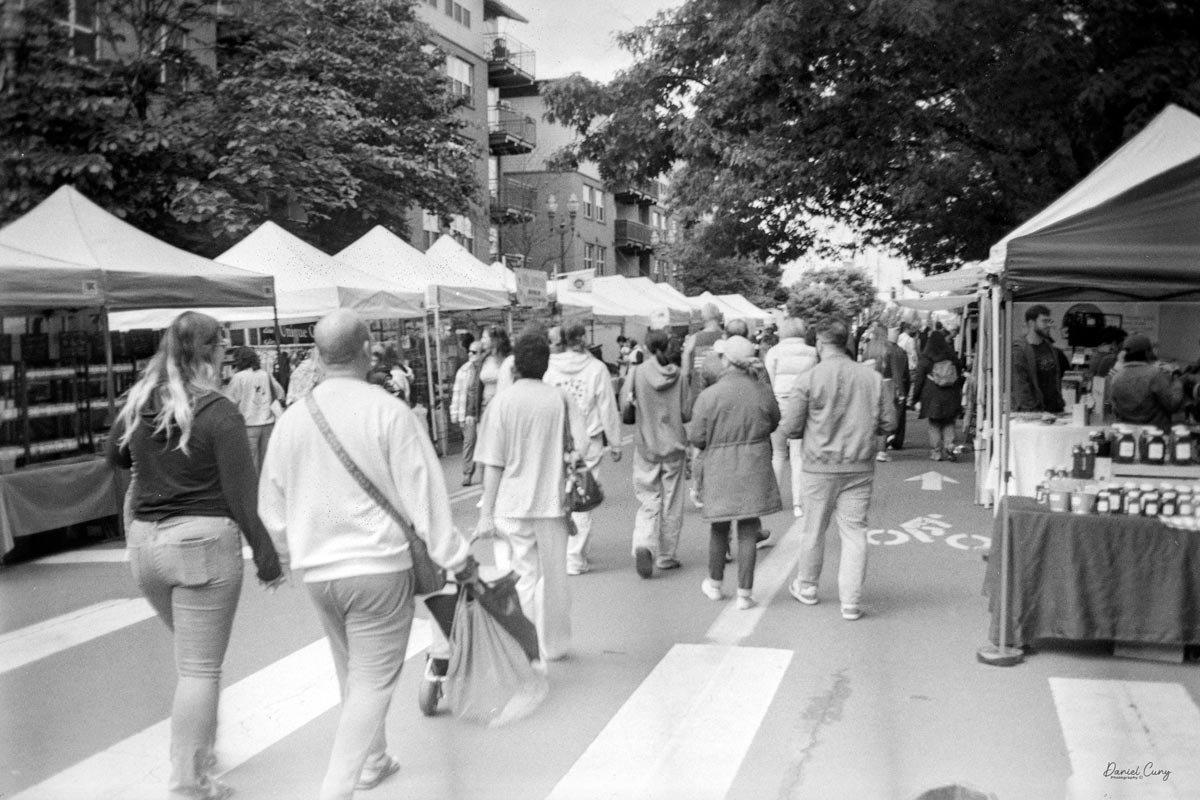
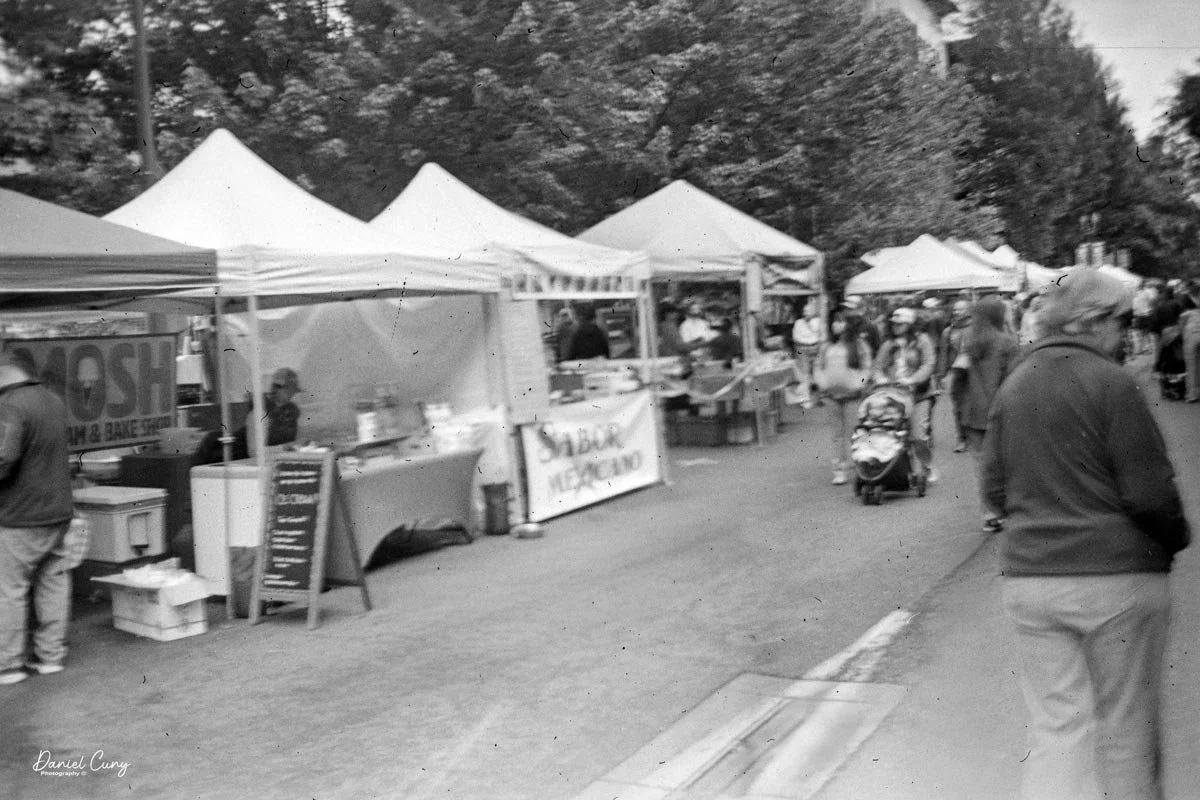
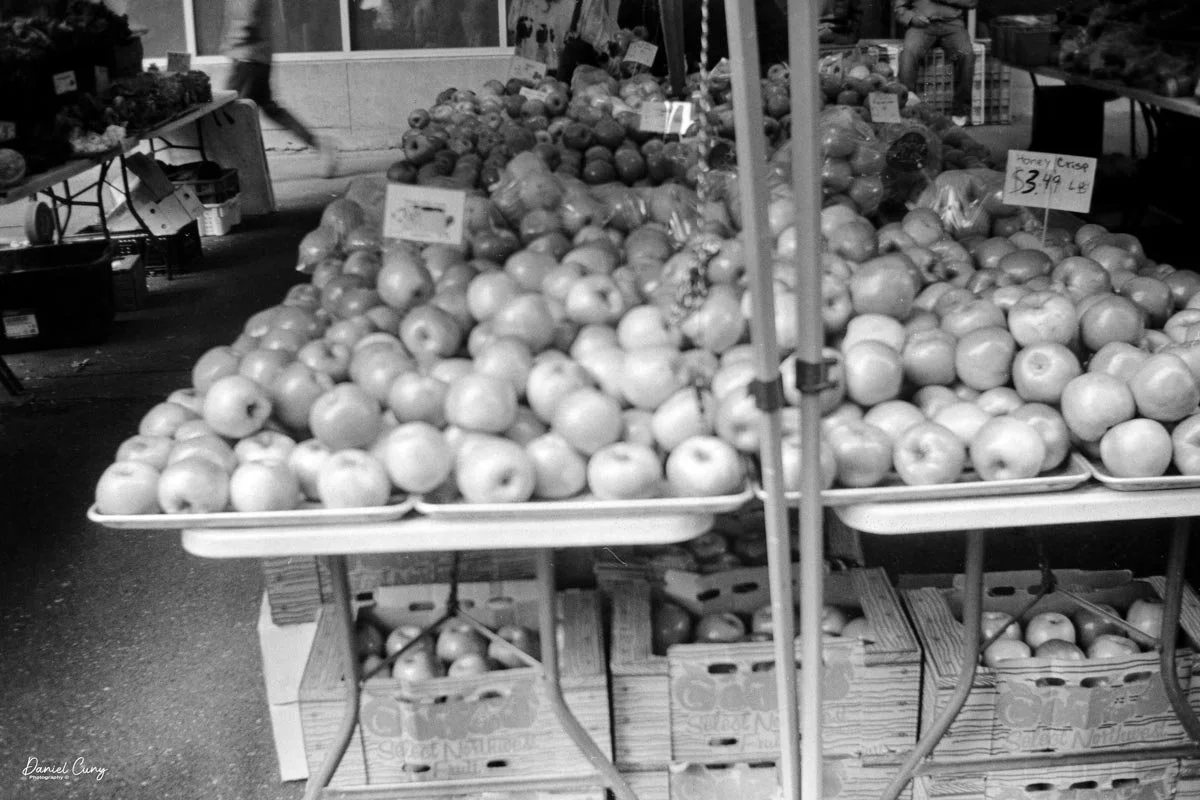
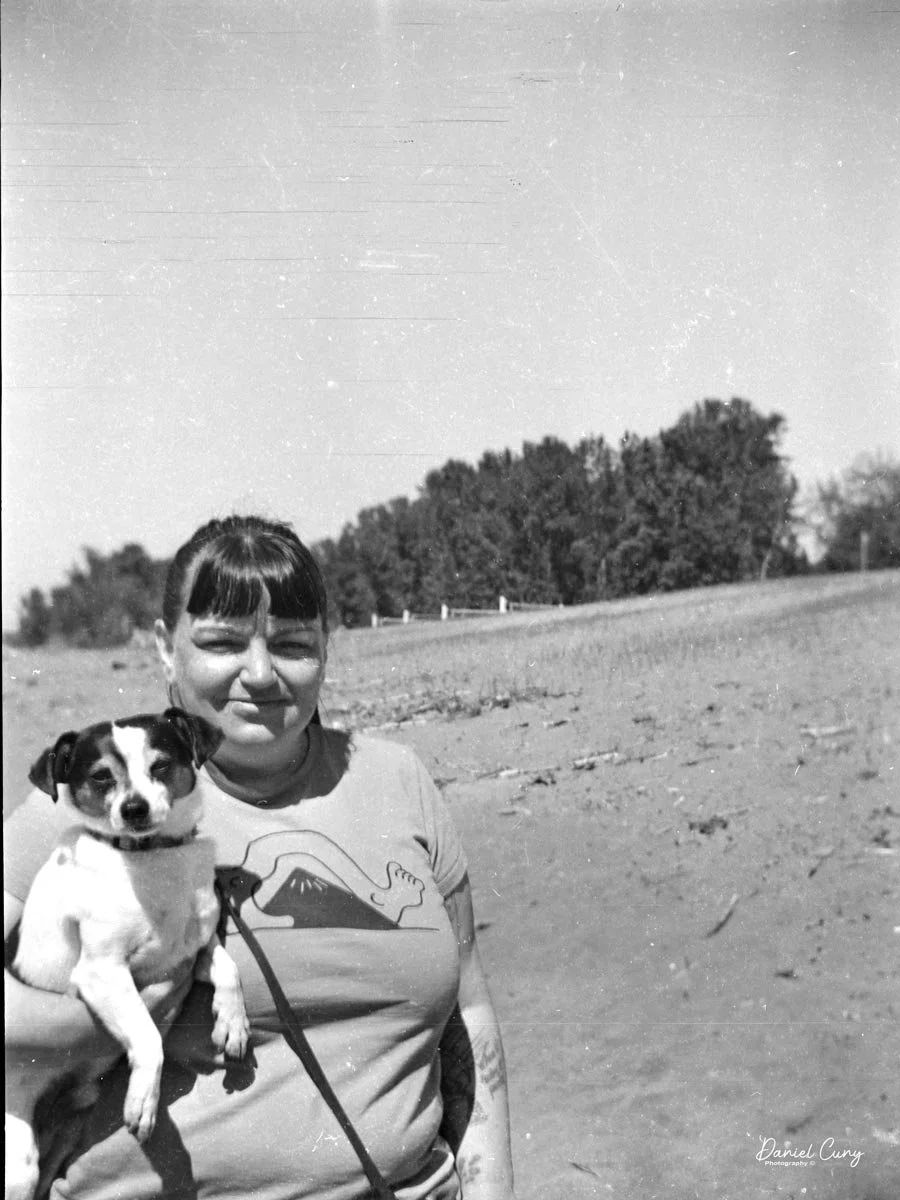
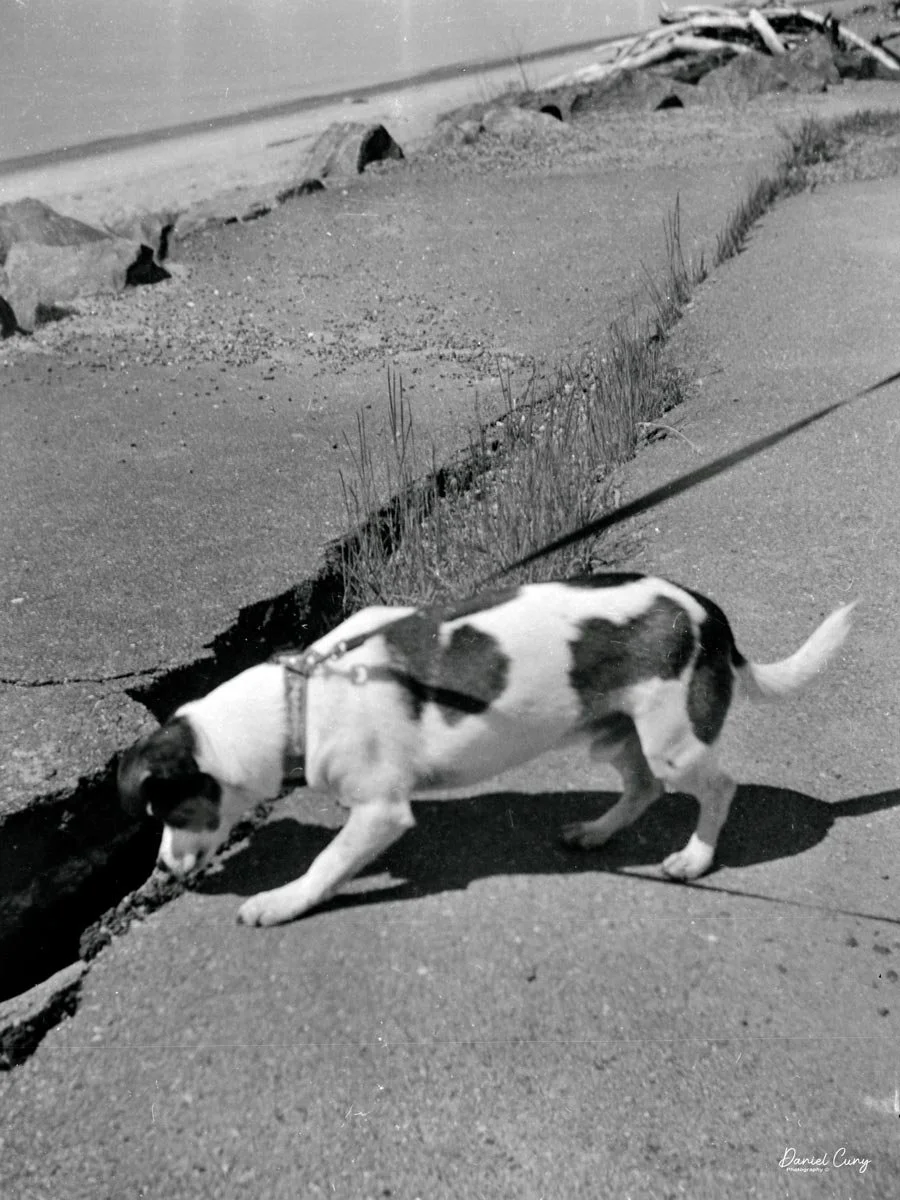
 My wife, daughter, daughter's dog, Bean, and I went for a walk on the town's downtown walkway on the Columbia River. It's a relatively new section of town with shops, restaurants, and housing. It was a sunny and somewhat warm January day in the Portland, OR area, so I took the camera on our trip.

 Since it was a bright sunny day, the rear screen was difficult to see, especially when you're trying to have the sun on the subject, meaning the sun is also hitting the screen as you're taking the images.

 Another interesting fact is that these files are small. Even the largest files the camera produced were only 70kb for Fine and 34kb for Standard images. These were specifically made for viewing on your computer or television, and are not really intended to be printed, especially not anything larger than the standard 3x5 photo.

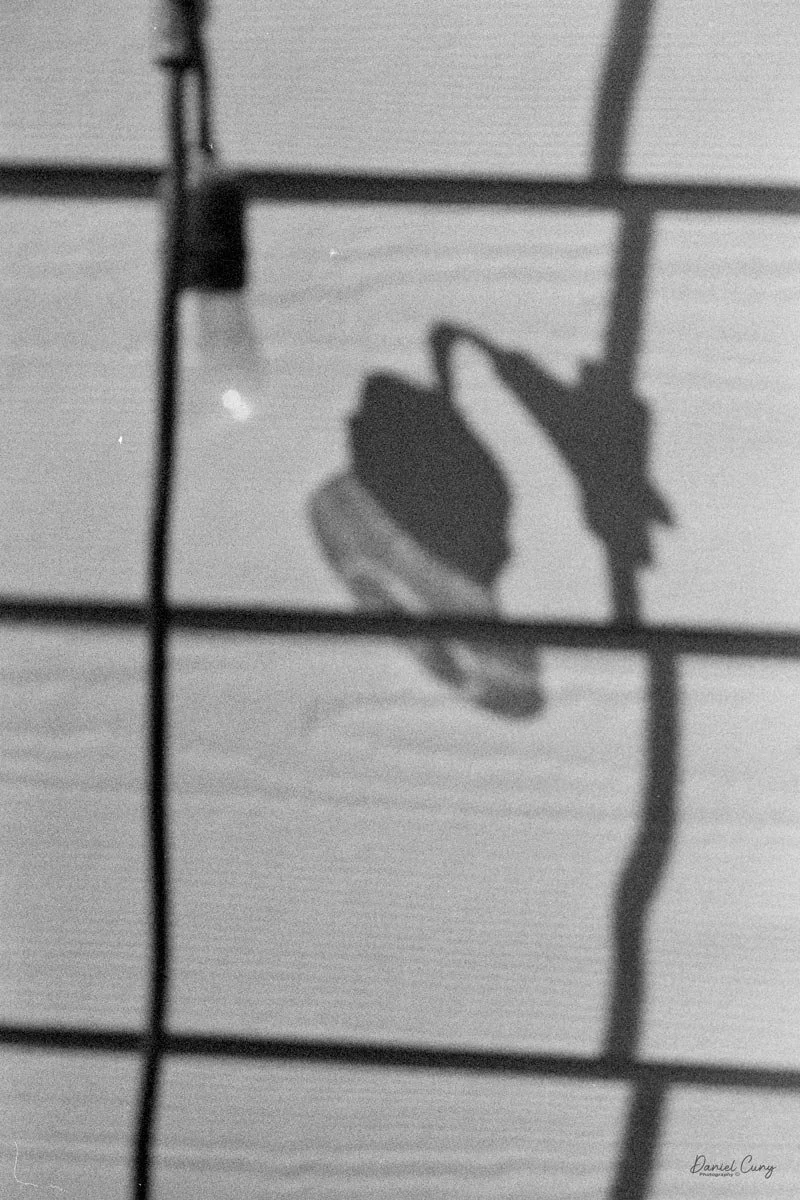
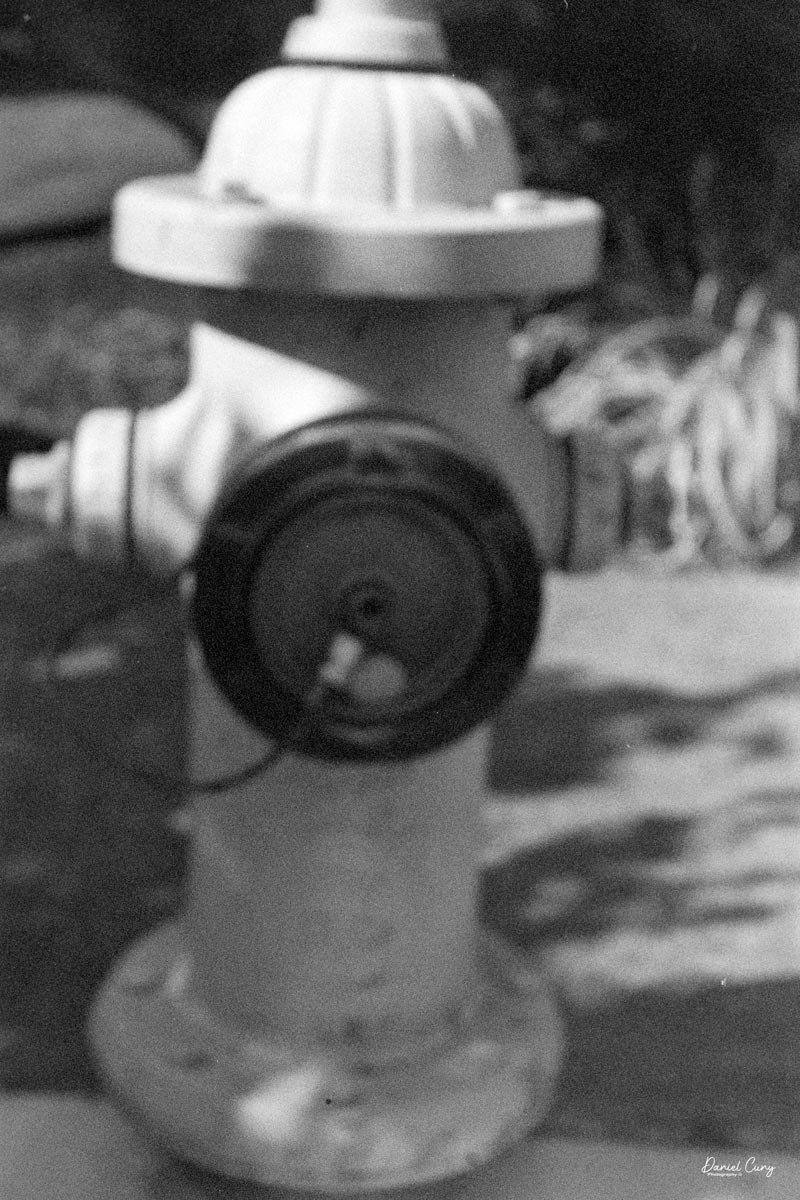
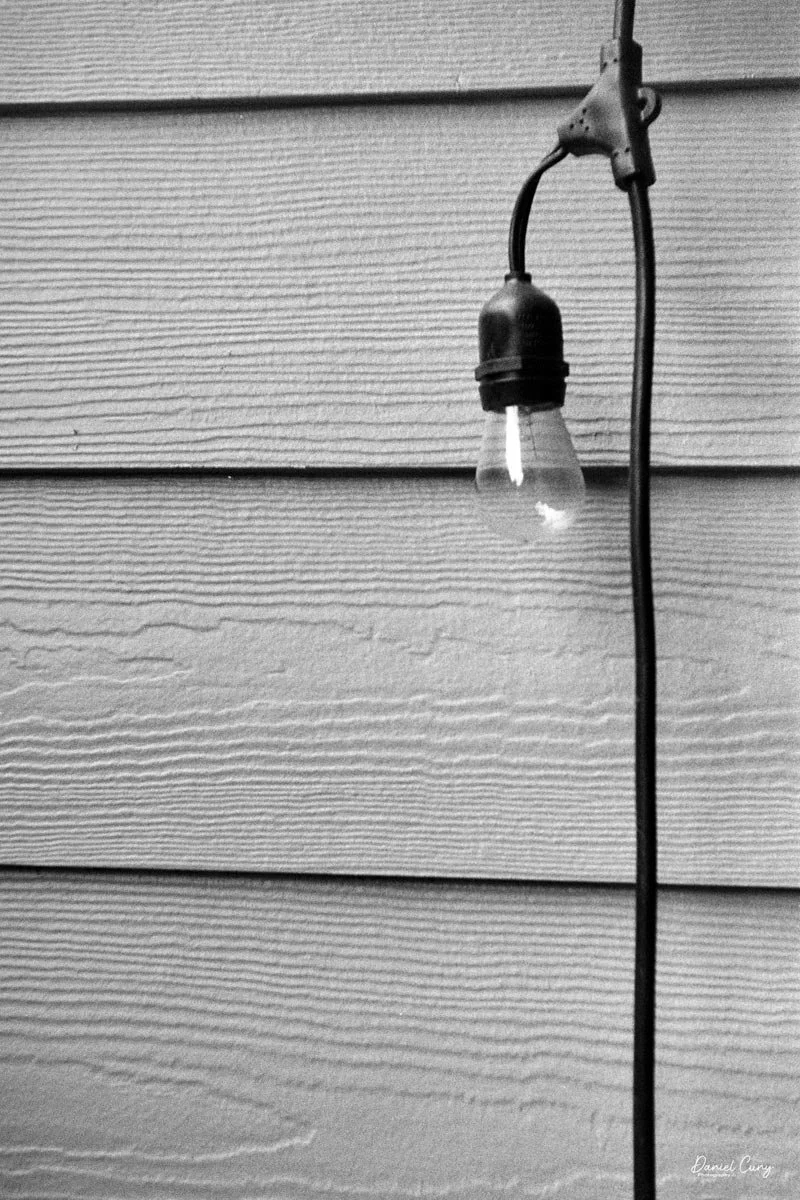
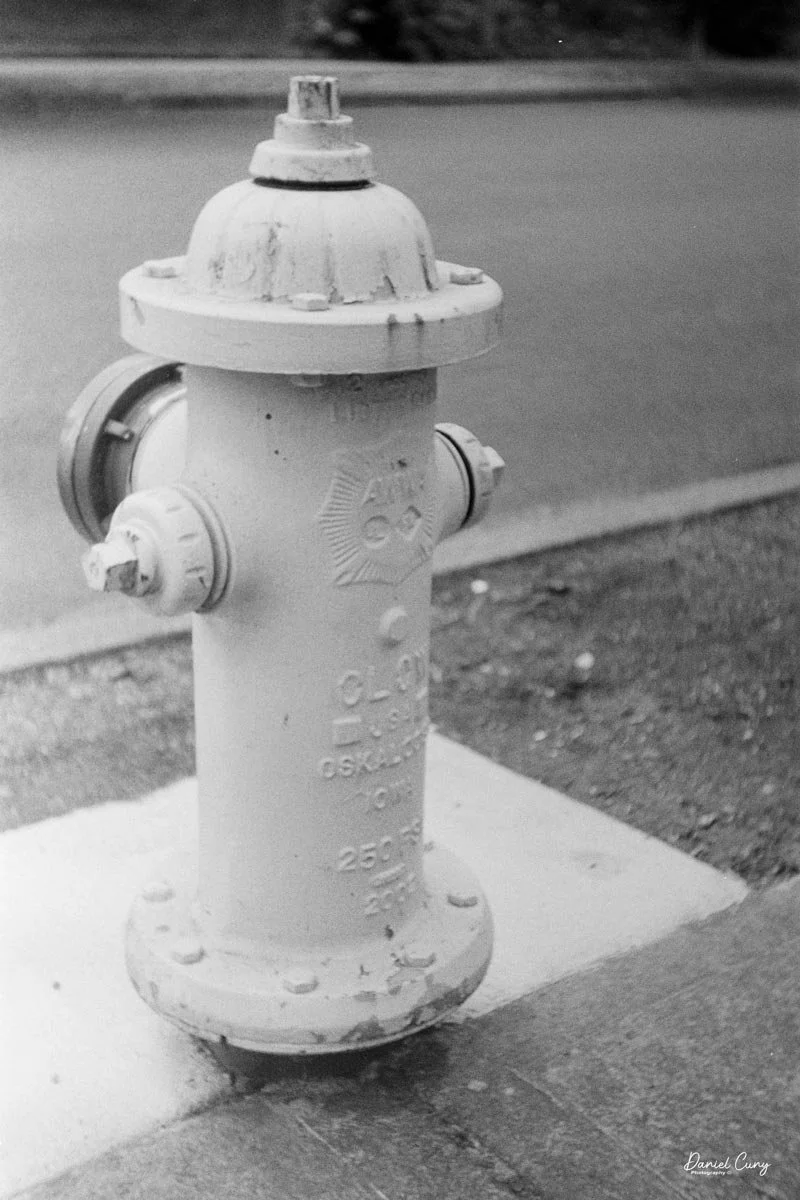
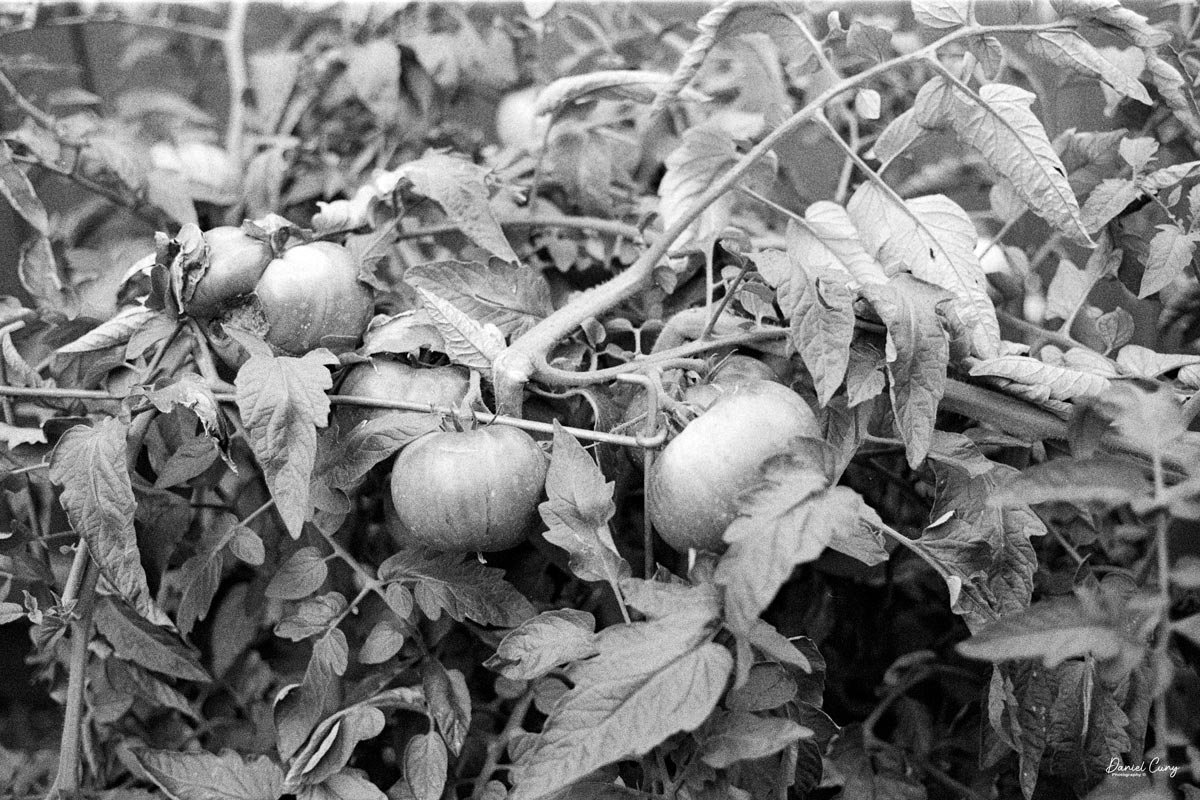
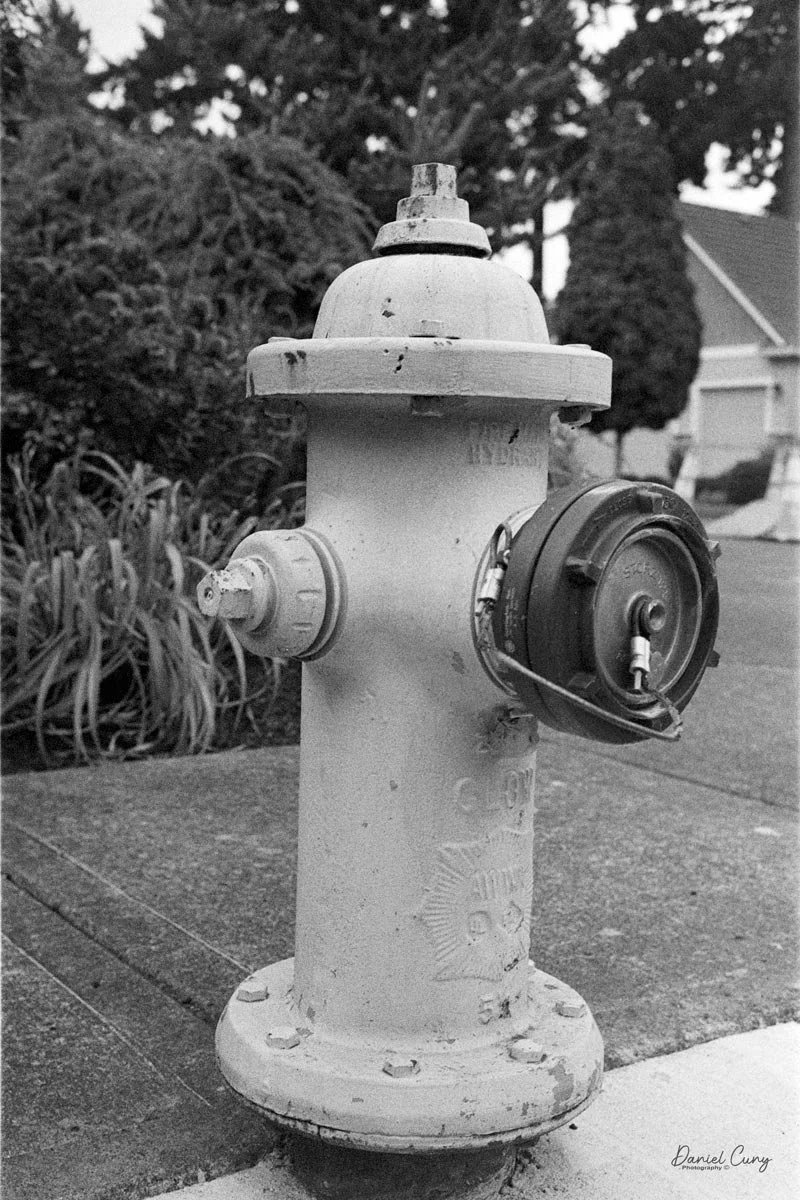
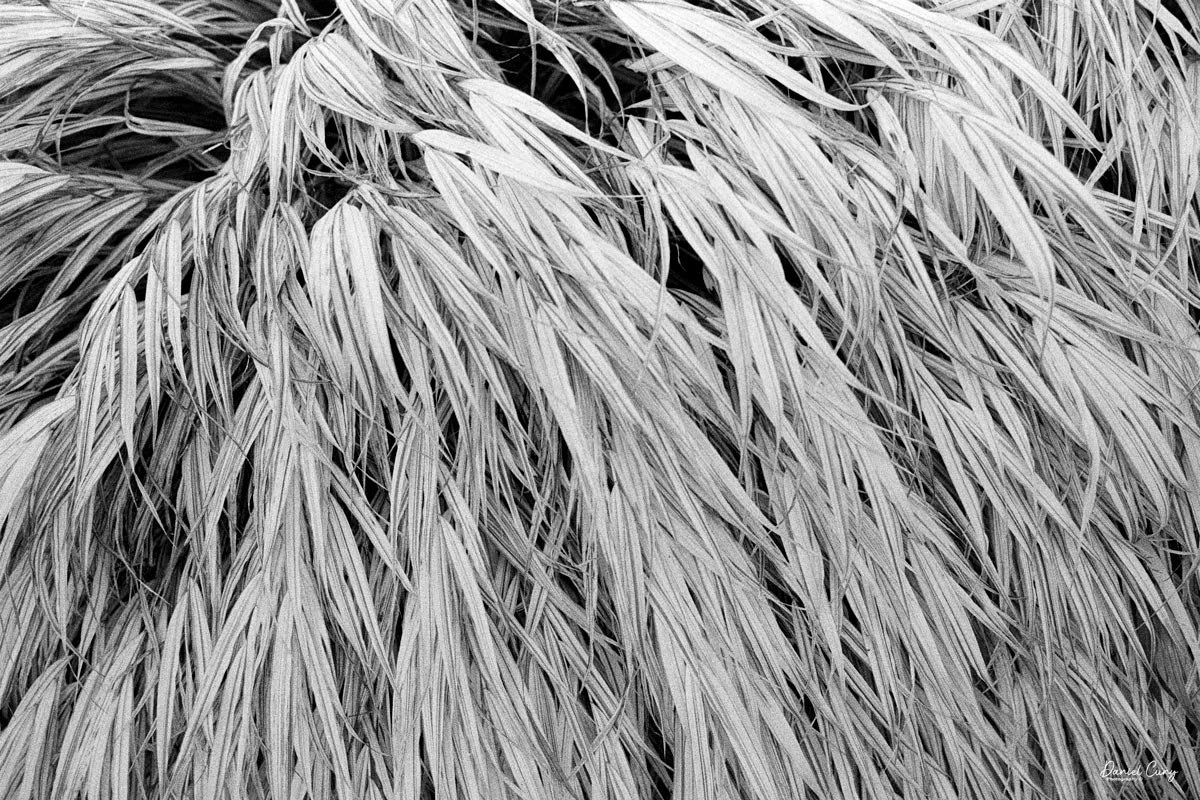
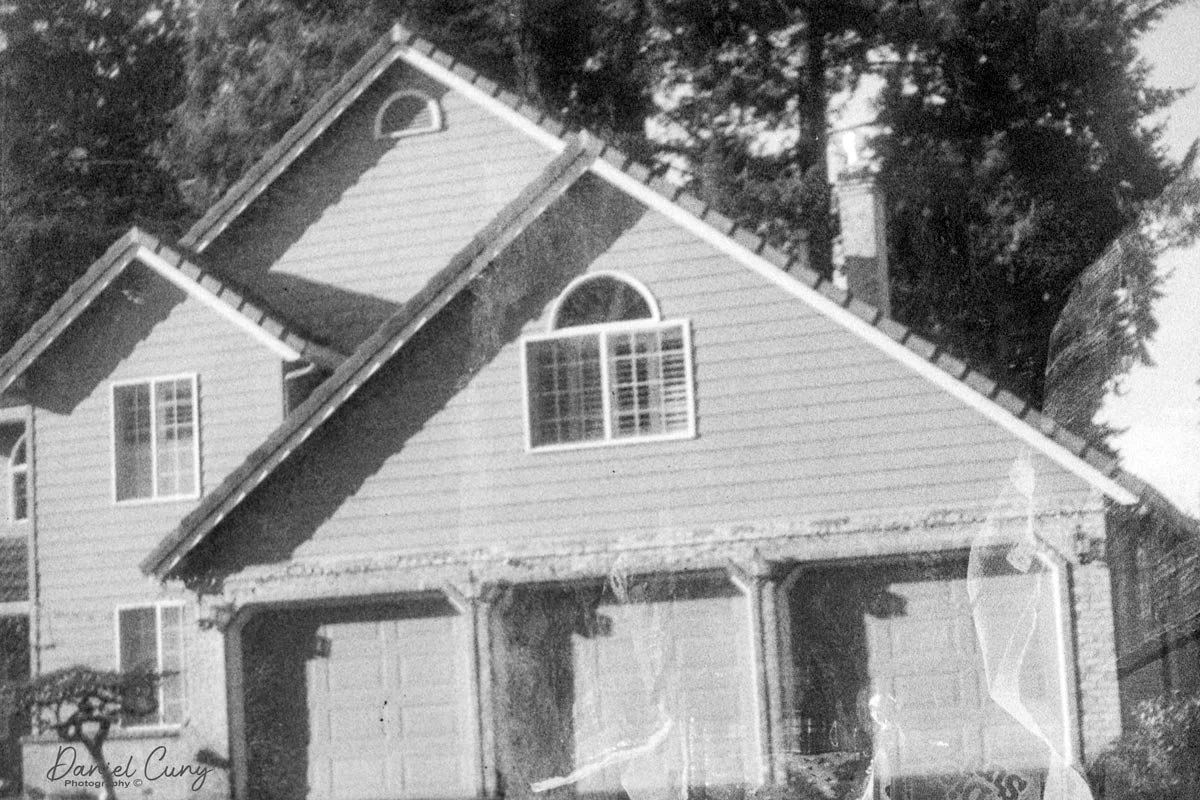
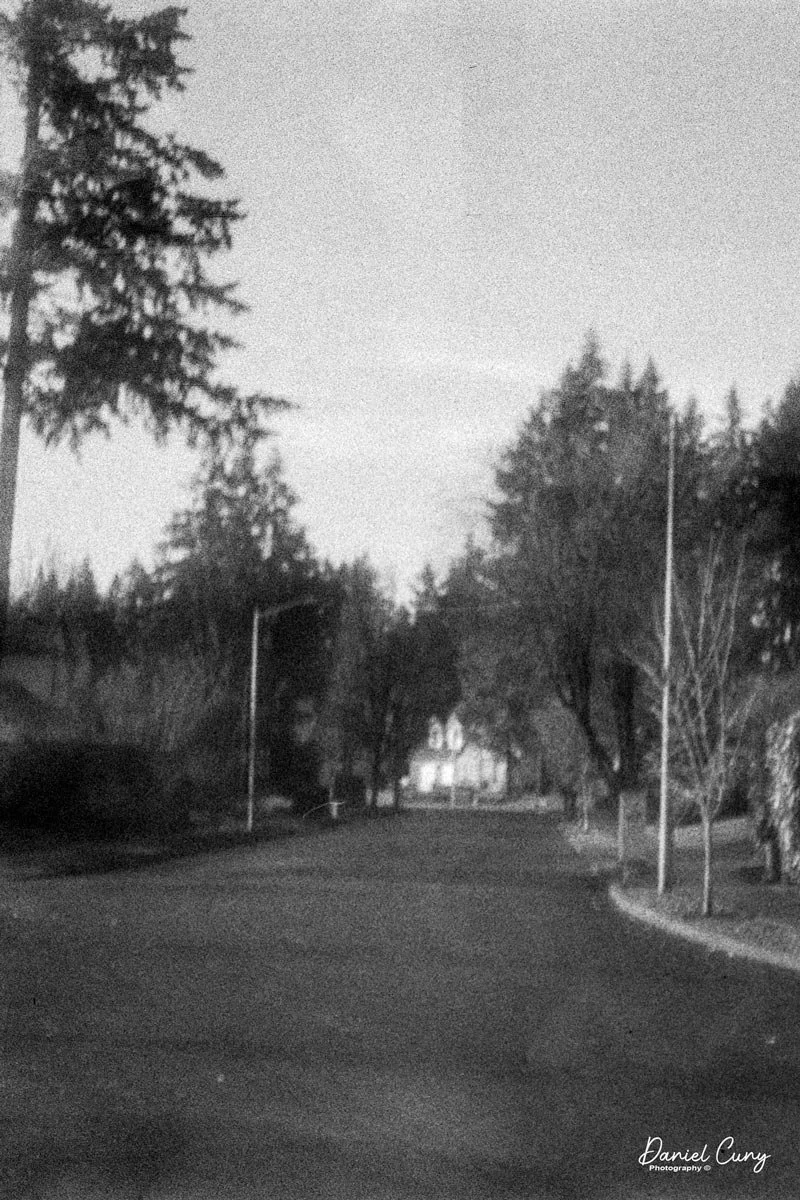
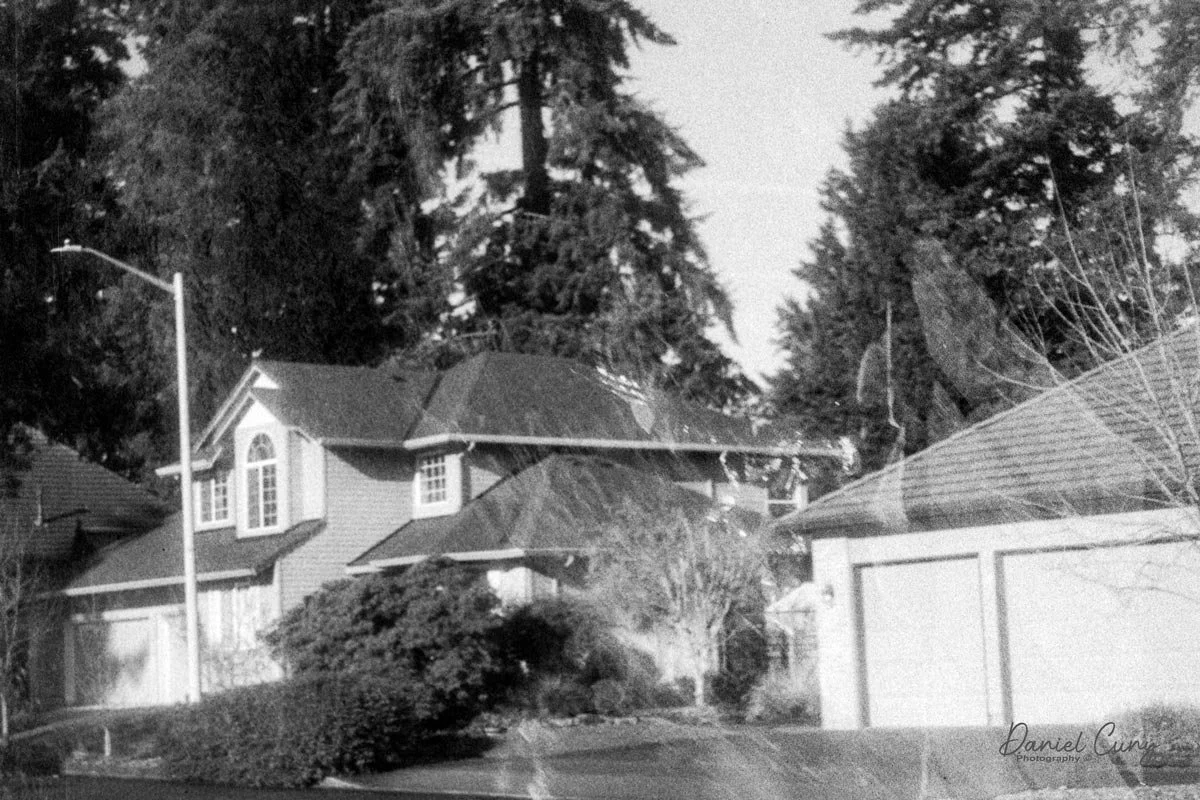
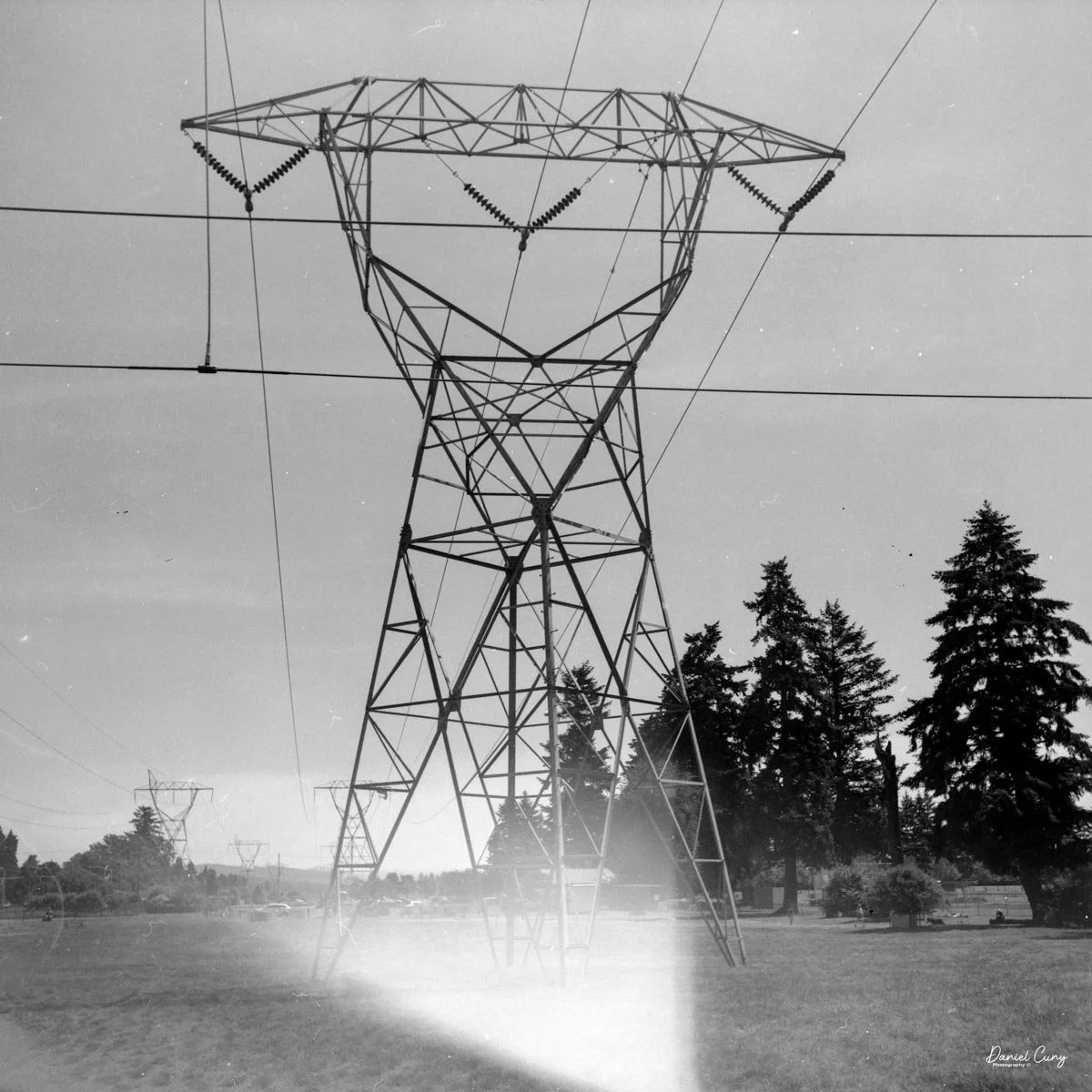
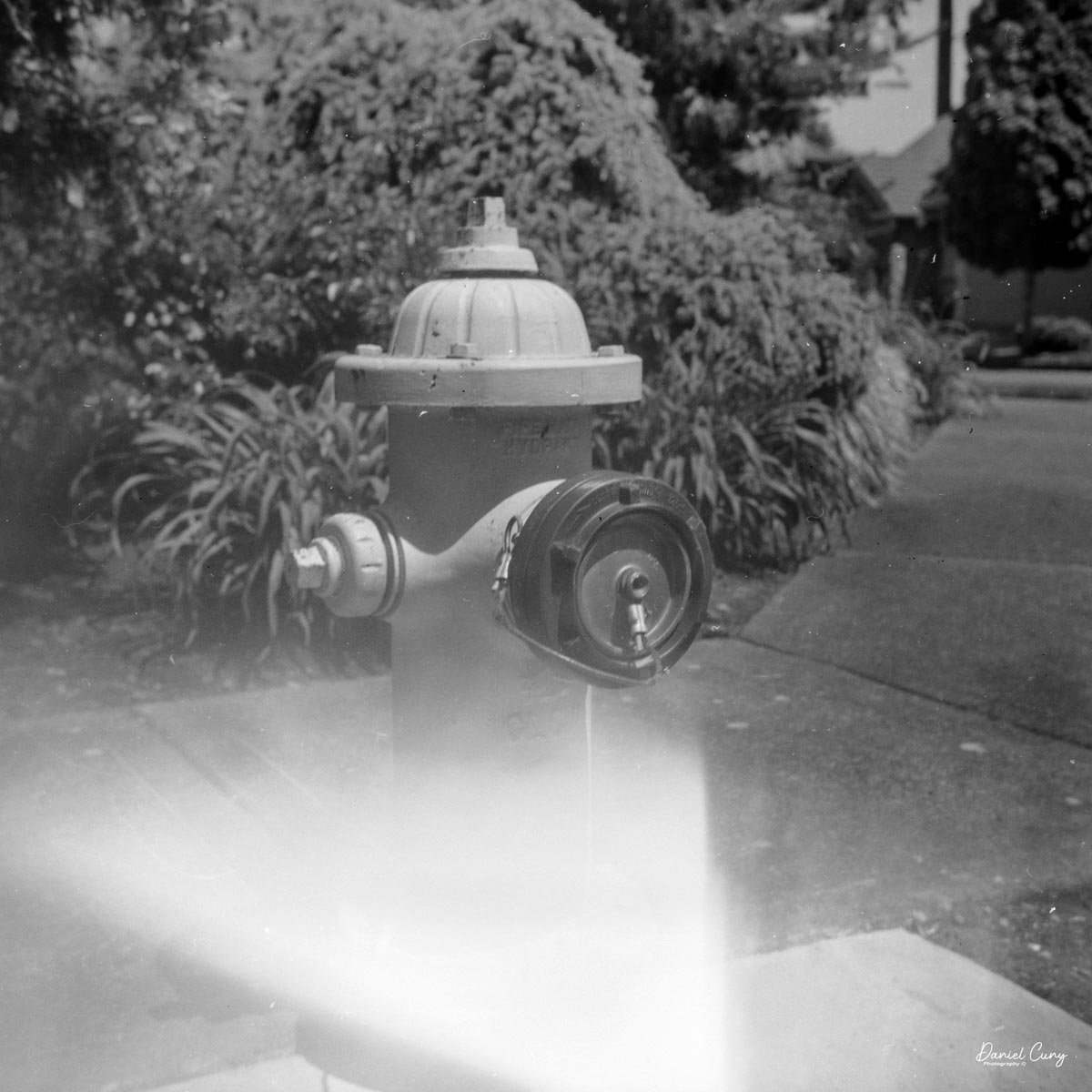
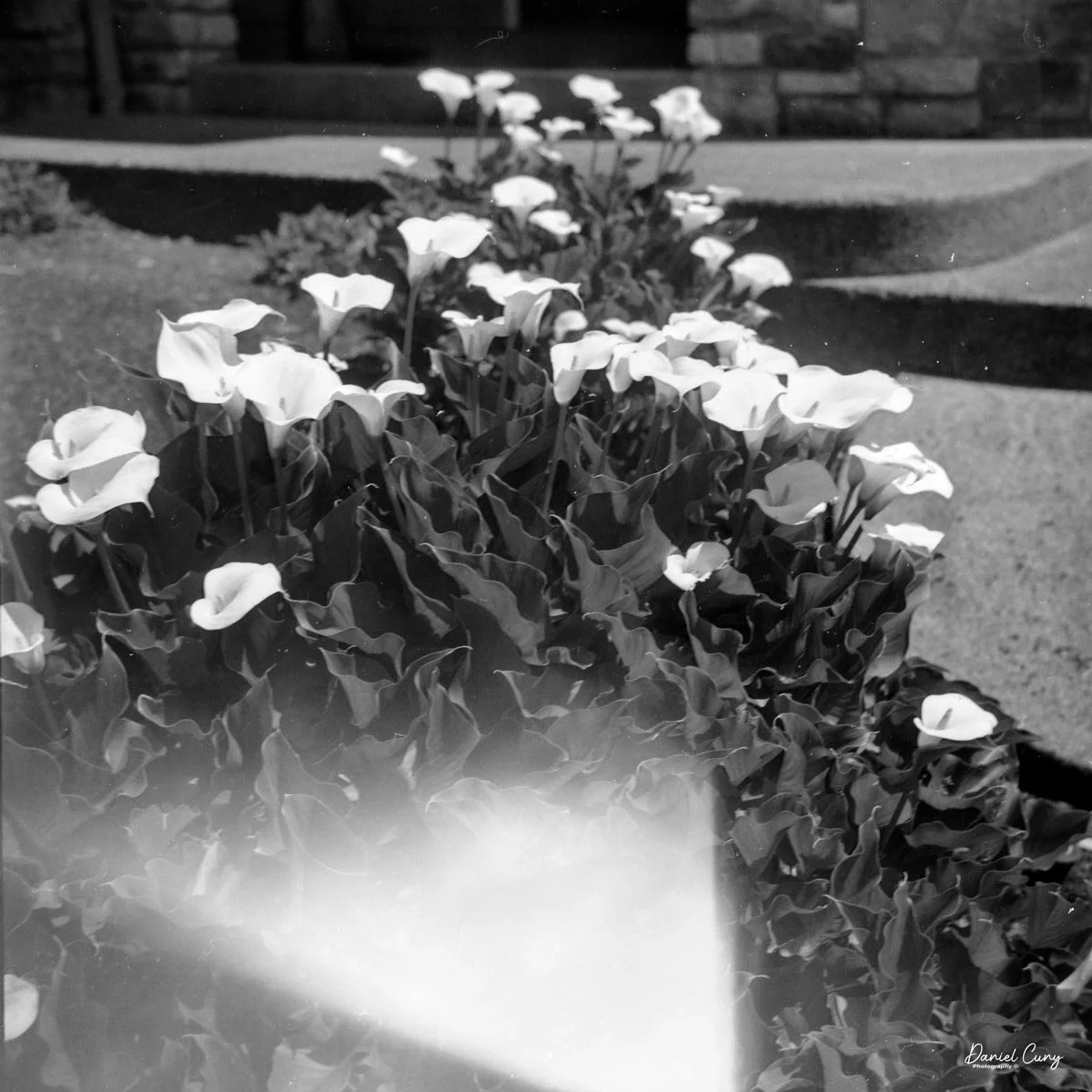
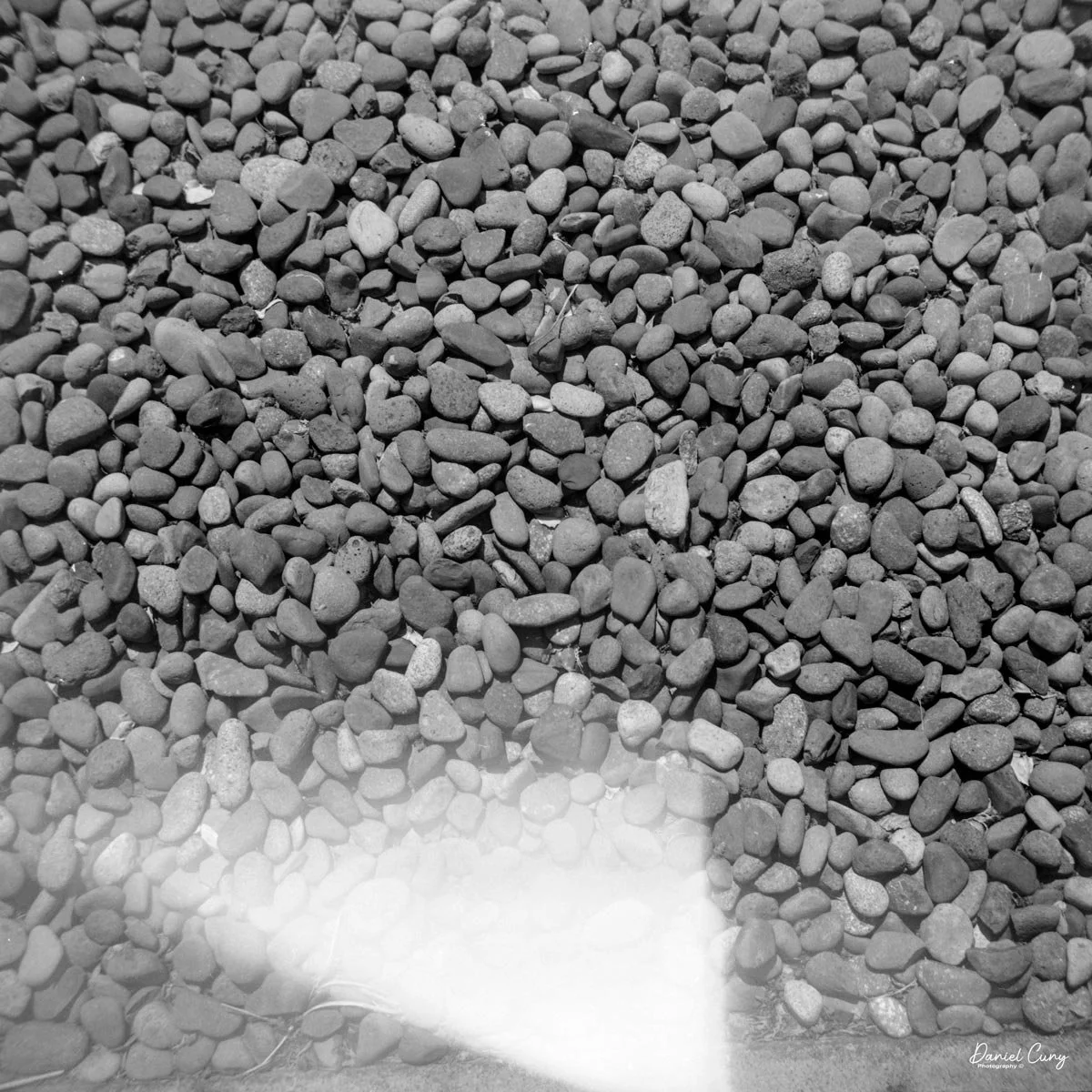
 Here are some images from our walk.

Conclusion:

 I never would have guessed that a 2-inch floppy disk would eventually bring the Nikon F's reign to an end. The MVC-FD5 wasn't a 'pro' tool—it couldn't compete with a Hasselblad for clarity—but it offered something those giants couldn't: the end of the waiting period. It traded resolution for time, a trade-off that eventually redefined the entire industry.

 It's interesting for the young photographers of today to compare this camera to what's available on our phones; it's an eye-opening comparison:

Camera: Sony Mavica MVC-FD5 (1997) Modern Smartphone (Approx.)

Resolution: 0.3 Megapixels (640 x 480) 12 - 48 Megapixels

Storage Media: 3.5" Floppy Disk (1.44 MB) Internal Flash (128 GB+)

Photo Capacity: ~20 "Fine" Image 30,000+ Images

Write Speed: ~4-6 Seconds per photo Instant

 I had owned this camera sometime in the late 1990s. It wasn't long after it was introduced that I purchased a used one. It was in 1999 when I had one. 

 Thinking back, this was a pretty fun camera to shoot with, and now that I have it again, it's fun to hear it make the different noises as it accesses the files to show on the screen. The images are very small and, as mentioned, made for screen viewing, not much resolution to make prints from. Even by today's computer standards, the images look very pixilated due to the higher resolution of today's screens.

 I'm happy to have this camera back in my collection, more as a marker of digital photography's growth than something I'm going to use daily. It is, just like with older film cameras, fun to see how these image-making machines have progressed over time.

 Thank you for taking the time to read a bit about this older digital camera from my collection. Next week will be the final installment of January's Early Digital month, and I have a rare and good one for you. Please remember to keep an eye out for it.

 Here are some of my other Camera Reviews.

 I also have a store on eBay, Cuny's Cameras and Photo, where I sell some of the cameras reviewed, along with many other camera odds and ends. If there's something that interests you, drop me a line, and I'll offer a discount.

 Until next week, please be safe,


Canon PowerShot 350

My Canon PowerShot 350 camera

It wasn't until after my almost twenty years working in a retail camera shop that digital cameras became increasingly popular. At the time, in the late 1990s, I was working in management for professional photo laboratories in the San Francisco Bay Area, a real hotbed for technology. Since I was still working within the photo industry, not in retail but with highly professional photographers, the conversations would be about what cameras and technology they were using.

 Digital photography was in its infancy, and for a professional commercial photographer to go digital during this time cost around $100,000, so there were very few who did. For the commercial photo laboratories, there were conversations about the "death of film", which many laughed at, and if they did take it seriously, it wasn't for many years down the road, and nothing that would happen overnight.

 Not only was the digital craze happening for professional photographers, but also in the consumer market. One of the first digital cameras our family owned was the Canon PowerShot 350. The camera for this blog post is one I purchased recently. When it arrived in the original box, with the manual, software, and many of the original cables, I felt a wave of nostalgia and warmth, recalling family trips and vacations from the late 1990s.

Boxed Canon PowerShot 350, just missing a few items

 As I picked up the camera to refamiliarize myself, my initial thought was that its design and features seemed amateurish compared to today's cameras. It was for the camera manufacturer! What features made sense for the family photographer who, at the time, had a home computer used for word processing, games, and other family entertainment? There was no online entertainment, as the fastest online connection was via a phone line at 28.8 or 33.6 kbps, or, if you were really advanced, 56 Kbps (kilobites per second). The internet was in its infancy, and companies like AOL's "You Have Mail" were dominant in the online world.

 It's interesting to think back on those years. 1997 was also the year I signed up for this online selling platform. At the time, it was very similar to a message board, devoid of photos. You had almost to write code just to sell or purchase items. Everything was done via text, so you had to trust the description of the item only by what the seller was telling you. When the company added the ability to add photos in the early 2000s, it was a great benefit.

 I can still remember that there were no names of people you'd buy from or sell to, but just a number. My number at the time was 1134, and today that company is eBay, the juggernaut of buying and selling mainly used items online.

 I've written about Canon's history before, so in this brief history segment, I decided to focus more on its digital camera history.

History:

 Canon's digital camera history dates back to the mid‑1990s and traces a steady evolution from low‑resolution consumer compacts to today's high‑performance mirrorless and professional systems. Building on decades of film‑camera expertise, especially its EOS SLR system introduced in 1987, Canon created a coherent digital ecosystem of bodies, lenses, and accessories that showcases impressive innovation.

1997 Brochure for Canon PowerShot 350

 The first significant step into consumer digital stills came with the PowerShot 600 in 1996, a compact camera with a 0.3‑megapixel sensor that signaled Canon's commitment to mainstream digital imaging despite its modest specifications. This model launched the long‑running PowerShot line, which would expand into numerous point‑and‑shoot families aimed at travelers, families, and enthusiasts through the late 1990s and 2000s.​

Canon's professional digital efforts grew out of its EOS film SLR platform, which debuted in 1987 as a fully electronic mount system and provided an ideal foundation for autofocus and electronic communication in digital bodies. 

 Early digital EOS models were often developed in cooperation with other companies. Still, in 2000, Canon released the EOS D30, its first digital SLR designed and manufactured entirely in‑house, pairing an APS‑C sensor with the existing EF lens mount.​

 Through the early 2000s, Canon rapidly expanded its DSLR lineup, targeting entry‑level, enthusiast, and professional users with a range of EOS digital bodies that shared a standard lens system. A landmark arrived in 2005 with the EOS 5D, widely noted as the first relatively affordable full‑frame DSLR, bringing a 35 mm‑sized sensor and strong low‑light performance to a broader audience than previous flagship‑level models.​​

Alongside DSLRs, Canon continued to refine compact digital cameras, including the stylish Digital ELPH/IXUS series that emphasized portability and automated shooting modes for casual photographers. These compacts helped popularize digital photography worldwide before smartphones began to erode demand for dedicated point‑and‑shoots in the 2010s.​

 In the late 2010s and into the 2020s, Canon shifted its emphasis toward mirrorless digital systems while continuing to support EOS DSLRs, reflecting an industry‑wide shift toward smaller bodies, electronic viewfinders, and advanced on‑sensor autofocus technologies. Across this progression—from the PowerShot 600 to full‑frame DSLRs and modern mirrorless lines—Canon's digital history is defined by continuous integration of new sensor, processor, and lens innovations into a unified imaging system.​

My Camera:

 My Canon PowerShot 350 is a comfortable camera to hold in your hand and is 3.5" wide by 3.75" tall, and 2" deep, and weighs only 10.2 ounces without 3-AA size batteries to power the camera. You can use rechargeable batteries, or, if you prefer, Alkaline batteries. Initially, the camera came with a battery charger, but it wasn't included with the camera I recently purchased. 

I generally prefer rechargeable batteries for this style of camera, as they perform very well. To put the batteries in the camera, on the inside of the camera's grip is a small lever you slide up to open the battery door. Once the three AA batteries are in the camera, close the battery door to start using the camera.

The Maximum resolution for the Canon PowerShot 350 camera was 640x480 with 24-bit color on a 350,000-pixel CCD sensor. The camera incorporates a 6mm f/2.8 lens and a 0.35-megapixel sensor. The lens is equivalent to a 43mm on a standard 35mm camera. The lens is a fixed focus, with Macro capability. In normal operation, the lens will focus from 26" to infinity. On the side of the camera, near where the lens is, is a slider for macro. Macro will focus from 1.2" to 26" by sliding the lever up and down to achieve focus which you can see on the 1.8" adjustable LCD screen on the back of the camera. The shutter speed range on the camera is from 1/4 to 1/2000, all using an internal TTL, programmed metering system with over/under exposure compensation, which I'll discuss later.

The images are written to a removable CompactFlash card, which fits into the bottom of the camera. At the bottom of the camera is a small door that you slide towards the front of the camera to open. Once opened, you'll see the slot for the 2 MB card that came with the camera. I don't have a 2 MB card anymore, so I had to use the 32 MB card, which is the smallest I currently have. 

 To remove the CF card, on the side of the slot is a small button that is folded to the side. Pull the button up and press in which will slide the CF card out of the camera. After inserting the CompactFlash card, fold the button to the side to close the card door.

On the back of the camera, along the right side of the adjustable screen, are four controls. The top is the power on/off button. Below that is the switch to "record" or "playback" these images on the CompactFlash card. Next is a wheel with +/- controls to adjust the rear screen brightness, and at the bottom is a switch to select image quality: Fine, Normal, or Economy. On a 2 MB card included, you could fit 11 images in Fine, 23 in Normal, or a whopping 47 in Economy.

 When you turn the camera on via a switch on the back of the camera, you do see a "live view" on the adjustable screen on the back of the camera. Next to this very small 1.8" screen by today's standard, there is a wheel that will brighten or darken the image on the screen. Unfortunately, when there is any light outside, the screen is almost impossible to view images, and you'll need to shade it to even see a faint image. 

The same is true when you view the images you've recently taken, which pop up on the screen after the image was taken. Once you shade the screen, you'll be able to see the image better. In low-light or indoor situations, images appear better on the rear screen in both "live view" and playback mode. It's interesting to see the lag time in the "live view" images on the screen and how long it takes for the camera to write the image to the CF card. While photographing the back of the camera for this article, I took a short video showing the lag time of this camera. Here's the short video.

Most of the camera's controls are located on the rear of the camera body. There are two lights on the far left: one for charging the batteries and one for power/busy. They will light up when the camera is on and blink when the camera is "busy" or writing the image to the CF card.

 The four buttons along the top are "W.Bal", setting the white balance for the images. "+/-", the ability to over or underexpose the images by up to four stops in either direction. "Flash" sets the flash modes: On, Off, Auto, and Red Eye Reduction. In "Self timer" mode, the camera will delay the photo by 10 seconds.

 Along the bottom, the four buttons are "Erase", allowing the photographer to erase the photo taken, "N/P" in the top position is for Positive or Negative images to be taken, and on the bottom, "Multi", which allows you to see multiple photos on the screen on the back of the camera. When I put the camera in this mode for image playback, I could see the photos, but they were so small that it was hard to tell which ones they were, especially on such a small screen with low resolution compared to today's standards. Next to that is "Date," which lets you set the camera's date, and the last button is "Remain," which shows the number of images remaining on the CF card. 

Along the side of the camera, under the lens's focus slider, are three ports labeled "video out" and "digital," so you can connect the camera to a television or computer to display its images. The bottom was for the charger to recharge the batteries within the camera.


My Images:

 I took the camera to Frenchman's Bar, a local park just on the Columbia River where I live, to take the dog for a walk and to take photos with the Canon PowerShot 350. It was a surprisingly sunny January afternoon, with incredible scenes of the river and Mt. Hood.

 What an excellent chance to take the camera out to see what it could do. When I got home, I offloaded the images to look at the file sizes. To my surprise, each image had the normal file, along with an incredibly small (2kb)  matching thumbnail file used for preview purposes on the rear screen after taking the photo. The file sizes were 150kb for the Fine resolution, 71kb for the Normal, and 31kb for the Economy.

 Here are some sample images I took during the walk.

Conclusion:

 Since this camera used CF cards for image input, I didn't have to jump through many hoops to get images in and out of the Canon PowerShot 350. Since it was a familiar camera I had owned in the past, it was pretty straightforward, and the one thing I found interesting was the ability to photograph in the negative color range. It was more for gimmickry than functionality.

 Nonetheless, it was fun to pick up and shoot with, but the writing time compared to what we have now is funny. Still, I'm happy to have such a complete camera, aside from a couple of cables.

 Here's a link to my other Camera Reviews.

 I also have a store on eBay, Cuny's Cameras and Photos, where I sell some of the cameras I've reviewed, along with other photographic odds and ends. If you see something you like, send me an email, and I'll offer a discount.

 Thank you for taking the time from your busy schedule to go back almost 30 years to the technology in cameras before 2000. It's impressive how far cameras have come in this short time.

 Until next week, please be safe.

Fujifilm FinePix 4700 Zoom

My Fujifilm FinePix 4700 Zoom and Leica Digilux 4.3 cameras

Sometime in late October or early November 2025, I was sitting back at my desk, looking at some of the cameras around me and thinking about cameras to write about for this blog. There was one camera on the top shelf above my desk that has always piqued my interest, and one that I've had for 15 years or so, but it wasn't a film camera; it was a relatively early digital camera. I hadn't included a digital camera in my blog, but that's going to change.

 To start 2026, it would be a nice change of pace if we went away from traditional film cameras and focused on some of the early digital cameras in my collection. With that said, for January, I'm picking four early digital cameras and writing about them. 

 Focusing on the early digital camera in my collection brought me unexpected challenges that were difficult to navigate at times. For many of the cameras I'm reviewing this month, I had to get my mind, and even more challenging, a computer, the computer's hardware, and software back into the late 1990s to early 2000s. Sharing these experiences can make readers feel connected and motivated to explore vintage digital cameras themselves, especially potential buyers interested in the history behind these devices.

Rear view of Fujifilm FinePix 4700 zoom & Leica Digilux 4.3

 The first camera I'm going to discuss isn't as challenging as some of the cameras I'll be writing about later this month. My difficulties are mainly because I'm still working out some hardware issues with the computer, which I'll discuss in my write-up about the cameras. 

 All of the cameras are in good working condition. Aside from their specific camera menus, which are very basic compared to what we have now, the computer issues have been considerably more challenging and, at times, very frustrating, especially when finding a computer from that timeframe that functions. Still, I'll discuss that when the camera comes into play.

 It is also interesting that Fujifilm makes cameras for other brands. The two most well-known camera companies, Hasselblad and Leica, have had cameras made for them by Fujifilm. The Hasselblad XPan was produced in partnership with Fujifilm. Also, their "H" series lenses and viewfinder were developed with Fujifilm's involvement. 

 As you can see in the photos of the cameras above, the Fujifilm FinePix 4700 zoom is rebranded as the Leica Digilux 4.3. This was the third camera that Leica rebranded. The first was the original Digilux, Digilux Zoom, and  Digilux 4.3

The Company:

 Fujifilm's history in Japan mirrors the country's own journey through modernization, war, recovery, and technological reinvention. The company was founded in 1934 as Fuji Photo Film Co., Ltd., established by the Japanese government to create a domestic photographic film industry and reduce reliance on imports, particularly from Germany and the United States. Its first factory opened in Minami-Ashigara, near Mount Fuji, which inspired the company's name and enduring brand identity.

 In its early years, Fujifilm focused on mastering the complex chemistry of photographic film, producing black-and-white film, photographic paper, and motion picture film. During World War II, like many Japanese industrial firms, it was drawn into wartime production, supplying optical and imaging materials for military use. The war left Japan's economy devastated, but Fujifilm survived and quickly pivoted back to civilian products during the postwar recovery.

Fujifilm FinePix 4700 zoom advertisment

 The 1950s and 1960s marked a period of rapid growth. As Japan rebuilt and consumer culture expanded, photography became increasingly popular. Fujifilm introduced color film to the domestic market and steadily improved its quality, competing both domestically and internationally with companies such as Kodak. At the same time, the firm diversified into related fields, including magnetic tape, optical lenses, and X-ray film, laying the groundwork for its future resilience.

 During Japan's high-growth era of the 1970s and 1980s, Fujifilm became a global brand. It invested heavily in research and development, embracing advanced chemical engineering and precision manufacturing. These capabilities allowed the company to move beyond consumer photography into medical imaging, printing systems, and industrial materials. Fujifilm's strong export orientation also reflected Japan's emergence as a significant technological power.

 The late 1990s and early 2000s posed an existential challenge: the rapid decline of photographic film amid the rise of digital imaging. While many traditional film companies struggled, Fujifilm undertook one of the most notable corporate transformations in modern Japanese business history. Drawing on its expertise in chemistry and materials science, it diversified aggressively into healthcare, pharmaceuticals, cosmetics, electronic materials, and data storage. The company officially changed its name to Fujifilm Holdings Corporation in 2006 to reflect this broader mission.

 Today, Fujifilm remains a symbol of Japanese adaptability and long-term thinking. While it still honors its photographic heritage, its core businesses now lie in healthcare, imaging, and advanced materials. From its origins near Mount Fuji to its global presence, Fujifilm's history illustrates how a Japanese company can evolve with changing times while preserving technical excellence and cultural identity.

My Camera:

 The Fujifilm FinePix 4700 zoom may be the highest resolution digital camera I'll be writing about this month, coming in at a whopping 2mp, with a 1/1.7" SuperCCD imaging sensor which can produce a maximum resolution of 2400 x 1800-sized JPEGs on a Smart Media Card. The Fujifilm FinePix 4700 zoom has a Super Fujinon 8.3-24.9mm lens with a maximum aperture of f/2.8 to f/4.5. This 3x zoom lens is the 35mm equivalent of a 36-108mm lens.

 While the Fujifilm FinePix 4700 zoom is an unconventional vertical-format camera in stature, it is very easy to hold and use. The dimensions of the camera are 4" tall by just a bit over 3" wide by 1.5" thick, and it weighs in at 10.8 ounces with the two "AA" batteries that power the camera.

I don't want to get into the full minutia of everything the camera has to offer and go into each specific button and control, but instead talk about the basic controls of the camera and how I generally use this style of camera, which is similar to probably 95% of the intended users. If you want to look at specifics and know what each button does, you can go online and find a copy of the Fujifilm FinePix 4700 instruction manual.

 Let's start at the beginning. To put in the 2 "AA" batteries, on the bottom of the camera is the battery door. Slide the cover outward, and the door will swing open. Insert the 2 "AA" batteries as shown on the battery lid, then close the lid and slide it back to close the battery door. 

On the left side of the camera is the door where you put in the Smart Media card. Flip the small button downwards to open the memory card door. Insert the memory card so the brass portion faces the front of the camera, and press it in all the way until it stays in the camera. To release the memory card, push it in a bit, as it's spring-loaded, and it will pop out, so you can grab it and pull it out of the camera. Once the memory card is inserted in the camera, you can close the memory card door.

 Above the memory card door is a small speaker; above that is a small button to turn on the flash, which will pop up after the button is pressed. Also on the left side are ports for a charging device, A/V out, and a USB port.

Two main areas control the camera: the selector on top of the camera, which surrounds the shutter release button, and the back of the camera, which is the main control center.

 The top controls the camera's shooting mode. Looking around the dial, from top to bottom, is Set (some of the main camera settings are set here, with controls from the camera's back). The next is Video Mode, then Multi Mode  (continuous shooting), Manual Mode, Auto Mode (the primary setting in red), Portrait Mode, Landscape Mode, and Night Mode. Initially, you'll want to put the camera into "set" mode so you can adjust basic settings.

On the back of the camera are many different buttons, along with two separate screens. One circular screen in the upper right of the camera with directional controls that control certain items once the camera is on and the mode is selected. Located on the lower portion of the camera's backside is a larger 2" rectangular screen with a resolution of 130,000 pixels, which is also used in the "set up" process, along with displaying the image after it is taken.

 Above the 2" screen is a series of five buttons along with a sliding pointer to a red camera or an arrow within a box. Making sure the camera is in the "Set" mode on the top wheel, put the slider to the "red camera", and press the power button inside the slider. One of my favorite things about this camera happens at this point. Inside the circular window you'll see "Hello!" illuminated inside the circular window, and the 2" screen is now in the "setup" mode. When you turn off the camera, "Bye" will appear in the window.

Here is where you'll set the image quality to Basic, Normal, or Fine by moving the directional buttons around the circular window. Next is file size, 640x480, 1280x960, or 2400x1800. Within each file size, you can choose to shoot in Basic, Normal, or Fine, giving you file sizes anywhere from 44kb in Basic and in 640x480 resolution, to 1.9mb shooting in 2400x1800 resolution and in Fine.

 Next is the "auto-off" setting, which is either 5 or 2 minutes, or No. Then moving down to "Frame No." with either Renew or Cont., then below that is "Beep" which can be High, Low, or Off, onto the second page and to "start up scree" either On or Off, and last on the setup screen is setting the Date. Once you make any of these choices, the button on the back of the camera, which has "Menu/Exe", is the button to press to make the changes desired.

With the camera still in "red camera" mode, when you move the top dial to a specific shooting mode, like Portrait or Auto, the lens door slides over and the lens extends from the camera. Now you're in shooting mode, with the camera actually recording images to the memory card. When you're in the "shooting" mode, you'll see information inside the round directional window with details on the zoom function with the buttons pointing up or down, the macro setting on the left side of the window, and the flash setting on the right, and in the center is what "mode" you're in and the frame count.

 Just above the control buttons on the back of the camera is an optical viewfinder to look through to frame your image. You can also click on the "display" button, which will activate the "live video" feed on the 2" monitor on the back of the camera. Also on the back of the camera is a button for the Menu/Exe functions. This button sets the menu item you want to control. In the upper-left corner is a button labeled Shift and a light bulb. It allows you to light up the round window while also seeing other settings within the camera.

These are the basics for using the camera, since it is a sophisticated little camera. You have the option of manual focus, over/under exposure, flash over/under exposure, focus lock, rear screen brightness, white balance settings, image sharpening, and metering types like spot, average, and multi metering, which is the most common for this camera.  I didn't even touch on the video capabilities of this camera, which were relatively plentiful for a small digital camera from this era.


My Results:

 To look at the different resolutions and shooting modes, I photographed a film box in my portable studio to compare image quality. I'm sure there's going to be a vast difference since the smallest file is only 44kb and the largest is 1.9mb.

Here are some screenshots in Photoshop showing the image size of the smallest and largest files taken with the Fujifilm FinePix 4700 zoom.

I also took a regular and macro shot, which you can see here.

Then I used the camera at our New Year's Eve get-together with some neighbors. I'll have to admit, I haven't made it to Midnight for many years.

Conclusion:

 It's nice to pull out some of the older digital cameras and run them through their paces every once in a while. The camera is compact, easy to use, and fun to shoot with. While there are many drawbacks to cameras from this era, such as file size, and in many cases the phone you have takes better photos, it often lacks many of the controls a real camera has (yet).

 Thank you for taking the time to travel back in time about 25 years, when digital cameras were coming into their own and putting film companies out of business, except for Fujifilm, which diversified and actually embraced digital.

 Feel free to look through my other Camera Reviews.

 I also have an online eBay store, Cuny's Cameras and Photo, where I sell many of the cameras I've reviewed, along with other cameras, lenses, and camera accessories. If you find something there, please let me know, and I'll offer a nice discount.

 Until next week, please be safe.
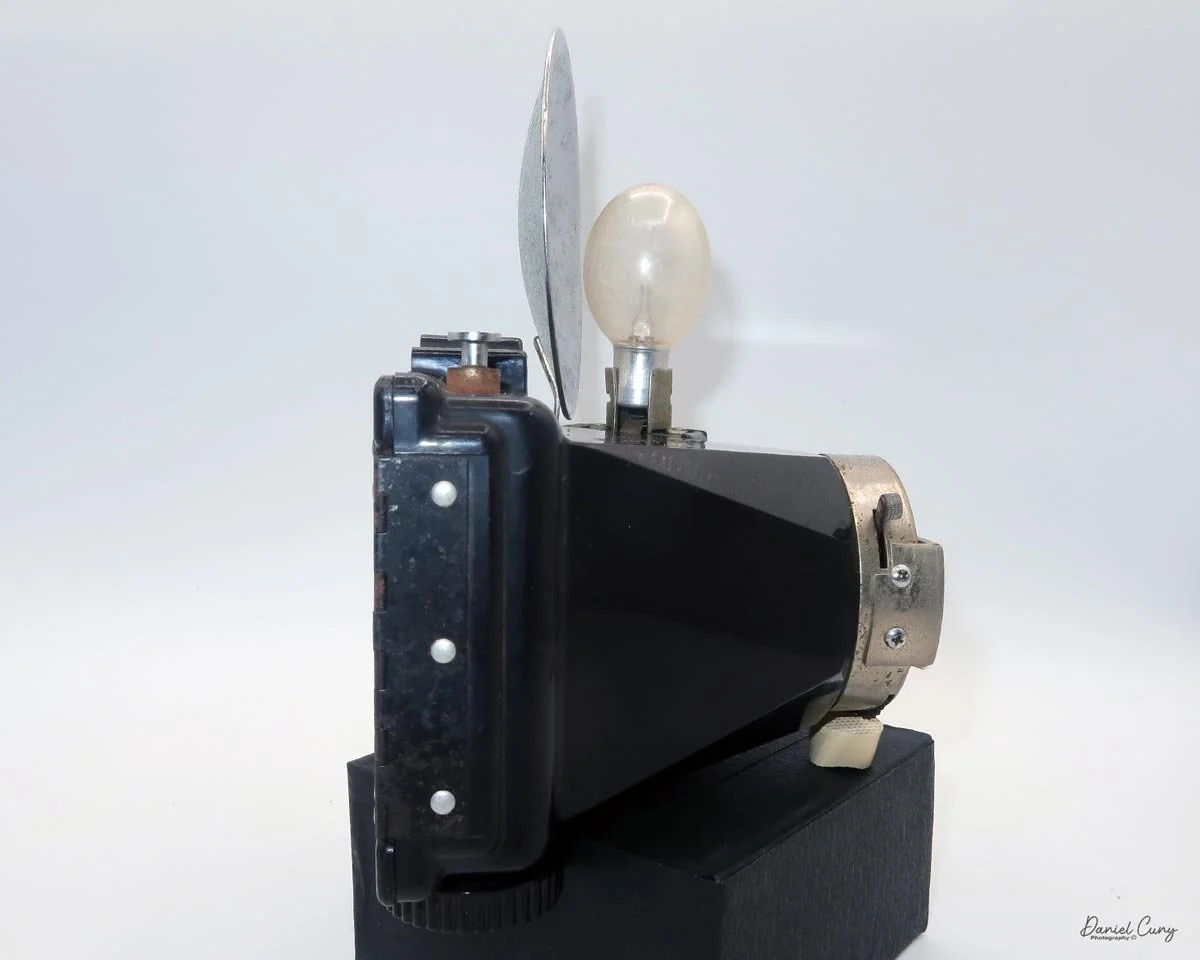
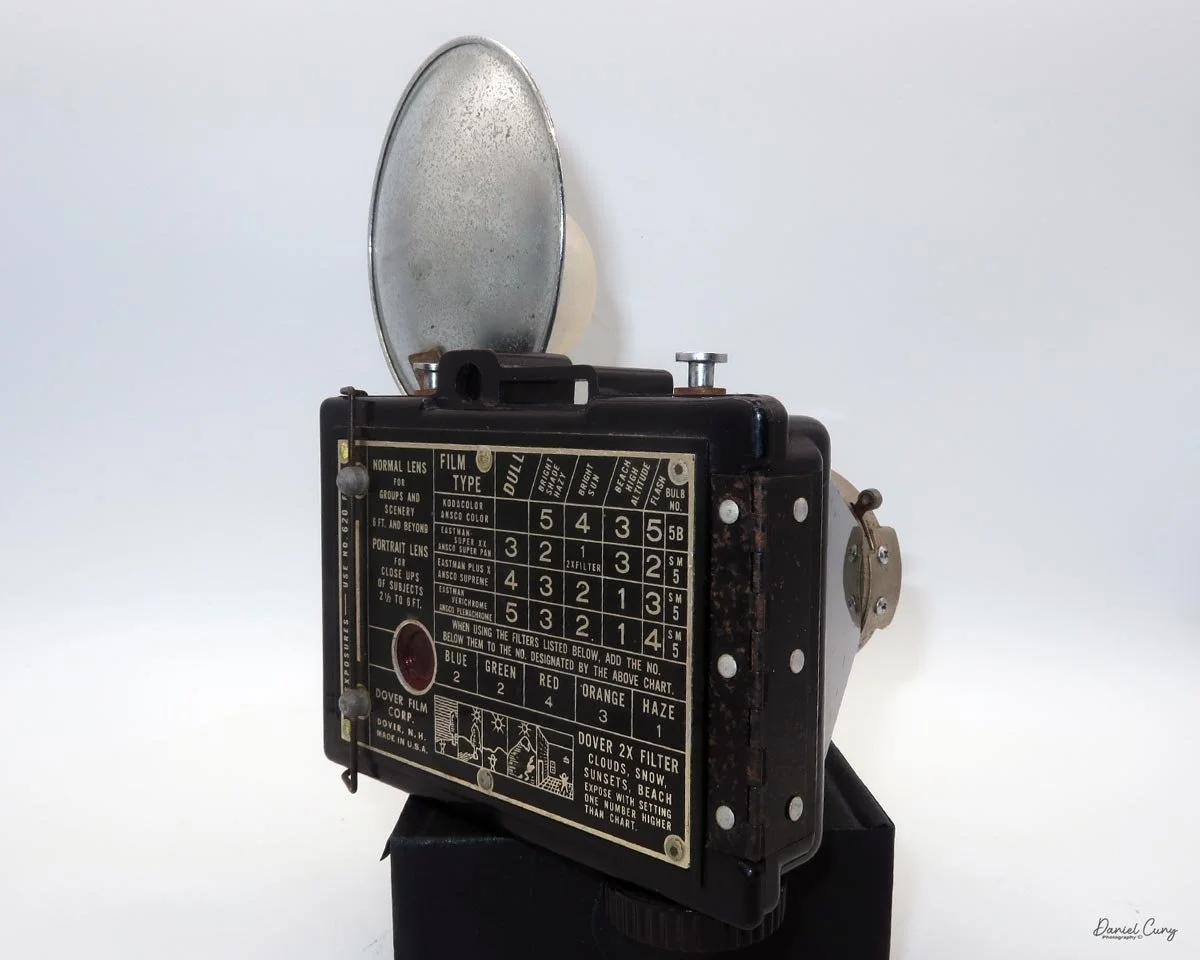
Lumiere LuxBox (Ver. 2)

My Lumiere LuxBox camera.

I was drawn to the Lumiere LuxBox, a camera I bought at a Paris flea market 20 years ago. Among other simple cameras, its unique shape and brown color caught my eye.

 When I picked up the camera, I saw it was in great shape. The two-speed shutter worked, there were two aperture settings on the lens, and the crinkle-finished metal body looked nice. I liked the lens pattern and the riveted nameplate on the front. The design reminded me of Ferrania Rondine cameras from Italy. You can unlock the film insert and remove it from the body from the side, unlike many other box cameras. The solid metal body was another thing I liked.

 After a short negotiation with the vendor, we agreed on a price. I paid, put the camera in my backpack, and moved on to the next tables at the market. Other than a group of fabulous glass negatives taken in the French countryside during the 1920s, the Lumiere LuxBox was the only camera purchased at the Paris flea market on this day.

 About 20 years later, and just a few weeks ago, I was searching for a camera to write about. The Lumiere LuxBox caught my attention again. I was somewhat familiar with the French Photographic Company, Lumiere, as I have previously written about another one of their wonderful miniature camera, the Super ELJY camera.

 Although I thought last week’s blog would be my final post of the year, its simplicity inspired me to shoot a roll of film and share a short article. So here I am, telling you about this relatively simple, ordinary, oddly shaped box camera from France, made in the early 1950s.

History:

 To give some background, Lumière was a pioneering French camera company founded by Charles-Antoine Lumière in Lyon in the late 19th century. The company became best known for the achievements of Auguste and Louis Lumière. Their innovations in motion-picture technology and color photography helped define early cinema and modern photographic materials.

Lumiere Advertisment

 The Lumière enterprise began as a manufacturer of photographic plates. Louis Lumière invented a highly sensitive "blue label" dry plate at the age of 17. This plate enabled much shorter exposure times and quickly became a commercial success. The company soon built a large factory in Lyon's Monplaisir district and became one of Europe’s major suppliers of photographic materials by the mid‑1890s.

 After their father saw Edison’s Kinetoscope in Paris, Auguste and Louis developed the Cinématographe, a lightweight device that could record, print, and project movies. Patented in 1895, it used perforated film and a claw mechanism, making it more practical than other systems. This led to the first public film screenings, including “Workers Leaving the Lumière Factory.” Imagine how exciting that was for photography fans then.

 By the early 1900s, Lumière stopped making films and focused on photographic technology, especially color processes. In 1903, they patented Autochrome Lumière, a color plate process that used dyed potato-starch grains. It was introduced in 1907 and became the first major color system widely used through the 1930s. Learning about these innovations makes me appreciate their cameras even more.

 Lumière began manufacturing cameras in the late 1920s and produced various models until about 1961. The company was purchased by Swiss firm Ciba in 1961 and later became part of Ilford France. For collectors like me, the Lumière name still stands out in early photography and cinema. sures 4.5 inches tall (including the eye-level finder), 4.25 inches deep, and 3 inches wide (including the film advance knob). It weighs 14.2 ounces without film loaded. 

My Camera:

 The LuxBox was introduced in 1933 and discontinued in 1937. It’s a classic box-style camera that takes 6x9cm photos on 120 film. The camera has shutter speeds from 1/75 to 1/25, plus "T" and "B" settings. It also has a focusable lens and was considered the most advanced box camera of its time.

The LuxBox was reissued from 1952 to 1954, which is when mine was made. It’s an all-metal camera without a leather covering, with a frosted Havana-colored paint finish. There is a small vertical eye-level finder on top for composing your shot. This version takes 6x9cm negatives with 620 film, which is very similar to 120 film but uses a different spool size.

The camera has a simple lens and shutter unit. The shutter provides two speeds: 1/75 (fast) and 1/25 (slow), plus a "B" (bulb) setting for manual exposure holding. There are two fixed-aperture settings at the 4:00 position (when facing the lens): "2" (wider opening for brighter images) and "1" (smaller opening for greater depth of field and less light). A PC flash port at 2:00 allows flash connection. There’s no cable socket for time exposures, so you must hold the shutter release manually for long exposures. The bottom of the camera has a standard tripod socket for stability.

To load film, find the locking button on the left. Slide it up to unlock, then pull the right side away from the body. Load film as with other box cameras.

 Move the empty take-up spool from the bottom compartment to the top so it can collect the unspooled film. Place the new roll of film into the bottom compartment, ensuring the ends of the spool fit securely into the peg slots. Pull the leader paper over the guide wheels and insert it into the empty spool’s slot. Turn the winding knob until the word "start" appears on the backing paper. Slide the film chamber back into the camera body and lock it in place with the button. Then, open the red window cover on the camera's back and turn the winding knob until the number "1" appears, indicating that the first exposure is ready.

This camera has a few technical settings.

 Let’s load film and see what results we get.


My Results:

 I loaded the camera with a roll of 100 ISO 620 film I keep for cameras like this. I probably should have used 400 ISO film, since it was overcast, though the sun peeked through at times. We took our daughter’s dog to the local dog park for exercise and photos.

 Here are some of the results from our walk at the Dog Park:

Conclusion:

 The camera is fun to use thanks to its extra shutter controls. As someone who likes the 6x9 cm format, I enjoy capturing a larger area in each photo.

 The main downside for me was the tiny viewfinder window. A standard waist-level finder would have made the camera easier to use and more like the original 1930s model.

 I think this model was brought back in the early 1950s to cut costs but still offer decent image quality. Although I may not use it again, testing it for this article let me revisit why it stood out to me in Paris, and now it has a place on the shelf among my other colored cameras.

 Feel free to check out my other camera reviews.

 If you’re interested in any of the cameras I’ve reviewed, you might find them in my eBay store, Cuny’s Cameras and Photos. I have lots of odd and unusual photo items for sale.

 Thanks for taking a few minutes to read about this mid-century French camera made after WWII.

 Until my next review, take care.

Voigtlander Prominent 35mm

My father-in laws Voigtlander Prominent

I'm unsure if I'll be able to get another posting out before the beginning of 2026, since Christmas and New Year's fall on the day I generally publish my reviews. Since this might be the final post for 2025, I wanted to make it a special review. 

 Special in the sense that, while the Voigtländer Prominent is an outstanding camera, what makes this camera especially special to me is that my father-in-law owned it, so it holds an even greater, much more cherished place in my collection.

 Let me tell you a bit about my father-in-law. He was the oldest of seven children living in a very small town named Sugar Creek, MO, just outside Independence. They were not a wealthy family, as the father worked at the local refinery. I was told that the house was so small that some of the children had to sleep in closets. At 18, he married my mother-in-law, who was only 17 at the time. By the time he was 22 and my mother-in-law was 21, they had three children.

 Soon after they were married, he joined the Army, where they were stationed in Augusta, GA, where my wife and the third child were born.  When my wife was only 6 months old, my father-in-law and the family were transferred to Naples, Italy. With his wife and three young children, my wife moved to Italy.

My father-in-law always had a passion for photography and, from what I'm told, purchased the Voigtländer Prominent while stationed overseas. After their time in Italy,  the family moved back to the USA. At this point, my father-in-law found a local camera store back near Kansas City, where he honed his photographic skills using the Voigtländer Prominent he purchased overseas.

Voigtlander logo and Prominent name on top of the camera.

 After the camera store, he was hired by Procter & Gamble to sell Duncan Hines cake mixes. He climbed the corporate ladder, moving his family with each promotion due to his outstanding managerial and sales skills. All the while, he still had a passion for photography. He was always taking photos of the family and eventually ended his career as a top executive at some of the largest Fortune 500 companies.

 This article is not only about a truly amazing camera, but also an ode to my father-in-law. Someone I looked up to in my career helped me in so many ways and was a warm, loving, generous, and caring individual. He passed away way too early from an auto accident, almost 30 years ago. We still have his Voigtländer Prominent, which he used, and it's in remarkable condition. For the final post, I wanted to write about this truly excellent camera, which means so much to all the family members.

 I've had the opportunity to purchase other Voigtländer prominent cameras, both the original and the Prominent II, with the standard Ultron and Heliar lenses, along with many different lenses and accessories for their cameras. Still, the camera from my father-in-law is off-limits. It will stay in my collection until I'm no longer around.

 I've reviewed other Voigtländer cameras, so I've written about their history in the past. Let me focus on the history of Voigtländer in a specific timeframe: after World War II, when they rebuilt a fantastic camera brand.

Voigtlander Post World War II:

 Voigtländer emerged from the Second World War with its Braunschweig factory largely intact and quickly resumed work under British military oversight, initially dedicating much of its output to Allied reparations until the new West German currency was introduced in 1949. This relatively undamaged industrial base, combined with a strong pre‑war optical tradition, allowed the firm to re‑establish itself rapidly as a key player in the post‑war German camera industry.​

 In the immediate post‑war years, Voigtländer revived and modernized pre‑war designs, adding new anti‑reflection coatings to lenses and continuing large‑format and medium‑format lens production. The company remained under the ownership of the chemicals and photographic‑paper firm Schering AG, which had acquired it in the 1920s, providing financial stability in a challenging economic climate.​

From Voigtlander Catalog Credit: Pacific Rim Camera

 The 1950s became Voigtländer's golden decade, marked by a broad range of high‑quality cameras and lenses that cemented its international reputation. Compact 35mm lines such as the Vito and the more sophisticated Vitessa appeared alongside the professional Prominent 35mm rangefinder. At the same time, optics like the Ultron, Nokton, Apo‑Lanthar, and Heliar established the brand as a leader in lens design. In 1952, Voigtländer introduced the Apo‑Lanthar 105 mm f/4.5, and in 1959, it launched the 36–82 mm f/2.8 Zoomar, one of the first interchangeable zoom lenses for 35mm still photography.​

 In 1956, Schering sold Voigtländer to the Carl Zeiss Foundation, bringing it into the same corporate orbit as Zeiss Ikon while initially keeping manufacturing and sales structures separate. Throughout the late 1950s and early 1960s, Voigtländer expanded into leaf‑shutter SLRs and advanced models such as the Bessamatic and Ultramatic, but the cameras were complex and costly to build. As Japanese manufacturers increased efficiency and undercut prices, Voigtländer's high production costs and conservative designs became major competitive disadvantages.​

 In 1965, Zeiss‑Ikon and Voigtländer's sales operations were combined, but falling sales led to the decision to cease camera production and close the Braunschweig factory on 4 August 1971, affecting over 2,000 employees. The physical works were reorganized as Optische Werke Voigtländer, with shared ownership between Zeiss, Rollei, and the state of Lower Saxony. By 1974, Rollei had taken complete control, continuing to produce lenses and cameras under the Voigtländer brand until its own financial collapse in the early 1980s.

 The trademark then passed through German photo retailers and, from 1999, has been licensed to Cosina in Japan, which uses the historic name on modern manual‑focus lenses and niche film cameras, giving Voigtländer a new life in the era of digital photography.

My Camera:

 My Voigtländer Prominent comes with the standard Ultron 50mm f/2.0 lens. The camera body serial # B 46551, and lens serial # 3782651. With this camera, there is a Voigtländer UV filter that I generally leave on the camera, along with a yellow filter for black-and-white photography, a rectangular metal lens hood, and the fitted brown camera case. The camera is 5.5" wide by 3.5" tall by 3.5" deep, and weighs 2 pounds, 0.8 ounces without film.

 The Voigtländer Prominent has some weight to it, and for me, it feels very comfortable in my hands. Maybe because it resembles an SLR more, like what most people are used to with rangefinder cameras. The camera has a somewhat peculiar layout and is something you'll need to get used to.

When you put the camera to your eye, the viewfinder is on the right side of the camera, which, for many, is different. The majority of cameras have the viewfinder either centered or more to the left than to the right. The focusing ring isn't on the lens, but located on the rewind knob. As you turn the outside of the rewind knob, generally used to rewind the film in the film cassette when you're done with the roll, on the Voigtländer Prominent, it focuses the lens. 

Looking through the viewfinder, the rangefinder is bright, with the yellowed area in the center clearly visible. With your left hand, turn the outer ring of the rewind knob to focus on your subject. Once the image is in focus, take your photo. Under the focus distance is the camera's depth of field guide for the aperture used. 

To take a photo, on the right-hand side of the camera is the film advance lever; wind it clockwise to advance the film. The same motion that advances the film also moves an internal bar that cocks the shutter. The shutter speed dial on the Syncro-Compur shutter is set by turning a ring just in front of the shutter cocking lever. The shutter speeds on this camera go from 1/500 to 1 sec, with "B" for timed exposures. According to the Voigtländer Prominent camera manual, it's best to set the 1/500 shutter speed before winding the camera, which cocks the shutter. You can set any shutter speed once the camera's shutter is cocked, but 1/500's not recommended.

If you want to use the camera's self-timer, it can be manually set by pulling down on the shutter's cocking lever once the camera is cocked. This sets the camera's self-timer to approximately 10 seconds when the shutter release is depressed. The camera's shutter release is the larger button on the top of the camera, just to the left of the film transport knob. Behind the shutter release is the cable release socket for timed exposures.

Top view of Voigtlander Prominent camera

Looking at the lens, the aperture is set by turning the aperture ring in the direction that produces a properly exposed image. On the Ultron 50mm lens, the aperture goes from F/2.0 to F/16. To remove the lens from the body, on the bottom of the lens is a large button you press in; interestingly, you can remove the lens by turning it left or right. Likewise, to put the lens onto the camera body, make sure the large button is on the bottom. You can mount the lens either to the right or left as long as the button end is on the bottom.

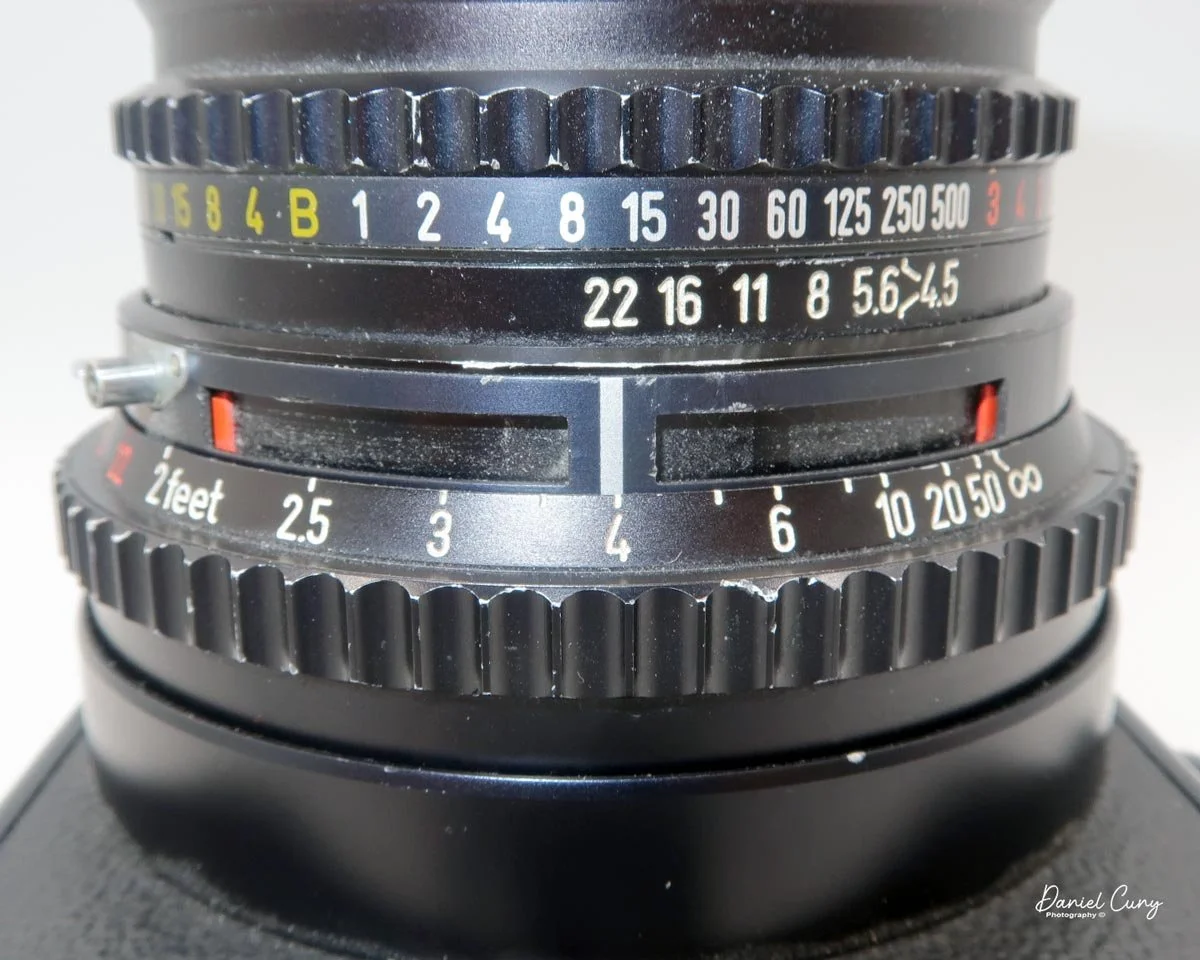
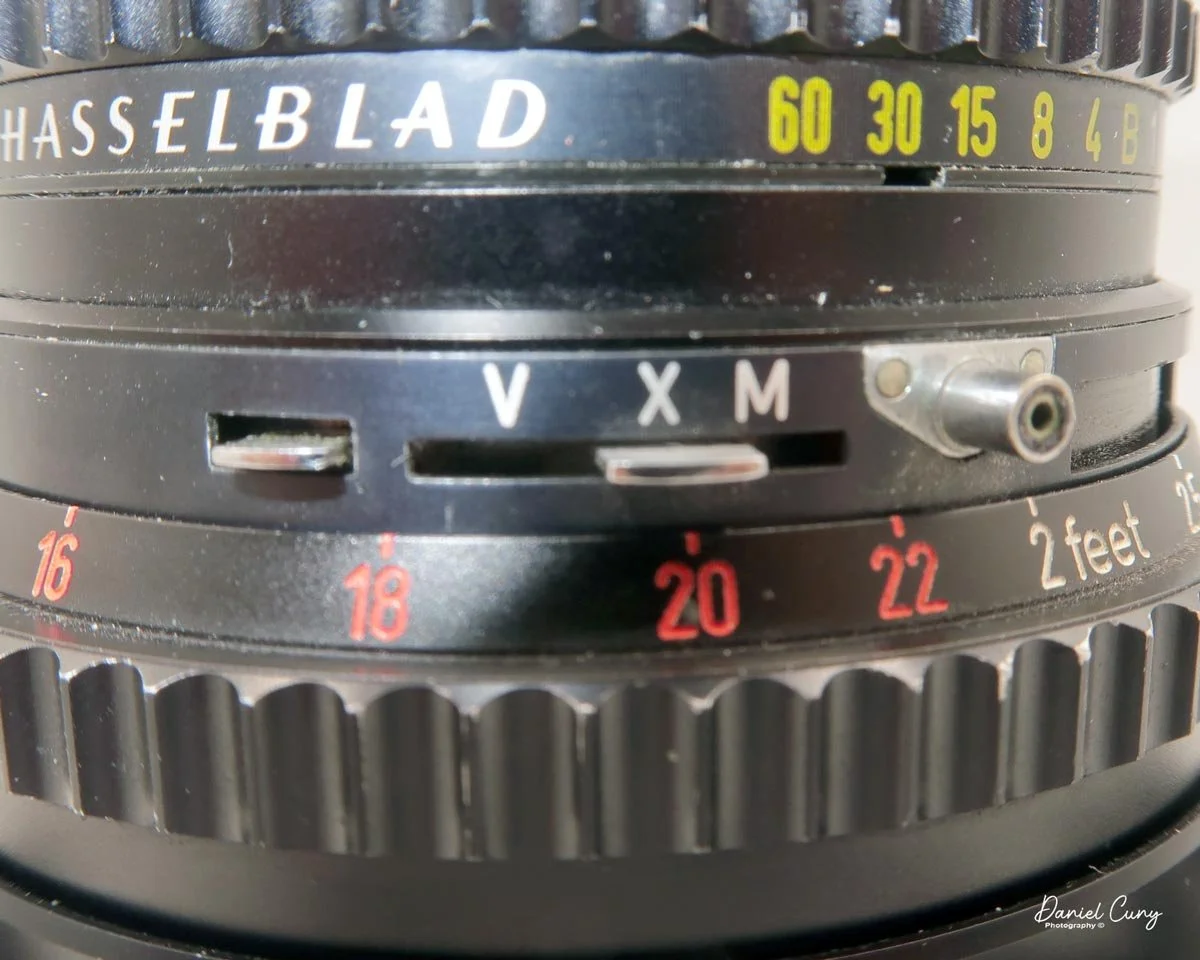
 Since the camera utilizes a leaf-style shutter as opposed to the standard focal plane shutter, the flash will sync at any shutter speed, which allows the photographer the ability to control the ambient light with flash much better, and this makes film cameras such as Hasselblad and Rolleiflex cameras ideal for weddings, portraiture, and commercial studio work. On the front of the camera, at the 11:00 position, is the PC sync for flash, along with the flash settings: "X" for electronic flash or "M" for flash bulbs.

To load film into the Voigtländer Prominent camera, on the left side of the camera are two buttons you press to open the camera's back door. Once open, you load the 35mm film just as you would any other 35mm camera. Push up the rewind shaft, drop in the 35mm cassette, and bring the leader over to the camera's take-up spool. Thread the leader into the take-up spool slot and wind the film advance. Make sure the film's sprocket holes are in the drive gears and take up the slack. Before closing the back of the film door, I like to turn the rewind knob to take up the slack in the film cassette, so when I close the back and wind to the first frame, I watch the rewind knob turn to make sure the film is actually moving within the camera.

 Once you close the back door, the frame counter needs to be set manually. To do this, lift up on the winding knob, then turn the camera's frame counter to "F" to give you a couple of turns on the film advance until you get to frame number 1.

When you're done with the roll of film, you'll need to rewind it into the film cassette. The rewind knob has an arrow pointing outward. Push the button outwards, and the rewind handle will pop up. Just below the cable release socket is a small button labeled "R". Press the "R" button to disengage the transport gear, then turn the rewind knob clockwise to rewind the film into the film cassette. Once the film is rewound, open the camera back, process the film, and reload the camera with more film. 


My Results:

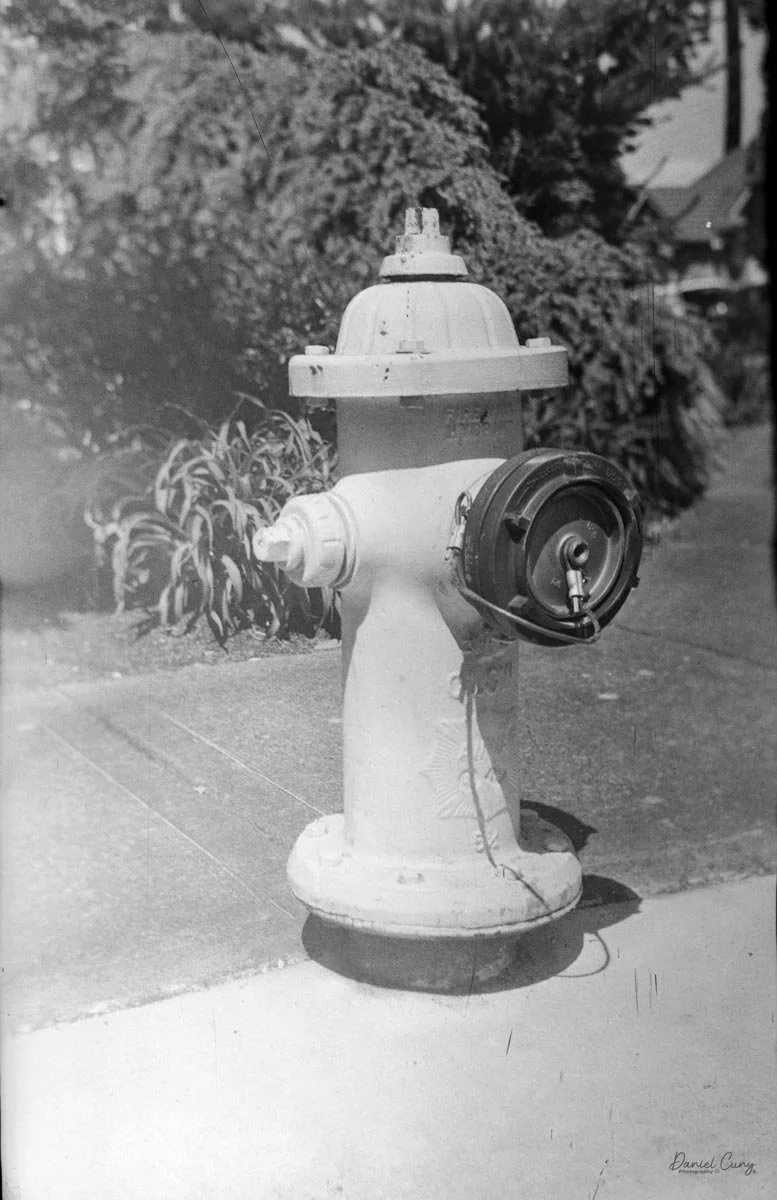
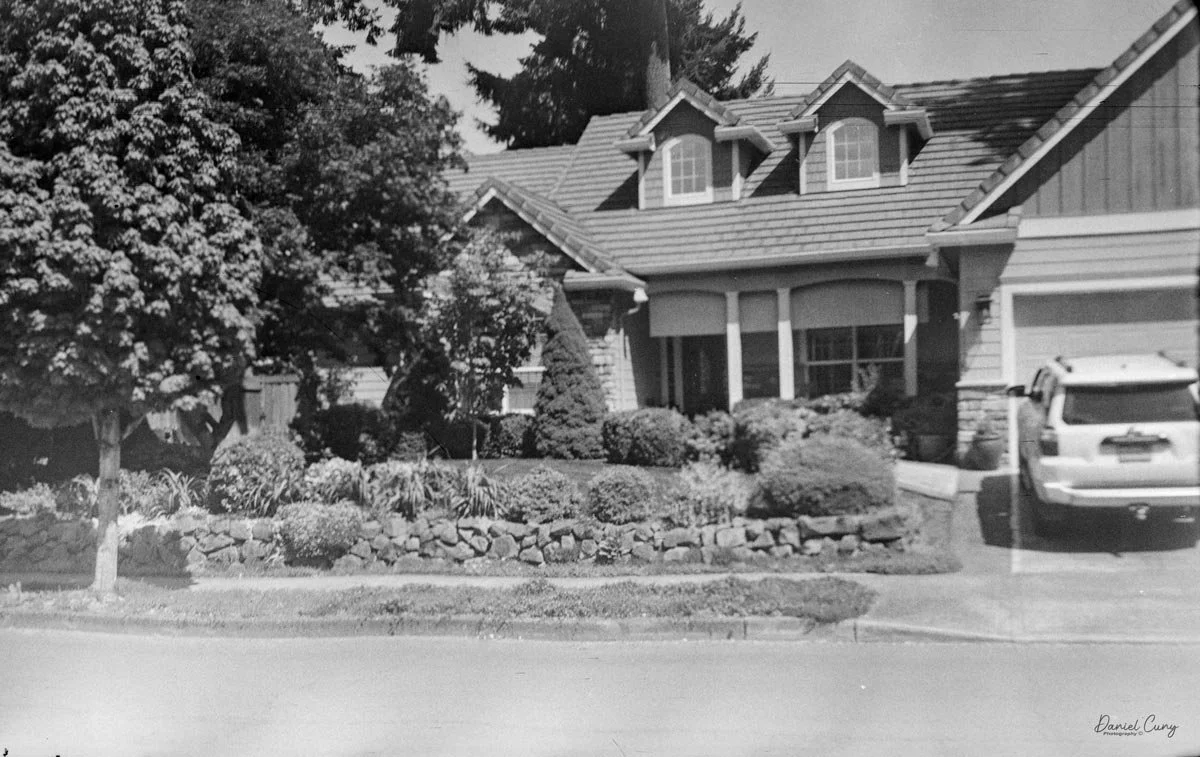
 I loaded the Voigtländer Prominent with a roll of 200-speed film and took one of our dogs to the local dog park to get the pooch some exercise, taking photos of a different area than walking through the neighborhood as I usually do.

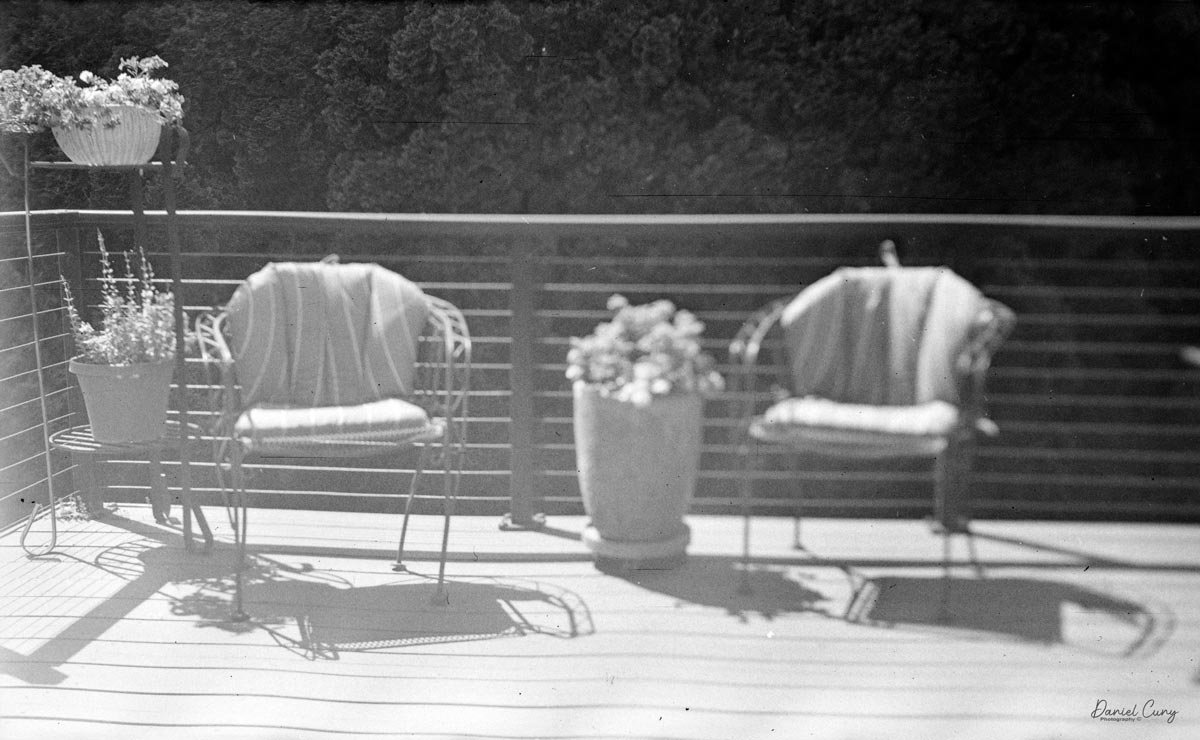
 Here are some photos from the local dog park and the shadows on my back patio on a beautifully sunny day in the Portland Area in December. It wasn't a typical December day in this area, so I wanted to make the most of it.

Conclusion:

 I really love this camera. The images are incredibly sharp, and this camera gives Leica and Contax a run for their money. It's exceptionally well-built, the lenses are tremendous, and I like the camera's size and weight.

 The system's weakest link is its lack of lenses, and for many, the camera's focus is a drawback. I've read that people don't like having the viewfinder on the right side, which makes it more challenging for them to use the camera. I don't find it annoying, as others do.

 Here's a link to my other Camera Reviews.

 If you're looking for a camera, lens, or other photo oddity, please stop by my eBay store, Cuny's Cameras and Photo. If there's something that interests you, mention my blog, and I'll offer you a discount.

 Thank you for taking a few minutes from your day to read about this excellent camera with extremely sharp lenses. If I don't post another review before the end of the year, please have a Happy Holiday and a fabulous New Year.

 Until next time, please be safe.

Kodak Panoram 1-Model D

My Kodak Panoram 1, Model D camera

Panoramic cameras and images have always fascinated me. The thought of seeing such a wide area in a photo seems so natural to me. Whenever I look at subjects, the human eye always sees a wide field of view, and narrowing it down to a smaller angle just seems peculiar to me. Even when I look through telephoto lenses, I want to see a wider angle, just closer. Unfortunately, that’s not how lenses work, so the ability to get a wider view is wonderful.

 The Kodak Panoram 1 is one of the first panoramic cameras I've owned. The first panoramic camera I bought was a Russian Horizont, a 35mm model that came with an accessory handle, viewfinder, and case. Unfortunately, this model of camera, due to the lack of workmanship, has a tendency for image "banding" as the lens doesn't rotate smoothly when making the exposure, so when the lens hesitates, it creates a change in exposure, creating a vertical exposure difference, which is darker due to the extra exposure time.

 I only had that camera for a short time, but it was a wonderful one to learn from, and from that experience I found the Kodak Panoram 1. One of the main reasons I knew about Kodak's early panoramic cameras was a set of negatives of two of my friends, which I purchased around 35 years ago. They were a set of 40 nitrate panoramic negatives, measuring 2 1/4" x 7", from a family who visited San Francisco and the surrounding area in 1906. There were photos of the rubble from the 1906 earthquake, along with other images of the family traveling up the delta to Sacramento and into the forest areas. If you're interested, here is a link to pictures from the aftermath of the 1906 San Francisco Earthquake.

 While researching the negative size and cameras built around 1900, I came across the Kodak Panoram 1 and the Multiscope Baby Al-Vista. I believe the Baby Al-Vista's negatives are just a bit smaller. At this point, due to my love of panoramic images, I really wanted to find a good Kodak Panoram 1 camera not only to have in my collection, but also to shoot with.

My Kodak Panoram 1, Model D with Case.

 The Kodak Panoram 1 camera used 105 film when it was manufactured, which is the same width as 120 film; the spools are just a bit different, as the flange is wider on 105 spools. Knowing that I could shoot 120 film in the Kodak Panoram 1 camera made it considerably more desirable. 

 Kodak also made larger Panoram cameras, the 3A and 4, which used larger film. The 3A produced 3 1/4" x 10 3/8" negatives on size 122 film; the 4 made 3 1/2" x 12" negatives on size 103 film. Since the necessary larger film is unavailable, choosing a usable Panoram was easy: I purchased the Panoram 1.

 The Kodak Panoram 1 comes in two distinct versions. There's the original Panoram 1, where the entire back of the camera comes off the body, revealing the curved arc of the film plane. The back of the camera is held to the camera body by two clips. 

 The second version of Kodak Panoram 1, the Model D, which I've had in my collection for 30-plus years, is slightly different. The back of the camera doesn't detach from the body, but, like some horizontal-folding cameras, there are buttons on either side you press to release it and fold it down. Then the camera's sides swing out to allow you to load and unload film.

 I have owned and restored several of both models, as the lens-swinging mechanism is the same, and the leather or suede bellows are similar. The main reason for the change in style was to reduce the camera's size. I prefer the original with the removable back, but both deliver fantastic images.

History of Kodak Panoram:

 Introduced by Eastman Kodak at the turn of the 20th century, the Kodak Panoram series democratized wide-angle photography, bringing it out of the domain of professional specialists and into the amateur market. Debuting in 1899 with the No. 4 and in 1900 with the smaller, popular No. 1, these "shoe-box"- shaped cameras remained in production until 1928.

Advertisment for the Kodak Panoram cameras

 The Panoram’s defining feature was its ingenious swing-lens mechanism. Unlike standard cameras with fixed lenses, the Panoram featured a lens mounted on a pivoting turret. When the shutter was triggered, the lens swung in an arc—typically between 112 and 142 degrees—sweeping light across a curved plane of film (the area of film bent to match the arc) at the back of the camera. This design minimized horizon distortion while capturing vast landscapes or large-group portraits in a single exposure. A swing-lens mechanism means the camera’s lens actually moves or "swings" during the exposure, rather than remaining stationary as in most cameras, to create a wide panoramic image.

 Aimed primarily at outdoor and travel use, Panoram cameras were used to document landscapes, expeditions, and colonial scenes, including polar exploration and industrial development in Southeast Asia. Their relatively simple wooden-and-leather construction, fixed focus, and minimal controls reflected Kodak’s broader strategy of making specialized photography accessible to non‑experts. At the same time, the nearly three‑decade production run indicates sustained popularity among enthusiasts of wide‑angle views.

 Three primary models defined the line: the No. 1 (using 105 film), the No. 4 (using 103 film for massive 12-inch negatives), and the short-lived No. 3A (introduced in 1926). While eventually displaced by newer formats and the 35mm revolution, the Panoram remains a cult classic today, prized by collectors and photographers for the unique, sweeping perspective that only a mechanical swing-lens can provide.

My Camera:

 My Kodak Panoram 1, Model D camera is 7.5" wide with the strap, by 4.5" deep by 4" tall, including the optical viewfinder, and weighs 1 pound 9.5 ounces without film loaded in the camera.

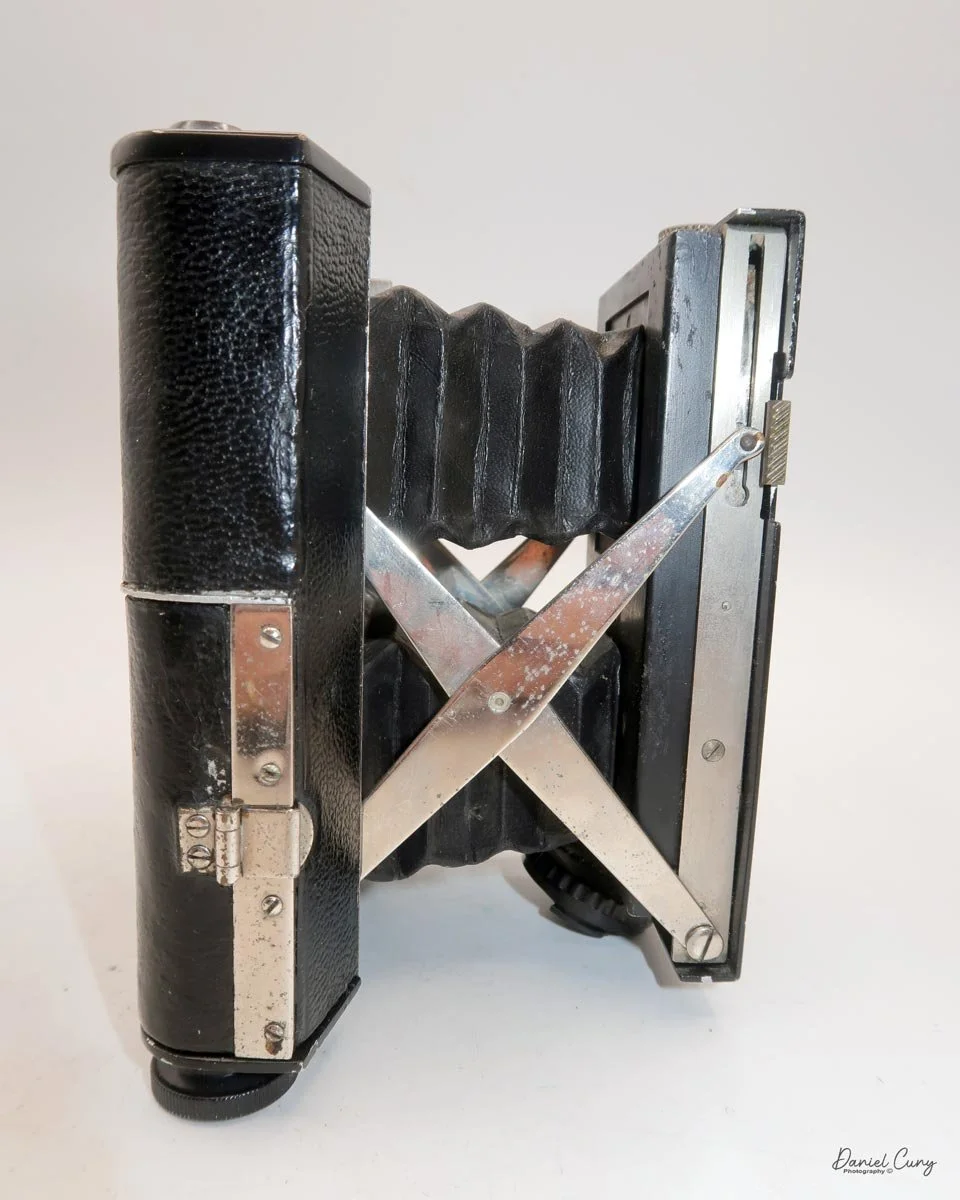
 To open the lens, pull down the front lens cover to reveal the swing lens to one side or the other. If it were pointing straight ahead, the lens cover wouldn't close. On the inside of the lens cover is the camera name, No. 1 Panoram, Kodak, Model D. On the bottom is the camera's serial number. My camera's serial number is 18986.

The camera is simple with minimal controls. On top is the etched nickel Kodak waist-level finder, which you lift to reveal the viewfinder. Behind the finder is the shutter speed selector. There are two notches: the one near the center is for a slower shutter speed, and pulling the selector to the end increases spring tension, making the lens swing faster at that speed.

 To set the speed, slide the bar opposite the lens direction. If the lens faces right, slide the bar left to set the next photo's shutter speed. Lock the chosen slow or fast speed with the clip under the selector bar. The shutter release is just right of the optical waist-level finder. Press the shutter button to release the lens and watch it swing to expose the film. Two lines form a "V" at the top, indicating the camera's approximate field of view.

As mentioned previously, to open the back to load the film, unclip the strap on the right side of the camera, then press in the two buttons on the sides of the camera, which will release the camera's back, and it will swing down, and the sides of the camera will also swing open, revealing the film chamber. There you'll see the curved film plane the film travels over, and the very impressive cone on the back of the lens guiding the light onto the film as the lens swings from one side to the other.

To load film into the camera can be a bit tricky because the newer plastic film reels—that is, the circular pieces at each end of a roll that hold the film—can at times be thicker than what was used originally back in the early 1900s, when Kodak would use metal for the reel ends and wood for the film cores, meaning the spools—the cylinder around which the film is wound—would be a bit thinner. When I went to load film for the blog post, I tried a brand I'd never used before. The spool was just a bit too thick and wouldn't fit into the camera easily, and once I did get it in, it was so stiff that the film wouldn't transport across the shutter easily.

 I loaded a new roll by placing the empty spool on the right, then lifting the winding lever and button to fit it. Then I placed the new roll on the left, brought the paper backing over the film plane, and threaded the leader into the empty spool slot. I wound the film until the start arrows appeared, pressed in the camera sides, and swung the back up to lock it.

Since 120 film isn't designed for panoramic cameras, the numbers 2, 6, 10, and 14 appear on the back of my camera. These indicate the frame numbers to stop at for each of the four photos on 120 film. I wound the film to 2 and was ready to take my first shot.


My Results:

 The film I loaded into the camera was an older roll of Kodak BW400CN film I purchased at a local camera show a few months ago. One thing about the film is that it needs to be processed in C-41 chemicals, which is a standard color film developing process. For the article, I wasn't sure I'd have enough time to get the film processed. Looking online, people mentioned the film can be processed in B&W (black-and-white) chemicals, so that's what I did. 

 There was a break in the rain on Sunday, so I loaded the film into the camera because the Kentmere I had didn't fit because the spool was too thick. I took the photo and went back to the house to develop the negatives. Maybe I didn't process the film long enough, since the images were extremely thin. I had to do some magic in Photoshop to get the images I have, so my apologies for the poor examples.

 However, I used the camera when I went to Yosemite a few years ago, and the images turned out great, so I'm adding a couple of color images from Yosemite to this blog to show how well the camera performs.

Conclusion:

 I've always been a huge fan of both the Multiscope Al-Vista and the Kodak Panoram camera. It's interesting that I've only owned the Panoram 1 camera and never the 3a or 4 Panoram, but I do have some of the larger Al-Vista cameras.

 The Panoram 1 is a fun camera to use, and the results are surprisingly good. I should have a camera with a smooth shutter. The cameras are compact, use 120 film, and, unfortunately, are becoming increasingly expensive as people learn about them and how much fun they are to use.

 Fortunately, I've had mine for many years, and I also have the camera case, which is a plus. It's just a real gem in my camera, and truthfully, I'm surprised I haven't written about it sooner than I have.

 Thank you for taking a few minutes from your day to read about his wonderful panoramic camera from over 100 years ago.

 Here's a link to my previous Camera Reviews.

 I also have an eBay shop, Cuny's Camera and Photo, where I sell cameras I've reviewed, along with other photo oddities. If you're interested in anything from my store, reach out to me, and I'll offer a discount. Just mention my blog.

 Until next week, please be safe.
GOMZ Malyutka Camera

My GOMZ Malyutka camera

It wasn't until later in my camera-collecting career that I developed an interest in miniature and subminiature cameras. It was the more unusual or the odder looking camera items like the pen-shaped Stylophot,  or the round Petal camera, the Twin Lens style miniature cameras like the Gemflex camera, or the miniature cameras which resemble small rangefinder or SLR cameras like the Golden Ricoh 16, where I really enjoyed having them in my collection. They are very unique cameras and items that stand out because they are so different from the larger box, folding, or view cameras. A real advantage of having miniature and subminiature cameras in your collection is the amount of display space they save. You can display many more items and accessories in a much smaller area.

 The GOMZ Malyutka is a camera I purchased around 10 years ago, and I didn't start researching it until about a year ago, when I found out it was pretty rare. I didn't even have it in my display of miniature or subminiature cameras until that time.

 This is another camera I purchase in a group or "lot" of camera in a fairly unknown auction of camera. My real prize and the main item I was bidding on was an early Nikon F body, and tucked in the background was an early Nikon 5cm f2 tick mark lens, which, due to the angle of the lens and the low visibility of people looking, not many people bid on the "Lot", so luckily it was one that I won. There were also other items within the "lot" that I had minimal interest in, but the Tick Mark lens and early Nikon F body were the prize.

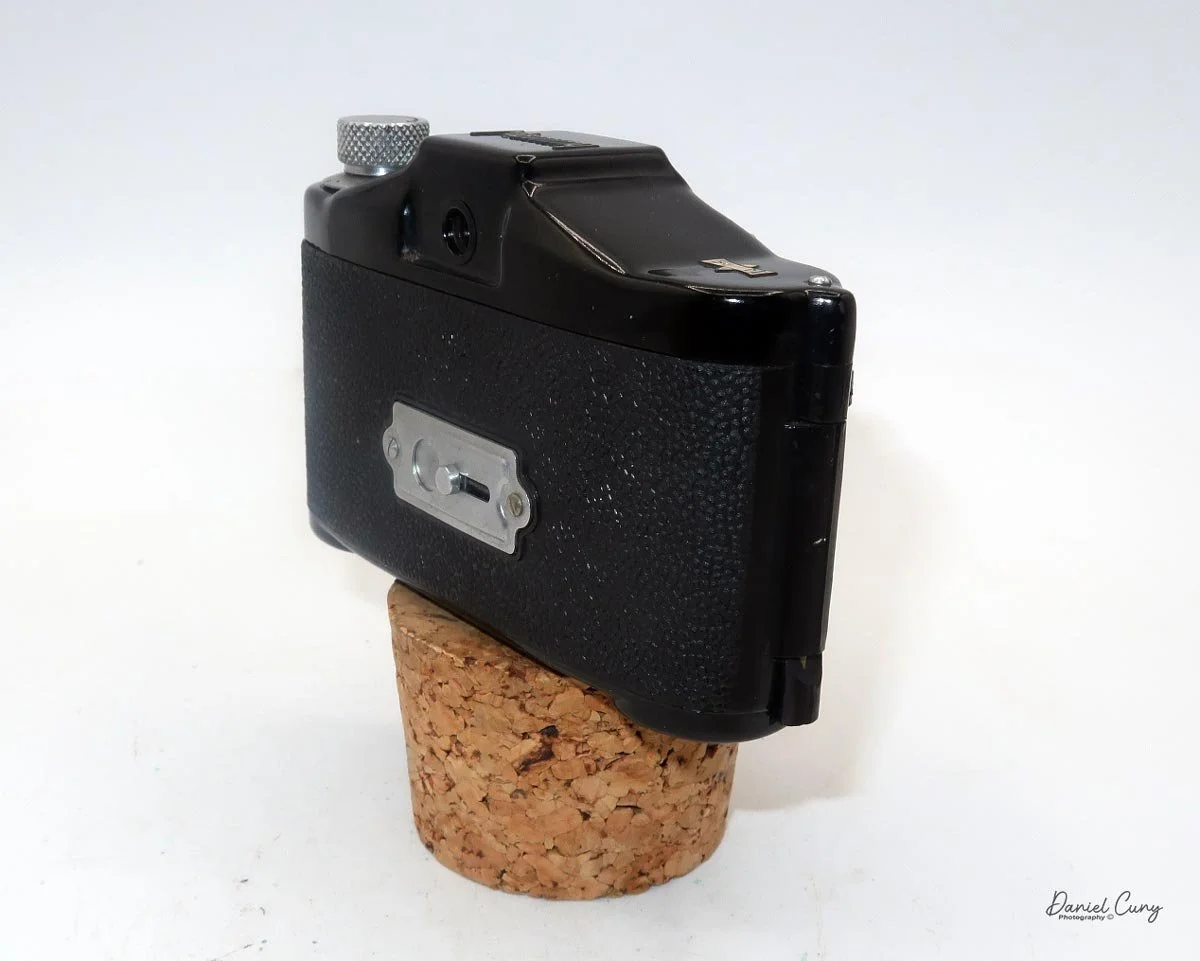
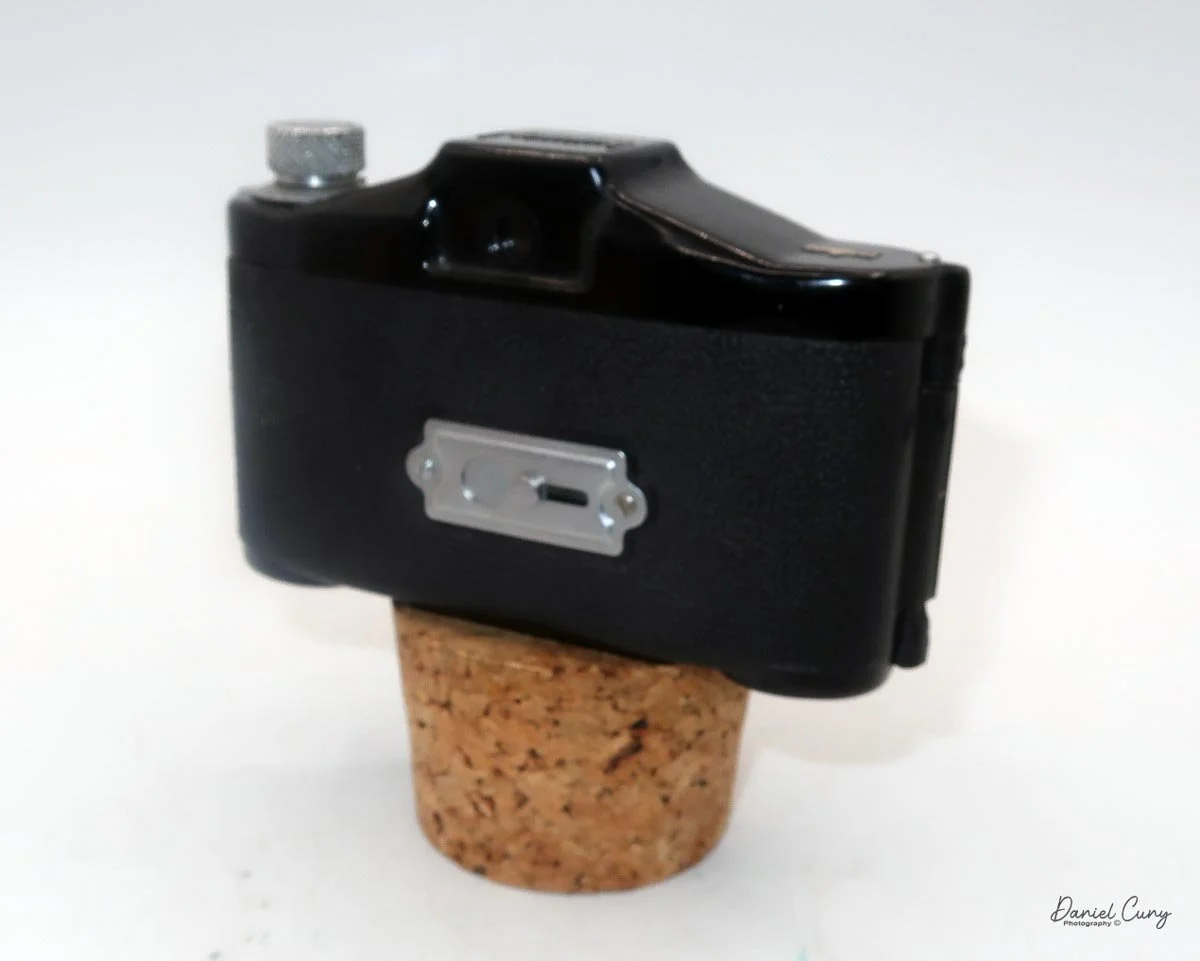
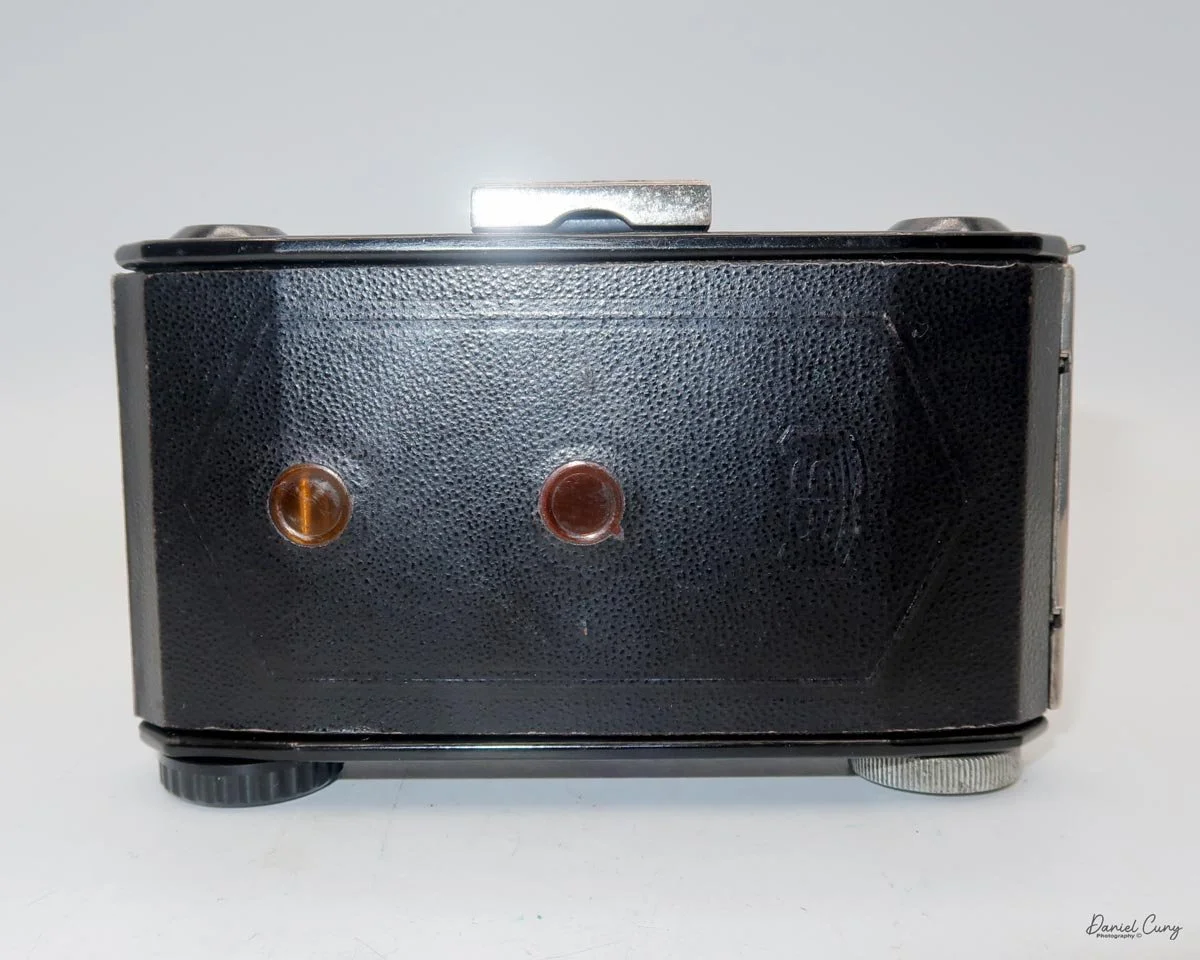
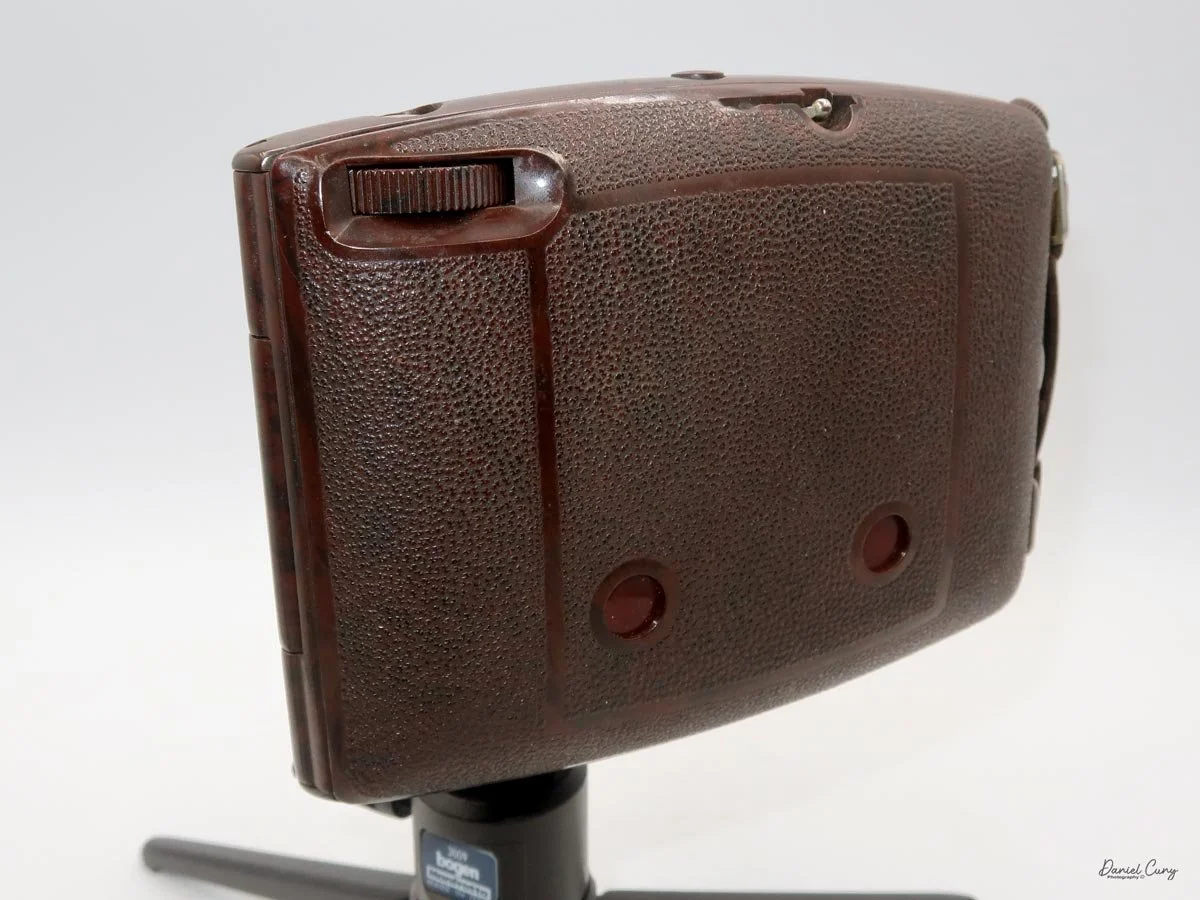
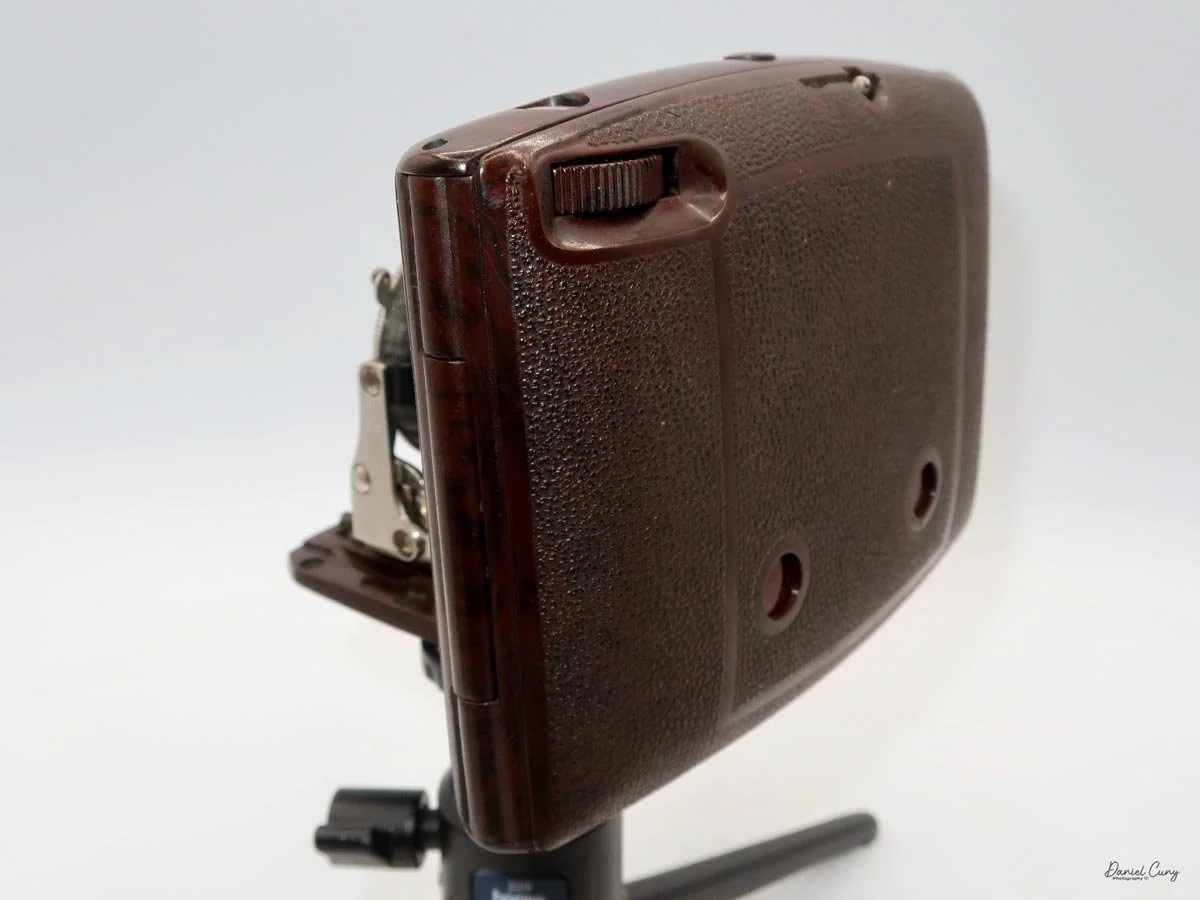
Back side of GOMZ Malyutka camera

 Once I received the items from the auction, I noticed this really nice brown bakelite camera with Russian Cyrillic writing on the back. As I've mentioned before, I have a love for colored cameras, so when I saw this Gomz Malutka, I thought it was a nice little camera. I put it away, not really giving the camera much thought until about a year ago when I was going through a box of photo items for a local camera show that was selling at. I pulled the Gomz Malutka from the box, and was ready to add it to the items for the sale. Then, as I was inspecting the camera again, I thought it might be a fun camera to write about sometime in the future. I set the camera aside.

 After the camera show, as I returned to my office, I noticed the Gomz Malutka on my desk and started making some basic inquiries about the camera. At this point, I began to see that the camera is indeed somewhat rare, so let's write about it for my blog.

History:

 The history of GOMZ (Gosudarstvennyi Optiko-Mekhanicheskii Zavod), the State Optical-Mechanical Plant, reflects Russia's tumultuous and innovative 20th-century history. Located in Leningrad (now St. Petersburg), the factory was the cradle of the Soviet optical industry, responsible for producing the nation's first mass-market cameras and pioneering designs that predated Western equivalents.

Cover of Sovetskoe Foto (Soviet Photo) Magazine

 The facility began life in 1914 as a French-Russian joint venture to produce optical sights for the military during World War I. Following the 1917 Revolution, the factory was nationalized and underwent several reorganizations before officially adopting the GOMZ acronym in 1932. While it continued to produce military optics, the Soviet leadership demanded a domestic photographic industry to reduce reliance on German imports, pushing GOMZ toward consumer cameras.

 The 1930s marked GOMZ's golden era of innovation. Its first major success was the Fotokor-1 (1930–1941), a 9x12cm folding plate camera. Based on German designs, the Fotokor-1 became the first mass-produced Soviet camera, with over one million units manufactured. It effectively democratized photography in the USSR, serving as the primary tool for documenting the Soviet state's industrialization.

Even more technically significant was the Sport (1937), a 35mm single-lens reflex (SLR) camera. Historians often debate whether the GOMZ Sport or the German Kine Exakta was the world's first proper 35mm SLR. Regardless of the title, the Sport was a marvel of engineering for its time, featuring a vertical metal shutter and a reflex viewfinder that allowed photographers to see exactly what the lens saw—a standard feature today, but revolutionary in the 1930s.

Logo of Gomz camera

 During World War II, the factory suffered heavily during the Siege of Leningrad. Production shifted entirely to military needs, such as sights for tanks and artillery. After the war, GOMZ pivoted back to consumer goods, focusing on affordable, simple cameras for the recovering population.

This post-war period gave rise to the legendary Lubitel series (starting in 1949). Based on the German Voigtländer Brilliant, the Lubitel was a twin-lens reflex (TLR) camera made of Bakelite and later plastic. It was cheap, durable, and capable of producing excellent medium-format images, introducing millions of amateurs to photography. Similarly, the Smena series provided a simple, viewfinder alternative that became a staple in Soviet households.

 In 1965, GOMZ underwent a final restructuring, becoming the Leningrad Optical-Mechanical Association (LOMO). Under this new name, the factory would later produce the LOMO LC-A, the camera that accidentally sparked the global "Lomography" art movement in the 1990s. However, the foundation of this success was laid during the GOMZ era, which transformed a military optics plant into a titan of Soviet creativity and engineering.

My Camera:

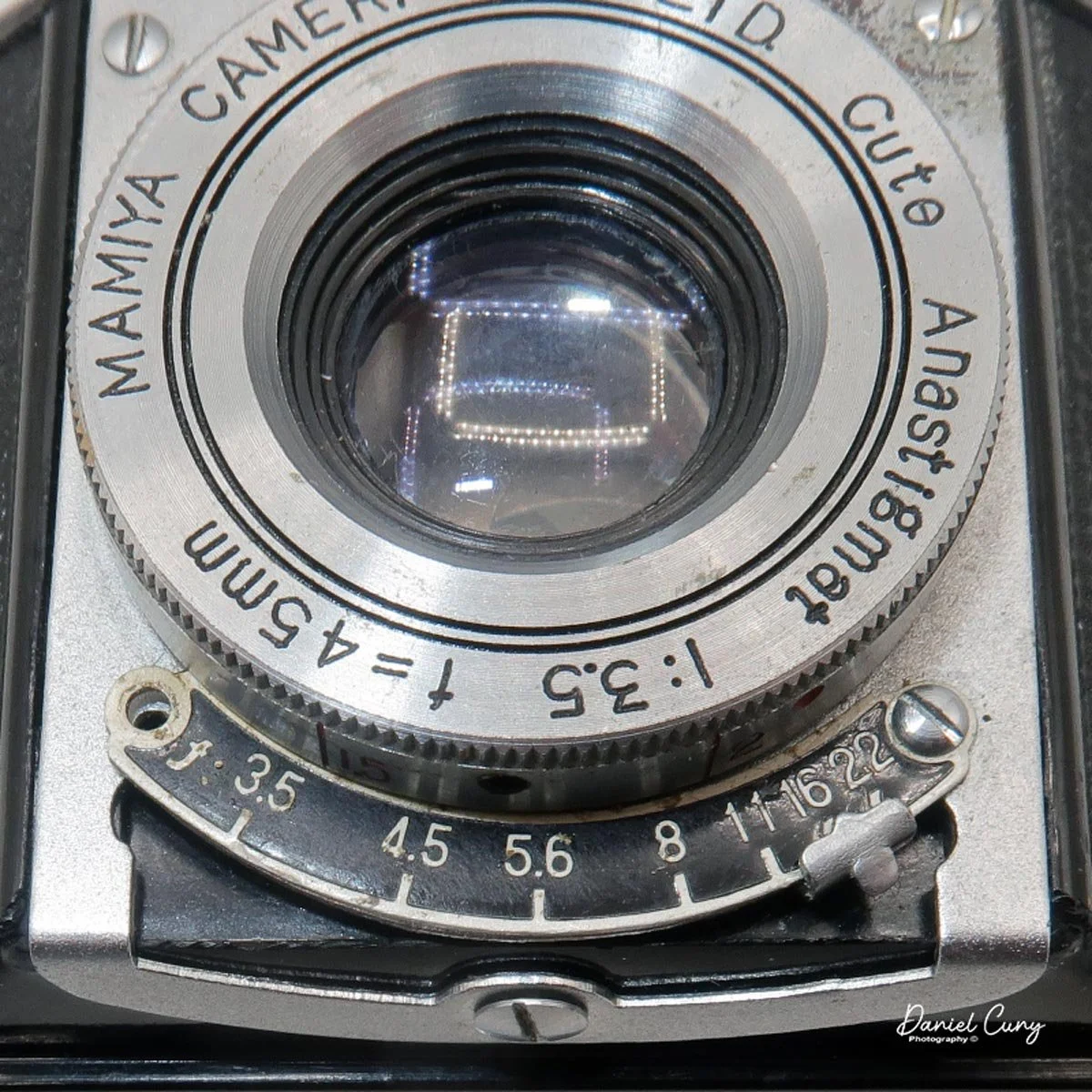
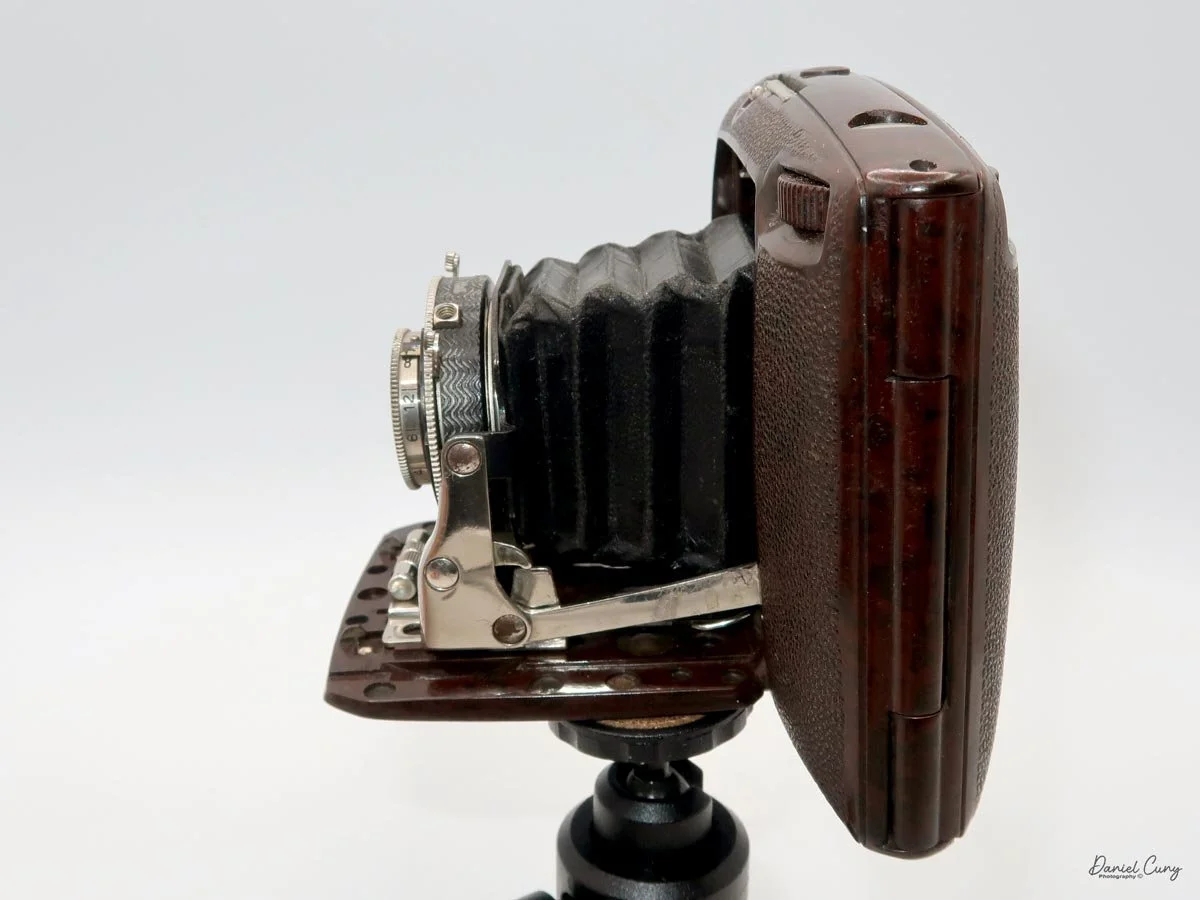
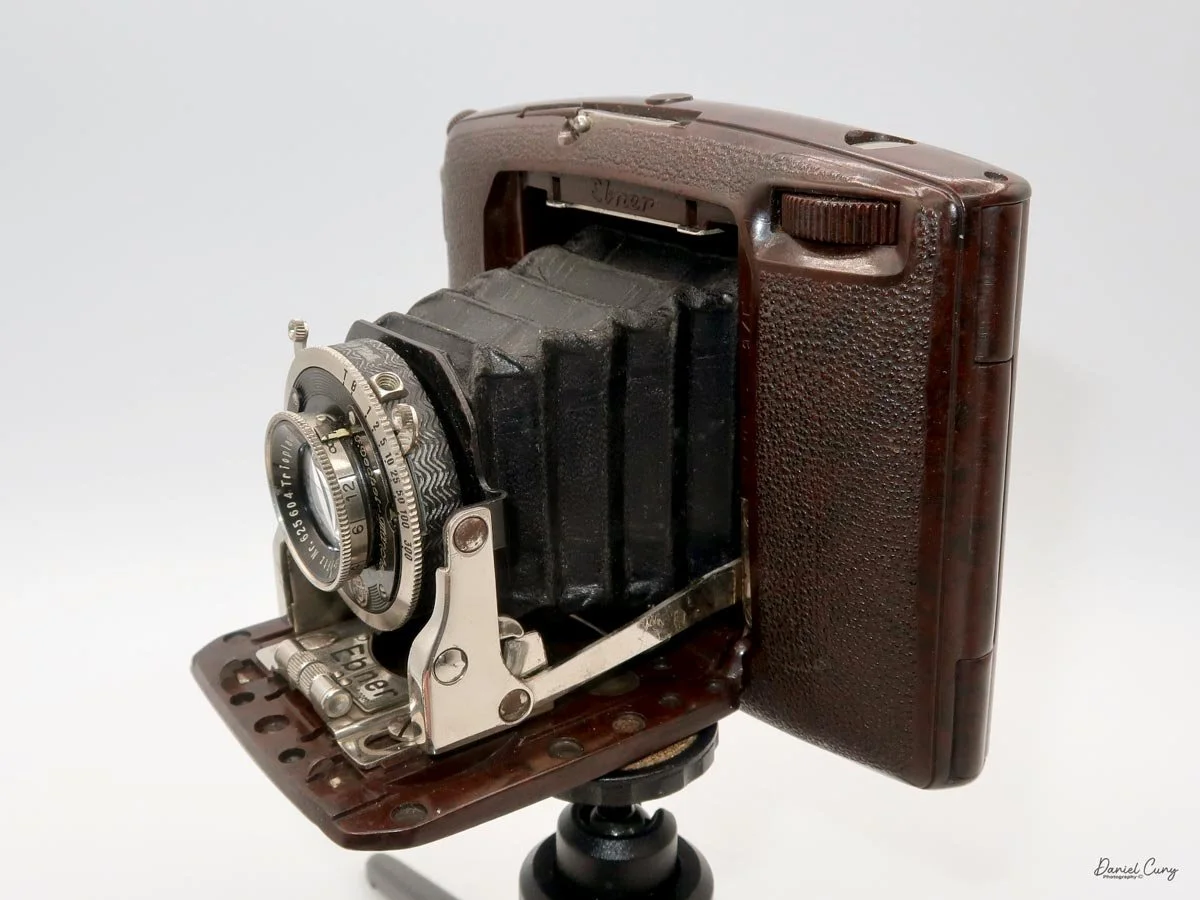
 My GOMZ Malyutka is small, measuring  2" wide, by 1.5" tall and 1.5" deep from the front of the lens to the rear of the camera, and it weighs only 2.3 ounces without film. The Gomz Malutka is based on the SIDA camera from Sida GmbH, Berlin, Germany, which was made in the mid-1930s and came in both metal and Bakelite. "Malyutka" (малютка) is a Russian word that means "baby," "little one," or "tiny thing". It is also very similar to a camera made by Gomz,  Liliput camera.

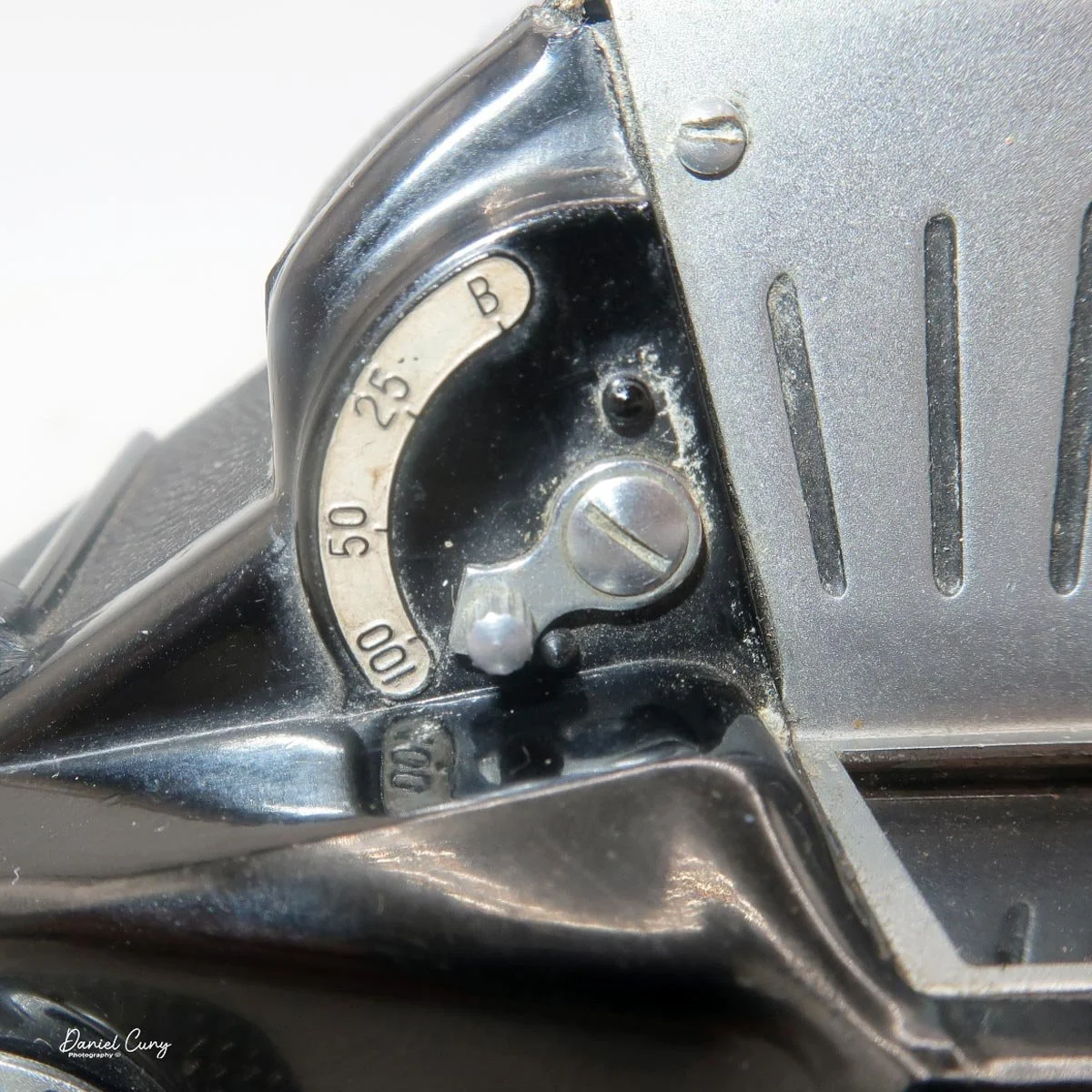
 The camera's controls are very straightforward. There is only the shutter release at the bottom of the camera, along with the shutter control on the right side next to the lens. The shutter control consists of two settings: "M" (moment) for normal shutter speed, generally around 1/50 sec, and "B" for time exposures. Sliding a bar out from the side of the camera makes these settings. Sliding the shutter release under the lens takes the photo. 

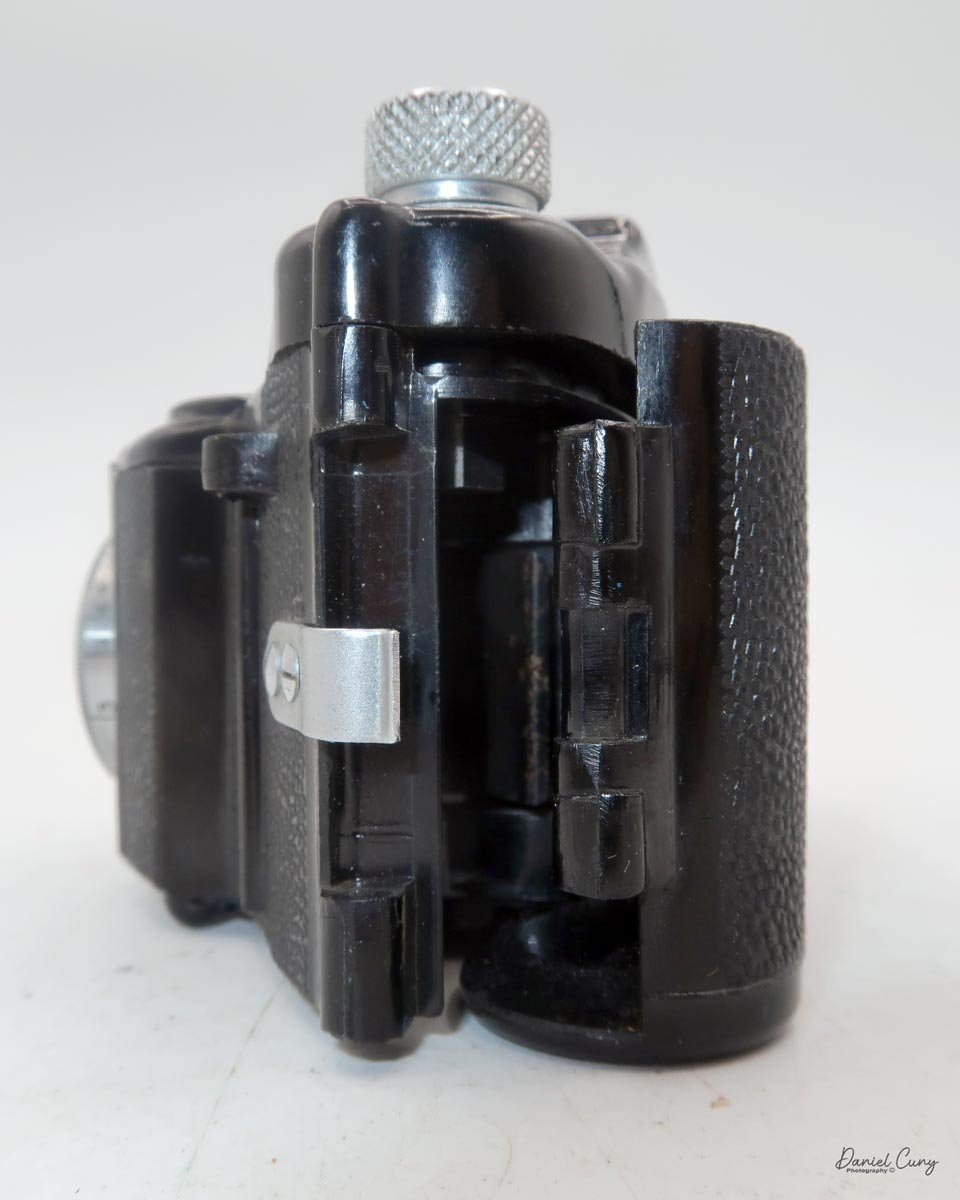
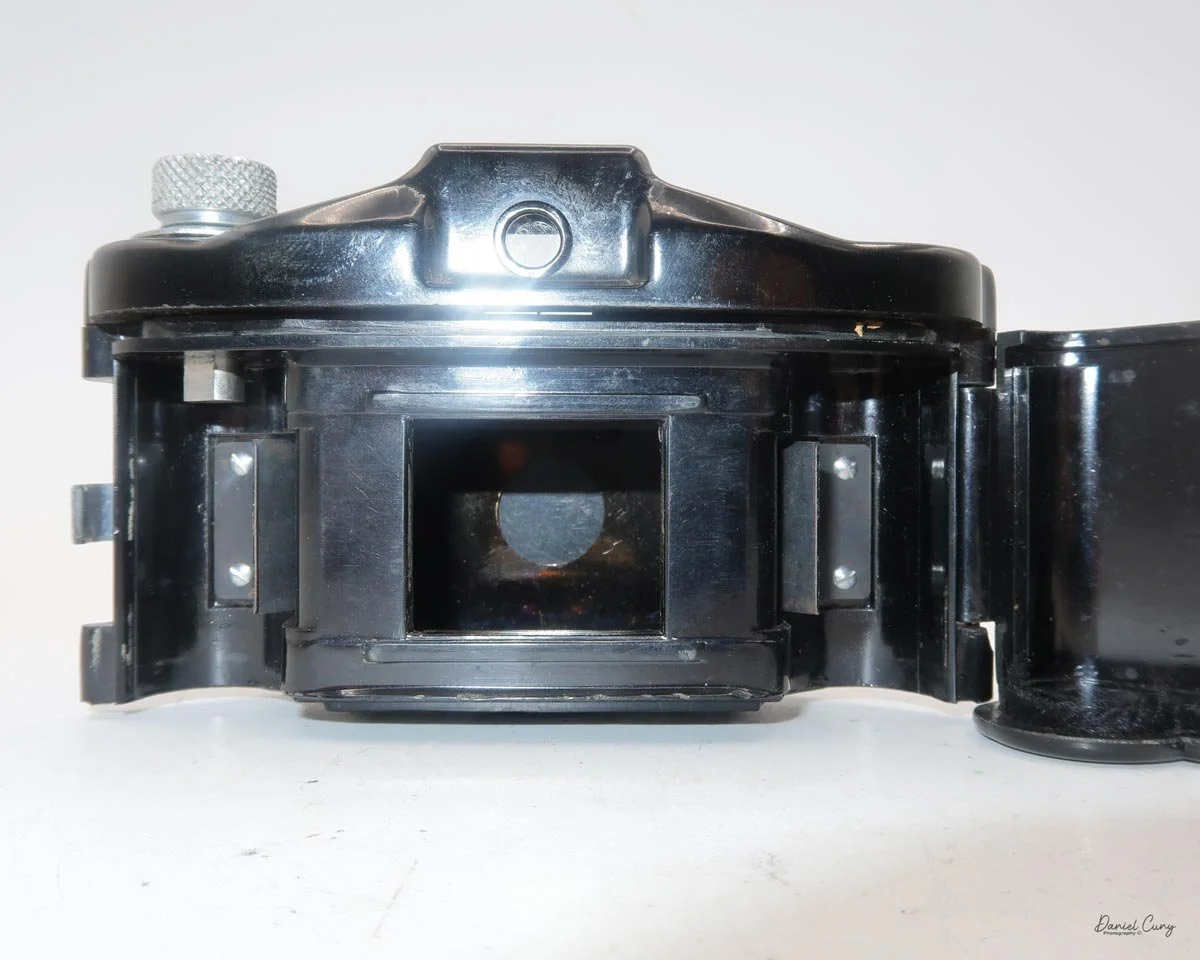
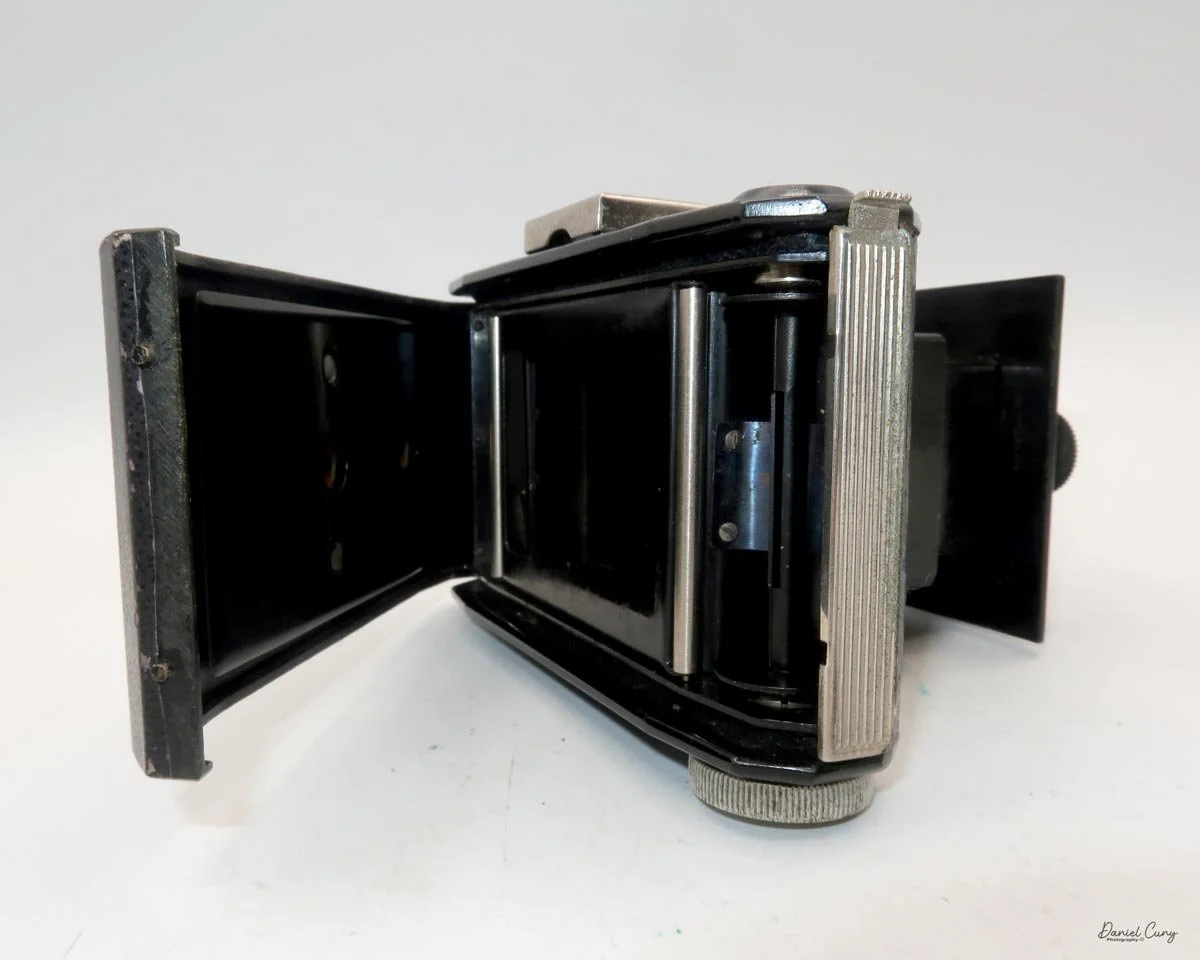
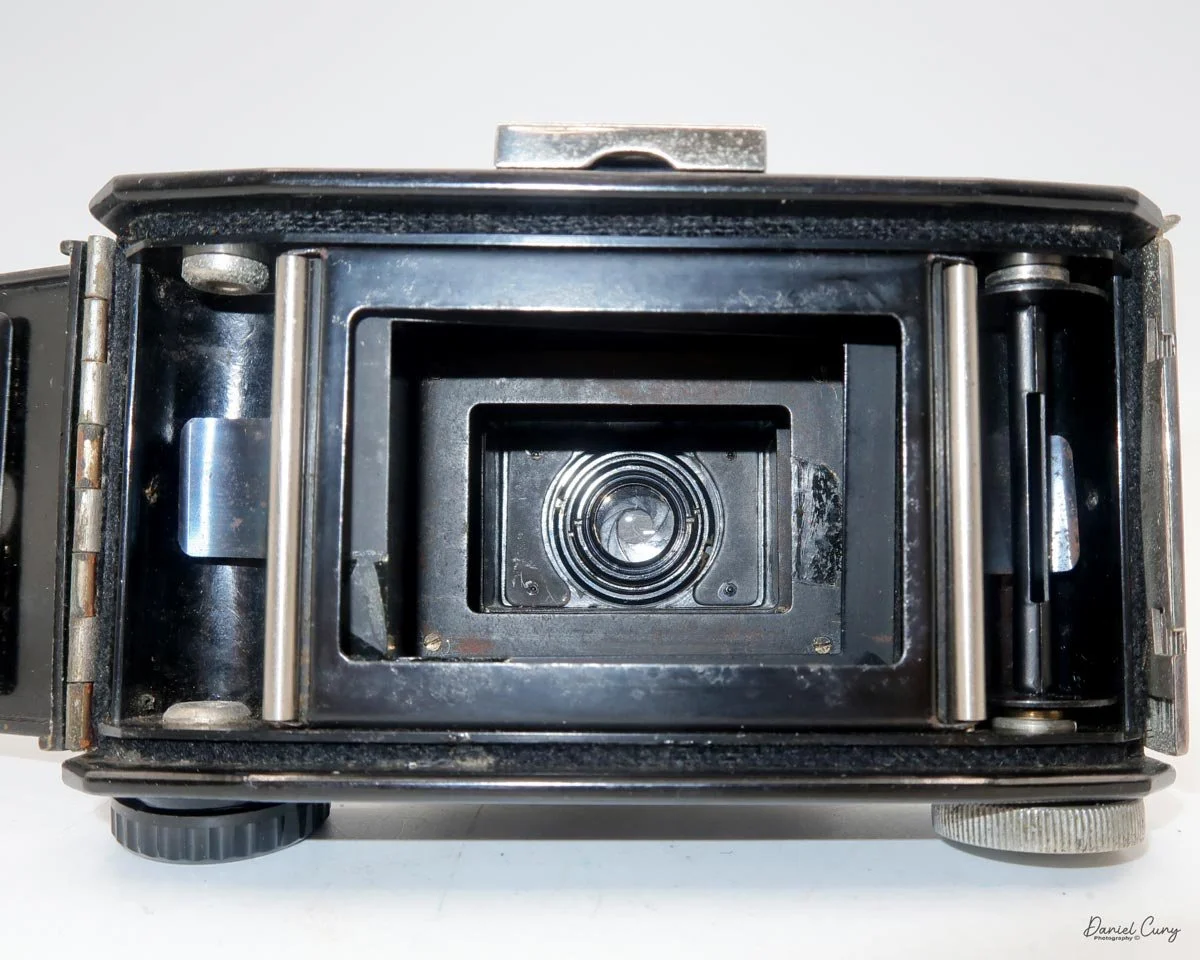
 To open the back of the camera to load film, there are clips on either side that you move to the down position to remove the back. The camera takes Boltax film, a special 35mm film that produces a 24 mm x 24 mm negative. You load the camera similarly to any roll film camera: put the empty spool on the take-up reel side and the fresh film on the opposite side. Bring the leader to the slot on the take-up spool and start winding. Put the back on the camera and slide up the clips to lock it in place. Wind the film and advance it to the first frame.

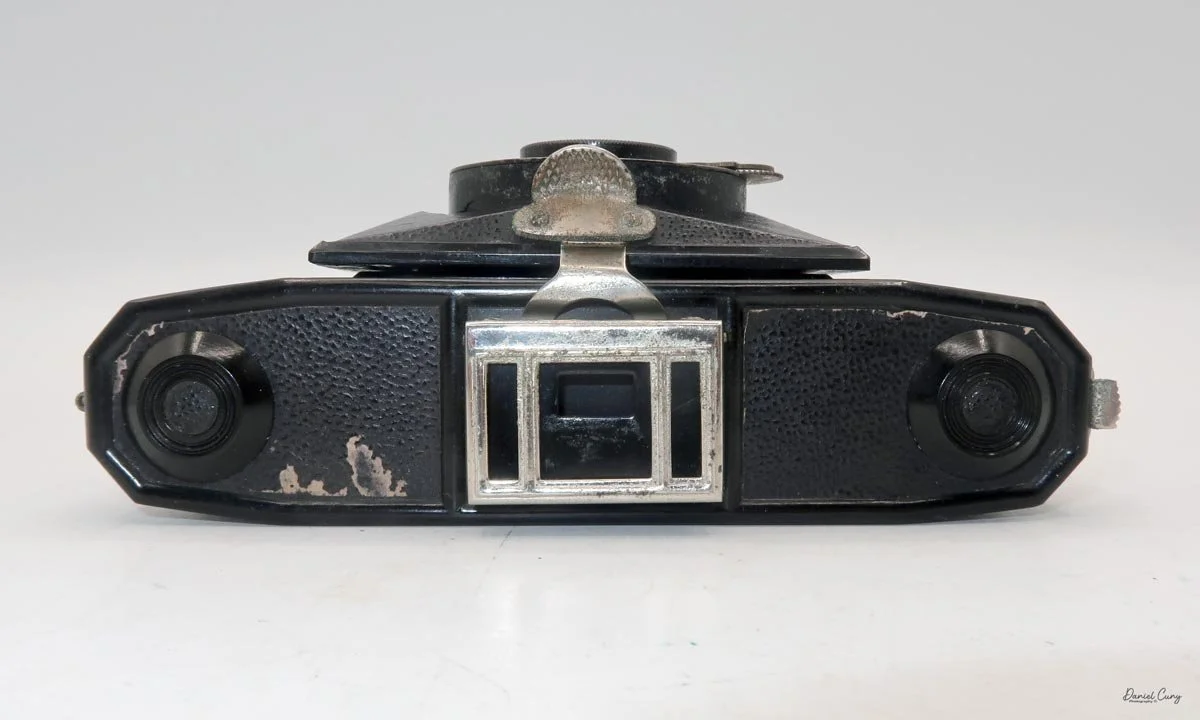
 There is a small viewfinder at the top of the camera to frame your photo, and a tripod socket at the bottom to steady the camera during long exposures. Also at the top is a small, round metal disk that rotates as the film moves within the camera. Since the camera doesn’t have a red window on the back of the film door, you need to watch the disk rotate a few times to make sure the film is moving inside the camera.

Results:

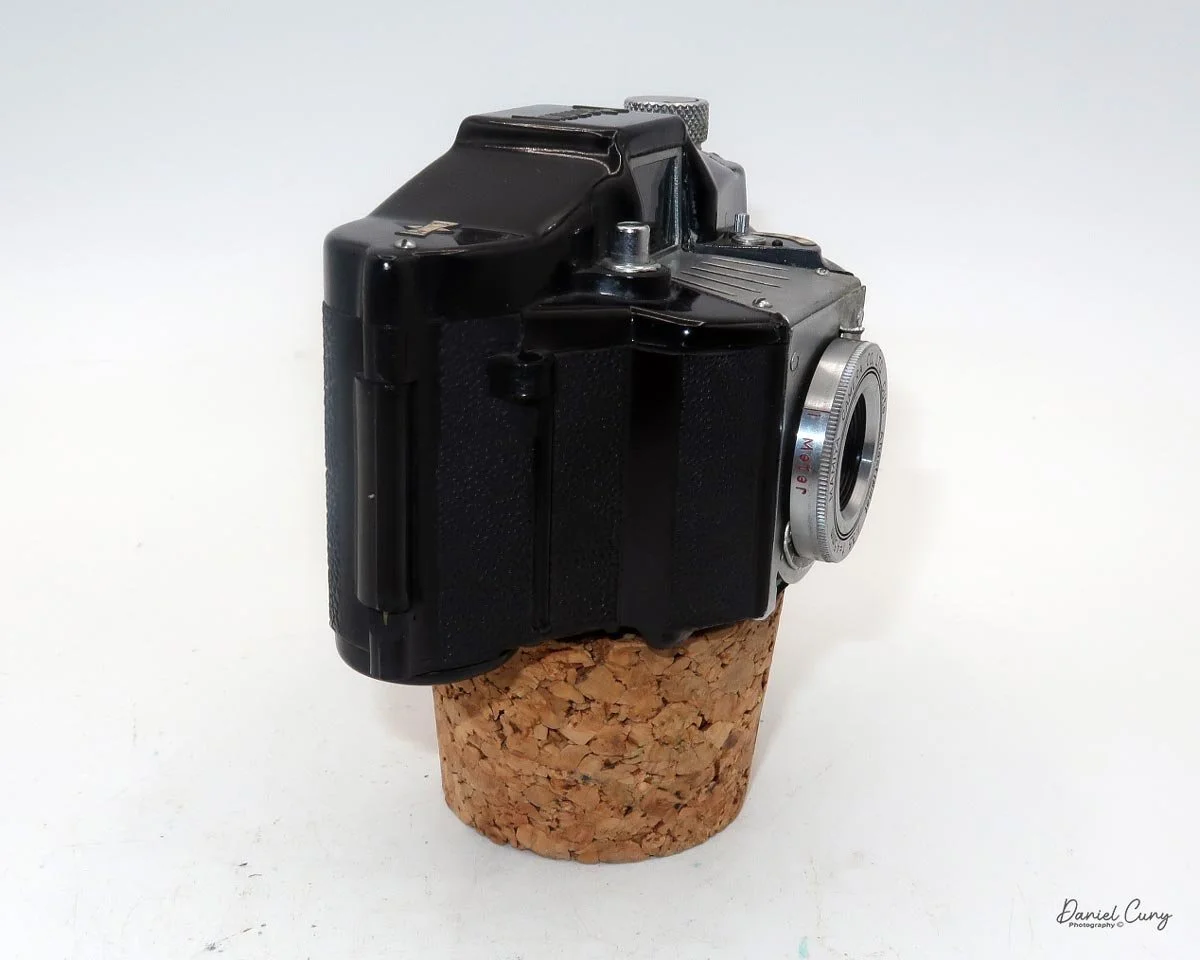
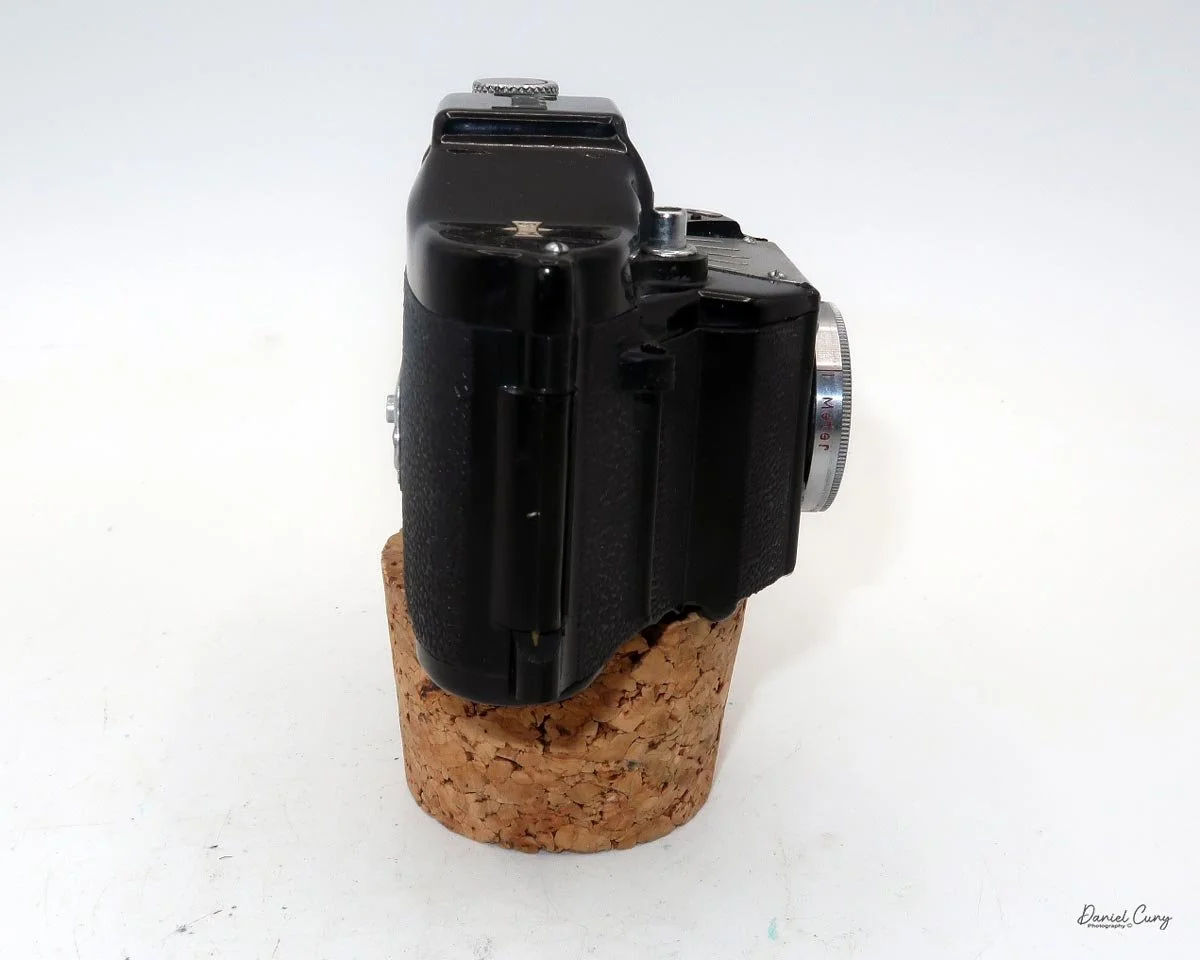
 Since I don't have any Boltax film, I wasn't able to take photos with the Malutka camera, but possibly in the future, I'll try and use some paper backing I have from a few rolls of 828 film and run some film through it using 35mm to see how the camera performs.


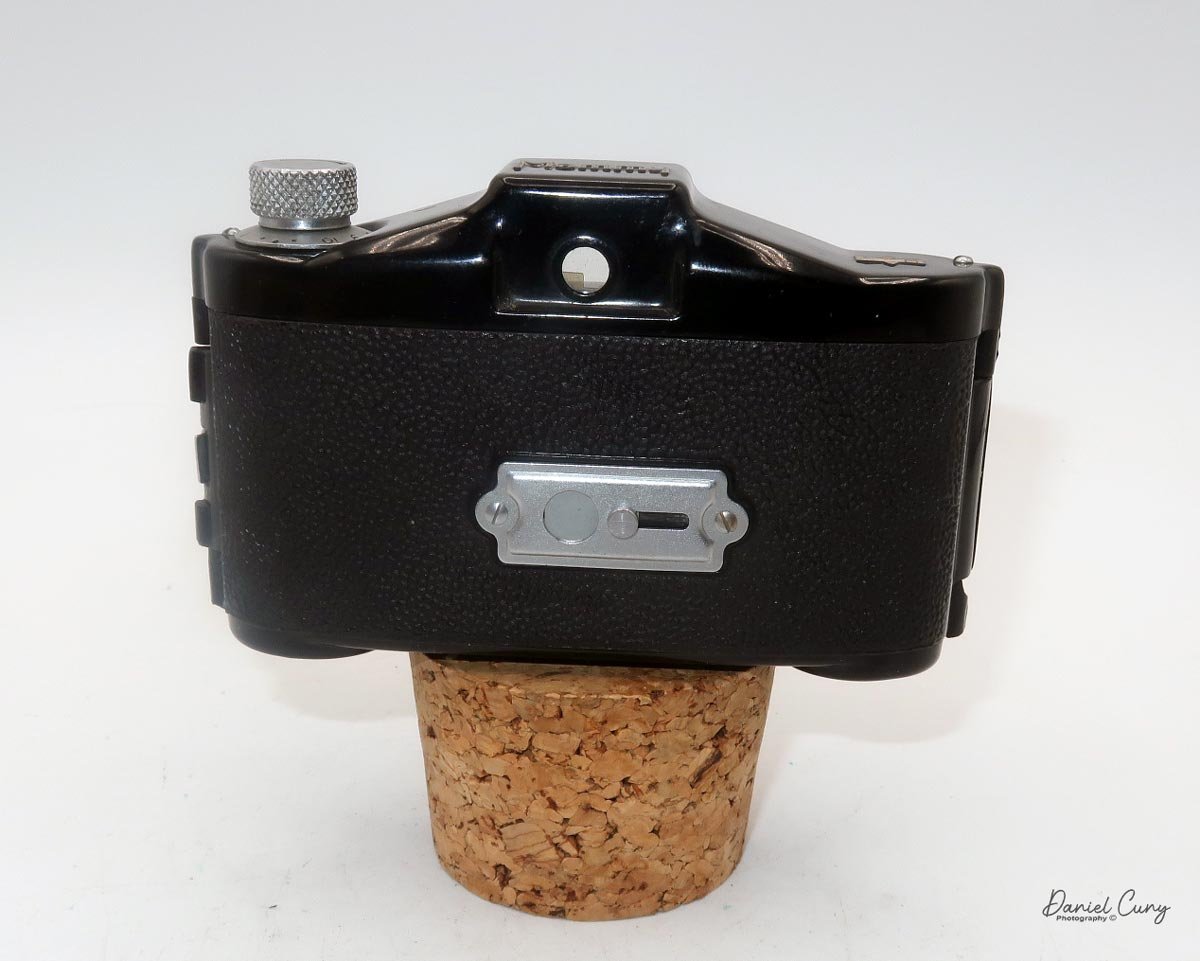
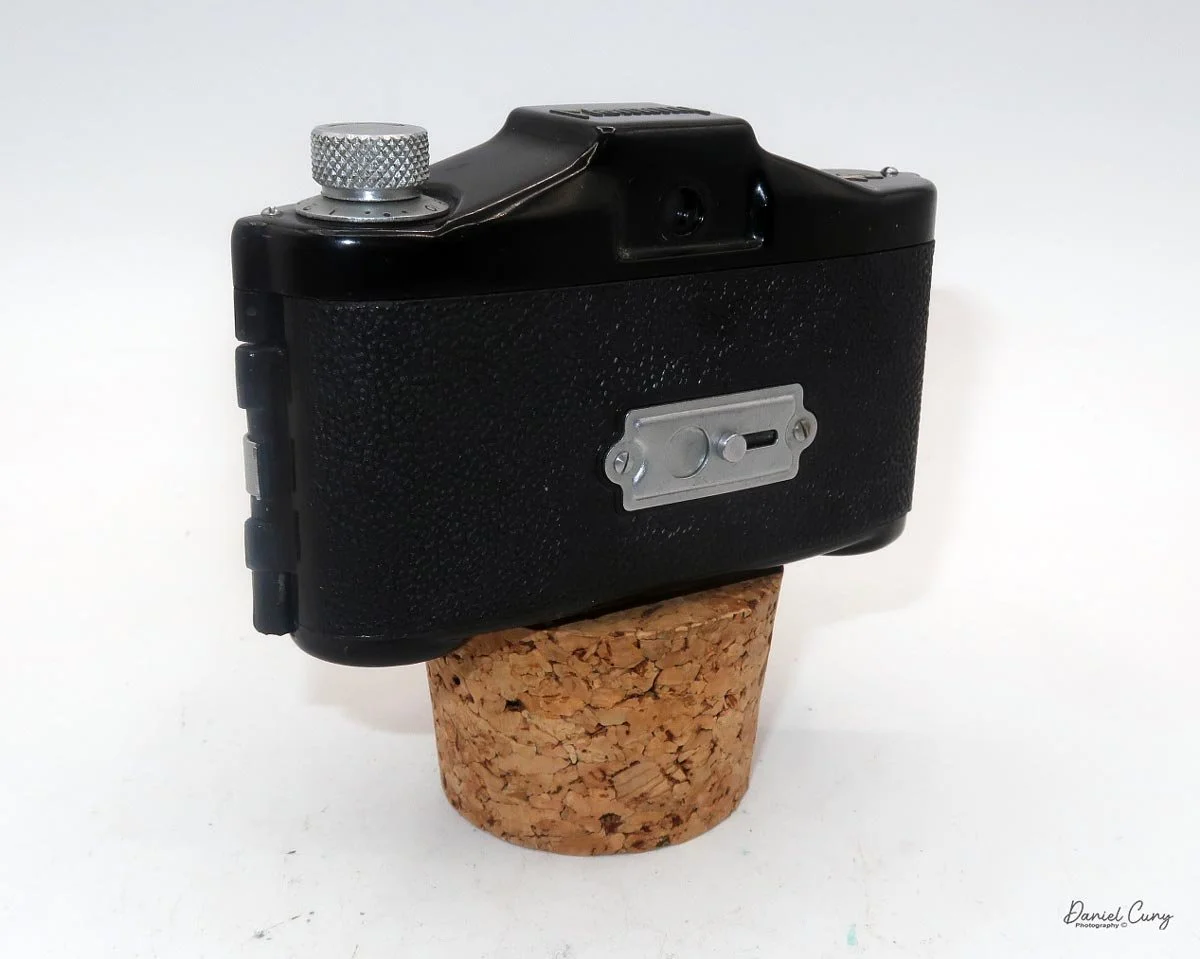
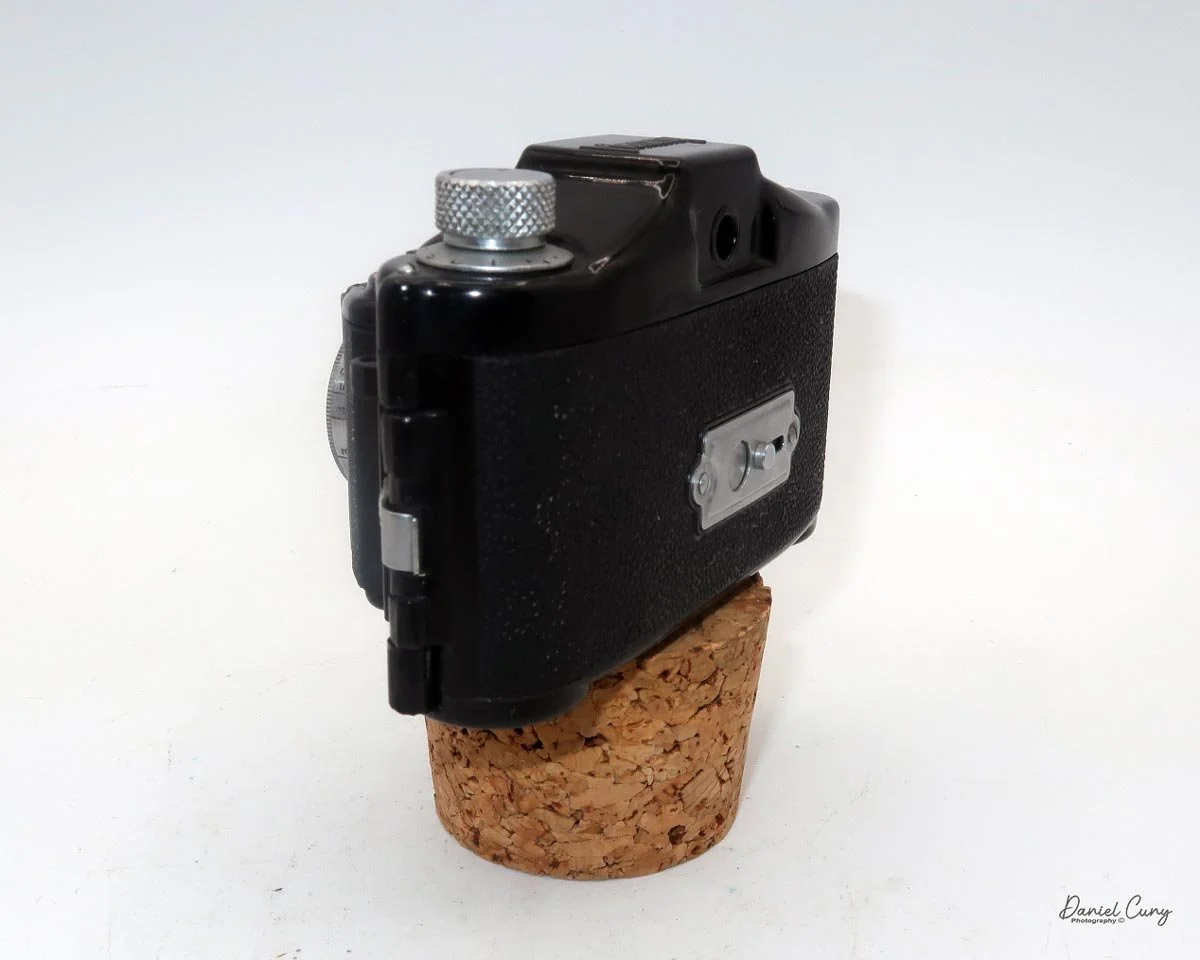
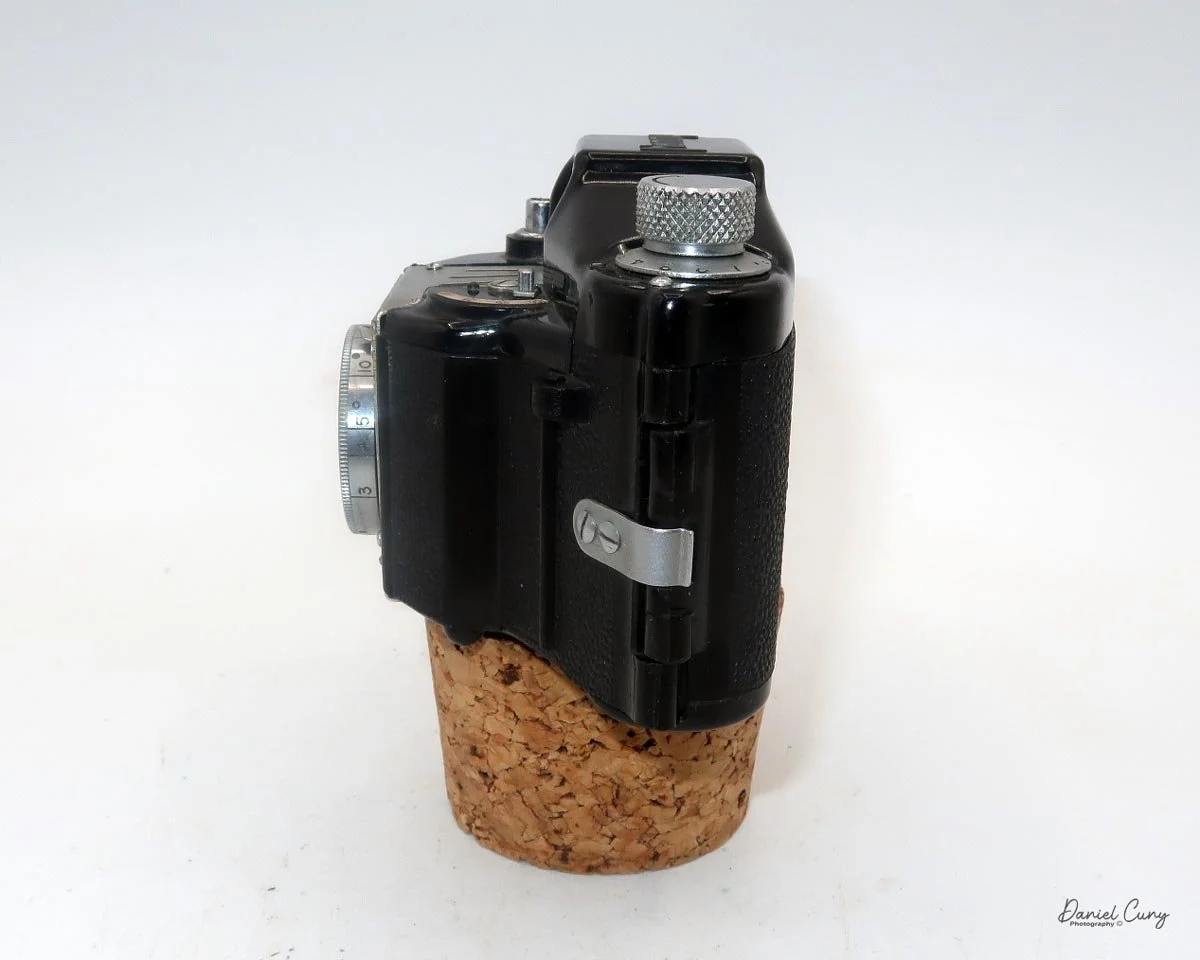
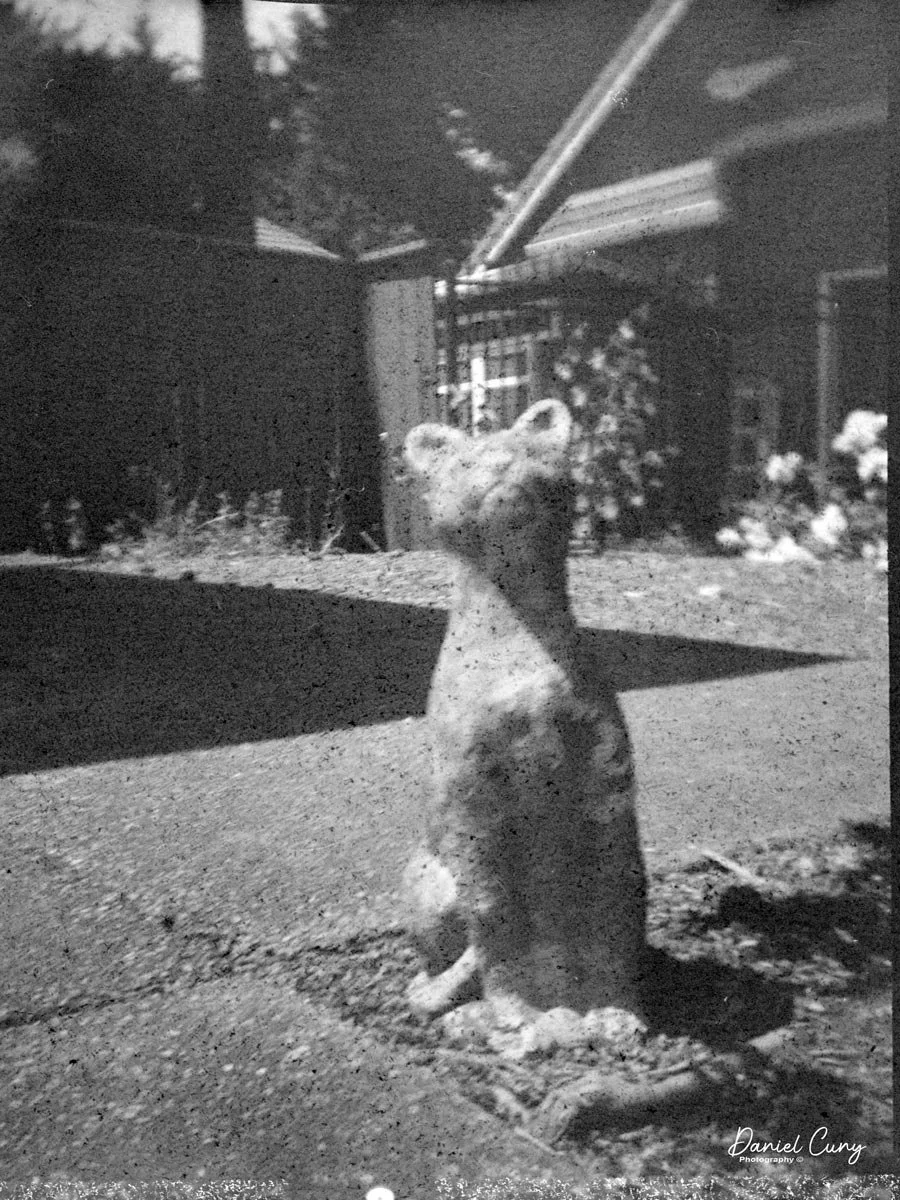
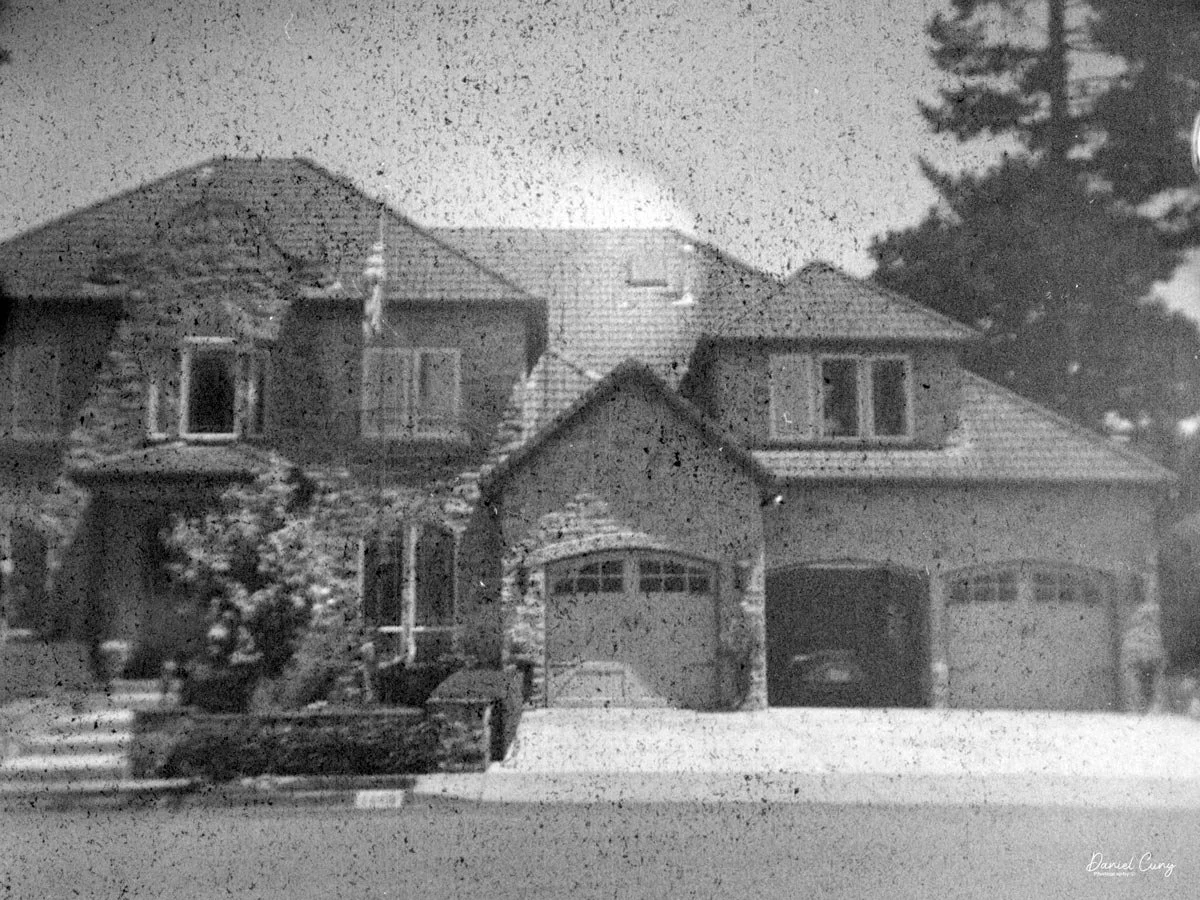
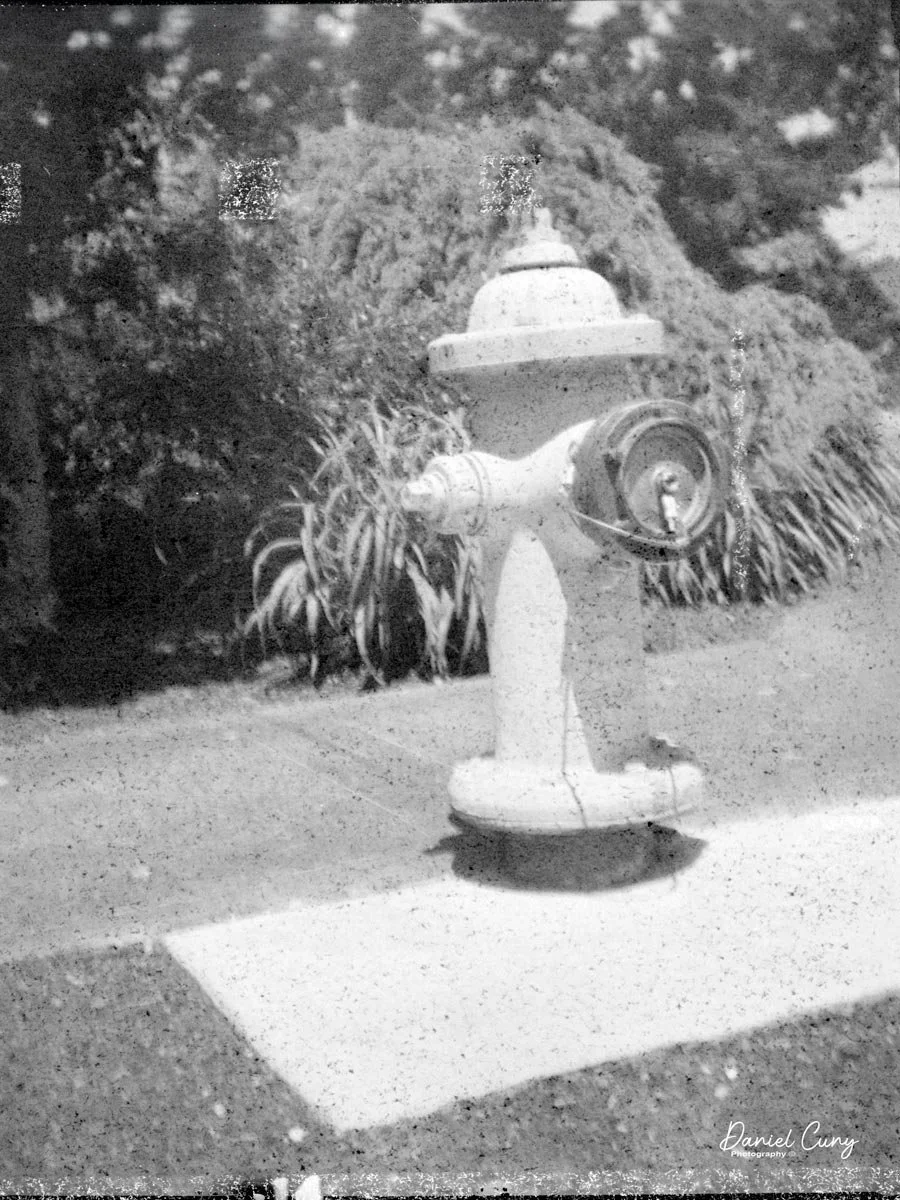
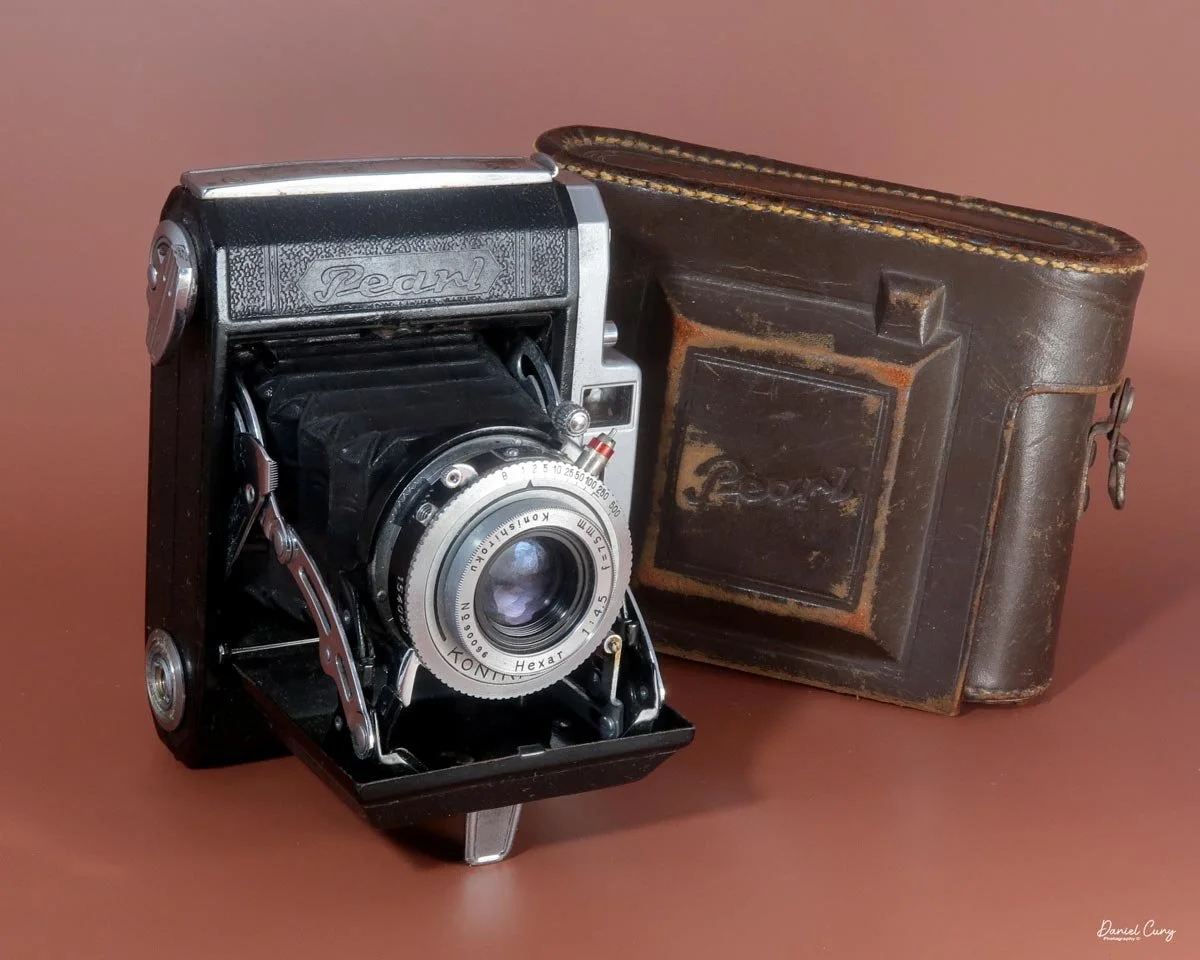
Conclusion:

 The Gomz Malyutka is an excellent small camera that I enjoy having in my collection. It's in fantastic condition and is another color camera that sits proudly amongst the other miniature and subminiature cameras on my shelf.

 Thank you for taking the time to learn about this small, odd Russian camera. 

 I'd love to hear from you. Please get in touch with me if you have questions, concerns, or comments.

 Here's a link to my other Camera Reviews.

 Cuny's Camera and Photo has many cameras I've reviewed for sale, along with other camera and photo oddities. If interested in any items, email me, and I'll offer a nice discount as a friend of the family.

 Until next week, please be safe.
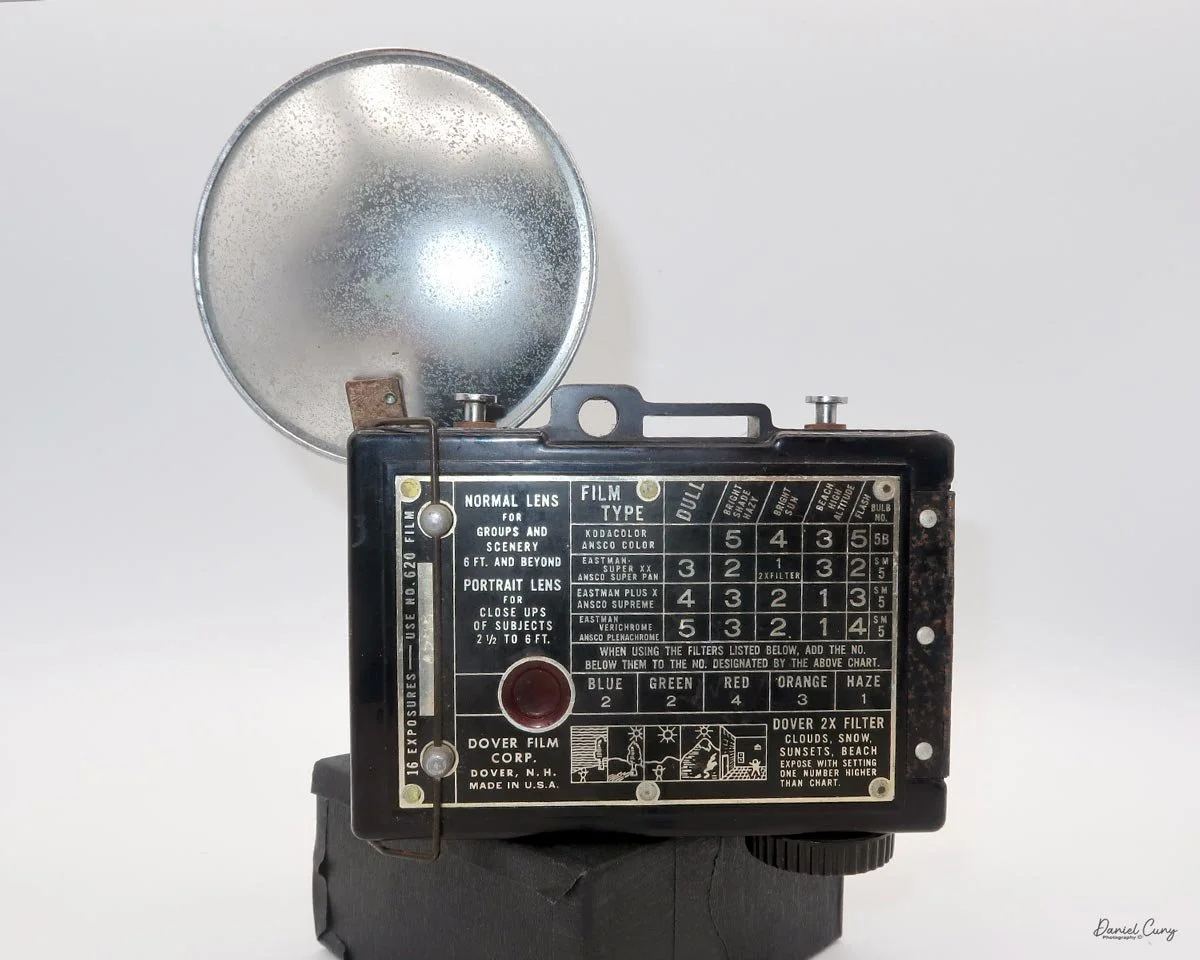
 

Kodak Bantam Special

My Kodak Bantam Special camera.

There are a few cameras that, just due to their sheer design, stand out in any person's collection. Cameras like the Kodak Super Six-20, Polaroid SX-70, Welta Reflekta, and the Kodak Brownie Beau all have a very striking design, whether on the faceplate or the camera's overall design. In my opinion, the one camera that is the most striking and beautifully made is the subject of this week's camera collecting blog, the Kodak Bantam Special.

 The Kodak Bantam Special is a camera made between 1936 and 1948, during the heyday of camera innovation and manufacturing not only in the United States but worldwide. If you think about the cameras produced in this era, there were the Zeiss Ikon Contax I, II, and III. Leica had the IIIC, Ihagee had the Kine Exakta, Kodak produced the Retina, Medalist, Rolleiflex continued to improve their models, and companies like Argus, Voigtlander, Agfa, and in Japan, Canon produced the Hansa in 1936.

Kodak bantam Special with case, manual and original box.

 I've had my Kodak Bantam Special for 20 years or longer at this point, and one of the things I like about my Bantam Special is it's a very clean camera, with a working shutter, very bright viewfinder, a very nice case, the original box and instruction manual(s) too. When I opened the box to retrieve the case, I found two manuals inside. Something I have forgotten about.

 I've owned several different Kodak Bantam cameras, which are relatively common and easy to find, but the Bantam Special truly is a "special" camera. I've owned a couple before the one I have now, but they were in relatively poor condition, with either chips in the paint or a shutter that wasn't working. But when I found this camera online, not only was the price reasonable, but it was complete. The only thing it didn't have was the camera's hang tag, which is extremely difficult to find.

 As I was looking over the cameras above my desk, thinking about the camera I wanted to write about this week, my eyes skimmed over the Bantam Special, thinking I must have written about it in the past. Still, when I looked at my camera reviews, it was one I'd overlooked. 

 The reason it's been looked over was the lack of 828 film I have in my refrigerator, which I use to review cameras. I have many of the other film formats,  35mm, 120, 620, 116, and 127, but no 828. So, a couple of weeks ago, I went to the local vintage camera store in town, which carries several of the film sizes I shoot with, and bought a couple of rolls.

An artistic view of Kodak Bantam Special camera

 For the history section, I've already written about the history of George Eastman, Eastman Kodak, and Walter Dorwin Teague, my favorite camera designer, so I thought I'd talk a bit about the not-too-popular film size that went away almost 40 years ago, 828 film.

History:

 828 film is a niche but significant chapter in the evolution of roll-film photography. Introduced by Eastman Kodak in 1935, 828 was designed as an alternative to 35mm film for compact consumer cameras. Kodak developed it alongside the launch of the original Kodak Bantam, a stylish, pocket-sized camera meant to bring high-quality photography to a broader audience. The goal was to offer the image quality of 35mm negatives without the mechanical complexity and cost associated with perforated 35mm film cassettes.

Kodak Bantam Special ad with 828 film

 Physically, 828 film is 35mm wide, identical to standard 35mm film in width, but it is paper-backed like 120 film. Instead of the multiple perforations found in 35mm stock, 828 features a single registration hole per frame, which helped position each exposure. This simplified both camera design and film advancement mechanisms. The standard frame size—28×40 mm—is actually slightly larger than the 24×36 mm frame on typical 35mm film, giving it a modest image-quality advantage despite its amateur-market positioning.

 Throughout the late 1930s and 1940s, Kodak produced a variety of Bantam models that used 828 film, including several Art Deco designs, such as the Bantam Special, known for its high-quality lenses and elegant styling. Other camera manufacturers occasionally experimented with the format as well, but 828 remained overwhelmingly associated with Kodak.

 The format reached its peak popularity in the 1940s and early 1950s, especially in the United States. However, its momentum began to fade as 35mm film gained dominance, propelled by the rise of precision German and later Japanese cameras, reusable metal cassettes, and the convenience of automated processing. By the 1960s, 828 had become a minor format, kept alive mainly by Kodak's continued film production and the long lifespan of Bantam cameras already in circulation.

 Kodak manufactured 828 film until the mid-1980s, after which demand dwindled, and the film was discontinued. Today, 828 is considered an obsolete format, though it retains a small following among camera collectors and experimental photographers. Enthusiasts occasionally reload old 828 spools with cut-down 35mm film, keeping the distinctive format alive in a niche, hands-on way.

My Camera:

 My Kodak Bantam Special camera is 5" wide by 3" tall by 2" deep with the lens closed, and 4" deep when the lens is extended. It weighs 1 pound, 0.5 ounces with a roll of film loaded. The camera is very sleek and stylish, with a Kodak Anastigmat Ektar 45mm f/2.0 lens and a Compur Rapid shutter. The camera was distributed between 1936 and 1940 with the Compur Rapid shutter made in Germany; after the war, Kodak distributed the camera with a Supermatic shutter between 1941 and 1948. 

To open the camera to take a photo, press the button on the right side, right in the middle, adjacent to the lens door. The door swings open to the left as you hold the camera, which is the opposite of how the popular Kodak Retina line of cameras opens to take a photo. 

 Similar to the Kodak Retina, the Bantam Special's lens is on a lens board, which is attached to a short black bellows that extends as the lens extends, with a scissor-style truss connecting the lens board to the camera body.

To focus the lens, the camera incorporates a "military style" rangefinder system. The focus adjustment is in the upper-right corner of the lens board when you hold the camera. Sliding the lever down focuses the lens. The rangefinder is viewed through the left-hand window on the back and provides a magnified view of the subject you're focusing on. The rangefinder in my camera is very bright and easy to focus with. Just slide the focus lever until a vertical line becomes a single, straight line, which indicates the camera is focused. The viewfinder is the window on the right-hand side that allows the photographer to frame their subject. 

The focus ring is also used to close the lens back into the camera body. Slide the ring up past the infinity marker in the direction of the "close" arrow. The lens's door will unlock, allowing you to retract the lens back into the camera and shut the front door for transportation.

 The shutter speeds and aperture settings are done on two separate settings on the Compur Rapid shutter. The shutter speed range is from 1/500 to 1 sec, along with "B" and "T" settings. The Aperture range is from f/2.0 to f/16 and is set via a sliding lever on the bottom of the shutter.

The shutter's cocking lever is on top of the shutter system, and the shutter release button is in the lower right of the camera's shutter. The placement and size of the shutter release were the most challenging aspects of using the Kodak Bantam Special camera. I'd get the camera focused, set the exposure, set the shutter speed and aperture, frame, cock the shutter, and I kept missing the shutter release. It's relatively small, and while not hidden, it's not in a very convenient place. If there were a shutter release on the top of the camera similar to the Retina's, that would make the camera much easier to use.

To open the back to load the film, on the top left of the camera, as you're holding it, is a protruding clip you pull up to release the lock for the back door. Once open, the camera is like many roll film cameras, with the empty spool going under the winding lever and the new roll of film on the right side of the camera body. Pull the film's leader out, and across the shutter area, and slide the tab into the slot of the empty film spool. Wind the leader until you see the "start" sign on the film's paper backing and close the film door. Open the camera's green window on the back door to see the frame numbers appear, indicating when to stop and take your next photo.

According to the manual, there is a button on the back of the camera that unlocks the frame advance knob, allowing you to advance the film to the next frame. Either the "film for classics" film used to take photos didn't have an automatic frame stop, or the item on my camera wasn't working because I didn't need to press the button to advance the film, and the film didn't stop automatically at the next frame. Either way, it wasn't a significant hindrance, and I just stopped advancing the film when I saw the following number on the roll.

My results:

 Other than the difficulty I had finding the shutter release to take the photo, the camera was enjoyable to use. It's slim and fits nicely into my pocket when I walk around the neighborhood taking pictures. The shutter started to lag after the second shot on the roll, and the rest of the roll didn't turn out because of it. I exercised the shutter for an hour or so, running through all the shutter speeds, and that helped. Luckily, I purchased two rolls of film, and the following day, I loaded the camera and tried again, with much better results, as you can see from the examples below.

 The rangefinder was bright and extremely easy to use. The regular viewfinder was a bit small, but that's probably more to do with me getting older and having an eye issue with my "taking" eye, so I needed to swap over and shoot "left-eyed," which is something I'll need to get used to.

 I loaded a roll of Classics 828 film into the camera and walked the neighborhood for photos. With only eight frames per roll on 828 film, I can see why 35mm became more popular. That's not that many photos before having to change to the next roll of film.

 Anyway, here are the results from my walk around the neighborhood with my Kodak Bantam Special.

Conclusion:

 On a scale of 1 to 10 for camera usability, I'd give it a 7, but for overall appearance, artistry, and appeal, it's a solid 10 in my books. There aren't many other cameras with this one's overall beauty.

 The photos turned out terrific, and it was great fun to use. Other than the price of black-and-white film at over $20.00 per roll, I'd use the camera more often. Still, for special occasions, it is a great camera to use, and one I'm pleased to have in my collection, especially with the case, manual, and box.

 Here's a link to my other Camera Reviews.

 I have some of the reviewed cameras along with other interesting cameras and photo items in my eBay store, Cuny's Cameras and Photos. Please stop by, and if you mention the blog, I'll be happy to offer a discount.

 Thank you for taking the time to read about this fabulous camera from the late 1930s. The Kodak Bantam Special is just that, Special.

 Until next week, please be safe.
Hasselblads Kamera Express

My Hasselblads Kamera Express

When I first saw this camera, which was only a month or so ago, it was on an online camera auction. Seeing the name Hasselblad on the back of the camera, my first thought was to write a blog post about it, since the very prestigious Hasselblad made it, but not the Victor Hasselblad Company most people are familiar with. 

 As I delved into the research of this rare camera, I was filled with a sense of excitement. The scarcity of information about this specific camera only added to its allure. My initial assumption that it was crafted by Victor Hasselblad's Grandfather, Arvid Viktor, was proven wrong, adding a layer of mystery to this unique piece. 

 This camera is the Hasselblads Kamera Express, and it dates from 1893. Hasselblad didn't really make it; it was produced for them by another Swedish company, Hugo Svensson & Company, another camera manufacturer in Gothenburg, Sweden. Here's where it gets a little strange. 

 According to McKeown's Camera Guide, they state the camera was manufactured by Murer & Duroni, of Milan, Italy. Others have said that the camera made by Hugo Svensson & Co. is nothing but a copy, or just very similar to the Murer-built camera. 

 Let me give you a brief history of the Pre-Victor Hasselblad & Hugo Svensson & Co., and how the two became intertwined in the late 1890s.

History:

 The History of Hasselblad goes all the way back to Victor's Great Grandfather, Fritz Viktor, who in 1841 founded the F.W. Hasselblad Company in Gothenburg, selling fabrics, travel accessories, and household goods, sort of the Pre-Ikea company (just a joke). One of Fritz's sons, Arvid Viktor (Victor's grandfather), met George Eastman in 19885 and sparked a business relationship, giving the F.W. Hasselblad Co. exclusive distributorship of Eastman Film & plate in Sweden.

Victor Hasselblad photographed by Per-Olof Swanberg. In search of Skåne's storks. Image Courtesy:Sören Gunnarsson.

 In 1908, Arvid broke away from the F.W. Hasselblad Co. and started a new company, Hasselblad Fotografiska AB, which sold solely photographic equipment to meet the product demands of customers in Sweden. Just two years before opening Hasselblad Fotografiska AB, Victor Hasselblad was born.

 When Victor was 18, he was sent to Dresden, Germany, to learn the camera trade, as many companies manufactured cameras in the area at the time. Victor also traveled the world, including the US, where he worked in camera stores, processing labs, and camera manufacturing. He even worked in Rochester, New York, with George Eastman before returning to Sweden in 1934.

 In 1937, Victor opened his own camera store in Gothenburg named Victor Camera. The first camera Victor made was the HK-7 in 1941. During WWII, he was asked to improve a captured German aerial camera for the Swedish Air Force. After WWII, he went on to produce some of the most iconic medium-format cameras used by professionals worldwide for close to 100 years.


Hugo Svensson & Co. 

 There is some excellent information about Swedish Camera history, although it’s in Swedish, you can use Google Translate to convert the text for your language.

 John Hugo Svensson (1867-1942) was trained as an engineer and worked with C.G. Dahlgren & Co. The company was next door to F.W. Hasselblad & Co., where they repaired goods for them. As cameras became more prevalent at Hasselblad, the C.G. Dahlgren Co. took on their repairs.

Hasselblad store advetising from 1902: Image courtesy: Sören Gunnarsson.

 As Svensson repaired the camera, he found ways to improve it, then began designing his own cameras based on those improvements. These cameras were then sold through the F.W. Hasselblad Co. store. 

 When the owner of C.G. Dahlgren & Co. passed away in 1896, Svensson bought out Dahlgren's widow and started his own company, Hugo Svensson & Co., which also included the younger brother of the original owner.

 Hugo Svensson's first camera, built around 1893, was the "Svenska Express", a drop-plate camera for either 6x9, 9x12, or 10x15cm plates. It was a copy of the Italian company Murer's Express camera built in 1900. My guess is Svensson worked on the Murer version and thought he could improve it. Hasselblad also marketed the Murer's Express Newness. 

 By 1902, Hugo Svensson & Co. produced a 20-page catalog of the products it manufactured and sold, including the "Svenska Express", "Simil Express", "Svea", and "Stella". Hugo Svensson produced catalogues until the 1940s, where he also sold German cameras, lenses, and instructions, making the catalog similar to a handbook.

My Camera:

 The camera I am fortunate to own is a slight variation of the models mentioned above. My Hasselblads Kamera Express, standing at 7" tall by 9" long by 4" wide, and weighing 2 pounds, 11.6 ounces, with a serial number of 111566, holds a special place in my collection. This serial number is imprinted on the inside of the back door, where you load the 9cm x 12cm film holders. My camera comes with five film holders, each holding a unique story.

Initially, I was unsure if my camera's shutter was operational. However, as I began to explore the camera, I discovered its hidden secrets. As I turned the center knob, just below the lens, it clicked, and when I pushed in the shutter release on the side of the camera, the shutter fired. This moment of discovery filled me with joy and fascination.

 Let me give you the camera's layout. Above the lens is a small knob that you can pull out. The rod moves the lens on the inside of the camera body and focuses it to the required distances, measured in meters.

 As just mentioned, the knob below the lens can be turned clockwise to cock the shutter. Just to the left of the shutter cocking mechanism is the aperture setting. To set the aperture, pull up the arm and slide it to the desired aperture number. The numbers on my camera are pretty worn and difficult to see, but I believe they are F/11 to the far left, then, as you swing the arm counterclockwise, the next stop is "S" (or closed), then f/14, F/22, and f/36.

On the lower right of the camera's faceplate is the shutter speed control. The shutter speeds available are 1/100, 1/50, 1/25, 1/10, 1/5 and 1. You turn the dial to the desired speed.

 At the top of the camera is the camera's handle, a spirit level, and a waist-level finder for vertical photos. On the right side of the camera is the viewfinder for horizontal photos, another spirit level, and the shutter release, which can be set to "M" for snapshots or "T" for timed exposures. Towards the rear of the camera is the lever that changes the internal film plates. Slide the lever to the top to drop the plate down from the exposed area. As you slide the arm back, it catches the next plate, making it ready for exposure.

 If you're not familiar with how a falling plate camera works, let me tell you what I know. The film holders are stacked vertically on the top of the camera, with the film pointing towards the lens. They are held in place by a spring on the back of the camera, which pushes the film holders forward in the upper chamber. As you take a photo, you flip the switch on the side of the camera forward, which moves the exposed plate a bit, and it drops into the lower chamber of the camera. The next frame is pressed forward by the spring, you then expose the film plate, and so forth until all the frames have been exposed. At that point, you'll need to remove the film holders from the camera in a dark room to prevent exposure to light. The loading process also needs to be done in a dark room for obvious reasons.

To open the back to load the film plates, there are two latches on the top and bottom of the back door on the right-hand side. Pull them out to open the back, then place the plates in. Close the back and press in the two bars to keep it closed.

 On the bottom and on the left side of the camera are tripod sockets.


My results.

 At first, I didn't think the shutter was working, but then I found out how to cock the shutter. I can't figure out how the plates drop within the camera. Unfortunately, I didn't try using the camera because I don't have any sheet film, but once I do, I'll try and see how the camera handles making images. I'll need to do it one frame at a time until I figure out whether it's an operator or a camera malfunction.

 I also found Jabcam's overview of a similar falling plate camera. 


Conclusion.

 It's nice having an older Hasselblad in my collection, although Hasselblad didn't particularly make it. My real intention was to write about it for the camera blog. Not being a big fan of drop plate cameras, you'll likely see the camera for sale in my eBay store soon.

 If you're interested in purchasing it, let me know; otherwise, you can see some of the cameras I've reviewed for sale in Cuny's Cameras and Photo.

 Here's a link to my other Camera Reviews.

 Thank you for taking the time to read about the intertwined camera companies that worked together in the early 1900s.

 Until next week, please be safe.
References:

Jabcam overview of falling plate cameras: https://jabcam.wordpress.com/2013/04/29/topic-a-falling-plate-camera/

Swedish Camera History: https://www.fotopaw.se/texter/svkam.htm

History Of Hasselblad-Soren Gunnerson: https://gunnarssonforum.blogspot.com/search/label/Fritz%20Victor%20Hasselblad


Hasselblad X-Pan

My Hasselblad X-Pan w/finder

Throughout my photographic career, my passion for panoramic images and cameras, as well as daguerreotypes, has consumed a significant part of my interest in collecting photographic items, including those with unusual or colored features. I recall the timeline when I first acquired specific working models of panoramic cameras.

 In my early days of collecting, I recall purchasing my first panoramic camera, a Russian-made 35mm Horizont camera. That camera helped spark the purchase and use of more panoramic cameras. When I bought a Kodak Panoram 1, I just put it on my shelf. When I found out that 120 film fit into the Kodak Panoram, Model 1 camera, I almost jumped for joy, because I could use it, rather than look and admire it.

 Wanting to add to the panoramic camera family, the elusive Widelux F7 was still years away, as I had a young family and was careful about the types of cameras I purchased to grow my collection. During this time, I came across a few Multiscope Al-Vista cameras, particularly the Baby, because, like the Kodak Panoram 1, the Baby Al-Vista also uses 120 film.

 As time went on, and the kids grew, and I advanced in my career, more funds became available to acquire the more exotic items that were previously out of reach financially when I was younger. A coworker had a friend who was selling an early Panon 120 panoramic camera for a very reasonable price, which I purchased and took with me to Peru’s Machu Picchu when my wife and I took a trip there.

 It was a decade ago when I finally had the chance to acquire a Widelux F7 model at an excellent price. Despite its cosmetic condition, I was determined to bring it back to life. After a visit to Precision Camera Works in Texas, the camera was given a new lease on life. Today, it's one of the most frequently used cameras in my collection, and the one that has captured many of the images in my panoramic section on my website.

My Hasselblad X-Pan w/30mm lens, finder, center filter, 3D printed lens hood and cap.

 The Hasselblad X-Pan was a camera I recall from its introduction to the market in 1998. Like several cameras from Hasselblad during those years, it was a collaboration with Fujifilm in Japan. Hasselblad sold the X-Pan worldwide, except in Japan. In Japan, Fujifilm had the TX-1, which was the same camera, just a different name and model number.

 It wasn't until about five years ago that I had the opportunity to purchase the X-Pan I currently have and am writing about in this post. The Hasselblad X-Pan is a significant addition to my collection, not only because of its unique features but also because of its history and the challenges I faced in acquiring it. I found it on an online auction, but the camera didn't have the standard lens; it only had a 30mm lens. No finder, and the top of the camera was missing the small plastic piece in front of the flash shoe. The camera was used very well, but its working condition was unknown.

 Examining other items being sold in the auction, I discovered a group of items that included the 30mm finder for the X-Pan. I notified the auction house that the finder from this lot should go with the camera from a different lot. They placed the finder in the lot with the X-Pan, which made the items more desirable, especially to me. 

 When it came time for the lot to be sold, I was surprised at the price it sold for, and fortunately for me, I was the high bidder. The price wasn't cheap, but for the items sold, it was a great deal. One of my first reactions was, Is the camera in working condition? I paid the shipping fees, and I just crossed my fingers that the camera wasn't a total wreck, but rather a pile of parts I needed to pay to get repaired. The anticipation and uncertainty of this process added to the thrill of acquiring this unique piece for my collection.

 Once the camera arrived, the first thing I noticed was its physical condition. There were many scratches on the body, and the item missing from the top, near the flash shoe, gave the camera a very "combat" look. The great news was that the center filter was there, which I hadn't noticed, and when I put batteries in the camera, it came to life. All the displays lit up, so I started to feel very good about the purchase.

 Once I put the finder on top of the camera, and it hid the missing piece by the flash shoe, I had a huge smile on my face. The next thing I needed to do was put a roll of film in the camera and try it out. After I did that and the film turned out well, I knew I had a keeper and one I needed to start adding to the rotation of shooting with, especially since it had the lens I desired, the 30mm wide-angle lens and finder.

History:

 The history of Hasselblad, the iconic Swedish camera manufacturer, is inextricably linked to the passion and ambition of its founder, Victor Hasselblad (1906–1978). Though the family business, F.W. Hasselblad & Co., began in 1841 as a trading company, it was Victor's innate interest in photography—fueled by a childhood passion for birdwatching—that transformed the firm into a global innovator. After training in the optics industry across Europe and the United States, even working under Kodak founder George Eastman, Victor opened his own shop, Victor Foto, in Gothenburg in 1937. 

 The pivotal moment for the company arrived during World War II. In 1940, the Swedish military tasked Victor with reverse-engineering and improving a German aerial surveillance camera that had been recovered. His reported reply—"No, but I can make a better one"—set the standard for the company's future. He founded Victor Hasselblad AB in 1941 to manufacture the HK-7 military camera, laying the groundwork for the company's subsequent civilian production.

After the war, Victor applied his modular military design to the consumer market, launching the Hasselblad 1600F in 1948. This medium-format, single-lens reflex (SLR) camera, with its distinctive modular design featuring interchangeable lenses, viewfinders, and film magazines, quickly became the gold standard for professional photographers worldwide, especially with the introduction of the robust 500 series in the 1950s.

 Hasselblad secured its legendary status through its partnership with NASA, which began in 1962. Astronaut Walter Schirra, an avid photographer, suggested using his personal Hasselblad 500C to document space missions. NASA modified the cameras to withstand the harsh conditions of space, and the Hasselblad became the camera system of choice for American spaceflight. The climax of this partnership occurred on July 20, 1969, when a Hasselblad Data Camera (HDC) captured the historic first steps on the Moon, solidifying the brand's legacy as a true pioneer in imaging technology.

My Camera:

 My Hasselblad X-Pan is 7" wide by 3.25" tall without the 30mm viewfinder and 5.5" tall with the viewfinder by 3.5" deep from the back of the camera to the front of the lens. The camera weighs 2 pounds, 9.6 ounces with the 30mm f/5.6 lens. The camera body serial number is 11EE13969, and the lens serial # is 8SXP13110. I purchased an aftermarket, 3D-printed lens hood and cap for the 30mm lens, which fits well. However, it is shifting on the lens and not staying in the proper position, so I may have to spring for an actual Hasselblad-made hood and cap.

The camera is powered by 2 CR2, 3V photo batteries, which, like many cameras, fit into the bottom of the camera. Most of the controls are located on the top of the camera. Going left to right is the camera's hot shoe for flash. That's something I don't use, except for sliding the 30mm viewfinder onto the hot shoe and then screwing it down to hold it in place.

 To the right of the hot shoe is the shutter speed dial, which ranges from 1/1000 to a full 8-second exposure, accompanied by a green "A" for Auto mode. In the case of the X-Pan, when the selector is set to the green "A" position, the camera is in "aperture preferred" metering, which means you select the desired aperture, and the camera will choose the appropriate shutter speed depending on the film's ISO and the lighting conditions. Even in "auto" mode, there are warning signals within the viewfinder that indicate if you are overexposed or using a shutter speed longer than 2 seconds.

If the camera is not in the "auto" exposure mode and you're selecting both the shutter speed and aperture, a series of lights and signals, indicated by +/-, appears within the viewfinder, showing what a properly exposed image will look like depending on the selected shutter speed and aperture.

 To the right of the shutter speed dial is the shutter release, marked in silver, and a small window behind the shutter release that displays "P" if you're in panoramic mode, as well as the frame number you're on. Further to the right is the main On/Off switch at the bottom, along with "S" for single frame, "C" for continuous shooting, and a clock face for self timer. Turn the On/Off switch to the desired mode, and the camera will be on. On top of the dial is exposure compensation, which allows for up to 2 stops of light lighter or darker than the recommended meter settings when in the "A" or auto mode. These are set in half-stop increments on the dial.

On the back of the camera, from left to right and top to bottom, is the camera's viewfinder, which incorporates a coupled rangefinder. My rangefinder is very bright, which makes the camera extremely easy to focus with. Just above the camera's viewfinder is the 30mm viewfinder. The viewfinder features several different frame lines, depending on the film format used, along with a bubble or spirit level at the bottom to check if your camera is level.

To the right of the camera's viewfinder is an essential switch. The X-Pan camera is compatible with the standard 24x35mm film format. Alternatively, by depressing the button and turning the dial to the "P" position, you can shoot in a panoramic format of 24 mm x 65 mm. On the back of the camera by the shutter, the camera will move blades in or out depending on the film format you're using. I've never really heard photographers using the X-Pan as a standard 35mm camera, only for panoramic purposes, but this can change at any time, and you can go back and forth on the same roll of film if desired.

On the back of the camera, on the back door, there are three settings. Ine is "AEB", or Auto Exposure Bracketing, which allows the photographer to automatically bracket either a half or full stop in between shots. The next button is used to light up the display, which is particularly useful at night or in dark situations. The third button is a very small, indented button that you use to rewind the film before reaching the end of the roll.

 On the front of the camera, in the 11 o'clock position, is a dial to set the film speed. The camera features fully integrated DX coding for modern film. However, if you're using a self-loaded cassette or older non-DX-coded cassettes, the ISO can be set manually. Below the dial is the lens release button, which allows the photographer to change lenses. Opposite the camera is the PC flash sync port, which enables flash use via a PC cable.

On the left side of the camera, the shutter remote cable socket is located at the top, and the camera's film door lock lever is positioned at the bottom. Flip the lever up, then slide it up to open the camera's film back and load the film.

 To load the film in the X-Pan, insert the film cassette into the film area, guide the leader to the take-up wheel, and then close the back of the camera. The camera will automatically wind the film all the way out of the cassette and onto the take-up spool before you take your first image. 

As a man, and not having read the manual before loading the camera, I started to get concerned. When I closed the door on my initial roll of film and heard the film advance for so long, I thought the camera was broken and needed servicing. That's just how the X-Pan winds film. When you receive your film back and examine the frame numbers, you will notice that the first frame, or Frame #1, is actually the last image you took, and number 36 is the first image.


My Results:

 My wife and I took a drive to Multnomah Falls outside Portland, and since I was going to write about this camera, I took it with me to see how it would perform. 

 Honestly, it's only the third or fourth time I've taken the camera out to shoot with it, mainly because I shoot with the Widelux so much, but this was an excellent time to see how the camera performed.

 The day was overcast, but the crowds were small, and since it had rained recently, the falls were rushing. After shooting the falls, we went into their restaurant to have lunch.

 Here are photos from that small adventure.

Conclusion:

 WOW, what amazing images and camera. I understand why so many people enjoy shooting with this camera. It doesn't have the swing lens curvature like the Widelux has. The X-Pan offers modern advancements over the Widelux, such as auto-exposure, exposure bracketing, and other features, but is physically larger and heavier.

 There's a trade-off for all things, but I'll definitely be using the X-Pan more often. It made shooting very simple and easy. I needed to focus on my subject with the X-Pan, which isn't a bad thing, and the images turned out great.

Another excellent feature of the X-Pan is that it’s a “system” camera, allowing for the use of other lenses. There is a standard wide-angle 45mm f/4 lens, along with a compact telephoto 90mm f/4 lens.

 Thank you for taking a few minutes to read about this fantastic panoramic camera from Hasselblad. A camera I'm fortunate to have in the collection.

 Here's a link to my other Camera Reviews.

 I also have an online store, Cuny's Cameras and Photo. If you see something in my store that interests you, don't hesitate to make me an offer. I'm always looking to negotiate and make deals, and I'd love it if you could share my article.

 Until next week, please be safe.
Ensign Midget-Silver Jubilee Model

My Ensign Midget-Silver Jubilee camera

All of the Ensign Midget cameras have a fascinating look. With three models, the straightforward Model 22, to the more refined Models 33 & 55, featuring a diamond-shaped faceplate and a very Art Deco appearance. The one model that stood out to me with the most significant difference was the Ensign Midget-Silver Jubilee model, introduced in 1935 for the Silver Jubilee of King George V and Queen Mary. This model, in particular, holds a unique place in the history of Ensign cameras, being a rare and special edition.

 As I've mentioned several times, my love for the unusual, quirky, and vibrant cameras holds a very special place in my heart. The majority of my collection has something particularly peculiar about it. Whether the camera is a different color other than the drab black, ot it has a different film format, or an unusual faceplate, or some other oddity about it

 The Ensign Midget, Model 55, Silver Jubilee camera in my collection is a relatively recent purchase. I have memories of reading about it in McKeown's Camera Price Guide, and I've come across a few at camera shows and online, but I never pulled the trigger and purchased one. However, when I finally acquired this model, it felt like a significant addition to my collection, a piece of history that I could now share with fellow enthusiasts.

Ensign Midget with slip-in case & manual

 I found the Ensign Midget, Silver Jubilee model that I currently own online at a very reasonable price, which also included the protective cover and original manual, making it even more desirable. The only thing missing was the original box, which would have increased the price. 

 When the camera arrived, I was very pleased with its condition, as it was free of scrapes and dings, which are very common on a camera that is 90 years old. The camera's cover was clean, the faceplate still had a chrome shine, and the instruction manual was in superb condition. I was very pleased with the camera's condition, and it was in good working order, which was the icing on the cake, as they say.

 In the UK, Kodak also produced a "Silver Jubilee" box camera, which is covered in white leatherette. While I'd love to have one of the Kodaks in my collection among the other colored box cameras I have, it'll be some time down the road for me.

History:

 Ensign cameras represent a significant chapter in British photographic history. The company's roots date back to 1834, with the founding of Claudet & Houghton by George Houghton and Antoine Claudet, who initially dealt in optical glass. This enterprise evolved, eventually becoming George Houghton & Sons, which by the early 1900s was manufacturing cameras, such as the 'Ensign Simplex Auto'. By 1908, their Walthamstow factory was reportedly the largest camera manufacturing plant in the United Kingdom.

Ad for Ensign Midget camer

 A significant turning point came in 1915 when Houghton merged with W. Butcher and Sons Ltd. to form the Houghton-Butcher Manufacturing Company. Throughout this period, they produced popular models, such as the Sanderson folding camera and the highly successful, compact Ensignette roll-film camera, introduced in 1909. The Ensign brand name grew so synonymous with their products that in 1930, the parent company was formally renamed Ensign Ltd.

 Ensign became known for producing affordable, good-quality cameras that helped popularize photography among ordinary people in the 1920s and 1930s. They produced various formats, including folding roll-film cameras like the Popular Ensign and later models, such as the distinctively styled Ful-Vue, post-WWII.

 The company faced turmoil during World War II; their London headquarters, Ensign House, was destroyed by bombing in 1940, and the sales wing was soon after wound up. Post-war, Ensign continued through several mergers, joining with Elliott & Sons to become Barnet Ensign Ltd. in 1945, and then with lens-maker Ross Ltd. to become Barnet Ensign Ross Ltd. in 1948. It finally operated as Ross Ensign Ltd. by 1951. Despite producing quality 1950s roll-film cameras, the company ultimately failed to embrace the emerging 35mm format. Production of still cameras ceased, and the Ross Ensign name faded away, with the company being dissolved around 1961.

Key Features and Models

The Midget was marketed with the slogan "Wear it Always—Like your Watch," emphasizing its petite size, which measures approximately 90mm × 45mm × 18mm when collapsed.

 The camera came in three primary models, whose numbers originally corresponded to their price in shillings:

  • Model 22: The most basic version, typically featuring a fixed-focus meniscus lens and a simple two-speed shutter (Instantaneous/Time). It often lacked the top-folding frame finder found on higher models.

  • Model 33: An upgrade from the 22, this version typically featured a slightly better fixed-focus "All Distance" meniscus lens and a 3-speed shutter (e.g., 1/25, 1/50, 1/100 sec, plus T/B).

  • Model 55: The premium model featured a focusing Ensar f/6.3 Anastigmat lens with iris diaphragm control, enabling focus down to approximately 3 feet. Its shutter offered speeds up to 1/100 sec.

 All models used the dedicated Ensign E10 roll film to produce six negatives measuring 35 mm × 45 mm—a format slightly larger than the standard 35 mm (Leica format). The cameras were constructed with a pressed steel body and leather bellows, featuring an Art Deco design with chrome accents on the struts.

 The Midget family was very popular, but its production was ultimately halted in 1940/1941 as the company shifted its focus to wartime manufacturing. It was not returned to the product line after the war, as Ensign focused on the 120 film format instead of competing in the burgeoning 35mm market.

My Camera:

 My Ensign Midget camera is 3.5" wide by 1.75" tall by 0.75" deep with the front lens collapsed, and 2.75" with the front lens extended and the black bellows of the camera exposed in its normal "picture-taking" position. My camera weighs in at a measly 5.9 ounces. As you can see, the slogan Ensign used, "Wear it Always—Like your Watch," was very informative. I'm thinking that if I had had one of these cameras back in 1935 and carried it in my pocket, it would have been so small that it might have been challenging to locate.

The camera has two struts on either side of the lens, which extend when the lens plate is pulled out for taking photos. Once you're finished taking the pictures and ready to close the camera, start by pulling the end of the struts closest to the lens out, away from the lens plate, to unlock them. Then,  the lens plate can collapse back into the body when not in use.

 Once you have the lens extended and ready to take photos, the front viewfinder unfolds upwards to make the front of the "Direct Vision Viewfinder as noted in the manual. Once the front is extended, the back of the camera houses a "flip up" eyepiece that completes the camera's Direct Vision Viewfinder which is to be used if you want eye-level viewing.

There is a "Brilliant View Finder, tucked into the side of the camera's body, which can be used for taking vertical images, then flipped out when taking a horizontal image. For vertical images, the Brilliant View Finder lens is tucked into the camera body with a small opening just below the word "Midget" on the right side of the camera's faceplate, as viewed from the front. It's evident once the Brilliant View Finder is flipped to use in the horizontal position.

On the right side of the camera, as you're holding it to take a photo, tucked behind the faceplate is the camera's shutter release. Also on the right side of the camera is a slide-out leg that props up the camera for taking vertical images. On the flip-up leg is the camera's serial number, which mine happens to be "H15871."

On the front of the camera are the settings for shutter speed, aperture, and focus distance. The Aperture settings are located along the top of the faceplate and range from f/6.3 to f/22, selected by moving a small slider just below the aperture numbers. 

 Around the F/6.3 "ENSAR" anastigmat lens are focusing distances for you to set. The distance lines up with a small bar that protrudes from the lens, with focus distances of 3" at the 12 o'clock position, 5' at the 3 o'clock position, 8' at the 6 o'clock position, 12' at the 9 o'clock position, and infinity, backing up towards the 12 o'clock position.

 The shutter speeds of 1/100, 1/50, 1/25, "B", and "T" are set on the bottom of the faceplate, similarly to how the aperture settings are made, by sliding a small bar to the desired shutter speed.

Shutter, aperture and focus area on Ensign Midget camera

To open the back of the camera to load film, a locking mechanism on the left side must be pulled down. This slides a small bar that fits into a tiny opening, allowing the back of the camera to swing open and be removed from the camera.

 You load the Ensign Midget just like any roll film camera, but unfortunately, this camera and the other Midget camera takes an odd-size film that is no longer available. Once the film was loaded, engage the feet into the hinges on the right side of the camera and close it up. Just be sure that when you lock the back of the camera, the small rod fits into the tiny hole, which holds it in place. If not engaged, the back will open.

My Results:

 Unfortunately, I don't have film to use in this camera, due to its unique size and limited availability. Therefore, until I learn to cut and process film to use in the camera, this will remain a showpiece in my collection.


Conclusion:

 The Ensign Midget, Silver Jubilee edition camera is a camera I've long desired to own and will be cherished in my collection. The silver crinkle finish on the camera is a lovely touch to an already beautifully designed and built camera—a real gem crafted during a heyday period in pre-World War II England.

 Thank you for taking a few minutes to read about this fantastic, small, yet extremely well-built camera. One, I'm happy to give a prominent spot in my collection.

 Click the link to read my other Camera Reviews.

 If you're looking for a photo item, I have a wide selection of cameras, lenses, and camera parts available in my eBay store, Cuny's Cameras and Photo.

 Until next week, please be safe. 
 

Coronet Cameo

My Coronet Cameo camera

It wasn't until I had been collecting cameras that I developed an interest in miniature and subminiature cameras. One of my earliest recollections of liking small miniature cameras was when I became a sales representative for a well-known Swiss large-format camera company (Sinar) and traveled to Sacramento to visit a store that displayed many different miniature and subminiature cameras at the cash register.

 I fondly remember spending time looking at the display, thinking many of the cameras seemed so odd and unusual, which is something I'm always looking for in what I collect. When I asked the owner of the store if any of the cameras were for sale, and his reply was a swift and hardy "no", in my mind, it triggered a need to find out more about this whole new world of cameras I was aware of, but had no interest in collecting.

 While I don't have a large collection of miniature and subminiature cameras, the ones I do have have a special place in my collection because they are all very unique. I have the majority of the miniature and subminiature collection on my desk, which I'm at the majority of the time I'm in my office, or what I call my camera oasis. It's the one room in our house where I can do what I want, within reason. Another terrific part of the collection is that they don't take up much room, so I have many of them in a small area that reminds me of the display at the camera store I went to well over 30 years ago.

 I came across the Coronet Cameo camera on a trip to London about two to three years ago. For me, one of the main objectives of the trip was to visit Portobello Road to see some of the camera and photo stalls we had visited on a previous trip to London many years earlier. When my wife and I visited the outdoor market, I found that things had changed, and many of the vendors only showed up on weekends. This was a massive disappointment for me, especially since my wife and I were leaving on Saturday afternoon.

Coronet Cameo size comparison.

 The main person I was to meet was Juliano of Cameras London, who shows his cameras only on Saturday. Somehow, I convinced my wife that I would take the bus to Portobelo Road and back in time for us to go to the airport. 

 As I took the bus to Portobello Road that Saturday morning, I remember I needed to be mindful of the time and hurry. I arrived early as Juliano was still setting up. He had a fantastic display of cameras and some negatives. There were several cameras I wanted to purchase, one being an Ilford Advocate, which you can read about. He said he had a cleaner version and would ship it to me. 

I got together a small group of cameras, and just before I paid him, I saw the Coronet Cameo. It was in poor condition, but it was odd and unusual, so I threw it into the pile. We made a fair bundle price for the items, including the Advocate and Cameo camera. I paid him for the items, put the cameras in my backpack, and made my way back to the hotel. We had plenty of time to make it to the airport.

History:

 The Coronet Camera Company was a significant English camera manufacturer, founded in 1926 in Birmingham, England, by Frederick W. Pettifer. The company began at 48 Great Hampton Street, Aston, focusing on producing an inexpensive line of cameras for the mass market. Their early focus was on simple box and folding cameras.

Photo of old Coronet building depicted from Historic Camera website

 A key aspect of Coronet's operations was its utilization of local Birmingham businesses. They partnered with the British Optical Lens Co. for lenses and, notably, with Edwin Elliott, a local plastics manufacturer, who fabricated molded plastic cameras for them. This collaboration led to popular pre-war models, including the small and stylish Coronet Midget and the Coronet Vogue, which were often made from colored Bakelite. By 1933, the company had reportedly sold a remarkable 510,000 cameras.

 The company became Coronet Ltd. in 1946. After World War II, the company specialized in low-cost, molded-plastic cameras. Due to French import restrictions, Coronet formed a partnership with the French company Tiranty of Paris. This collaboration led to several Coronet models, such as the Rapide, being manufactured in France, sometimes using Boyer lenses, to bypass trade barriers. Coronet also produced accessories and its own brands of film, including Corochrome.

 The company continued to manufacture cameras from its Birmingham headquarters (later located at 308-310 Summer Lane) until it finally ceased operations in 1967. Over its four-decade history, Coronet played a vital role in making photography accessible to the public by providing thousands of simple, affordable cameras, many of which remain popular collector's items today.

My Camera:

 This portion of the blog will be sparse, as there's not much to this camera. The Coronet Cameo camera is small and will almost fit into a 35mm film container. It's 2" wide by 1.5" deep and 2" tall with the front viewfinder extended and only 1.25" tall when it's retracted. The camera only weighs 1.6 ounces. The Cameo has a fixed 25mm F/11 Meniscus lens and a single shutter speed range of 1/25-1/50, with the shutter release on the right side of the camera body.

The camera is made from plastic and was manufactured between 1948 and 1952.  Coronet attempted to revive the success of the Pre-War Midget camera, which was highly successful for the company at the time.

 The Coronet Cameo takes a roll of 16mm film and produces six 12mm x 18mm negative-sized images per roll. The camera loads and winds like any other roll film camera, with the unexposed film loaded on the left and the leader threaded into the take-up spool on the right via the film winding lever.

The back of the camera is held in place by two clips on the right side of the camera. To open the back, lift it from the two clips; it will open, exposing the film chamber. Unfortunately, my camera, like many Coronet Cameo models, is warped, and the back doesn't fit properly to the body.

 A sliding front viewfinder can be pulled up, and when the rear viewfinder is lifted on the back of the camera, it exposes the red window displaying the frame number of the image you'll be taking on the roll of film.

My Results:

 Unfortunately, there is no longer film for this camera, and with the warped camera back, I wasn't able to take photos with it.


Conclusion:

 As I was taking photos of the Coronet Cameo, I had an empty 35mm film tube and tried to see if the camera would fit inside it, but it's just a tad too big.

 The Coronet Cameo camera is sitting right next to my Whittaker Micro 16 Pixie camera, which I considered writing about for this blog post. Still, I'll leave that camera for another day. I do enjoy all the miniature and subminiature cameras in my collection; it just took me a few years of collecting them to appreciate them for what they are.

 Thank you for taking the time out of your day to read about this small plastic camera from about 75 years ago. I'm sure many people owned and enjoyed them when they were made.

 If you're interested in reading about other cameras I've reviewed, here's a link to my other Camera Reviews.

 I also have a store on eBay, Cuny's Camera and Photos, where I sell items I've reviewed, as well as many other camera oddities.

 Until next week, please be safe.
Whitehouse Beacon Cameras

My Whitehouse Beacon cameras

When I was starting to collect cameras, I would collect anything —from straightforward box cameras and point-and-shoot cameras to fundamental bakelite cameras. As you begin to refine your interest in collecting a particular item, the focus becomes a bit more narrow, and the items that you see so often, like Kodak Brownies and bakelite holiday cameras, become less and less interesting. 

 I'm sure that's true with collecting anything. You're always on the hunt for odd, unusual, rare, or exotic items, whether it's cameras, firearms, cars, or sports memorabilia. Once I got over the initial phase of buying "any camera", I started collecting cameras with color to them. Kodak Rainbow box and folding camera, some of the bakelite Imperial camera, Boy and Girl Scout cameras, or even a box camera with odd and unusual faces on them, like the Bear Photo camera, or the Century of Progress cameras. To this day, it's difficult for me not to pick up and look at any colored camera, and I will most likely purchase one if the price is right.

 The Beacon camera was one of the cameras that started in my initial phase of collecting and continued into the next phase of collecting cameras with color. To this day, I can remember walking through a local flea market and seeing a familiar shape of the Beacon camera, but this one was in a different color. I had only owned the black version before, but this one was greenish-turquoise. When the seller quoted a few dollars, I snatched it up right away. The Beacon camera came in traditional black, as well as white, red, and green.

My three Beacons

 I purchased the red Beacon camera well over 35 years ago, when there was no internet, and the only places you could see items like this were at camera shows, camera collecting books, which usually weren't in color, or people selling things at garage sales or flea markets. I remember thumbing through the McKeown's Camera guide, which I had back then. It was considerably smaller, but it did mention whether cameras came in different color versions.

 When eBay launched in the late 1990s, I was an early adopter and joined in 1997. At that time, there were no product photos; only descriptions. It was more of a message board of people buying and selling items. My first number was 1034, this was even before you had a name on eBay. eBay changed the way people collect so many items. The market became flooded with items that were difficult to get before eBay, and their prices dropped. So many antique stores and other retailers were affected by them until they started selling on the marketplace, and it has now become such a vast entity.

 I can even remember starting a similar auction site aimed at the photo marketplace in the early 2000s, and I was going to call it Photo Flea Market, where people could buy and sell cameras, lenses, vintage gear, and even images like prints, Daguerreotypes, Ambrotypes, etc. Try to keep it more focused on one particular industry, but like many ideas, it went by the wayside.

Camera History:

Patent Drawing for Beacon camera

 The Beacon camera was manufactured by Whitehouse Products Inc. of Brooklyn, NY, starting in the late 1940s. My friend, podcaster, and excellent camera blogger Mike Eckman has a tremendous post on the History of Whitehouse Products where he deep dives into a famous woman named Vira Boarman Whitehouse, (Mrs. Norman De R. Whitehouse) who was mainly know as a suffragette leader in the 1920 that had a leather company who employed many women, and who also championed company's to go from a 48 hour work week to a 40 hour week. It's truly a fantastic read.

 Whitehouse Products produced the Beacon line of cameras, along with another simple camera in the 1960s, the Beacon Reflex camera, Automatic 705, and the Autoflash WH 127-A, which Ansco also sold. My favorite Whitehouse camera was the 1970s novelty Charlie Tuna Camera, which I also have in my collection.

 The one thing I can be sure of is that William L Lawson was the designer and inventor of the Beacon camera. I conducted a patent search and identified the initial design of the camera, produced in 1948. It's for the original Beacon camera, which also included two shutter speed settings. The two speeds were either "I" for instant or "B" for bulb, or timed exposures. The later Beacon II model removed the ability to set the shutter speed, as shown on my camera. The original Beacon and later Beacon II models took 16 images on 127-size film, producing a 3x4cm negative. 

 Later in the 1950s, Whitehouse produced the Beacon Two-twenty Five. A larger version of the Beacon and Beacon II, which took 12, 6x6cm images on 620 film. This is the camera I used to produce the images included in the post.

My Camera:

 My Beacon Two-Twenty Five is 4" tall by 5.5" wide by 3.5" deep with the lens extended, and 2.25" deep with the lens compressed into the camera body. It weighs 13.7 ounces. The camera has a 70mm Doublet lens with an aperture of F/8, which would be my best guess, possibly a bit faster. To say this camera has no bells or whistles is an understatement, and there are only a few things you need to do to take a photo.

To load the film, on the right side of the camera is the latch to open the back door. Slide the button down to open the back, and swing the door open to reveal where to load the film. This camera takes 620 film, but there is nothing to help load or unload the film roll from the film chamber. Since I had some 620 film, I needed to force the roll of film into place before I tore the tape off and slid the paper backing across the film plane to put the leader into the take-up spool. It wasn't very easy, but I got it done.

Once the film is on the take-up spool, I wound it until I saw the "start" arrows, then closed the back of the camera. I wound the take-up knob until I saw the number 1 in the viewfinder. The camera is now ready to take the first photo.

 Before taking the photos, you'll need to pull the lens area out of the camera body using the two grips on either side of the lens. Once the lens is pulled out, it snaps or locks into place with two wide silver bars located behind the grip. If you don't pull the lens out, your photos won't be blurry. To take the picture, the chrome shutter release is located on the top of the lens chamber. My guess is the shutter speed is around 1/60 of a second.

Once the photos have been taken, press in the two chrome bars that lock the lens into place at the rear of the camera body, and the lens chamber will slide back into the camera body.

 If you'll be using the Beacon flash attachment, attach the flash once the lens is extended. First, the flash takes two penlight batteries, which fit into the back of the flash attachment. On the back, under the reflector, is a small clip that needs to be pulled back to expose the battery compartment. Close the battery cover, slide the front of the flash unit under the lens chamber, then slide the flash over the top of the camera until it's in place, then screw it into the camera body using the small screw on the back of the flash.

The flash units take either size 5, 11, or 22 flashbulbs. Here's a link to Mike Butkus manual for the Beacon camera and the Beacon flash.

 The camera is fundamental to its functions, but let's take a look at the images it produces.


My results:

 I loaded up a roll of 620 film I keep for camera testing, and took a walk through the neighborhood. Since the day was cloudy, I had to wait for the sun to come out so I'd get better results.

 Here are a few of the images I took.

Conclusion:

 The Beacon did a better job than I anticipated, especially given its simple camera. No focus, shutter, or aperture settings. It's truly a "point and shoot" style camera, specifically designed for family snapshots. The edges are soft, as expected, but overall not too bad.

 I doubt I'll be taking the camera on an important vacation, but my curiosity got the better of me. I wanted to see how it would perform, and it wasn't horrible.

 Thank you for taking time from your day to read about this snapshot camera from the late 1940s, for the original Beacon, to the 1950s, for the Beacon Two-Twenty Five, which I used for the post.

 Here's a link to my other Camera Reviews.

 If you are looking for an odd or unusual photo item, be sure to stop by Cuny's Camera and Photo, my eBay store.

 Until next week, please be safe.
Zeiss Ikon Ikoflex III (853/16) camera

My Zeiss Ikon Ikoflex III camera

My first real camera, a Univex Uniflex, was a gift from my Uncle Bud, my mother's younger brother. He was a free-spirited soul, living a bohemian lifestyle that left a lasting impression on me and my older brother. This camera, a symbol of his unique spirit, became my gateway to the world of photography. 

 Uncle Bud was the photographer in the family gatherings, went to art school in Chicago, where he met his wife, made wine, went antiquing, purchased an old school bus, and was converting it into a camper for the family, was health-conscious, all of this in the 1960s, as I was young and impressionable. 

 I tell you this because the Univex Uniflex was a somewhat inexpensive twin-lens reflex camera that I used for many of my early years taking photos, so the twin-lens reflex style has always felt comfortable to me. I've always enjoyed looking through a larger viewfinder and framing my subject, albeit backward when looking down into the camera. It's similar to looking through a view camera, although the view camera isn't backwards, just upside down. 

 Last week, as my wife and I were in Yosemite and the San Francisco Bay Area. One of the reasons we went there was that on the first Sunday of the month, there's a large flea market in Alameda, which I miss since moving away from the area about 9 years ago. I planned the trip partly to visit the flea market and look for cameras and other photo items.

 I arrived at the flea market early and started looking over the many tables. At one of the tables, I found this fantastic Zeiss Ikoflex III camera I've been looking for for many years. As I picked up the camera, the shutter worked at higher speeds and lagged at lower speeds. The lens was clean and the transport worked well. 

 After a bit of negotiation, I left the flea market with the Ikoflex III and a few other small items. The joy of this find was so great that I couldn't wait to share it with you, my fellow camera enthusiasts. Even though I had recently written about the Zeiss Contaflex camera, the Ikoflex III was a gem that I couldn't wait to put a roll of film into and share its story on my camera blog.

Ikoflex History:

 The Zeiss Ikoflex emerged in 1934 as Zeiss Ikon's direct answer to the burgeoning success of the Franke & Heidecke Rolleiflex. The inaugural model, affectionately nicknamed the "Coffee Can" for its distinctive upright, cylindrical body, marked a departure from the more conventional TLR design. This initial offering was a clear statement of intent from the German optics giant to compete in the professional and enthusiast photographer market.

Ad for Zeiss Ikon Ikoflex III camera

 Throughout its production, which spanned until 1960, the Ikoflex series underwent significant evolution, with a clear demarcation between its pre-war and post-war iterations. Before World War II, Zeiss Ikon introduced several models, progressively refining the design and features. The early lever-wind and knob-wind "Coffee Can" models gave way to more streamlined, traditionally styled TLRs. These pre-war cameras often featured high-quality Zeiss lenses, such as the Tessar and Novar. They were equipped with Compur or Klio shutters, offering photographers a range of options in terms of both price and performance. A notable pre-war innovation was the Ikoflex III, introduced in 1939, which boasted a fast f/2.8 Tessar lens and a unique Albada direct-vision viewfinder integrated into the focusing hood, setting it apart from its contemporaries.

 Following the end of the war, Zeiss Ikon resumed production in West Germany and continued developing the Ikoflex line. The post-war models, such as the Ikoflex Ia and IIa, reflected the technological advancements of the era. These cameras often featured coated lenses for improved contrast and flare reduction, as well as synchronized flash capabilities. The final models in the series, like the Ikoflex Favorit, even incorporated a built-in, uncoupled light meter, a significant feature for the time.

 Despite its innovative features and the esteemed Zeiss pedigree, the Ikoflex line always existed in the shadow of the Rolleiflex. While highly capable and well-regarded for their robust build and excellent optics, the Ikoflex cameras ultimately ceased production in 1960, leaving behind a legacy as a compelling, if not dominant, force in the golden age of twin-lens reflex photography.

My Camera:

 My Zeiss Ikon Ikoflex is in very good condition, except for some of the slower shutter speeds, which I'll exercise and hopefully bring back to life; otherwise, I'll have it CLA'd. The camera's serial number is 836152, and it has a Carl Zeiss Jena Tessar 8cm f/2.8 lens, serial number 1851589. The camera is 6" tall when the light chimney is closed and 8" tall when it is open, by 4" wide, including the focus knob and film winding lever, and by 4.25" deep when the camera is focused at infinity.

To open the light chimney and look into the viewfinder, on the back of the camera, behind the closed chimney, is a button to press to open it. Unlike many twin-lens reflex cameras, the light chimney opens from the front rather than the rear, which I find interesting. On the right side of the back wall, the small switch locks and unlocks the flip-up magnifying glass for critical focus on the ground glass. On the side walls of the light chimney are "Zeiss Ikon" on one side and an exposure index on the other.

 If you want to use the Albada sports finder, it shows bright frame lines as you peer through it, and the front of the light chimney is a very polished, mirror-like surface, very similar to the previously mentioned Zeiss Ikon Contaflex TLR camera. To close the chimney, fold down the sides, then the front, and finally the rear portion. 

Similar to the Rolleiflex, both the aperture and shutter speed settings can be viewed when peering down the light chimney. Two separate windows show the aperture setting on the left and the shutter speed on the right. To move either setting, there's a lever on each side of the lens; slide it up or down to change the setting. The shutter speeds go from 1/400 to 1 sec, along with "B" for timed exposures. The aperture goes from F/2.8 to F/22. Just behind the shutter-speed slider is the cable release socket. Just to the right of the lens is a small round window that shows black when the shutter is tripped, and red when the shutter is cocked and ready to shoot.

On the right side of the camera, from top to bottom, is the frame counter in a stylized circular window, placed directly behind the shutter release. To activate the shutter, you press down on the shutter release to take the photo, which I prefer to pressing into the camera's body. The main object on the right side of the camera is the transport/winding lever. It is so much more than just a film transport lever; it also cocks the shutter with only about half a rotation. 

On the left side of the Zeiss Ikon Ikoflex II camera is the focus knob, which has a minimum focus distance of 4' to infinity. Just above the focus knob is the depth-of-field scale for the different apertures. Above and below the focus knob are two knurled knobs that can be pulled out to load and unload the film once the back of the camera is opened.

To open the back of the camera to load the film, there is a small disk on the back that is pulled down to open the back. The back will flip down, unlike Rolleiflex cameras, where the back pulls up. Loading the film is just like any other twin-lens reflex camera. Once the new film is on the bottom, bring the lead to the top spool and thread it into the slot, and wind the transport lever. Do this until the arrows on the paper backing point to two white dots on the side of the film chamber. At this point, close the back and wind until you see frame number 1 in the frame counter. Do not go past the first frame (frame 1) in the film counter, or you'll lose images on the film. This may be a flaw in my camera, but at first it doesn't stop at frame 1.


My Results:

 The forecast for the end of last week called for rain, so on Wednesday, I loaded up the camera with film and took a short drive to Duggan Falls in Washougal, WA. It's about a 30-minute drive. While it was overcast, it wasn't raining, and I wanted to try the Ikoflex III before the rain hit.

 The camera produced very sharp images. Here are a few photos I took at the falls.

Conclusion:

 The Zeiss Ikon Ikoflex III camera was an absolute pleasure to shoot with. It was similar to many other twin-lens reflex cameras. The viewfinder could have been a bit brighter, but the focus knob was smooth and easy to move. The shutter speed and aperture windows seem a tad dark, but the camera is close to 90 years old, so a good CLA would brighten them up nicely.

 I really enjoyed the short turn of the transport lever. I was surprised that such a small motion would properly transport the film AND cock the shutter, too. It does a fantastic job, and it's one of the reasons I enjoyed the camera so much. Overall, an excellent camera to have in the collection, and one I'll be taking out more often to shoot with, given how sharp the images are.

 Thank you for taking the time out of your day to learn about this fantastic vintage German camera.

 Here's a link to my other Camera Reviews.

 I also have a store on eBay, Cuny's Camera and Photo. Stop by sometime and see what cameras and other photo oddities I have for sale.

 Until next week, please be safe.
Ensign Ful-Vue camera

My Ensign Ful-Vue camera

My wife and I were planning a trip back to California, visiting one of my favorite places on earth, Yosemite, and then heading to San Francisco to visit a friend whom we had moved away from nine years ago. We had been going to Yosemite together since before we were married in the mid-1970s, and there are just so many beautiful and memorable events that have happened there. It doesn't matter what time of year you go; there are things to see and photograph that make it a magical place for us to visit.

 As I was browsing through the many cameras on my shelves, I must have had a subconscious desire for the Ensign Ful-Vue camera. As I looked at the camera and thought about Yosemite, I noticed that the shape of the top of the camera's viewfinder resembles the shape of Half Dome in Yosemite Valley. 

 As I've mentioned in several blogs, I have a passion for colored cameras, so I have two different Ful-Vue cameras in my collection. I have an Ensign Ful-Vue camera that's red in color. Why have a black camera when there are cameras in various colors? This camera was also sold in Black, White, and Blue colors. The other Ful-Vue camera I have is a Ross Ensign Ful-Vue Super in burgundy. The Ross Ensign Ful-Vue Super is a later and more refined camera than the earlier Ful-Vue I took to Yosemite.

The two Ful-Vue cameras in my collection

 It might be fun to put a roll of film into the camera and take it with me to Yosemite. It doesn't take much room in my bag, and I have plenty of 120-size film in my refrigerator, so that's the plan. As I was packing for the trip, I threw a roll of 120 T-Max 400 film, along with the Ensign Ful-Vue camera (a Half Dome lookalike), into my bag and took it with me on the trip.

 Another thought about taking the Ensign Ful-Vue to Yosemite was that the camera is straightforward, and it would be fun to take snapshots of Yosemite as my wife and I walked around the park, taking in all the natural wonders. It would be like I was 8 years old, and I would take my Kodak Holiday camera on summer vacations, taking random photos of the family and other interesting views. 

 That's where my love for photography began, wandering through summer vacation spots with my family, taking photos of the interesting things I enjoyed, and looking back at them to remember the time spent with my family or friends. To this day, I look back at photos with friends that we took when we were younger, and many bring a smile to my face as I recall these memorable times.

History:

 Houghton and Ensign were pivotal names in the history of British photography and camera manufacturing, known for innovation, extensive product lines, and significant contributions to photographic technology from the 19th to the mid-20th century.

French ad for the Ensign Fun-Vue camera

 The roots of Houghton trace back to 1834, when George Houghton, together with Frenchman Antoine Claudet, managed a glass warehouse in London known as Claudet & Houghton. The company initially focused on optical and sheet glass products, but the rise of photography in the late 1830s opened new avenues, with Houghton quickly supplying materials for Daguerreotypes.

 After Claudet died in 1867, the firm became George Houghton & Son, as George Houghton's son joined the business. The family firm steadily expanded, becoming George Houghton & Sons by 1892, and deepened its involvement in the photographic equipment industry.

 By the late 19th century, Houghton was producing a wider range of photographic supplies and had become a full-fledged manufacturer of cameras. Among their early notable products was the Sanderson camera, produced from 1895 to about 1910, which became renowned for its quality. In 1901, they launched the Ensign brand of photographic film, marking the rise of a name that would soon become synonymous with the company's signature camera line.

 In 1903, Houghton introduced Ensign Daylight Loading Film, a crucial development that broadened consumer access to photography. This innovation was followed by the absorption of several other camera firms in 1904, including Holmes Bros. (makers of the Sanderson), A.C. Jackson, Spratt Bros., and Joseph Levi & Co., which formed Houghtons Ltd. This move enabled large-scale production and a wider range of camera selections.

Ad with different colors available

 With their expansion and absorption of other brands, Houghton established the Ensign Works in Walthamstow around 1905. By 1908, it was the largest British camera factory, employing over 700 people. Houghton's reputation was further cemented with magazine cameras such as the Klito and the innovative folding Ensignette.

 In 1915, Houghton's Ltd. partnered with W. Butcher & Sons to form the Houghton-Butcher Manufacturing Company. The merger strengthened their manufacturing and distribution during turbulent times.

 In 1930, Ensign Ltd. was formally established, representing the heritage of both Houghton's and Butcher's. The Ensign Ful-Vue, introduced in 1939, became iconic for its simplicity and bright viewfinder, attracting amateur photographers and children. Throughout the 1930s and 1940s, Ensign was renowned for its box cameras and advanced folding models, such as the Multex.

 World War II brought massive challenges. The company's London headquarters suffered severe bomb damage in 1940. While Ensign continued to manufacture at Walthamstow, the brand's prominence waned in the post-war years.

 From its origins in optical glass to producing some of Britain's finest and most popular cameras, Houghton and Ensign chart a history of adaptability, invention, and a lasting impact on the UK photographic market.

My Camera:

 My Ensign Ful-Vue is 4" tall by 4.25" deep and 3.25" wide, and weighs 14.2 ounces, so not even a pound. It's viewfinder on top is one of the dominate features of the camera. The size of the viewfinder itself is 1.5" square on the top of the camera, and with the camera being the small stature it is, makes the viewfinder seem huge when looking at the camera.

The Ensign Ful-Vue camera is the epitome of the classic snapshot camera, as there are really only a few settings on the camera that you need to make before snapping the photo. There is a shutter setting for either "I" for instant or "T" for time, allowing for a longer exposure. There is a tripod socket on the bottom of the camera, but there is no cable release socket available for use if you want to make a timed exposure with the camera.

 The other setting in the Ensign Ful-Vue camera is focus. The lens is set to three different focus distances: 2 meters, 3-5 meters, and 6 meters to infinity. Turn the chrome rig and point the red dot on the front of the ring to the desired distance to set your focus distance. There is a separate flash PC outlet to connect an external flash, ideal for low-light photography. The flash would have to be screwed into the tripod socket, and it would be located on the left side of the camera, I guess.

To take a photo, the shutter release is located below the black nameplate, where the lens is positioned, and is pulled up to activate the shutter in the camera.

 Loading the film is pretty straightforward on the Ensign Ful-Vue. On the left side of the camera is a locking lever that you turn clockwise to unlock the film chamber from the camera body. Once the film back is unlocked, the film chamber slides out of the camera body. Once the film chamber is removed from the camera body, you load the camera like any other roll film camera. Just ensure the film covers the larger area, rather than the thinner area closer to the lens.

 Once the film is loaded into the film chamber, slide the chamber back into the camera body and secure it in place by turning the locking ring counterclockwise to lock it into position. On the right side of the camera is the camera's film advance knob. Turn the knob until you see the arrows inside the red window on the back of the camera. 

Just above the red window on the back of the camera is a small knob that opens and closes the curtain, preventing light from coming through the red window. Make sure the curtain is open so you can see the film advancing. If you don't, you'll wonder when it will get to number one and go through the entire roll of film before noticing something is wrong. Once you see the arrows, slow down because you're coming to number one and your first exposure.


My Results:

 The Ensign Ful-Vue was a great camera to take to Yosemite, although looking back, the one thing I wish I had taken was a comparison photo of the Ensign Ful-Vue and Half Dome. I should have taken a picture with my phone of me holding the camera up with Half Dome in the background to show the comparison between the two. Like they say, hindsight is 20/20.

 The camera actually did pretty well. The photos are relatively sharp, the viewfinder was HUGH and bright to look through. 

 Here are a few examples of the photos in Yosemite and San Francisco.

Conclusion:

 The camera was what I expected. The viewfinder was very easy to work with and made centering the image easy. The only thing I wish the camera had that I was surprised it didn't have was the ability to use different aperture settings. Generally, even the most basic of cameras offer the option of two different apertures. Not on the Ensign Ful-Vue, though.

 Thank you for taking the time to read about this very basic, but oddly shaped camera. It was fun to throw it in my camera bag and have something fundamental to use at times.

 Here's a link to some of my other Camera Reviews.

 Stop by Cuny's Camera and Photo if you're interested in purchasing some of the cameras I've reviewed. I also have many other photo odds and ends that interest you.

 Until next week, please be safe.
Eho Baby Box camera

My Eho Baby Box camera

During my search for cameras, I found many of the very common black folding or box Kodak cameras, as well as the plentiful Argus C3 and Polaroid cameras. However, it's rare to come across something that sparks an interest. I can't define the feeling very well, but when you attend a Flea market or Garage sale and walk up to a table to see something you like or haven't seen before. It's a surprise, and you get a tiny rush from it.

 That's what happened when I first saw the Eho Baby Box camera. I was at a Flea market probably 20 years ago, and a person had a cloth on the ground with several cameras on it. I visually scanned through the lot and found the regular Kodak box, folding and Polaroid cameras, but something didn't make sense when I peeked behind one of the cameras.

 I could see the top of the camera, which had a small handle on it. I thought it was part of another camera, but as I moved a bit, I could see it was a separate camera itself. Thinking, that's interesting, I went in to have a closer look, and that's when I saw the Eho Baby Box camera.

 It really piqued my interest, as I hadn't seen this manufacturer's baby camera before. I've seen and owned the Baby Zeiss box camera, but the squareness and manufacturer were new to me at the time. Picking it up and playing with it, the camera was in clean condition, and the shutter was working, at least most of the time. The camera even had an intact strap with the maker's name on it, which I always prefer.

 Since the camera had a strap and a somewhat working shutter, I wanted to know what the seller wanted for it, so when I asked, the seller said $5.00. Being a person who likes to haggle on price,  I had to ask if he would take $3.00, which he did. I paid the seller the money for the camera, and I was thrilled to have a new addition to my camera family, especially since I discovered a camera manufacturer I wasn't aware of, and for such a small and cute camera.

History:

 Eho-Altissa was a German camera manufacturer with a rich history tied to the evolution of photographic technology in the 20th century. The company originated in 1892 in Leipzig under Richard Knoll as "Photo Spezialhaus" and began repairing and building its own photography equipment from 1904 onwards. In 1910, the operation relocated to Dresden, a hub for Germany's camera production. By 1927, ownership was transferred to Emil Hofert, who renamed it "Eho" after his initials.

 By the early 1930s, the company was manufacturing box cameras, known for their simplicity and reliability, and often rebranded for warehouse and supplier stores under various names. The mechanician Karl Heinrich Altmann designed the notable Altissa Box camera line, which featured an eye-level viewer, differentiating it from other box cameras of the era. Several stereo and twin-lens reflex (TLR) models followed, including the Altiflex in 1937, a notable reflex camera of its time.

Ad for Eho Baby Box camera

 In 1939, the company introduced its Altix series of compact 35mm viewfinder cameras, marking the beginning of a legacy that lasted nearly two decades. The Altix models were key innovations for Eho-Altissa, and their popularity solidified the company's reputation for offering affordable, high-quality cameras with reliable mechanics.

 Throughout its development, the company underwent several renamings. In 1931, it became EHO-Kamerafabrik GmbH. During and after World War II, it transitioned to Amca Werk Berthold Altmann (1940). Altissa Camera Werk (1941), and finally, in 1952, VEB Altissa Camera Werk was nationalized under the East German state.

 World War II severely affected Eho-Altissa; its Dresden factory was destroyed during Allied bombing raids. Nevertheless, the company was revived post-war, with camera production resuming by 1947. The firm remained small enough to avoid early state intervention but was eventually nationalized in 1959, merging with VEB Kamera- und Kinowerke, which was later incorporated into VEB Pentacon.

Camera output ceased in 1961. Notably, the Altix VI model continued to be produced briefly under license in Sarajevo, Yugoslavia, using equipment from the shuttered factory.

 Eho-Altissa produced renowned models such as the Altissa Box series, Altiflex, and Altix, and supplied rebranded products to European photo retailers. Its story reflects the broader turmoil and adaptability of the German camera industry in the wake of economic and political change throughout the 20th century.

My Camera:

 The Eho Baby Box camera is very small, measuring 2 5/8" tall by 2 3/8" wide and 2 3/8" deep, so almost a perfect cube, and weighing only 6.8 ounces. This is one of the smallest, if not the smallest, box cameras I have that still accepts a standard 127-sized roll film, which was common for the time the camera was manufactured. The camera features dual red windows on the back, allowing it to produce 16 3x4cm-sized negatives on a roll of film.

The camera was made between 1932 and 1939 and comes with a fixed-focus Eho Doplar lens that's fixed at F/11. The Eho Baby Box camera is made of metal with a leatherette covering and features a classic chrome ring around its face. The camera has a chrome lever on top that allows you to change the aperture from F/11 to F/22, based on the size of the aperture's opening.

Shutter speed “Z” slide, Cable release socket and shutter release

All of the other camera controls are on the right side of the Eho Baby Box camera. On the bottom right of the camera is a lever with a "Z". This is the shutter speed control. If the lever is pressed in, the shutter clicks at its normal speed. However, if pulled out, the camera can perform a timed exposure for as long as the shutter is depressed. Just above the "Z" lever is a cable release socket. If you plan to take a timed exposure, place the camera on a stable surface, as there is no tripod mount on the bottom, and hold the cable release in for the required exposure time.

It is odd to have a camera with a cable release socket, but no way to secure the camera on a tripod. Then again, the camera is tiny, and adding a tripod socket to the bottom would increase its size.

 Just above the cable release socket is the shutter release, which has a lined grip on the metal, making it easier to grip, especially when needed, as the lever is relatively small. Above the shutter release is one of the two waist-level viewfinder windows. The one on this side of the camera is for vertical, or portrait, images, and the one at the top of the camera is for horizontal, or landscape, images.

To open the camera to load film into it, you'll need to pull out two levers on the right side of the camera. Both levers are located closest to the separation between the front and rear of the camera. Pulling out the two tabs unlocks the front of the camera from the rear, exposing the area where you load the 127-size film. Take the empty spool from the bottom of the camera and place it in the top, which is now the take-up spool. Load the fresh roll on the bottom and pull the leader over the shutter area. Then, place the leader in the slot of the take-up spool.

 Put the back on the camera, and press the two clips to lock the front to the back. Wind the film until you see arrows or some indication that you're approaching the first frame. Wind slowly until you see the number 1 appear in the bottom red window. At this point, you're ready to take your first image. After taking the first picture, wind the film slowly until you see the number 1 in the top red window. This is when you're ready to take your second photo. Follow the same process with the number that first appears in the bottom red window, then in the top one, through number 8. After you take your last frame with the number 8 at the top of the window, wind the film to the end. The film should then be ready to be taped closed and processed.

My Results:

 Before inserting a roll of 127-size film into my Eho Baby Box camera, I tested the shutter. It clicked 9 out of 10 times, so I was confident that even though the camera would miss a frame or two, I'd have enough images from a roll of film to pick four or five to put in the blog post.

 After taking my first image, which required me to click the shutter release twice to capture a photo, the camera refused to cooperate for most of the roll. On the times the shutter didn't fire, I did notice that the shutter would partially open, but not fully, so the film was only getting a small sliver of light through a portion of the lens. This happened for the majority of the roll of film, and I managed to capture only 2-3 fairly good images from it.

 Here are the results of the better images taken:

Conclusion:

 To say I was a bit disappointed is an understatement. I'm more upset that the camera's shutter messed up during the shoot, and when I see how nice the two good images are, it would have been great to have 12-13 more to choose from for the article.

 Overall, the good images are pretty good, so if the shutter were in good working order, the camera would have been enjoyable to carry around or put in your pocket and travel with. It's small, a pocketable camera, and produces nice images; you don't have to worry about a tear in the bellows like with other pocket cameras.

 It's certainly a great camera to have in the collection, and a good step from the subminiature style of cameras and the folding pocket cameras. I like the camera and am happy to have it, although I'm frustrated by the timing issue with the shutter not working.

 Click on the link to see my other Cameras Reviews.

 If you'd like to browse some of the cameras, lenses, and accessories I have for sale, please visit my eBay store at Cuny's Camera and Photo.

 Thank you for taking the time to read about this tiny gem of a camera. 

 Until next week, please be safe.
 

Argus Model C camera

My Argus Model C camera

During my time working in a camera store from the mid-1970s until the mid-1990s, I must have seen hundreds, if not thousands, of Argus cameras, and to be more specific, the Argus C3, or as they were affectionately known as, "The Brick" because of their boxy shape and very sturdy construction. These cameras came in on an almost daily basis just because they were so popular back in the 1940s and '50s.

 I saw so many Argus C3 cameras in my time in the camera store that, when it came to collecting cameras, I had no interest in collecting this particular model. Yet, it seemed like every time I purchased a group or "lot" of cameras, there was always an Argus C3 in the groupings of cameras. 

 I still recall thinking that if I collected enough Argus C3 cameras, I could build a retaining wall in my front yard out of them, as it was cheaper to get the Argus C3 than to purchase real clay bricks.

 To this day, I still see the Argus C3, or similar models like the C2, C3 Matchmatic, or C33, all the time at people's garage sales, estate sales, and camera shows. It is undoubtedly one of the most sold cameras in the history of photography.

 With that said, I'm still looking for one model, which I'm certain I came across during my time at the camera shop. It's the original Argus Model C camera, featuring a dual range switch located under the shutter cocking lever. It's a little earlier than the camera in this blog post, but the pricing for one of these is higher than I'm willing to pay for, so I'll wait and see if I can find one during my quest for a camera. 

 For me, the fun is the hunt for the treasures. The thrill comes from finding a camera or other photo item I've been looking for, especially when it's in an unexpected place and hopefully at a reasonable price.

History:

 Argus Cameras holds a unique place in photographic history as a pioneering American camera manufacturer that made high-quality photography accessible to the masses. The company was founded in 1931 in Ann Arbor, Michigan, as the International Radio Corporation (IRC), by local businessmen including William E. Brown Jr., George Burke, and Charles Albert Verschoor. Initially, IRC's primary business was radios, but seasonal sales fluctuations led Verschoor to seek another product to stabilize revenue. Inspired by the success of his molded plastic radio cases, he envisioned an affordable camera built with similar materials.

This is the early version with switch under cocking lever

 In 1936, IRC launched the Argus Model A, the first low-cost 35mm camera manufactured in the United States. Priced at just $12.50 when most competing models were much more expensive, the Model A democratized 35mm photography and quickly found commercial success. The Model A's innovation lay in its molded plastic body, making it both durable and less costly to produce.

 This success prompted IRC to focus entirely on cameras, eventually adopting the name Argus, Inc. in 1944, and later Argus Cameras, Inc. in 1949. The company's most iconic product, the Argus C3, was introduced in 1939. With its brick-like appearance and robust rangefinder mechanism, the C3 became known as "The Brick" and enjoyed a production run lasting until 1966, with more than two million units sold. The C3 is widely regarded as one of the best-selling cameras in photographic history.

 During World War II, Argus shifted its production to support the war effort, manufacturing military optics and radio equipment for the U.S. and Allied armed forces. By the war's end, Argus had received multiple Army-Navy "E" Awards for excellence in production. After the war, civilian production resumed, and Argus became the second-largest U.S. camera manufacturer, trailing only Kodak.

 In the late 1950s, the company was acquired by Sylvania Electric Products and later sold to Mansfield Industries. Over time, as competition intensified, especially from Japanese manufacturers, Argus struggled to maintain its leadership. U.S. camera production ended by 1969, but the Argus brand persisted in importing photographic products.

Today, vintage Argus cameras, especially the Model A and C3, are valued collectibles. The legacy of Argus endures as a symbol of inventive American manufacturing and mass-market photographic innovation.

My Camera:

 My Argus C dates from 1938, has a serial number of 12127C, so it's not one of the earliest models, but it was introduced before the Argus C2 was introduced in late 1938. The Model C measures 5 3/8" wide by 3" tall, including the shutter release, by 3" deep, including the lens. My Argus Model C camera weighs 1 pound, 7.4 ounces without film loaded in the camera.

The camera has a 50mm f3.5 Argus lens with aperture settings of F/3.5, 4.5, 6.3, 11, & 18, which are odd compared to aperture settings now. The aperture setting is made by turning a ring with two knobs on the inside of the lens that line up with a black line on top of the lens. 

The item missing on early Model C cameras is the coupling gear connecting the focusing ring on the top left to the lens, which adjusts the lens distance during focusing. To focus this model, look through the rangefinder window on the back of the camera, bring the two lines together to focus, and then check the front of the rangefinder dial to determine your distance from the subject. Finally, set that distance on the lens. On the side of the lens, there are markings indicating the focusing distances for the subject. There is an aluminum thread in style lens cap for the Argus Model C camera I own.

The shutter speed dial is located on the top right-hand side of the camera, on the front. The shutter speed settings are 1/300, 200, 150, 100, 75, 50, 30, 20, 10 & 5. There is no "B" setting on the shutter speed dial. The "B" setting is actually set on the "mushroom" shaped shutter release. You can turn the shutter release to either settings, "I" for instant, or to "B" for bulb, or timed exposures.

 The camera's shutter also needs to be cocked before you can snap the photo. The shutter cocking lever is located on the front of the camera, positioned on the far left side, in the middle. It looks like a handle that you flip down to cock the shutter, then springs back up after the shutter is released.

 On the back of the camera are just two small viewfinders. The one on the right is the rangefinder, which has a split that, by turning the focus wheel, will bring two separated vertical lines into one straight line when focused. The other window on the left is the framing window used to frame your subject when you're ready to take the photo.

To open the back to load the film, press the bump on the left side of the camera. This presses in a bar that holds the back onto the body. My camera is very difficult to open by just pressing the button, so I sometimes need to use a small screwdriver to pry the back up slightly to get it to open.

 Once open, the camera looks like any other 35mm camera, with the take-up spool on the left side. The fresh roll fits onto the right side by pulling pot the rewind knob on the bottom of the camera, bring the lead over to the take up spool, and thread into the take up spool. The film advance knob is on top of the camera. To wind to the first frame, there is a small locking lever just behind the frame counter that needs to be pressed down. This unlocks the winding gear, allowing you to wind to the first frame. Close the back of the camera and start taking photos.

This process must be repeated every time you wish to advance to the next frame. Additionally, at the end of the roll, the locking lever must be pressed down to unlock the drive gears, allowing the film to be rewound into the 35 mm cassette.

 The real reason to write about this camera was more of an exercise on how easy it was to use the early Mode Cameras, especially during a time of rapid change with cameras. Like many cameras from this era, it's not the quick and easy cameras of today, where either the shutter or aperture is being set for you. In many circumstances, both settings are being set. 

 To use cameras from this era, you need to take your time and use an external light meter to get the proper settings for your camera. Set the shutter speed and aperture settings depending on the film used. Do you lean more to the aperture and depth of field, or shutter speeds and stopping motion? Then focus on your subject. In this case, focus, then transfer the settings to the lens regarding distance. Frame your image and take the photo.

 On my camera, I also have an accessory finder, which clips onto the top for showing what a 35mm wide-angle or 100mm telephoto will do. I leave it on my camera to hide a bit of paint scratched off by it, as it's more for show, and I don't have either of these lenses. There were several different lenses available for the Argus C line of cameras, as the lens just unthreaded from the body. 

My Results:

 Once you slow down and think about the process, which I'm very used to, the images are really nice. Here are a few from my walk around the neighborhood.

 I photograph similar items, which I am sure you'll notice if you're a regular reader.

Conclusion:

 While the camera isn't the most ergonomic one I've used, it's certainly not the worst.

 The camera performed very well. The images are sharp, and the shutter and aperture were easy to use. The one thing that slowed me down was the process of focusing, then transferring the distance to the lens before taking the photo. The addition of the coupling gear between the focusing wheel and the lens, which sets the distance on the lens, was a vast improvement for Argus. Without this improvement, I doubt they would have sold the number of cameras as they did.

 Thank you for taking a few minutes from your day to familiarize yourself with this early model camera from Argus.

 Here is a link to my other camera reviews.

I also have a shop on eBay, Cuny's Cameras and Photo. Please stop by and see what new and wonderful photo items I have for sale.

 Until next week, please be safe. 
QRS Kamra

My QRS Kamra in box with manual

I first saw the QRS Kamra many years ago at a camera show when I was still living in the San Francisco Bay area. The camera has a look unlike any 35mm camera I had seen before. Up until this time, I was used to looking at a 35mm camera as either a single-lens reflex or a rangefinder style camera. When I first came across the QRS Kamra, my initial impression was that it was a movie camera, given that many cameras from this era have a rather boxy style.

 I spoke with the vendor who had the camera, and he let me try it out, warning me that it wasn't working, which is a common issue with this camera. Still, after picking up and looking at the beautiful brown mottled finish, odd looking shutter release that also seconds as the film transport, and the overall oddness (to me) of the camera, I told myself that I'd like to have one for my collection some day, because the price of the camera was more that I could spend on a camera at the time.

Back portion of the QRS Kamra

 Years go by, and the kids grow up, all the while my fascination with cameras kept growing. During these times, I would frequent a local flea market held at a drive-in theater on Sunday mornings, and I can still remember looking over one person's goods for sale and recognizing what I had many years earlier at the camera show. It was indeed a QRS Kamra. I spoke with the vendor at the flea market, and they mentioned that the camera was their grandfather's from a small collection he had owned. They just wanted to get rid of it, so I bought it for a reasonable price. Unfortunately, this camera was missing the shutter release and winding crank, a common issue with this model. At the time, I was thrilled to have it in my collection.

QRS Kamra w/Registration cards.

 I generally keep cameras in my collection for a few years, then look for a better version if I plan to keep it. About eight to ten years after purchasing the QRS Kamra, I put it up for sale on eBay and sold it to someone else looking to add it to their collection. Since then, I purchased another QRS Kamera in the box with a handle, although it had a broken handle.

 On another occasion, many years after selling the QRS Kamra, I purchased a "lot" of cameras and photo items. Hidden in the photos, I found an Ellison Kamra, a camera very similar to the QRS Kamra. It's slightly larger, featuring a pull-down lens and viewfinder, and is made from Bakelite, dating back a couple of years. I was amazed to find it among this lot of cameras. Looking back at the photo, all you could see was one of the ends, as it was buried under several different items.

 In 1926, Michael Ellison and Edward McAuliffe of Los Angeles filed a patent for a new two-bladed shutter system. They wanted to use the new shutter on a camera they designed and built called the Ellison Kamra. They only produced one camera, which used 35mm film, a format popular in both movie and still cameras at the time. Unfortunately, the Ellison Kamra only lasted a few years, and by 1935, they were out of business.

 The QRS Kamra was also sold under the DeVry Kamra after QRS purchased DeVry in 1929, but this only lasted for a year. The unusual item I still can't put together is the relationship between both the Ellisons and QRS Kamra's. They both have similar-looking cameras, use the same shutter system, and share very similar layouts.

History:

 The histories of DeVry and QRS, though largely separate, are linked by a noteworthy, albeit brief, corporate union in the early 20th century. Both companies originated in Chicago with a focus on cutting-edge technology of their time.

Michael Ellison and Edward McAuliffe Patent

 Herman DeVry, an inventor and innovator in visual education, founded the DeVry Corporation in 1913. He made a name for himself by creating the "Theater in a Suitcase," the first portable motion picture projector, which revolutionized the use of film in schools and other institutions. His work was dedicated to making learning more visual and accessible through technology.

 Around the same time, the QRS Music Company, founded in 1900 by Melville Clark, was a dominant force in the music technology of the era: the player piano. QRS became the world's largest manufacturer of piano rolls, capturing the live performances of famous artists and making music widely available for in-home entertainment long before the advent of widespread audio recording.

 The paths of these two innovative companies converged in 1929 when QRS, looking to diversify its technology portfolio, purchased the DeVry Corporation. For a short period, the company operated under the name QRS-DeVry, producing devices like movie cameras and projectors. However, this merger was short-lived.

 By the early 1930s, the two entities went their separate ways. Herman DeVry, in collaboration with Dr. Lee de Forest, shifted his focus entirely to technical education, establishing DeForest Training School in 1931. This institution would evolve over the decades, becoming DeVry Technical Institute and eventually the well-known DeVry University, a prominent for-profit institution focused on career-oriented education.

 Meanwhile, QRS returned to its musical roots. After a series of ownership changes, it continued to produce piano rolls for decades and adapted to new technologies, eventually developing modern digital player piano systems. While their corporate marriage was brief, both DeVry and QRS left lasting, independent legacies in the fields of education and automated music technology.

My Kamra (Camera):

 My QRS Kamra is 7.5" wide by 3" deep by 2.5" tall, and weighs 1 pound, 14.1 ounces. The serial number on my Kamra is Series No. A 3008, so it is a relatively early version of the camera. The camera is made of a brown Bakelite material with cotton filler, which gives the camera a mottled look. The camera has a fixed focus 40mm f7.7 lens and a bright viewfinder.

On top of the camera, all the controls are located. There are really only two controls on the camera. On the far left, you'll find the shutter setting options: "time" for long exposures and "I" for instant. Just to the right of the shutter settings is the fold-up crank. This crank is turned in the clockwise direction to advance the film, or to the counterclockwise direction to snap the photo.

Just above the shutter release and film advance crank is the bright viewfinder, and to the right of that is the frame counter. This QRS Kamra allows for up to 40 photos to be loaded into their special film cassettes.

To open the back to load film, slide the two knobs on the back of the camera to the left, which allows the back to come off. Once the back is off, you can see two metal cassettes inside the camera. The cassettes take 35mm film, which you'd load into the cassette on the left, and the exposed film would travel into the cassette on the right. There is no inner spool in the cassettes; the film slides into the cassette, very similar to how the Ansco memo cameras operate.

When you turn the crank on top of the camera to advance the film, the drive gears on top and bottom transport the film from the supply cassette into the exposed cassette. The advanced gears are attached to the frame counter, which would move to the next frame. Once all the images were taken, you take the cassette on the right to be processed. Then load the camera with more film and take more photos. 

 The camera is straightforward and basic, without a lot of bells and whistles. The cameras were only made for a few years, first as the QRS Kamra, then, after QRS was purchased, the camera became the DeVry Kamra. Unfortunately, due to a few factors, the cameras were only made for a few years. One factor was the emergence of 35mm cameras, and the second was the poor quality of the advance and shutter release wheel, which broke on many of the QRS and later the DeVry Kamras.

Conclusion:

 I'm glad to have the odd and unusual camera in my collection. The more I think about the connection between the Ellison camera and the QRS Kamra, the more I realize its significance. The QRS company was looking for an inexpensive and straightforward camera. With the new two-blade shutter the Ellison company had, I'm sure they were anxious to get it onto other cameras, and they made the connection somehow.

 Like many of these cameras, mine is operational, but I discovered a fascinating individual in the UK who rebuilt the shutter and created a more reliable crank for the top of the camera. Here is his article on Restoring a QRS Kamra. Once he got the camera operational, he mentions towards the end that the quality of the images is pretty poor. Please take a look at his article; it's very well done.

Here’s a copy of the QRS Kamra manual I found stuck to the top of the camera box.

QRS Kamra manual Pg. 1

QRS Kamra manual Pg. 2

 Thank you for taking a few minutes to read about this odd bird of a camera (Kamra).

 Here's a link to my other camera reviews.

 I also have an eBay store, Cuny's Camera and Photo, where I sell some of the cameras I've reviewed, along with many other photo odds and ends.

 Until next week, please be safe.
No. 4A Speed Kodak Camera

My No. 4A Speed Kodak camera

The No. 4A Speed Kodak camera is a massive camera. It's one of the largest folding-style cameras in my collection. I recently acquired this camera as a trade during a camera show in Seattle, where I was a vendor. 

 The person I acquired the camera from has a very similar collection to mine. During our discussion, he mentioned that he had two No. 4A Speed Kodak cameras. On display at the show was a large and heavy Japanese machine gun camera. I owned the camera for many years, but I didn't want to transport it back to my home, so I asked if he was interested in trading one of his No. 4A cameras for my Japanese machine gun camera. I was very excited when the discussion of trading one camera for the number four speed Kodak became official.

 This is the second No. 4A Speed Kodak camera I've had the pleasure of owning. The first number for a Kodak camera that I purchased was from a customer in Atlanta, Georgia. During a visit to an antique store, I mentioned that I collect cameras. The owner of the shop told me that they were the trustees of an estate that owned many cameras and were getting ready to sell them. I asked if I could see their collection, and they said yes. 

 Unfortunately, I only had about 30 minutes to rummage through what they had, as I had a sales appointment with a customer and didn't want to be late. While rummaging through the cameras I had set aside, I came across 15 to 20 items I wanted to purchase from the estate, including a No. 4A Speed Kodak camera. The camera was in my collection for several years until one day I decided to sell it. 

After selling the No. 4A Speed Kodak, I regretted selling it due to how rare they are and how seldom you see them for sale. It's a camera that I've been looking to purchase again for many years.  I was thrilled to find one and strike a deal for it while I was a vendor at the Camera show in Seattle.

 History:

From Kodak 1912 Sales Catalog.

 George Eastman, a self-taught chemist and businessman, revolutionized the world of photography with the founding of the Eastman Kodak Company. Born in 1854, Eastman's early life was marked by financial hardship, forcing him to leave school at 14 to support his family. His foray into photography began in the late 1870s, a time when the process was cumbersome and expensive, requiring heavy equipment and on-the-spot chemical processing. Eastman envisioned a more straightforward, more accessible method for capturing images.

Advertisement for Speed Kodak cameras.

 After years of experimenting in his mother's kitchen, Eastman developed a successful dry-plate formula and a machine for mass-producing them. This innovation led to the establishment of the Eastman Dry Plate Company in 1881. A pivotal moment came in 1888 with the introduction of the first Kodak camera. It was a small, user-friendly box camera that came pre-loaded with a roll of film capable of 100 exposures. The company's slogan, "You press the button, we do the rest," perfectly encapsulated its business model. Once the roll was finished, the entire camera was sent back to the factory in Rochester, New York, where the film was developed and printed, and a new roll of film was inserted before being returned to the customer.

 The turn of the century saw another groundbreaking innovation with the release of the Kodak Brownie camera in 1900. Priced at just one dollar, the Brownie was marketed towards children but was embraced by all. This affordable and easy-to-use camera democratized photography, turning it from a professional trade into a popular hobby. For the first time, ordinary people could create their own visual records of their lives, leading to the advent of the "snapshot."

 For much of the 20th century, Kodak dominated the photography industry, pioneering advancements in color film and motion picture technology. However, the company's reliance on its highly profitable film business model proved to be its undoing. Despite inventing the first digital camera in 1975, Kodak was slow to embrace the new technology, fearing it would cannibalize its film sales. This hesitation allowed competitors to seize the digital market. By the time Kodak fully committed to digital, it was too late. The company filed for bankruptcy in 2012, a poignant end for a company that had once put a camera in everyone's hands.

My Camera:

As I mentioned in the first line of this blog, the No. 4A Speed Kodak is a behemoth of a camera, which has a beautiful red bellows, measuring 11.75" tall, by 6.5" wide, and 3.5" deep when the camera is closed. When the camera is opened, the lens extended, the camera is 12" deep. My camera weighs in at 5 lbs. 11.5 ounces. The camera first appeared in the Kodak sales catalogue in 1908 and remained there until 1912.

The serial number of my camera is 519-D, which you can find on the back side of the "Kodak" leg used to support the camera when opened. My No. 4A Speed Kodak camera has a batch ID number of 747, which is found on the inside of the back door, along with a matching number on the film "wings" used when loading film. 

 The negative size of the No. 4A Speed Kodak is a whopping 4 1/4" x 6 1/2" on 126-sized roll film. Not to be confused with the 126 cartridge film from the 1960s. Please note the size of the film spool for the No. 4A speed Kodak compared to a spool from a 120 size film.

The unique feature of the No. 4A Speed Kodak is its built-in Focal Plane shutter system. This shutter allows the camera to shoot from speeds of 1/5 on the slow end to a top-end shutter speed of 1/1000. The camera could also do timed exposures if necessary. The focal plane shutter is set by a series of tension wheels and settings done on the top of the camera. To achieve the desired shutter speed, the tensions and sliders are adjusted according to the graph displayed on top of the camera.

 To open the camera and take a photo, as with many other Kodaks, a button on the side unlocks the folding bed. Once the bed is opened and in the locked position, the lens can be slid out onto the bed by pinching the two grips just under the lens and sliding it into the "taking" position. There is a fine focus adjustment on the folding bed, allowing you to focus on your subject. 

 Similar to other folding cameras, a waist-level finder is located to the top right of the lens and covered by a chrome cover to prevent dirt from hindering your ability to frame your subject. This waist-level finder can be used for vertical or swung sideways for horizontal images. There is a secondary finder on top of the camera that flips up, and according to the catalog, this is an extra called the Direct Viewfinder.  

 To close the camera, use the two grips to slide the lens back into the camera body. Once you're all the way in, press down on the arms that lock the camera erect. They will unlock, allowing you to fold the bed back into the camera's body and lock it back in place.

To open the back of the camera and load the film, use the two buttons located on each side of the camera body near the back. Press both buttons, and the back will come off the camera. Sometimes you'll need to pull the back away from the body to remove it if it doesn't spring open. The sides of the camera will also swing open, making it easier to insert or remove the roll. You'll also need to unhook the side strap before taking the back off. Unfortunately, my No. 4A Speed Kodak is missing the strap, but this procedure is similar to how the Kodak Panoram cameras open and close.

 Once the film is loaded in the camera, slide the bottom of the back into the slot and press it into position, ensuring the side wings are closed. The back will then snap and lock into place.

Conclusion:

 The focal plane shutter on my camera is not operable, and the shutter curtains are very brittle. After a bit of coaxing and taking the time to work with it, I managed to get one of the shutter curtains to close, but you can see how brittle it is from the photos.

 Also, on my No. 4A Speed Kodak, the red bellows have separated from the black fabric on the inside of the bellows on the right side of the camera. That's why the bellows seem so wonky on that side. Still, having one of these cameras for display purposes is a wonderful thing, and I'm pleased to have this 110-year-old camera back in my collection.

 Thank you for taking the time to look over and read about this fascinating camera from Kodak's past.

 Click the link to see other Camera Reviews.

 Visit Cuny's Camera and Photos on my eBay store to see cameras and other photo odds and ends I have for sale. At times, I even sell cameras from my reviews.

 Until next week, please be safe.
 

Photo-See Camera Outfit

My Photo-See camera, developing tank and instruction manual.

Almost 20 years before Dr. Land and Polaroid made instant photography world famous, a camera called the Photo-See was introduced in 1936. This company brought a very short-lived and straightforward box camera, along with a pocket-sized developing tank, to the market. These two items enable the photographer to take a photo and develop it without needing to send the film to be processed and printed.

 I don't remember when I purchased the Photo-See camera. I know it was well over 20 years ago. When I bought the photo see cameras, there were at least two, possibly three, of the same camera purchased in a lot of cameras purchased. 

 Several years ago, I recall selling one or two of the cameras on eBay. It wasn't until recently that I understood that there are two parts to this camera. The camera itself, and the developing tank in which the film for the camera was placed and processed.

 Initially, I thought the developing tank fit onto the back of the camera, but I was wrong. The developing tank is actually a separate part that the film from the photo camera fits into, allowing the photographer to process the film at any time they want to. The idea was that the photographer could take the photo, then have the print ready within a few minutes.


The History:

The Photo-See camera was the brainchild of Herman Casler, who was born in 1867 in Sandwich, IL, and raised in Fort Plain, NY. Over his lifetime, Casler invented and patented several different products and was also a partner in K.M.C.D. Syndicate, this was along with W.K.-L. Dickson, Elias Koopman, and Henry N. "Harry" Marvin. 

American Mutoscope and Biograph Founders, 1895. Casler upper right.

 Casler, Dickson, and Marvin collaborated in 1893 on a detective camera, the size of a watch, called the Photoret. The Photoret was a watch based on a pocket watch, similar to the Expo camera.

 Casler started his career as a Draftsman for General Electric Co., designing electric rock drills. He became the superintendent of Marvin Drill Company in 1895, which Harry Marvin owned.

 Casler, following Dickson's proposal, invented the Mutoscope, which displayed short films through flip-cards rotated by a hand crank that could be slowed down or sped up at the operator's will by turning the crank faster or slower. The prototype of the Mutograph camera was completed in November 1894, first tested with film in June 1895, and the first official Mutoscope films were made in August 1895.

Patent for Photo-See camera

 Marvin & Casler Co. was formed in 1896, where they manufactured the Mutoscope, which was very popular in nickelodeons during this time. The Mutoscope and Thomas Edison's Kinetoscope are the beginning of the motion picture business as we know it.
 His work in inventing motion picture cameras, projectors, and other motion picture equipment extended well beyond the 1920s, where he helped develop a more miniature hand-cranked motion picture camera and a three-pronged shutter that helped reduce flicker during projection.

 Herman Casler is also the inventor of the Photo-See camera, which was patented in 1937. The company was short-lived, as Casler passed away in 1939, and I don't see production of the camera continuing much after his death.

The Camera & Developing Tank:

 The Photo-See camera is a straightforward box camera design with a few differences, which I'll explain. The camera is 4" tall by 3 "wide by 4.5" deep, including the focusing device, and weighs 12.3 ounces.

 The front of the camera features a distinctive Art Deco design, which is enhanced by a sticker applied to the front of the camera. The camera is made from a thicker cardboard material, featuring a two-part, fold-up viewfinder on top. It's said the viewfinder is put on backwards, but that's not the case, as I find it to work better than the other way.

 On the left side of the camera are three controls; on top is the shutter control. When the bar is "in," the camera takes a regular snapshot, and when it's "out", the shutter stays open for a more prolonged exposure. This is similar to other box cameras from the same time period. The middle slider controls the aperture setting. They are Small, Medium, and Large. The bottom lever is the shutter release.
On the back of the camera, there are three main controls. The bar at the top is pulled down to remove the film from the camera. The smaller round disk on top is turned from the 3:00 to the 9:00 position to expose the film when you're ready to take a photograph. Then the disk is in the 9:00 position, which also locks the top bar, so you cannot take the back off when the film is ready to be exposed. Under the small disk is a larger disk, known as the focusing disk, which is turned to the desired distance from your subject. This is achieved by adjusting the internal focus of the film, moving it back, in, or out, which enables the film to shift its focus from 3 feet to infinity.

When you remove the film back and look inside, you'll see that it's spring-loaded, where you would load the film pack into the camera. The motion of the smaller disk on the outside of the back moved a pin on the inside up and down, which would open a dark slide, allowing light to hit the film once the shutter release was flipped. Moving the disk back to the original position closes the dark slide.

The Photo-See camera, when used in the vertical position, takes a horizontal image, and to take a vertical photo, you turn the camera to the horizontal position. Very similar to how half-frame cameras work.

 The Developing tank is 4.5" long by 3.75" wide by 2.5" deep, and weighs 9.4 ounces. The tank is composed of two parts and held together by a locking arm and a clip that wraps around the tank. Unlocking the arm swings the bar out of the way. On the back side are two spring-loaded clips that need to be squeezed to disassemble the tank. 

Once apart, you slide the locking lever away and turn the disk on the tank to the "up" position. This allows the film to be loaded into the tank. Put the back onto the tank, and turn the disk to the "down position, which exposes the film to the chemicals. Once the film is in the tank, you assemble the two pieces and lock them together to initiate the processing. 

 According to the manual, four bottles and four packets of chemicals are needed for developing your image. #1 is the developer, #2 is the bleacher, #3 is the clearer, and #4 is the toner. Pour the packets into the numbered bottles, fill them with water, and mix. Pour the contents into the larger opening for developing. This camera produces photos and not negatives. Once developed, the final image size is 1 11/16 x 1 1/8 inches.


Results:

Unfortunately, the film for this camera isn't available, so I have no images to show from it. Heck, I've been looking for film for this for many years and have not seen one for sale anywhere.


Conclusion:

This camera is such an oddball, I couldn't resist writing about it, especially since it was many years ahead of its time. I understand that the process is lengthy, that you need to carry chemicals, and that the image size is small. These factors were the reason why this didn't gain popularity.

 It's nice to have an almost complete system in the collection. A film pack and the box would be nice, but having the camera, developing tank, and manual is good.

 Thank you for taking a few minutes to read about this odd and unusual camera from almost 90 years ago.

 Click on the link to see my other camera reviews.

 Cuny's Camera & Photo is my eBay store, where I sell some of the cameras I've reviewed, along with other camera-related items.

 Until next week, please be safe.