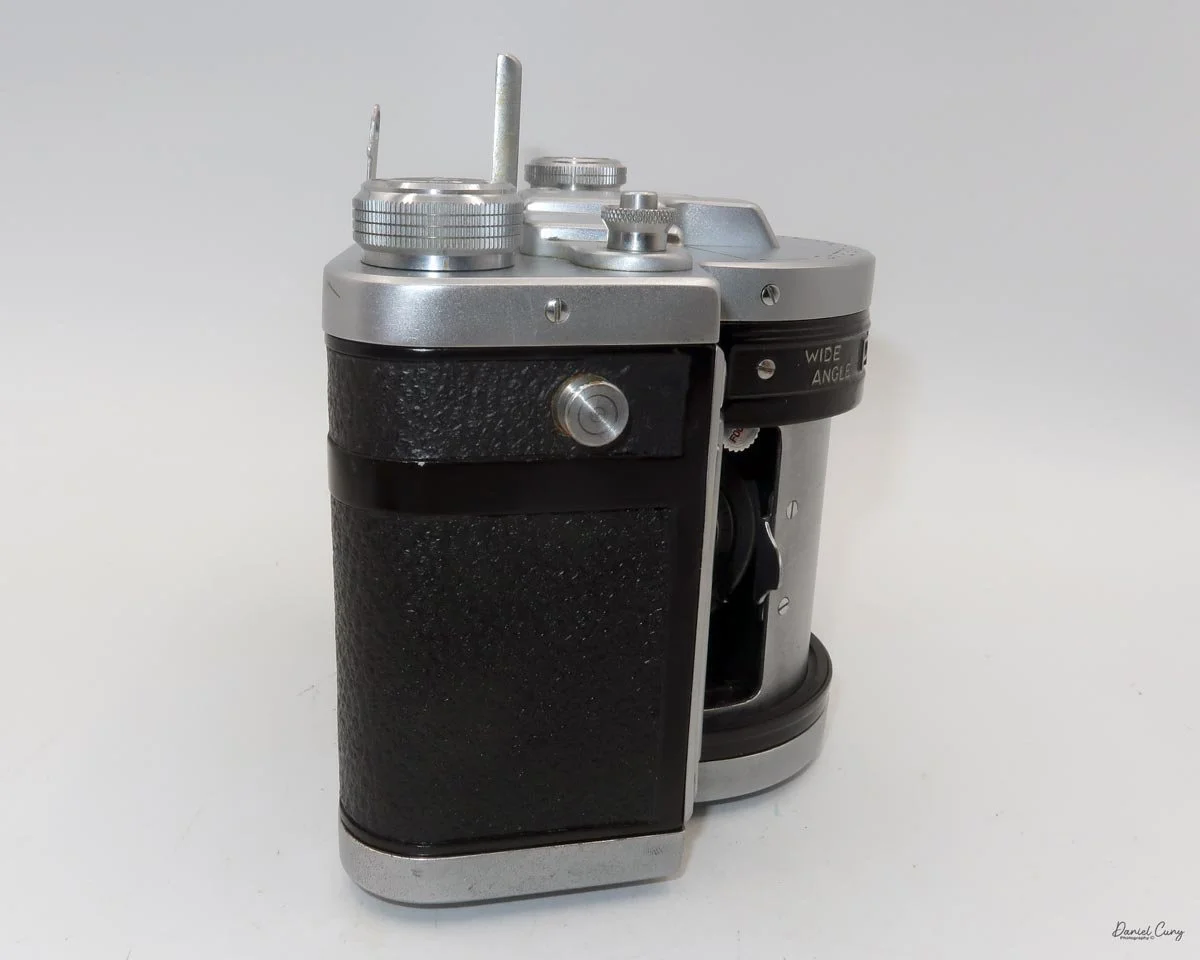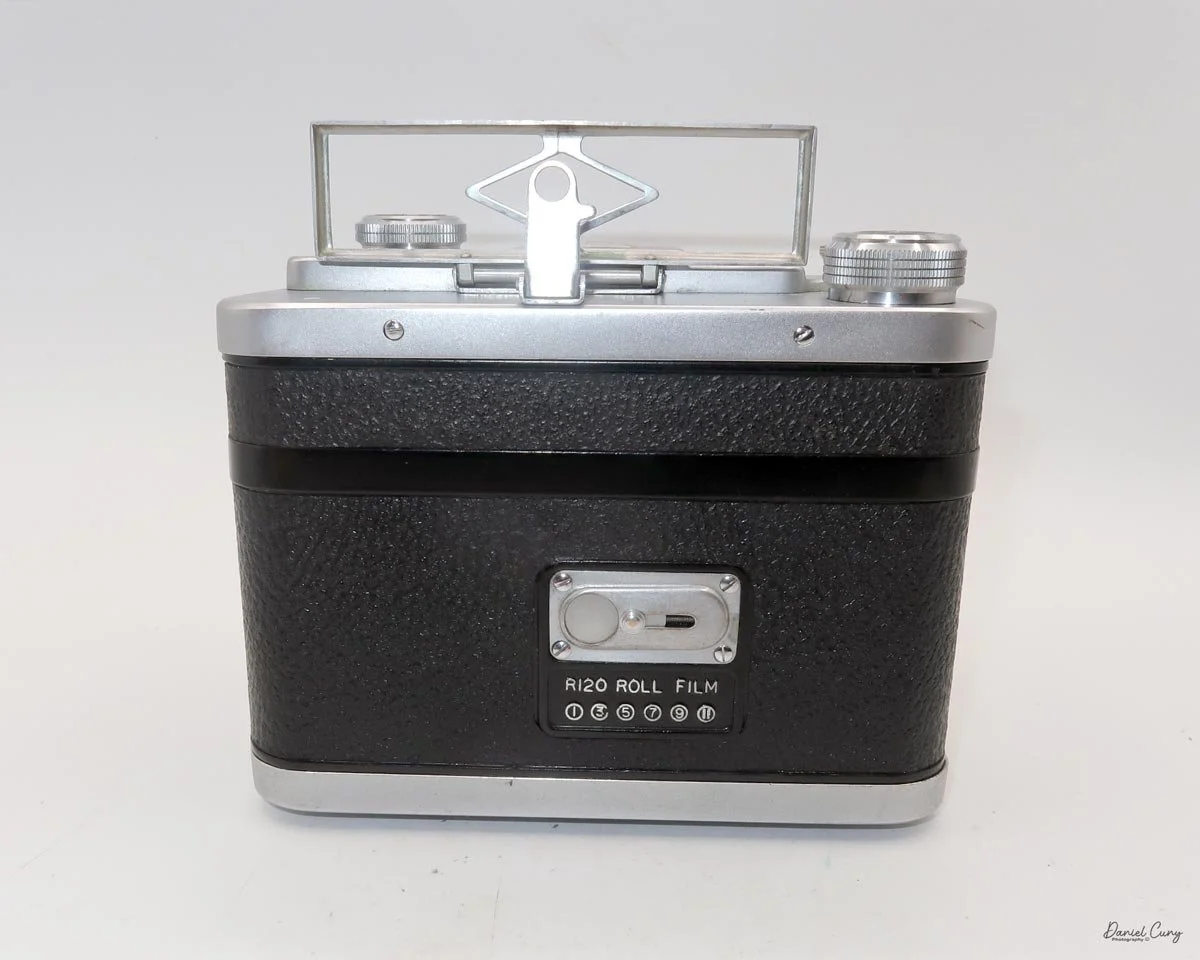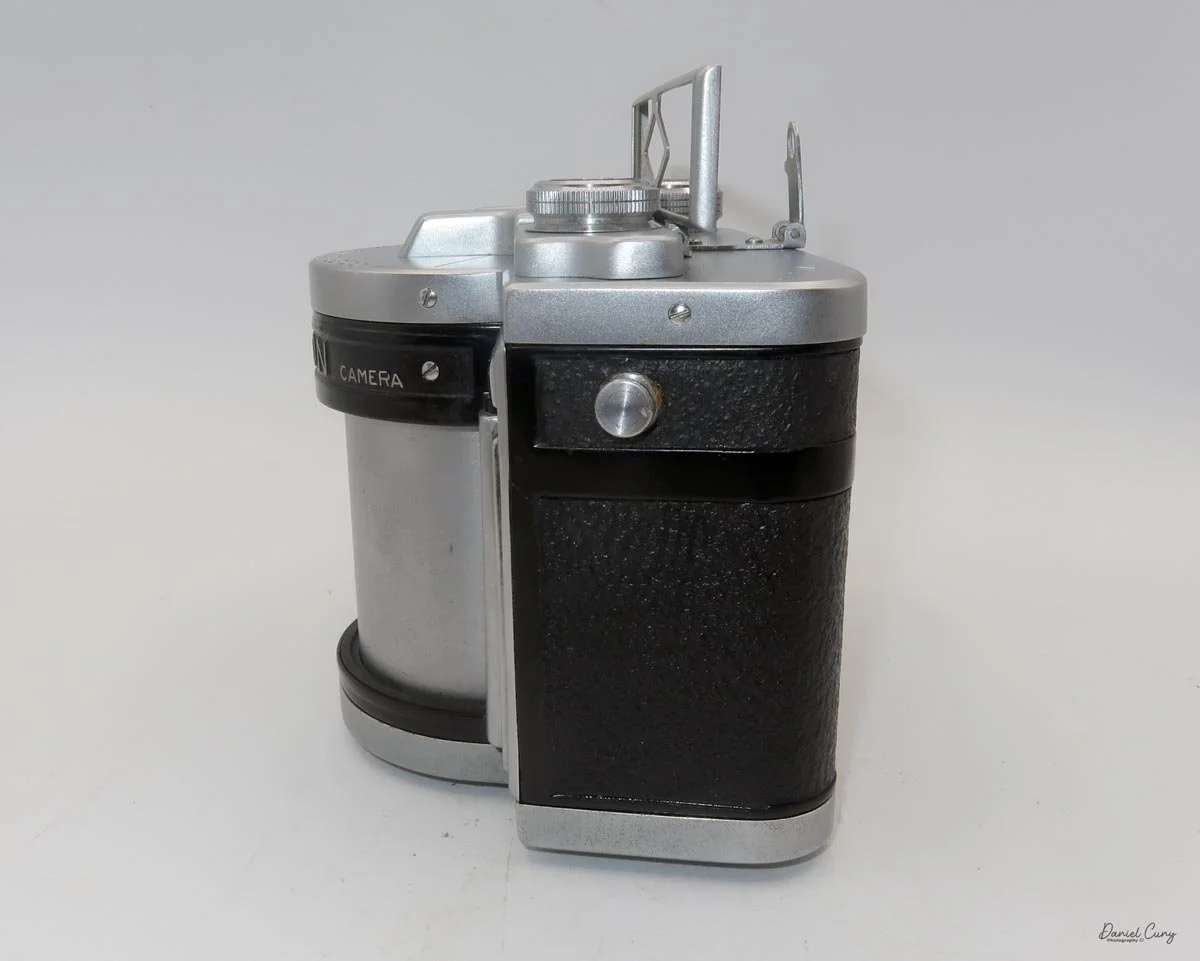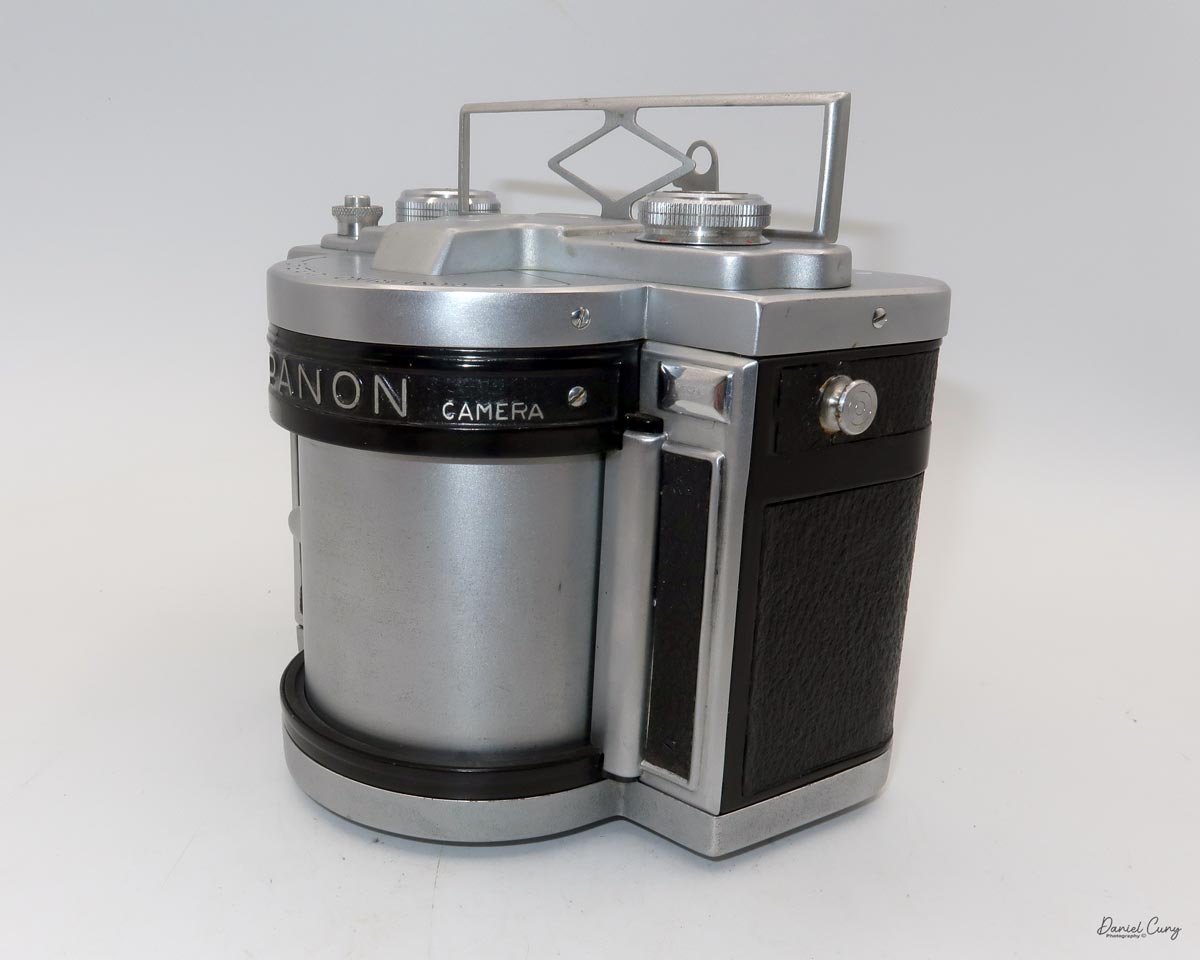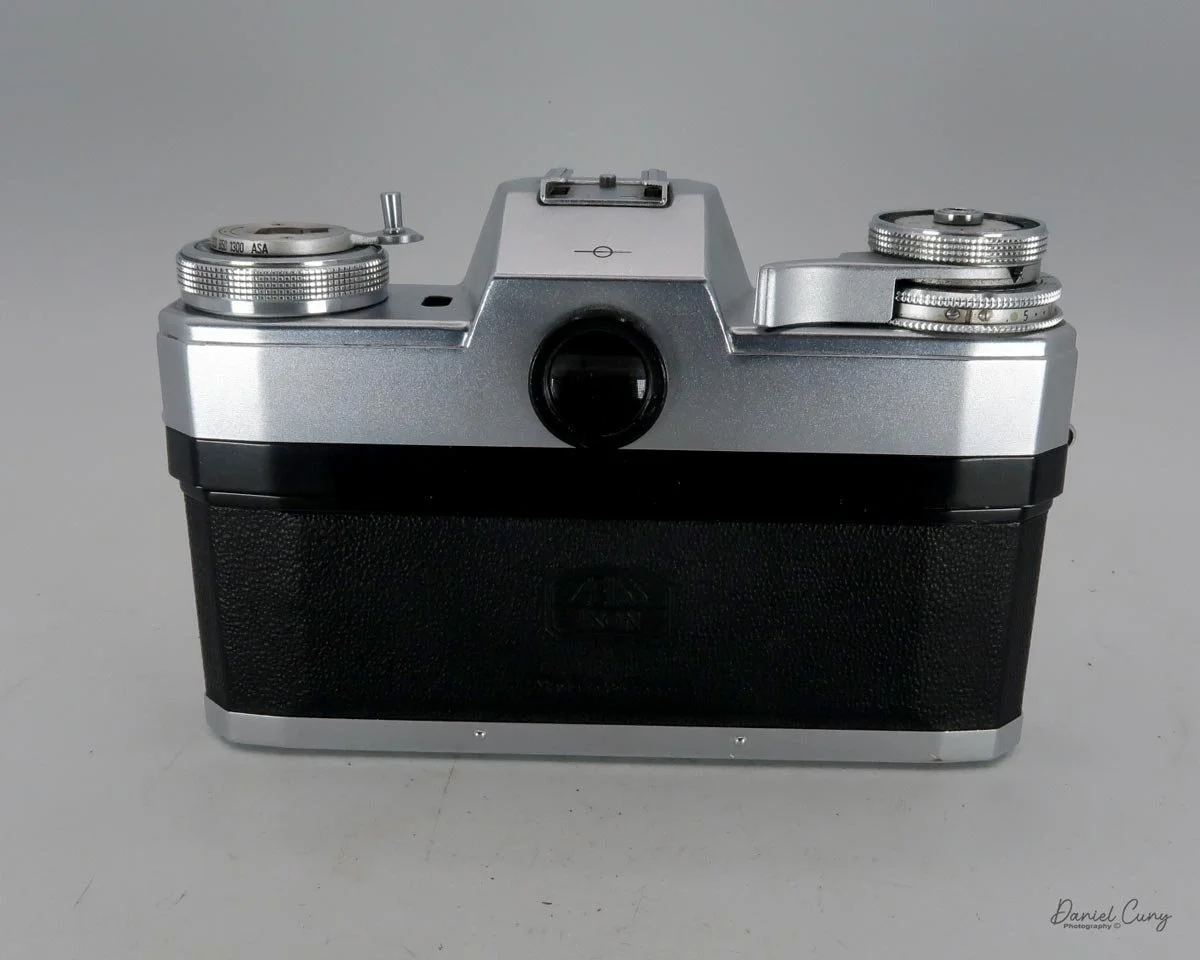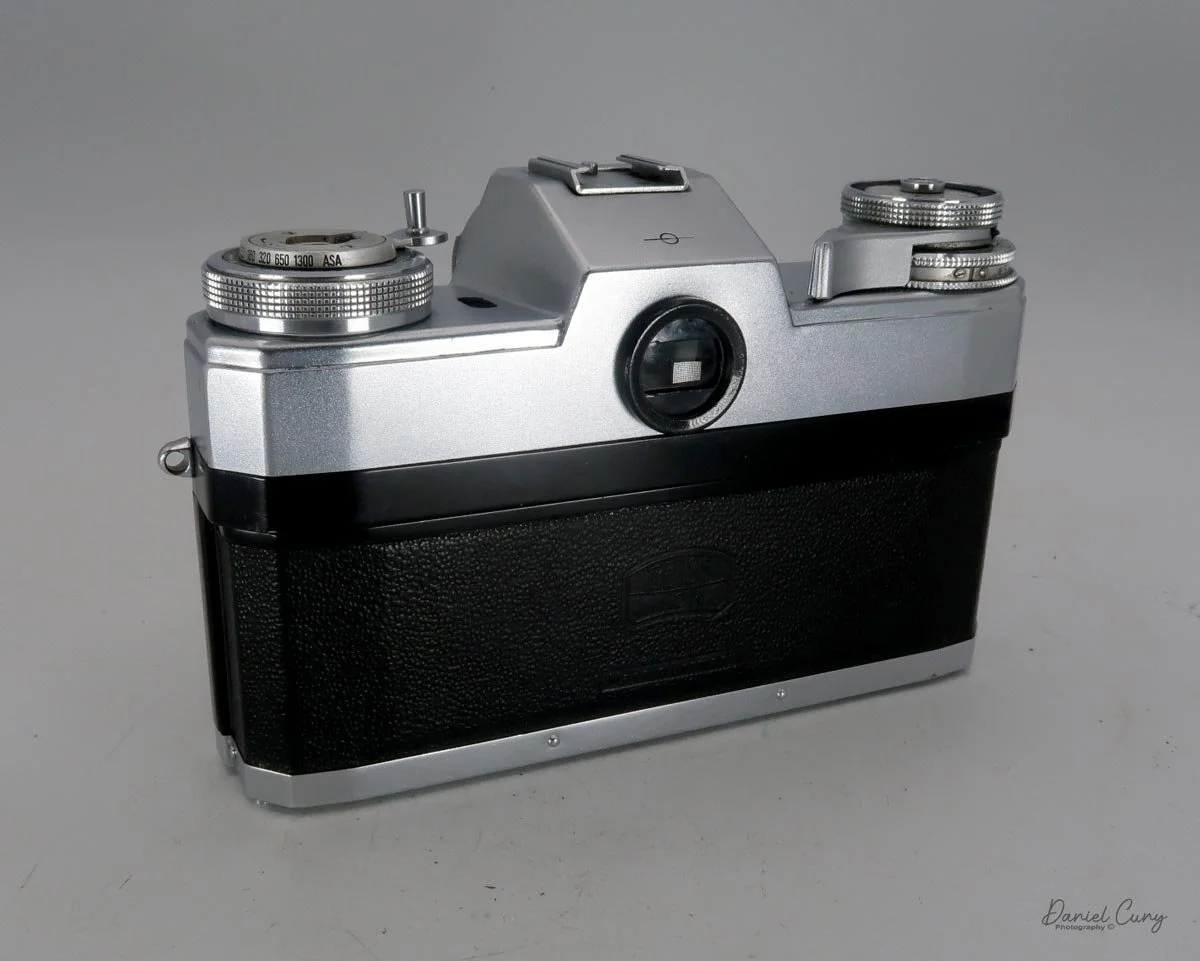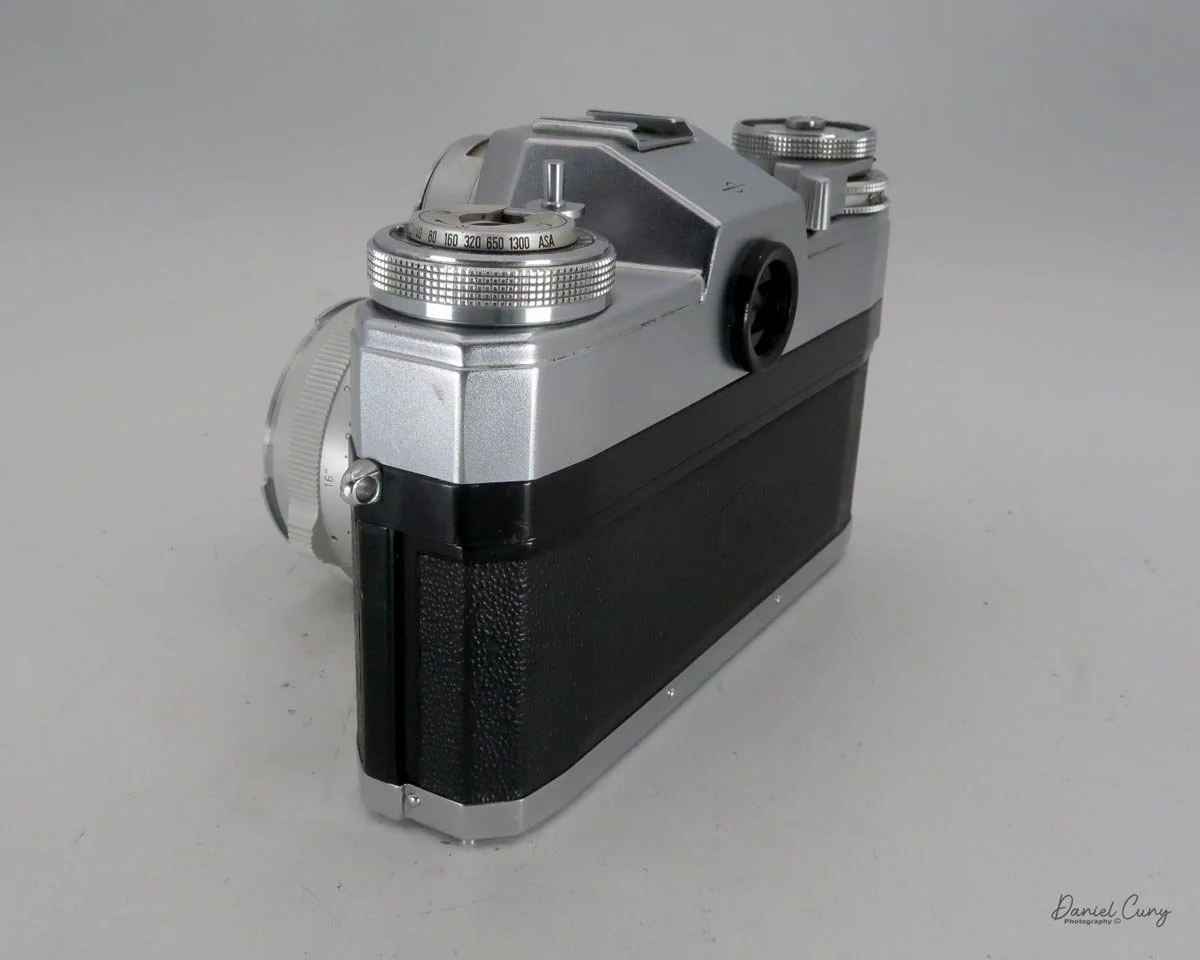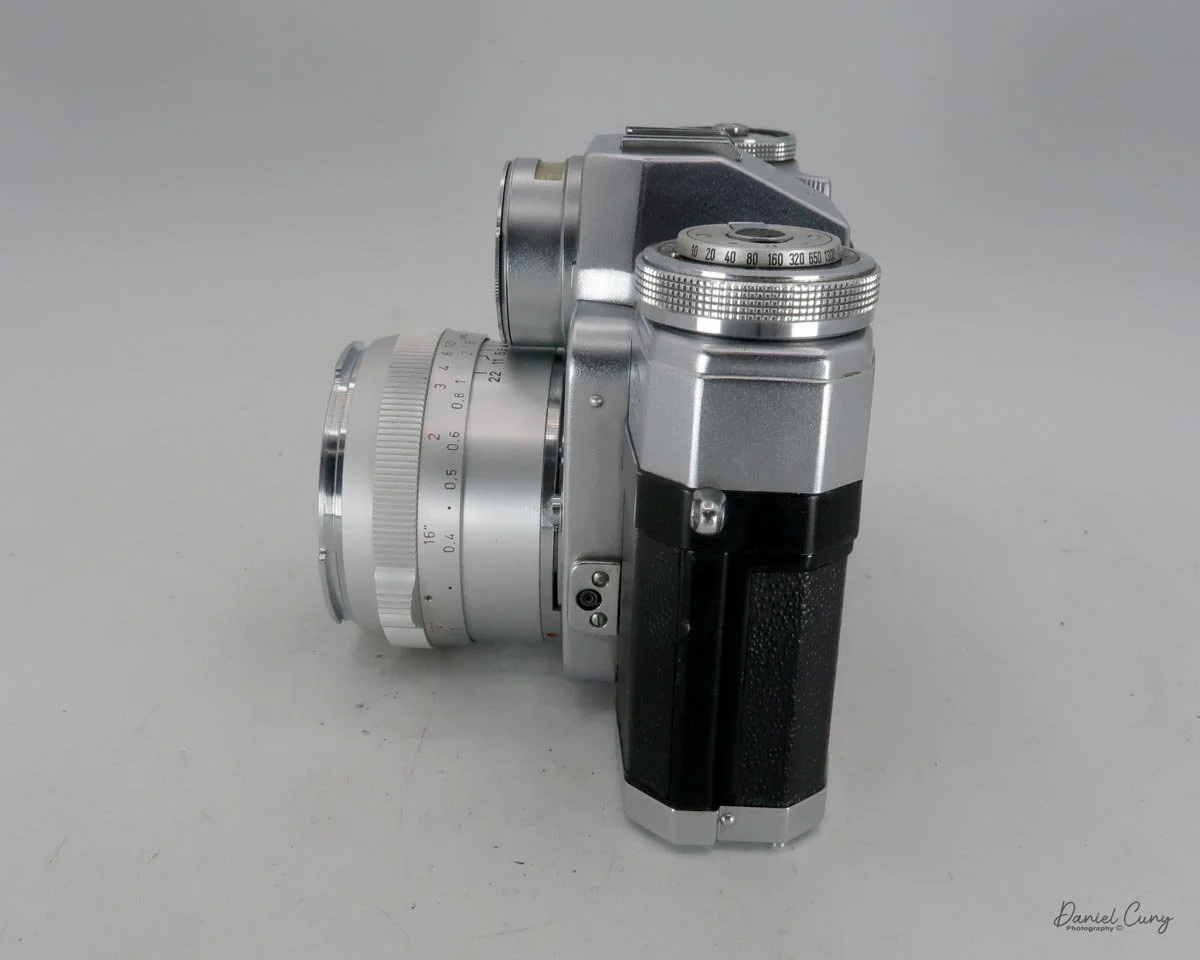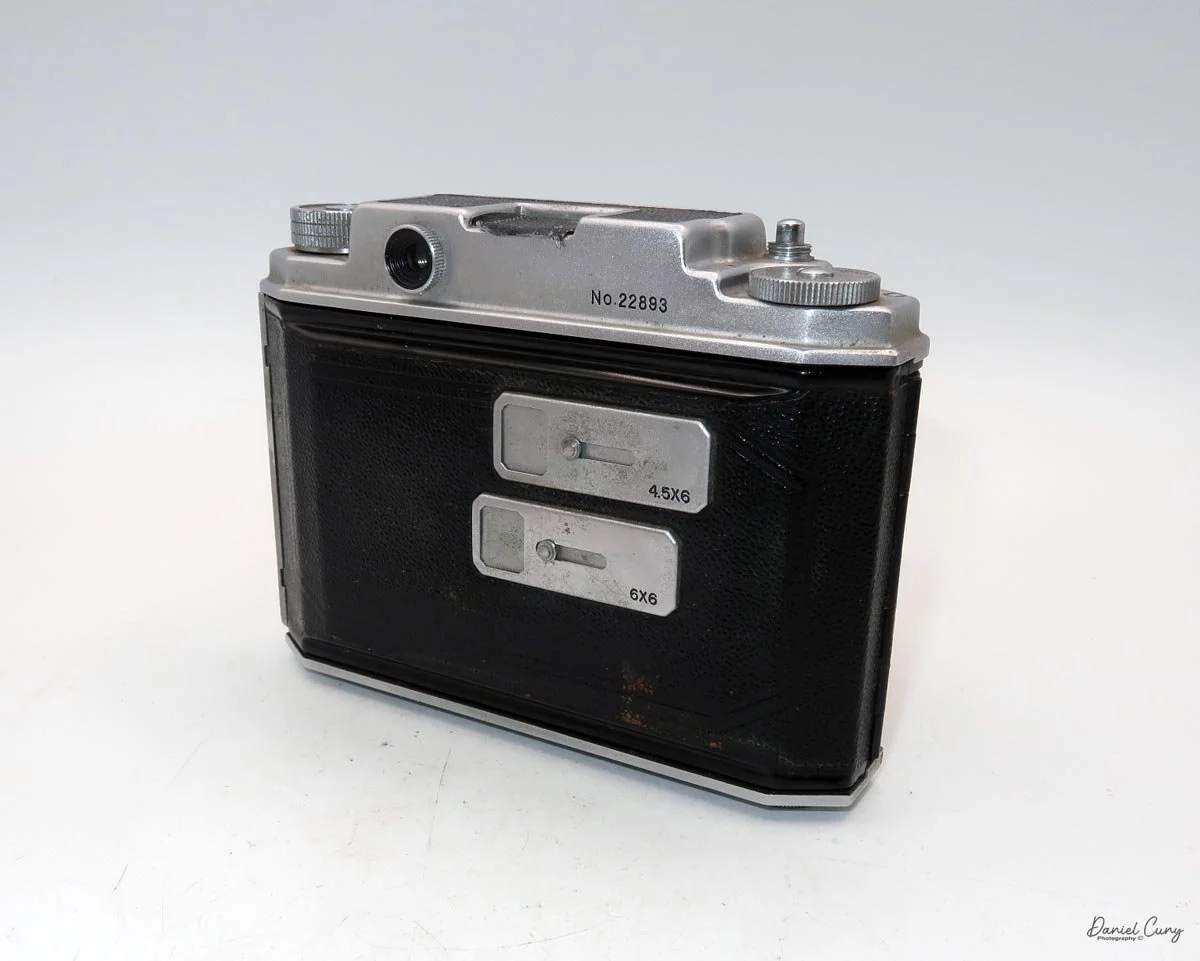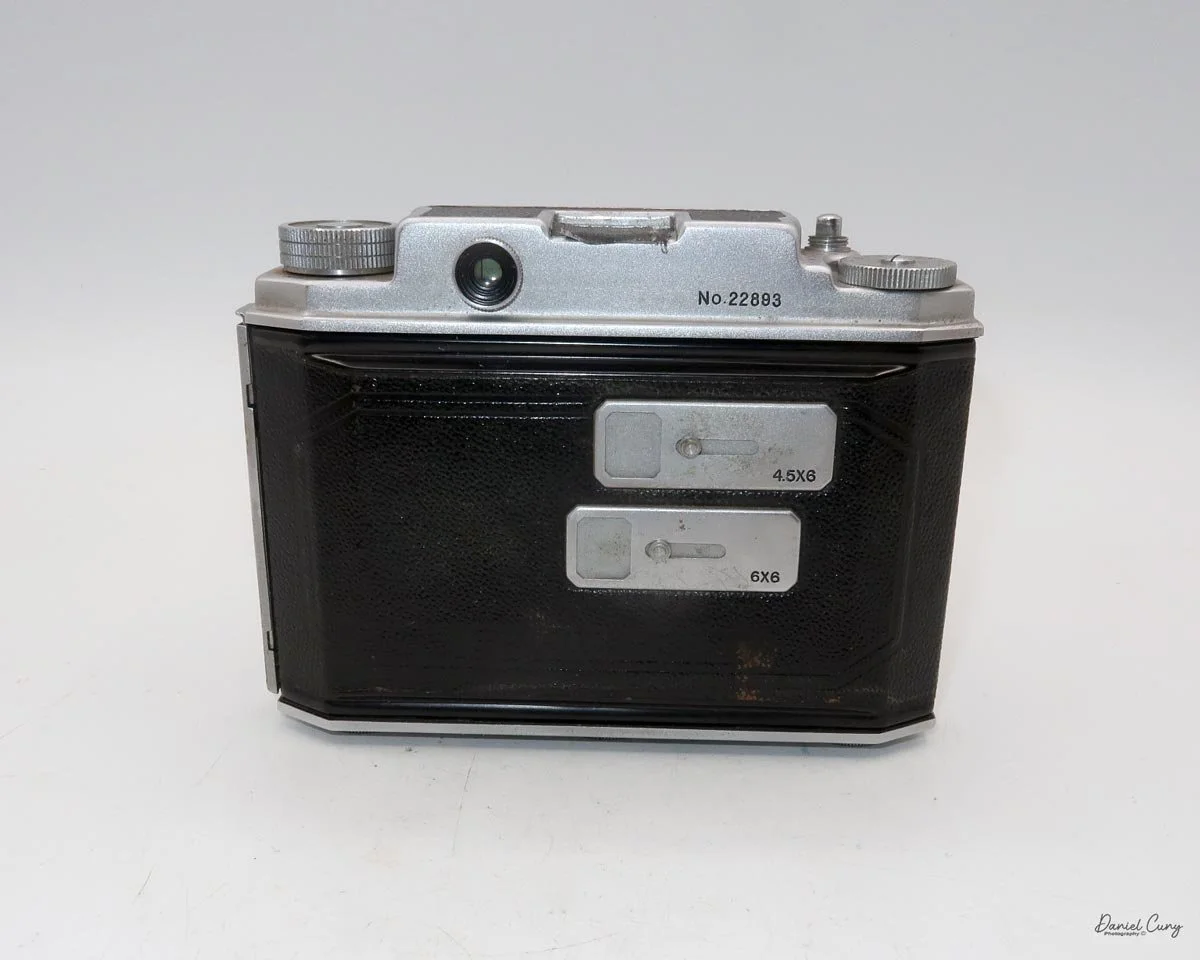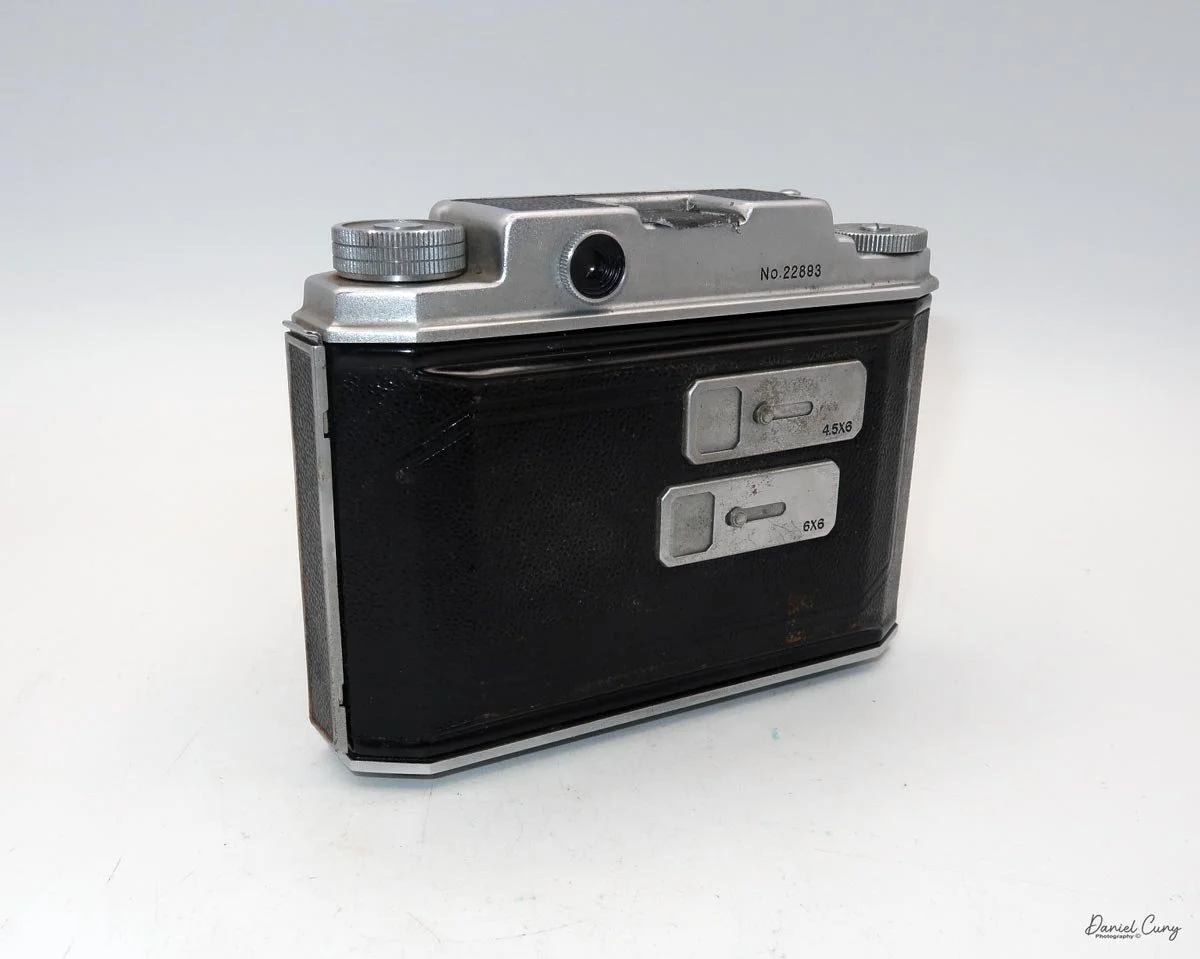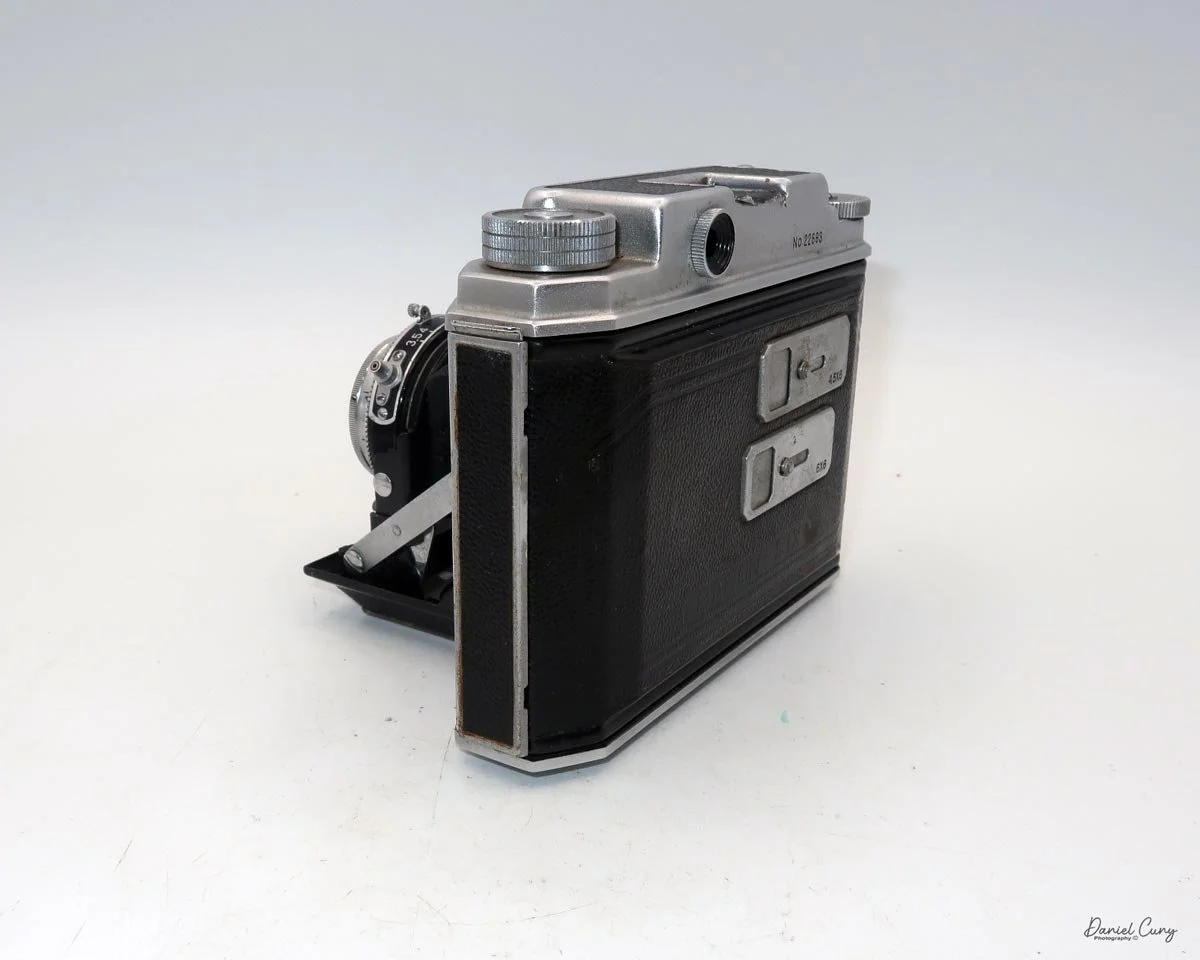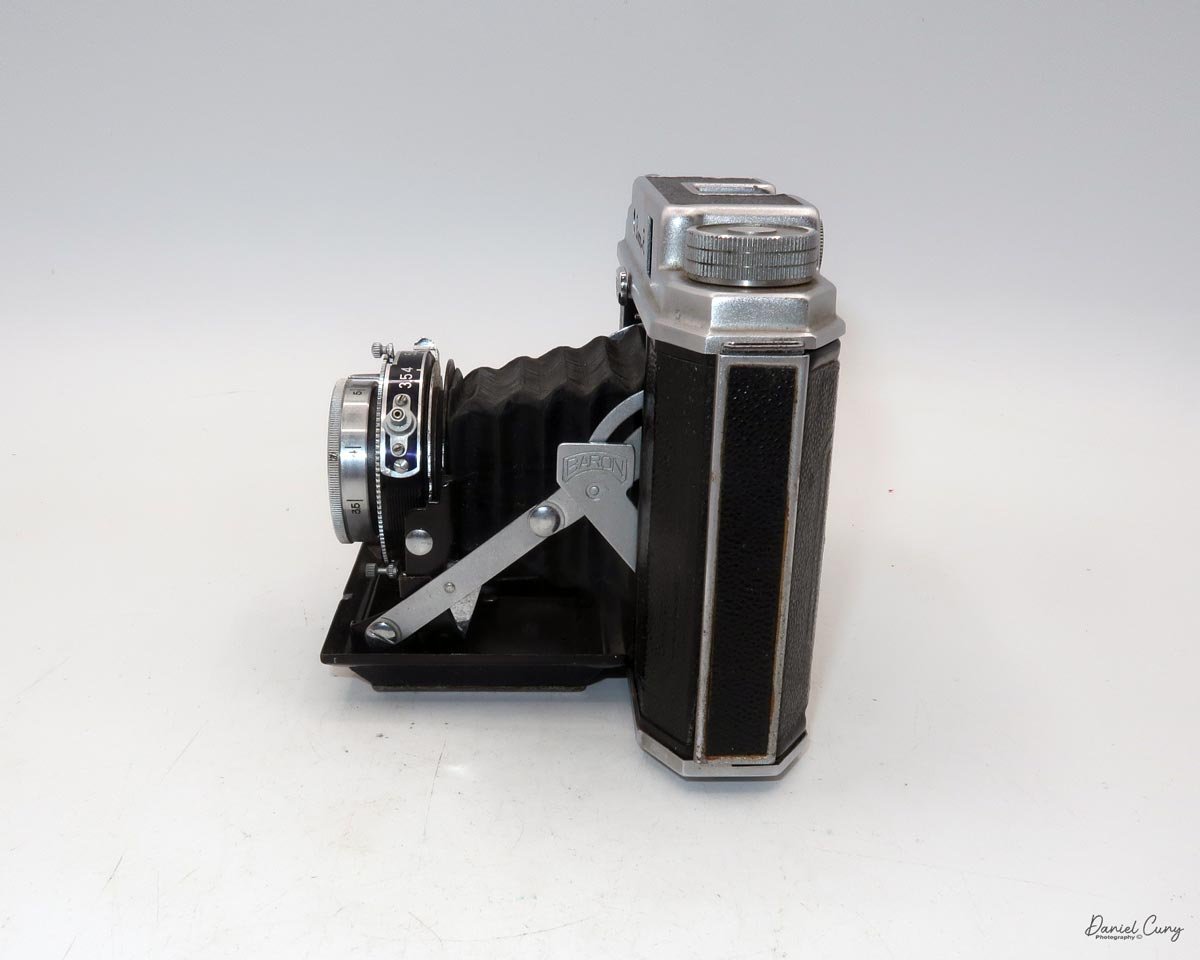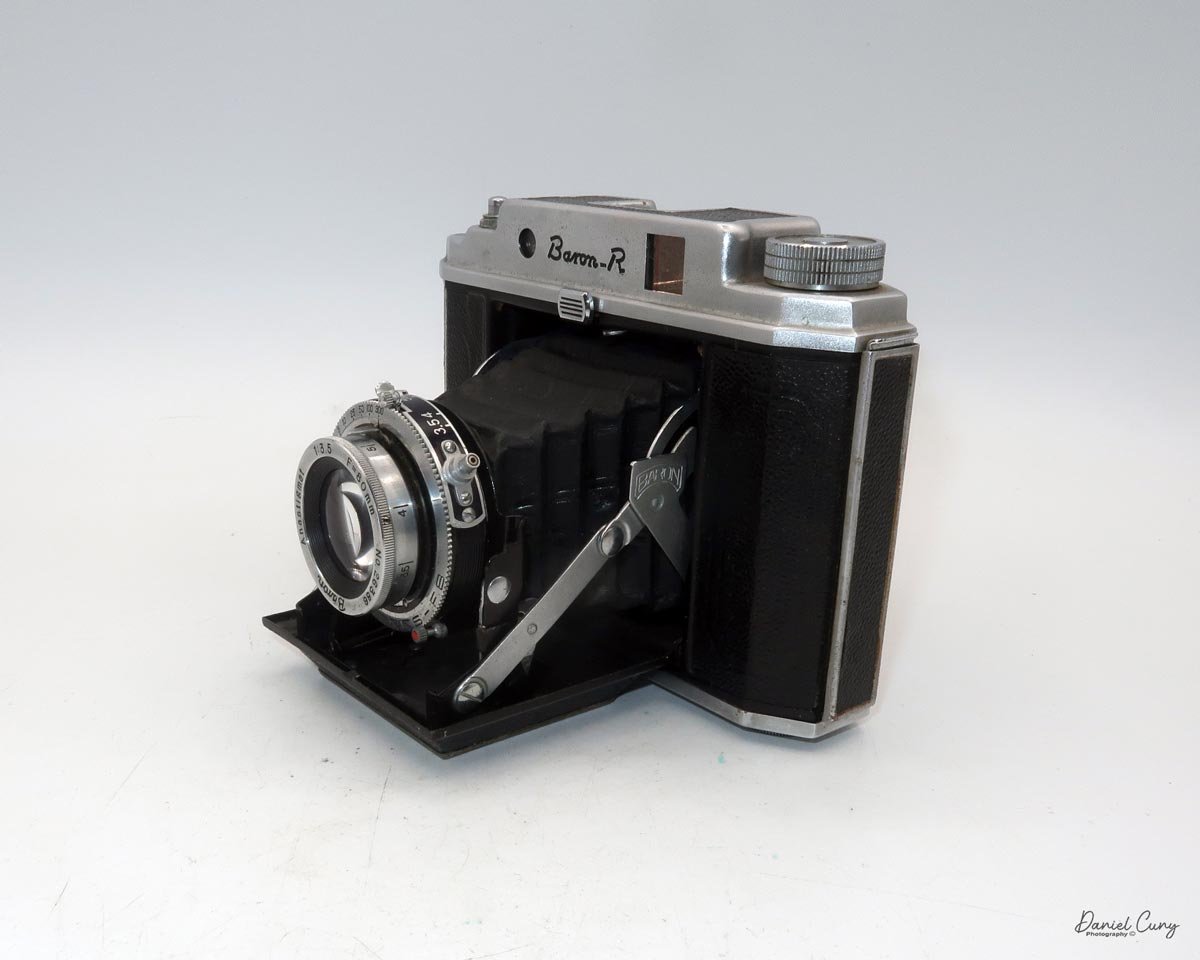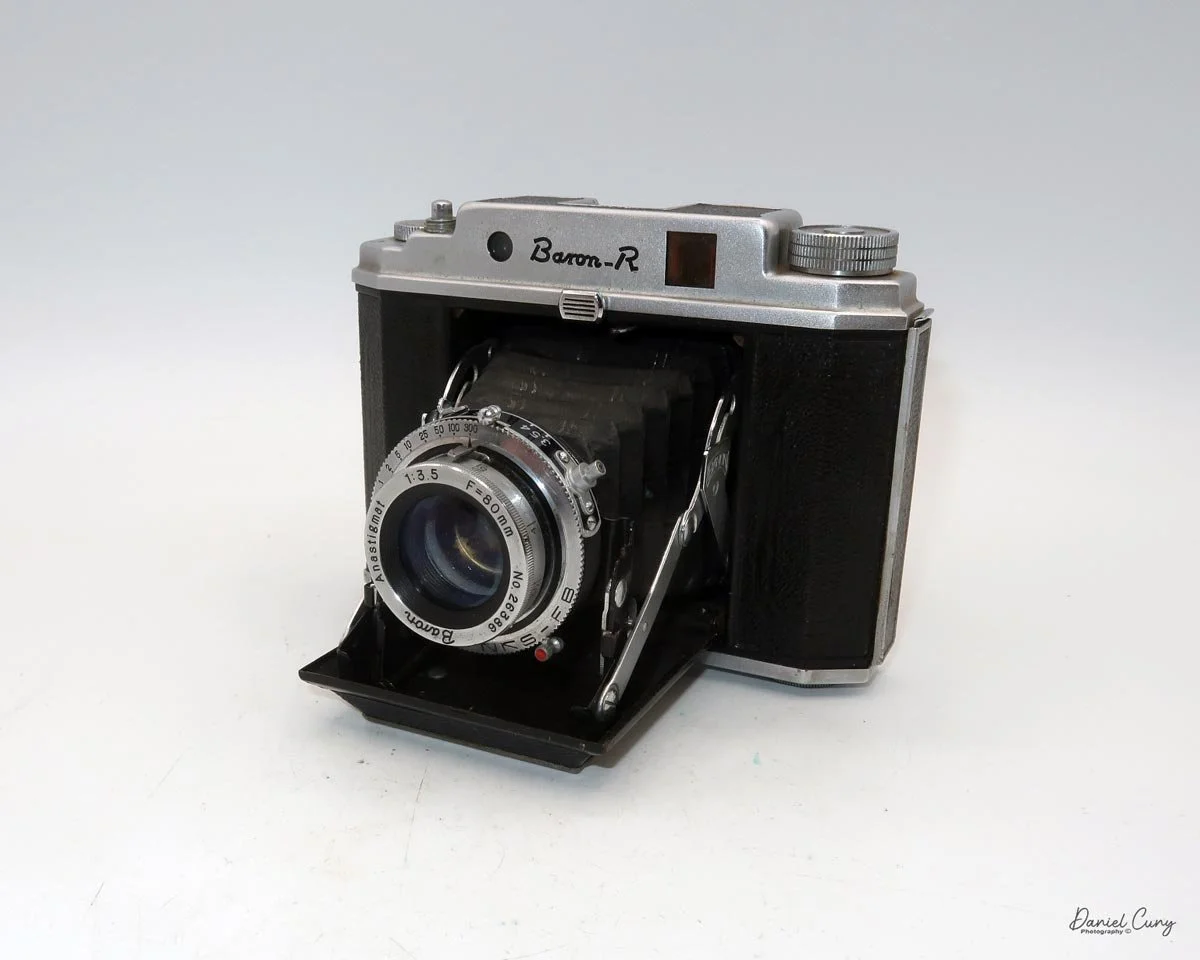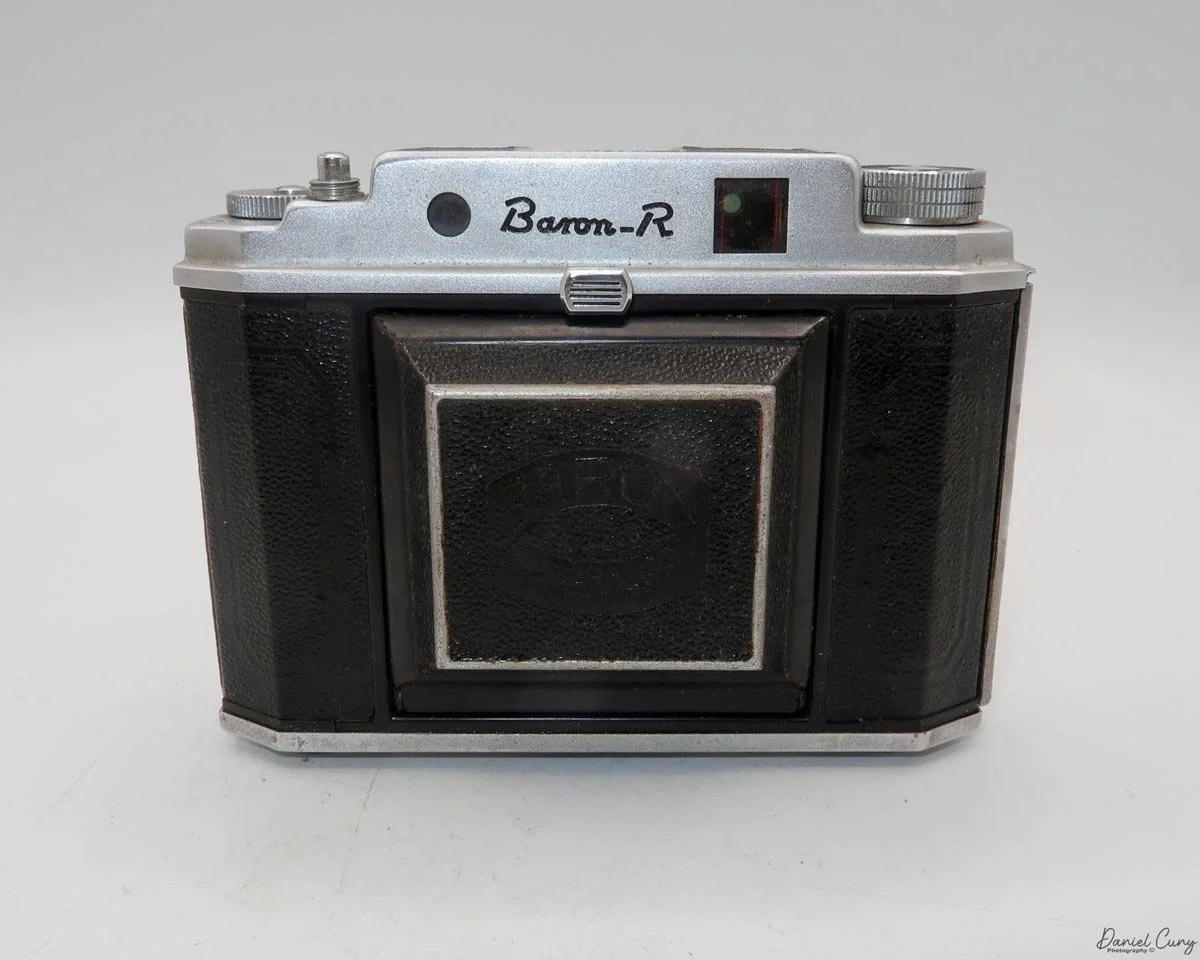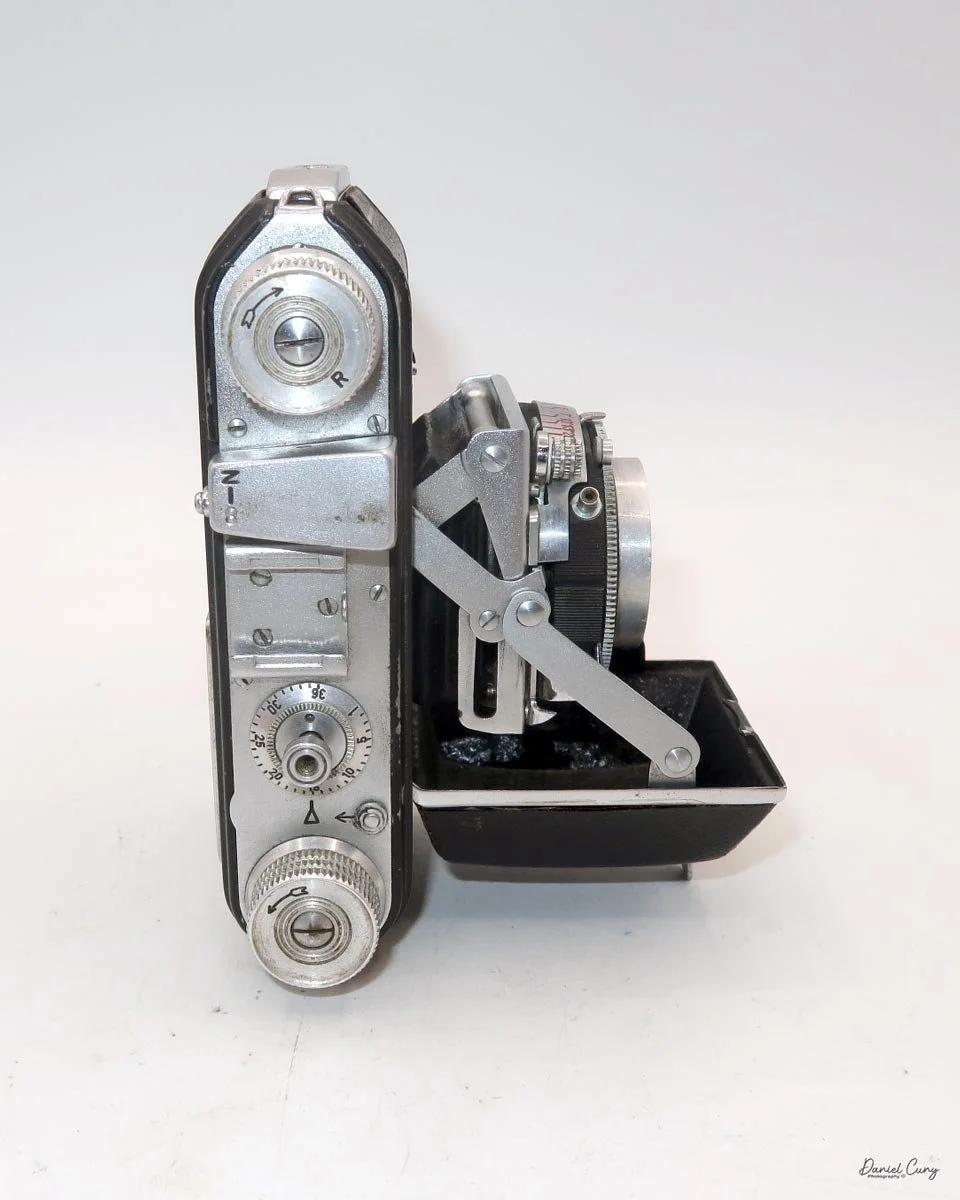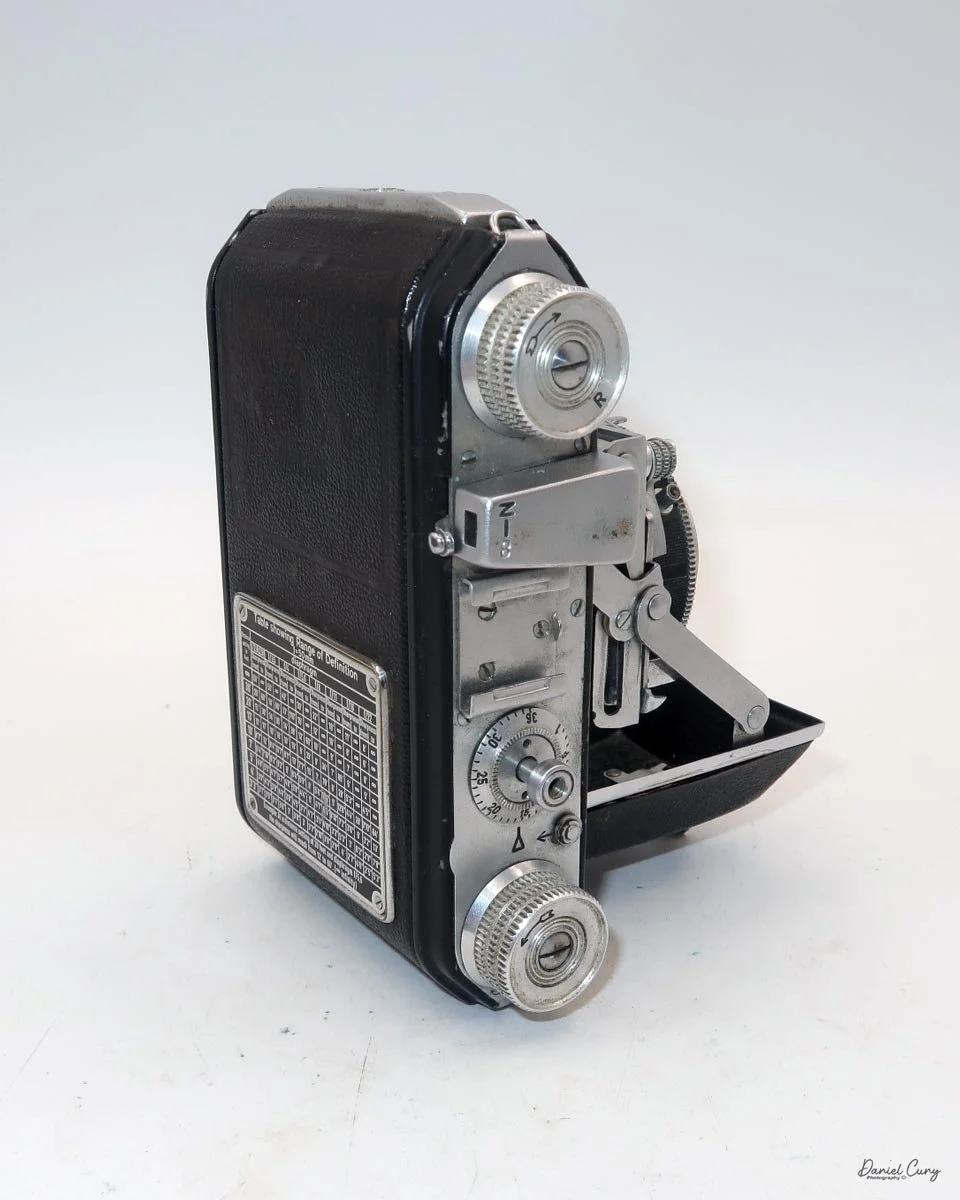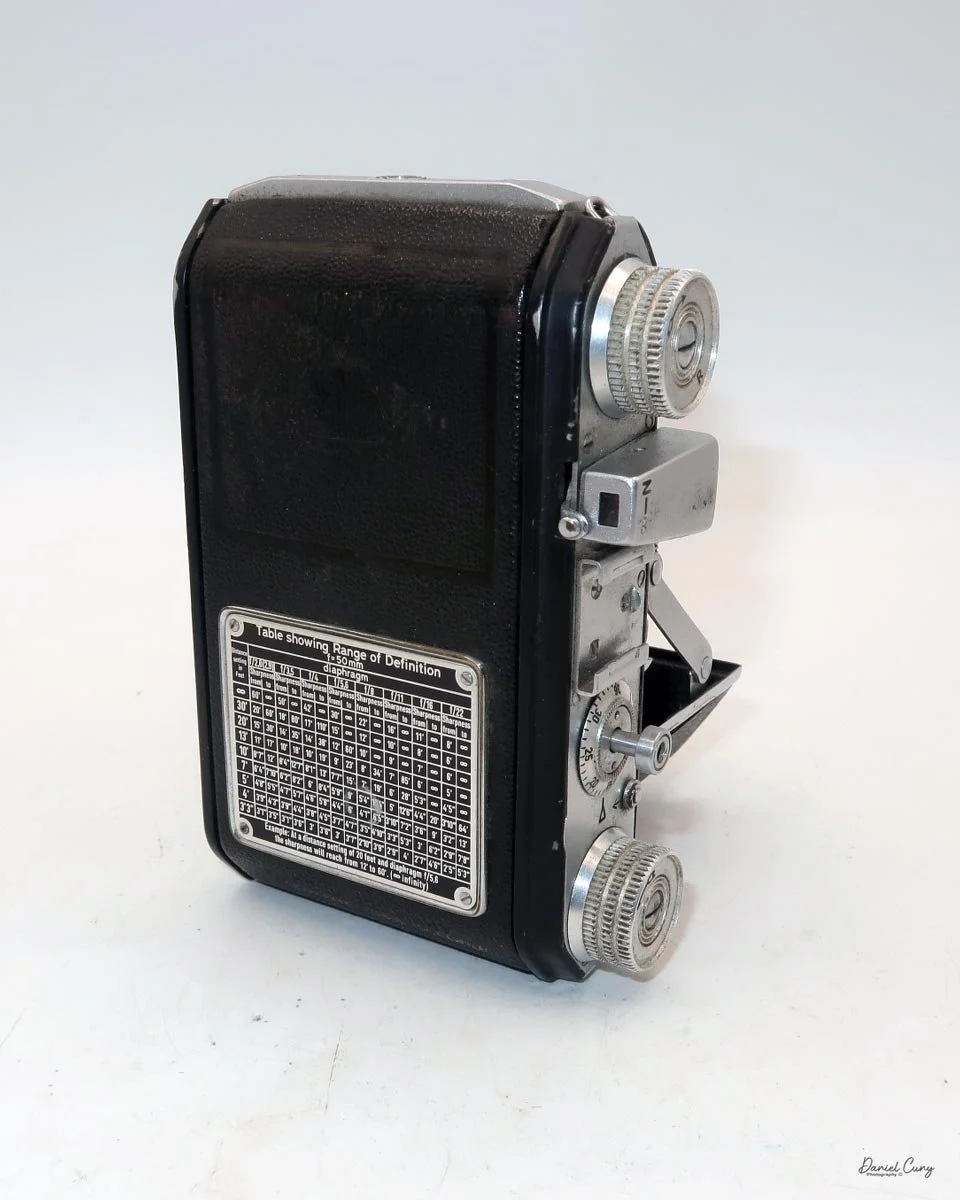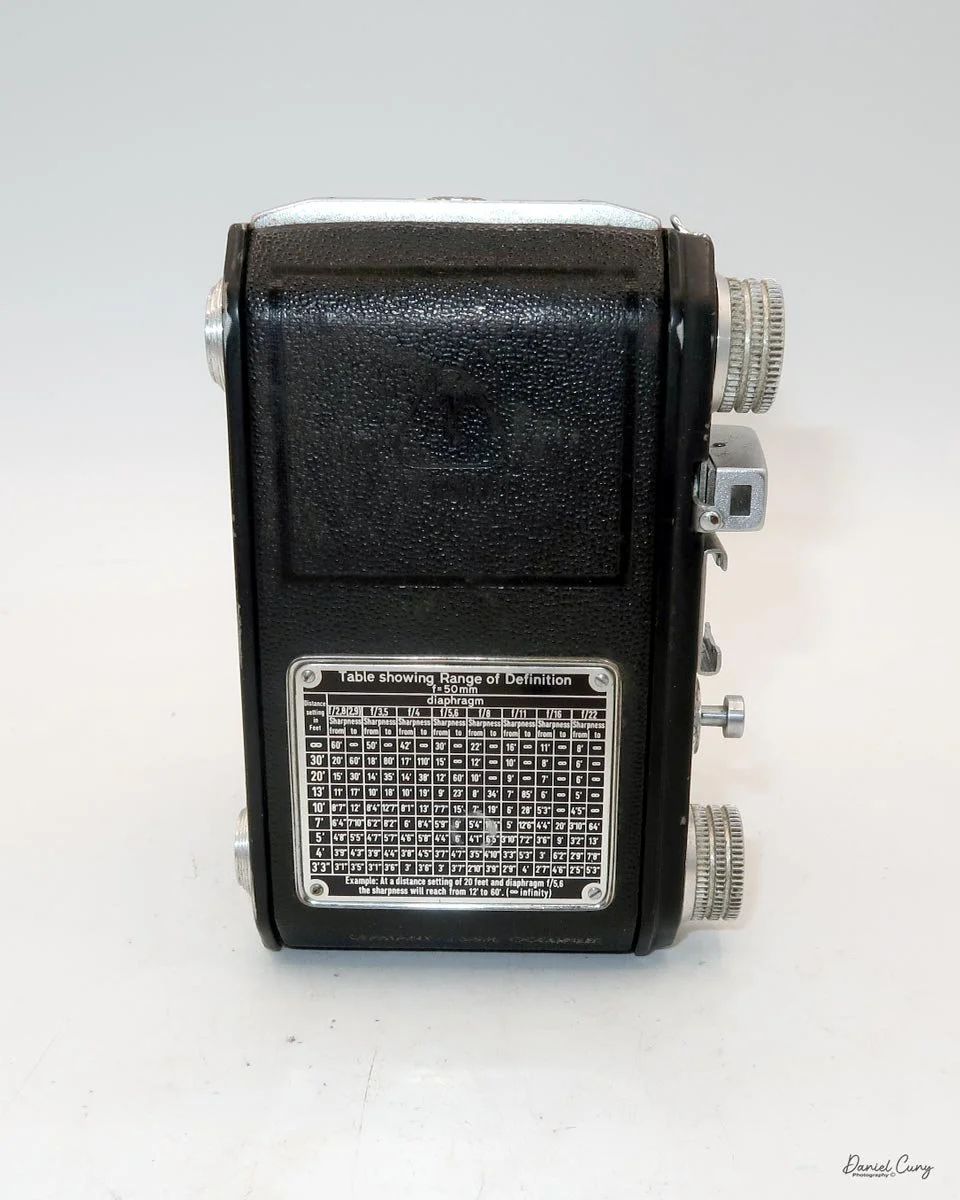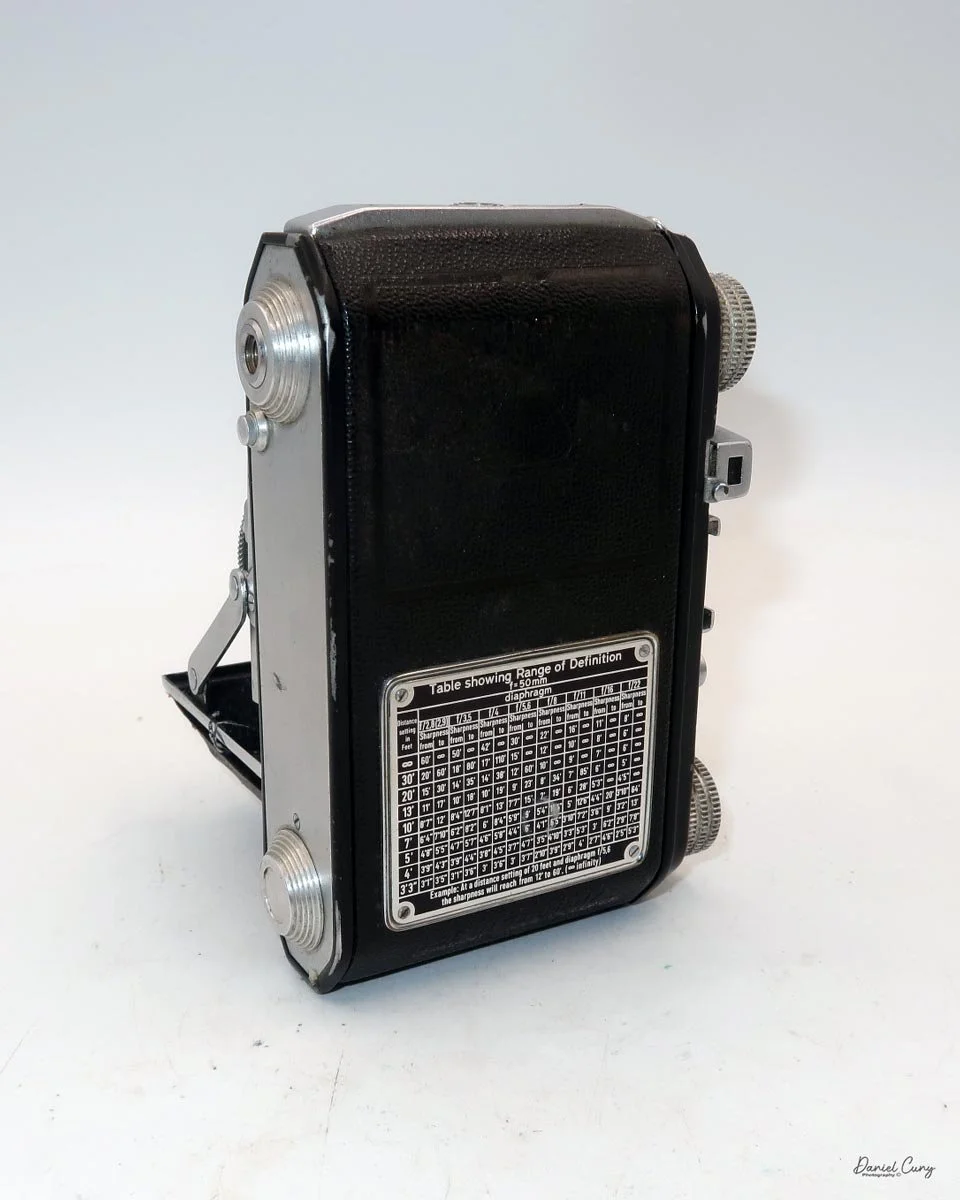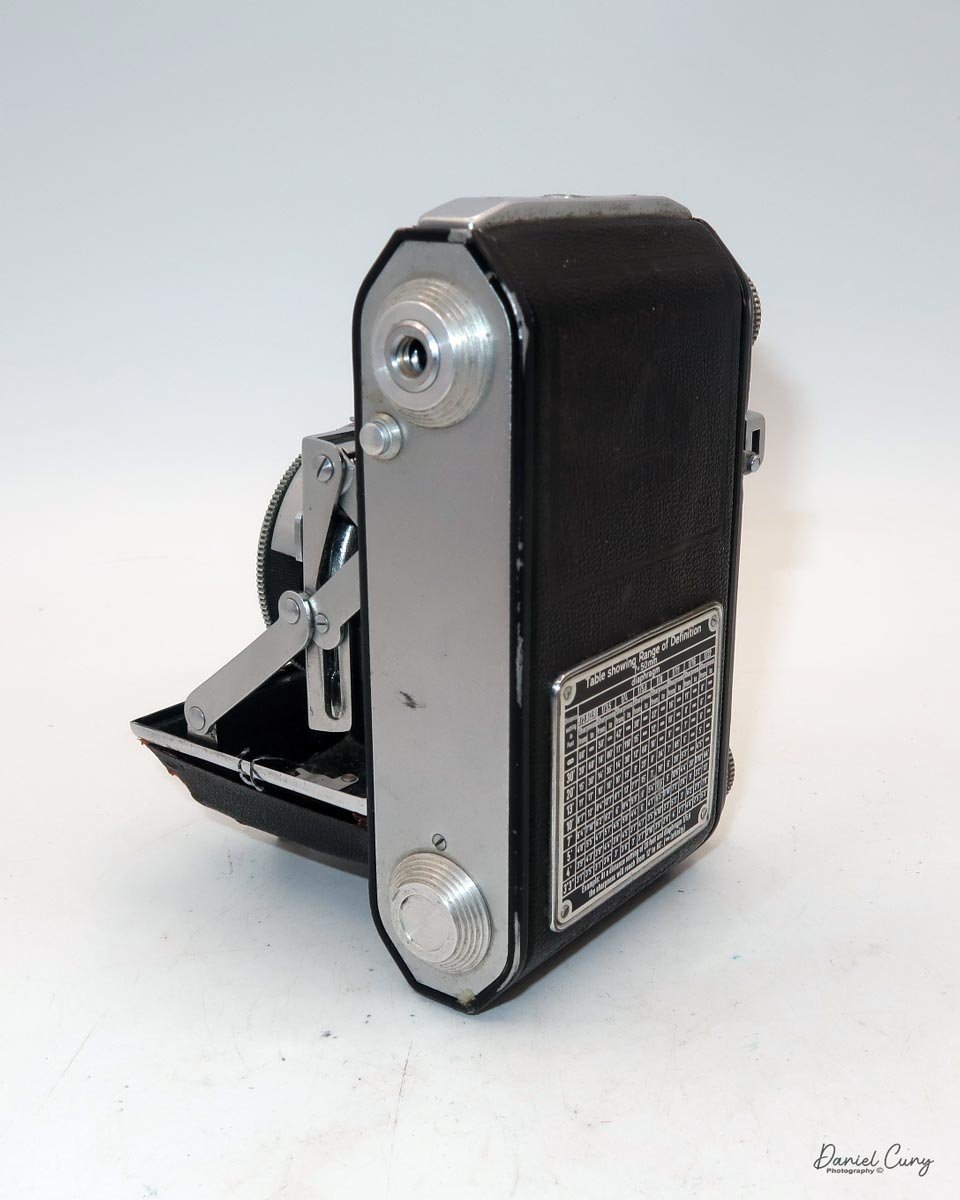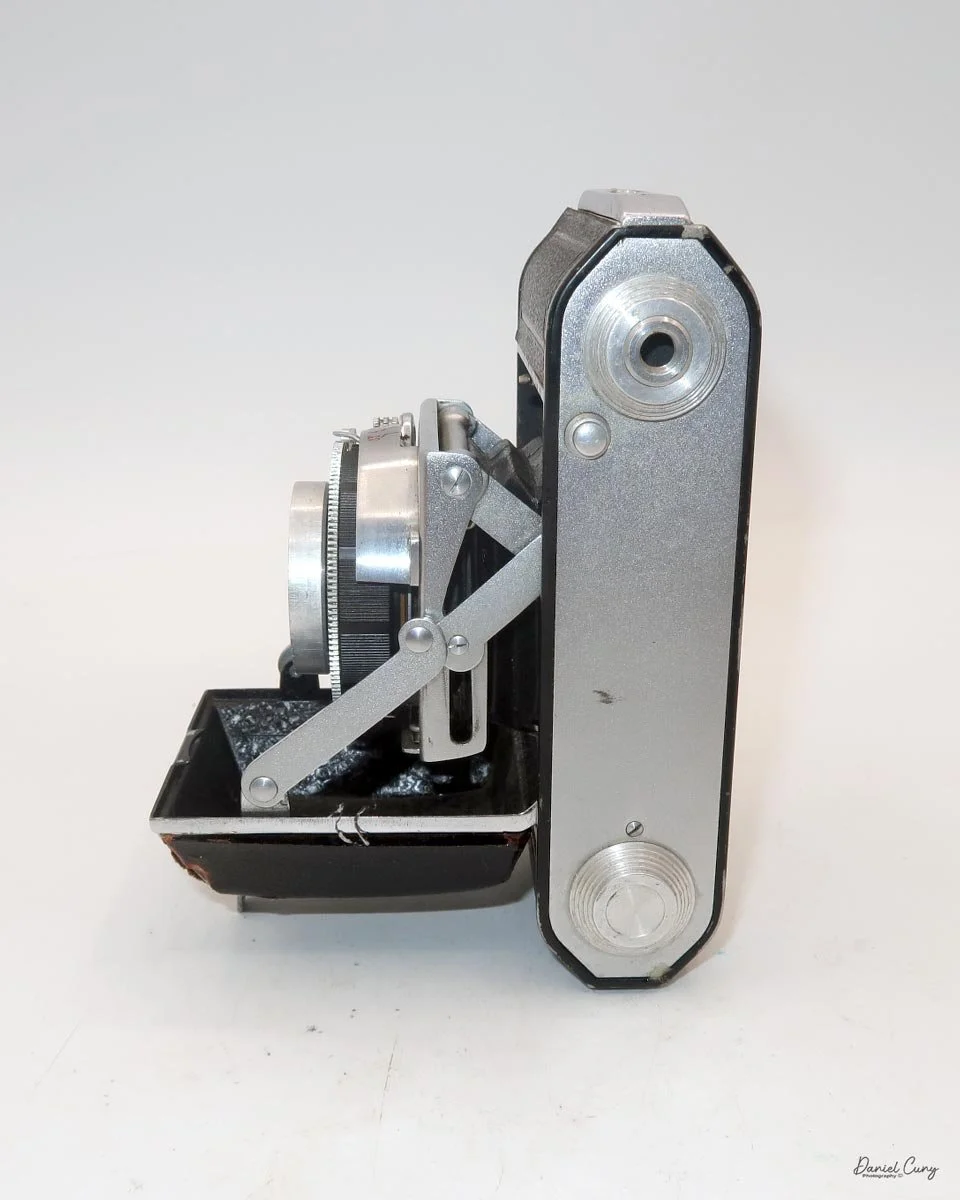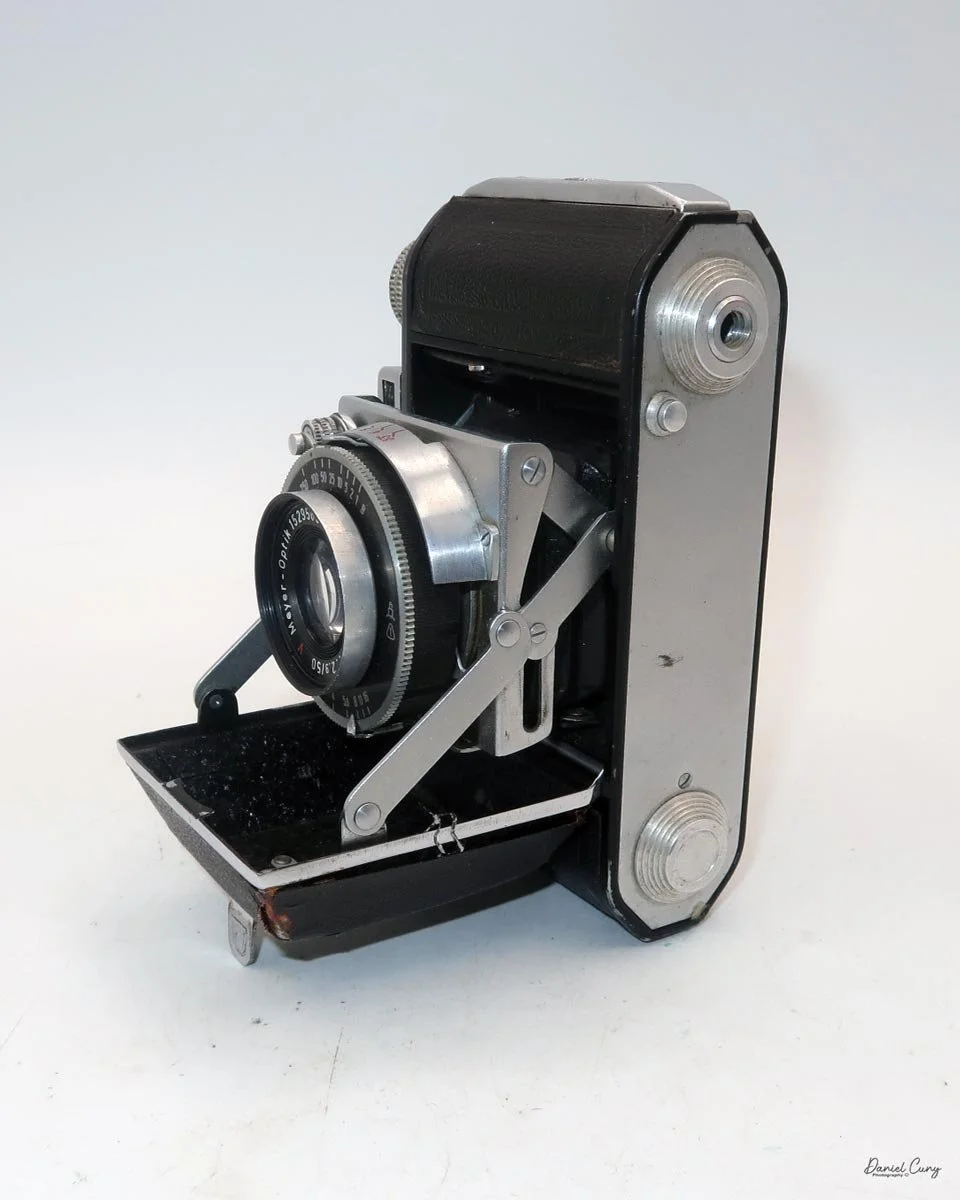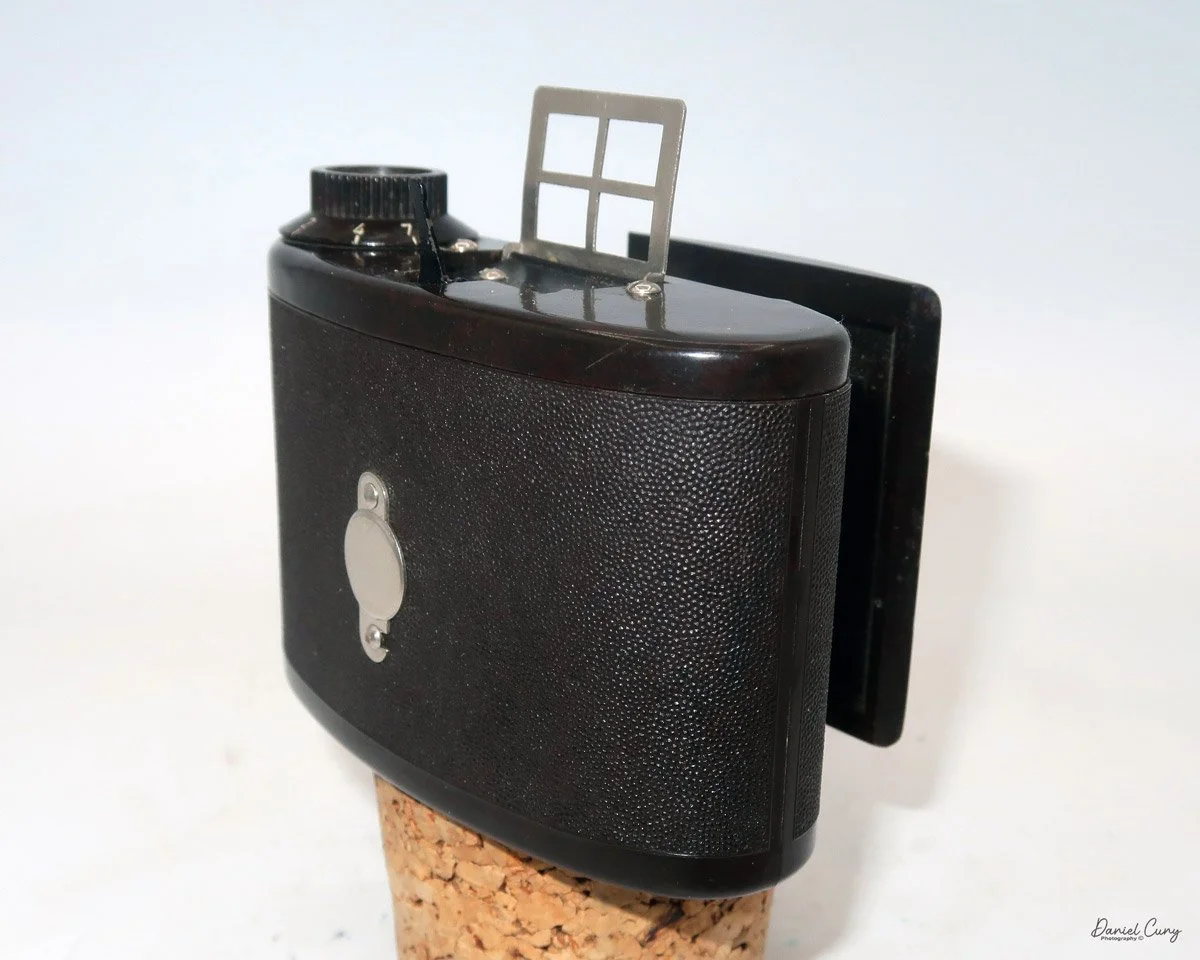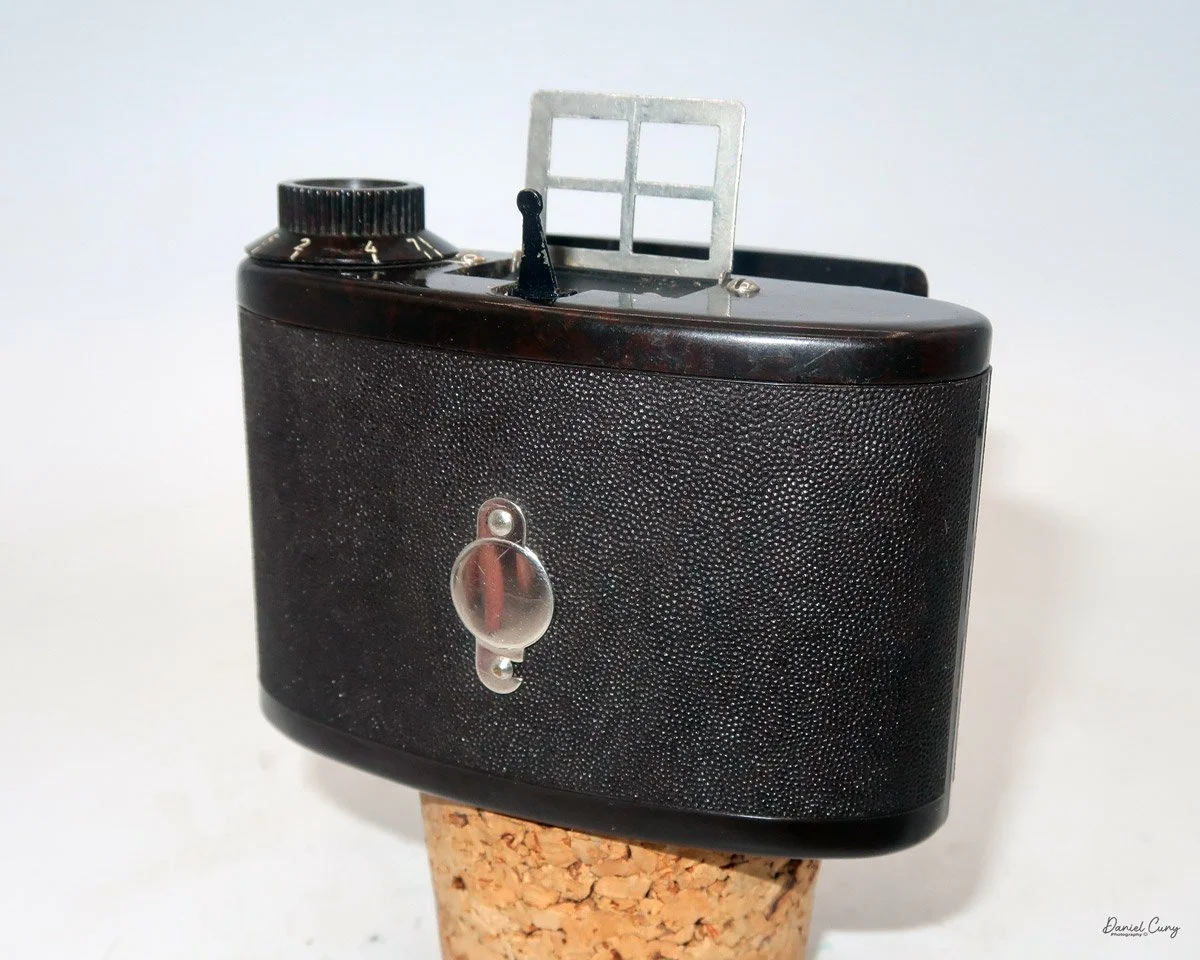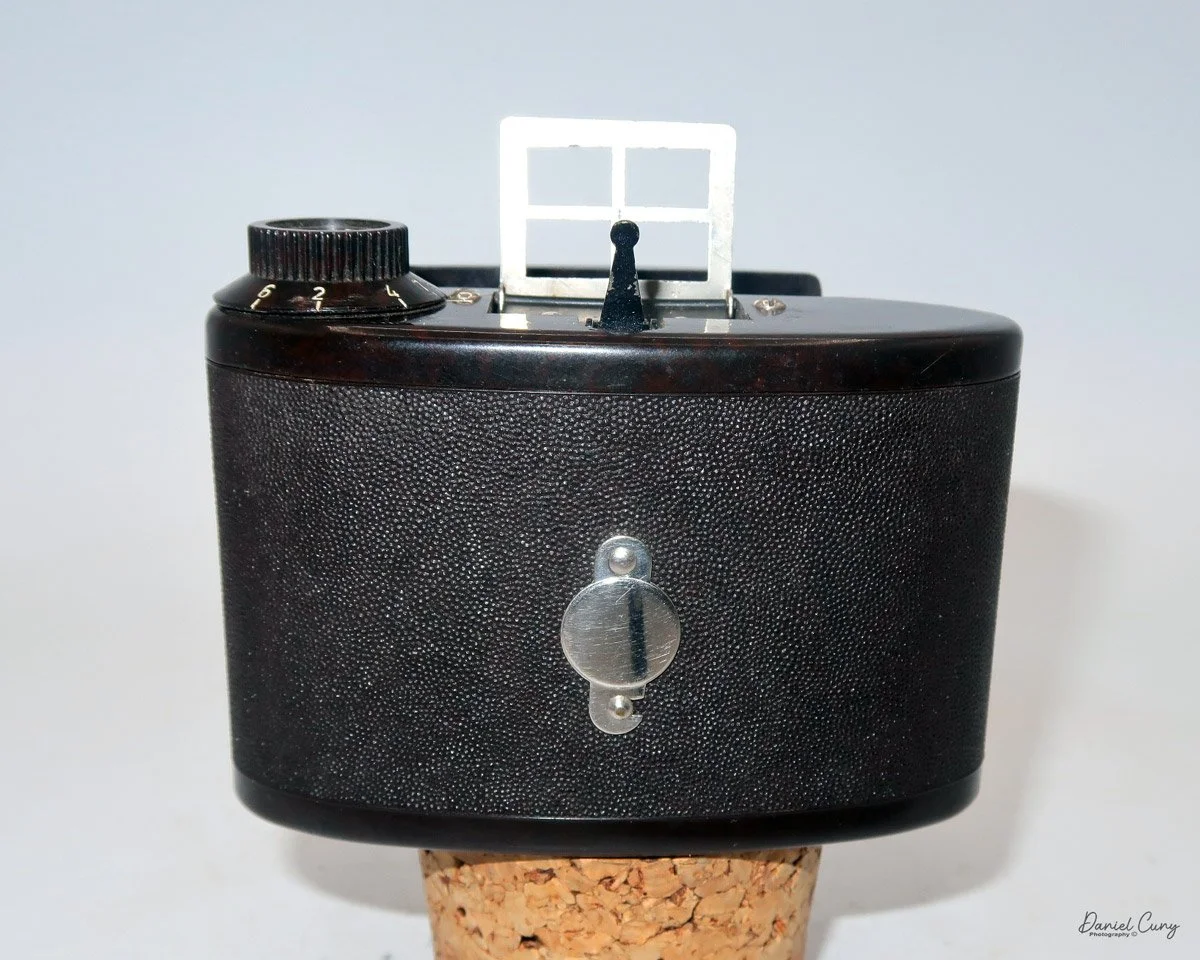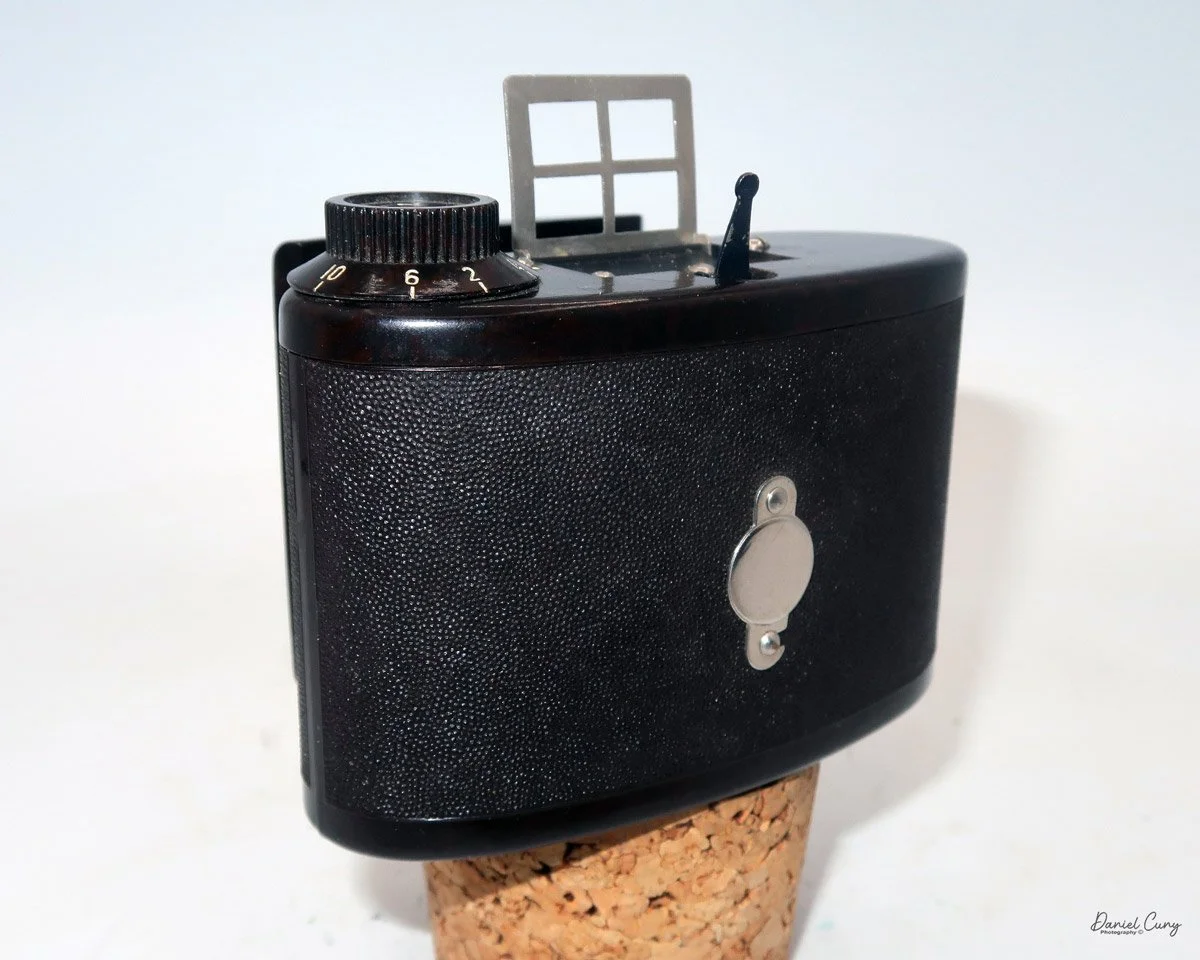
Sakura Bakelite camera

The 1930s Sakura Bakelite: A pocket-sized piece of Japanese history with a surprisingly modern 'X' design.

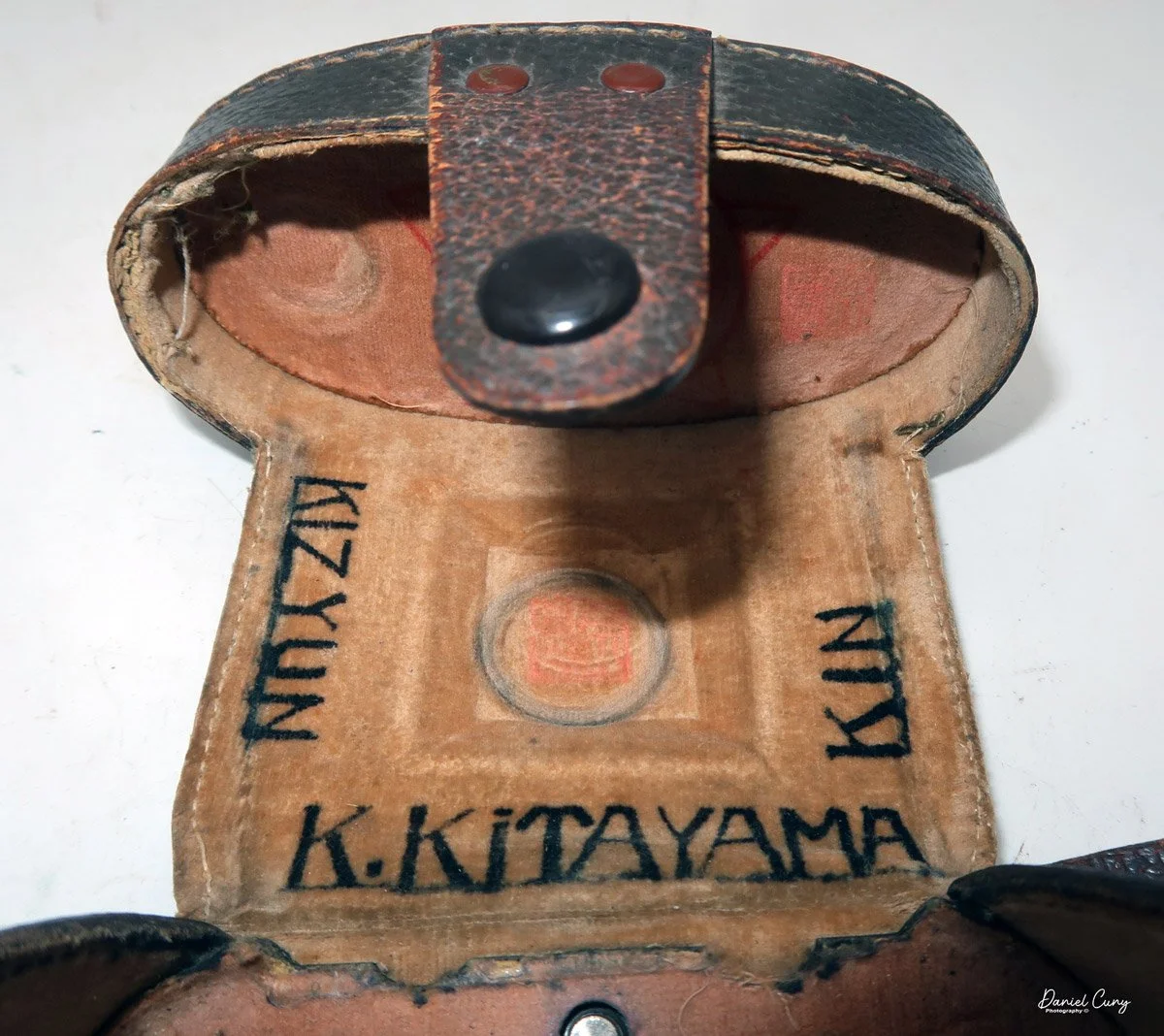
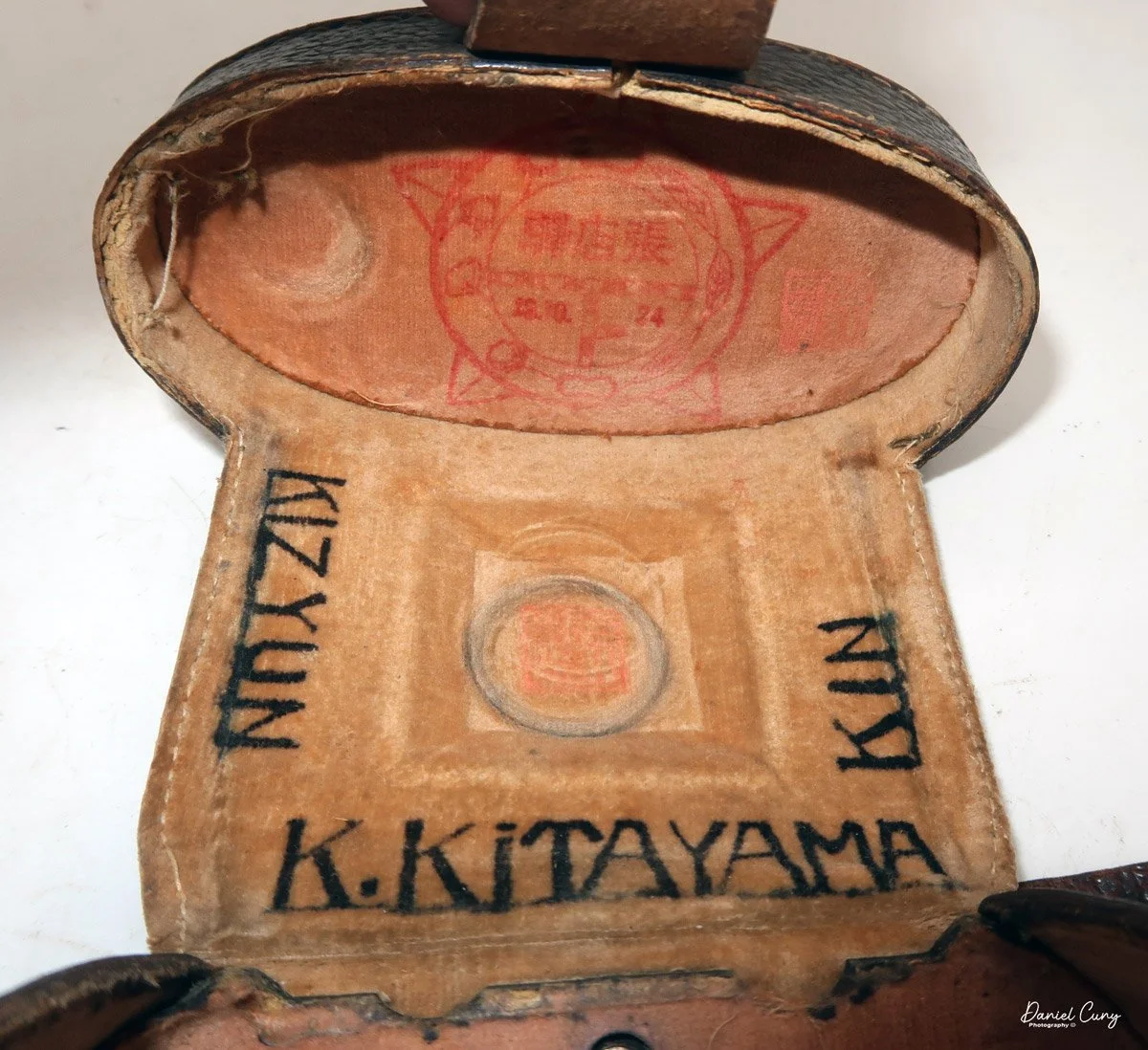
Looking through my camera collection, I wanted to find something more unusual to write about this week. When I picked up the Sakura camera in its case, I didn't think much about it until I opened the camera's case and saw the writing inside. 

 The writing said, "K. Kitayama" along the bottom, and "kin" on the right and kizyun" on the left, so my immediate thought was to try and do some research to see if I could find the ancestors of the camera, or possibly even the owner of the camera. 

 Since the camera was released in Japan in 1937, I imagined the original owner might still be alive, but the chances are slim. Also, since the lettering was in English and not Japanese, the camera was brought to the US by the owner, but when? 

 Looking more closely at the case, there is a red stamp on the inside top. It appears to be in Japanese, but it's pretty faded; there's also a number "74" that is pretty visible in the lower right corner. So, did the camera enter the US in 1974 when the owner brought it here from Japan, and was it stamped by customs or the Japanese government before leaving?

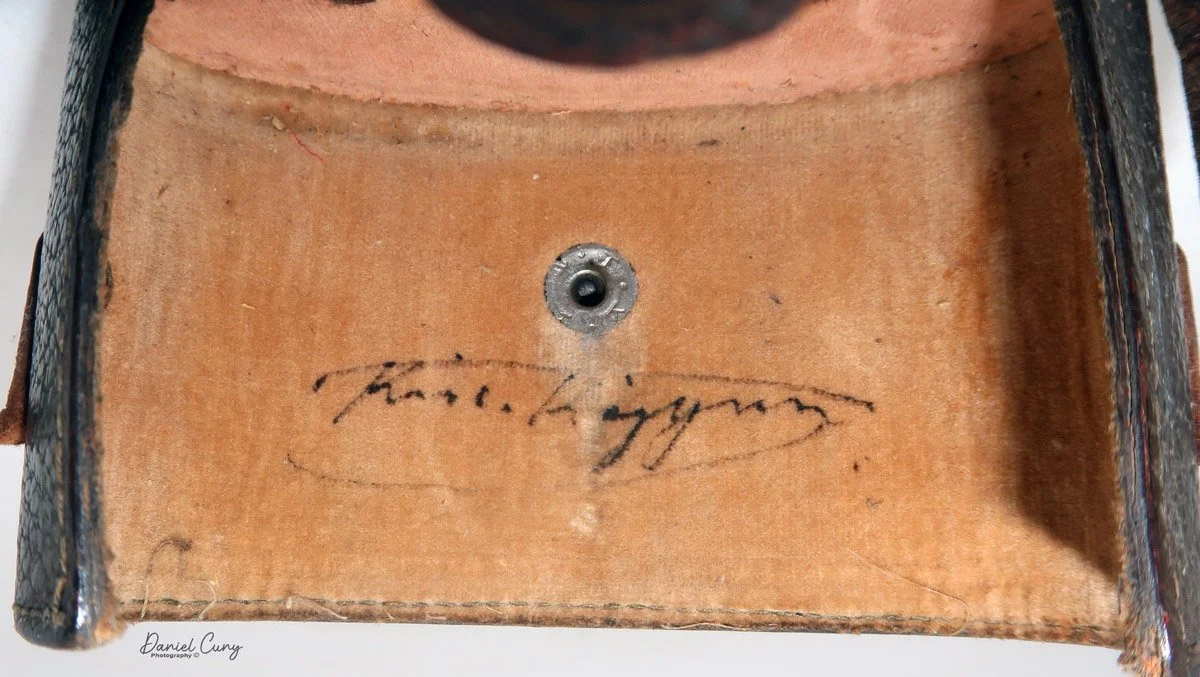
 Also, when I took the camera out of the case to inspect it for this week's blog, on the back wall of the case is a signature written in ink that appears to be a name starting with K. and Kizyun? I tried many different Google searches for different spellings. While I find these things fascinating, my chances of finding the original owner, or possibly some family members, are very slim. Still, my passion for finding the original owner remains. 

Have you ever found a piece of gear with a name inscribed on it? I'd love to hear your detective stories in the comments.

 Now that I've spent way too many hours going down the rabbit hole trying to find out who the camera belonged to, let me tell you more about the camera itself.

My Sakura Bakelite camera

 The Sakura (Bakelite) camera is an odd, oval-shaped model made by Konishiroku in the late 1930s. Konishiroku was the original company that became Konica. While the Sakura camera is a very basic model that I'll describe below, I understand it's rather rare.

 Sakura, meaning "Cherry" in Japanese, was a short-lived brand produced by Konishiroku during the 1930s. Their most popular items were a series of 3 different, beautifully colored, Sakura Box cameras. One of the cameras used 127-sized film for its 4x6.5cm format. In contrast, their larger cameras were 4.6x6cm or 6x9cm format cameras on 120 film. These cameras are also very collectible and rare items.


Konishiroku Before World War II:


The story of Konishiroku (the predecessor to Konica) is essentially the birth of the Japanese photographic industry. Long before it became a global imaging giant, the company began in 1873 when Rokusaburo Sugiura began selling photographic and lithographic materials at Konishiya Rokuemon, a traditional pharmacy in Tokyo.

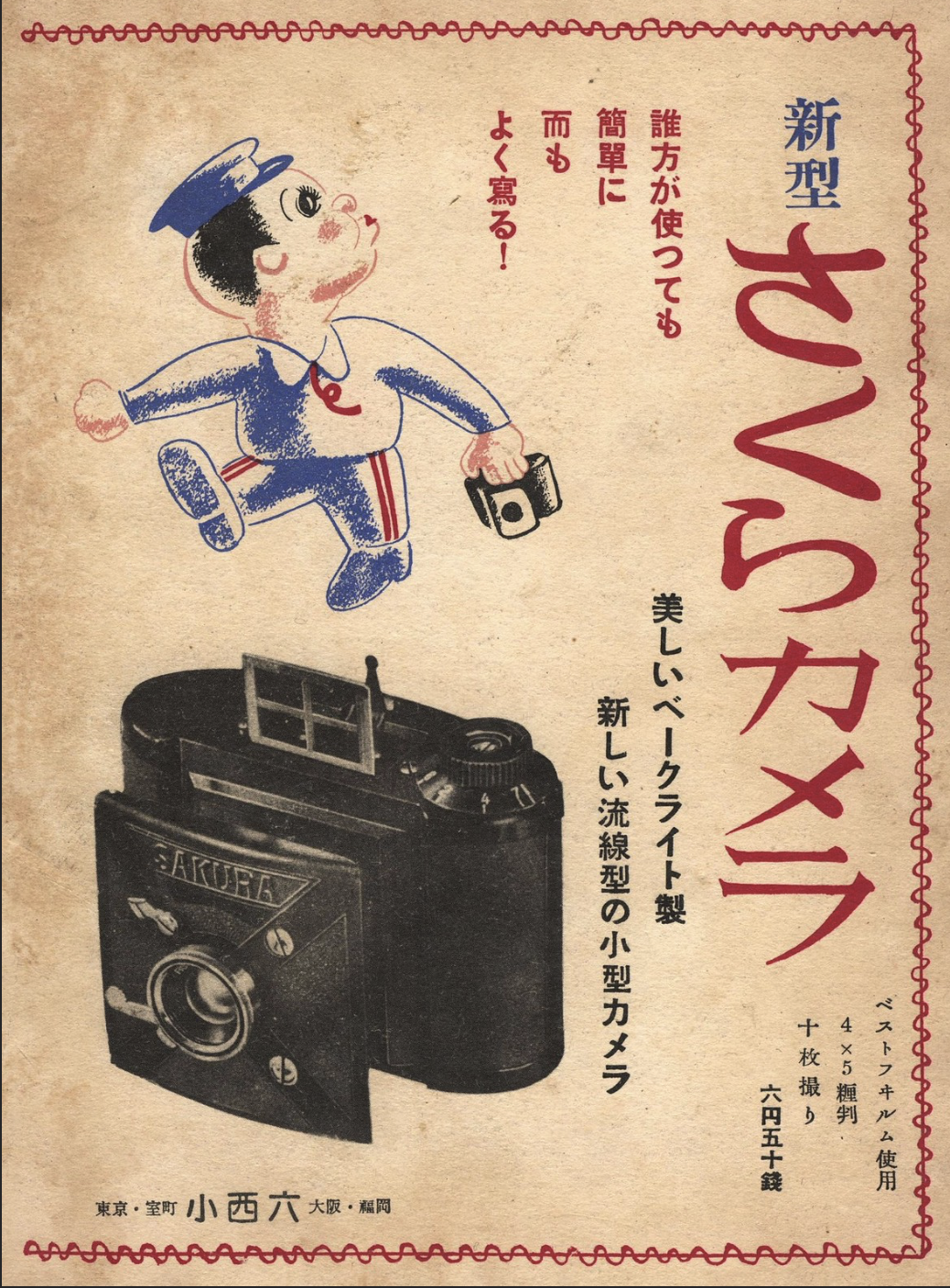
Ad for Sakura camera from Camera-Wiki

 By 1876, Sugiura moved the photographic department to a dedicated shop called Konishi Honten. This move was visionary; at the time, photography was a fledgling Western import, yet Sugiura foresaw its cultural and commercial potential in Meiji-era Japan.

 In the late 19th century, Japan relied almost entirely on imported cameras and chemicals from Europe and America. Konishi Honten sought to change this. In 1902, the company established the Rokuoh-sha factory in Tokyo, marking a pivotal shift from a mere retailer to a pioneer manufacturer.

Just one year later, in 1903, they released the Cherry Portable Camera. This was Japan's first brand-name camera, a simple box-type unit that democratized photography for the Japanese public, much like the Kodak Brownie did in the West.

 Throughout the 1920s and 1930s, the company refined its engineering to compete with high-end German imports. Several key milestones defined this pre-war era:


  • The Pearlette (1925): Based on the Vest Pocket Kodak, this folding camera became an icon in Japan, remaining in production in various forms for decades.

  • The Lily and Idea series: These cameras showed Konishiroku's ability to produce sophisticated folding and plate cameras that appealed to serious amateurs and professionals.

  • Establishment of the "Konishiroku" name: In 1921, the company reorganized as a partnership, and by 1936, it was incorporated as Konishiroku Honten Co., Ltd.

 By the mid-1930s, Konishiroku was not just making camera bodies; it was a master of the entire "imaging chain." They produced Sakura brand cameras, film, and photographic paper. In 1935, they began developing their own high-quality lenses under the Hexar name.

 As the 1930s drew to a close, the Japanese government began consolidating the industry for the war effort. Konishiroku's precision manufacturing was increasingly diverted toward military optics, such as aerial cameras and rangefinders. However, the foundation they built—combining retail savvy with deep technical manufacturing—ensured that when the "Konica" brand eventually debuted in the post-war era, it was backed by over 70 years of institutional expertise.

My Camera:

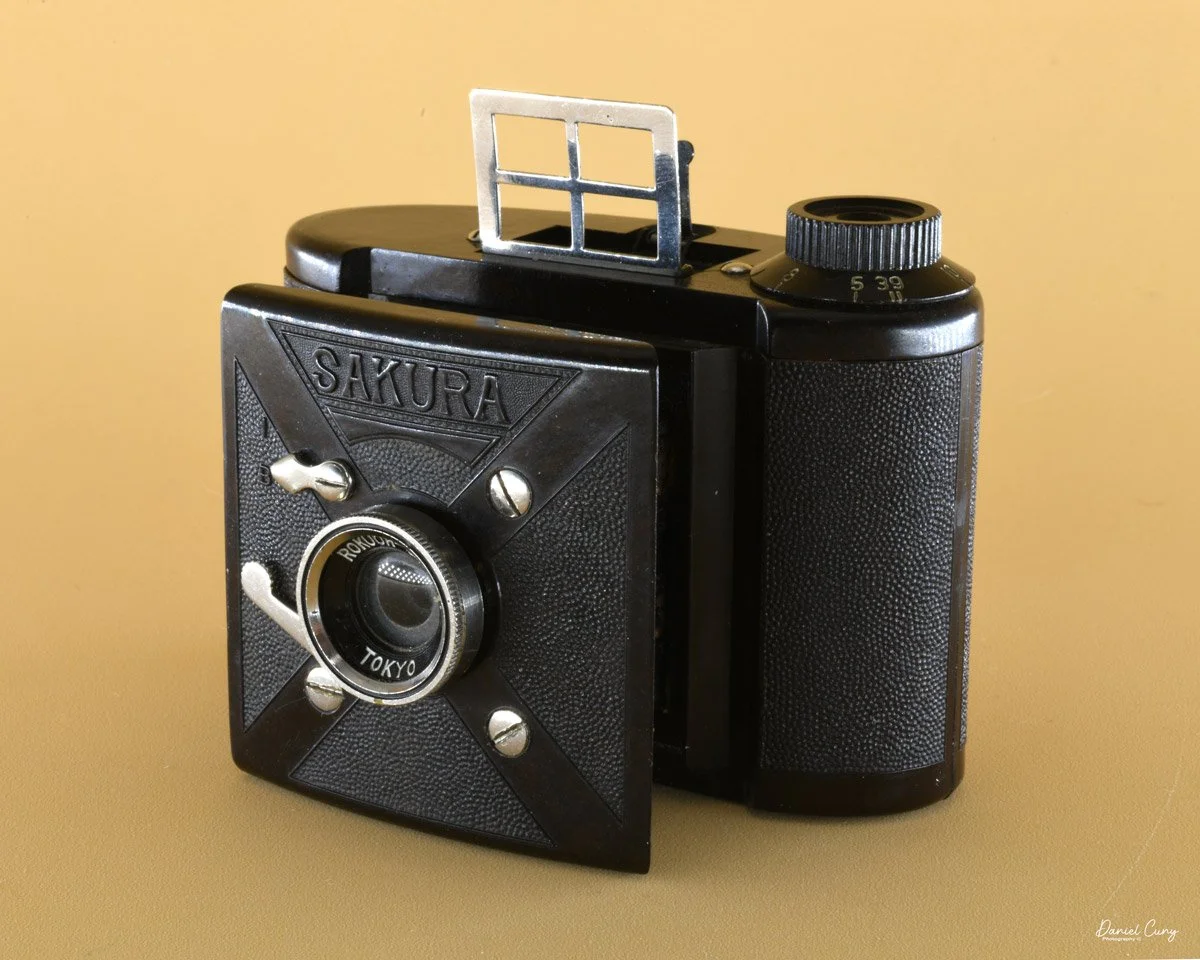
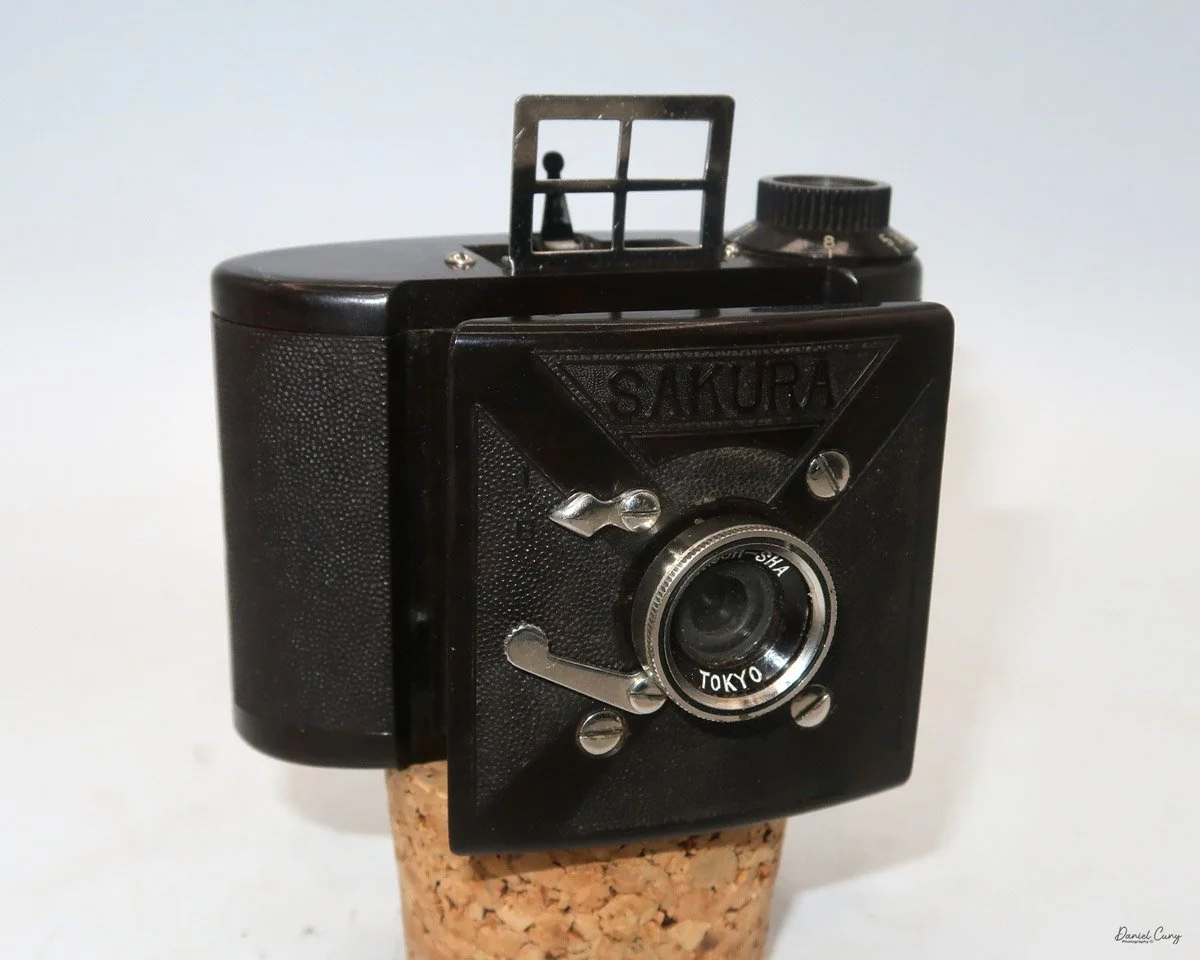
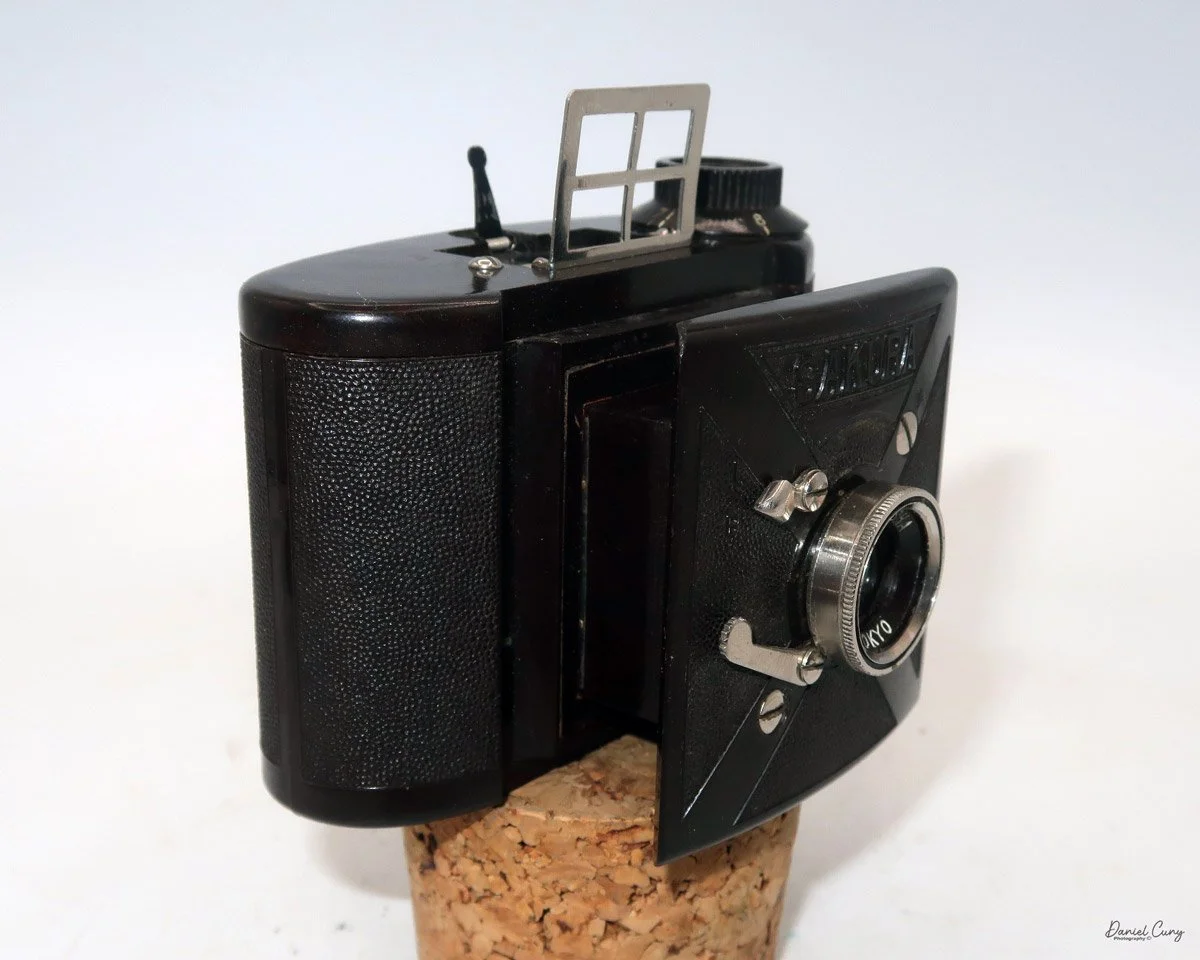
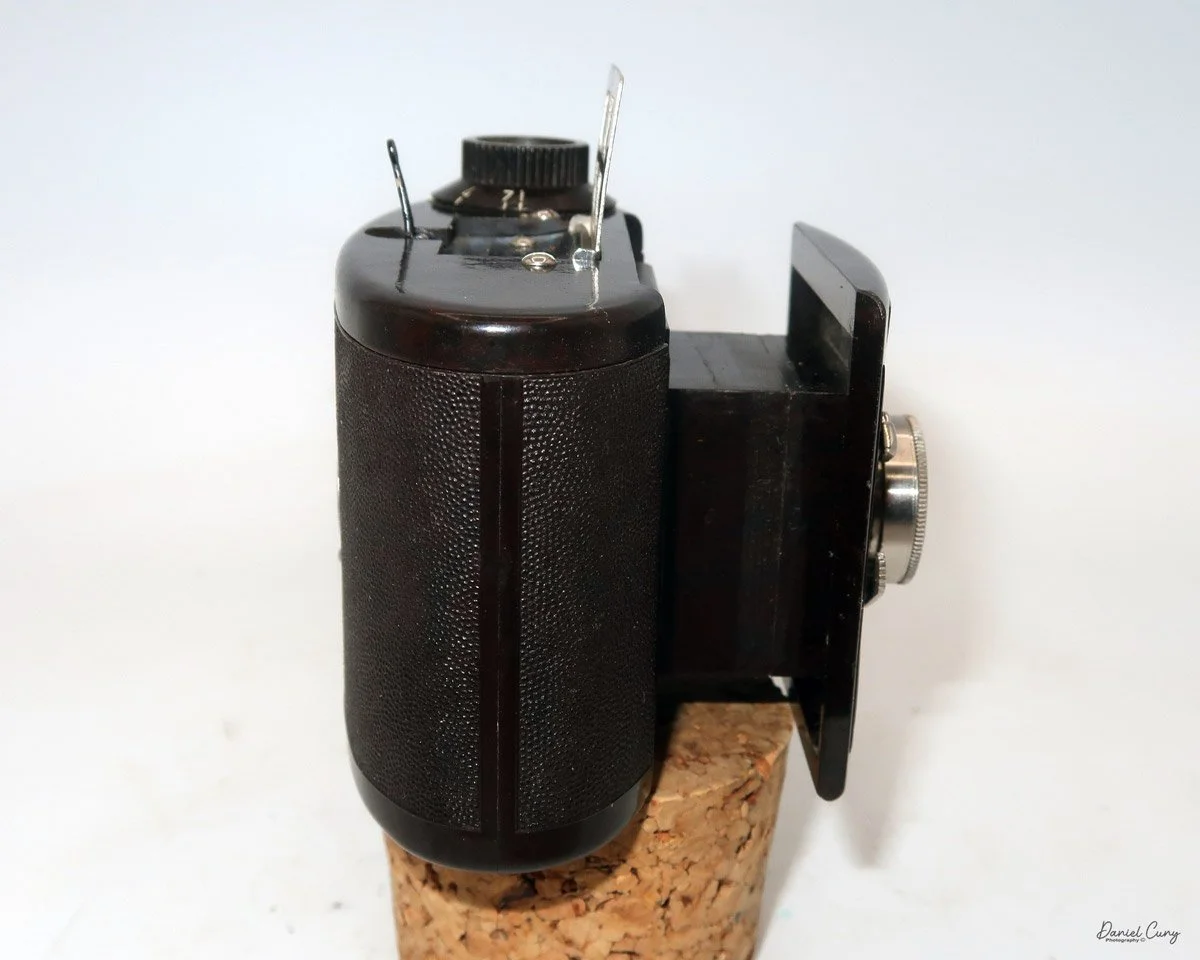
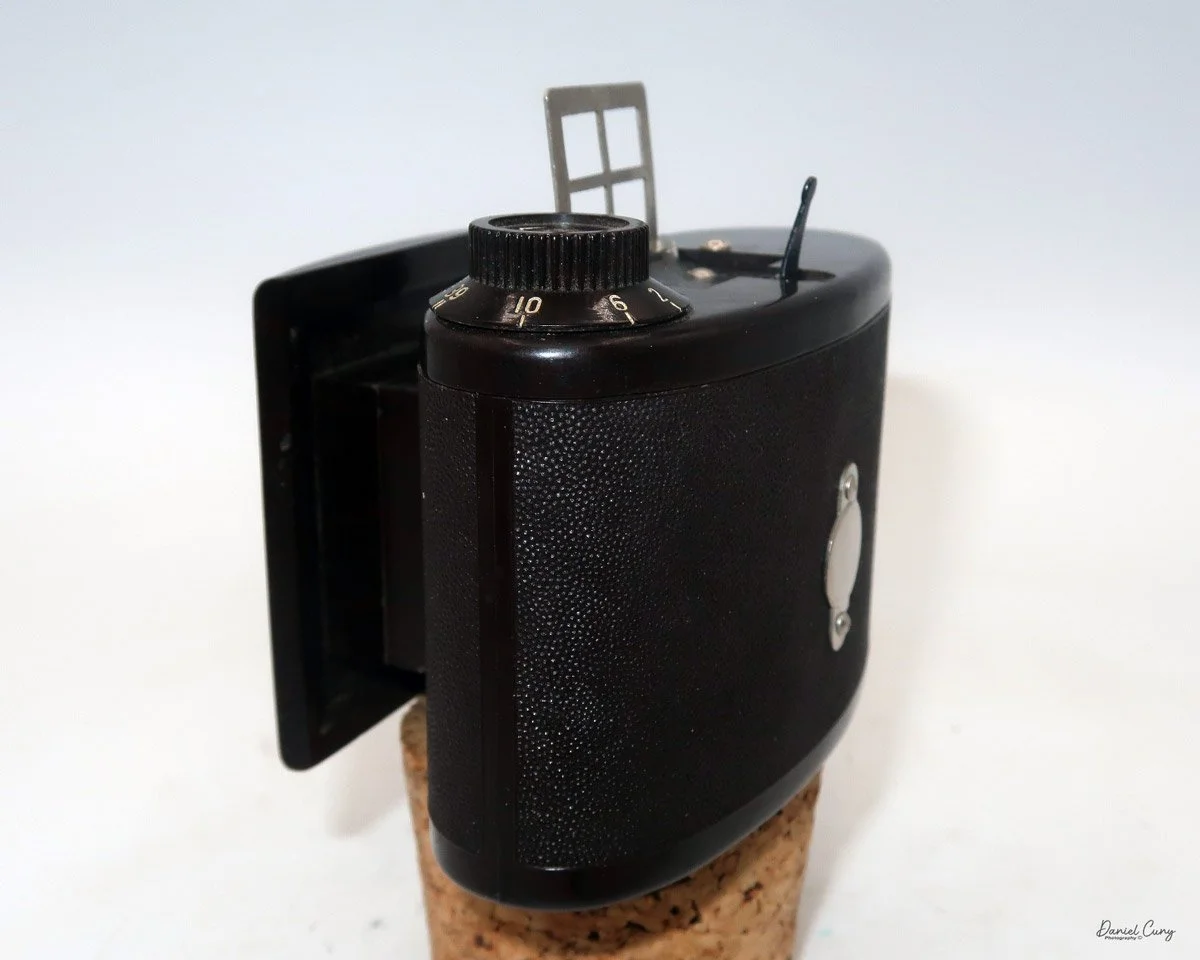
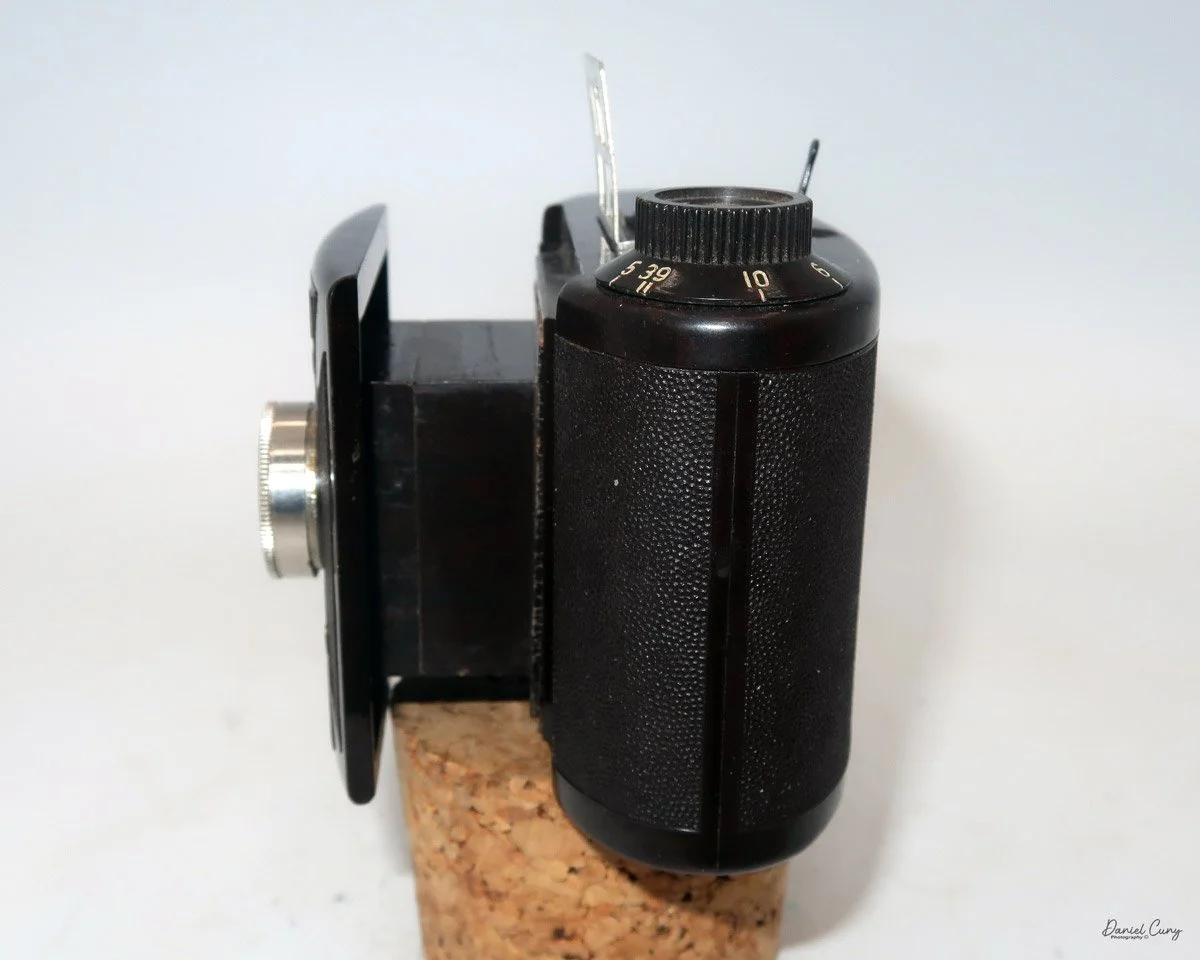
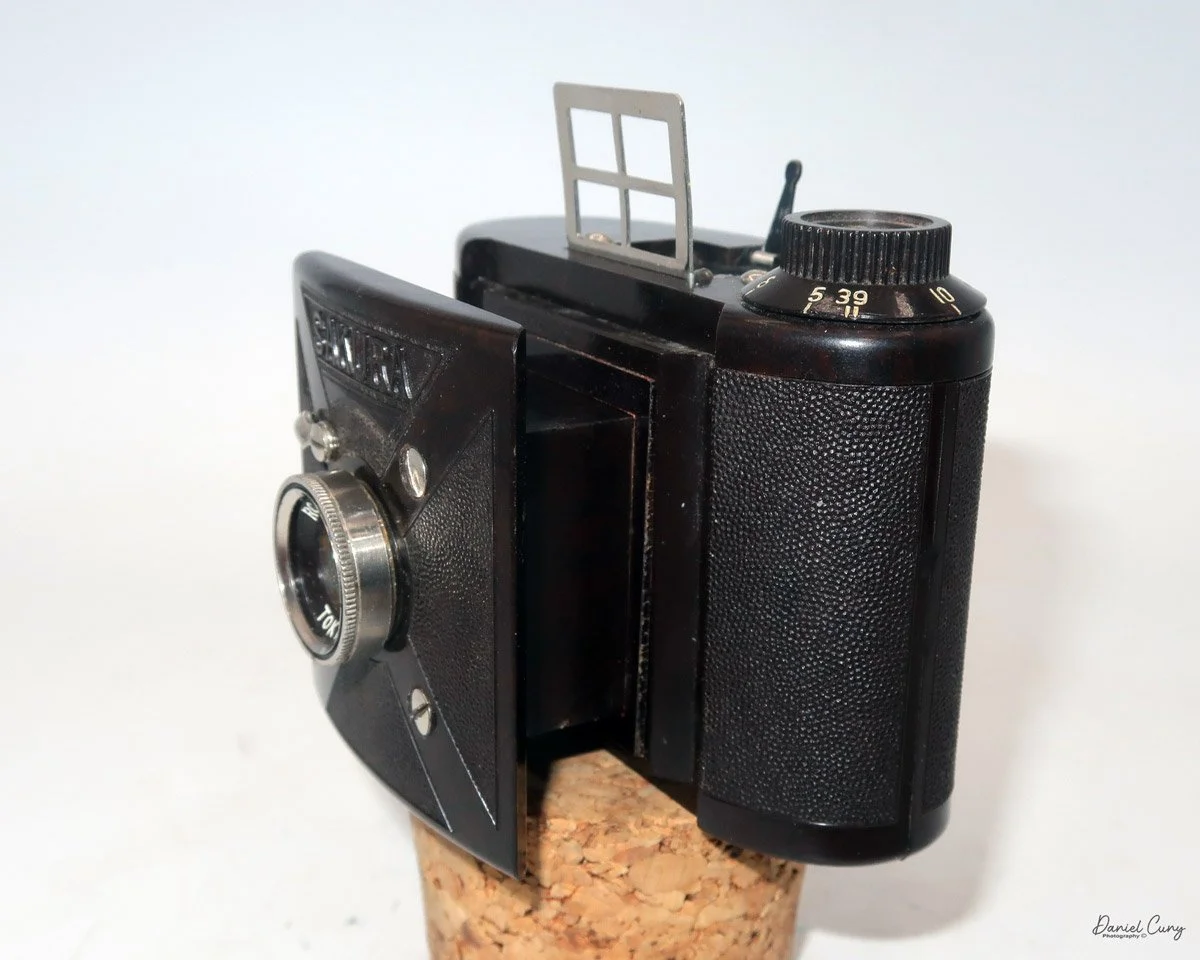
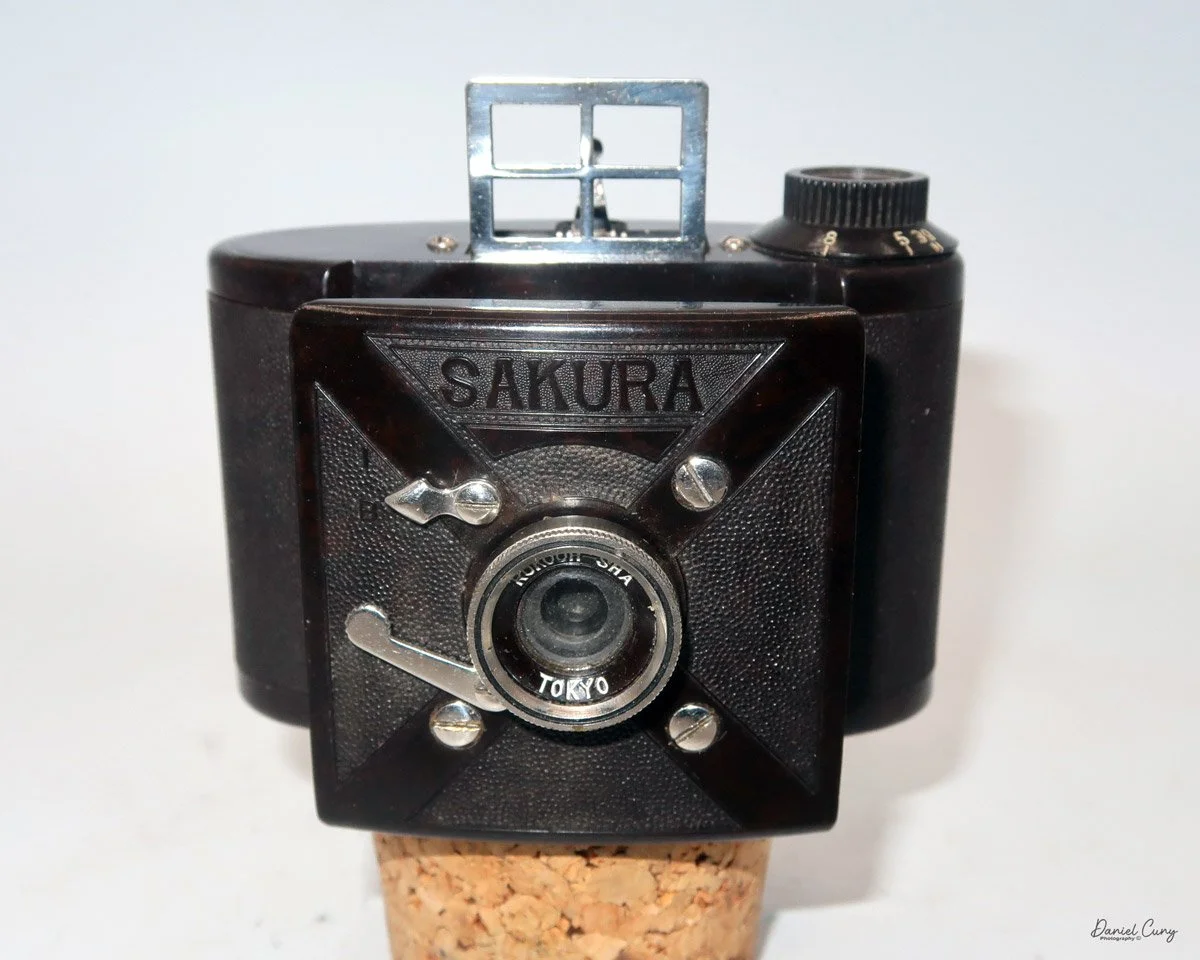
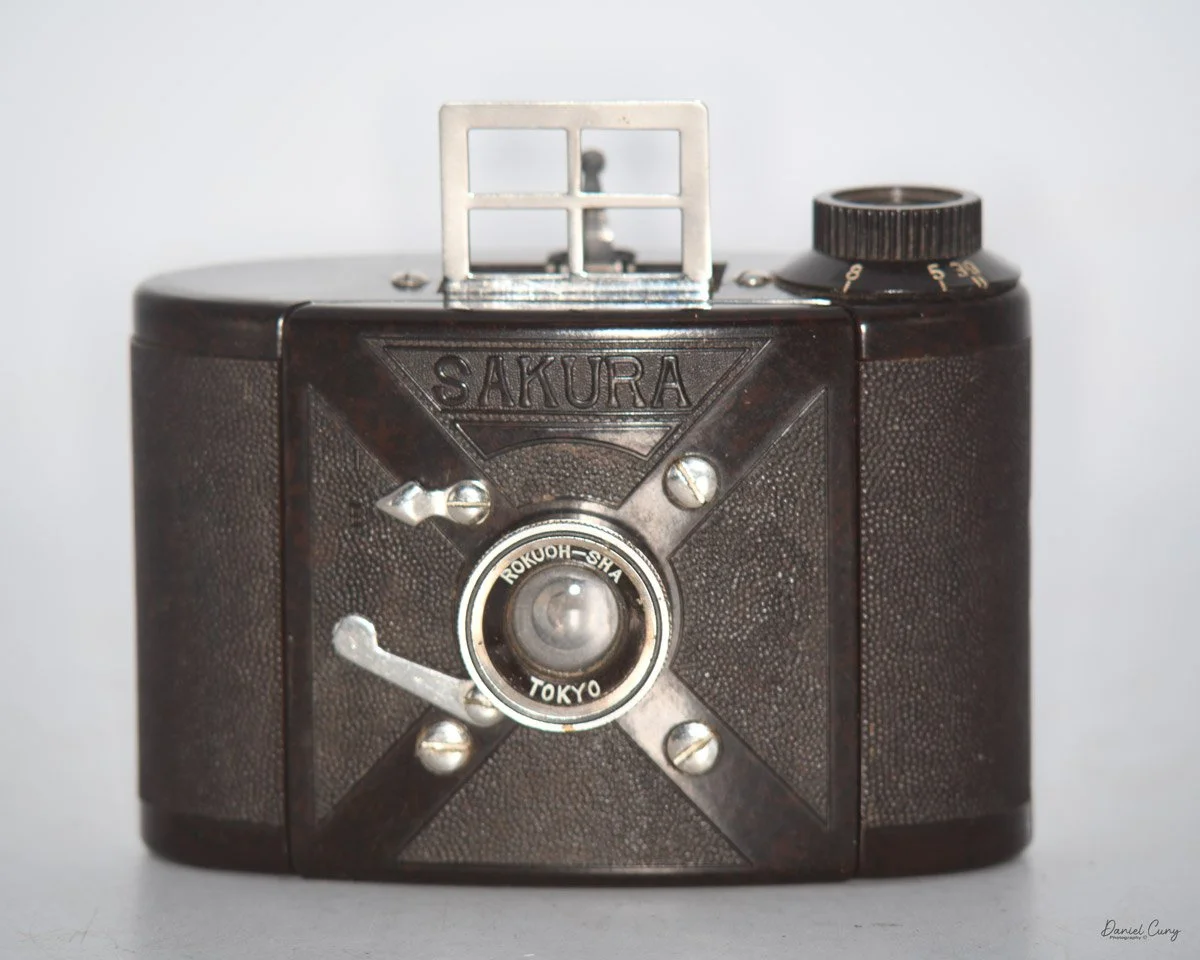
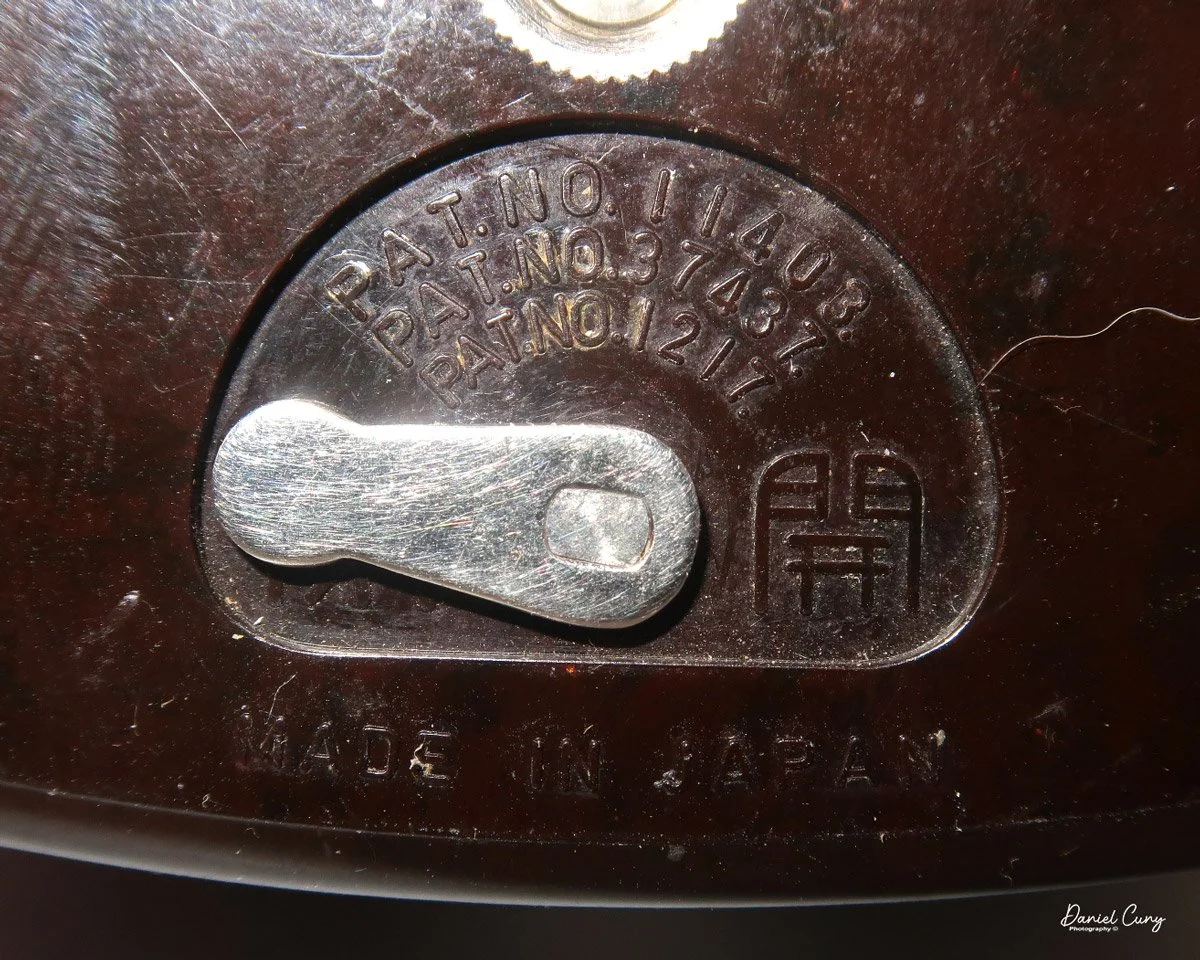
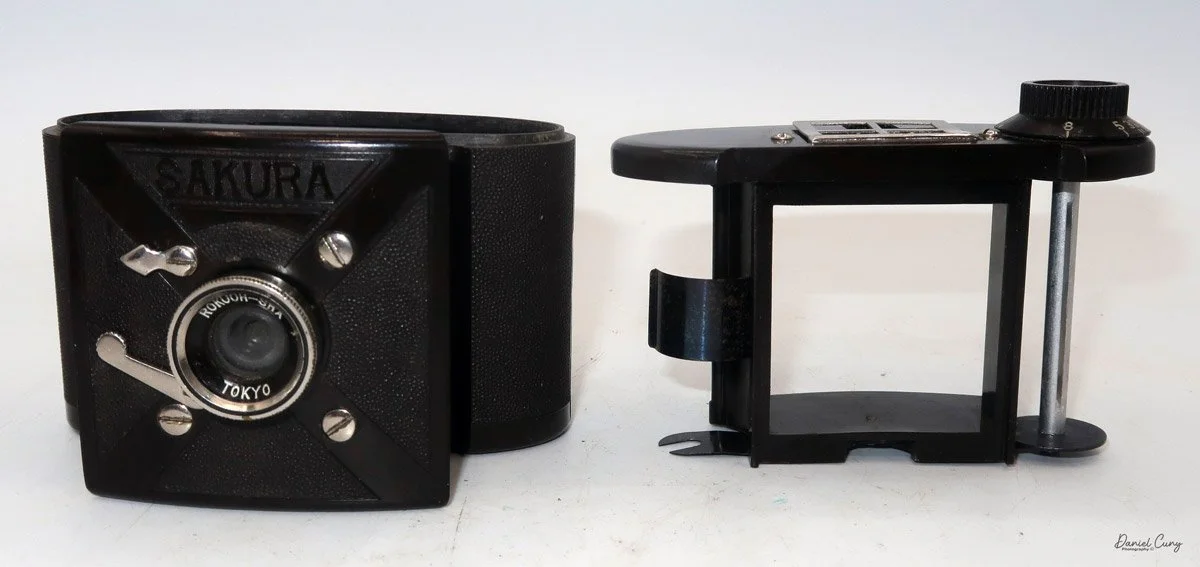
 My Sakura Bakelite camera is an odd, oval-shaped camera with a pull-out front lens used for taking photos, and it retracts when it's in its case for transport. It's only 3.75" wide by 2.75" tall, including the film winding knob, and 2" deep with the lens retracted or 3" with the lens extended. It only weighs 6.1 ounces without film in the camera.

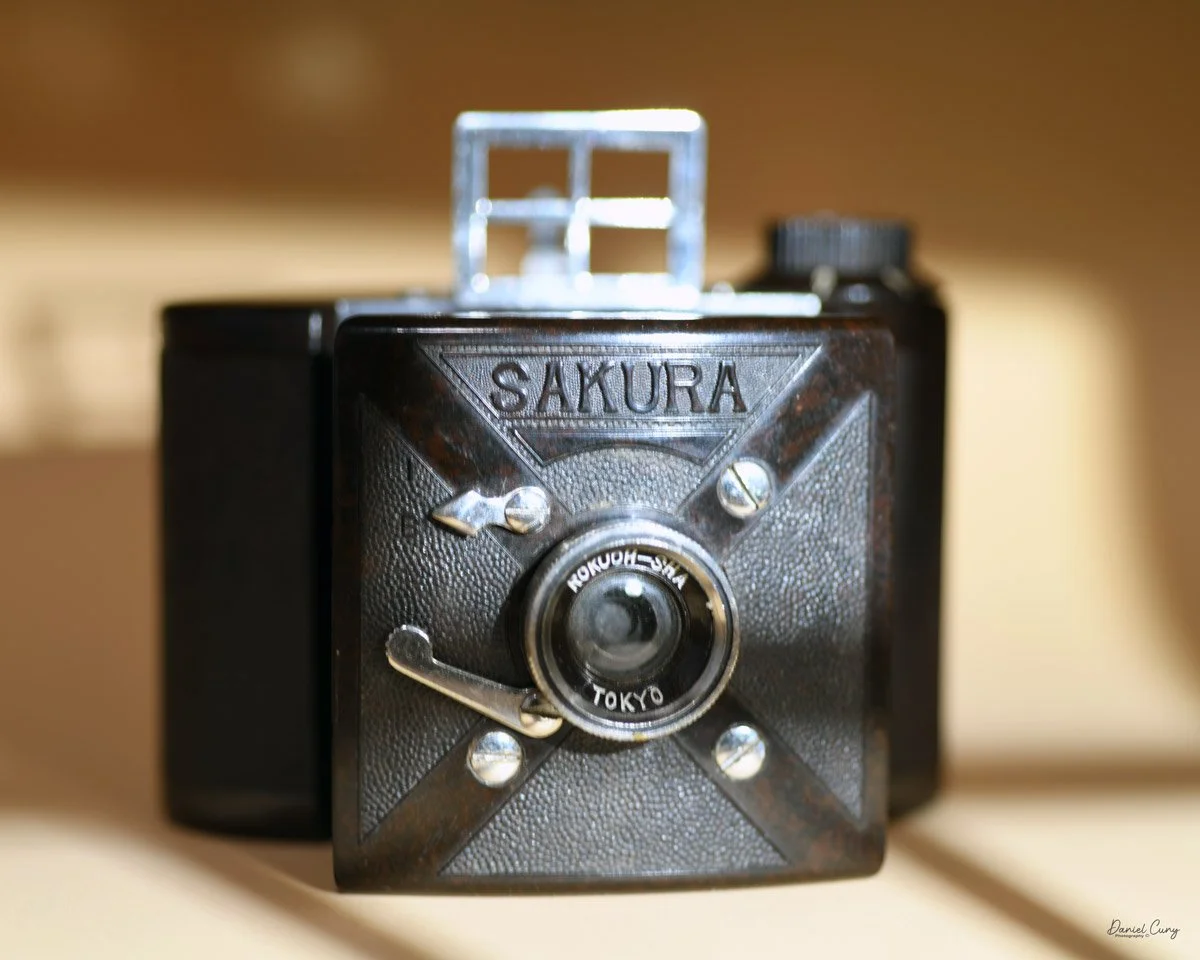
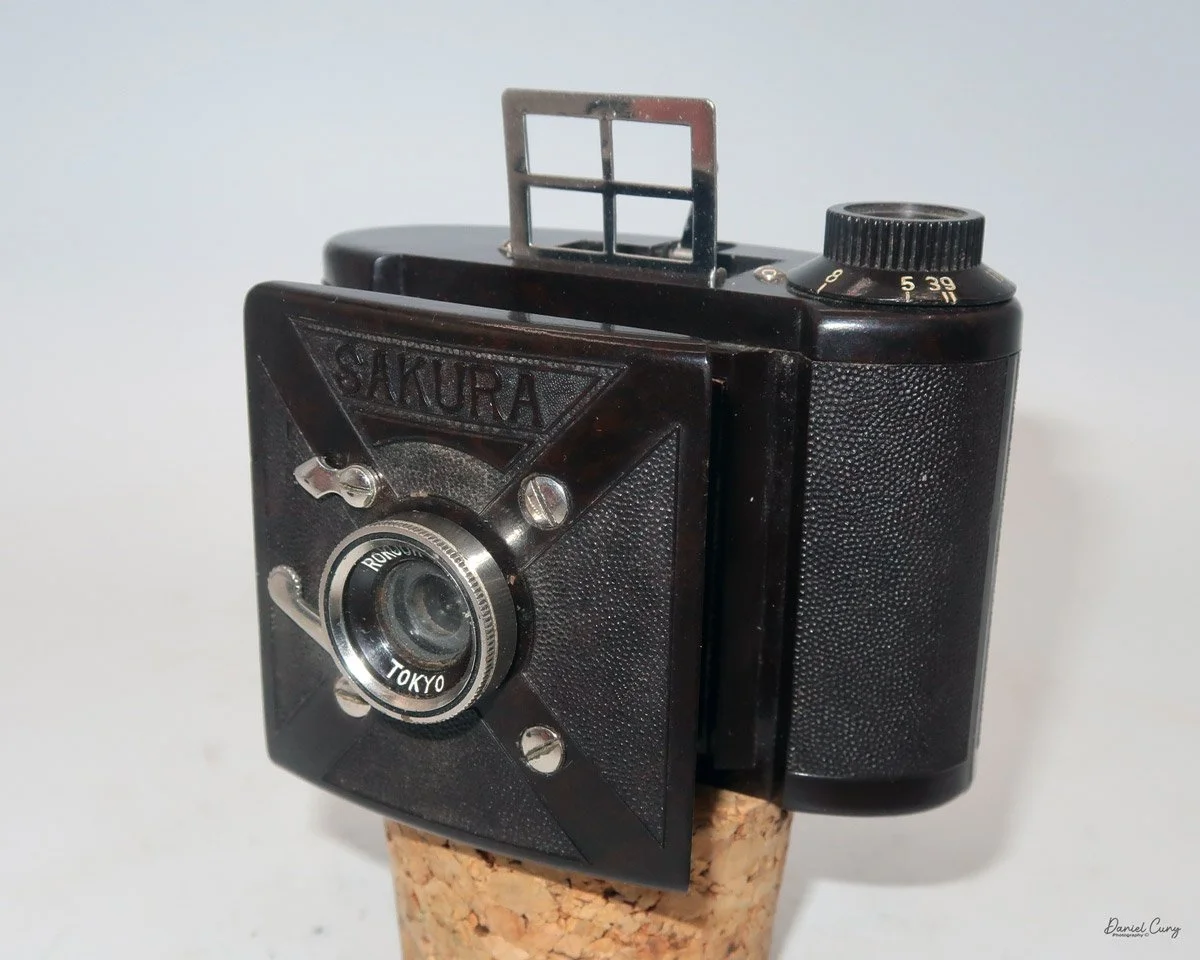
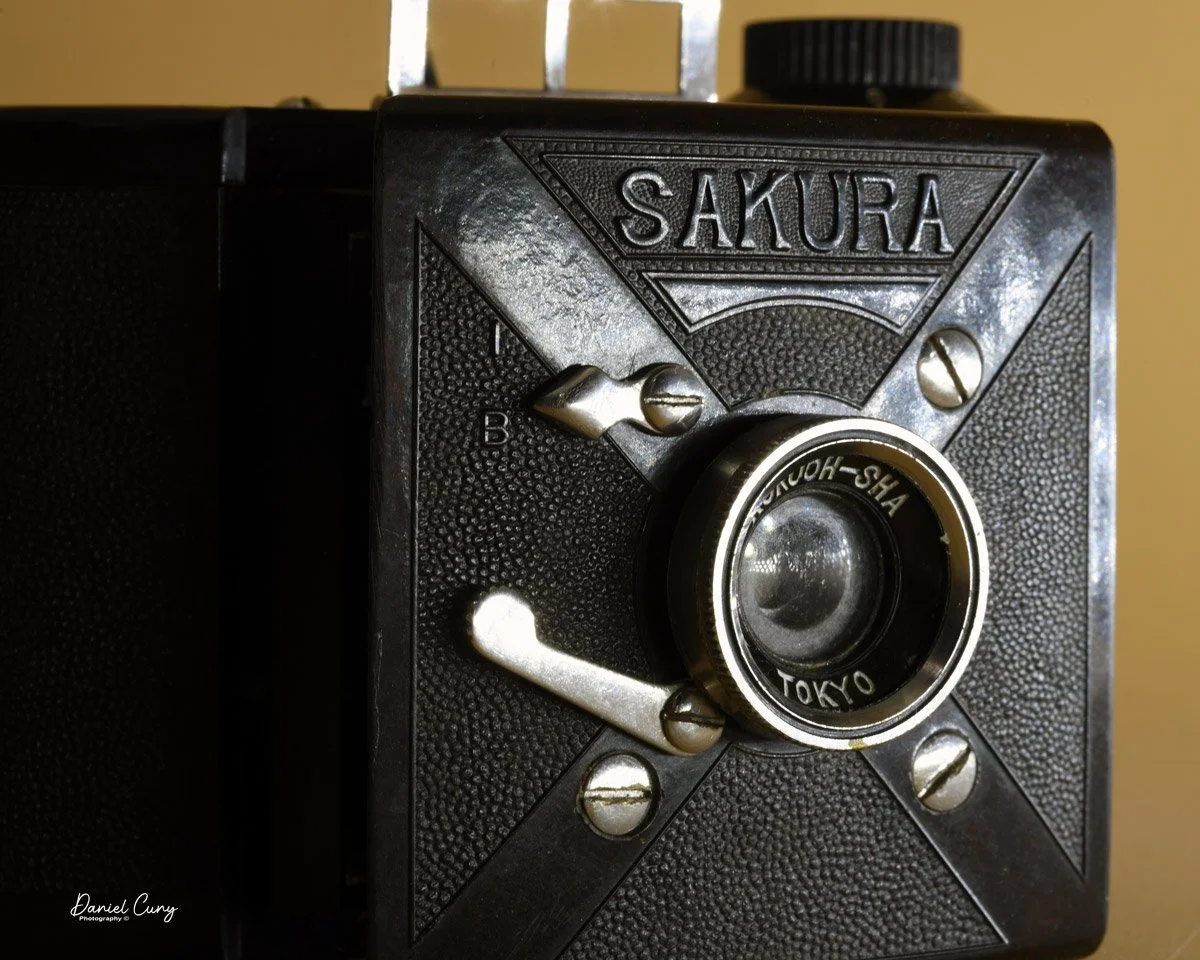
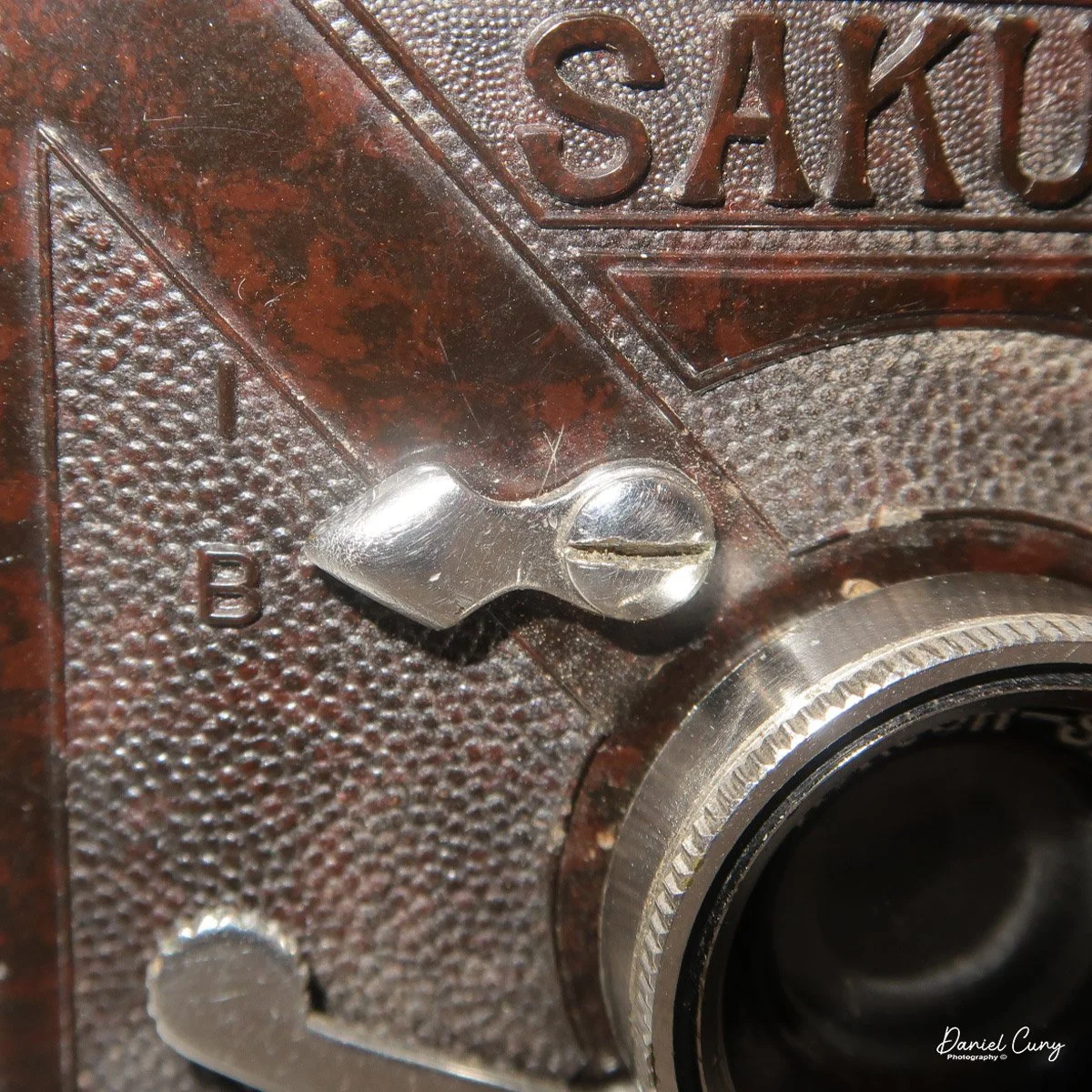
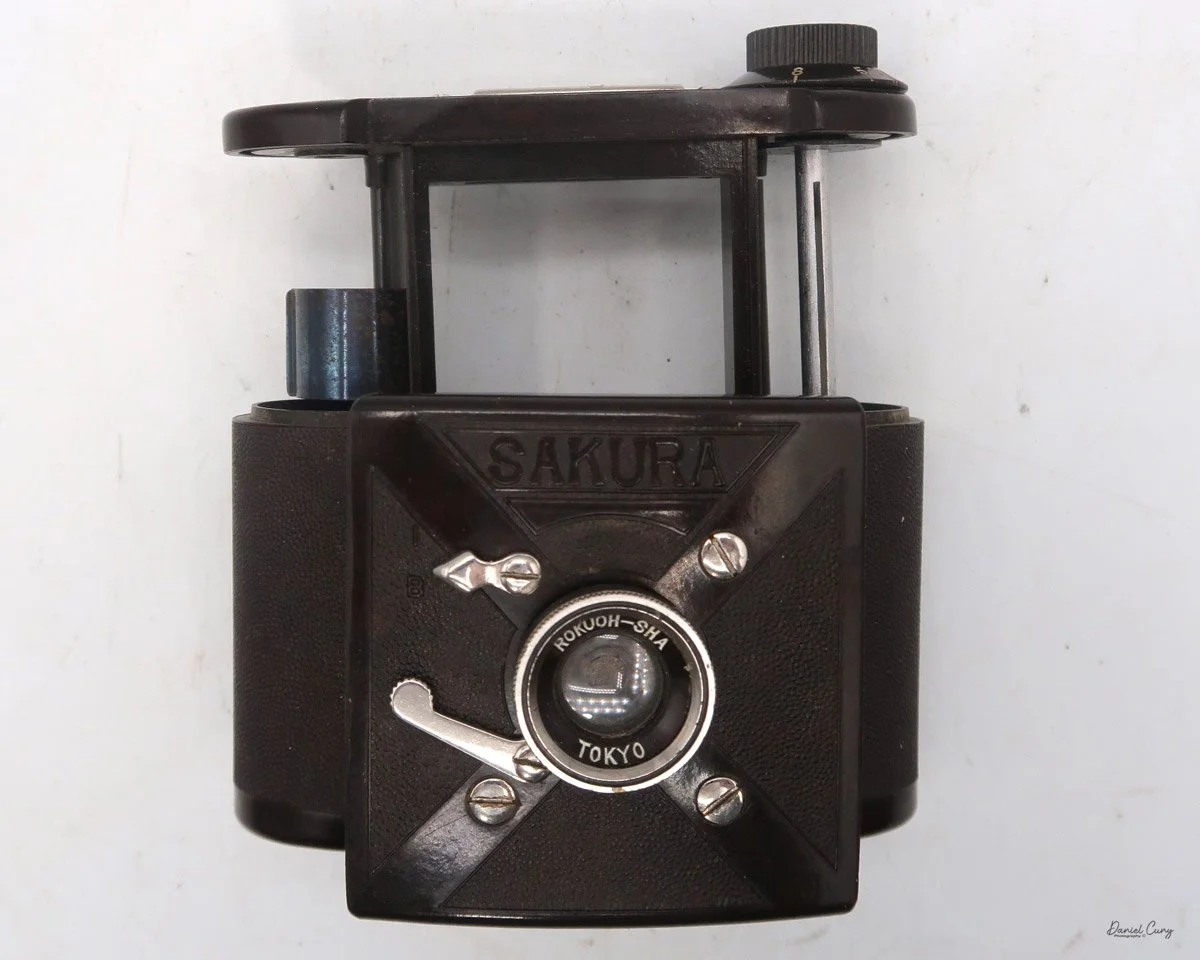
The camera is a rich, dark brown Bakelite with slight mottling and a grainy finish, giving it a nice texture. SAKURA is molded in Bakelite at the top of the pull-out lens area. There is a smooth "X" shape on the faceplate as well, with the lens centered at the "X"'s intersection. 

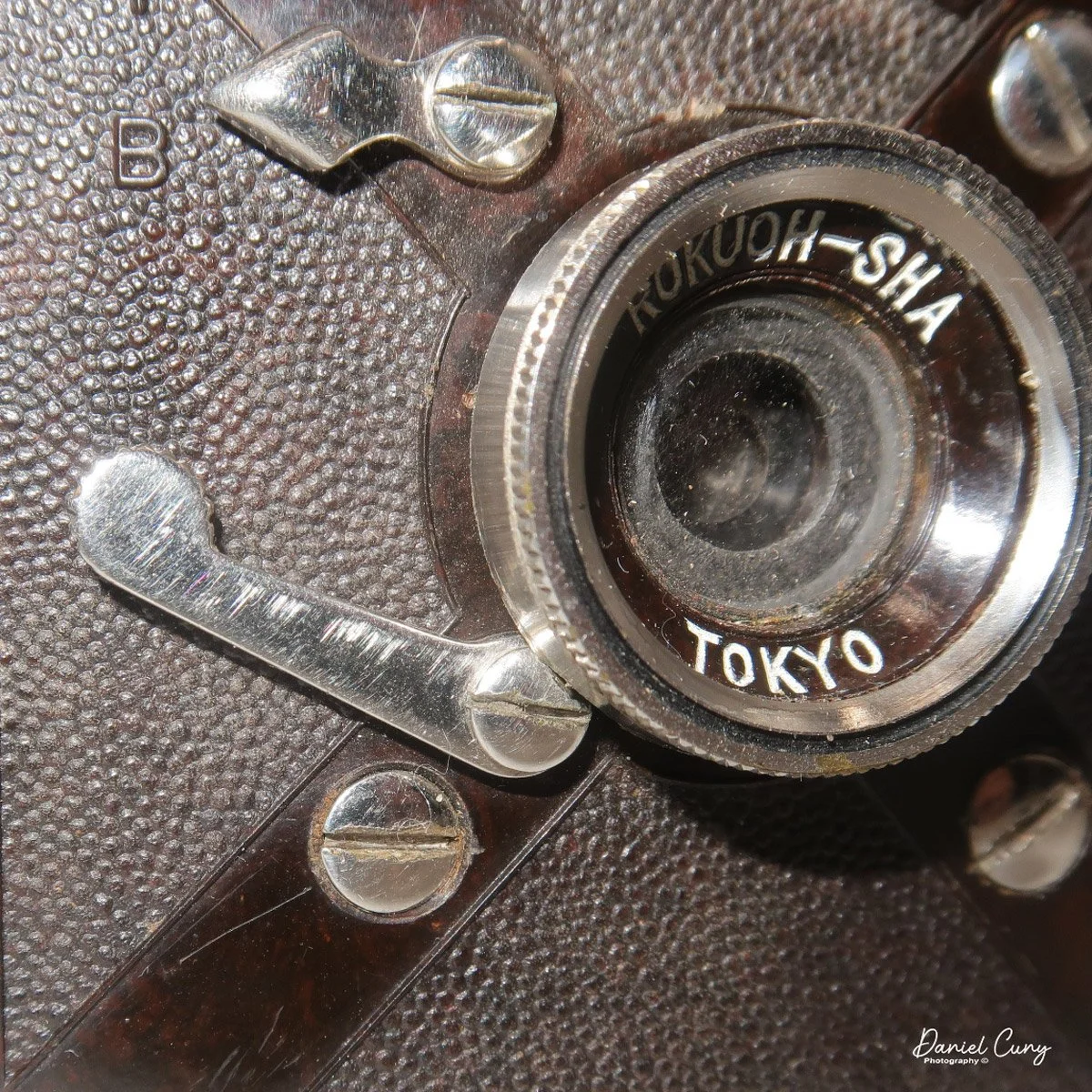
X design and controls on the face of the Sakura camera

The Sakura camera is extremely basic. Its fixed-focus Rokuoh-Sha Tokyo lens and lack of adjustable apertures make it simple to use, making it ideal for casual photography or quick snapshots. The shutter settings are either "I" for instant or "B" for bulb, used for timed exposures. The shutter is set by a chrome arrow pointing to the desired setting. The shutter release is just below the shutter setting. It is a longer, curved lever, emphasizing its straightforward design for beginners or vintage enthusiasts interested in minimalistic cameras.

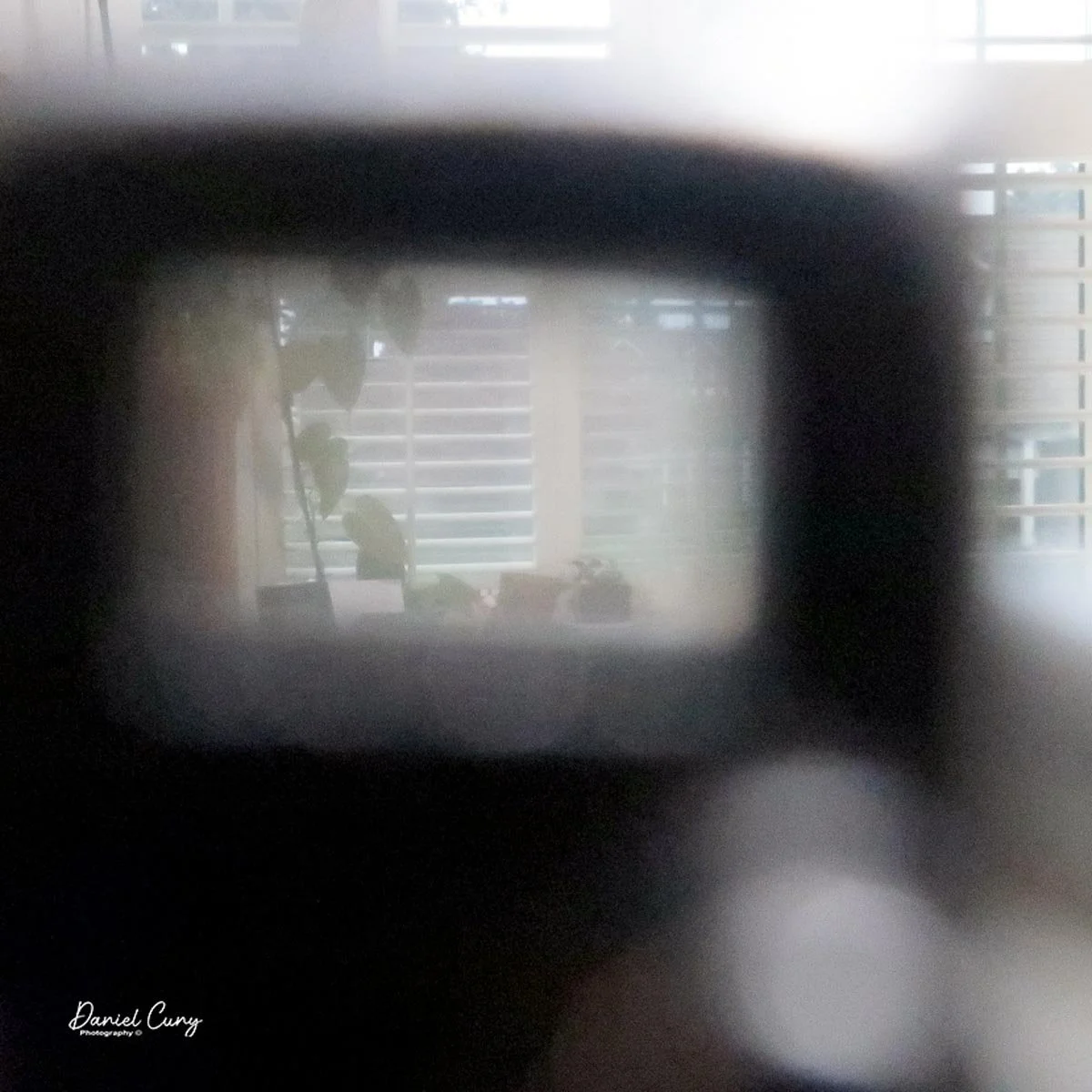
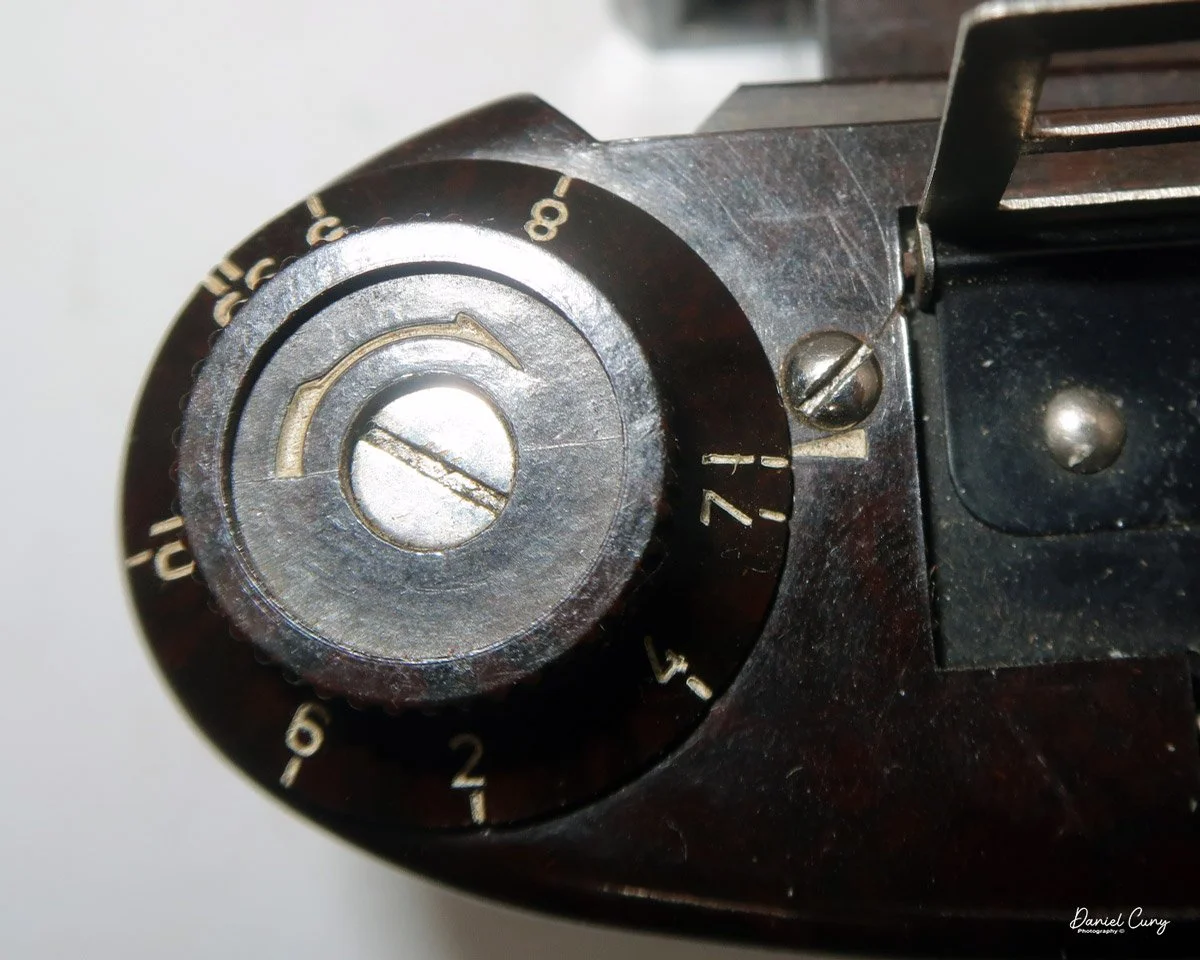
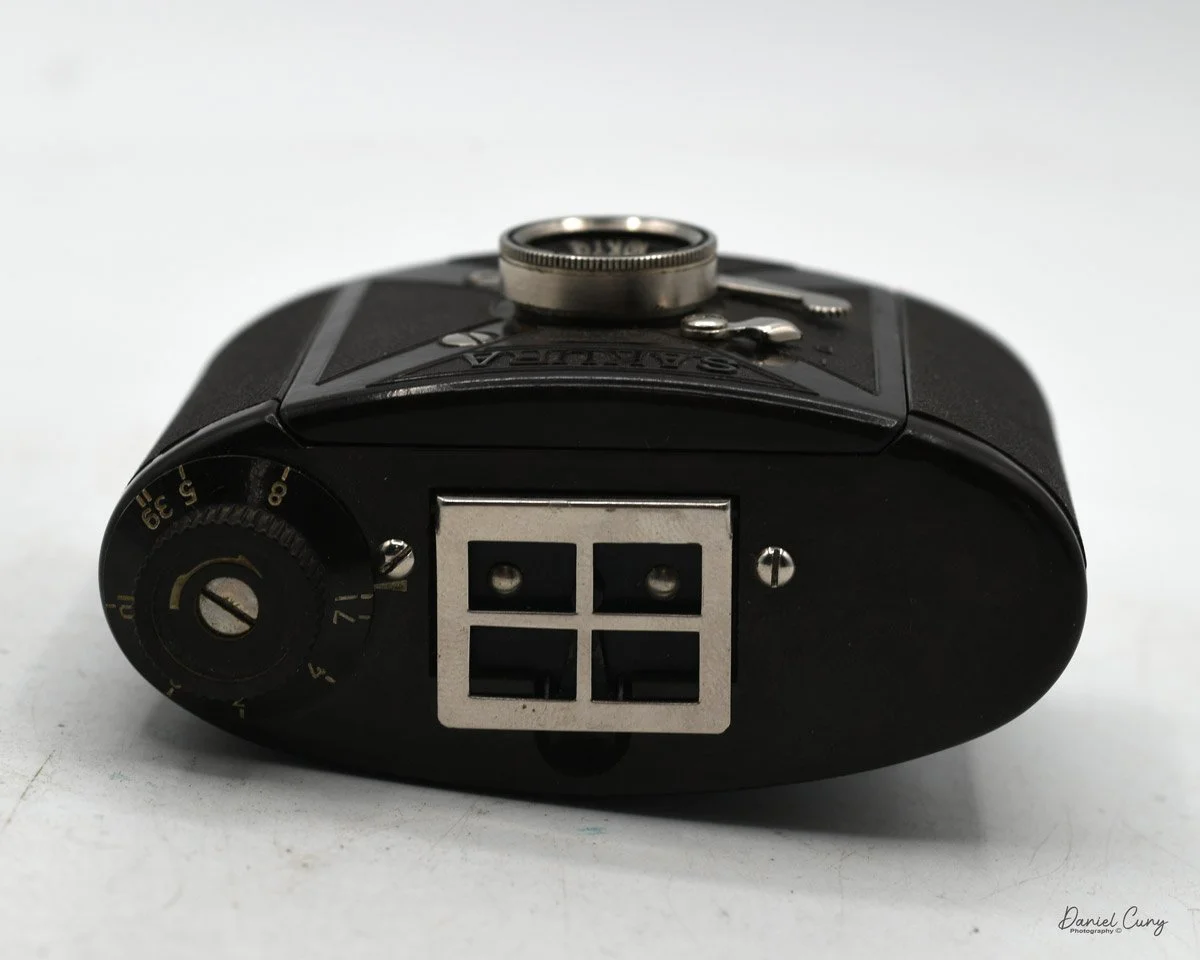
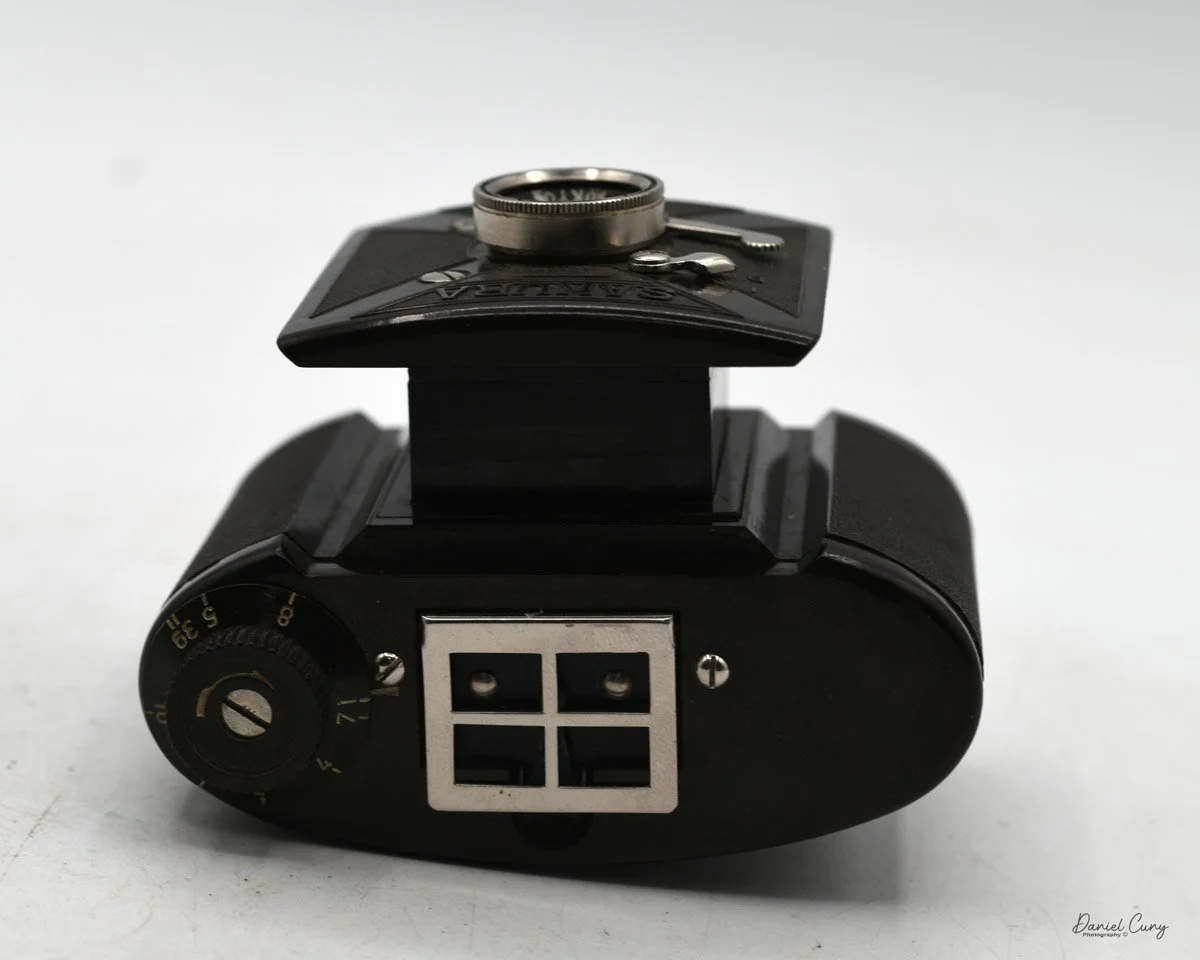
On top of the Sakura camera is a chrome pull-up viewfinder in the front, along with a pop-up pointer in the rear, which you use to center your subject before taking the photo. Also, at the top of the camera is the film winding knob, which has an unusual numbering system. The idea is that you start at number 1, then turn the nob to number 2, which is the proper amount of length to get the film to the next frame. I didn't use this method, but used the red window on the back of the camera to find the frame numbers. The red window also features a sliding chrome cover that opens or closes as needed.

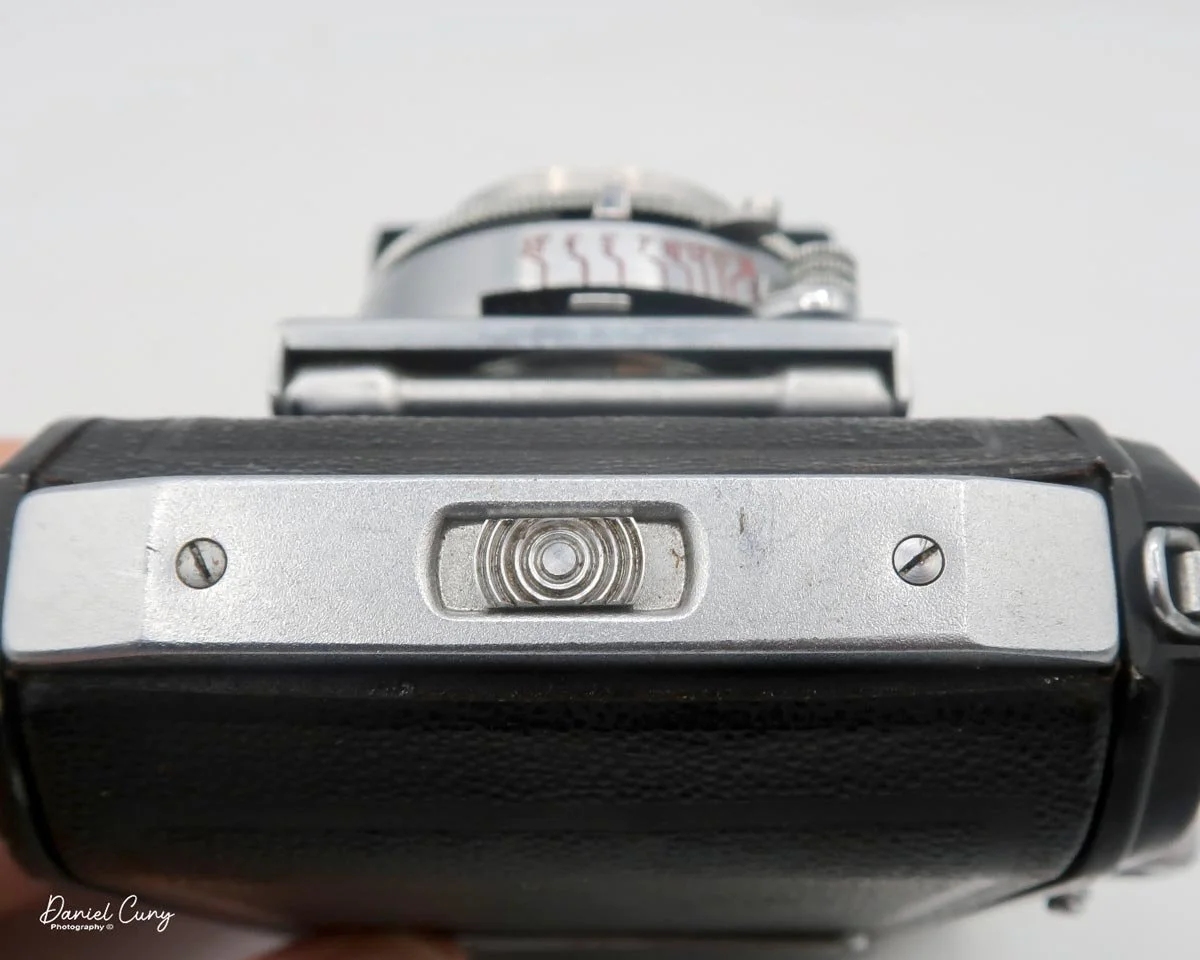
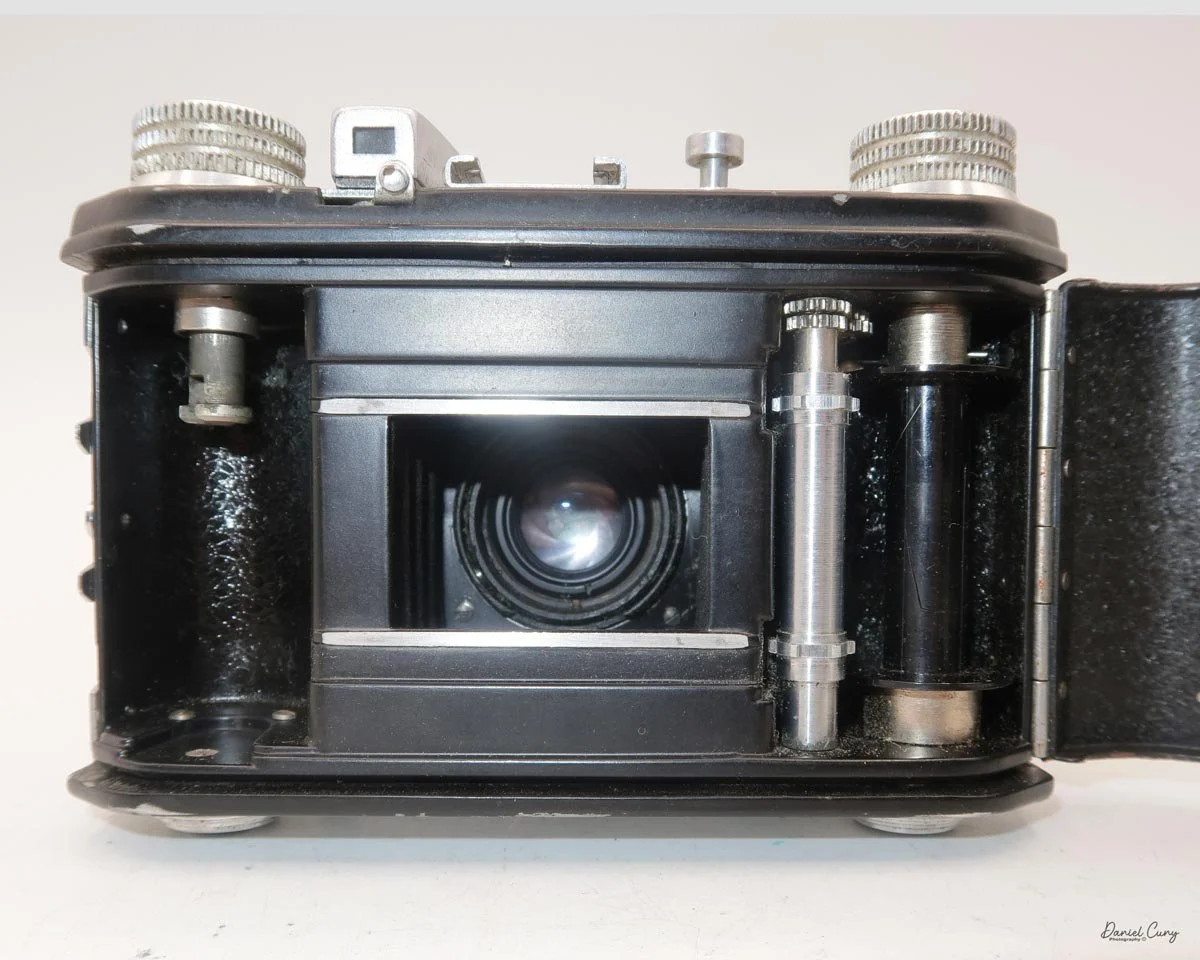
At the bottom of the camera is a tripod socket for timed exposures. However, there is no cable release socket, as is generally used for this. Also at the bottom is a lever that locks or unlocks the film chamber, allowing it to be removed from the camera for loading or unloading film. Once the chamber is unlocked, the film chamber lifts up from the top of the camera, but this can only be done when the lens is extended; otherwise, the lens blocks the chamber in the camera body. Once the lens is extended, the film chamber extends from the top of the camera, and you can load film to take photos. Once loaded, slide the film chamber back into the camera body, lock it into place, set the frame counter to 1, and you're ready to snap some photos.

My Results:

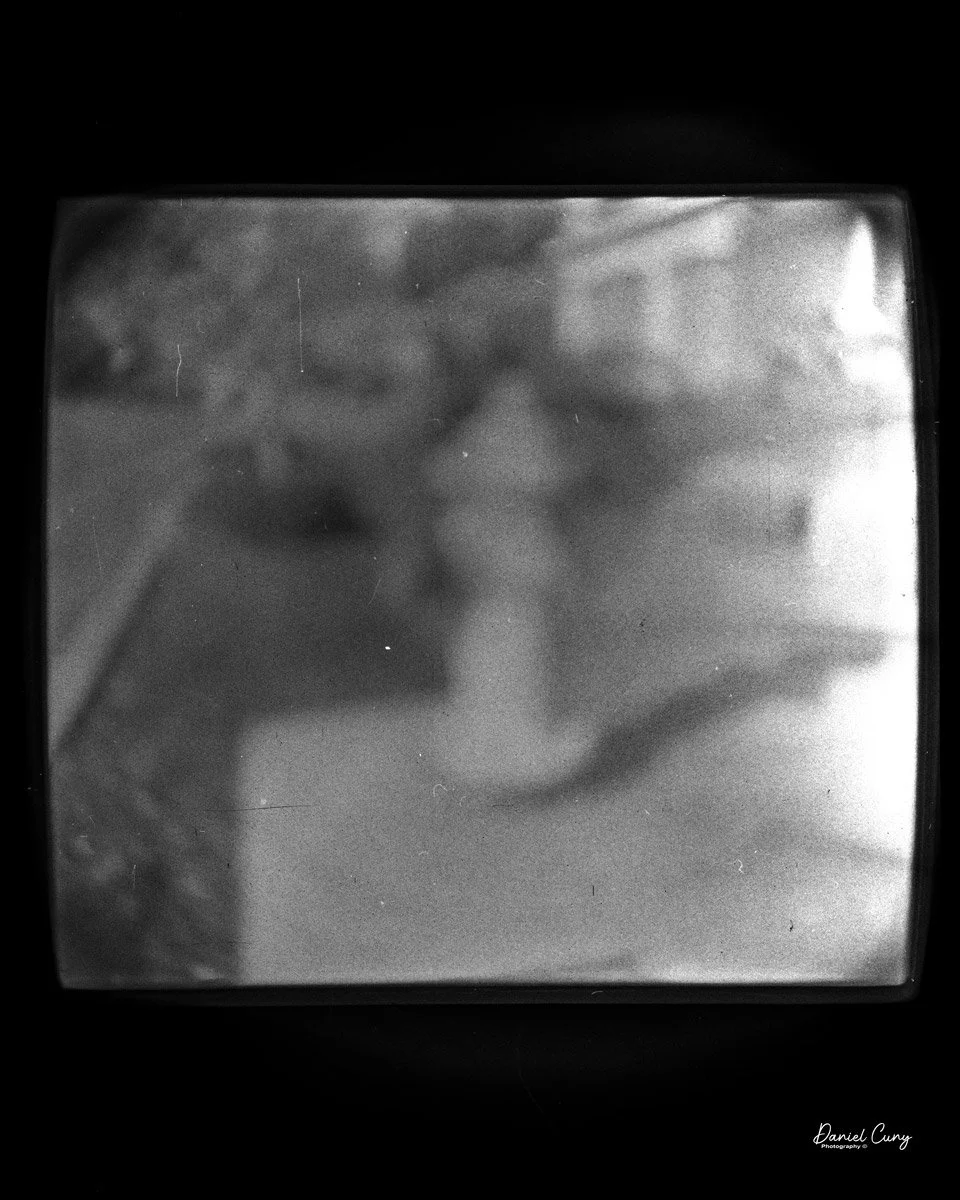
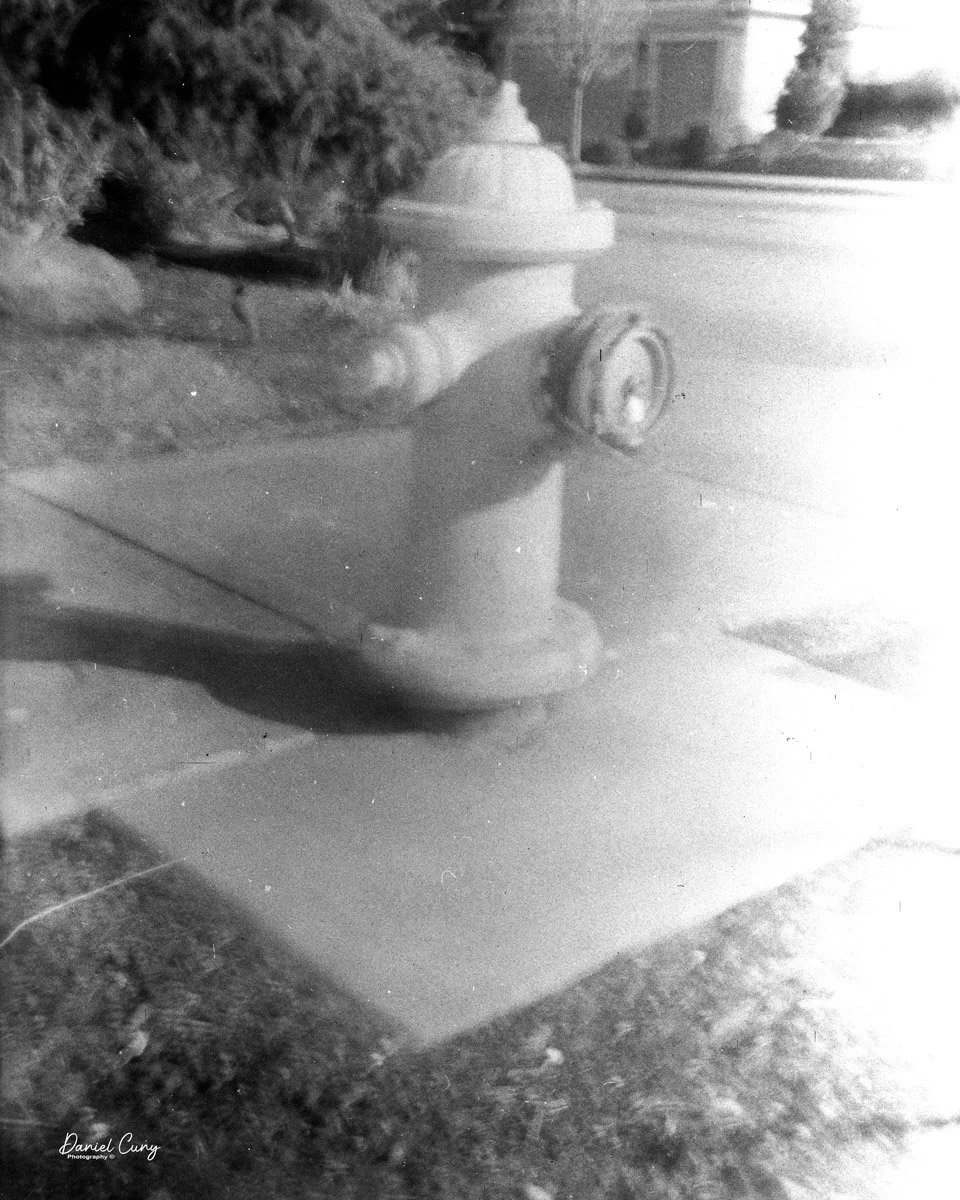
 I took two rolls of film with the Sakura camera because the first roll turned out so poorly. It didn't dawn on me that a couple of things happened when shooting the first roll. The first thing I noticed was that I forgot to pull the lens out of the camera body while shooting, but only for the first 1-2 photos, which resulted in some pretty unusual, very out-of-focus images. 

 The second thing that happened was when I was shooting the first roll, I was pulling the shutter speed lever in place of the shutter release, then when I found the shutter release, the shutter speed was set to "B", so all of these images were blurry from motion, as well as overexposed.

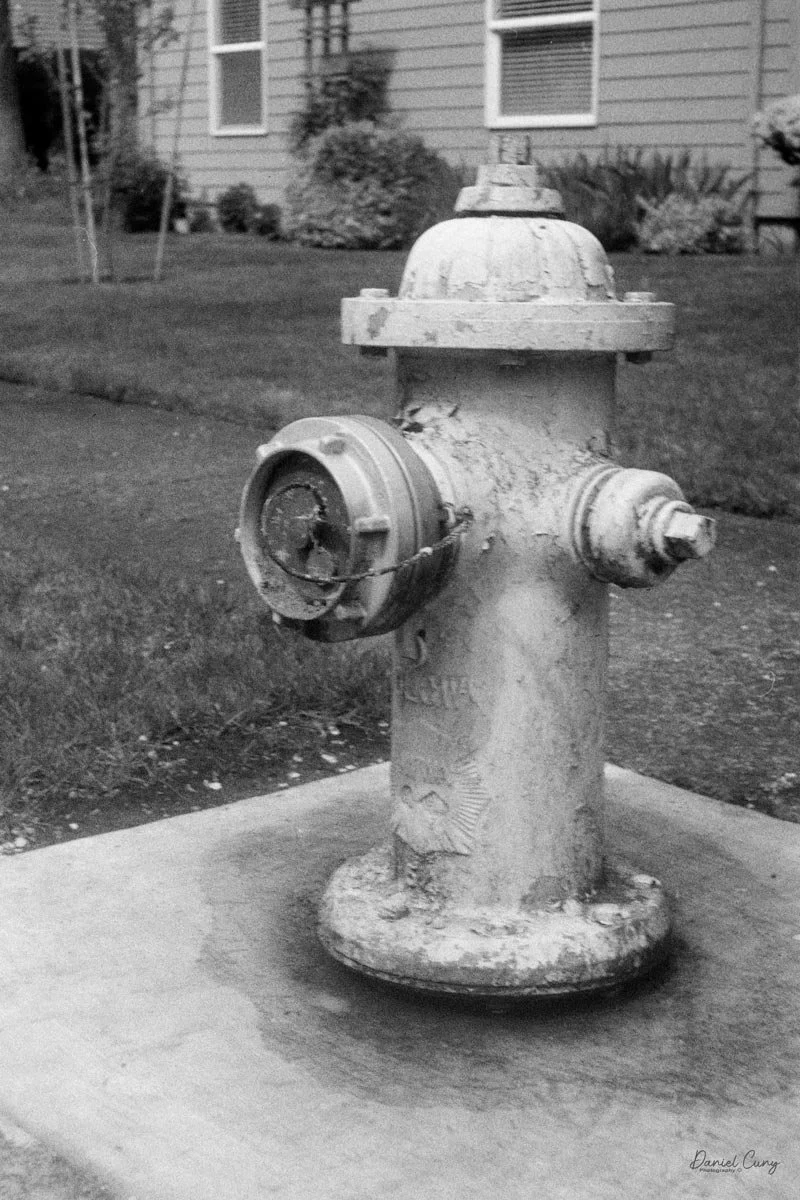
 So I loaded a second roll after seeing the disaster from my first roll, and #1 made sure the lens was extended, and #2, I put my finger on the shutter release lever before framing the photo so I wouldn't accidentally pull the shutter settings from "I" to "B". The second roll turned out much better than the first, and while I'm embarrassed by the first, I needed to share my experience with the camera.

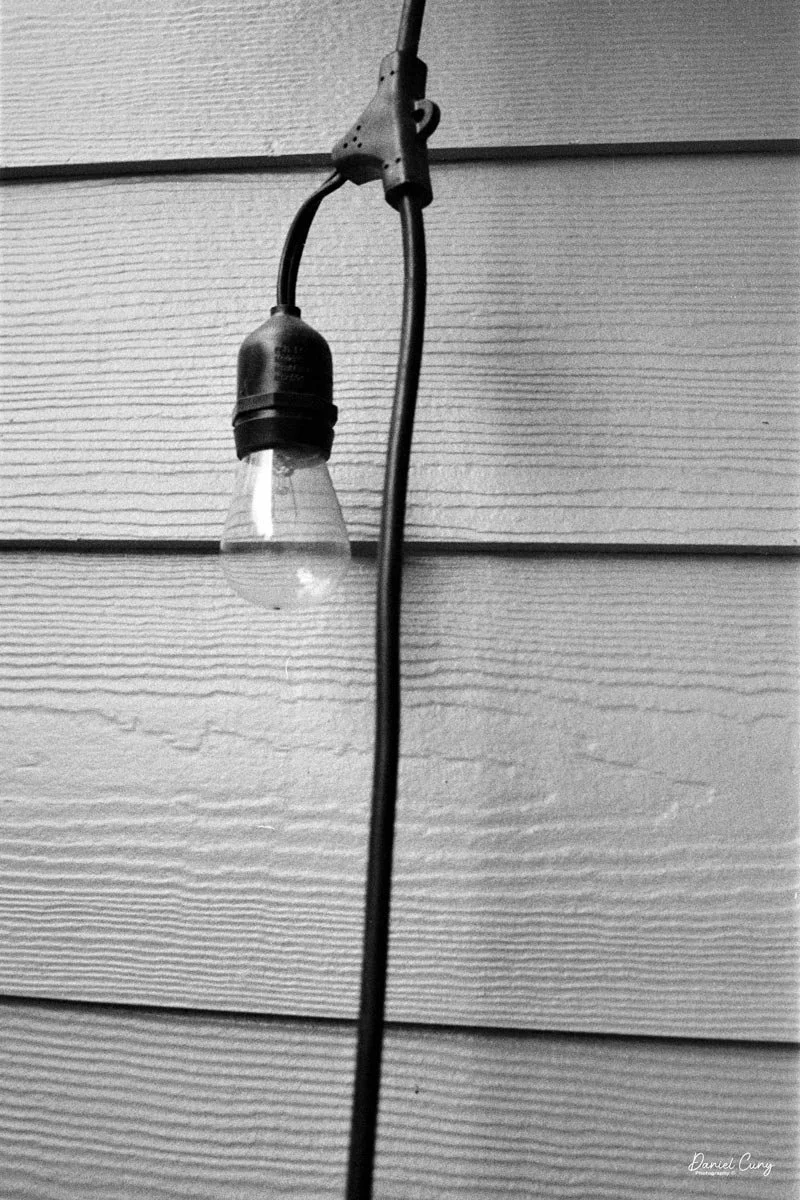
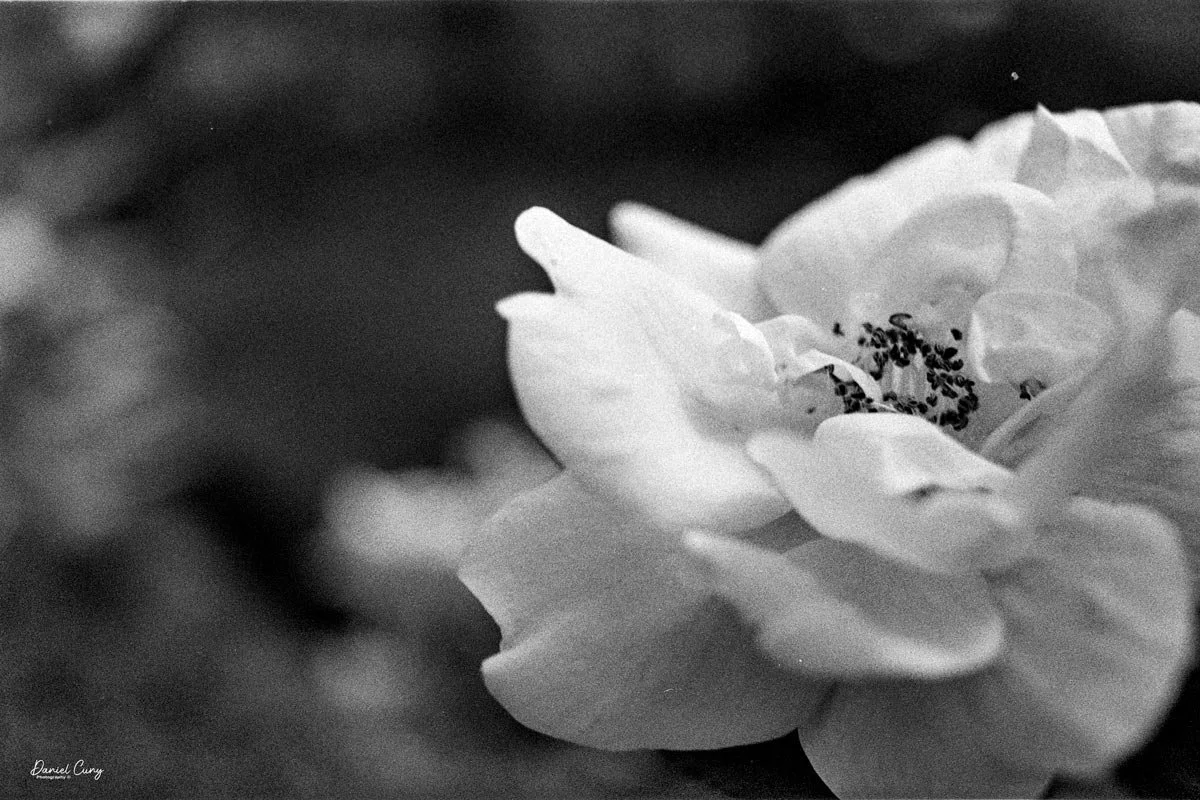
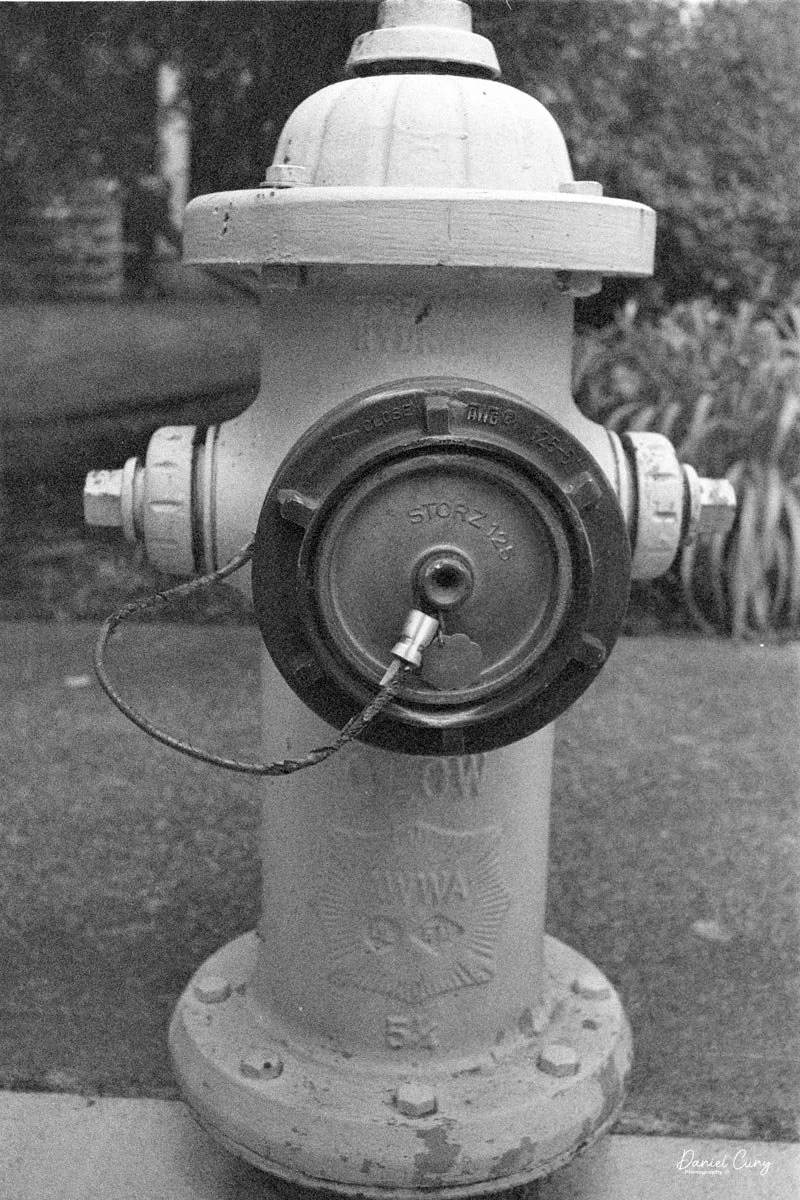
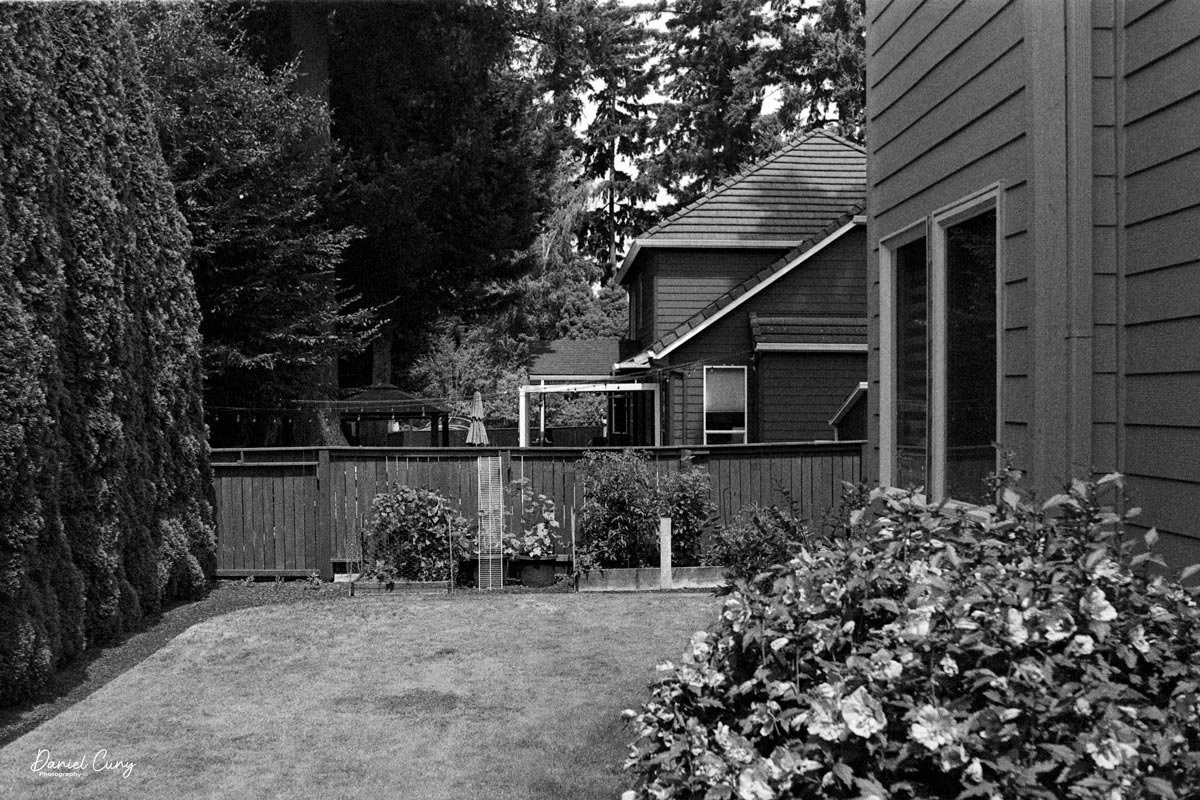
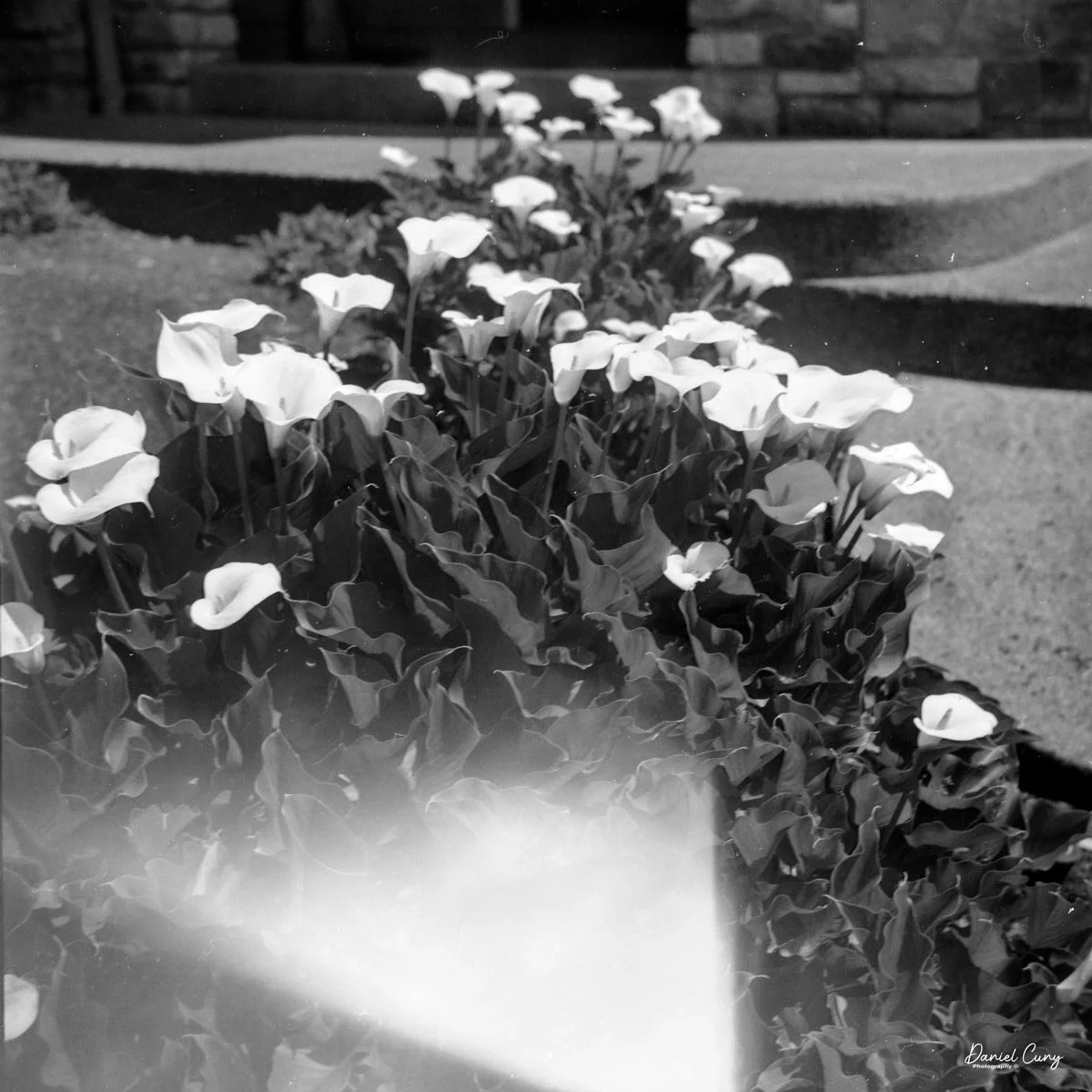
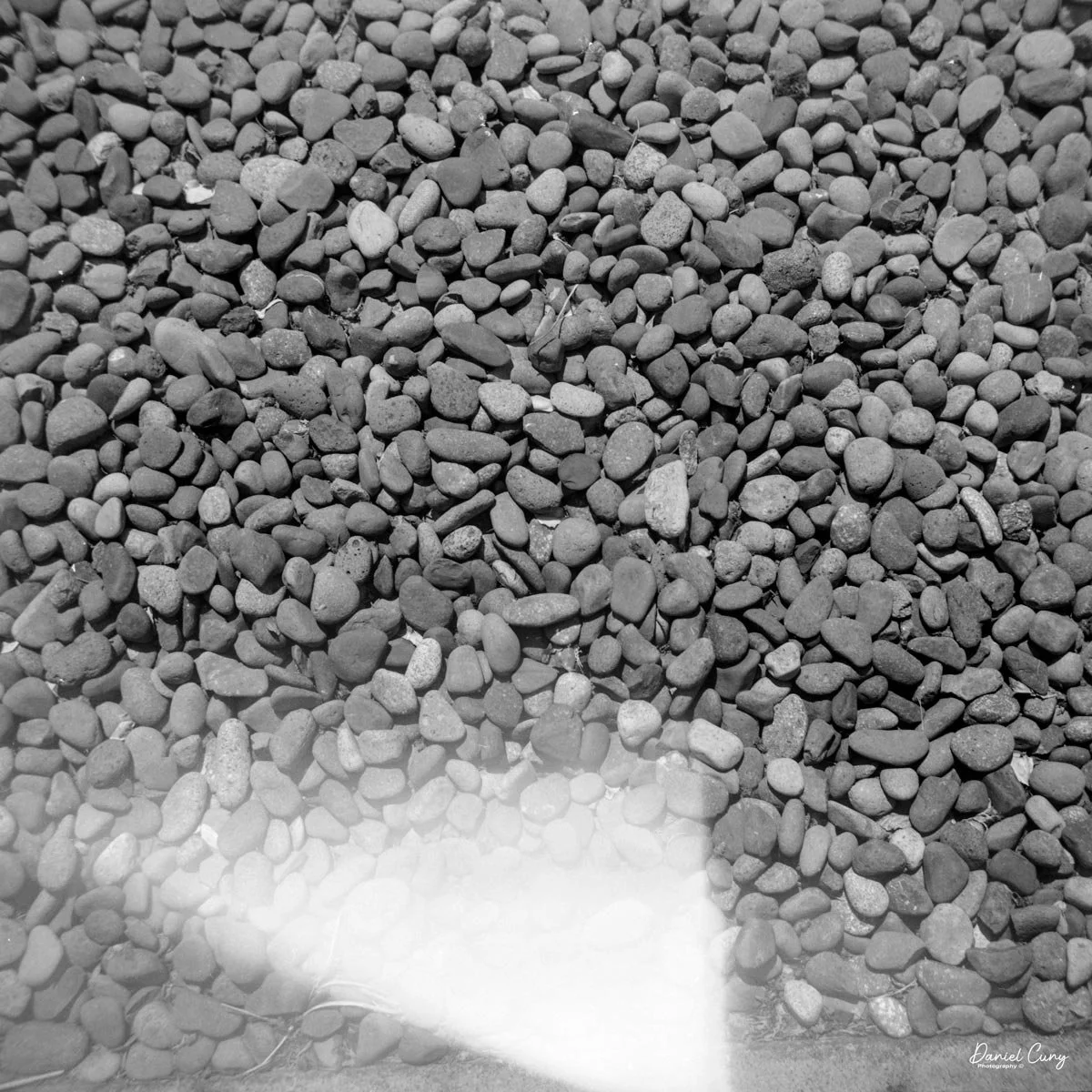
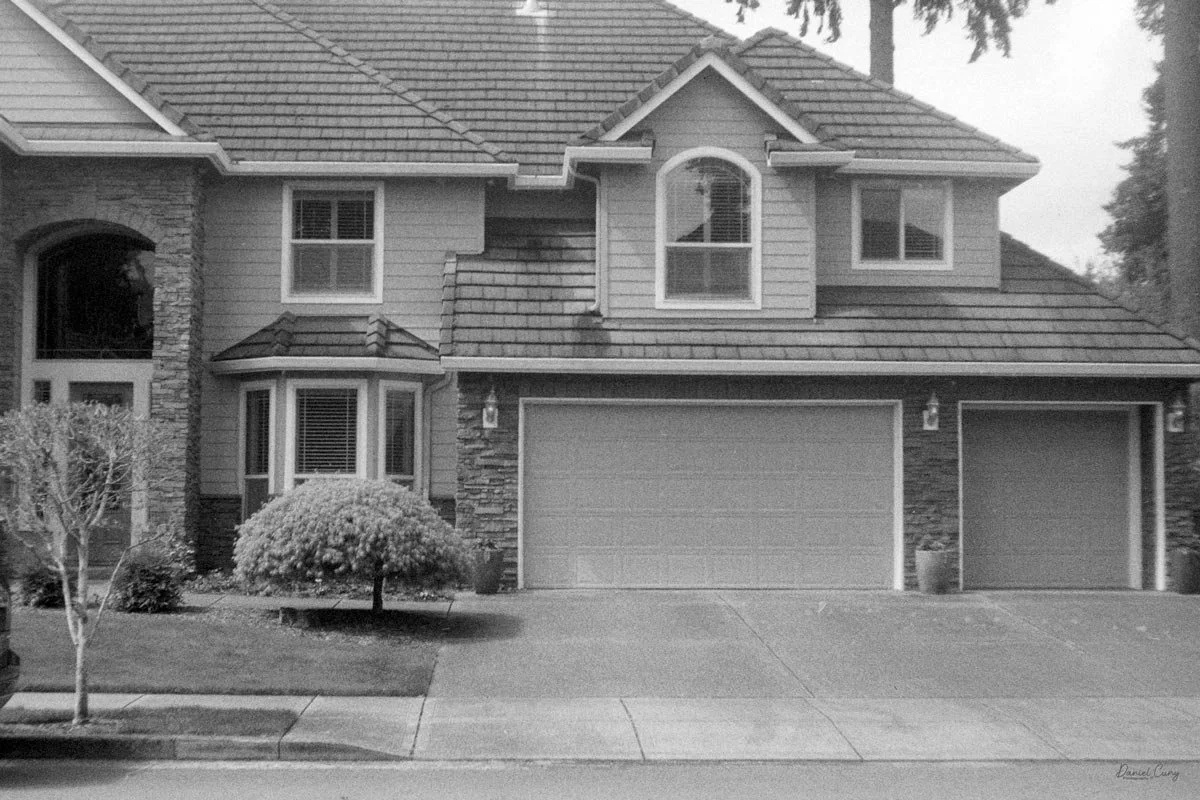
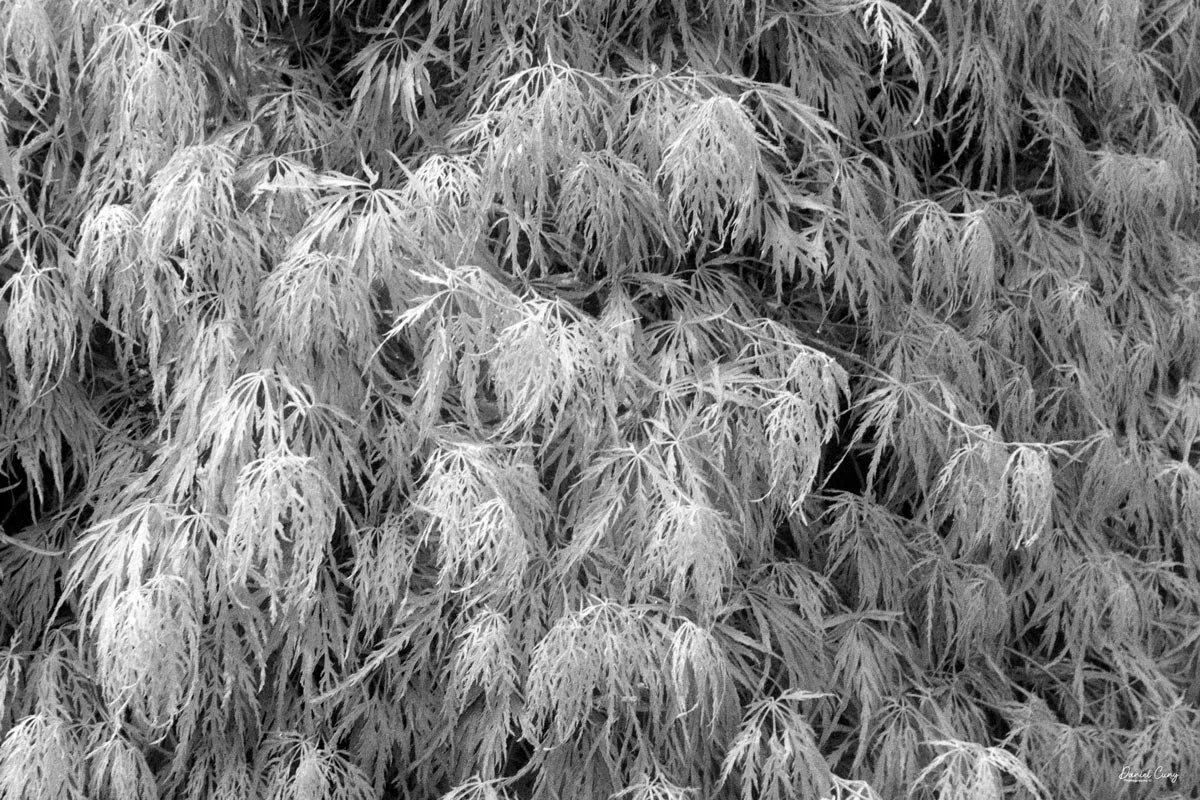
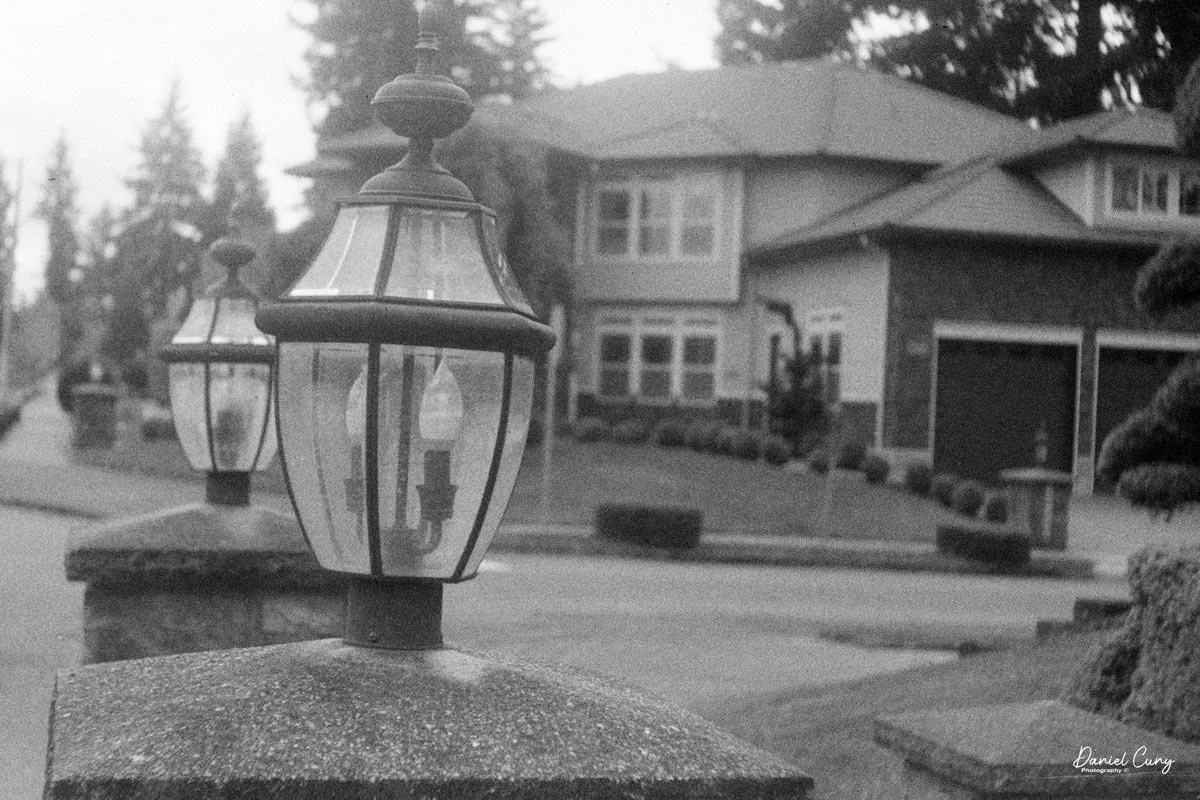
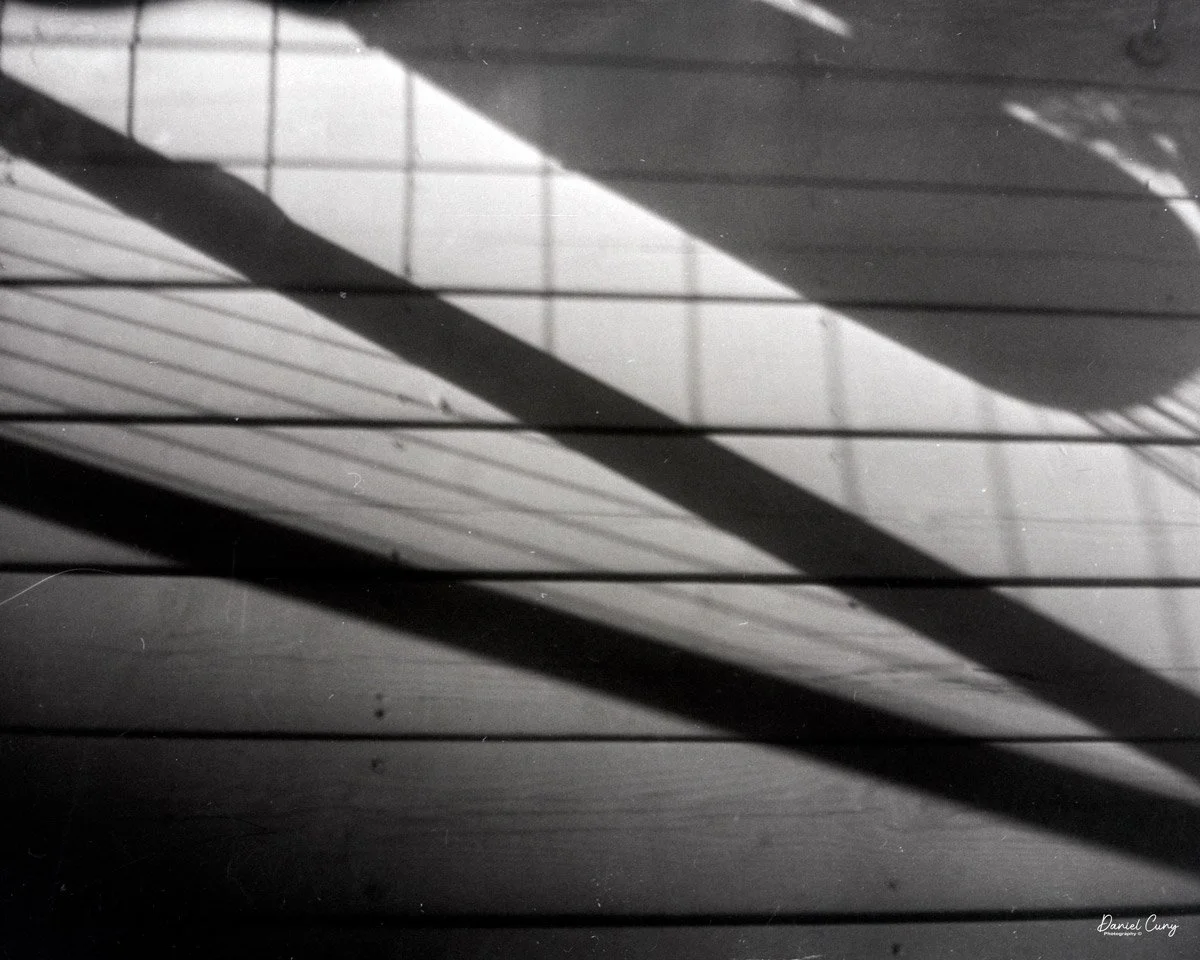
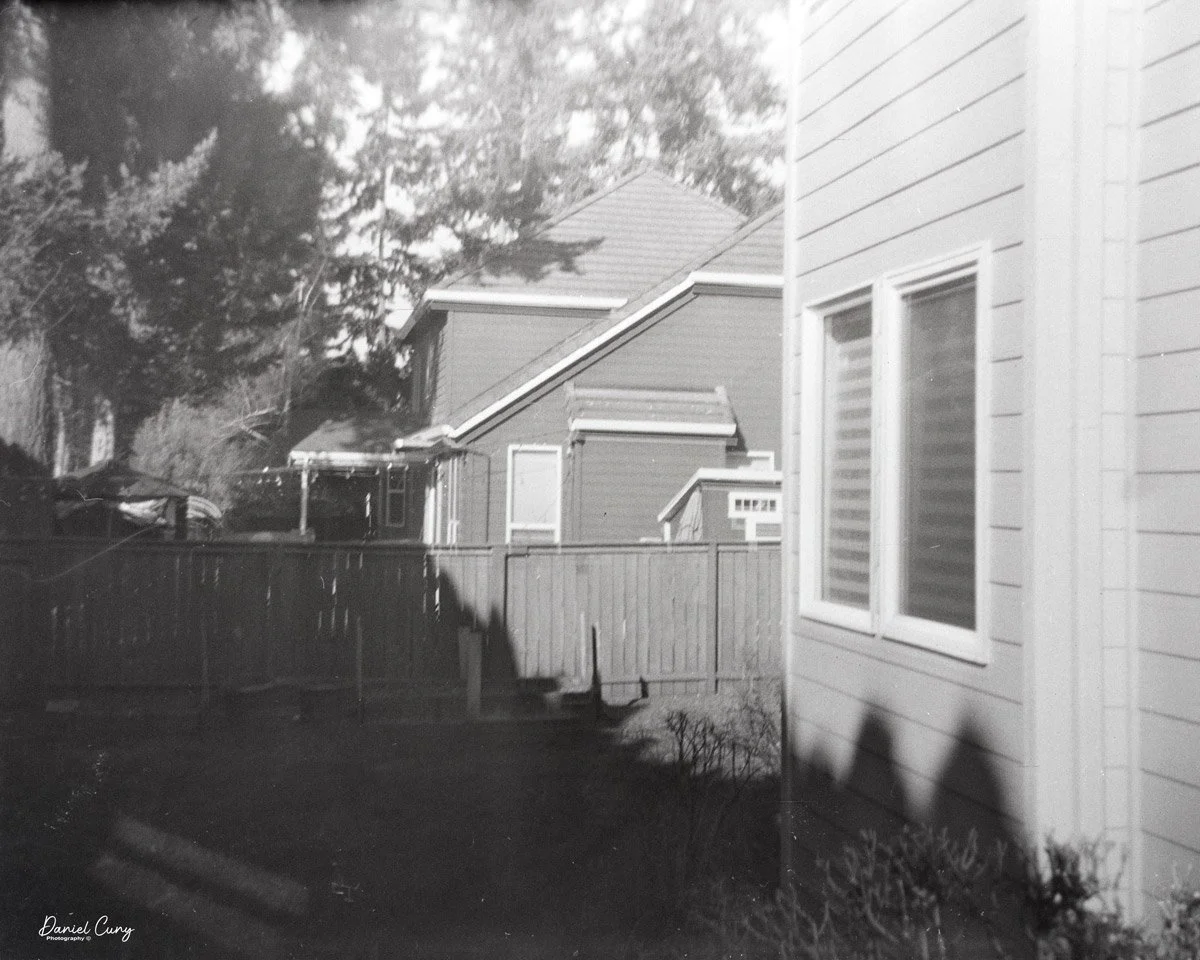
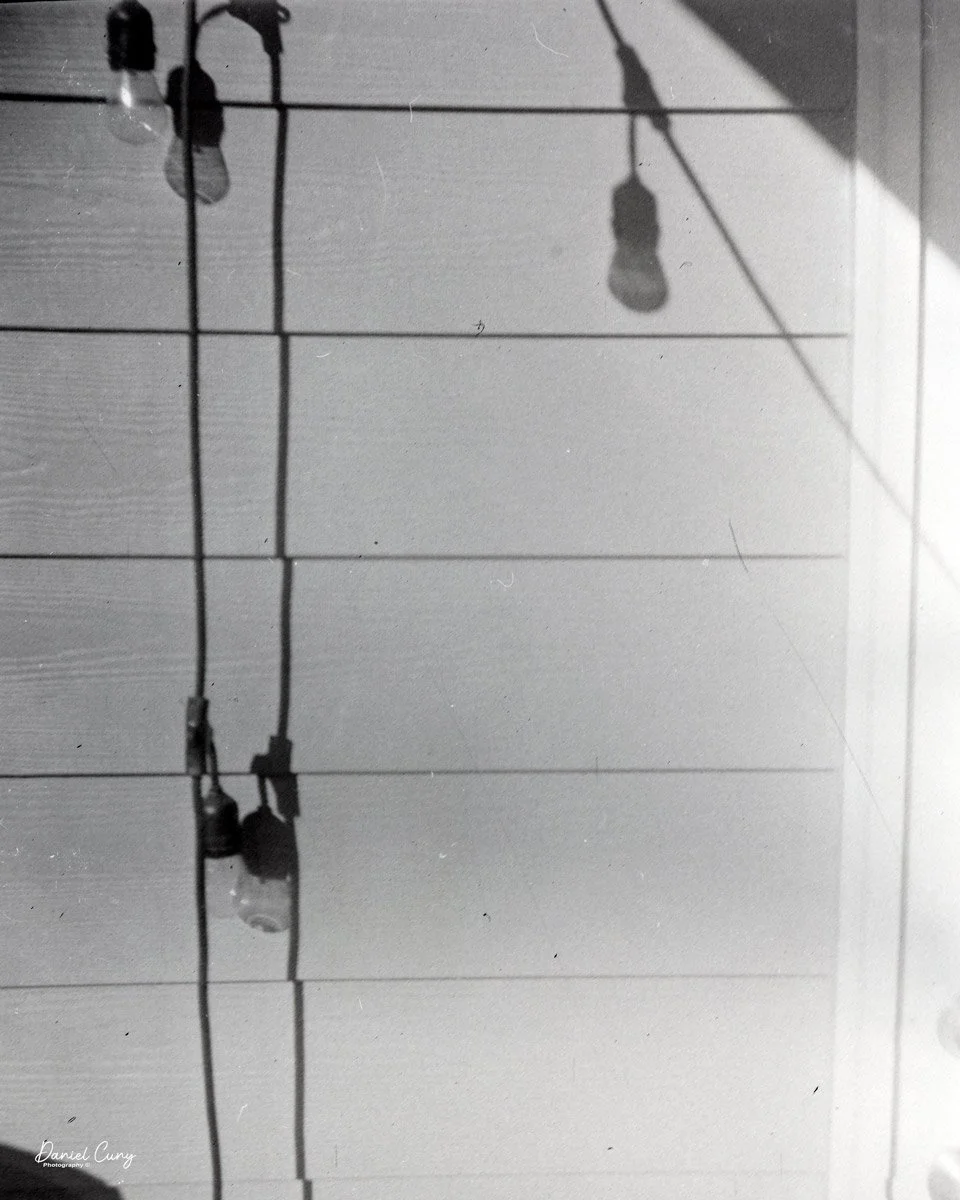
 Once I figured out the mistakes, the images actually turned out very nicely.

Conclusion:

 The Sakura was fun to shoot with, but the frustration of the first roll must have befuddled the original users, too. Putting the shutter control on the top of the shutter release made for an interesting, but frustrating, experience. If the company had switched the shutter release with the shutter controller, the experience could have been better. At least switching the "B" and "I" settings would have been helpful.

 Still, I enjoyed using the Sakura bakelite camera. There's still something gnawing at me: who and where, and the story behind this little, oddly shaped Bakelite camera that's approaching 90 years old.

Quick question: Have you ever found a piece of gear with a name inscribed on it? I'd love to hear your detective stories in the comments.

 Thank you for learning about this wonderful and rare Japanese camera, made just before World War II.

 Here is a list of my other CAMERA REVIEWS, with links.

 Cuny's Cameras & Photos is my online eBay store where I sell many of the cameras I've reviewed, along with other photos and camera accessories.

 Until next week, please be safe.

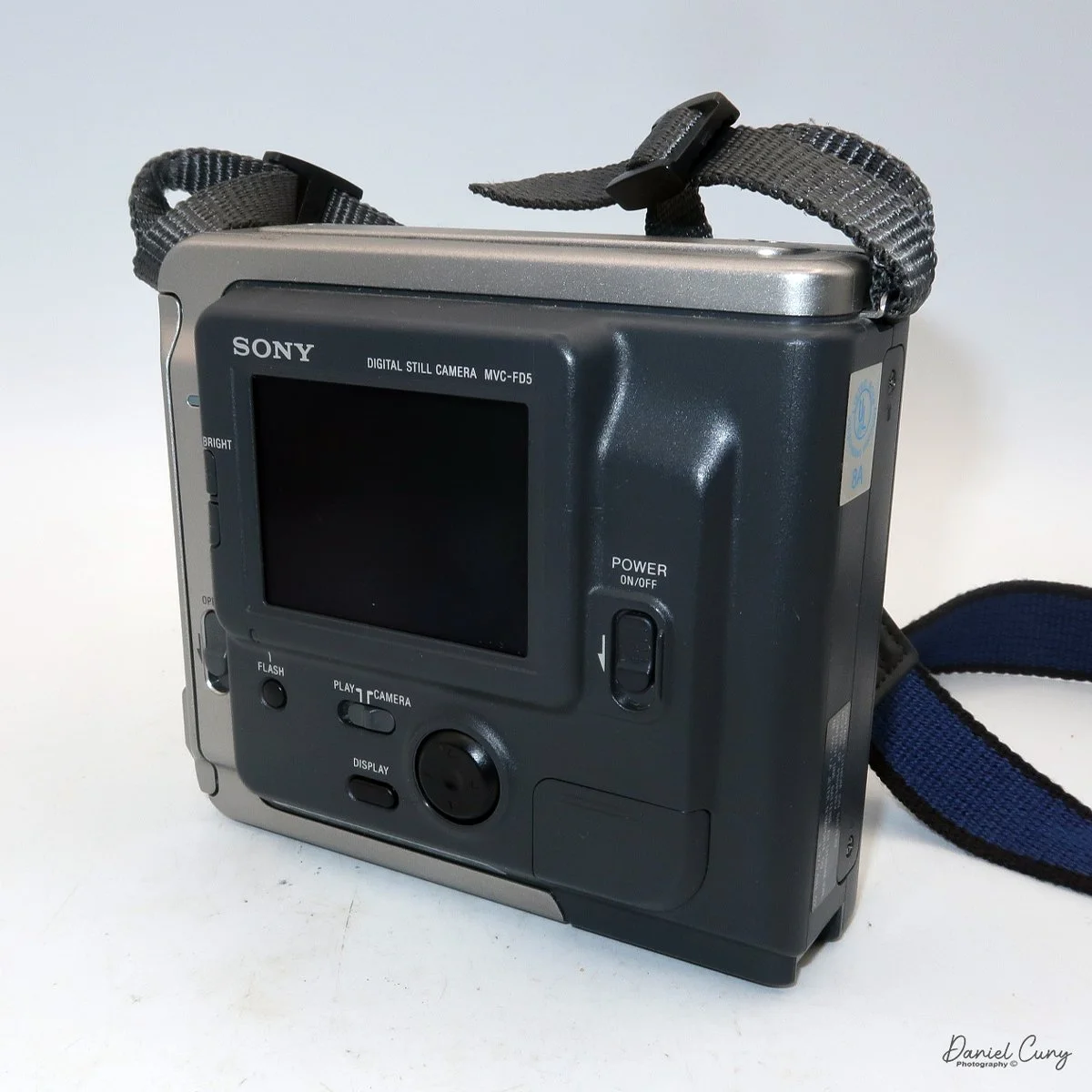
Sony Mavica MVC-FD5

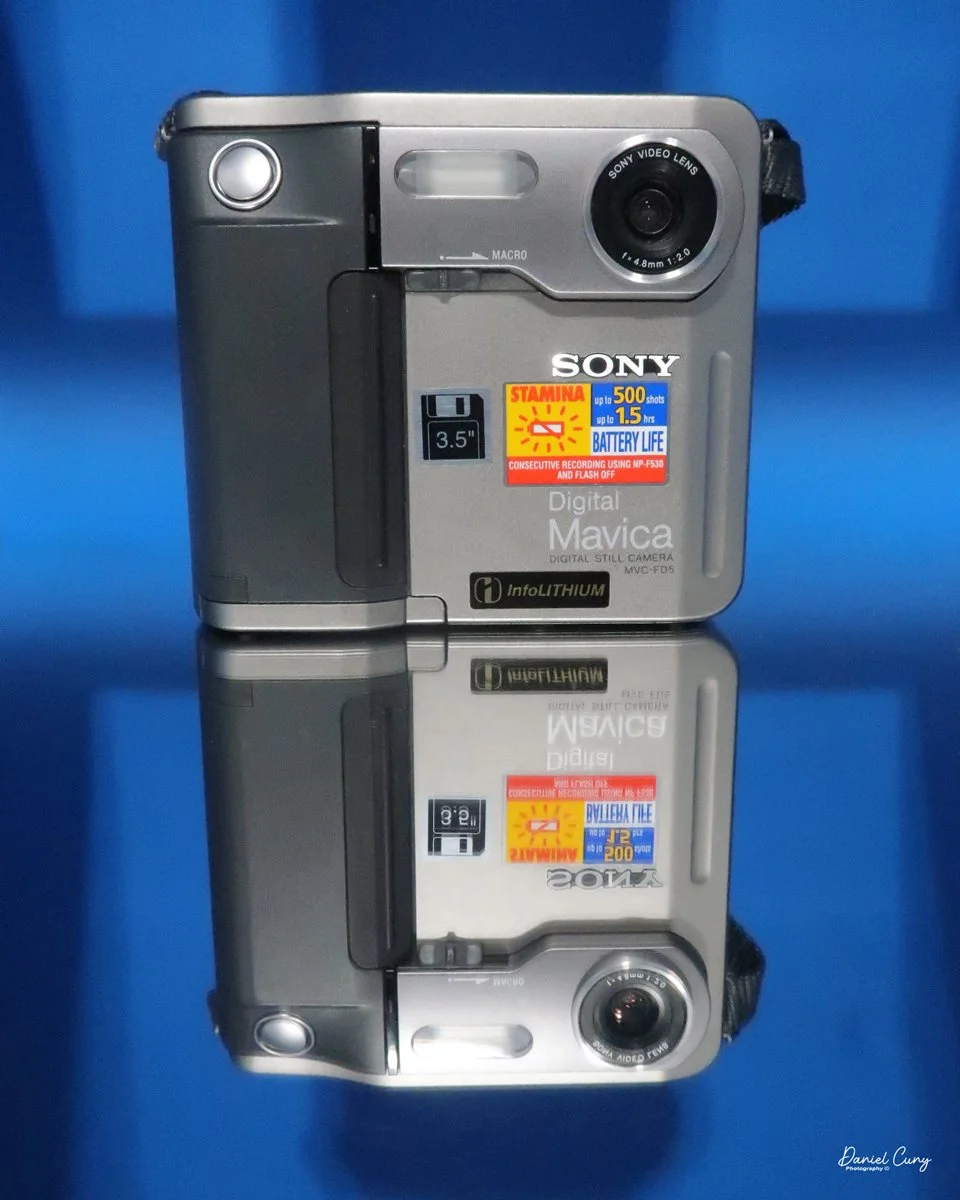
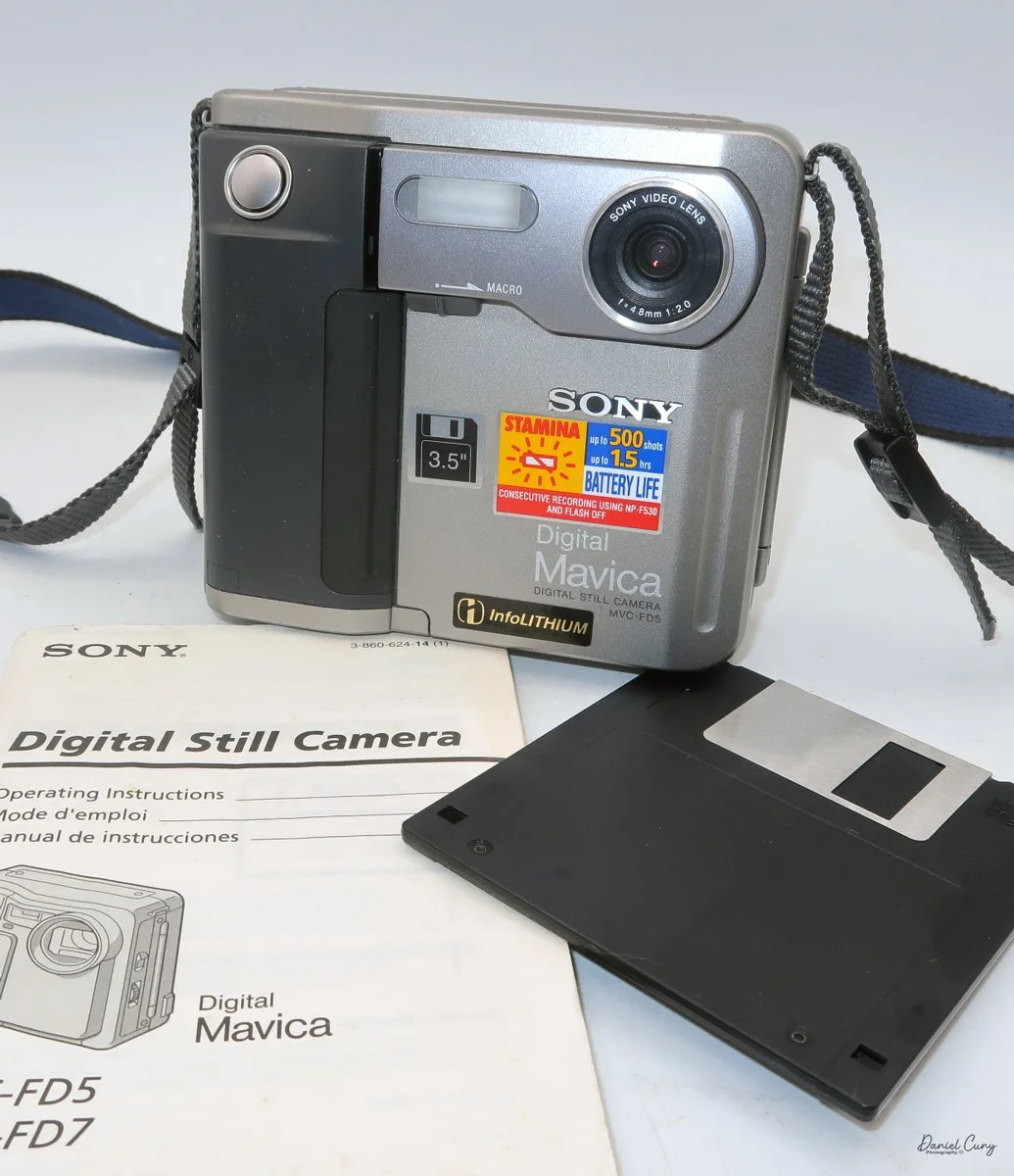
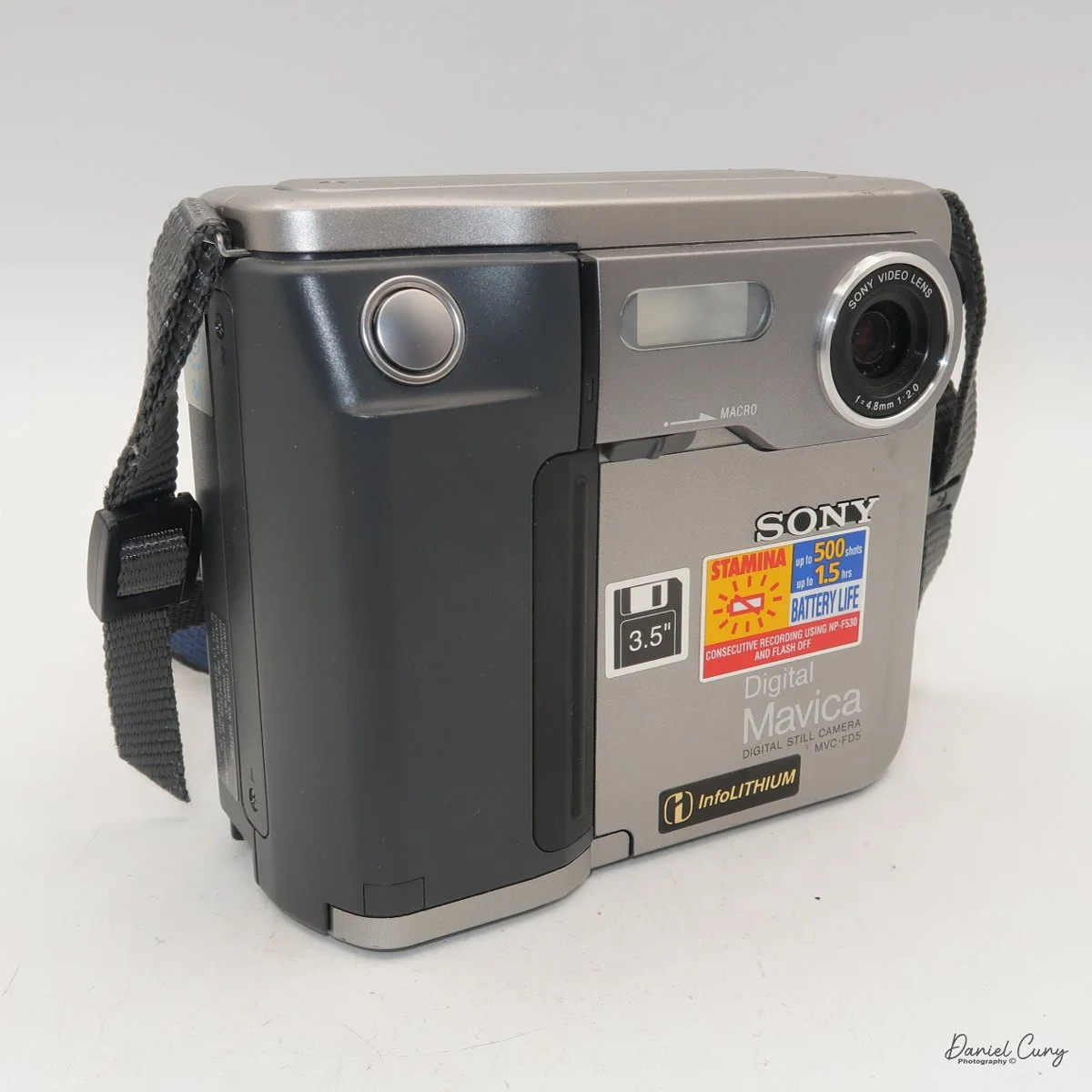
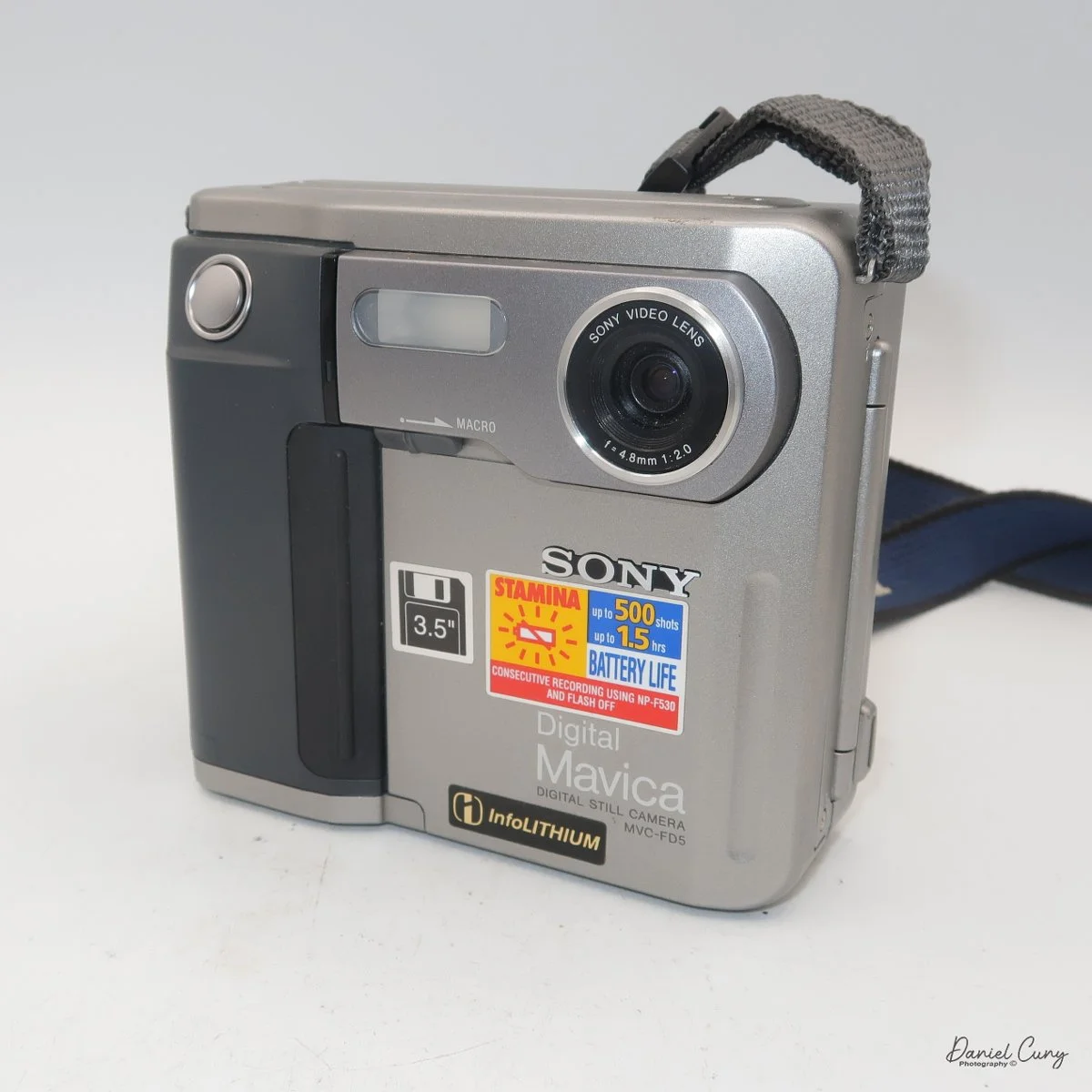
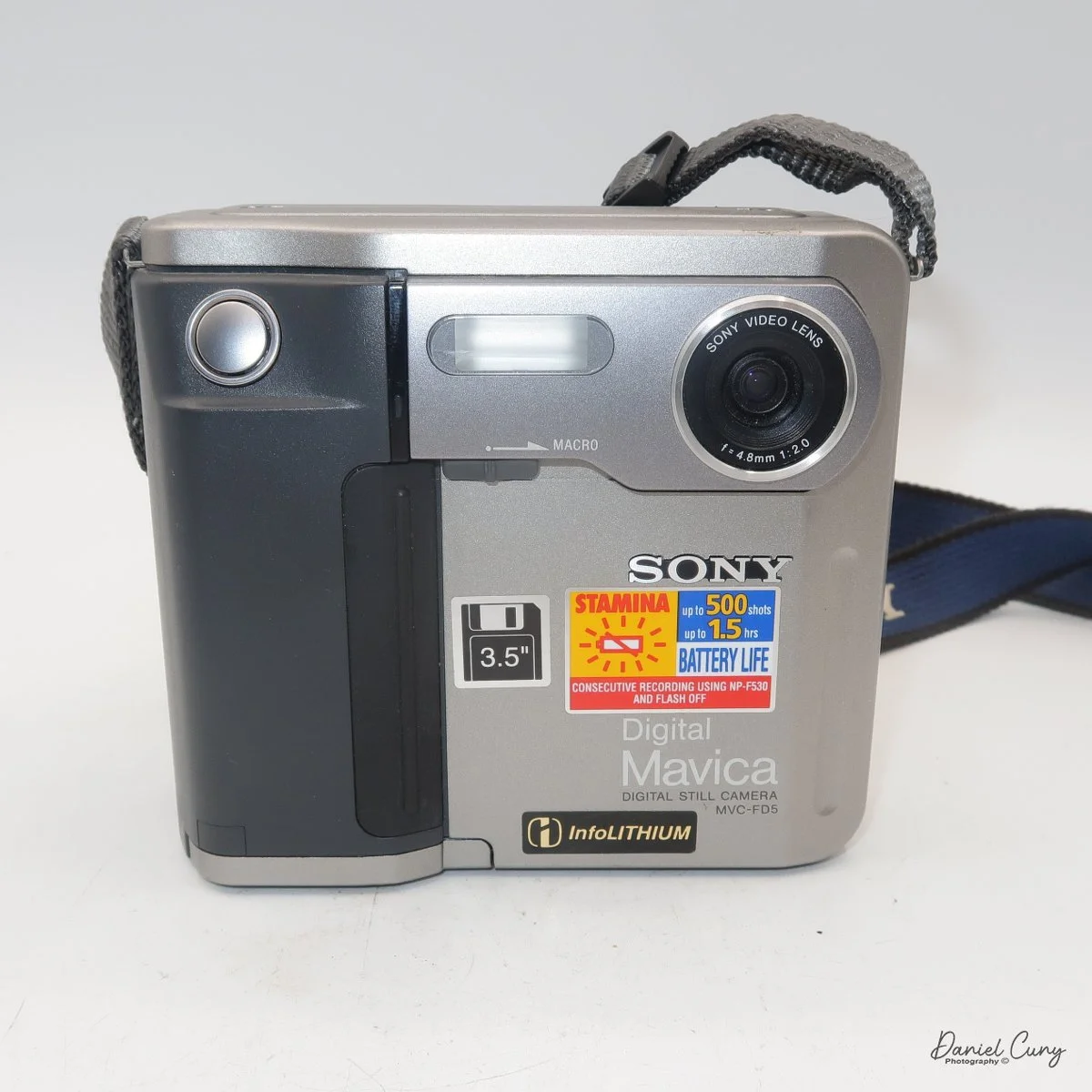
My Sony Maniac MVC-FD5 camera.

I started working in a retail camera shop way back in 1975. The store where I worked was dominated by non-professional photographers, with more of a consumer-based customer base. We sold a lot of film and processed a lot of film. At that time, the store where I worked had a good mix of simple cameras, such as the Kodak Instamatic, and some of the more basic Polaroid models of pack cameras. 

 But if you wandered over to the more professional side of the store, the cameras on that side of the store had Nikon F and Nikkormat, Minolta SRT series, Canon FTb, Pentax Spotmatic, mainly single-lens reflex and simpler rangefinder cameras were available. The market in our store didn't offer higher-end brands such as Leica, Hasselblad, or large-format brands like Sinar or Toyo.

My camera with floppy disk, and manual

 The owner of the camera shop was always looking at new technology and ways to set us apart from the other local camera stores. I still remember back in 1988, when we were introduced to "new technology" that didn't capture images on film. Still, it was a rather small 2" floppy disk. The odd thing about this new revolutionary camera was that it didn't come from a "regular" camera company, but from the major consumer electronics firm from Japan, Sony. At that time, Sony was known to most Americans for their radios, televisions, and other electronics.

 The camera was named the Mavica (magnetic video camera) MVC-C1 which was a consumer based camera which was flat shaped, that fit well in your hand, and held a 2" floppy disk called the Mavipak. At the time, these were what we consider "digital images", but rather Still Video Images recorded onto the floppy disk, and intended to be played back on your television. You could record up to fifty images on the Mavipak. Once the images were taken, you'd connect the camera to your television using the MAP-T1 adapter and display the images on the television screen.

 In December 1988, Canon introduced a similar camera, the XapShop. It too was a similar-shaped camera that captured still video images on a 2" floppy disk. While both cameras were making a splash in the market, it wasn't until early 1989 that the Sony MVC-C1 became readily available to consumers.

 At the time, the idea of capturing images on a floppy disk was odd, and the image quality was poor. Also, when the camera was introduced, it had a hefty price of $650.00 for the Sony and a similar price for the Canon XapShot kit, which, for our consumer-based market, was a steep purchase.

 Still, the owner of the camera stores thought well enough of the cameras that we picked up a few of both the Sony and Canon lines of still video cameras, and for a while, we did well selling them to the early adopters in the community. These were the same people who had early Motorola mobile phones.

Sony Digital History:

 Sony's ascent to the top of the digital imaging world didn't happen overnight; it was the result of decades of transition from analog video heritage to high-resolution silicon. While many associate the "digital revolution" with the late 90s, Sony's groundwork began much earlier with a device that wasn't technically digital, but fundamentally changed how we perceived photography.

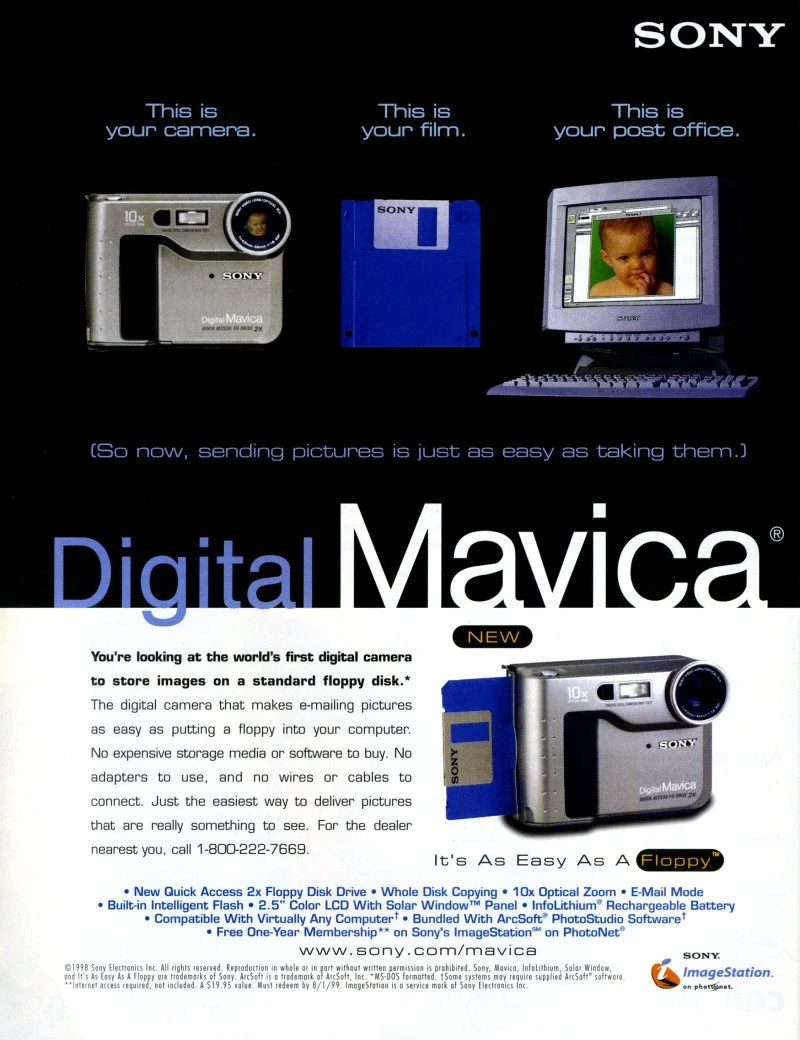
Sony Mavica advertisement.

 In 1981, Sony unveiled the Mavica (Magnetic Video Camera). It is often cited as the spark for the digital revolution, though it was actually a "still video" camera. Instead of film, it recorded analog signals onto a proprietary 2-inch floppy disk called the "Mavipak." While the resolution was equivalent to just 0.28 megapixels and intended for television viewing, it proved that the industry could move away from chemical processing toward instant gratification.

 It wasn't until the late 1980s and early 1990s that Sony moved into fully digital territory. In 1988, they introduced the MVC-C1, the first Mavica aimed at consumers. However, the real breakthrough for the masses arrived in 1996 with the Cyber-shot DSC-F1. This camera featured a distinctive swiveling lens, a built-in flash, and a 1.8-inch color LCD screen—a luxury at the time. It utilized a 0.35-megapixel CCD sensor and marked the birth of the "Cyber-shot" brand, which would dominate the point-and-shoot market for the next two decades.

 In 1997, Sony released the Digital Mavica MVC-FD5 and FD7. These were iconic because they used standard 3.5-inch floppy disks as storage media. While competitors were struggling with expensive, proprietary cables and software, Sony users could pop their disk into any PC and view their photos instantly. This ease of use allowed Sony to capture roughly 40% of the digital camera market by the end of the 1990s.

 As the 2000s began, Sony pivoted from a gadget manufacturer to a serious contender in the optics market. By acquiring Konica Minolta's camera business in 2006, Sony gained the mechanical "know-how" of traditional SLR systems. This led to the birth of the Alpha series.

From the experimental Mavica to the launch of the first full-frame mirrorless systems, Sony's beginning was defined by a willingness to abandon tradition in favor of electronic innovation. They didn't just join the camera industry; they forced it to go digital.

My Camera:

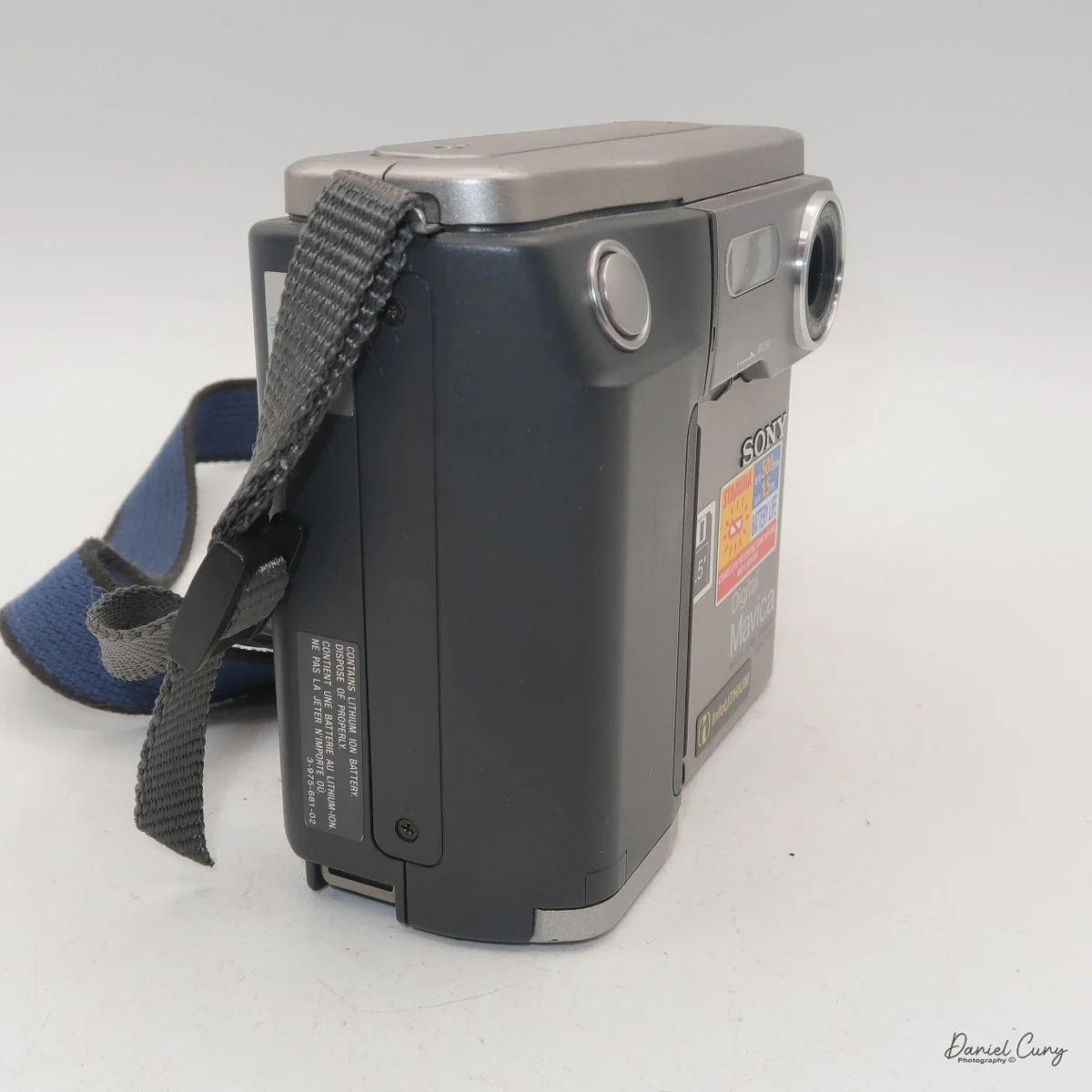
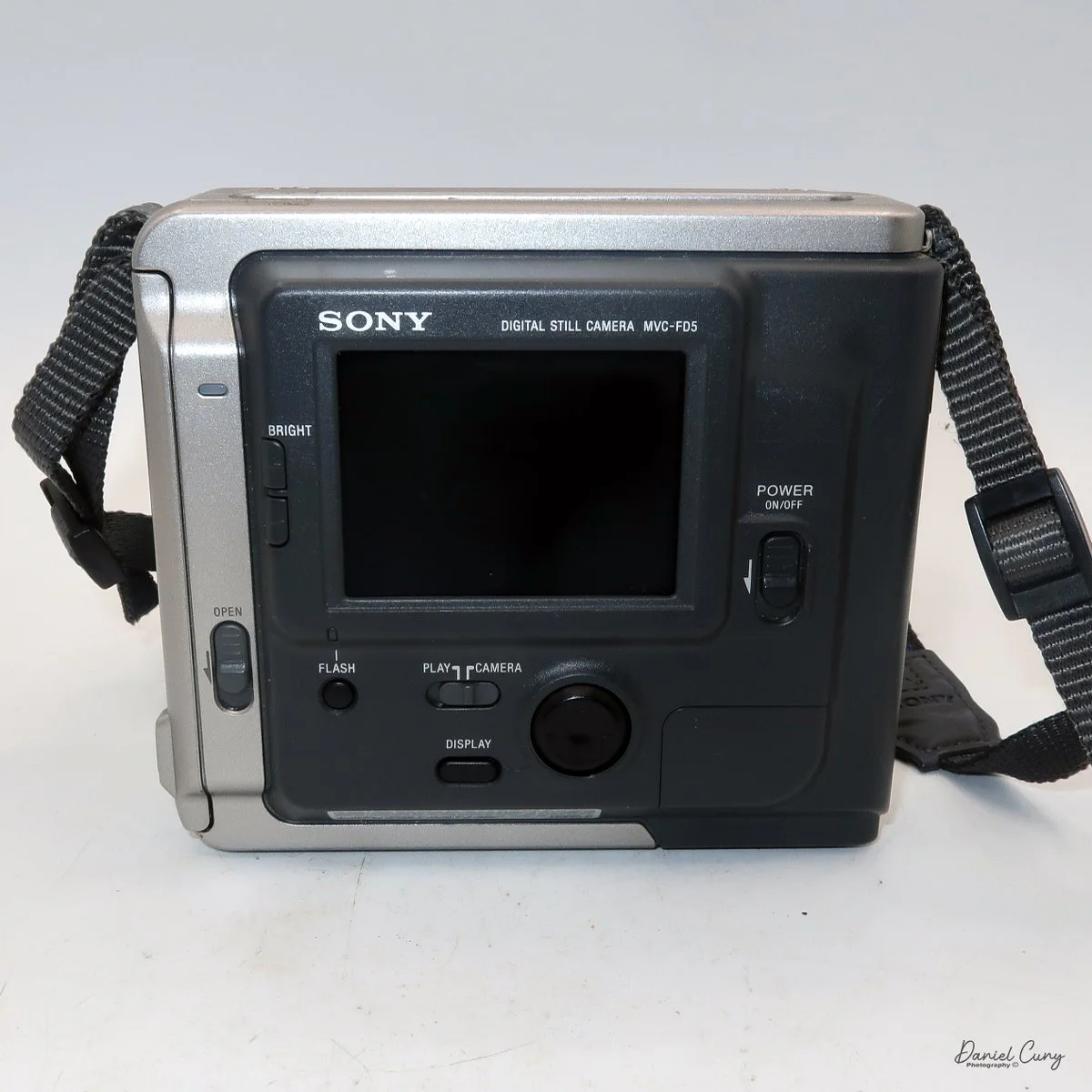
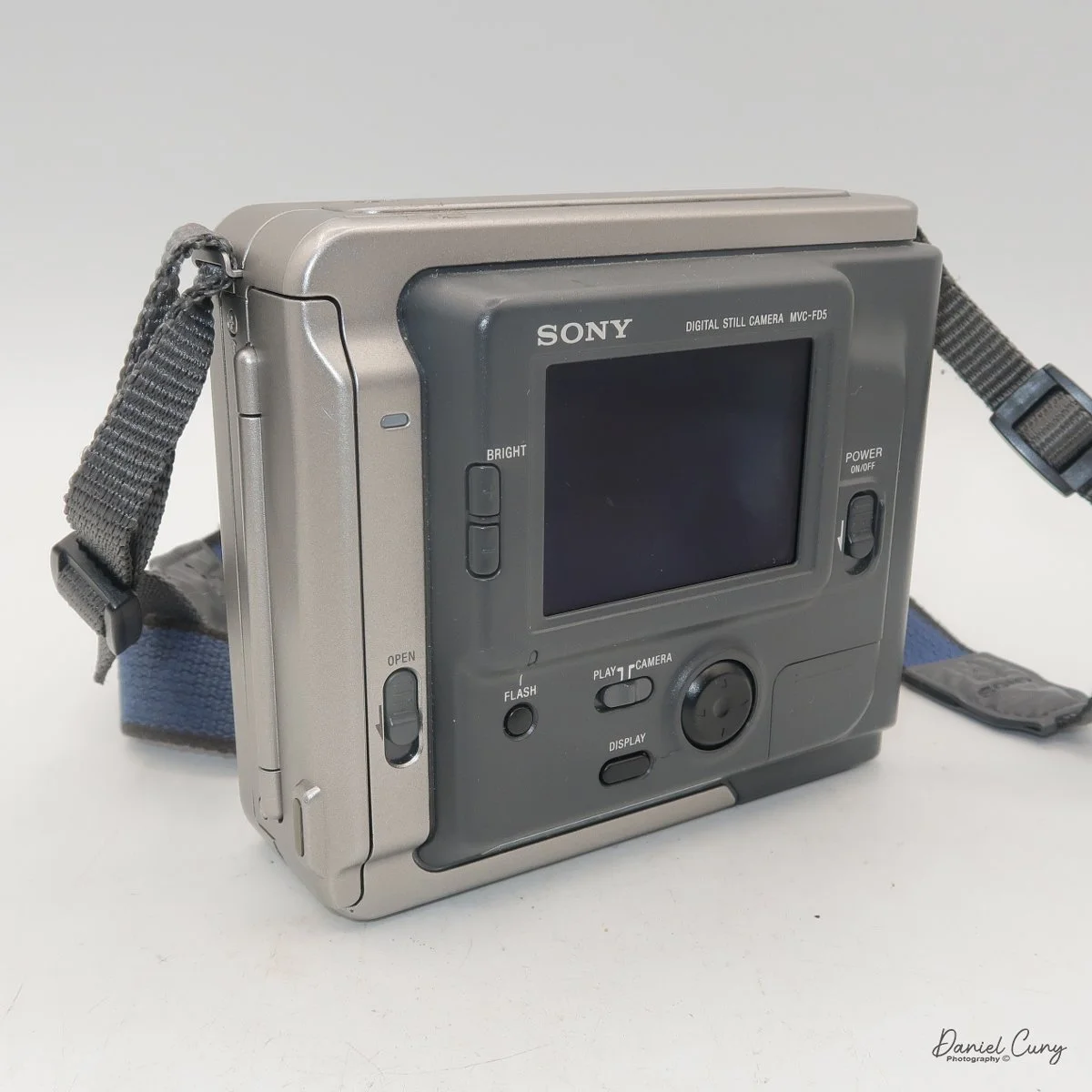
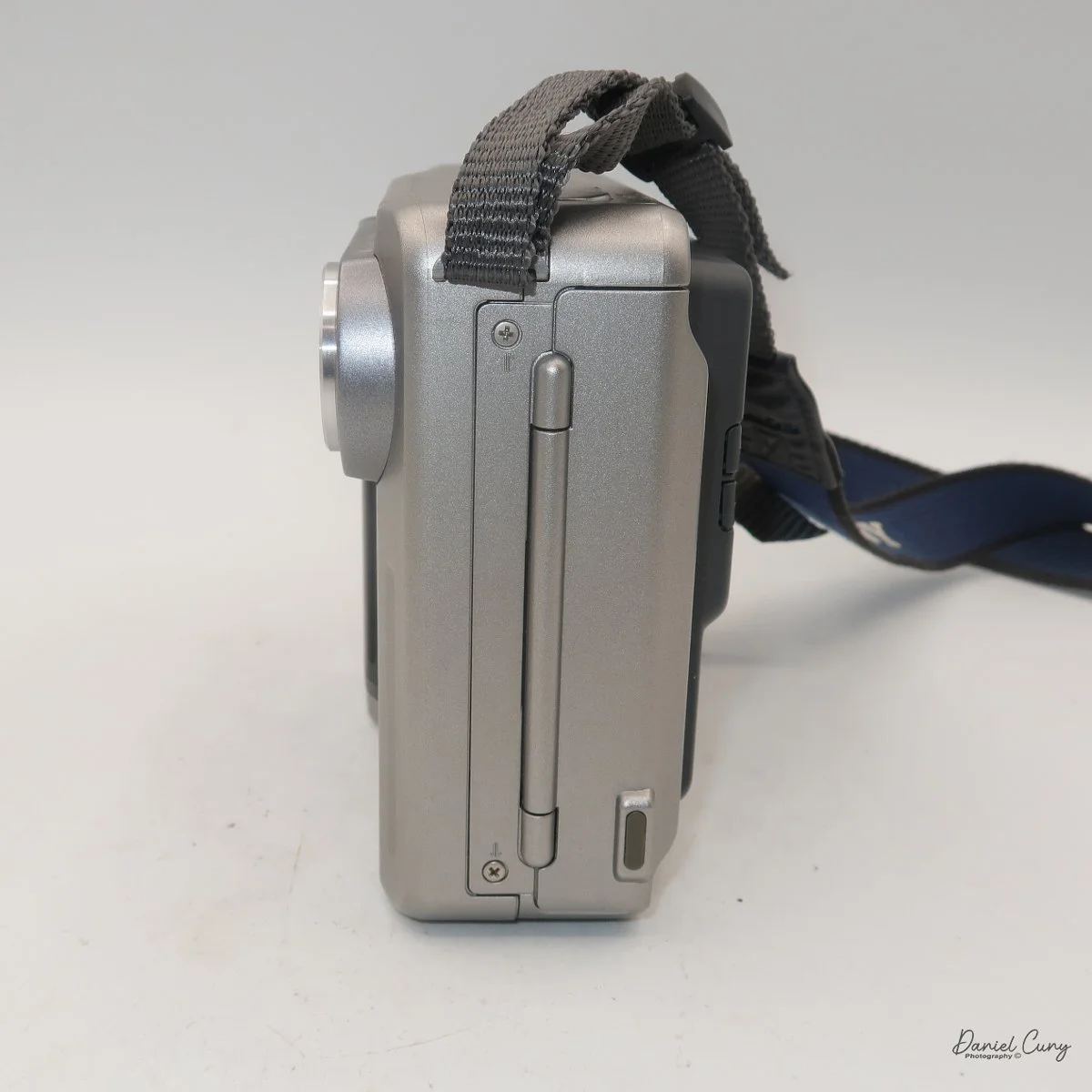
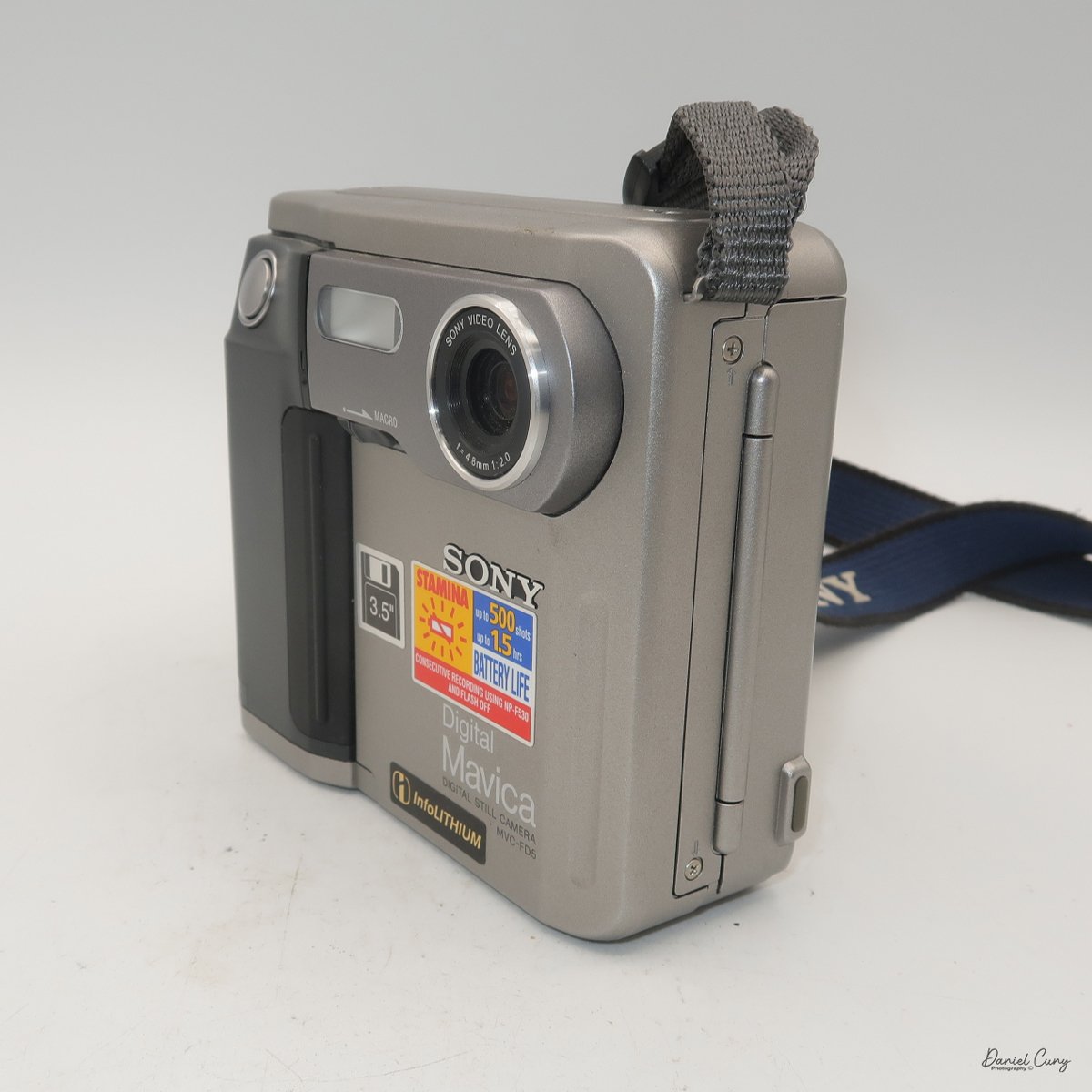
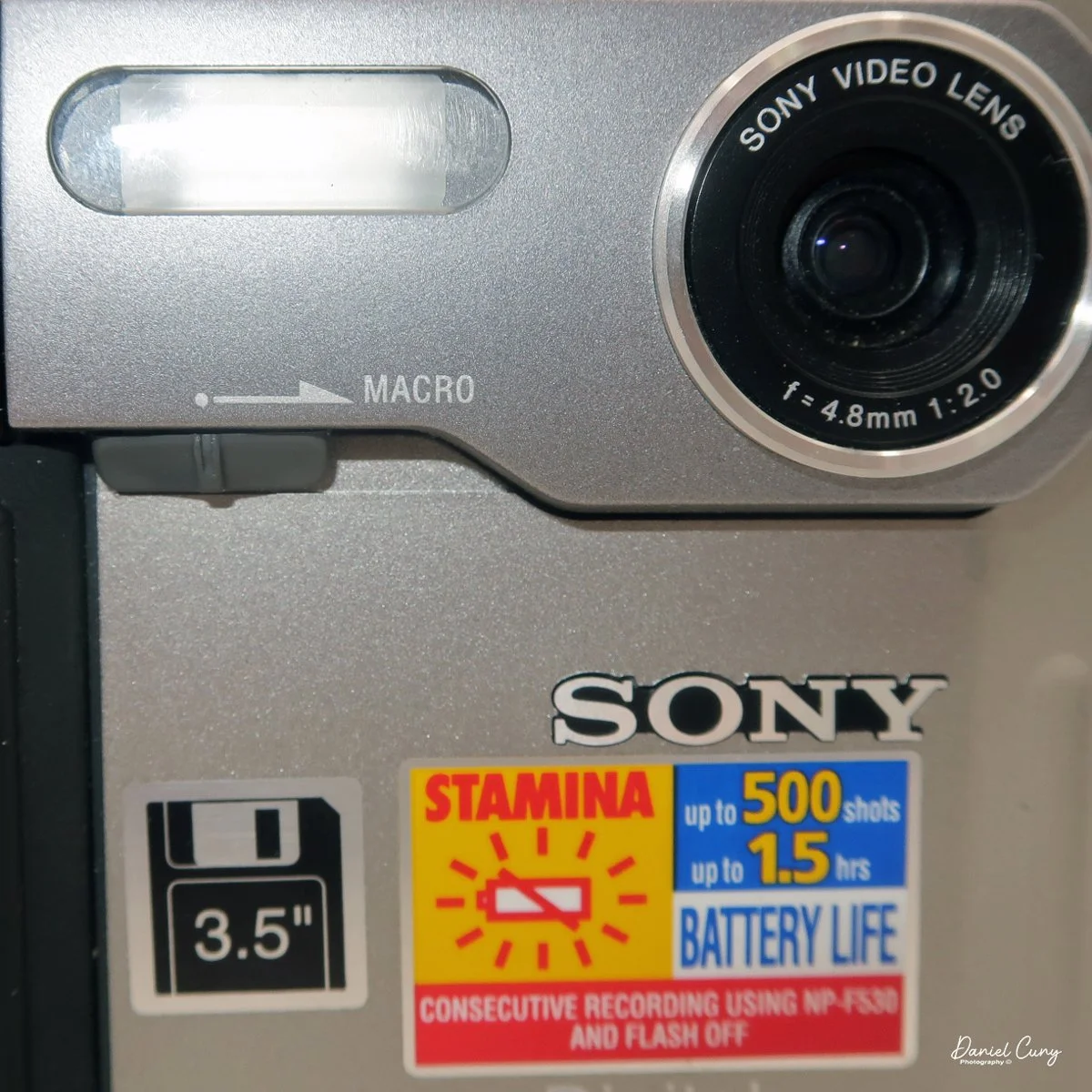
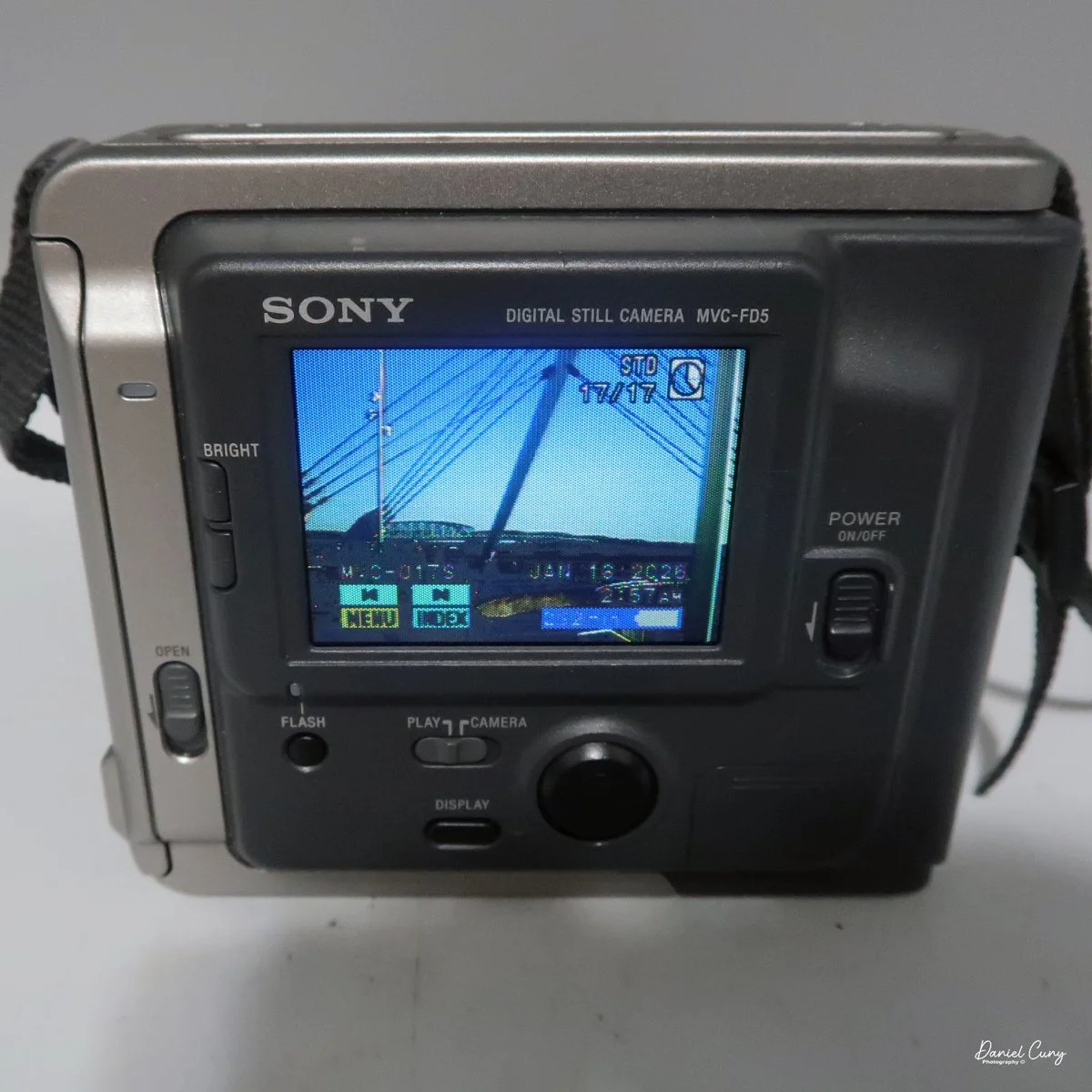
 My Sony Mavica MVC-FD5 was introduced in late 1997 or early 1998. It's a fairly large camera, measuring 5" wide by 4.25" tall by 2" deep, and it weighs 1 pound, 5.7 ounces with the battery, strap, and a 3.5" floppy disk installed. The camera has a 4.8mm F/2.0 lens, equivalent to a 47mm lens on a 35mm camera. The camera is a fixed focus camera and in normal mode will focus to approximately 4' from the lens. The camera does have a macro lens. Under the flash, there is a sliding bar you slide to put the camera in macro mode; then the focus distance is 3"-9" from the lens surface. 

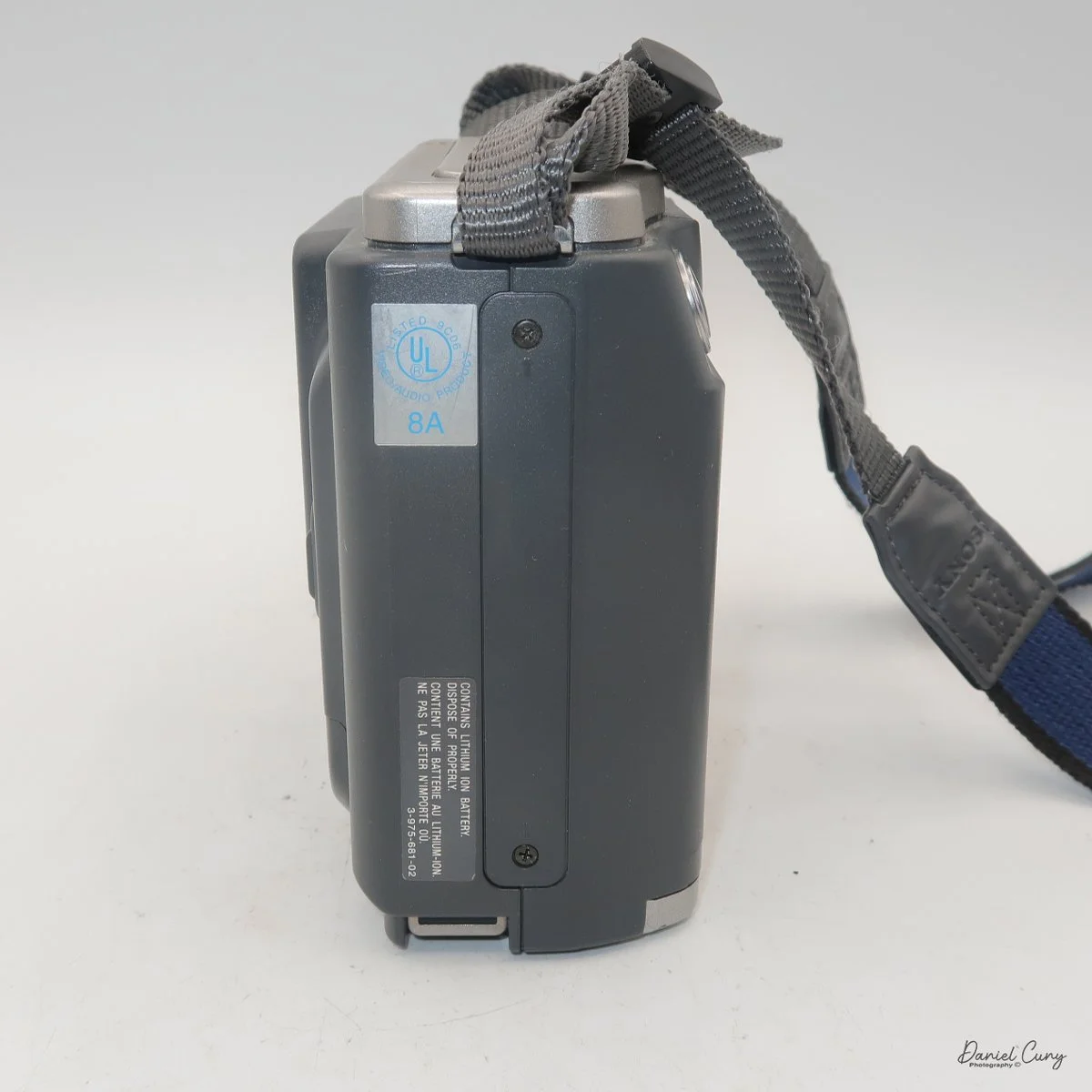
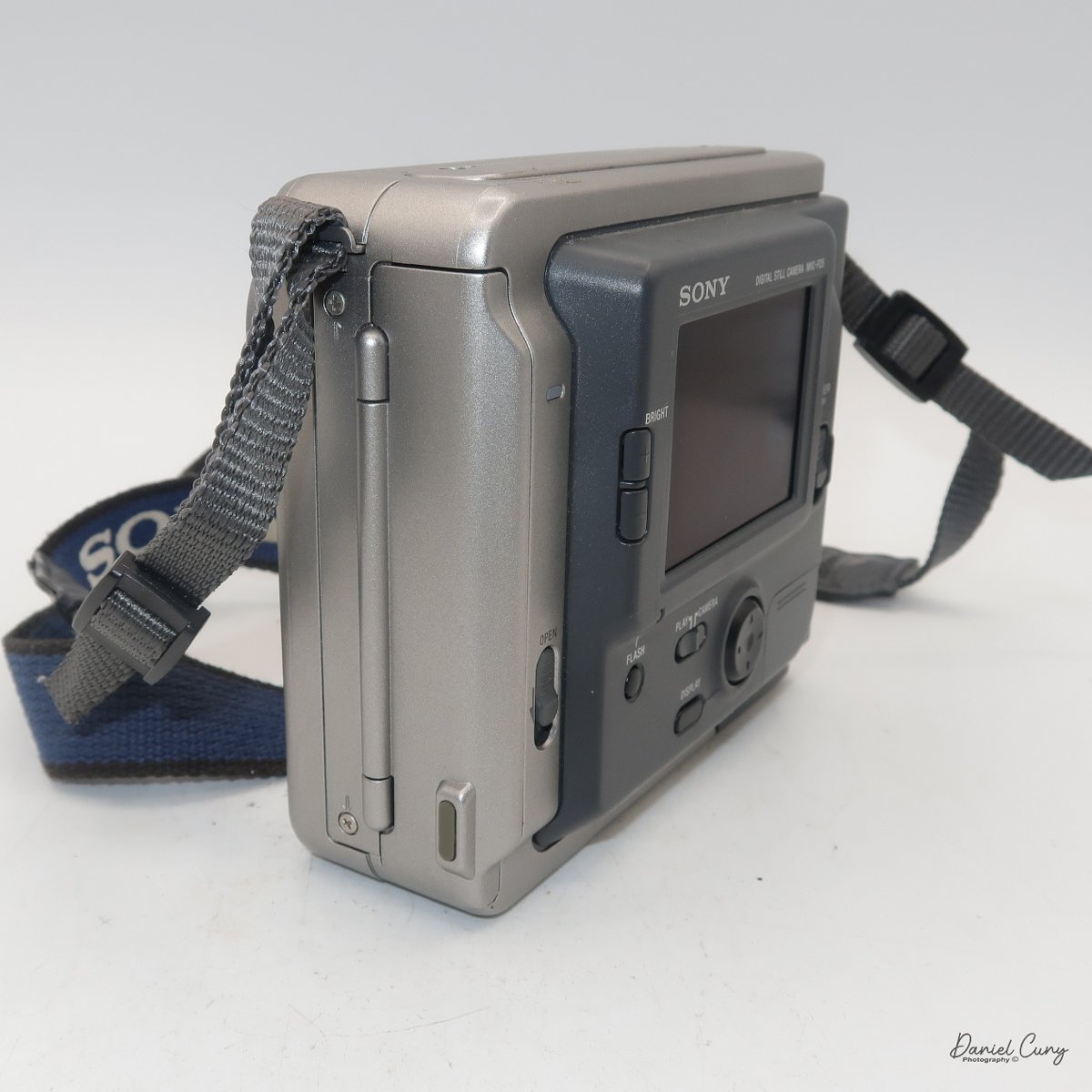
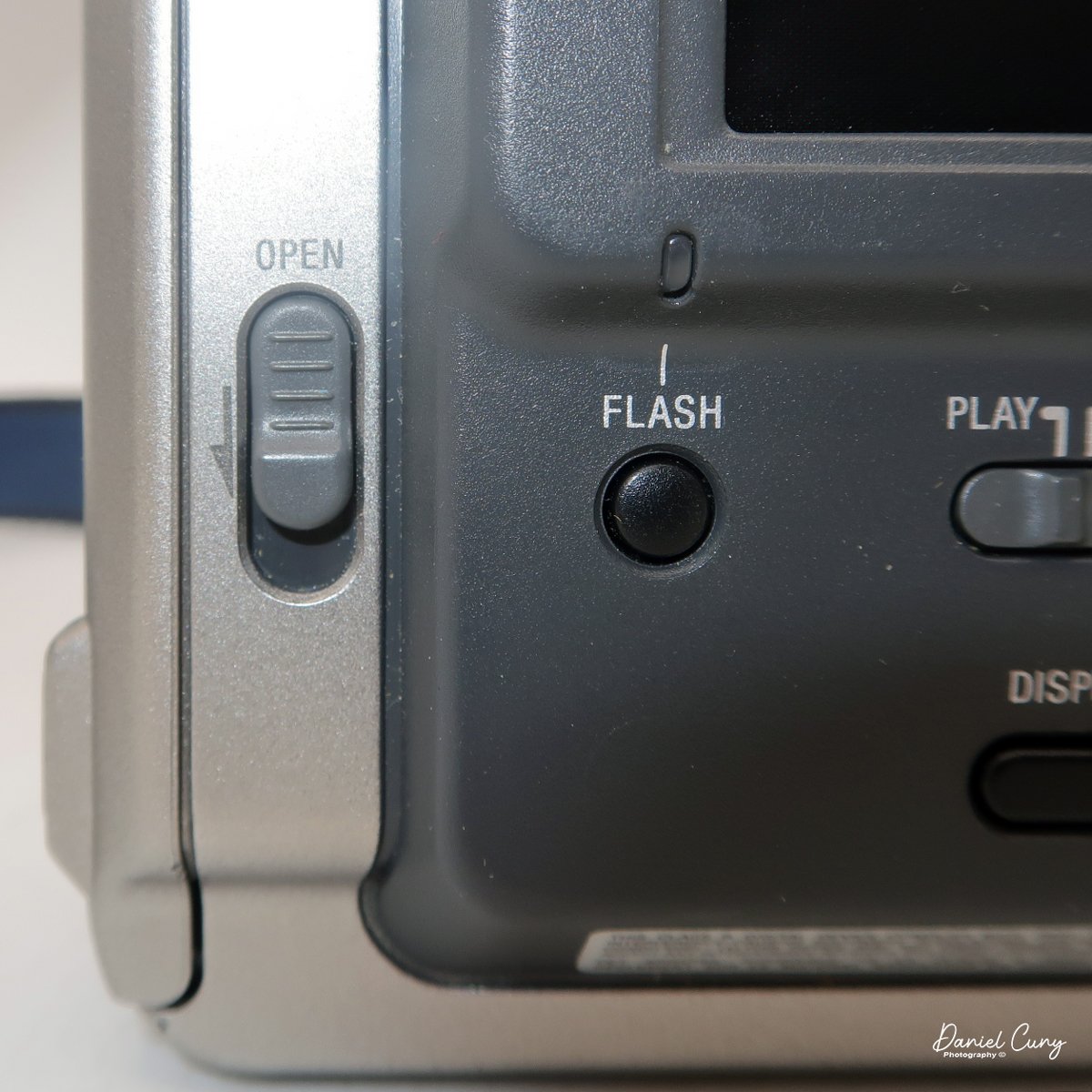
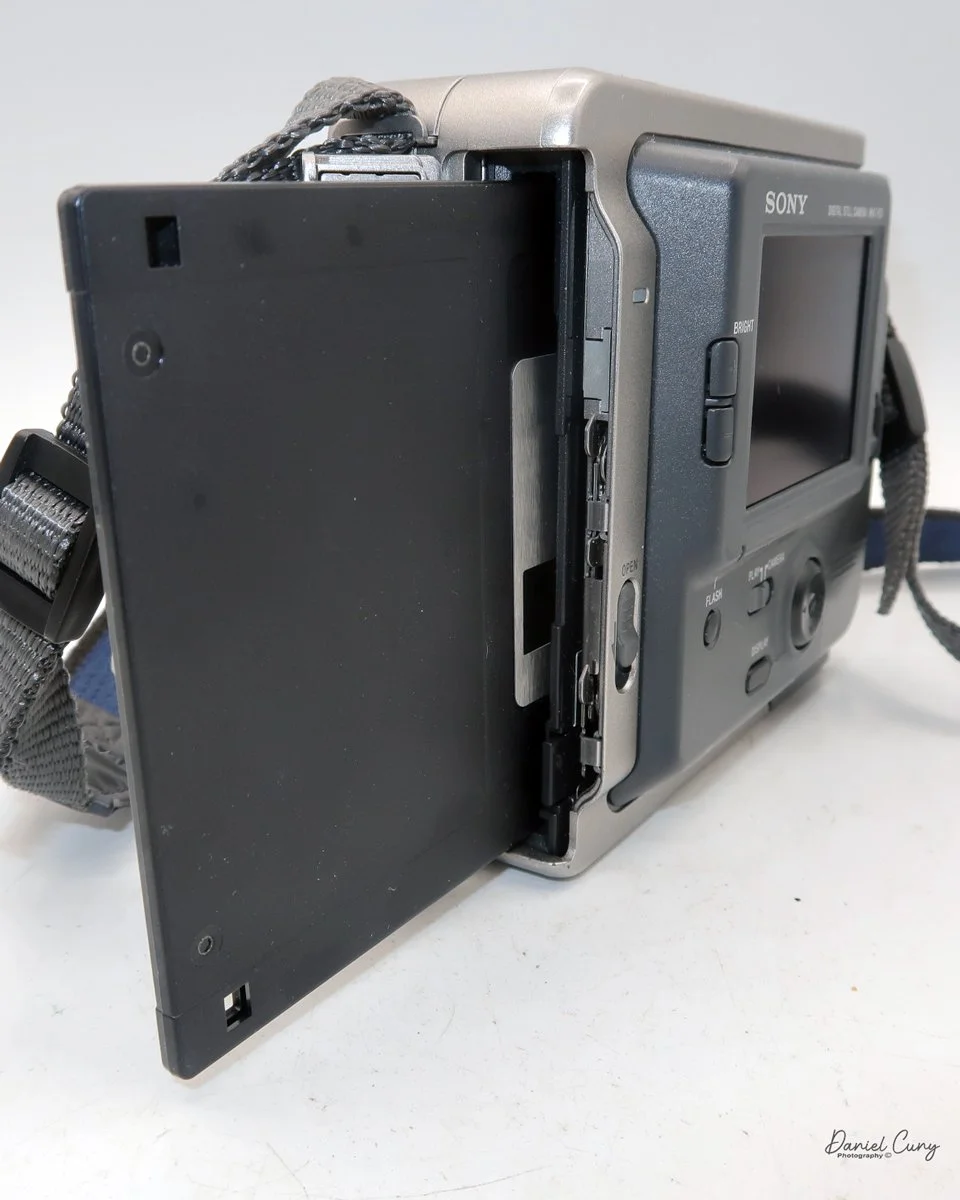
The images are recorded onto a standard 3.5" floppy disk (1.44mb) which is inserted into the camera through a door on the left side of the camera. On the back of the camera, in the lower left corner is a switch which says, "open". Sliding the button down, opens the door where you insert the 3.5" floppy disk. To remove the disk, press the button inside the disk's door, and the floppy will be ejected. 

 The camera records images at 640 x 480 resolution in JPEG format and has two shooting modes: Standard and Fine. Each floppy disk will hold 30-40 standard images or 15-20 fine images.

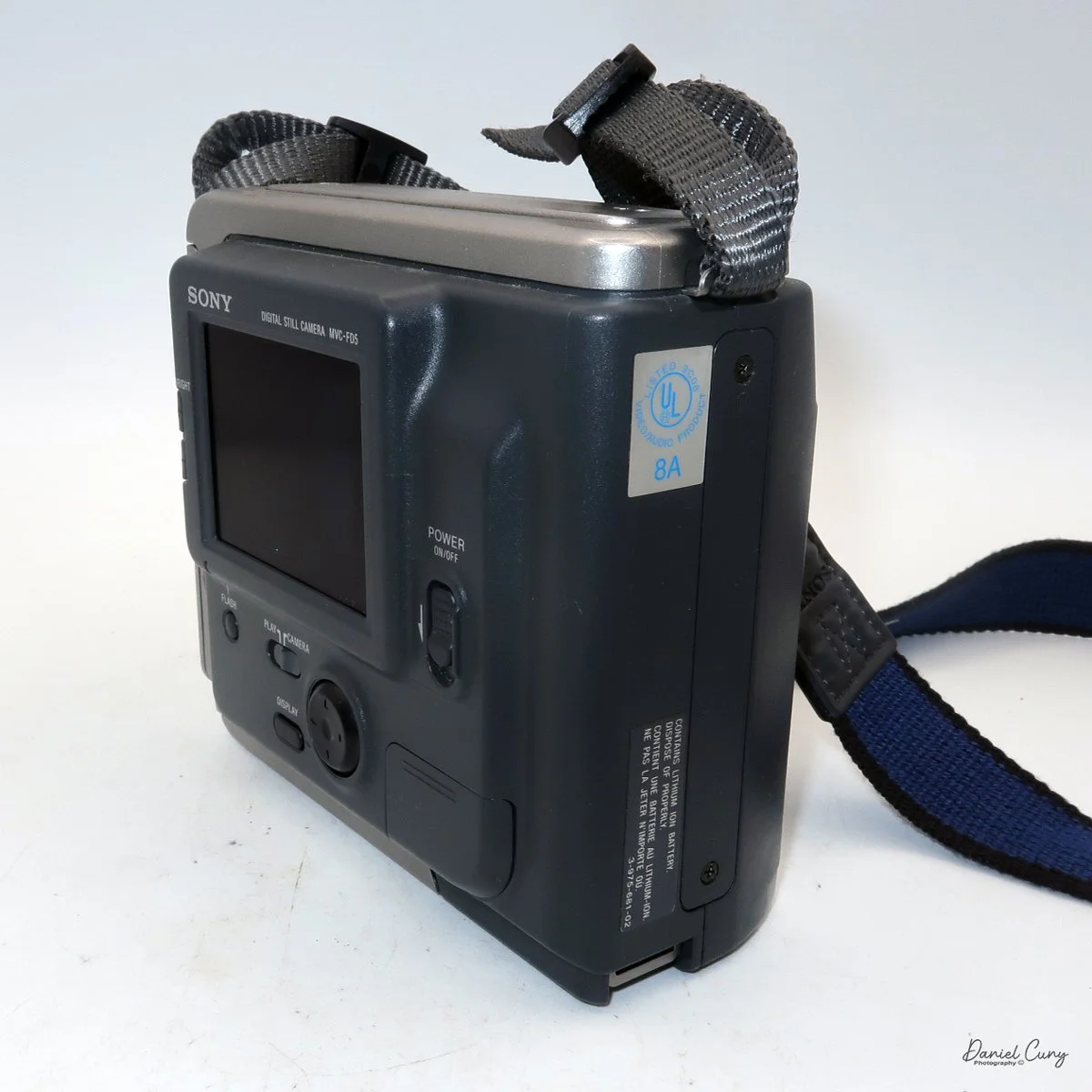
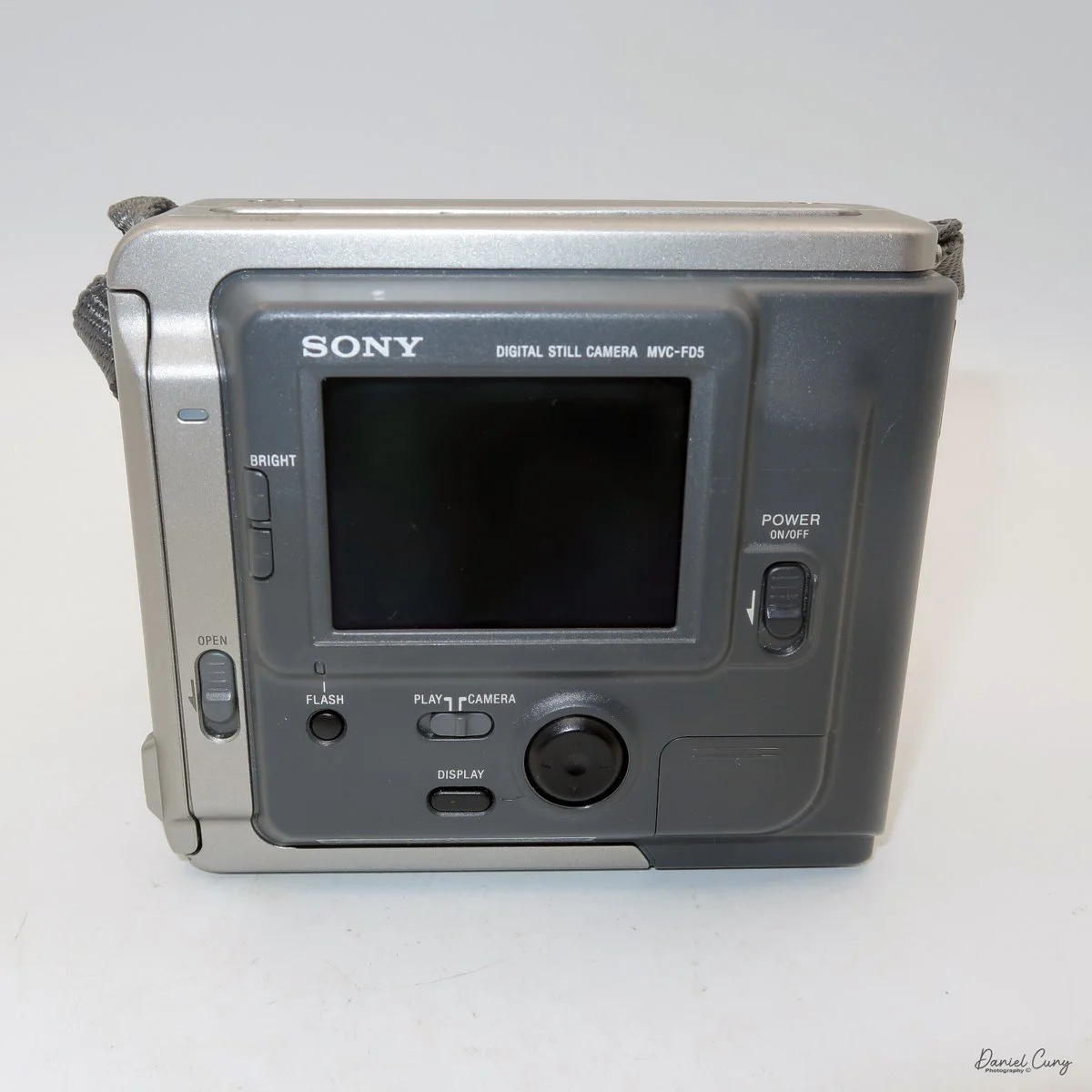
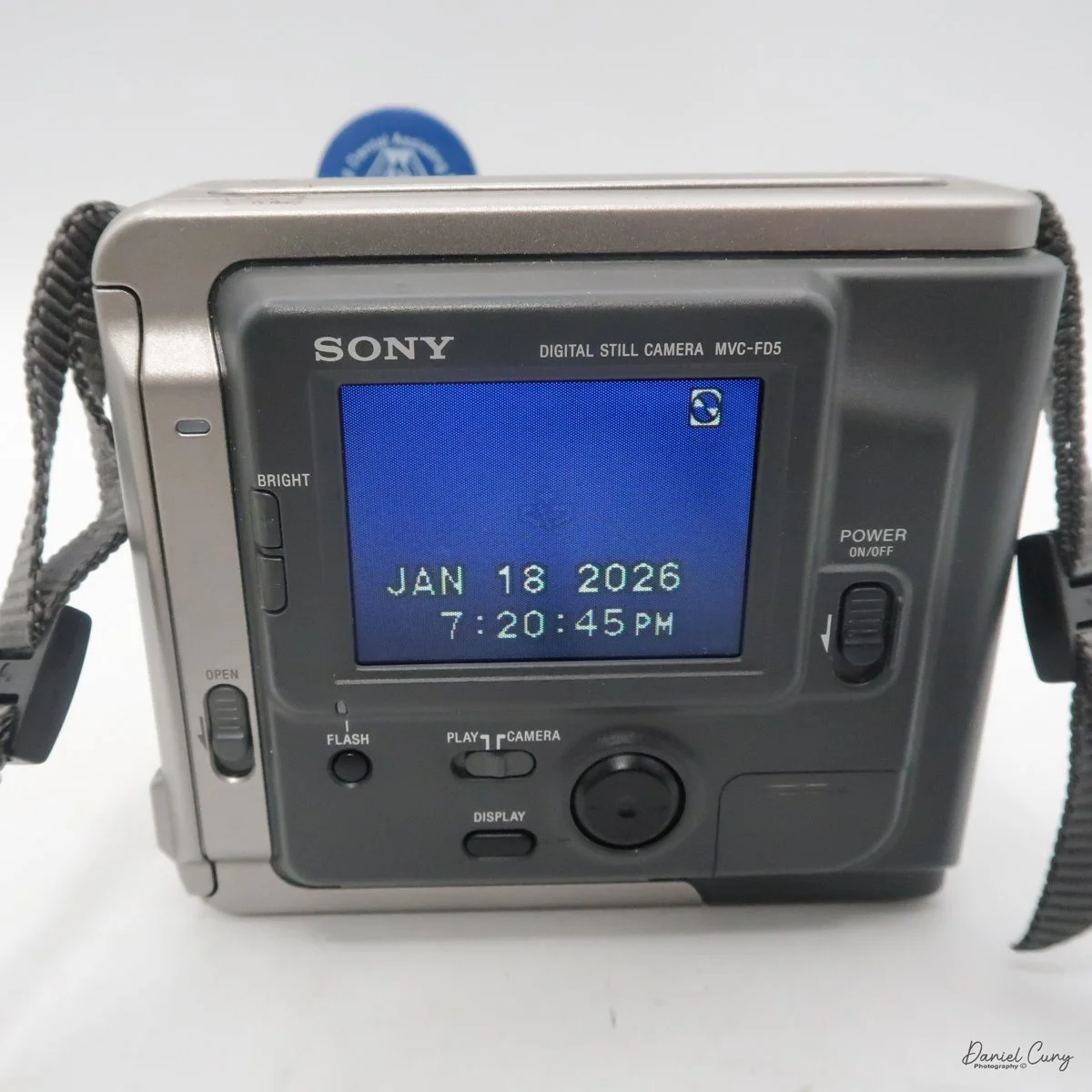
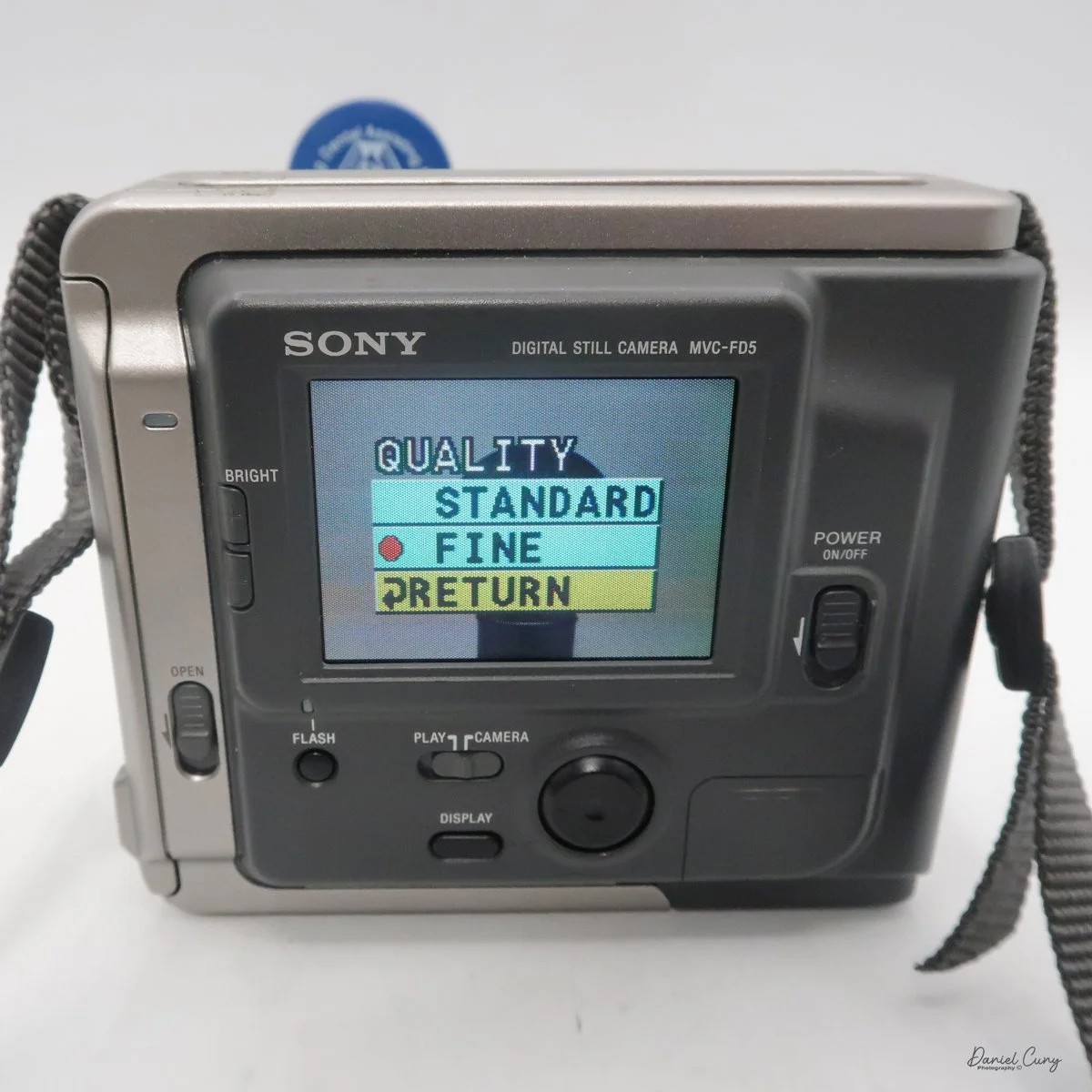
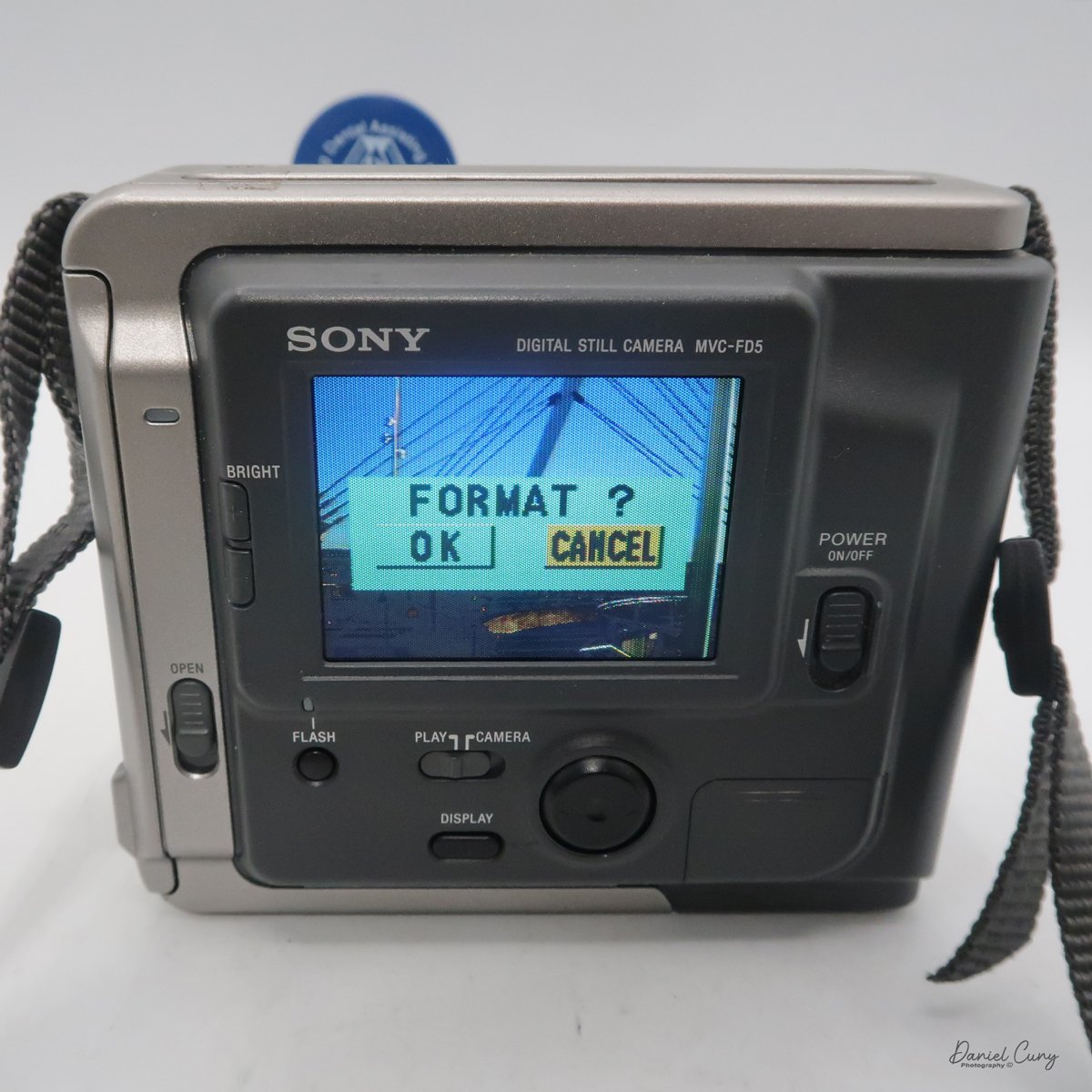
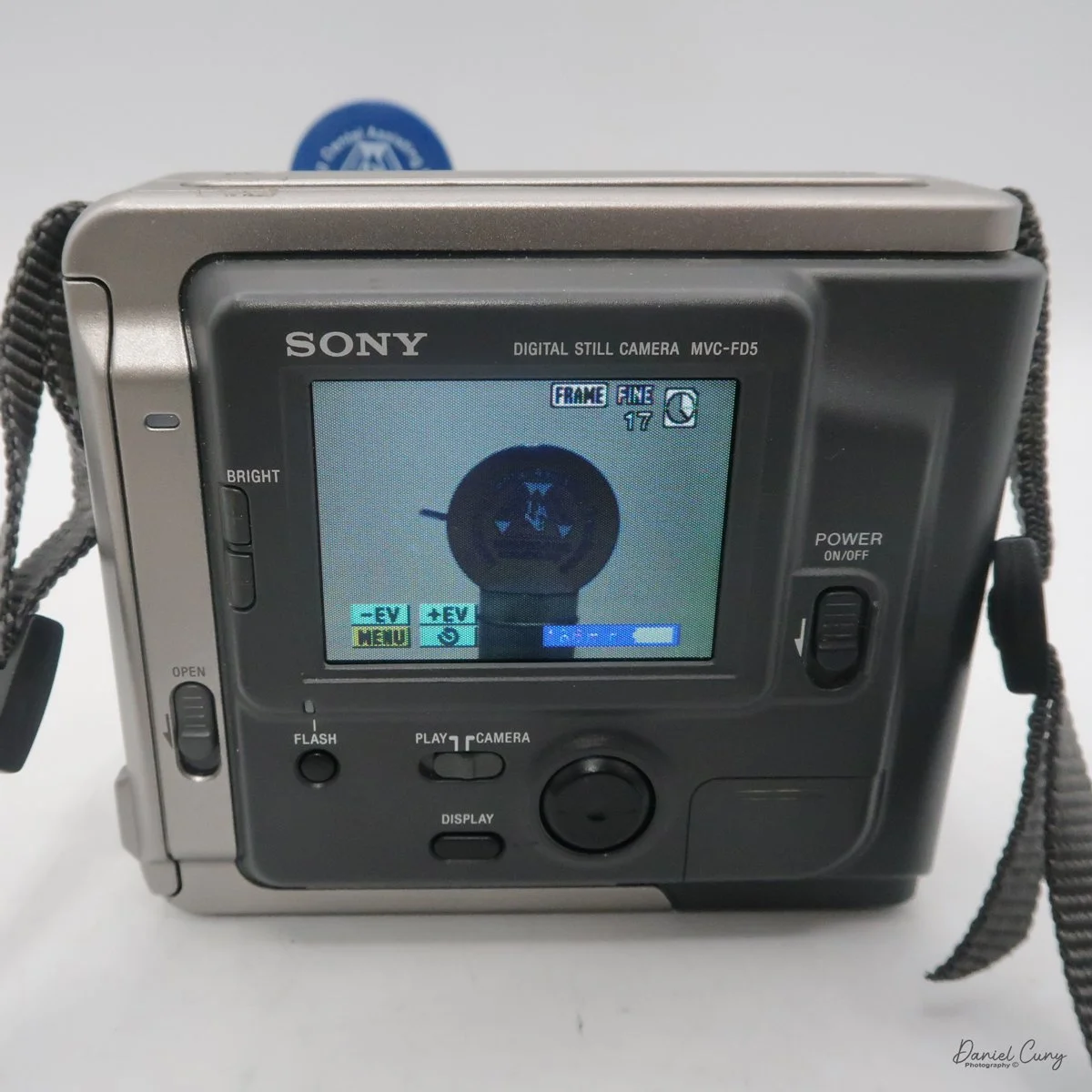
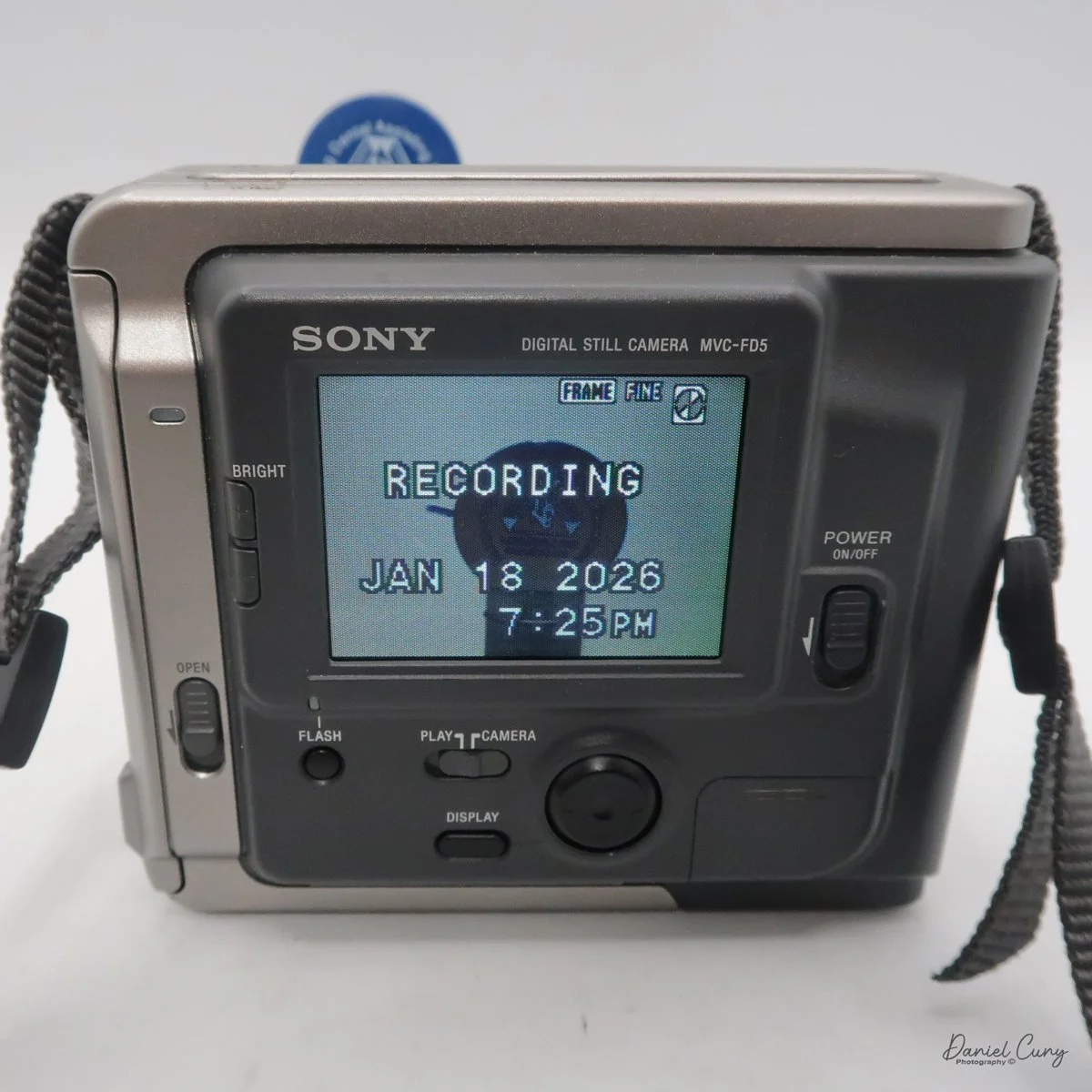
All the controls on the Sony Mavica MVC-FD5 camera are located on the back. The controls are around the main 2.5" screen, which has a total of 61380 dots. Once the camera is turned on, which is done by a sliding switch to the right of the screen, named "power on/off". Slide the switch down to turn the camera on, and to shut it off, slide it down again.

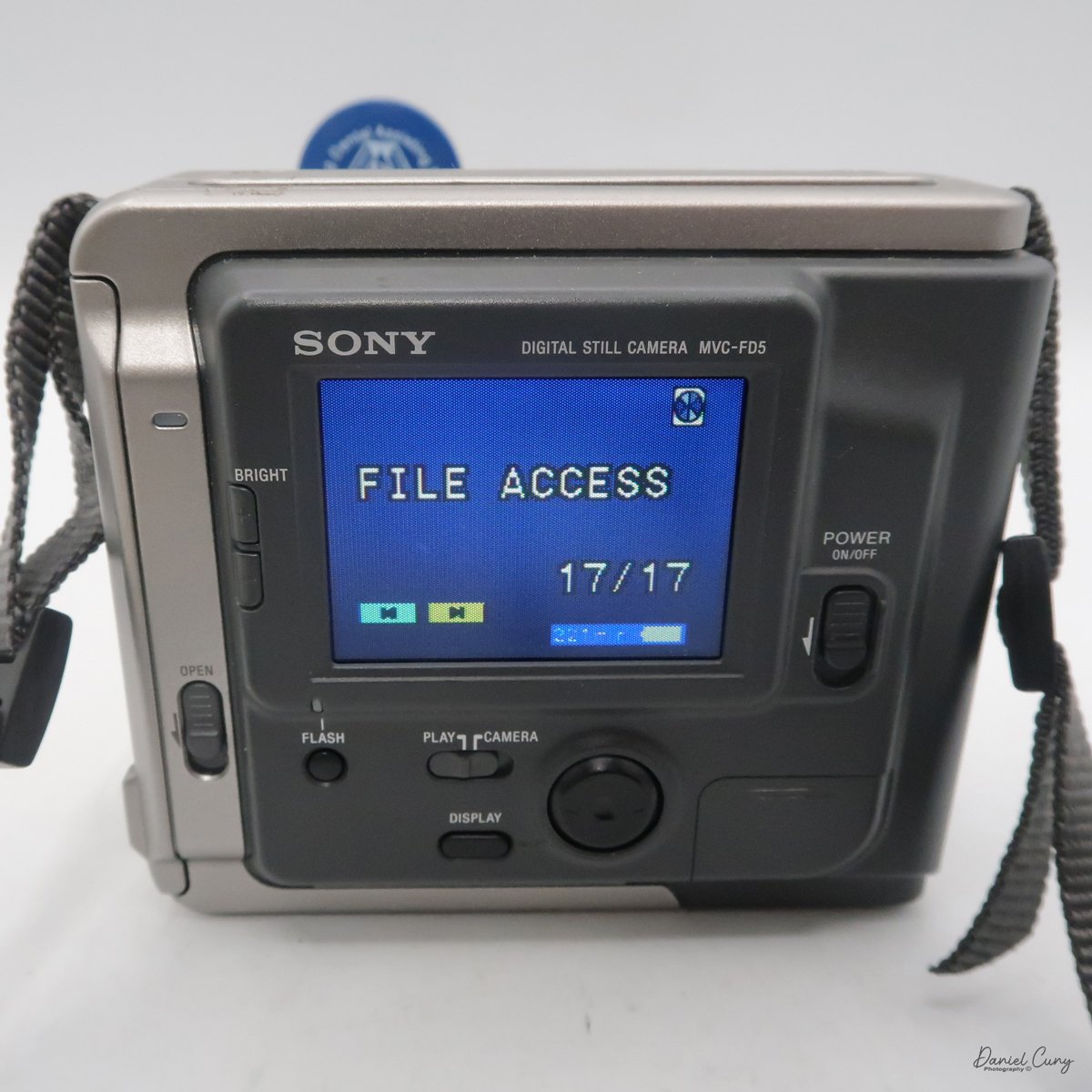
It's very interesting, and something I didn't remember from owning this camera soon after it came out in the late 1990s. Still, once you turn the camera "on, and there's a floppy disk in the camera, you'll hear a noise of the internal disk drive spinning and making sounds because the camera is checking the disk, making sure it's seated correctly and can write to it. It's also the sound you hear when you switch the button on the back of the camera from "play" to "camera," or vice versa, as the camera spins the disk to read images or prepare to accept them. It also makes a sound when in "play" mode, as you go from one image to another. Here's a short video of turning on the camera and taking a photo.

Video showing the camera being powered on and the time to record an image with camera sounds.

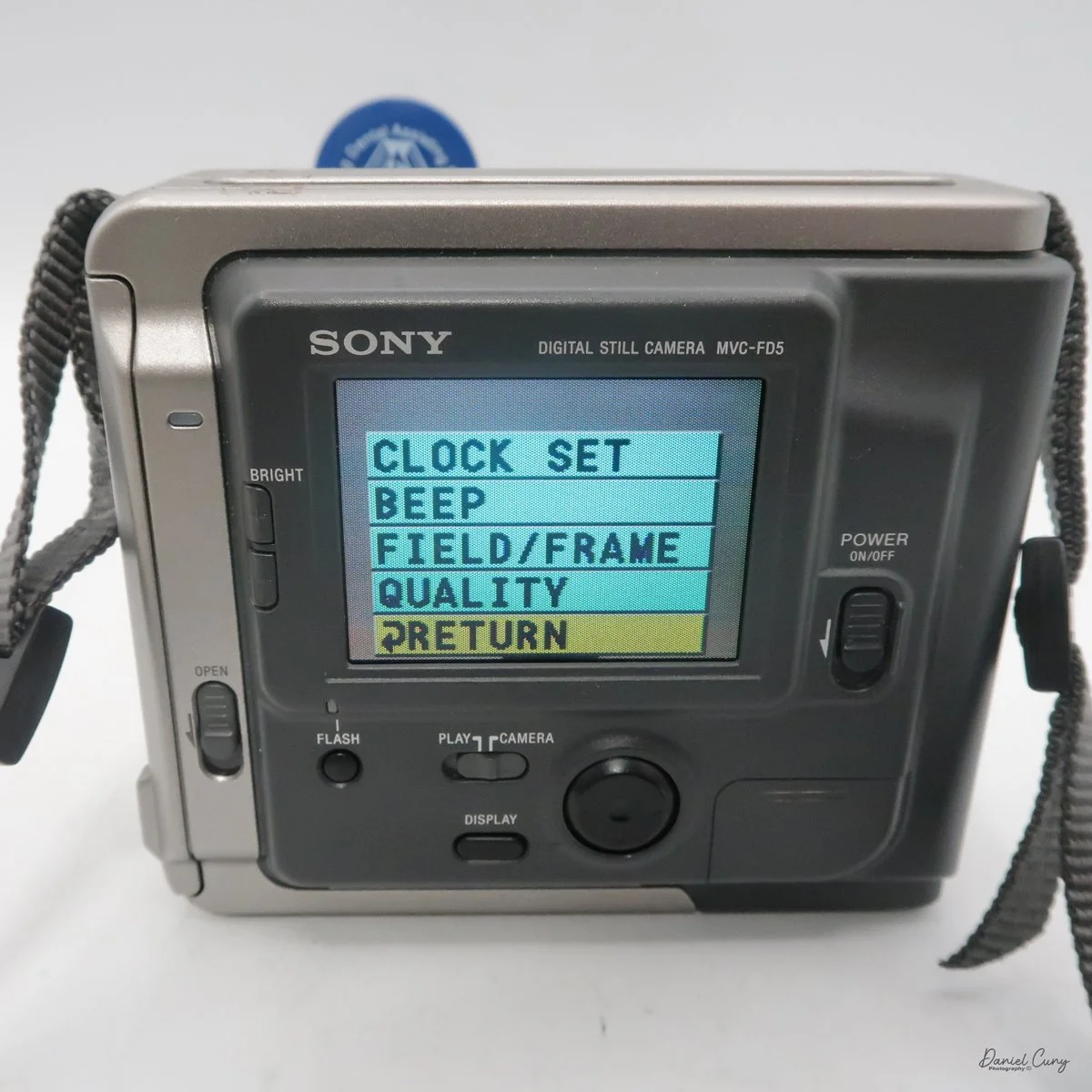
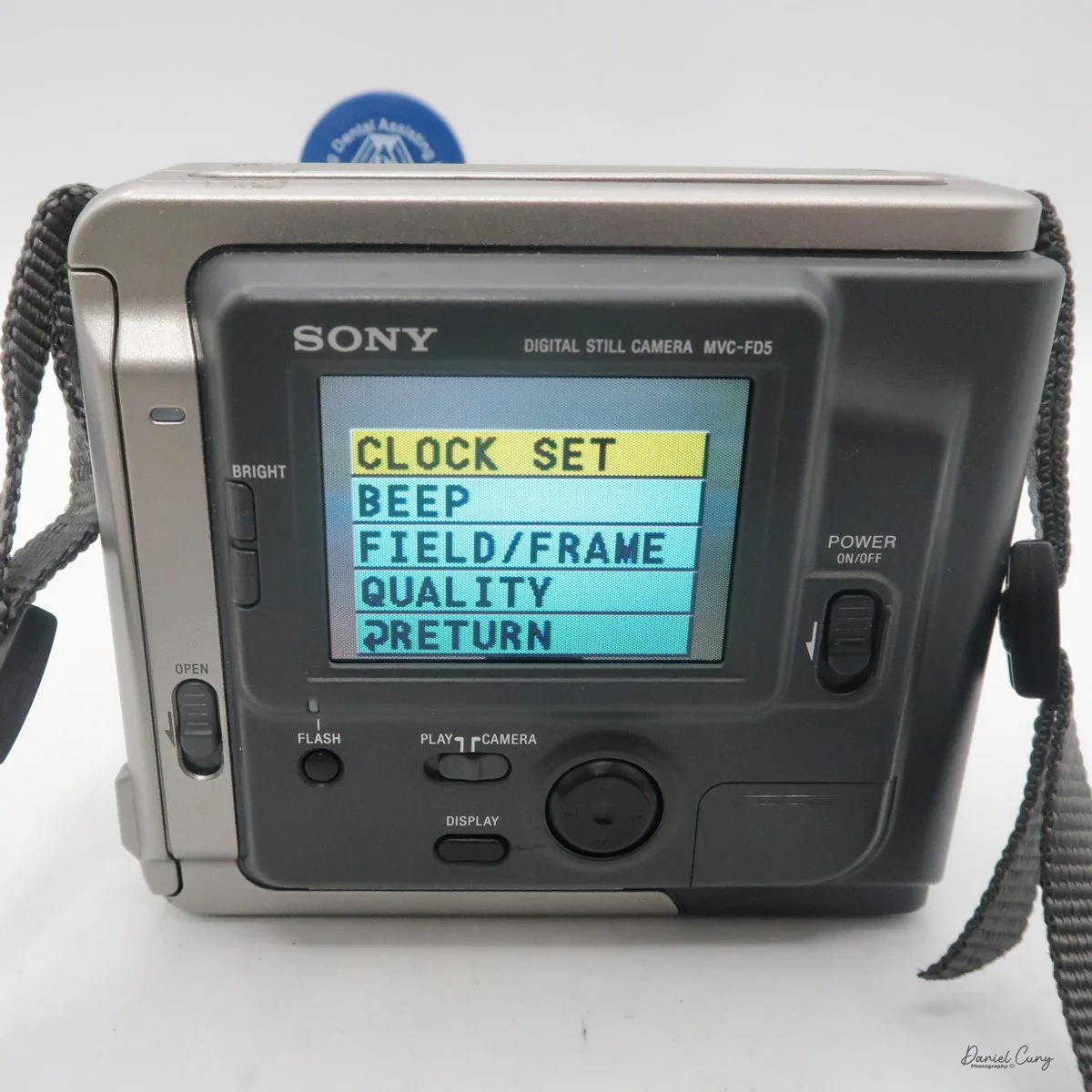
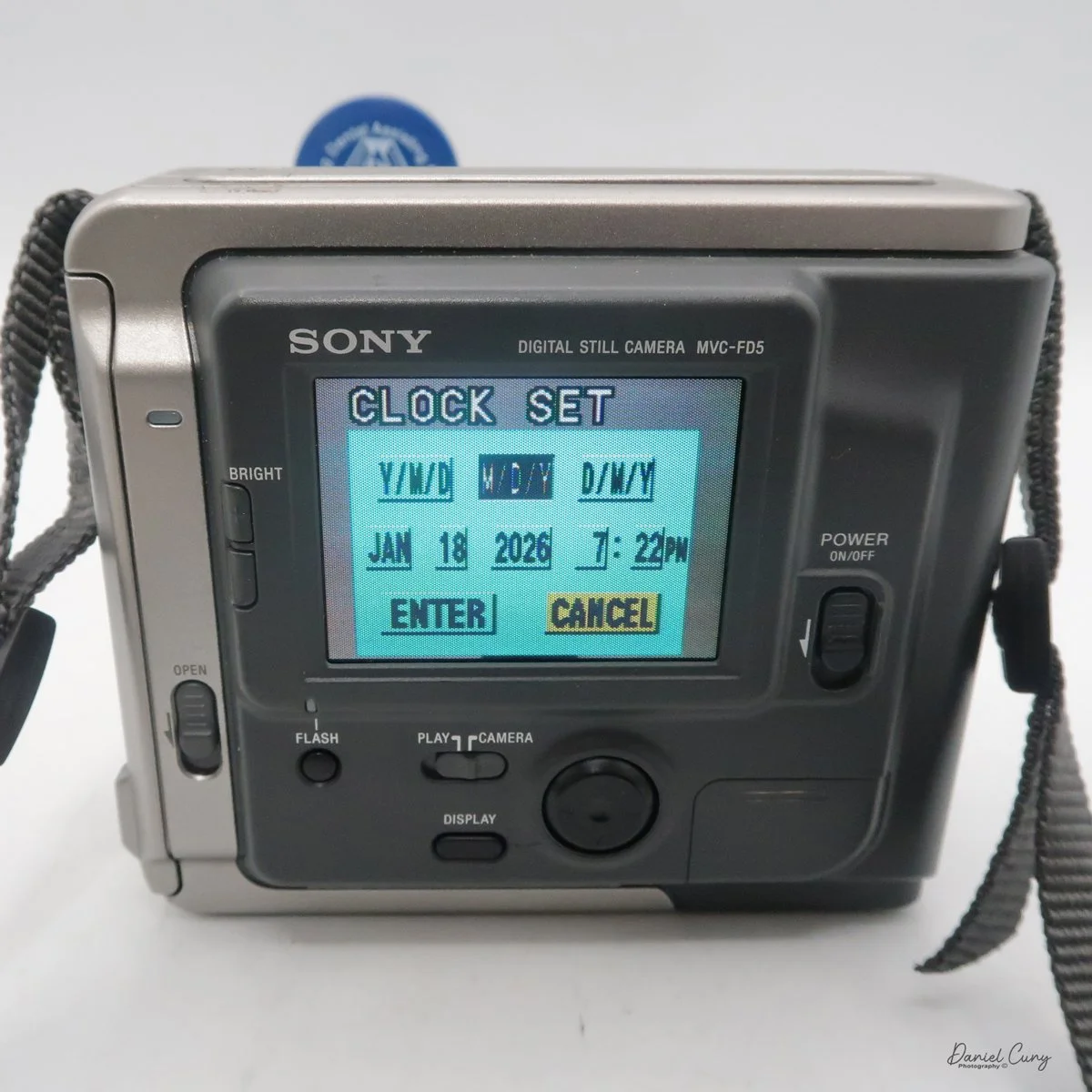
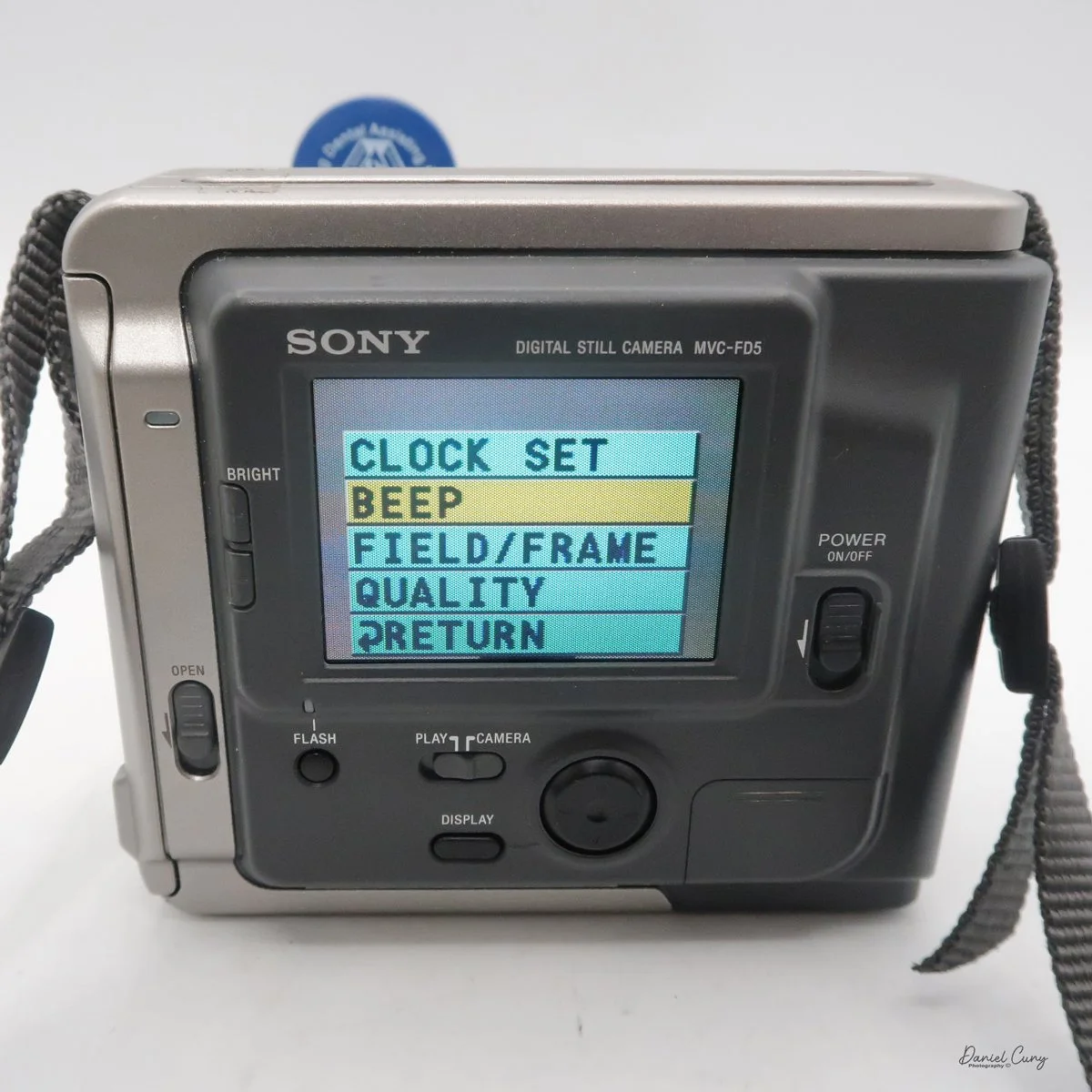
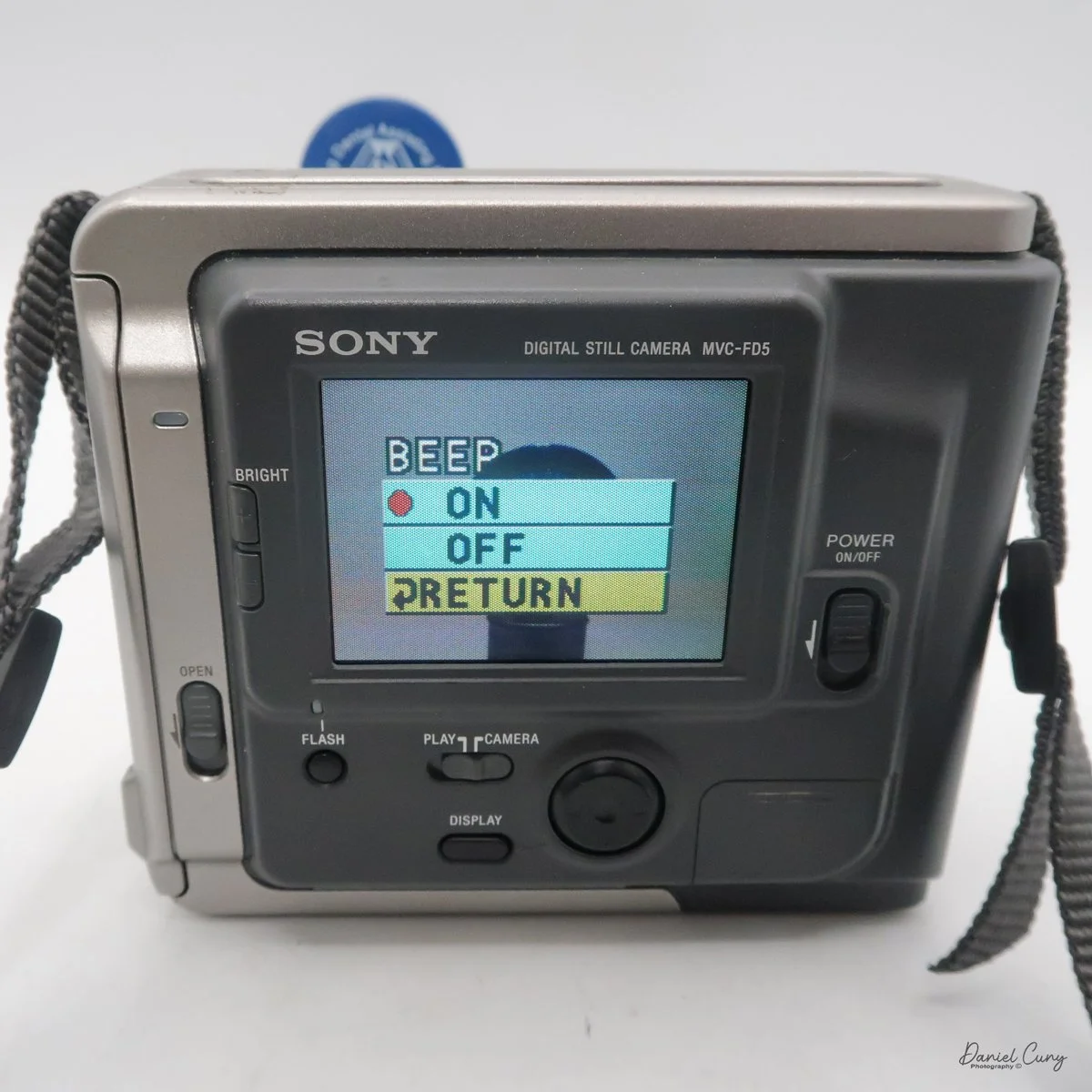
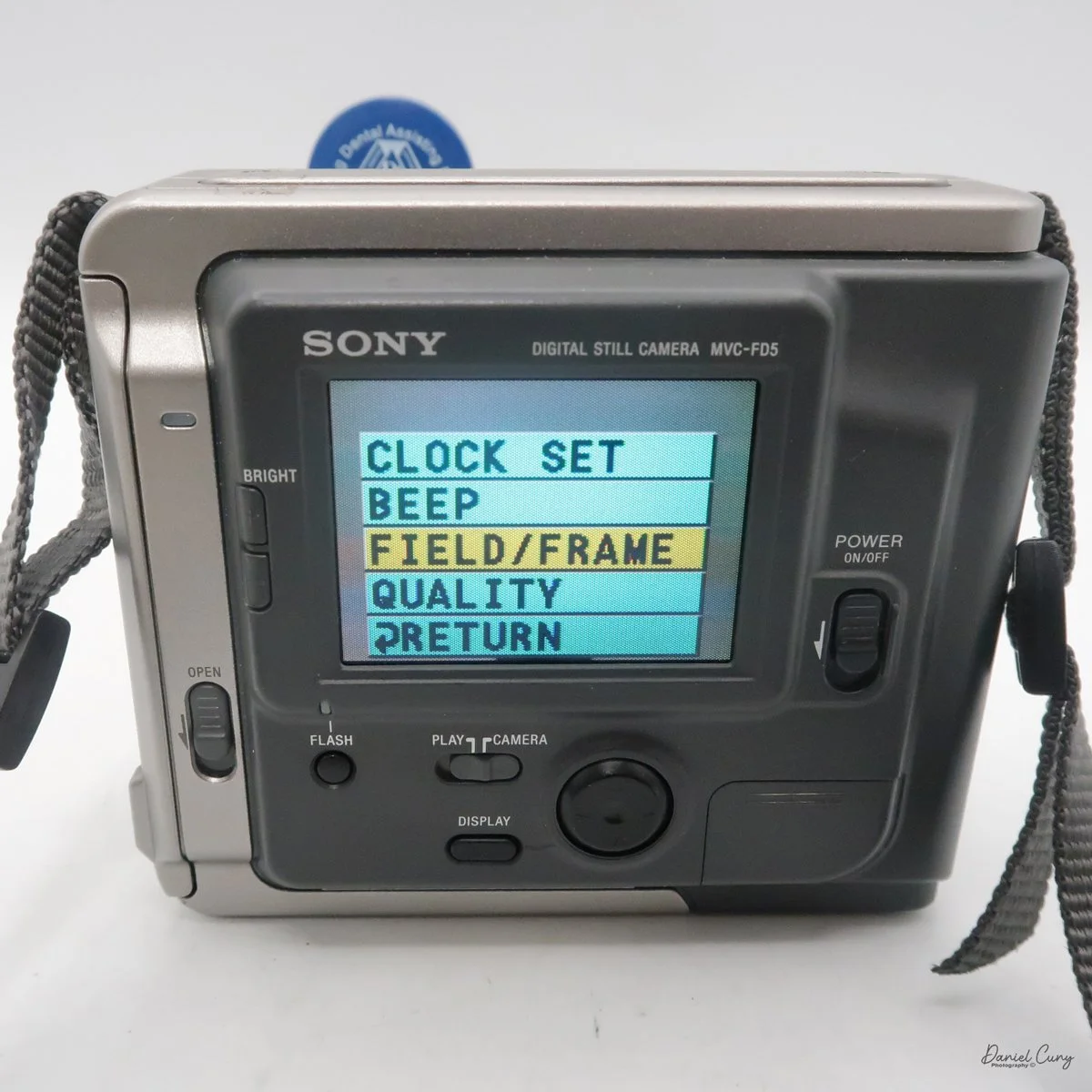
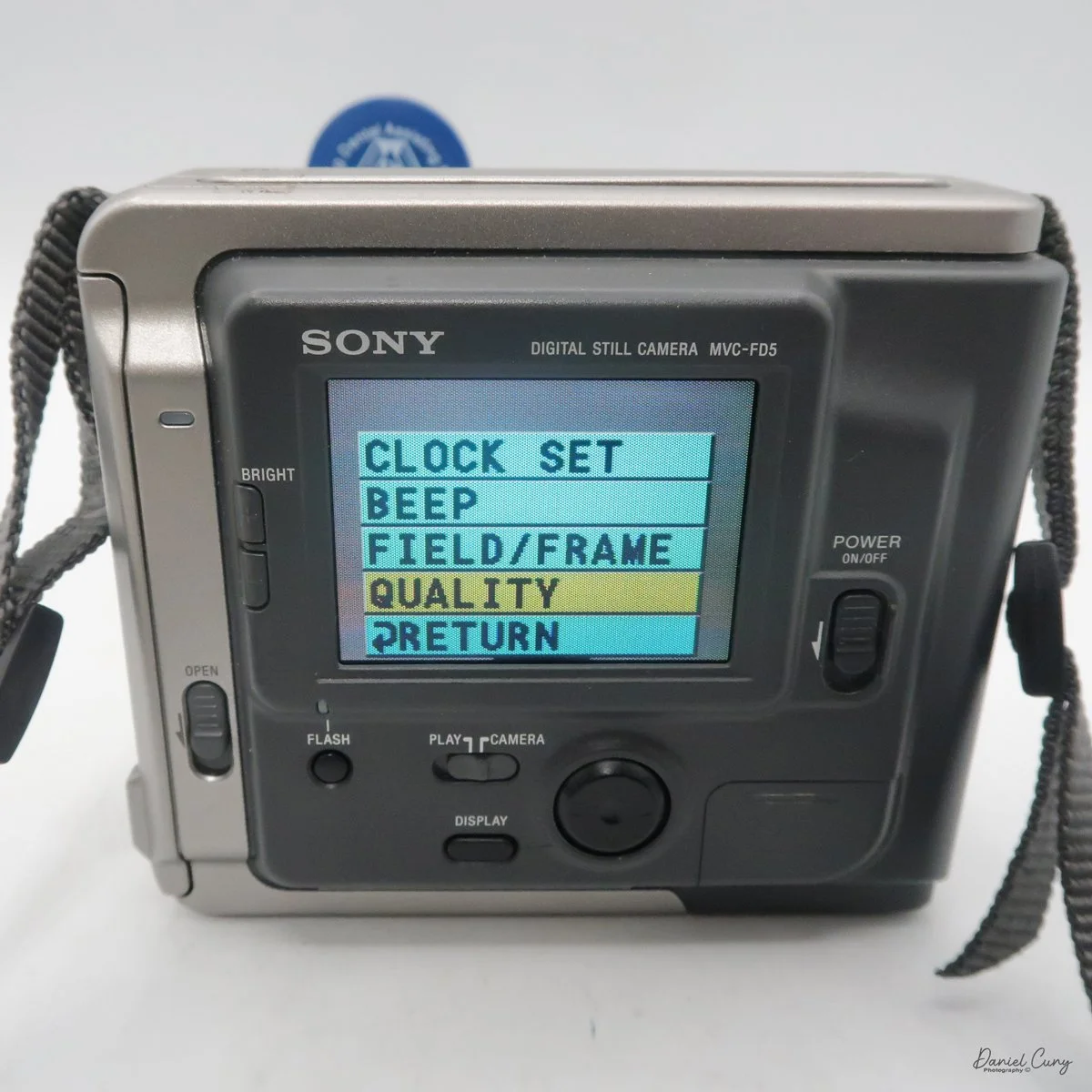
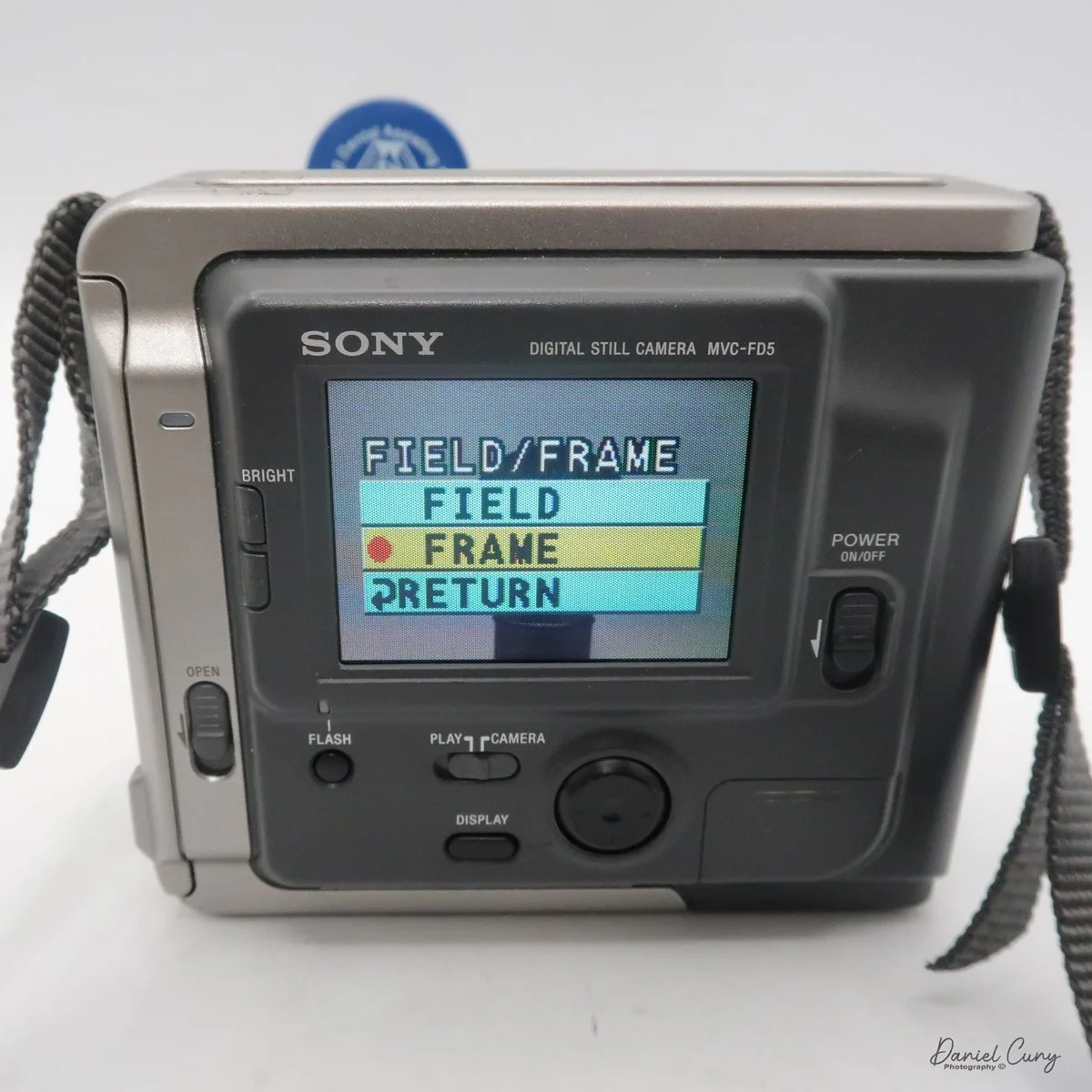
Once the camera is powered "on", most controls are set via a rocker switch and a button to the lower right of the camera's screen. As mentioned previously, there is also a switch for "camera" or "play" which allows the camera's settings to be set in each mode. If you press the rocker switch when it's in the "camera" mode, a menu will pop up with options for Clock Set, Beep, Field/Frame, Quality, and Return.

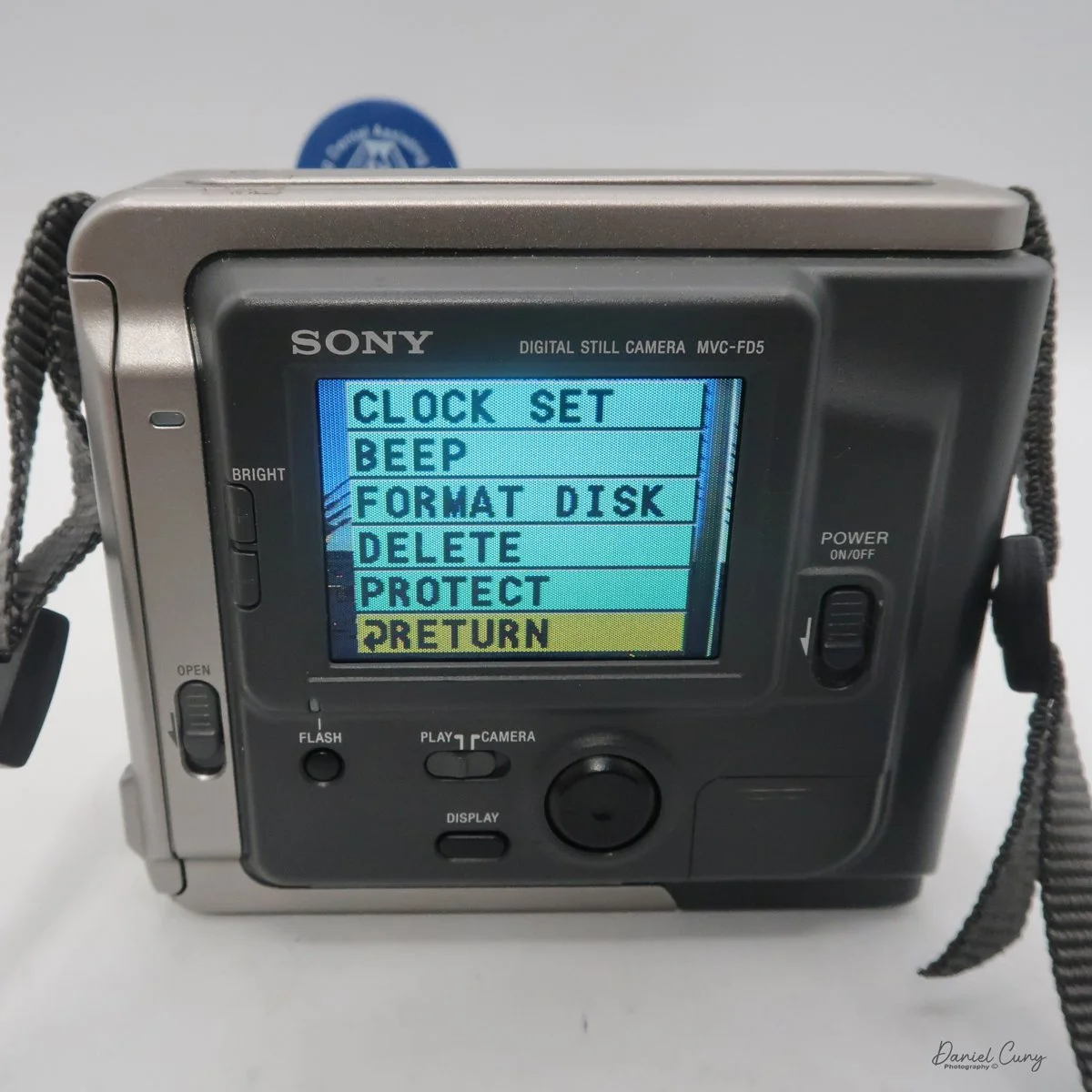
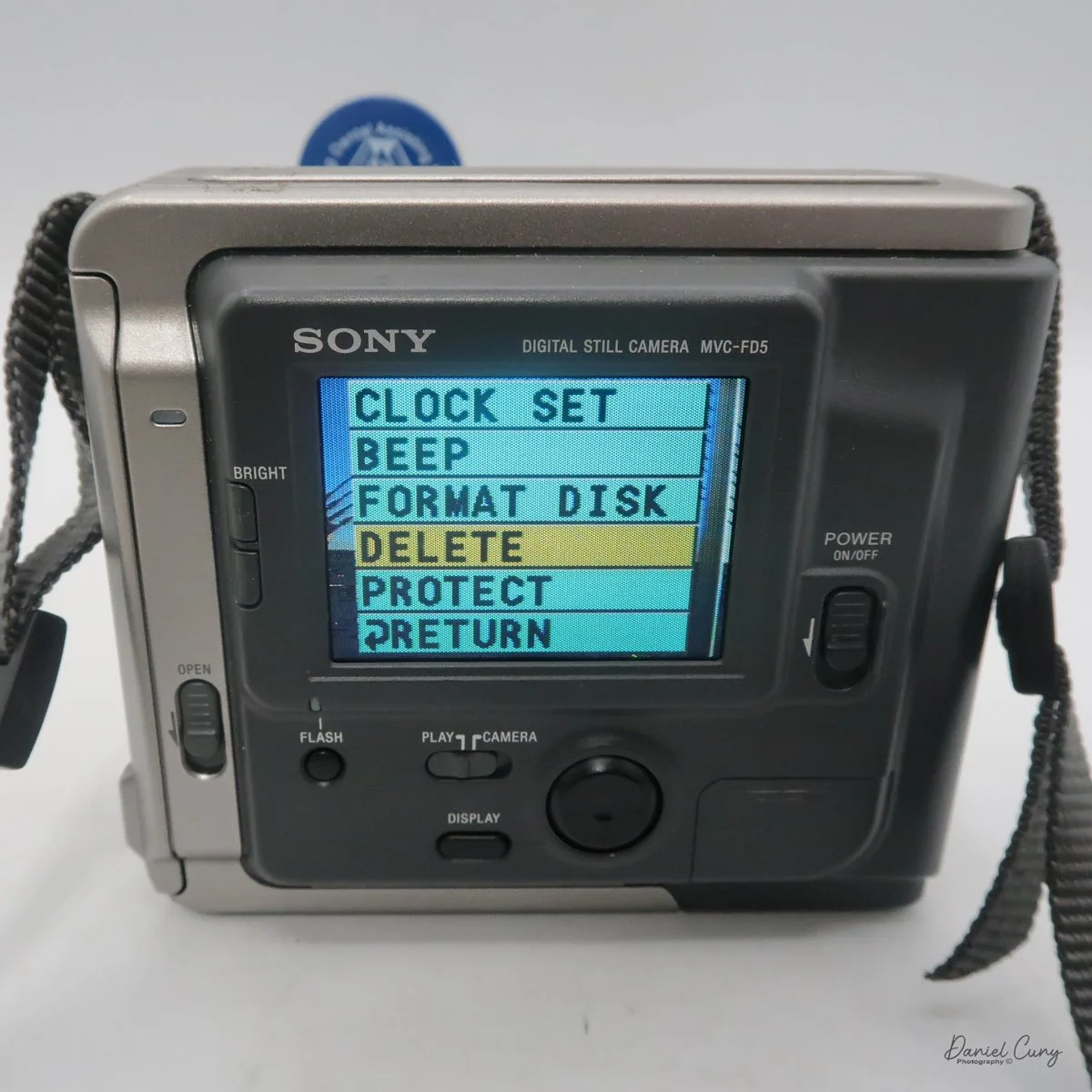
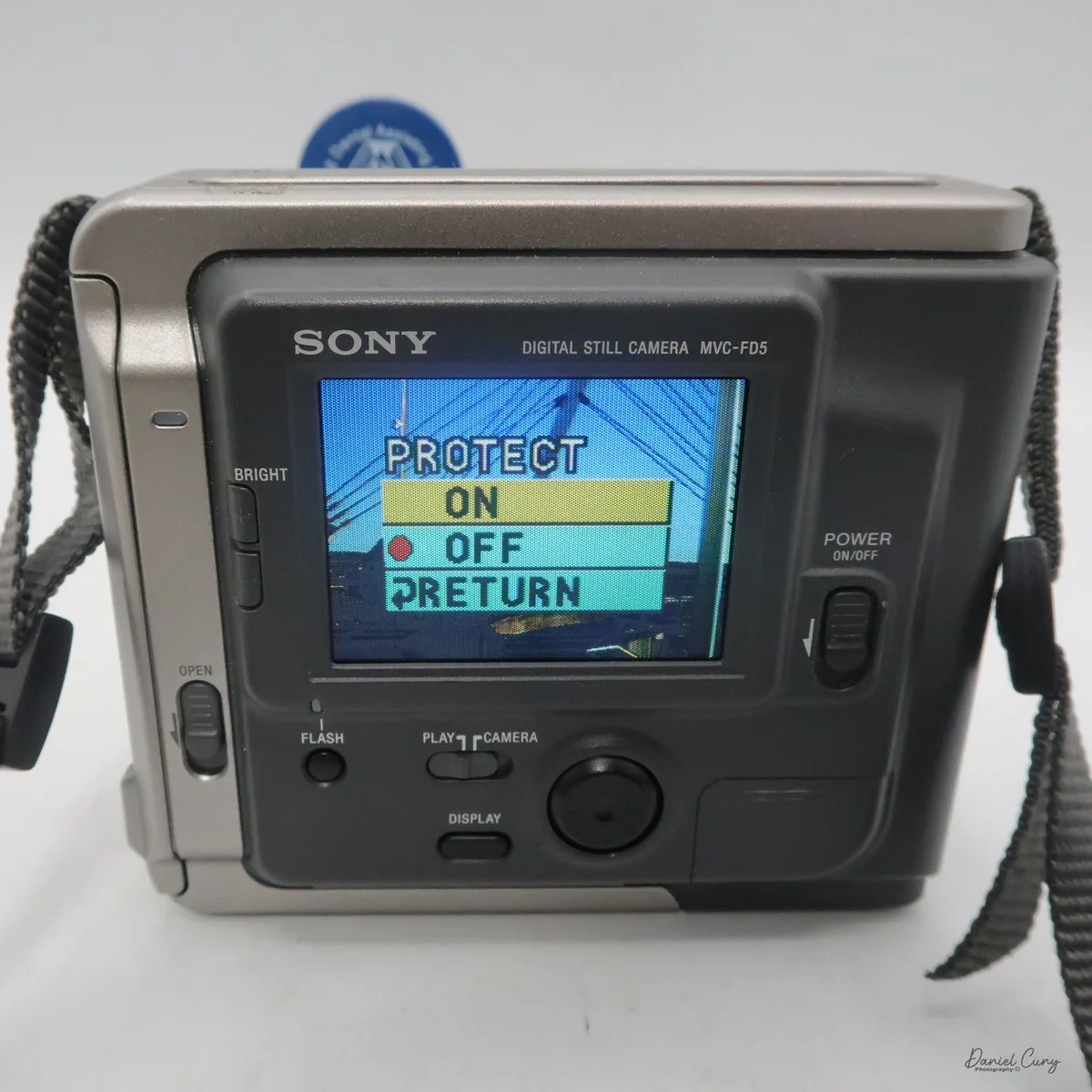
In the "play" mode, the menu settings are Clock Set, Beep, Format Disk, Delete, Protect, and Return. Interestingly, Clock Set and Beep are in both the camera and play menu. 

One other button on the back of the camera is "display," which turns the menu on or off on the camera or in play settings. It lets you focus on the images on the screen without being distracted by menu settings that can cover parts of the screen.

 Once the clock settings are set, you've turned on/off the beep sound, and you have the floppy disk in the camera. You're ready to power on the camera to take a photo. When you turn on the camera, you'll hear disk noises, see the date pop up on the back, and, in the upper right corner, see a spinning circle indicating the disk is turning inside the camera. Now you're ready to take photos.

 The camera doesn't have a viewfinder, so once the camera is powered on, and the screen has gotten past the time function, you've seen the spinning disk, the camera will go into "live" mode, where you'll see the images you're pointing the camera at on the back screen. Like many cameras from this era, the screen is dark, and you can barely see an image on a bright, sunny day. You can brighten or darken the screen with two switches to the left of the screen, named "bright" with a "+" on the top button, and a "-" on the bottom.

There is no shutter or aperture control on the camera, as exposure is automatically controlled. You can make the images brighter or darker by up to 1.5 stops by changing the EV setting on the camera's screen once the camera is turned on and in "camera" mode.

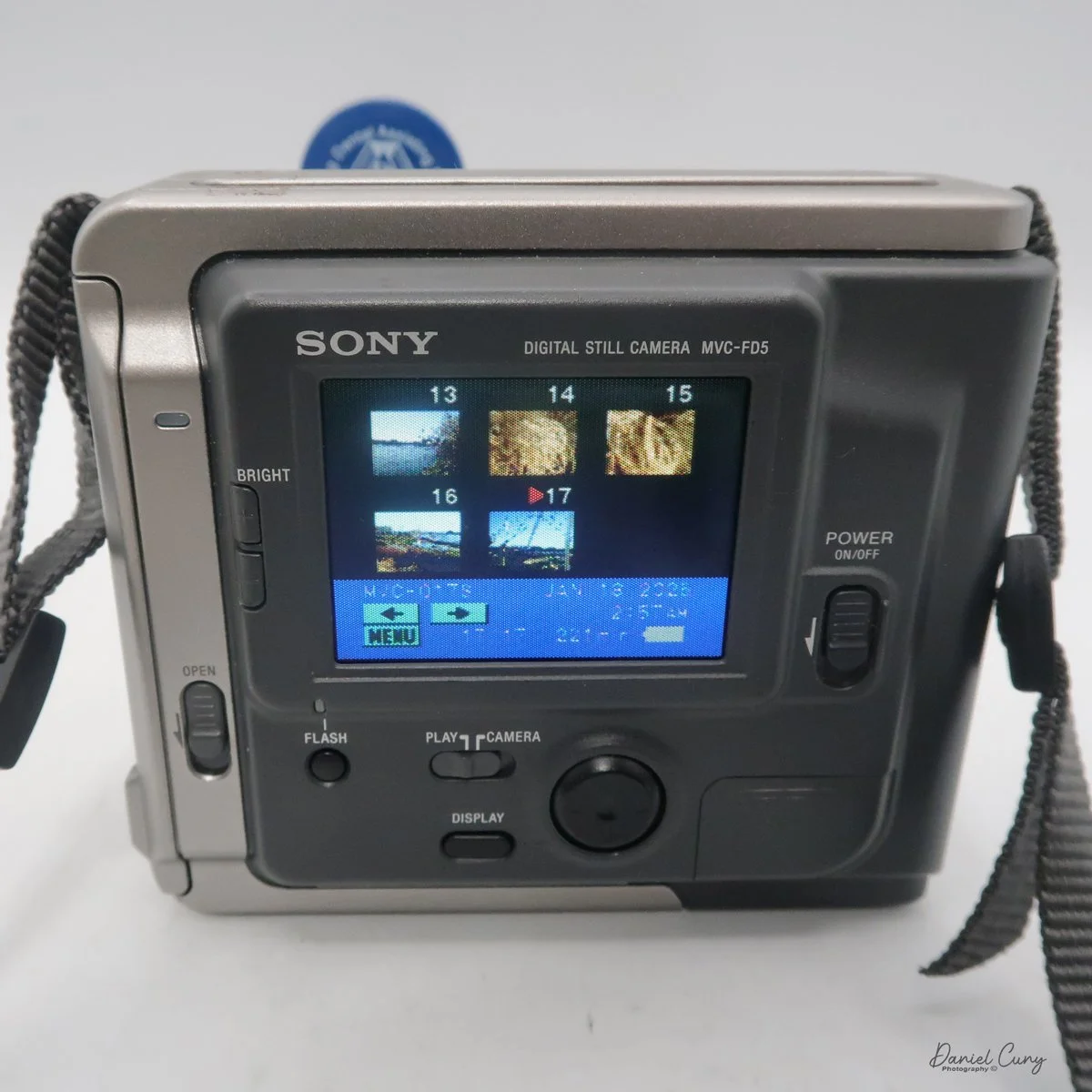
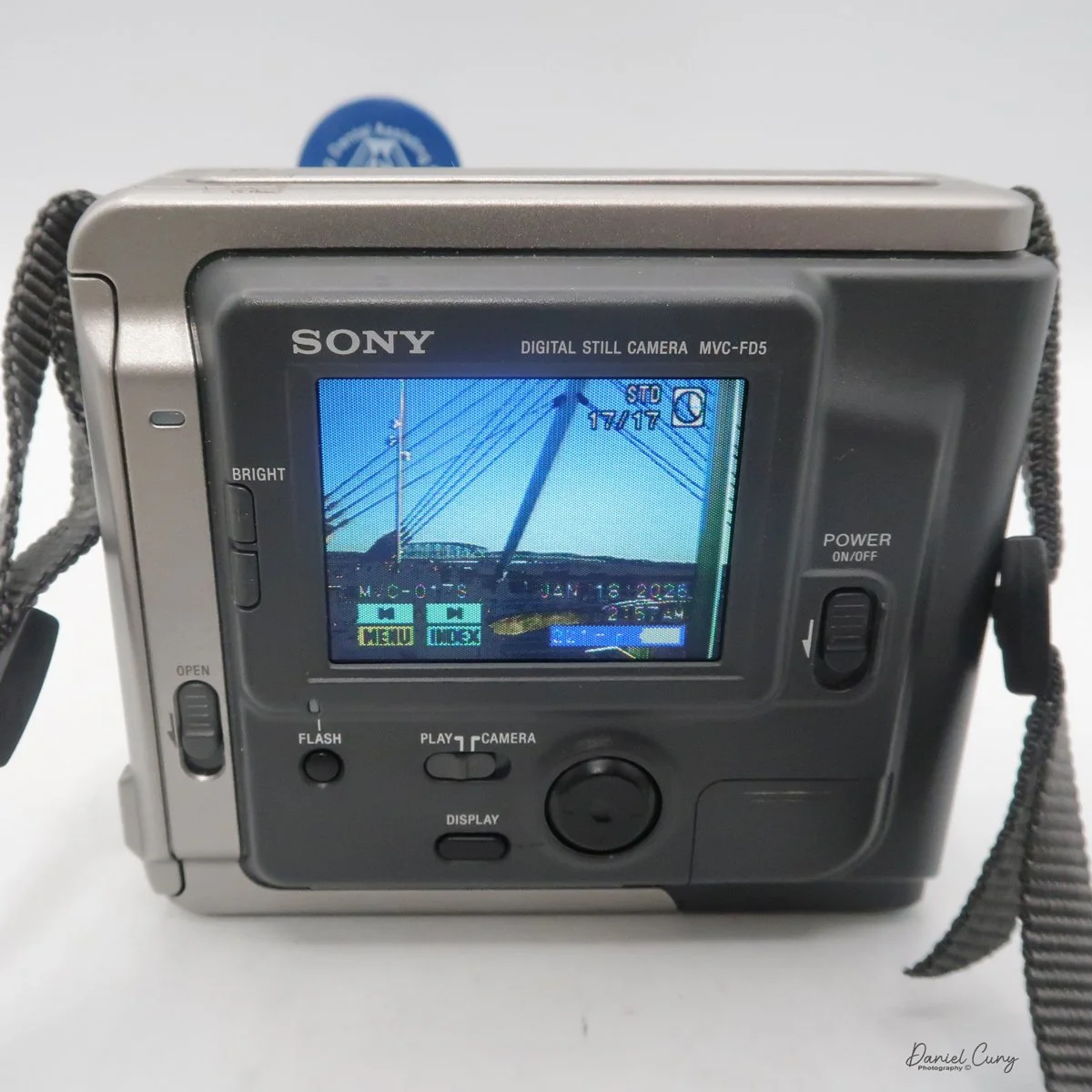
 Another oddity of this camera, as with more modern cameras, is that the Sony Mavica MVC FD5 doesn't display the "just taken" photo on the screen once it's captured. To see that image, you'll need to switch from "camera" to "play" mode. The camera will whizz the floppy disk, and you can preview the previously taken image. In the "play" mode, you can view either single images by pressing the arrows forward to backwards, or you can press "index" so you can display a series of six images at a time and scroll to the image you want to see, and press the rocker button to display. PLEASE REMEMBER: every time you switch from one image to the other, the camera displays a message on the back screen that says "accessing file," and it takes a few seconds to show the image.

 In the "play" menu, you can also "protect" or "delete" images. Still, like the other settings, it takes a few seconds for the camera to complete the request, since it's basically a small computer with a built-in floppy disk and has to find, access, and complete the request you're making.

 At the bottom of the camera is the door, which you open and insert the charged battery to power the camera. The camera's battery isn't rated in shots, but in time. Once you power the camera "on", in the lower right-hand corner of the screen, you see the time in minutes remaining on the battery before recharging is needed.

My Images:

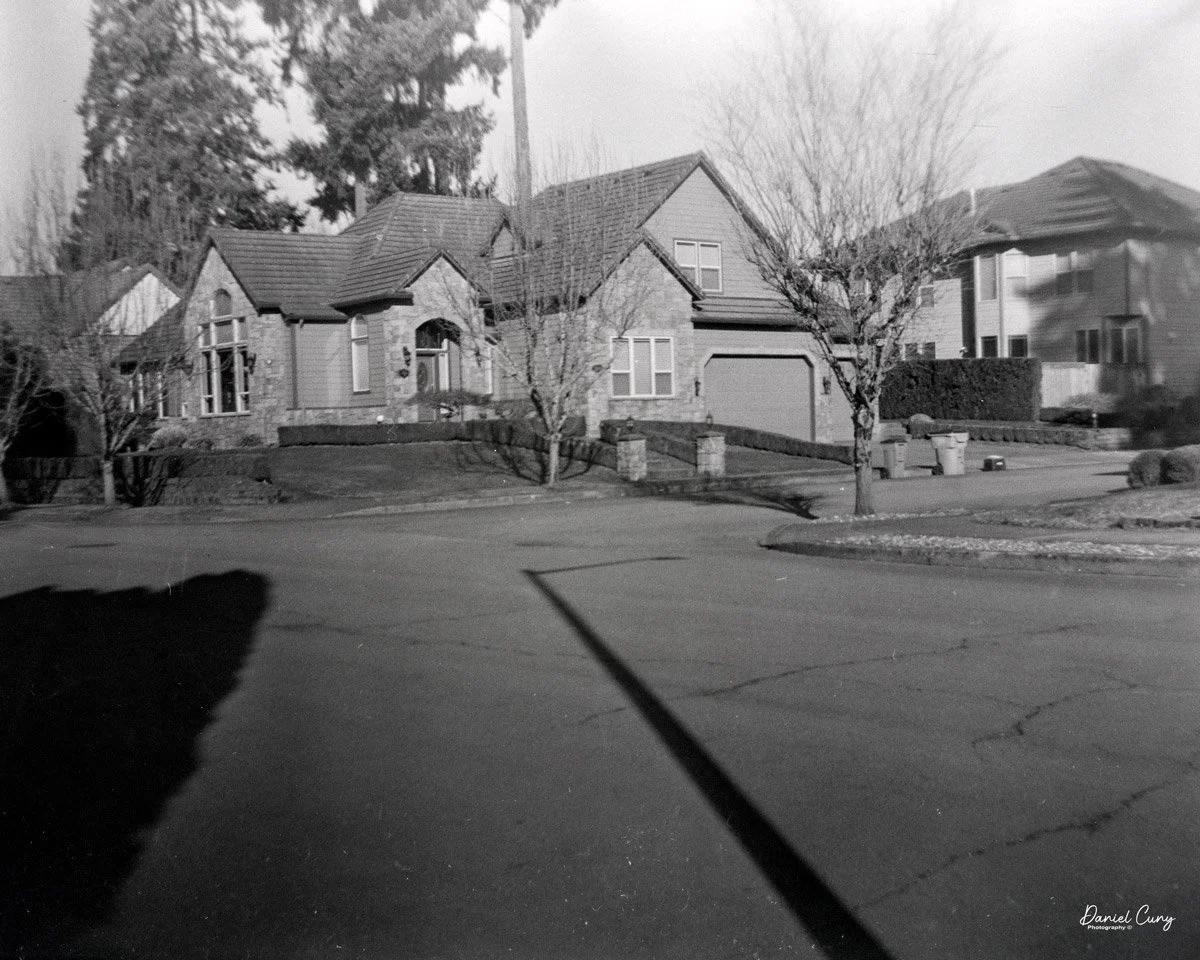
 My wife, daughter, daughter's dog, Bean, and I went for a walk on the town's downtown walkway on the Columbia River. It's a relatively new section of town with shops, restaurants, and housing. It was a sunny and somewhat warm January day in the Portland, OR area, so I took the camera on our trip.

 Since it was a bright sunny day, the rear screen was difficult to see, especially when you're trying to have the sun on the subject, meaning the sun is also hitting the screen as you're taking the images.

 Another interesting fact is that these files are small. Even the largest files the camera produced were only 70kb for Fine and 34kb for Standard images. These were specifically made for viewing on your computer or television, and are not really intended to be printed, especially not anything larger than the standard 3x5 photo.

 Here are some images from our walk.

Conclusion:

 I never would have guessed that a 2-inch floppy disk would eventually bring the Nikon F's reign to an end. The MVC-FD5 wasn't a 'pro' tool—it couldn't compete with a Hasselblad for clarity—but it offered something those giants couldn't: the end of the waiting period. It traded resolution for time, a trade-off that eventually redefined the entire industry.

 It's interesting for the young photographers of today to compare this camera to what's available on our phones; it's an eye-opening comparison:

Camera: Sony Mavica MVC-FD5 (1997) Modern Smartphone (Approx.)

Resolution: 0.3 Megapixels (640 x 480) 12 - 48 Megapixels

Storage Media: 3.5" Floppy Disk (1.44 MB) Internal Flash (128 GB+)

Photo Capacity: ~20 "Fine" Image 30,000+ Images

Write Speed: ~4-6 Seconds per photo Instant

 I had owned this camera sometime in the late 1990s. It wasn't long after it was introduced that I purchased a used one. It was in 1999 when I had one. 

 Thinking back, this was a pretty fun camera to shoot with, and now that I have it again, it's fun to hear it make the different noises as it accesses the files to show on the screen. The images are very small and, as mentioned, made for screen viewing, not much resolution to make prints from. Even by today's computer standards, the images look very pixilated due to the higher resolution of today's screens.

 I'm happy to have this camera back in my collection, more as a marker of digital photography's growth than something I'm going to use daily. It is, just like with older film cameras, fun to see how these image-making machines have progressed over time.

 Thank you for taking the time to read a bit about this older digital camera from my collection. Next week will be the final installment of January's Early Digital month, and I have a rare and good one for you. Please remember to keep an eye out for it.

 Here are some of my other Camera Reviews.

 I also have a store on eBay, Cuny's Cameras and Photo, where I sell some of the cameras reviewed, along with many other camera odds and ends. If there's something that interests you, drop me a line, and I'll offer a discount.

 Until next week, please be safe,


Fujifilm FinePix 4700 Zoom

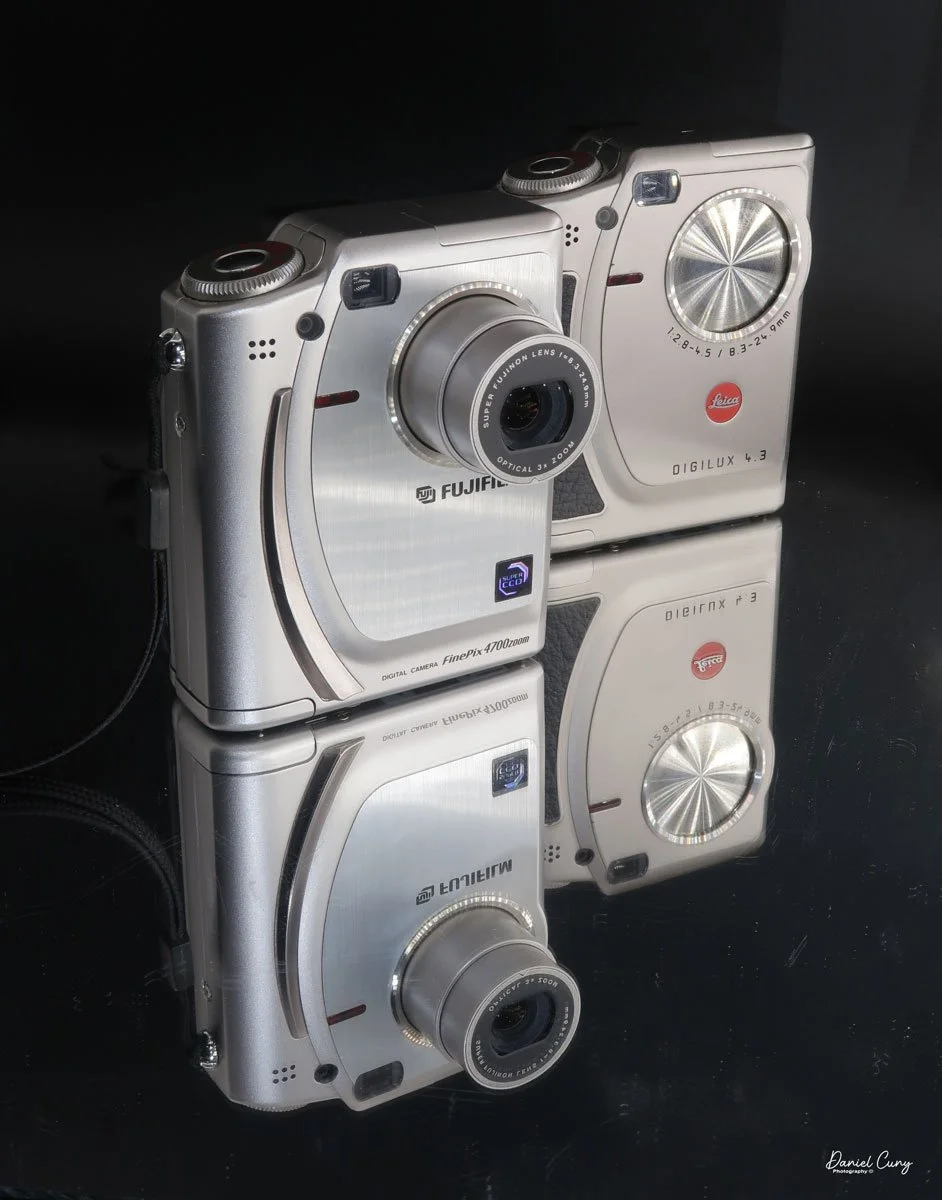
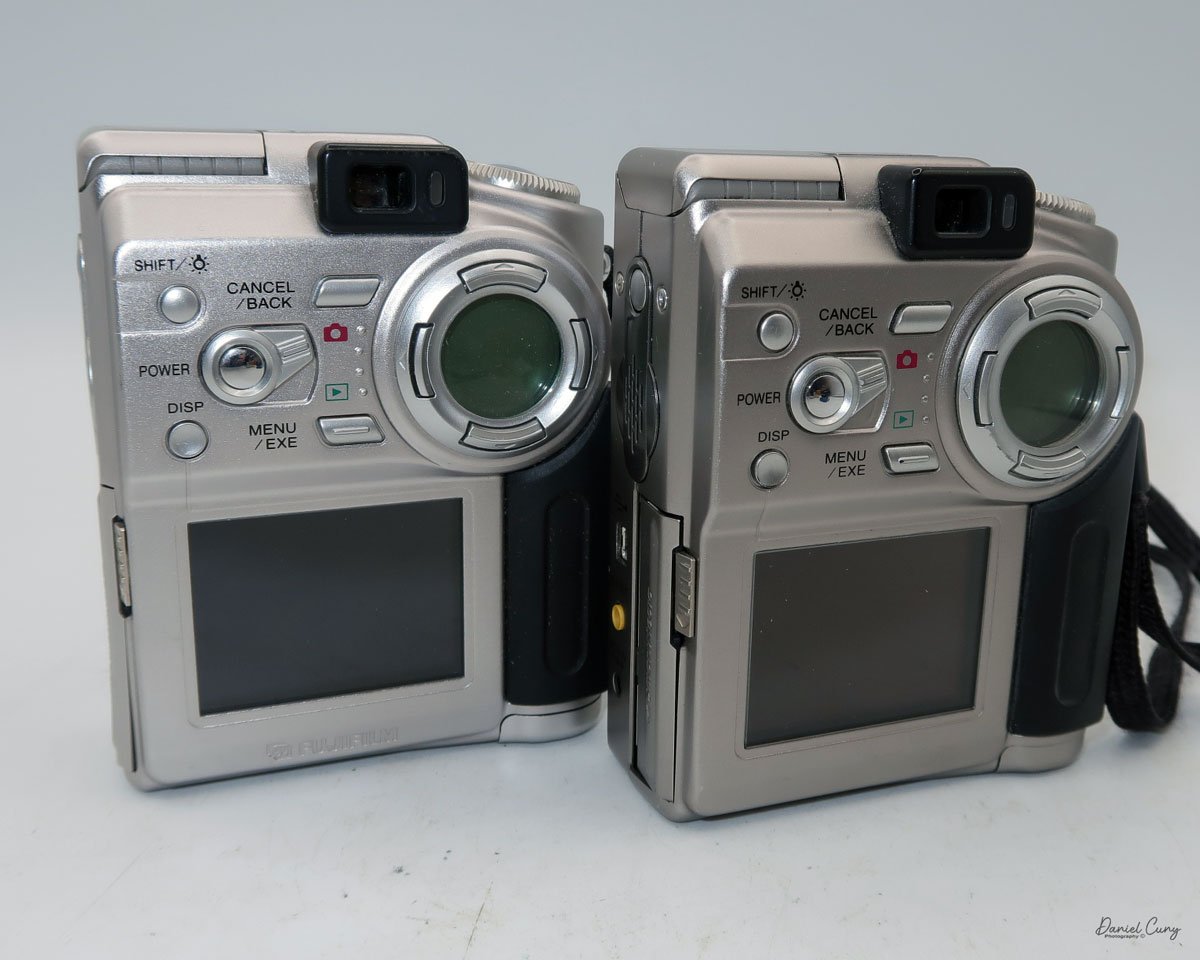
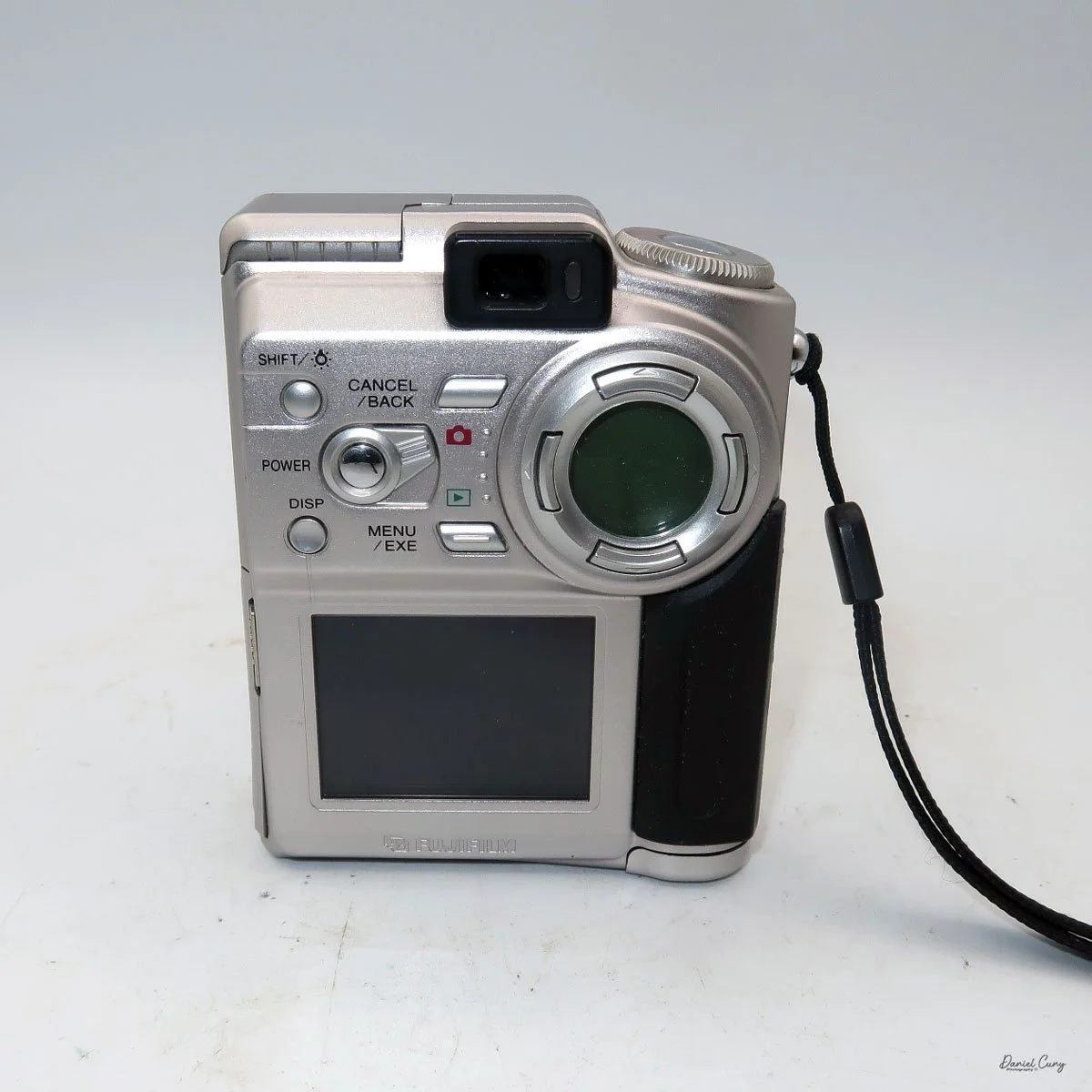
My Fujifilm FinePix 4700 Zoom and Leica Digilux 4.3 cameras

Sometime in late October or early November 2025, I was sitting back at my desk, looking at some of the cameras around me and thinking about cameras to write about for this blog. There was one camera on the top shelf above my desk that has always piqued my interest, and one that I've had for 15 years or so, but it wasn't a film camera; it was a relatively early digital camera. I hadn't included a digital camera in my blog, but that's going to change.

 To start 2026, it would be a nice change of pace if we went away from traditional film cameras and focused on some of the early digital cameras in my collection. With that said, for January, I'm picking four early digital cameras and writing about them. 

 Focusing on the early digital camera in my collection brought me unexpected challenges that were difficult to navigate at times. For many of the cameras I'm reviewing this month, I had to get my mind, and even more challenging, a computer, the computer's hardware, and software back into the late 1990s to early 2000s. Sharing these experiences can make readers feel connected and motivated to explore vintage digital cameras themselves, especially potential buyers interested in the history behind these devices.

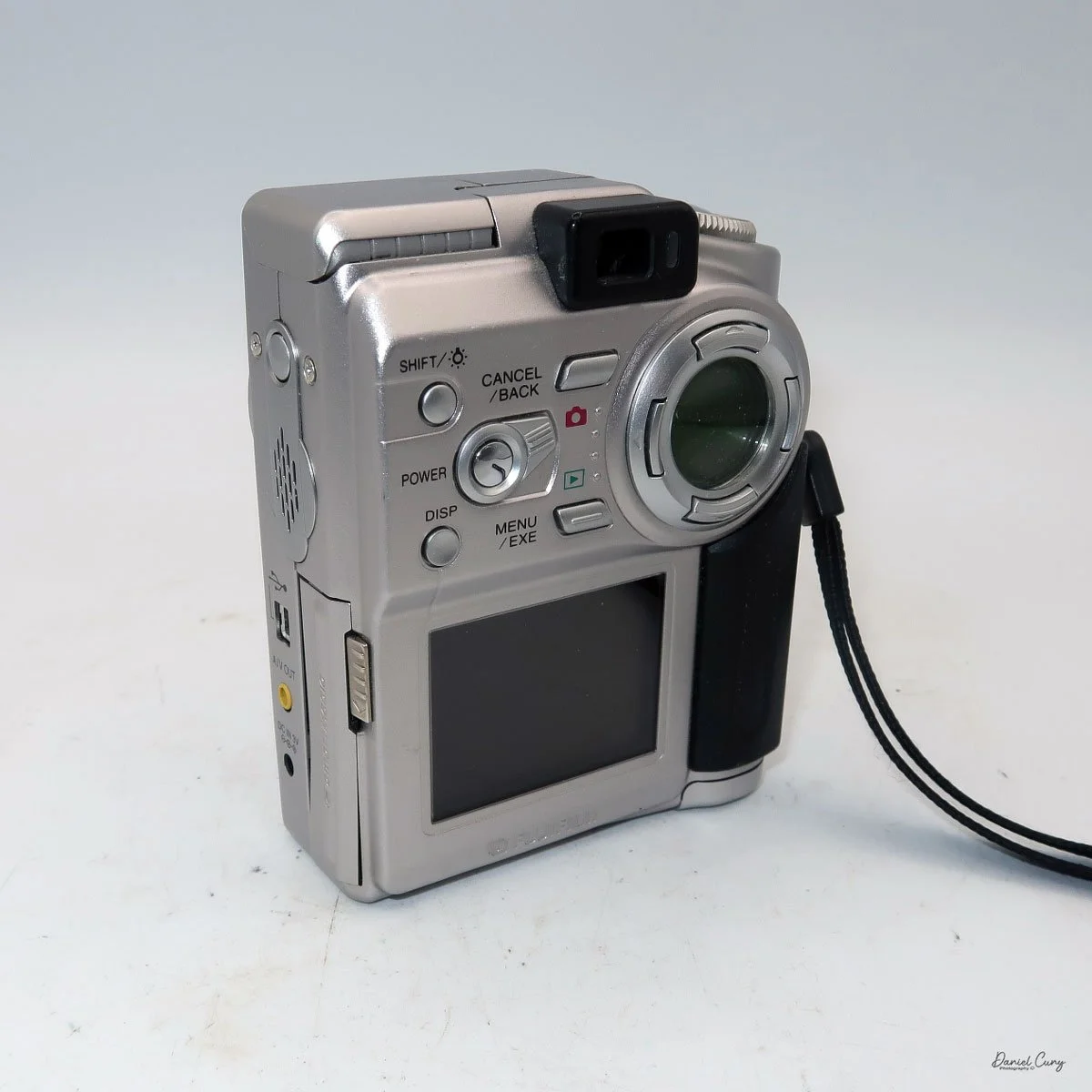
Rear view of Fujifilm FinePix 4700 zoom & Leica Digilux 4.3

 The first camera I'm going to discuss isn't as challenging as some of the cameras I'll be writing about later this month. My difficulties are mainly because I'm still working out some hardware issues with the computer, which I'll discuss in my write-up about the cameras. 

 All of the cameras are in good working condition. Aside from their specific camera menus, which are very basic compared to what we have now, the computer issues have been considerably more challenging and, at times, very frustrating, especially when finding a computer from that timeframe that functions. Still, I'll discuss that when the camera comes into play.

 It is also interesting that Fujifilm makes cameras for other brands. The two most well-known camera companies, Hasselblad and Leica, have had cameras made for them by Fujifilm. The Hasselblad XPan was produced in partnership with Fujifilm. Also, their "H" series lenses and viewfinder were developed with Fujifilm's involvement. 

 As you can see in the photos of the cameras above, the Fujifilm FinePix 4700 zoom is rebranded as the Leica Digilux 4.3. This was the third camera that Leica rebranded. The first was the original Digilux, Digilux Zoom, and  Digilux 4.3

The Company:

 Fujifilm's history in Japan mirrors the country's own journey through modernization, war, recovery, and technological reinvention. The company was founded in 1934 as Fuji Photo Film Co., Ltd., established by the Japanese government to create a domestic photographic film industry and reduce reliance on imports, particularly from Germany and the United States. Its first factory opened in Minami-Ashigara, near Mount Fuji, which inspired the company's name and enduring brand identity.

 In its early years, Fujifilm focused on mastering the complex chemistry of photographic film, producing black-and-white film, photographic paper, and motion picture film. During World War II, like many Japanese industrial firms, it was drawn into wartime production, supplying optical and imaging materials for military use. The war left Japan's economy devastated, but Fujifilm survived and quickly pivoted back to civilian products during the postwar recovery.

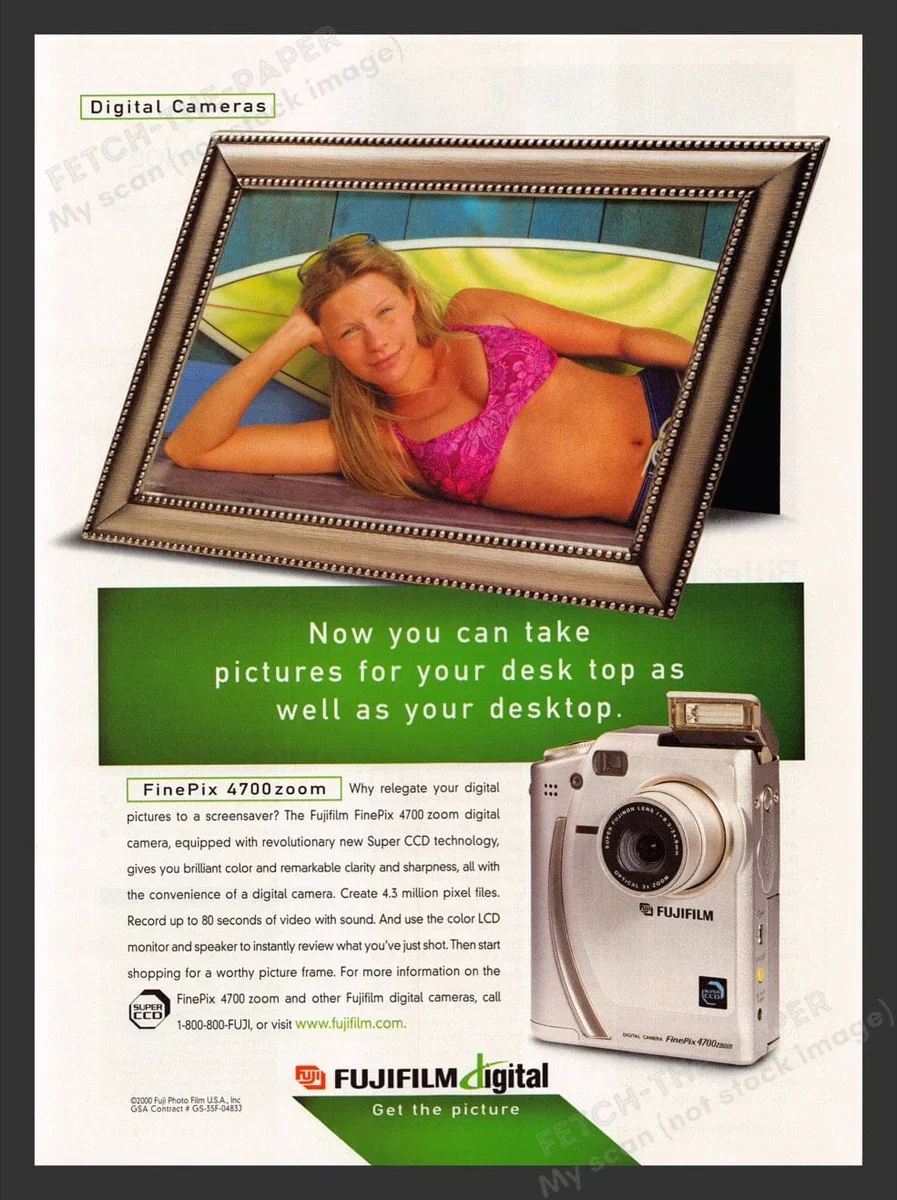
Fujifilm FinePix 4700 zoom advertisment

 The 1950s and 1960s marked a period of rapid growth. As Japan rebuilt and consumer culture expanded, photography became increasingly popular. Fujifilm introduced color film to the domestic market and steadily improved its quality, competing both domestically and internationally with companies such as Kodak. At the same time, the firm diversified into related fields, including magnetic tape, optical lenses, and X-ray film, laying the groundwork for its future resilience.

 During Japan's high-growth era of the 1970s and 1980s, Fujifilm became a global brand. It invested heavily in research and development, embracing advanced chemical engineering and precision manufacturing. These capabilities allowed the company to move beyond consumer photography into medical imaging, printing systems, and industrial materials. Fujifilm's strong export orientation also reflected Japan's emergence as a significant technological power.

 The late 1990s and early 2000s posed an existential challenge: the rapid decline of photographic film amid the rise of digital imaging. While many traditional film companies struggled, Fujifilm undertook one of the most notable corporate transformations in modern Japanese business history. Drawing on its expertise in chemistry and materials science, it diversified aggressively into healthcare, pharmaceuticals, cosmetics, electronic materials, and data storage. The company officially changed its name to Fujifilm Holdings Corporation in 2006 to reflect this broader mission.

 Today, Fujifilm remains a symbol of Japanese adaptability and long-term thinking. While it still honors its photographic heritage, its core businesses now lie in healthcare, imaging, and advanced materials. From its origins near Mount Fuji to its global presence, Fujifilm's history illustrates how a Japanese company can evolve with changing times while preserving technical excellence and cultural identity.

My Camera:

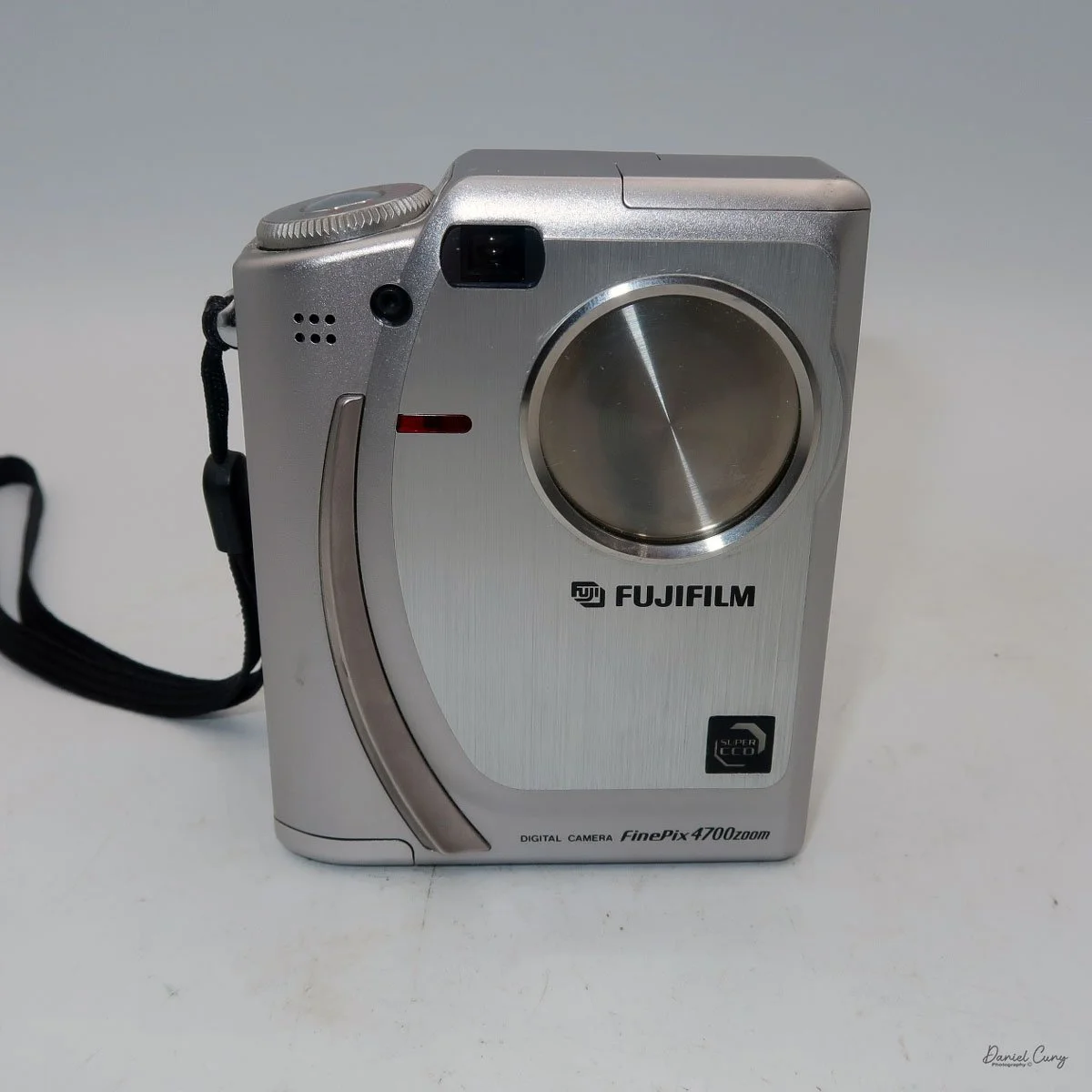
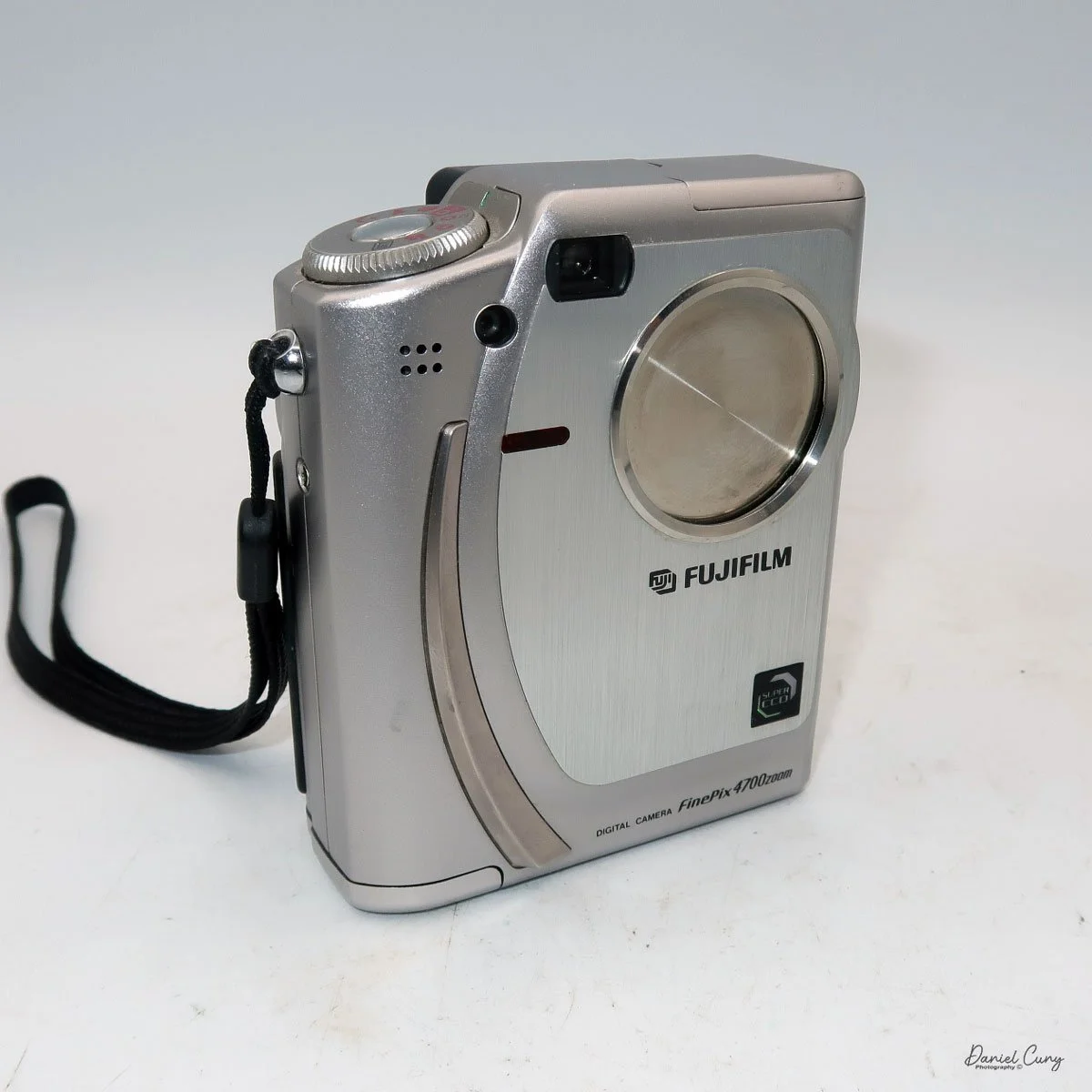
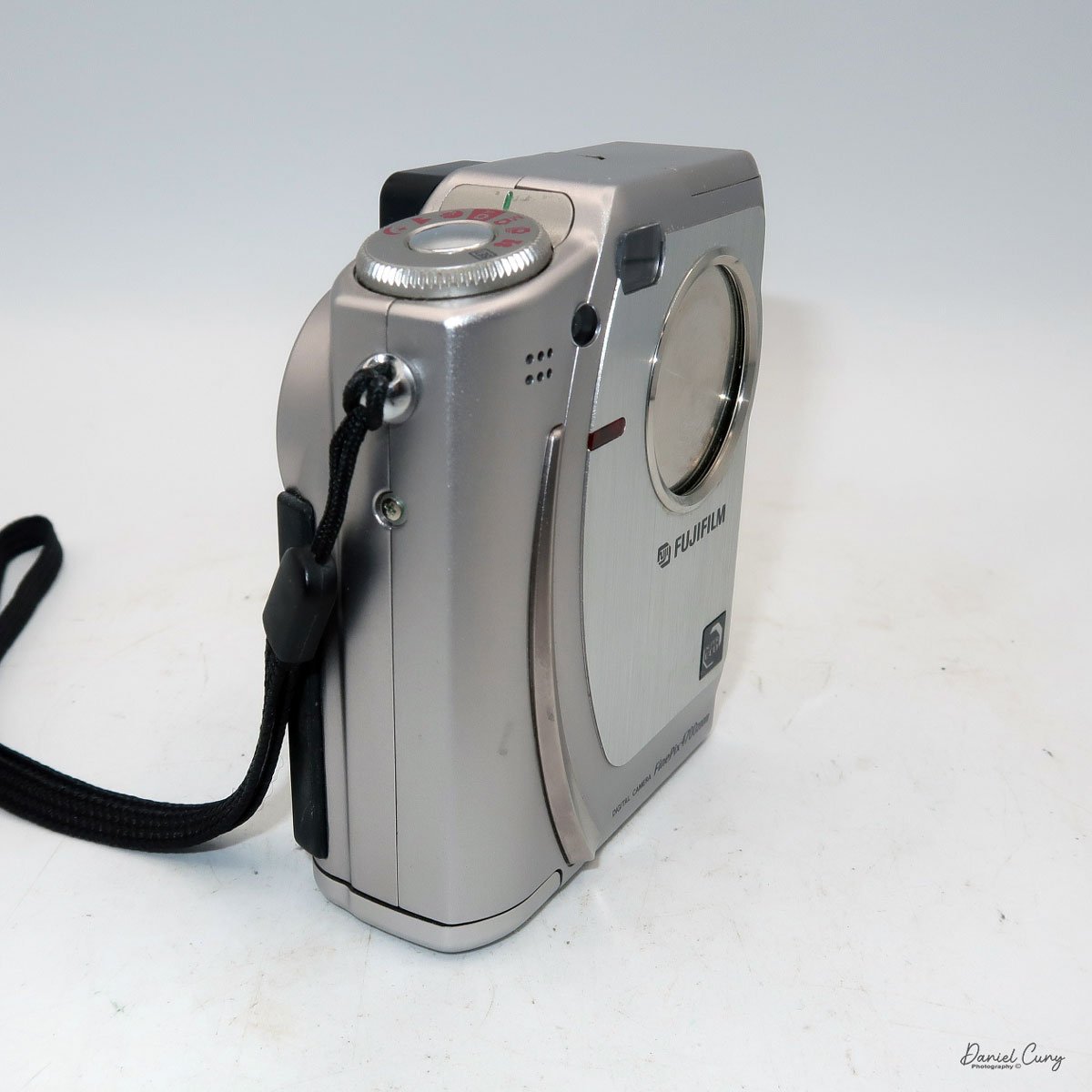
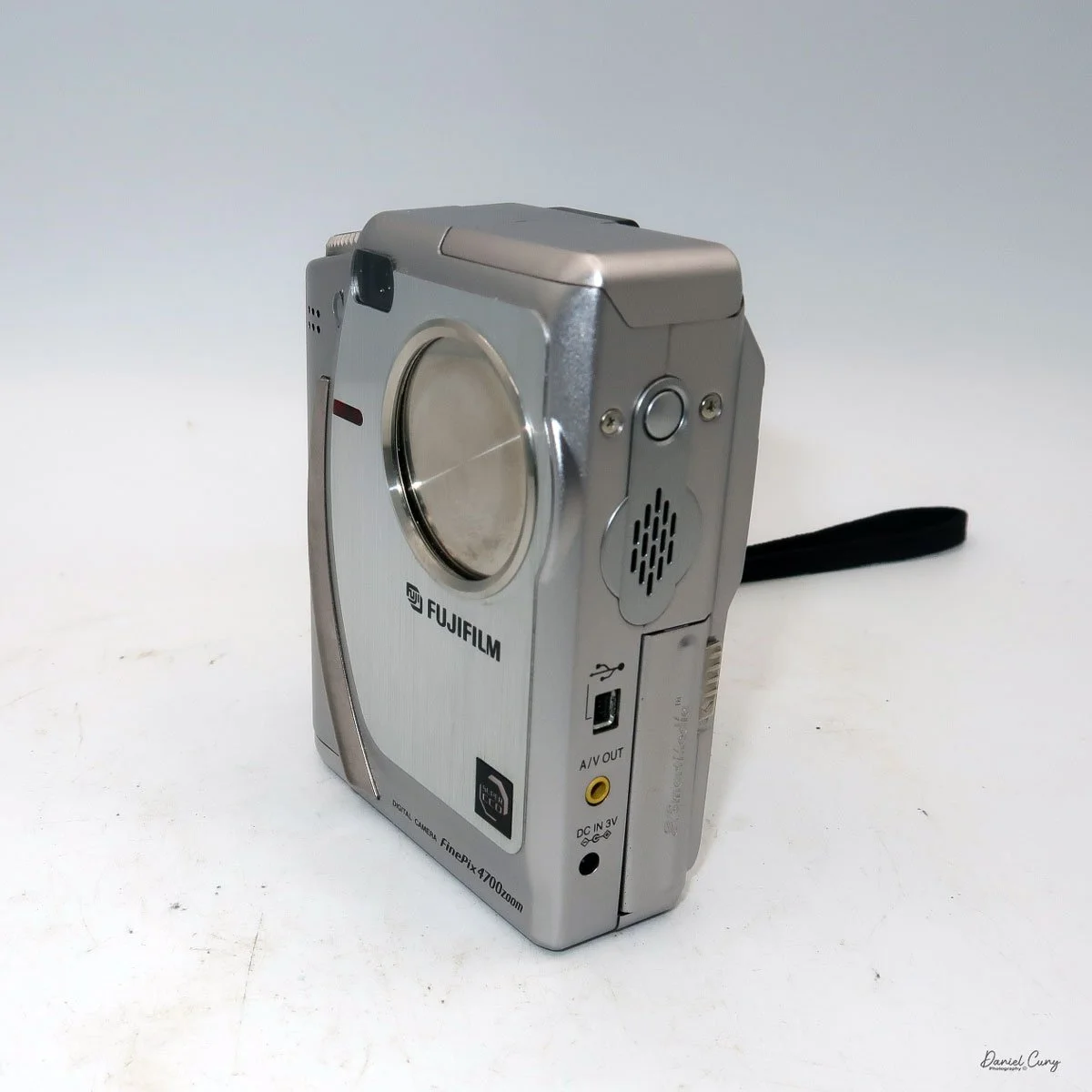
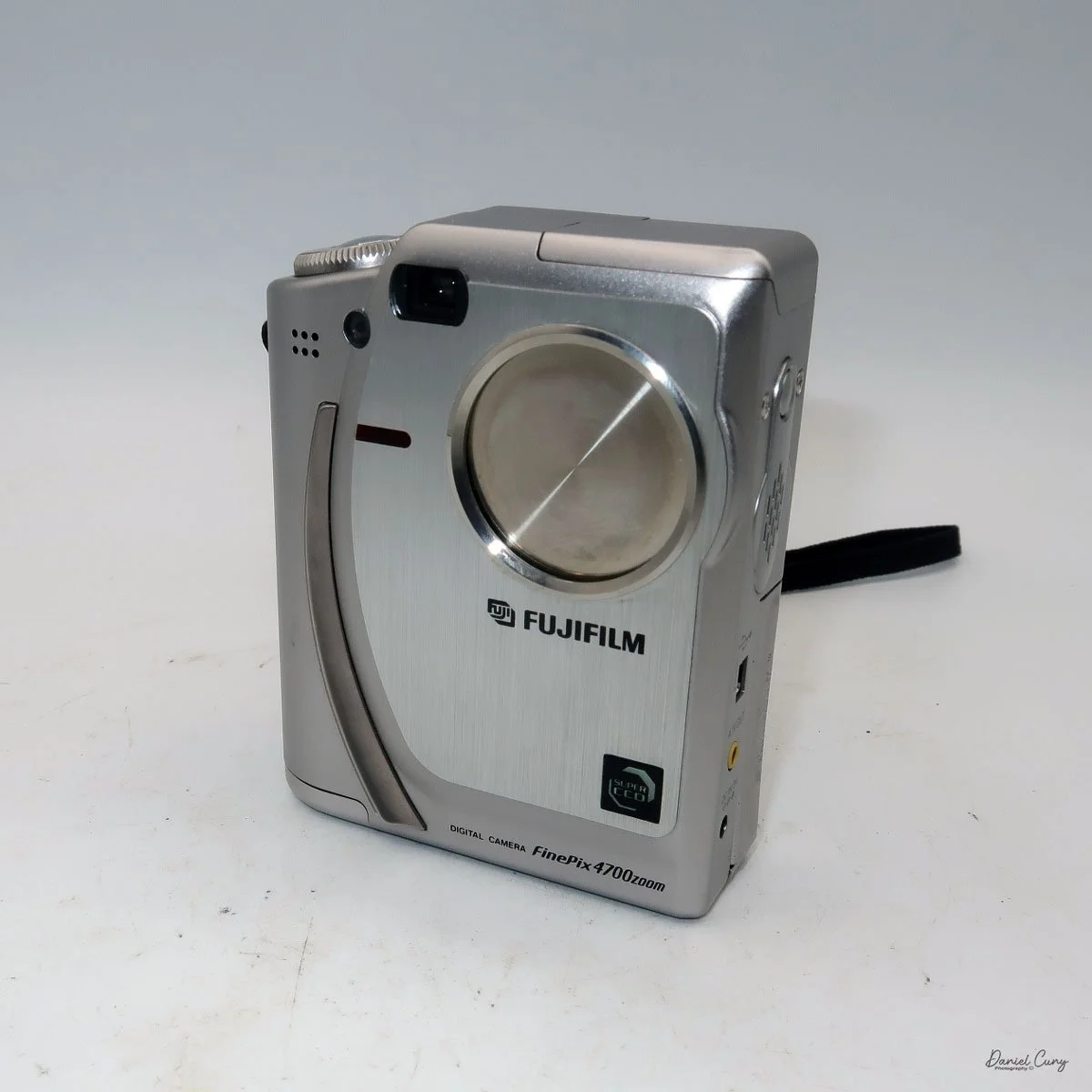
 The Fujifilm FinePix 4700 zoom may be the highest resolution digital camera I'll be writing about this month, coming in at a whopping 2mp, with a 1/1.7" SuperCCD imaging sensor which can produce a maximum resolution of 2400 x 1800-sized JPEGs on a Smart Media Card. The Fujifilm FinePix 4700 zoom has a Super Fujinon 8.3-24.9mm lens with a maximum aperture of f/2.8 to f/4.5. This 3x zoom lens is the 35mm equivalent of a 36-108mm lens.

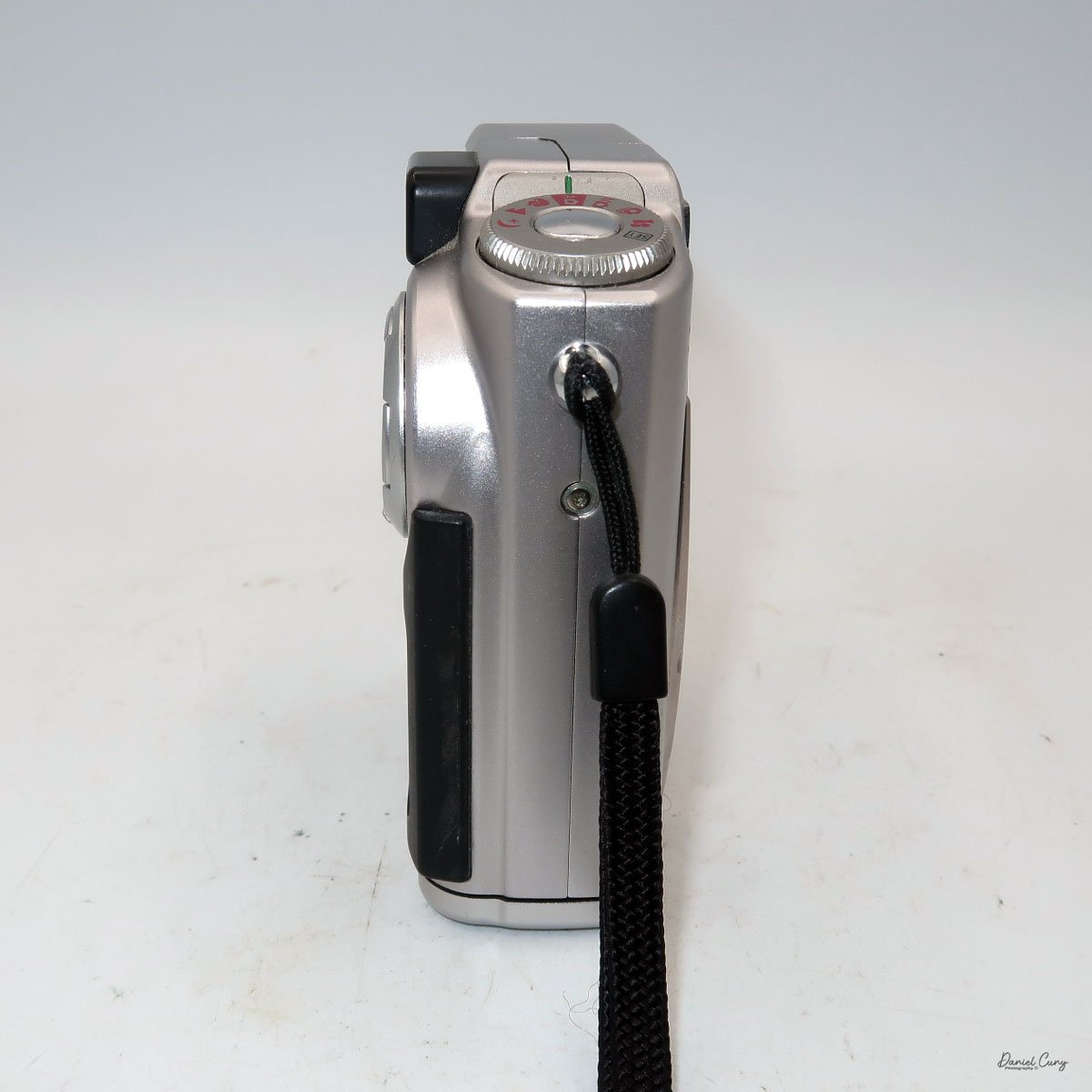
 While the Fujifilm FinePix 4700 zoom is an unconventional vertical-format camera in stature, it is very easy to hold and use. The dimensions of the camera are 4" tall by just a bit over 3" wide by 1.5" thick, and it weighs in at 10.8 ounces with the two "AA" batteries that power the camera.

I don't want to get into the full minutia of everything the camera has to offer and go into each specific button and control, but instead talk about the basic controls of the camera and how I generally use this style of camera, which is similar to probably 95% of the intended users. If you want to look at specifics and know what each button does, you can go online and find a copy of the Fujifilm FinePix 4700 instruction manual.

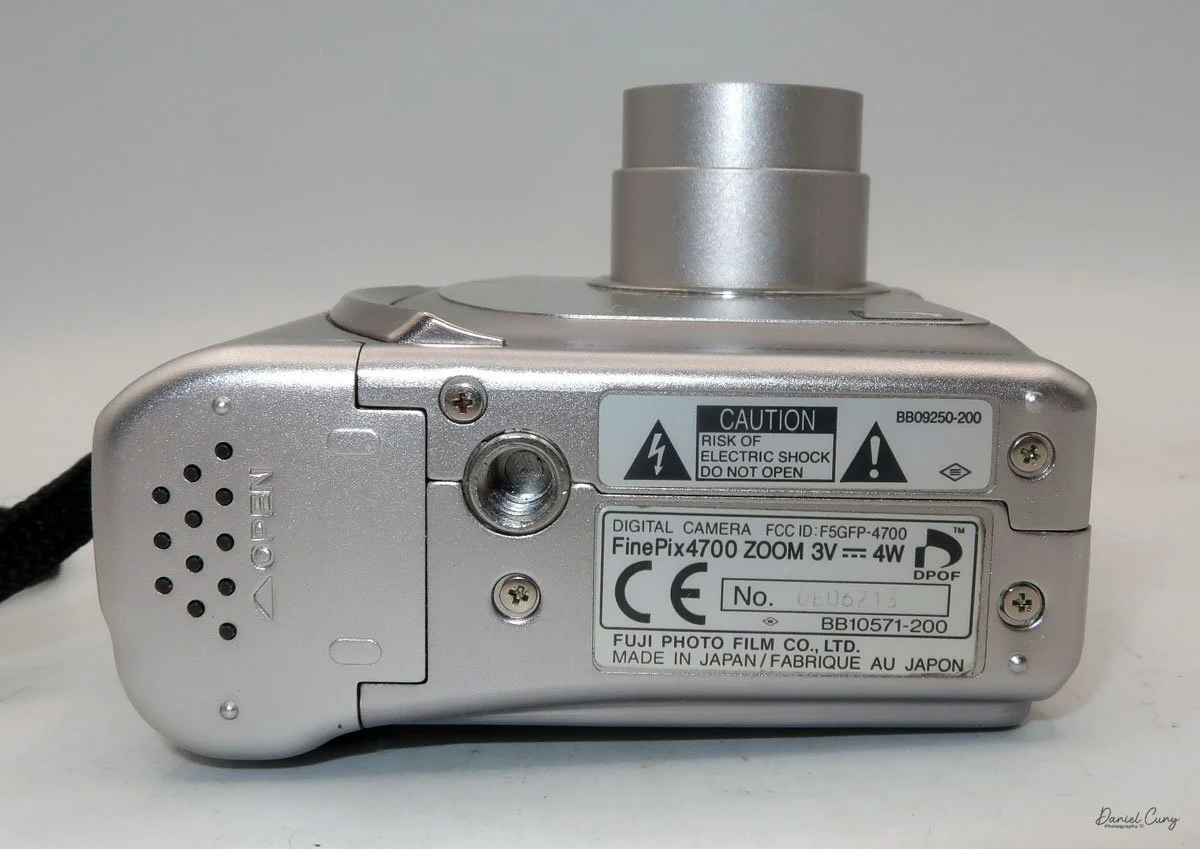
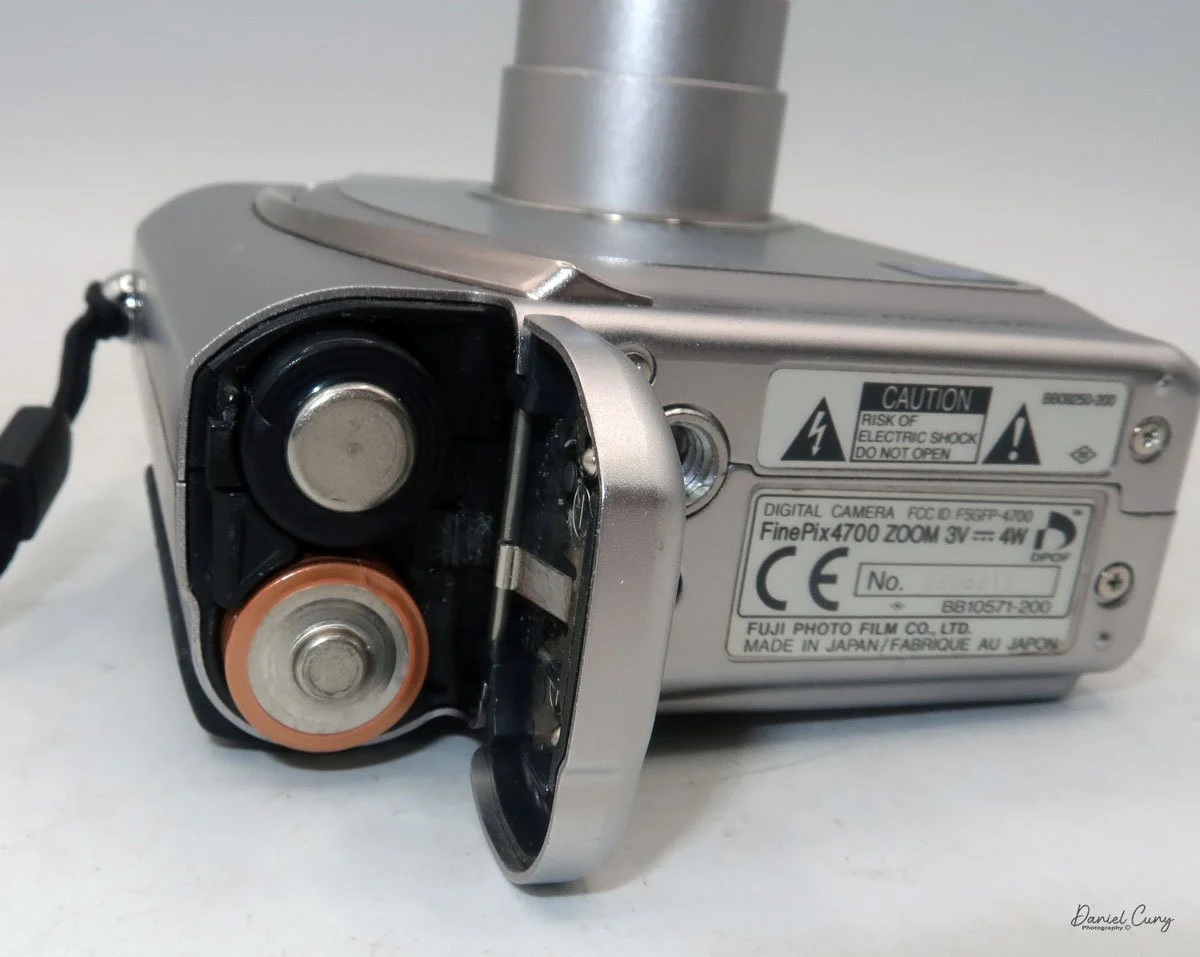
 Let's start at the beginning. To put in the 2 "AA" batteries, on the bottom of the camera is the battery door. Slide the cover outward, and the door will swing open. Insert the 2 "AA" batteries as shown on the battery lid, then close the lid and slide it back to close the battery door. 

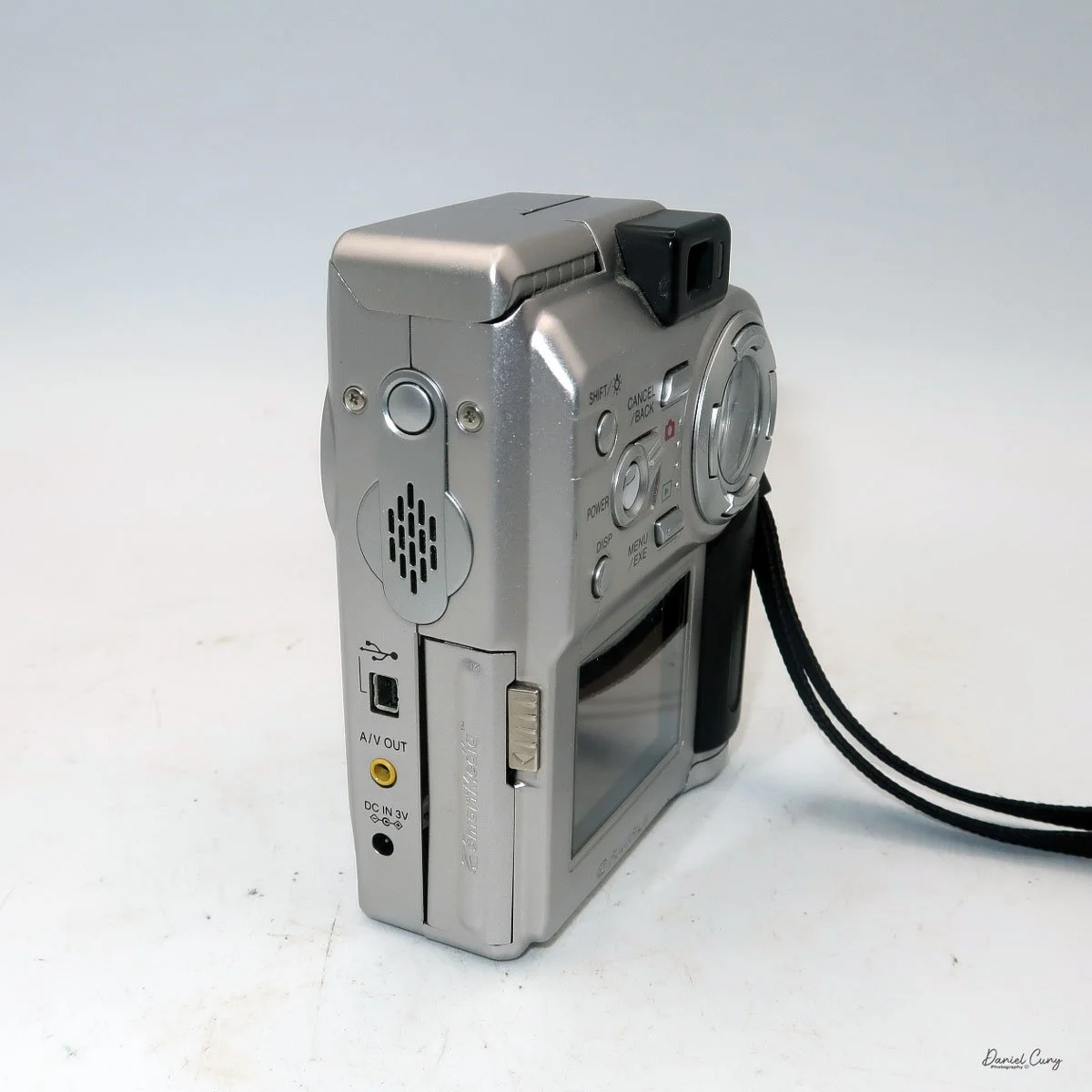
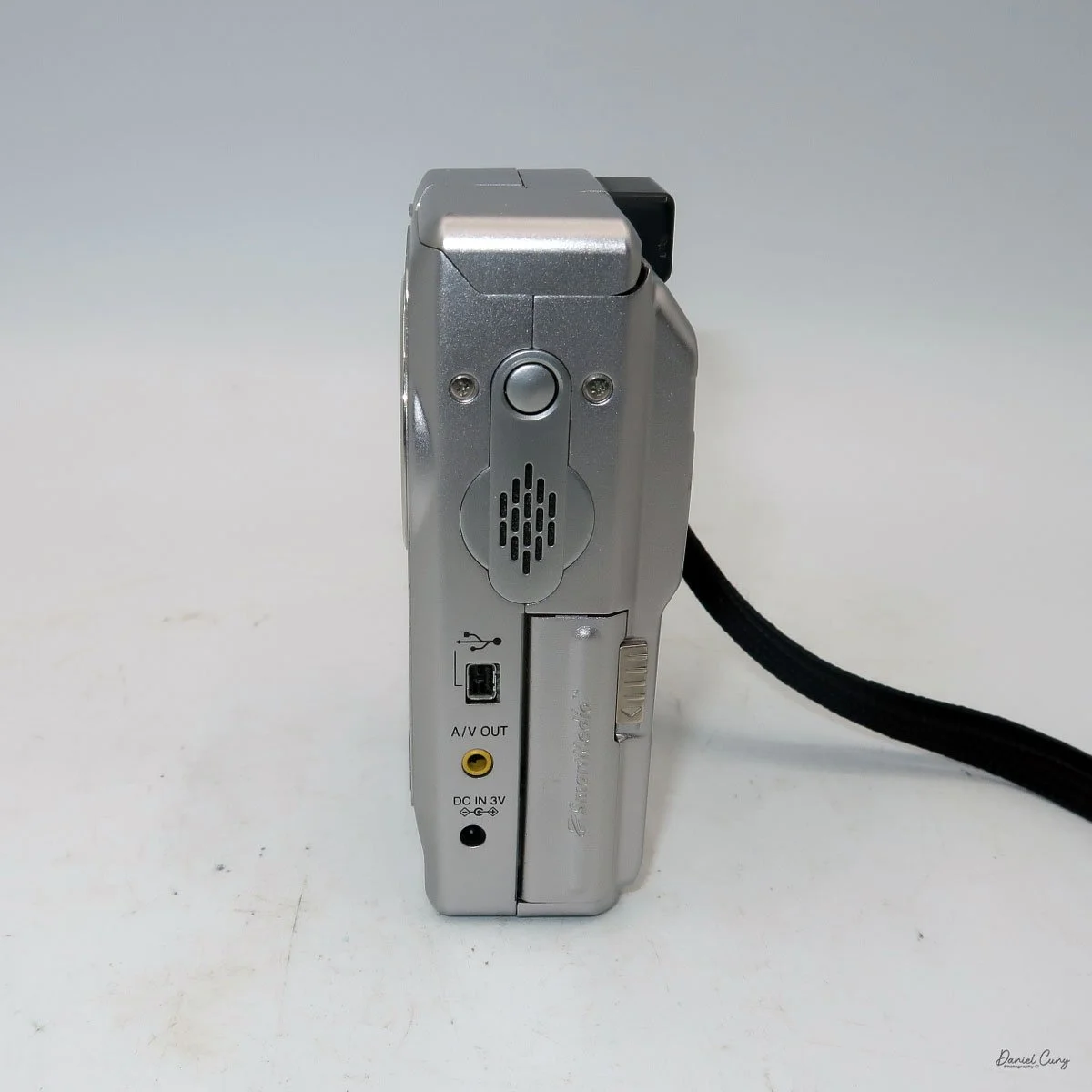
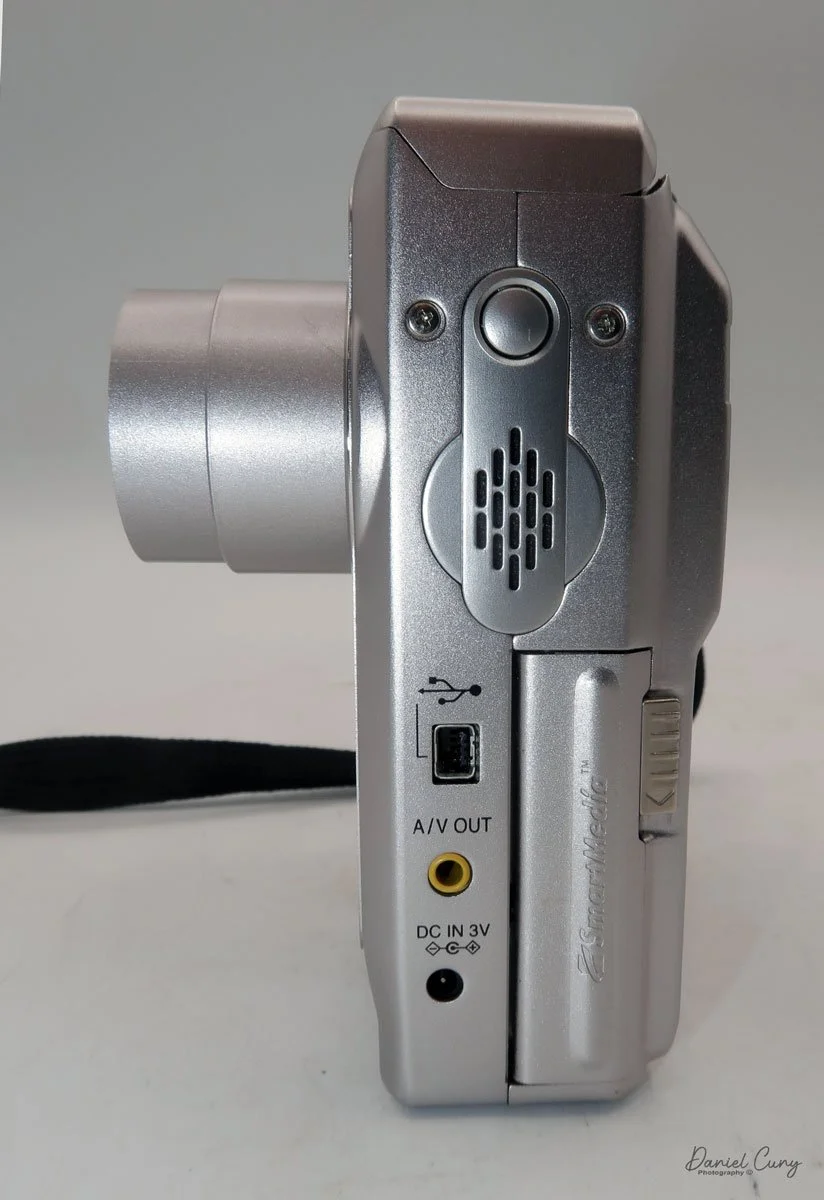
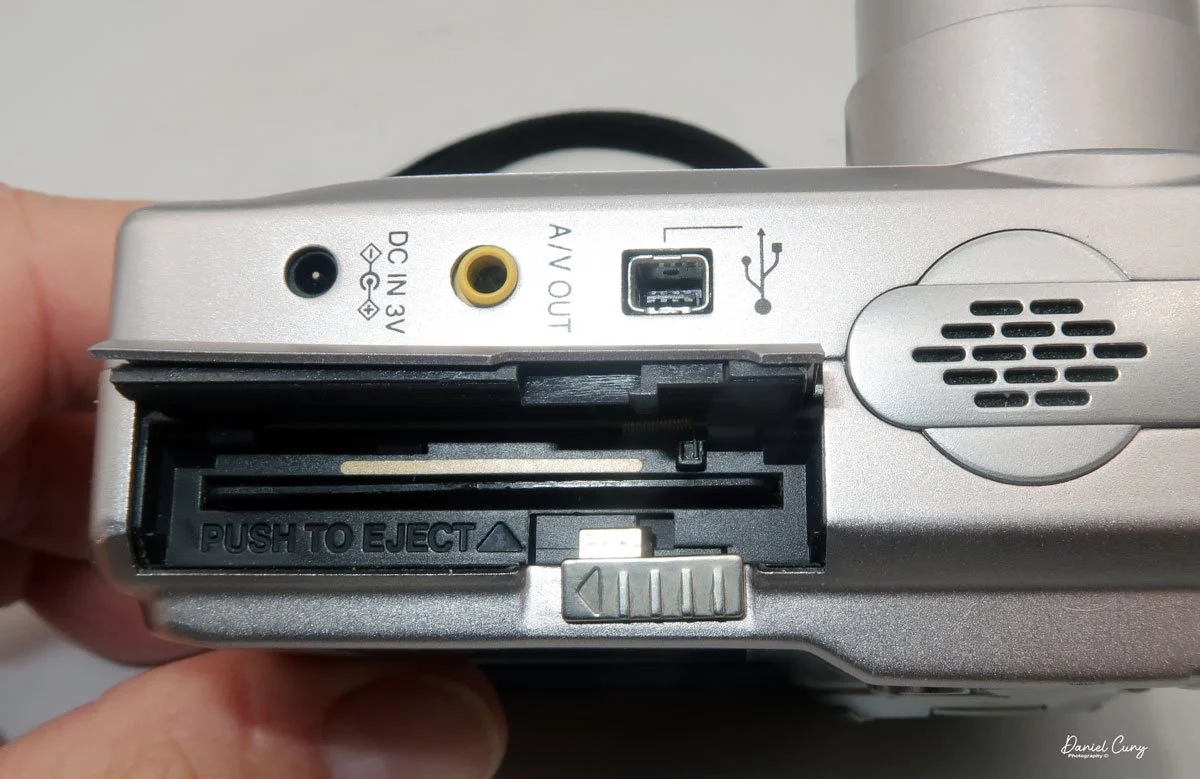
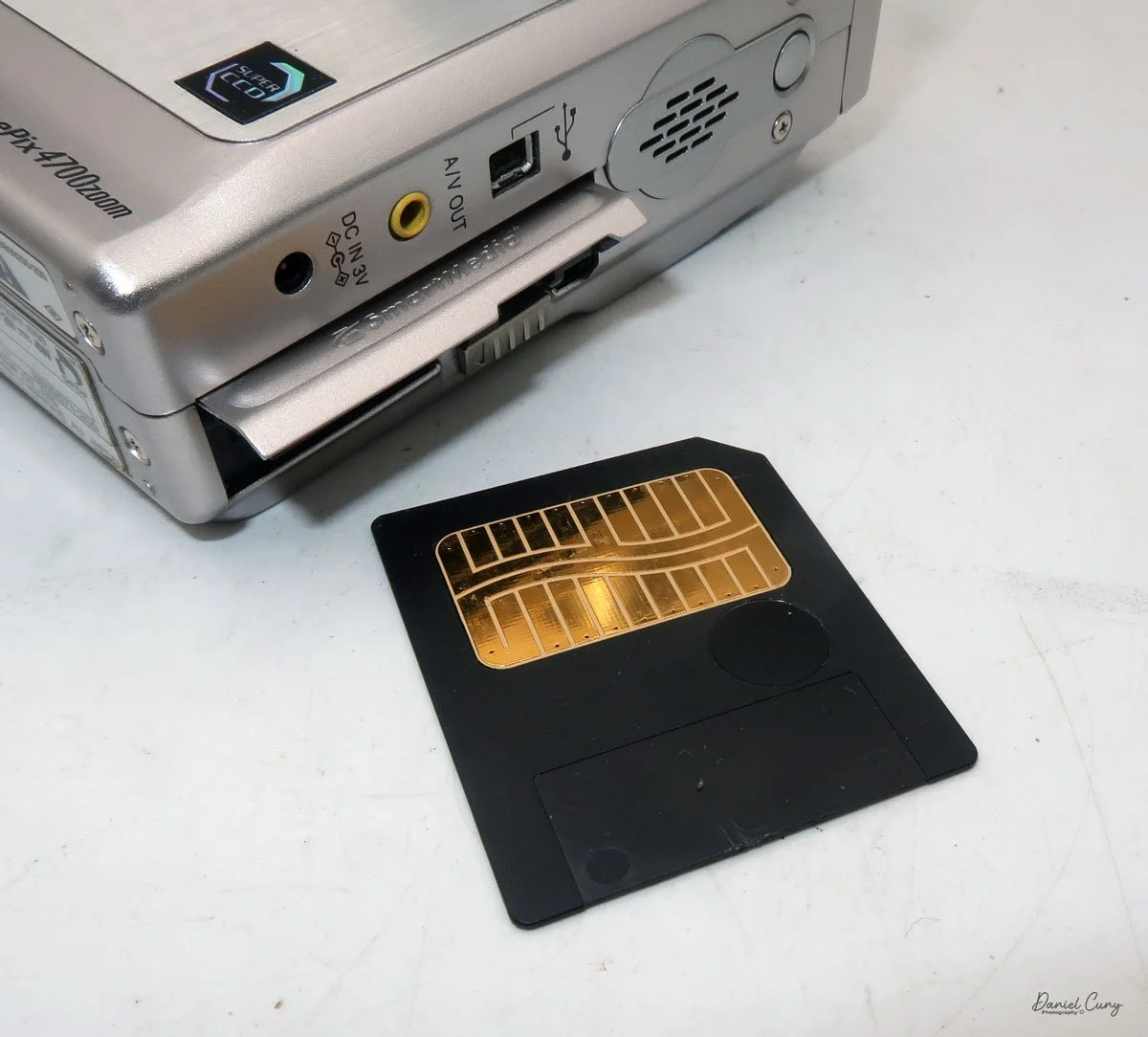
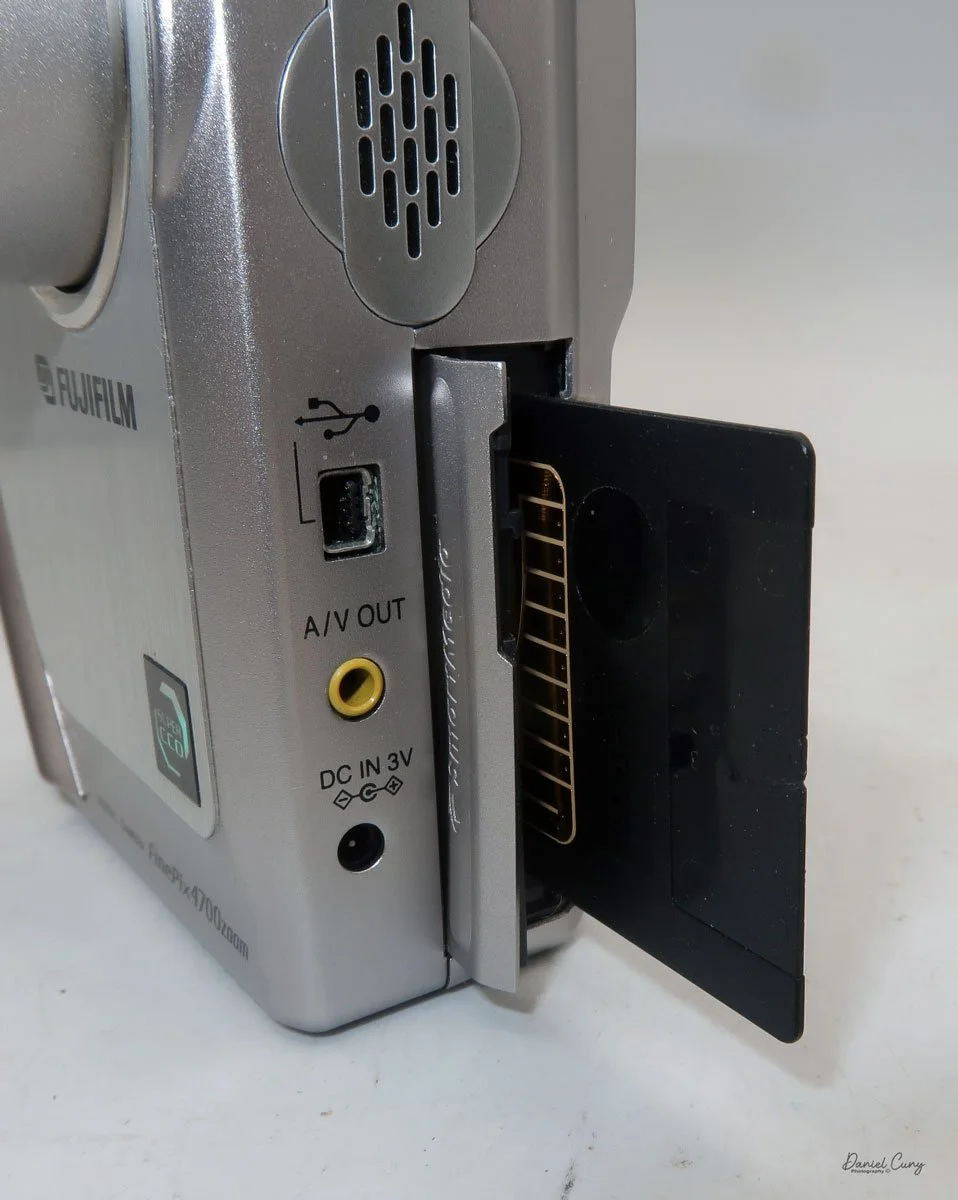
On the left side of the camera is the door where you put in the Smart Media card. Flip the small button downwards to open the memory card door. Insert the memory card so the brass portion faces the front of the camera, and press it in all the way until it stays in the camera. To release the memory card, push it in a bit, as it's spring-loaded, and it will pop out, so you can grab it and pull it out of the camera. Once the memory card is inserted in the camera, you can close the memory card door.

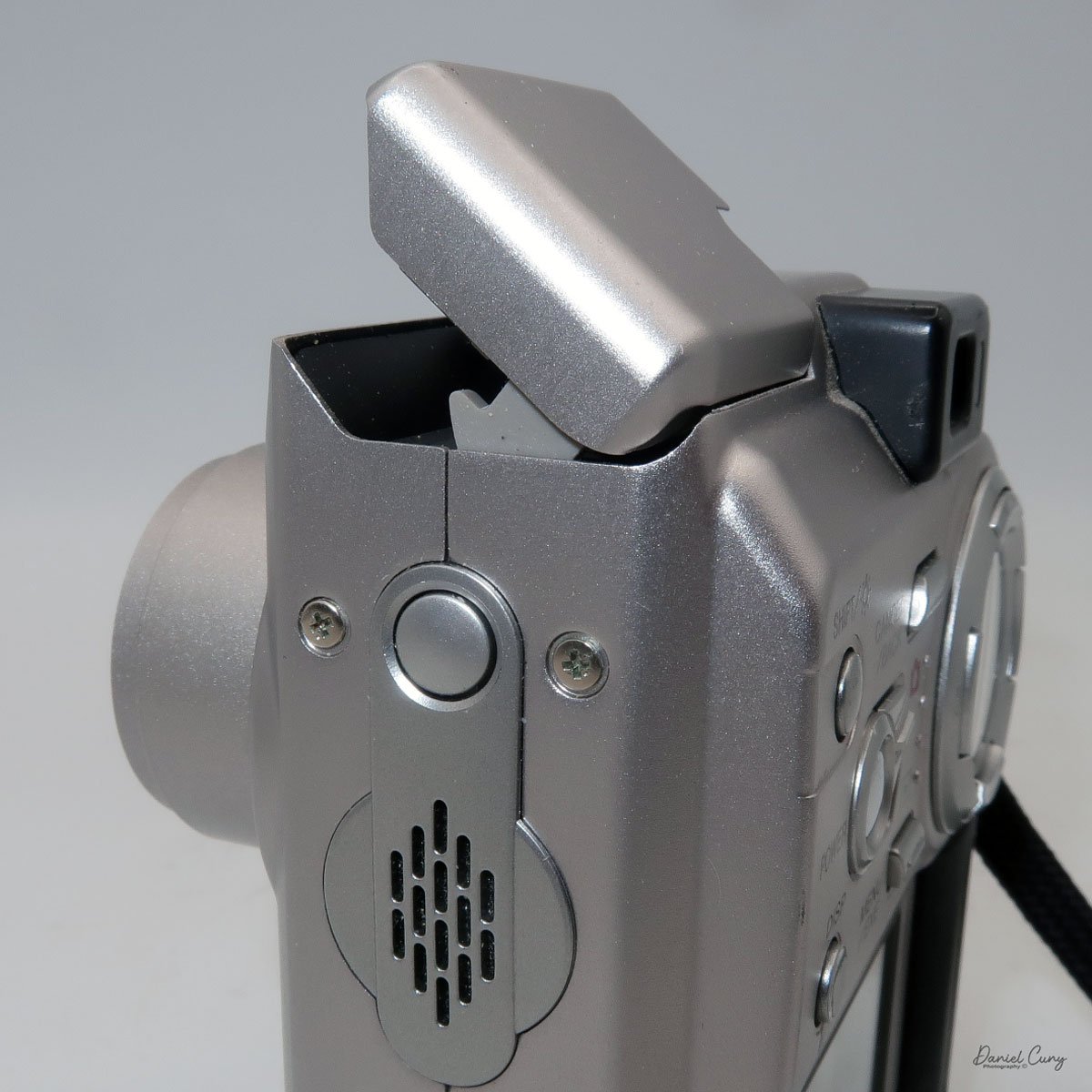
 Above the memory card door is a small speaker; above that is a small button to turn on the flash, which will pop up after the button is pressed. Also on the left side are ports for a charging device, A/V out, and a USB port.

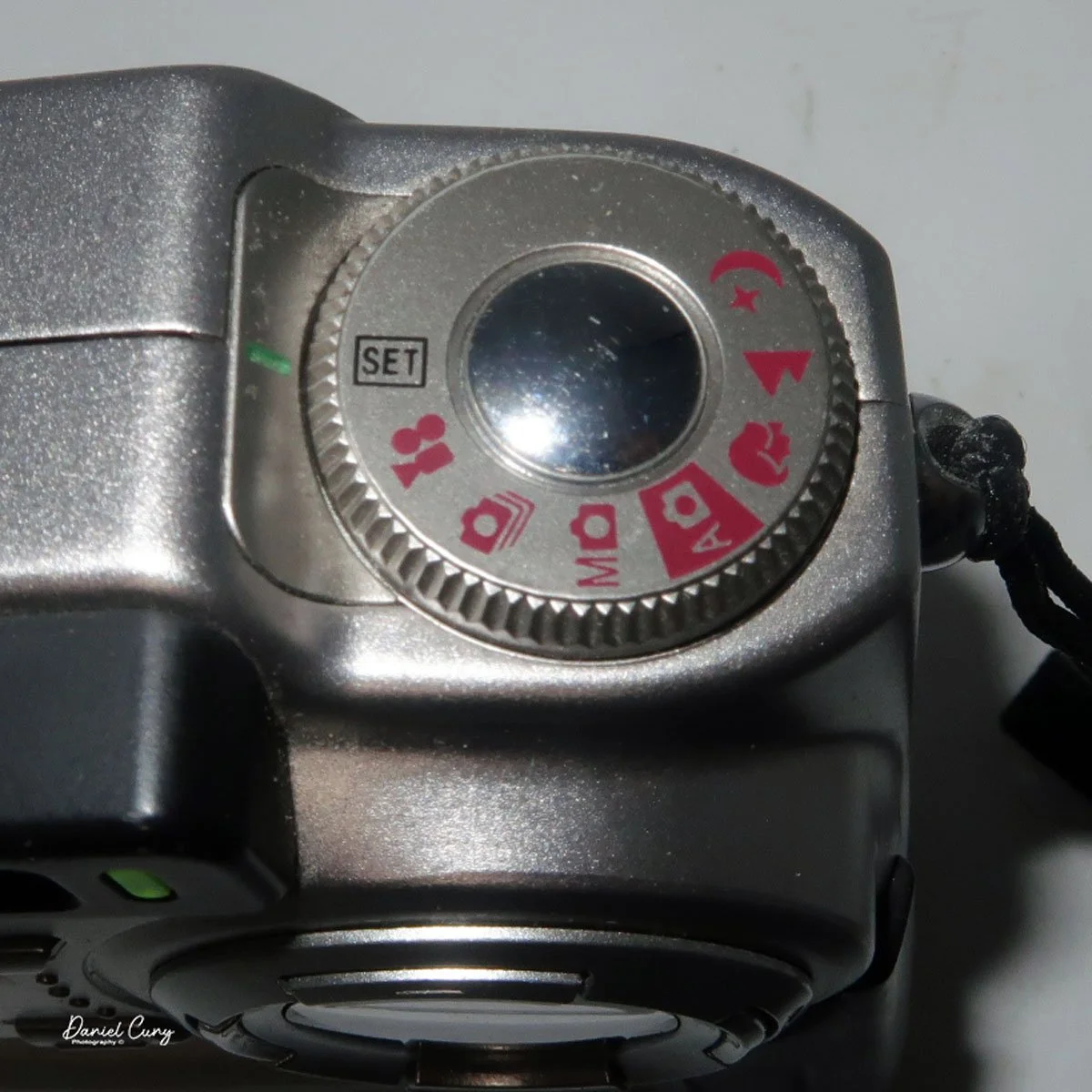
Two main areas control the camera: the selector on top of the camera, which surrounds the shutter release button, and the back of the camera, which is the main control center.

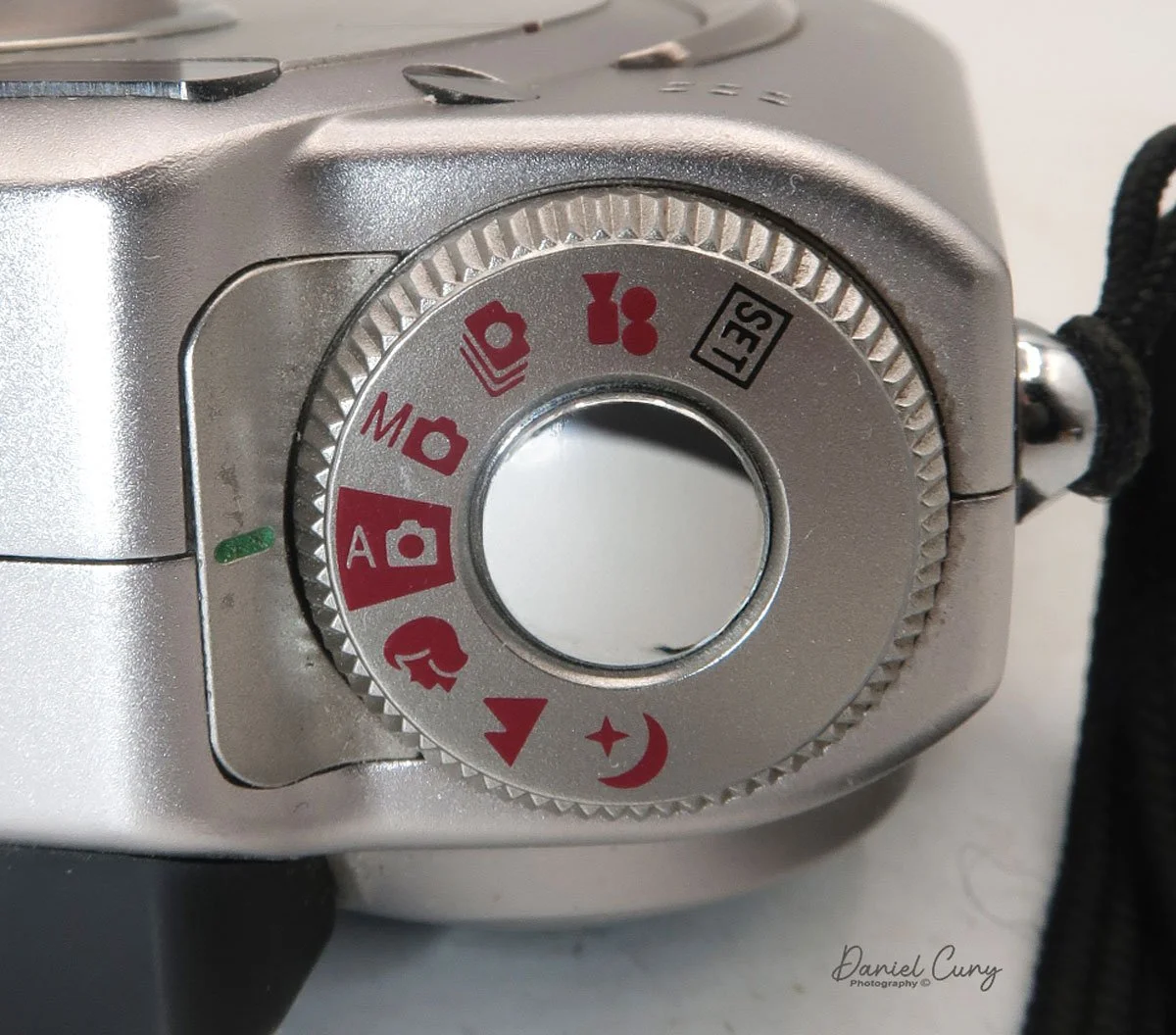
 The top controls the camera's shooting mode. Looking around the dial, from top to bottom, is Set (some of the main camera settings are set here, with controls from the camera's back). The next is Video Mode, then Multi Mode  (continuous shooting), Manual Mode, Auto Mode (the primary setting in red), Portrait Mode, Landscape Mode, and Night Mode. Initially, you'll want to put the camera into "set" mode so you can adjust basic settings.

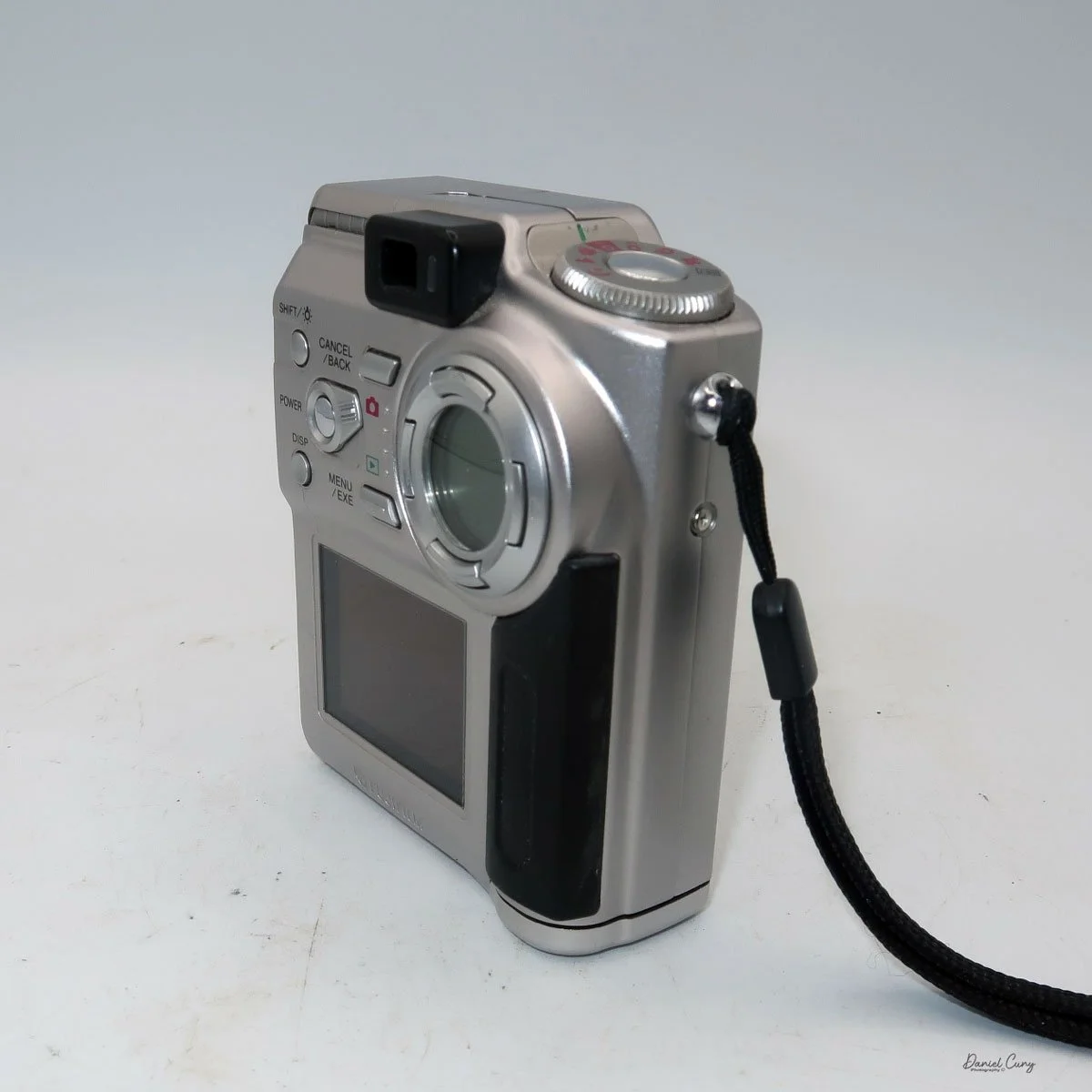
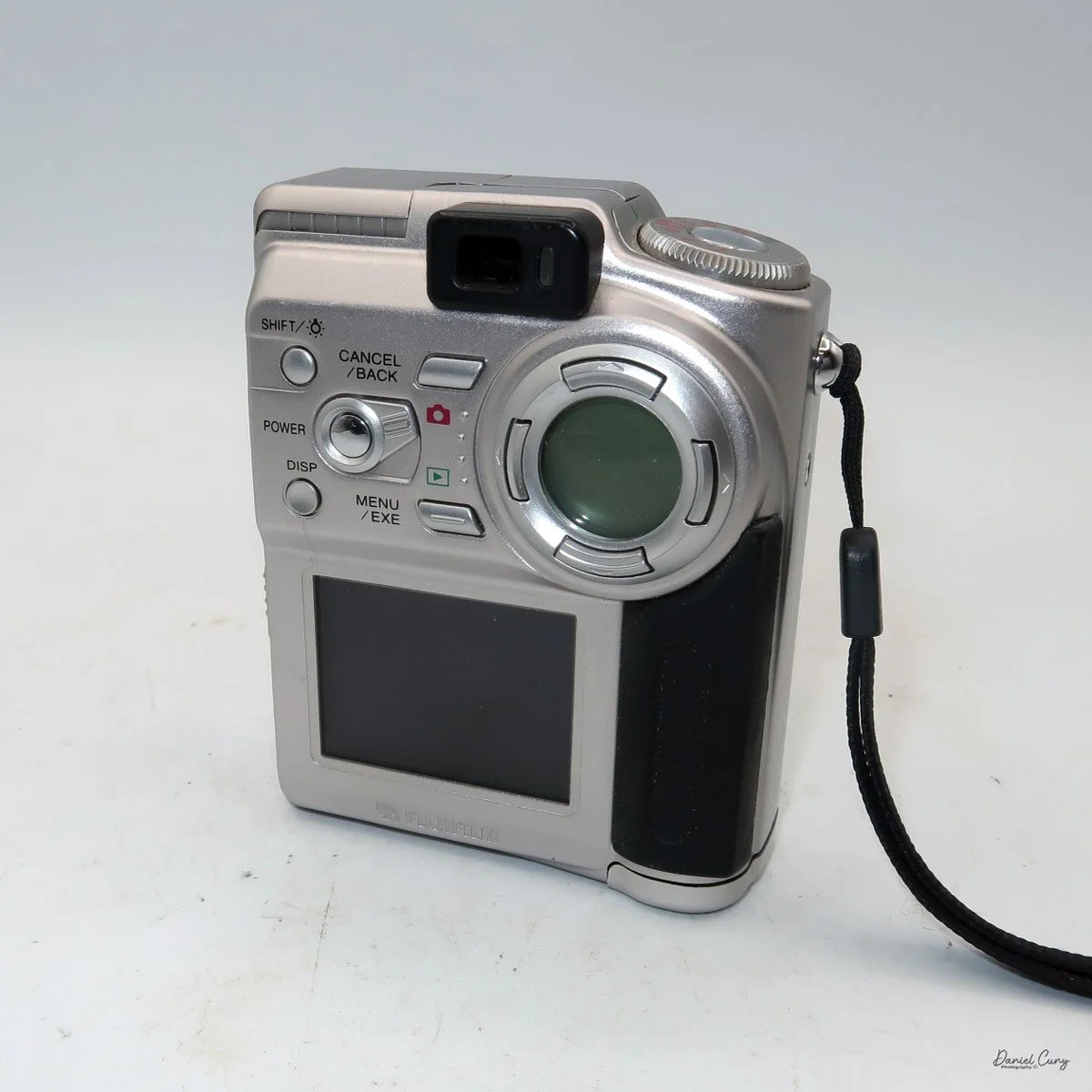
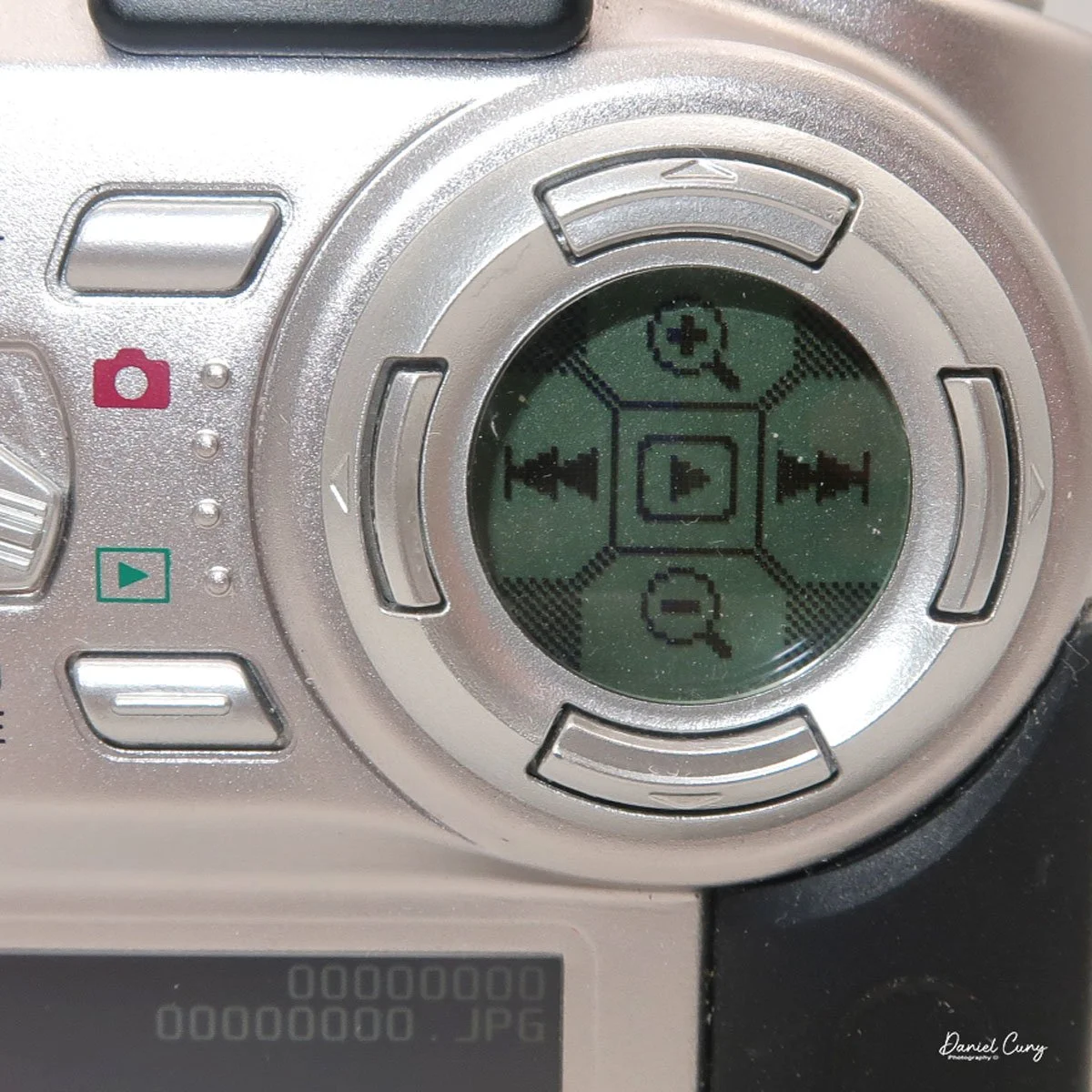
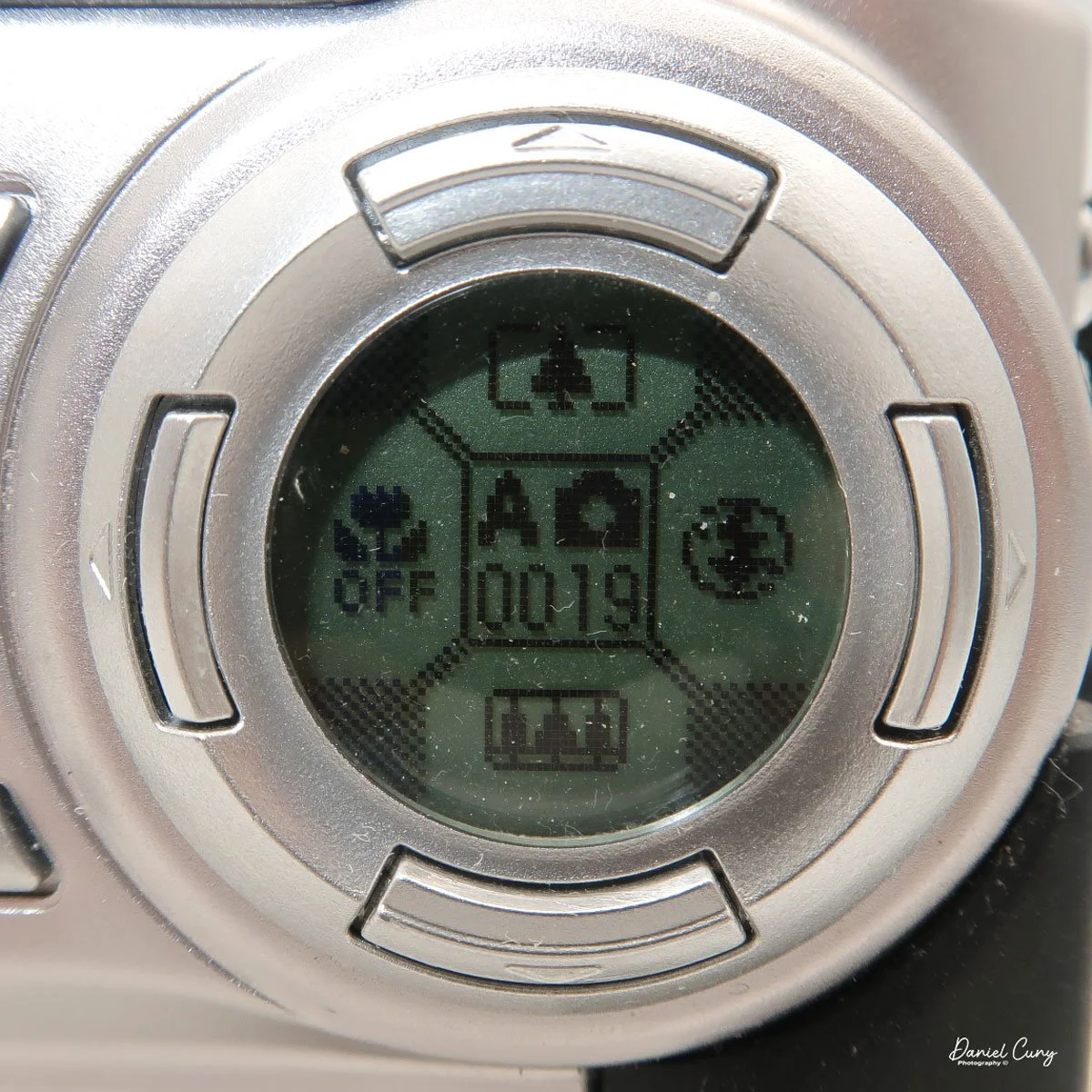
On the back of the camera are many different buttons, along with two separate screens. One circular screen in the upper right of the camera with directional controls that control certain items once the camera is on and the mode is selected. Located on the lower portion of the camera's backside is a larger 2" rectangular screen with a resolution of 130,000 pixels, which is also used in the "set up" process, along with displaying the image after it is taken.

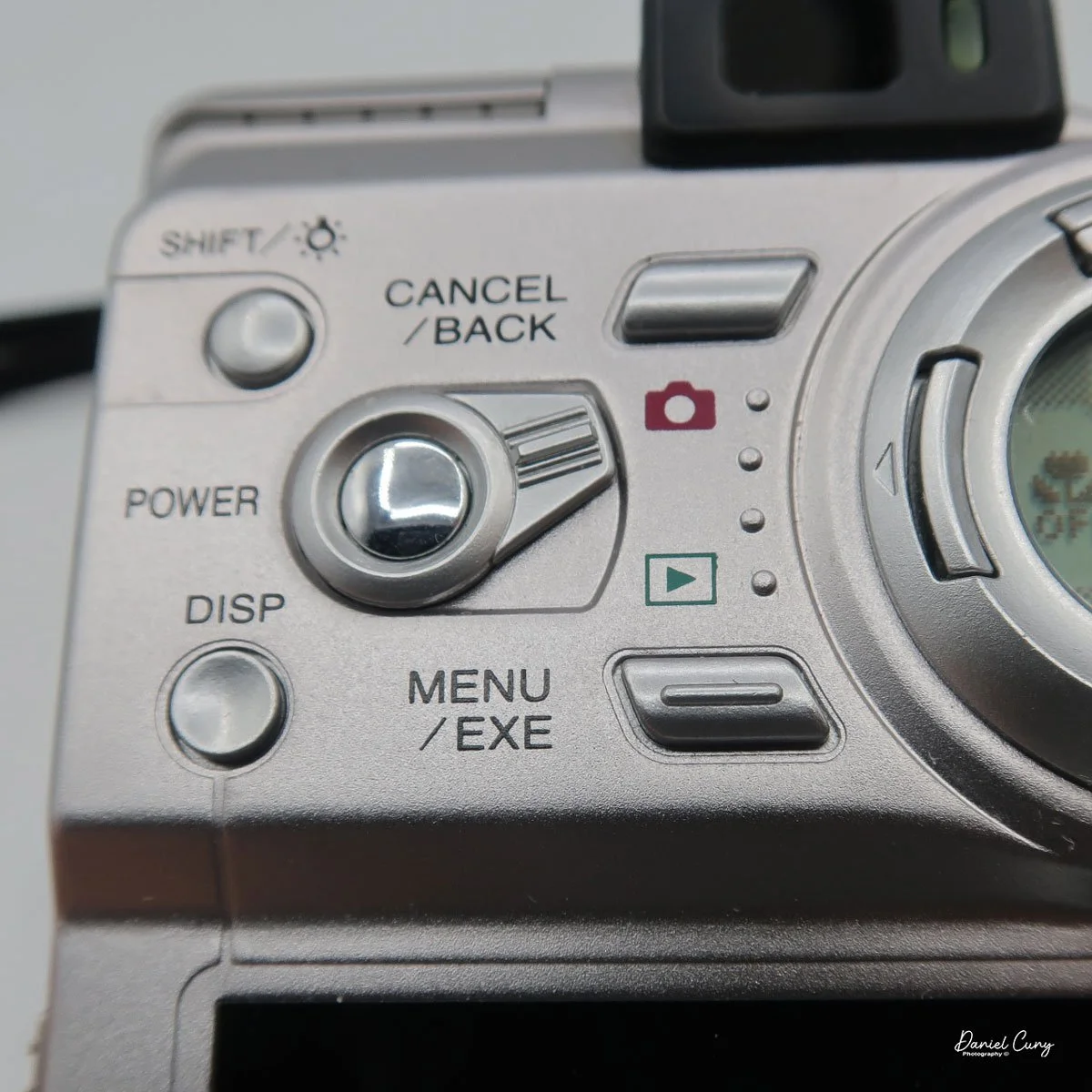
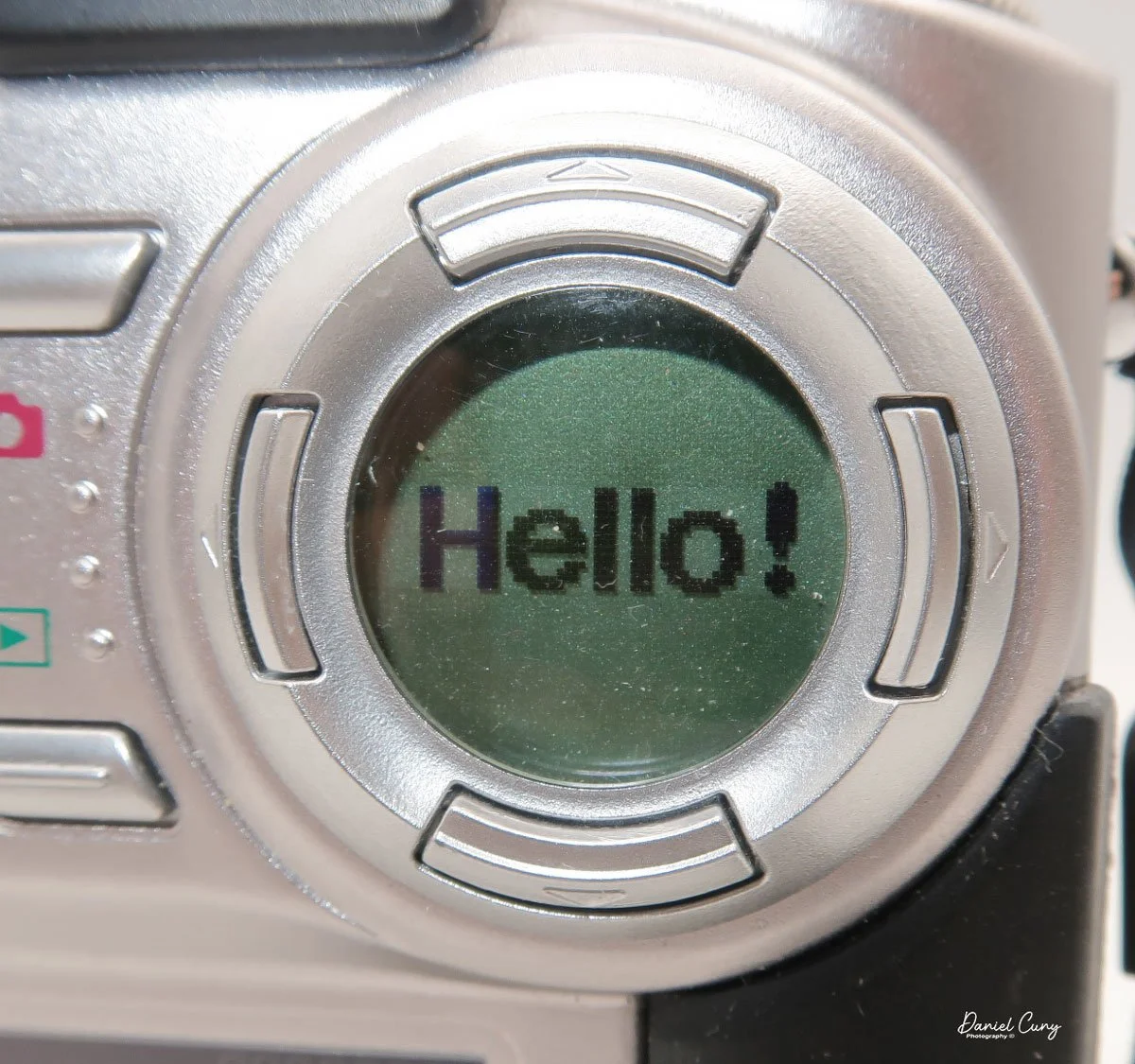
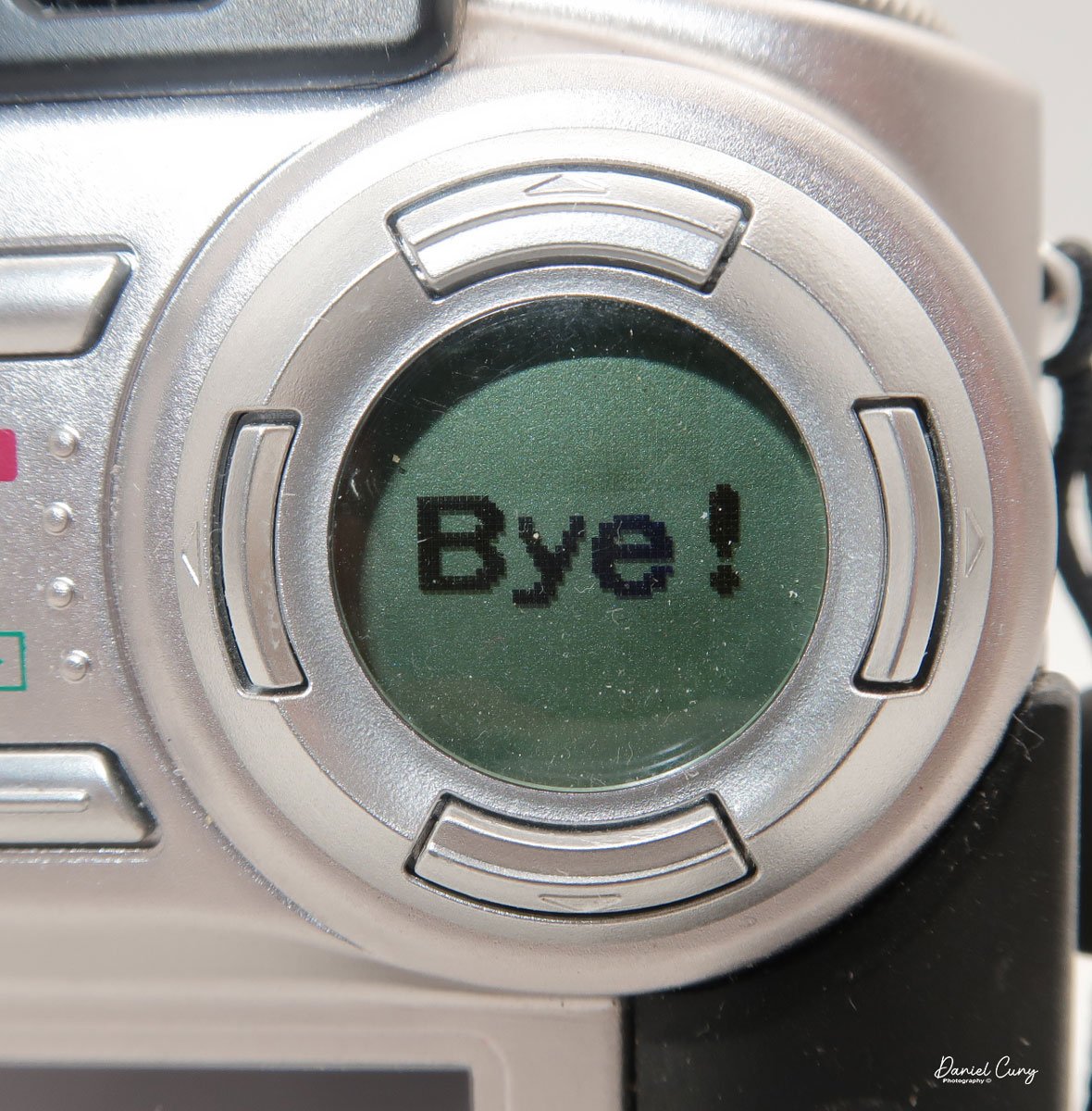
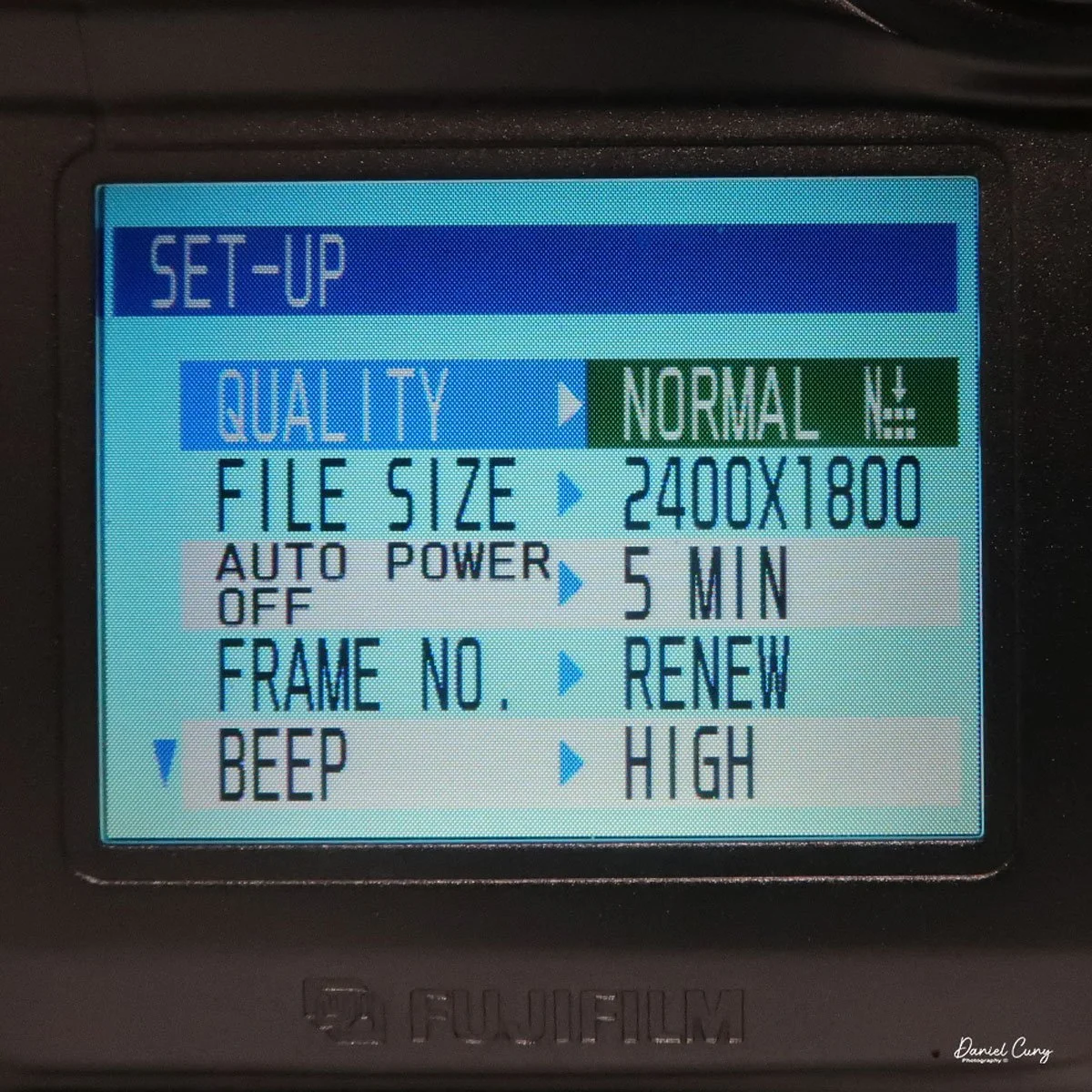
 Above the 2" screen is a series of five buttons along with a sliding pointer to a red camera or an arrow within a box. Making sure the camera is in the "Set" mode on the top wheel, put the slider to the "red camera", and press the power button inside the slider. One of my favorite things about this camera happens at this point. Inside the circular window you'll see "Hello!" illuminated inside the circular window, and the 2" screen is now in the "setup" mode. When you turn off the camera, "Bye" will appear in the window.

Here is where you'll set the image quality to Basic, Normal, or Fine by moving the directional buttons around the circular window. Next is file size, 640x480, 1280x960, or 2400x1800. Within each file size, you can choose to shoot in Basic, Normal, or Fine, giving you file sizes anywhere from 44kb in Basic and in 640x480 resolution, to 1.9mb shooting in 2400x1800 resolution and in Fine.

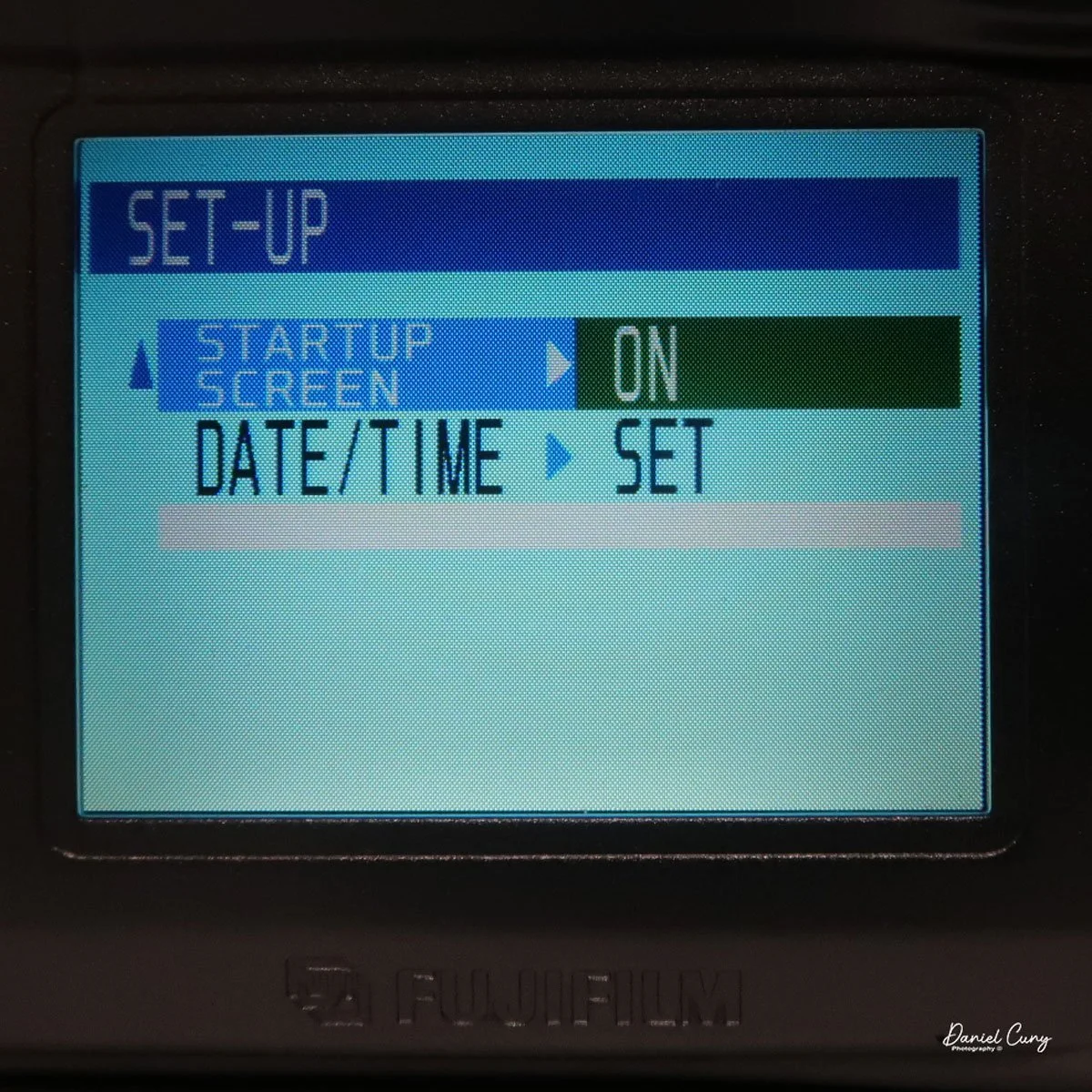
 Next is the "auto-off" setting, which is either 5 or 2 minutes, or No. Then moving down to "Frame No." with either Renew or Cont., then below that is "Beep" which can be High, Low, or Off, onto the second page and to "start up scree" either On or Off, and last on the setup screen is setting the Date. Once you make any of these choices, the button on the back of the camera, which has "Menu/Exe", is the button to press to make the changes desired.

With the camera still in "red camera" mode, when you move the top dial to a specific shooting mode, like Portrait or Auto, the lens door slides over and the lens extends from the camera. Now you're in shooting mode, with the camera actually recording images to the memory card. When you're in the "shooting" mode, you'll see information inside the round directional window with details on the zoom function with the buttons pointing up or down, the macro setting on the left side of the window, and the flash setting on the right, and in the center is what "mode" you're in and the frame count.

 Just above the control buttons on the back of the camera is an optical viewfinder to look through to frame your image. You can also click on the "display" button, which will activate the "live video" feed on the 2" monitor on the back of the camera. Also on the back of the camera is a button for the Menu/Exe functions. This button sets the menu item you want to control. In the upper-left corner is a button labeled Shift and a light bulb. It allows you to light up the round window while also seeing other settings within the camera.

These are the basics for using the camera, since it is a sophisticated little camera. You have the option of manual focus, over/under exposure, flash over/under exposure, focus lock, rear screen brightness, white balance settings, image sharpening, and metering types like spot, average, and multi metering, which is the most common for this camera.  I didn't even touch on the video capabilities of this camera, which were relatively plentiful for a small digital camera from this era.


My Results:

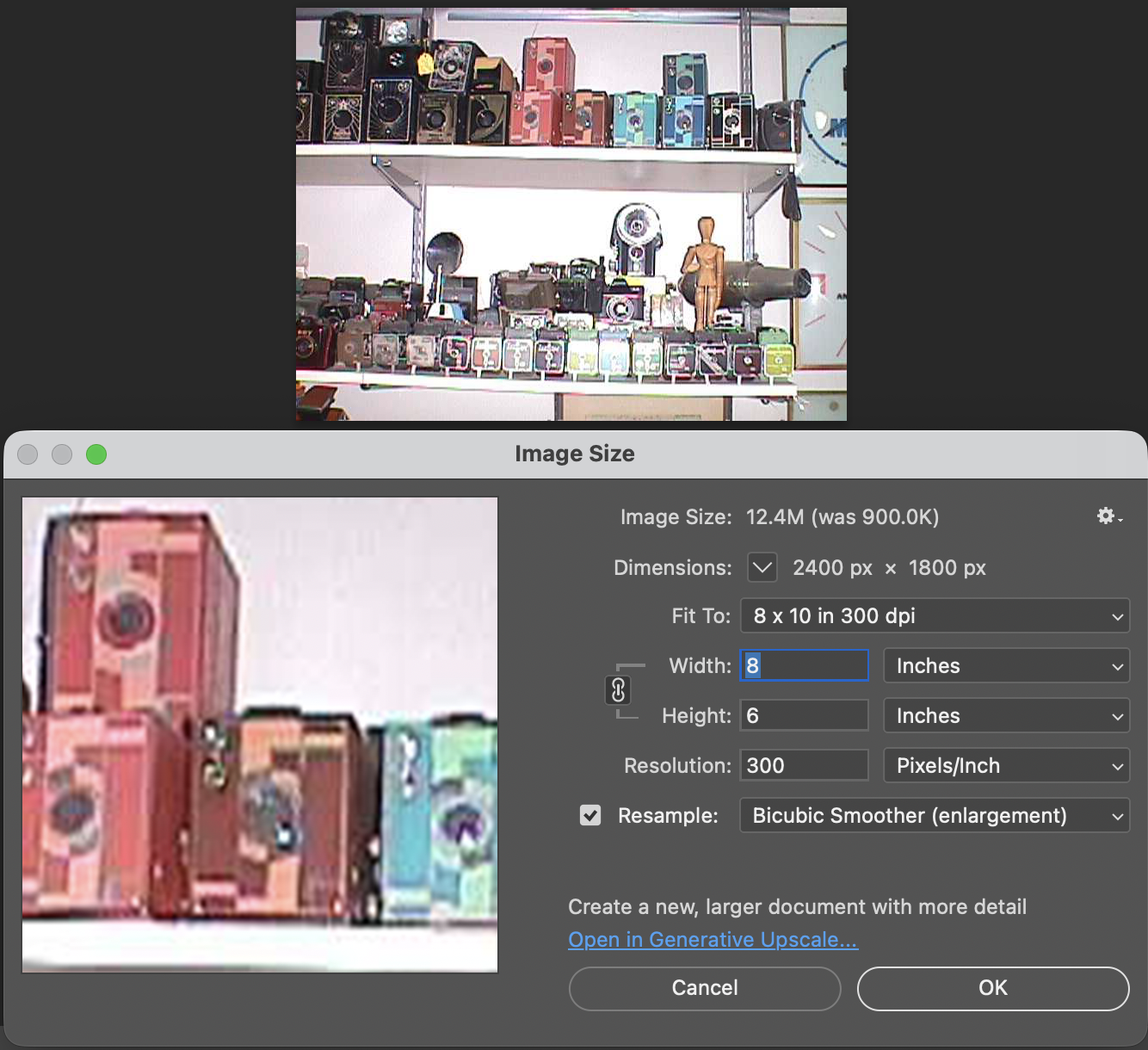
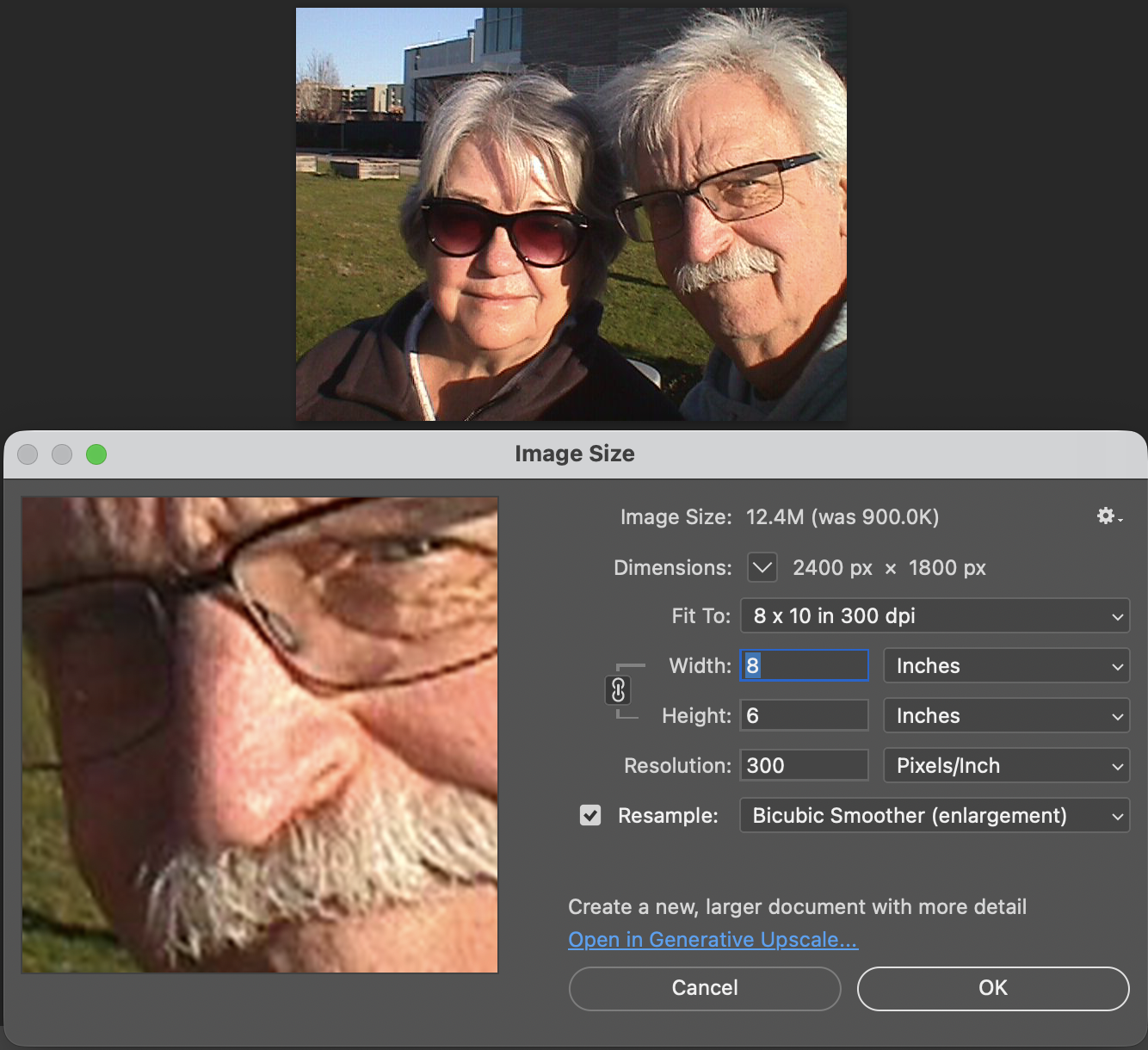
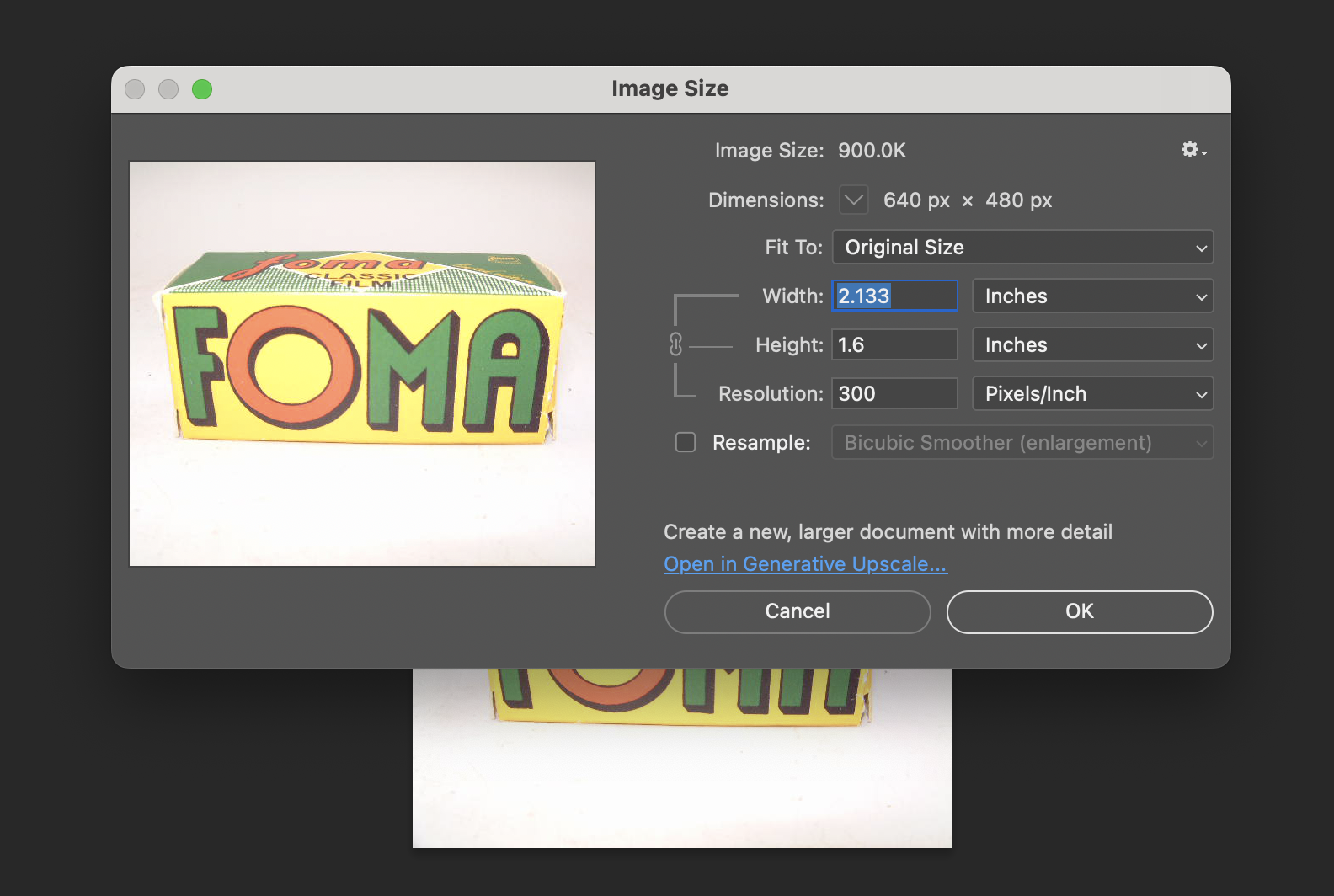
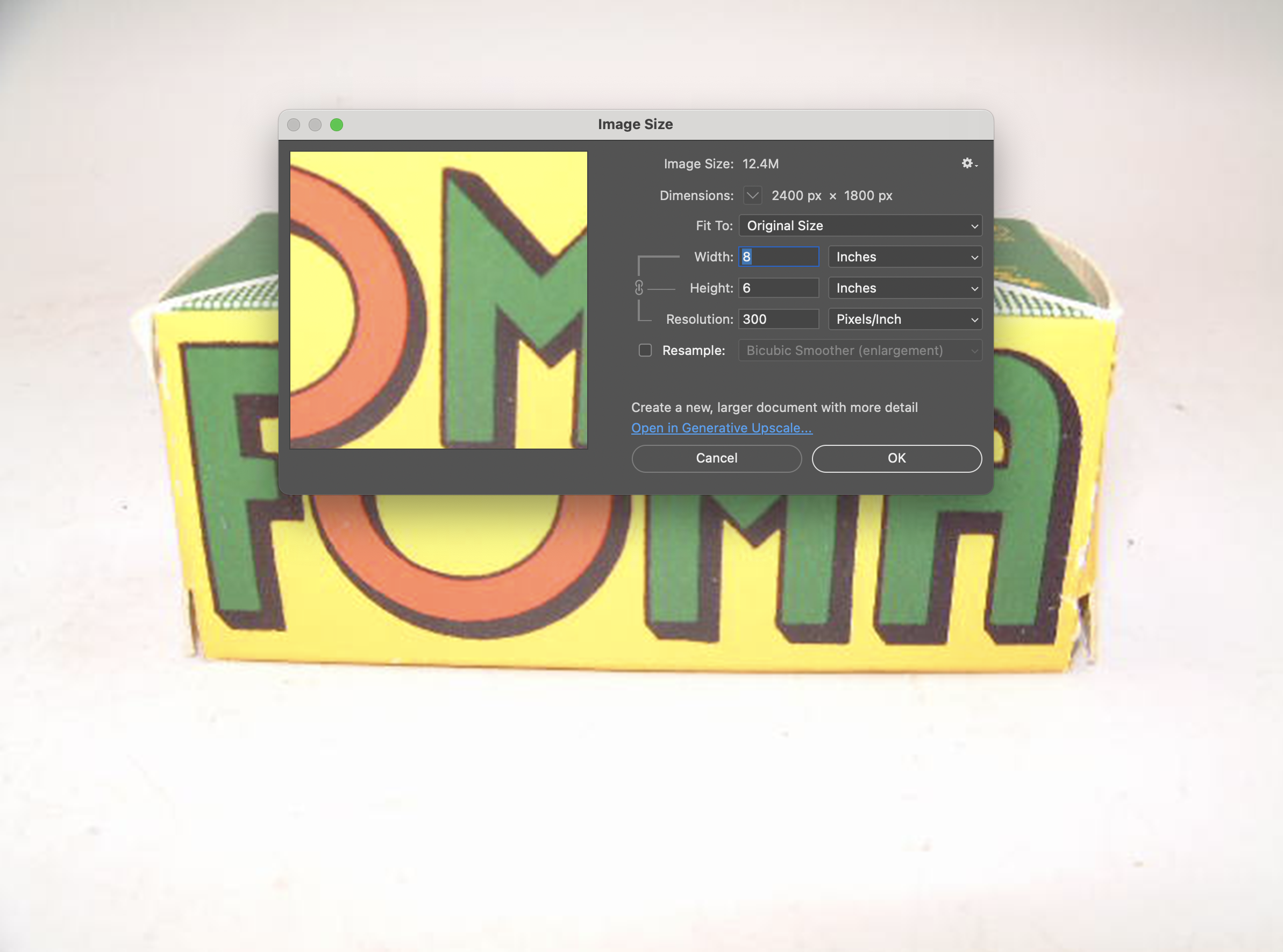
 To look at the different resolutions and shooting modes, I photographed a film box in my portable studio to compare image quality. I'm sure there's going to be a vast difference since the smallest file is only 44kb and the largest is 1.9mb.

Here are some screenshots in Photoshop showing the image size of the smallest and largest files taken with the Fujifilm FinePix 4700 zoom.

I also took a regular and macro shot, which you can see here.

Then I used the camera at our New Year's Eve get-together with some neighbors. I'll have to admit, I haven't made it to Midnight for many years.

Conclusion:

 It's nice to pull out some of the older digital cameras and run them through their paces every once in a while. The camera is compact, easy to use, and fun to shoot with. While there are many drawbacks to cameras from this era, such as file size, and in many cases the phone you have takes better photos, it often lacks many of the controls a real camera has (yet).

 Thank you for taking the time to travel back in time about 25 years, when digital cameras were coming into their own and putting film companies out of business, except for Fujifilm, which diversified and actually embraced digital.

 Feel free to look through my other Camera Reviews.

 I also have an online eBay store, Cuny's Cameras and Photo, where I sell many of the cameras I've reviewed, along with other cameras, lenses, and camera accessories. If you find something there, please let me know, and I'll offer a nice discount.

 Until next week, please be safe.