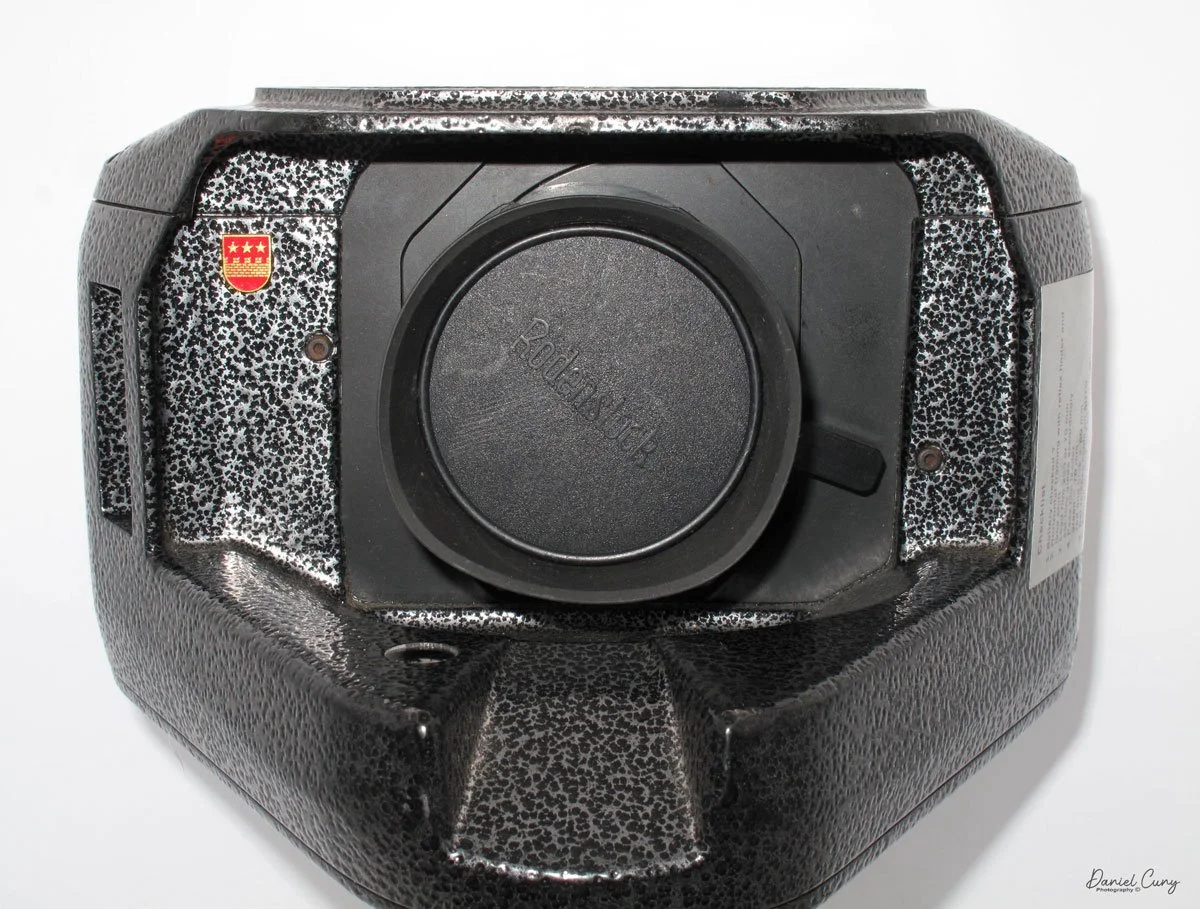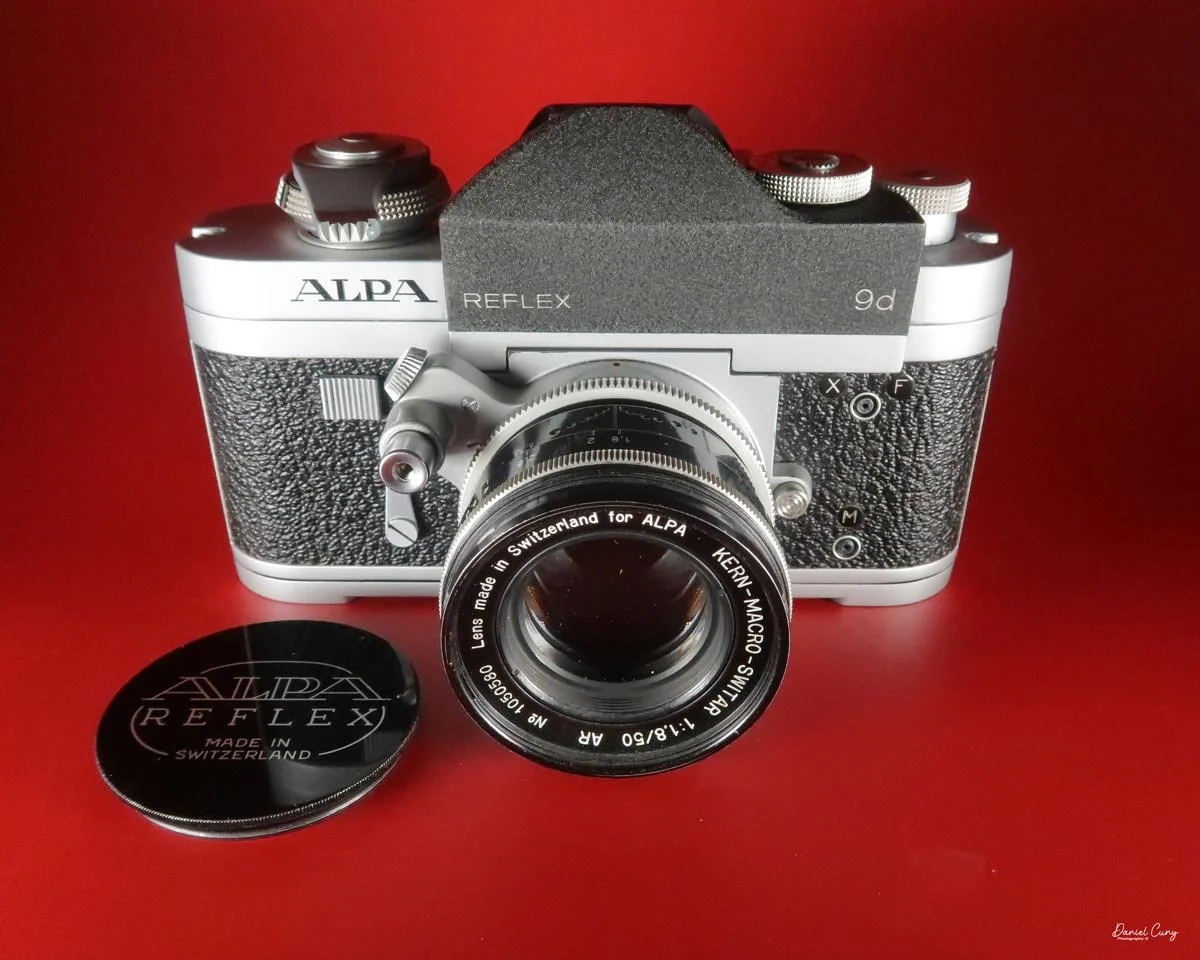
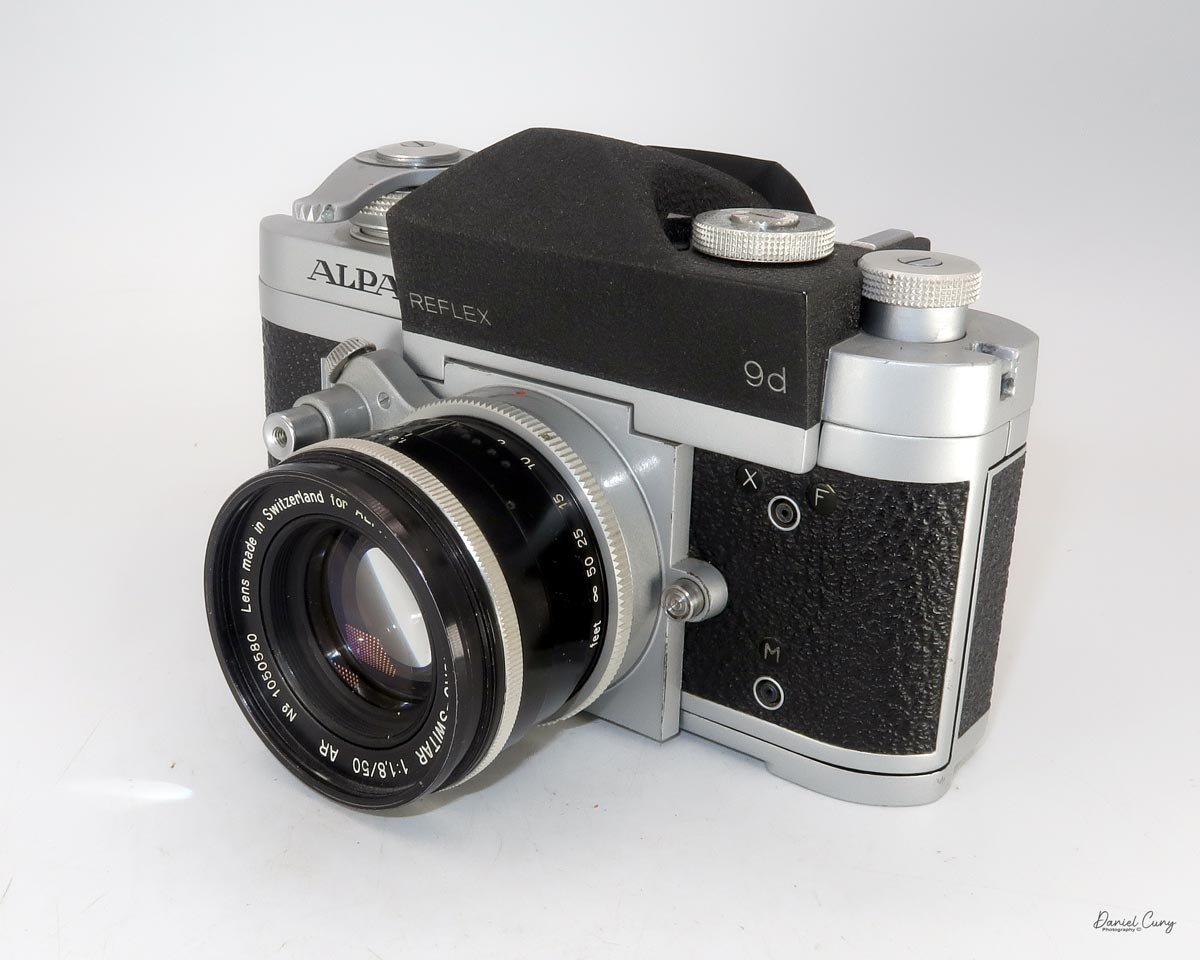
My Alpa Reflex 9d with Kern Macro Switar 50mm f/1.8 lens
A few months ago, I received a message from a friend of mine who lives in Las Vegas. She told me that one of her neighbors' husbands had passed away a while ago, and his wife was looking to sell his camera collection.
She had already gone through her usual friends, family, and other acquaintances to see if anyone was interested in the cameras, with the usual response of "no." My friend told her that he knew someone who might be interested, and that's when I started receiving messages asking if I would like to see what she had.
Of course, I said yes.
I'm always looking to buy and sell cameras, as well as keep certain cameras for special occasions, so I asked my friend to take some photos and send them to me.
When the photos arrived, I wasn't expecting what I saw. This wasn't just a few cameras sitting in a closet. There was an entire wall of cameras next to the fireplace, neatly stacked on shelves. Doing a rough count, there appeared to be around 100 cameras.
There were plenty of very common cameras that I wasn't particularly interested in, but there were also quite a few really nice ones. In the photos I spotted a Leica IIIb, a Canon rangefinder, a Voigtländer Vitessa, a couple of Exaktas, a Fed I, and one camera that really caught my eye—the Alpa Reflex 9d.
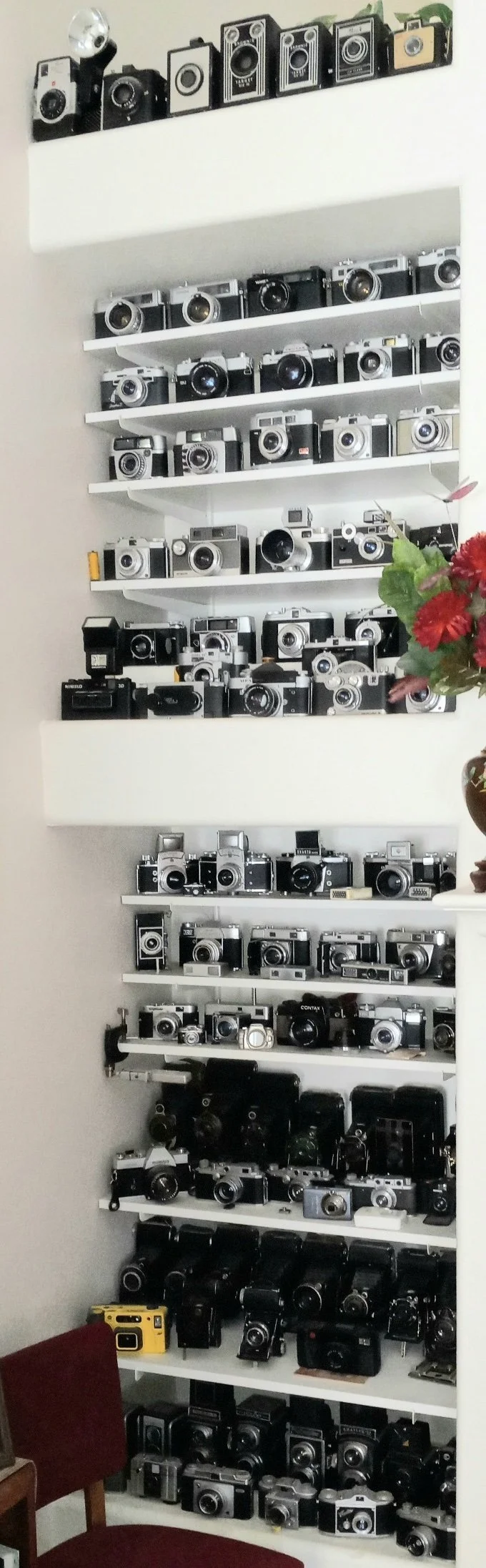
Photo of the camera collection purchased.
I asked if she would be willing to sell just the cameras I was interested in, which amounted to around 25 to 30 cameras. Unfortunately, it was an "all or nothing" sale. She wanted all of the cameras out of her house to make some room, which I could certainly understand.
There was just one problem.
I live in Washington State, and the cameras were in Las Vegas. Shipping nearly 100 cameras would be expensive, and packing that many cameras would be a tremendous amount of work. Since the woman selling the collection was elderly, I also didn't think it was reasonable to expect her to pack and ship everything.
Fortunately, my wife and I were already planning a road trip.
We were going to drive down the Oregon coast to visit family, continue to the San Francisco Bay Area, where we had lived about 10 years ago, and then head to Southern California to visit my sister-in-law. If I could add another four-hour drive from Southern California to Las Vegas, I could pick up the cameras myself.
We agreed on a price, and my friend told me the cameras were in tip-top shape. The seller also agreed to wait until mid-September for me to make the trip.
That worked out perfectly.
While we were in San Francisco, we timed our visit to coincide with the monthly Alameda Point Antique Faire, held on the first Sunday of each month. Naturally, I couldn't be that close and not go. I came away with some great camera and photography-related items.
From San Francisco, we headed to Southern California, stayed with my sister-in-law for a few days, and then made the drive to Las Vegas.
Since we were traveling by car, I had plenty of room for the cameras. I brought a large spare suitcase and plenty of packing material so I could safely transport everything home.
Even though I had agreed to purchase the entire collection, I had already made it clear that I didn't want all of the cameras. I estimated that I would donate about 40 percent of them to Goodwill because they really didn't have much value. The seller told me that whatever I didn't want, I could simply box up because she had a young friend interested in photography who would love to have them.
When we arrived at her house, it was great to finally meet the person I had been talking with on the phone and emailing for quite some time. She was very happy that I had made the trip to pick everything up.
We sat and talked for a while, and then I got to work.
I put the cameras I wanted into the bubble bags I had brought and carefully packed them into the large suitcase. The cameras I wasn't keeping went into two separate boxes, which I carried into her garage.
Then, when I went to close the suitcase, it hit me.
This was going to be heavy.
Very heavy.
Fortunately, it wasn't completely unmanageable, and I was able to get the suitcase into the back of my car. But I'd estimate that it was very close to 100 pounds.
That was essentially what my wife and I had been doing for the previous three weeks—driving, visiting family, going to antique shows, and finally hauling a nearly 100-pound suitcase full of cameras home from Las Vegas.
We returned from the trip about a week ago, and I've now started sorting through the cameras we purchased, listing some of them in my Cuny's Cameras and Photos eBay store and preparing others for a camera show in Seattle on Saturday, October 3, 2026.
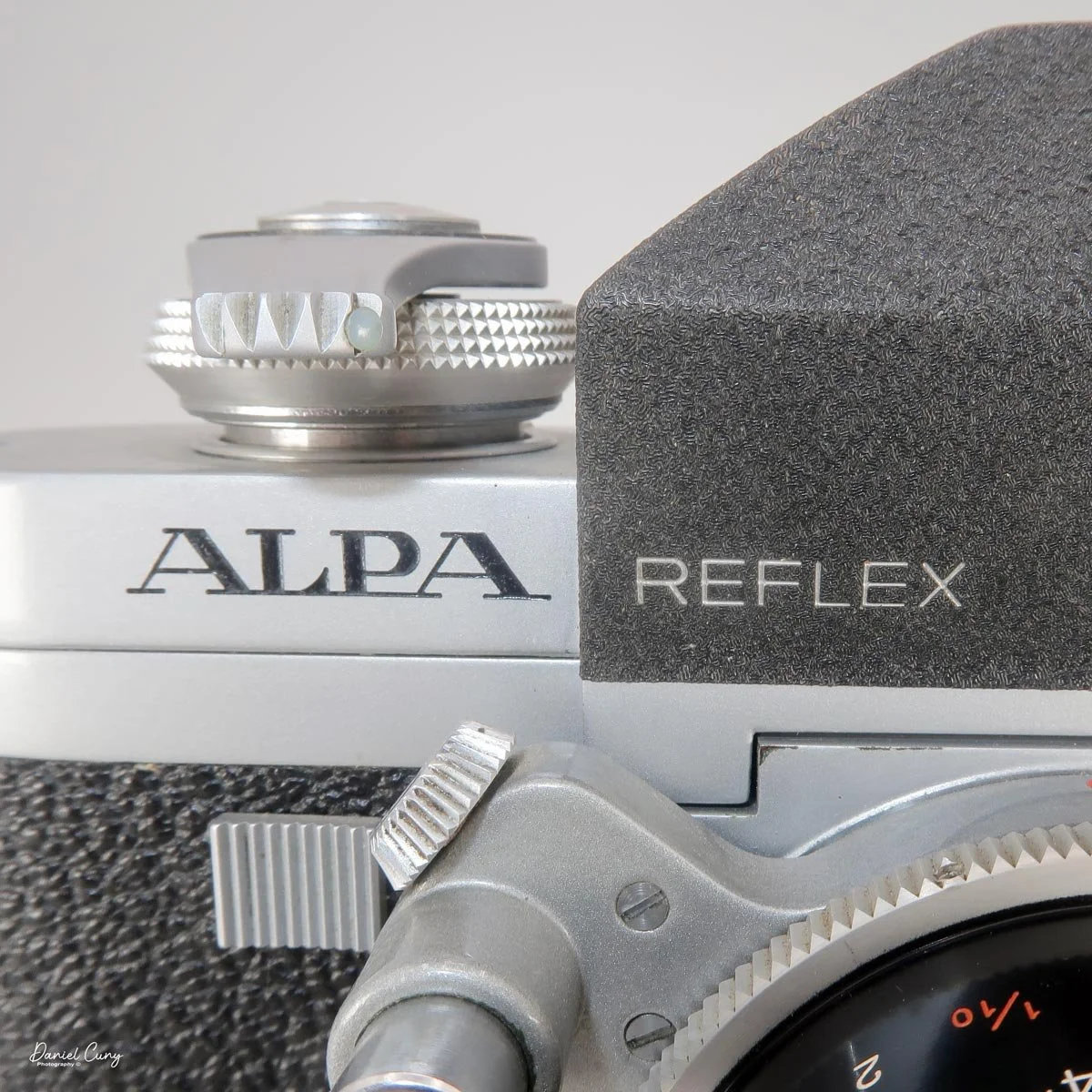
Of all the cameras in that collection, however, there was one I was particularly anxious to get my hands on.
The Alpa Reflex 9d.
And fortunately, it came with what may be an even more interesting piece of the package—the Kern Macro Switar 50mm f/1.8 lens.
After unpacking everything, the first thing I did was inspect the Alpa to make sure it was in as good a condition as my friend had described. I also checked the lens to make sure the glass was clean and clear.
Everything looked good.
So I loaded a roll of film into the Alpa, grabbed the camera, and headed out into the neighborhood to see what this vintage Swiss camera and lens could do.
History
Alpa cameras occupy a special place in the history of 35mm photography. Made in Switzerland, Alpa cameras were never mass-market products. Instead, they were precision instruments designed for photographers and collectors who appreciated exceptional mechanical construction, innovative designs, and meticulous craftsmanship.
The company's roots go back to Pignons S.A. in Ballaigues, Switzerland. In 1944, the company introduced the Alpa Reflex, designed by Jacques Bolsky. It was an unusual 35mm SLR that combined a compact body with a distinctive internal mechanism.
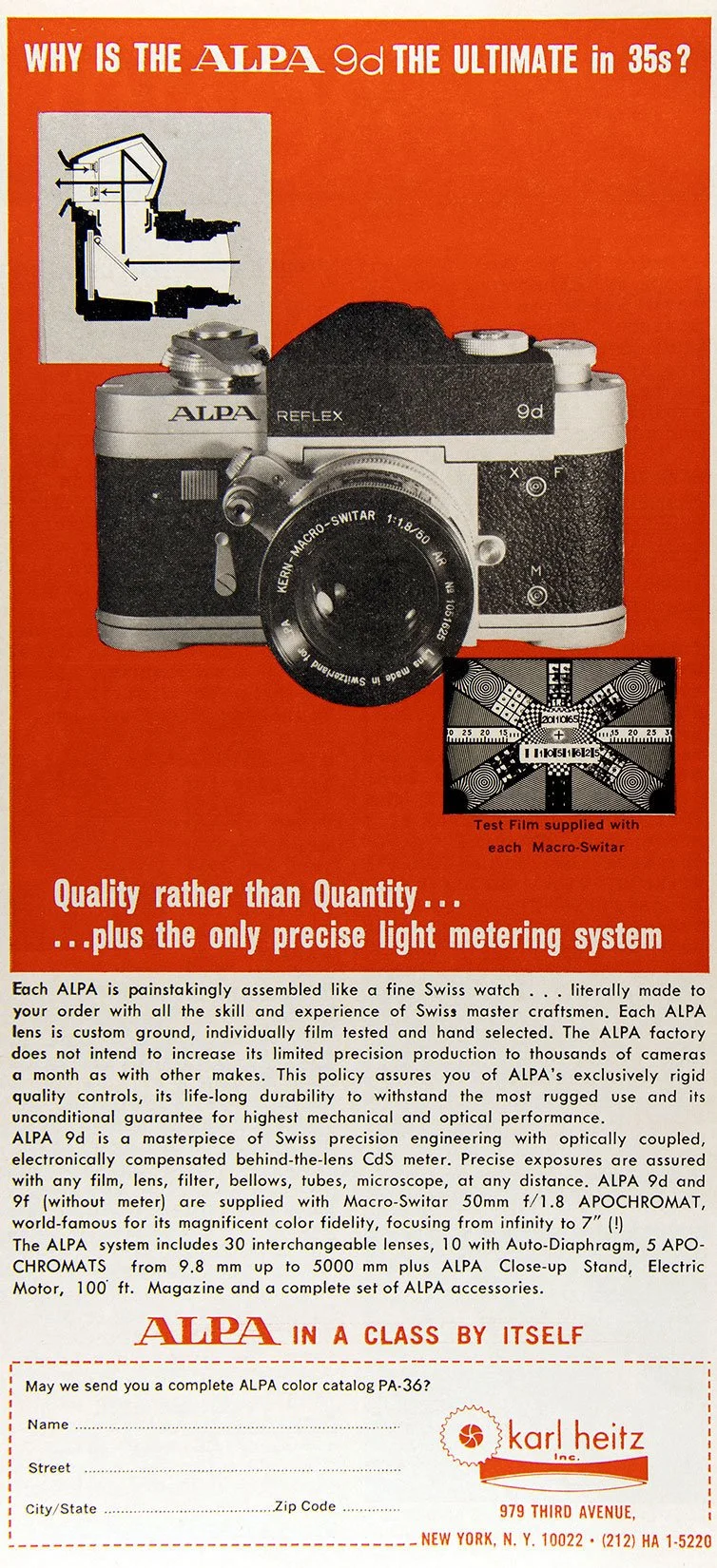
Alpa Reflex 9d advertisment.
From the beginning, Alpa cameras were different from the mainstream.
During the late 1940s and 1950s, Alpa developed a series of increasingly sophisticated 35mm SLRs. Models such as the Alpa-Standard, Alpa-Reflex, Alpa-6, and Alpa-7 helped establish the company's reputation for precision and quality.
Alpa cameras were considerably more expensive than many of the mainstream 35mm cameras being produced by manufacturers such as Leica, Nikon, Canon, and Pentax. Their relatively low production numbers and Swiss construction gave them an almost bespoke character.
One of the important developments in the Alpa story came with the Alpa 9d, introduced in the early 1960s. It incorporated a through-the-lens metering system while retaining the unusual mechanical design that made Alpa cameras so distinctive.
The Alpa 10d and later Alpa 11 series continued this tradition. Prestigious lens manufacturers supplied optics for Alpa cameras, including Schneider-Kreuznach, Kern Aarau, and Angénieux.
Perhaps the most famous Alpa cameras are the 9, 10, and 11 series, along with the later Alpa 12 cameras. Their precision construction, interchangeable lenses, and unusual operating characteristics made them particularly attractive to professional and specialist photographers.
The Alpa 11si, introduced during the 1970s, represented one of the final major developments of the original Alpa tradition. Its compact body, sophisticated metering, and exceptional build quality made it one of the most interesting Swiss 35mm SLRs of its era.
Despite the company's reputation, producing highly specialized cameras in relatively small numbers made it difficult for Alpa to remain profitable. Pignons S.A. eventually ceased camera production in 1990, bringing the original Alpa 35mm era to an end.
Today, Alpa 35mm cameras are highly regarded by collectors. Their limited production, distinctive engineering, unusual lens systems, and Swiss craftsmanship make them fascinating examples of high-end mechanical 35mm photography.
For collectors, an Alpa isn't simply another vintage SLR. It represents a uniquely Swiss interpretation of what a precision camera could be.
The Camera
The Alpa Reflex 9d is a hefty, extremely solid camera. With the Kern Macro Switar 50mm f/1.8 lens mounted and focused to infinity, it measures approximately 6 inches wide, 4 inches tall, and 3.5 inches deep. At the lens's closest focusing distance, the overall depth increases to about 4.5 inches.
The camera and lens together weigh 2 pounds, 3.5 ounces.
The body serial number is 48600, while the Kern lens has serial number 1050580.
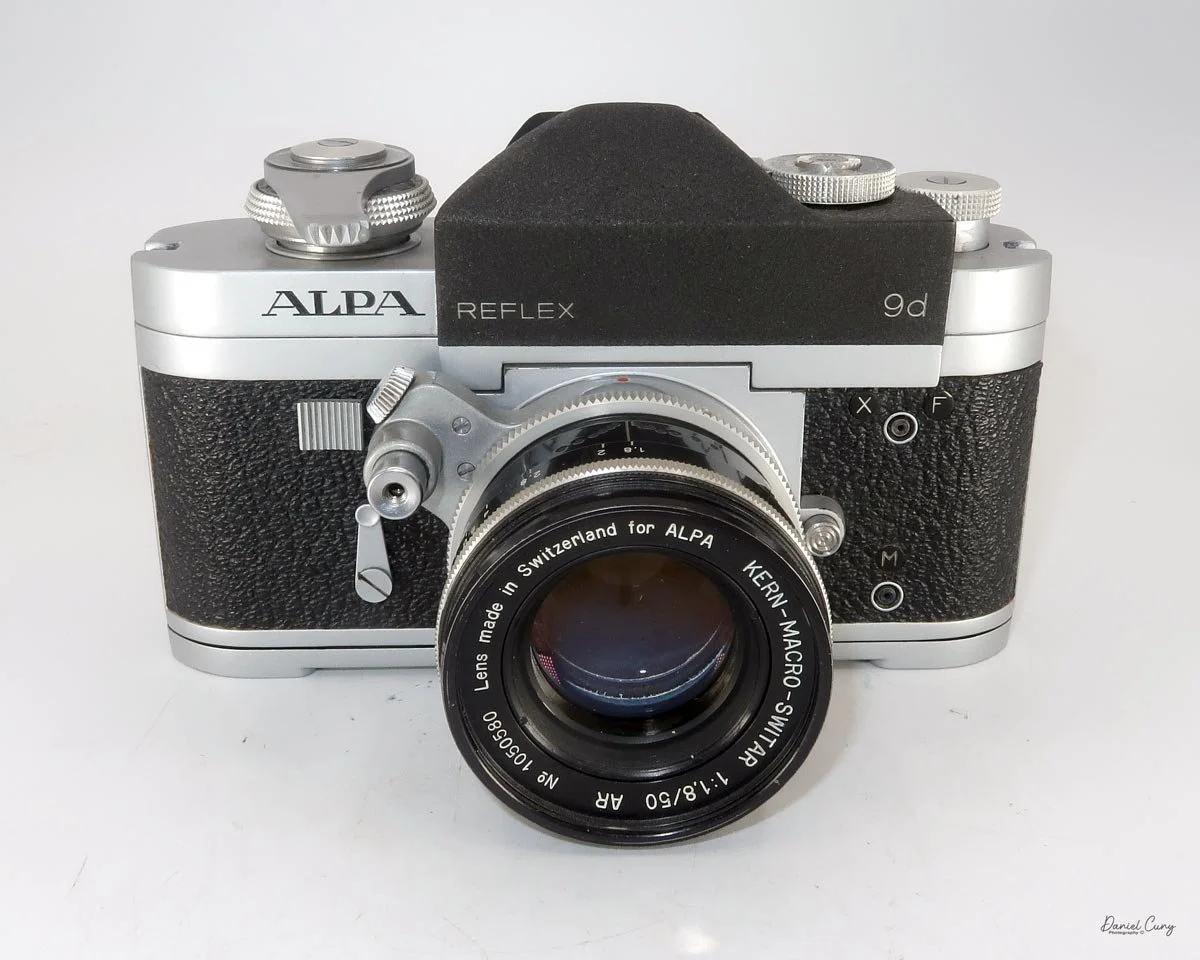
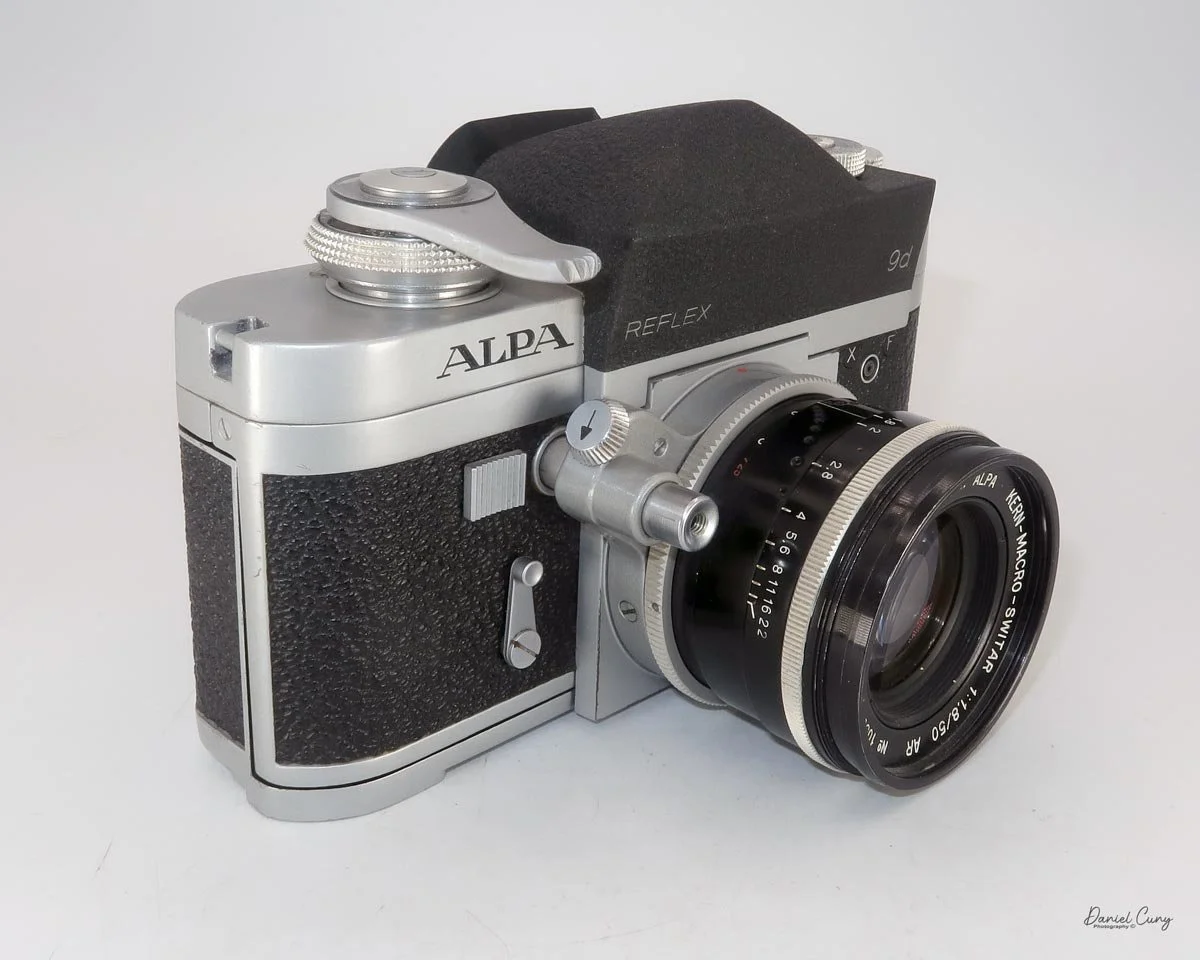
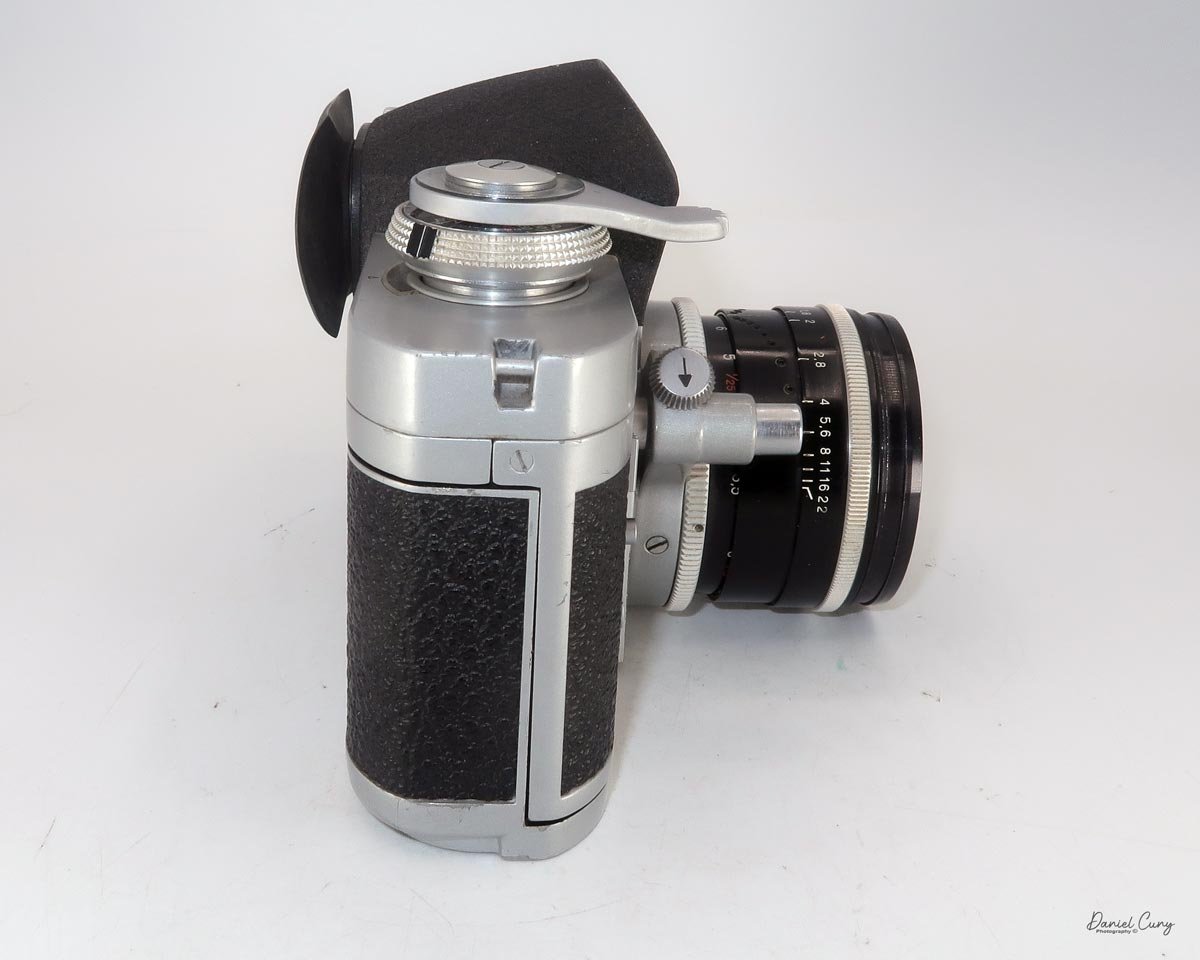
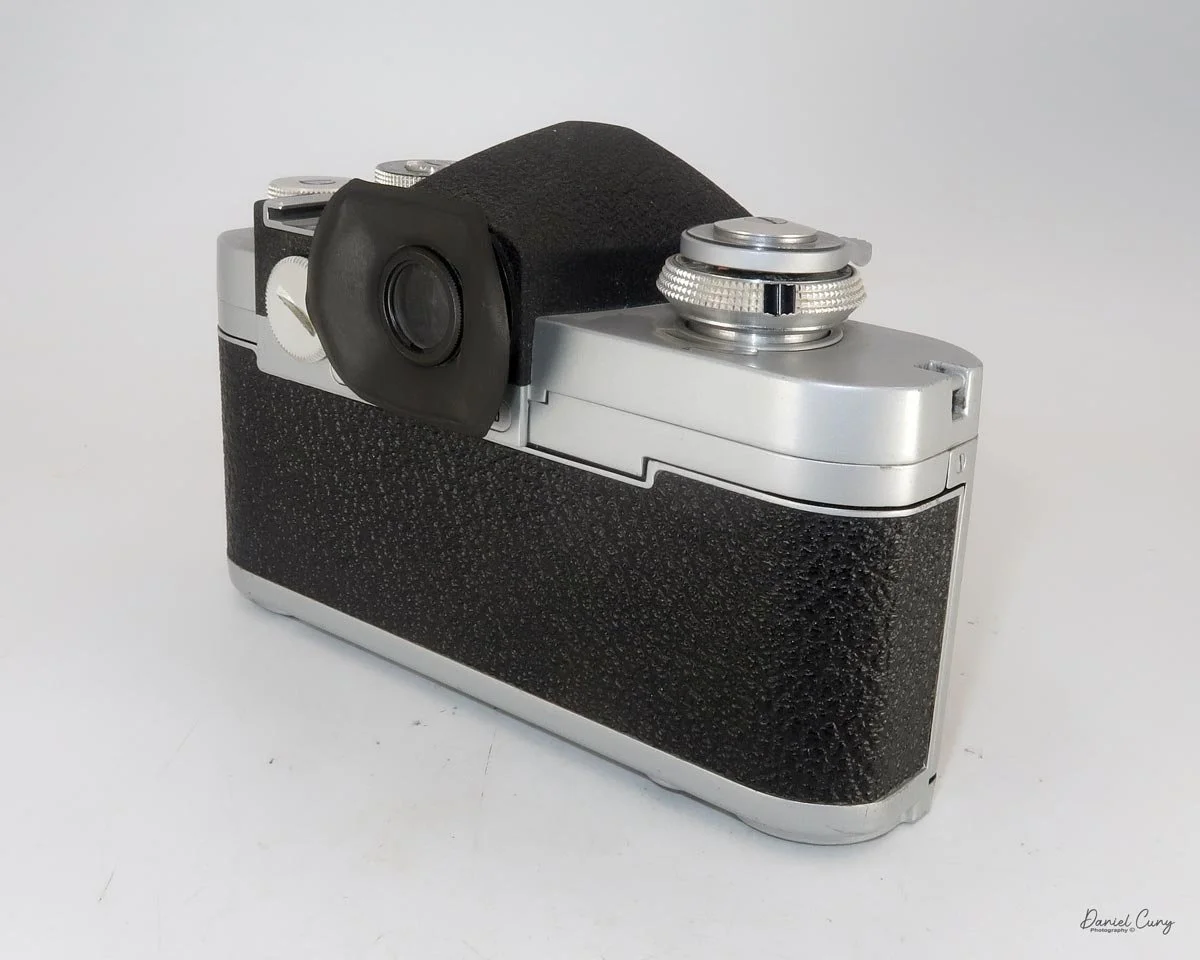
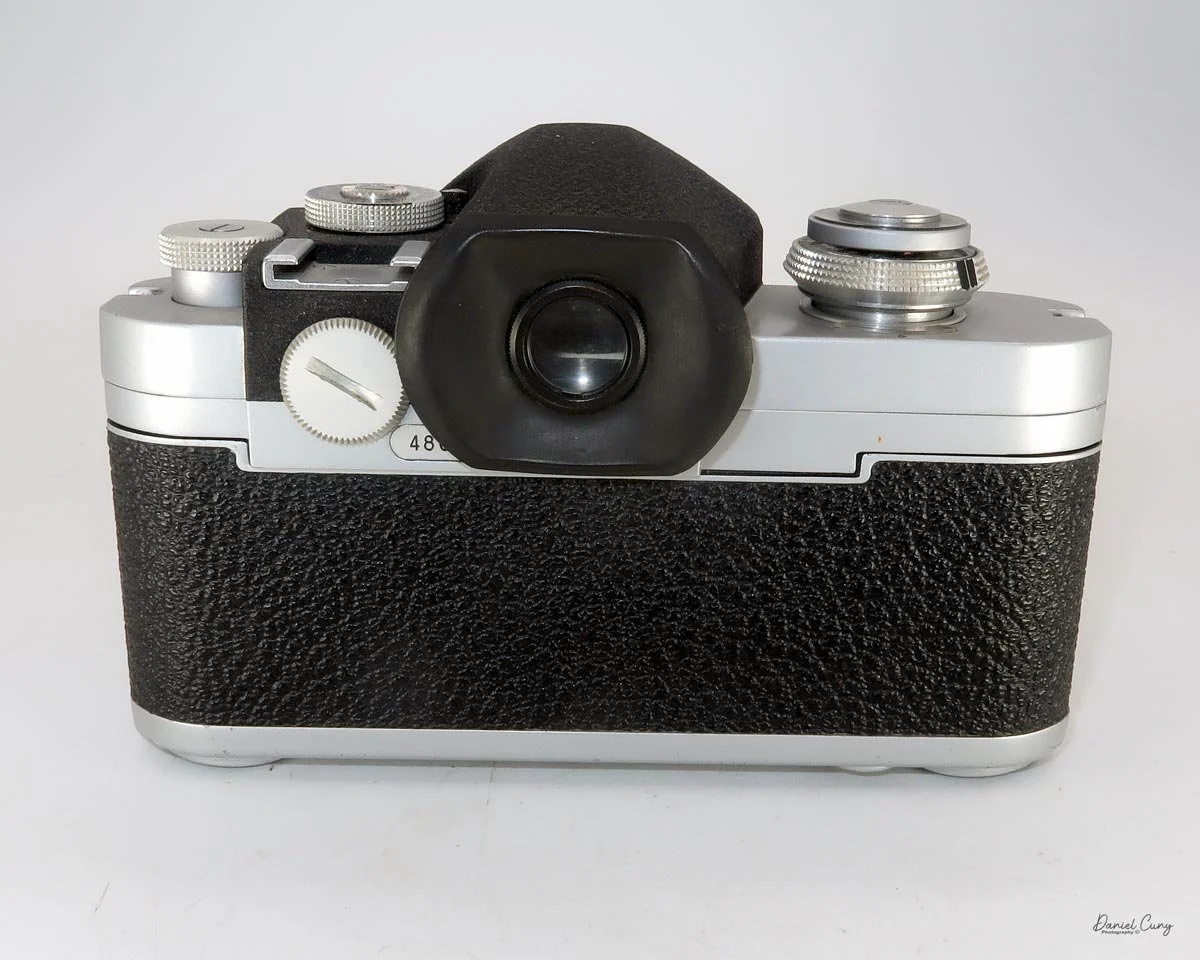
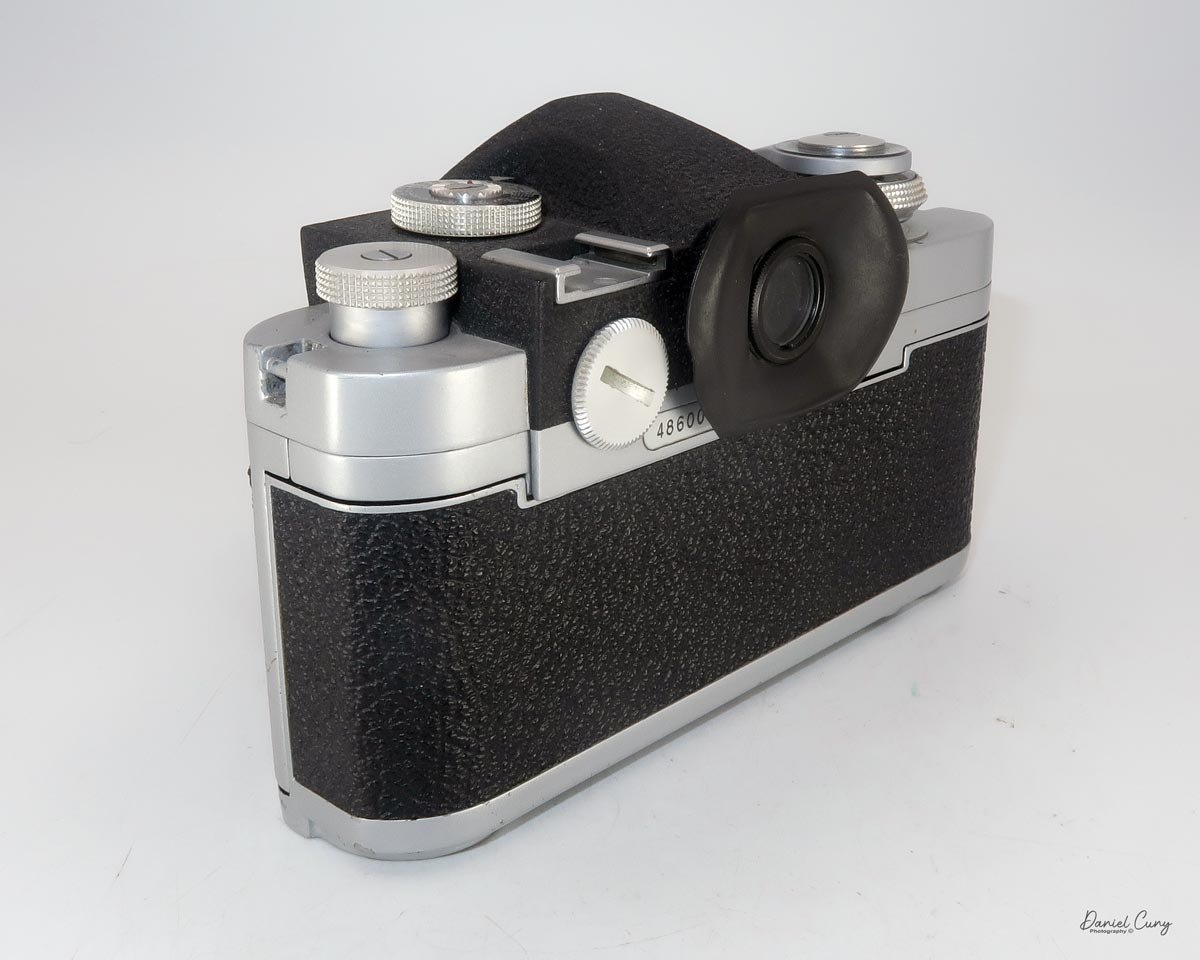
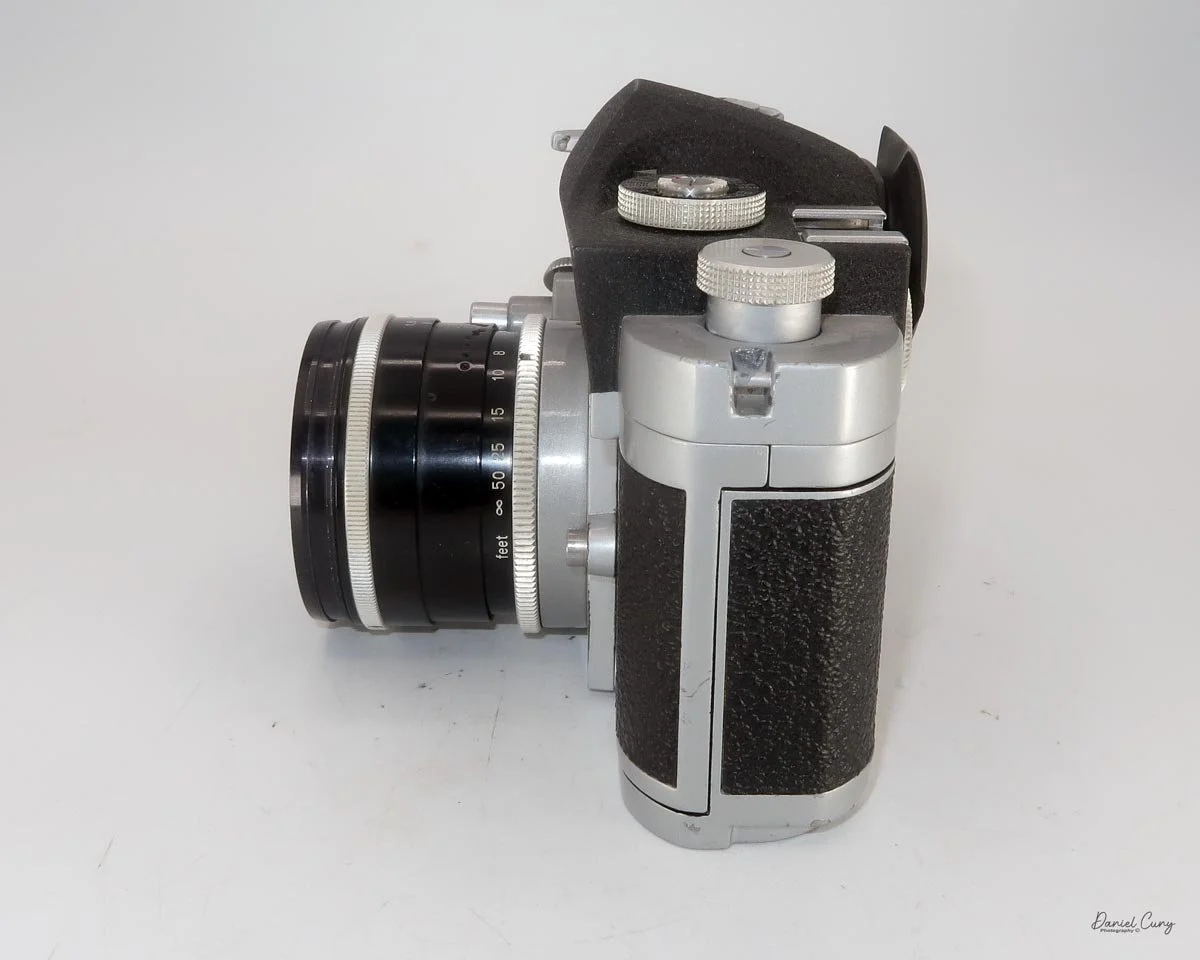
It took me a little while to get used to how this camera operates. The film does advance normally, but the winding lever is reversed from almost every other camera I've ever used.
Instead of using your thumb to push the film advance lever to the side, you grab the lever with your forefinger and pull it back to advance the film to the next frame.
It's one of those things that feels strange at first simply because I'm so accustomed to cameras working the opposite way.
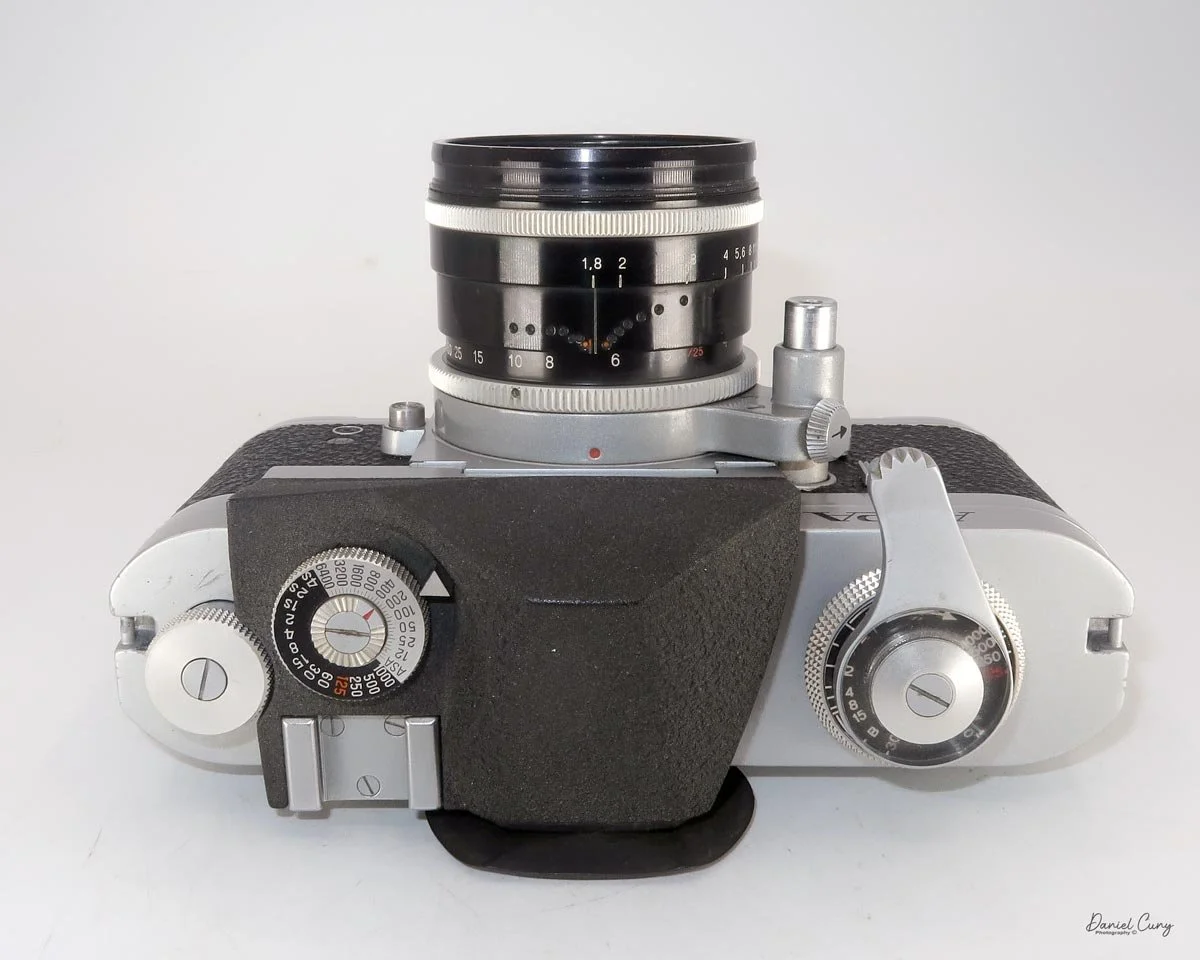
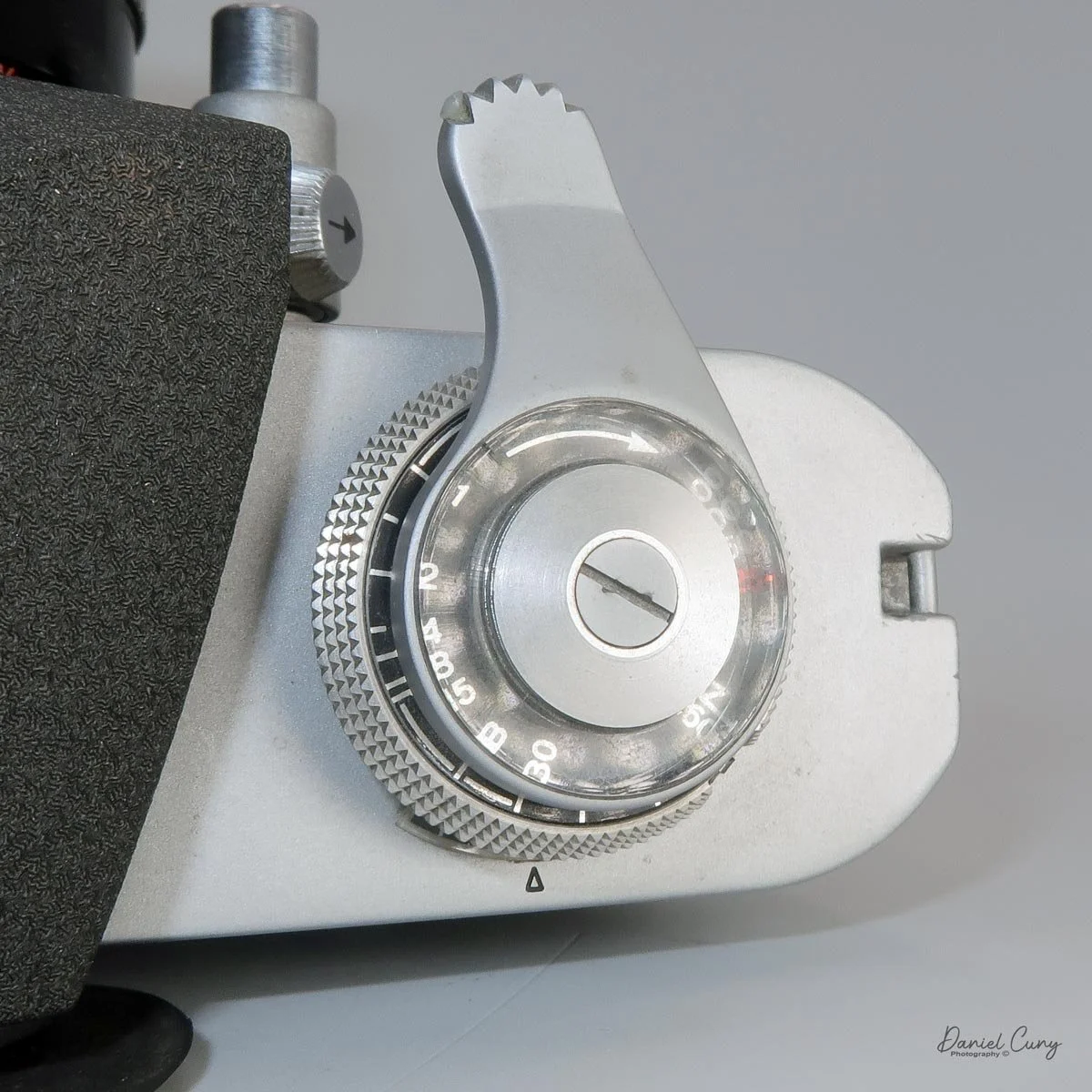
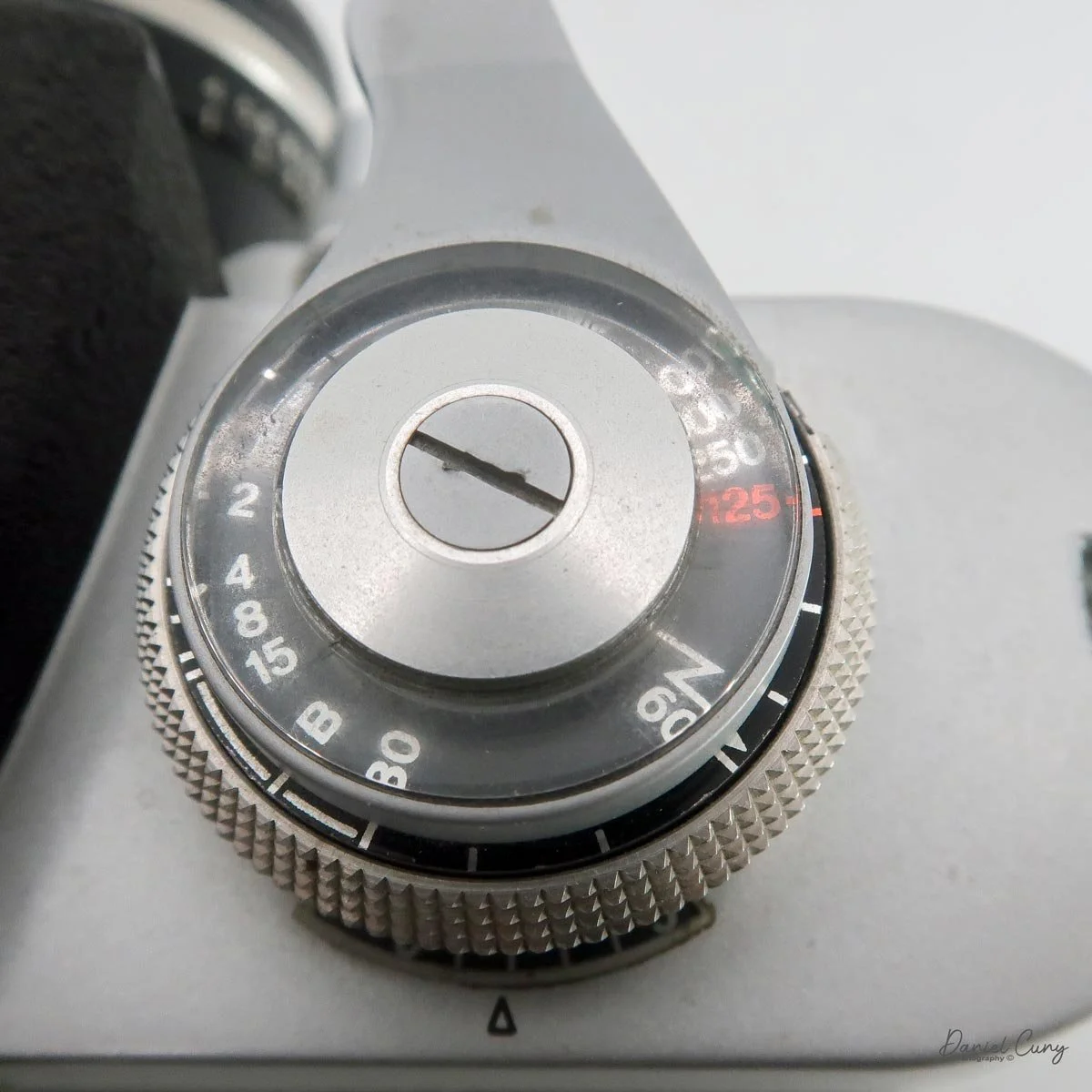
Under the film advance lever is the shutter-speed control, which provides speeds from 1/1000 second down to 1 second, with a flash synchronization speed of 1/60 second.
Changing the shutter speed is also a little different. Pull down on the collar and rotate the ring to the desired shutter speed, indicated by a white line on the collar.
The camera can also make exposures longer than one second. By setting the shutter-speed dial to 1 second and rotating the collar, you can select exposures of up to 4 seconds.
The Meter
The Alpa Reflex 9d has a built-in light meter, with the battery compartment located on the back of the camera next to the viewfinder eyepiece.
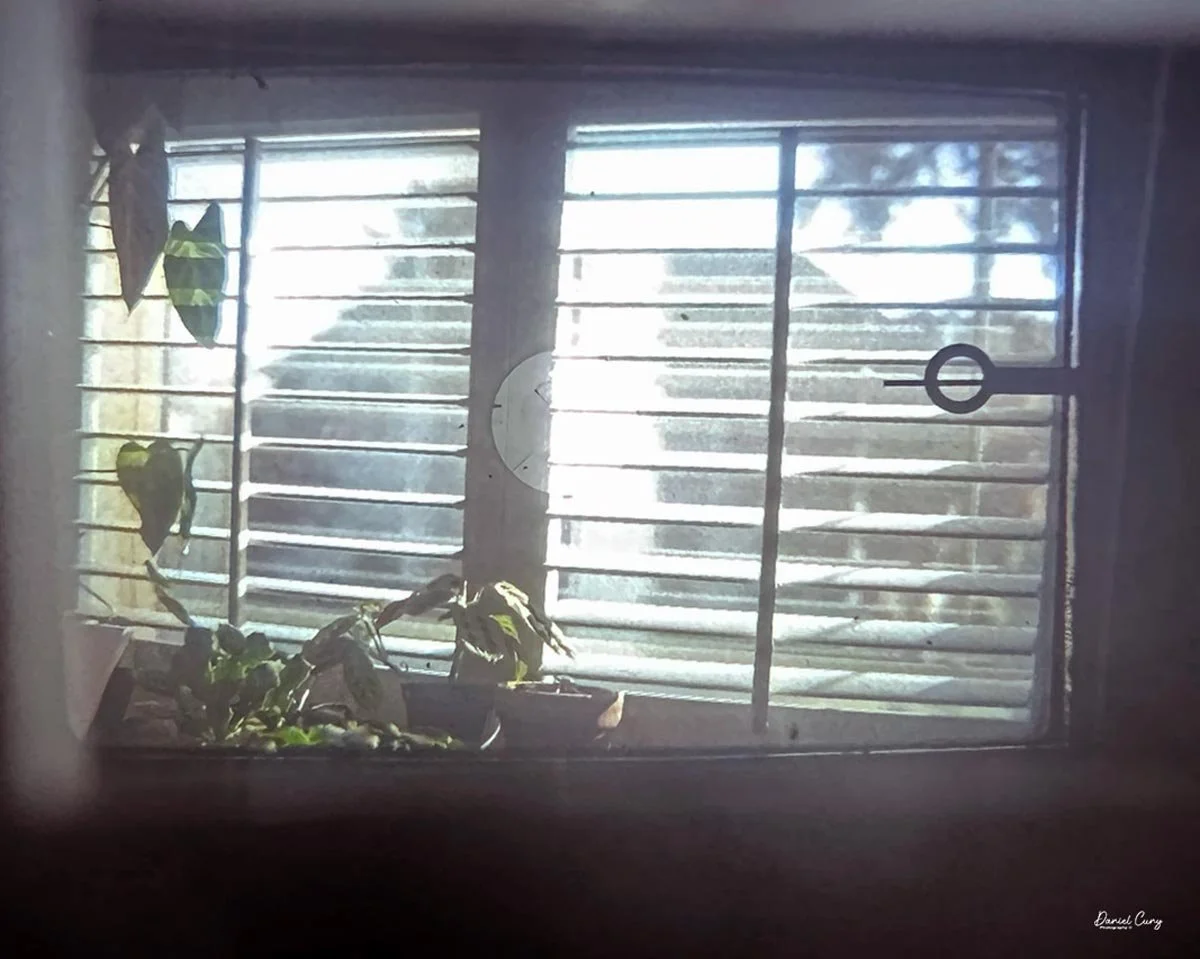
The meter uses a match-needle system. Looking through the viewfinder, you see a needle with a circle on its end and another floating needle. The idea is to adjust the shutter speed or aperture until the two needles line up.
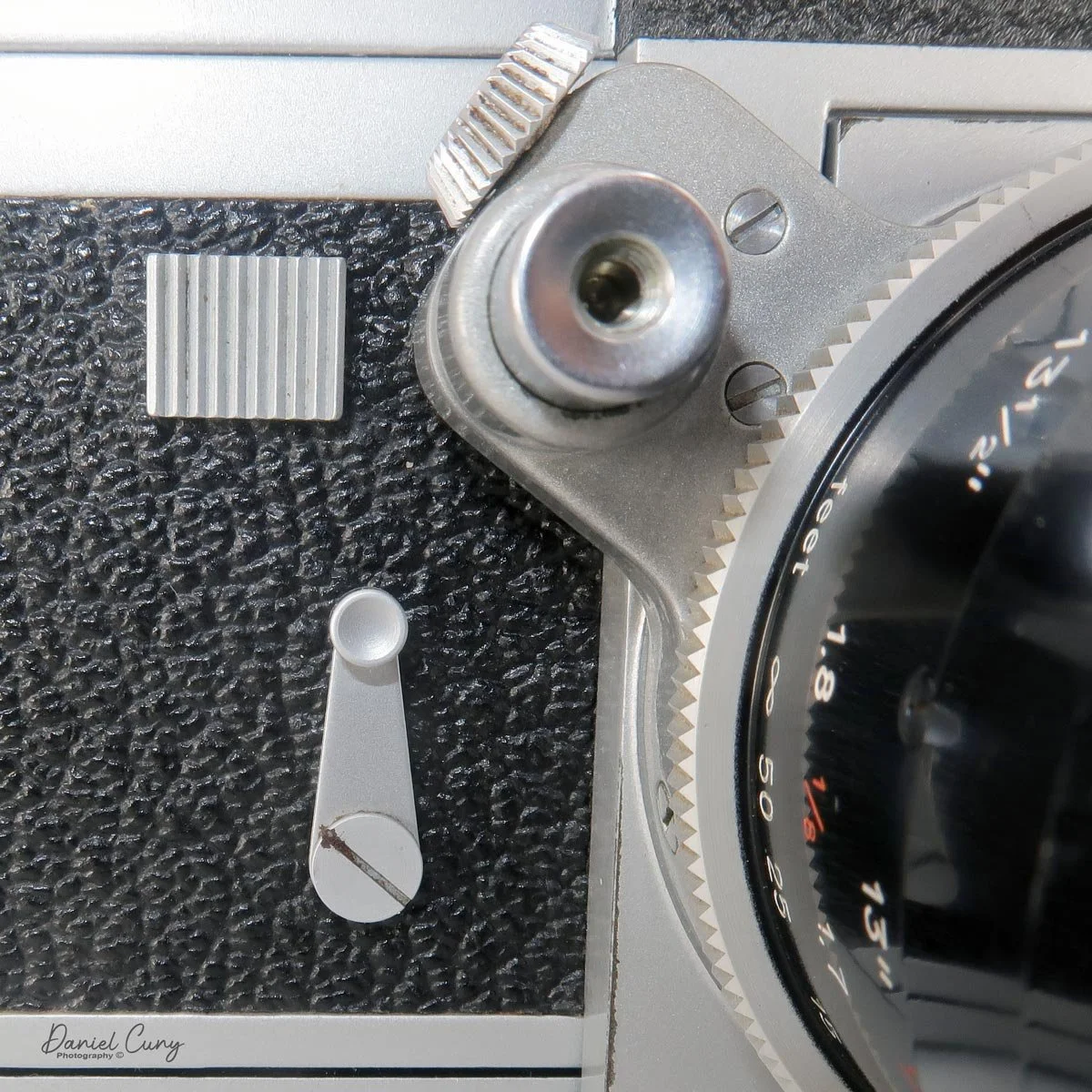
To activate the meter, you slightly depress the shutter release on the front of the camera. A lock next to the shutter release prevents you from accidentally firing the shutter while metering.
Unfortunately, the meter in my Alpa isn't working. The needle doesn't move when I depress the shutter release or change the shutter speed and aperture.
That's not a huge problem for me, however, since I normally carry a handheld meter anyway.
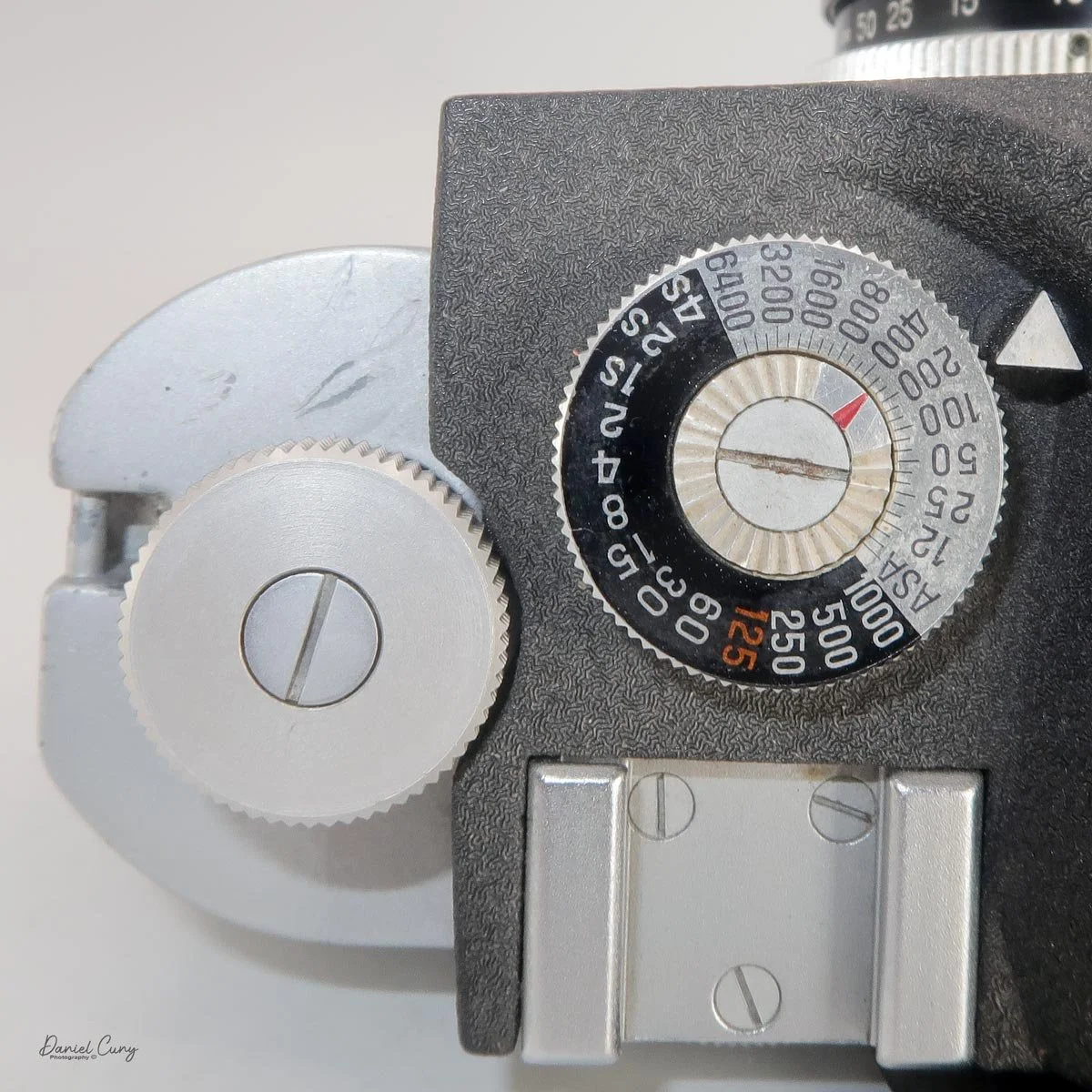
The ASA setting is controlled by a dial on top of the camera. If you prefer to select the aperture first, the meter system can tell you what shutter speed to use for the available light.
It took me a little while to understand the system, and I'll admit that it isn't the most intuitive metering arrangement I've used.
But once you understand what Alpa was trying to accomplish, it makes sense.
Other Controls
On the left front of the camera body is a square block that locks and unlocks the shutter and meter system. Moving it to the left unlocks the system, while moving it toward the lens locks it.
Below this is the self-timer, which provides a delay of up to approximately 20 seconds.
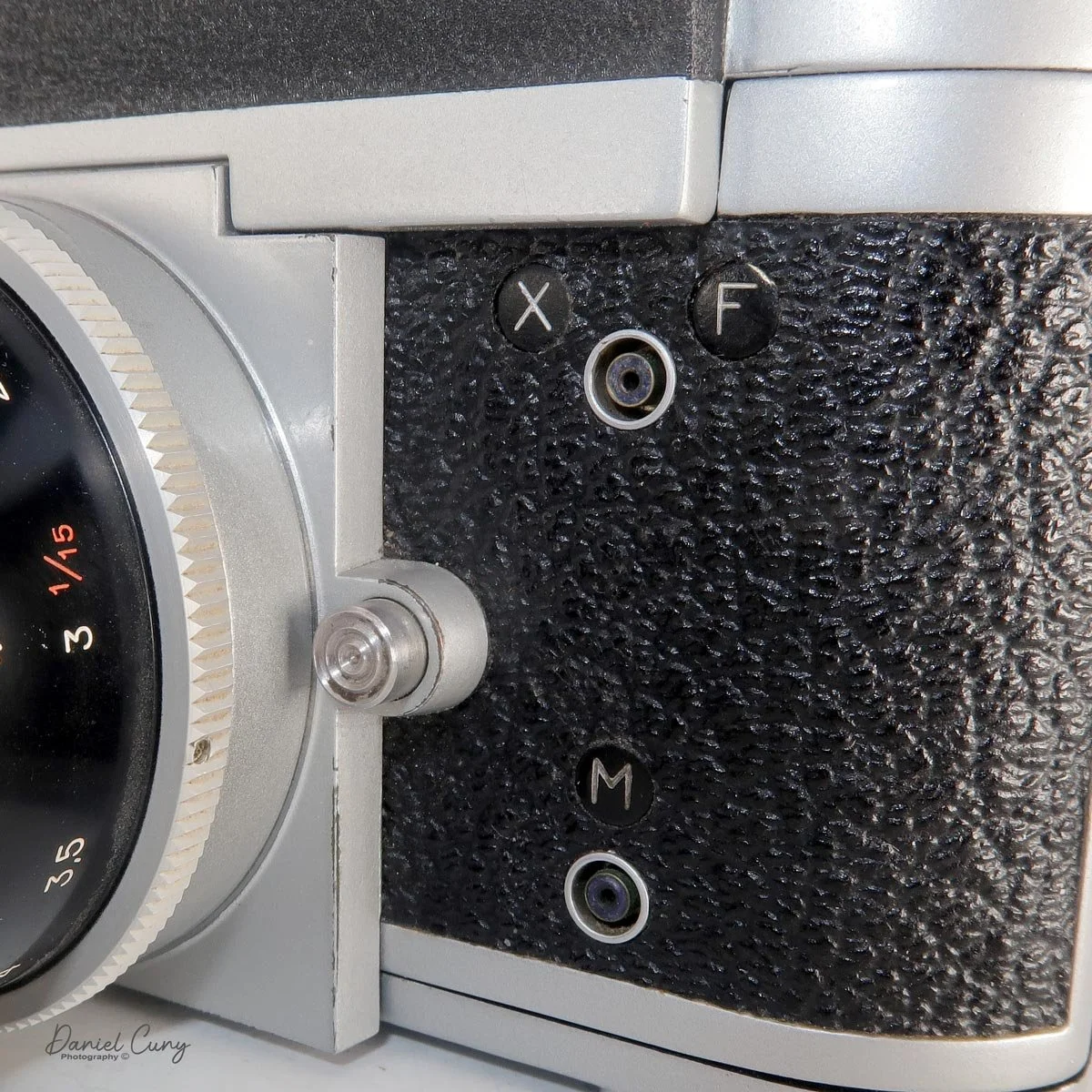
On the right side of the body are the flash synchronization terminals and the lens-release button.
Removing the lens is straightforward. Press the lens-release button and rotate the lens counterclockwise. To install a lens, line up the two red dots—one on the camera body and one on the lens—and rotate the lens clockwise until it clicks into place.
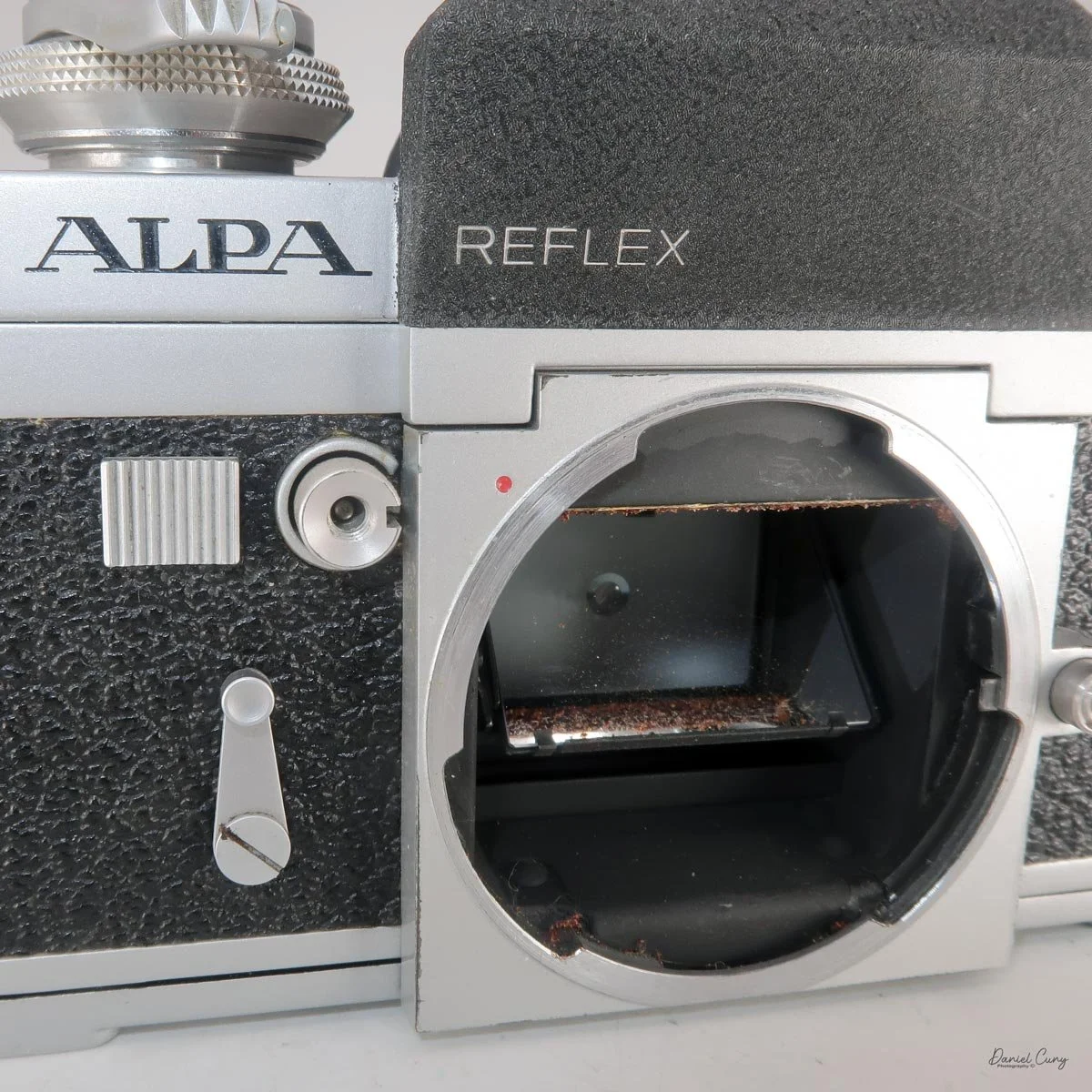
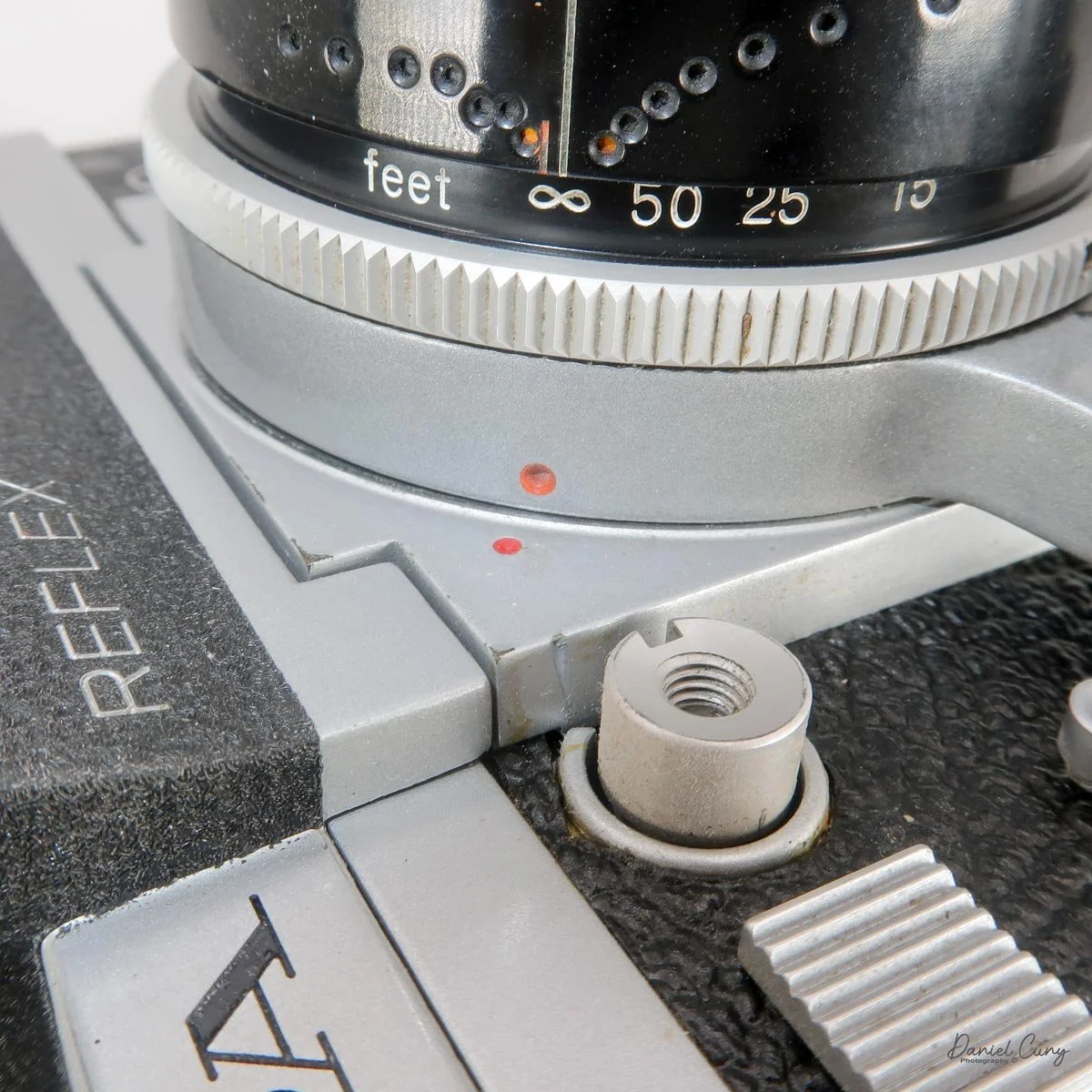
The Kern Macro Switar 50mm f/1.8 lens
The Kern Macro Switar 50mm f/1.8 is a pretty wonderful lens.
It focuses from about 11 inches to infinity, making it much more versatile than a typical 50mm lens. The focusing ring is toward the rear of the lens, while the aperture ring is toward the front and provides settings from f/1.8 through f/22.
The lens also has a distinctive automatic/manual control on the shutter-release shaft.
In the automatic position, the lens stays at maximum aperture while focusing and only stops down to the selected aperture when you release the shutter. In the manual position, the lens stops down as you change the aperture.
This makes the lens particularly nice to use when you're trying to focus accurately at close distances.
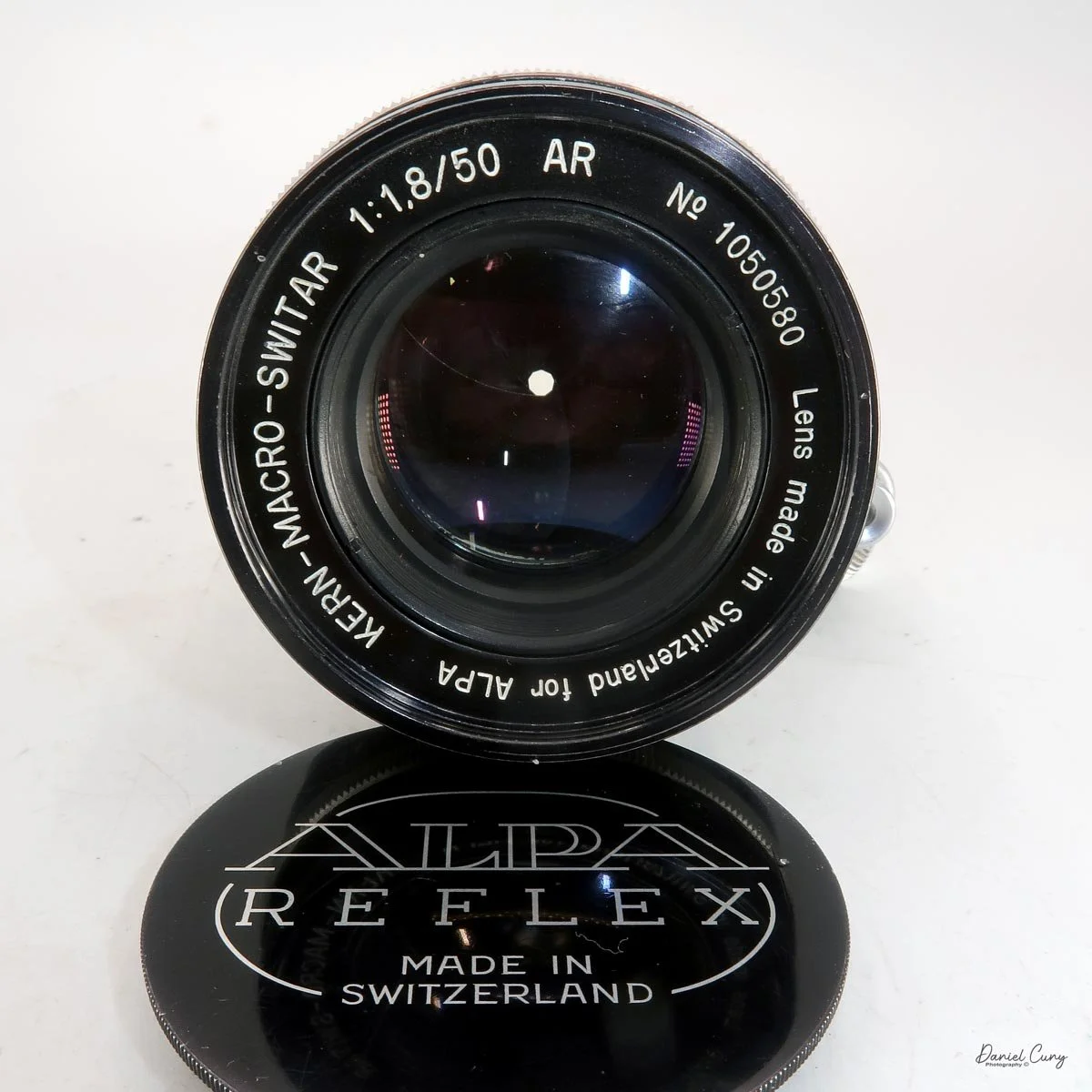
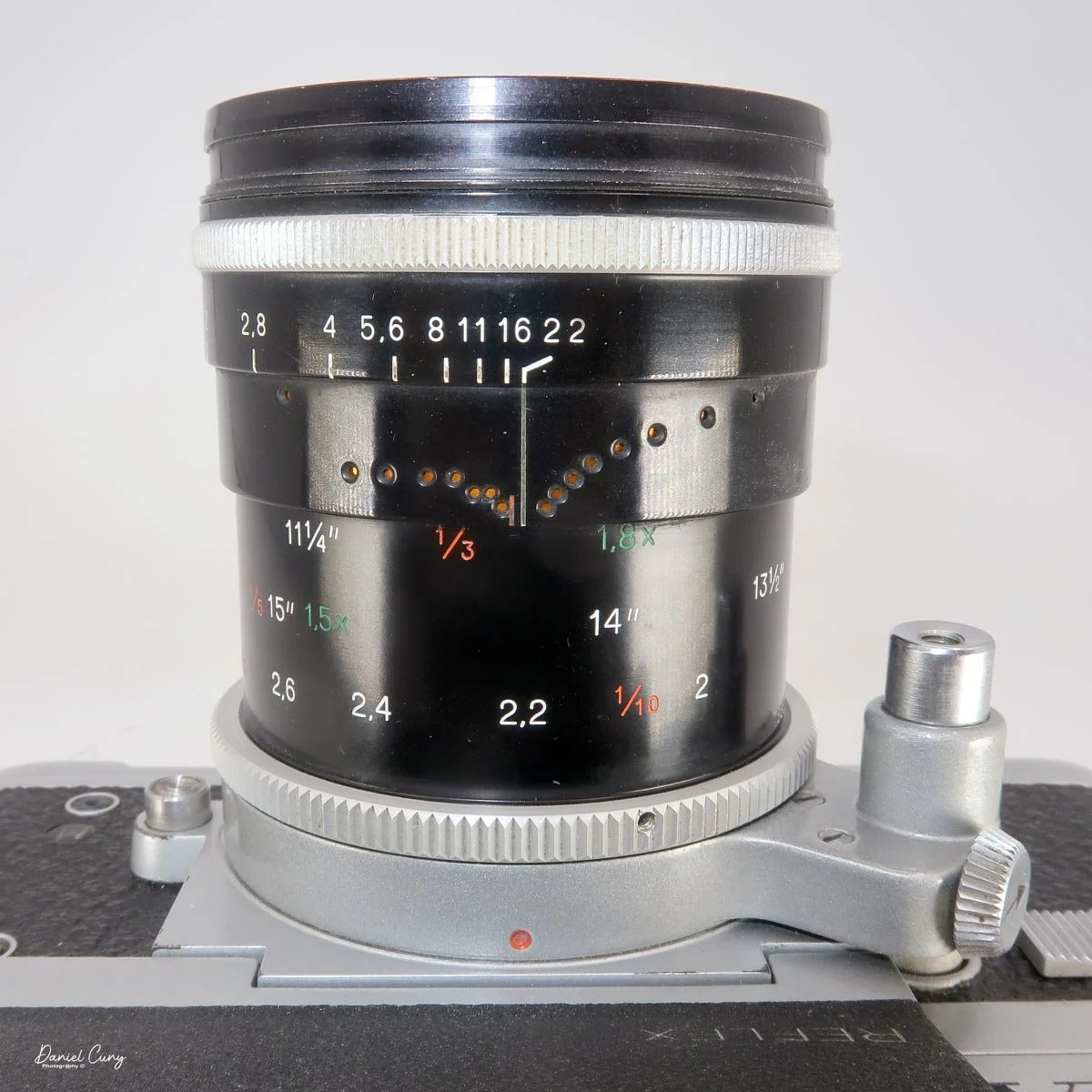
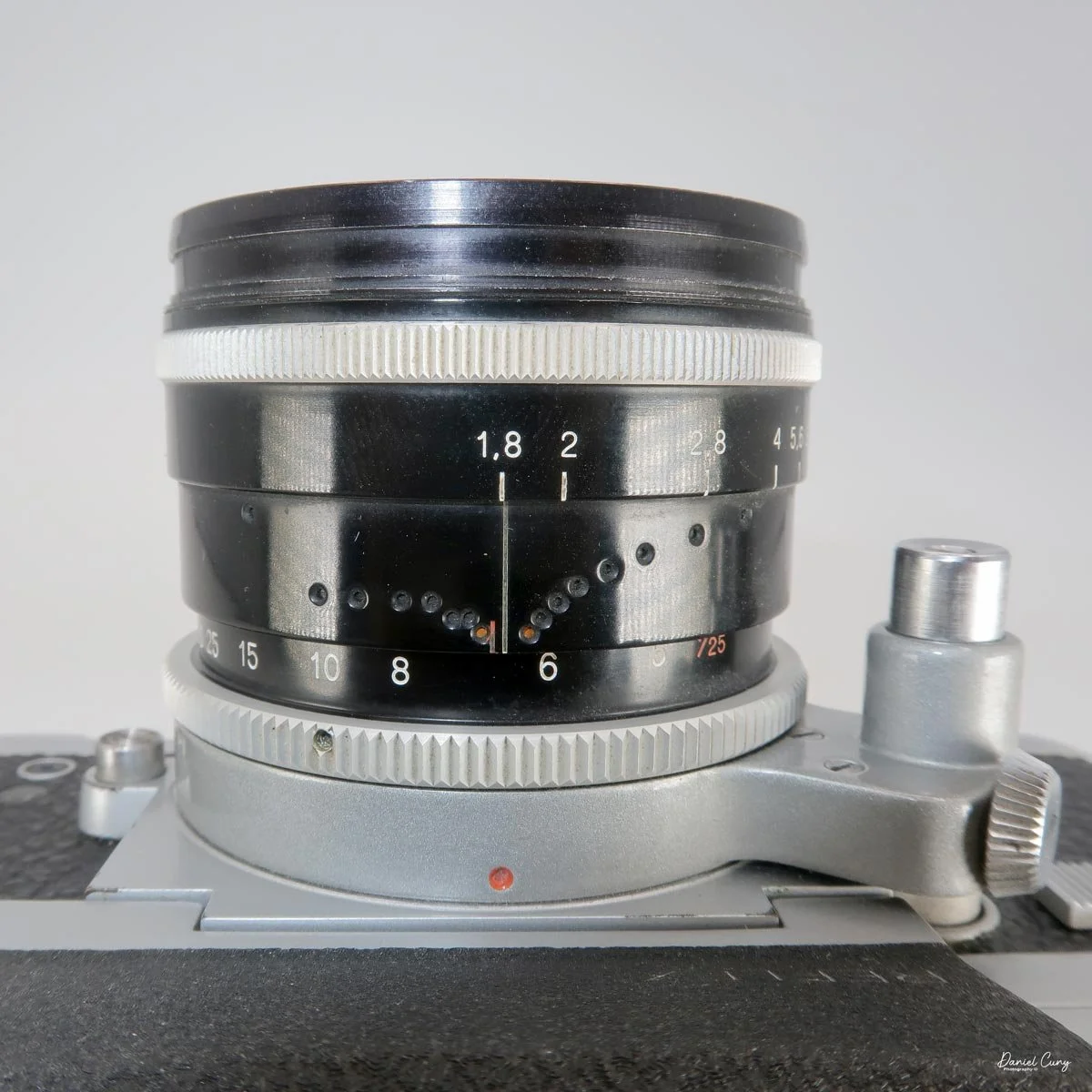
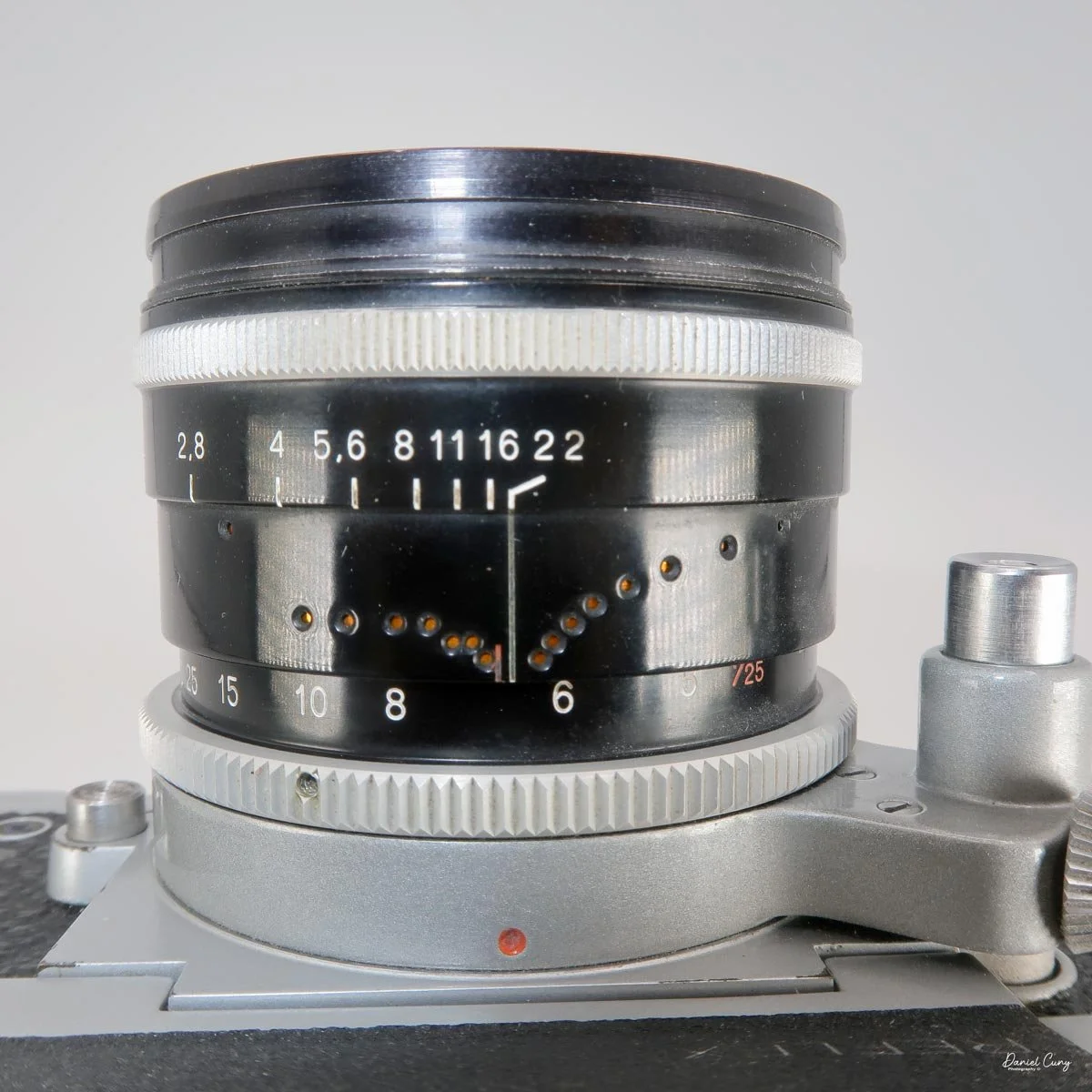
The depth-of-field scale is also unusual, using a series of colored dots to indicate depth of field at the various apertures.
Looking through the viewfinder, the focusing screen has a 45-degree slanted split-image rangefinder in the center, surrounded by a fine ground-glass circle and a matte focusing area.
The meter needles are visible on the right side of the viewfinder.
Loading Film
Loading film is a little different from most 35mm SLRs I've used.
To open the camera, turn the large handle on the bottom in the direction indicated by the arrow and slide the back off the camera.
Once the back is removed, loading the film is fairly straightforward. Load the film as you would in most 35mm cameras, making sure the film travels across the shutter before replacing the back and locking it into position.
I then pull up the rewind knob and turn it several times to take up any slack in the film. When I advance to the first frame, the rewind knob should rotate, confirming that the film is advancing properly.
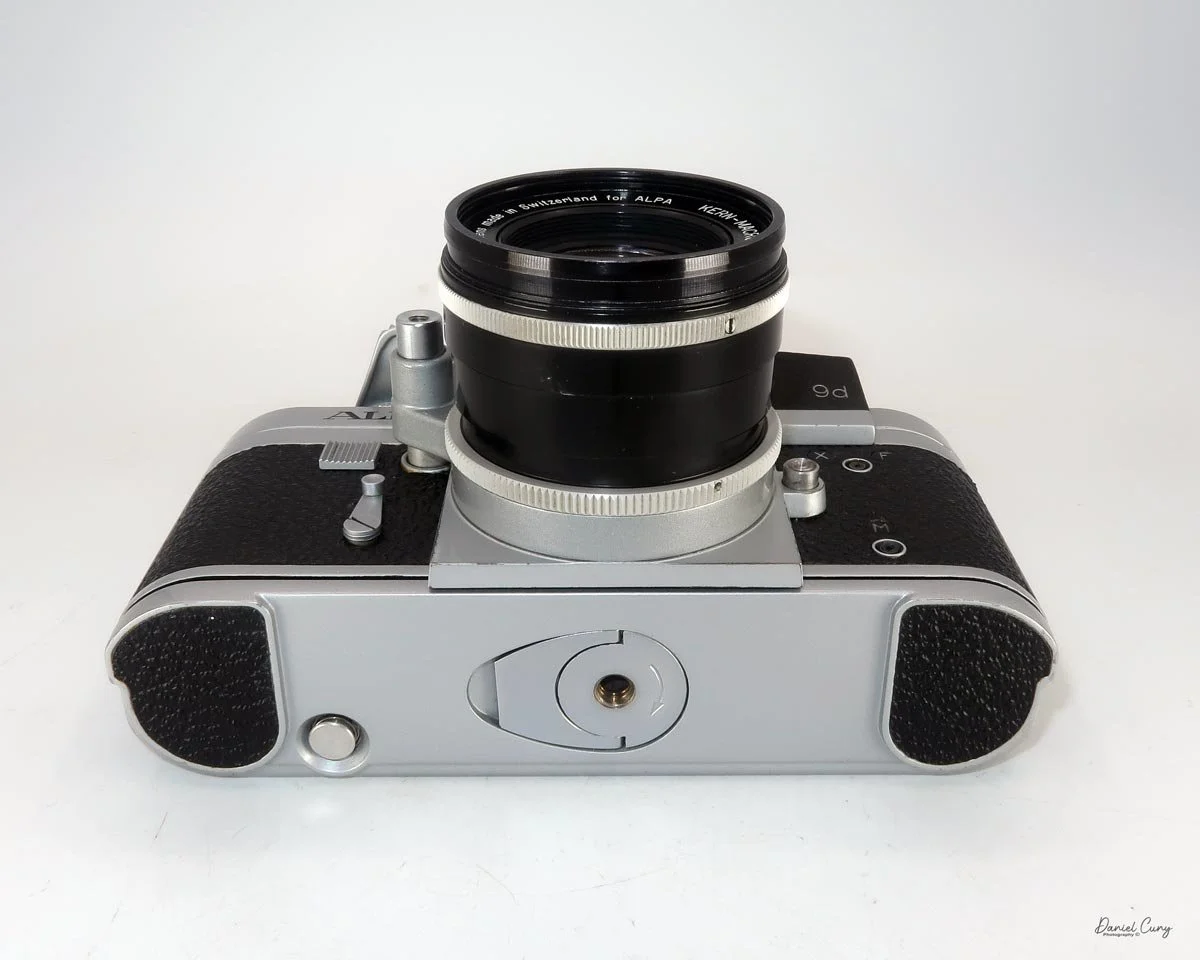
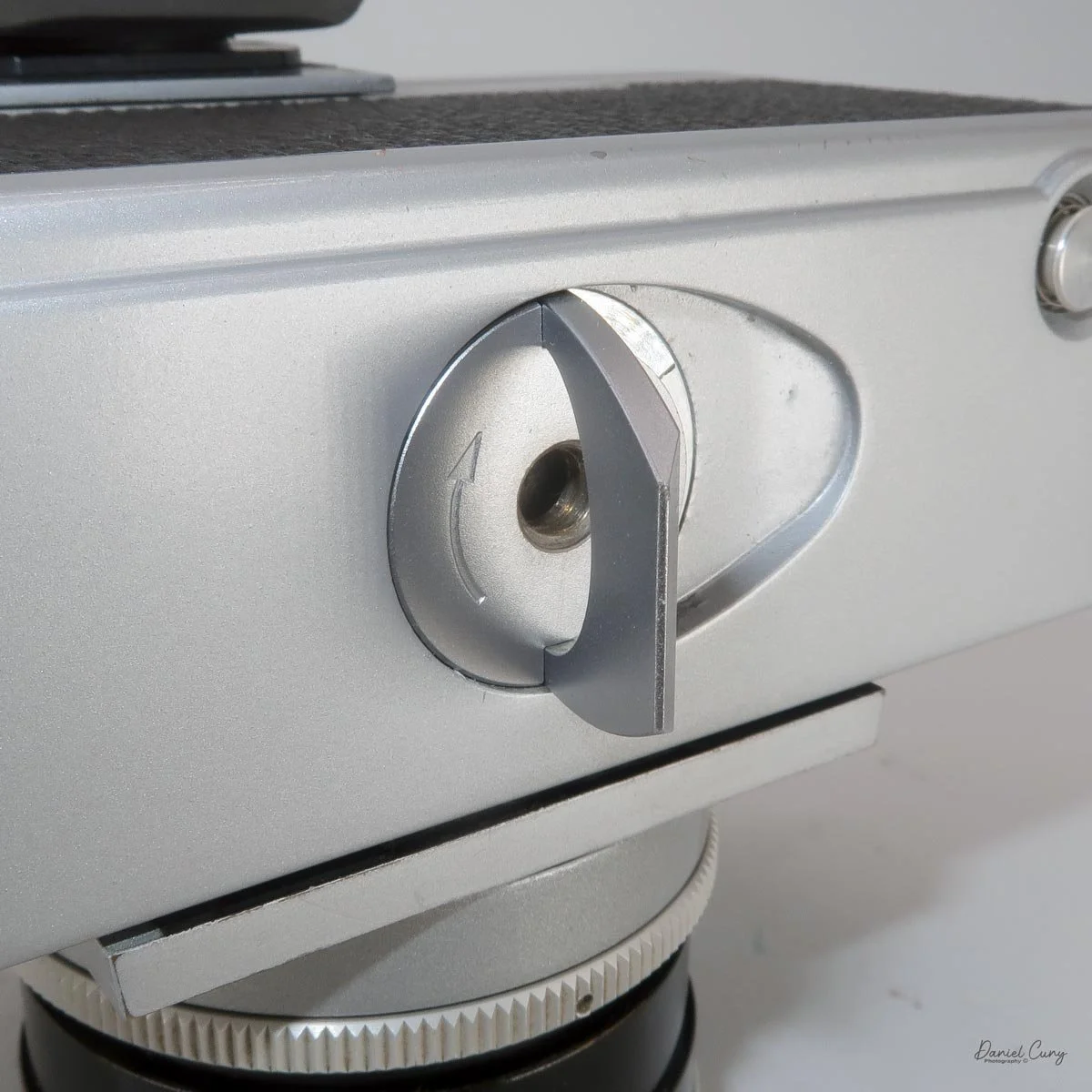
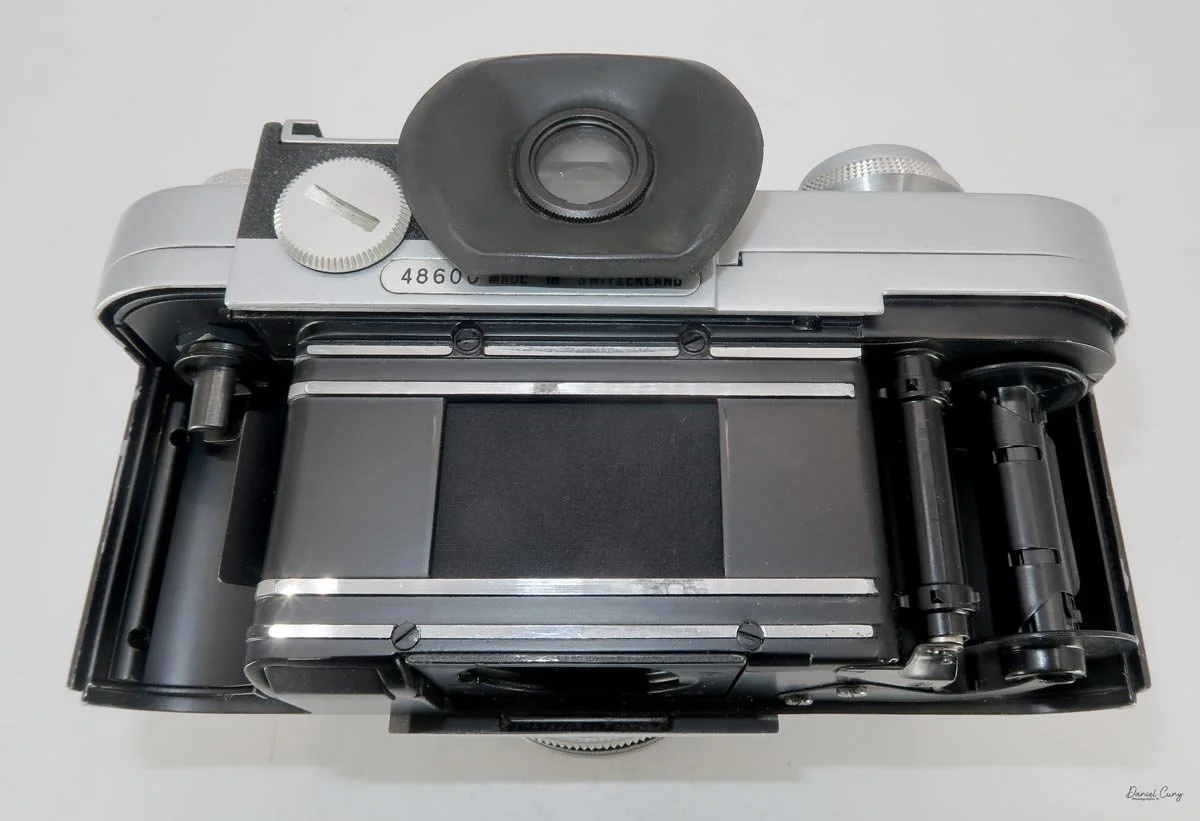
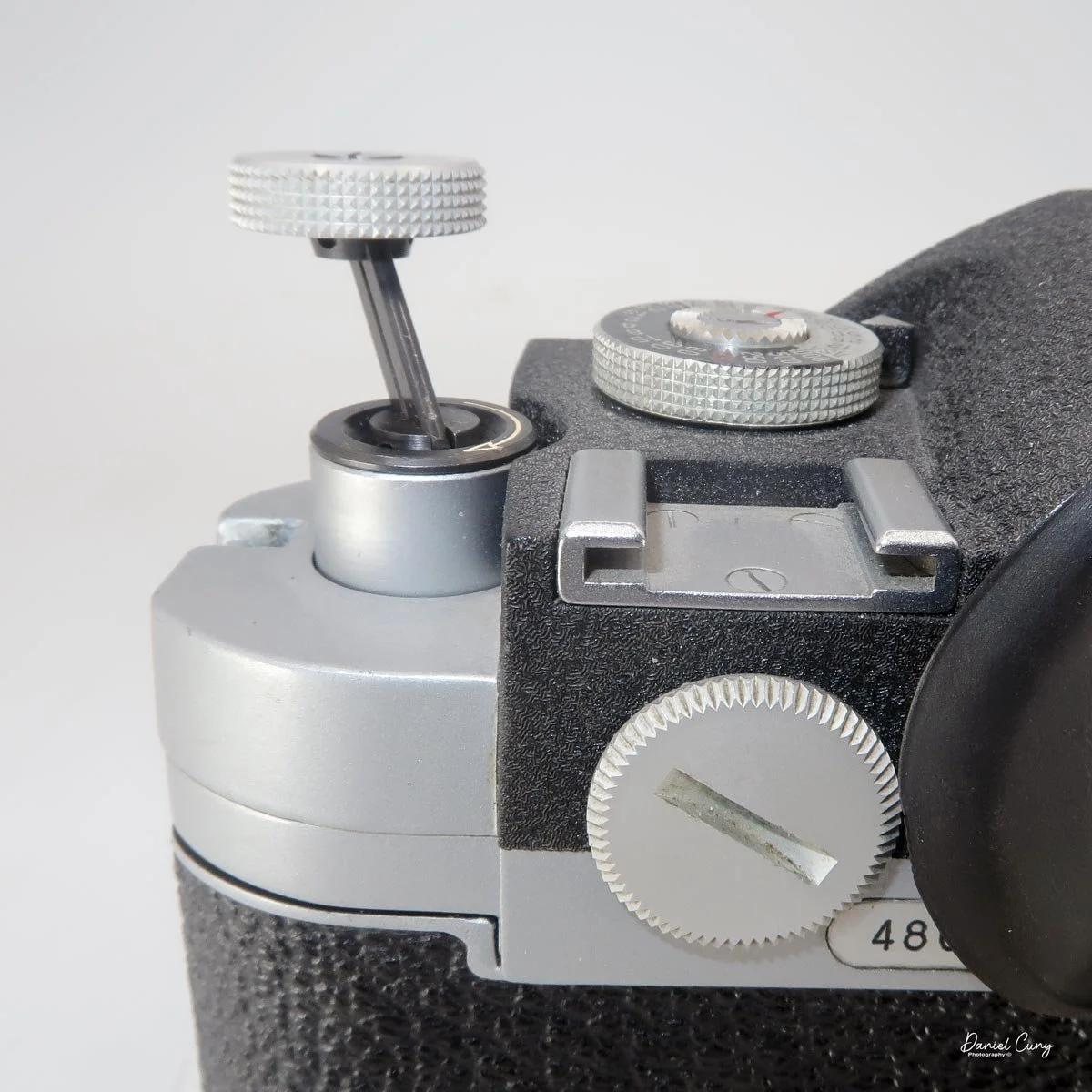
When the roll is finished, press the rewind button on the bottom of the camera, pull up the rewind crank, and rewind the film into the cassette.
Then you're ready for another roll.
My Results
After loading the film and taking the Alpa out into the neighborhood, I was finally able to see what the camera and, more importantly, the Kern Macro Switar 50mm f/1.8 could do.
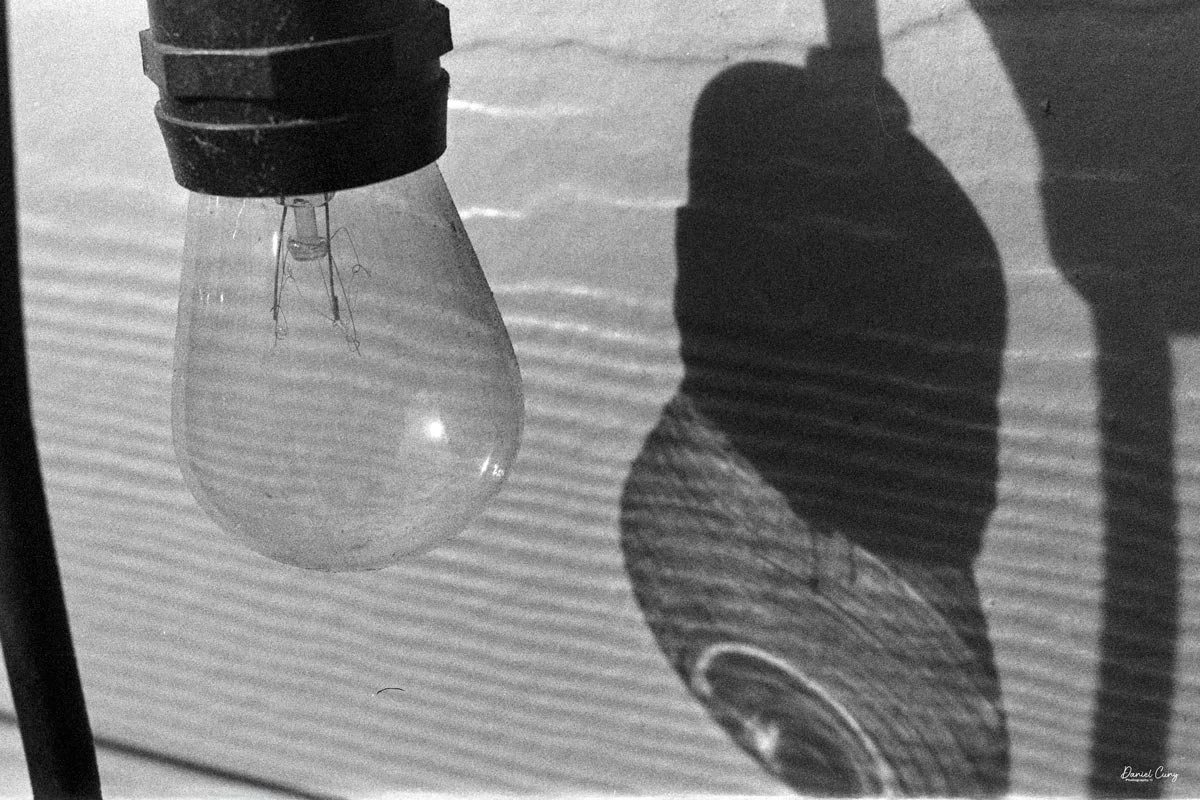
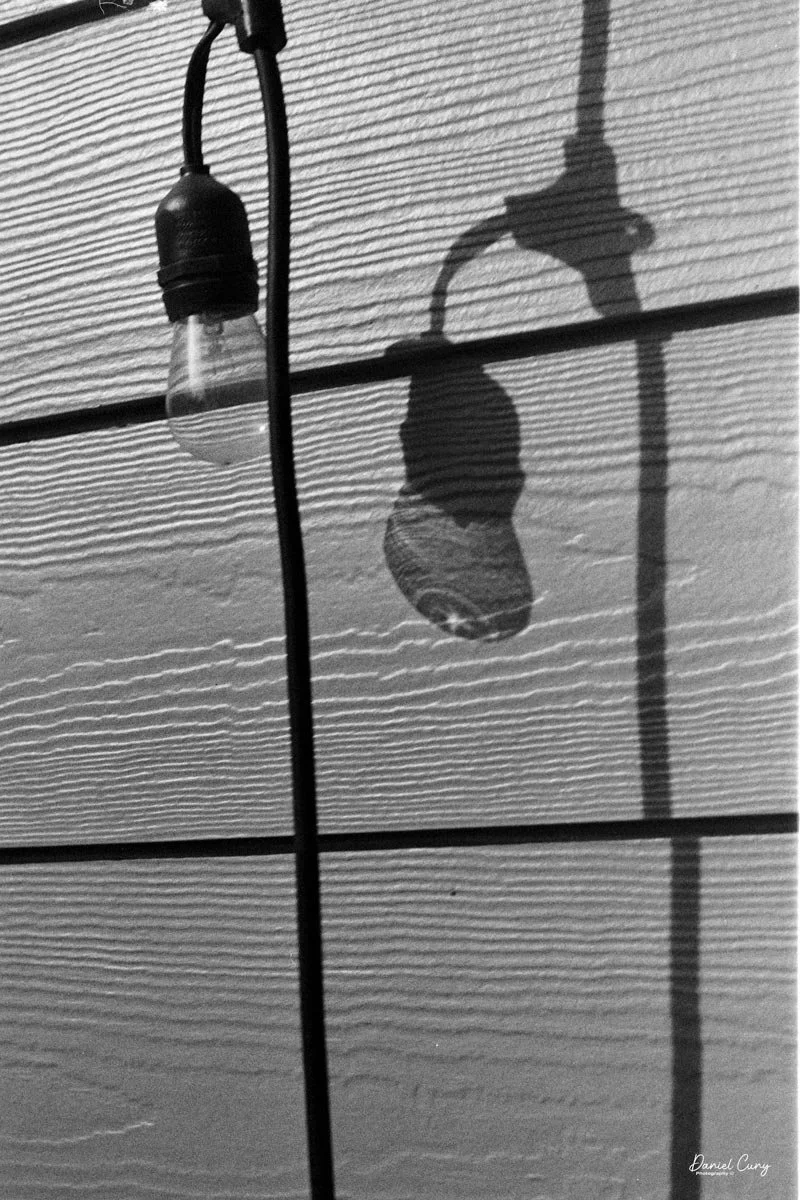
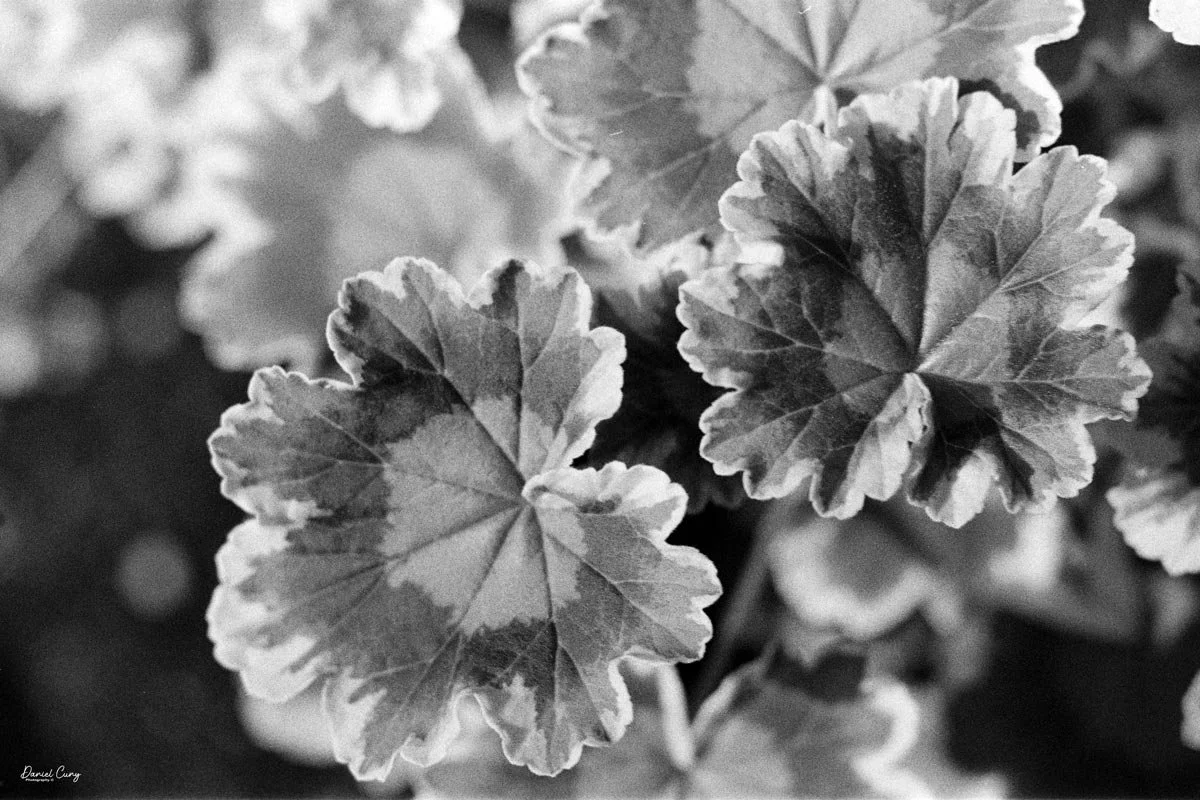
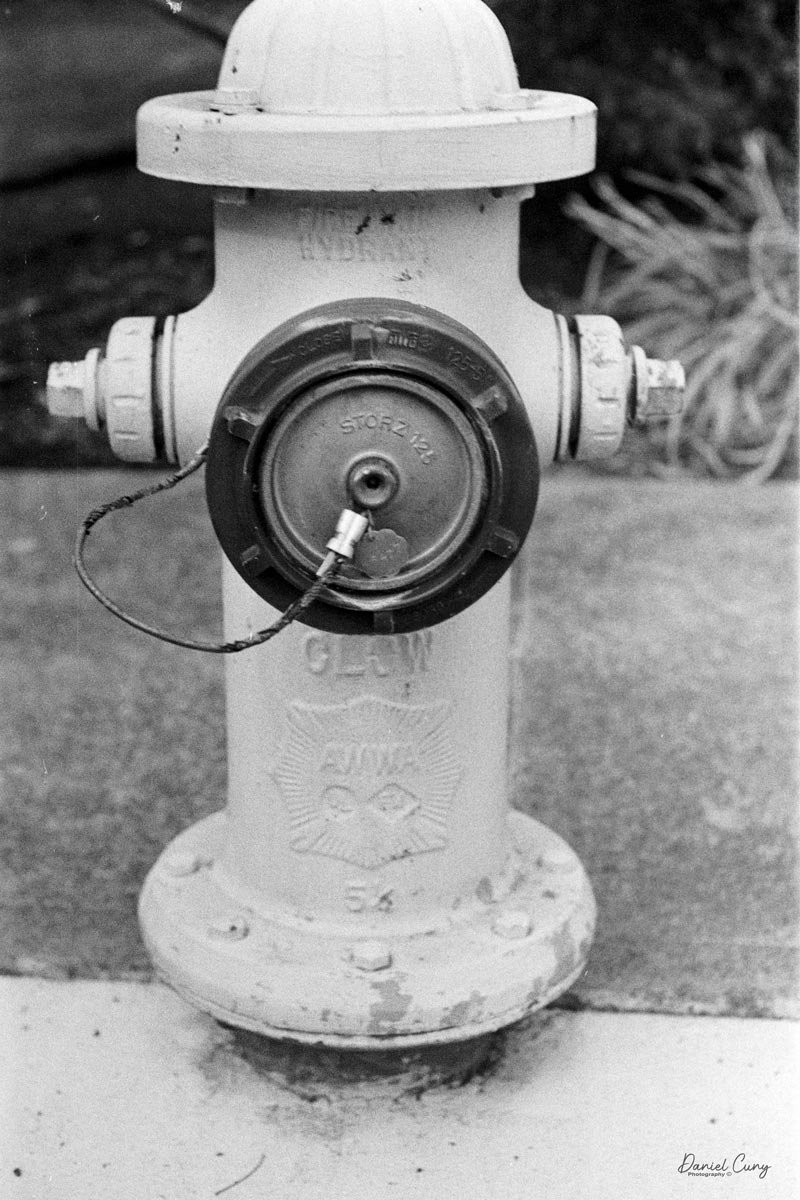
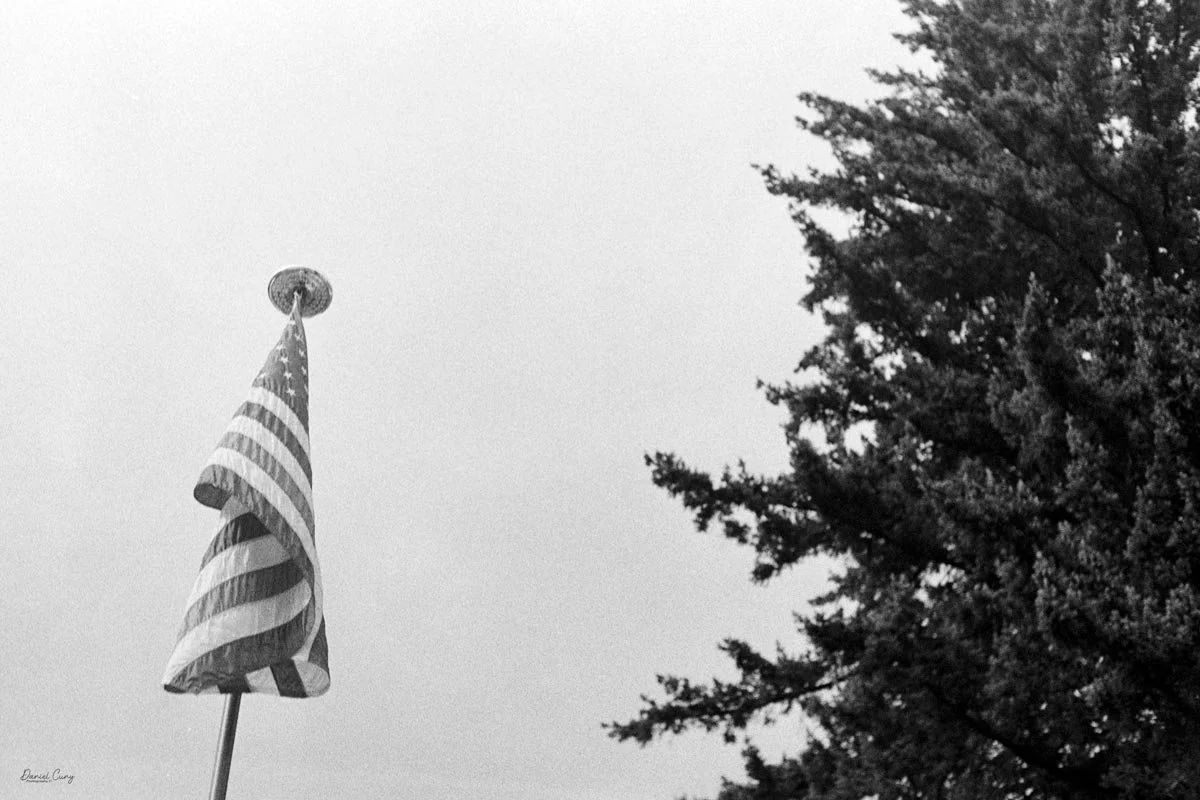
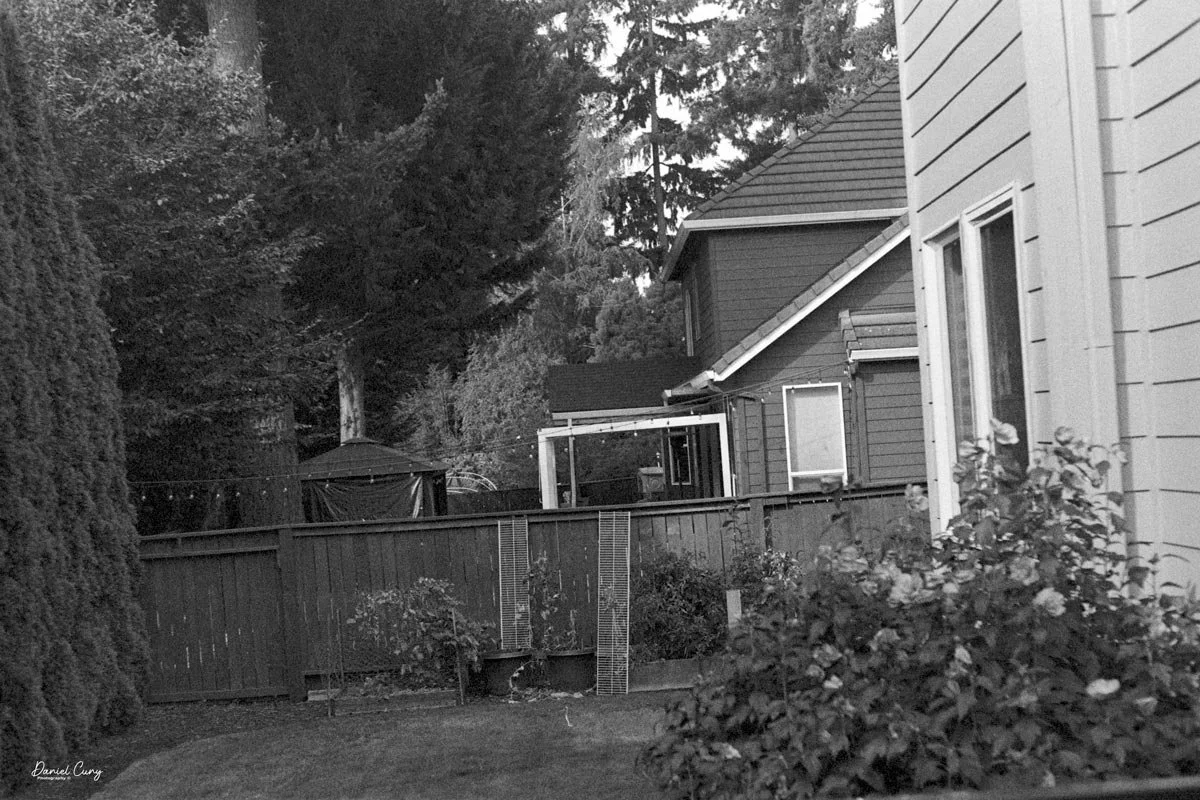
I shot these images on expired 6/70 Kodak Plus-X film, developed in Rodinal.
The results were exactly what I was hoping to see from this lens.
Conclusion
It took me some time to get used to the film transport system. After using cameras for roughly 60 years, I'm pretty accustomed to advancing film by pushing a lever with my thumb. Pulling the Alpa's lever toward me with my forefinger just feels backwards.
After using it for a while, though, it stopped feeling strange. It was simply different.
The Alpa Reflex 9d is also a very solid camera. You can feel the quality when you're holding it. This isn't a lightweight camera designed to disappear into a bag. It's a precision instrument, and it feels like one.
The advanced features took me some time to understand, and the shutter-speed controls aren't as quick to operate as I'm used to. But I don't think the Alpa was really designed for someone who wanted to shoot quickly.
This is a camera for taking your time.
For me, the real star of this particular combination is the Kern Macro Switar 50mm f/1.8 lens.
The lens is spectacular.
I love the close-focusing capability, and the images have a very creamy look while still retaining excellent sharpness. That's difficult to describe until you actually see the photographs, but I really enjoyed the results.
I wish the built-in meter worked, but that wasn't going to stop me from using the camera. I'm reasonably good at estimating exposure, and when I want to be more precise, I can always use my Sekonic L-308 meter.
So, was the Alpa Reflex 9d worth the four-hour drive from Southern California to Las Vegas?
For me, absolutely.
Actually, when I think about it, the Alpa was worth quite a bit more than the drive. It was one of those cameras in the collection that I saw in a photograph and immediately thought, "I want that one."
And after putting a roll of film through it, I'm glad I did.
Are you interested in other cameras? Check out some of my other Camera Reviews.
Also, check out my Cuny's Camera Collection YouTube channel, where I'm putting together video overviews of the cameras I write about. Be sure to subscribe and like the channel!
You can also visit Cuny's Cameras and Photos, my online eBay store, where you'll find some of the cameras I've reviewed, along with a wide range of other cameras, lenses, and photography items from my collection that I'm thinning out.
Until next week, please be safe.