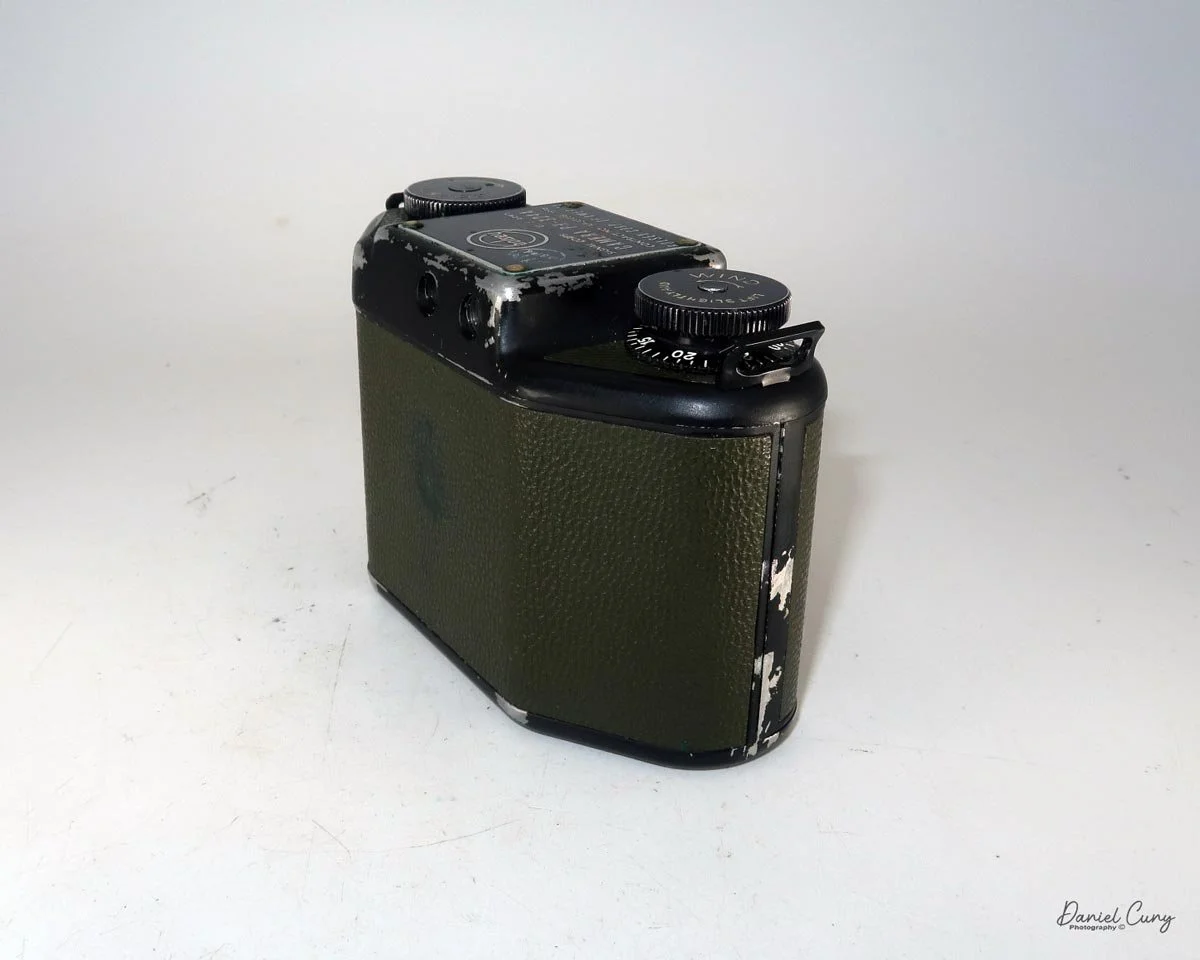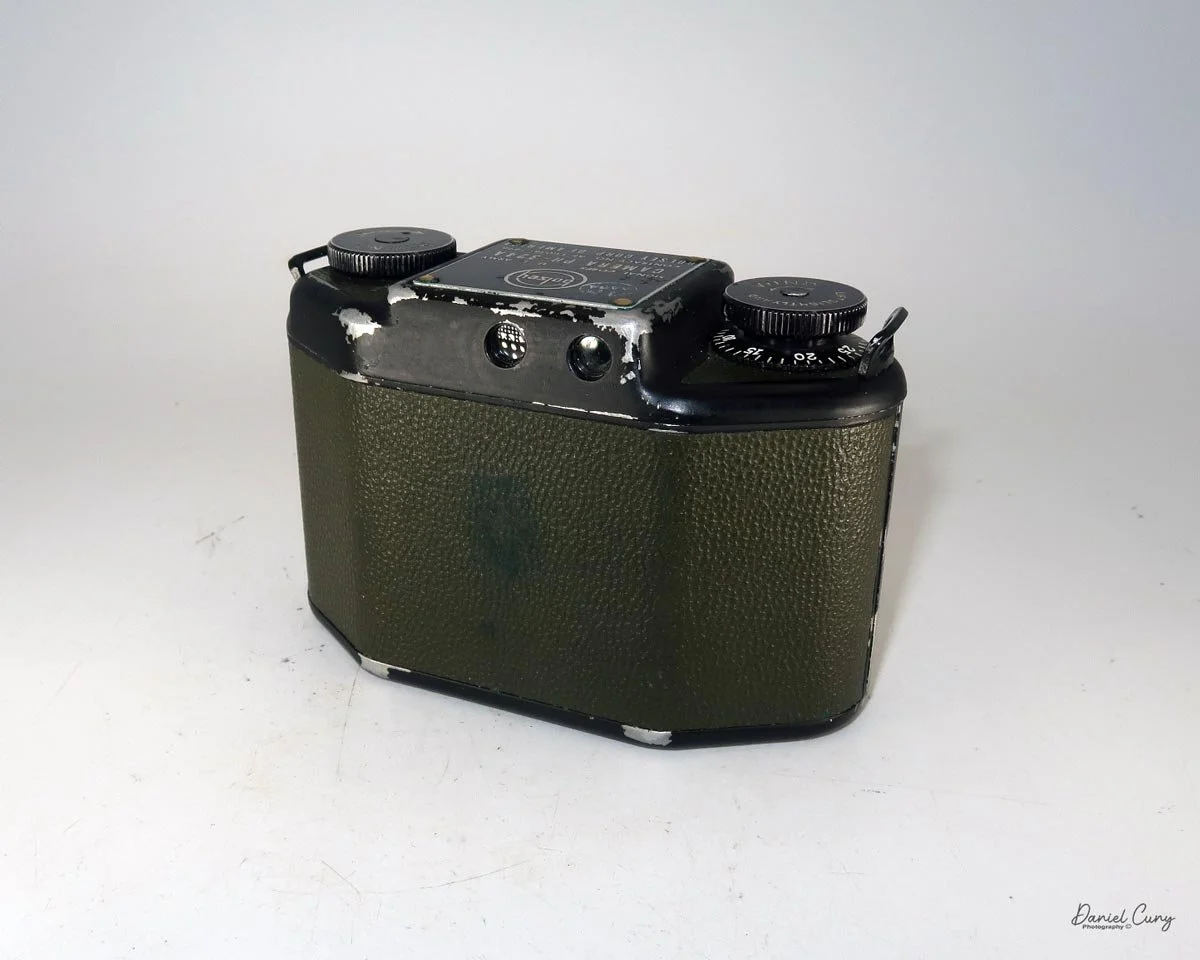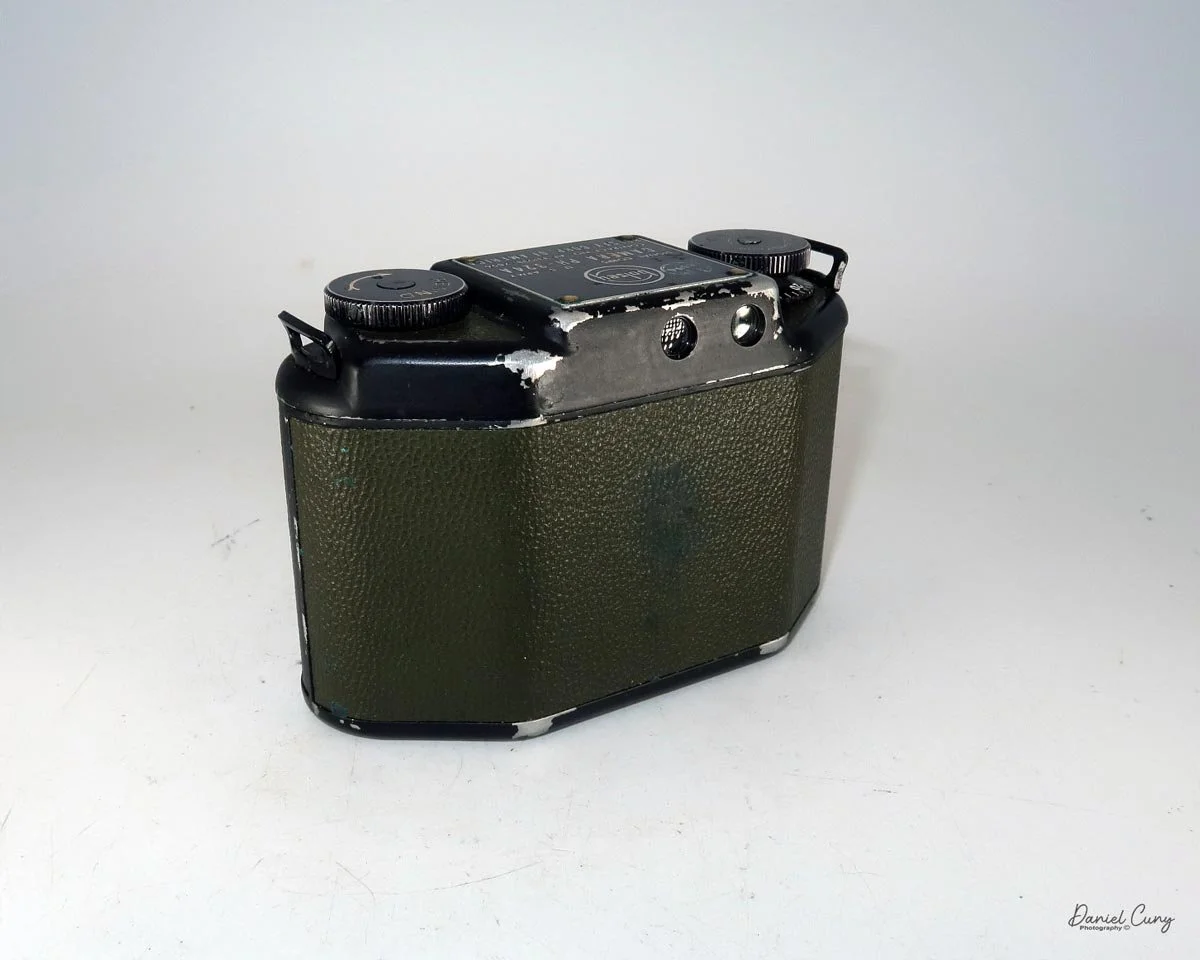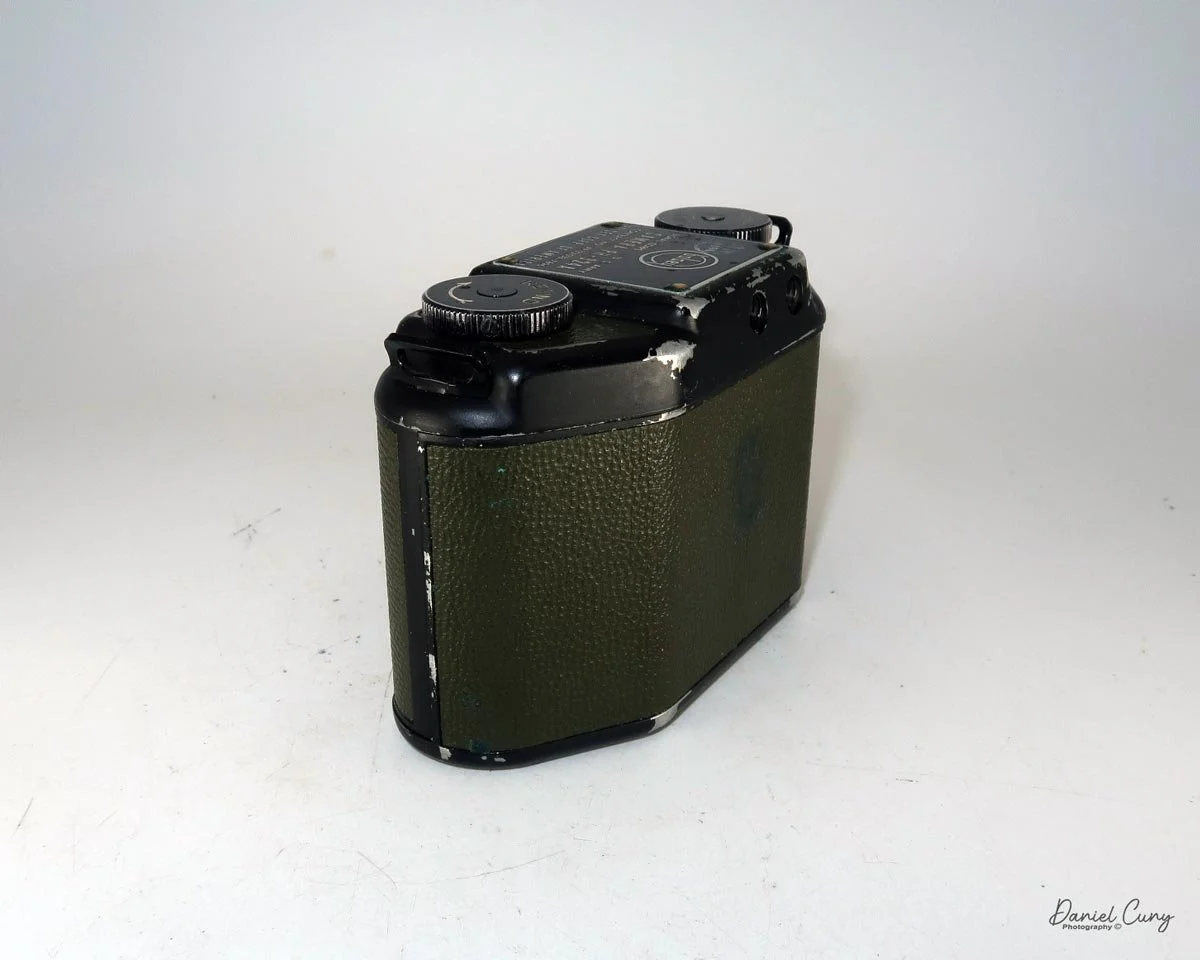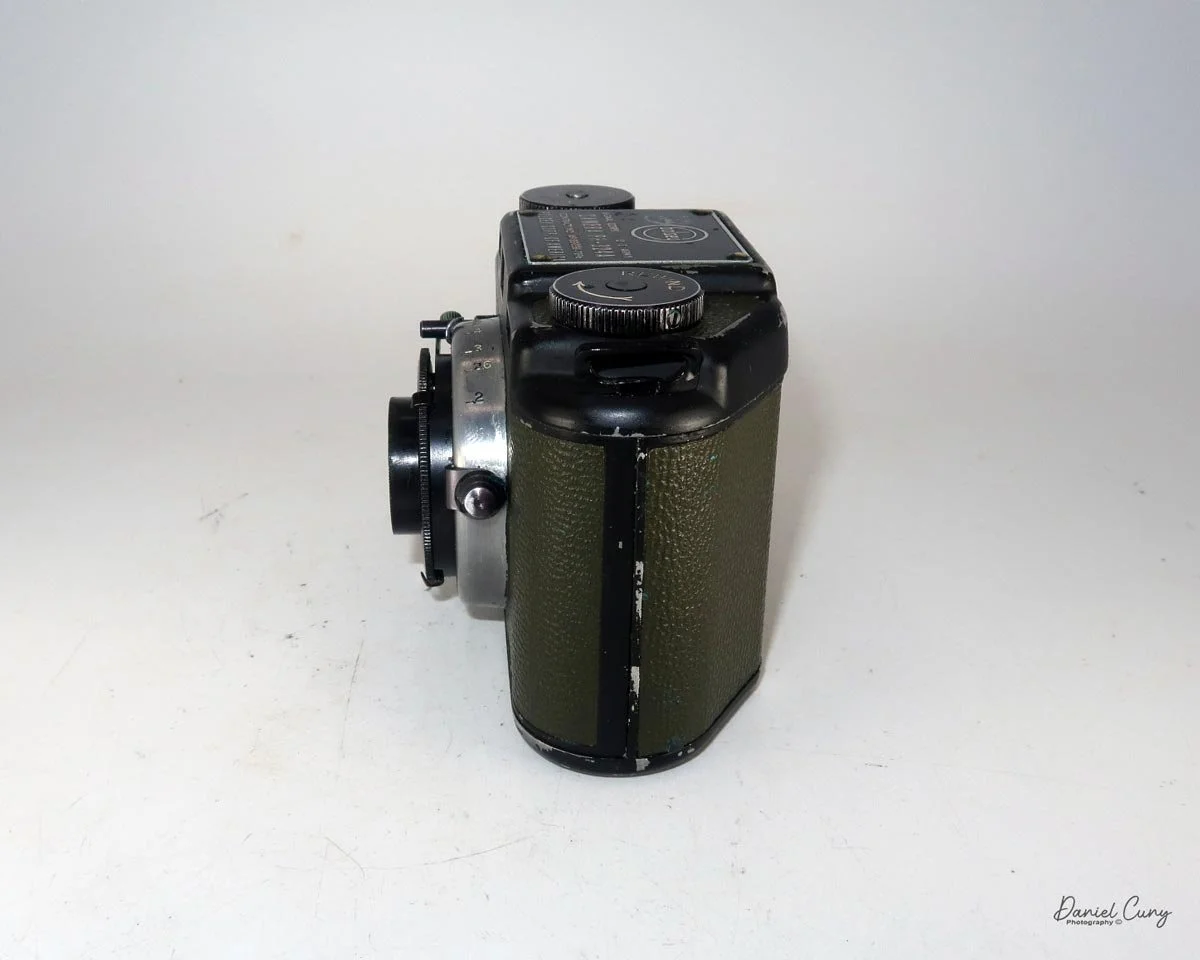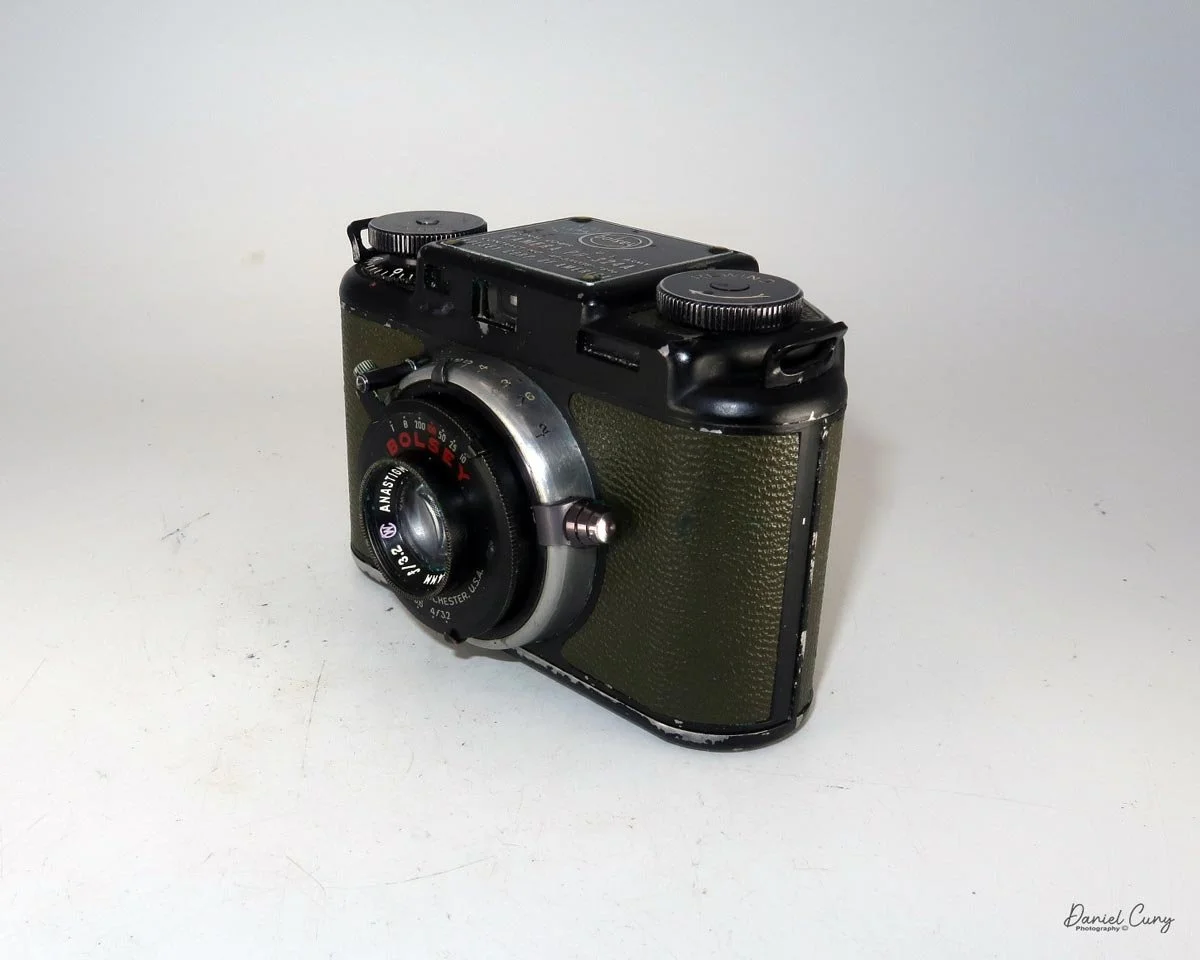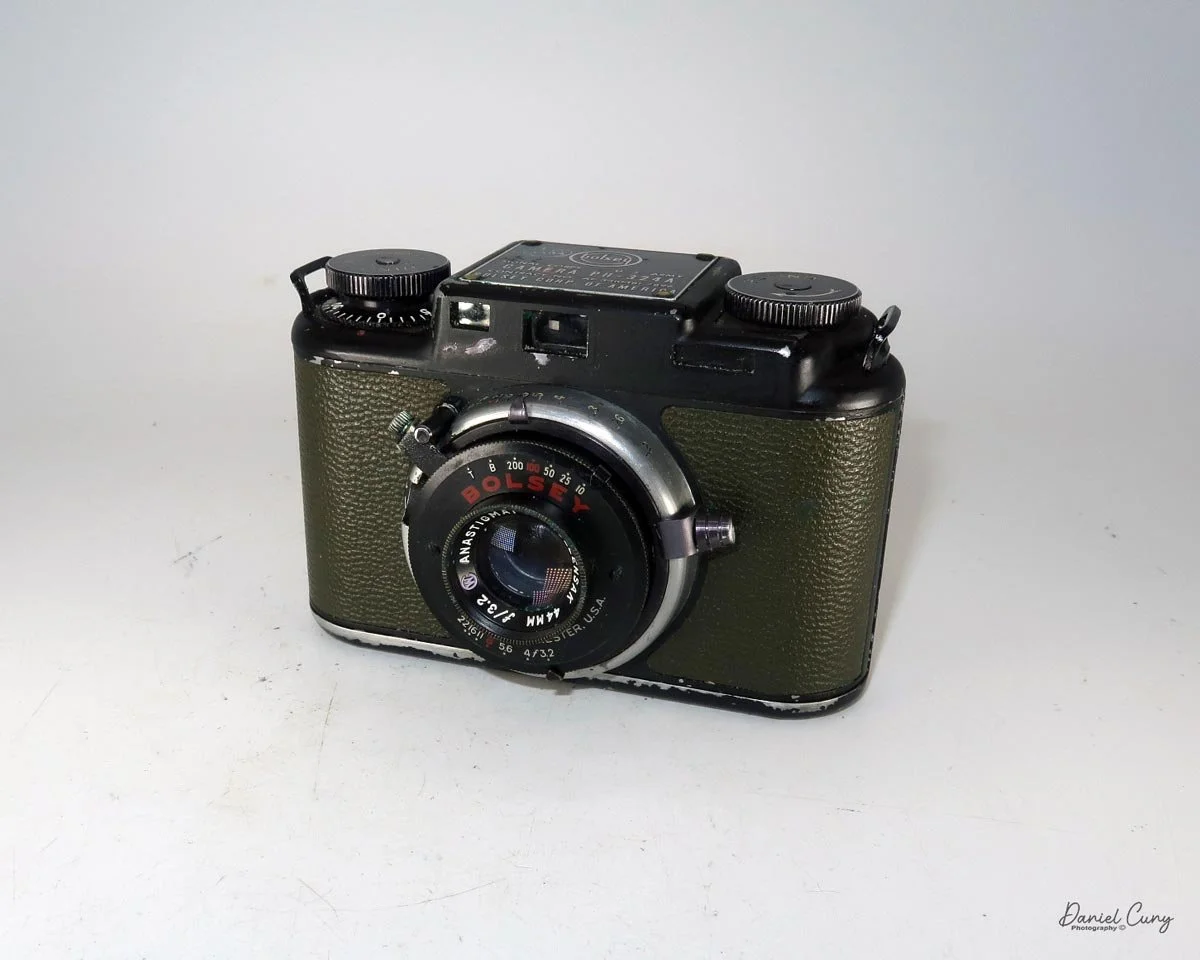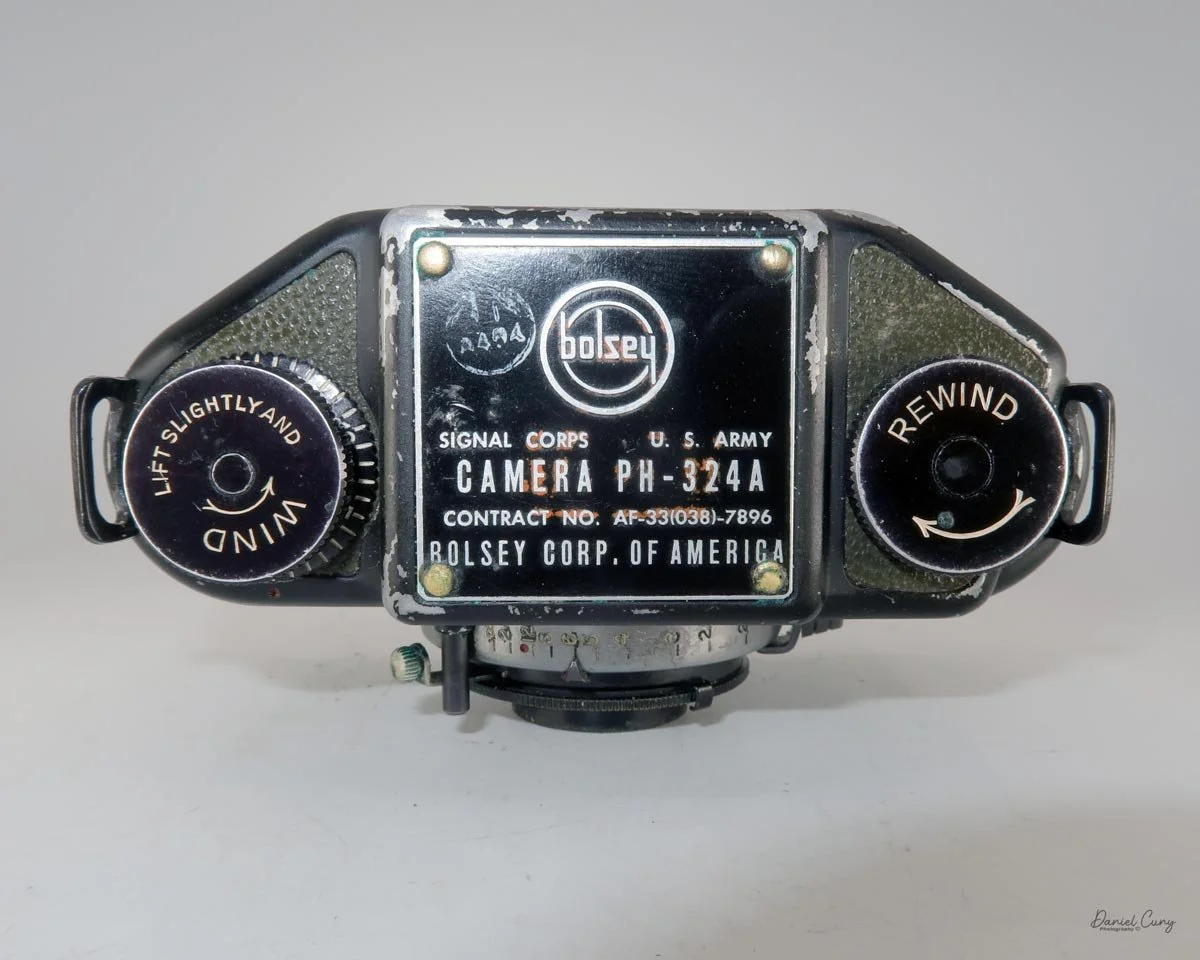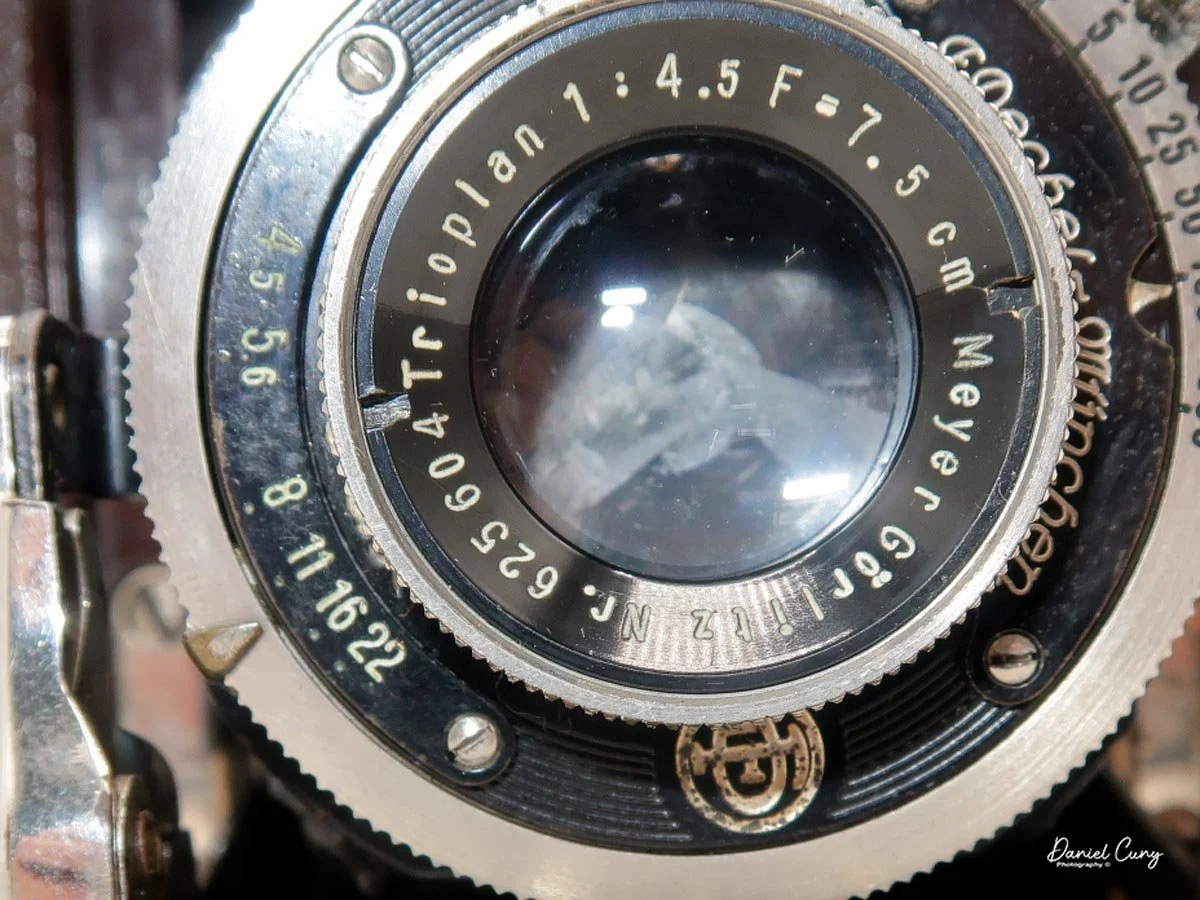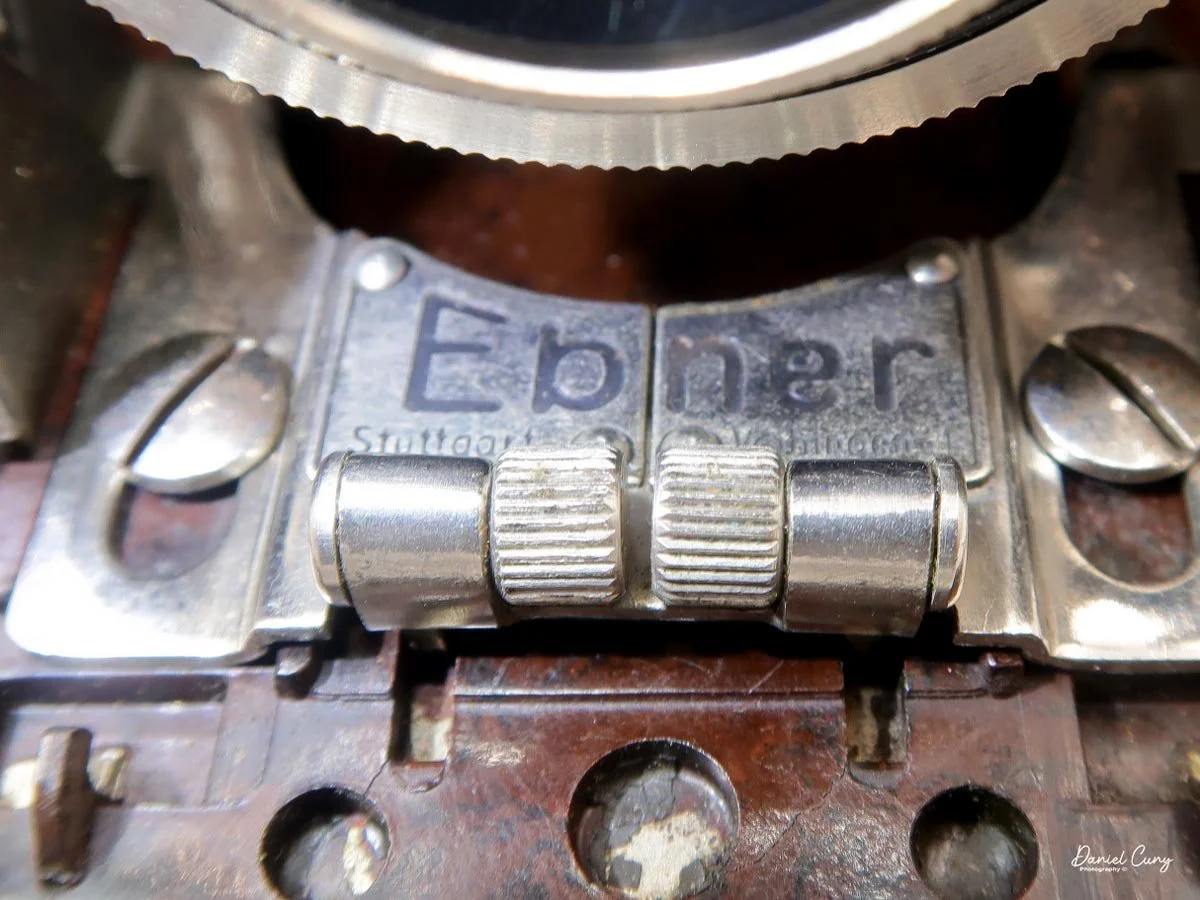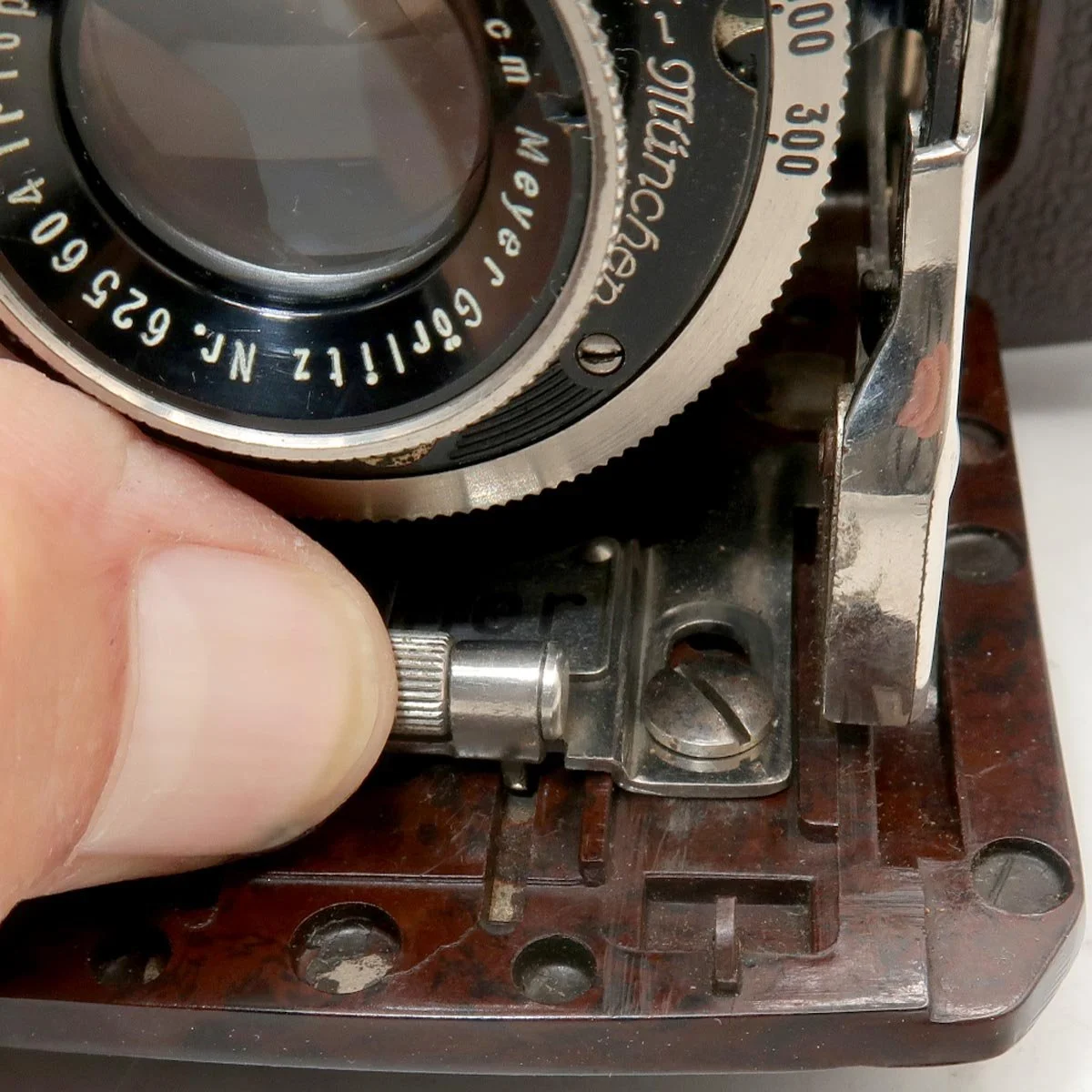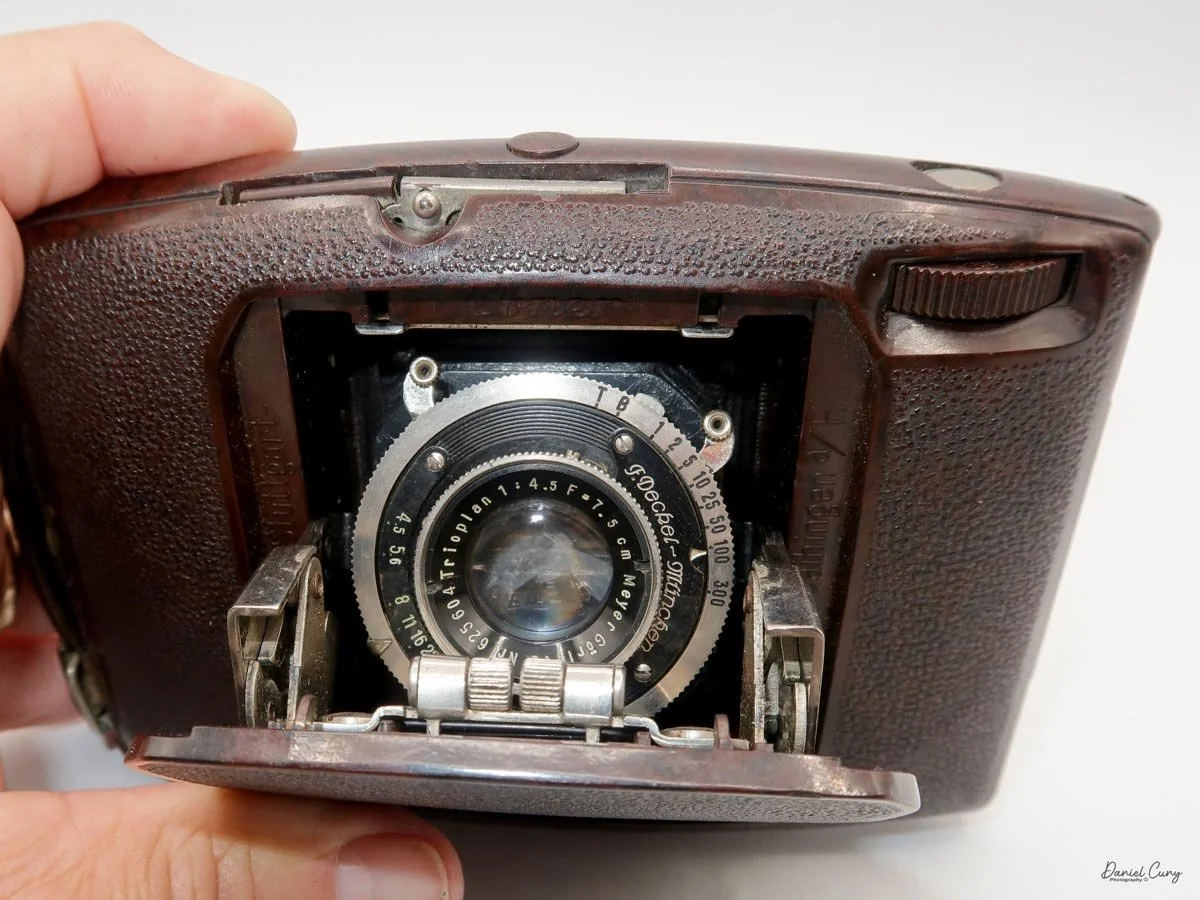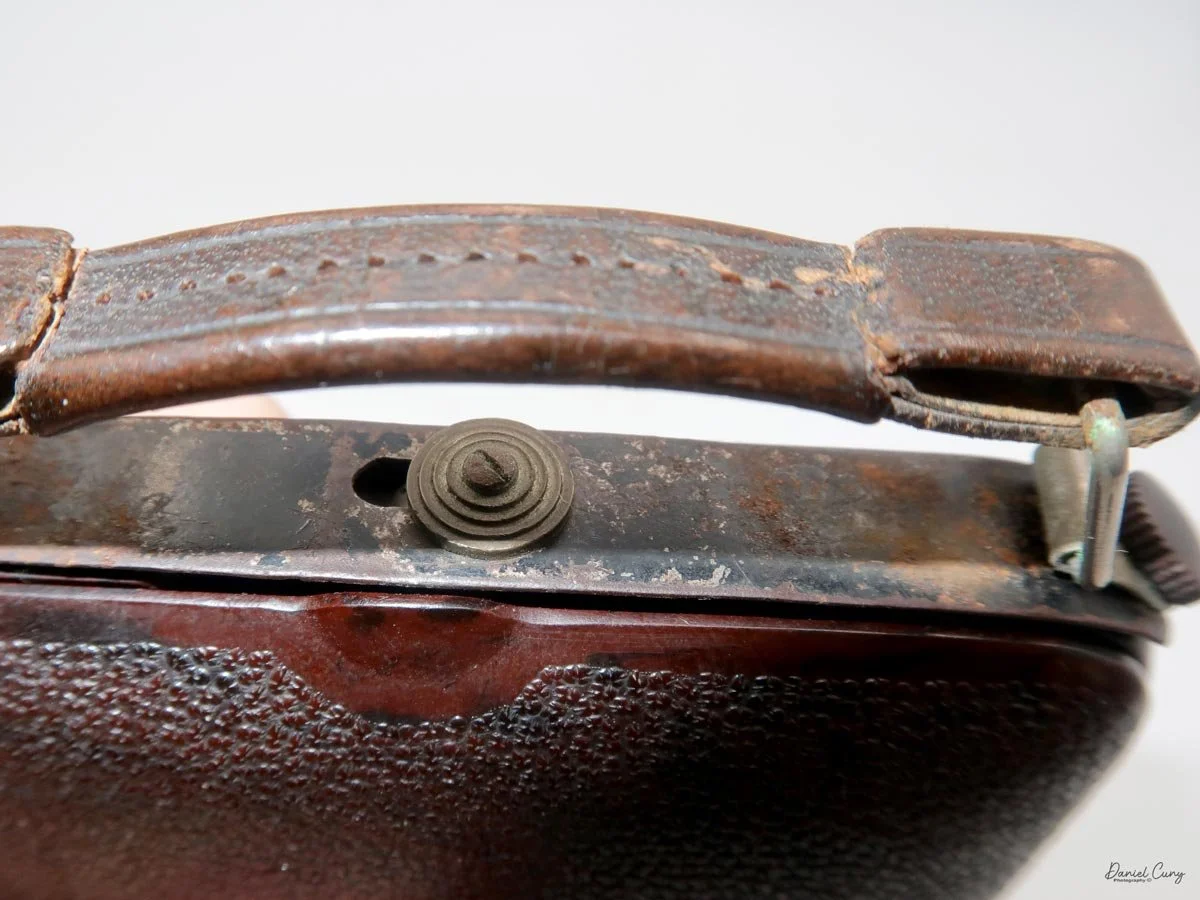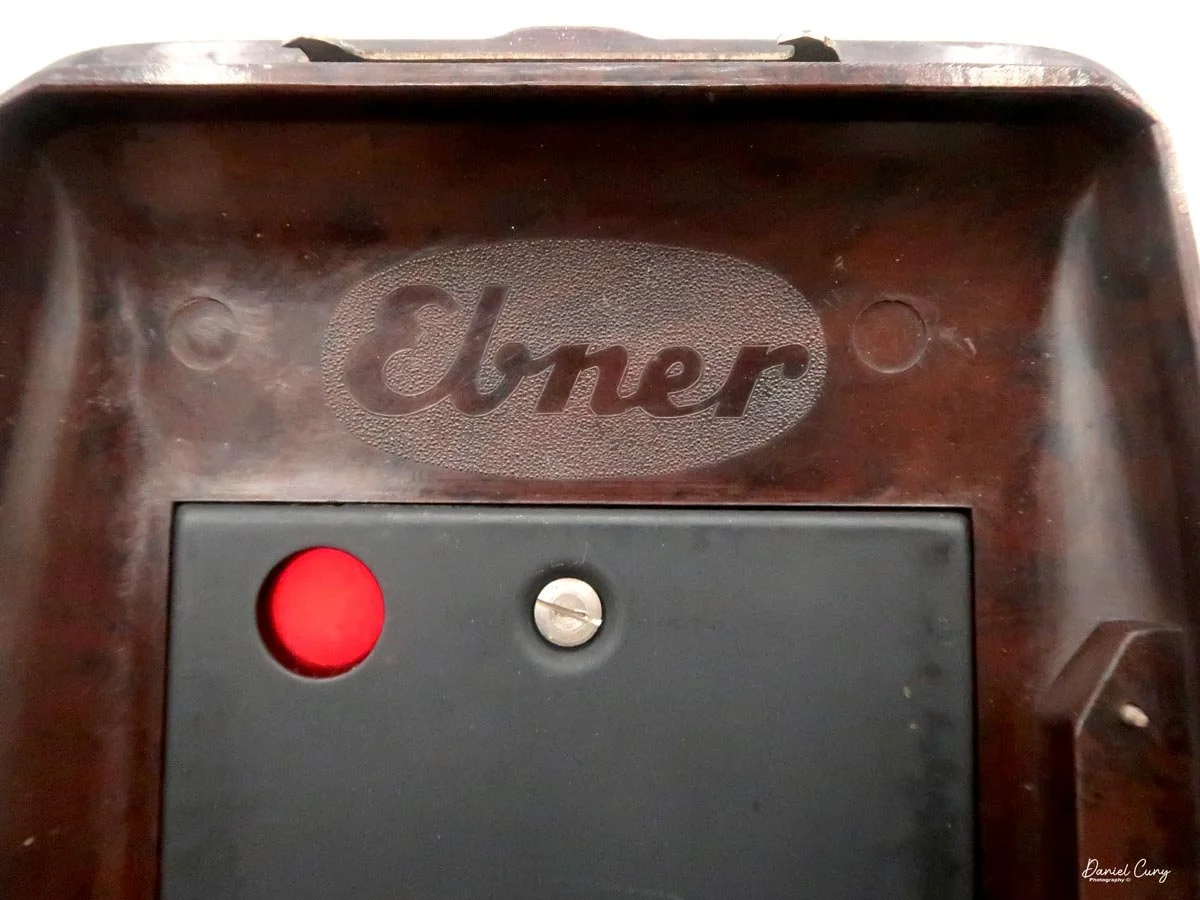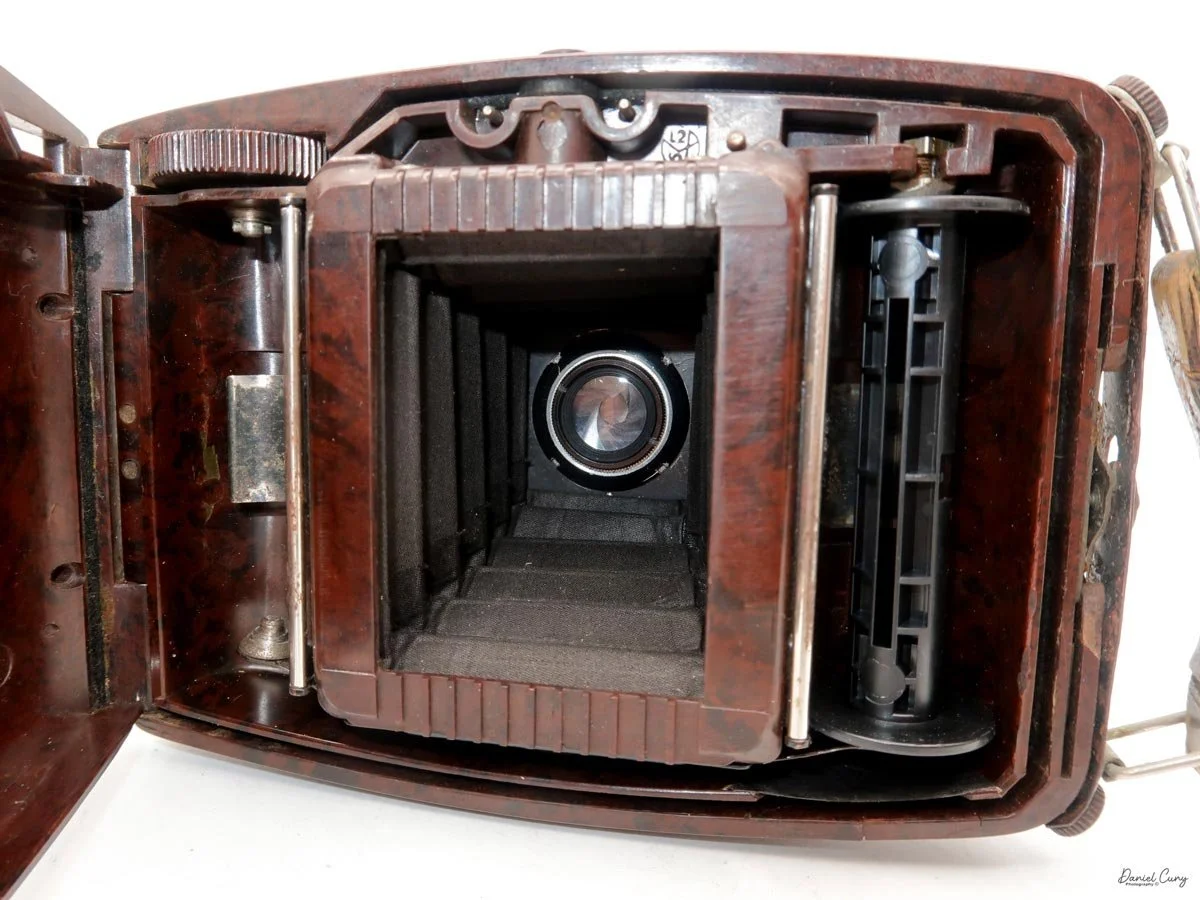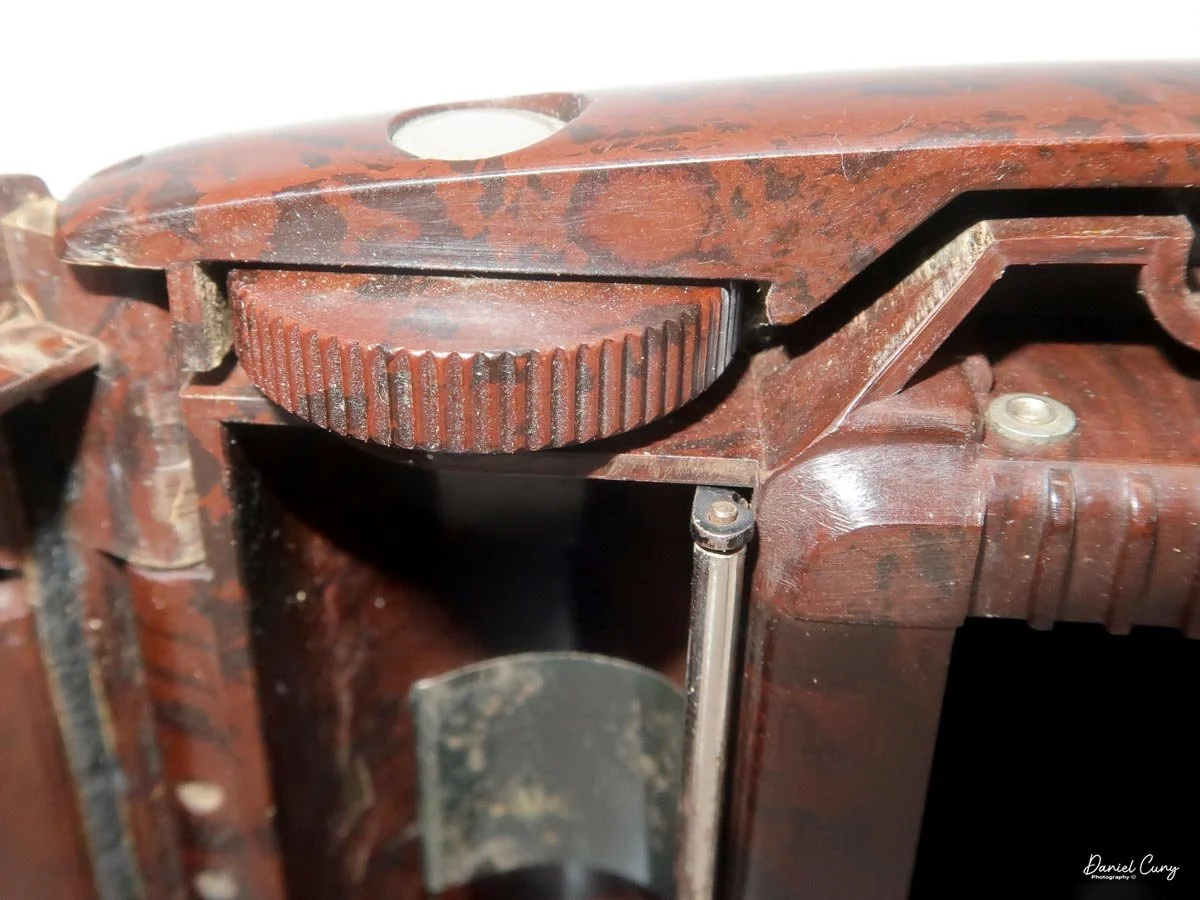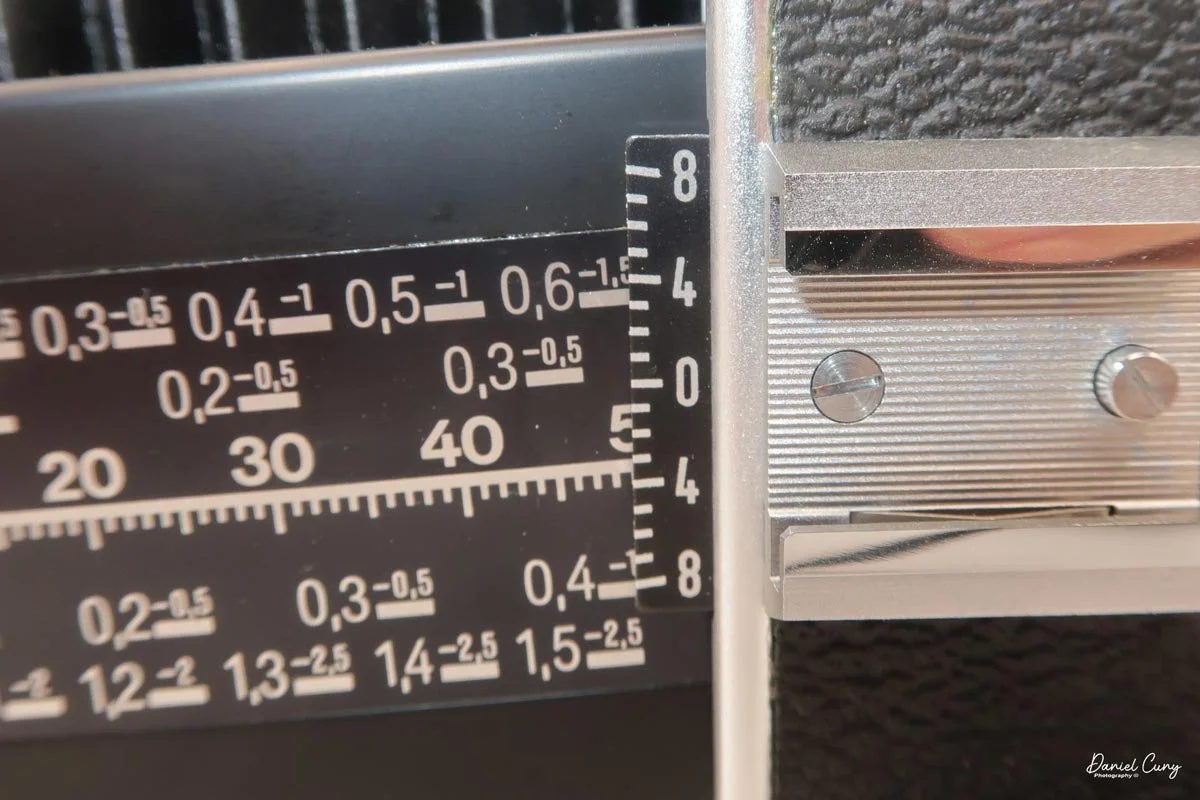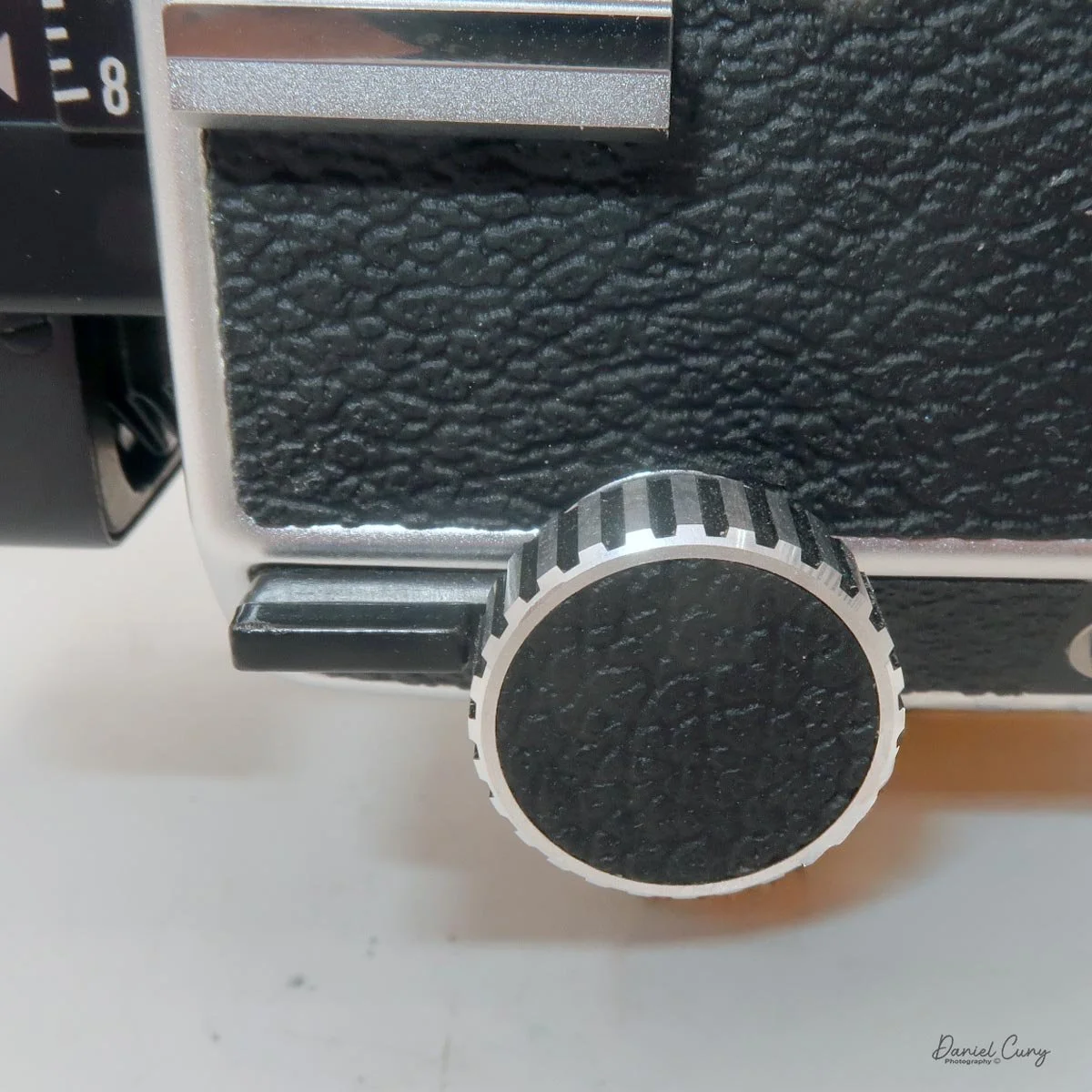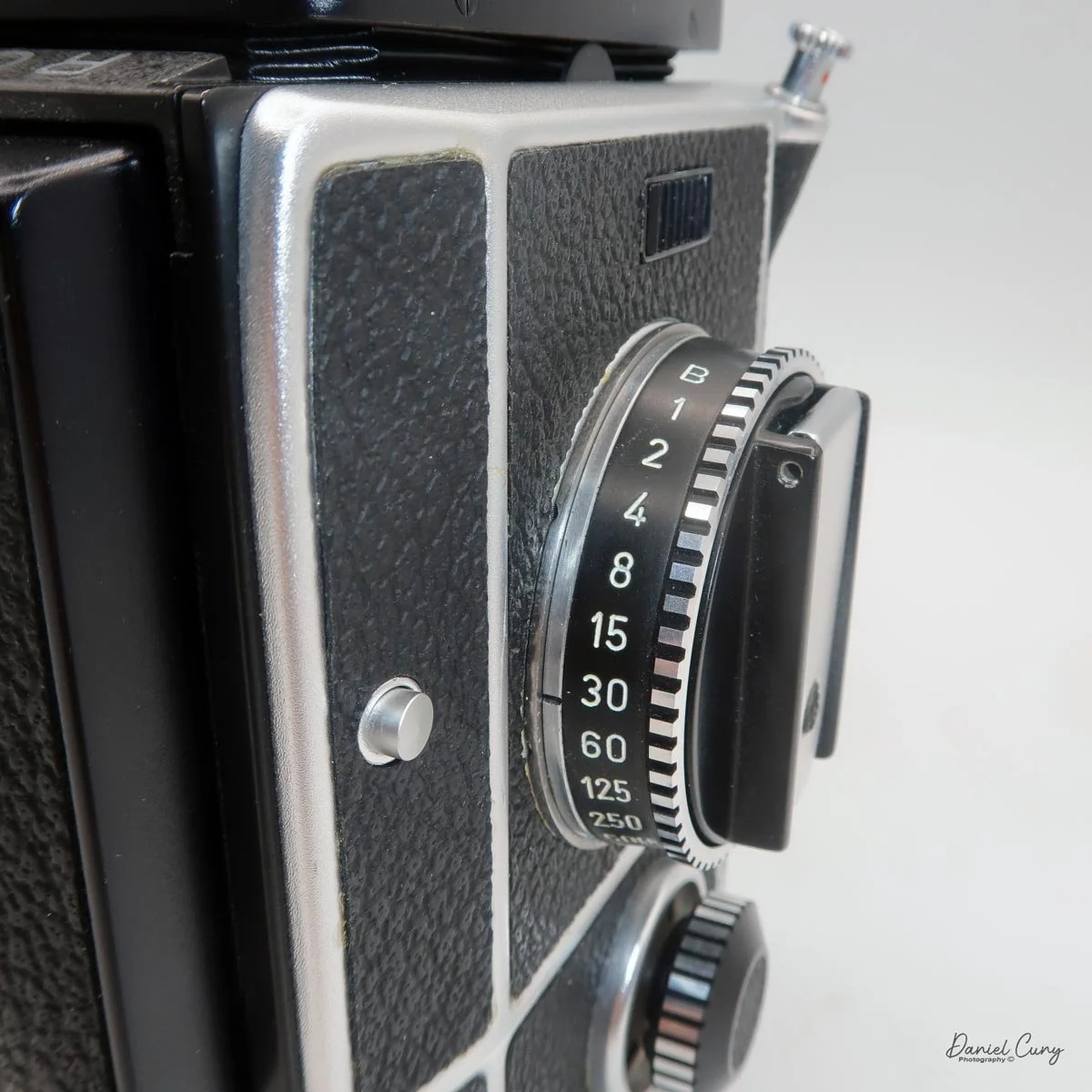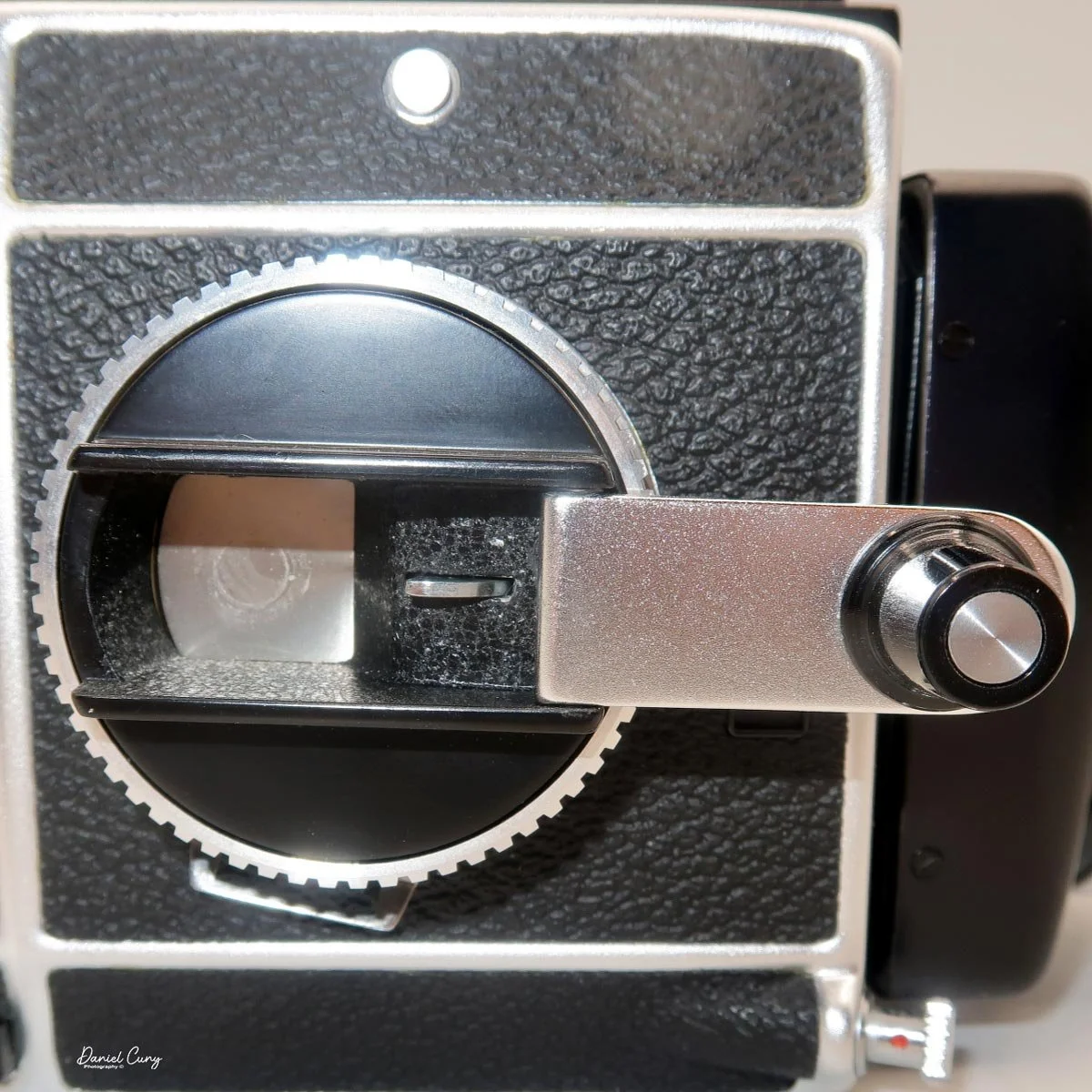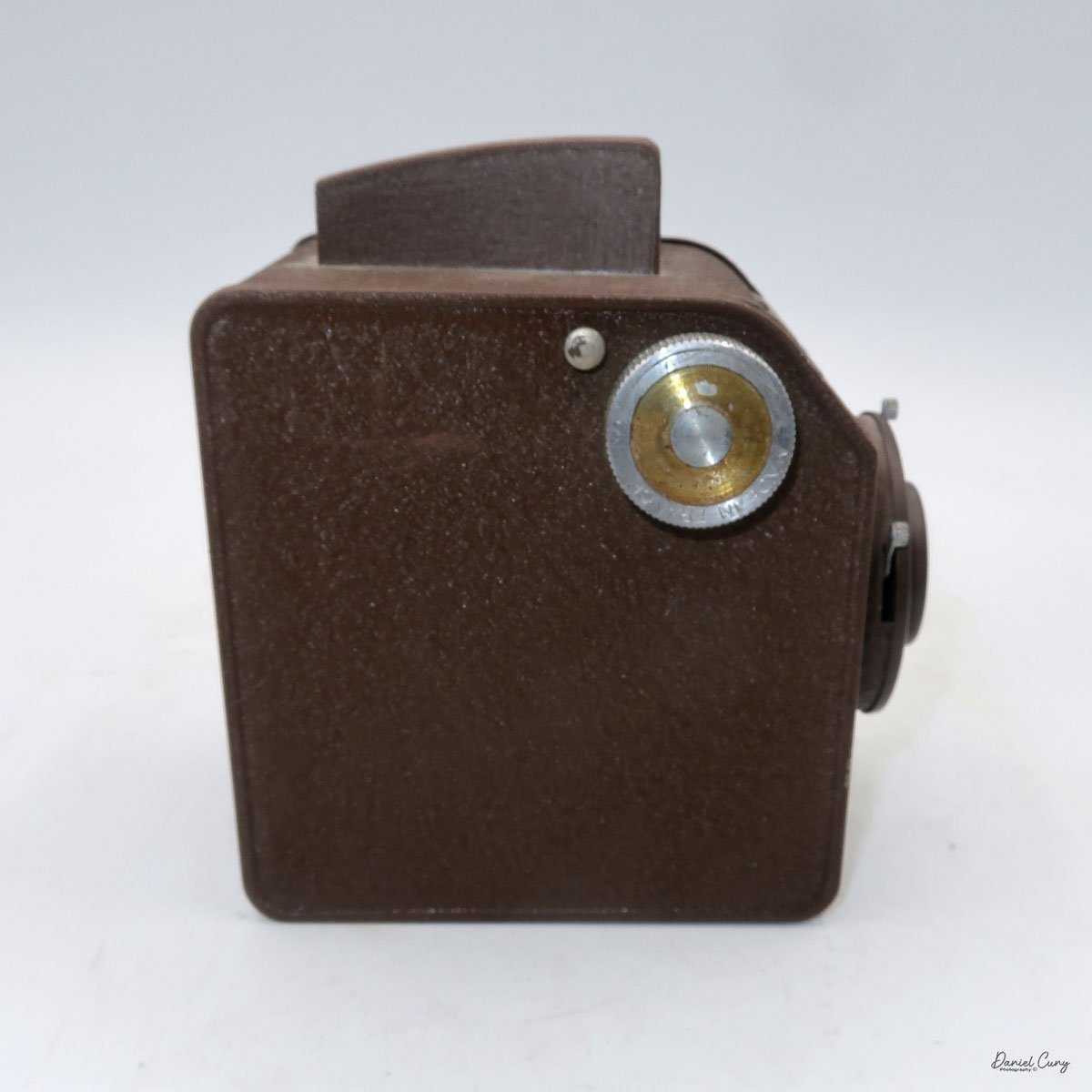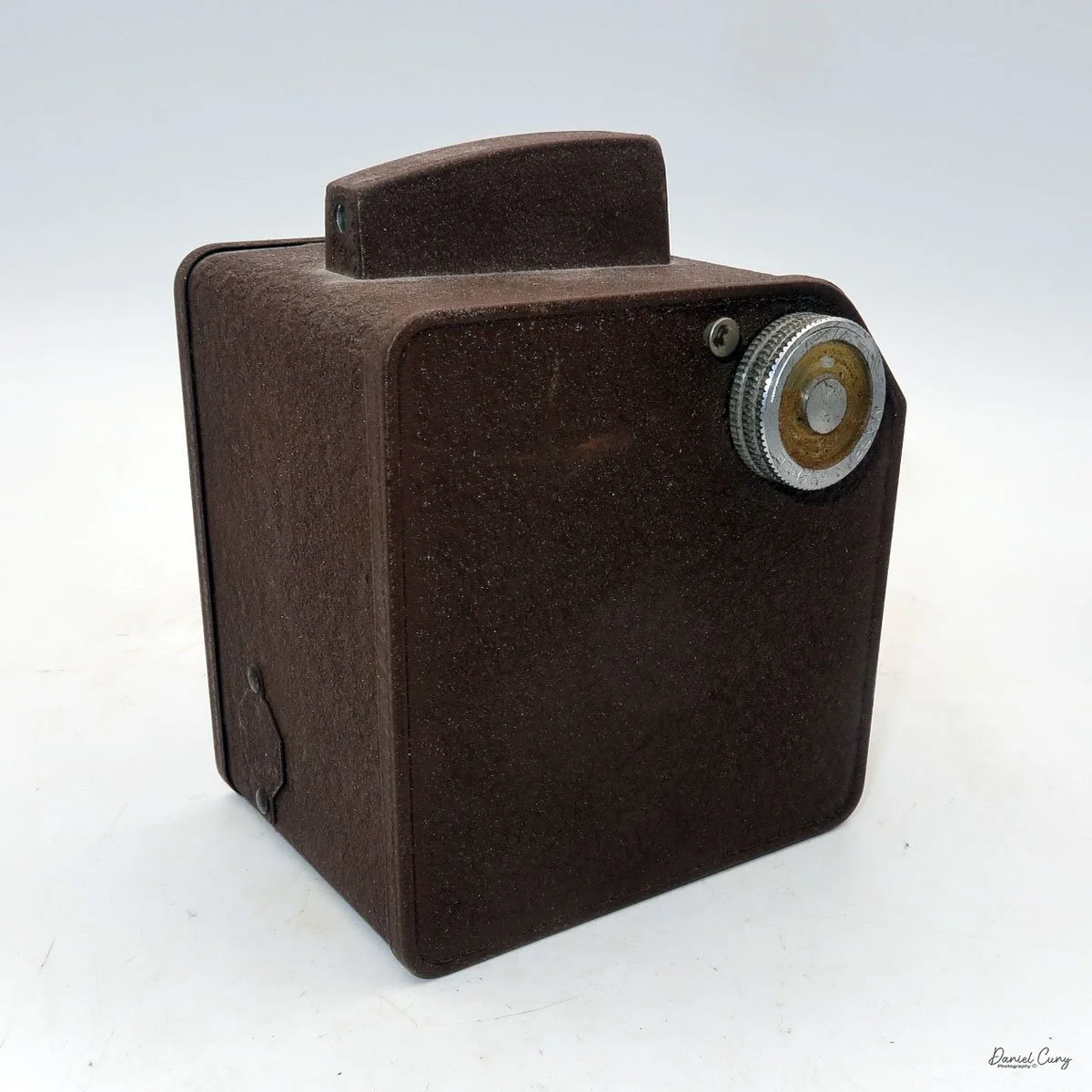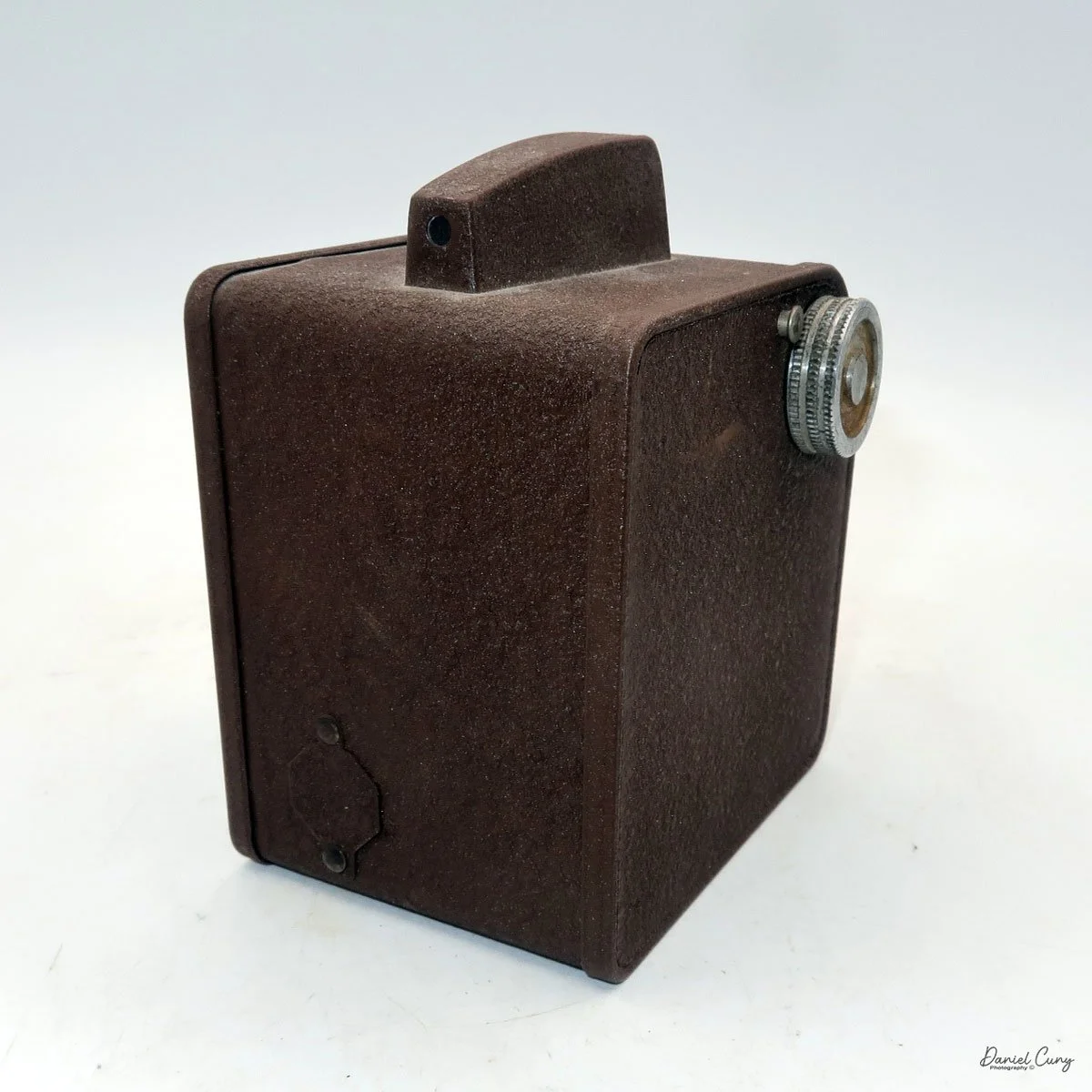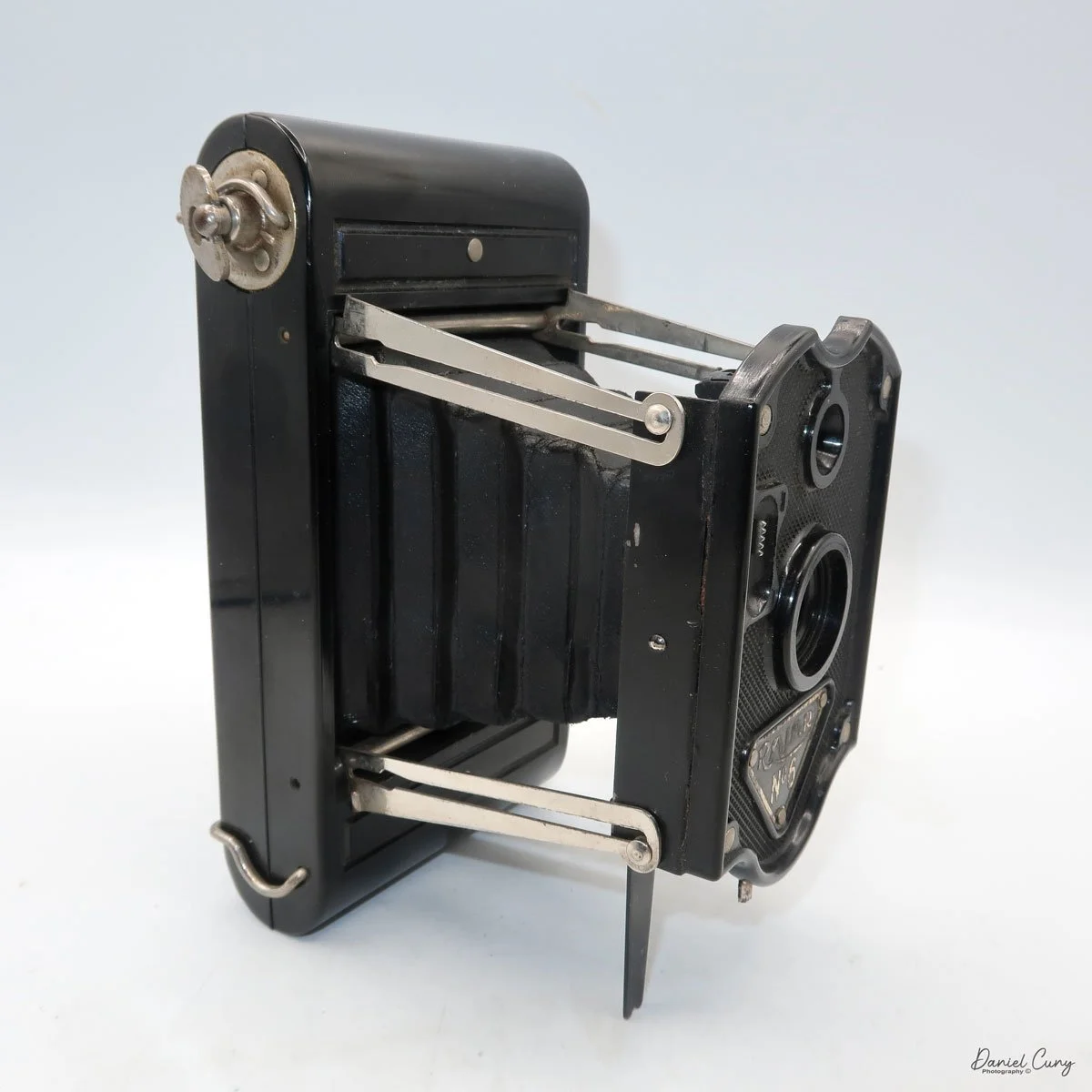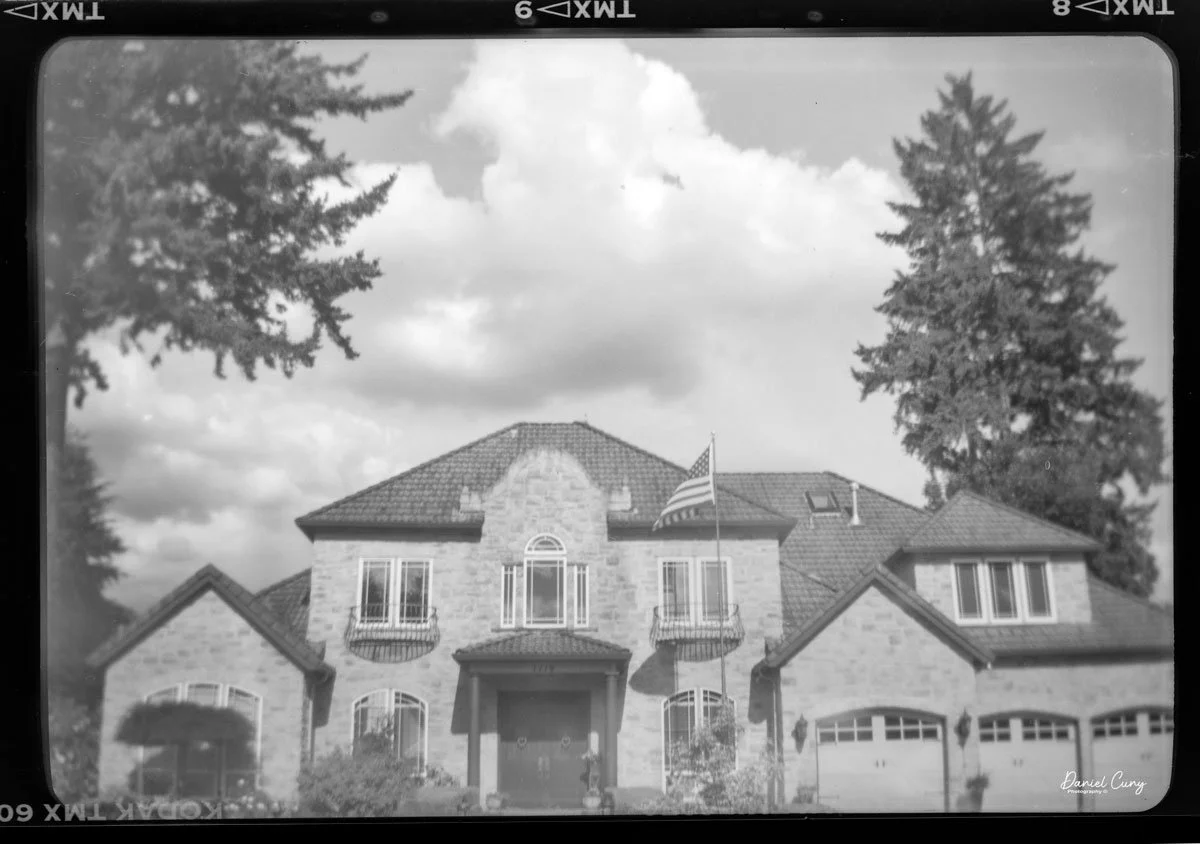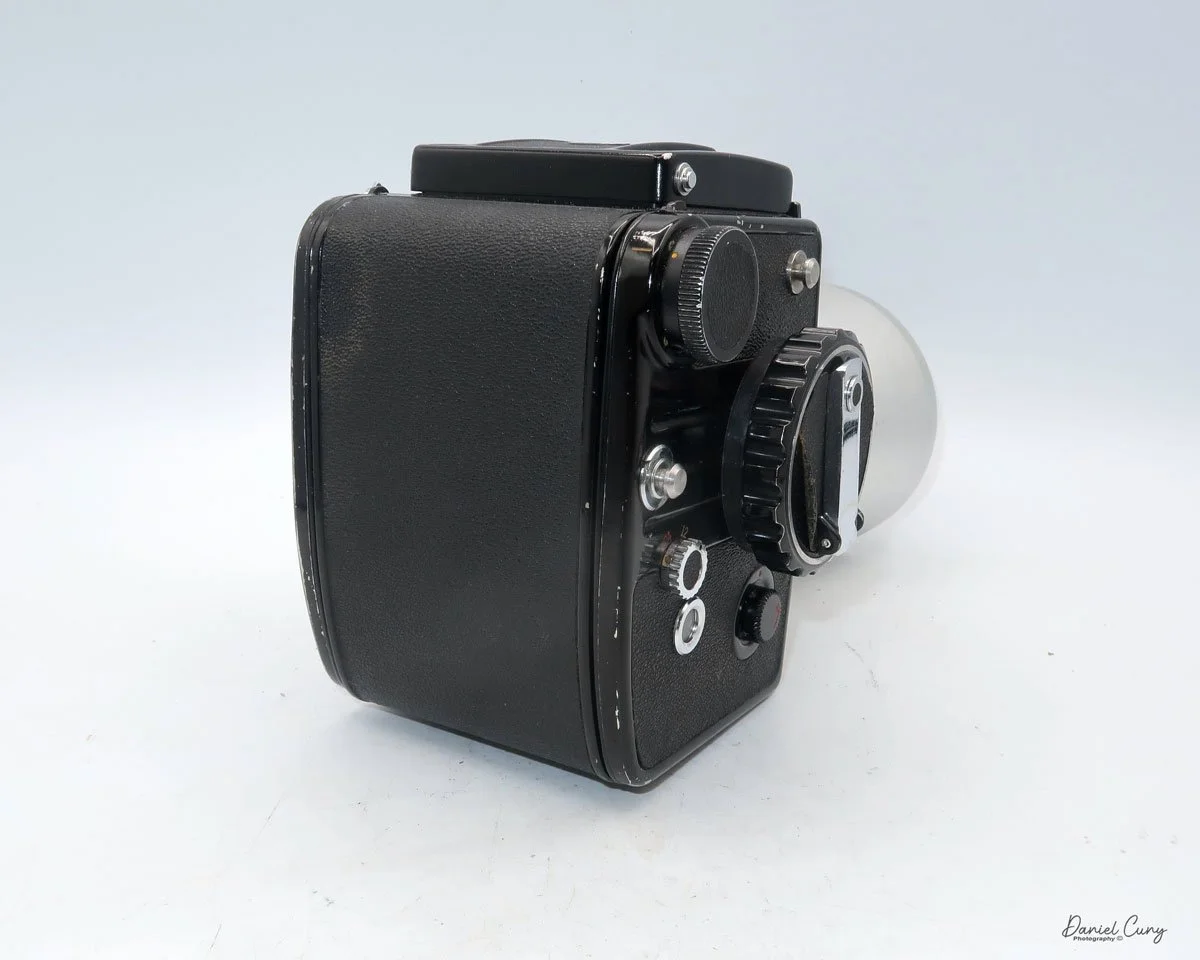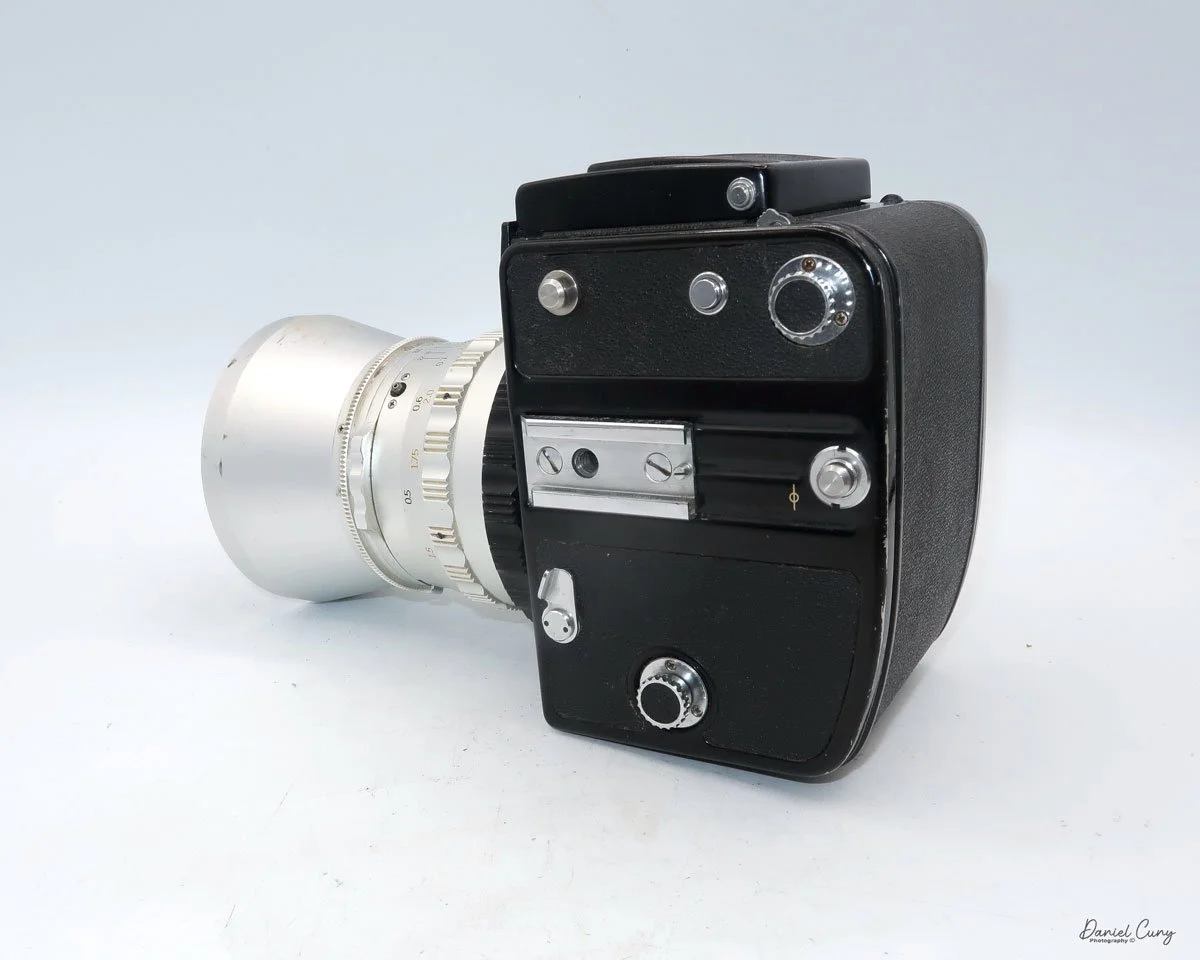
GOMZ Malyutka Camera

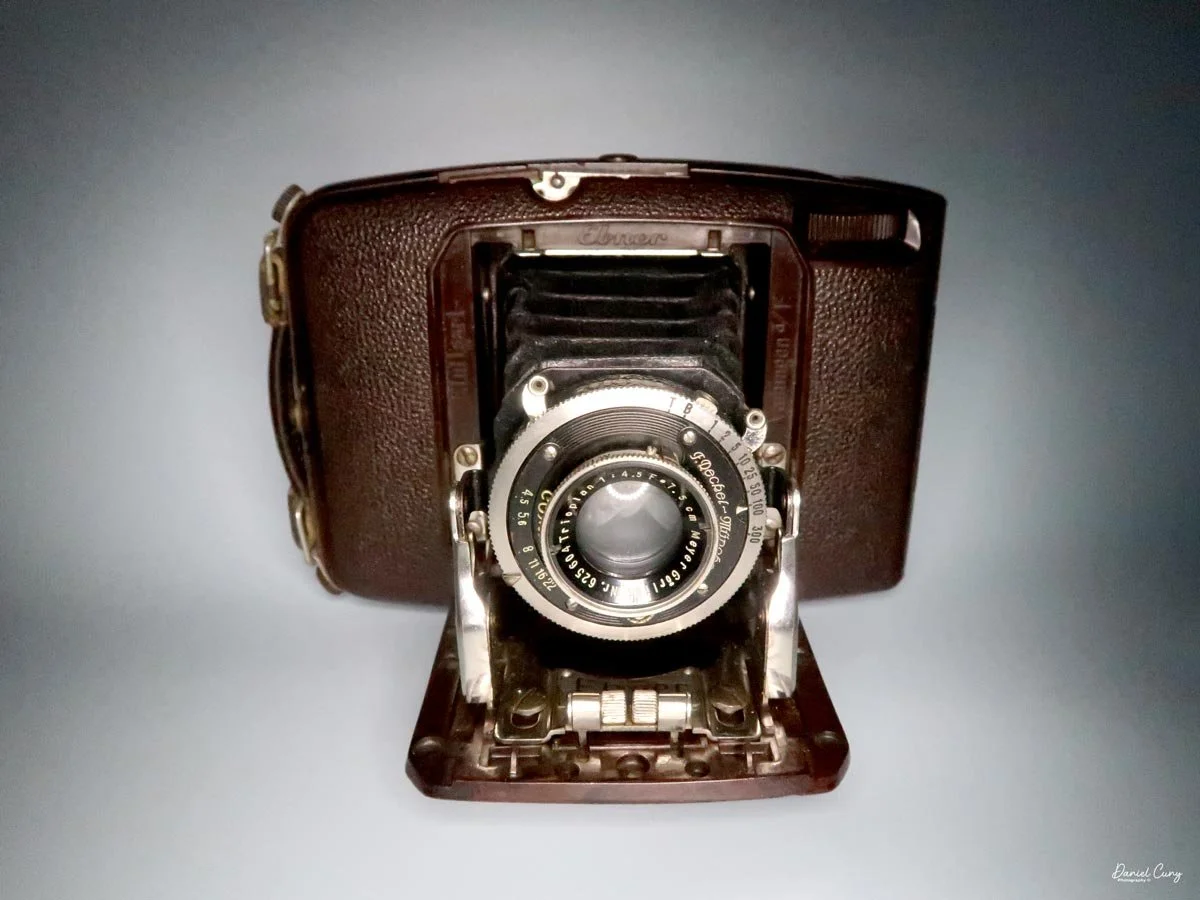
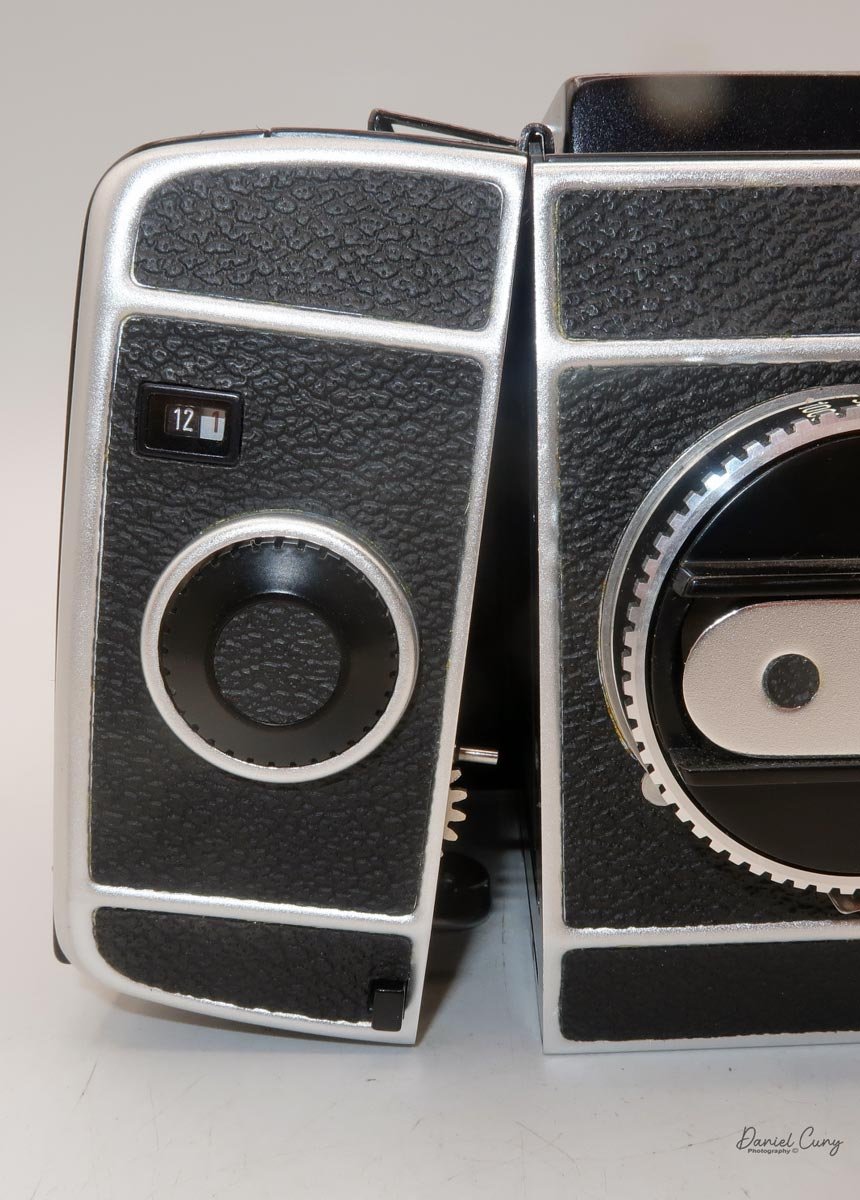
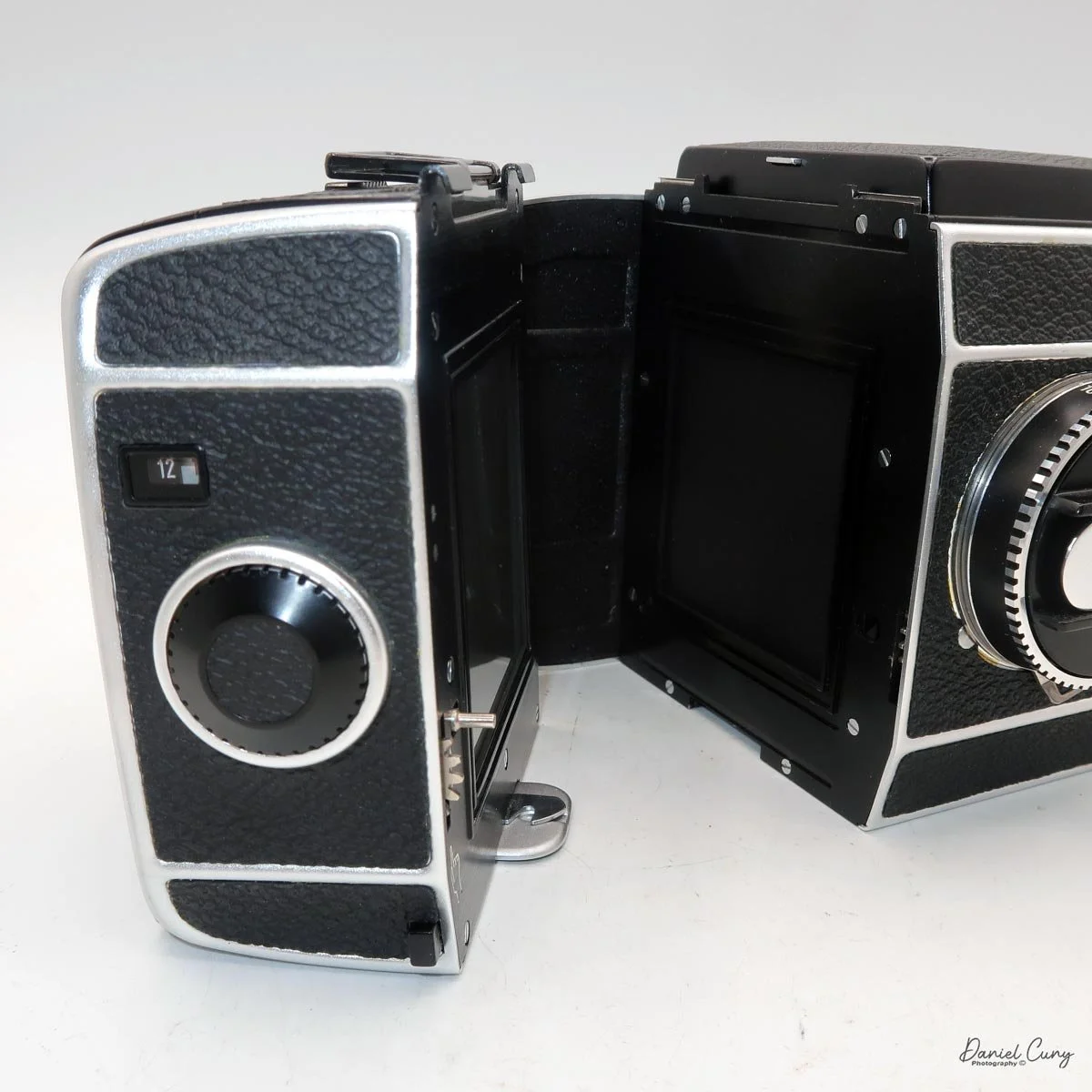
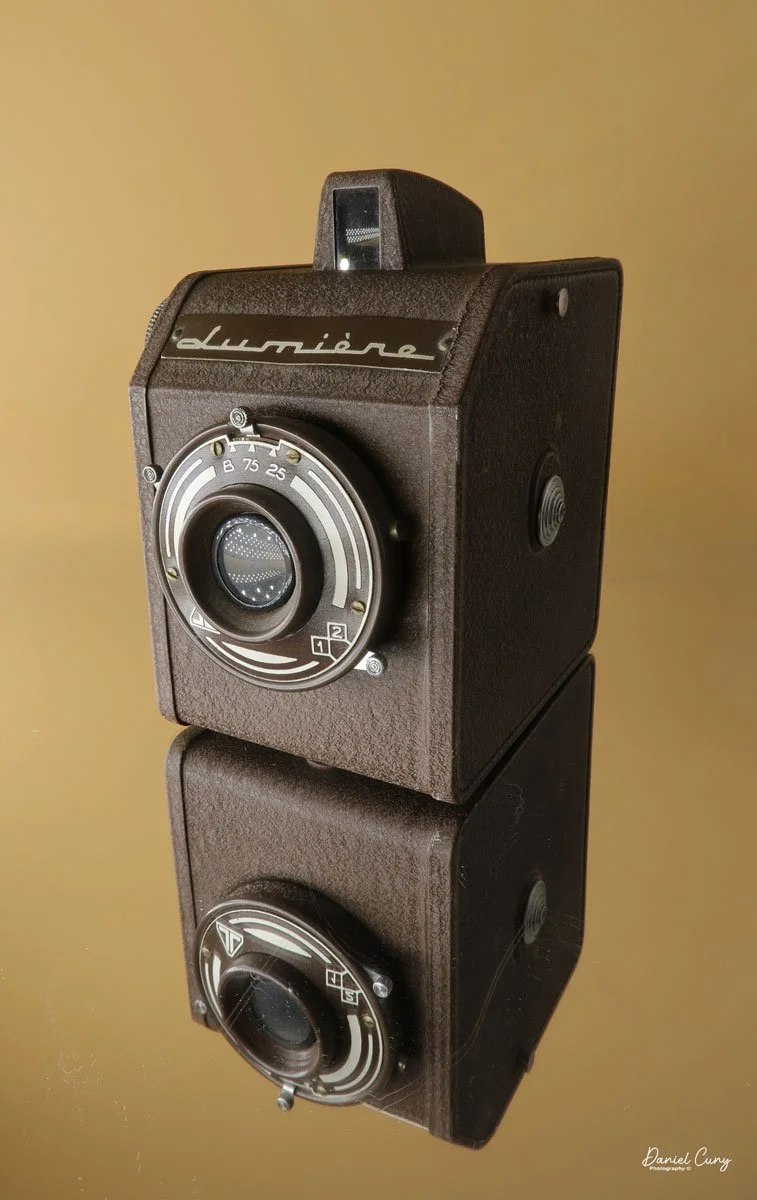
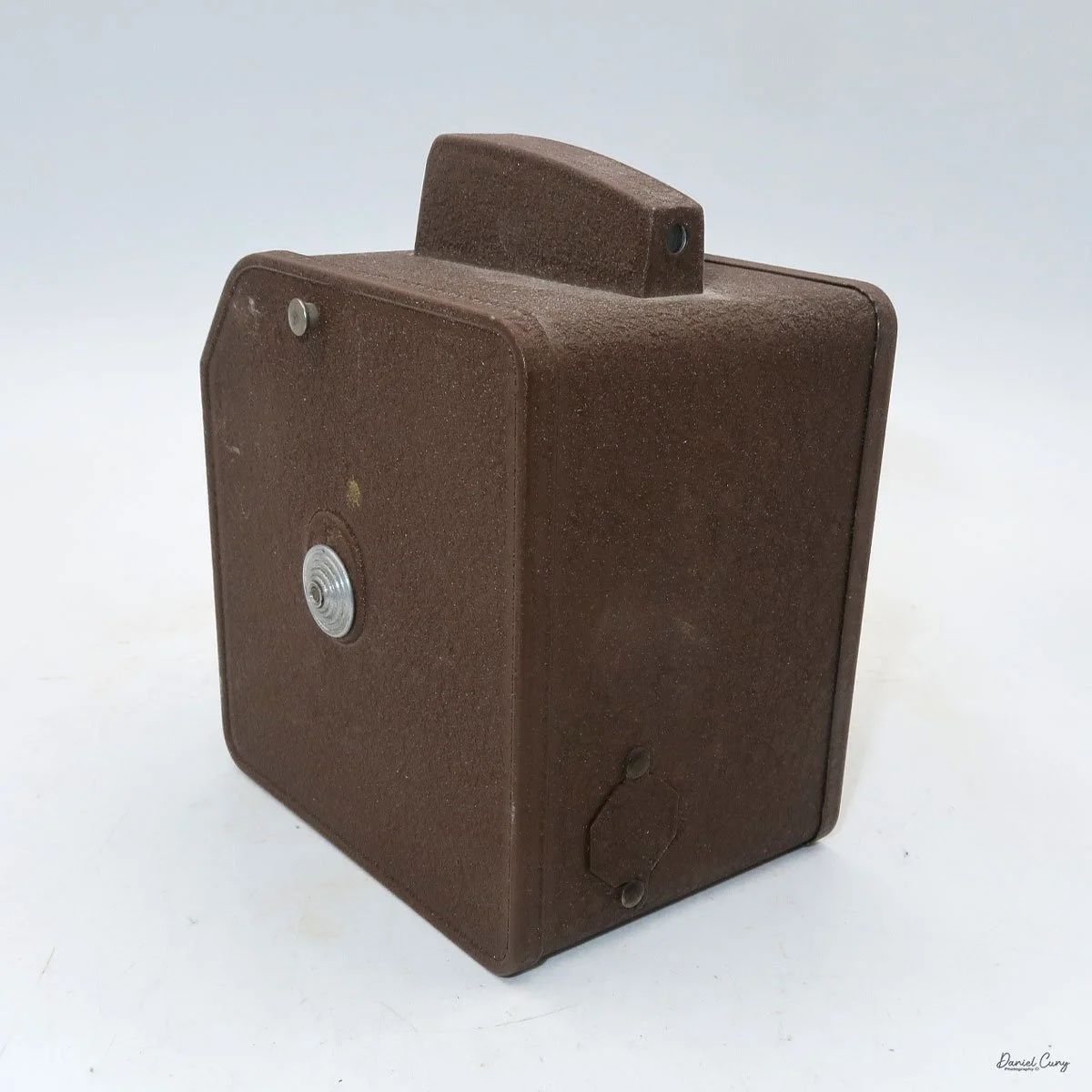
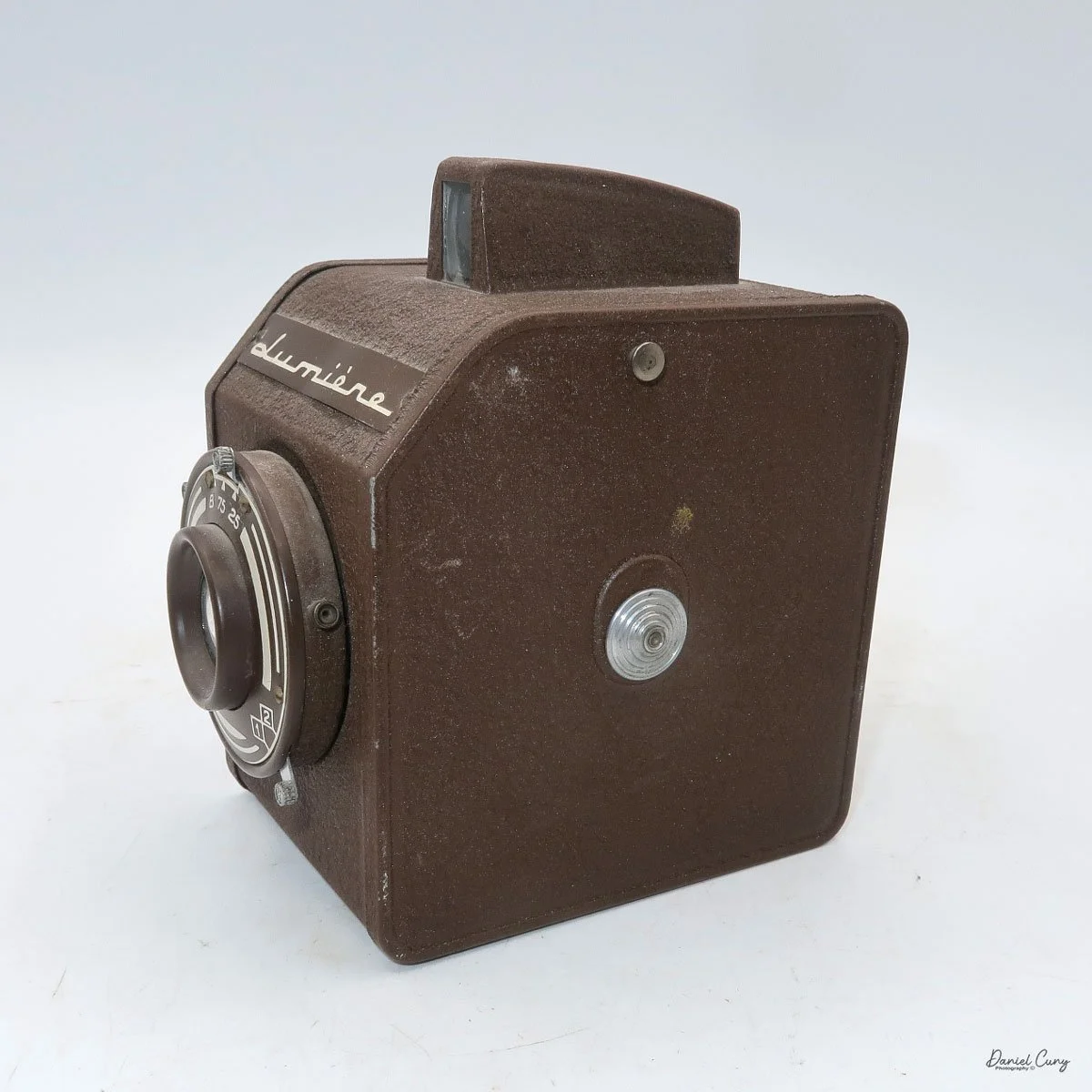
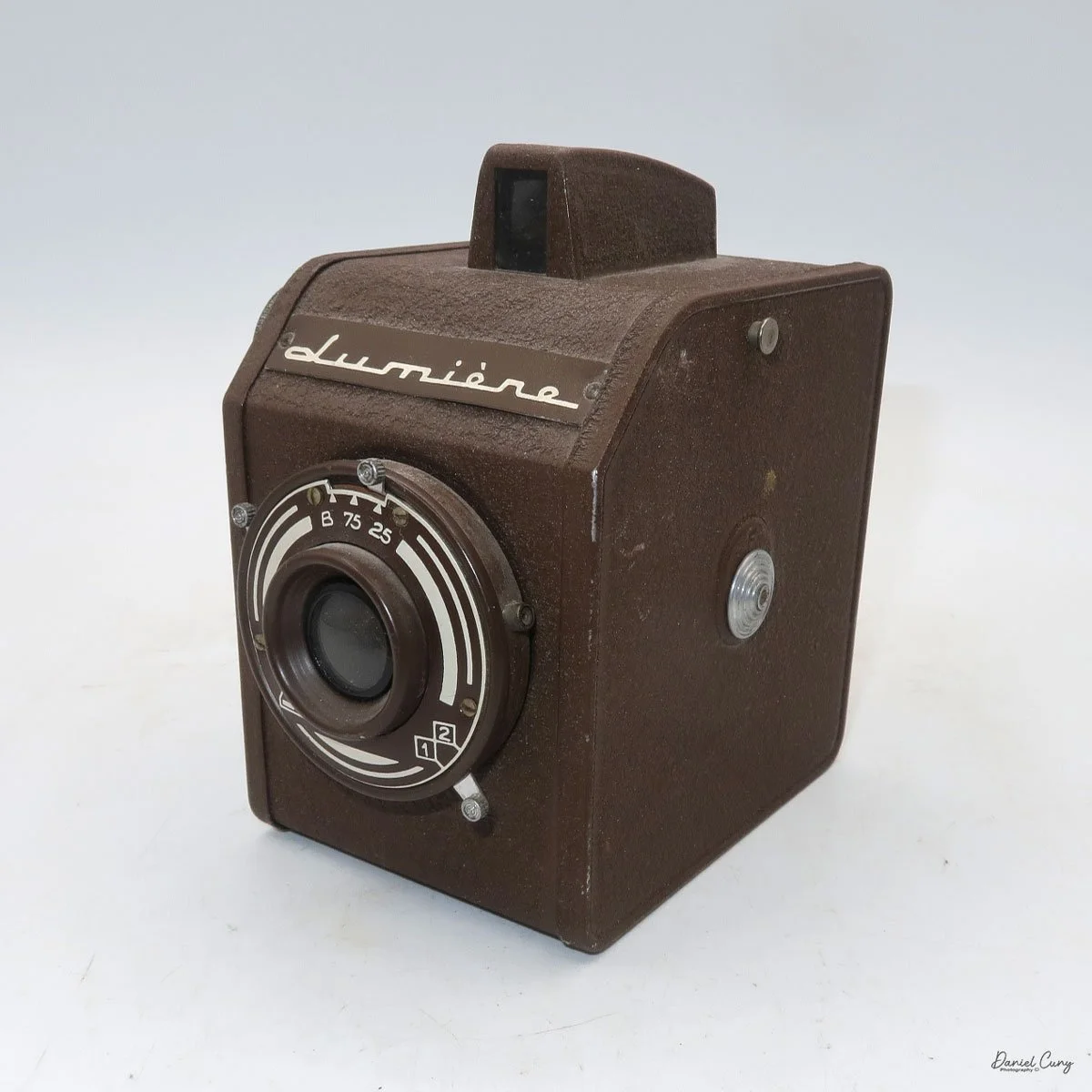
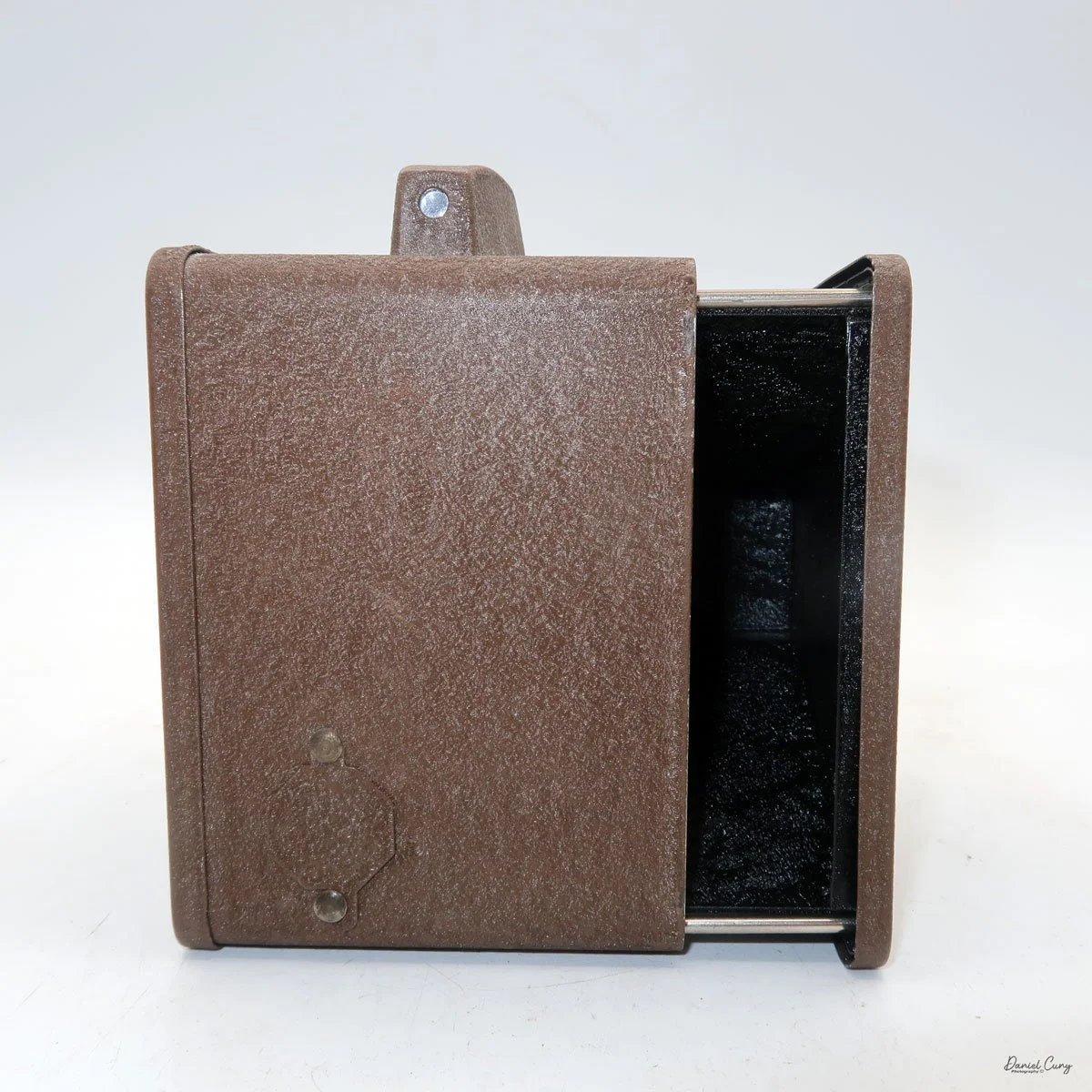
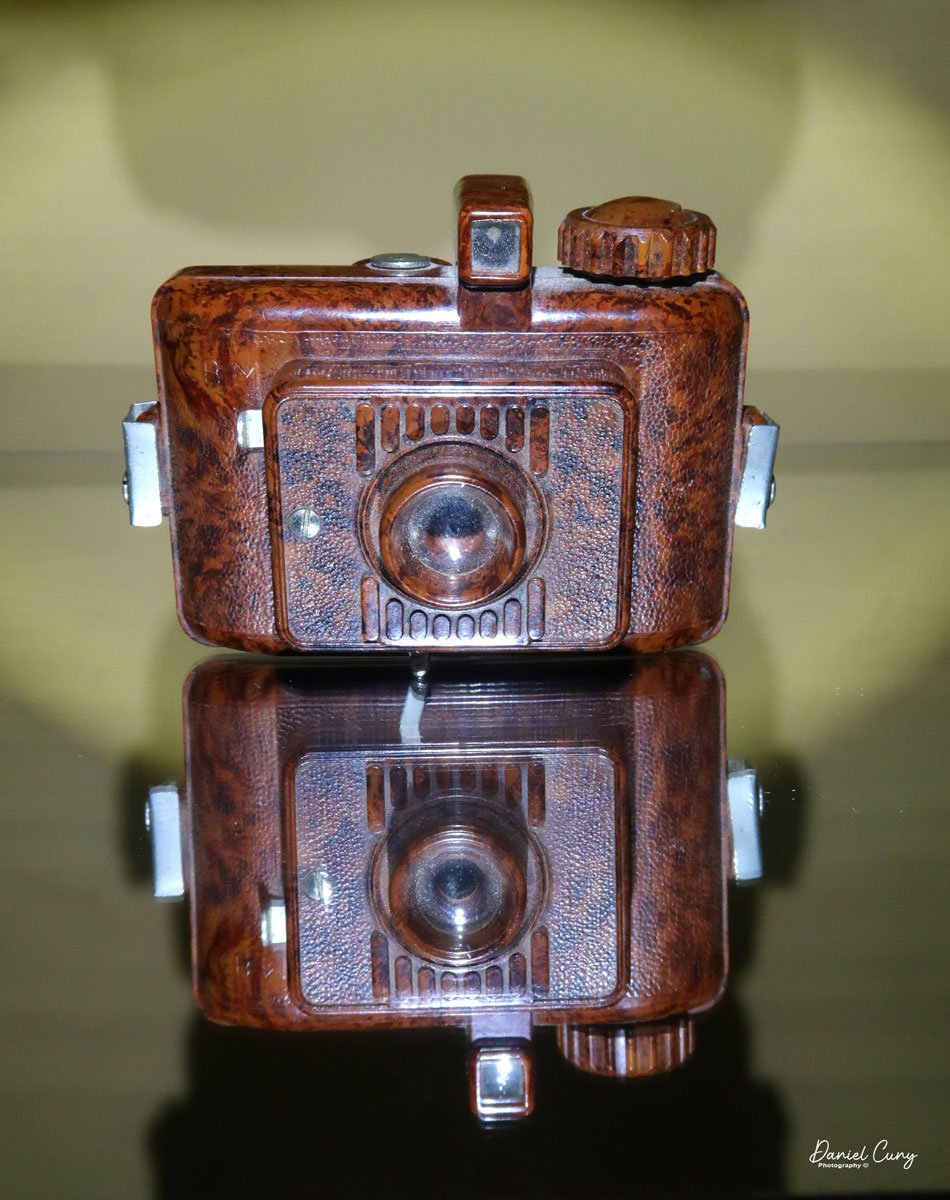
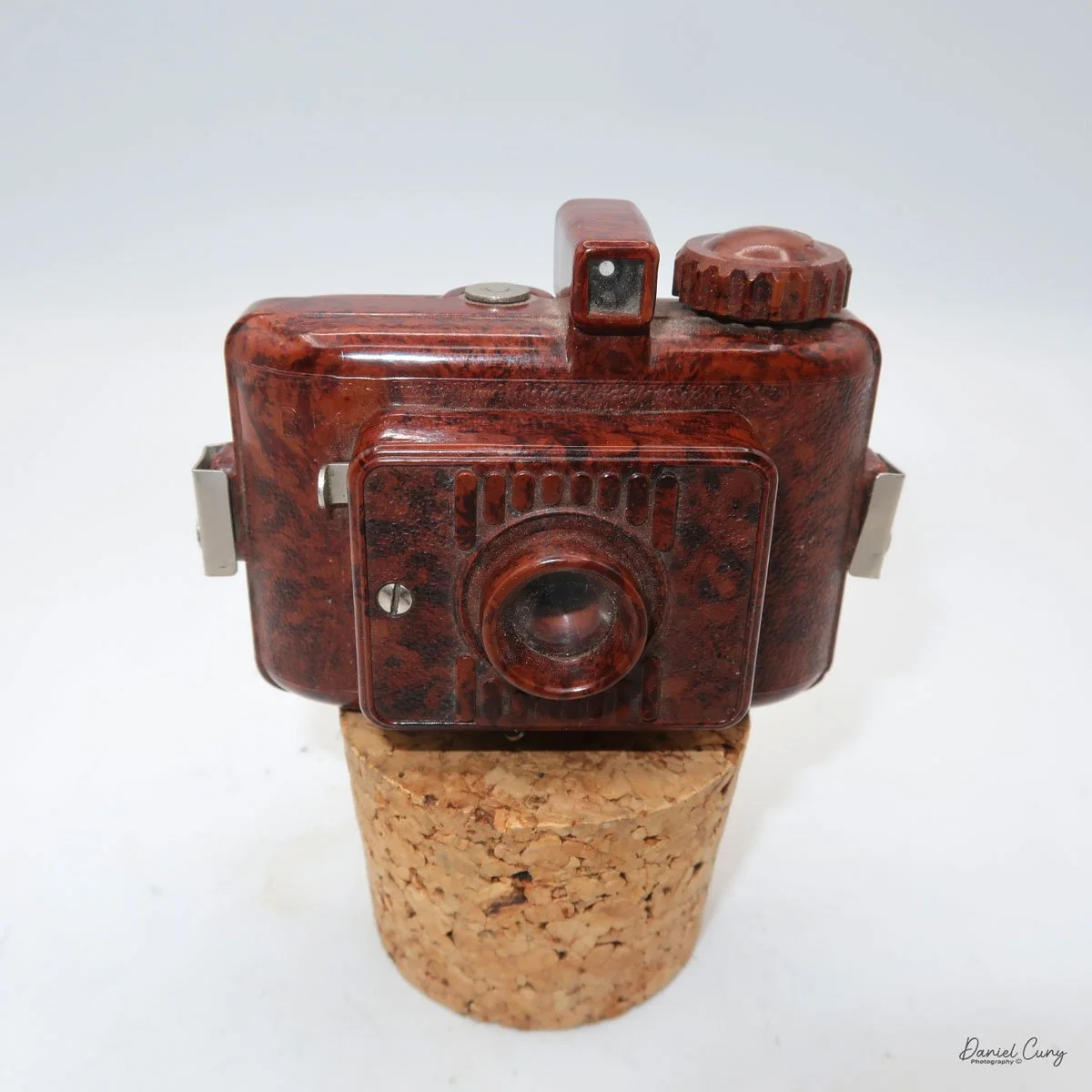
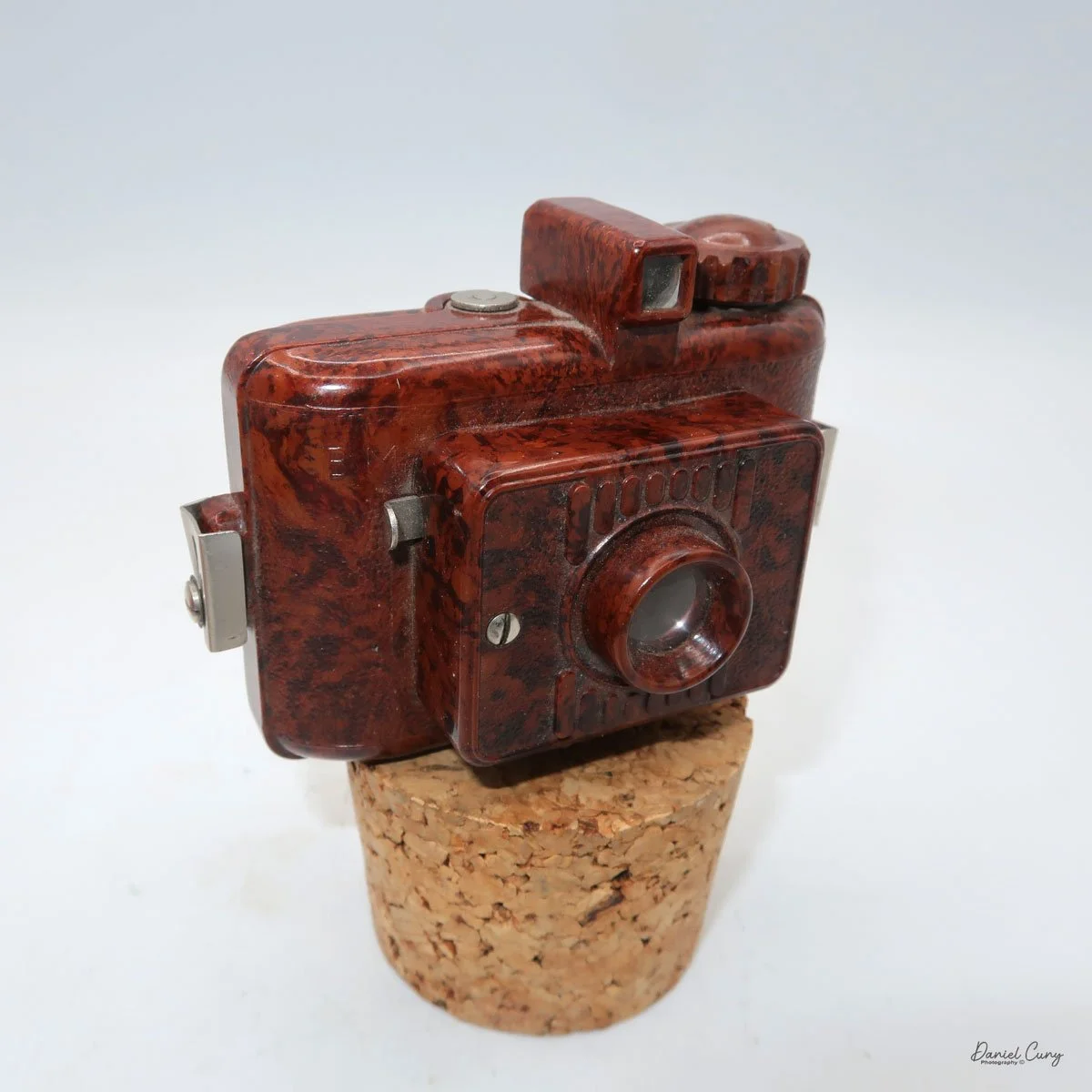
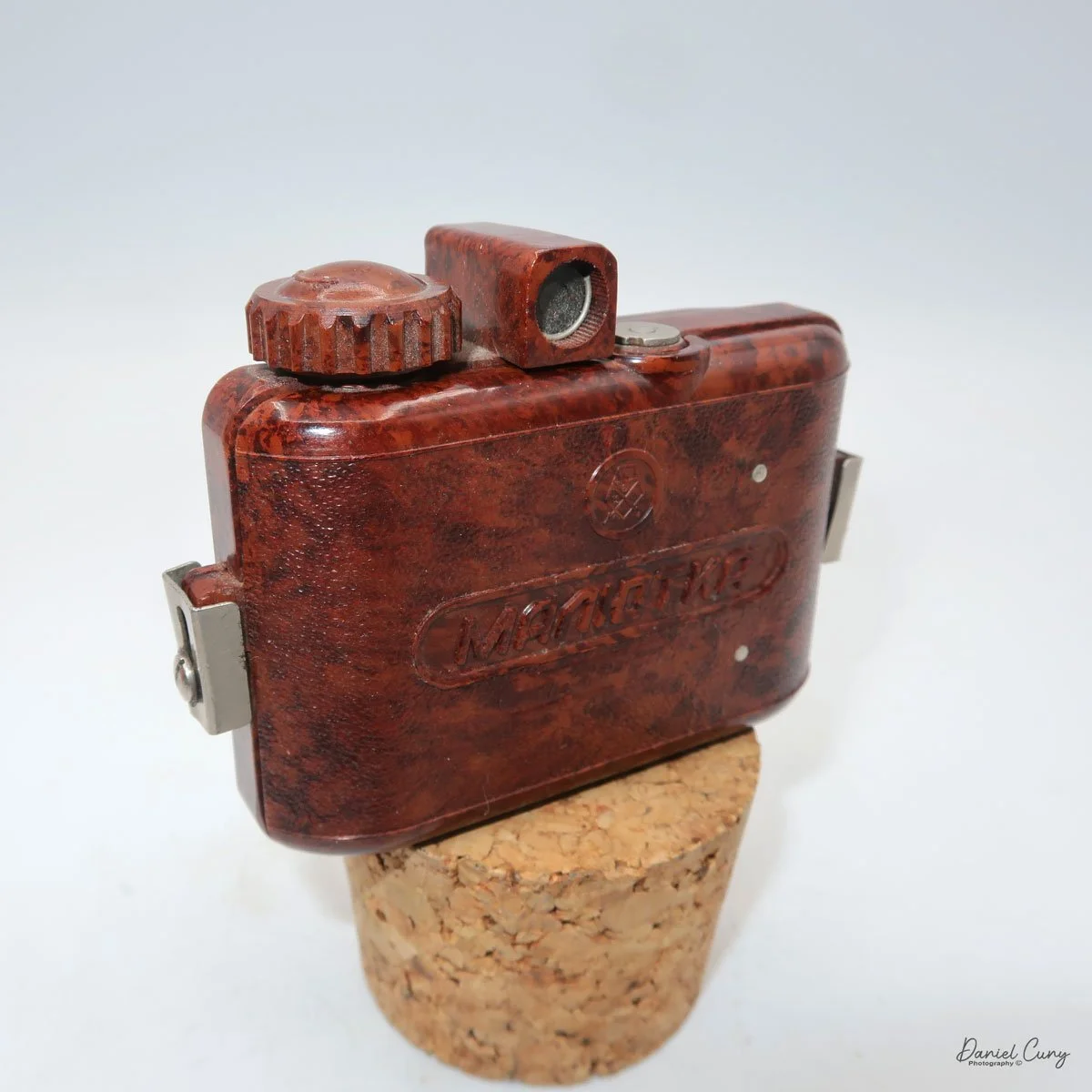
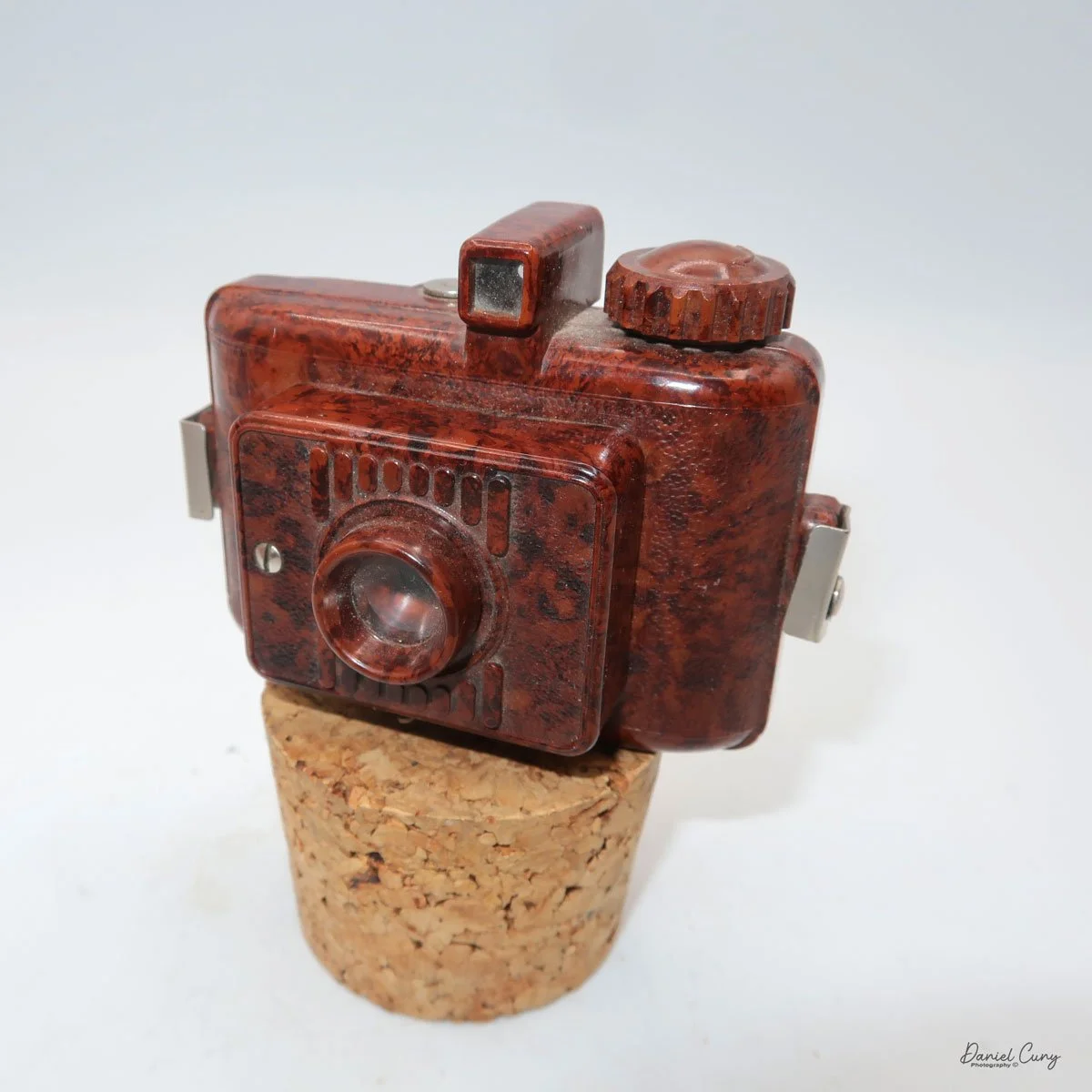
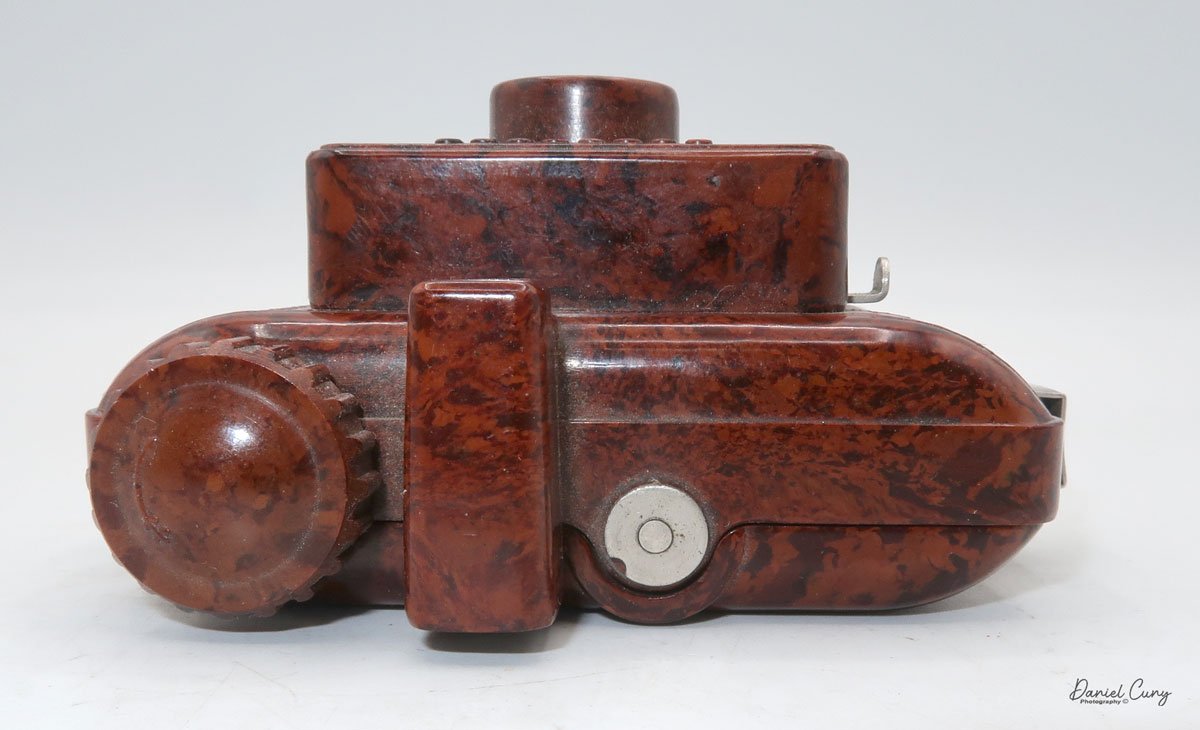
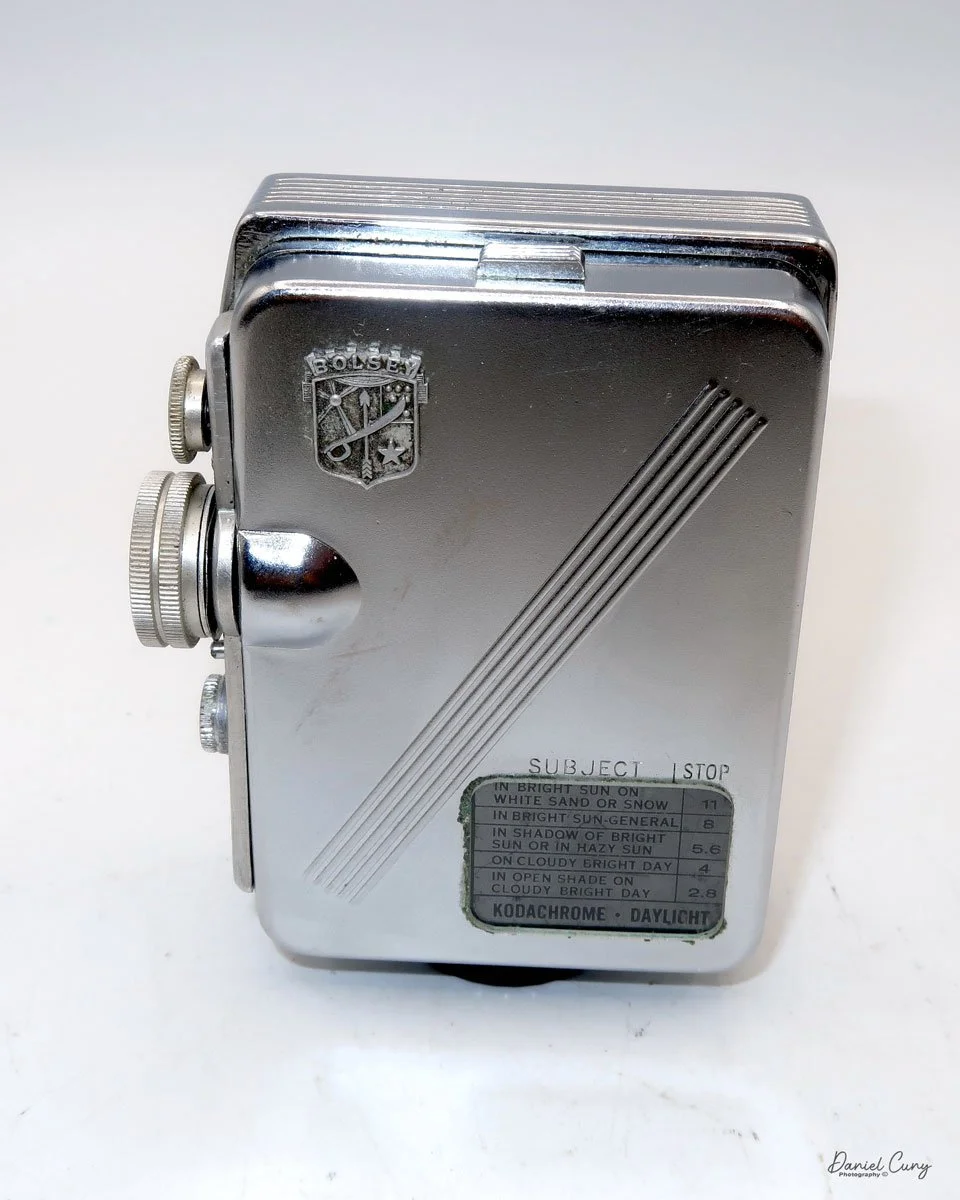
My GOMZ Malyutka camera

It wasn't until later in my camera-collecting career that I developed an interest in miniature and subminiature cameras. It was the more unusual or the odder looking camera items like the pen-shaped Stylophot,  or the round Petal camera, the Twin Lens style miniature cameras like the Gemflex camera, or the miniature cameras which resemble small rangefinder or SLR cameras like the Golden Ricoh 16, where I really enjoyed having them in my collection. They are very unique cameras and items that stand out because they are so different from the larger box, folding, or view cameras. A real advantage of having miniature and subminiature cameras in your collection is the amount of display space they save. You can display many more items and accessories in a much smaller area.

 The GOMZ Malyutka is a camera I purchased around 10 years ago, and I didn't start researching it until about a year ago, when I found out it was pretty rare. I didn't even have it in my display of miniature or subminiature cameras until that time.

 This is another camera I purchase in a group or "lot" of camera in a fairly unknown auction of camera. My real prize and the main item I was bidding on was an early Nikon F body, and tucked in the background was an early Nikon 5cm f2 tick mark lens, which, due to the angle of the lens and the low visibility of people looking, not many people bid on the "Lot", so luckily it was one that I won. There were also other items within the "lot" that I had minimal interest in, but the Tick Mark lens and early Nikon F body were the prize.

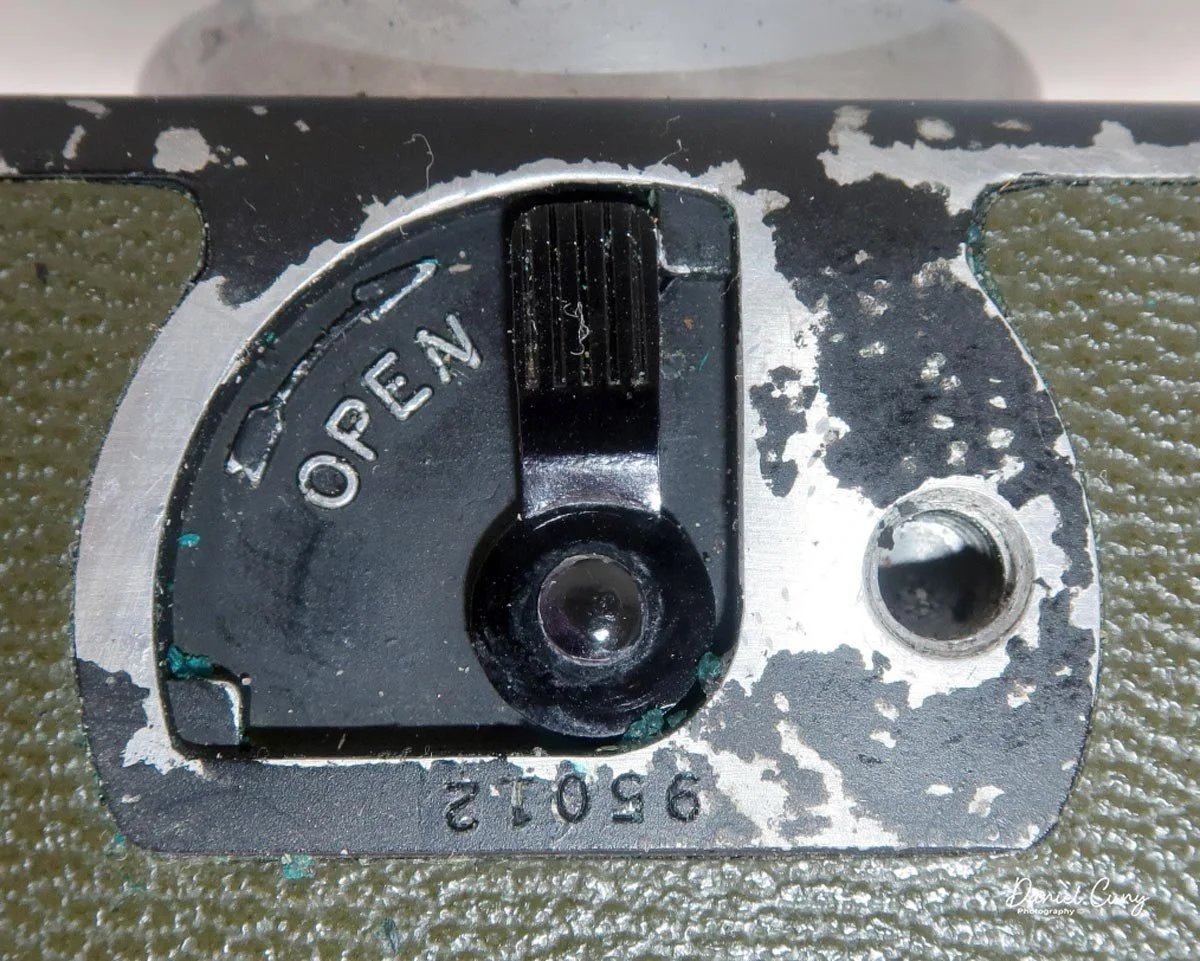
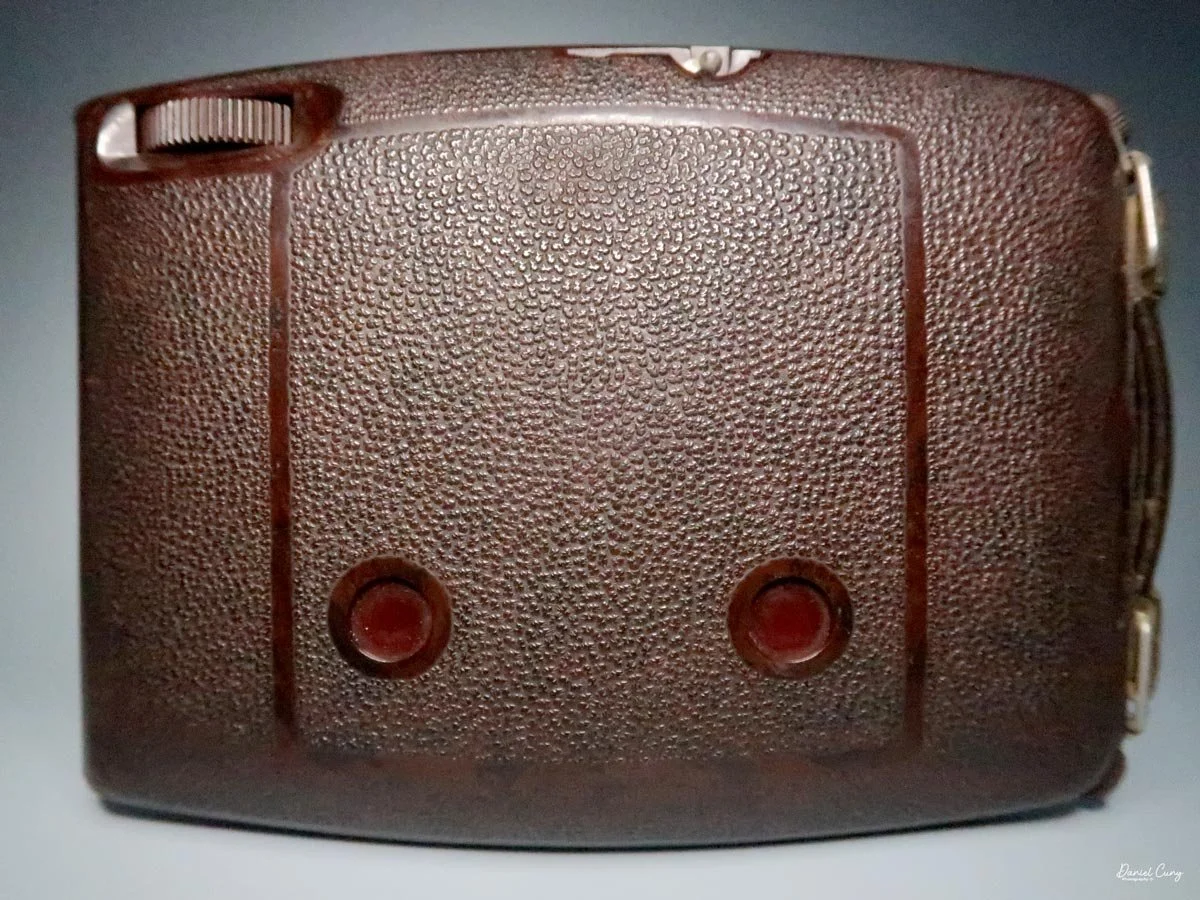
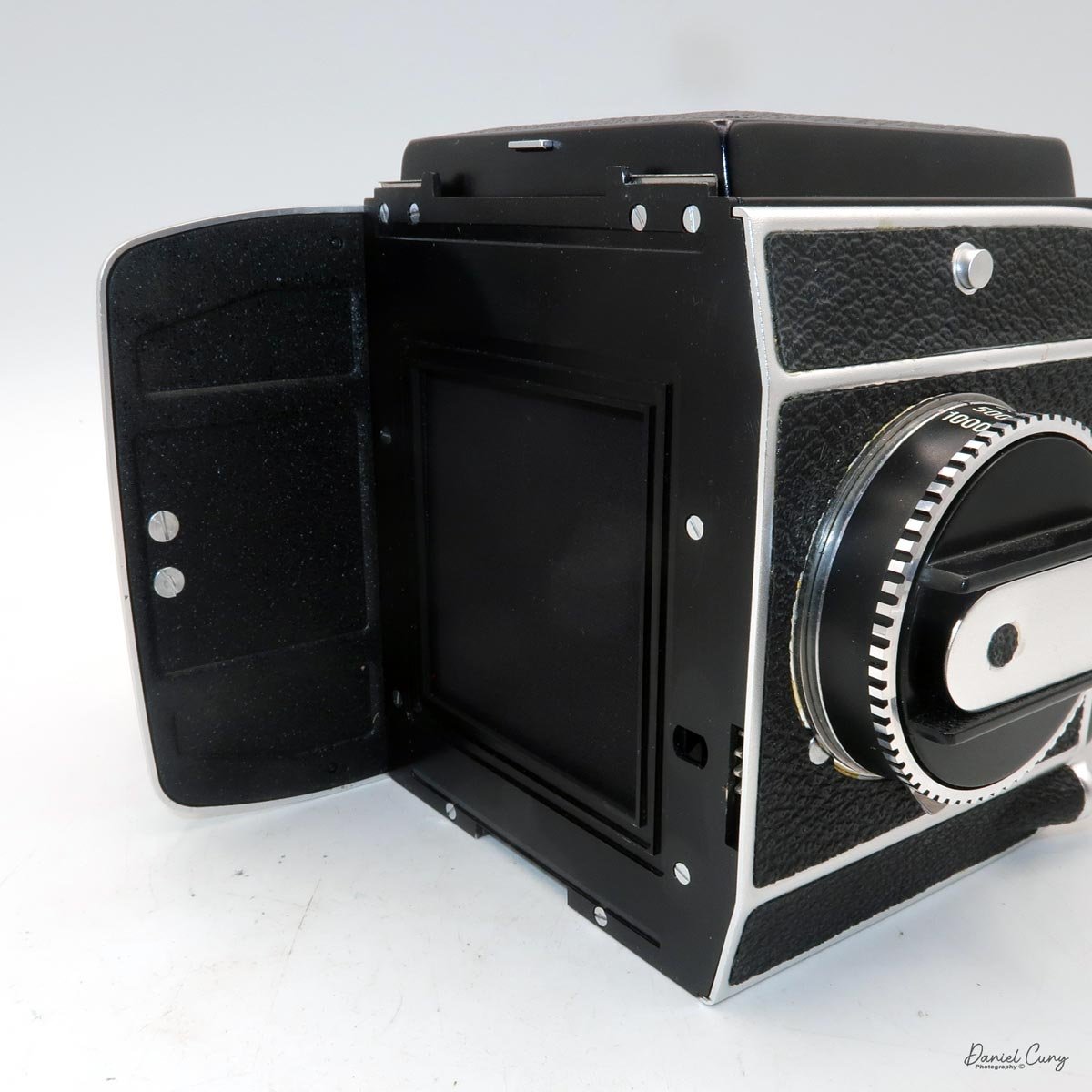
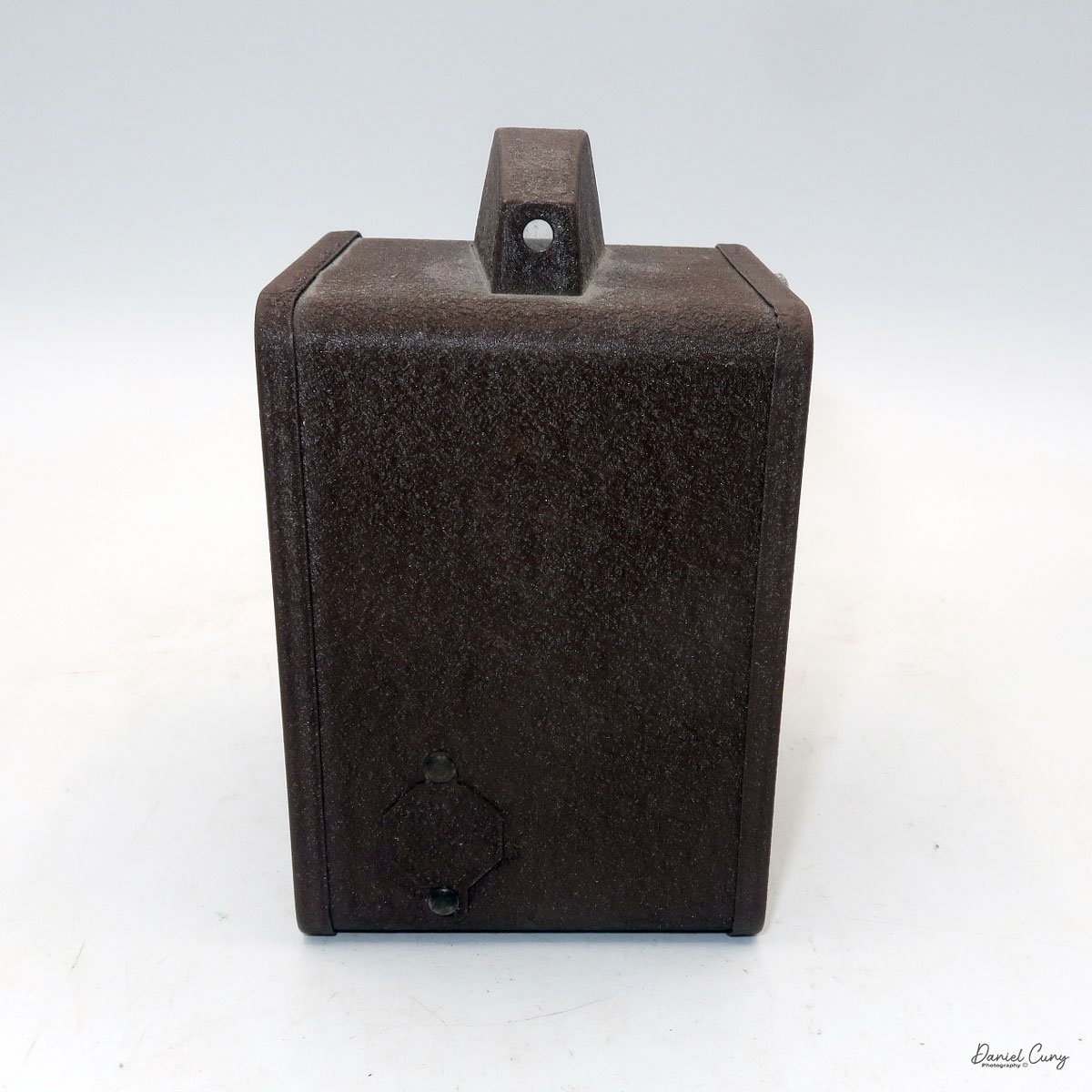
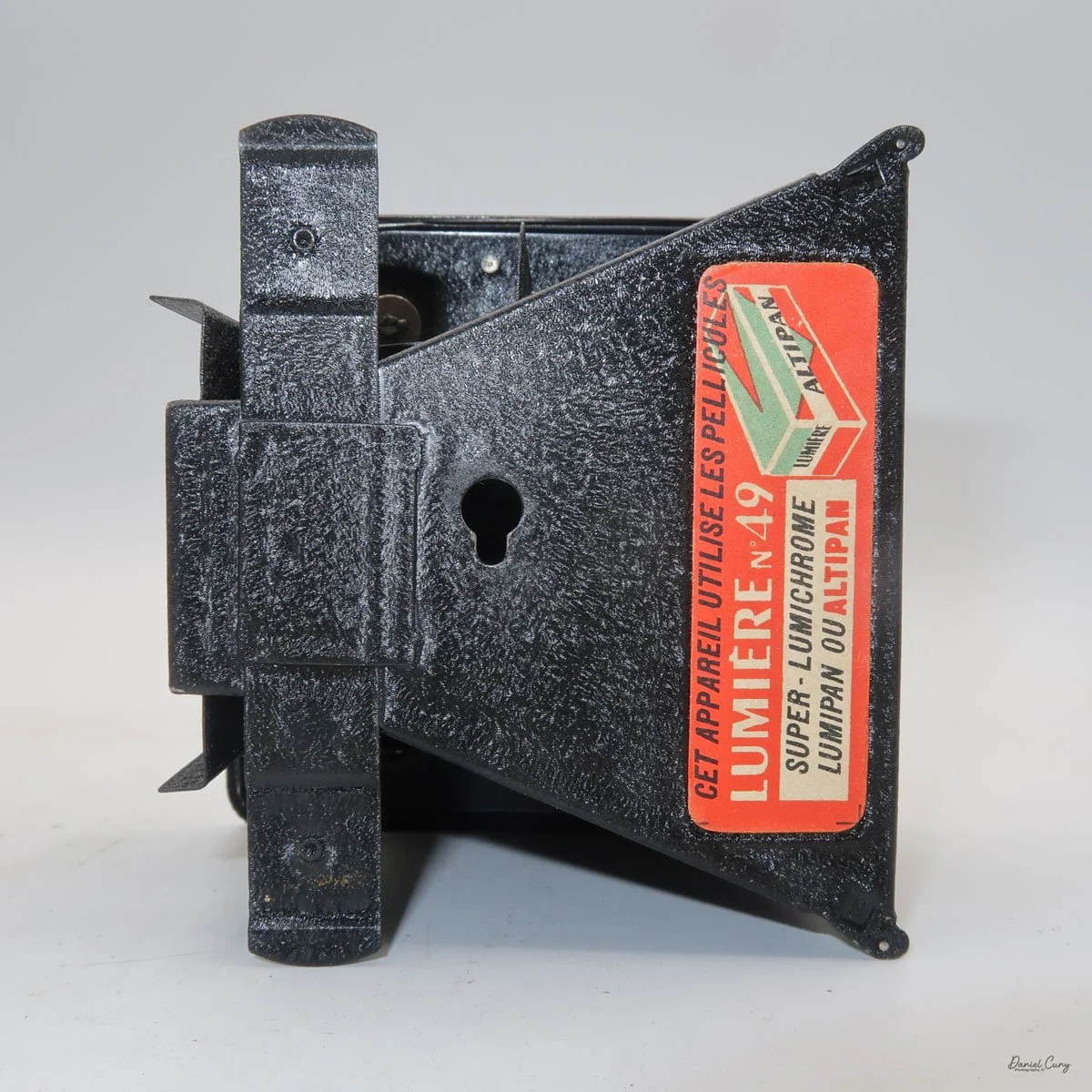
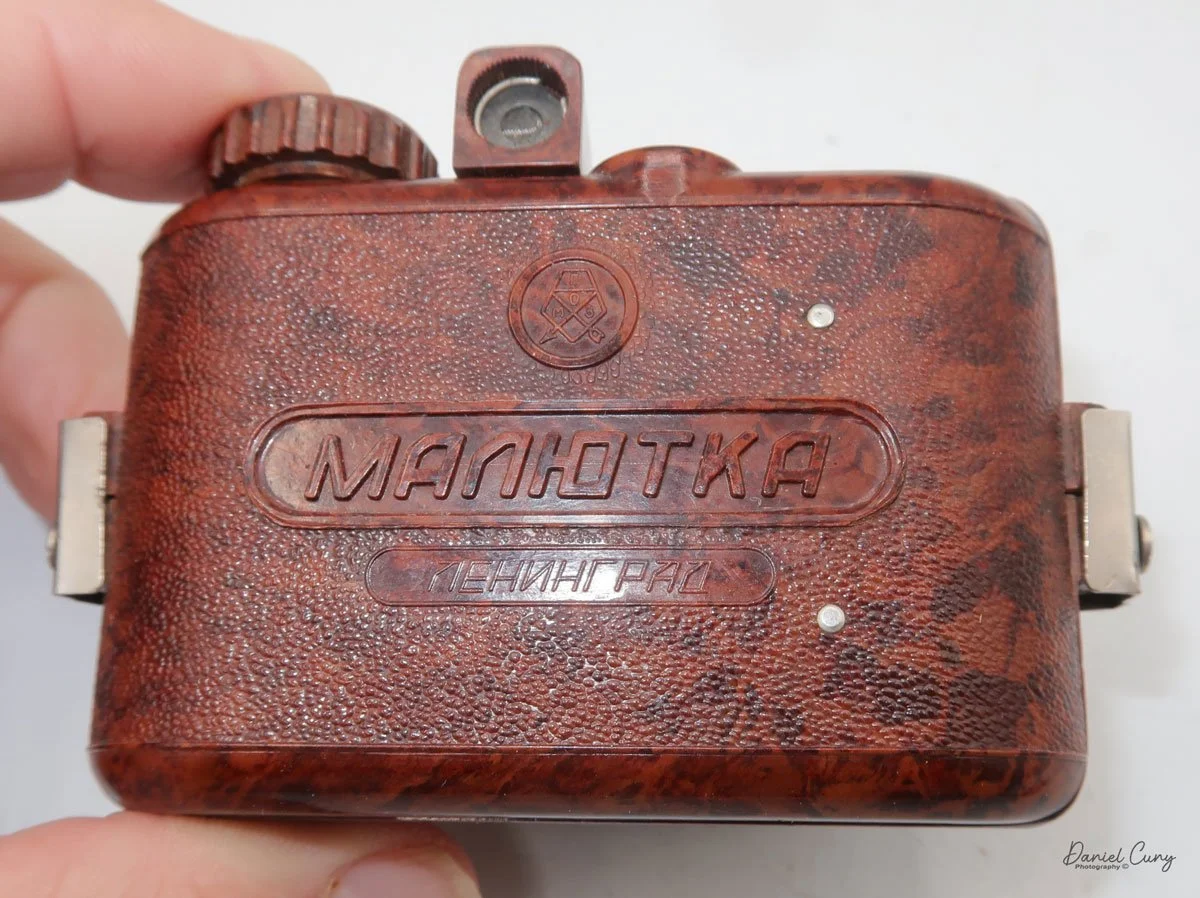
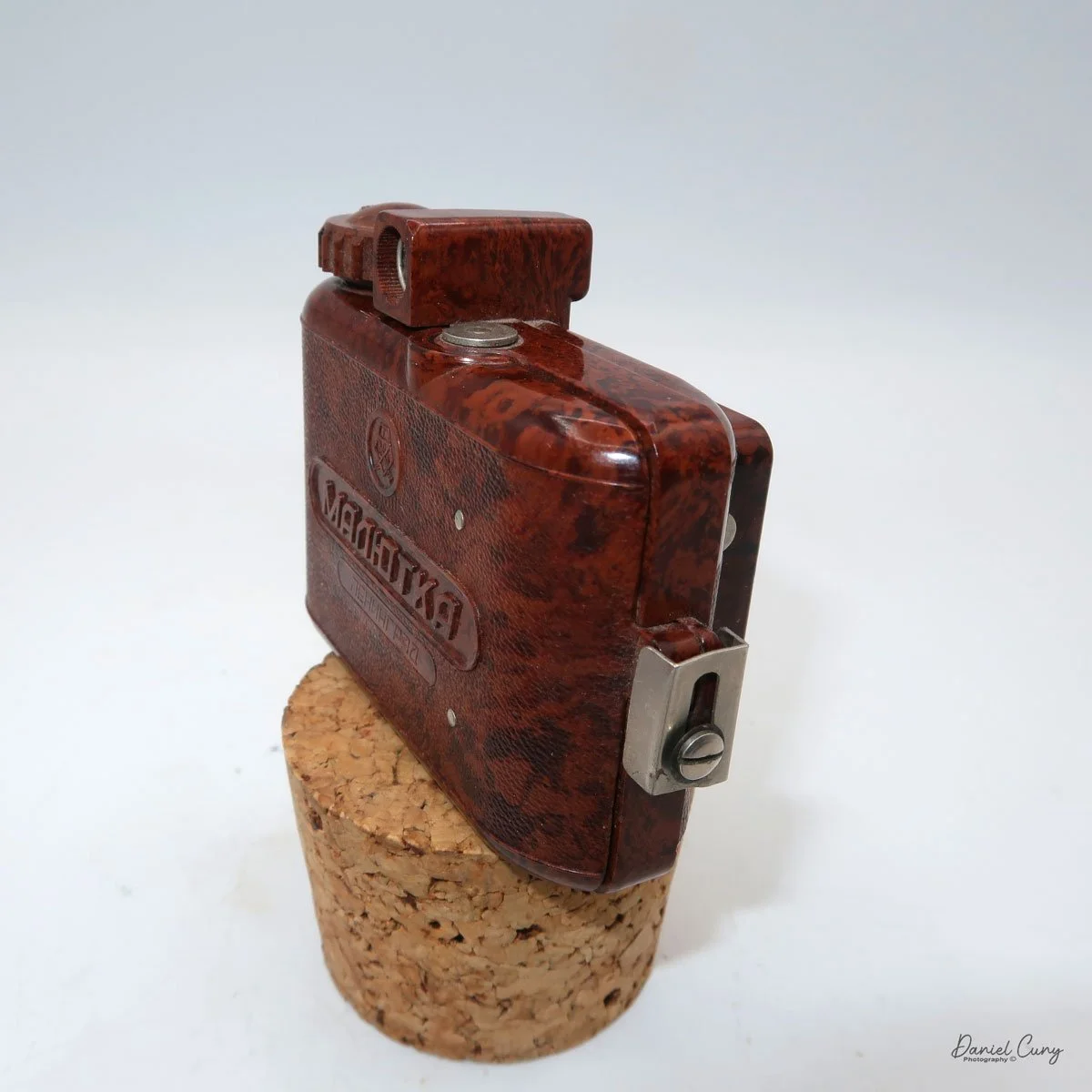
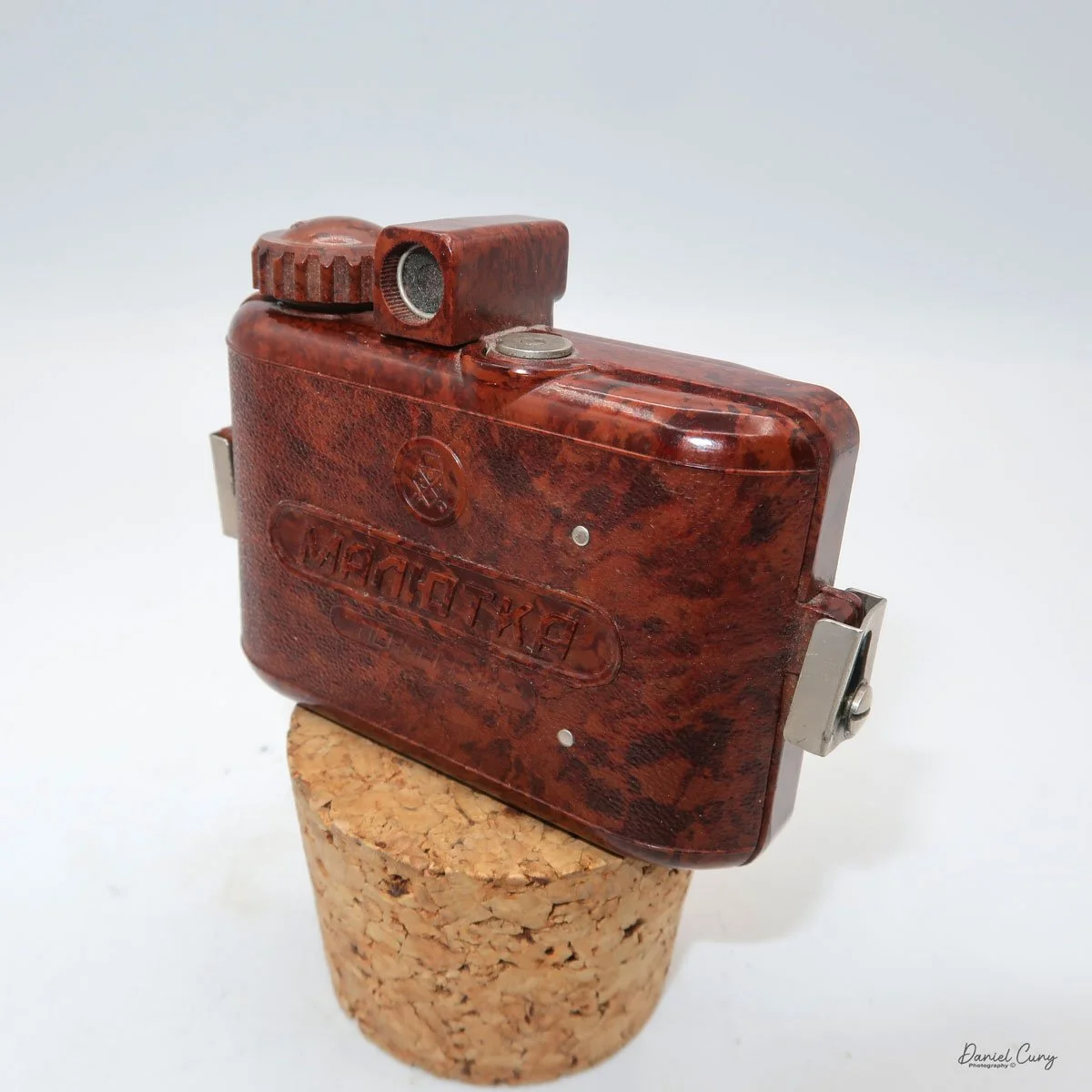
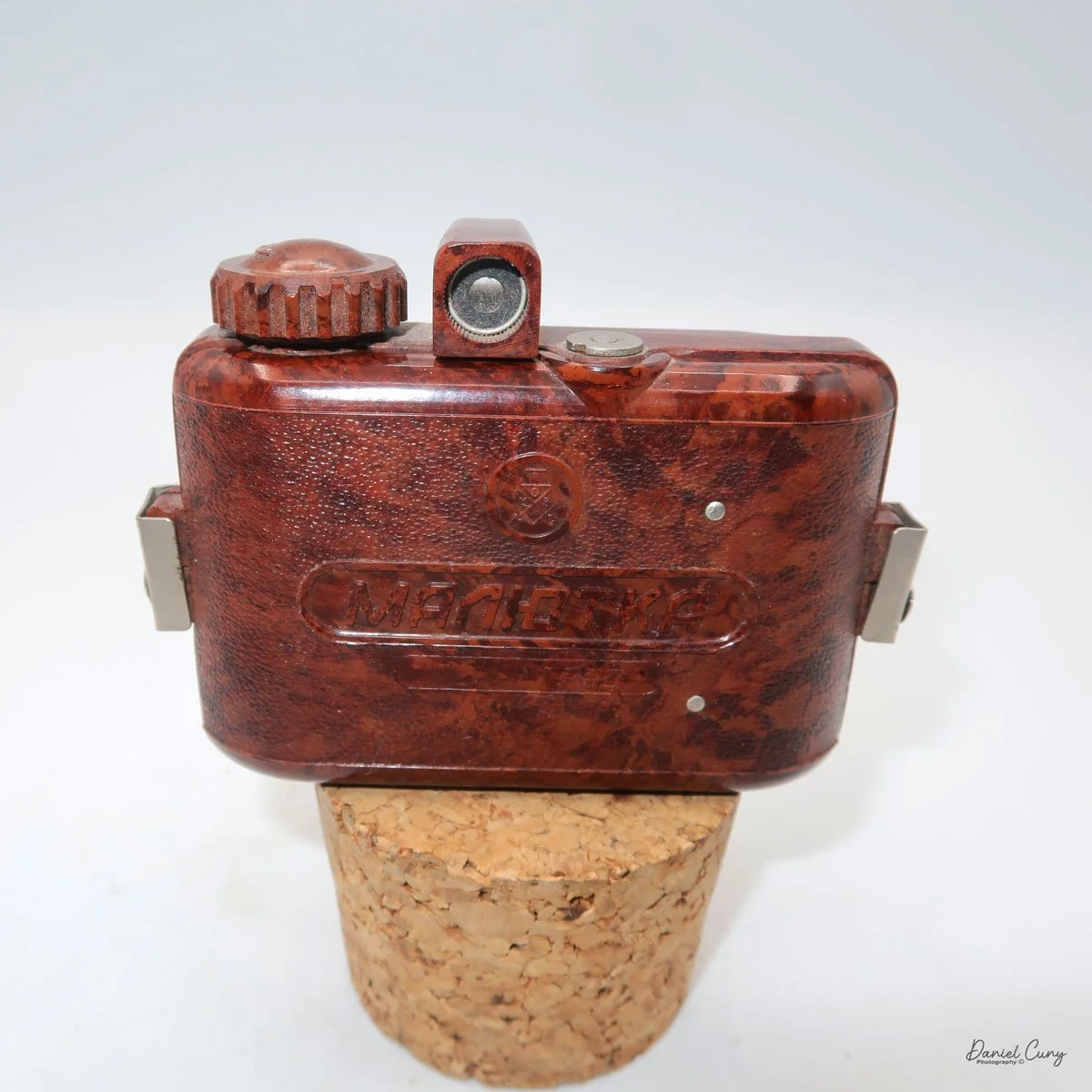
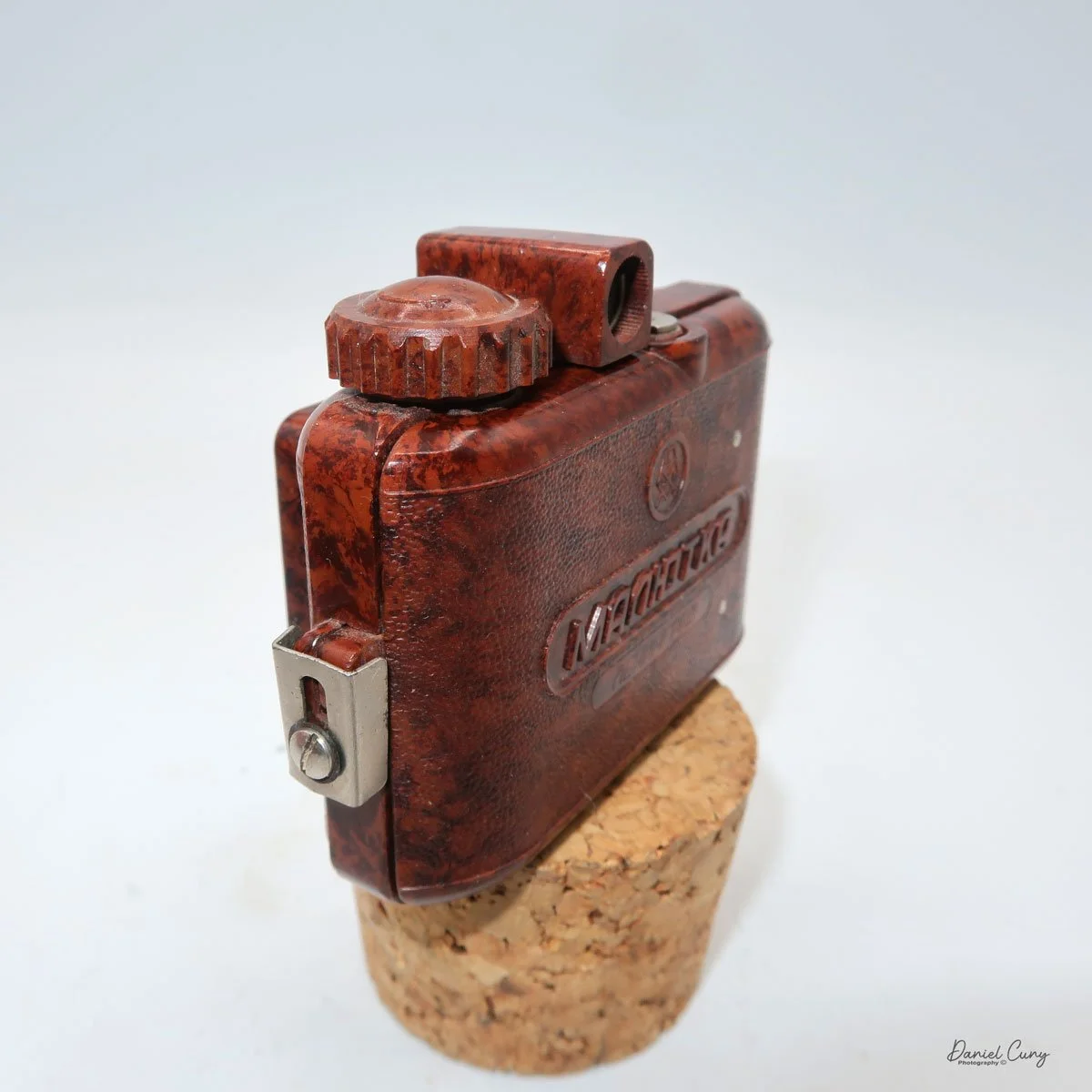
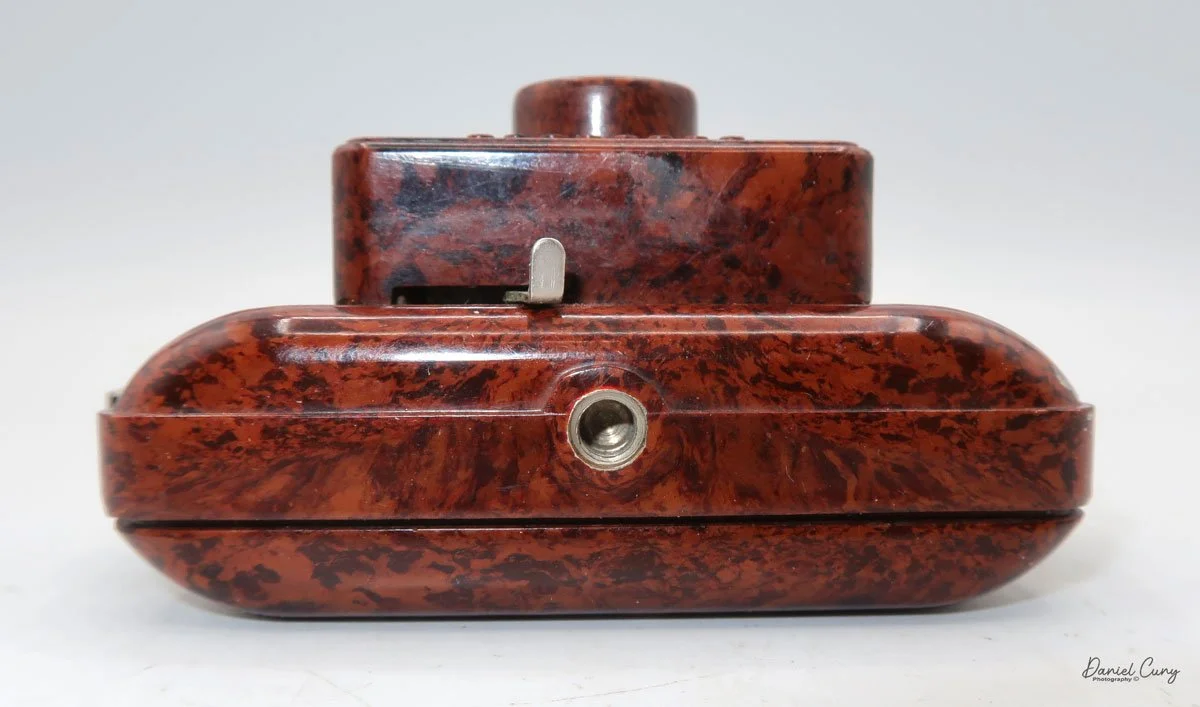
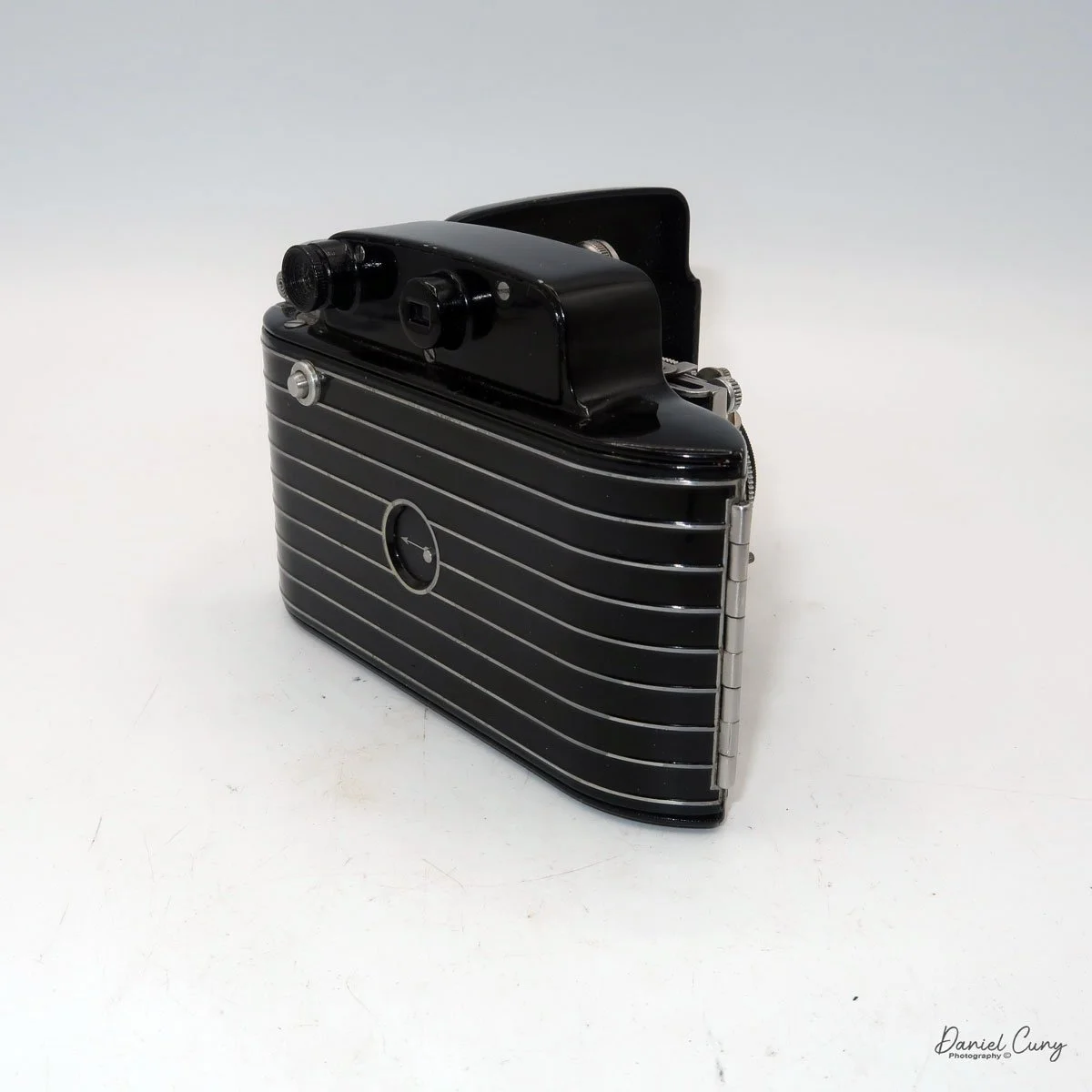
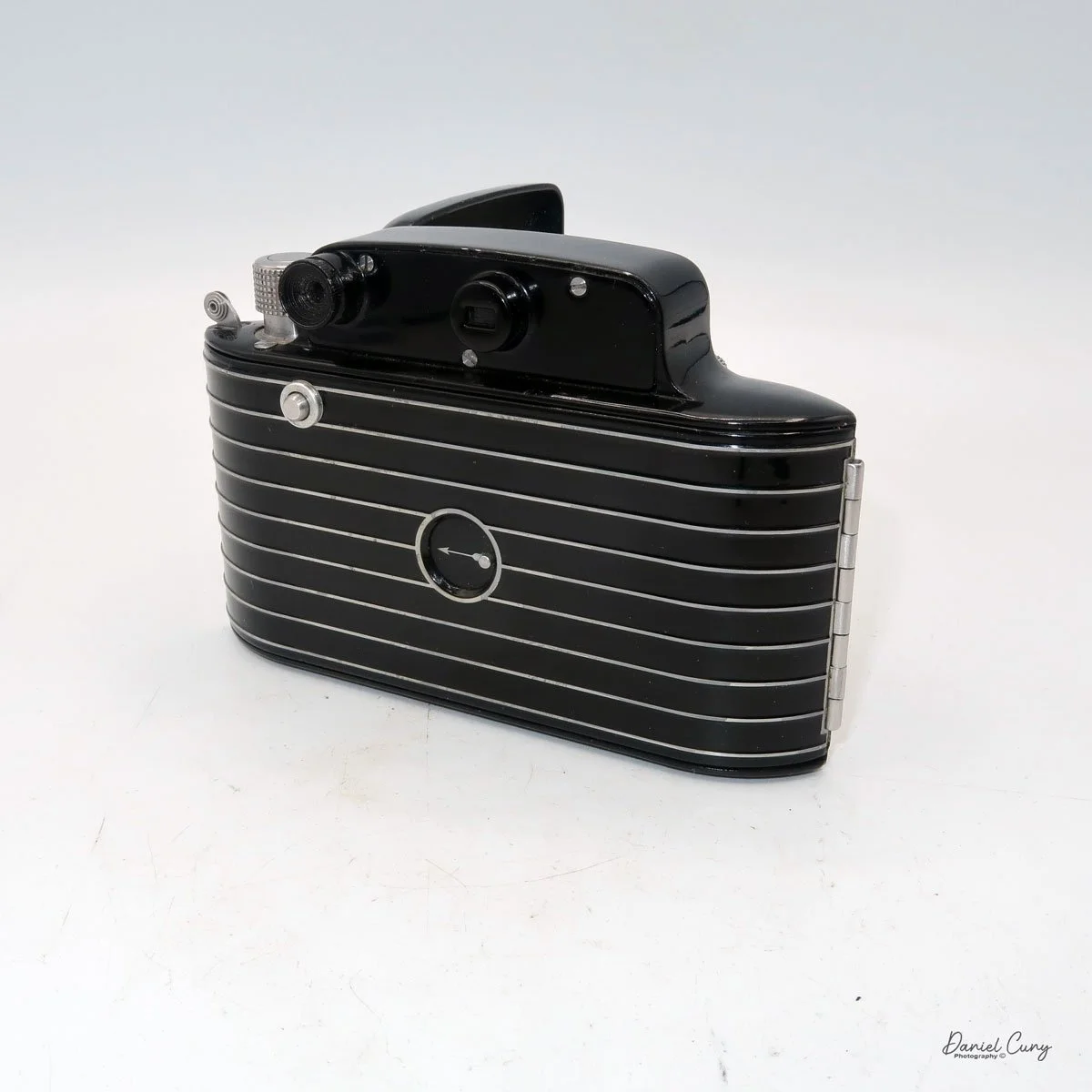
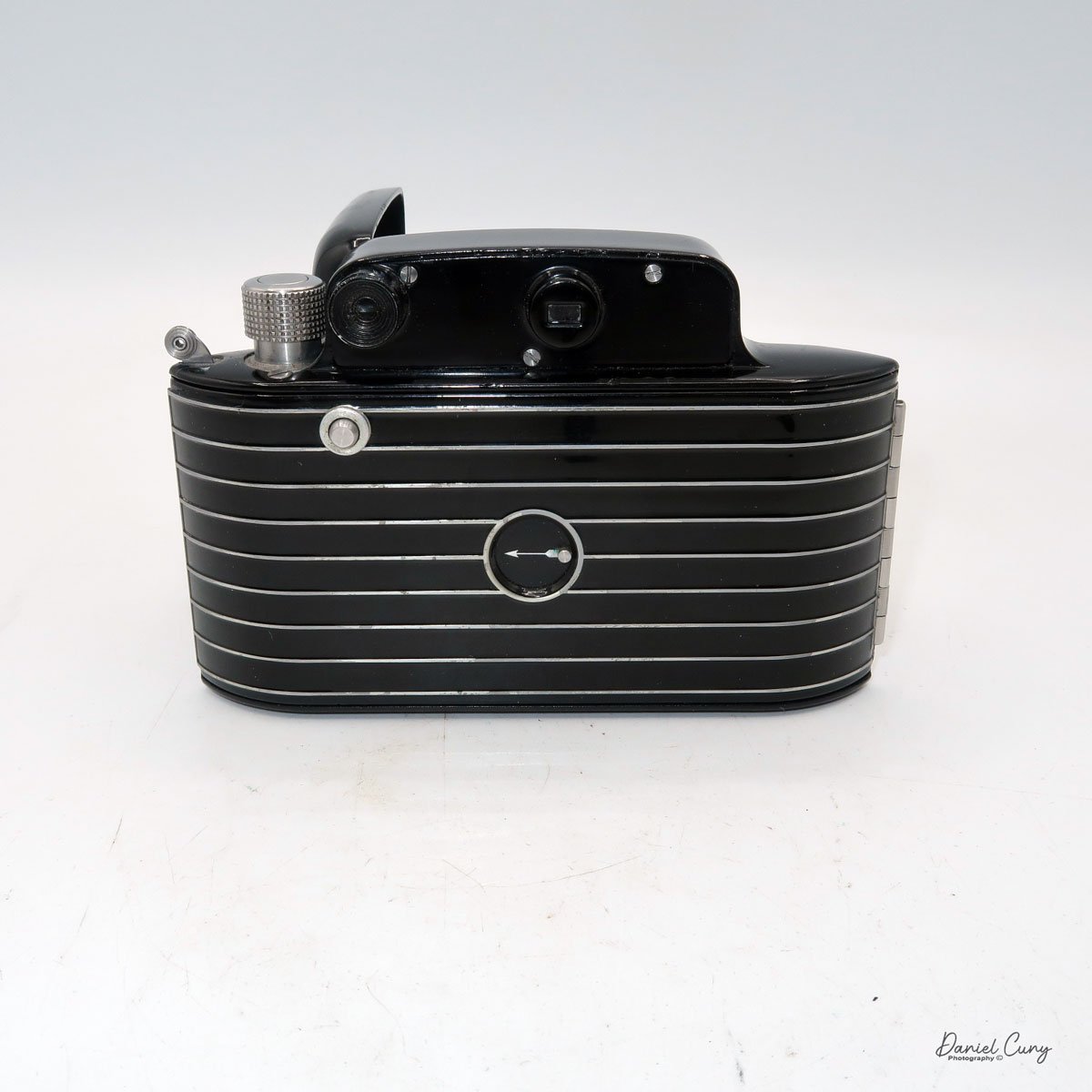
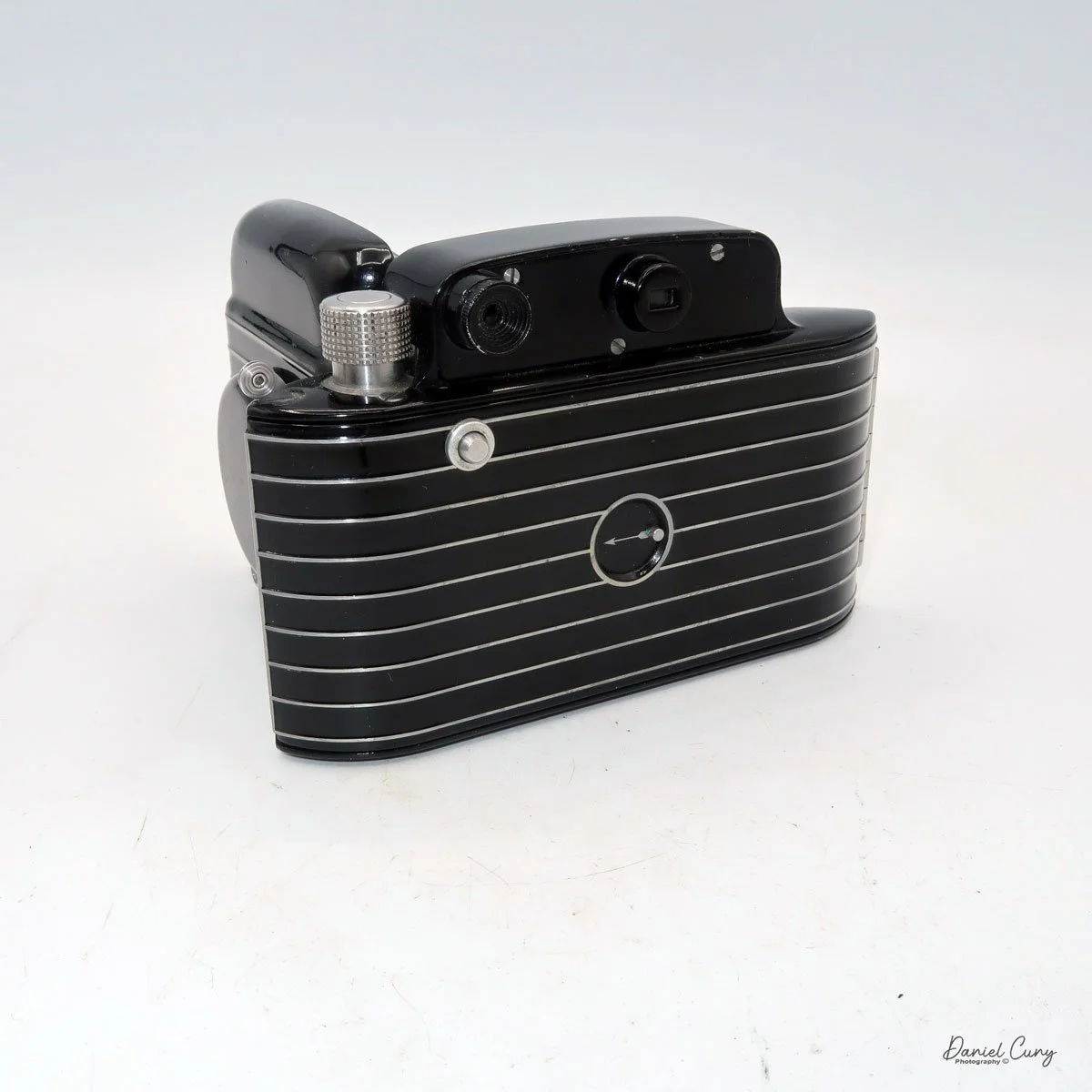
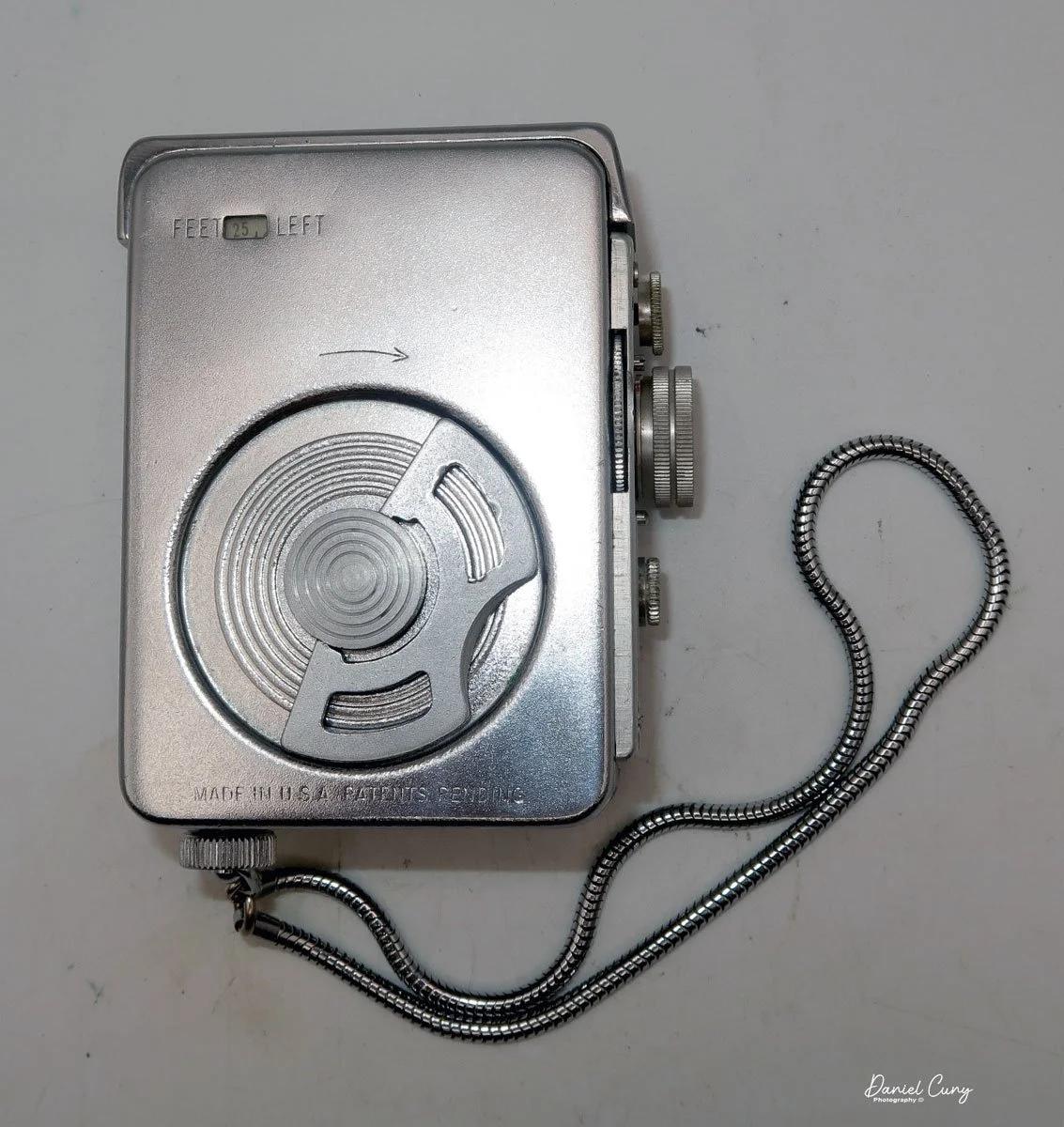
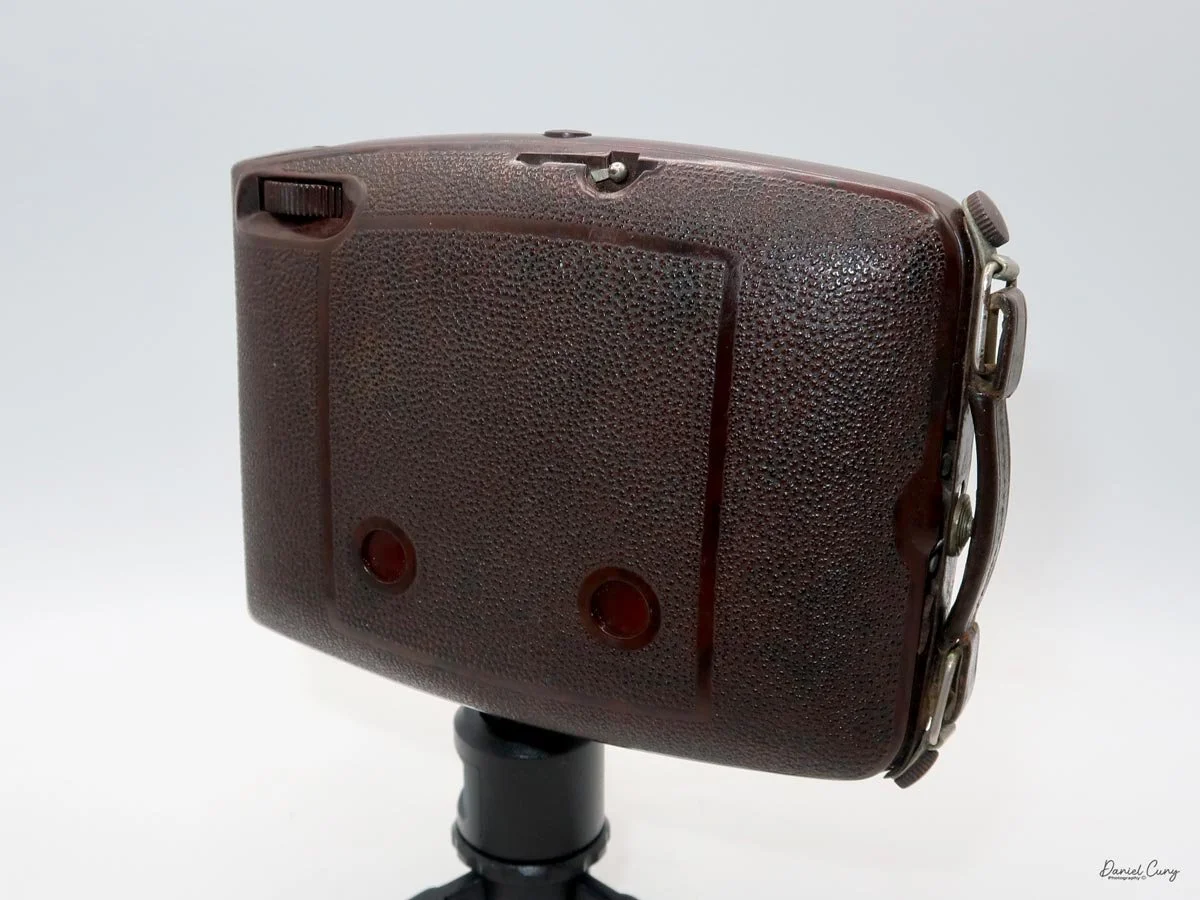
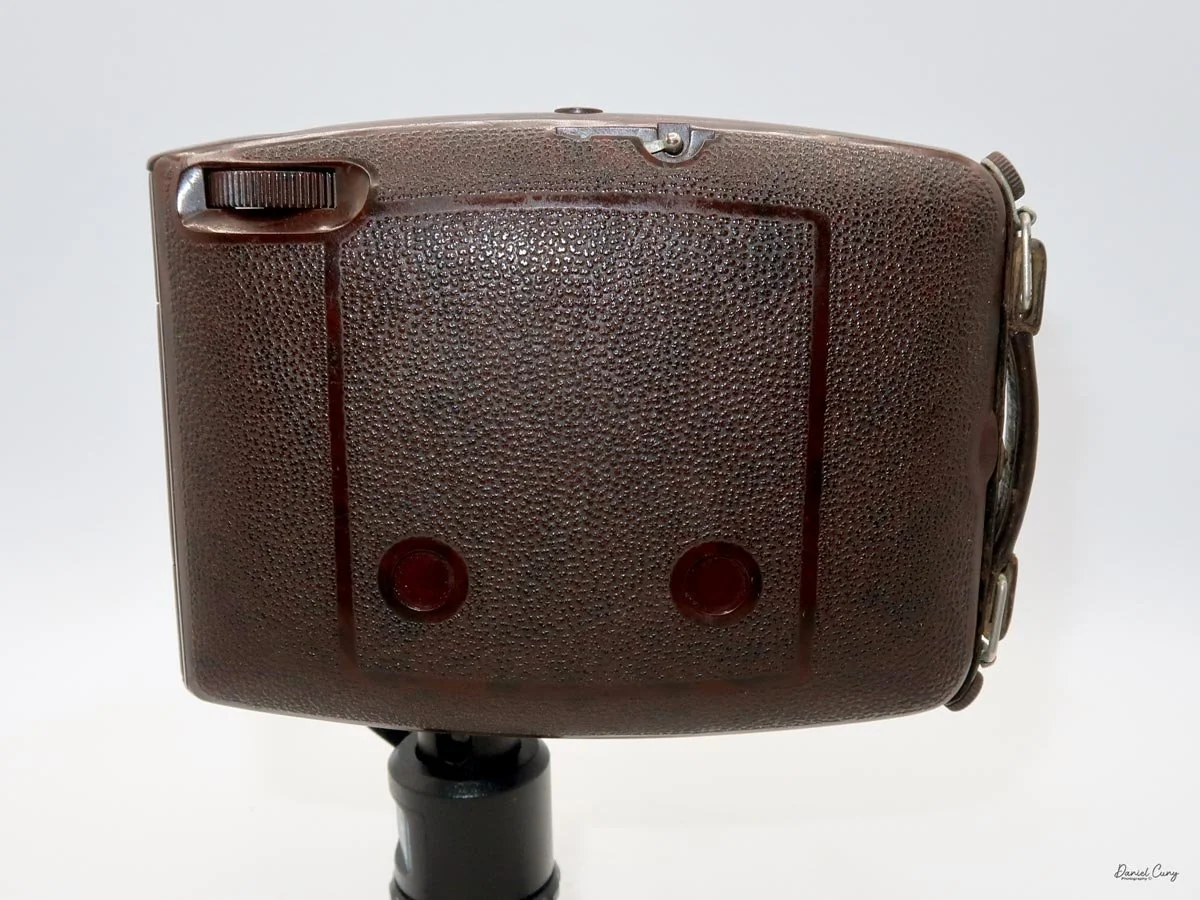
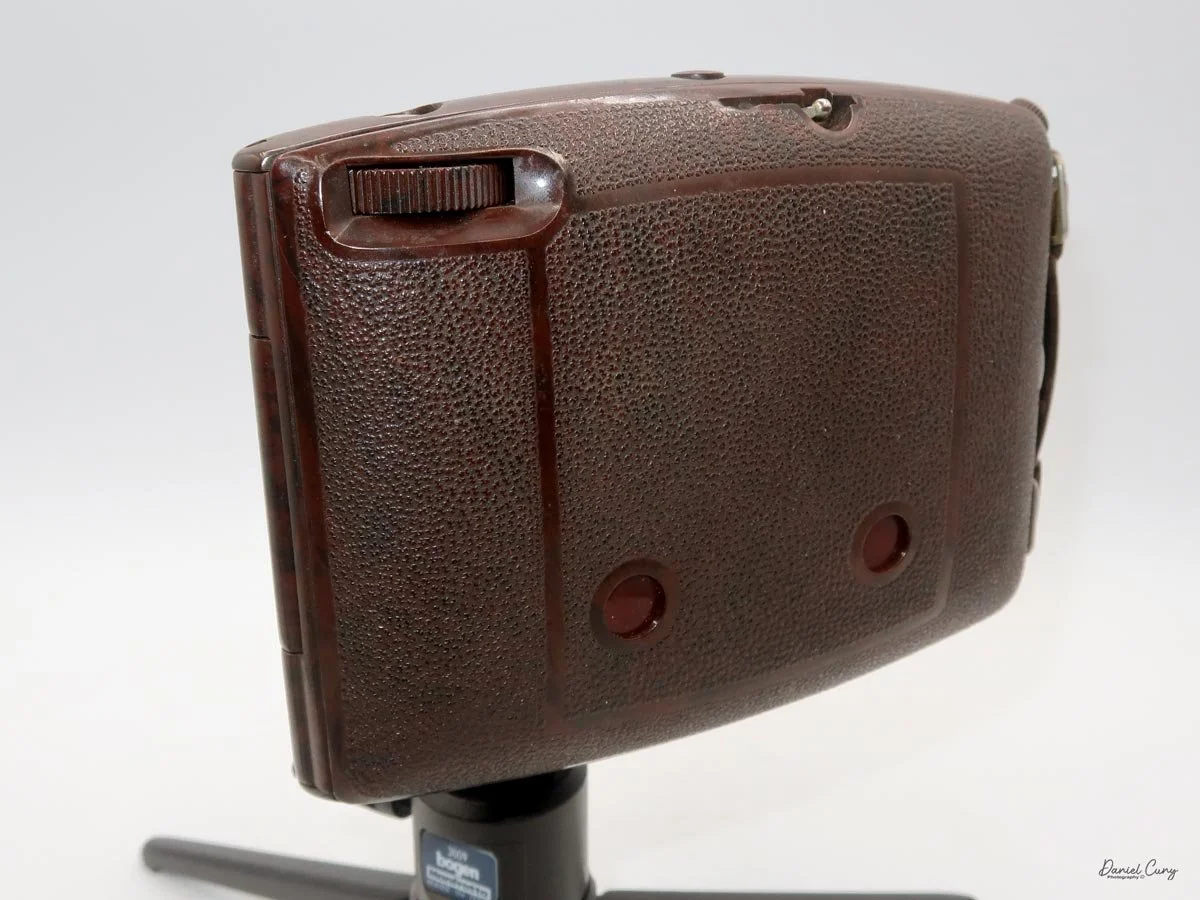
Back side of GOMZ Malyutka camera

 Once I received the items from the auction, I noticed this really nice brown bakelite camera with Russian Cyrillic writing on the back. As I've mentioned before, I have a love for colored cameras, so when I saw this Gomz Malutka, I thought it was a nice little camera. I put it away, not really giving the camera much thought until about a year ago when I was going through a box of photo items for a local camera show that was selling at. I pulled the Gomz Malutka from the box, and was ready to add it to the items for the sale. Then, as I was inspecting the camera again, I thought it might be a fun camera to write about sometime in the future. I set the camera aside.

 After the camera show, as I returned to my office, I noticed the Gomz Malutka on my desk and started making some basic inquiries about the camera. At this point, I began to see that the camera is indeed somewhat rare, so let's write about it for my blog.

History:

 The history of GOMZ (Gosudarstvennyi Optiko-Mekhanicheskii Zavod), the State Optical-Mechanical Plant, reflects Russia's tumultuous and innovative 20th-century history. Located in Leningrad (now St. Petersburg), the factory was the cradle of the Soviet optical industry, responsible for producing the nation's first mass-market cameras and pioneering designs that predated Western equivalents.

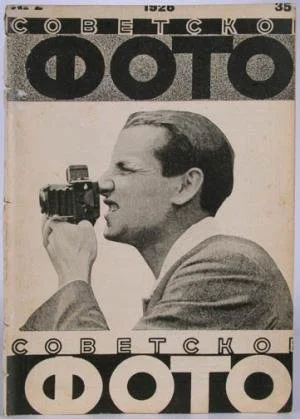
Cover of Sovetskoe Foto (Soviet Photo) Magazine

 The facility began life in 1914 as a French-Russian joint venture to produce optical sights for the military during World War I. Following the 1917 Revolution, the factory was nationalized and underwent several reorganizations before officially adopting the GOMZ acronym in 1932. While it continued to produce military optics, the Soviet leadership demanded a domestic photographic industry to reduce reliance on German imports, pushing GOMZ toward consumer cameras.

 The 1930s marked GOMZ's golden era of innovation. Its first major success was the Fotokor-1 (1930–1941), a 9x12cm folding plate camera. Based on German designs, the Fotokor-1 became the first mass-produced Soviet camera, with over one million units manufactured. It effectively democratized photography in the USSR, serving as the primary tool for documenting the Soviet state's industrialization.

Even more technically significant was the Sport (1937), a 35mm single-lens reflex (SLR) camera. Historians often debate whether the GOMZ Sport or the German Kine Exakta was the world's first proper 35mm SLR. Regardless of the title, the Sport was a marvel of engineering for its time, featuring a vertical metal shutter and a reflex viewfinder that allowed photographers to see exactly what the lens saw—a standard feature today, but revolutionary in the 1930s.

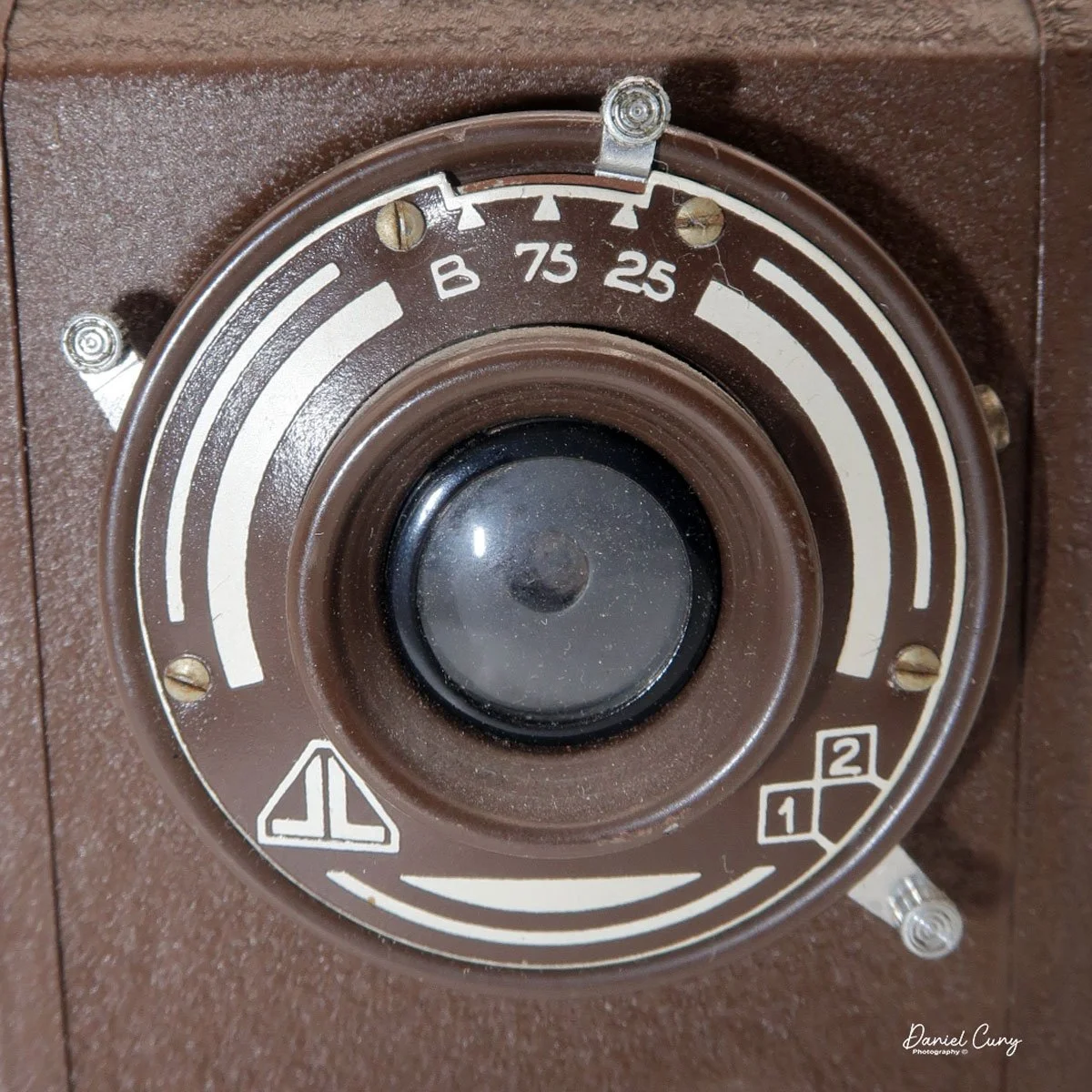
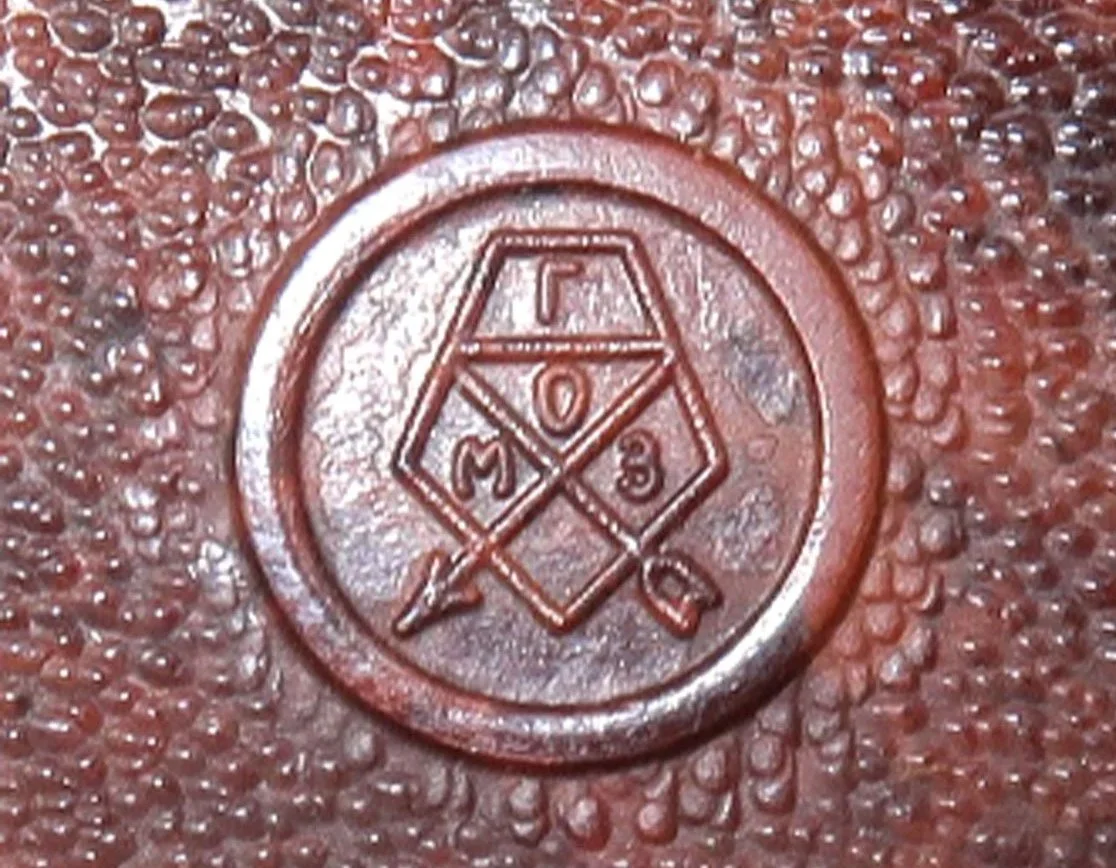
Logo of Gomz camera

 During World War II, the factory suffered heavily during the Siege of Leningrad. Production shifted entirely to military needs, such as sights for tanks and artillery. After the war, GOMZ pivoted back to consumer goods, focusing on affordable, simple cameras for the recovering population.

This post-war period gave rise to the legendary Lubitel series (starting in 1949). Based on the German Voigtländer Brilliant, the Lubitel was a twin-lens reflex (TLR) camera made of Bakelite and later plastic. It was cheap, durable, and capable of producing excellent medium-format images, introducing millions of amateurs to photography. Similarly, the Smena series provided a simple, viewfinder alternative that became a staple in Soviet households.

 In 1965, GOMZ underwent a final restructuring, becoming the Leningrad Optical-Mechanical Association (LOMO). Under this new name, the factory would later produce the LOMO LC-A, the camera that accidentally sparked the global "Lomography" art movement in the 1990s. However, the foundation of this success was laid during the GOMZ era, which transformed a military optics plant into a titan of Soviet creativity and engineering.

My Camera:

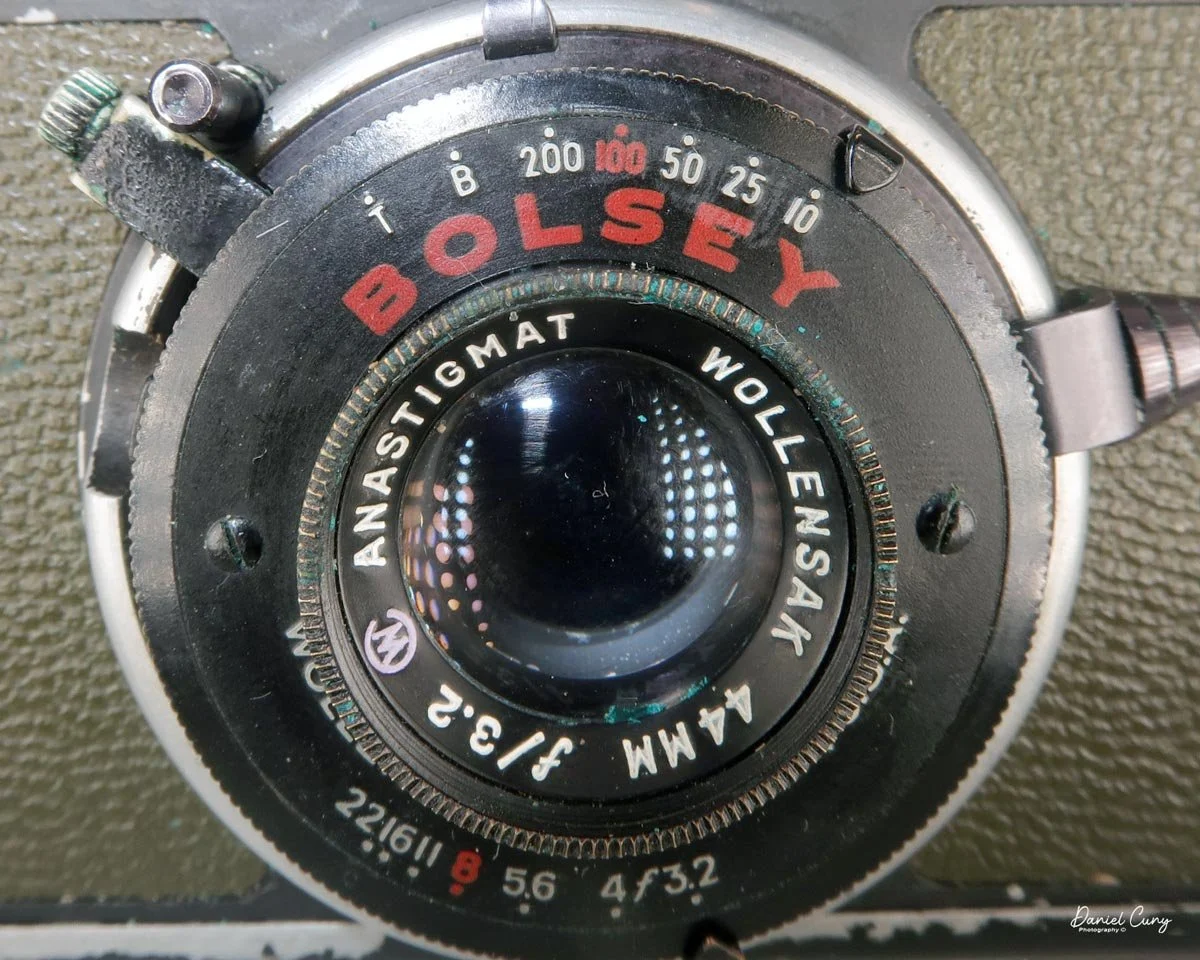
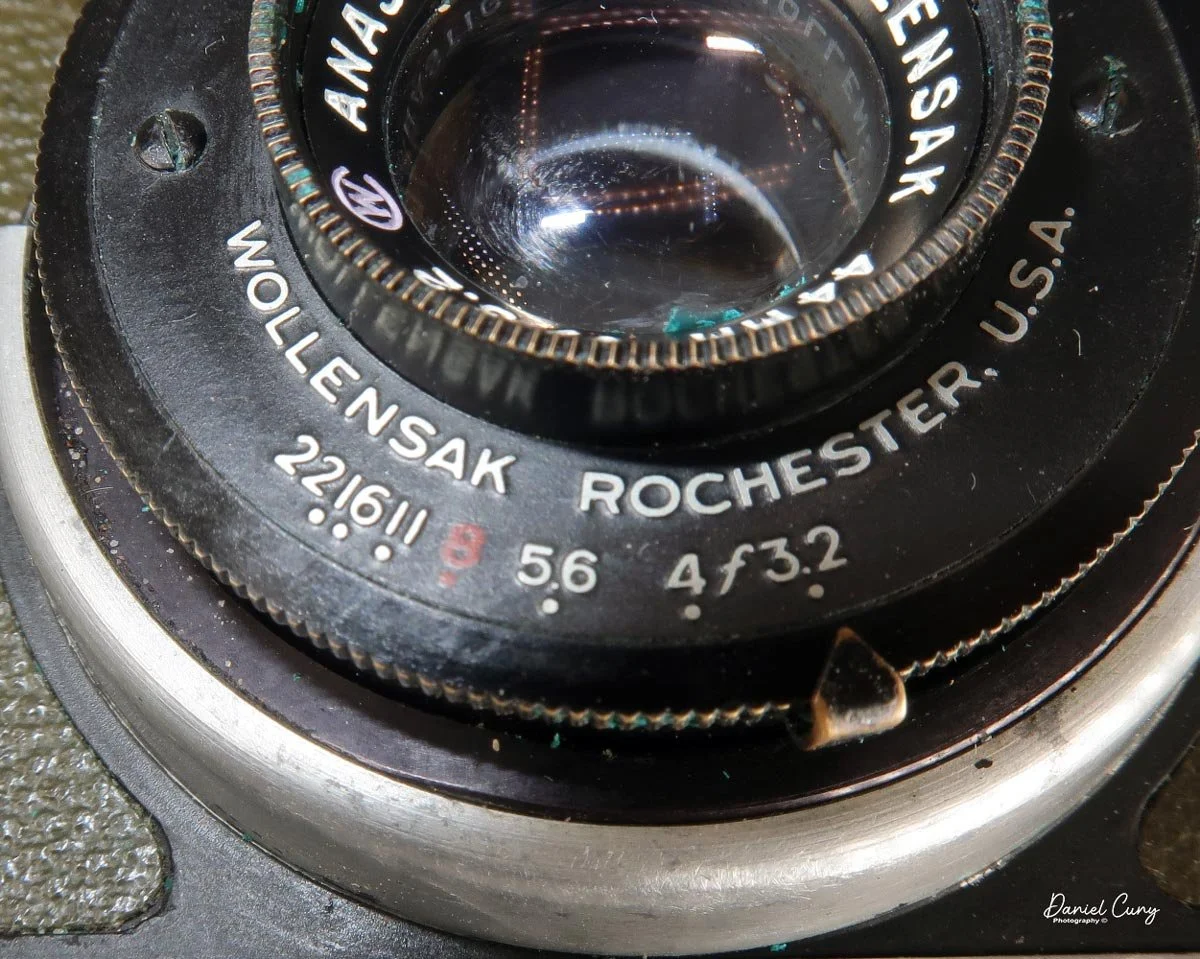
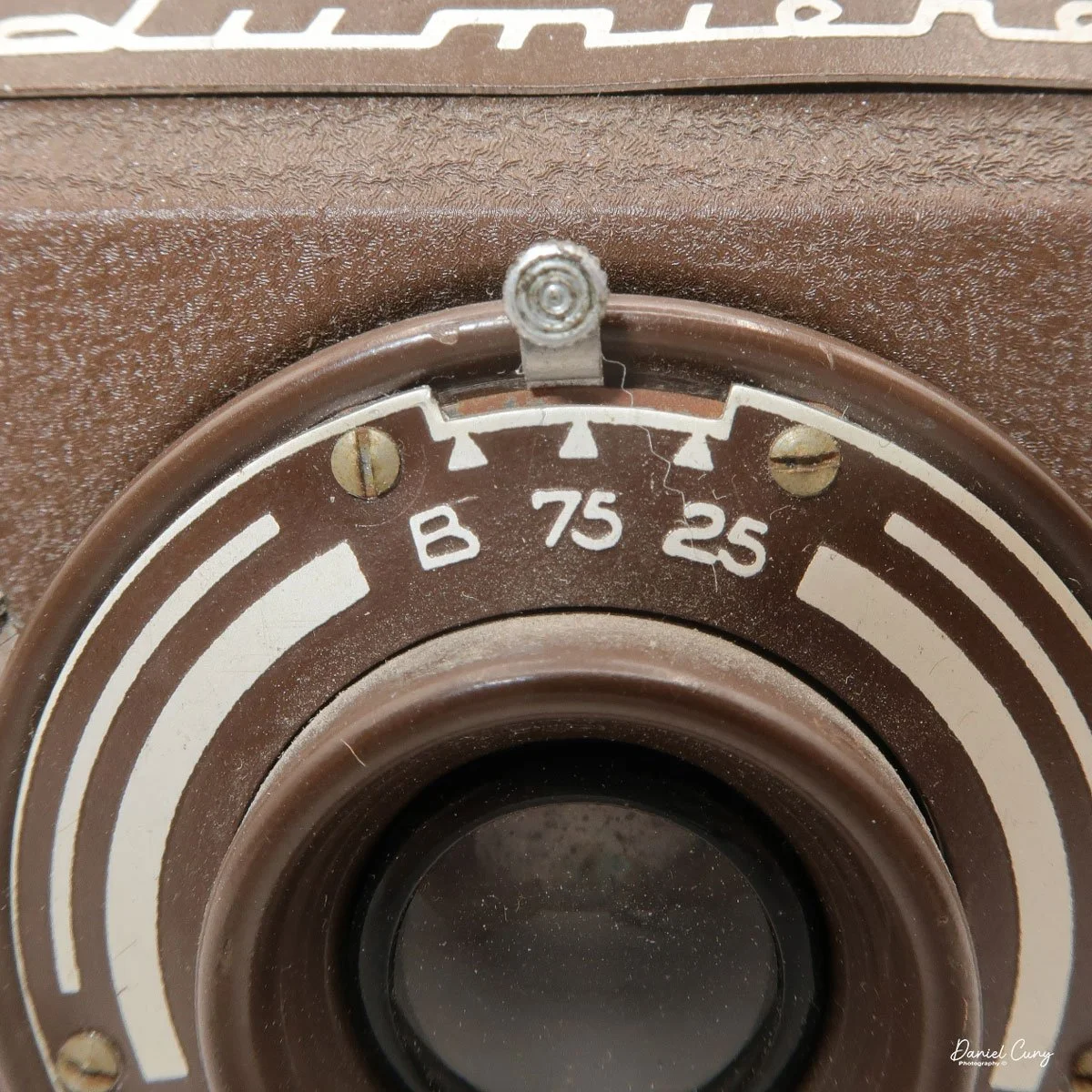
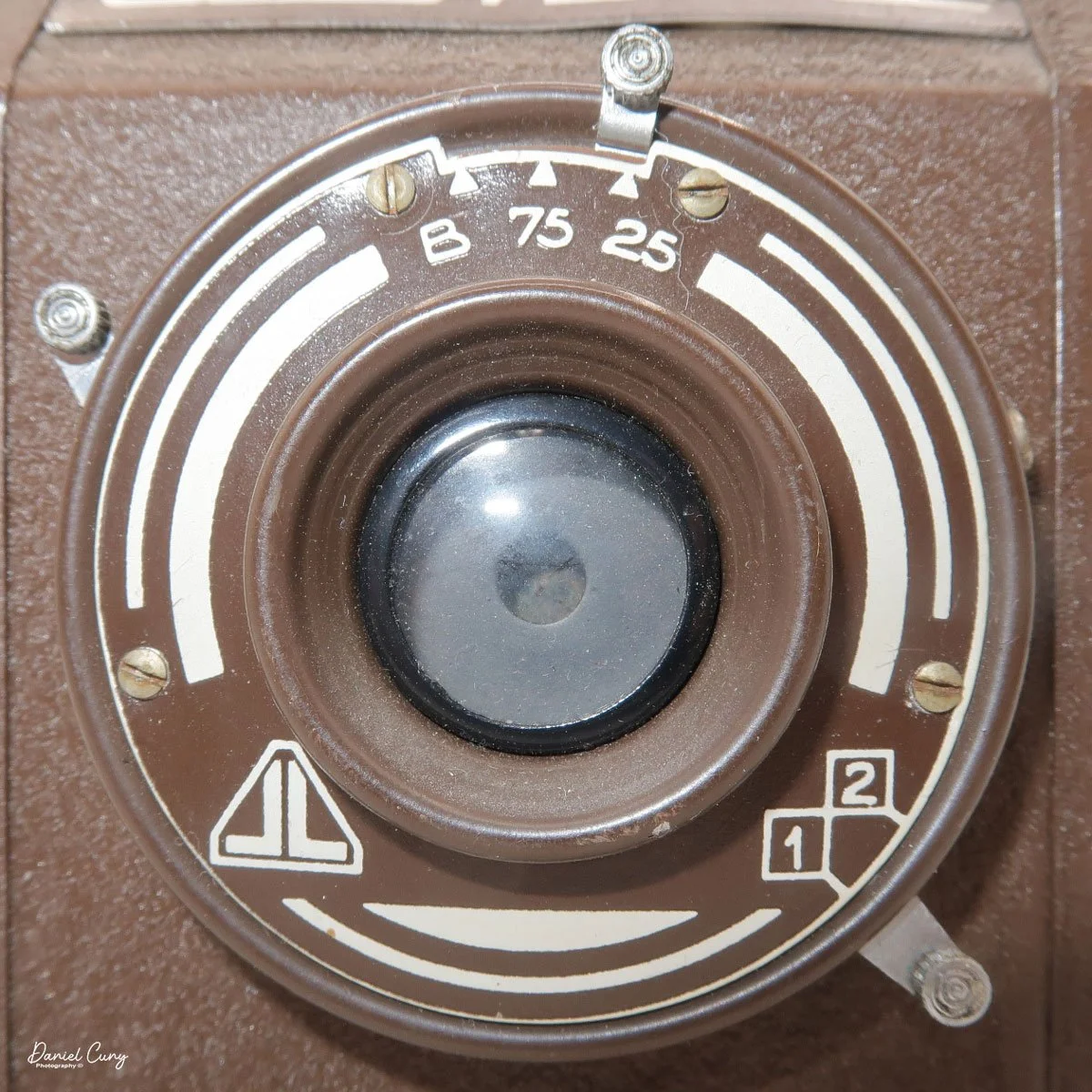
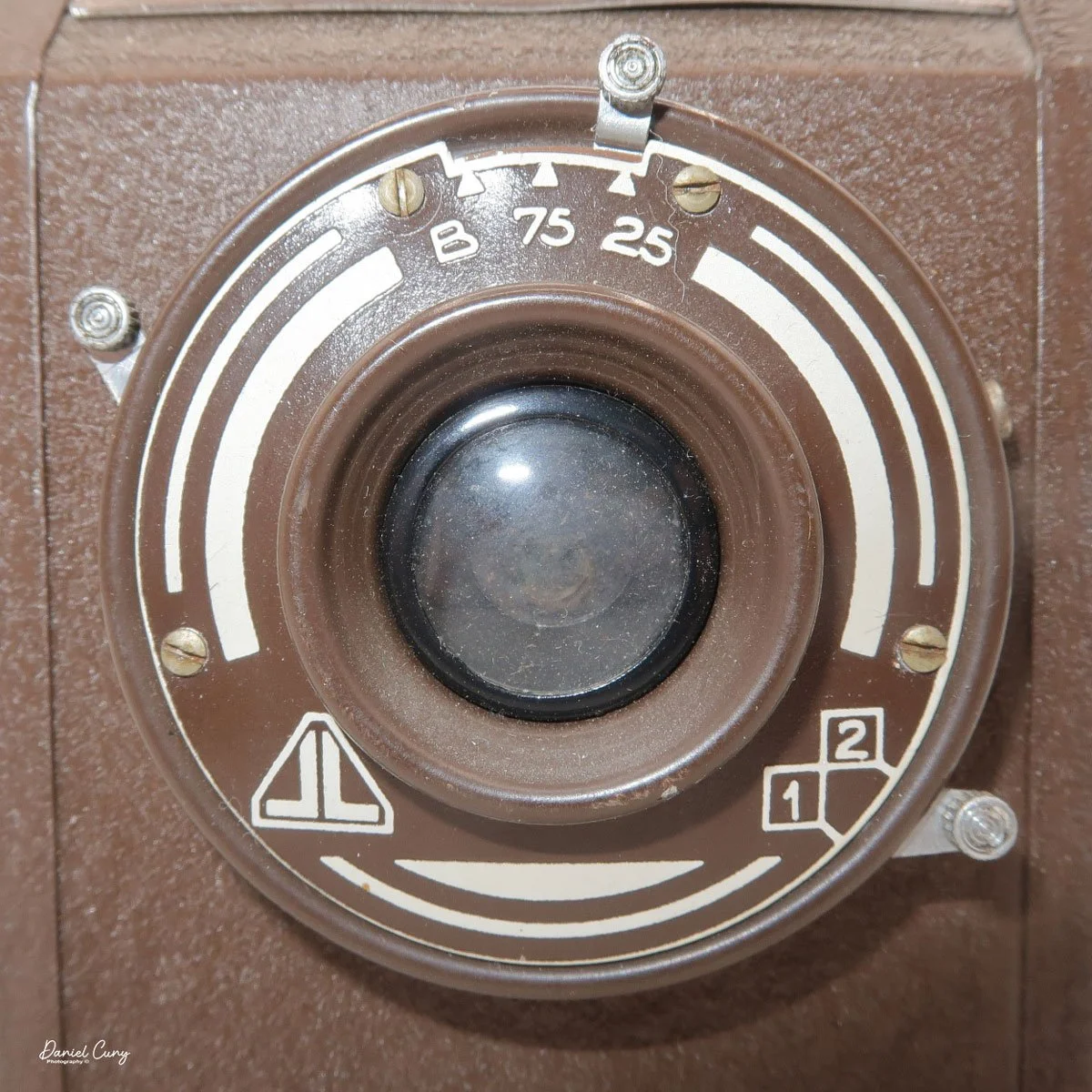
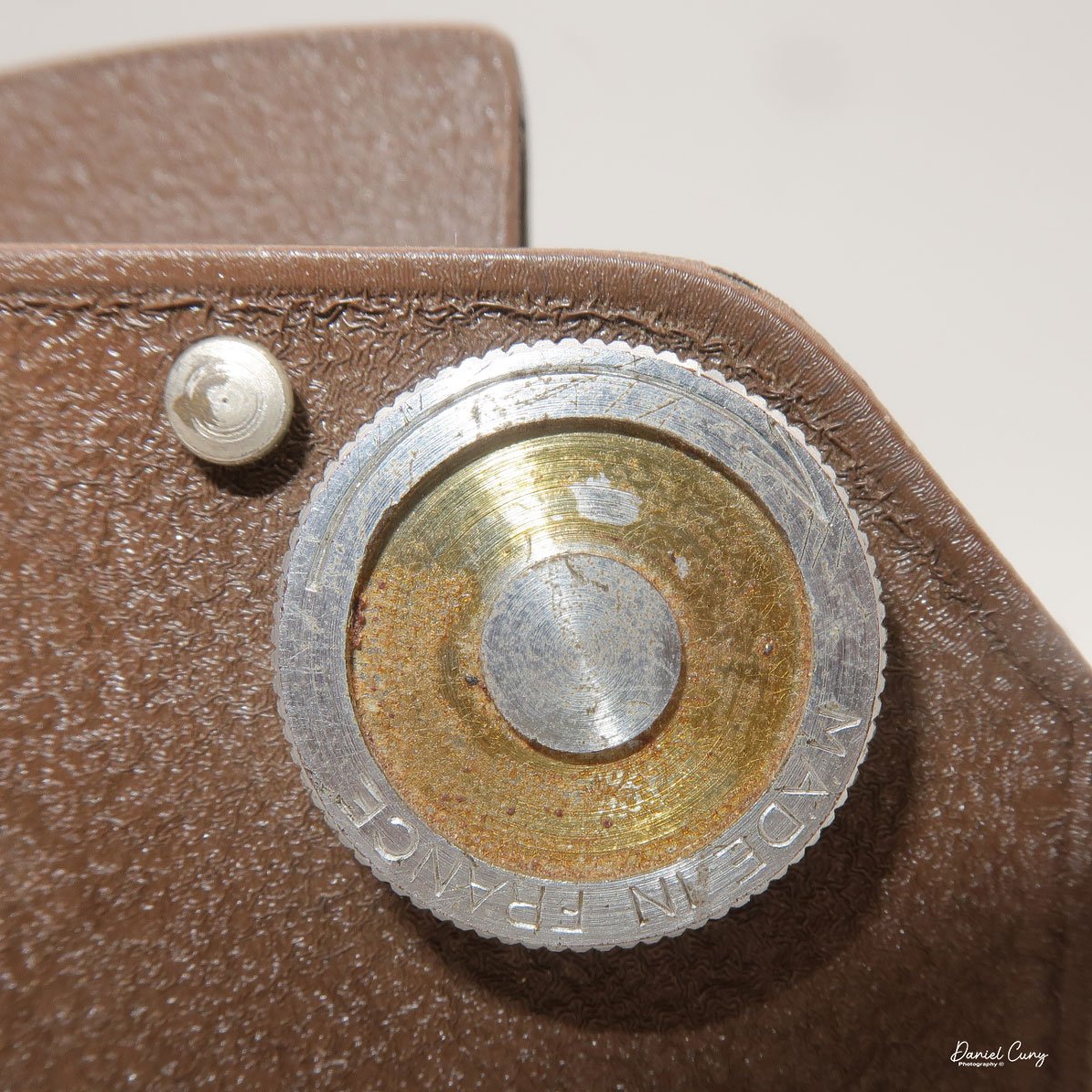
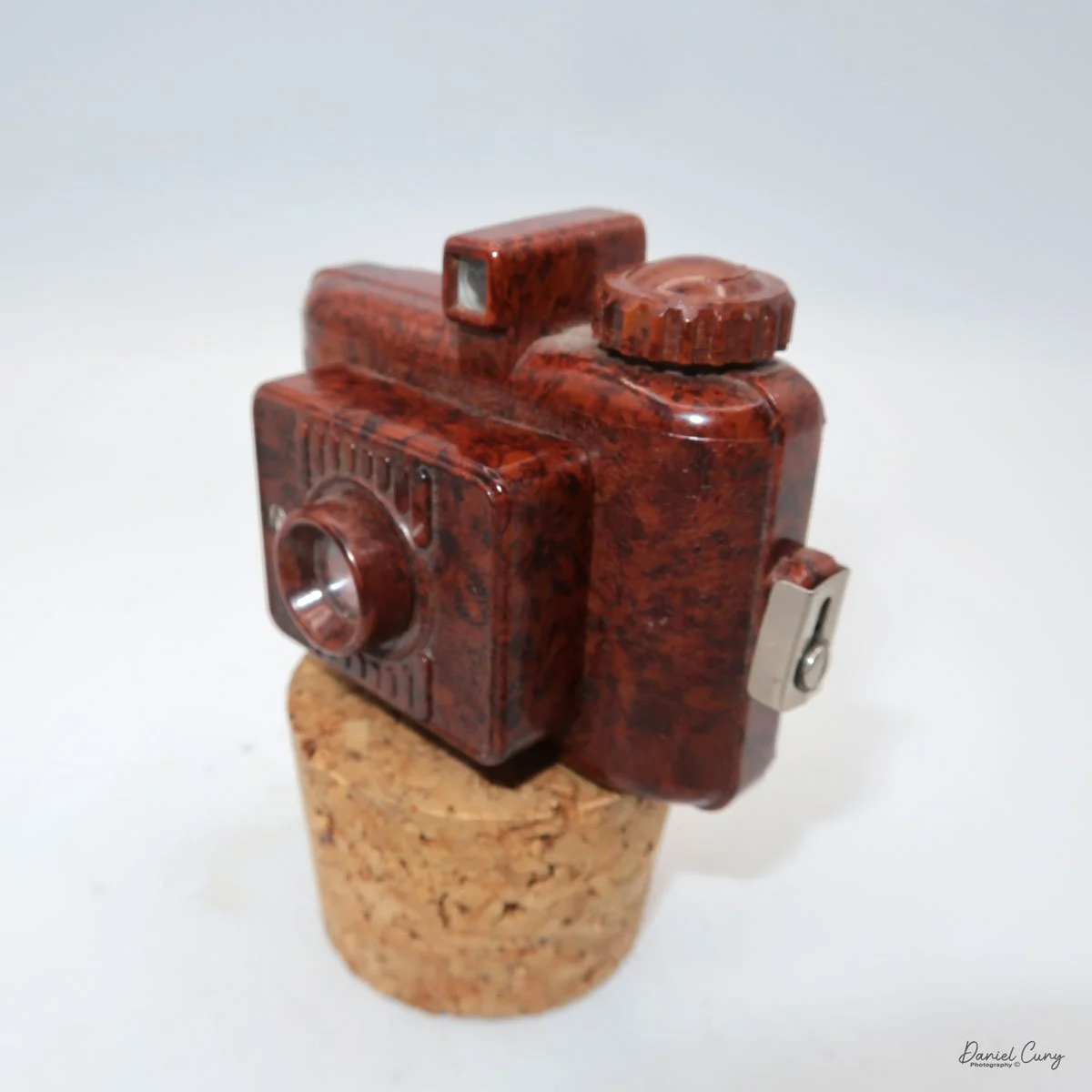
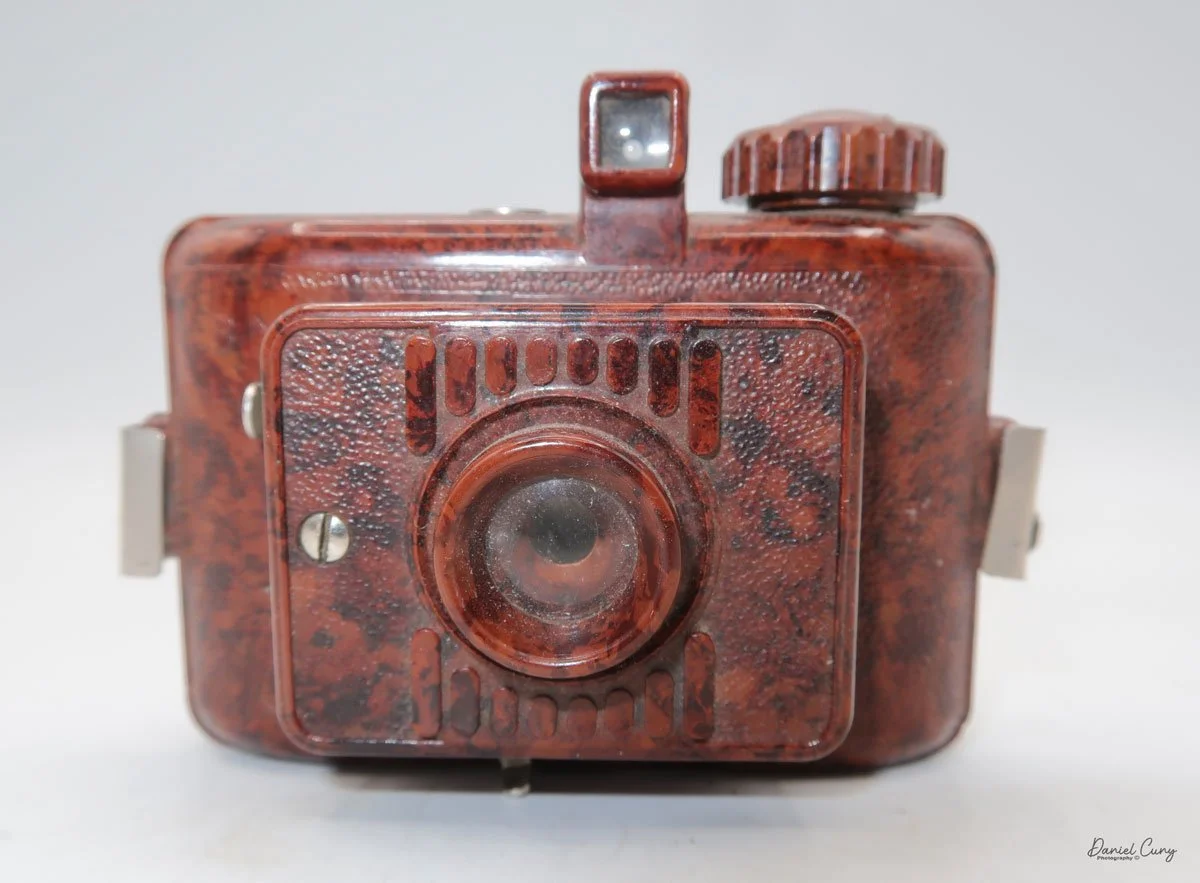
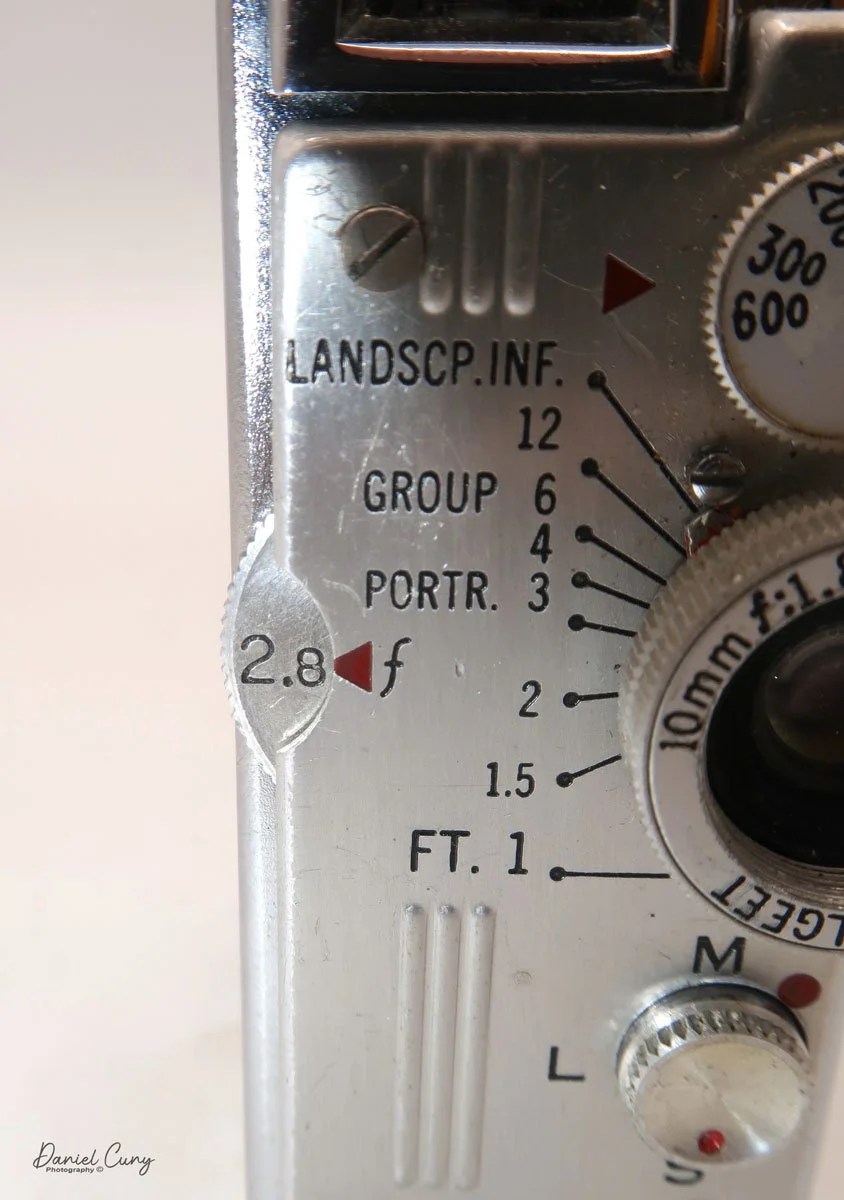
 My GOMZ Malyutka is small, measuring  2" wide, by 1.5" tall and 1.5" deep from the front of the lens to the rear of the camera, and it weighs only 2.3 ounces without film. The Gomz Malutka is based on the SIDA camera from Sida GmbH, Berlin, Germany, which was made in the mid-1930s and came in both metal and Bakelite. "Malyutka" (малютка) is a Russian word that means "baby," "little one," or "tiny thing". It is also very similar to a camera made by Gomz,  Liliput camera.

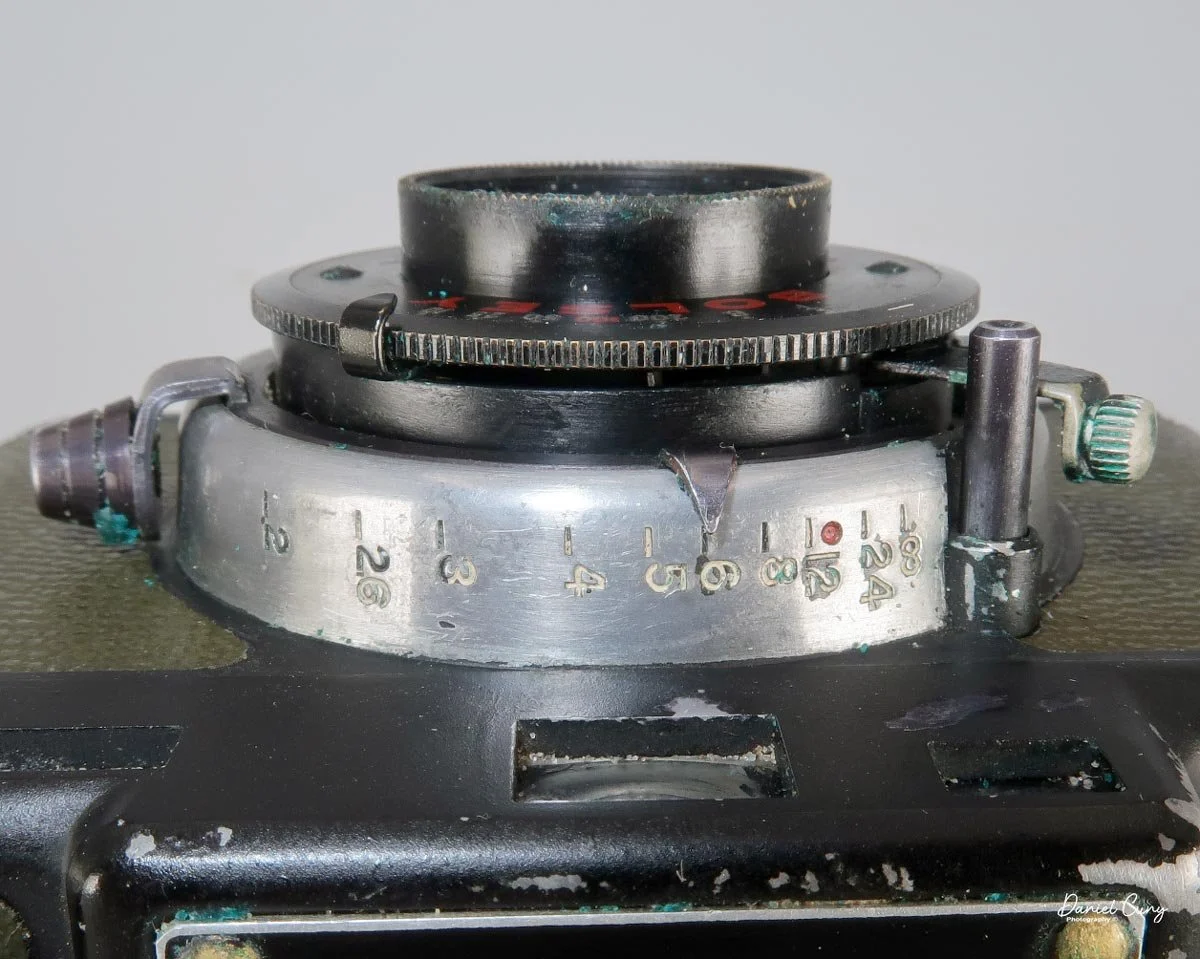
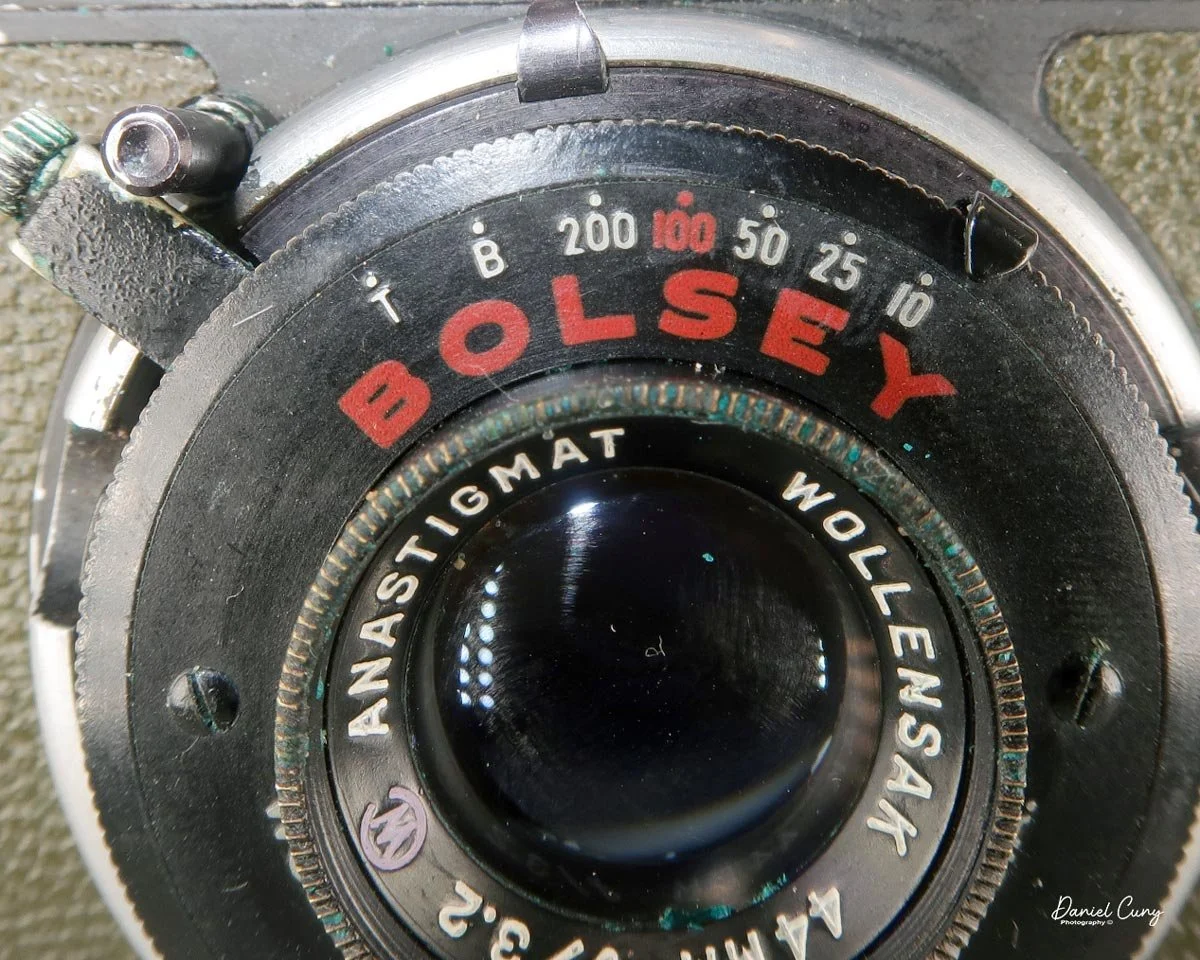
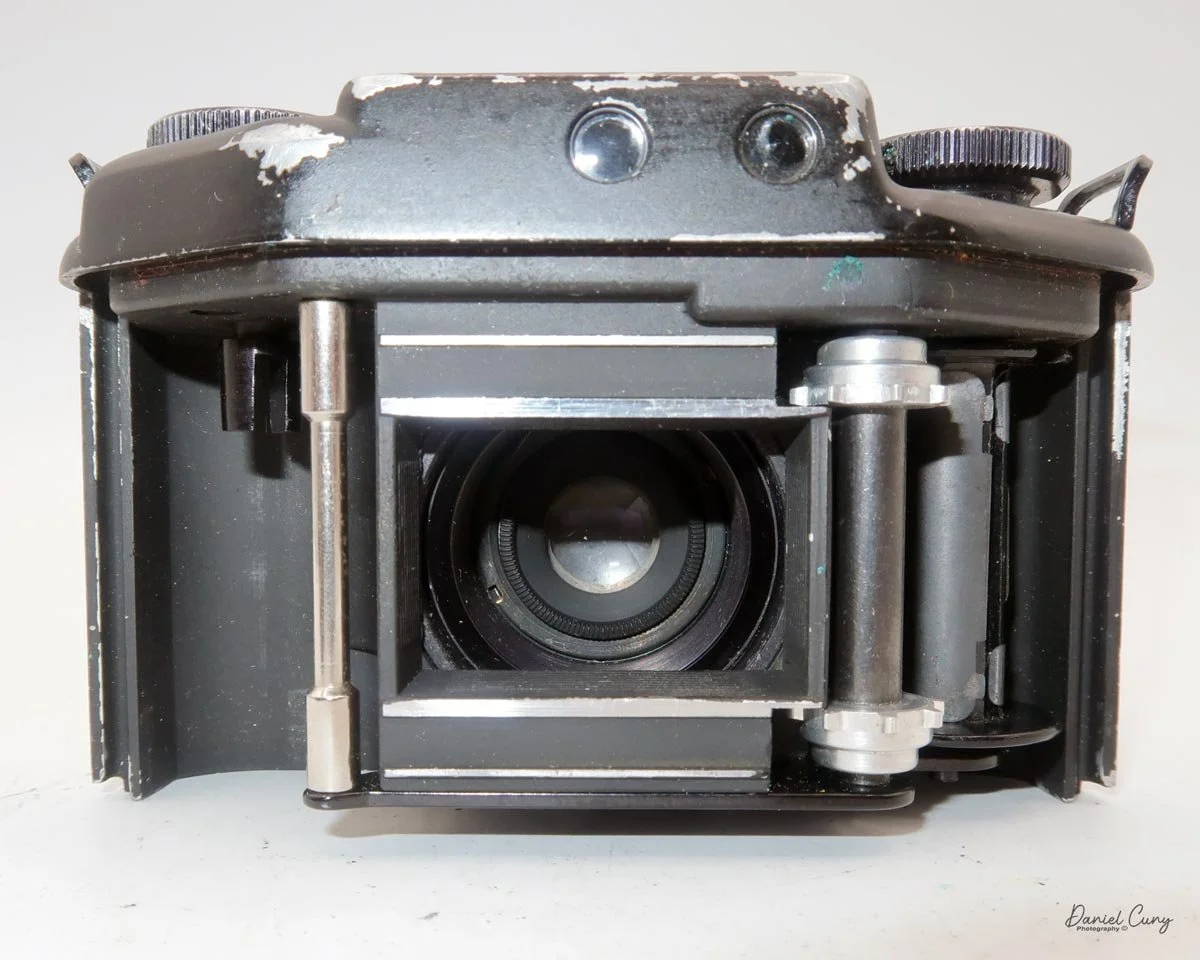
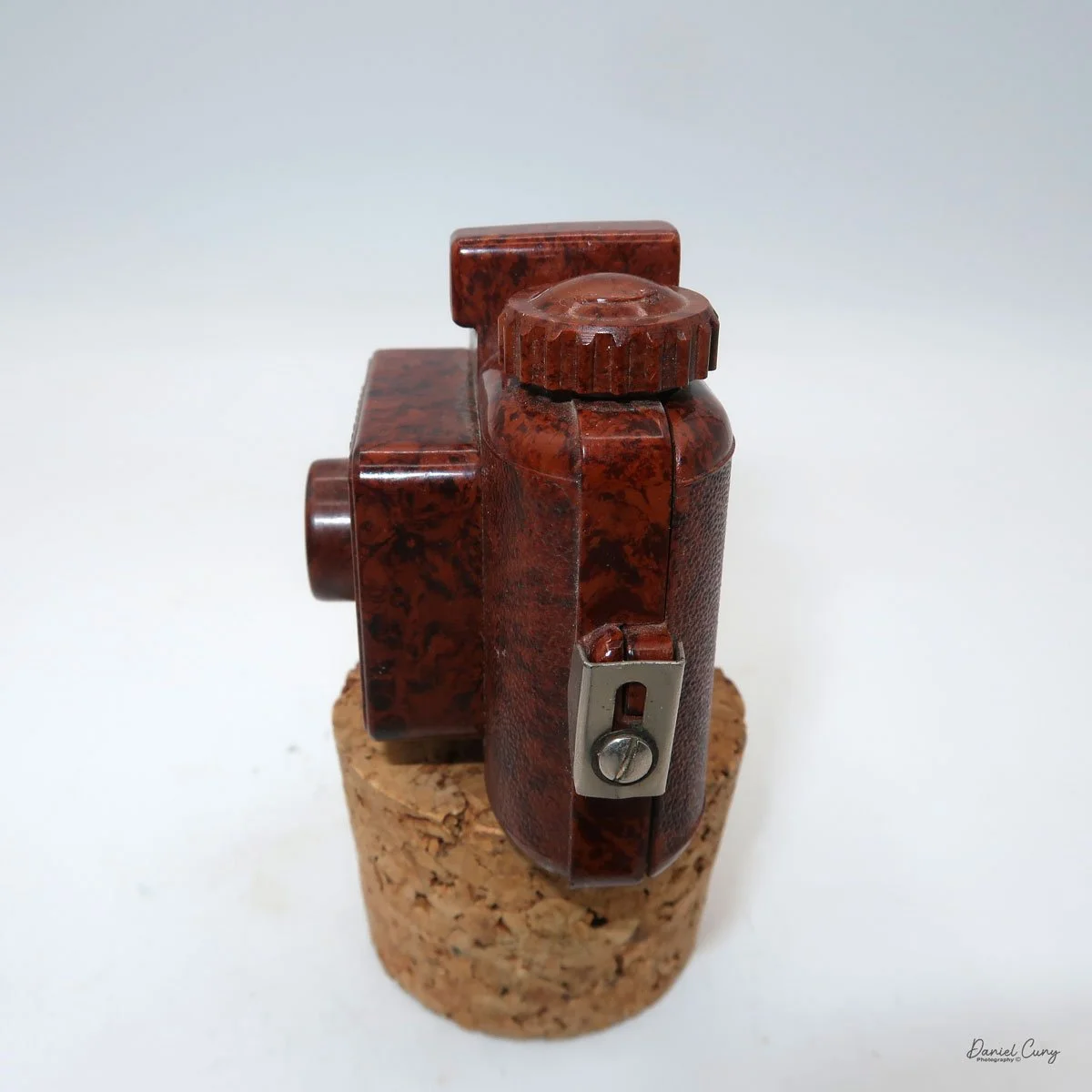
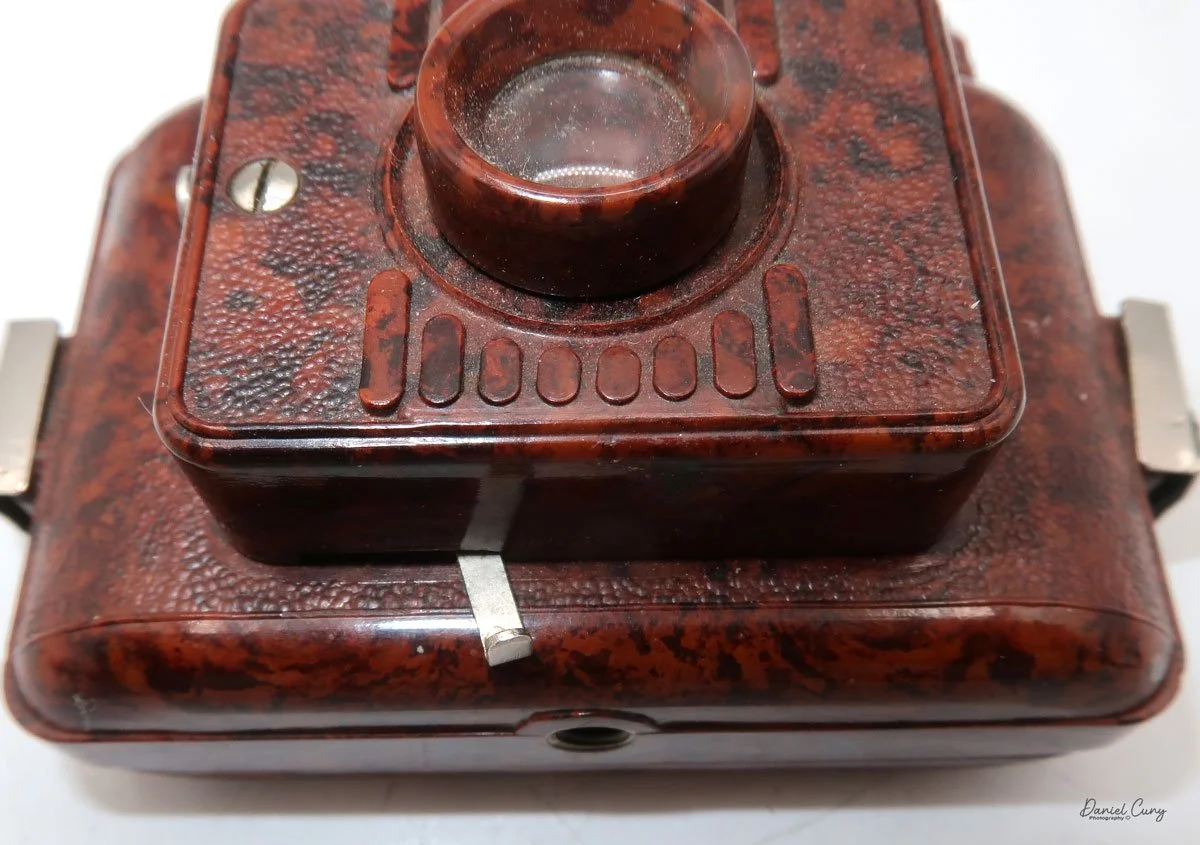
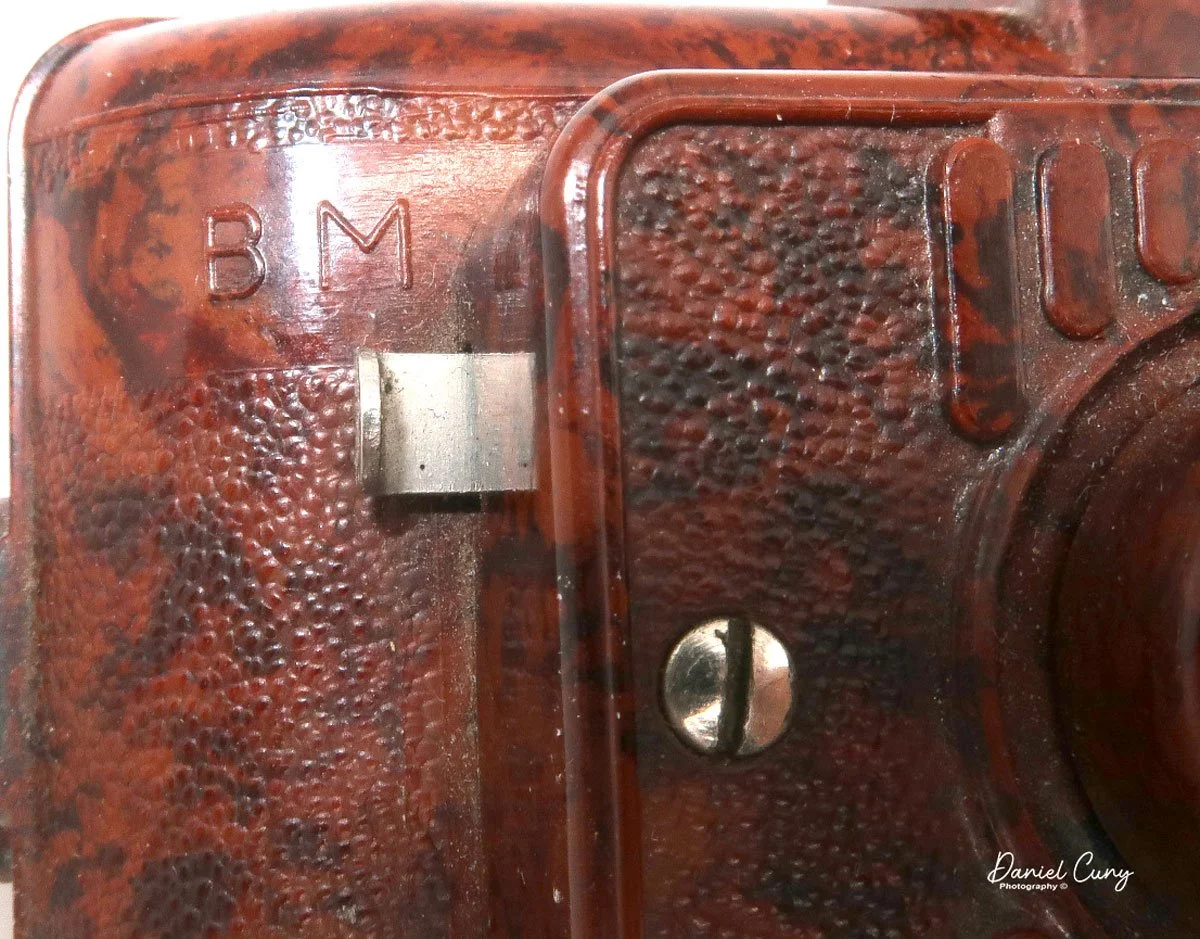
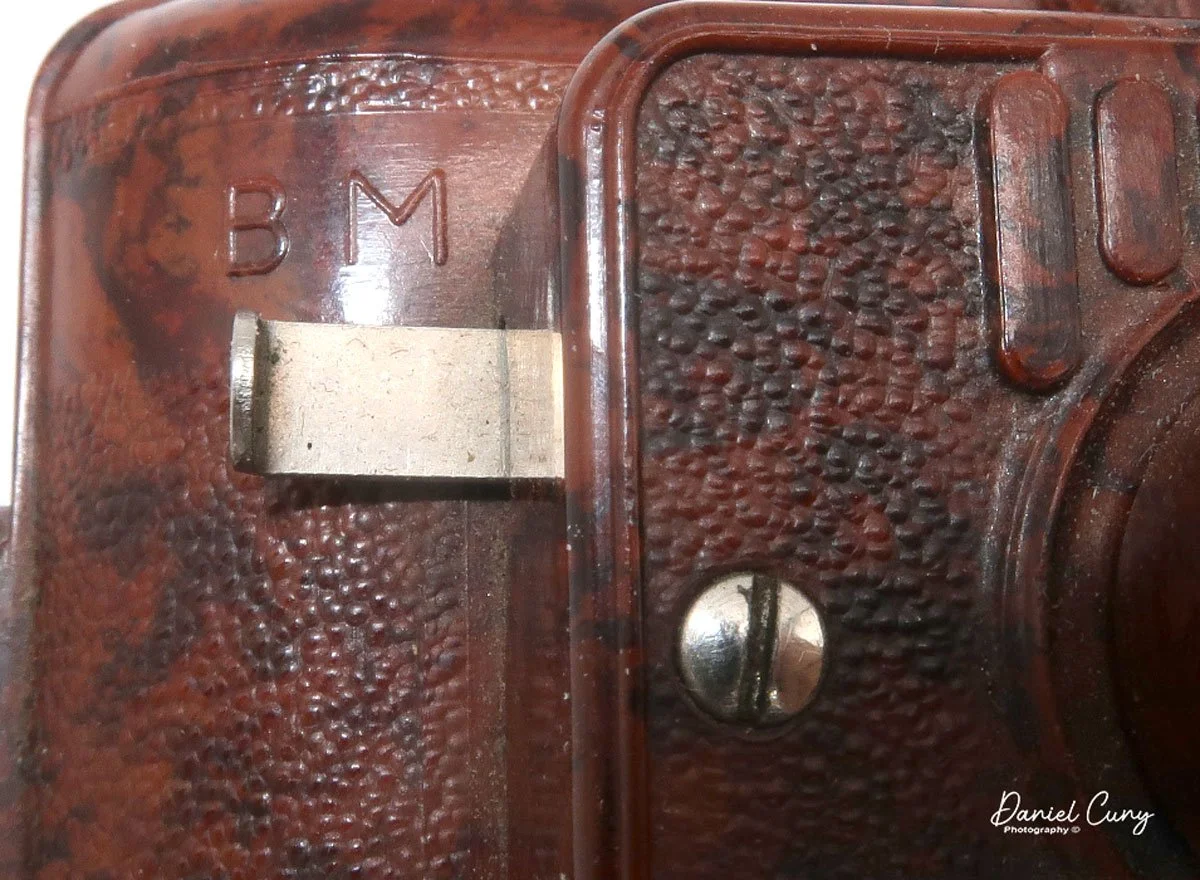
 The camera's controls are very straightforward. There is only the shutter release at the bottom of the camera, along with the shutter control on the right side next to the lens. The shutter control consists of two settings: "M" (moment) for normal shutter speed, generally around 1/50 sec, and "B" for time exposures. Sliding a bar out from the side of the camera makes these settings. Sliding the shutter release under the lens takes the photo. 

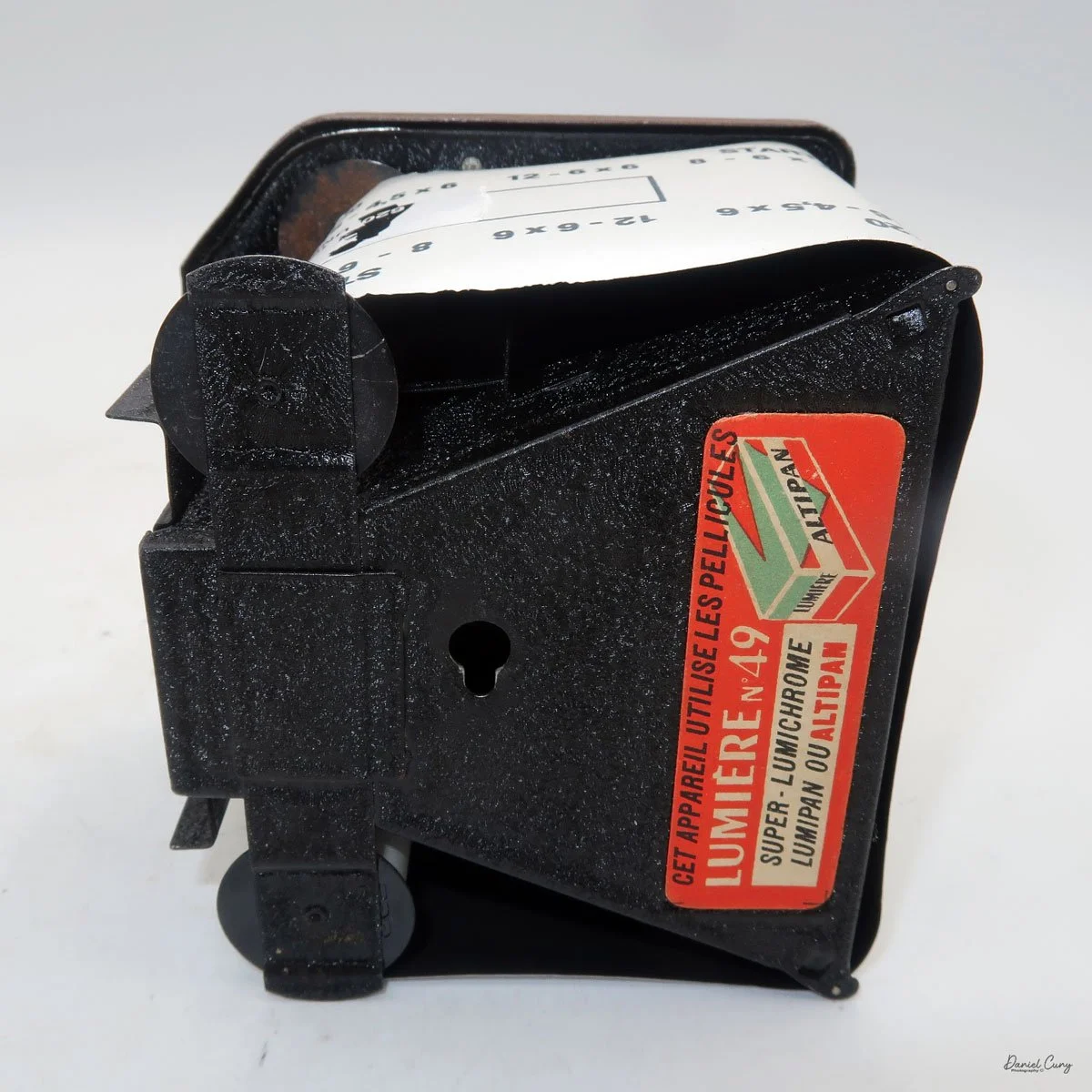
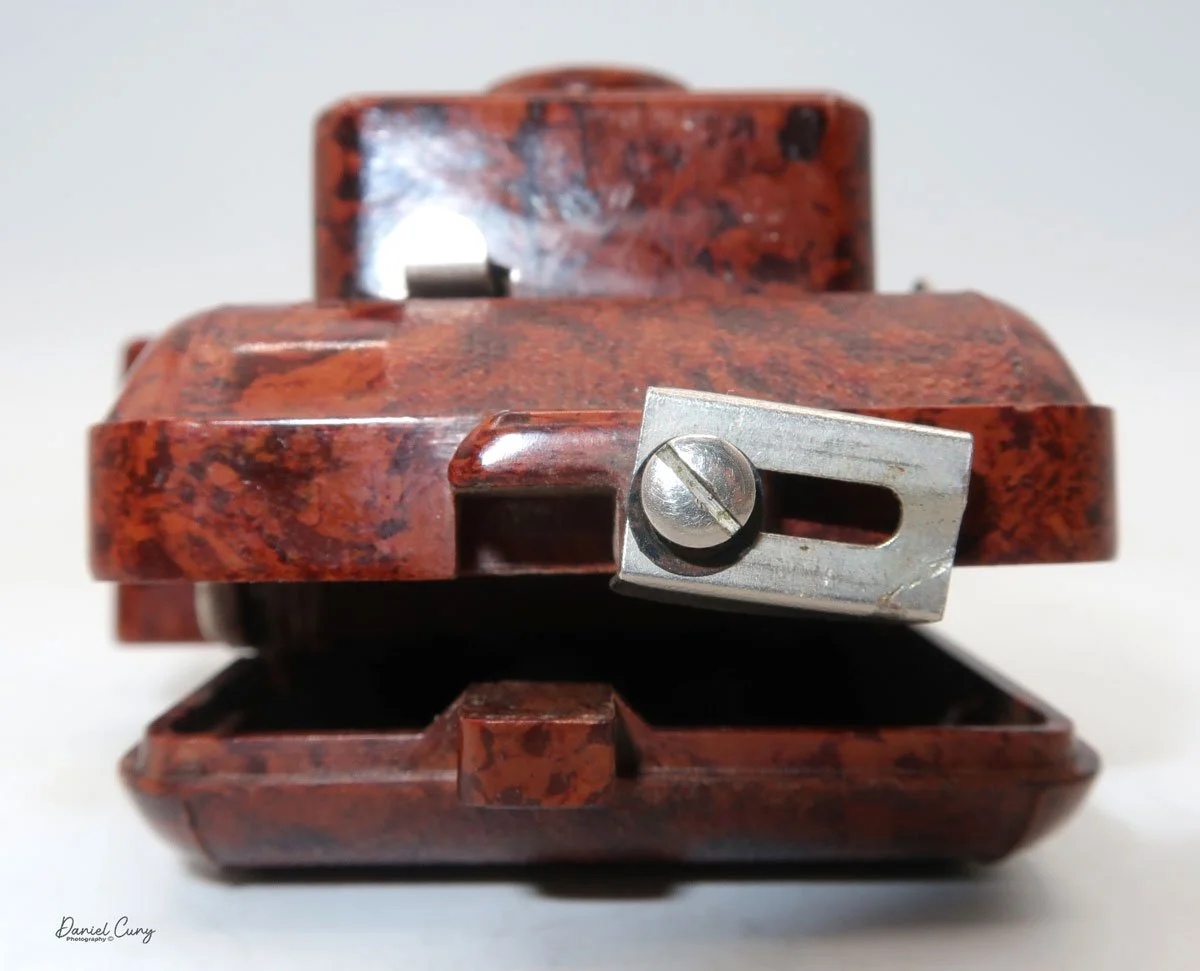
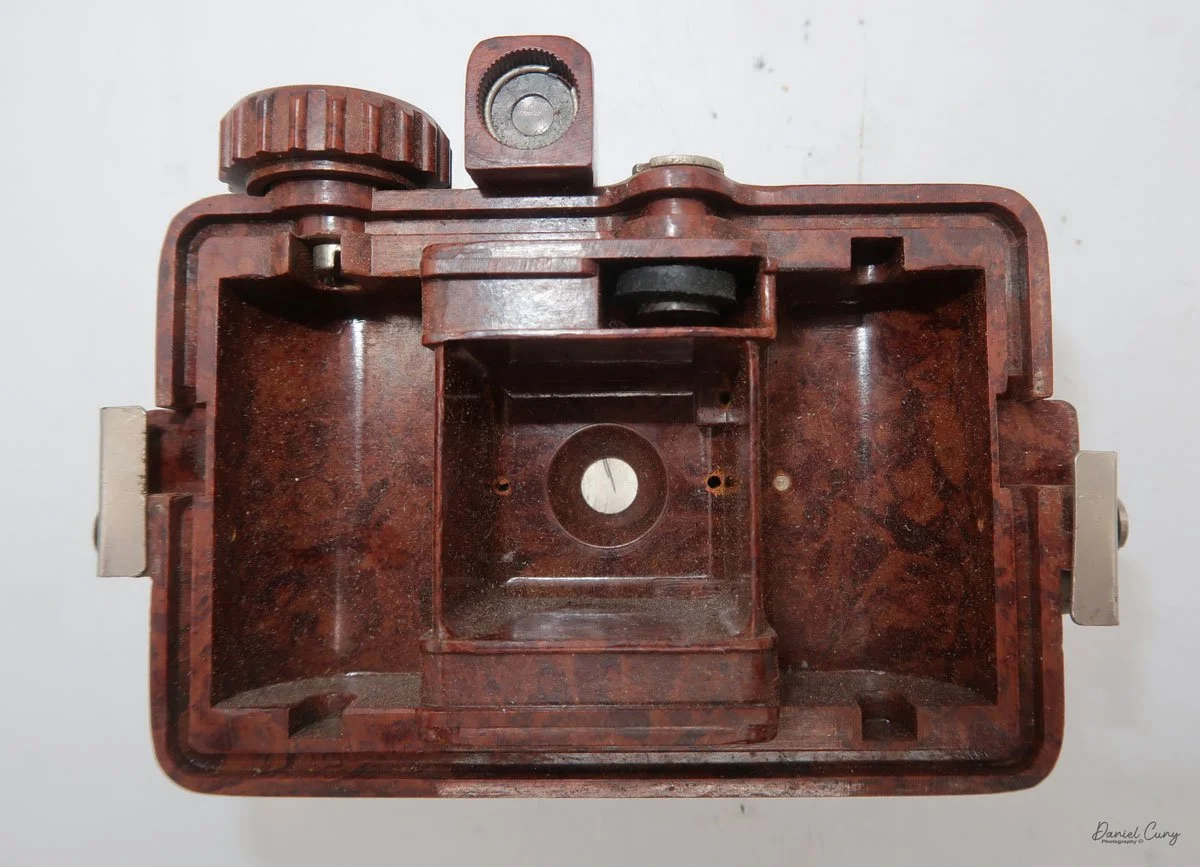
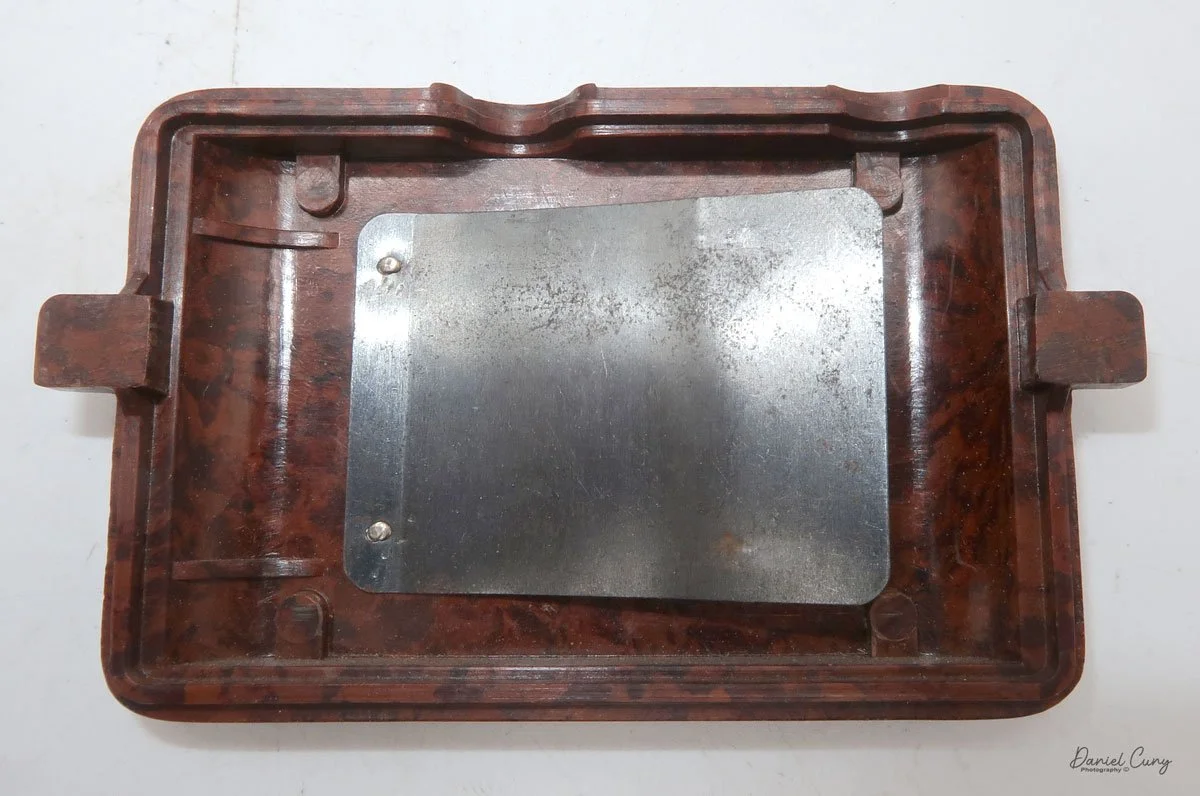
 To open the back of the camera to load film, there are clips on either side that you move to the down position to remove the back. The camera takes Boltax film, a special 35mm film that produces a 24 mm x 24 mm negative. You load the camera similarly to any roll film camera: put the empty spool on the take-up reel side and the fresh film on the opposite side. Bring the leader to the slot on the take-up spool and start winding. Put the back on the camera and slide up the clips to lock it in place. Wind the film and advance it to the first frame.

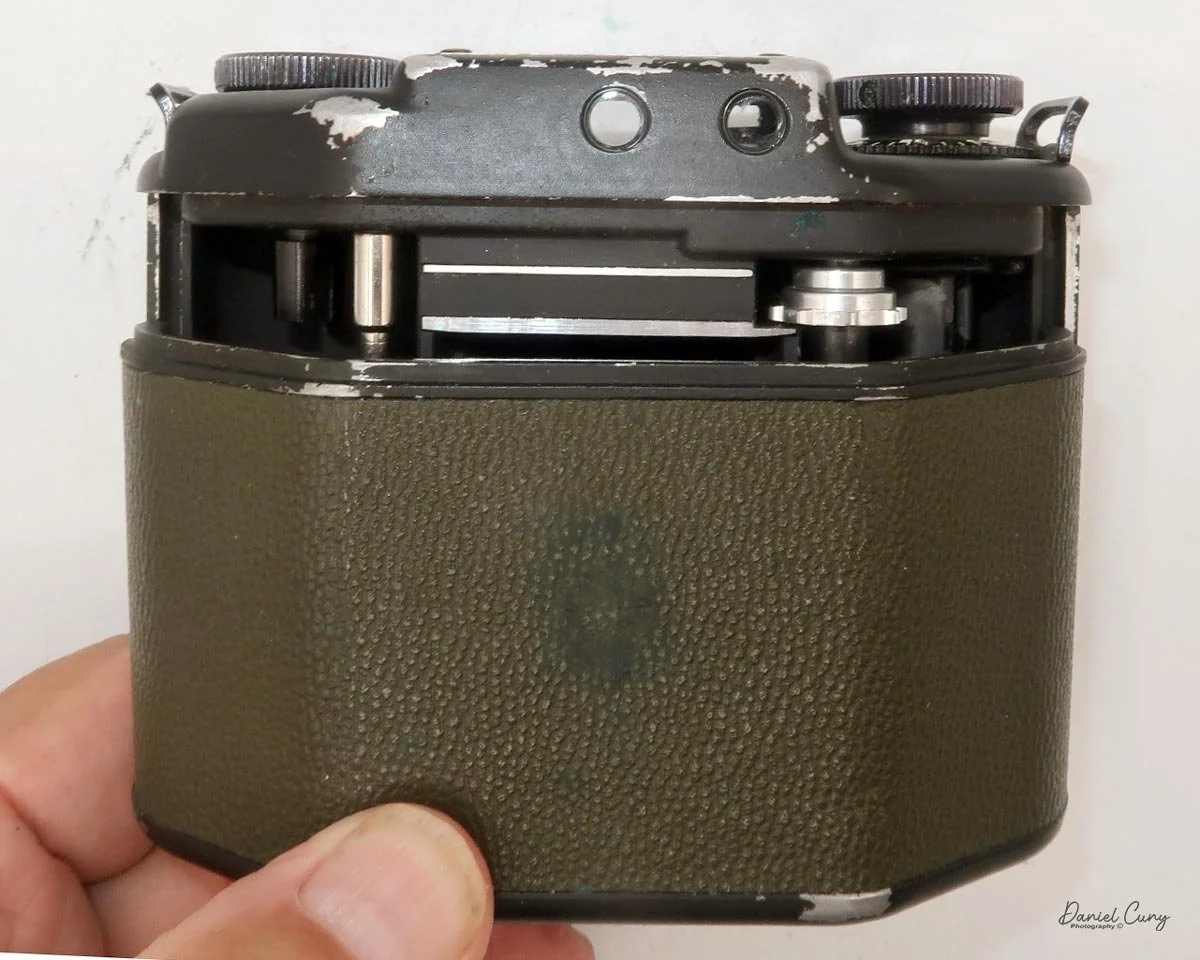
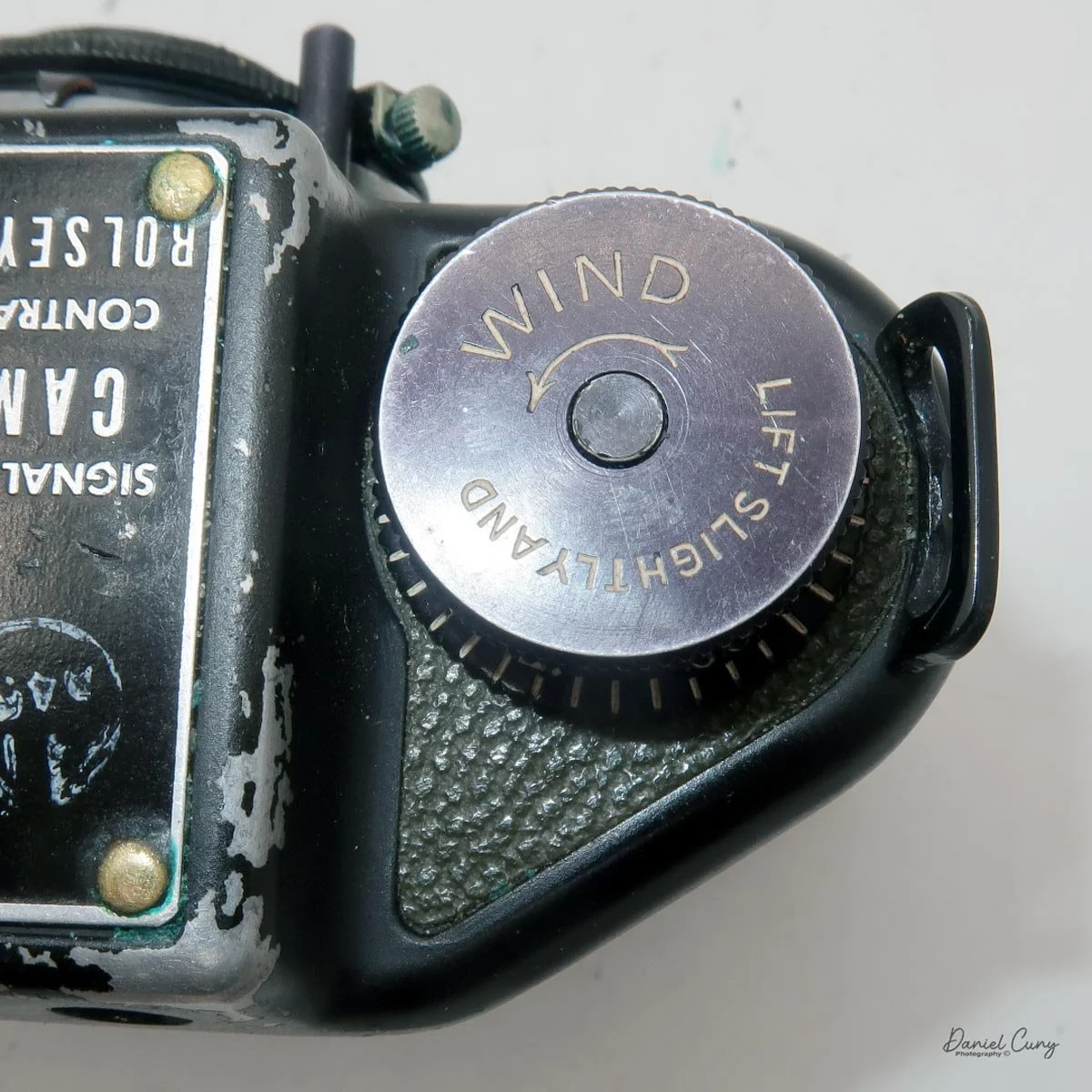
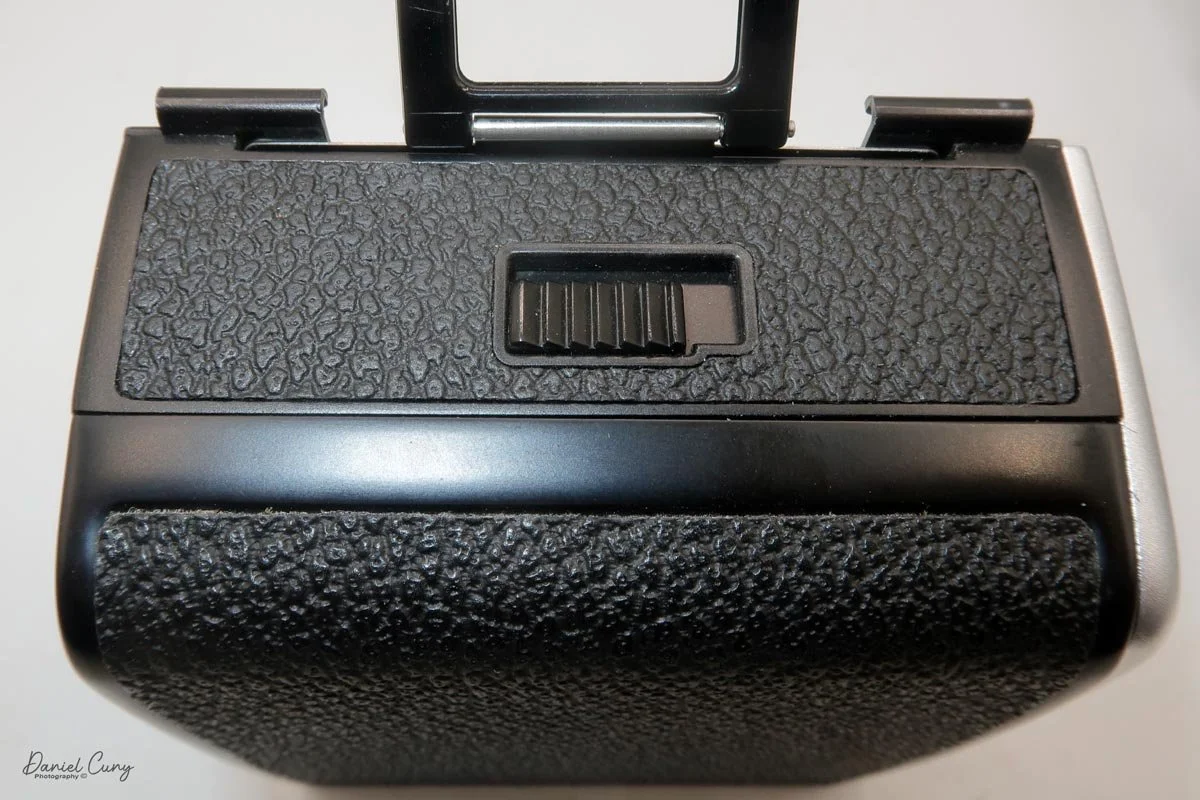
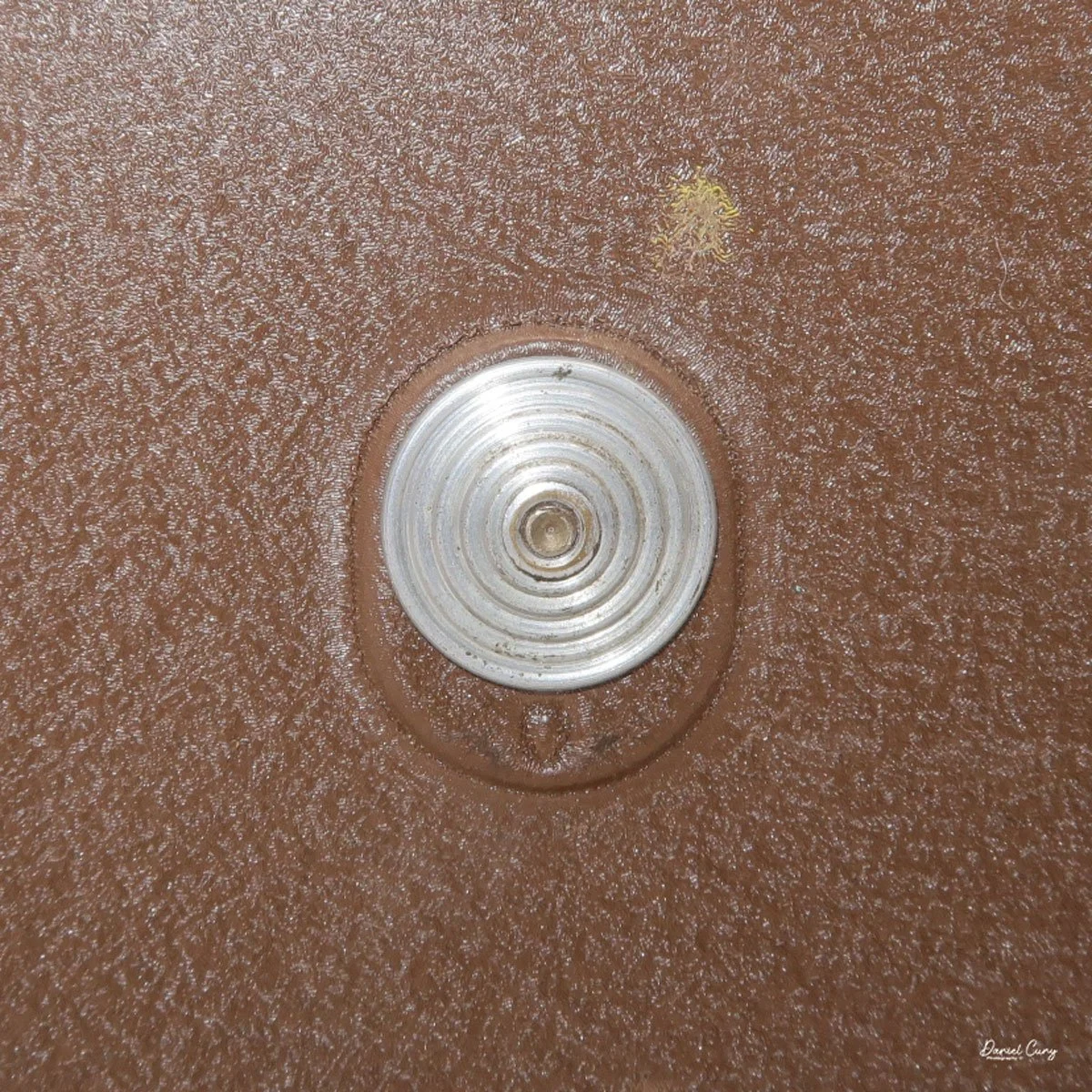
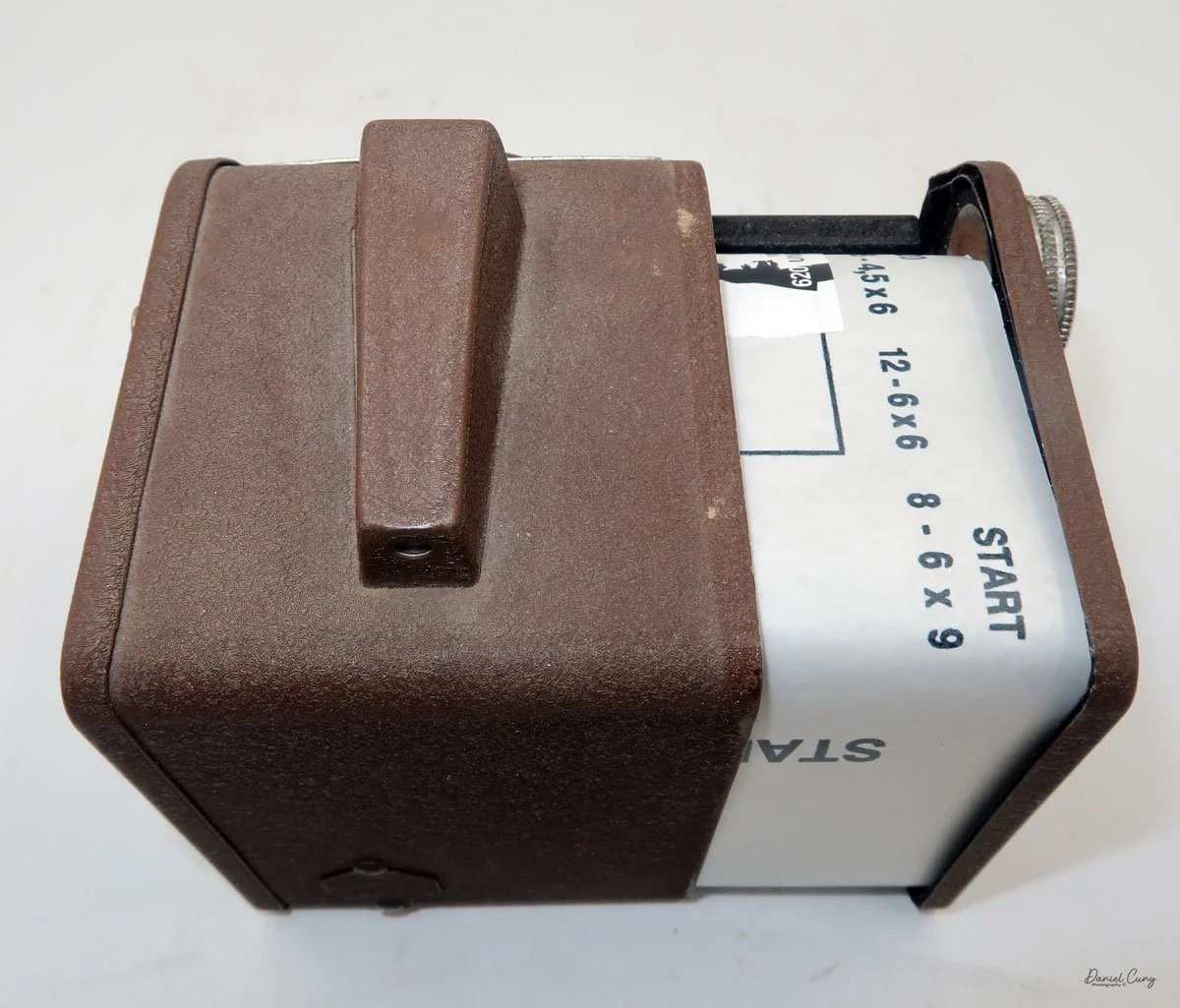
 There is a small viewfinder at the top of the camera to frame your photo, and a tripod socket at the bottom to steady the camera during long exposures. Also at the top is a small, round metal disk that rotates as the film moves within the camera. Since the camera doesn’t have a red window on the back of the film door, you need to watch the disk rotate a few times to make sure the film is moving inside the camera.

Results:

 Since I don't have any Boltax film, I wasn't able to take photos with the Malutka camera, but possibly in the future, I'll try and use some paper backing I have from a few rolls of 828 film and run some film through it using 35mm to see how the camera performs.


Conclusion:

 The Gomz Malyutka is an excellent small camera that I enjoy having in my collection. It's in fantastic condition and is another color camera that sits proudly amongst the other miniature and subminiature cameras on my shelf.

 Thank you for taking the time to learn about this small, odd Russian camera. 

 I'd love to hear from you. Please get in touch with me if you have questions, concerns, or comments.

 Here's a link to my other Camera Reviews.

 Cuny's Camera and Photo has many cameras I've reviewed for sale, along with other camera and photo oddities. If interested in any items, email me, and I'll offer a nice discount as a friend of the family.

 Until next week, please be safe.
 

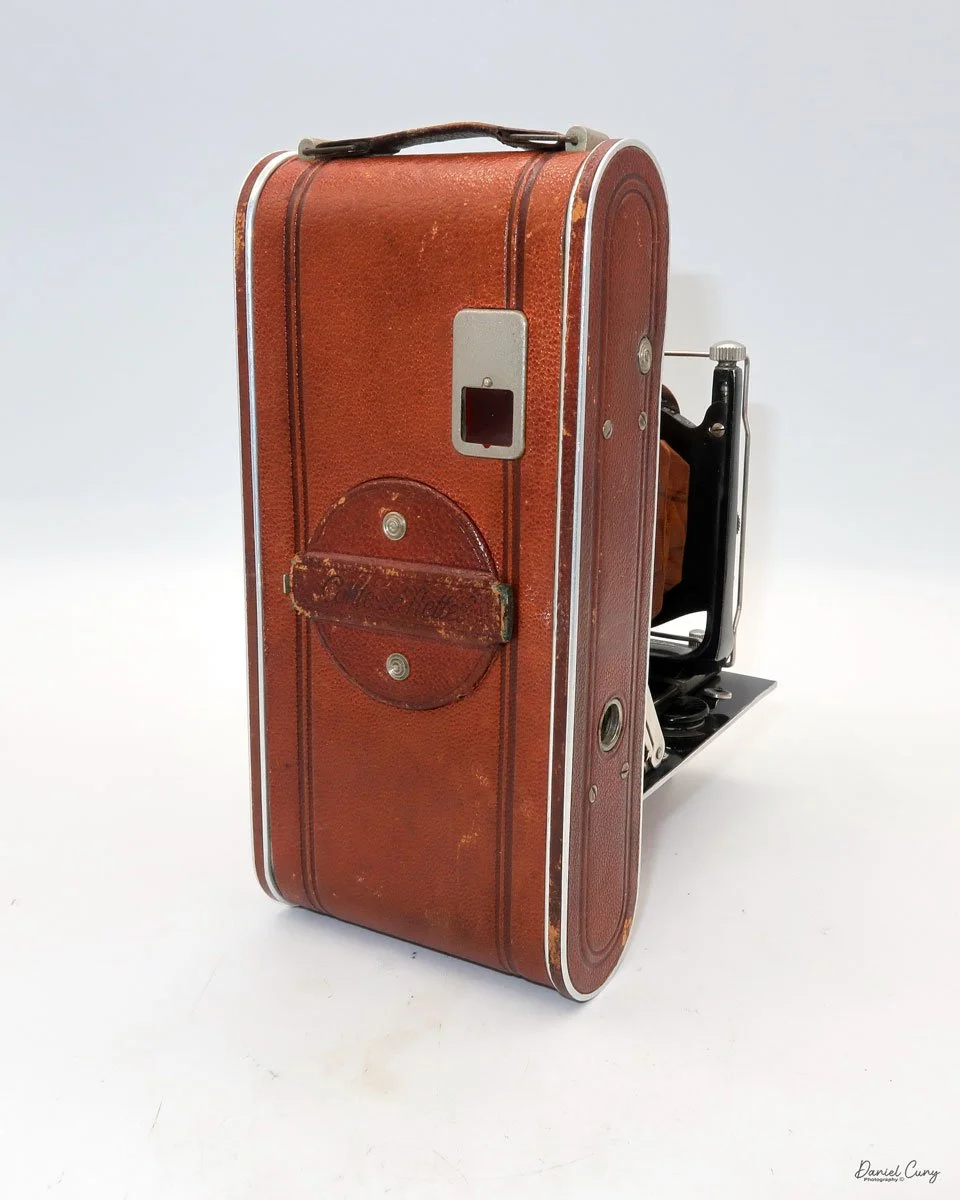
Kodak Bantam Special

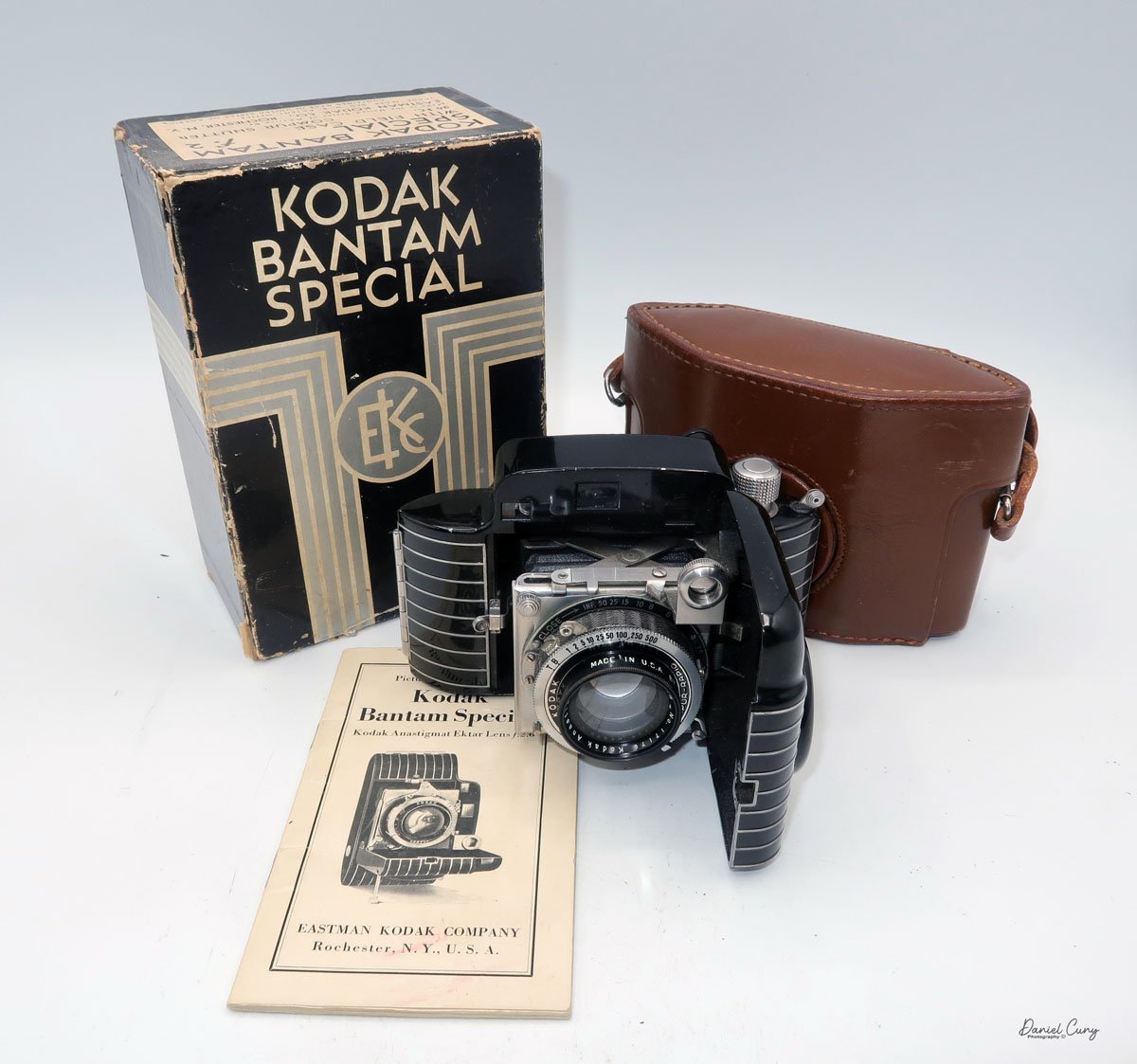
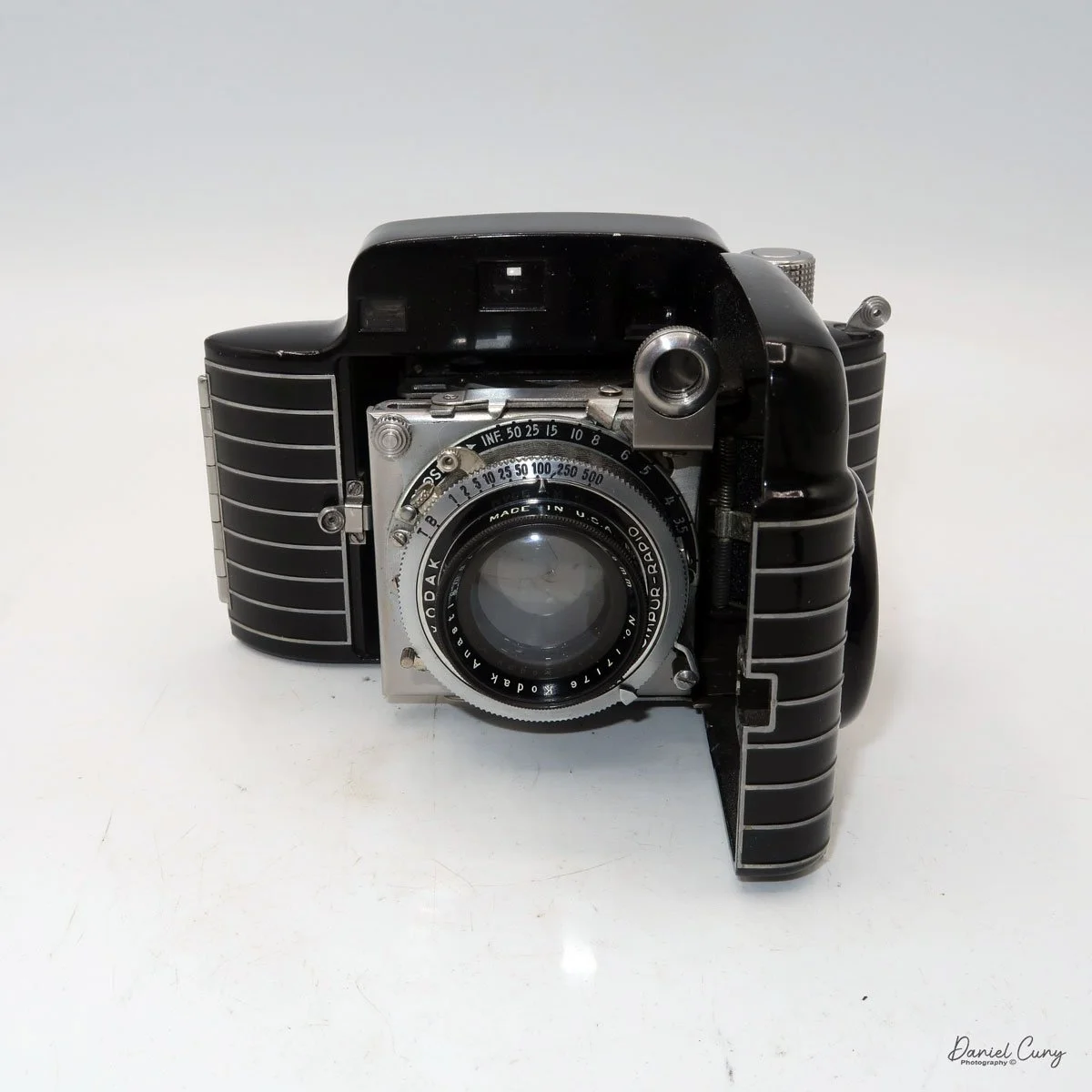
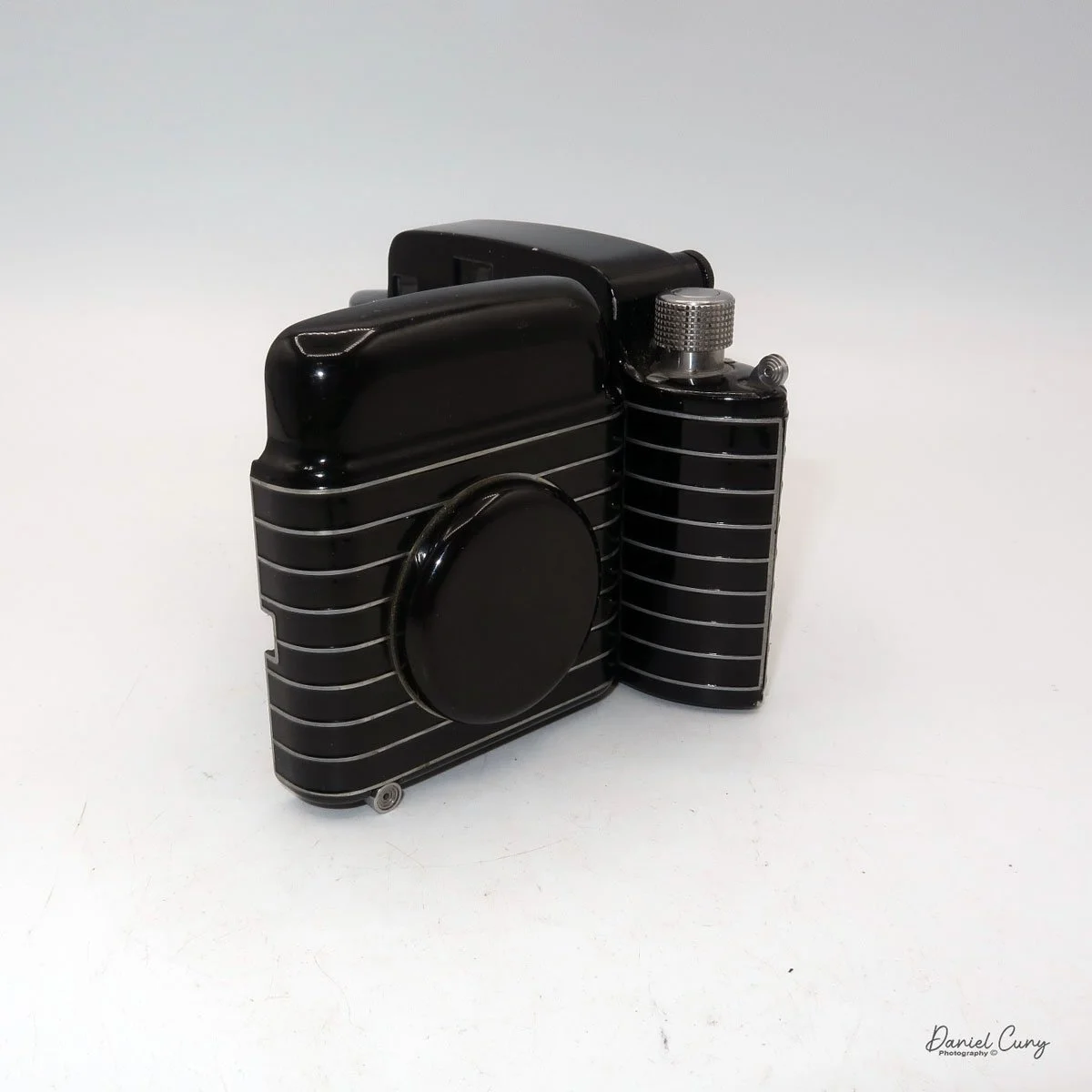
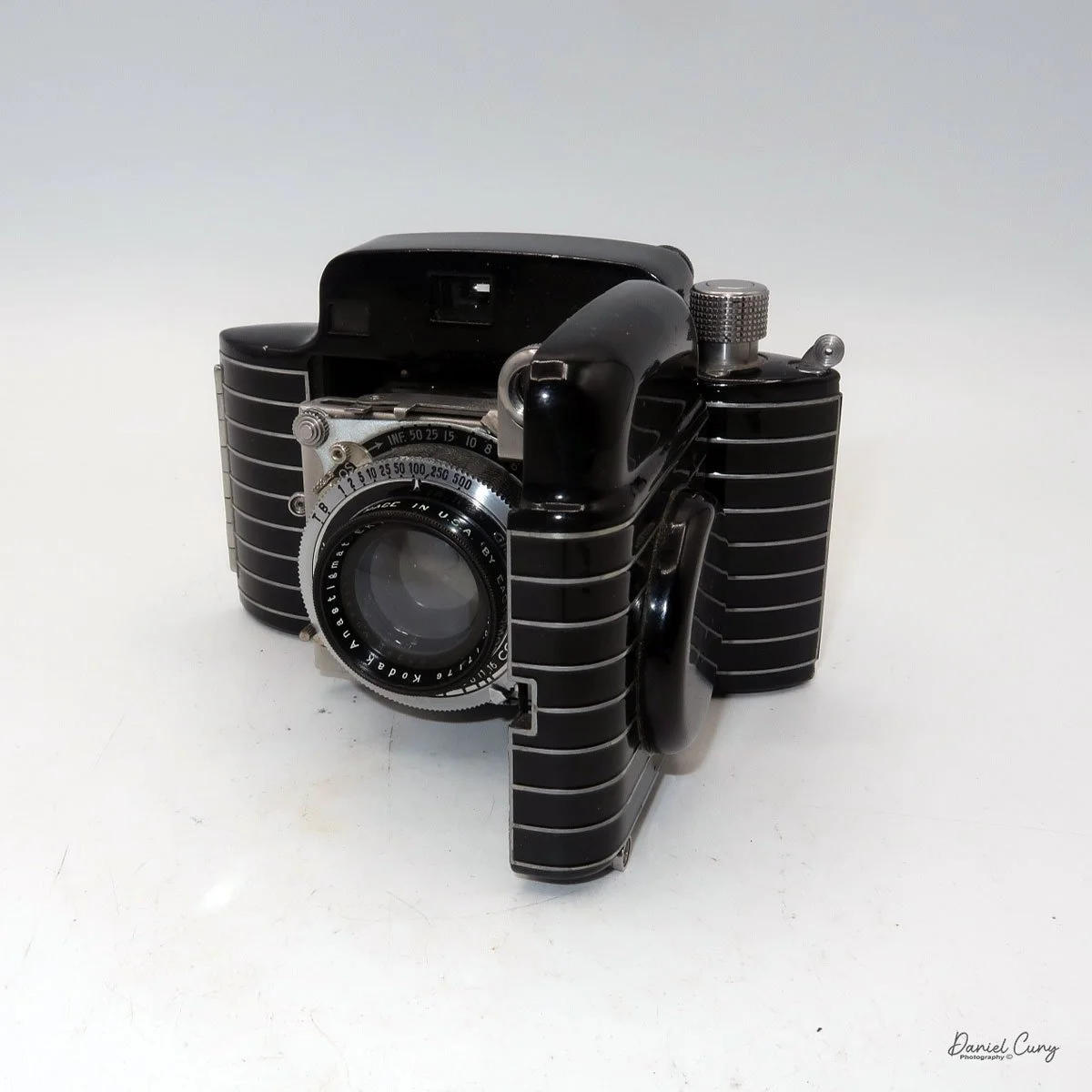
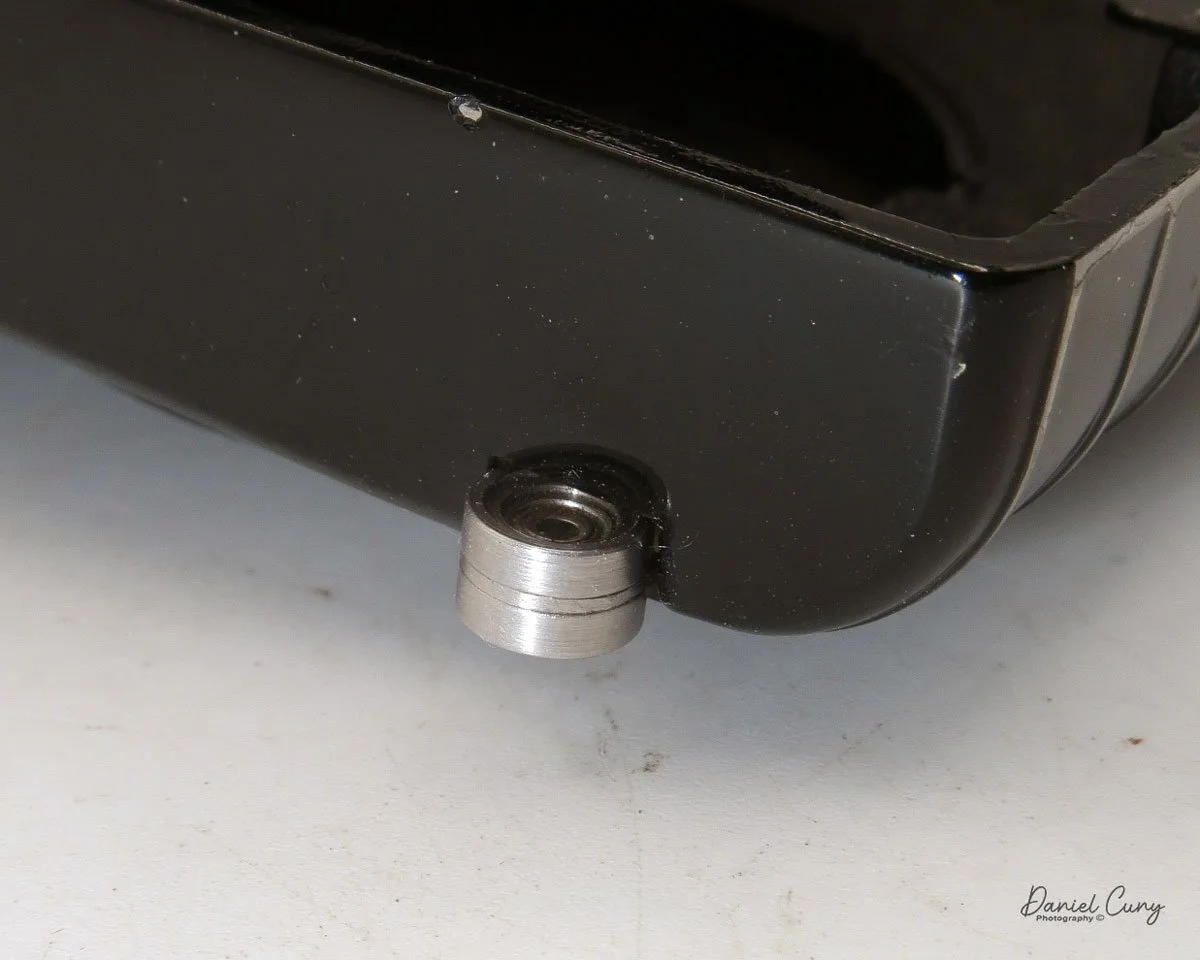
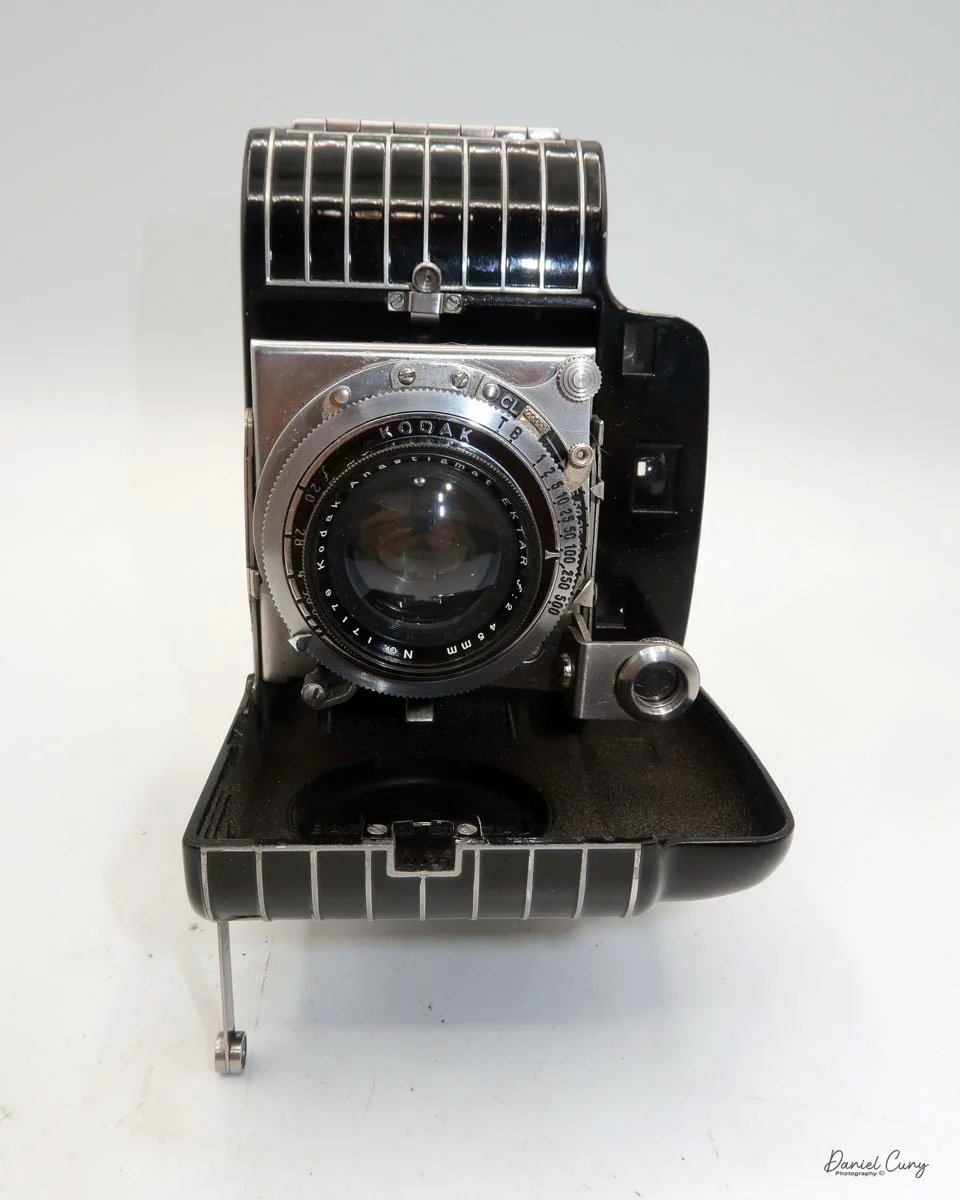
My Kodak Bantam Special camera.

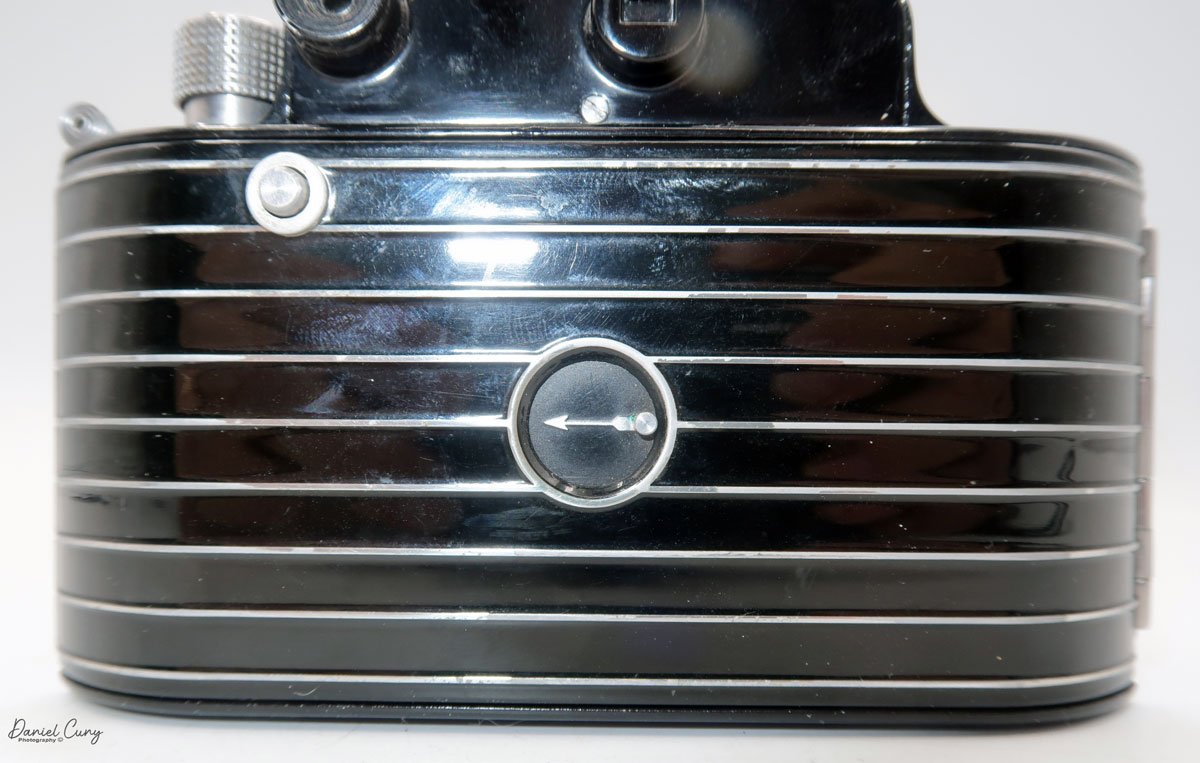
There are a few cameras that, just due to their sheer design, stand out in any person's collection. Cameras like the Kodak Super Six-20, Polaroid SX-70, Welta Reflekta, and the Kodak Brownie Beau all have a very striking design, whether on the faceplate or the camera's overall design. In my opinion, the one camera that is the most striking and beautifully made is the subject of this week's camera collecting blog, the Kodak Bantam Special.

 The Kodak Bantam Special is a camera made between 1936 and 1948, during the heyday of camera innovation and manufacturing not only in the United States but worldwide. If you think about the cameras produced in this era, there were the Zeiss Ikon Contax I, II, and III. Leica had the IIIC, Ihagee had the Kine Exakta, Kodak produced the Retina, Medalist, Rolleiflex continued to improve their models, and companies like Argus, Voigtlander, Agfa, and in Japan, Canon produced the Hansa in 1936.

Kodak bantam Special with case, manual and original box.

 I've had my Kodak Bantam Special for 20 years or longer at this point, and one of the things I like about my Bantam Special is it's a very clean camera, with a working shutter, very bright viewfinder, a very nice case, the original box and instruction manual(s) too. When I opened the box to retrieve the case, I found two manuals inside. Something I have forgotten about.

 I've owned several different Kodak Bantam cameras, which are relatively common and easy to find, but the Bantam Special truly is a "special" camera. I've owned a couple before the one I have now, but they were in relatively poor condition, with either chips in the paint or a shutter that wasn't working. But when I found this camera online, not only was the price reasonable, but it was complete. The only thing it didn't have was the camera's hang tag, which is extremely difficult to find.

 As I was looking over the cameras above my desk, thinking about the camera I wanted to write about this week, my eyes skimmed over the Bantam Special, thinking I must have written about it in the past. Still, when I looked at my camera reviews, it was one I'd overlooked. 

 The reason it's been looked over was the lack of 828 film I have in my refrigerator, which I use to review cameras. I have many of the other film formats,  35mm, 120, 620, 116, and 127, but no 828. So, a couple of weeks ago, I went to the local vintage camera store in town, which carries several of the film sizes I shoot with, and bought a couple of rolls.

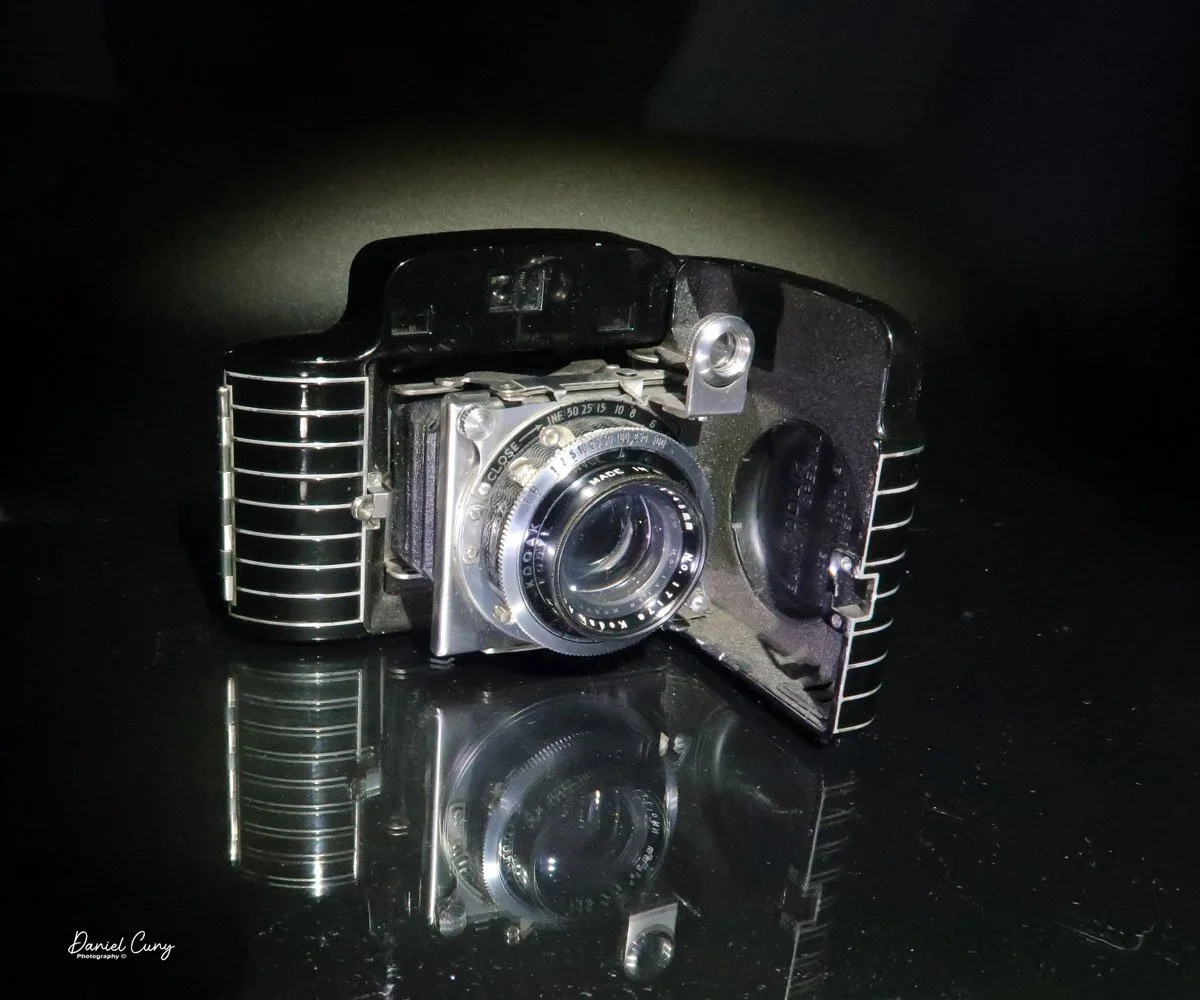
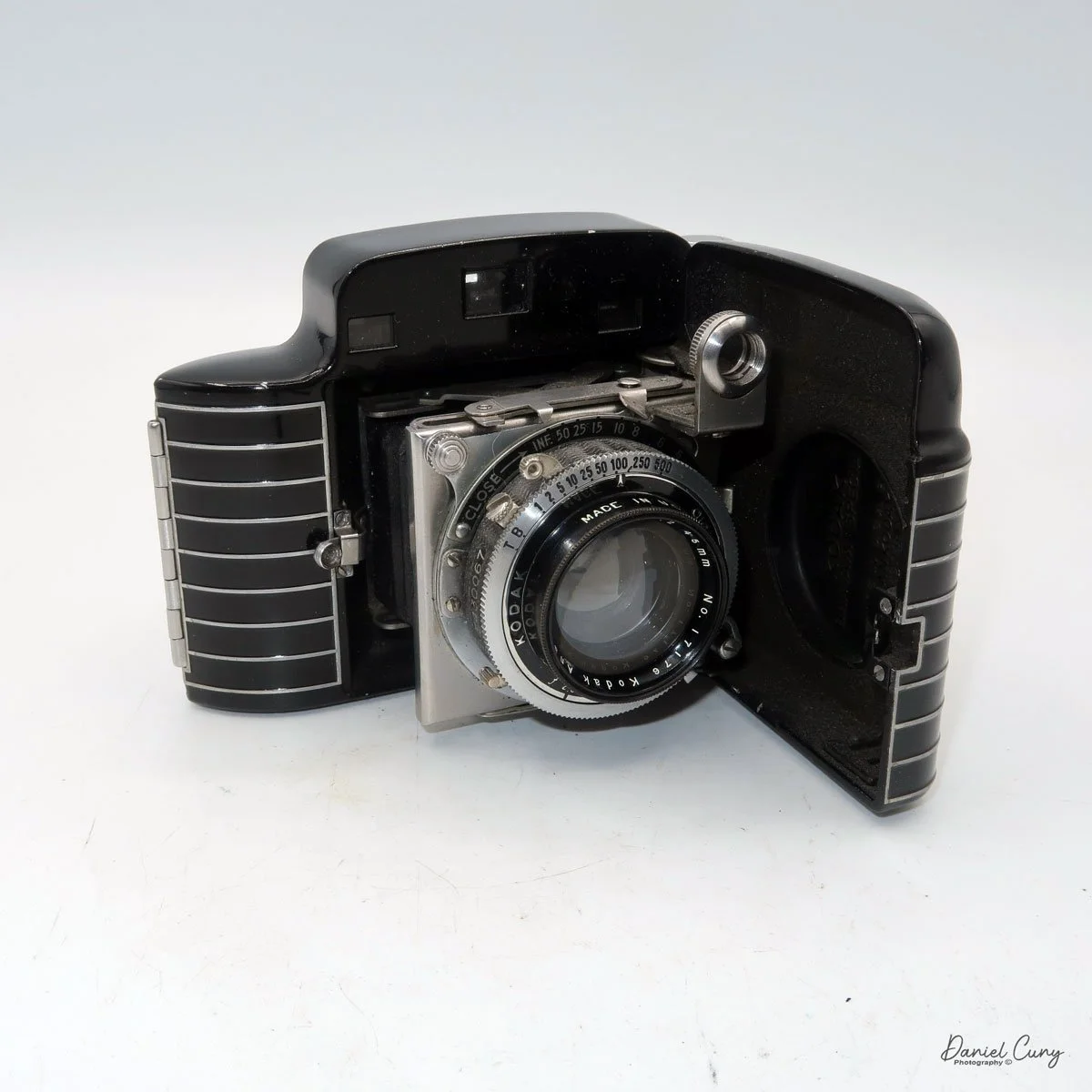
An artistic view of Kodak Bantam Special camera

 For the history section, I've already written about the history of George Eastman, Eastman Kodak, and Walter Dorwin Teague, my favorite camera designer, so I thought I'd talk a bit about the not-too-popular film size that went away almost 40 years ago, 828 film.

History:

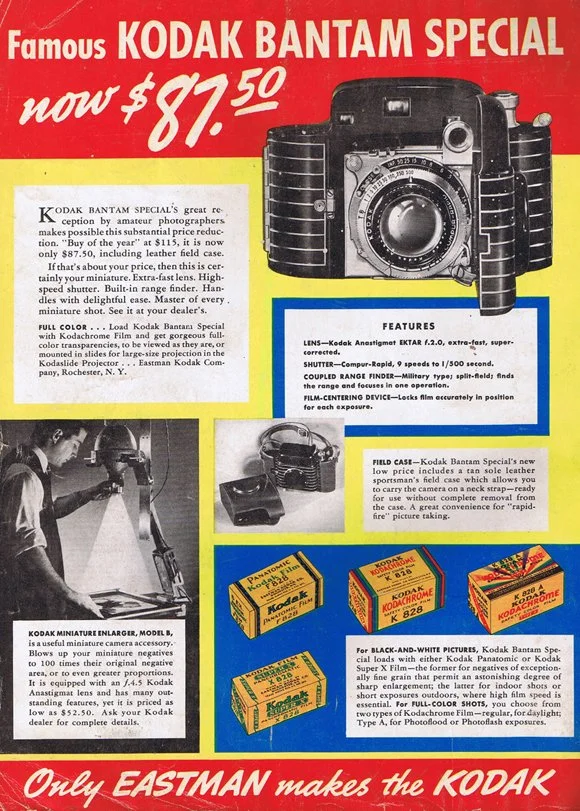
 828 film is a niche but significant chapter in the evolution of roll-film photography. Introduced by Eastman Kodak in 1935, 828 was designed as an alternative to 35mm film for compact consumer cameras. Kodak developed it alongside the launch of the original Kodak Bantam, a stylish, pocket-sized camera meant to bring high-quality photography to a broader audience. The goal was to offer the image quality of 35mm negatives without the mechanical complexity and cost associated with perforated 35mm film cassettes.

Kodak Bantam Special ad with 828 film

 Physically, 828 film is 35mm wide, identical to standard 35mm film in width, but it is paper-backed like 120 film. Instead of the multiple perforations found in 35mm stock, 828 features a single registration hole per frame, which helped position each exposure. This simplified both camera design and film advancement mechanisms. The standard frame size—28×40 mm—is actually slightly larger than the 24×36 mm frame on typical 35mm film, giving it a modest image-quality advantage despite its amateur-market positioning.

 Throughout the late 1930s and 1940s, Kodak produced a variety of Bantam models that used 828 film, including several Art Deco designs, such as the Bantam Special, known for its high-quality lenses and elegant styling. Other camera manufacturers occasionally experimented with the format as well, but 828 remained overwhelmingly associated with Kodak.

 The format reached its peak popularity in the 1940s and early 1950s, especially in the United States. However, its momentum began to fade as 35mm film gained dominance, propelled by the rise of precision German and later Japanese cameras, reusable metal cassettes, and the convenience of automated processing. By the 1960s, 828 had become a minor format, kept alive mainly by Kodak's continued film production and the long lifespan of Bantam cameras already in circulation.

 Kodak manufactured 828 film until the mid-1980s, after which demand dwindled, and the film was discontinued. Today, 828 is considered an obsolete format, though it retains a small following among camera collectors and experimental photographers. Enthusiasts occasionally reload old 828 spools with cut-down 35mm film, keeping the distinctive format alive in a niche, hands-on way.

My Camera:

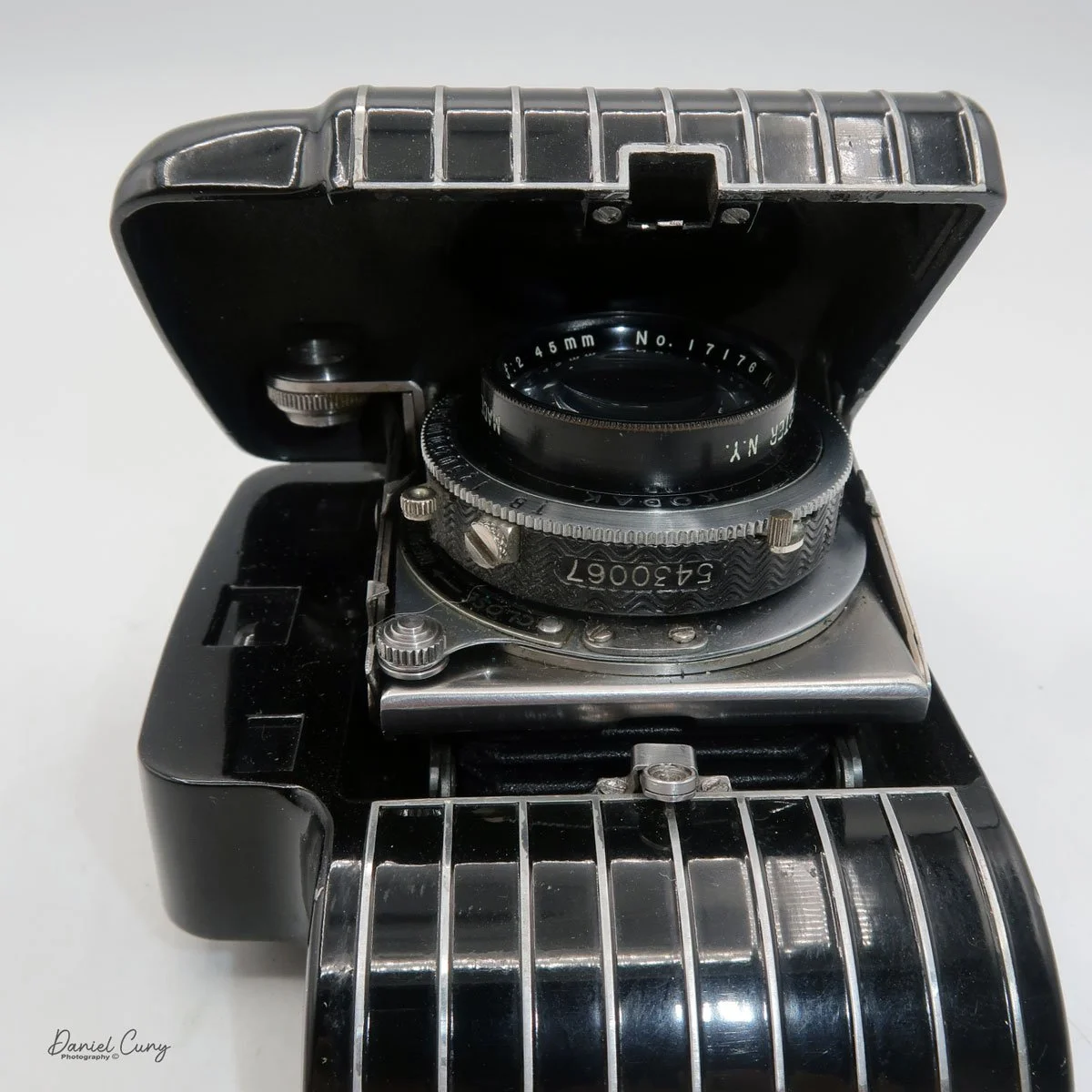
 My Kodak Bantam Special camera is 5" wide by 3" tall by 2" deep with the lens closed, and 4" deep when the lens is extended. It weighs 1 pound, 0.5 ounces with a roll of film loaded. The camera is very sleek and stylish, with a Kodak Anastigmat Ektar 45mm f/2.0 lens and a Compur Rapid shutter. The camera was distributed between 1936 and 1940 with the Compur Rapid shutter made in Germany; after the war, Kodak distributed the camera with a Supermatic shutter between 1941 and 1948. 

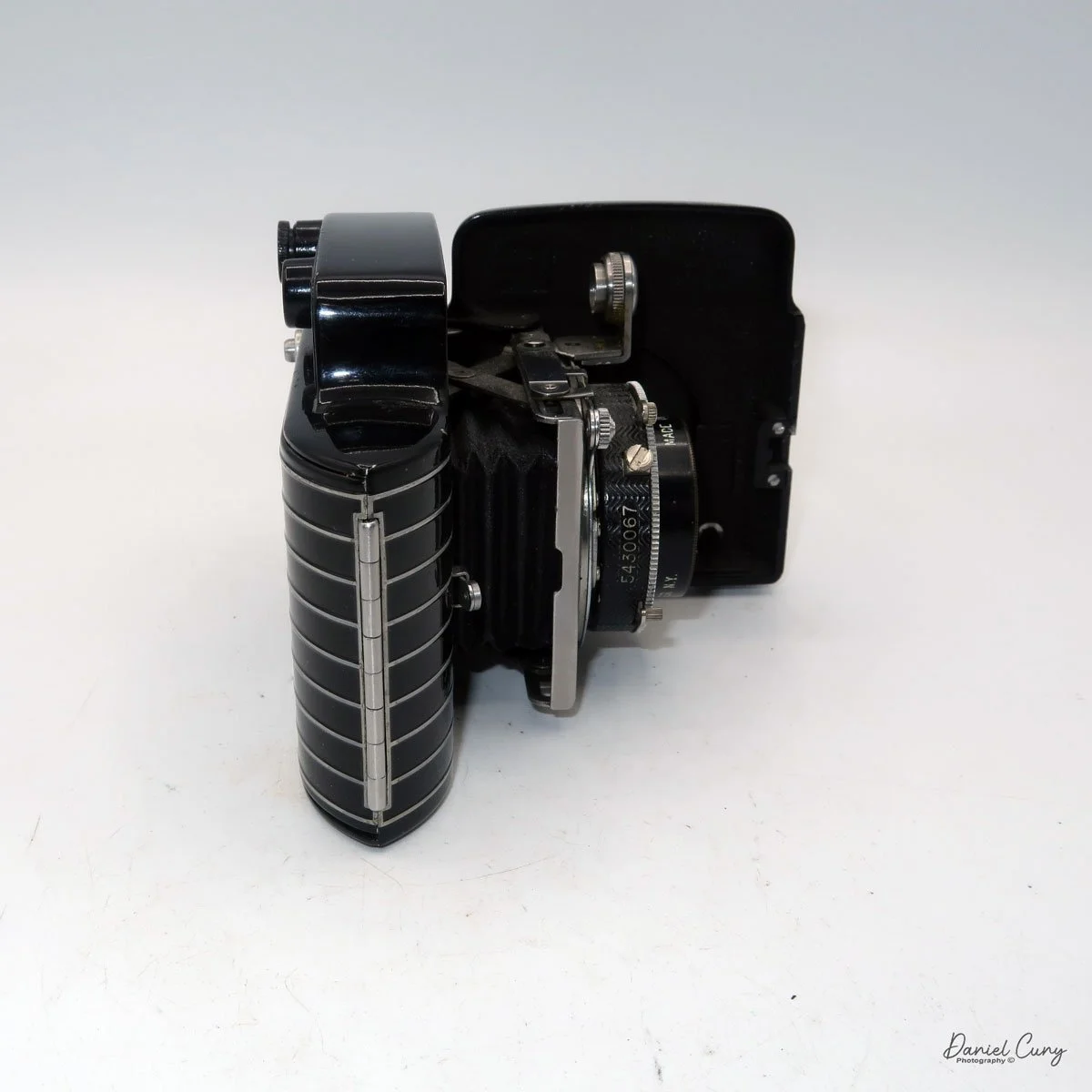
To open the camera to take a photo, press the button on the right side, right in the middle, adjacent to the lens door. The door swings open to the left as you hold the camera, which is the opposite of how the popular Kodak Retina line of cameras opens to take a photo. 

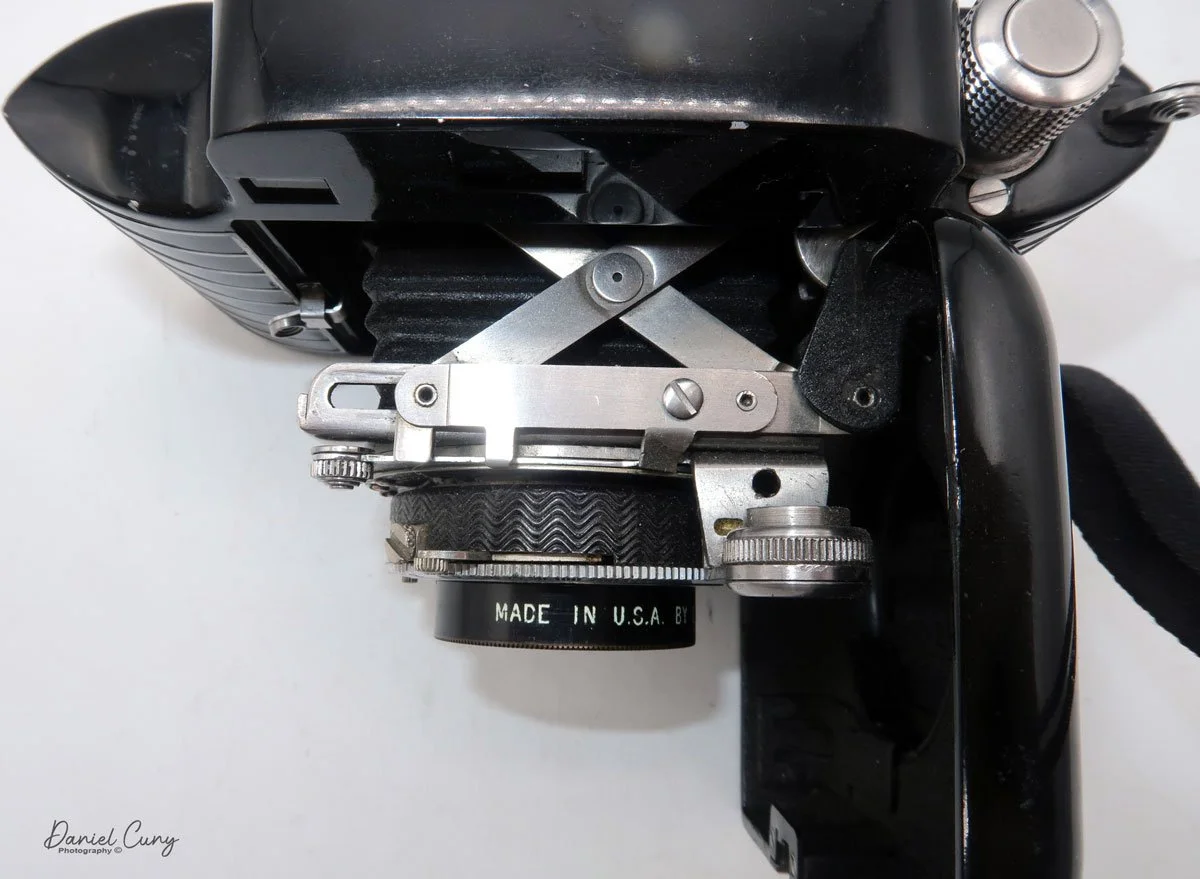
 Similar to the Kodak Retina, the Bantam Special's lens is on a lens board, which is attached to a short black bellows that extends as the lens extends, with a scissor-style truss connecting the lens board to the camera body.

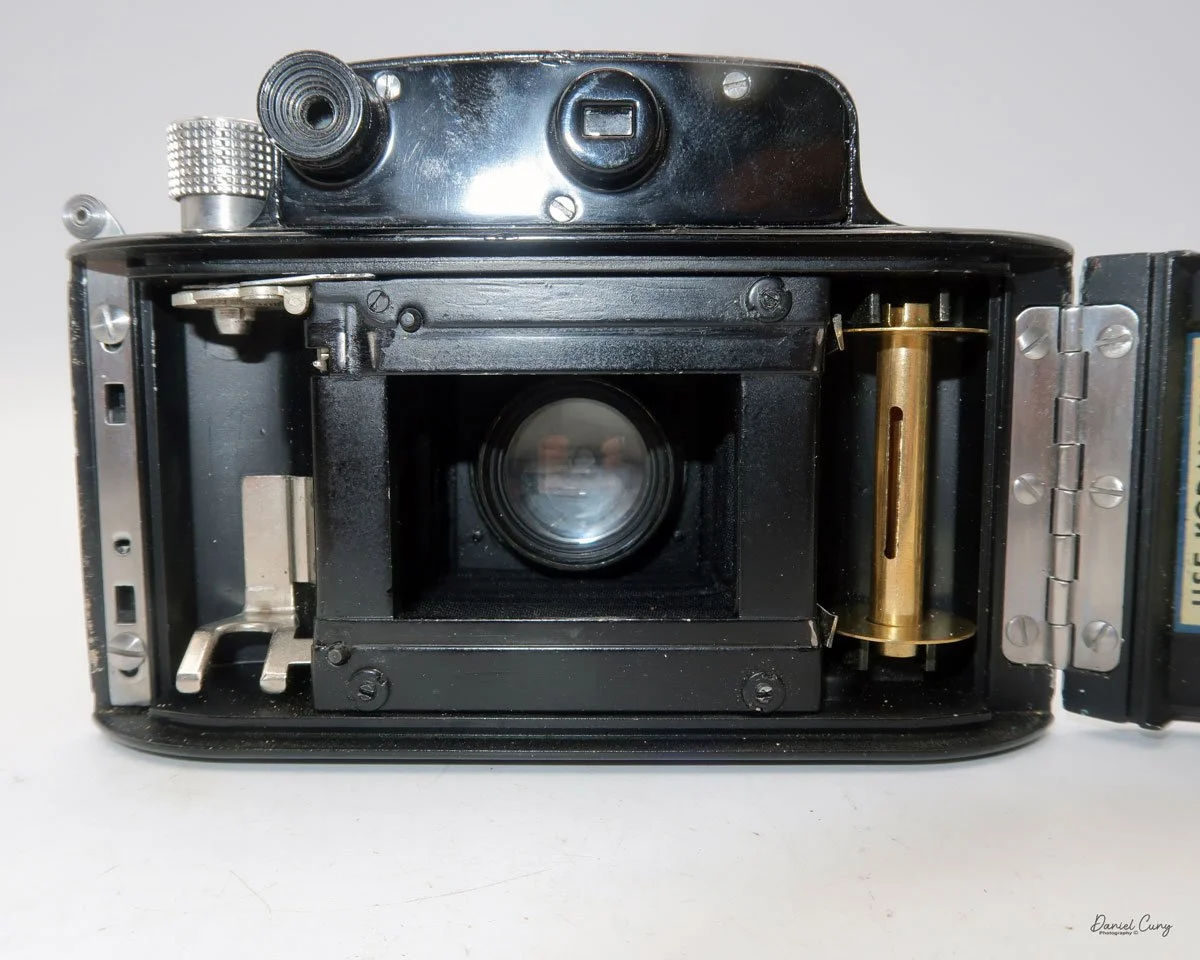
To focus the lens, the camera incorporates a "military style" rangefinder system. The focus adjustment is in the upper-right corner of the lens board when you hold the camera. Sliding the lever down focuses the lens. The rangefinder is viewed through the left-hand window on the back and provides a magnified view of the subject you're focusing on. The rangefinder in my camera is very bright and easy to focus with. Just slide the focus lever until a vertical line becomes a single, straight line, which indicates the camera is focused. The viewfinder is the window on the right-hand side that allows the photographer to frame their subject. 

The focus ring is also used to close the lens back into the camera body. Slide the ring up past the infinity marker in the direction of the "close" arrow. The lens's door will unlock, allowing you to retract the lens back into the camera and shut the front door for transportation.

 The shutter speeds and aperture settings are done on two separate settings on the Compur Rapid shutter. The shutter speed range is from 1/500 to 1 sec, along with "B" and "T" settings. The Aperture range is from f/2.0 to f/16 and is set via a sliding lever on the bottom of the shutter.

The shutter's cocking lever is on top of the shutter system, and the shutter release button is in the lower right of the camera's shutter. The placement and size of the shutter release were the most challenging aspects of using the Kodak Bantam Special camera. I'd get the camera focused, set the exposure, set the shutter speed and aperture, frame, cock the shutter, and I kept missing the shutter release. It's relatively small, and while not hidden, it's not in a very convenient place. If there were a shutter release on the top of the camera similar to the Retina's, that would make the camera much easier to use.

To open the back to load the film, on the top left of the camera, as you're holding it, is a protruding clip you pull up to release the lock for the back door. Once open, the camera is like many roll film cameras, with the empty spool going under the winding lever and the new roll of film on the right side of the camera body. Pull the film's leader out, and across the shutter area, and slide the tab into the slot of the empty film spool. Wind the leader until you see the "start" sign on the film's paper backing and close the film door. Open the camera's green window on the back door to see the frame numbers appear, indicating when to stop and take your next photo.

According to the manual, there is a button on the back of the camera that unlocks the frame advance knob, allowing you to advance the film to the next frame. Either the "film for classics" film used to take photos didn't have an automatic frame stop, or the item on my camera wasn't working because I didn't need to press the button to advance the film, and the film didn't stop automatically at the next frame. Either way, it wasn't a significant hindrance, and I just stopped advancing the film when I saw the following number on the roll.

My results:

 Other than the difficulty I had finding the shutter release to take the photo, the camera was enjoyable to use. It's slim and fits nicely into my pocket when I walk around the neighborhood taking pictures. The shutter started to lag after the second shot on the roll, and the rest of the roll didn't turn out because of it. I exercised the shutter for an hour or so, running through all the shutter speeds, and that helped. Luckily, I purchased two rolls of film, and the following day, I loaded the camera and tried again, with much better results, as you can see from the examples below.

 The rangefinder was bright and extremely easy to use. The regular viewfinder was a bit small, but that's probably more to do with me getting older and having an eye issue with my "taking" eye, so I needed to swap over and shoot "left-eyed," which is something I'll need to get used to.

 I loaded a roll of Classics 828 film into the camera and walked the neighborhood for photos. With only eight frames per roll on 828 film, I can see why 35mm became more popular. That's not that many photos before having to change to the next roll of film.

 Anyway, here are the results from my walk around the neighborhood with my Kodak Bantam Special.

Conclusion:

 On a scale of 1 to 10 for camera usability, I'd give it a 7, but for overall appearance, artistry, and appeal, it's a solid 10 in my books. There aren't many other cameras with this one's overall beauty.

 The photos turned out terrific, and it was great fun to use. Other than the price of black-and-white film at over $20.00 per roll, I'd use the camera more often. Still, for special occasions, it is a great camera to use, and one I'm pleased to have in my collection, especially with the case, manual, and box.

 Here's a link to my other Camera Reviews.

 I have some of the reviewed cameras along with other interesting cameras and photo items in my eBay store, Cuny's Cameras and Photos. Please stop by, and if you mention the blog, I'll be happy to offer a discount.

 Thank you for taking the time to read about this fabulous camera from the late 1930s. The Kodak Bantam Special is just that, Special.

 Until next week, please be safe.
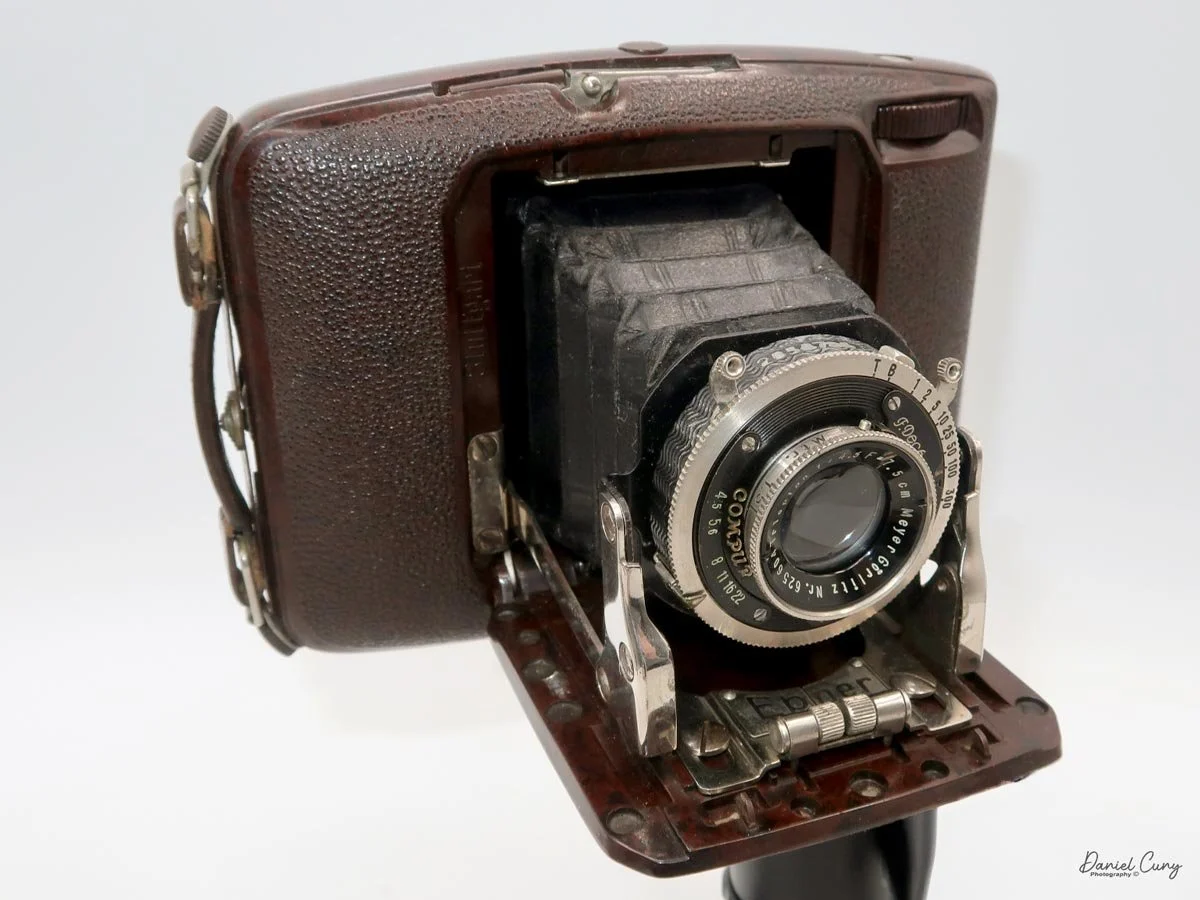
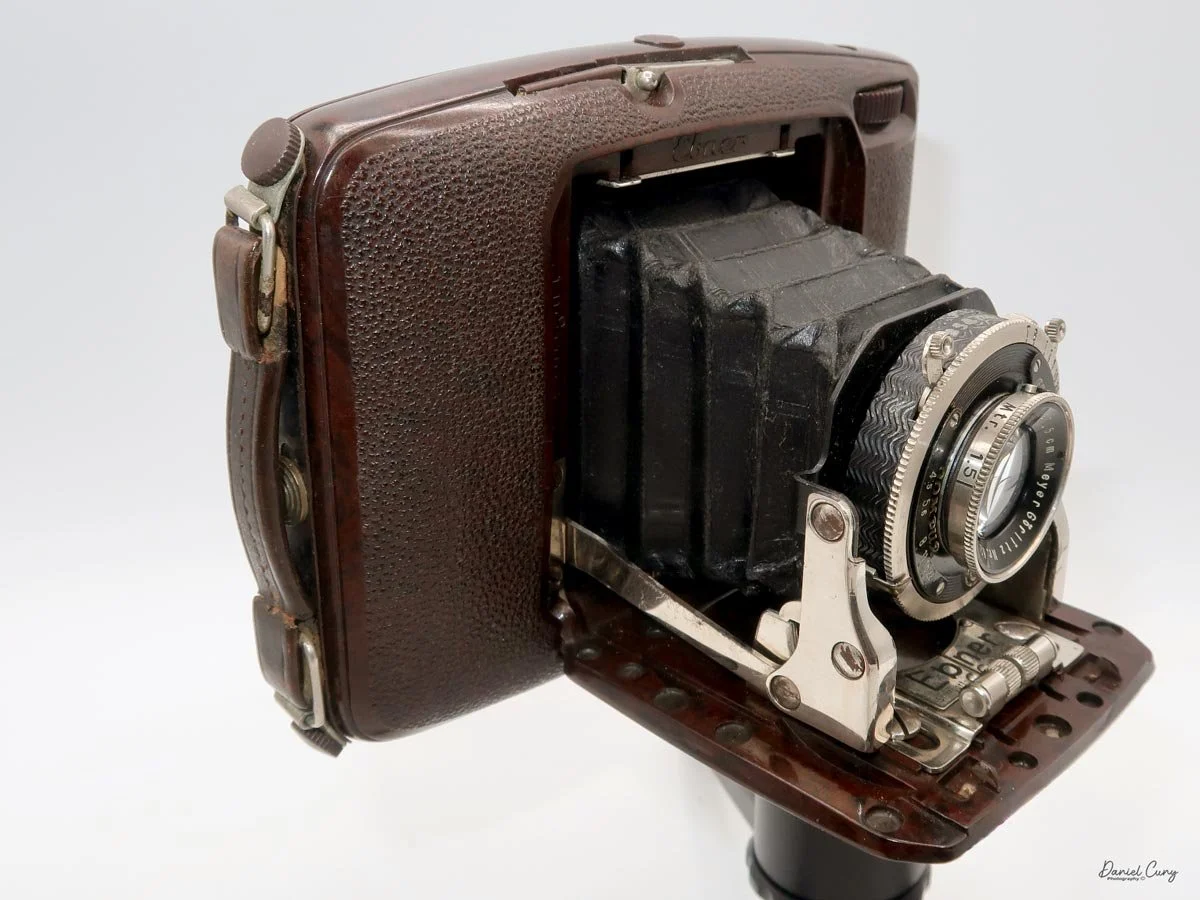
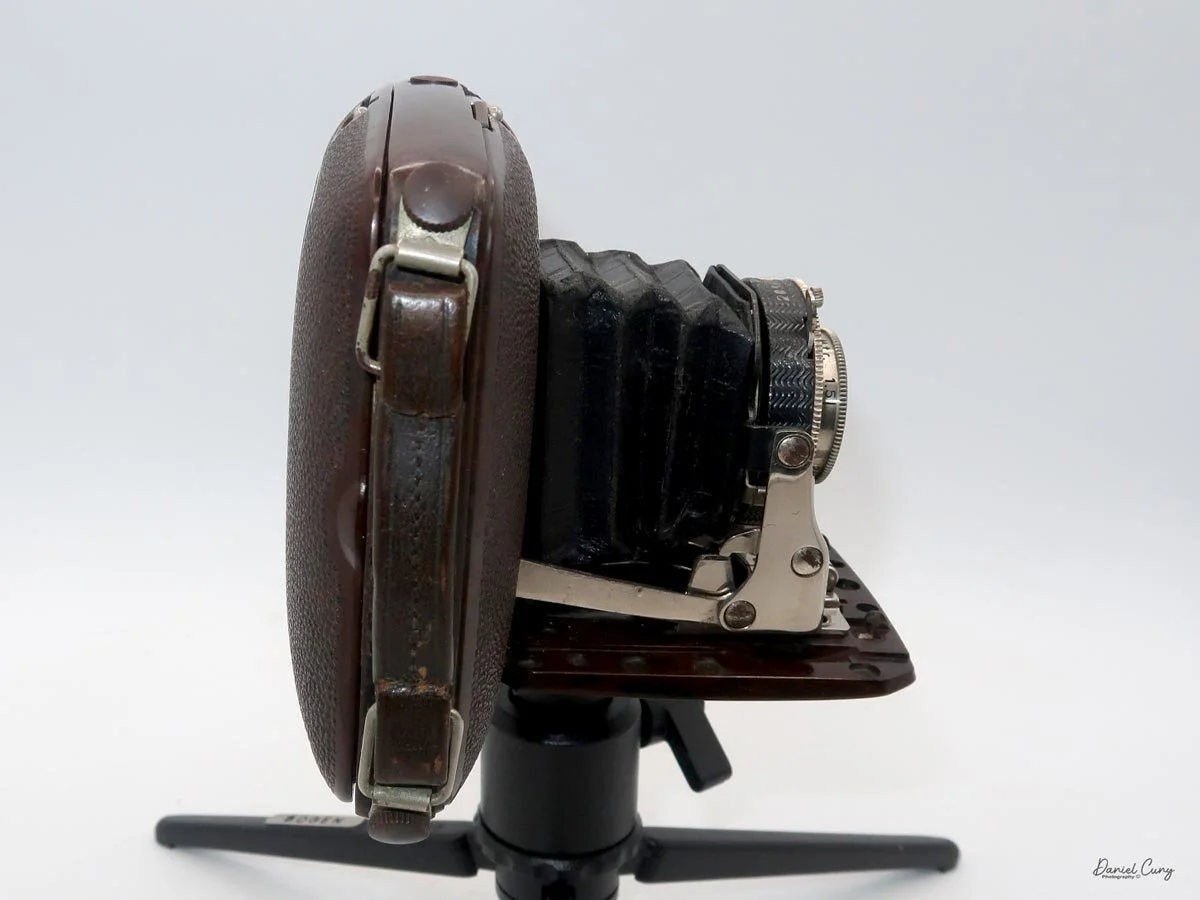
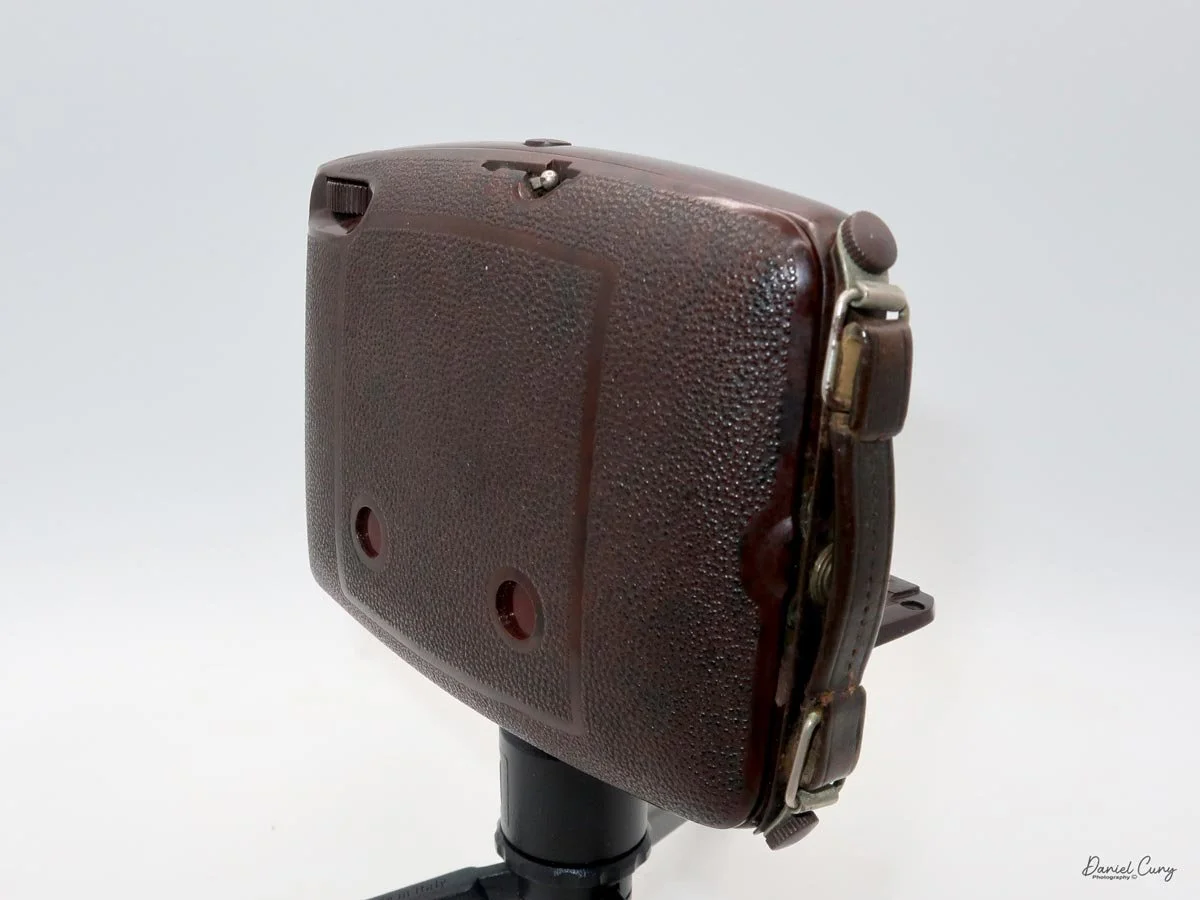
Hasselblads Kamera Express

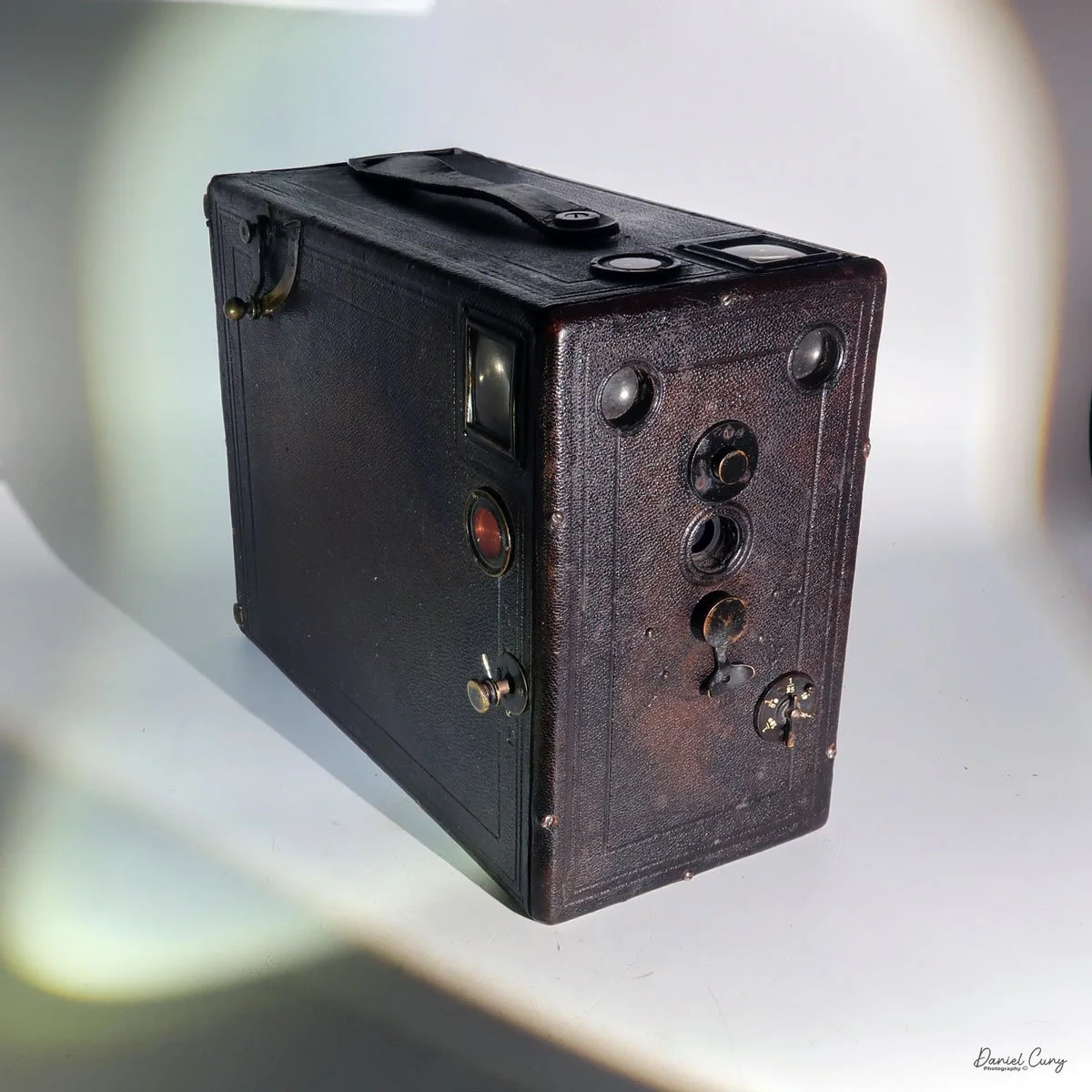
My Hasselblads Kamera Express

When I first saw this camera, which was only a month or so ago, it was on an online camera auction. Seeing the name Hasselblad on the back of the camera, my first thought was to write a blog post about it, since the very prestigious Hasselblad made it, but not the Victor Hasselblad Company most people are familiar with. 

 As I delved into the research of this rare camera, I was filled with a sense of excitement. The scarcity of information about this specific camera only added to its allure. My initial assumption that it was crafted by Victor Hasselblad's Grandfather, Arvid Viktor, was proven wrong, adding a layer of mystery to this unique piece. 

 This camera is the Hasselblads Kamera Express, and it dates from 1893. Hasselblad didn't really make it; it was produced for them by another Swedish company, Hugo Svensson & Company, another camera manufacturer in Gothenburg, Sweden. Here's where it gets a little strange. 

 According to McKeown's Camera Guide, they state the camera was manufactured by Murer & Duroni, of Milan, Italy. Others have said that the camera made by Hugo Svensson & Co. is nothing but a copy, or just very similar to the Murer-built camera. 

 Let me give you a brief history of the Pre-Victor Hasselblad & Hugo Svensson & Co., and how the two became intertwined in the late 1890s.

History:

 The History of Hasselblad goes all the way back to Victor's Great Grandfather, Fritz Viktor, who in 1841 founded the F.W. Hasselblad Company in Gothenburg, selling fabrics, travel accessories, and household goods, sort of the Pre-Ikea company (just a joke). One of Fritz's sons, Arvid Viktor (Victor's grandfather), met George Eastman in 19885 and sparked a business relationship, giving the F.W. Hasselblad Co. exclusive distributorship of Eastman Film & plate in Sweden.

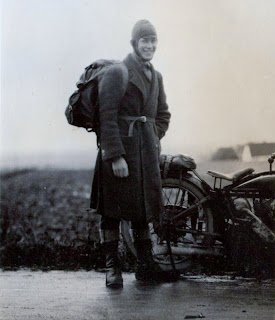
Victor Hasselblad photographed by Per-Olof Swanberg. In search of Skåne's storks. Image Courtesy:Sören Gunnarsson.

 In 1908, Arvid broke away from the F.W. Hasselblad Co. and started a new company, Hasselblad Fotografiska AB, which sold solely photographic equipment to meet the product demands of customers in Sweden. Just two years before opening Hasselblad Fotografiska AB, Victor Hasselblad was born.

 When Victor was 18, he was sent to Dresden, Germany, to learn the camera trade, as many companies manufactured cameras in the area at the time. Victor also traveled the world, including the US, where he worked in camera stores, processing labs, and camera manufacturing. He even worked in Rochester, New York, with George Eastman before returning to Sweden in 1934.

 In 1937, Victor opened his own camera store in Gothenburg named Victor Camera. The first camera Victor made was the HK-7 in 1941. During WWII, he was asked to improve a captured German aerial camera for the Swedish Air Force. After WWII, he went on to produce some of the most iconic medium-format cameras used by professionals worldwide for close to 100 years.


Hugo Svensson & Co. 

 There is some excellent information about Swedish Camera history, although it’s in Swedish, you can use Google Translate to convert the text for your language.

 John Hugo Svensson (1867-1942) was trained as an engineer and worked with C.G. Dahlgren & Co. The company was next door to F.W. Hasselblad & Co., where they repaired goods for them. As cameras became more prevalent at Hasselblad, the C.G. Dahlgren Co. took on their repairs.

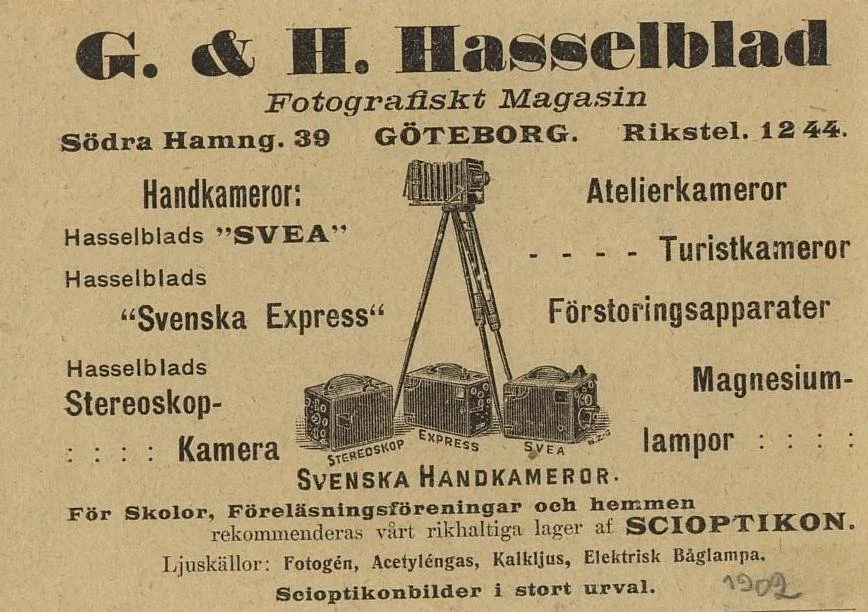
Hasselblad store advetising from 1902: Image courtesy: Sören Gunnarsson.

 As Svensson repaired the camera, he found ways to improve it, then began designing his own cameras based on those improvements. These cameras were then sold through the F.W. Hasselblad Co. store. 

 When the owner of C.G. Dahlgren & Co. passed away in 1896, Svensson bought out Dahlgren's widow and started his own company, Hugo Svensson & Co., which also included the younger brother of the original owner.

 Hugo Svensson's first camera, built around 1893, was the "Svenska Express", a drop-plate camera for either 6x9, 9x12, or 10x15cm plates. It was a copy of the Italian company Murer's Express camera built in 1900. My guess is Svensson worked on the Murer version and thought he could improve it. Hasselblad also marketed the Murer's Express Newness. 

 By 1902, Hugo Svensson & Co. produced a 20-page catalog of the products it manufactured and sold, including the "Svenska Express", "Simil Express", "Svea", and "Stella". Hugo Svensson produced catalogues until the 1940s, where he also sold German cameras, lenses, and instructions, making the catalog similar to a handbook.

My Camera:

 The camera I am fortunate to own is a slight variation of the models mentioned above. My Hasselblads Kamera Express, standing at 7" tall by 9" long by 4" wide, and weighing 2 pounds, 11.6 ounces, with a serial number of 111566, holds a special place in my collection. This serial number is imprinted on the inside of the back door, where you load the 9cm x 12cm film holders. My camera comes with five film holders, each holding a unique story.

Initially, I was unsure if my camera's shutter was operational. However, as I began to explore the camera, I discovered its hidden secrets. As I turned the center knob, just below the lens, it clicked, and when I pushed in the shutter release on the side of the camera, the shutter fired. This moment of discovery filled me with joy and fascination.

 Let me give you the camera's layout. Above the lens is a small knob that you can pull out. The rod moves the lens on the inside of the camera body and focuses it to the required distances, measured in meters.

 As just mentioned, the knob below the lens can be turned clockwise to cock the shutter. Just to the left of the shutter cocking mechanism is the aperture setting. To set the aperture, pull up the arm and slide it to the desired aperture number. The numbers on my camera are pretty worn and difficult to see, but I believe they are F/11 to the far left, then, as you swing the arm counterclockwise, the next stop is "S" (or closed), then f/14, F/22, and f/36.

On the lower right of the camera's faceplate is the shutter speed control. The shutter speeds available are 1/100, 1/50, 1/25, 1/10, 1/5 and 1. You turn the dial to the desired speed.

 At the top of the camera is the camera's handle, a spirit level, and a waist-level finder for vertical photos. On the right side of the camera is the viewfinder for horizontal photos, another spirit level, and the shutter release, which can be set to "M" for snapshots or "T" for timed exposures. Towards the rear of the camera is the lever that changes the internal film plates. Slide the lever to the top to drop the plate down from the exposed area. As you slide the arm back, it catches the next plate, making it ready for exposure.

 If you're not familiar with how a falling plate camera works, let me tell you what I know. The film holders are stacked vertically on the top of the camera, with the film pointing towards the lens. They are held in place by a spring on the back of the camera, which pushes the film holders forward in the upper chamber. As you take a photo, you flip the switch on the side of the camera forward, which moves the exposed plate a bit, and it drops into the lower chamber of the camera. The next frame is pressed forward by the spring, you then expose the film plate, and so forth until all the frames have been exposed. At that point, you'll need to remove the film holders from the camera in a dark room to prevent exposure to light. The loading process also needs to be done in a dark room for obvious reasons.

To open the back to load the film plates, there are two latches on the top and bottom of the back door on the right-hand side. Pull them out to open the back, then place the plates in. Close the back and press in the two bars to keep it closed.

 On the bottom and on the left side of the camera are tripod sockets.


My results.

 At first, I didn't think the shutter was working, but then I found out how to cock the shutter. I can't figure out how the plates drop within the camera. Unfortunately, I didn't try using the camera because I don't have any sheet film, but once I do, I'll try and see how the camera handles making images. I'll need to do it one frame at a time until I figure out whether it's an operator or a camera malfunction.

 I also found Jabcam's overview of a similar falling plate camera. 


Conclusion.

 It's nice having an older Hasselblad in my collection, although Hasselblad didn't particularly make it. My real intention was to write about it for the camera blog. Not being a big fan of drop plate cameras, you'll likely see the camera for sale in my eBay store soon.

 If you're interested in purchasing it, let me know; otherwise, you can see some of the cameras I've reviewed for sale in Cuny's Cameras and Photo.

 Here's a link to my other Camera Reviews.

 Thank you for taking the time to read about the intertwined camera companies that worked together in the early 1900s.

 Until next week, please be safe.
References:

Jabcam overview of falling plate cameras: https://jabcam.wordpress.com/2013/04/29/topic-a-falling-plate-camera/

Swedish Camera History: https://www.fotopaw.se/texter/svkam.htm

History Of Hasselblad-Soren Gunnerson: https://gunnarssonforum.blogspot.com/search/label/Fritz%20Victor%20Hasselblad


Coronet Cameo

My Coronet Cameo camera

It wasn't until I had been collecting cameras that I developed an interest in miniature and subminiature cameras. One of my earliest recollections of liking small miniature cameras was when I became a sales representative for a well-known Swiss large-format camera company (Sinar) and traveled to Sacramento to visit a store that displayed many different miniature and subminiature cameras at the cash register.

 I fondly remember spending time looking at the display, thinking many of the cameras seemed so odd and unusual, which is something I'm always looking for in what I collect. When I asked the owner of the store if any of the cameras were for sale, and his reply was a swift and hardy "no", in my mind, it triggered a need to find out more about this whole new world of cameras I was aware of, but had no interest in collecting.

 While I don't have a large collection of miniature and subminiature cameras, the ones I do have have a special place in my collection because they are all very unique. I have the majority of the miniature and subminiature collection on my desk, which I'm at the majority of the time I'm in my office, or what I call my camera oasis. It's the one room in our house where I can do what I want, within reason. Another terrific part of the collection is that they don't take up much room, so I have many of them in a small area that reminds me of the display at the camera store I went to well over 30 years ago.

 I came across the Coronet Cameo camera on a trip to London about two to three years ago. For me, one of the main objectives of the trip was to visit Portobello Road to see some of the camera and photo stalls we had visited on a previous trip to London many years earlier. When my wife and I visited the outdoor market, I found that things had changed, and many of the vendors only showed up on weekends. This was a massive disappointment for me, especially since my wife and I were leaving on Saturday afternoon.

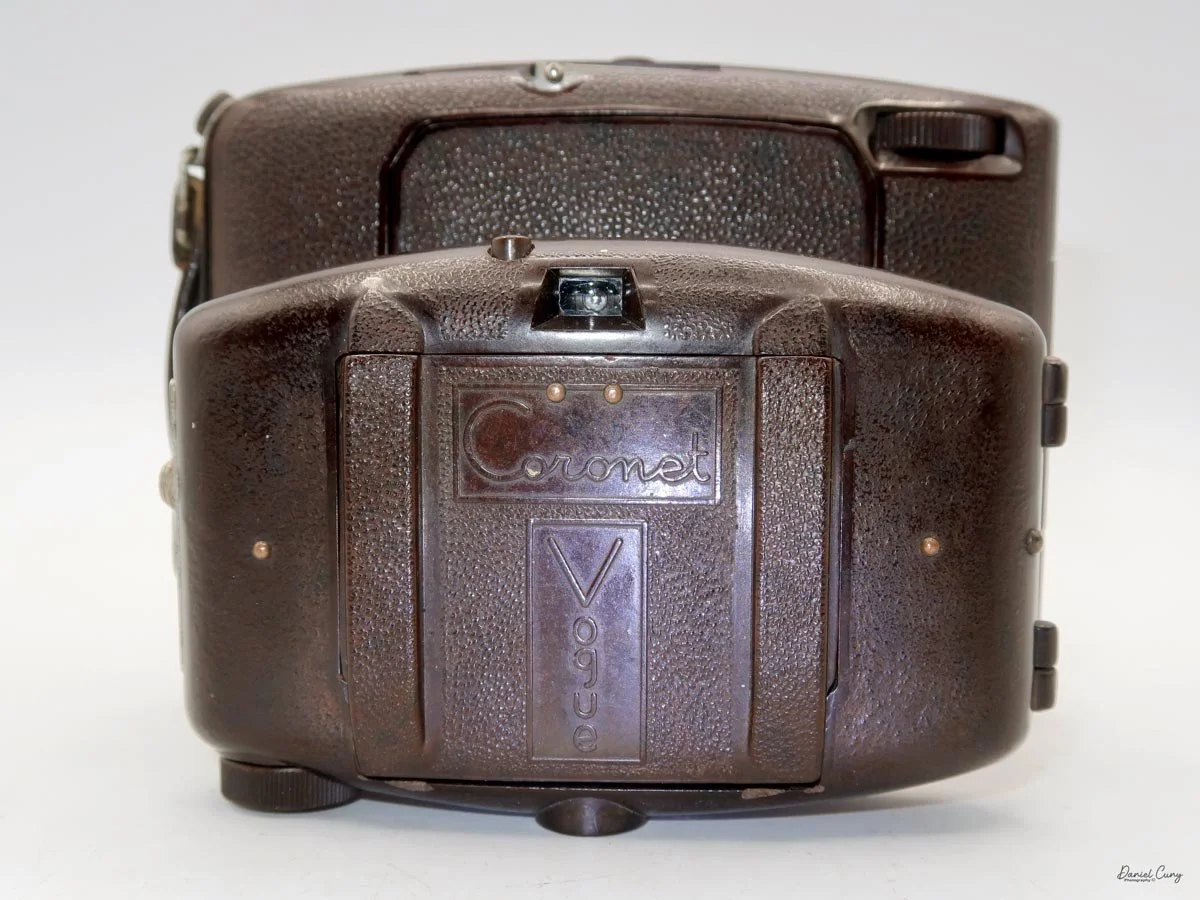
Coronet Cameo size comparison.

 The main person I was to meet was Juliano of Cameras London, who shows his cameras only on Saturday. Somehow, I convinced my wife that I would take the bus to Portobelo Road and back in time for us to go to the airport. 

 As I took the bus to Portobello Road that Saturday morning, I remember I needed to be mindful of the time and hurry. I arrived early as Juliano was still setting up. He had a fantastic display of cameras and some negatives. There were several cameras I wanted to purchase, one being an Ilford Advocate, which you can read about. He said he had a cleaner version and would ship it to me. 

I got together a small group of cameras, and just before I paid him, I saw the Coronet Cameo. It was in poor condition, but it was odd and unusual, so I threw it into the pile. We made a fair bundle price for the items, including the Advocate and Cameo camera. I paid him for the items, put the cameras in my backpack, and made my way back to the hotel. We had plenty of time to make it to the airport.

History:

 The Coronet Camera Company was a significant English camera manufacturer, founded in 1926 in Birmingham, England, by Frederick W. Pettifer. The company began at 48 Great Hampton Street, Aston, focusing on producing an inexpensive line of cameras for the mass market. Their early focus was on simple box and folding cameras.

Photo of old Coronet building depicted from Historic Camera website

 A key aspect of Coronet's operations was its utilization of local Birmingham businesses. They partnered with the British Optical Lens Co. for lenses and, notably, with Edwin Elliott, a local plastics manufacturer, who fabricated molded plastic cameras for them. This collaboration led to popular pre-war models, including the small and stylish Coronet Midget and the Coronet Vogue, which were often made from colored Bakelite. By 1933, the company had reportedly sold a remarkable 510,000 cameras.

 The company became Coronet Ltd. in 1946. After World War II, the company specialized in low-cost, molded-plastic cameras. Due to French import restrictions, Coronet formed a partnership with the French company Tiranty of Paris. This collaboration led to several Coronet models, such as the Rapide, being manufactured in France, sometimes using Boyer lenses, to bypass trade barriers. Coronet also produced accessories and its own brands of film, including Corochrome.

 The company continued to manufacture cameras from its Birmingham headquarters (later located at 308-310 Summer Lane) until it finally ceased operations in 1967. Over its four-decade history, Coronet played a vital role in making photography accessible to the public by providing thousands of simple, affordable cameras, many of which remain popular collector's items today.

My Camera:

 This portion of the blog will be sparse, as there's not much to this camera. The Coronet Cameo camera is small and will almost fit into a 35mm film container. It's 2" wide by 1.5" deep and 2" tall with the front viewfinder extended and only 1.25" tall when it's retracted. The camera only weighs 1.6 ounces. The Cameo has a fixed 25mm F/11 Meniscus lens and a single shutter speed range of 1/25-1/50, with the shutter release on the right side of the camera body.

The camera is made from plastic and was manufactured between 1948 and 1952.  Coronet attempted to revive the success of the Pre-War Midget camera, which was highly successful for the company at the time.

 The Coronet Cameo takes a roll of 16mm film and produces six 12mm x 18mm negative-sized images per roll. The camera loads and winds like any other roll film camera, with the unexposed film loaded on the left and the leader threaded into the take-up spool on the right via the film winding lever.

The back of the camera is held in place by two clips on the right side of the camera. To open the back, lift it from the two clips; it will open, exposing the film chamber. Unfortunately, my camera, like many Coronet Cameo models, is warped, and the back doesn't fit properly to the body.

 A sliding front viewfinder can be pulled up, and when the rear viewfinder is lifted on the back of the camera, it exposes the red window displaying the frame number of the image you'll be taking on the roll of film.

My Results:

 Unfortunately, there is no longer film for this camera, and with the warped camera back, I wasn't able to take photos with it.


Conclusion:

 As I was taking photos of the Coronet Cameo, I had an empty 35mm film tube and tried to see if the camera would fit inside it, but it's just a tad too big.

 The Coronet Cameo camera is sitting right next to my Whittaker Micro 16 Pixie camera, which I considered writing about for this blog post. Still, I'll leave that camera for another day. I do enjoy all the miniature and subminiature cameras in my collection; it just took me a few years of collecting them to appreciate them for what they are.

 Thank you for taking the time out of your day to read about this small plastic camera from about 75 years ago. I'm sure many people owned and enjoyed them when they were made.

 If you're interested in reading about other cameras I've reviewed, here's a link to my other Camera Reviews.

 I also have a store on eBay, Cuny's Camera and Photos, where I sell items I've reviewed, as well as many other camera oddities.

 Until next week, please be safe.
Zeiss Ikon Ikoflex III (853/16) camera

My Zeiss Ikon Ikoflex III camera

My first real camera, a Univex Uniflex, was a gift from my Uncle Bud, my mother's younger brother. He was a free-spirited soul, living a bohemian lifestyle that left a lasting impression on me and my older brother. This camera, a symbol of his unique spirit, became my gateway to the world of photography. 

 Uncle Bud was the photographer in the family gatherings, went to art school in Chicago, where he met his wife, made wine, went antiquing, purchased an old school bus, and was converting it into a camper for the family, was health-conscious, all of this in the 1960s, as I was young and impressionable. 

 I tell you this because the Univex Uniflex was a somewhat inexpensive twin-lens reflex camera that I used for many of my early years taking photos, so the twin-lens reflex style has always felt comfortable to me. I've always enjoyed looking through a larger viewfinder and framing my subject, albeit backward when looking down into the camera. It's similar to looking through a view camera, although the view camera isn't backwards, just upside down. 

 Last week, as my wife and I were in Yosemite and the San Francisco Bay Area. One of the reasons we went there was that on the first Sunday of the month, there's a large flea market in Alameda, which I miss since moving away from the area about 9 years ago. I planned the trip partly to visit the flea market and look for cameras and other photo items.

 I arrived at the flea market early and started looking over the many tables. At one of the tables, I found this fantastic Zeiss Ikoflex III camera I've been looking for for many years. As I picked up the camera, the shutter worked at higher speeds and lagged at lower speeds. The lens was clean and the transport worked well. 

 After a bit of negotiation, I left the flea market with the Ikoflex III and a few other small items. The joy of this find was so great that I couldn't wait to share it with you, my fellow camera enthusiasts. Even though I had recently written about the Zeiss Contaflex camera, the Ikoflex III was a gem that I couldn't wait to put a roll of film into and share its story on my camera blog.

Ikoflex History:

 The Zeiss Ikoflex emerged in 1934 as Zeiss Ikon's direct answer to the burgeoning success of the Franke & Heidecke Rolleiflex. The inaugural model, affectionately nicknamed the "Coffee Can" for its distinctive upright, cylindrical body, marked a departure from the more conventional TLR design. This initial offering was a clear statement of intent from the German optics giant to compete in the professional and enthusiast photographer market.

Ad for Zeiss Ikon Ikoflex III camera

 Throughout its production, which spanned until 1960, the Ikoflex series underwent significant evolution, with a clear demarcation between its pre-war and post-war iterations. Before World War II, Zeiss Ikon introduced several models, progressively refining the design and features. The early lever-wind and knob-wind "Coffee Can" models gave way to more streamlined, traditionally styled TLRs. These pre-war cameras often featured high-quality Zeiss lenses, such as the Tessar and Novar. They were equipped with Compur or Klio shutters, offering photographers a range of options in terms of both price and performance. A notable pre-war innovation was the Ikoflex III, introduced in 1939, which boasted a fast f/2.8 Tessar lens and a unique Albada direct-vision viewfinder integrated into the focusing hood, setting it apart from its contemporaries.

 Following the end of the war, Zeiss Ikon resumed production in West Germany and continued developing the Ikoflex line. The post-war models, such as the Ikoflex Ia and IIa, reflected the technological advancements of the era. These cameras often featured coated lenses for improved contrast and flare reduction, as well as synchronized flash capabilities. The final models in the series, like the Ikoflex Favorit, even incorporated a built-in, uncoupled light meter, a significant feature for the time.

 Despite its innovative features and the esteemed Zeiss pedigree, the Ikoflex line always existed in the shadow of the Rolleiflex. While highly capable and well-regarded for their robust build and excellent optics, the Ikoflex cameras ultimately ceased production in 1960, leaving behind a legacy as a compelling, if not dominant, force in the golden age of twin-lens reflex photography.

My Camera:

 My Zeiss Ikon Ikoflex is in very good condition, except for some of the slower shutter speeds, which I'll exercise and hopefully bring back to life; otherwise, I'll have it CLA'd. The camera's serial number is 836152, and it has a Carl Zeiss Jena Tessar 8cm f/2.8 lens, serial number 1851589. The camera is 6" tall when the light chimney is closed and 8" tall when it is open, by 4" wide, including the focus knob and film winding lever, and by 4.25" deep when the camera is focused at infinity.

To open the light chimney and look into the viewfinder, on the back of the camera, behind the closed chimney, is a button to press to open it. Unlike many twin-lens reflex cameras, the light chimney opens from the front rather than the rear, which I find interesting. On the right side of the back wall, the small switch locks and unlocks the flip-up magnifying glass for critical focus on the ground glass. On the side walls of the light chimney are "Zeiss Ikon" on one side and an exposure index on the other.

 If you want to use the Albada sports finder, it shows bright frame lines as you peer through it, and the front of the light chimney is a very polished, mirror-like surface, very similar to the previously mentioned Zeiss Ikon Contaflex TLR camera. To close the chimney, fold down the sides, then the front, and finally the rear portion. 

Similar to the Rolleiflex, both the aperture and shutter speed settings can be viewed when peering down the light chimney. Two separate windows show the aperture setting on the left and the shutter speed on the right. To move either setting, there's a lever on each side of the lens; slide it up or down to change the setting. The shutter speeds go from 1/400 to 1 sec, along with "B" for timed exposures. The aperture goes from F/2.8 to F/22. Just behind the shutter-speed slider is the cable release socket. Just to the right of the lens is a small round window that shows black when the shutter is tripped, and red when the shutter is cocked and ready to shoot.

On the right side of the camera, from top to bottom, is the frame counter in a stylized circular window, placed directly behind the shutter release. To activate the shutter, you press down on the shutter release to take the photo, which I prefer to pressing into the camera's body. The main object on the right side of the camera is the transport/winding lever. It is so much more than just a film transport lever; it also cocks the shutter with only about half a rotation. 

On the left side of the Zeiss Ikon Ikoflex II camera is the focus knob, which has a minimum focus distance of 4' to infinity. Just above the focus knob is the depth-of-field scale for the different apertures. Above and below the focus knob are two knurled knobs that can be pulled out to load and unload the film once the back of the camera is opened.

To open the back of the camera to load the film, there is a small disk on the back that is pulled down to open the back. The back will flip down, unlike Rolleiflex cameras, where the back pulls up. Loading the film is just like any other twin-lens reflex camera. Once the new film is on the bottom, bring the lead to the top spool and thread it into the slot, and wind the transport lever. Do this until the arrows on the paper backing point to two white dots on the side of the film chamber. At this point, close the back and wind until you see frame number 1 in the frame counter. Do not go past the first frame (frame 1) in the film counter, or you'll lose images on the film. This may be a flaw in my camera, but at first it doesn't stop at frame 1.


My Results:

 The forecast for the end of last week called for rain, so on Wednesday, I loaded up the camera with film and took a short drive to Duggan Falls in Washougal, WA. It's about a 30-minute drive. While it was overcast, it wasn't raining, and I wanted to try the Ikoflex III before the rain hit.

 The camera produced very sharp images. Here are a few photos I took at the falls.

Conclusion:

 The Zeiss Ikon Ikoflex III camera was an absolute pleasure to shoot with. It was similar to many other twin-lens reflex cameras. The viewfinder could have been a bit brighter, but the focus knob was smooth and easy to move. The shutter speed and aperture windows seem a tad dark, but the camera is close to 90 years old, so a good CLA would brighten them up nicely.

 I really enjoyed the short turn of the transport lever. I was surprised that such a small motion would properly transport the film AND cock the shutter, too. It does a fantastic job, and it's one of the reasons I enjoyed the camera so much. Overall, an excellent camera to have in the collection, and one I'll be taking out more often to shoot with, given how sharp the images are.

 Thank you for taking the time out of your day to learn about this fantastic vintage German camera.

 Here's a link to my other Camera Reviews.

 I also have a store on eBay, Cuny's Camera and Photo. Stop by sometime and see what cameras and other photo oddities I have for sale.

 Until next week, please be safe.
Nagel-Kodak Pupille

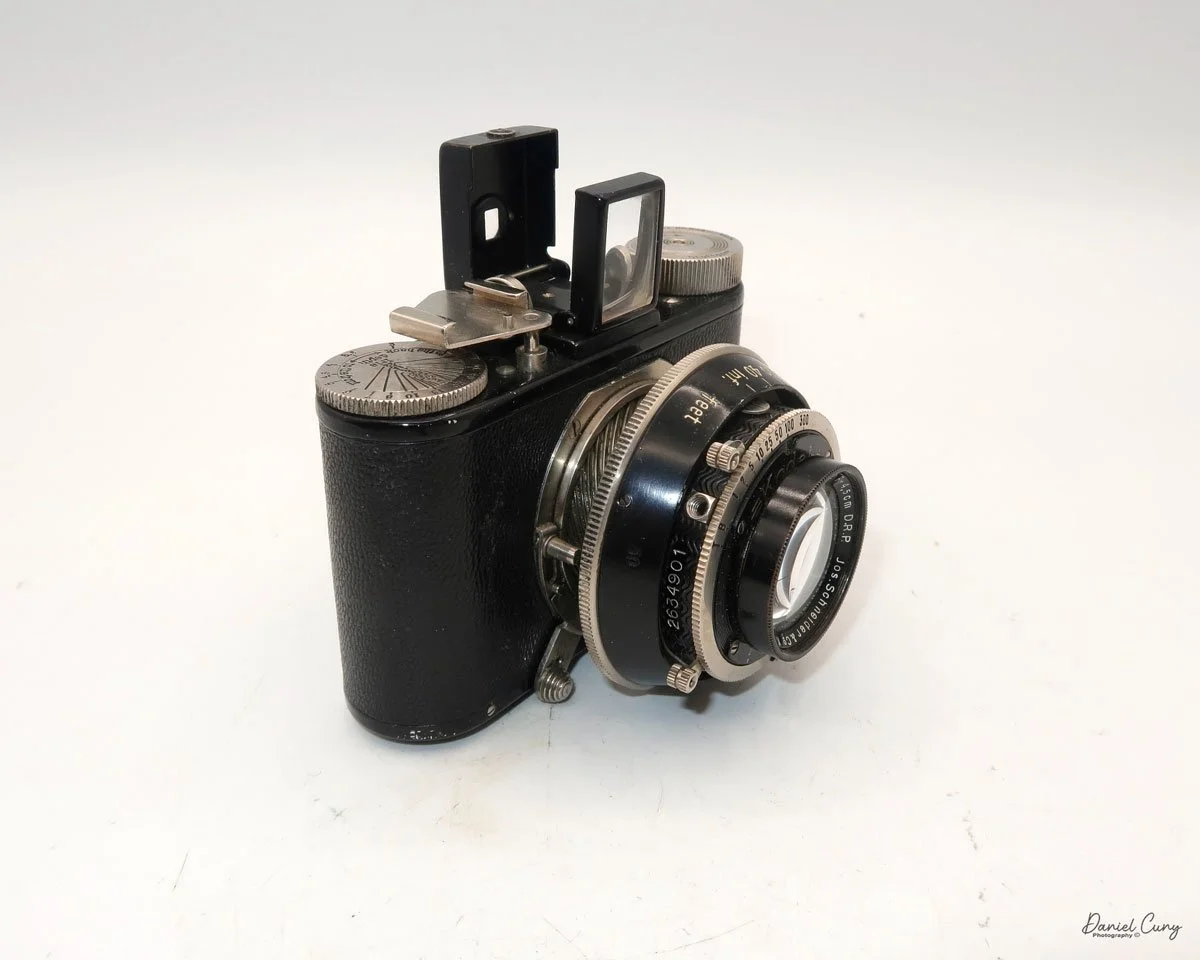
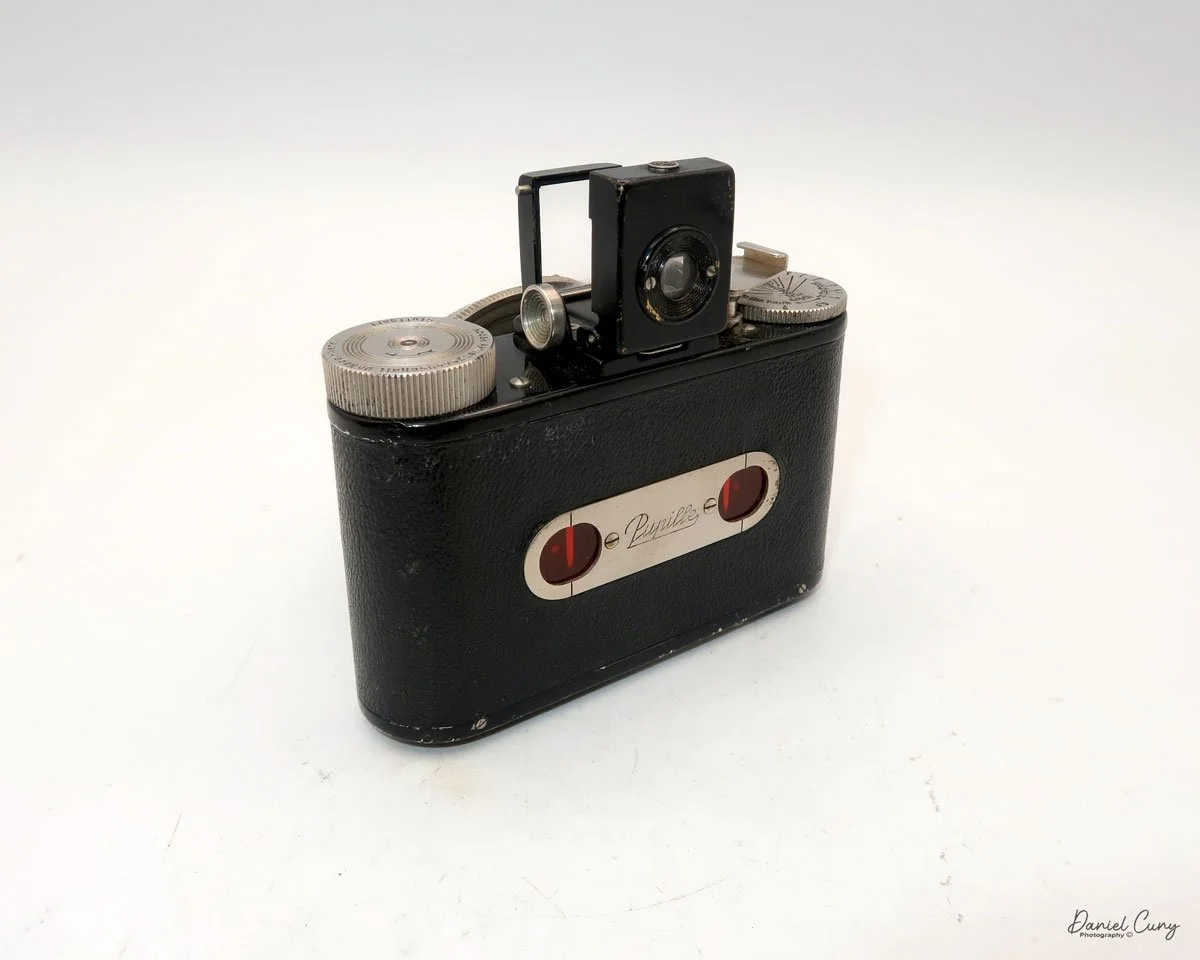
My Nagel-Kodak Pupille camera and case

Just after I finished last week's blog on the Ricoh Auto Half cameras, I was looking around the cameras on my shelf in my office, thinking which camera I'd write about this week. Nothing stood out to me, so I figured I'd let it rest for a day or two and think about it.

 Going to bed that evening, a camera popped into my head out of the blue. Having a thought or remembering something from earlier in the day is something that often happens to me, generally just as I lie down to go to sleep, something pops into my head, and that's just what happened.

 The thought that came into my head was that I remembered having a nice condition Nagel Pupille camera in a box a few months back, which I store with some of my better cameras. That's the camera I wanted to write about for this week's blog post.

 After I woke up, had my morning coffee, I settled into my office and opened the box of cameras to look for the Pupille camera I had. Right on top of other cameras was the case. I pulled out the case, and inside was the Pupille camera. Looking at the camera a bit closer, I say this was the Kodak version of the Pupille, which was introduced a year or so after its release.

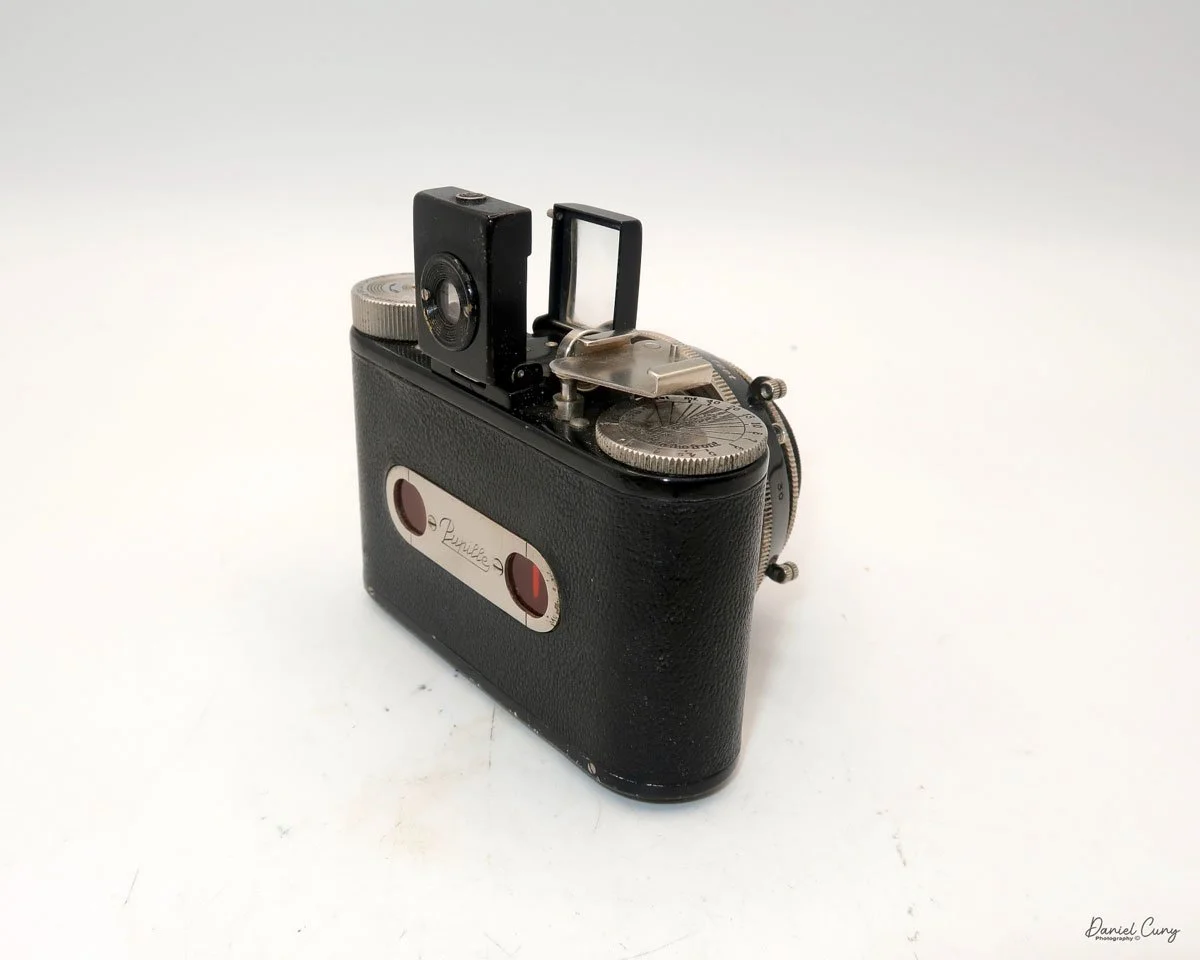
Logo on the camera’s back

 It was just as I remembered it. The camera was in excellent condition with the lens cap. The first thing I did was test the shutter, and most of the speeds seemed accurate to my ear. Some of the slower speeds were not closing, which is somewhat accurate for a shutter almost 100 years old. The upper speeds were working fine, so I figured I'd put a roll of 127 film into the camera and take it to the county fair my wife. I were planning on going to over the weekend.

 I recall purchasing the camera approximately 15 years ago at an auction I bid on. At the time, it was a lovely addition to my collection, especially since it came with the lens cap and a nice, fitted case for the camera. 

 The Nagel-Kodak Pupille was a camera I had intended to write about a few years ago when I started my blog posts, but then forgot about it for a while. When it popped into my head last week, I'm thrilled it did. 

History:

Dr. August Nagel (1882–1943) was a pioneering German camera designer and manufacturer whose innovations profoundly shaped photographic technology in the early 20th century. Born in Pfrondorf, Germany, Nagel displayed an early interest in camera construction. In 1908, at the age of 26, he co-founded his first company, Drexler & Nagel, in Stuttgart. This company quickly evolved into Contessa-Camerawerke, and by 1910, it had produced a broad range of camera models, which were distributed globally. Nagel's innovations during World War I included specialized aerial and balloon cameras, and his achievements earned him an honorary doctorate from the University of Freiburg in 1918.

 Seeking further growth, Nagel's company merged with Nettel Kamera-werke in 1919, becoming Contessa-Nettel, which became one of Germany's most significant camera producers. In 1926, in response to market pressures and Zeiss Stiftung's interest, Contessa-Nettel was merged with other major German camera makers to form Zeiss Ikon, with Nagel as director of manufacturing. However, management frustrations and a loss of control led him to leave Zeiss Ikon in 1928, after which he established his factory, Dr. August Nagel Werke, in Stuttgart.

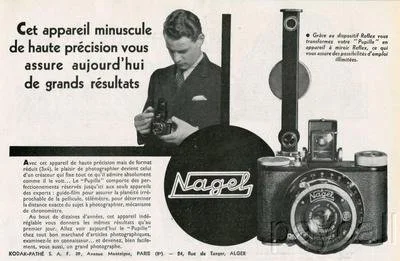
French ad for Nagel Pupille camera

 Nagel Werke quickly gained a reputation for producing affordable, high-quality folding plate and roll film cameras, notably the Vollenda models, introduced in 1929, and the more expensive Pupille, introduced in 1930. This success attracted Eastman Kodak, which sought to compete in the European precision camera market. In 1931, Kodak acquired Nagel Werke, making Dr. Nagel the general manager of the rebranded Kodak AG. 

 With Kodak's backing, Nagel devised the Retina 35mm camera and, critically, introduced the Kodak 135 film cartridge in 1934—a pre-rolled 35mm film format compatible with both Leica and Contax cameras. This cartridge would become the global industry standard for 35mm photography, marking Nagel's most enduring legacy.

 Under Nagel's leadership, Kodak AG's Stuttgart plant became known for its Retina cameras and innovations throughout the 1930s. Almost two million cameras were produced before World War II. Dr. August Nagel died in 1943, but his influence continued; camera production resumed post-war and flourished into the 1960s under his son, Helmut Nagel. Dr. Nagel's career typifies the innovative spirit of early photographic engineering and established many of the standards still recognized in the industry today.

My Camera:

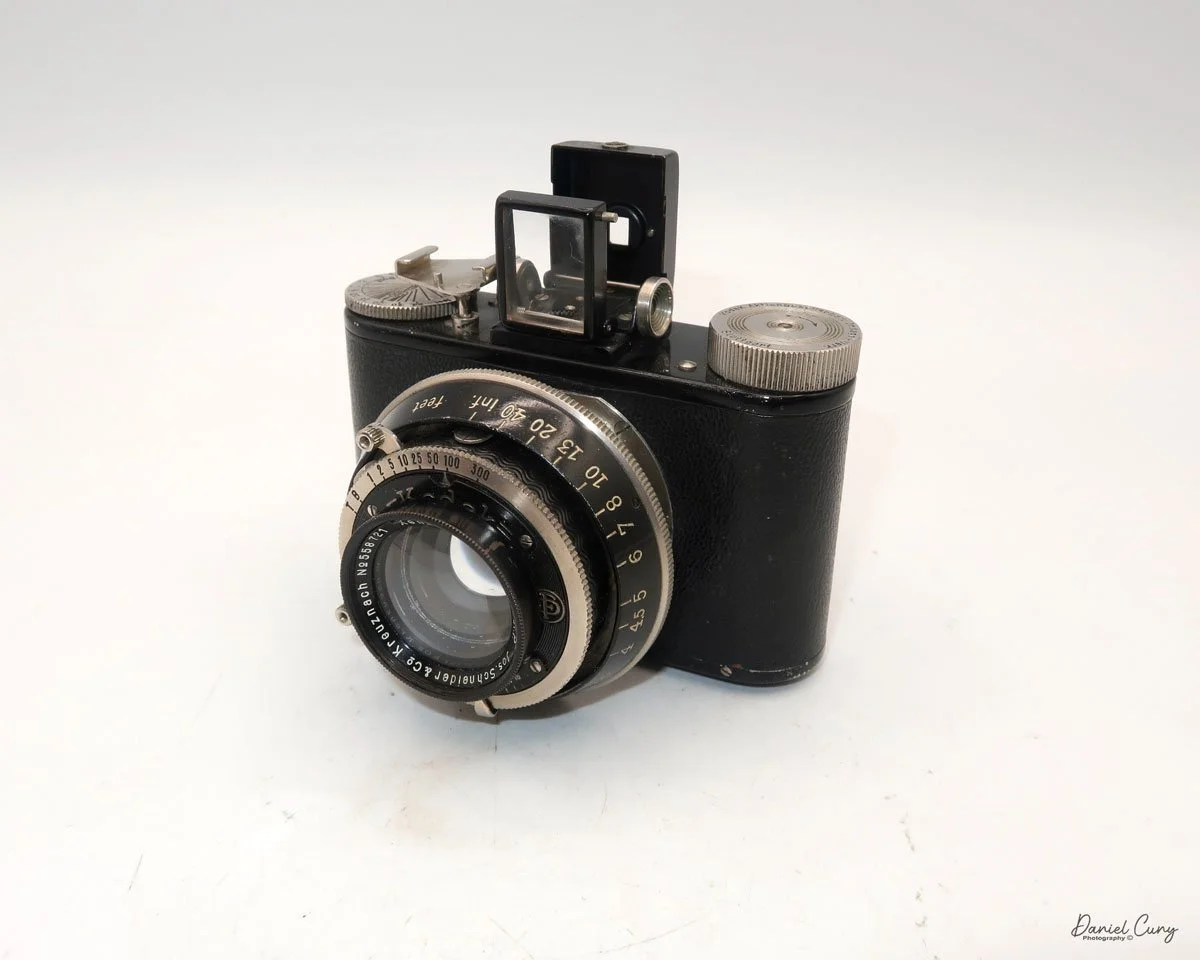
My Kodak Pupille camera is a tiny, compact camera that measures 4" wide, by 2.5" tall with the viewfinder retracted and 3.5" with the viewfinder opened. The camera is 2" deep with the lens retracted and 2.75" deep when the lens is in the regular taking position. The camera weighs 14.5 ounces when empty, excluding film.

The camera captures a 3x4cm image on 127mm film. My Pupille camera has a Jos. Schneider & Co. Xenon 4.5 cm f/2.0 lens. The camera also had the option of Leitz Elmar 5cm F/3.5, a Schneider Xenon 5cm F/3.5, or a Cook Anastigmat 2" F/3.5 lens, all in a Fr. Deckel Compur shutter.

 On top of the camera, there is an optical finder that pops up, displaying a vertical image. If you want to photograph a horizontal subject, you'll need to turn the camera 90 degrees to photograph in landscape mode. Looking from left to right at the top of the camera, there is the film winding knob, the optical pop-up viewfinder, a removable accessory shoe for a separate rangefinder, and under the accessory shoe, the depth of field scale.

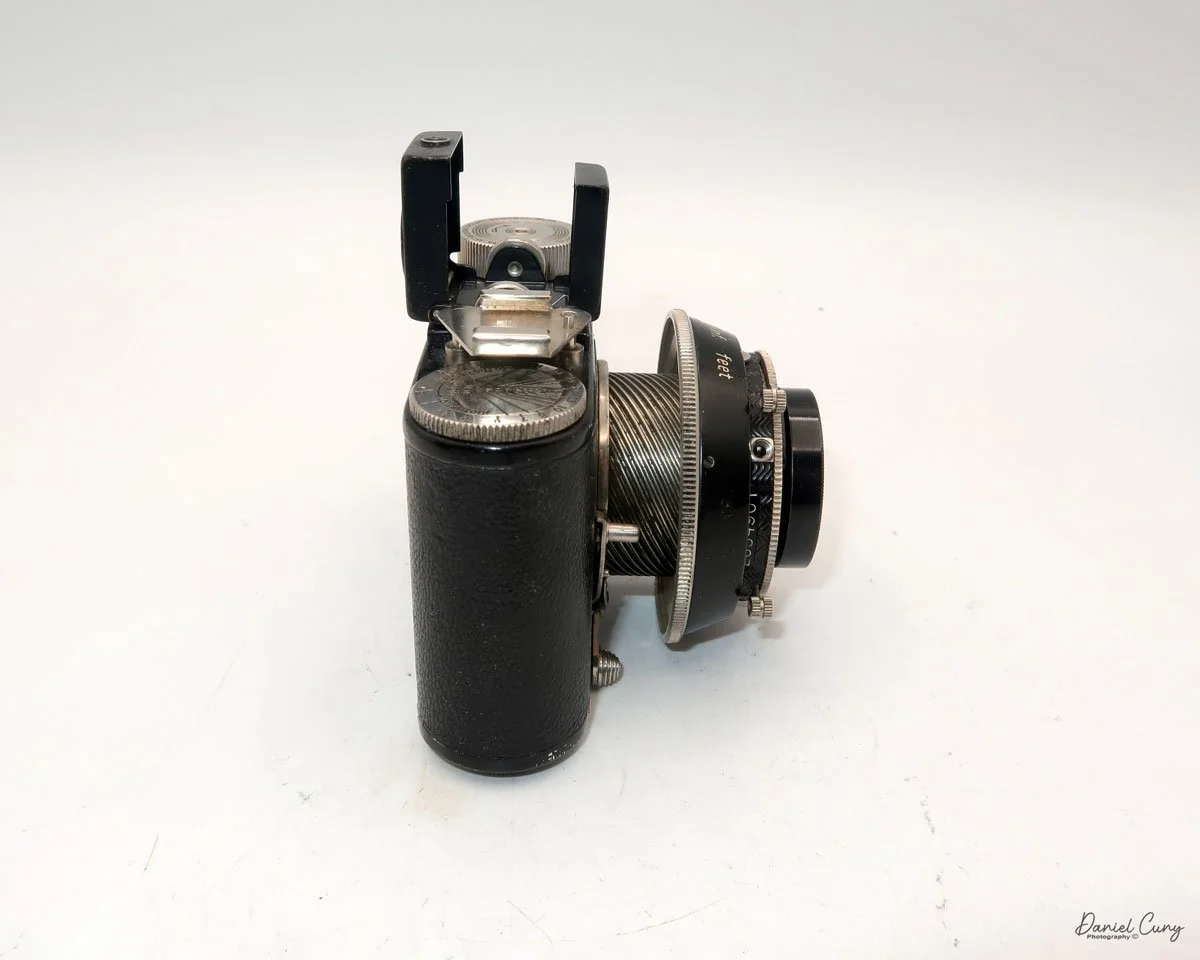
To take a photograph, you first need to slide the lens into the "taking" position. This is done by sliding the lever, located under the lens, to the left when facing the camera. Moving the bar slides the lens out from the camera body. The lens is mounted on a beautifully constructed helicoid, which becomes visible once the lever is moved and the lens is in the "taking" position. Around the shutter is a large black ring that focuses the lens. The focus range on the lens goes from approximately 30" or 2.5' to infinity. The numbers on the focusing ring are big and easy to read, and the focusing on this camera is smooth.

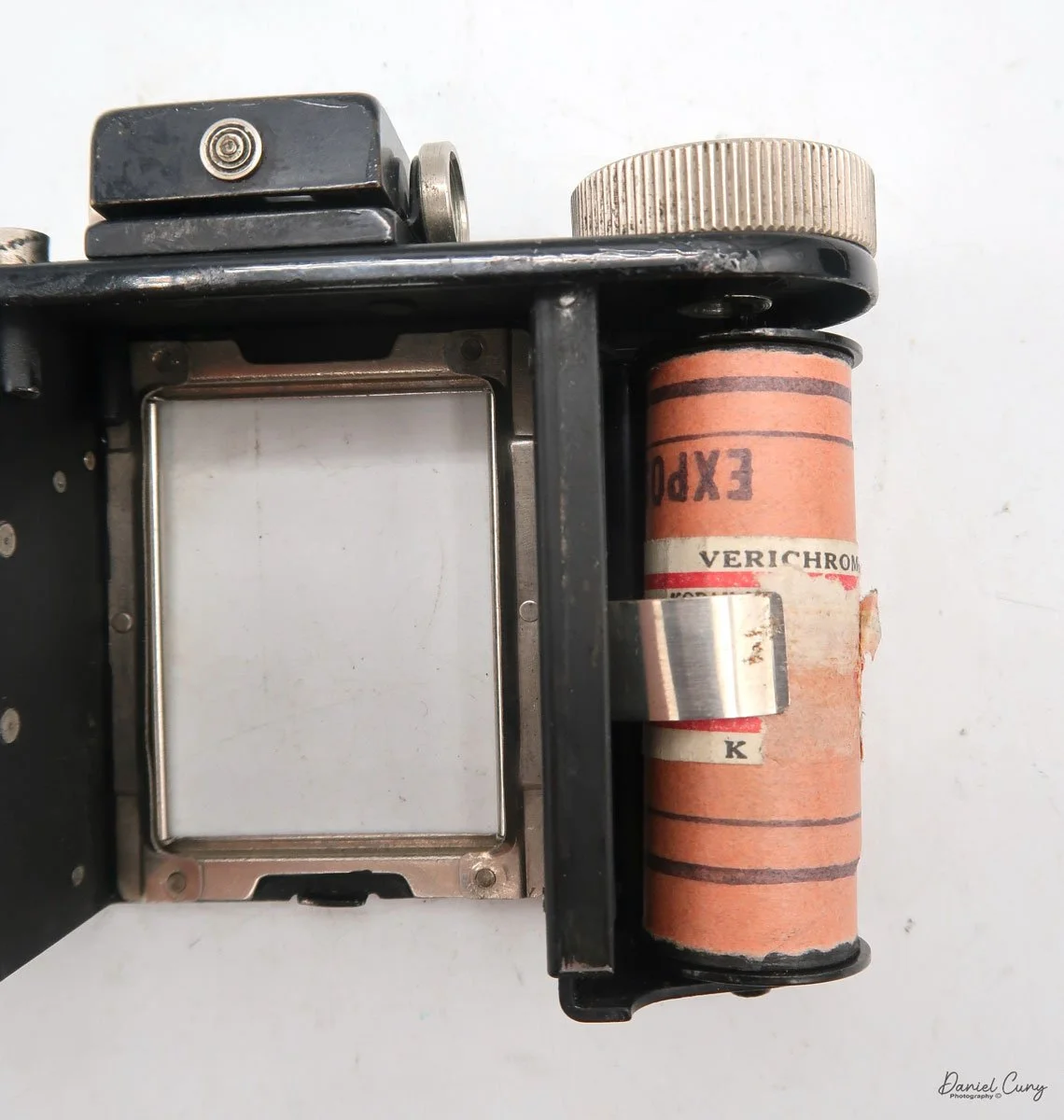
When you look at the back of this camera and many other cameras that take 127 size film, you'll notice the camera has two red windows on the back. This will become relevant once you read the loading and winding procedure for this style of camera, which will be explained over the following few paragraphs.

 To load film into the camera, first you need to unlock the body of the camera from the film chamber. You do this on the bottom of the camera by sliding the lever to the "O" position. You'll see a small line on the tripod socket that aligns the "C" (closed) setting with the "O" (open) setting. Once you have the film chamber unlocked, the top portion of the camera slides out of the camera body, exposing the area where the film is loaded into the camera.

 Take the empty spool from the right side by sliding the spool down. The holding mechanism is on a spring, and the spool will come out. Place the empty spool on the left side and ensure it's engaged in the take-up winding knob. Place the fresh roll of film on the right side and tear the tape so that you can bring the film leader over to the take-up spool, ensuring it is positioned over the rollers on either side of the opening where the film is exposed. Insert the film tab into the slot on the take-up spool and wind the winding knob until the word "start" appears on the paper backing. Once you see the word "start", slide the film chamber back into the camera body, ensuring it's fully inserted. Then, slide the lever at the bottom from "O" to "C" for closed.

 Now, look at the back of the camera and start winding the film winding knob in a clockwise direction until you see arrows in the window. This is the indication that you're approaching your first frame, so you should start to slow down on winding the camera. Stop winding when you see the number 1 in the right side window. This is the indication you're at your first image. Once you've taken the first frame, wind the film advance lever until you see the number 1 in the window on the left, and stop. This is the indication you're at your second image. Once that frame is taken, then wind until you see the number 2 in the right window. You follow these steps until you see the number 8 on the left side window, which means you've taken sixteen images on the roll of film. This operation is standard for 127 size film, which takes 3x4cm size negatives on a camera with two windows on the back.

 The standard operating sequence when using this camera is to have the separate rangefinder, which is slid onto the accessory shoe when the camera is in use. 


  1. Meter for your subject with a separate light meter.

  2. Look through the rangefinder and focus on your subject.

  3. Find the distance to your subject and focus the lens to that distance on the camera.

  4. Set the shutter speed and aperture setting on the lens. Shutter speed is located at the top, and aperture is positioned under the lens.

  5. Cock the shutter lever on top of the lens at the 11 o'clock position.

  6. Trip the shutter, which is below at the 7 o'clock position on the lens.

Retracting the lens back into the camera body is a little tricky and something I had to figure out, as I had done it wrong once. The first thing you need to do is focus the lens to infinity. Then, slide the bar at the bottom of the camera from left to right, and the lens retracts into the camera's body. If you don't focus the lens to infinity, the bar won't fit into a small cutout on the focusing ring. The bar will protrude from the bottom of the camera, rather than being tucked away neatly as it should be. Once the bar is back in the camera, you can remove the rangefinder, put the lens cap on, and tuck the camera away in its case, if you have one.


Something I've seen for the camera is an accessory reflex finder, which was made by Kodak, that turned the Pupille into a TLR camera. 

Results:

My wife and I attended our local county fair, where I loaded a roll of 400-speed 127 film into the Pupille and brought it with me to take some photos. I don't have the rangefinder for the camera, so all of the focusing I did was purely by guesstimation.

 Bringing my trusty Sekonic L-308 meter for accurate exposures, we walked around the fair looking for nice images to take.

 Once I got home, I processed the film, and here are some of the results taken at the fair. I generally only do light spotting on the images, so please excuse the excess dust on them.


I posted a video review of this camera. Just click on the image. I’m new to videos, so any constructive feedback is appreciated.

Conclusion:

One of the first things I noticed when using the Pupille was how sturdy the camera felt. It's small and compact, fitting into my pocket, especially when the lens is retracted.

 The camera was easy to use, and the shutter worked well. There were a few frames when I didn't focus properly, but for the most part, the camera did a good job, and it was great fun to shoot with. 

 Thank you for taking a few minutes to read about this almost 100-year-old camera that still works fabulously.

 Here's a link to some of the other camera reviews.

 Visit Cuny's Camera and Photo for some of the items seen on my blog, along with other interesting photo items I have for sale.

 Until next week, please be safe.
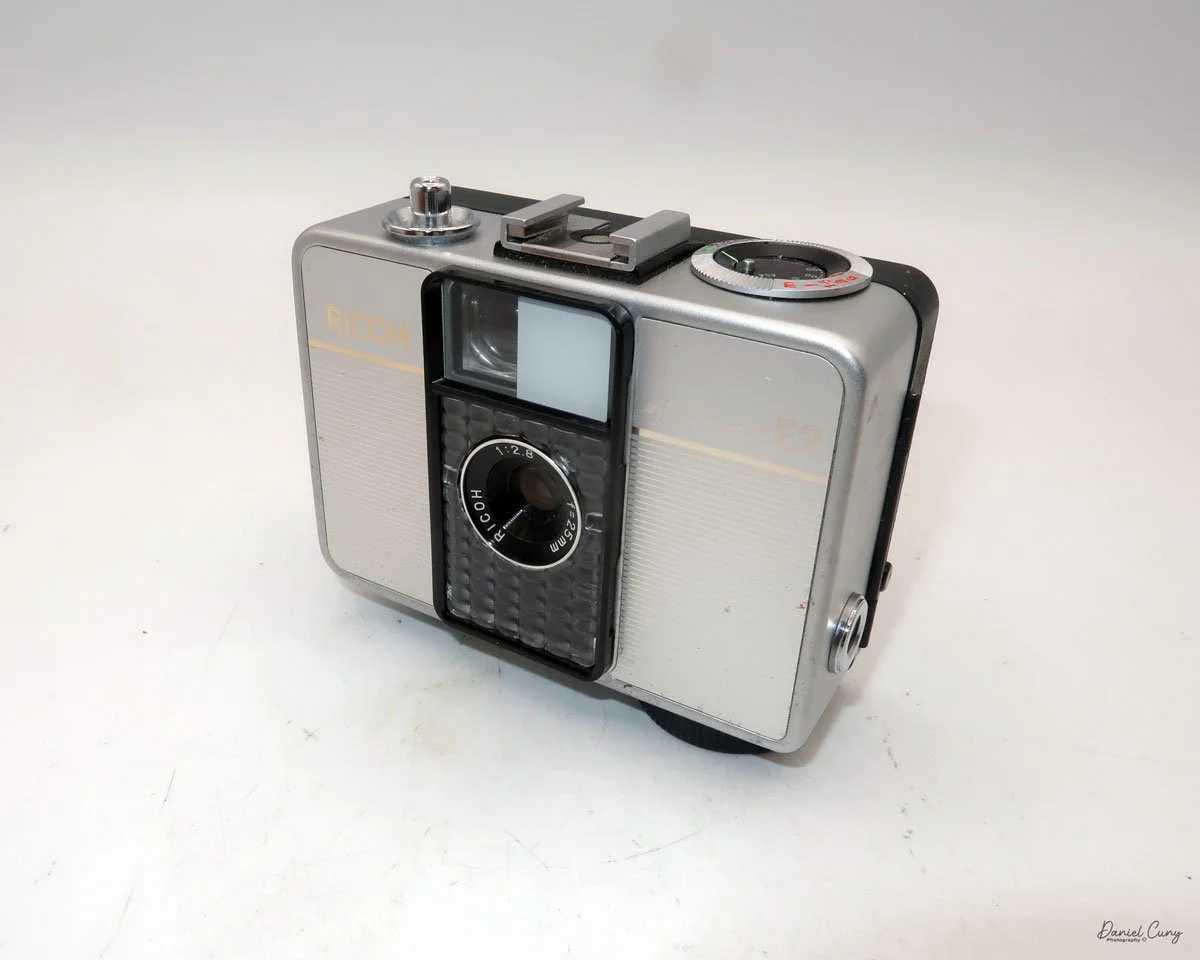
Ricoh Auto Half Camera

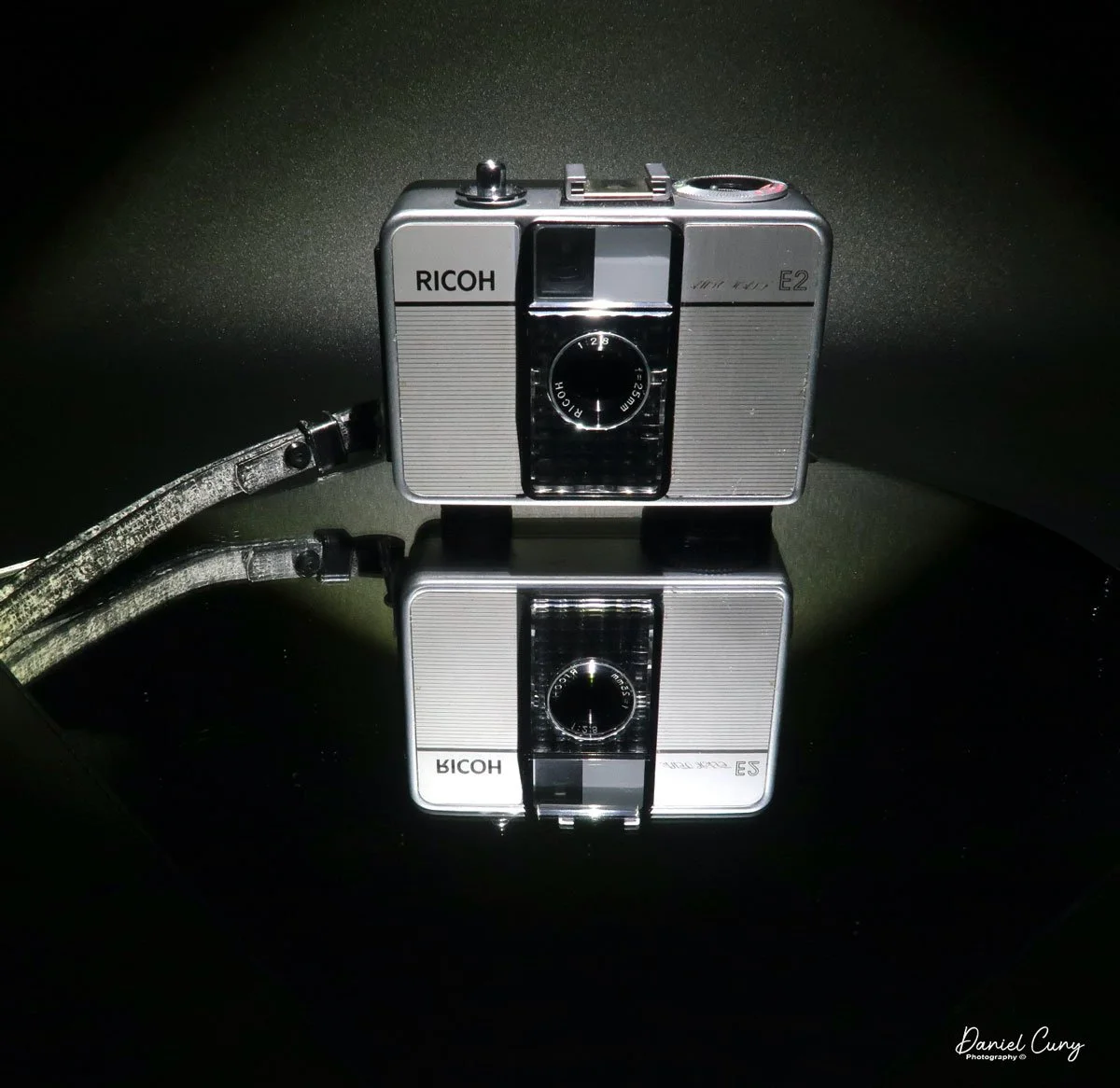
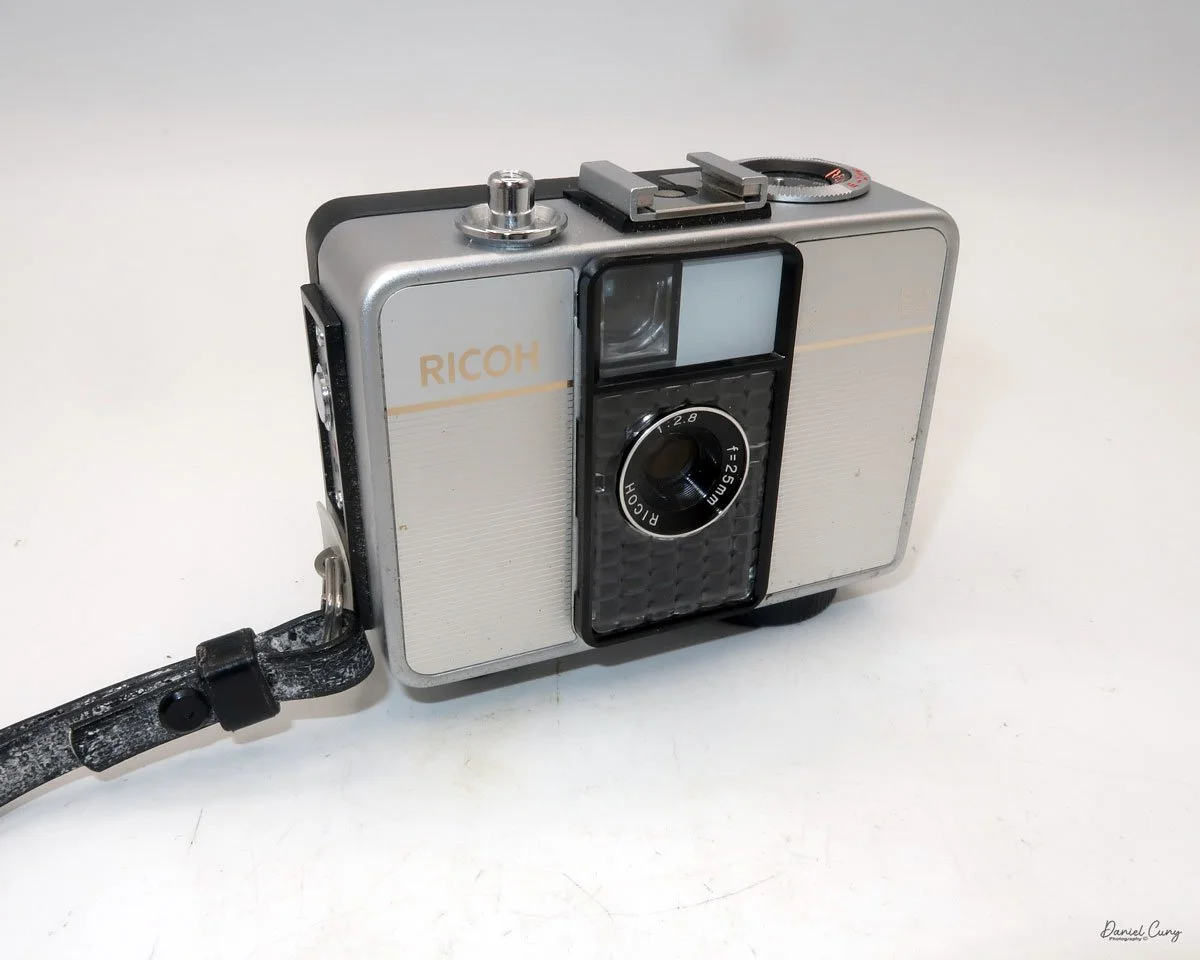
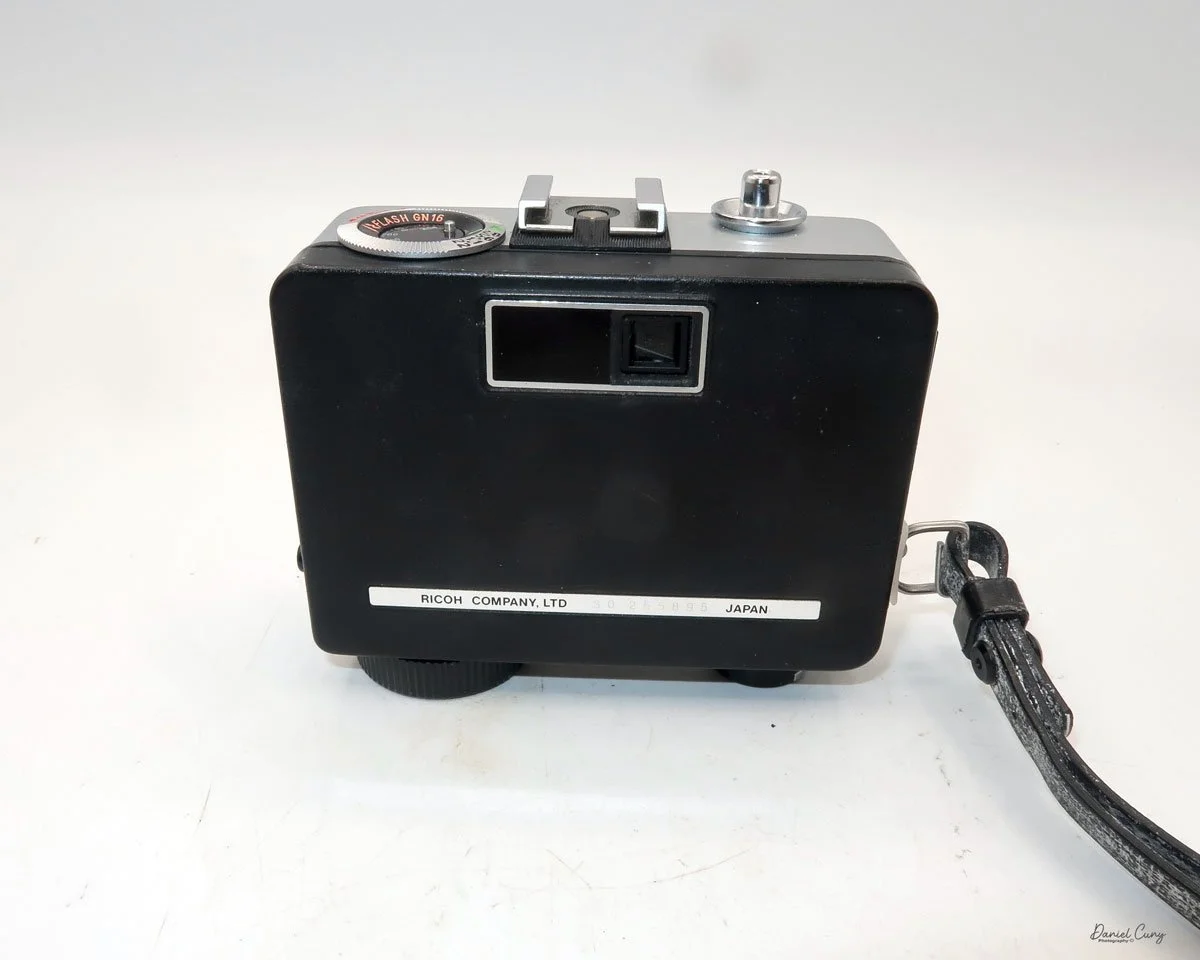
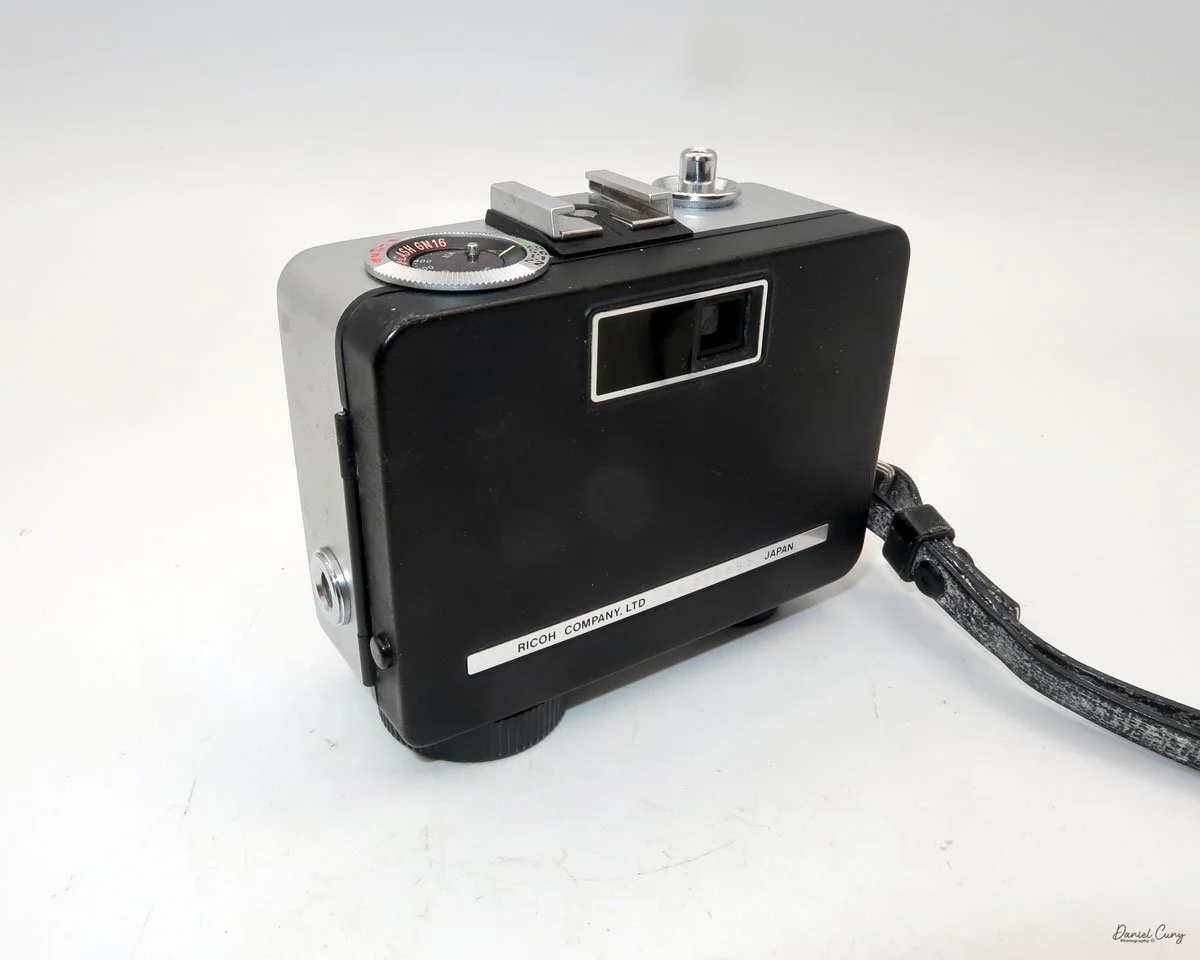
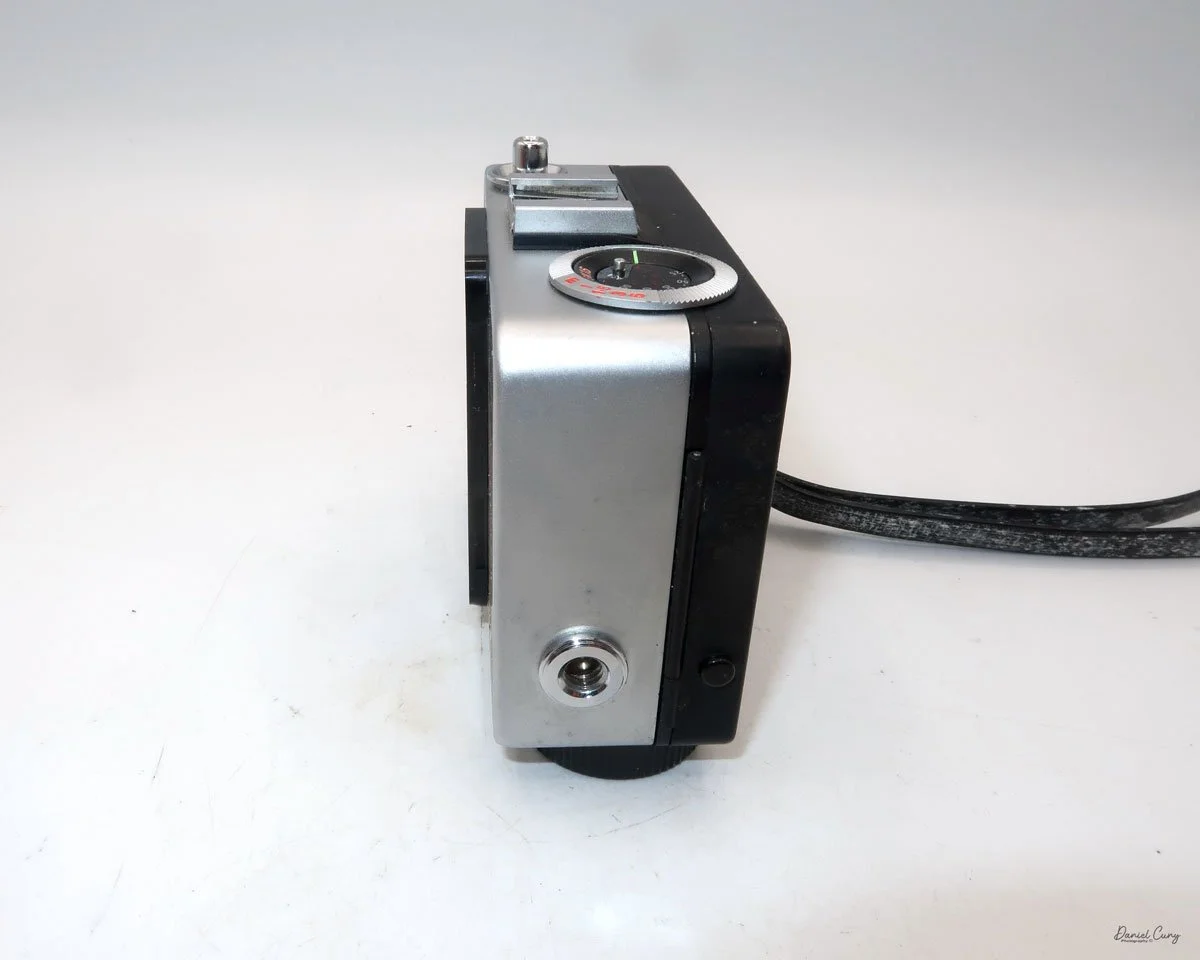
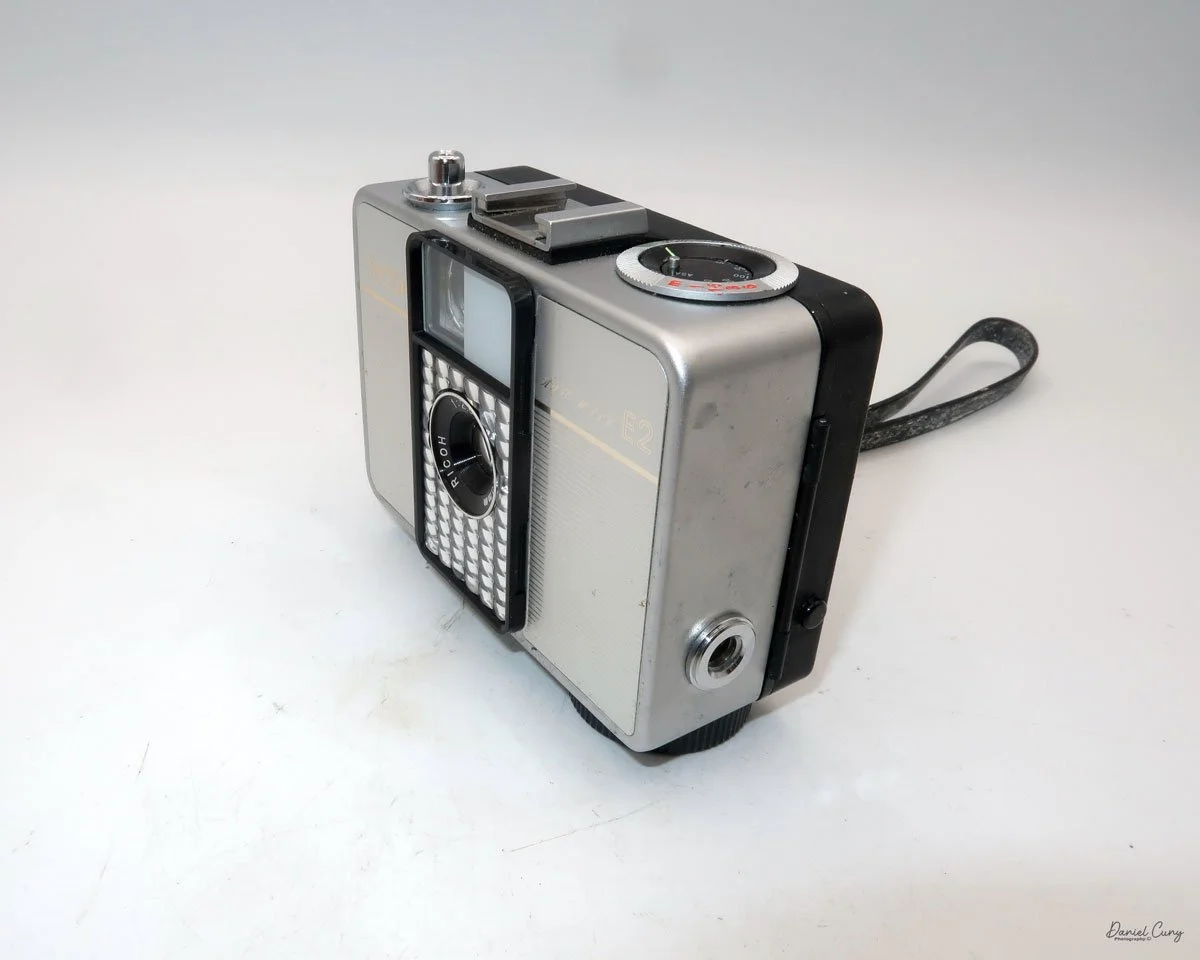
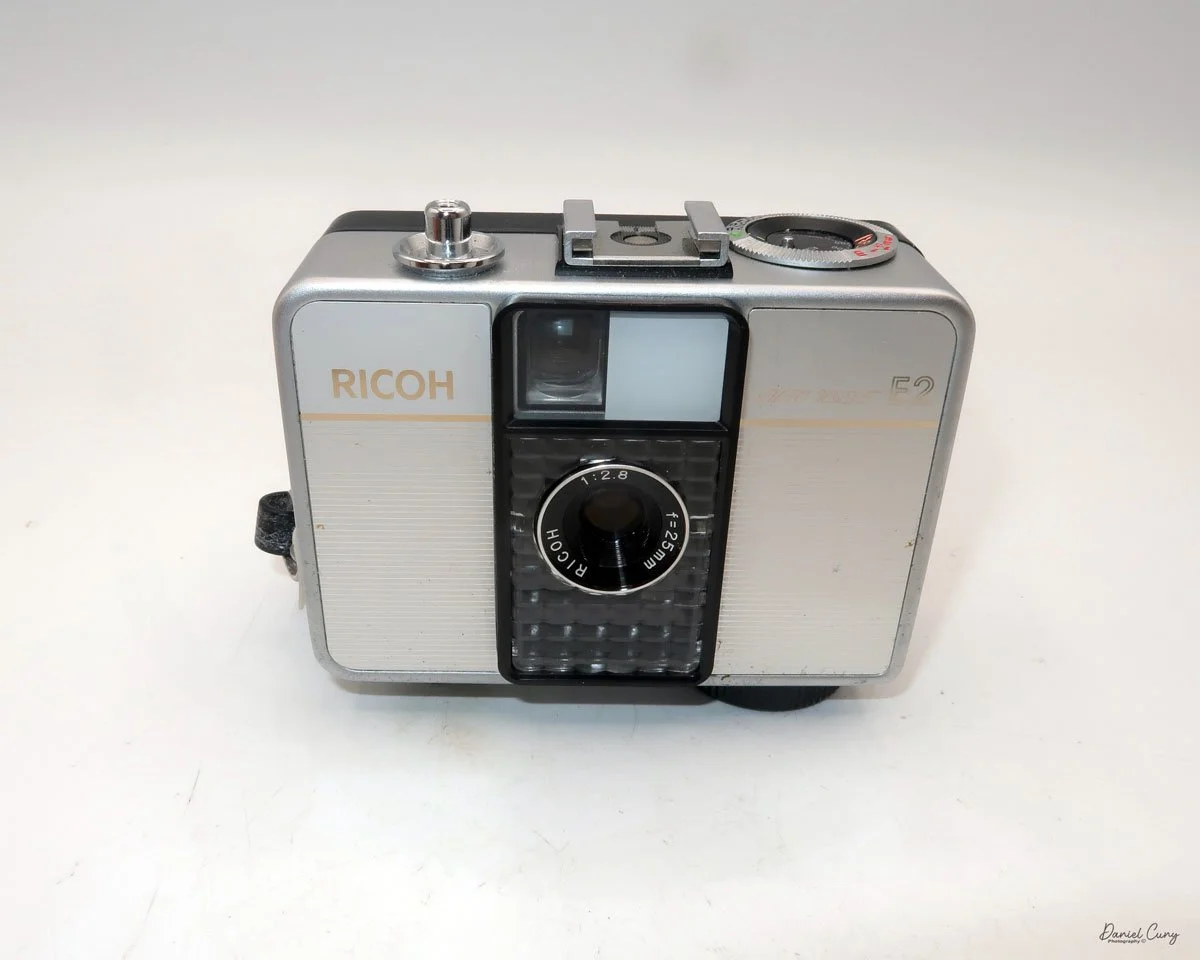
My Ricoh Auto Half E2 camera

The 1960s were a tumultuous time—a wild era—for politics, art, social change, music, and design. Having spent my early and informative years during this time, I was witness to some remarkable events that shaped the world, which I'm happy to say I lived through.

 There were the Beatles, who upended the music world; marches and protests against the war in Vietnam and civil rights; and Jackson Pollock and Andy Warhol, who were taking the art world by storm. It seemed like every month, there were issues and events in the news that shaped the world.

 In the photographic and camera design fields, in my opinion, one of the more artistic and interesting products to emerge from the 1960s was the Ricoh Auto-Half camera—a straightforward camera that underwent several model changes, keeping the design fresh for almost 20 years.

 The Ricoh Auto Half camera was introduced in December 1960. For the period, the camera was very compact and lightweight, a half-frame 35mm camera with automatic exposure, no manual focusing, and automatic winding. The size of the camera was compared to a pack of cigarettes.

 Not only were there several different model changes and improvements, but the design style, to me, was the item that kept the camera fresh. The original Ricoh Auto Half camera was available in a bright silver color and featured a wrist strap. However, later in the 1960s and well into the 1970s, the camera took on many different colors and geometric designs, which were very popular during this timeframe.

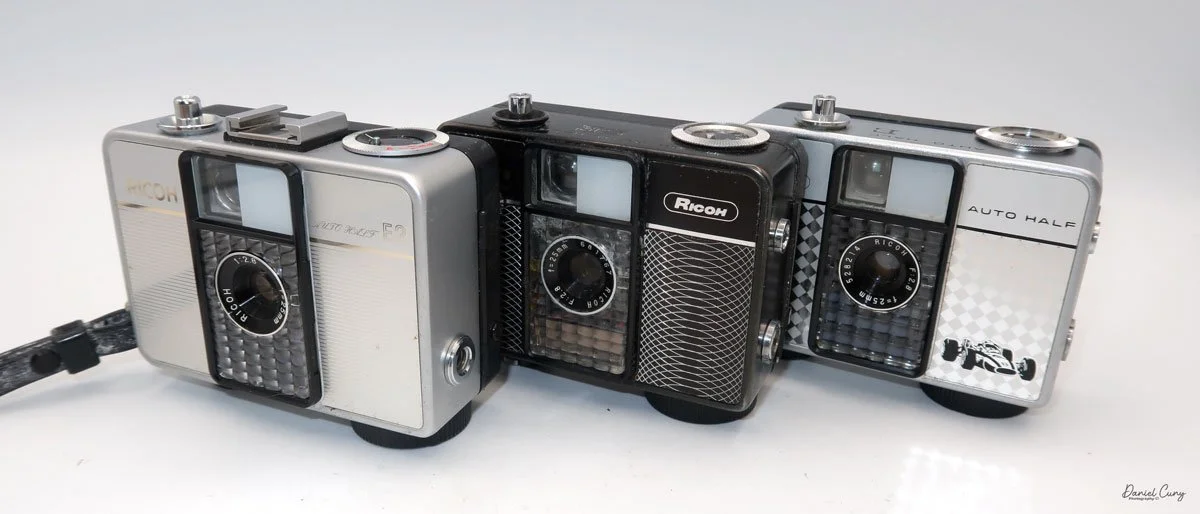
My three Ricoh Auto Half cameras

 Some of the cameras were black with a white geometric pattern on the front, like one of the models I have. Later in the production cycle of the cameras, the production became bolder and more intricate, which kept pace with the signs of the times.

 There was a yellowish-green checkerboard pattern, or some cameras had brown vertical stripes or a wavy pattern, while others had outlandish red and blue colors that appeared to create a dome pattern on the front of the camera. One of the models I saw was named "King Gold," which is a gold color camera with an interesting pattern on the front. Some have a filigree around the border, or a train or race car on the front. All of these models are just fascinating to me, and one of the main reasons I wanted to write about them.

 I own three different models of the Auto Half cameras. I have an Auto Half E model with a diamond pattern and a Formula 1 race car on the front. I have a Black Auto Half SE model with a swirly pattern on the front, and the camera I used for the post was an Auto Half E2 in superb working condition.

I own three different models of the Auto Half cameras. I have an Auto Half E model with a diamond pattern and a Formula 1 race car on the front. I have a Black Auto Half SE model with a swirly pattern on the front, and the camera I used for the post was an Auto Half E2 in superb working condition.

History:

Ricoh's journey into the world of photography began not with cameras, but with sensitized paper. Established in 1936 as Riken Kankoshi Co., Ltd., the company quickly leveraged its expertise in optics, venturing into camera production just a year later in 1937. This early period laid the groundwork for a legacy of innovation and accessibility in the photographic industry. The company, which would be renamed Riken Optical Co., Ltd. in 1938, introduced its first camera, the Olympic Four, in 1939. This simple folding camera marked its entry into a competitive market.

Japanese ad for Ricoh Auto Half camera

 The post-war era proved to be a transformative period for Ricoh. A pivotal moment arrived in 1950 with the launch of the Ricohflex Model III. This twin-lens reflex (TLR) camera was a game-changer. By implementing a revolutionary belt-conveyor system for mass production—a first in Japan's camera industry—Ricoh was able to produce the Ricohflex III at a remarkably affordable price. This move single-handedly democratized photography for the Japanese public, transforming cameras from a luxury item into an accessible consumer good. The Ricohflex III became a massive commercial success, reportedly capturing over half of the domestic market share at its peak and cementing Ricoh's reputation.

 Building on this momentum, Ricoh continued to innovate throughout the 1950s and early 1960s. The company introduced the Ricoh 500 in 1957, a popular 35mm camera notable for its user-friendly features. However, it was the Ricoh Auto Half in 1962 that truly showcased the company's forward-thinking design philosophy. This remarkably compact and lightweight half-frame camera was fully automatic, with automated exposure, focusing, and film winding. Its purse-sized dimensions and ease of use made it a massive hit, particularly with female consumers, and it became a global success.

 These formative years were crucial in shaping Ricoh's identity. From the mass-produced Ricohflex that brought photography to the masses to the stylishly simple Auto Half, Ricoh's early history is a story of creating high-quality, innovative cameras that were not only technologically proficient but also thoughtfully designed for everyday users. This foundation of accessibility and user-centric innovation would continue to define the company for decades to come.

My Camera:

My Auto Half E2 model camera is 3.5: wide, by 3" tall, by 1.5" deep, and weighs 11.9 ounces. The camera is a 35mm half-frame camera that takes a vertical image of  24x17cm on 35mm film. The camera features a fixed focus 25mm F/2.8 lens, which is typical for half-frame cameras.

The Auto Half camera incorporates a selenium cell metering system, which on many of these cameras isn't working due to the age of the selenium cell. It can no longer meter the light, but fortunately, I have one in excellent working condition. The selenium cell is located around the lens. The aperture has a range from F/2.8 to F/22. 

 The ASA (ISO) range for the film speed on the Auto Half camera goes from 25 to 400. The ASA is set on a dial located on the top of the camera.  The other setting on the dial is for "A" or automatic aperture. There are aperture settings on the dial, but these are for flash settings.

The metering is done automatically and sets the aperture to achieve the proper lighting for the subject you're pointing the camera at. When in the "A" or automatic mode, the camera sets the shutter speed to 1/125th and sets the aperture. When you use a flash, the shutter is set to 1/30th of a second, and then you manually set the aperture depending on the distance to your subject.

 According to the Auto Half manual, the only indication that the camera's lighting will be set automatically is a yellow dot appearing in the center of the viewfinder. If the yellow dot doesn't appear, then the camera will not set the proper aperture, and the image will be either too light or too dark. 

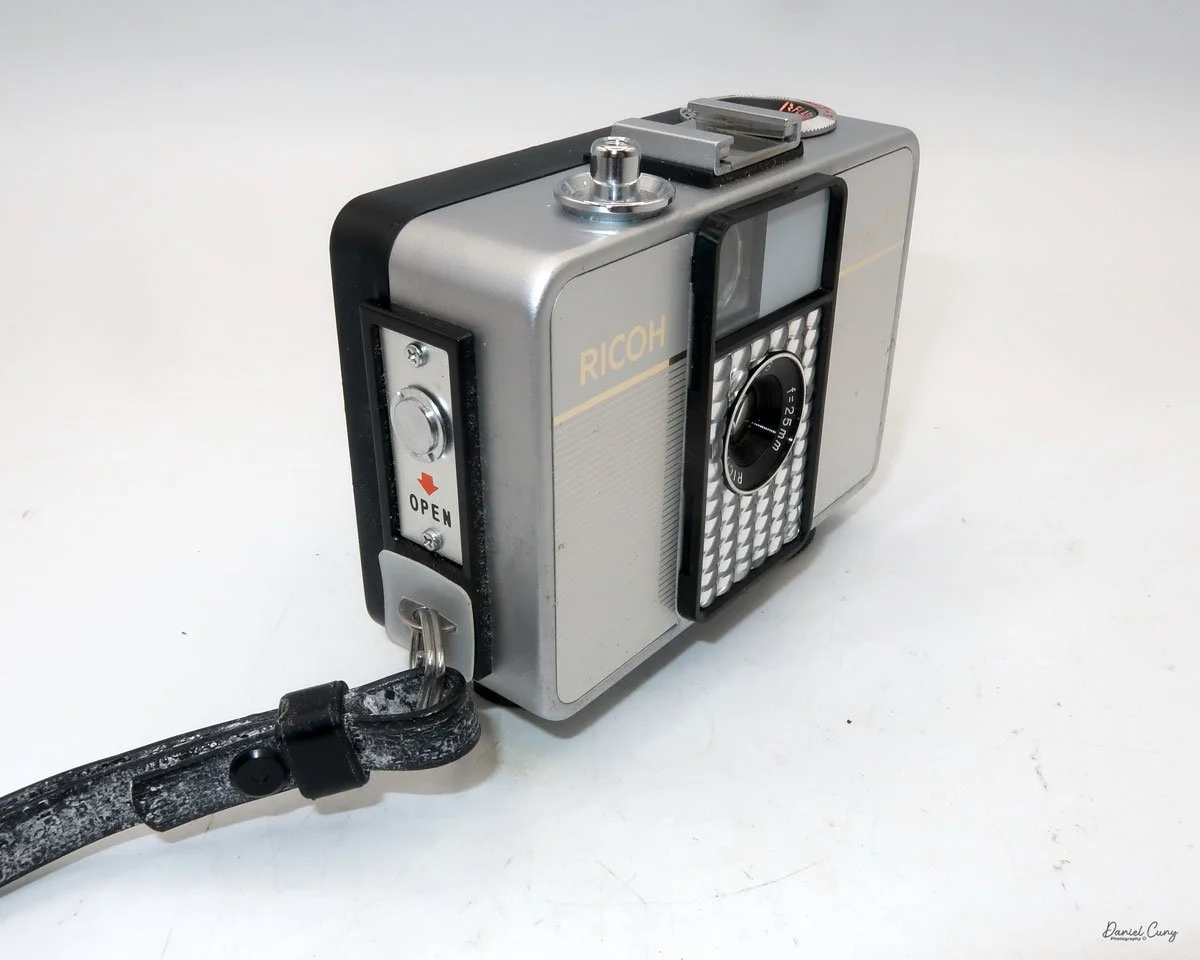
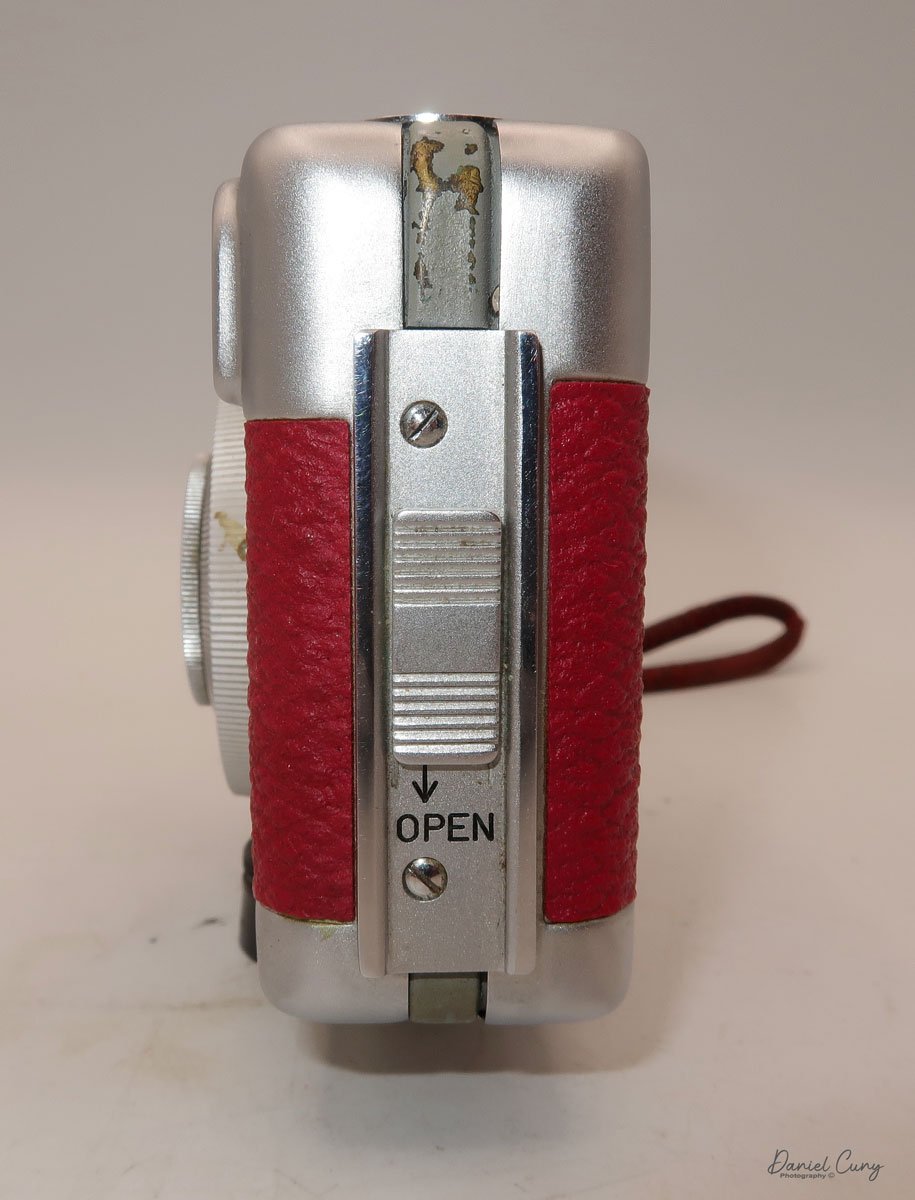
To load film into the camera, there is a lever on the side of the camera that slides down to open the back of the camera. Once open, load the camera as you would any 35mm camera, putting the film cartridge on the right side and slipping the leader under one of the silver tabs on the left. Close the back of the camera, and wind the clock drive winding lever located at the bottom of the camera in a clockwise direction. Continue winding until you can no longer wind. Click the shutter a couple of times to get to your first exposure. You're all set to take photos. The winding motor will last approximately 25 frames before it needs to be wound again.

 The frame counter is right next to the rewind lever. To rewind the film into the cartridge. The rewind release button is in the middle of the winding motor. Press the rewind button, and rewind the film into the 35mm cassette. Once that's done, you can open the back of the camera, remove the film, and have it processed.

My Results:

I loaded the camera with a roll of film and took it with me for a walk around the block with our 15-year-old Pug, Ernie. These walks are getting a bit slower every week, so I had time to snap photos of some of the houses in the neighborhood, as well as many of the flowers in people's yards.

 I wanted to push the limits of the camera and see just how close I could get to capturing a reasonably sharp image. It appears that the minimum focus distance is right around 3-4 feet, even with 200 ISO film in the camera and on a very bright summer day, around noon.

 Here are some of the images I took.

Conclusion:

I think I'm more impressed with this camera than the Canon Demi I did a couple of weeks ago. There was a bright yellow dot in the center of the viewfinder, so I trusted the meter's exposure, which was pretty accurate.

 The focus was pushed, and I received a few blurry images, which I had anticipated, but overall, the camera did a fantastic job. The transport worked flawlessly, the exposures were accurate, the camera fit nicely into my pocket, and all I needed to do was put the camera to my eye, frame the photo, and press the shutter button…Fantastic!!!!

 I'll be using this more often, since it's a small, compact, lightweight, and accurate meter. A real treasure to have in my collection. Now all I need to do is find other models and designs. I think this may be the start of something fun.

 Thank you for taking the time to read about this compact bundle of photographic bliss—a real underappreciated camera from the 1960s.

 If you're interested, you can read more of my camera reviews by clicking on the link.

 I have a store on eBay where I sell some of the cameras featured in my camera reviews, as well as a variety of photo odds and ends. Take a look at Cuny's Camera and Photo.

 Until next week, please be safe.
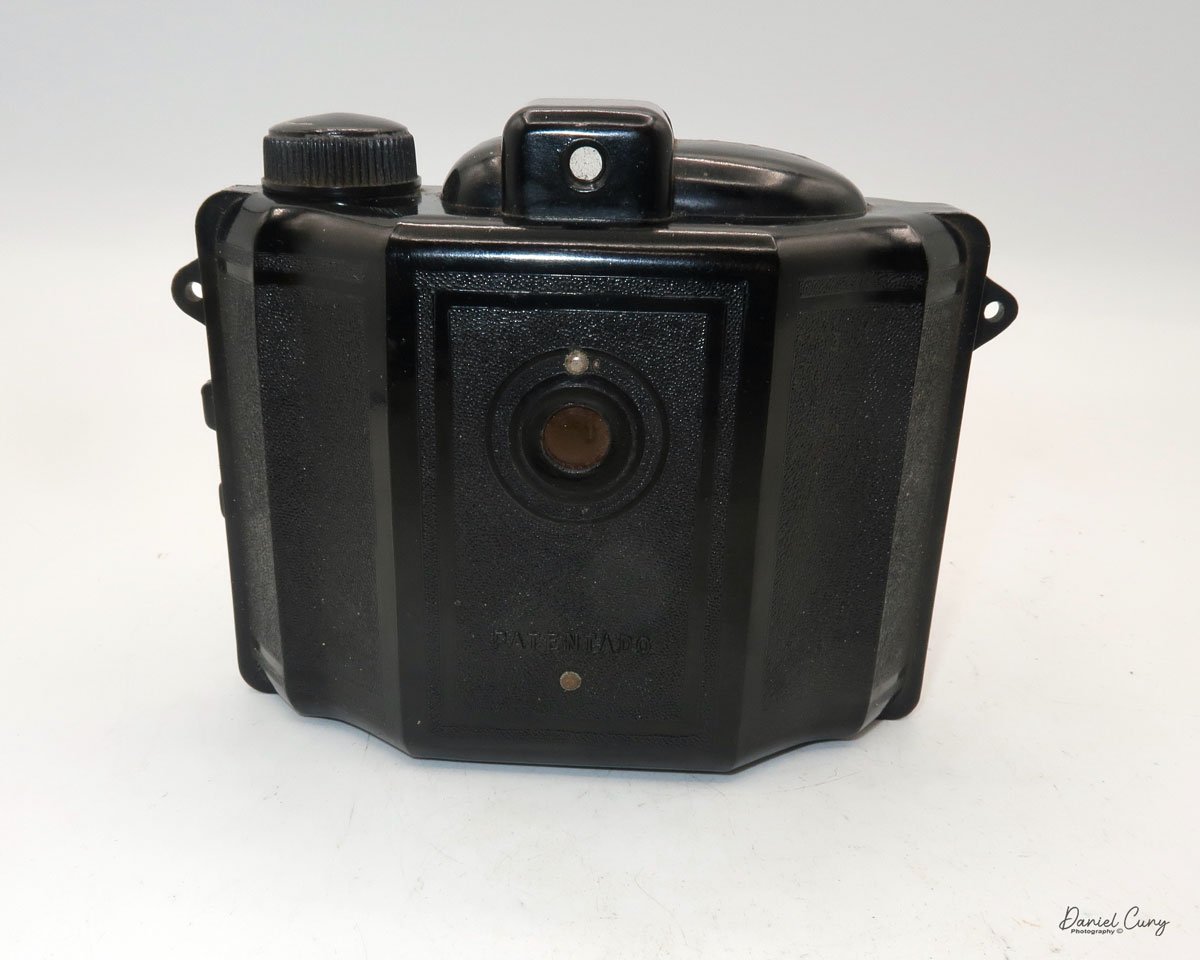
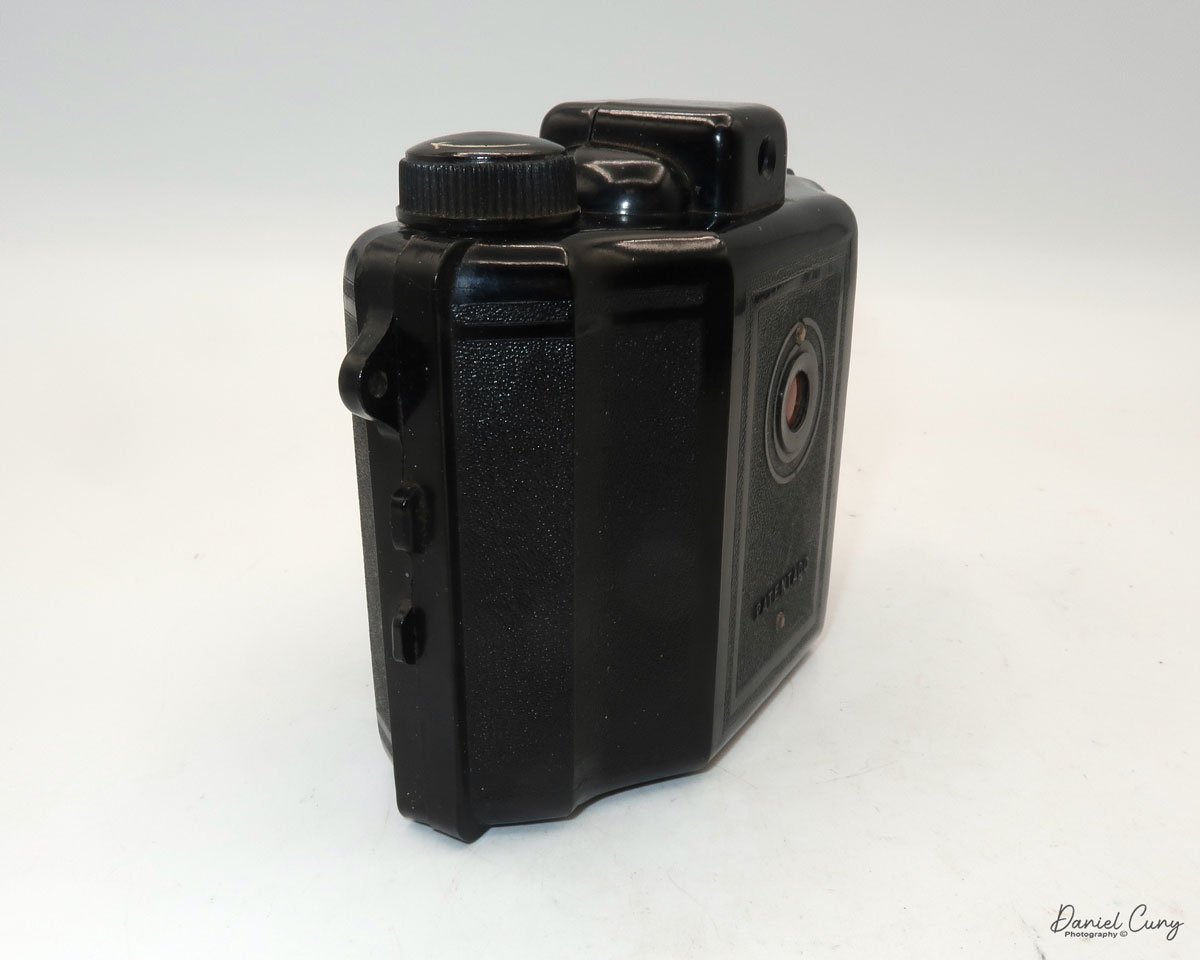
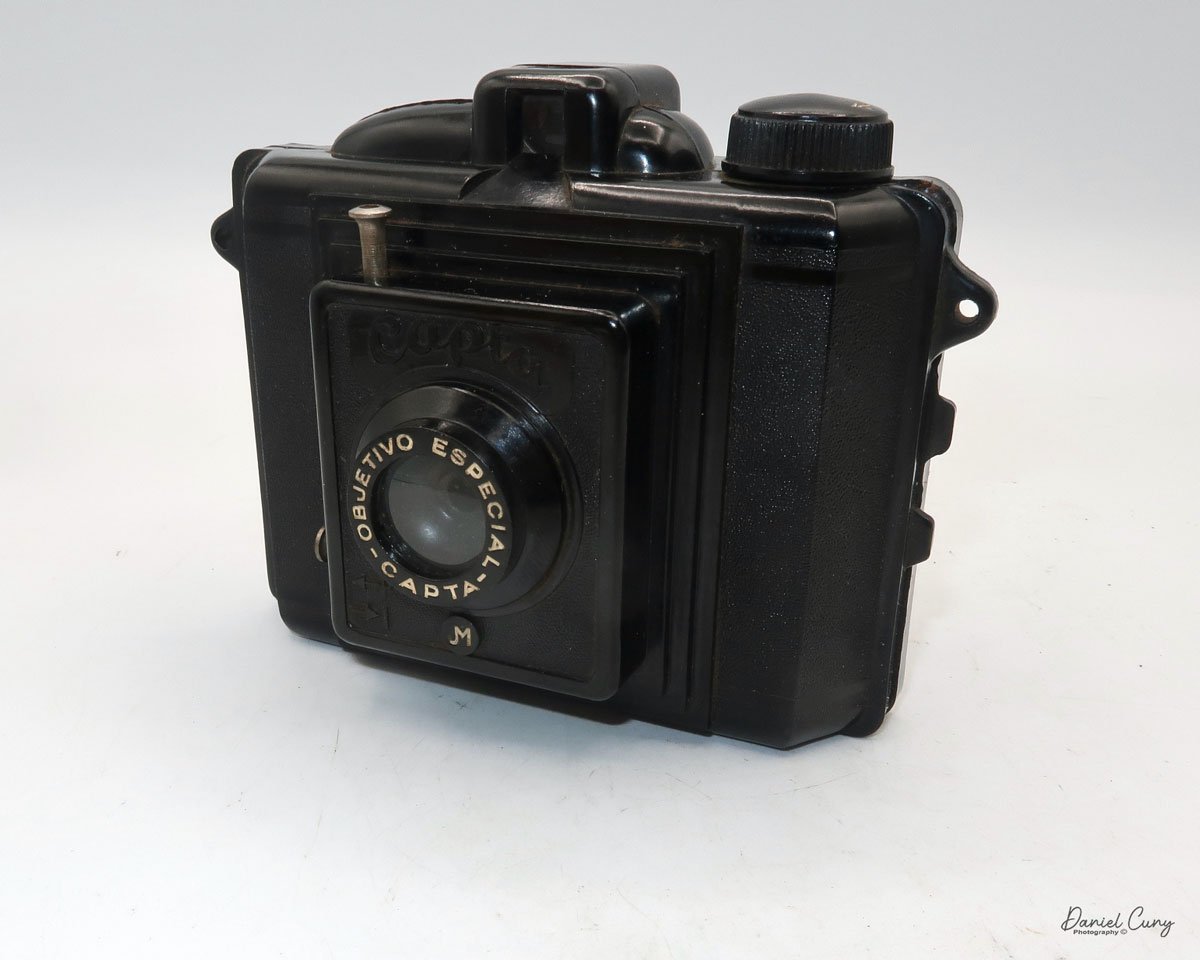
Capta Camera

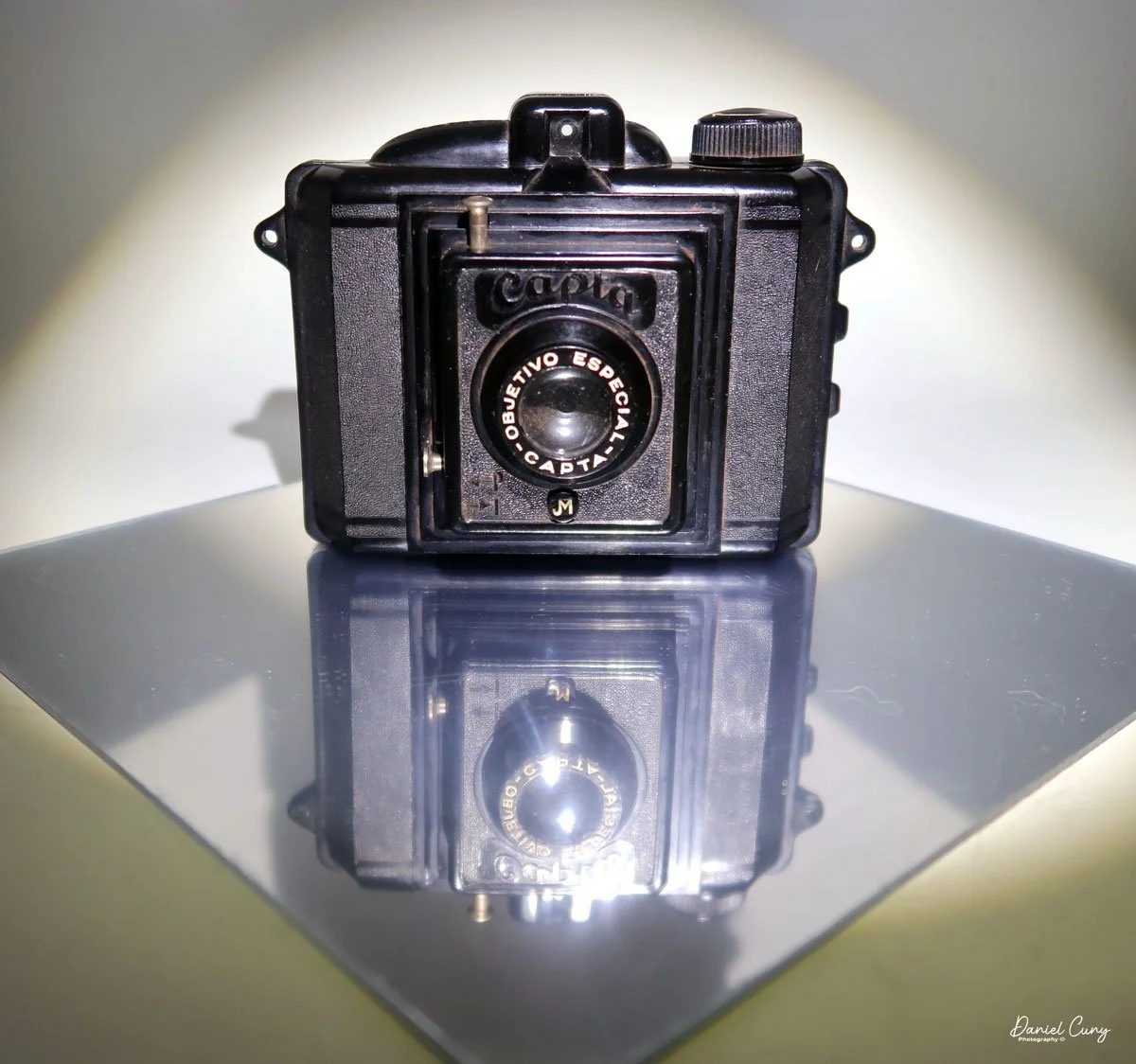
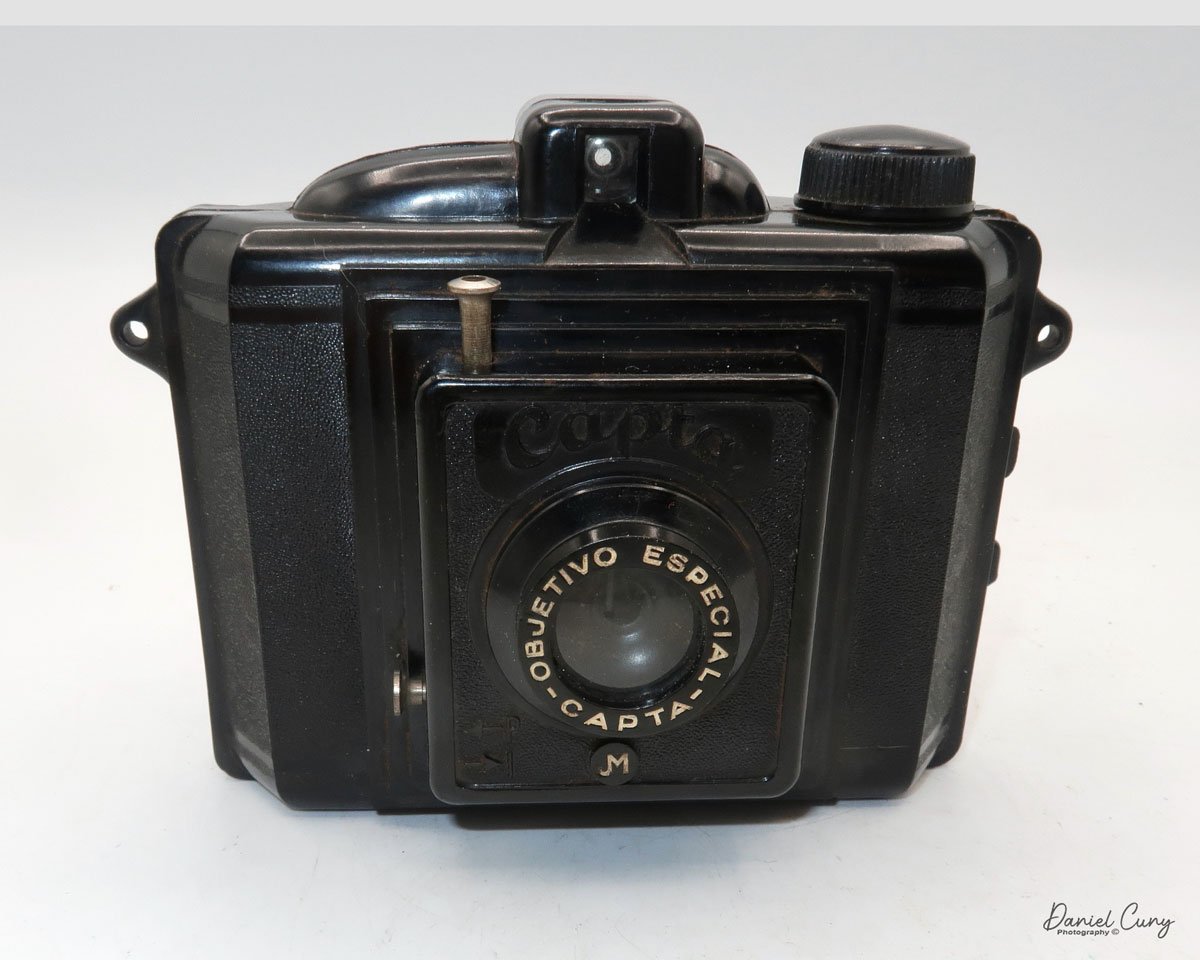
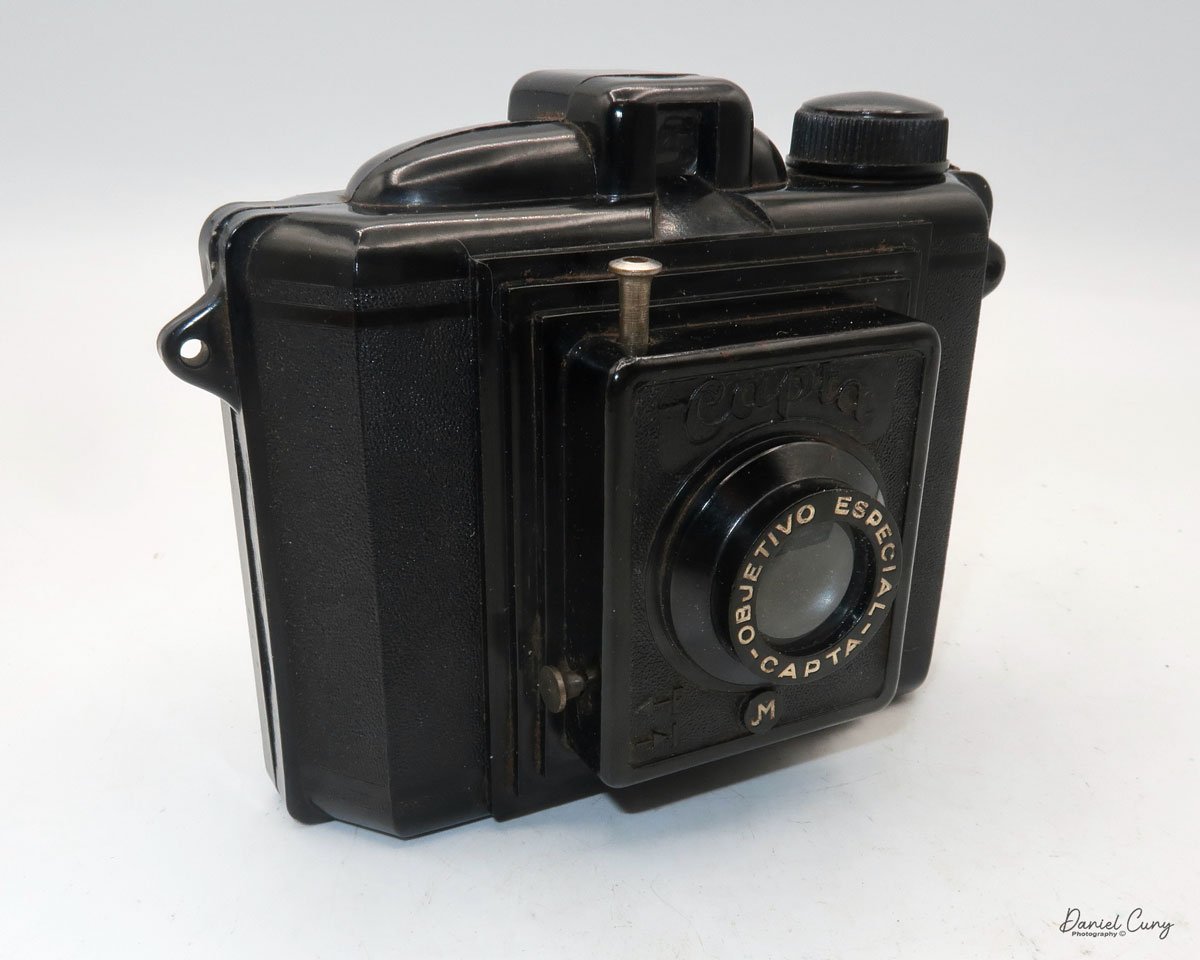
My Capta camera

When visiting another country, I research to find out if there are cameras made in that country that I'm unaware of. If I'm fortunate enough to find one, I can add it to my collection. We were fortunate enough to plan a trip to Barcelona last month, as my wife had a conference to attend and participate in, so I planned on tagging along on the journey to Spain.

 I had a few objectives for this trip, as I'd have time on my own. These objectives were to use my new Fujifilm camera, shoot black and white with my Widelux F7 camera, and attend local flea markets to find Spanish cameras that I wasn't aware of. All three objectives were accomplished. 

 At the local flea market in Barcelona, I stumbled upon a hidden gem-a relatively unknown Spanish Bakelite camera, a Capta camera in a tattered case. The thrill of this discovery was palpable. The camera was in good working condition, took 120 film, and had a 6x4.5 format. I didn't see any chips in the Bakelite. For a decent price, I eagerly made the purchase, already envisioning the stories I would share about this Spanish wonder.

 Upon returning home, I eagerly unpacked the Capta camera. Despite its better-than-expected condition, it was covered in a layer of grime, likely from the leather dust of the case. I  cleaned the camera with a soft cloth, Q-Tips, and lightly soapy water, restoring its original charm. With the camera now sparkling, I was ready to delve into its history and put it to use.

History:

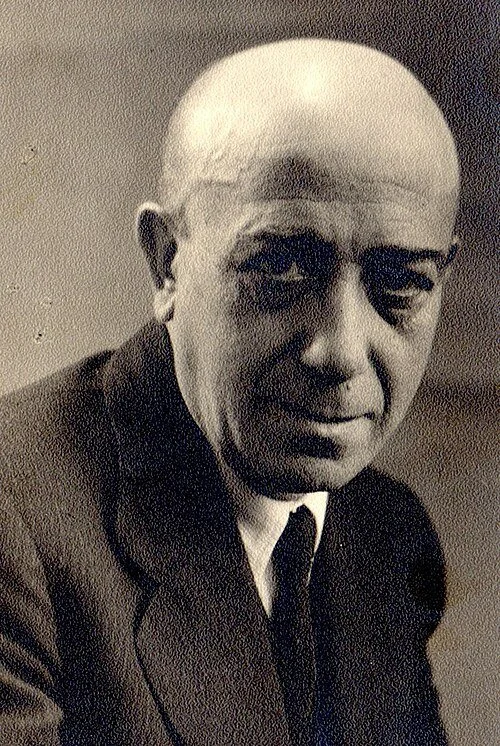
Julio Matutano Benedito

Capta was the brainchild of Valencian pictorialism photographer, Julio Matutano Benedito. Born into a modest family in 1892, he had a passion for art from an early age. At the age of 12, he began his apprenticeship with a local sculptor. Between the ages of 14 and 20, he attended evening classes for artistic drawing at the School of Craftsmen in Valencia. 

 He was an accomplished engraver with his shop in Valencia until he took up photography in 1923, where he honed his craft by taking photos of his family. In 1928, Julio Matutano and a group of his friends formed Foto Club Valencia. Between 1928 and 1936, Julio Matutano won several national and international awards for his photography.

 In 1935, Julio Matutano changed careers. He embarked on designing and manufacturing a new camera company in Spain. His first creation, the Nerva, was a testament to his innovative spirit. This camera, made from stamped aluminum, used 127 film with a 3x4cm format and featured a German Rodenstock lens. It was a true pioneer in its time, selling for 13 pesetas, equivalent to approximately $35.00 in today's dollars.

 In 1942, he designed a wooden camera with a SACO (Sociedad Anónima de Cristales Ópticos) lens, which took 127 film in a 6x4.5 format, named PERFECTA. I couldn't find this camera anywhere, except for the German Perfecta. If you have any information on it, please let me know.

 Julio Matutano registered the CAPTA trademark in 1944. That year, he also designed and introduced the Capta I, a Bakelite camera manufactured by Industrias Sintéticas Abril in Barcelona. The camera featured an optical viewfinder on top and used 120 film with a 6x4.5 format. At this time, the Capta sold for 101 pesetas. Later in 1944, Capta introduced the Baby Capta. I created a smaller version of the Capta, which I named the Baby Capta, featuring a metal face and capable of taking 127 film in a 6x4.4 format. This camera was marketed for a younger audience.

 The Captaflex was designed in 1947. The Captaflex was a Bakelite camera that took 120-size film with an unusual 52.5 x 52.5 cm image area (6x6) format. The camera had a 90mm f/8.5 lens and a helical screw, variable focus lens capable of focusing from 1.5 meters to infinity. The camera bears a strong resemblance to the British-made Ensign Ful-Vue camera. Unfortunately, Julio Matutano died in 1947 before the camera came to market, but his two sons, Julio and Vincente, who had been working in the company since they were 12 and 13. Both sons were artists when they took over the company and moved it to Valencia. From then on, the company's logo was JVM, and the Captaflex was released in 1948 for 375 pesetas.

 The brothers expanded the business during the 1950s, as the resurgence of photography following World War II gained momentum. In 1952, the Capta II was introduced, featuring a coated lens, a focusable lens, and an accessory close-up lens.

 Capta's first 35mm camera, the Capta 35, was introduced in 1953. A 24x24 format camera made of injected aluminum alloy with three shutter speeds and a rectilinear lens. In 1955, the company expanded into other areas and introduced the Capta-Movie. In 1956, Capta introduced the Universal Tank, a film developing tank compatible with 35mm, 127, and 120 films.

 After 1959, the collaboration with Gaspar Mampel ended, and Capta started selling all its products directly to the public. During this time, Capta introduces a microscope, an enlarger, and several other photo-related products. In 1966, the company ceased all production and closed due to extreme financial difficulties.

My Camera:

My Capta camera is 5" wide by 4" tall by 2.75" deep and weighs 10.2 oz without the fitted leather case. The Capta is a straightforward camera with a fixed focus, meniscus lens, and a basic optical viewfinder on top. The camera is a 6x4.5 vertical format camera, and it also has a tripod socket on the bottom.

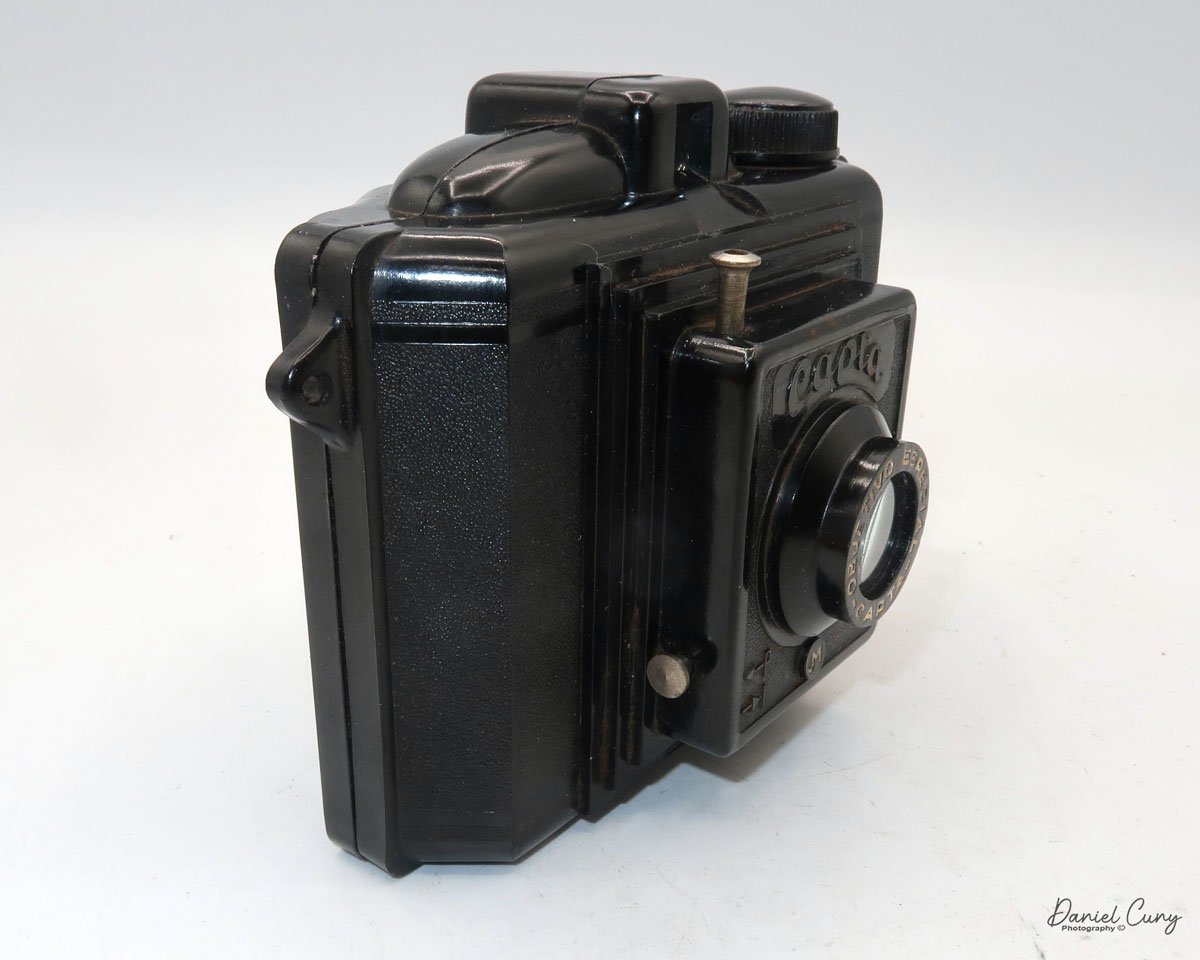
For shutter speeds, the Capta camera has either "I" for instant, or "P" for timed exposures. These are set by pulling out or pressing in a metal bar that sets the shutter's capability, which is on the right side, below the lens. According to my shutter tester, the shutter speed is 1/40 for instant exposures. The shutter release is above the lens at an approximate 11:00 position, and above the "CAPTA" name on the front of the camera. A shutter release cable can be connected to the shutter release for timed exposures.

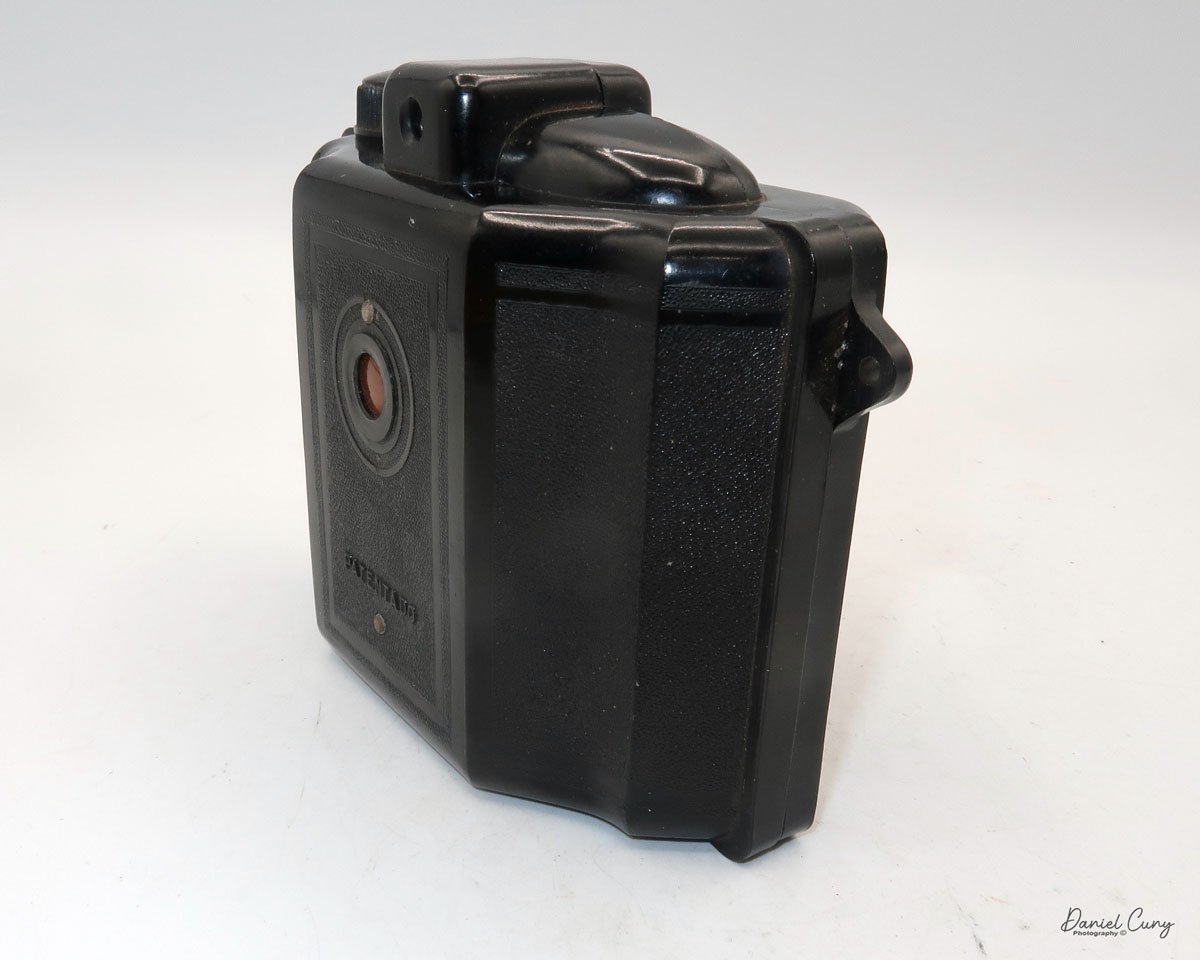
To load the camera with film, the back is held to the body with friction. There is no locking mechanism on the camera that secures the back onto the body. On the side of the camera are two small tabs. Push these two tabs apart, and the back separates from the camera body, exposing the area where you load the film. When the camera back is off the body, and you're ready to load film into it. There are three "wings" that can be pulled up to insert the film. These wings make it easier to load the film as opposed to trying to jam the film roll into one of the sides of the camera. There was an interesting empty spool in the camera from a film manufacturer I wasn't aware of. The spool is from Infonal, a Spanish film manufacturer in Barcelona.

The side with the take up spool and winding knob only has one wing that lifts to help load the film. Loading the empty spool is a bit more challenging, as the winding knob doesn't lift to assist with loading the empty spool. After a bit of wiggling, the take-up spool fit into the correct position. Once the film is in the camera, all you need to do is press the back onto the body, and friction hold the back in position.

 The red window on the back of the camera seemed low for the numbers on my roll of film. Still, I was able to see the numbers as they passed and stopped at the appropriate places to capture the whole roll of images on the film.


My Results:

I loaded a roll of T-Max 100 film into the camera and took it for a walk through the neighborhood. I should have given the camera one more Spanish experience by purchasing a roll of 120 film at Casanova Camera in Barcelona and trying it out there; unfortunately, I didn't think of it, so I was forced to use the camera in my neighborhood.

 After developing the negatives, I was pleasantly surprised by the results. While the images were relatively sharp in the center, the fall-off of sharpness is rapid as you move to the outer portions of the image, making this a wonderful Lomography camera. It almost has a very dreamy effect on the outer edges which I personally like.

Conclusion:

The camera was enjoyable to photograph with. Using the camera was really applying photography's basic rules, which include ensuring the sun is behind you, framing the image in the viewfinder, pressing the shutter release, and winding to the next frame. In today's world, we'd call this a "point and shoot" camera, as it has no settings. Am I taking photographs or snapshots? Does this make it better or worse? That could be a topic for discussion on another day.

 My trip to Barcelona was a successful one. I photographed many beautiful areas of the town, uploaded my favorite Widelux Images of Barcelona, and purchased a relatively unknown and simple Spanish camera to add to my collection.

 Click on the link to see other cameras I've reviewed from my collection.

 If you're interested in older and collectible cameras, I do have a store on eBay, Cuny's Camera and Photo, where I sell cameras, lenses, and other camera items.

 I'd love to hear from you. If you have a question, comment, or concern, please don't hesitate to contact me.

 Thank you for taking the time to read about this little known Spanish camera.

 Until next week, please be safe.
Canon Demi camera

My Canon Demi camera.

I've never really been a big fan of Canon cameras, as I've always been a Nikon person. In my opinion, Canon cameras weren't well-made, especially in the 1960s, when this camera was manufactured. Their line of early rangefinder cameras has nice optics and is comfortable to shoot with, but I just prefer the Nikon line.

 One of my frustrations with Canon was working in a camera store during the 1970s, when the unbelievably popular Canon AE-1 was introduced. For over a year, the camera was the top seller in our chain of stores as we couldn't keep them in stock, and people absolutely loved it. Personally, I think that Canon held back production on the camera to add to the mystique of having a camera "hard to get", which added to the popularity of the camera. Daily, we had so many questions about that camera. Today, I could do a demo on the camera with my eyes closed.

 I don't remember the exact year I purchased the Canon Demi camera, but I know I've had it for several years.  My guess is it's been about 8-9 years. I do remember, I purchased the Canon Demi camera at a flea market, mainly because the camera was red, and I'm a sucker for colored cameras. Checking out the camera at the time, it had the original red camera case, and the person who sold it to me said the camera's meter wasn't working.

 Having had many cameras with a selenium cell light meter, they tended only to last around 20 years or so until the selenium cell loses the ability to read light and work in cameras. I wasn't worried about that at the time of purchase, as the primary motivation to purchase the camera was that it was red and had a red case.

 The Canon Demi was introduced in February 1963. The camera has a sleek and modern design from this expressive period.  The camera has rounded corners and a straightforward point-and-shoot viewfinder with a zone focus system. It wasn't made to be a professional camera with built-in focus capabilities, but for the family and photo hobbyist. A selenium match needle metering system was easy to operate, keeping costs down for the consumer. By the end of 1963, the Canon Demi came in four colors: traditional, black, white, blue, and red. These colors didn't last long and were quickly discontinued.

My Canon Demi with wrist strap, and 27mm UV filter

 Another advantage of the Canon Demi was that it was Canon's first half-frame camera, introduced four years after the Olympus Pen camera in 1959. Rolls of film at that time had either 20 or 36 exposures, so shooting 40 or 72 photos on a roll of film was excellent and considerably less expensive for the family to use.

 In September 1964, Canon introduced the improved Demi S, which had a 30mm f/1.7 lens and an improved metering system. 

 In April 1965, the Demi  C, with interchangeable lenses, was introduced. You had the standard 28mm f/2.8, and a 50mm f/2.8  was available for the camera.

 The Demi Rapid, with a rapid loading system, battery-operated CD meter, and self-timer, was released in June 1965.

 May 1966 saw the release of the very popular and top-of-the-line Canon Demi EE17. This camera was the same as the Demi Rapid without the rapid loading system. 

In April 1967, Canon returned to the original style with the Demi EE28, back to the Selenium cell metering system, and a 28mm f/2.8 lens. In four years, Canon introduced five different models of the same camera, which were very similar to what the auto industry was doing then.

History:

Canon Inc., a large Japanese multinational corporation, has played a significant part in the evolution of camera technology. The company's journey in the camera industry began in the 1930s and has since developed into one of the most recognized names in photography worldwide.

 Canon's first camera, the Kwanon, was developed in 1934 by a small team of Japanese engineers. It was Japan's first 35mm focal-plane shutter camera named after the Buddhist goddess of mercy. Although it was never mass-produced, it laid the foundation for Canon's future success. In 1935, the company adopted the name Canon, signifying precision and excellence.

Canon ad for Canon Demi

During the 1940s and 1950s, Canon focused on refining its rangefinder cameras. The Canon II, released in 1946, helped the brand establish itself as a competitor to German camera makers like Leica. In the 1950s, Canon began to diversify its product line. By 1959, it introduced the Canonflex, its first single-lens reflex (SLR) camera—this marked Canon's entry into a growing market that prized versatility and interchangeable lenses.

 The 1970s and 1980s were transformative decades. In 1971, Canon launched the F-1, a professional-grade SLR that rivaled Nikon's offerings. Later, in 1976, the company released the AE-1, one of the world's first cameras with a built-in microprocessor. The AE-1 was affordable, reliable, and popular with amateur photographers, helping Canon grow its user base significantly.

 In 1987, Canon introduced the EOS (Electro-Optical System) line, beginning with the EOS 650. This groundbreaking autofocus SLR system used a fully electronic lens mount and paved the way for future innovation. The EOS series would become one of history's most successful camera lines.

 Canon embraced digital technology in the 1990s and 2000s. The release of the EOS D30 in 2000 marked Canon's serious move into digital SLRs. This transition peaked with iconic models like the EOS 5D series, which brought full-frame digital photography to a broader market.

In the 2010s and 2020s, Canon adapted to mirrorless technology, introducing the EOS R system in 2018. This full-frame mirrorless platform represents the company's latest push to stay at the forefront of imaging technology.

 Today, Canon continues to be a leader in photography, producing a wide range of cameras that cater to everyone from beginners to professionals, while also advancing imaging technology across multiple industries.

My Camera:

My Canon Demi camera is 4.5" wide by 2.75" tall and only 1.5" deep, including the compact 28mm f2.8 lens. It weighs 14.4 oz and is not adorned with frills, bells, or whistles. It's a very typical 35mm camera with a zone focus system and shutter speeds ranging from 1/250 to 1/30. The aperture settings range from F/2.8 to F/22.

The zone focus is set by moving the lens to either a mountain for infinity, three people for a group, or one person for a portrait, and these symbols are set around the lens.

The camera uses a match needle system. You point the camera at your subject, and when you turn the dial around the outer ring of the lens, the shutter speed and aperture are set to the ASA/ISO you set within the exposure ring.

The back door latch is on the left side of the camera, which unlocks and opens the film door to load film into it. Drop the 35mm cassette into the camera's left side and bring the leader to the take-up spool. Slide the end of the film leader into the slot on the take-up spool. Make sure the film sprockets are on the back drive gear. 

 One thing I do to make sure the film is moving in the camera is take up the slack by winding the rewind knob a few turns to take uo the slack in the film cassette. That way when you close the back of the camera and wind the camera to get it to the first frame, watch the rewind knob turn so you know the film is advancing in the camera. Checking the rewind knob is a good thing to do with any 35mm camera. I can't tell you how many times I've seen where people think the film is advancing, but the film wasn't loaded correctly, and no images were ever recorded on the film.

Once you've taken all the photos on your roll of film, press the button on the bottom of the camera. This releases the winding gear inside the camera so you can easily rewind the film back into the film cassette. If you don't press the rewind button, you'll tear all the film sprockets on the roll of film, making the process more difficult. After the film is rewound into the film cassette, open the back and load a new roll of film.


My Results:

I took this camera on my trip to Barcelona this week, partly because I had a roll of older Plus-X film with 20 exposures, and the second reason was the camera's shutter works, but the meter doesn't. I wanted to experiment with some of the exposures to see if I could get exposures on the roll of film. It probably wasn't the best idea to try a 40-50-year-old roll of film under these circumstances, but I wanted to write about the camera and didn't want to shoot 72 exposures to get bad results.

 The results turned out pretty well, and the camera meter is in decent condition, as many of the images turned out pretty well. However, the film is pretty grainy for being ASA 125. Nonetheless, here are a few photos from walking around one of the main shopping areas in Barcelona.

Conclusion:

My expectations for the camera weren't high, so I was pleasantly surprised by its relatively easy-to-use nature. Basic focus and a match needle meter make this compact camera very fun and easy to use. 

 If you enjoy vintage manual cameras, this is one to put in your coat pocket or hang around your neck. It gets twice as many photos from a roll of film and records memories for the photo albums. It is another excellent camera to use on a daily basis.

 Thank you for taking a few minutes to read about this fantastic, compact half-frame camera. A faster lens would have been nice, but it's unnecessary under most circumstances.

 I also sell cameras on eBay under Cuny's Cameras and Photos. Take a look, and you may see something you are interested in or a camera or two that piques your interest.

 Click on the link to read about some of the other cameras reviewed.

 Until next week, please be safe.
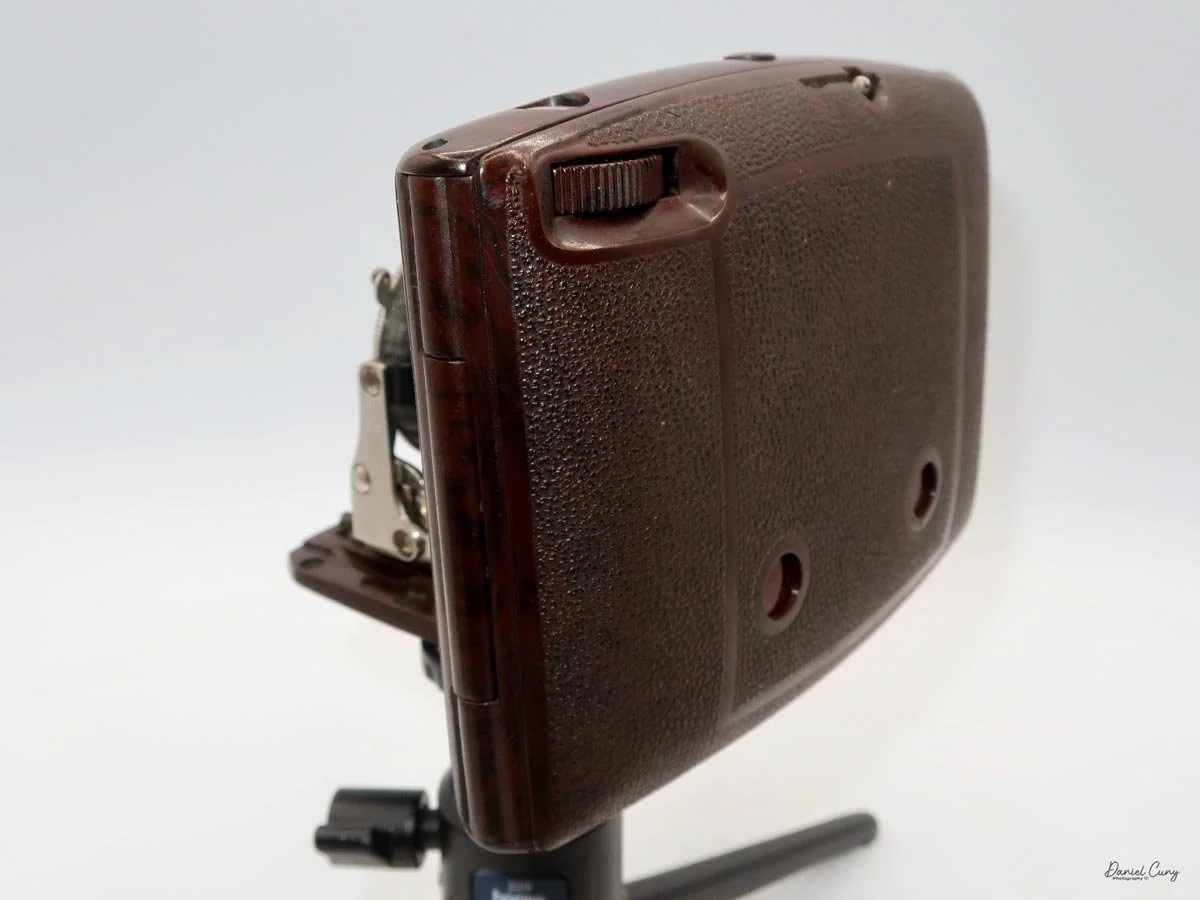
 

Bolsey 8 Camera

My Bolsey 8 camera

Being a big fan of Bolsey cameras, I was thrilled when a Bolsey 8 camera showed up unexpectedly with a "lot" of cameras purchased online. It was buried in the photo, and all you could see was part of the case, so to my surprise, I picked up the camera and unzipped the case to find a somewhat rare Bolsey 8.

 I've owned several different Bolsey cameras and even written about a couple in my weekly camera blogs. One is the Bolsey Flex-Trio, which I had in the original box with the flash. Just a year or so ago, I wrote about the unusual Boley Model C twin-lens camera. Both cameras are very well made, and I've always enjoyed shooting with them and having them in my collection.

 In 1956, the Bolsey 8 camera was marketed and sold as the only miniature 8mm movie and still camera made. There was even a "Lady Bolsey 8" camera sold in the United Kingdom, which I'll need to keep my eye out for a possible future purchase.

 There are many movie cameras that have single-frame capability, which is used in animation. Still, none of them that I'm aware of can change to different shutter speeds when using the camera in the single frame mode. The Bolsey 8 has just that capability and is extremely small and compact. There's an excellent website for subminiature cameras at www.submini.com, and if interested, they have a copy of the Bolsey Manual.

History:

The Bolsey Camera Company was established in 1947 in the United States by Jacques Bolsey, born Yakov Bogopolsky in Kyiv, Ukraine, in 1895. Bolsey's journey into camera design began in Switzerland, where he initially studied medicine but soon shifted to mechanical engineering and photography. 

 In the 1920s, he designed the Cinegraphe Bol, a 35mm cine camera, and later developed the renowned Bolex line of movie cameras, which became highly regarded for their precision and durability. After selling the rights to Bolex to Paillard in Switzerland, Bolsey contributed to developing the Alpa camera before immigrating to the United States in 1939.

 In America, Bolsey worked for the government during World War II, designing aerial and ground photography cameras. He then founded the Bolsey Camera Company to produce user-friendly, affordable, and durable cameras for the consumer market. The company's most iconic products were compact 35mm rangefinder cameras, such as the Bolsey B series (B, B2, B22, Jubilee), which featured cast aluminum bodies, coupled rangefinders, and built-in flash synchronization—a rare feature at the time. 

 The Bolsey C series combined twin-lens reflex (TLR) and rangefinder designs. The company also produced subminiature cameras using 8mm film and pseudo-TLR models like the Bolsey-Flex.

 Bolsey cameras gained popularity in postwar America for their accessibility and portability, appealing to amateur photographers and families. However, by the late 1950s, the company struggled to compete with the influx of advanced, competitively priced cameras from Japanese manufacturers. 

 Although the Bolsey Camera Company ceased operations in the early 1960s, its innovative designs and commitment to democratizing photography left a lasting legacy. Today, Bolsey cameras are prized by collectors for their unique blend of engineering, aesthetics, and historical significance.

My Camera

My Bolsey 8 camera is 3.25" tall by 2.5" deep by 1.25" wide and weighs 12.3oz. The camera is tiny yet easy to hold and extremely well-built. The Bolsey 8 has a clock drive spring motor that advances the film cartridge in the camera. My Bolsey 8 camera has a Bolsey Elgeet Navitar 10mm f1.8 lens. A wide-angle lens (6.5mm) and a telephoto lens (20mm) were also available for the camera. The serial number on my camera is 08823, stamped on the back of the camera just under the viewfinder.

The Bolsey 8 camera has variable shutter speeds, which include 1/600, 1/300, 1/200, 1/100 & 1/50. These are set on a small dial just above the lens. The Bolsey 8 also has an aperture range from F1.8 to F22. A large wheel sets the aperture on the side of the camera body, showing what aperture the user has the camera's lens set to. In between the lens and the aperture settings are the focus marks for the distance you are from your subject. The focus on the lens needs to be set from one foot to infinity, with another setting in between, for landscape, group, or portrait. You cannot miss this in front of the camera. 

Also, on the front of the camera, below the lens, is a wheel that turns with "M" on the top, "L" in the middle, and "S" on the bottom. To use the camera as a movie camera, turn the wheel to "M," and for still photography, turn the wheel to "S." Press the button to activate the shutter on the camera in either the "M" or "S" modes. "L" locks the camera's shutter so you can't accidentally run the camera while the camera is in your pocket or fitted camera case.

 On the right side of the camera is the large winding key, which you turn clockwise to wind the motor. In the back, in the top corner, is the footage counter, which tells you how many feet of film are still available to use on the roll.

On the left side of the camera is nothing more than the Bolsey logo on a metal label on the top left front of the camera, and on the bottom right back of the camera is a window that allows you to see the recommended exposure settings information imprinted on the special Bolsey 8 film cartridge. To take the side of the camera to load the film, you pull the side off the camera by pulling from the small knob on the top of the camera. The back will come off, and you can insert the film magazine into the camera body. Then, just snap back on the side of the camera for shooting.

 The film used in the Bolsey 8 camera is a single 8mm magazine of 25 feet. The roll of film that was still in my camera was Kodachrome 25, which is a fantastic still film and one used extensively in the late 1950s and early 1960s. I can remember it's a film my dad used in our family movie cameras.

Results:

The camera wasn't used because the film in it is very old and Kodachrome, a type of film for which processing is no longer available, is not available. 


Conclusion:

I can tell you the camera was in good working condition. All the shutter speeds worked, and the lens was clean, so it would have been fun to try it out and see what results you could expect.

 Thank you for taking a few minutes from your day to read about this two-in-one camera. It is an excellent still and movie camera built into one small, dynamic package.

 I'd love to hear from you about this or any other cameras I've written about. Click on the link to read other camera reviews I've done.

 I also have an online store called Cuny's Camera, where I sell old, vintage cameras, lenses, and other knickknacks.

 Until next week, please be safe.
Contessa Nettel Cocarette I DeLuxe

My Contessa Nettel Cocarette I DeLuxe camera

As I've mentioned in other posts, colored cameras are some of my favorite cameras to collect. That's a good thing when the camera is a different color than the standard drab black camera and a beautiful, rich brown-toned camera. When the camera is a rich brown-toned camera and is a rarer version, that makes the camera even more special to me. When the camera is a rich brown tone, a rarer version of the black model of the same camera AND, the camera is in good working condition and has a clean lens, then to me, it's, as we say in the U.S. and to use a baseball term  "a real home run."

 The Contessa Nettel Cocarette I Luxus camera was purchased from a seller in Florida five or six years ago. I purchased this camera along with a few other wonderful cameras, like the Zeiss Super Nettel, a Zeiss Tenax II, a Zeiss Nettax, and a few others, which were real gems in my collection for a long time until I sold them, which at times I look back and regret. That's all part of the collecting world.

 The camera appeared to be in great working condition. The bellows seemed to be light-tight, the aperture moved smoothly, and the camera came with an upgraded Carl Zeiss Jena Tessar lens and a Compur shutter, which, upon inspection, were in excellent condition. Also, the exterior leather was without tears and with minor scuffs, and the Cocarette I handle on the camera was still intact.

 When I received the camera, I wanted to find out more about the camera, so as I usually do, I saw if there was a manual or catalog on the camera. My go-to website for camera manuals is www.butkus.org , which has an extensive collection of manuals. They did have the Zeiss Cocarette manual,

According to the manual, Contessa Nettel made three different Cocarette models, each with four cameras of various sizes.

 The three  Cocarette models are:

Special: Called I/0, II/0, III/0, and IV/O, covered in black leatherette and with hinged metal front.

Standard: Described as Cocarette I, II, III, IV, With real black leather coverings, leather bellows, and hinged "Stirrup" front.

DeLuxe: Styled respectively "de Luxe" I, "de Luxe" II, "de Luxe" III, and "de Luxe" IV. This type is covered in the finest brown Morocco leather and has bellows of the same. ​ All the edges are bound in German silver.

 The different negative sizes of the models described above are as follows:

l/0, I and "de Luxe" I . Film 3 1/4 x 2 1/4 inches

II/0, II and "de Luxe" II . Film 4 1/4 x 2 1/2 inches

III/0, III and 'ode Luxe" III . Film 4 1/4 x 3 1/4 inches

IV/O, IV, and "de Luxe" IV. Film  5 1/2 x 3 1/4 inches

History

Contessa-Nettel AG was a prominent German camera manufacturer based in Stuttgart. It was formed in 1919 by merging two influential companies: Contessa Camerawerke Drexler & Nagel and Nettel Camerawerk. This merger combined the innovative strengths of both firms—Contessa Camerawerke, founded by Dr. August Nagel, and Nettel Camerawerk, known for its advanced strut folding cameras and focal plane shutters. Dr. Nagel, who began his camera design business 1908 as Drexler & Nagel, quickly rebranded it as Contessa Camerawerke before acquiring Nettel in 1919 and establishing Contessa-Nettel AG.

Ad showing the different negative sizes.

 Contessa-Nettel became renowned for its diverse and technically advanced range of cameras. The company offered approximately forty different models, including many variations of the Cocarette, a folding camera that became one of its most famous products during the 1920s. Other notable models included the Deckrullo-Nettel series, which featured self-capping focal plane shutters—a significant innovation. The company also specialized in stereo cameras and produced various compact and portable designs, such as the Piccolette and the Stereax.

 The Deckrullo-Nettel cameras, initially developed by Nettel, continued to be produced under the Contessa-Nettel name after the merger. These cameras were admired for their engineering, particularly their strut folding mechanisms and reliable shutters. Contessa-Nettel's products were recognized for their build quality and design excellence, reflecting Dr. Nagel's eye for detail.

 In 1926, Contessa-Nettel became part of Zeiss Ikon, a new conglomerate formed by merging several major German camera manufacturers, including ICA, Ernemann, and Goerz, alongside Contessa-Nettel. This consolidation aimed to strengthen the German photographic industry and create a powerhouse capable of competing internationally. After the merger, many Contessa-Nettel designs and models continued under the Zeiss Ikon brand, and the Stuttgart factory became a critical Zeiss Ikon site.

 Although Contessa-Nettel, as an independent brand, ceased to exist after 1926, its influence persisted. Feeling out of place at Zeiss Ikon, Dr. August Nagel left to establish the Nagel-Werke factory, which Kodak later acquired. Nagel's subsequent innovations, such as the Kodak Retina and the first pre-loaded 35mm film cassette, trace their lineage to the design philosophy he honed at Contessa-Nettel. The Contessa-Nettel name also lived on in Zeiss Ikon's product lines, most notably in the Zeiss-Ikon Contessa cameras of the postwar era.

 Contessa-Nettel's history is marked by technical innovation, quality craftsmanship, and a legacy that shaped the evolution of camera technology in the 20th century.

My Camera:

My Contessa Nettel Cocarette I Deluxe camera is 6 5/8" long by 3.5" wide, 1.5" deep when closed, and 5.5" deep when opened, with the lens extended from the body. It weighs 1 Lb. 6 oz. My camera's serial number is 422872. It also has a Carl Zeiss Jena Tessar 10.5cm f4.5 lens, serial #588166.

 To open the camera, there is a button on the side of the camera, which is similar to another folding camera, which you press, and the front door opens, exposing the front of the camera. Just below the shutter is the company name, Contessa Nettel, and on either side of the name are two knobs which you grab and pull the front standard of the camera out from the camera body until they stop. You're now ready to take a photo if you have film loaded into the camera

Pulling the front standard from the camera body lets you see the controls on the camera much better. Looking down at the camera, you have a bright waist-level viewfinder with indents on each corner representing a vertical or horizontal format for framing your photo. Currently, the camera is in the vertical position or, in modern terms, in portrait mode. The viewfinder can also tilt to the side if you plan on using the camera in the horizontal position to photograph in landscape mode. Right next to the viewfinder is a red bubble level to ensure the camera is level for straight photos and does not have crooked horizon lines.

On the camera's bed, just to the right of the shutter, is a focus lever, which allows the photographer to get closer to their subject and take clear photos. The focus lever can go from 2 meters to infinity, with a few different distances in between.

 When you look at the front of the camera and focus on what is on the Compur shutter, on the right side is the shutter release lever, and on the left side is a dial with Z, D, and M. These are used for different shutter functions. Z opens the shutter when you release the shutter lever and closes when you pull the shutter release again. D opens the shutter when you pull down on the shutter release and closes when you release it, and M is for the more normal use of the shutter speeds built into the shutter. The shutter speed ranges from 1 second to 1/250. All the shutter speeds on the camera seem reasonable, even the 1 sec, which is fantastic for a 100-year-old camera.

A small lever is on the bottom of the shutter. Sliding the lever from one side to the other changes the aperture setting, which you can see on top of the shutter. The camera's operations are very easy to see while holding it. You can view the shutter speed, the aperture settings, the focus distance, the viewfinder, and the bubble level, all while composing the photo in the vertical or portrait position.

 On the right side, as you're holding the camera, is a chrome knob on top of the lens standard. This slightly raises the camera lens, which will correct for vertical distortion. It doesn't do much, but it gives you a little movement in several of the better-quality folding cameras from this era.

For horizontal photos, you can swing a wire finder around the lens. On the back of the camera, a small eye finder slides out to create an action or sports finder from the two pieces. Using the camera in this position is a bit more clumsy due to where the shutter release is positioned.

Eyepiece on back up, and wire frame in place for action photo.

Fortunately, the Cocarette I cameras can use the popular 120-size film. The film chamber slides out from the camera body to load the film. On the left side of the body is a lever that you slide to unlock the film chamber from the body. Once the film chamber is unlocked, it can slide up to reveal the take-up spool and the film area. To put the film in the film area, there are holders that you flip up to get the take-up spool and the film into the respective areas.

 When loading the film, slide the paper packing under the thin channel to keep it flat across the opening. Another oddity of this camera is a large cut-away on the top of one of the corners of the exposure areas. I don't understand why this is there, as it did produce the cutout on the negative. If you know why that is there, I'd love to know. It may have had something to do with the older films of that time.

Once the film is loaded into the film back of the camera, slide it back into the camera and lock the back onto the camera body to prevent it from getting exposed to light. A small square red window with a cover is on the back of the camera. Winding the film with the take-up spool will take you to the number 1 photo, and now you're ready to make your first photo.


My Results:

I loaded the camera with a roll of Rollei RX100 film and walked through the neighborhood with my trust Sekonic L-308 meter. The day was somewhat overcast, so the contrast in the images wasn't the best. I also used the focus control on the camera. Since the day was cloudy, the settings on many of the photos were a shutter speed of 1/100 and aperture settings of f/4.5, which means there's not a lot of play when it comes to depth of field, and the photos show that.

 Here are the results I got from the Contessa Nettel Cocarette I Deluxe.

Conclusion:

The camera is straightforward to use, which I’m used to because I often use folding cameras. The controls were straightforward to define and comfortable to hold for composition purposes. However, the results I received weren't the best when I used the focus control on the camera. It's very possible my distances were off, and having to use a shallow depth of field didn't help.

 It wasn't bad, but my expectations were too high. Getting a 6x9 format negative with a Zeiss lens, I was hoping for better results. That shows I'll need to take this camera out and try again.

 Thank you for taking the time to read about this beautiful and very functional camera. It certainly looks terrific in my collection, and I enjoy having it.

 Click on the link if you're interested in reading some of the other camera reviews

 If you are interested in some of the cameras and other camera oddities I have for sale, I have a store on eBay called Cuny's Camera.

 Until next week, please be safe.
Riley Rilex camera

My Riley Rilex camera

The first time I saw the Riley Rilex camera was at a camera show in Seattle, WA, about six months ago. I was selling cameras and other photo items at the show. A friend who had driven up from the same area I live in and know well approached me looking to sell the Riley Rilex camera.

 He handed me the camera, and my first impression was that it was an odd and unusual-looking press-style camera. It was a full-sized 4x5 press camera, but It's a more miniature 2 1/4 x 3 1/4 press-style camera. There's a large handle on one side, making it very easy to handle and carry, but what caught my eye was the bright aluminum camera body and how light and compact the camera was. A rangefinder was attached to the side of the camera, and the focusing method seemed sketchy and rudimentary but was in working condition. 

 Playing with the camera, the shutter worked well, the aperture moved as it should, the bellows were intact and seemed in excellent condition, and the focus was smooth. When my friend told me the asking price, I told him I didn't do much with this style of camera and handed it back to him, but then he lowered his price, and my thought was, this seems to be an odd and unusual camera, it would be fun to write about it. I had never heard of a Riley Rilex camera, so it would be fun to research it. I thought I had some holder back home, so I pulled the trigger and purchased the camera from him with the intent to write this article about it.

Nameplate on my Riley Rilex camera

 I've owned several Graflex Baby Graphic cameras, so I'm not unaware of the smaller press cameras made during the 1940s and early 1950s. The Baby Graphic cameras are fully enclosed within the camera body, which is covered in black leatherette. Here is the Riley Rilex camera, which is almost the direct opposite. It is bright and shiny, made from lightweight aluminum, and without a boxy case, the lens and bellows fit into. What an odd and wonderful-looking camera.

The Company:

Several camera companies opened up in Southern California just after World War II. Companies like Printex, which manufactured a 4x5 Press camera in Pasadena, CA; Newton Photo Products in Los Angeles, CA, which made a lightweight view camera; and Brand Camera Company, also of Los Angeles, also made a rail-style view camera. All of these companies opened right after World War II, between 1947 and 1947, giving returning soldiers employment and hoping to build onto the growing photographic industry of the time.

 Curtis Riley was a tinkerer, amateur inventor, and aircraft engineer at Lockheed in Los Angeles, CA, during the 1940s. A photographer friend, frustrated by the weight of press cameras during this time, mentioned to Curtis that the cameras were rugged to carry around. Curtis, at the time, was working with lightweight aluminum for the aircraft industry, so he took up the idea of coming up with a lighter-weight camera for the industry.

Ad for Rilex camera

This was the start of the husband and wife-owned company, Riley Research Company, located at 128 Berkeley Street, Santa Monica, CA. Curtis came up with the design of the Riley Rilex camera, and they started to produce the aluminum body camera. It's unknown how many employees they had or if they did most of the manufacturing themselves. The design is relatively simple, and once the camera pieces were machined, putting them together wouldn't be difficult. It was confirmed that Gay, Curtis's wife, would fold the bellows at the kitchen table, and from what I understand, it wasn't her favorite job.

It's estimated that The Reily Research Company produced around 800 cameras over three years, during which the company was in business. The cameras had the option of a Wollensak Raptar lens in an Alphax shutter. If you wanted the Rapax shutter with speeds up to 1/400 sec., that was an additional $12.00.

 Advertising of the camera started in the fall of 1948 with ads in Popular Photography and local camera stores. The Riley Rilex camera was advertised for $49.50, including a tax-free lens. The rangefinder was "optional Equipment." In the advertisement listing the included Lens and Rangefinder, the camera is listed at $99.80, with a savings of $35.24.

 Unfortunately, the Riley Rilex was only advertised for three years, from 1948 to 1951. Due to the success of this small camera company in filling a requested need, other larger manufacturers began building a similar style of camera. After 1951, Curtis and Gay moved on to other endeavors, and the Riley Rilex camera became a desired collectible camera. 

The Camera:

My Riley Rilex camera measures 7" wide, including the metal handle, by 6" tall, including the eyesight knob, which doubles as a tightening screw on the back of the camera by the rotating back, by 6.5" with the bellows extended or 5.25" with the lens and bellows retracted. My Riley Rilex camera weighs 2 lb. 14.6oz and includes a 101mm f4.5 Wollensak Raptar lens in a Rapax shutter. My camera was an upgrade to the information above. I also have the Model B camera with the serial number 617 

 The Riley Rilex camera was made in three models: A, AB, and B. The first model, the "A," was short-lived, as the recommendation of adding a rangefinder to the side of the camera was made. The first production run was halted to add a rangefinder and the focusing rod to the camera's right side. I've seen some examples of the Rilex camera with a Kalart or Hugo Meyer rangefinder. One of the other modifications was having a rangefinder that supported an external flash.

To use the external rangefinder on the Rilex camera, a focusing rod comes out of the top of the rangefinder and leans up against an aluminum block attached to the focusing rack and pinion rod for focusing capabilities. When you used the rack and pinion focusing on the camera, the focus rod would move, thus focusing on the rangefinder.

 You can also use the traditional ground glass on the back of the camera, which flips down or up depending on the orientation of the camera's back. The back of the camera is highly polished chrome, which adds to its look.

To change the orientation of the cameras back from horizontal to vertical, the eyesight, which can be used with the wire built into the front frame, can be used as an action finder, which can be turned to lock or unlock the back rotation. There is a small line just behind the eyesight knob to show the camera's back is level with the camera.

 The camera offers full swings, tilts, rises (no falls), and horizontal shifts from the front brace of the camera. Like the back, there are centering marks on the front to quickly return the camera to a level and even settings on the camera. One thing on my camera that I'm sure some have already noticed is that I'm missing one of the knurled nuts that hold the 2 3/8"  lens board onto the camera body. That wouldn't affect the clarity or ability to use the camera. It's more of a visual appearance flaw than anything.

Unfortunately, I don't have the film holder for this size of the film, and the back of the camera cannot be easily removed to use a roll film adapter, so I could not use the camera, which would have been fun to try.


Conclusion:

I've had the absolute pleasure of continuing correspondence with Curtis and Gay's granddaughter, Barbara. She has helped me with this article by providing fabulous family photos and advertising for the family company. I want to thank her for all the insight she's offered me, which is tremendously appreciated.

 The camera itself is marvelous. It's small, compact, and visually appealing. The bellows are made from a stronger material than most view or press cameras, and it's terrific to think they were all hand-folded.

 I need to find a small film holder to try out this camera. I know I've had them, but I must have sold them with other cameras or just separately. Once I actually use the camera, I'll be sure to update this post with some images it produces.

 Thank you for reading about this unique family-owned camera company from Los Angeles that filled a niche product people were asking for at the time.

 Are you interested in reading my other camera reviews?

 I also have a store on eBay, Cuny's Camera, which has some odd and unusual products, including cameras and lenses.

 Until next week, please be safe.
Futura-S Camera

My Futura-S camera.

As a camera collector for over 50 years, I was unaware of the Futura cameras for almost 45 years. It wasn't until a friend and fellow collector mentioned the Futura camera that it stuck in the back of my mind, as I haven't come across one in all these years of collecting.

 After hearing about the Futura cameras, I did some research and had many questions: How well were they built? How many lenses were available? How many different models did they offer? What lens mount did the camera offer? So I pulled out my trusty camera bible, McKeown's camera guide, and started to learn about the little-known (to me) brand of Futura cameras.

Futura Logo on the camera

Having purchased my Futura-S camera in a "lot" of cameras purchased, and it wasn't until I received the box of cameras that I noticed one of the cameras was the Futura-S. The only thing in the photo of the camera "lot" was the back of the brown case. The top of the case was missing, so I figured it was some random or very common camera that I've owned in the past, but when I took the camera out of the case, the Futura was in surprisingly good condition and seemed to be working, too.

 Picking up the camera, I set the shutter speeds to higher speeds to see if the shutter fired, and it did. The transport moved and cocked the shutter. The lens looked clean, and then I tried some of the slower speeds on the camera. That's where I ran into some difficulty. The slower speeds locked up the shutter, and it wasn't until I reset the shutter speeds to a higher speed that the shutter closed, and I was able to cock the shutter again.

 One of my first thoughts was I wanted to run some film through the camera to see how it handled it. Then, I felt compelled to write about my experience with the camera and how it was handled, knowing I couldn't use any shutter speed lower than 1/50 in my testing experience.

History:

Fritz Kuhnert founded Optische Anstalt in Freiburg, Germany in 1942. The company initially manufactured optical equipment for the German military during World War II. The factory was bombed and destroyed during the war. In 1946, Fritz rebuilt the company in Gundelfingen, a nearby town, and concentrated his efforts on producing consumer cameras due to the growing photography market.

 1947, the company introduced its first camera at Photokina, the Efka 24. It was a simple scale-focus camera that used 35mm film to produce 24x24mm images. The name "Efka" was derived from the phonetic spelling of Kuhnert's initials, "FK." In 1950, the company introduced the Futura, a more advanced 35mm rangefinder camera with interchangeable lenses and a proprietary screw mount. The lenses were named after Kuhnert's family members: Elor (his wife Elenore), Evar (his daughter Eva), and Petar (his son Peter). 

 In 1951, due to financial difficulties, Kuhnert sold the company Hamburg ship-line owners Ernst and Eduard Komorowski, who renamed it Futura Kamerawerk GmbH. Under their ownership, the company produced four different 35mm rangefinder cameras, including the Futura S, which was introduced in 1952. This model featured a Synchro-Compur shutter and maintained its predecessor's distinctive design and lens mount. They also produced two of the fastest standard 50mm and portrait 70mm lenses of the time with a maximum aperture of F1.5, named Futura Frilon.

 Futura Kamerawerk struggled to compete with established German brands like Leica and the emerging Japanese camera industry despite producing high-quality cameras. The company ceased operations in 1957 and closed the factory in 1958. Today, Futura cameras are valued by collectors for their unique design and historical significance.

My Camera:

My Futura-S is 5" wide by 3" tall by 2.5" deep with my Futura Elor 50mm f2.8 lens. Without the fitted leather case, my camera weighs 1 lb. 9.4 oz. The Futura-S is a very well-made camera but a bit heavy due to its solid cast metal body. I prefer heavier cameras because they fit my hands better. Cameras like the Nikon F body, the Robot Royal, and now the Futura cameras feel comfortable.

The "S" in the Futura line stands for Syncro-Compur, or the shutter system used on this camera. All of the exposure controls are located around or on the lens. The shutter speed dial is located on the outside of the lens area and is moved by two knobs on opposite ends of the dial. The shutter speeds go from 1/500 to 1 sec. along with "B". Also, on the bottom of the shutter speed ring is "Futura Freiburg."

 The focus is controlled by the ring just inside the shutter speed control. This ring has a larger knob sticking out to change the focus as needed to create a sharp focus. The aperture ring is on the lens barrel itself. The aperture range is f/2.8 to f/22. There is an even larger knob located on the outside of the shutter speed ring, which sets the flash sync for "X," electronic flash, or "M," bulb flash.

To remove the lens, you unthread it from the body. The lens has a proprietary thread mount of 33.8mm, so it's not your usual Leica or Pentax thread mount system. I must say, the lens has a very fluid and lean look to it. On the back of the camera is the rangefinder viewing eyepiece. The rangefinder on my camera is exceptionally bright and accurate. We'll see when I test the camera with film in it.

On top of the camera going from left to right, is the rewind knob, which has an arrow on top to show the direction to turn to rewind the film into the cassette. Next is a cold shoe used for a mounted meter or flash attachment.  Behind the cold shoe is a pointer switch, which you can point to either  SW, 'Schwartz/Weiss' (Black & White); C, 'Color'; CN, 'Color Negative.', which is a reminder to the photographer to the film in the camera. Thank you, David Babsky and Mike Eckman, for this information. 

 Next to the cold shoe is a lever which on my camera is a non working on my camera self-timer. Above that and slightly to the right is an additive frame counter. Twist the dial to "0" when you load the film, and the frame counter increases. Just below the frame counter is the cable release threaded shutter release. An interesting item about the shutter release is you can "lock" it down for longer exposures by turning it to the right after depressing it, which locks it in the open position until you turn it to the left to release it. 

Having the locking shutter release is good if you don't have a cable release, but the bad thing is you're still moving the camera a bit during exposure, which might create blur in the image. On the far right is the film advance knob. This turns counterclockwise to advance the film.

 Four nubs on the bottom of the camera lift it and give it stability when placed on a flat surface. Also, there are two knurled buttons, one on the left, to release the drive gear and allow the film to be rewound into the film cassette. The larger one in the center of the camera opens the back of the camera to load film. Slide the larger button toward the arrow pointing to "O," and the back will come off by pulling it down.

Once the back is off the camera, the take-up spool comes out for more effortless film loading. The camera's serial number is imprinted on the metal plate under the frame window. My serial number is S11244. When you put the back onto the camera and slide it up, it automatically locks onto the camera.

 My Results:

Now that I have put a roll of T-Max 400, 24-exposure film into the camera, which I purchased out of date a few months back, I want to walk around the neighborhood to take photos. Unfortunately, my wife was taking a nap, so I needed to keep my eye on our two dogs, who have a tendency to bark when out of sight. So, I just stayed mainly in my backyard to take the photos.

 I have to say the camera was extremely fun to shoot with, but the one thing that kept bugging me was the camera advance knob. I'm just not used to turning the knob counterclockwise to advance the film. It's not that big of a deal, but I kept turning it clockwise for the first few frames to advance the frame. Once I had it in my head that the winding knob was "backward," it went smoothly, and the camera did a fantastic job. 

 Here are a few of the frames from my backyard.

Conclusion:

I don't know how I didn't know about the Futura-S for so many years. It's a fantastic German rangefinder camera with excellent optics. While my camera could use a complete CLA to bring it up to excellent condition, I have to say that for its condition, it did great.

 I can see why this is a desirable camera, especially for the discounted price from top brands like Leica or Alpa. The camera is compact and easy to use, and the rangefinder produces fantastic results.

 Thank you for taking a few minutes from your day to read about this underappreciated German rangefinder built in the 1950s.

 I'd love to hear from you if you have any questions or comments about this camera.

 Until next week, please be safe. 
Rajar No. 6 Camera

My Rajar No. 6 camera

I don't know what it is about the Rajar No. 6 camera, but ever since I purchased my first McKeown's camera guide more than 40 years ago and spent hours leafing through the pages learning about all the different styles and shapes of cameras, I've always desired to have one in my collection.

 It wasn't until just a few months ago that I pulled the trigger and purchased one from a great reseller in the U.K. It was listed for parts that were not working. The seller was selling the camera for a friend and wasn't sure if it was in good working condition. They mentioned the shutter fired but couldn't guarantee the other working parts of the camera, so I took a chance and purchased it. I don't know why it took so long to get one.

 The shape of the face and the crosshatching on the camera's face drew me to it. It has a very classy and classic look, which is something I find on many cameras made during this timeframe.

 It took a while for the camera to arrive from the U.K., but it arrived last week, and I was anxious to see its physical condition. To my surprise, the camera was not only in excellent physical condition with no chips in the Bakelite, but the shutter was firing, and there was a roll of film still in the camera, which the seller failed to mention, so I was doubly happy.

 I took hold of the film advance knob to see if the film was advancing, and it was so at this point, I didn't see anything wrong with the camera. Not knowing how old the film was, I went outside to take the last few frames on the included old roll of film, and it wasn't until I got to the final frame I found out what was wrong with the camera. 

 I wasn't aware of what was so different in the film spool until I took the film out of the camera, which I needed to do in a dark bag since the camera stopped winding right after I took the final photo on the roll of film included with the camera.

 The Rajar No.6 camera has a special take-up spool written right there on the back of the camera, "only the Rajar No. 6 spool will fit this camera". I saw that when the camera arrived and at first I thought I couldn't shoot with it because it took a different or special size of film. Nope, it's the take-up spool. At least in my camera, the take-up spool is special and has a square tip that fits into the take-up spool instead of a slot that fits into most 120 spools. 

 It appears the Rajar No.6 has a brass item attached to the metal take-up spool that had become loose, making it impossible for the camera to wind the film to the next frame. The drive portion came loose, and the film wouldn't advance anymore. The disconnect of the brass piece and the take-up spool must have happened during the winding of the film, as it was working for a few frames. Another explanation is that the brass portion was stuck to the take-up spool and became loose after the film was with a few frames.

The Company:

Rajar No. 6 nameplate

Rajar Ltd. was established in 1901 as an offshoot of Brooks-Watson Daylight Camera Company Ltd., which had a facility in Liverpool. The company produced camera film, paper, and Rajar film backs for daylight loading film. In 1904, it moved to Moberly and was renamed Rajar Ltd.

 In 1921, Rajar Ltd. They merged with six other companies to form APM, Amalgamated Photographic Manufacturers Ltd. In London, in 1928, four companies involved in film manufacturing formed APeM, Amalgamated Photographic Equipment Manufacturers Ltd. APeM, which would eventually be rolled into Ilford, which is still one of the major film companies today.

 The Rajar No. 6 camera was introduced in 1929, just a year after APeM started. APeM also produced box camera as well.

The one thing that makes the Rajar No.6 camera unique is that the camera body, faceplate, and back are all made from Bakelite. The Rajar No. 6  was the first camera to have the majority of the camera built with the new material. As I mentioned earlier, it's incredible that after almost 100 years, the Bakelite is still in fabulous condition. There are no chips to be found, and the camera still has the gorgeous shine of the new camera.

My Camera:

My Rajar camera measures 6.5" tall by 4" wide, including the winding key, by 4.5" deep when the camera is extended. My camera weighs 1 lb. 0,6 oz., so the camera is very light. The camera is extremely simple as it has a meniscus lens, and an "Everest" shutter, meaning it doesn't cock. When you move the shutter release from one side to the other, the shutter fires, and then when you move it back, the shutter fires again, so you'll need to wind the film right after taking the photo to avoid double exposures.

There is no aperture setting, as the lens aperture is set to what I'm guessing at F8. The only shutter speed setting is for instant or timed exposures. The Rajar No.6 camera is a strut-style folding camera, which means the camera body pulls away from the body on four chrome rigid arms, as opposed to the traditional folding bed style.

 It took me a few minutes to figure out how to pull the faceplate away from the body, but when I held the camera upside down, the faceplate dropped, and it was easy to pull it away from the body and lock it into position. To close the camera, you only need to pull outward on the four strut corners, and the faceplate folds back into the camera body. There is a small viewfinder on the top of the camera, but this only works for vertical photos. There is no viewfinder for horizontal images unless you tilt your head, which is very uncomfortable.

To open the back of the camera to load film, two clips hold the back onto the camera's body. Just flip back the clips, and the back can be lifted off easily. The Rajar No. 6 camera is a 6x9 format camera and takes eight exposures on a roll of 120 film. Yes, the only difference between the No. 6 spool is the take-up spool. It's not a different film size, as 120 film fits the camera well. I've even seen that Rajar made an adapter to fit onto its square proprietary film take-up end to fit into 120 film spools. I don't have one of the adapters, so I'll need to keep my special take-up spool and reuse it with each roll of film.

My Photos:

Since the take-up spool appeared to be broken and I couldn't pull the film from it, I glued the special square drive area directly onto the metal spool that it was spinning freely on. After waiting an hour or so for the glue to dry, I loaded a roll of 120 film into the camera and onto the special take-up reel. The take-up spool worked wonderfully, and I got through the roll of film without a hitch. In fact, the film transport was extremely smooth.

 Here are some results from walking through my neighborhood with the Rajar No. 6 camera.

Conclusion.

The images have a softness that I find appealing. They are very similar to Lomography-style cameras like the Diana. They seem a bit sharper than a Diana, but the lens has a creamy effect on the images (in my opinion). I enjoy that the corners are rounded on the negatives. I also see that the images extend into the rebate portion of the film's border, as I can see the film name and other information in the image area.

 The camera worked great. The shutter was smooth, and the film transport was even smoother. Once I glued the two pieces together and dropped the film into the camera, the photo-taking experience went flawlessly.

 The camera is compact, rugged, and a real "point-and-shoot" style camera. I aimed the camera for horizontal images and figured the lens on the camera was most likely for wide images, which proved to be true.

 Thank you for taking a few minutes to read about this fun and easy camera to shoot with.

 I'd love to hear from you, so if you have any experience with this camera or any of the others I've written about, please email me.

 Until next week, please be safe.
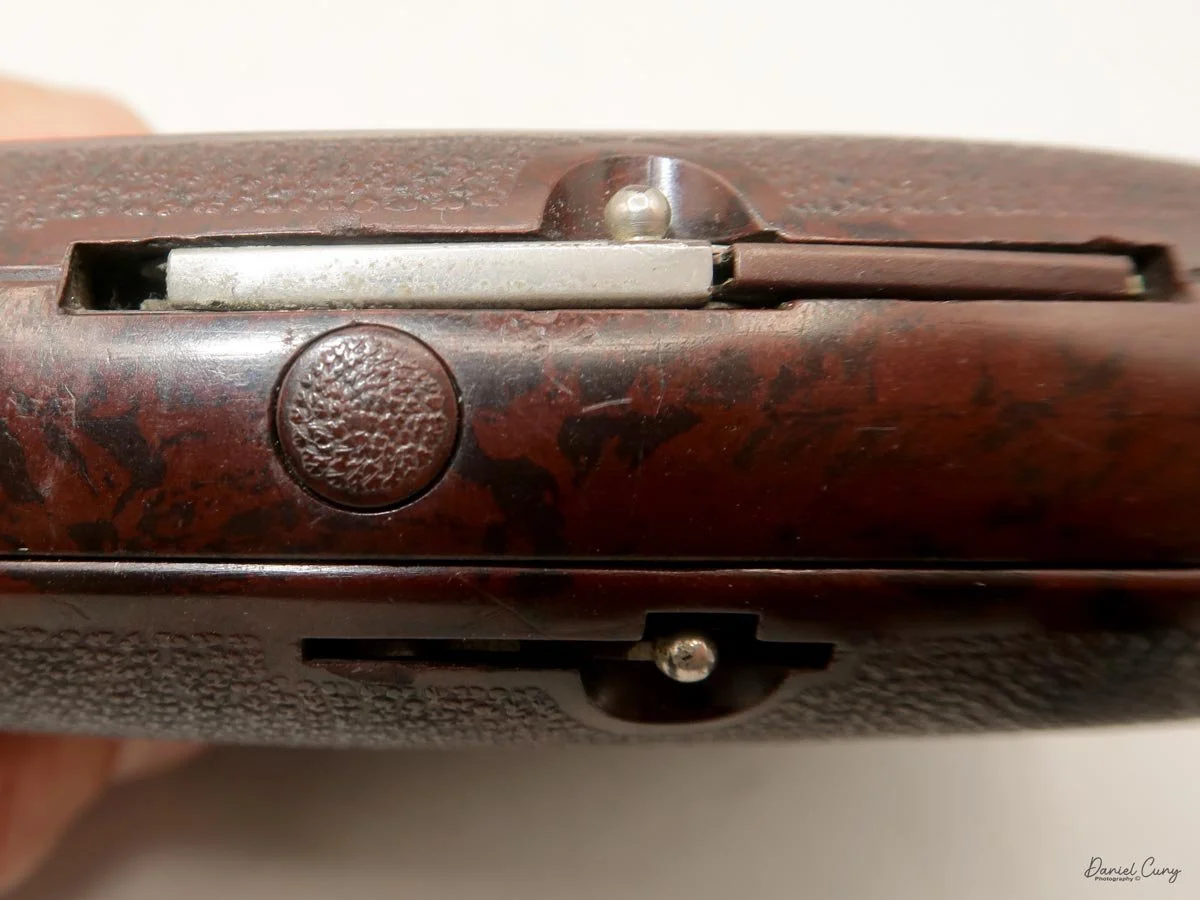
Kowa Six MM Camera

My Kowa Six MM camera.

For some odd reason, I've always felt negative about Kowa cameras. It goes back to when I worked in a camera store in the mid- to late 1970s. The first job I had was handling camera repairs for the shop, which meant packing up the cameras, shipping them to the manufacturer or independent repair facilities, handling the repair estimates, pricing them when they came back from repairs, and calling the customers to let them know their camera was back and ready to be picked up. 

 I can remember when I received notices from many of the camera repair facilities that Kowa cameras were no longer serviceable due to a lack of parts, and that still sticks in my mind to this day. There was always a thought in the back of my mind that if you had a Kowa camera and something happened to it, it was not repairable. 

 It wasn't until many years later, and when I say many, probably 40 years later, that I visited a repair facility in Los Angeles. This person had many Kowa cameras and said he could repair them. He liked the quality of the camera. These weren't the 35mm Kowa camera but the Kowa Six medium-format camera. At that moment, my thought process switched, and the negative stigma of a horrible camera turned to something somewhat positive.

Kowa Six MM with grip.

 Fast-forward about five years, and I had the opportunity to pick up a Kowa Six MM camera for a reasonable price. I didn't know if the camera was in good working condition, but I knew where to get it fixed if it wasn't working.

 When the camera arrived, I started to fiddle with it for a bit, and my negative thoughts faded when the camera was in good working condition. The Kowa Six had a 55mm f3.5 lens, which I like, and a grip for the camera, which gave the purchase more value. As I was playing with the camera, I went from a negative feeling about the camera from many years ago, to WOW, this is a nice and well-built camera. It was time to put some film in the camera and see what this camera can do.

Company History:

Kowa, a Japanese company, has a long and fascinating history in optics, including producing high-quality cameras and lenses. Founded in 1894 as a trading company, Kowa Co., Ltd. initially focused on textiles and later expanded into various industries, including pharmaceuticals and electronics. Its entrance into the optical and photographic industry began in the mid-20th century, marking a significant era for the company.

Ad for Kowa Six camera.

 Kowa began producing photographic equipment in the 1950s, when Japan's camera industry flourished. One of its earliest camera lines was the Kowa Six, a medium-format 6x6 cm single-lens reflex (SLR) camera introduced in the early 1960s. The Kowa Six and its successors—the Kowa 6 MM and Kowa Super 66—became particularly popular among professional and serious amateur photographers due to their solid construction, sharp lenses, and competitive pricing. These cameras were often praised for their simplicity and reliability. They offered interchangeable lenses and accessories similar to more expensive competitors like Hasselblad.

 In addition to medium-format cameras, Kowa produced a range of 35mm film cameras. The Kowa SW, a fixed-lens wide-angle camera introduced in 1964, was particularly notable for its ultra-wide 28mm lens. Other models, like the Kowa SER and Kowa H series, featured leaf shutters and high-quality fixed lenses, catering to various photographic needs. Despite strong optical performance, Kowa's 35mm cameras struggled to gain significant market share, especially against major players like Canon, Nikon, and Minolta.

 Kowa eventually withdrew from the still camera market in the 1970s, focusing instead on its core strengths in optics and electronics. However, the company remained in the optical field, becoming well-known for producing spotting scopes, binoculars, and lenses for industrial and medical applications. Today, Kowa lenses are used in various professional contexts, from wildlife observation to television broadcasting.

 Though Kowa's time in the consumer camera market was relatively brief, its medium-format cameras have left a lasting impression. Collectors and film photography enthusiasts who value their durability, sharp optics, and mechanical precision still seek them out. While sometimes overlooked, Kowa's contribution to photographic history represents a unique chapter in Japan's post-war camera industry boom.

My Camera:

 My Kowa Six MM camera is 5" tall when the light chimney is closed and 7.5" tall with it open, 4.5" wide including the winding lever, and 4" deep without the lens attached. The serial number on my Kowa Six MM is 325240. The lens on my camera is the first of three generations and is a  55mm f3.5 lens. The serial number on my lens is 153507. One of the great things about the Kowa Six system is that all the lenses have leaf shutters built into them, which is very similar to the Hasselblad system. My Kowa Six MM with 55mm F3.5 lens weighs 4lb. 9.7oz without the side grip.

The shutter speed built into the lens goes from 1/500 to 1 sec. Along with "T" for timed exposure, the aperture ranges from F3.5 to F22. One of the advantages I found about the Kowa Six MM was how easy it is to set the focus, shutter speed, and aperture, which are all located on the lens barrel. Each setting has its ring and is easily moved and marked. The focus ring moves smoothly, and the shutter speed and aperture rings click into the desired setting. The lens also has the flash PC socket, along with a switch to set the 10-second self-timer (V), along with the flash settings for bulb (M), electronic flash (X). The shutter release is on the front and bottom right of the camera body. There is also a locking collar around the shutter release to prevent releasing the shutter when you don't want to.

 When reading about the camera, a few things were mentioned. One of the items mentioned was that the camera tends to move the focus slightly due to the mirror movement, causing the image to lose sharpness. I'm unsure if the focus or the camera is moving, which causes the image to be a bit soft, but I'll be aware of that when I shoot the camera.

 To view your subject, open the light chimney. Pull up on either side of the light chimney, and the viewfinder opens easily. There is a magnifier for critical focus, which you can activate by sliding a button along the back of the front. Sliding the button to the right pops up the magnifying lens. Pushing it down will lock it out of position. The light chimney has hinges on the side that must be squeezed together to close the viewfinder.

You can change to a different viewfinder by pressing a chrome button between the strap lug and film locking lug. Once the button is pressed, slide the viewfinder forward to remove it. You can also remove and change the focus screen by pressing the same chrome button and lifting the focusing screen. Put the focus screen back, line up the red dot on the camera with the red dot on the focusing screen, and drop the screen back into place. Pressing the chrome button to seat the focusing screen into position. You can slide the viewfinder back on, and it will lock into position once it's pushed back onto the camera.

The collar on the body must be turned counterclockwise to remove the lens. Before moving the collar, you'll need to wind the camera so the camera is in the "cocked" position and the mirror is down. You can move the collar somewhat, but until you slide the lens locking button back, the collar won't move the entire way to remove the lens. To put the lens back onto the camera, you'll line up the red mark on the lens to the red mark on the camera body, and turn the collar clockwise to lock the lens back onto the camera body.

To open the back to load film, turn the lever on the bottom of the camera to the "O" position, and the back of the camera unlocks. Lift the back door, which exposes the film chamber. Bring the empty reel from the bottom of the chamber to the top, which will now be your take-up spool. Pull out the film locking knobs on the side of the camera to put in the empty spool and the new roll of film you're loading into the camera. Bring the leader up to the empty spool and thread the lead into the slot and turn the winding knob on the right side of the camera to take up the loose film. There ia a handle built into the winding knob to make the turning of the knob easier. Keep winding until the "start" arrow points to the red dots on the sides of the shutter, close the back, and continue to wind until the winding lever stops. At this point, the frame counter will be on number one, and you're ready to start taking photos.

 The Kowa Six MM will take either 120 or 220 film. If you plan on shooting 220 film, be sure to change the pressure plate to the proper position, and on the side of the camera, make sure you've selected "24" on the selector between the strap lug and frame counter on the right side of the camera. Selecting 24 tells the camera you're shooting 24 images on 220 film instead of 12 exposures on 120 film.

You can also lock the mirror "up" by turning the knob on the right side of the camera to the "up" position. This function reduced camera vibration. You can also do double or multiple exposures on the Kowa Six MM. To do so, after your fist image, turn the knob on the top of right side of the camera from the orange dot and orange line which is for normal film advance to the red dot and red line. This is disengaging the film advance so you can do multiple exposures. Once you're done, turn the dial back to the orange dot and line position, and the film will advance.

As I mentioned, my Kowa Six MM camera has a side bracket, making it easy to hold and handle. Still, I didn't realize how nice this grip was when I went to take it off. Not only is there a nut that hold the bracket onto the camera, but there also a screw that locks the nut into place so it doesn't accidentally get unscrewed and have the camera fall off the grip.

My Results:

Since the clouds were moving in and out, I didn't want to shoot a slow-speed film, so I loaded the Kowa Six MM with a roll of Ilford 125 ISO film and proceeded to walk through the neighborhood, focusing on many of the spring flowers that have been blooming this time of year. After walking around, I went home and processed the film. Here are the results from my walk through the neighborhood.

My Conclusion.

WOW!!! Was I wrong for so many years? This camera worked fantastically and was fun to use. The viewfinder was bright, the magnifier was easy to use, the shutter speeds sounded accurate, and having the shutter speed, aperture ring, and focus all in the same spot was fantastic.

 The film advance was smooth, and carrying the camera with the grip made it very comfortable. I understand why the technician who coveted the Kowa liked the camera so much. The system offers nine lenses from 19mm to 500mm, different viewfinders and focusing screens, so it's complete. The price of these cameras is less than half of Hasselblad's, and they are smaller and easier to handle. I'll keep this camera for a while and see if I can expand the lenses I have for it. While I like the wide-angle lenses, getting an 85mm standard lens would be nice and slightly cut down on the weight.

 I love to hear from the people who read my posts. If you have a question or comment, please let me know. I'm always looking for ways to improve this experience.

 Until next week, please be safe.
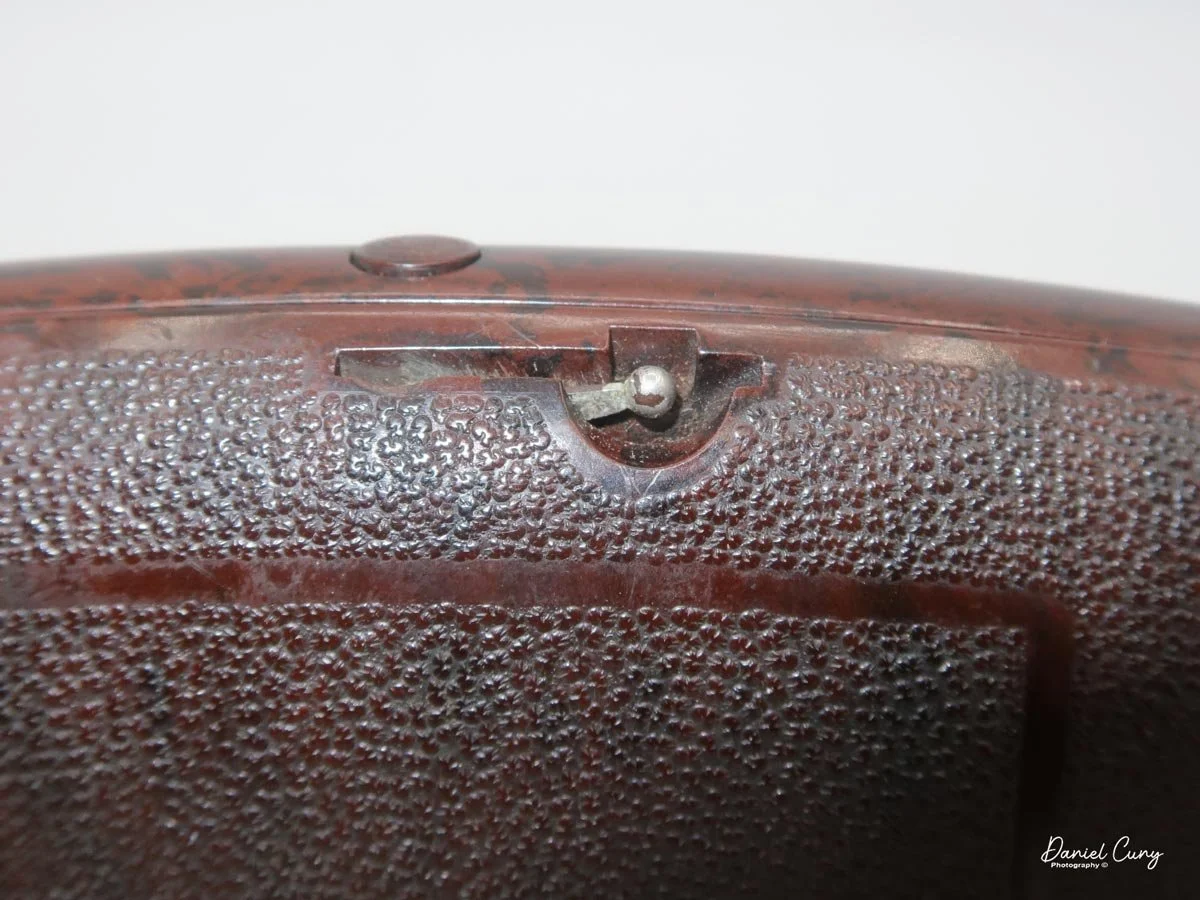
Asahi Pentax 6x7 Camera

My Pentax 6x7 camera with 105mm f2.4 lens, TTL Finder and wood grip.

When I started photography, I used an older Univex Twin Lens Reflex-style camera that my uncle gave me when I was around 8-9 years old. From there, palling around with my buddies, that camera was too big and bulky to bring around with us. So, I opted for the smaller, more compact 35mm camera, which I could keep around my neck and under my coat when it was colder outside. 

 The Pentax 6x7 cameras have always held a special place in my heart, perhaps due to their unique blend of size and resemblance to a larger 35mm camera. While I still cherished the Twin Lens Reflex style, there was an undeniable elegance and familiarity about the Pentax 6x7 cameras. The interchangeable lenses and finders were reminiscent of the Nikon system I had grown to love in my later teen years.

 I purchased my Pentax 6x7 camera a few years ago at an online auction. It appeared to be in good condition, and its camera is complete with the TTL finder, standard 105mm lens, wood handle, and Pentax-branded strap, all wrapped up in a wonderful cube-shaped case that it all fits nicely into. I noticed a pouch on the top portion of the case. There were a few accessories in it that the seller didn't show, so when I received the camera, an external battery holder, and covers for the finder, A focus grip was included in the kit. Now it's time to look at the Pentax 6x7 manual to double-check all the ins and outs of the camera.

The Company:

The history of Pentax cameras is deeply rooted in the evolution of photographic technology, with a legacy that spans over a century. Pentax began as Asahi Optical Joint Stock Co., founded in 1919 in Tokyo, Japan. Initially, the company produced lenses for eyeglasses and later expanded into camera lenses and optical equipment. Not until after World War II did Asahi make its mark in photography.

Ads for the Pentax 6x7 camera system

 In 1952, Asahi released its first camera, the Asahiflex, the first Japanese 35mm single-lens reflex (SLR) camera. This launch marked a significant milestone for the company and Japan's emerging camera industry. Asahiflex featured innovative mirror-return mechanisms that set the stage for modern SLR design.

 The turning point came in 1957 with the release of the Asahi Pentax, which gave birth to the Pentax brand name. The camera combined the best features of previous SLRs. It introduced a pentaprism viewfinder, allowing photographers to see their subject right-side up and laterally correct. It also standardized the use of the M42 screw mount, which would become a popular lens mount for decades. The success of the Asahi Pentax was so profound that the company eventually adopted "Pentax" as its corporate name.

 Throughout the 1960s and 1970s, Pentax established itself as a leading manufacturer of SLR cameras, competing with brands like Nikon and Canon. They moved into the medium format by introducing the Pentax 6x7 camera. Iconic models like the Spotmatic series (launched in 1964) introduced TTL (through-the-lens) metering, significantly improving exposure accuracy. Pentax cameras became known for their durability, reliability, and affordability, making them popular among professionals and amateurs.

 In 1980, Pentax expanded the medium format market with the Pentax 645, which offered larger film sizes for high-resolution photography. These systems were found to favor studio and landscape photographers.

 Pentax transitioned to digital imaging in the early 2000s with models like the Pentax istD. It later gained attention for its weather-sealed DSLRs and in-body image stabilization. In 2011, Ricoh acquired the brand, becoming Pentax Ricoh Imaging Company.

 Today, Pentax focuses on traditional photography experiences, emphasizing optical viewfinders and rugged build quality in an era dominated by mirrorless technology. Their commitment to DSLR development and legacy lens compatibility maintains a loyal following, preserving the Pentax name as a significant part of photographic history.

My Camera:

Researching the Pentax 6x7 camera for the article revealed three upgrades to the original Pentax 6x7 camera when it was introduced in 1969. The Pentax 6x7 camera was shown at the 1966 Photokina as a prototype camera, and it was called the Pentax 220 and had chrome and black bodies. The official introduction was in 1969, with the name Pentax 6x7, and only black bodies were available. The Honeywell Pentax 6x7 was available for the US market, but here in the US, I rarely see the Honeywell Pentax 6x7 around; the vast majority were Asahi Pentax 6x7.

Dual Bayonet mount for longer or shorter focal length lenses.

 In 1976, the Pentax 6x7 (MLU) camera added a mirror lock-up mechanism, and in 1990, with their third modification, they made a few minor cosmetic changes to the camera. Now, the camera is named Pentax 67. No more 6x7. The fourth change camera in 1999 was when Pentax launched the Pentax 67II camera, which offers a built-in right-hand grip, a brighter viewfinder with interchangeable focusing screens, a more advanced AE metering system with three different modes, a dedicated time mode switch, a self-timer, and multiple exposure capabilities. 

 I own the Asahi Pentax 6x7, so mine is the second-generation camera with the mirror lock-up capability. The camera weighs a whopping 5 lbs. 5 oz without the wood grip. The camera is 7.5" wide by 6" tall by 6.75" deep, measuring from the back of the camera to the front of my 105mm f2.4 lens. The Pentax 6x7 cameras have a dual bayonet lens mounting system, with lenses from 35mm to 300mm fitting inside the body, similar to many 35mm cameras and lenses from 400mm to 1000mm mounting on the outer bayonet. Even the front lens cap has a bayonet mount on my camera, so it's not a clip or press-on style of a lens cap.

The Pentax 6x7 camera is a fully electronic camera system. The entire camera is dependent on the PX28, 6v battery. The meter, or the shutter, won't work without the camera battery. After putting in the battery, I discovered the metered finder was working, which was good news. At first, I thought it wasn't working, but after reading the manual, I learned that you need to remount the lens once the meter is removed so the lens will couple with the meter.  I didn't think it would work because there is a crack on the front running across the nameplate, but you never truly know until you try. With the fresh battery in the camera, I still wasn't sure the camera was working because there needed to be film in the camera for the shutter to fire. 

 Looking online, I did find a video showing a way to trick the camera into thinking there was film in the camera, which is by opening the back of the camera and, before closing the back, turning the frame counter to just past the first frame while holding the frame counter there and closing the back of the camera allows you to wind and fire the camera. The only issue is that there is no way to honestly tell if the shutter is opening or closing when you depress the shutter. You can tell at slower speeds by taking the lens off and looking into the mirror chamber to fire the camera. If you can see the film's pressure plate, you can tell if the shutter is opening and closing. What do you do to achieve faster shutter speeds?

Looking online, I did find a way to trick the camera into thinking there was film in the camera, which is by opening the back of the camera and, before closing the back, turning the frame counter to just past the first frame while holding the frame counter there and closing the back of the camera allows you to wind and fire the camera. The only issue is there is no way to honestly tell if the shutter is opening or closing when you depress the shutter. You can tell at slower speeds by taking the lens off and looking into the mirror chamber to fire the camera. If you can see the film's pressure plate, you can tell if the shutter is opening and closing. What do you do for the faster shutter speeds?

 One thing I did was use my cell phone in video mode and use the "slow motion" setting. I started the video and then tripped the shutter. I could then go back to the video and look at a few of the frames of the video tell if I could see the slit from the shutter move across the film plane. It did, so I knew the shutter was working on all shutter speeds. That's fantastic, so now I was good to go. I prefer to use my Sekonic meter for all my metering needs as they are always more accurate than most camera meters.

 Shutter speeds on the Pentax 67 camera range from 1/1000 to 1 sec. Along with "B" for timed exposures and "X" for flash sync, the shutter speed dial is on the far left side of the camera body and is turned with a large ring that is easy to grip and move. Just below the shutter speed dial is a battery check button, with a red light lighting up just to the right of the shutter speed dial if the battery is good.

Moving around the camera, on the front and the left side of the camera body are the flash sync terminals for both FP and X, and just below the flash terminals is the lens release knob, which needs to be pressed towards the camera's body to unmount the lens. To unmount the lens, press the lens release button and twist the lens counterclockwise. To mount the lens onto the camera body, line up the red dot on the lens to the red dot on the camera body and turn clockwise until the lens clicks into place.

 The mirror lock-up switch is on the other side of the camera body, still on the front. Pressing this switch locks the mirror up to reduce vibration in the camera, which is good for longer exposures or using longer lenses that are more sensitive to camera movement. On the far right side of the camera body is a switch for using either 120 or 220 film.

The film advance lever is on the top, far right side of the camera, with the frame counter inside the center of the winding lever. There is a serrated dial that you can turn to change the frame counter if needed. This is also the knob that I turn to trick the camera, as mentioned previously. Right next to the film advance lever is the shutter release button, which can be locked by turning the outer ring from the white dot to the orange dot to "locked."  

 On top of the meter, a finder is an on/off switch used to turn the meter on. Two silver buttons must be pressed on either side of the camera body to remove the finder and put on a different finder. You can lift the finder off the camera body to replace it with a few different viewfinders available for the camera. The metered finder extends over the shutter speed dial, so when metering, you can change shutter speeds to adjust the meter settings. You should remove the lens before taking the viewfinders off the Pentax 6x7 cameras, then put the lens back on the body once the viewfinder has been reattached.

To load film into the camera, pull down on the silver tab on the left side to open the back door. Two locking switches are on the bottom of the camera, just under where the film reels go. These need to be unlocked, allowing you to pull them down to load the take-up and fresh roll of film into the camera body. Once the film is in the camera, turn them to the locked position to keep them in place. Bring the leader to the take-up spool, thread it into the slot,  and advance the film to start the film advance. Bring the arrow on the film leader to the arrow next to the 120 at the top of the shutter curtain, close the back, and wind until the camera stops. You're now at frame 1 and ready to take 10 photos on a roll of 120 film.

I wanted to put the wood handle on the camera before I took the camera out for a spin and tried it out. I always thought it was odd to have a grip on the camera's left side, as it's the left hand that I cradle under the lens for focus and setting the aperture. Let's give it a try because so many people think it's a great selling point for the camera.  The wood handle also has a cold shoe for a flash attachment or other items you might want to put, like an external meter.

 To put the handle on the camera, you need to unscrew the locking screw, which is located in the middle between the two areas that fit onto the camera lugs, which are on the top and bottom of the left side of the camera. Snap the handle into position and screw down the locking screw to lock the handle into position, which also presses a small knob on the camera in. To take it off, unscrew the knob and pull out the knob and slide the handle up to take the handle off. The handle won't fit on the right side.

 The camera has four lugs located on the front and in each corner. These can be used for the camera strap to carry the camera vertically or horizontally or to put the wood handle on one side and the strap on the other. There are many ways to carry the camera comfortably while lugging 5 pounds around.

My Results:

This time, I walked through the neighborhood, taking a few photos. While I was taking my normal photos, I ran into a good neighbor who is an artist. He was showing me his studio, so I took a picture or two around his studio, then proceeded to take some of the regular photos I do when trying a new camera. 

 Here are the results of my walk through the neighborhood.

Conclusion:

I had a lot of fun shooting with this camera, considerably more than anticipated. I used the wood handle more as a tool to walk around with the camera than to shoot with it because it made transporting a 5-pound camera easy. I had the strap on the camera, but found the handle easier.

 My lens is very sharp, and the camera felt comfortable in my hand. The focus was smooth and accurate, the transport was soft, and all the camera operations seemed effortless. 

 I'll need to look into other lenses for the camera and possibly a few other accessories, as this is a keeper camera for now.

 Thank you for taking a few minutes from your day to read about a fun and extensive camera system to use.

 Until next week, please be safe.
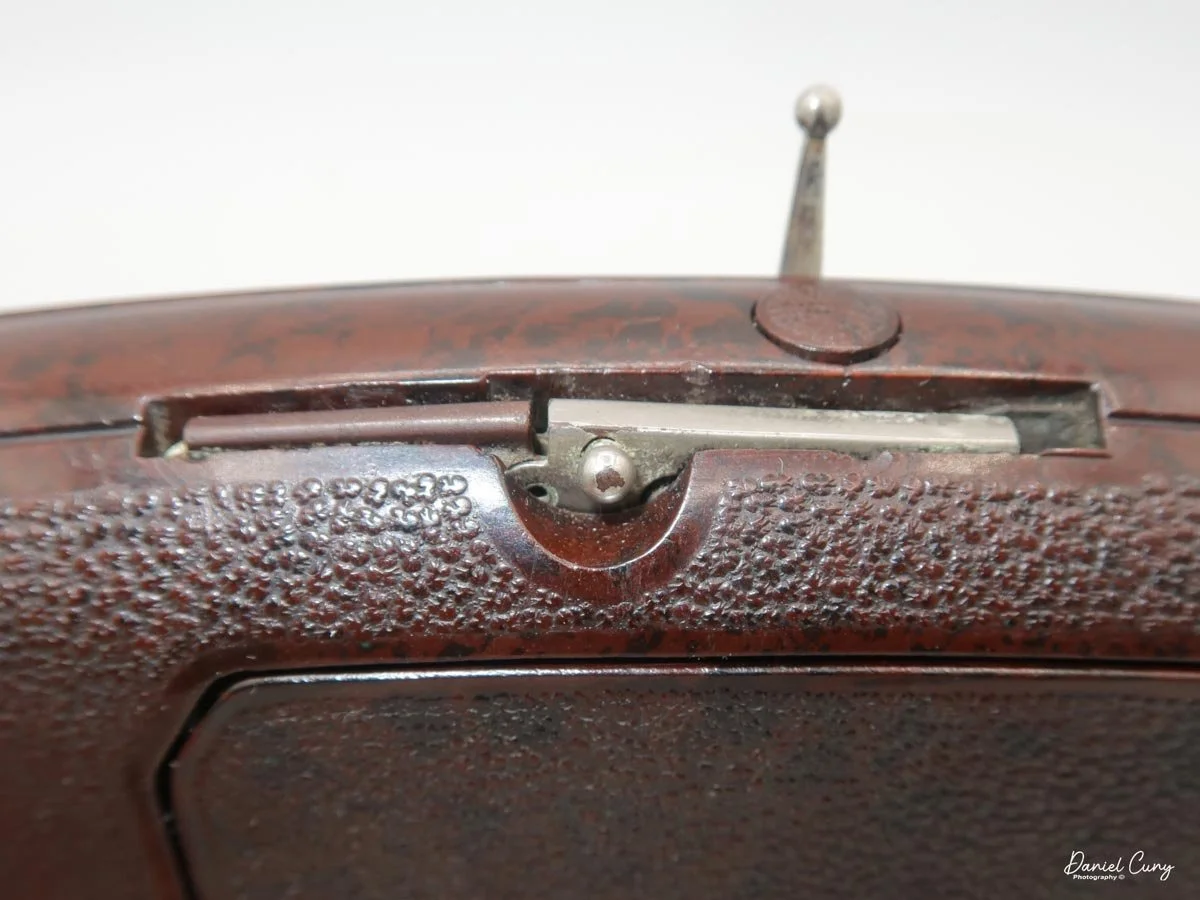
 Here's a link to my other camera reviews if you want to see some of the other cameras in my collection.

 If you're interested in some of the vintage cameras and accessory items I have for sale, please look at my online store: 

Alpa Rotocamera 6070

My Alpa Rotocamera 6070

As I've mentioned in previous blog posts, I am fond of panoramic cameras and the odd and unusual cameras that most people wouldn't guess are cameras, so I always have my eyes open for these oddball items to add to my collection. The Alpa Rotocamera is just one of these items. Not only is it an odd-looking item that resembles a miniature robot-looking item, but it's also a 360-degree panoramic camera that shoots on 120 or 70-mm film.

 I've owned lenses that shoot 360-degree images and have even written posts on them. The first lens I had that shot 360-degree images was a Be Here Portal S1 lens, which fit onto my Nikon DSLR camera, and with software, it produced a tremendous 360-degree photo. That lens got damaged, and to this day, I'm continually searching for another one of these lenses. In my mind, I kept telling myself that there's something different between shooting with a 360-degree lens and having a camera that can produce a 360-degree negative.

 I found an Alpa Rotocamera on an online auction. When I saw it shot 360-degree images on 120 or 70mm film, I was immediately hooked and wanted to get it. Not knowing much about the camera other than a few tidbits I quickly found online, I bid on the camera lot. To my surprise, I won the camera. I was excited to get the camera and load film into it and start to make some tremendous images that were a view that is mind-boggling when you see them.

 This blog will be different from my other posts because I've spent tens of hours on this specific camera because of its condition. I want to give you a brief overview of the camera, then explain how I received it and what I've done to get it back into working condition.

The Camera:

This camera is a Beast!!!! I didn't realize until I received it, but the camera and film back weigh just under 17 lbs. and are 16 lbs. 15.6 oz. That does not include the power source and cables. It’s built from cast metal with a pebble finish and, it’s 12” tall, 9” wide, and 8” deep and was built in the early 1980s.

 As mentioned, the Alpa RotoCamera produces a 360-degree image on either 120/220 or 70mm film. The camera is powered by a 12v rechargeable battery that powers motors in the camera's base, which rotate the head around a cylinder. According to the manual, you can produce either 90, 180, 270 or 360-degree views with the camera. On the front of the camera is a Rodenstock Grandagon-N 75mm f6.8 lens. Just to the right of the front lens is a lever used for vertical adjustment. If you want to shoot higher or lower, you can slide the lever up or down to adjust the vertical height to avoid getting too much foreground in the photos. There is also a viewer on the side that can be used to see the camera's vertical adjustment.

 The camera has two speeds, and the head rotates around the cylinder. The speed is set on the center column by a switch with an "A" for the faster speeds and "B" for the slower speeds. There also are a series of slits in the head that allows for the camera to shoot at different shutter speeds depending on the motor speed and slit width. Switches on the top of the camera head control the slits. One series of switches is for the slit width, and there is another that allows for the slit angle if you're in a situation where you'll want to control excessive brightness in the sky or ground. The camera can shoot anywhere from 1/20 to 1/250 shutter speed depending on the motor speed and slit width. On the rear of the film's back is a chart showing where to put the different switches should you want faster or slower speeds, along with a controlling light on top or bottom.

 The camera also has a removable film back, and 70mm or 120/220 film can be loaded into it. There is a small hard wheel just below the take-up spool on the film back, which is connected to the film advance cog and fits into the film reel. Just below the slits on the head is a rubber band that goes all around the cylinder. As the head rotates around the cylinder, the hard wheel runs along the rubber under the slit advancing the film as the head spins around the cylinder.

There are two settings on the camera remote control. One is a switch for "Auto" or "Manual," and the other setting is "Rotation." The Auto setting works in conjunction with the angle set on the column for 90, 180, 270, or 360 pans. The manual setting allows you to press as long as you want the camera to pan for. The "rotate" button is pressed to open the shutter and start the camera rotation. The remote and power cable are joined; one end fits into the power pack, and the other fits into the bottom of the camera's center column. There is also an on/off switch for the camera close to where the power and remote cable fit into the camera.

 In theory, you load film into the film back, making sure the take-up spool is engaged into the drive gear on the back. Put the back onto the camera. Plug the cables into the power supply and the camera. Turn the camera on, set the aperture on the lens, and check the height adjustment. Meter your scene, then set the appropriate shutter combination by the series of switches on top of the camera and the speed adjustment on the column. Set the rotation distance, and press "Auto" to start the camera rotation. According to the manual, on a roll of 120 film, you'll get 1- 360-degree or 270-degree images, 2-180-degree images or 4-90-degree images.

The Restoration:

The one thing I didn't realize and wasn't shown in the images at the online auction was the mechanical and physical condition of the Alpa Rotocamera internally because when I received the camera, it wasn't in "good working order." On the outside, the camera looked good. Everything seemed to be there, but when I went to take the back off the camera to view the inside of the camera body, the wheels came off the bus. My heart sank as the excitement of having a working camera came to a crashing halt.  

 The film back still had two 70mm film cassettes inside, but it looked like someone had packed the back of the camera with grease. For what reason, I wasn't immediately aware of it, and the rubber wheel that the film rotates on to advance the film had deteriorated into a yellow mass of goop that looked worse than it was. Another item that was missing was the power supply for the camera. I had the cables for the power supply that led to the camera and the remote control on it. I also had the instruction manual along with a car inverter to charge the battery when in your car. Still, there was no power supply, so I couldn't check whether the camera operated.

I let the camera sit for a few hours as I started thinking about how to get the camera into a somewhat presentable condition. My mind wasn't even on getting the camera, but on starting to clean up all the goop that was not only in visible areas but in areas of the camera I wasn't even sure I could get to. I did another more exhausting internet search when I came across someone who had done a restoration on the camera itself. Bayless Projects has a tremendous video on YouTube that is very comprehensive. He lives in London, so I started an email chain with him, letting him know I, too, had a camera I needed to restore. He helped me with the power supply and with many other questions I had about the camera.

 It was time to get the camera back in (hopefully) working condition. I spent the next couple of days cleaning up the goop on the film back, which got into places I needed to disassemble to clean out. With many Q-tips, Isopropyl alcohol, and lightly soapy water, I cleaned the film back up nicely. The film holders moved well, and the film drive gear turned as I rotated the hard wheel, which wasn't moving smoothly previously. 

 Now, to move onto the camera head. I removed some of the stickers that someone placed with film data from the previous owner. Something was rattling in the head, so I needed to take the top off to see what was rattling around. Once I removed the top, I could see a ground glass still intact and not broken that went where the viewer went. This was used to check the vertical adjustment for the images. Once I got the ground glass in place, it was time to tackle the back of the camera, which had the remnants of the previous rubber band that goes around the cylinder. Luckily, this came off very easily, and I didn't need much cleaning.

Now, to move onto the camera head. I removed some of the stickers that someone placed with film data from the previous owner. Something was rattling in the head, so I needed to take the top off to see what was rattling around. Once I removed the top, I could see a ground glass still intact and not broken that went where the viewer went. This was used to check the vertical adjustment for the images. Once I got the ground glass in place, it was time to tackle the back of the camera, which had the remnants of the previous rubber band that goes around the cylinder. Luckily, this came off very easily, and I didn't need much cleaning.

 Thomas (Bayless Projects) helped me with the power supply, which I purchased from him, and he made it for me and sent it over from the UK. I bought a battery to put in the housing. Once I got the battery in the power supply and connected it to see if the camera was working, my heart sank aging…..nothing. With the power on and the battery connected, I turned the head a bit, and luckily, the head on the Rotocamera started to spin. At that point, I was so happy to see the camera spinning. Was that a fluke? I unplugged the battery and let it sit for a few minutes before I tried it again. The camera started to spin without any help from me, so at this point, I knew the camera was functional. You could also hear the shutter open and close as I pressed the rotation button. What a relief. Now, I had a camera that "could" make images (hopefully). The one thing I couldn't figure out was the "Auto" setting. Nothing in the column needs to be pressed to set the camera at different angles for shooting. Thomas said his camera does the same thing, so I can only use the camera in the "manual" position, where I set the angle of view by pressing the rotation button.

 I needed to replace the rubber band around the cylinder to get the film to rotate when the film was back on the camera. I purchased a replacement that had the same specs that Thomas recommended. He also said it's not perfect, but I wanted to try it. When I received the rubber, it was horrible. The glue backing didn't hold at all. It was so bad that the paper they put on the product to protect the glue didn't stick on. It was also rolled in the opposite direction, so the end of the rubber kept popping out. I tried two-sided tape to hold it in, but that didn't work either.

 Then, I had the idea to turn the rubber around so the curve was going around the cylinder instead of against it. The tape on the back side of the rubber would give more friction as the film wheel rotated. I put a roll of film into the camera and gave the camera a try. Unfortunately, the camera rotated about 90-100 degrees, then stopped as one of the ends of the rubber came off and jammed in the camera. In theory, it made sense, but the rubber was too thick, and the end didn't fit together and kept coming apart. 

 The rubber needed to be a little thinner and without the crappy glue. I rubbed the glue off the rubber, and to get it to be a bit thinner, I stretched the rubber when I put the two-sided tape on the curved side to make it thinner. To keep the ends together, I added some two-sided tape to one side of the rubber so that when it went around the cylinder. There was extra tape to hold the second end in place. I put it back into the cylinder, and it worked well. It's time to put another roll of film into the camera for another test.

 I took the camera to the front of my house, set up the tripod, and crossed my fingers to see if it would work. I put a roll of B&W film into the back, set the camera to the settings the light meter said, and pressed the rotate button. The camera worked!!!! I could hear the shutter open, the camera rotated, and the film come off the spool and wrap around the take-up spool. SUCCESS.

Thrid test worked to perfection.

 With such success on the test roll, I decided to take the camera into Portland near the river with bridges and see what I could get there. Knowing the Cherry trees were recently blooming, I even packed some color film to see the river's edge and beautiful cherry blossoms in the photo. Having lugged the camera to the river's edge, setting the camera up, plugging in the power supply, and pressing the rotation button, I could hear the shutter open, but the head didn't start to turn. So I gave it a gentle push, and it began to turn. Unfortunately, I could also see it wasn't moving smoothly, which would cause banding. 

 The one thing I did notice is that when you have the film in the back of the camera, the camera has a little harder time doing the rotation because of the extra tension the film brings to the camera. Pulling the film out of the spool and running it across the shutter, I'm still trying to figure out if it's the rubber around the cylinder or the power to the motor. I'll continually work on how this works together to make the film move correctly.

 The first roll was B&W, which I processed when I got home and has banding. I also picked up the color film and noticed. At the same time, the camera did a somewhat better job at rotating; the drive wheel that moves the film from one spool to the other didn't have as much pull as it did with the test in front of my house. For the 2-3 rolls I did away from home, the camera film transport didn't pull the film off the spool. It left the tail end of the film exposed to light. Something is going on here, whether the rubber band around the cylinder or the drive wheel needs lubrication. I also agree with the film I did on location; portions of the film look like motion blur, so the film is not transporting, causing slight banding and blur.

My Results:

Here is the image taken in front of my house during the test. I didn't change the vertical adjustment, and I had the lens pretty high, so there's no foreground or yards in the houses on my block.

 These next images were taken down by the river in Portland, Or.

Conclusion:

 This camera is still a work in progress. I did order a slightly thinner rubber to try on the cylinder, so I'm crossing my fingers that it will work well on the camera.

Thank you for taking a few minutes from your day to read about an odd and unusual camera that hopefully will be as rewarding in the images it creates as it is frustrating to get it back in good working order.

 Until next week, please be safe.
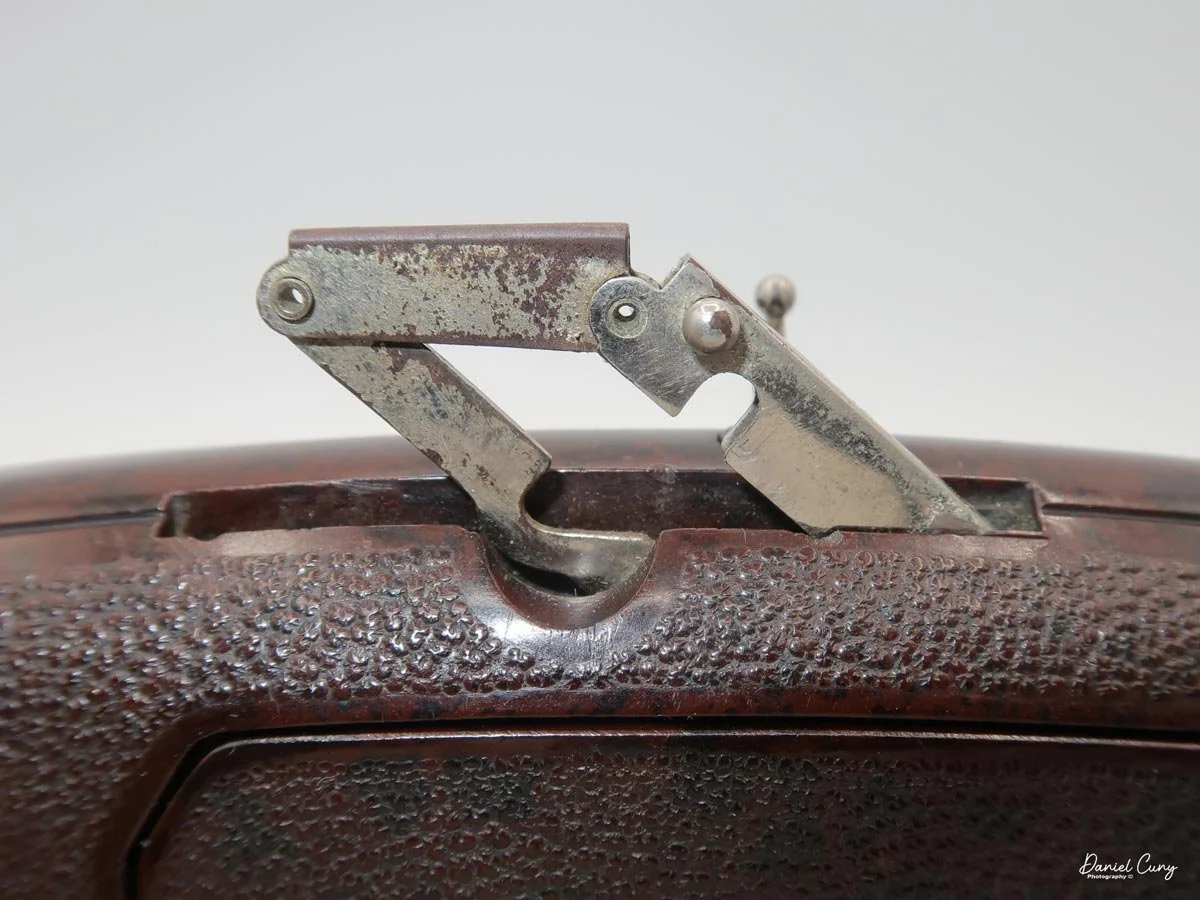
Minolta-35 Model II

My Minolta-35, Model II

The Minolta-35 Model II camera I have was an unexpected discovery, purchased with several other cameras through an online auction. It wasn't the camera I was originally after in the lot, but the only thing that distinguished it in the photo was the fitted case, with 'Minolta' proudly displayed on the face.

 There were so many different models of camera from Minolta during this timeframe that I wasn't sure what was actually in the fitted case. Still, when I received the "lot" of cameras and uncased the Minolta-35, someone had painted the camera black. And whoever painted it did an abysmal job of it. I only wish I had photos of the camera in that state, but I didn't think of it then. The camera was painted black, and the shutter wasn't working. The good news is that the camera had a good and clean lens.

 Over the years, I have brought the camera to a few different collectible camera shows in hopes of selling it, but no sales have been made. 

 One day, a few months ago, I was browsing the cameras on my shelf, looking for one to write about, when I picked up the Minolta. I felt a personal connection to it, and determined to do a blog post, I sent it off to my trusty camera technician, Allen, at CameraWerks in NY to have it CLA'd. Despite its modest value, the fact that it's from the early 1950s and a very respectable Leica thread mount 'clone' made it worth the investment for me.

My Minolta-35, Model II with case.

 Before I sent the camera to Allen, I wanted to get the black paint off the camera and bring it back to the original chrome camera it was. I had bought some Acetone to see if I could gently get rid of the paint and not ruin any of the other parts of the camera. Unfortunately, the Acetone didn't work well and didn't take much of the paint off. Then, I noticed that if I used my fingernail, the paint would chip off reasonably easily. I also noticed that in our kitchen, we had some bamboo skewers, which seemed to work OK, so to get into some of the tighter spots, I used the bamboo skewer, and to get into the very tight areas, I used the tip of some of the metal tweezers I have for some very minor repairs.

 The camera still has some very minor spotting of black paint, as you'll see in the photos in the article, but 99.8% of the paint is gone. The camera looks considerably better than it did before. It's in great working condition, and even the rangefinder is clean and accurate, so it was time to do my blog on this early Minolta 35mm rangefinder camera.

The Company:

Minolta was a pioneering Japanese camera manufacturer known for its innovative contributions to photography. Founded in 1928 as Nichi-Doku Shashinki Shōten (which translates to "Japanese-German Camera Company"), the company was renamed Minolta in 1933. The name Minolta is derived from "Mechanismus, Instrumente, Optik und Linsen von Tashima," reflecting its German-Japanese technological collaboration.

Ad for Minolta 35 camera.

 Minolta's early cameras were heavily influenced by German designs, particularly Leica and Contax rangefinders. The company released its first camera, the Nifcarette, in 1929, followed by various medium-format folding cameras in the 1930s. After World War II, Minolta resumed camera production, releasing the Minolta-35 in 1947, which became Japan's first 35mm camera with a coupled rangefinder.

 Minolta's breakthrough came in 1958 with the Minolta SR-2, its first single-lens reflex (SLR) camera. Throughout the 1960s, the company expanded its SLR lineup, introducing the Minolta SR-T 101 in 1966, which featured an innovative through-the-lens (TTL) metering system. The 1970s saw Minolta partner with Leica, resulting in co-developed cameras like the Leica R3 and Minolta XE-7.

 One of Minolta's most revolutionary releases was the Minolta XD-7 (XD-11 in North America) in 1977, the world's first camera with aperture-priority and shutter-priority automatic exposure modes. This technological advancement set the stage for further automation in cameras.

 In 1985, Minolta changed the photography world with the Minolta Maxxum 7000 ( Alpha 7000 in Japan and Dynax 7000in Europe). This was the first SLR camera with fully integrated autofocus, making it far easier for photographers to achieve sharp images quickly. The Maxxum series gained popularity, pushing competitors like Canon and Nikon to accelerate their autofocus developments.

During the 1990s, Minolta expanded into digital imaging and compact cameras while maintaining its SLR dominance with the Dynax (Maxxum) series. The Minolta RD-175, released in 1995, was one of the earliest digital SLRs, marking Minolta's transition into the digital era.

 In 2003, Minolta merged with Konica, another Japanese camera giant, to form Konica Minolta. However, due to declining camera sales, Konica Minolta exited the camera business in 2006, selling its assets, including the popular A-mount system, to Sony. This acquisition helped Sony establish itself in the DSLR market, leading to the Alpha series that continues today.

Though Minolta as a brand no longer produces cameras, its legacy lives on through Sony's Alpha series, which traces its roots back to Minolta's innovative technologies.

My Camera:

My Minolta-35, Model II is 5 3/8" wide by 3" tall by 3" deep, which includes the Chiyoko Super Rokkor 5cm (50mm) F2.8 lens. If I take the lens off, the body only is 1.5" deep. The camera weighs 1 lb. 10.9 oz is a very comfortable camera size and weight, and it fits into my hands nicely. The Minolta-35 Model II has shutter speeds ranging from 1/500 down to 1 second, with "T" for timed exposures and "B" for bulb. 

 The Minolta-35 Model II also splits the shutter speeds into two different dials on the camera with the higher speeds on the top dial, which go from 1/500 to 1/25 and "B" and from 1/25 to 1 sec, and "T" on the secondary shutter speed dial on the front of the camera just above the self-timer. To set the shutter speed, you'll need to lift up the dial and turn it to the desired speed for the exposure. Changing the shutter speeds should only be done once you cock the shutter.

To use the secondary or lower shutter speeds, the top dial needs to be set to 1/25, and the lower speed dial needs to be set at whatever of the slower speeds you'll be shooting. This method is prevalent for Leica copy cameras from this era. 

 The Chiyoko Super Rokkor lens on my Minolta-35 is smooth and in excellent condition. To focus, similar to other Leica thread mount lenses, a locking pin is used to lock the lens to the infinity position. To release the lock and focus to a closer range, press the release button and turn the lens to the desired focus distance. Inside the camera is a built-in rangefinder, which will aid the photographer in the distance needed to take a sharp photo. Along the outer rim of the lens is the lens's aperture ring, which goes from F2.8 to F22.

The shutter release is on the top of the camera, just to the right of the shutter speed dial. A small crown-shaped piece surrounds it, which can be removed to use a cable release for the timed or longer exposure times built into the camera.

 Just above the shutter release is the rewind switch, which you slide to the "R" position to release the camera's drive gear so you can rewind the film back into the film canister when you complete the roll of film. Just to the right of the rewind switch is the film winding knob which has an arrow on top to show the user which direction to turn to advance the film to the next frame. At the bottom of the film winding knob is the frame counter which you need to zero out when you load a new roll of film into the camera so you'll know how many photos you've taken on the roll you loaded into the camera.

On the far left of the camera is the film rewind knob. Lift the knob up to make the rewinding of the film back into the film canisters easier. Once the back of the camera is open, you can lift the rewind knob even higher to remove or load the film canister in or out of the camera.

 Right in the middle of the camera, on the top plate, is the Minolta-35 name along with the serial number, which on my camera is 90899, and Chiyoda Kogaku. I enjoy the modernistic font used on the older Minolta camera, which is very elegant.

Top plate with name on the Minolta-35, Model II camera.

 On the back of the camera is the viewfinder window for focus, and on the outside is a dioptric adjustment. This is for people who wear glasses. Turning the dial around the finder window allows you to adjust your glasses prescription to correct vision issues. You can put the camera to your eye without wearing your glasses and still get a sharp photo. In the center of the back of the camera is the flash sync plug, which is just below the accessory shoe used for a flash attachment.

To open the camera to load film, there is a small knob on the bottom of the Minolta-35 that you'll need to turn counterclockwise until the "open" dot is lining up with the arrow. When this happens, the back of the camera springs open, and you load the camera just like you would any standard 35mm camera. 

Lift the rewind knob to load the film cassette into the camera. Pull the leader across the drive gears and put the film leader into the slot on the take-up spool. Take the tension of the film up by turning the rewind knob clockwise to take the slack up on the film. Close the back turn the open/close knob to the "closed" position to lock the camera's back, and wind to your first frame. Watch that the rewind knob is turning when you advance the film so you know the film is transporting in the camera, and set the frame counter to number one.


My Results:

I loaded my Minolta-35 camera with a roll of Ilford Pan F Plus 50 ISO black-and-white film. I wanted to use a slow speed to see how the camera would perform in lower-light situations. I also had my trusty Sekonic L-308 meter with me to achieve accurate exposures. I knew I could always count on Sekonic to give precise light readings. 

 Now that I had film loaded into the newly serviced camera, I walked through my yard and neighborhood to take photos with the Minolta-35 camera. Here are a few of the images I took on my walk.

My Conclusion:

The camera was enjoyable to photograph with. The rangefinder was bright and accurate. I tried many slow shutter speeds to see how the camera performed under these low-light circumstances. I had a great time using this camera and want to continue using it. The overhaul made a tremendous difference; without the black paint on the camera, it also looks terrific.

 Thank you for taking a few minutes from your busy schedule to read about this excellent rangefinder camera from Minolta

 Until next week, please be safe.
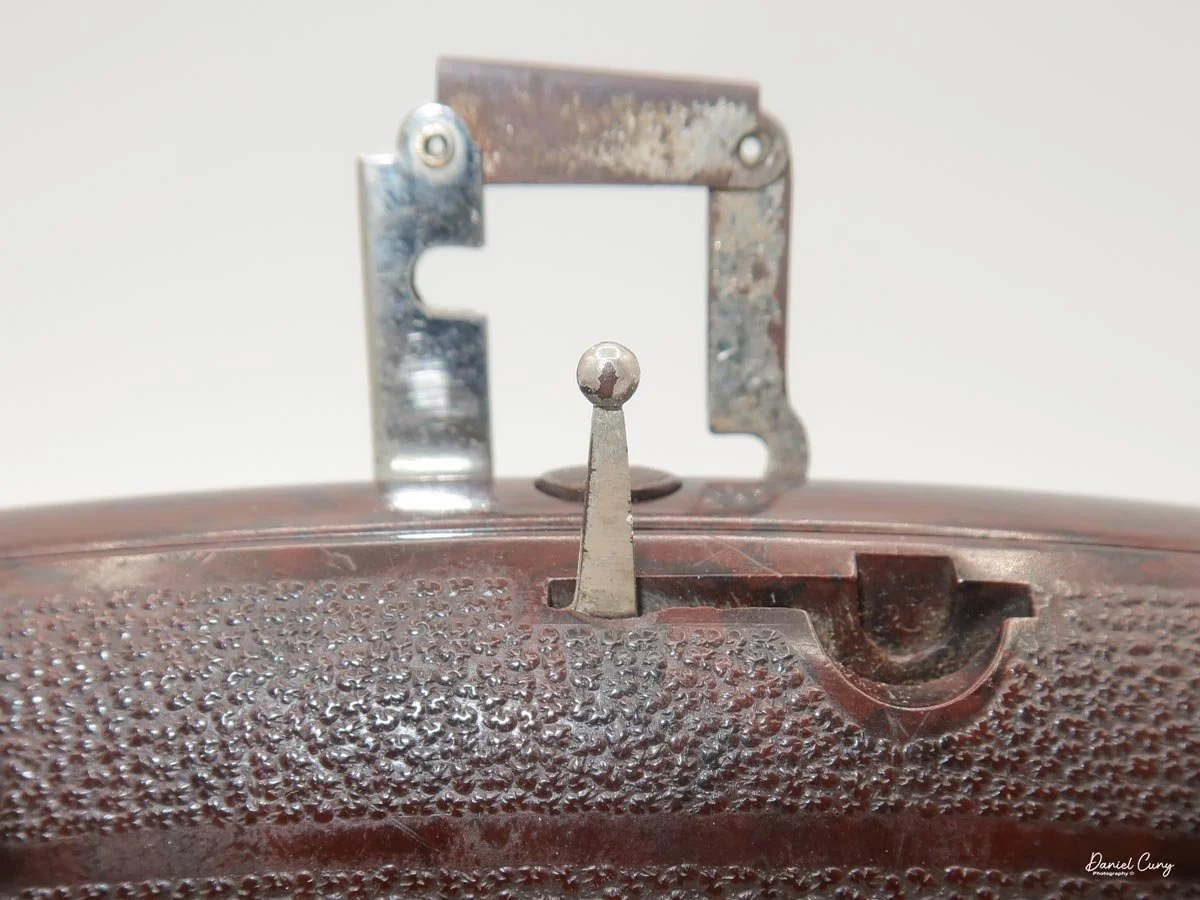
Leica I

My Leica I camera

I purchased the Leica I camera and accessories around 6 years ago when I saw a local ad of someone wanting to sell off a recently departed family member's old cameras. I responded to the ad, and for some reason, the person liked my passion for cameras and photography, so when I heard that the camera they had from a grandparent was a Leica, it piqued my interest. They had mentioned that the camera was in good shape and had some accessories in a case; I told them I was interested in seeing what they had.

 I try not to get into situations where you meet someone with some valuable equipment at a random location, so for safety reasons for both parties, we met at a local police station, which was agreeable to both. When they pulled out the case and I saw it was an early Leica, my heart fluttered a bit. 

My Leica I outfit

 Pulling the camera from the case, I found it in excellent condition and working. All the shutter speeds sounded accurate to the ear, and the rangefinder and extra film cassette were in the metal container and within the case, too. The owner wanted to be sure the camera was going to a good home and not just being sold. I reassured the person that I planned on keeping the camera and shooting with it, which they loved.

 Since adding the Leica I to my collection, I've made a point to keep it in top condition. Every now and then, I take it out and give the shutter a few test clicks to ensure it's in good working order. However, due to my busy schedule, I hadn't had the chance to load a roll of film and actually use the camera until recently.

 I wanted to write about the Leica 1 for my blog about a month ago.  I took the camera out and started to put a roll of film into the camera to shoot with it, and the shutter jammed. What bad luck! I called my friend Allen Wade at CameraWerks in NY, who always does a terrific job servicing my cameras and lenses. I sent the Leica 1 along with a few other items to him to get serviced. About a month later, I received the cameras back from him, and they were in fabulous condition. At this point, I put a fresh roll of film into the camera to see how the camera worked so I could write about it.

The Company:

Oskar Barnack was a German optical engineer who revolutionized photography by inventing the first practical 35mm camera, the Leica I. Born in 1879, Barnack initially worked in the optical industry, eventually joining Ernst Leitz Optische Werke, a German company specializing in microscopes and optical instruments. His pioneering work in miniaturizing cameras led to the creation of the Leica, which forever changed the way photographs were taken.

Ad for Leica 1

 Before Barnack's innovation, photography relied on bulky, cumbersome cameras that used large-format glass plates or film sheets. These devices were difficult to transport and required long exposure times, limiting their usability. An enthusiastic amateur photographer, Barnack sought to develop a more compact and convenient camera system that would still produce high-quality images. He turned to 35mm cinema film, which was already used in the motion picture industry, and repurposed it for still photography. He aimed to create a small, lightweight camera that could capture multiple images on a single roll of film.

 Around 1913-1914, Barnack developed a prototype of what would later become the Leica (short for "Leitz Camera"). This early model, known as the "Ur-Leica," used perforated 35mm film and a horizontal transport mechanism. The key innovation was that the film was advanced in small increments, allowing multiple exposures on a roll rather than requiring a single frame per exposure. Barnack also incorporated a focal-plane shutter, providing precise control over exposure times.

 The outbreak of World War I delayed the commercialization of the Leica. Still, in 1924, Ernst Leitz II, head of the Leitz company, decided to move forward with production. The Leica I was officially introduced at the Leipzig Spring Fair in 1925, marking the beginning of the 35mm camera revolution. The camera instantly succeeded due to its portability, superior image quality, and innovative design.

 Leica cameras quickly became popular among professional and amateur photographers, particularly in journalism and street photography. Their ability to take quick, candid shots without cumbersome equipment made Leica the camera of choice for legendary photographers like Henri Cartier-Bresson and Robert Capa.

 Over the decades, Leica continued to innovate, introducing models such as the Leica II (1932) with interchangeable lenses and the Leica M series (1954), which refined the rangefinder design. The company also played a crucial role in developing optical advancements, such as high-quality lenses like the Summicron and Noctilux.

 Today, Leica remains an iconic brand known for its precision engineering and commitment to craftsmanship. Oskar Barnack's vision laid the foundation for modern photography, and his pioneering work continues to influence camera design and photographic culture worldwide.

My Camera:

The first thing I noticed when I started to use the Leica I was how compact the camera is. When the lens is retracted, the camera is one you can put into your coat pocket to have handy when traveling or just for everyday use. The camera is 5.25" wide by 2.5" tall, including the winding knobs and viewfinder, by 1 5/8" deep when the lens is retracted and 2.5" deep when the lens is extended. My Leica 1 weighs just under 1 lb. and comes in at 15.6 oz without film loaded into the camera. The serial number on my camera is 19569, which, according to the lists online, the camera was made in 1929, along with a bit over 8,000 made that year. The Leica 1 cameras were made between 1926 and 1931 and were popular, producing approximately 70,000 cameras during that time. My camera comes with a Leitz Elmar 50mm f3.5 lens, and I've looked everywhere but do not see a serial number on the lens. This could be because the camera didn't have interchangeable lenses, and the serial number for the camera was enough.

The early Leica is different from the later models as the rangefinder is separate and needs to be attached to the accessory shoe for the photographer to achieve fine focus on the subject. Once the photographer uses the rangefinder, they need to transfer the focus distance shown on the rangefinder to the lens focus before taking the photo, so the process is longer and more tedious. The viewfinder on the top is for composition purposes only.

 Also, the lens needs to be extended from the camera body and "locked" into position by turning the lens clockwise until you feel the lens cannot be turned anymore. Now you're in the "taking" position of the lens. To retract the lens for transportation or to put it away, turn it counterclockwise, press it back into the body, and put the lens cap on so you don't damage the optics. The lens on the Leica 1 isn't interchangeable due to a pin at the 11:00 position on the camera body, which prevents the lens from being unscrewed from the camera body. The pin also limits the lens's ability to focus only from the minimum focus distance of 1.5 feet to infinity. Unscrewing the pin will remove the lens from the body for servicing or cleaning if needed.

Also on top of the camera is the shutter speed dial with speeds of 1/500, 1/200, 1/100, 1/60, 1/40, 1/30, 1/20, and "Z" for timed exposures. You must lift and turn the dial to change the shutter speed. Still, it's always recommended to do so after you cock the shutter, which is done by winding the film advance lever until it stops. The shutter release is next to the film advance lever and just behind the switch for film advance, which is in the "A" position, flipping it to "R" for film rewind.

Loading the film on a Leica is different than what people are now used to when they load a 35mm camera. The back on early Leica's and rangefinder cameras do not swing open. You must remove the base plate by turning a switch on the bottom to the "open" position, then pull the baseplate off the camera. You can take out the film's take-up spool, which you can grab and pull out. The easiest way to load the camera is to put the film leader into the take-up spool, then pull a bit of the film leader out so you can slide the film cassette and take-up spool into the camera body at once. Push the cassette and take the spool into position, ensuring the film is behind the shutter. Put back on the baseplate and turn the switch to "locked." 

Before I wind to the first frame, I always take up the slack by turning the rewind knob a bit, so when I do wind to the first frame, I watch the rewind knob turn so I know the film is transporting across the shutter. Set the frame counter to 1, which is around the film advance knob and can be moved by two pegs on either side of the knob. Double-check to ensure the film advance switch is in the "A" position and wind to your first frame.

 Now that I have the camera loaded with film, I'm going to take a stroll through the neighborhood and see how it performs.

My Results.

After attaching the rangefinder to the camera, I wanted to get the whole experience of what it was like to photograph with the Leica I, as people did almost 100 years ago. I also have my trusty Sekonic L-308X-U around my neck for accurate metering; I went walking through the neighborhood, focusing on the subject, then transferring from what the rangefinder said the focus. Using the meter to get proper meter readings and setting both the shutter and aperture to the meter settings. I really took my time taking photos with this camera.

 Here are a few of the different images I took with the early Leica I camera.

Conclusion:

I can see why people would have liked and wanted to use this camera almost 100 years ago. It's small, compact, and lightweight. The process of taking photos was slower. Still, it was fun compared to what they needed to do 100 years ago. As a photographer, taking your time, metering your subject, focusing on your subject, and composing the photo was fun. It's much different than what we have now with autofocus, automatic metering, and film advance.

I made a short video on the Leica 1 Camera, which shows the controls and loading the camera with film.

 I want to start using the Leica I regularly. It's quiet to shoot with, the lens is sharp, and it's small and compact. Overall, it's a great and fun camera.

 Thank you for taking a few minutes from your day to read about this old gem of a camera.

  I'll be taking next week off, as I'll be helping at a photo conference all week. I'll see you in a couple of weeks. Until then, please be safe.
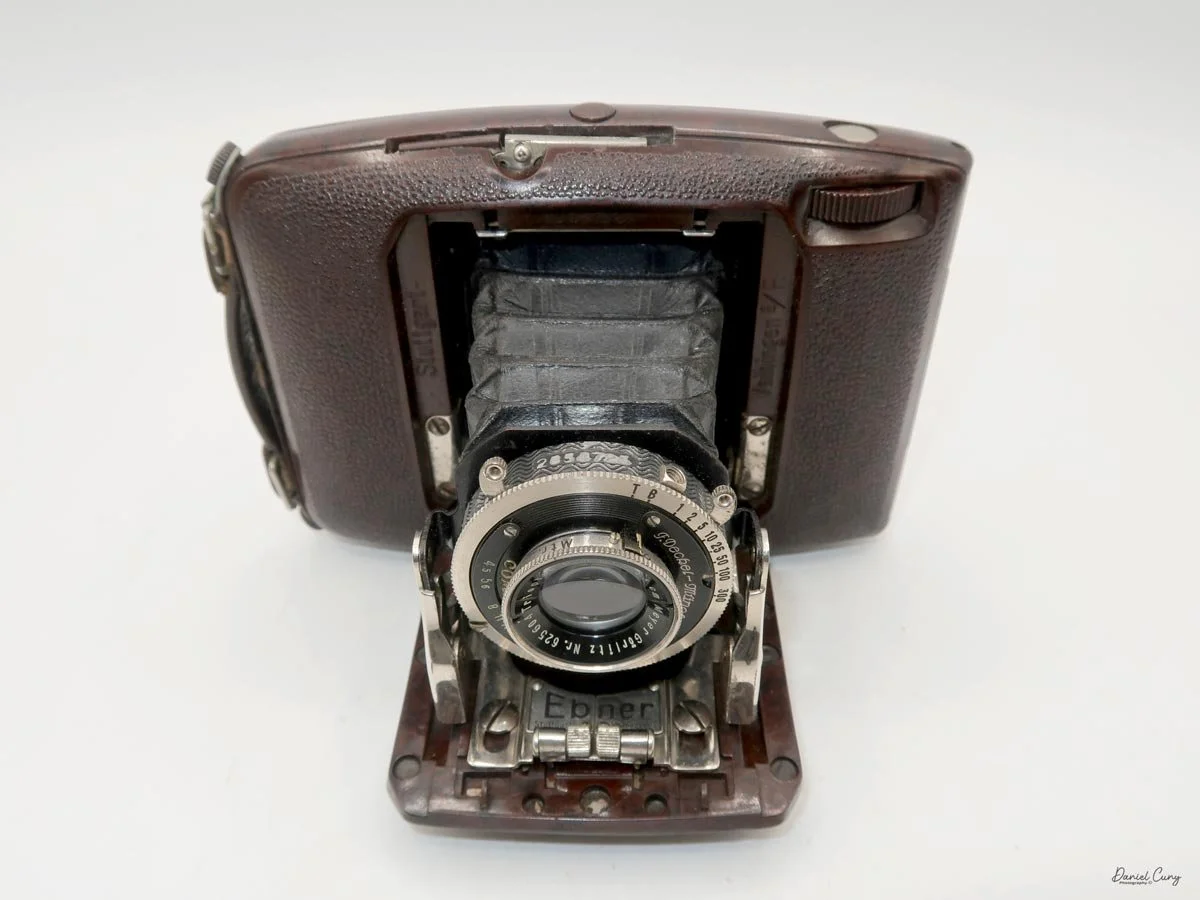
Panon Widelux F7 Camera

My Widelux F7 camera

I enjoy several different types, styles, or kinds of cameras. When I started collecting cameras over 50 years ago, I was drawn to anything out of the ordinary. If the camera had a different faceplate on a box-style camera or was a different color or shape, these were the items I've always searched for when I go out looking for cameras or anything photographic to add to my growing and now hopefully somewhat shrinking collection as I'm "trying" to downsize my collection.

 One of my favorite types and styles of cameras is panoramic cameras, which fit right in with the odd or unusual types made. They take different forms when you start to look at the various styles of panoramic cameras. They can look like a wood and bellows camera on a geared tripod, which would be a circuit camera and one of the first styles of panoramic camera. They can look like a more extended box style camera but have a lens that rotates across a curved film plane similar to the Kodak Panoram or more intricate Multiscope Al-Vista camera, which employed different sizes of "flags" to speed up or slow down the rotation of the lens. Or an elongated camera similar to the Fuji 6x17 or Horseman 6x12 camera.
Image taken from Widelux F7 Manual

 Essentially, panoramic cameras expose a longer piece of film in the camera itself. They generally have a wide-angle lens to expand the area the camera and film see. It is very similar to cropping the top and/or bottoms of any format film to give the appearance of a longer, broader photo. I remember in the 1980s and 90s when the camera had the "panoramic" feature built into the point-and-shoot camera that did nothing more than have a blade within the camera close to the film plane that would crop the top and bottom of the film frame to take what appeared to be a panoramic negative. Heck, they even had disposable cameras that did just that.
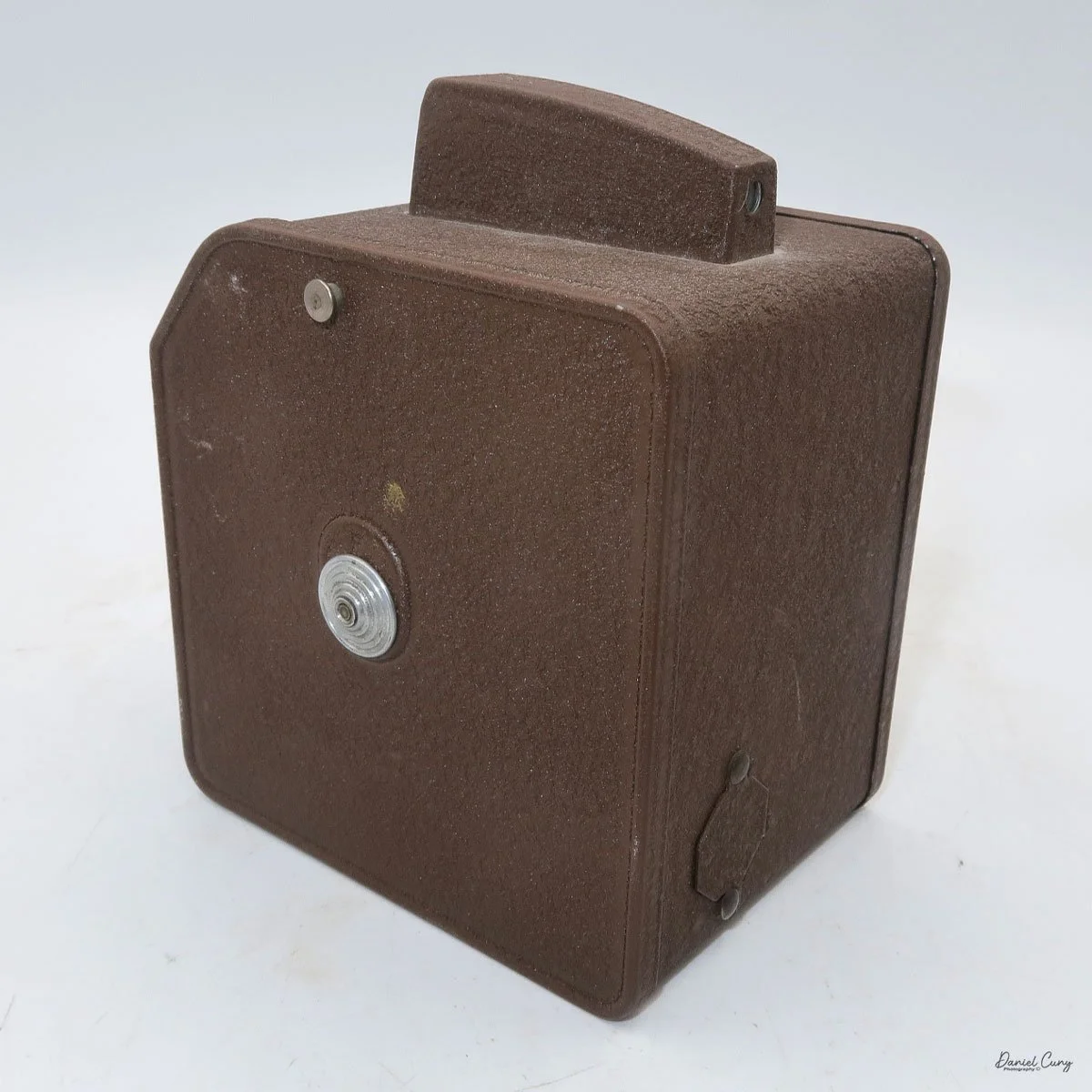
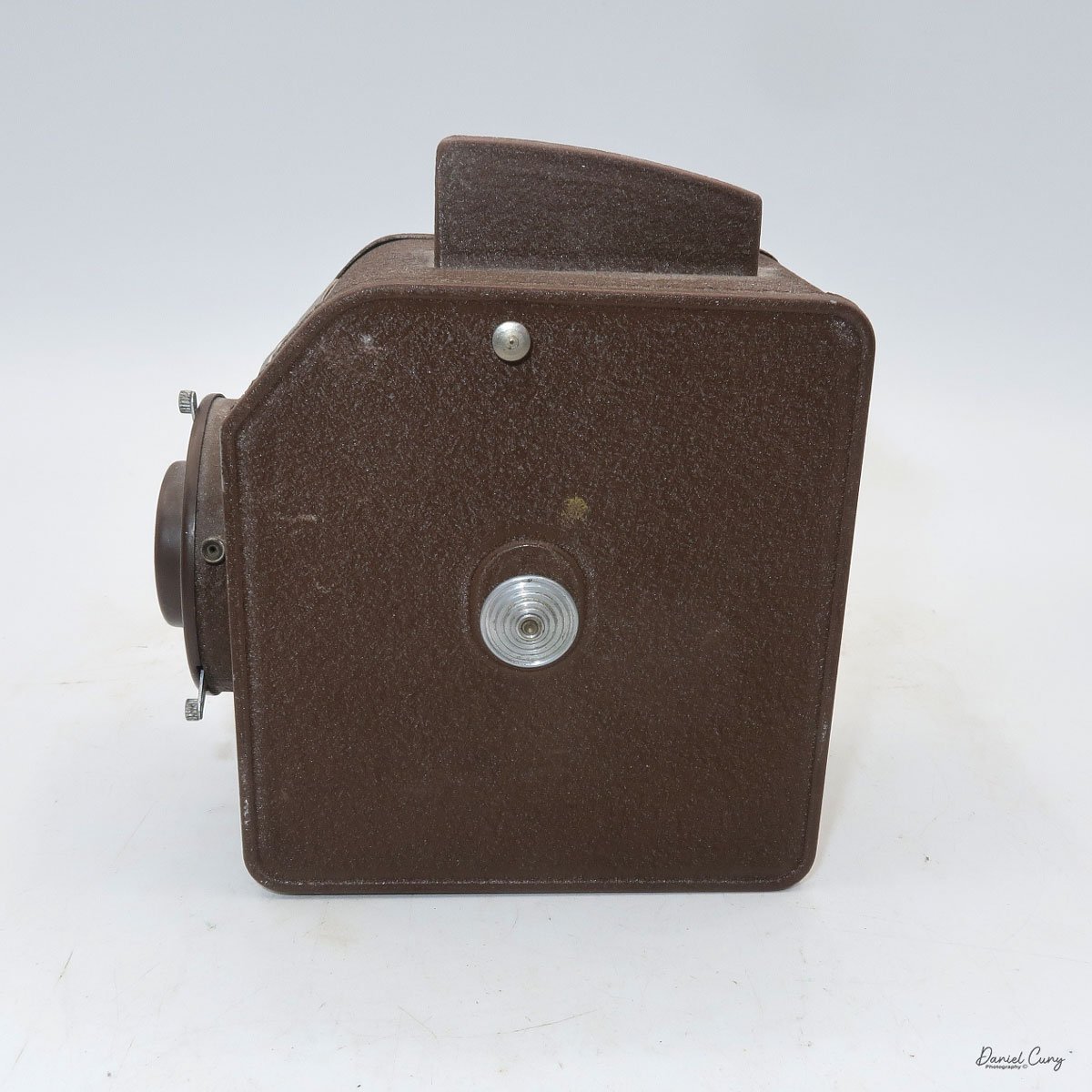
 I have several panoramic cameras, and a few years ago, I purchased a very good Widelux F7 camera. Cosmetically, it wasn't the best, and it needed some work, so I researched where and who could repair the camera for me. Ultimately, I sent the camera to Precision Camera Works in Lakeway, Texas. If the lens turret doesn't move smoothly across the film plane, the camera will cause banding due to the inconsistent movement of the lens.

 Upon completion of the overhaul, they did an outstanding job. They even replaced the difficult-to-turn rewind knob with something better, which makes the camera easier to rewind the film. The best part is the new rewind knob doesn't tear into your skin when you rewind the film, which was one of the big pet peeves of the camera before I had it serviced. They did return the old knob, so if I wanted to have it put back, it's quickly done.

The video below shows the camera being re-wound, then I changed the shutter speed to show the lens movement.

The Old and New Company:

The Old Company:

The Widelux camera was made by Panon Camera Shoko, which was started in 1952 by Nakayama Shozo. A small camera manufacturer originally made the Panon camera, which I wrote about back in 2020. It was a swing-lens camera made for 120-size film. The company was small but specialized in the swing-lens panoramic camera style and improved the larger 120-format camera.

 In 1958, the Panon company, known for its swing lens style of panoramic cameras, introduced its first 35mm panoramic camera, the Widelux F1. This camera, incorporating a 26mm f2.8 lens, exposed a film frame 24x59, approximately 65% longer than the standard 35mm frame. This extra area gives photographers a 140-degree diagonal angle of view and 126 degrees horizontally. Over the years, Panon Camera Shoko continued to innovate and improve its models, leading to the production halt of the F8 model in the mid-1990s.

 1963 Panon introduced the Panophic, a 120-film format swing-lens panoramic camera. This is an updated version of the Panon camera with an interesting design, a curved back, and a much larger viewfinder on top. In 1987, Panon introduced the Widelux 1500.

The New Company:

There is someone more famous than myself who also enjoys panoramic cameras and photography, and that's the Big Lebowski himself, Jeff Bridges, and his wife Susan, a tremendous photographer in her own right. They are partnering with Marwan El Mozayen, Editor-in-Chief of Silvergrains Classic, and Charys Schuler. They have formed SilverBridges, planning to re-introduce the new Widelux X camera. Their goal is to have the camera introduced sometime in 2025. My fingers are crossed, and if they need someone to test the camera and give it a review, I'm personally raising my hand now. I and a thousand other people have a much larger audience than I have.

My Camera:

My Widelux F7 camera is not just a piece of equipment; it's a companion on my photographic journey. It's 6.5" wide, 3 5/8" tall, and 2.25" deep from the front of the lens turret to the rear of the camera. The F7 weighs 1 lb. 14 oz. with a roll of film in the camera. Like all Widelux F7 cameras, I have a 26mm f2.8 lens, serial # 466392. The lens rotates on a cylinder across a curved film plane to get a longer negative area. Because of this longer negative, the camera only takes 21 images on a roll of 36 exposures. I generally get 22 when I use my camera. It will take approximately 13 on a roll of 24. Here is the manual for the Widelux F7.

There are only three shutter speeds on the camera: 1/250, 1/125, and 1/15. The aperture on the lens ranges from F2.8 to F11, so the exposure control, while adequate for most shooting, is less than what most people would consider normal. All of the controls are on the top of the camera, along with a bubble level to make sure things are straight, the film advance and rewind knobs, along with a wide viewfinder to give the photographer an approximate view of what they'll get within the photo.

The more tricky thing about the Widelux camera is the film loading. If not done correctly, which is what happened on my first roll, some of the negative areas won't be sharp. To take the back off the Widelux F7 camera, there is a locking knob on the back to lock by turning counterclockwise to the unlock position and clockwise to lock the back onto the camera, which is clearly seen.

 Once the back is off the camera, the typical film chamber is where you put the fresh roll on the right-hand side. Lift up the rewind knob to put the fresh roll in, then to hold it into place, press the rewind knob down to lock the film cassette into the camera. At this point, I crimp the very end of the film upwards to help the loading process.

There are two columns, one on either side of the curved film plane. The film must go under the first column on the left-hand side, then over the film plane, and then back under the column on the right-hand side. This is where I ran into a problem with my first roll of film. There is a slit between the right-hand column and what you see looking down on the camera. Make sure the film goes all the way down under the column before it comes back up by winding the camera and having the film drive gear pull the film leader back up. The first time I loaded the camera, the film went through the slot, and the right side of my negatives wasn't sharp, and I was disappointed.

One of the reasons why I crimp the end of the film leader is to grab onto the film drive gear when going under the second column. It needs something to catch onto to pull the film up and across the drive gear before I place the leader into the take-up spool. It's not that difficult, but you'll understand once you get the camera. Before I put the back onto the camera, I always take up the slack with the rewind knob, so once I put the film back onto the camera and lock it, I can see the rewind knob turn as I wind to the next frame. This way, I know my film is transporting across the shutter, and I'm taking photos. When I worked retail in a camera store, I can't tell you how many times I had people not load their cameras correctly, and watching the rewind knob turn when advancing the film is a surefire way of telling if the film is loaded correctly.

Arrows showing angle of view.

Now that the camera is loaded and you're ready to start taking photos, it's VERY important to understand how to hold the Widelux camera. You don't hold the Widelux like a regular 35mm camera because of how the lens swings and the wide angle lens; your knuckles and/or fingers will be on the sides of each negative. You want to hold the camera with your thumbs on the bottom of the camera and your fingers on the top—nothing on the sides. Take your meter reading, grab the camera on top and bottom, look through the viewfinder, and press the shutter. You'll hear the whirring of the shutter as the lens swings across the film plane. Wind the film to the next frame and repeat. It will initially feel odd, but once you see your fingers in the photos, you'll quickly correct the holding procedure.

 Now that you've finished the roll of film, press the rewind button on the bottom of the camera and rewind the film into the cassette. Open the back door and take the film to get processed. In my case, take it to the dark bag and processing tank to process the film.

My Results:

I took some photos of walking through the neighborhood for the blog post. I have taken the camera to Africa, Europe, and many other places and absolutely LOVE this camera.

My Conclusion:

What else can I say that I haven't already said in the blog? This is one of my, if not my favorite film cameras. I also love shooting with my Panon, but it's a more prominent and heavier camera, although the results are terrific with the Panon.

 I made a short video on the Widelux F7 basic controls & Loading film.

 Thank you for taking a few minutes from your day to read about this wonderful and exciting camera. I hope many of you have one; if not, you're missing a superb camera.

 Until next week, please be safe.