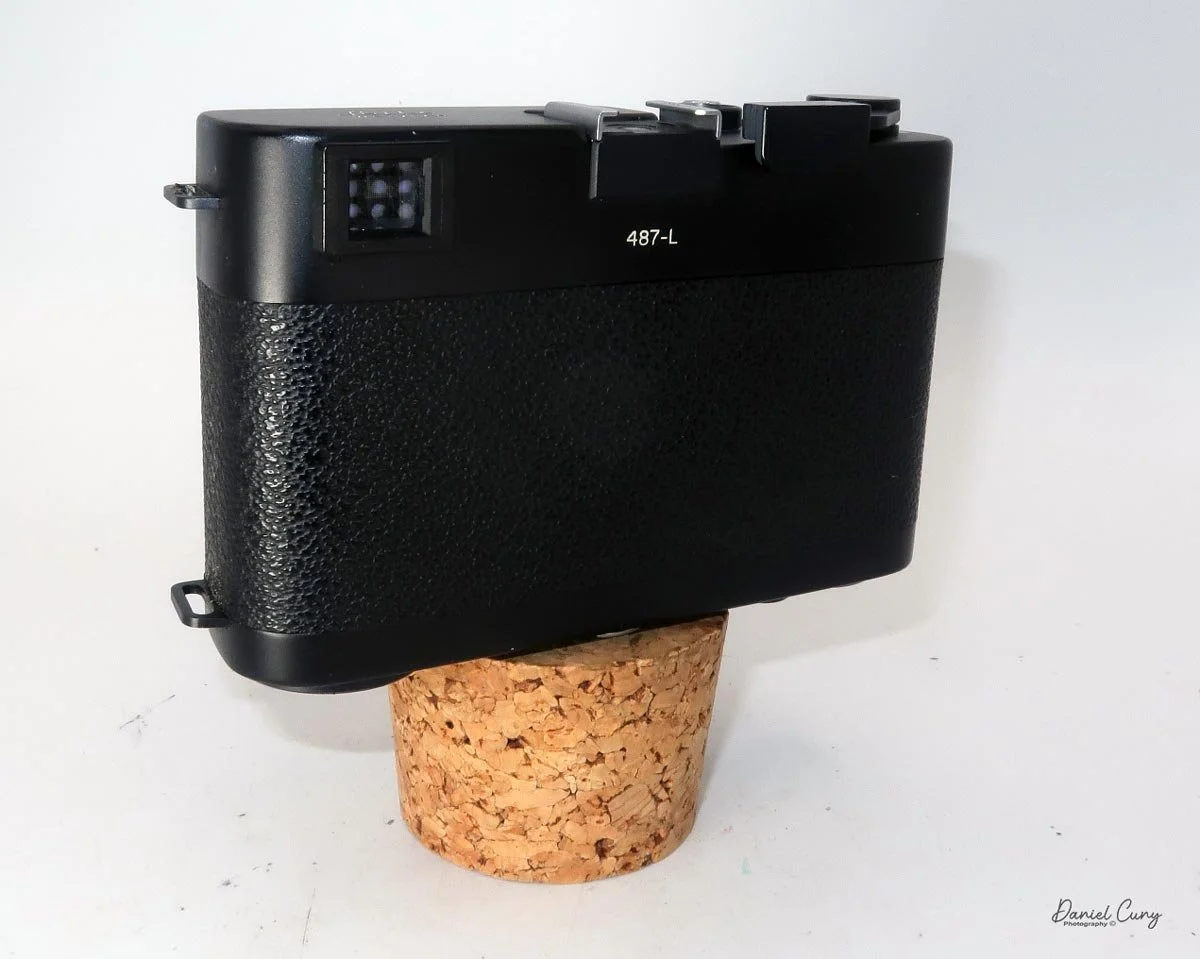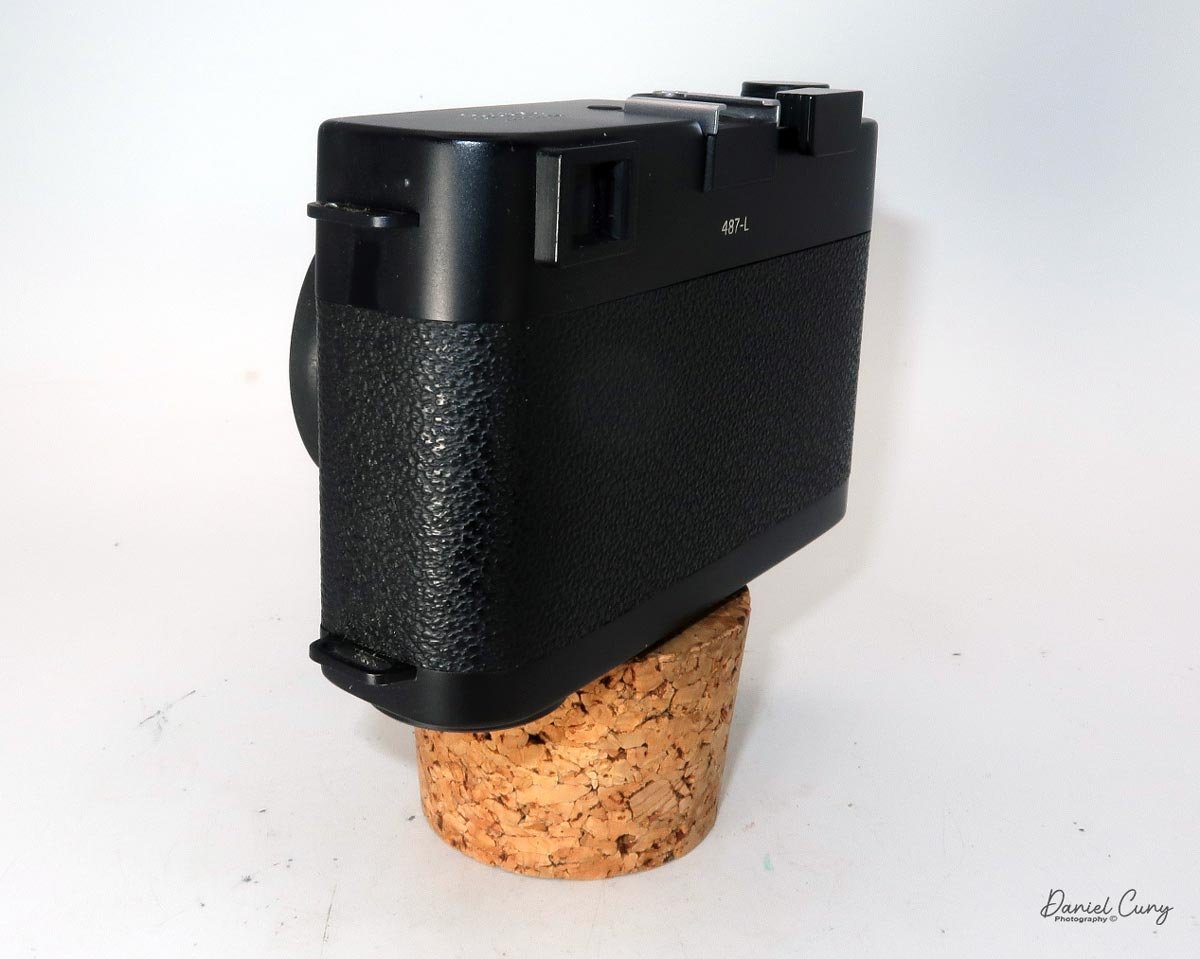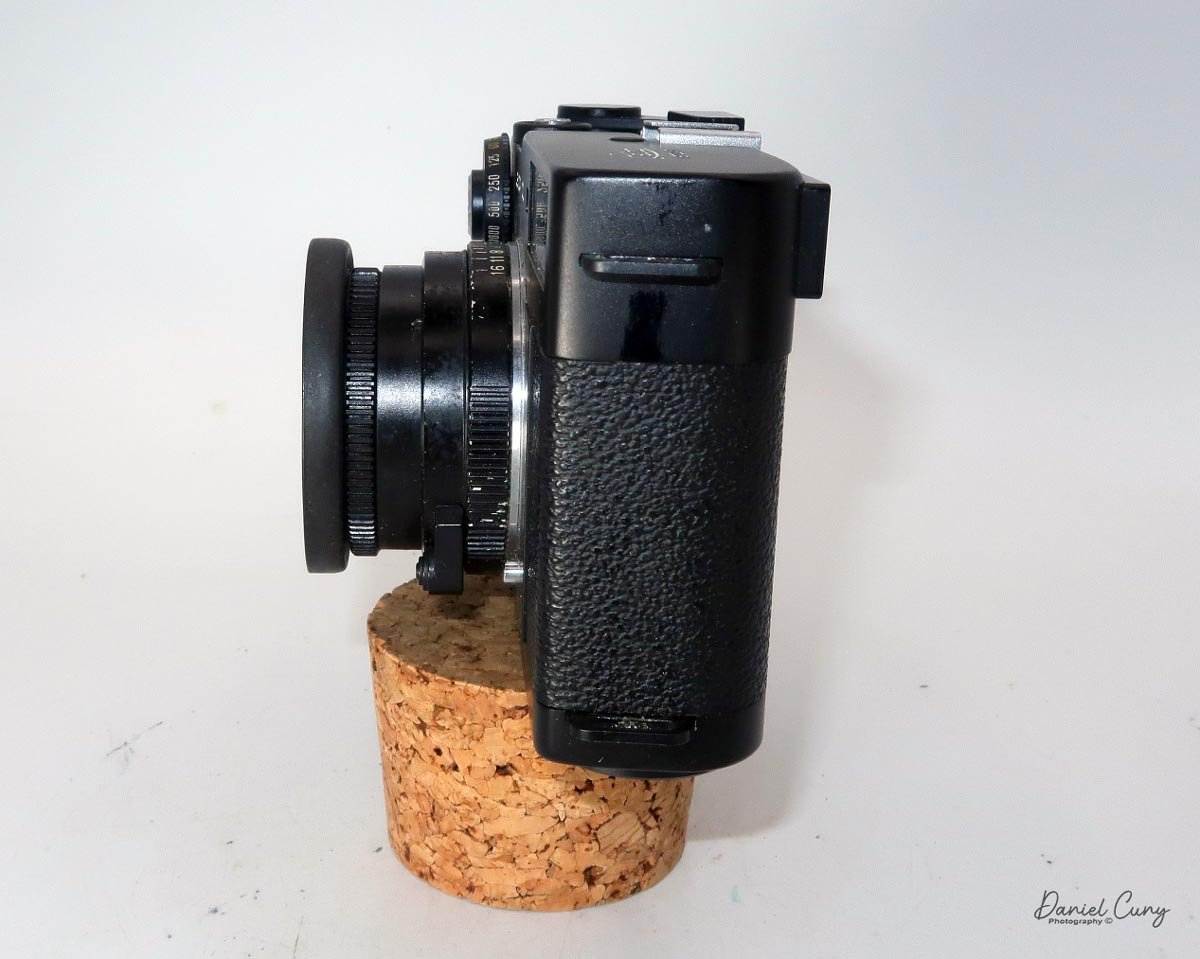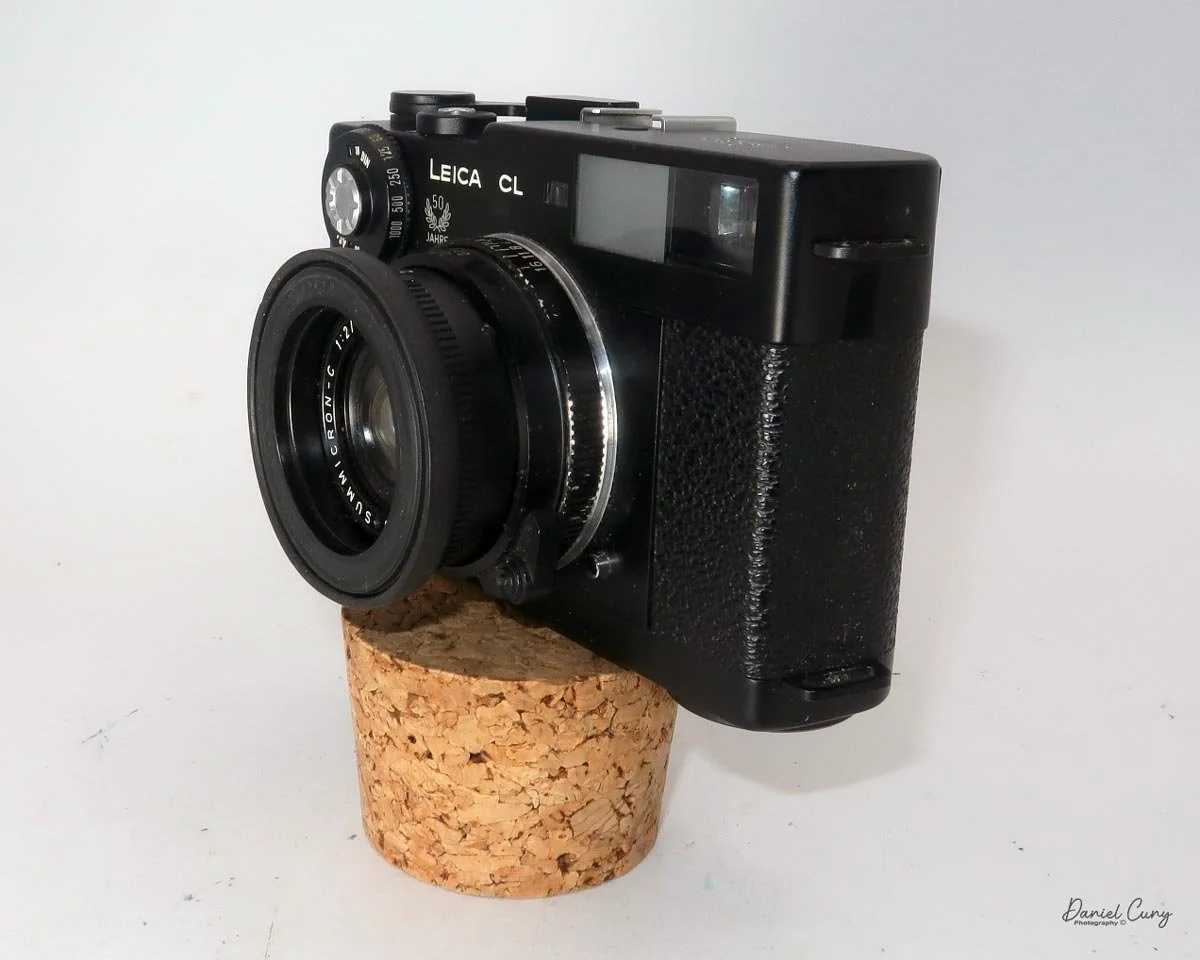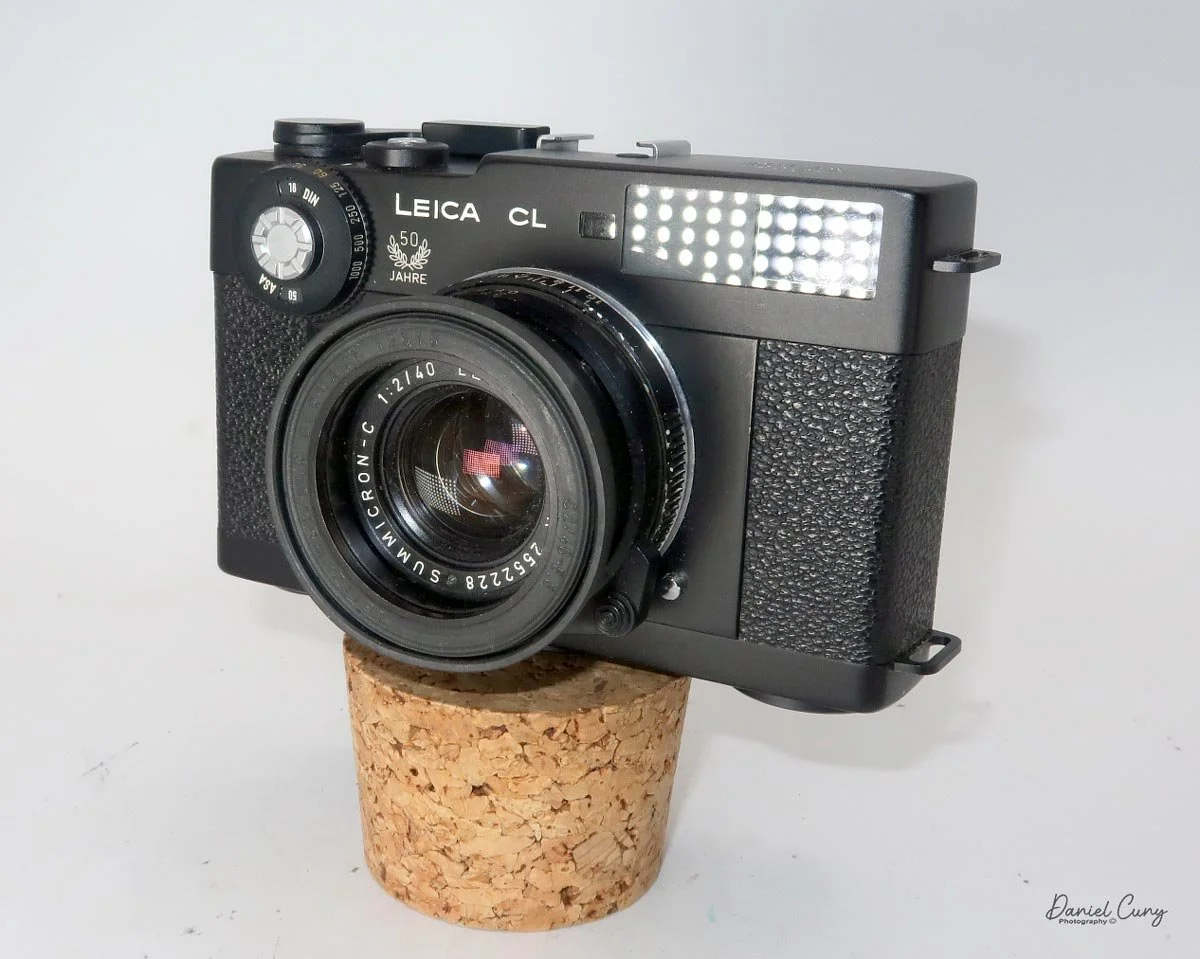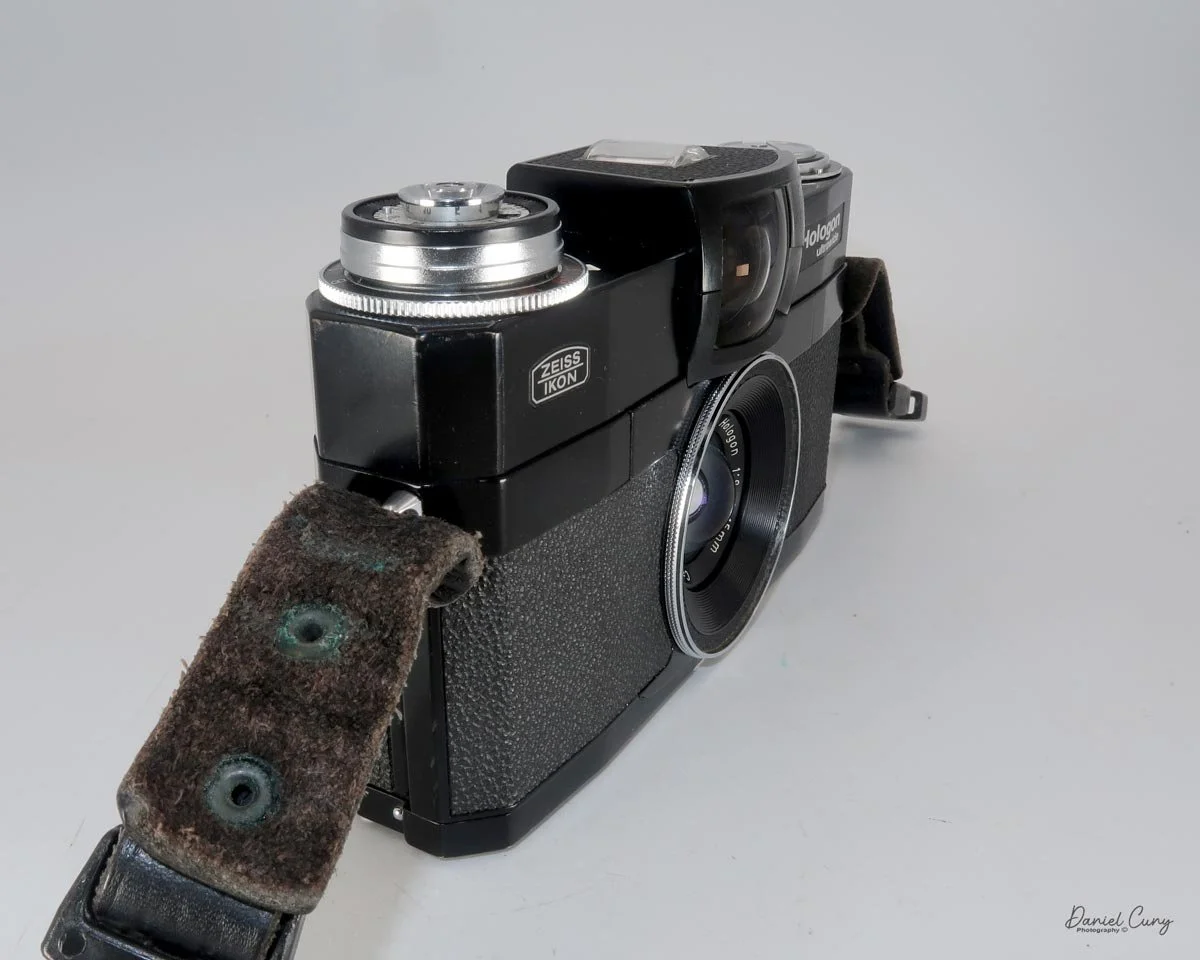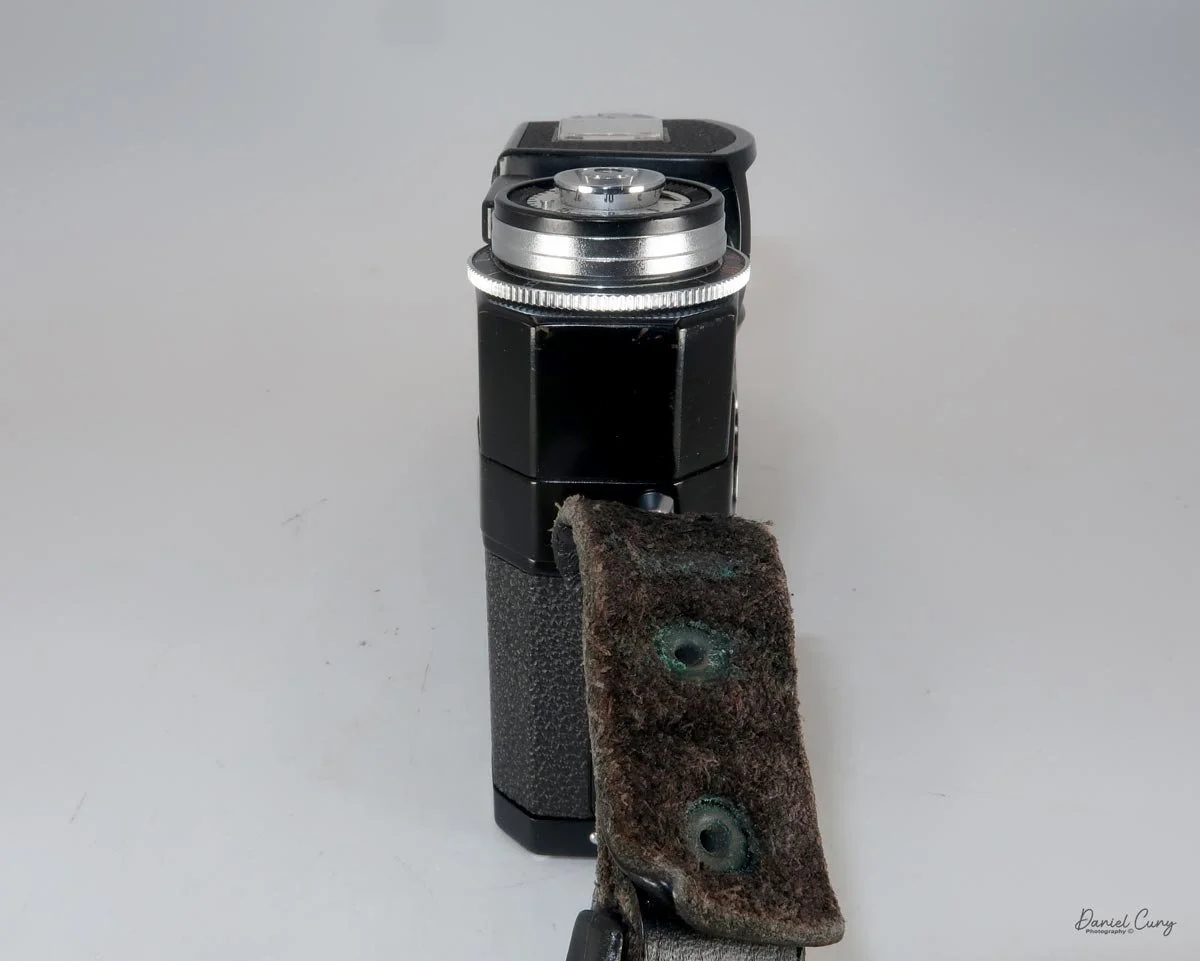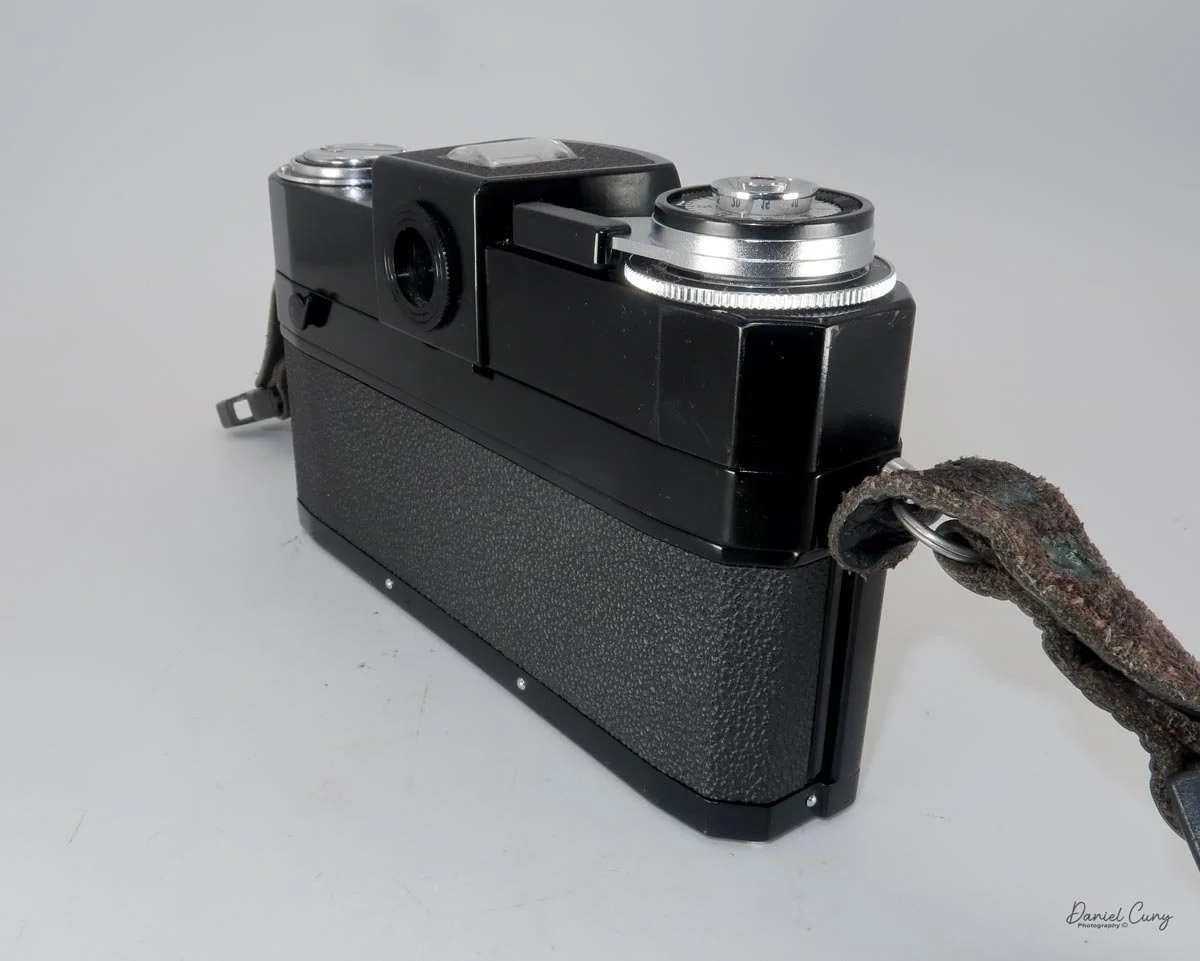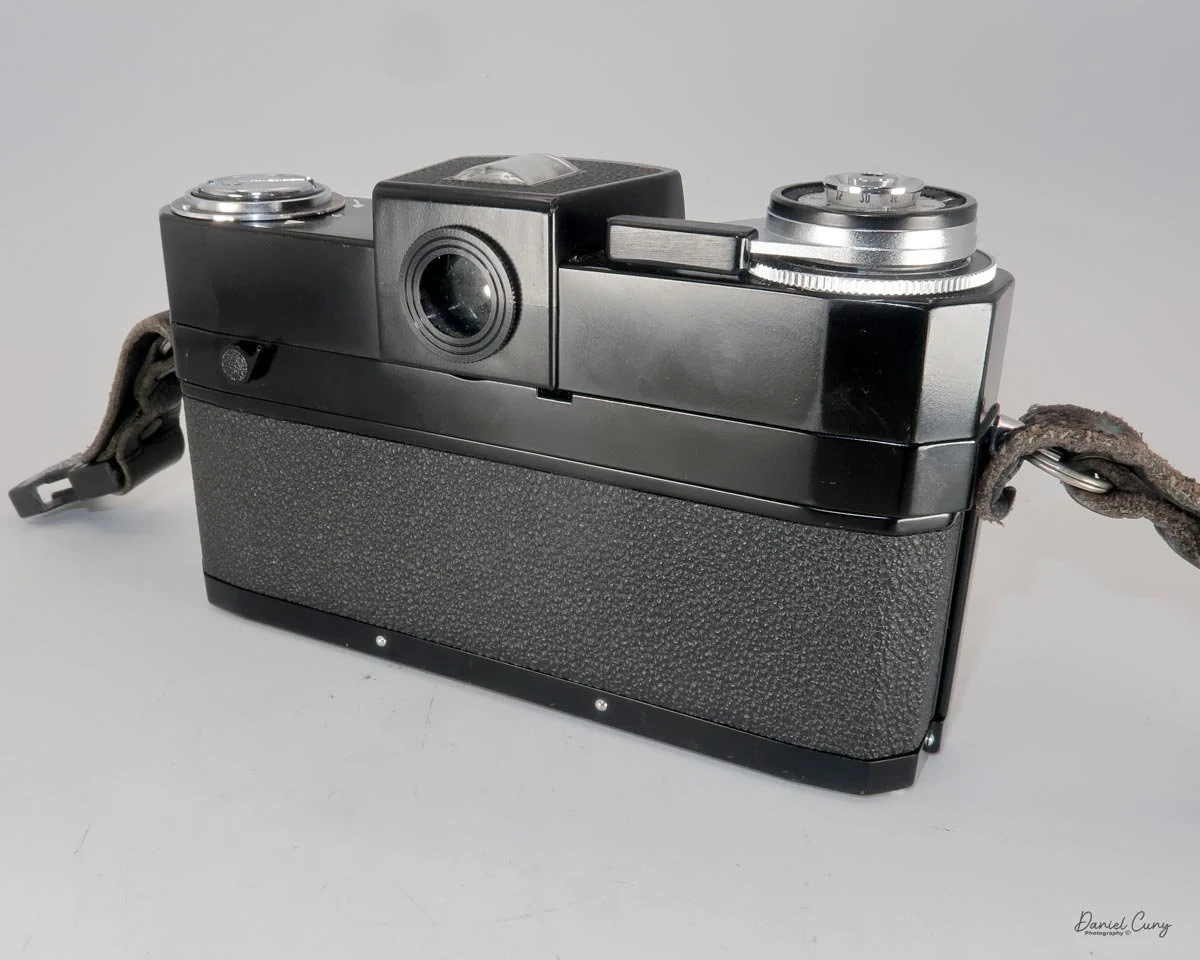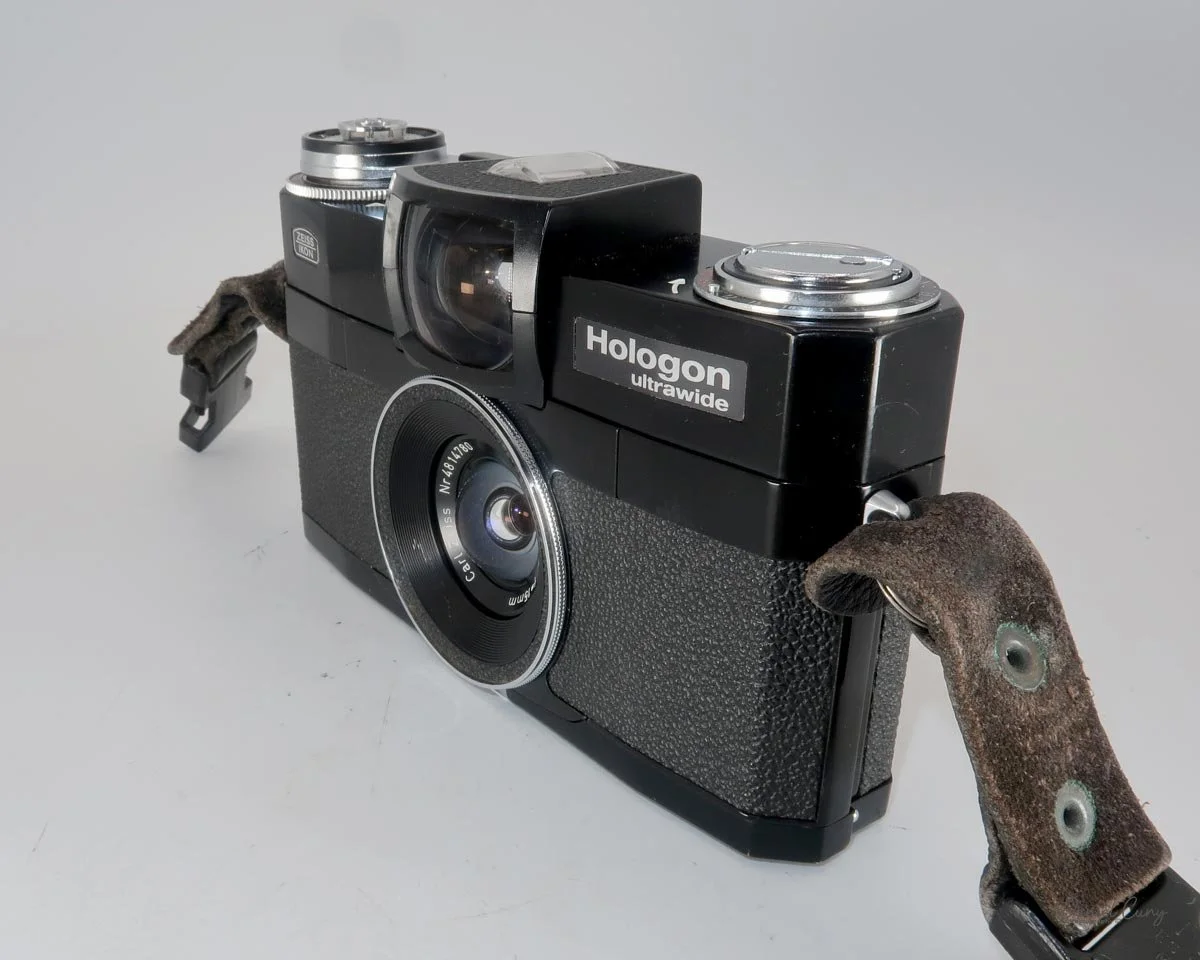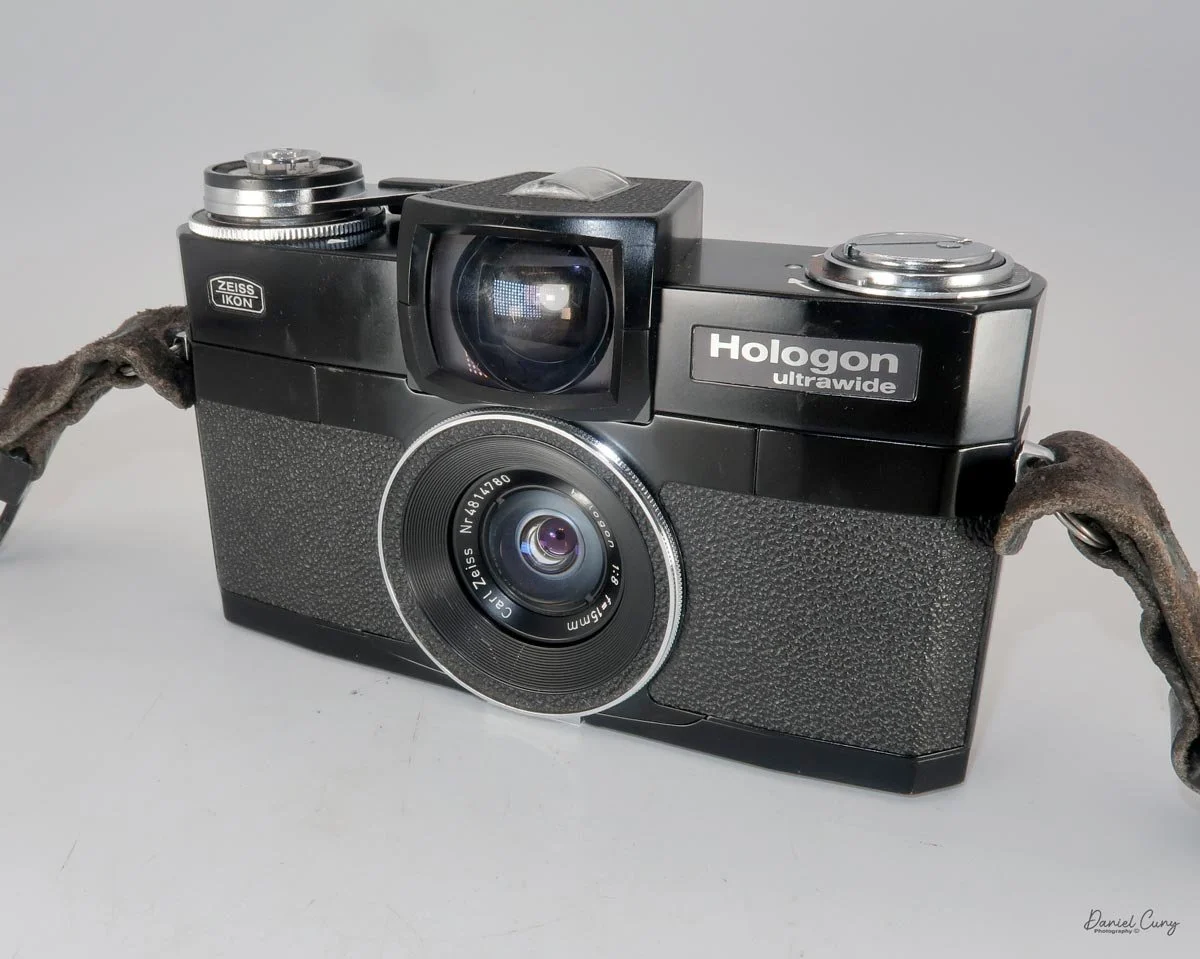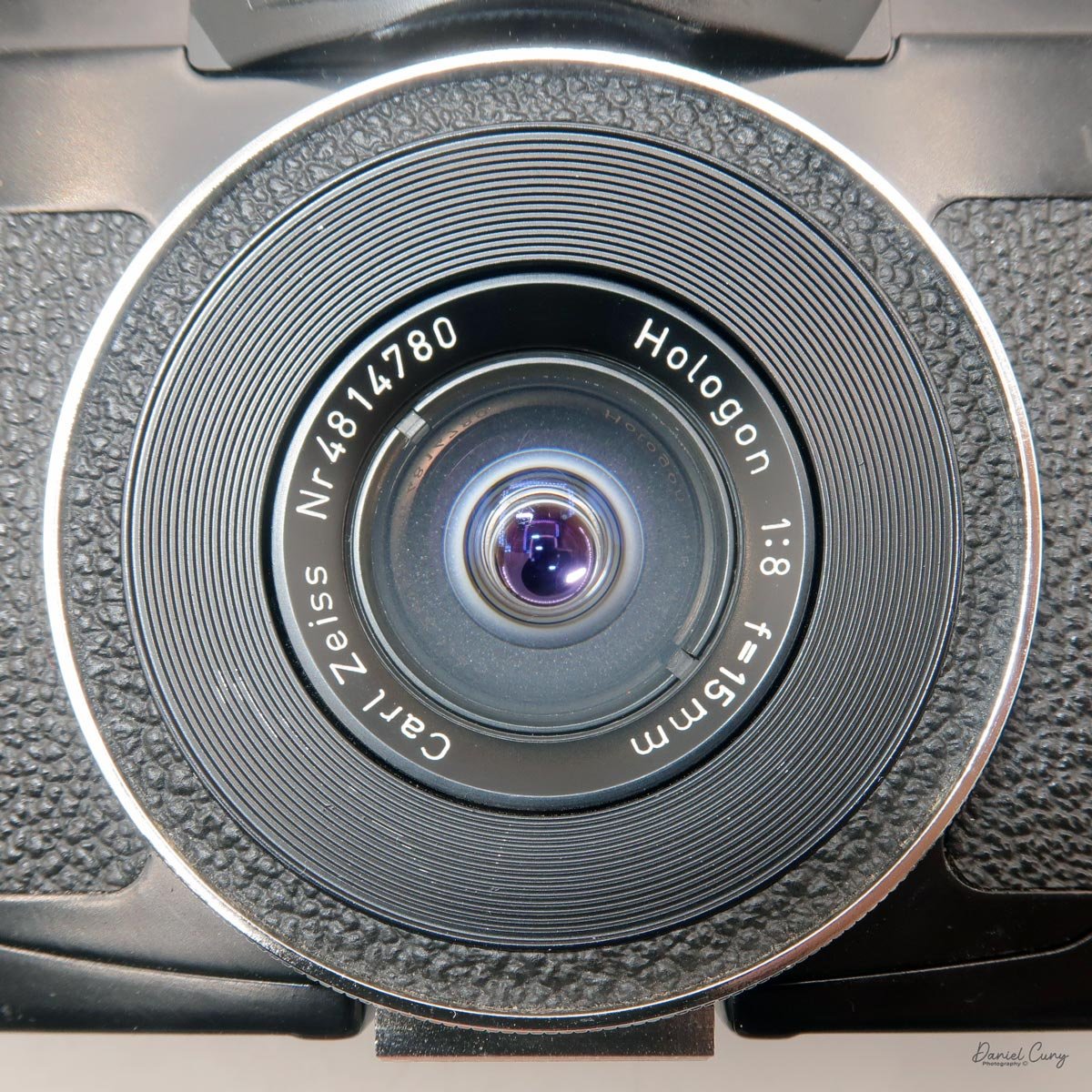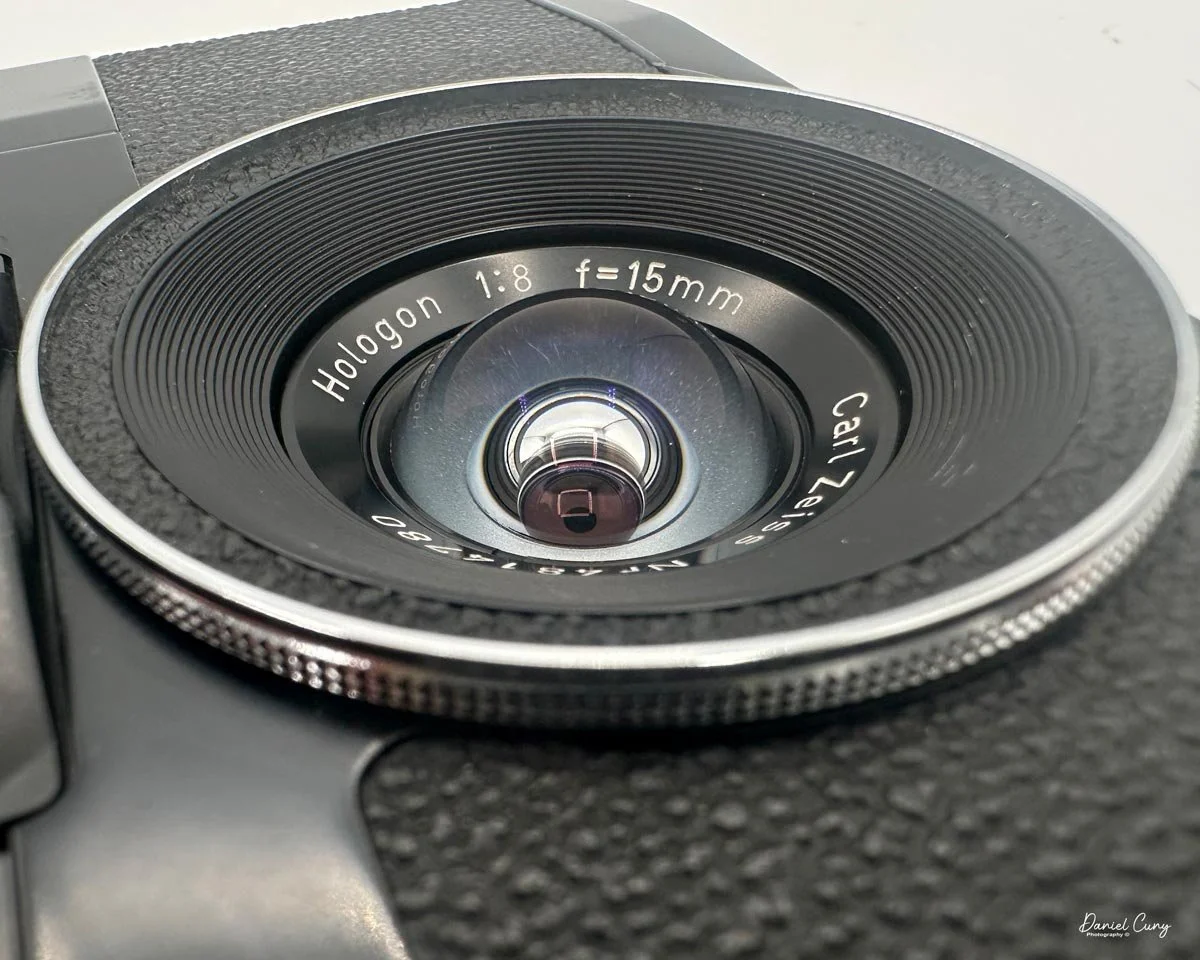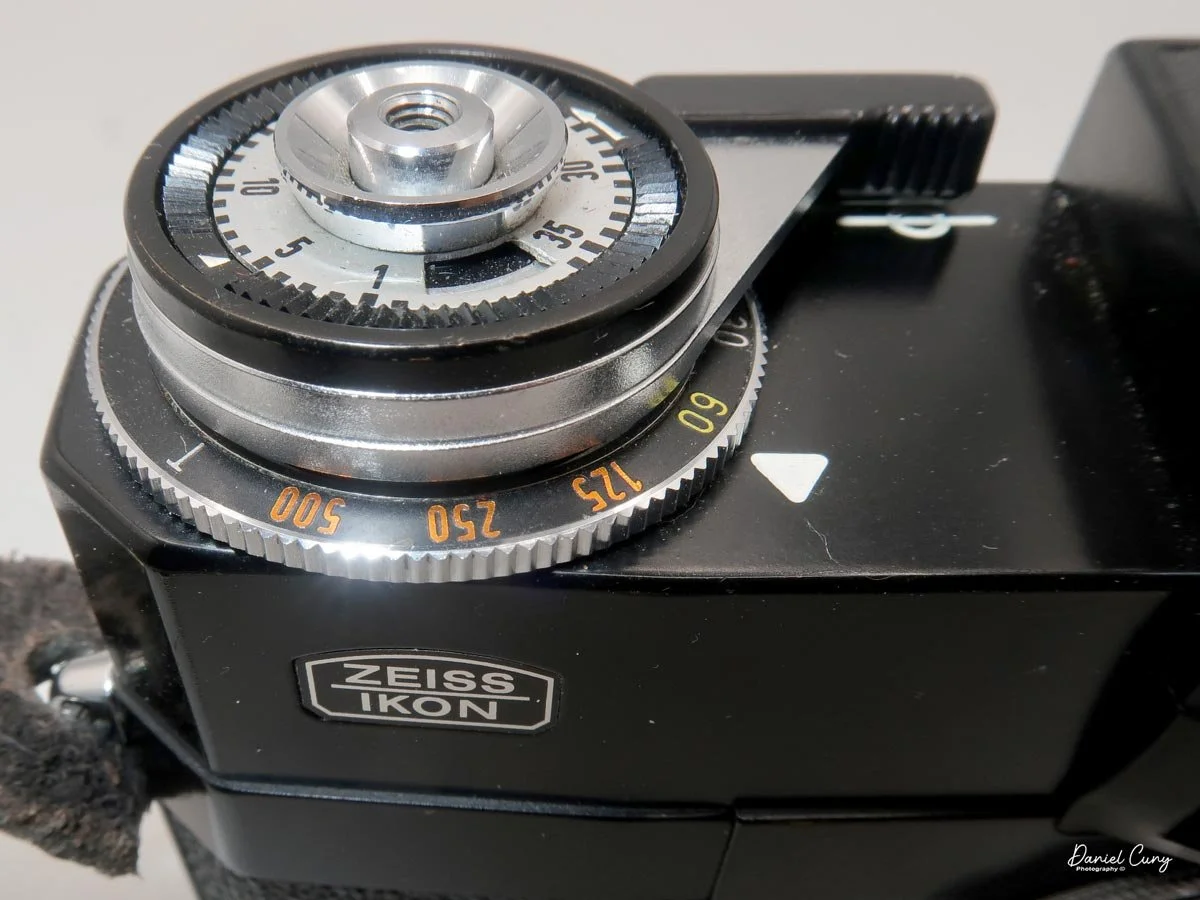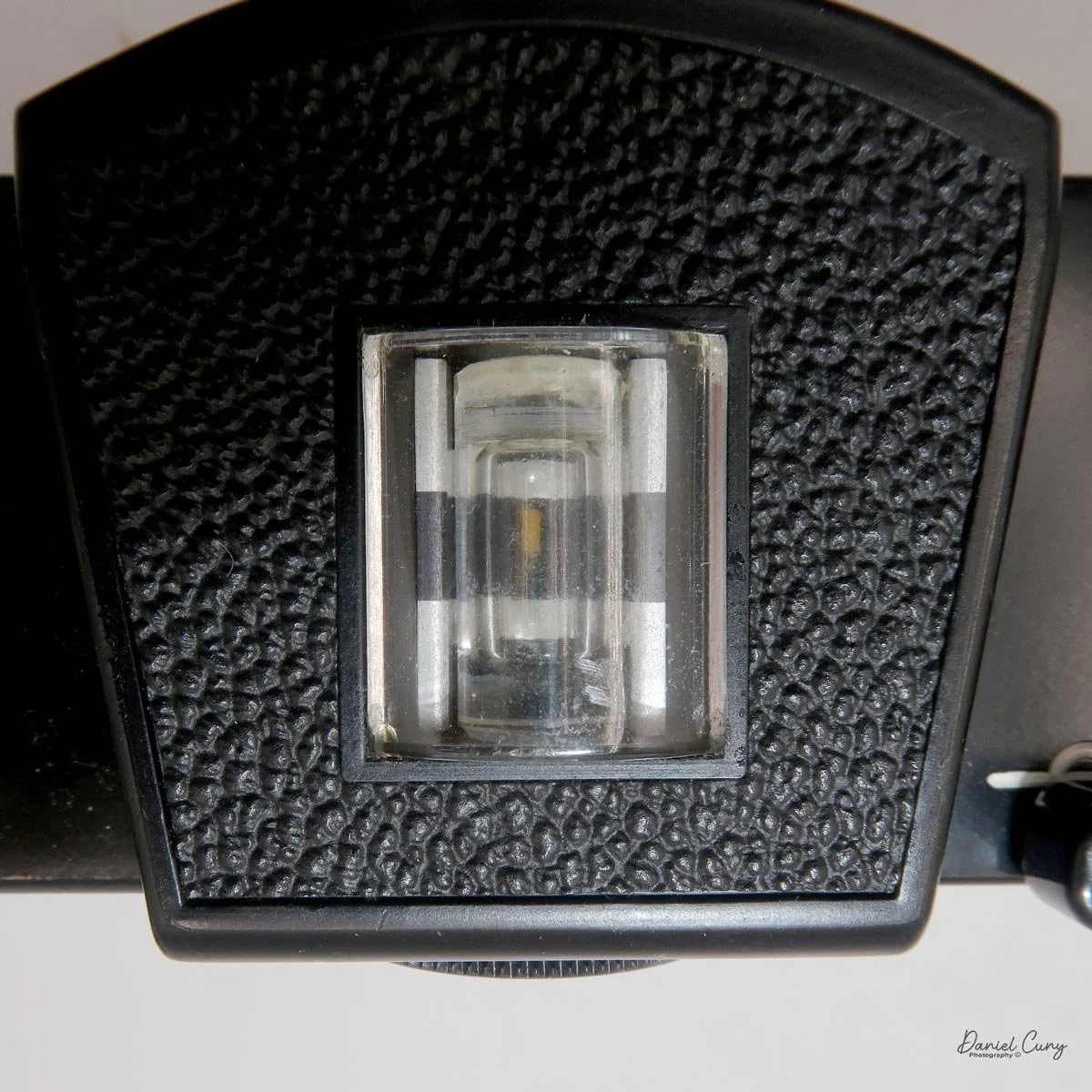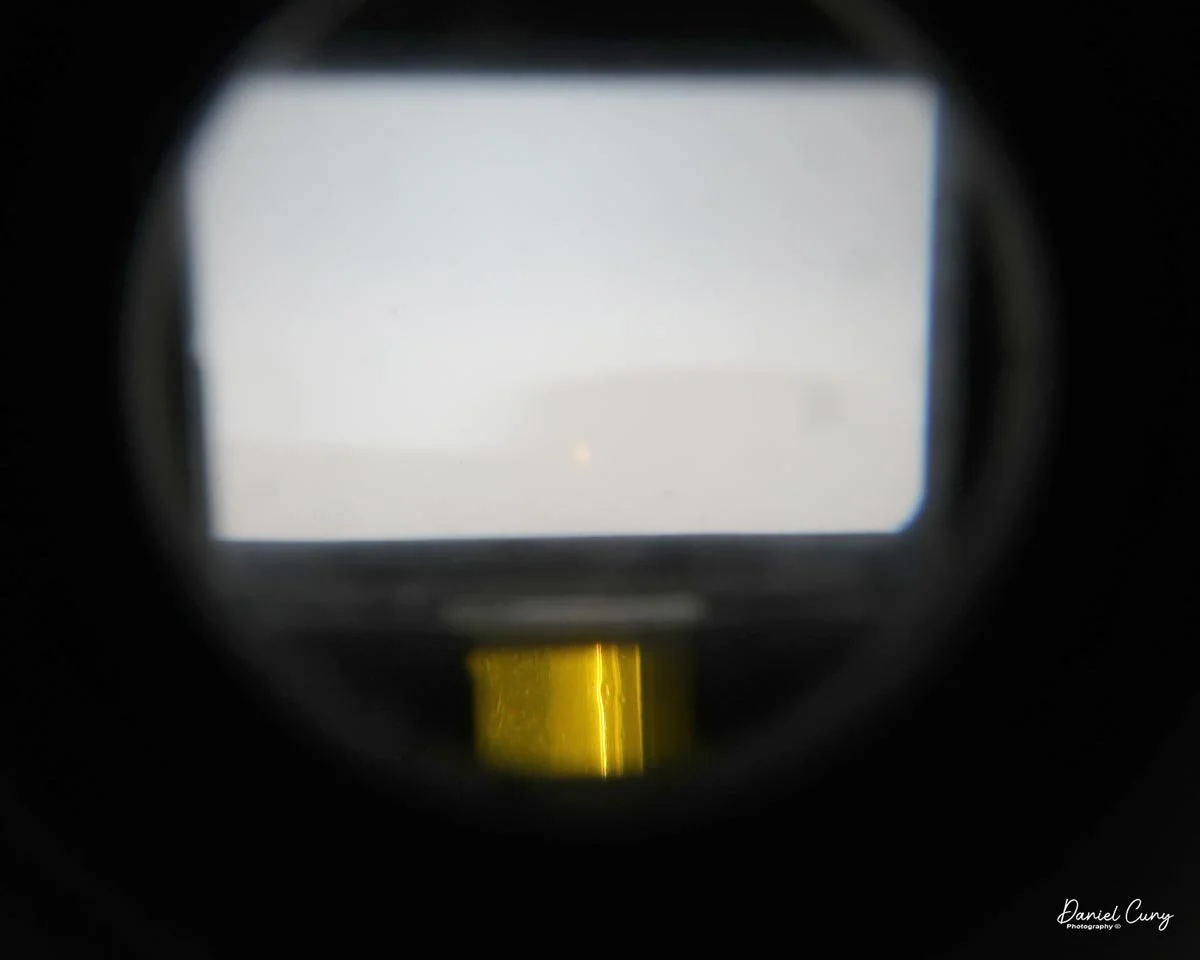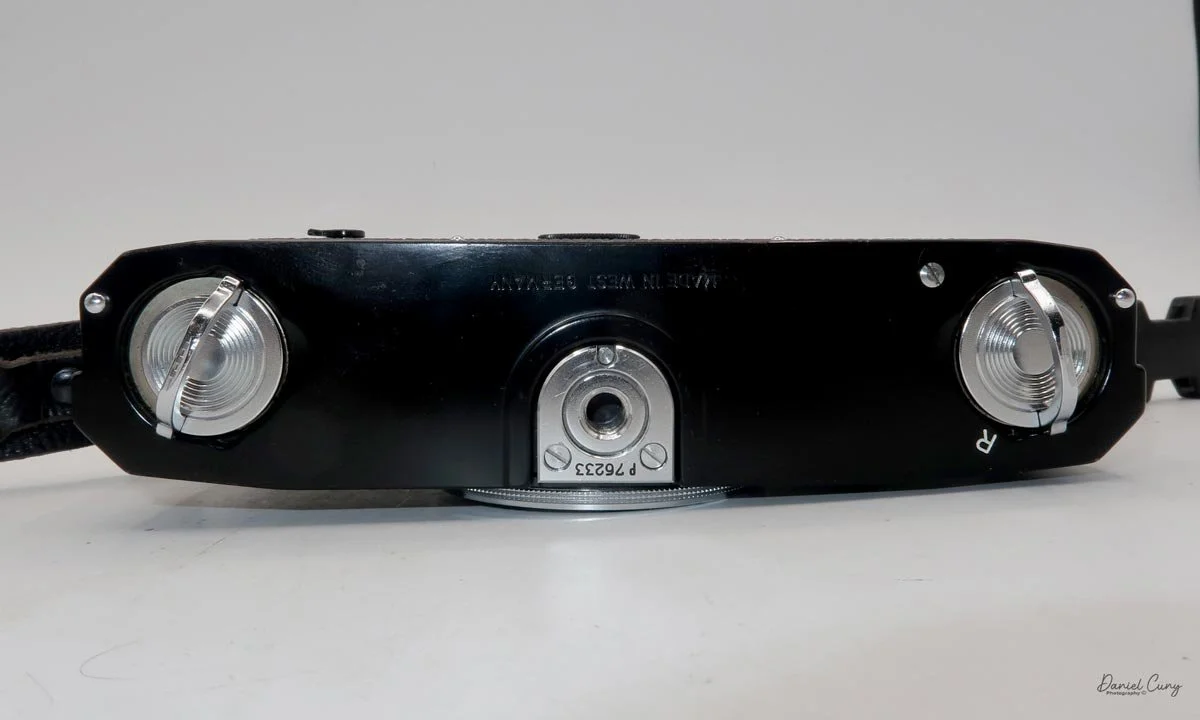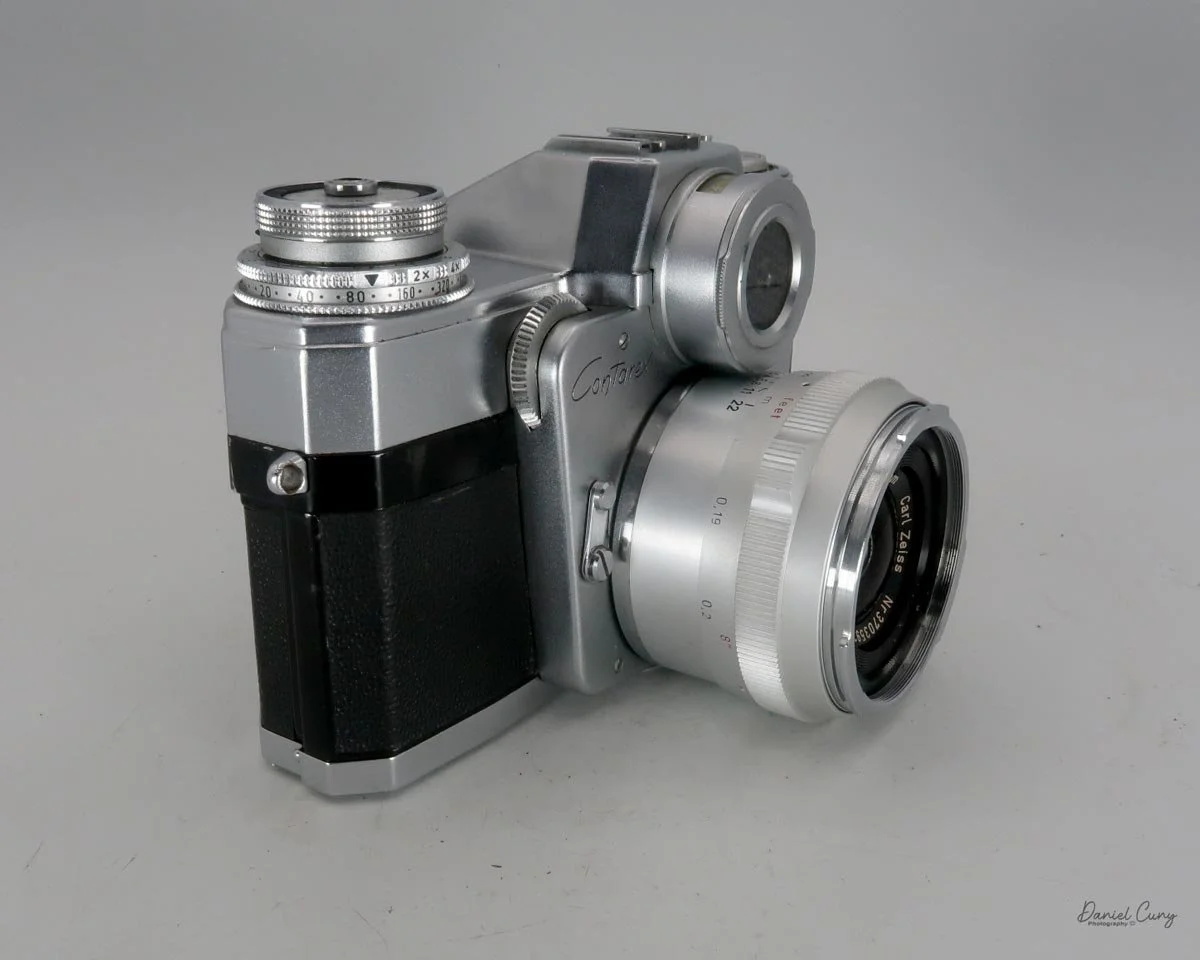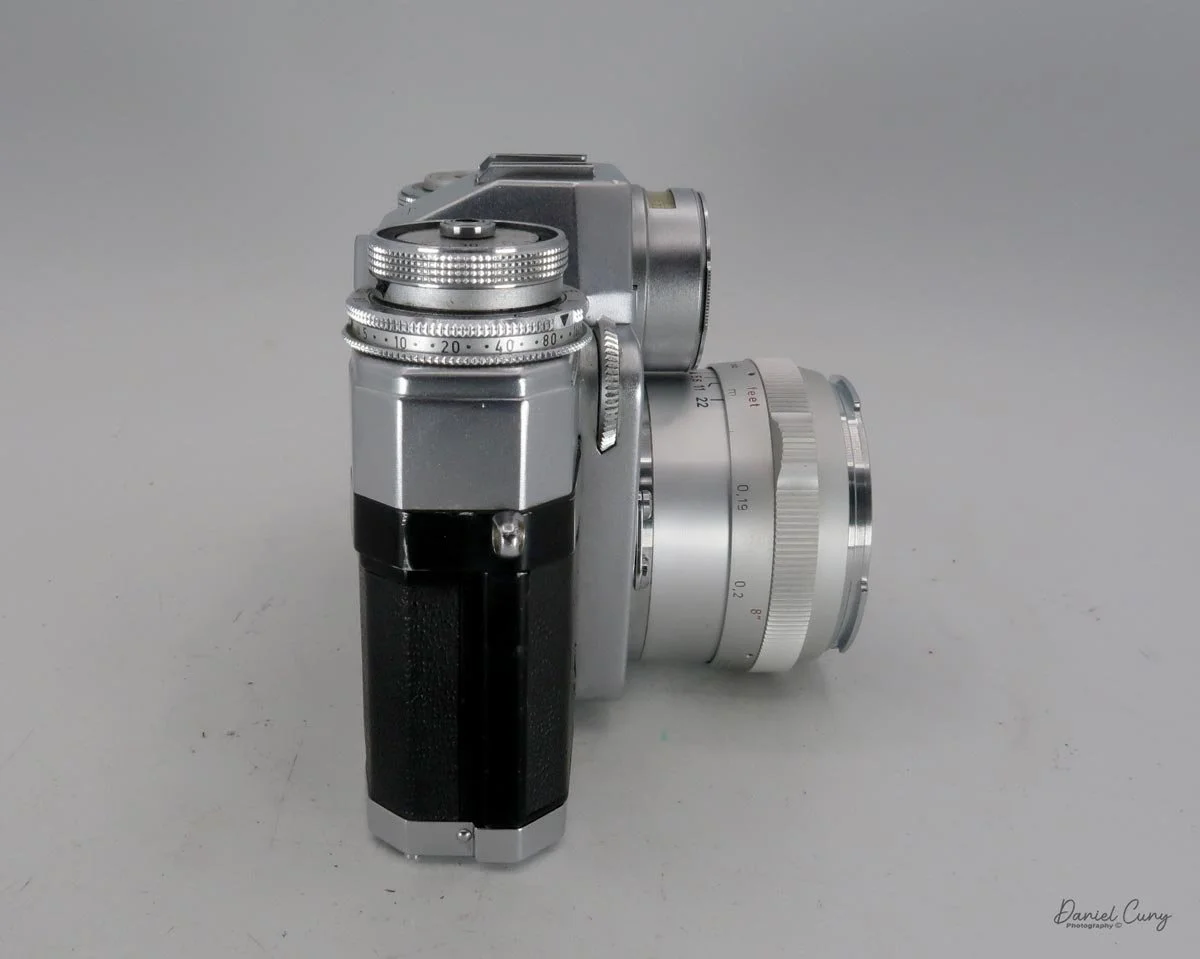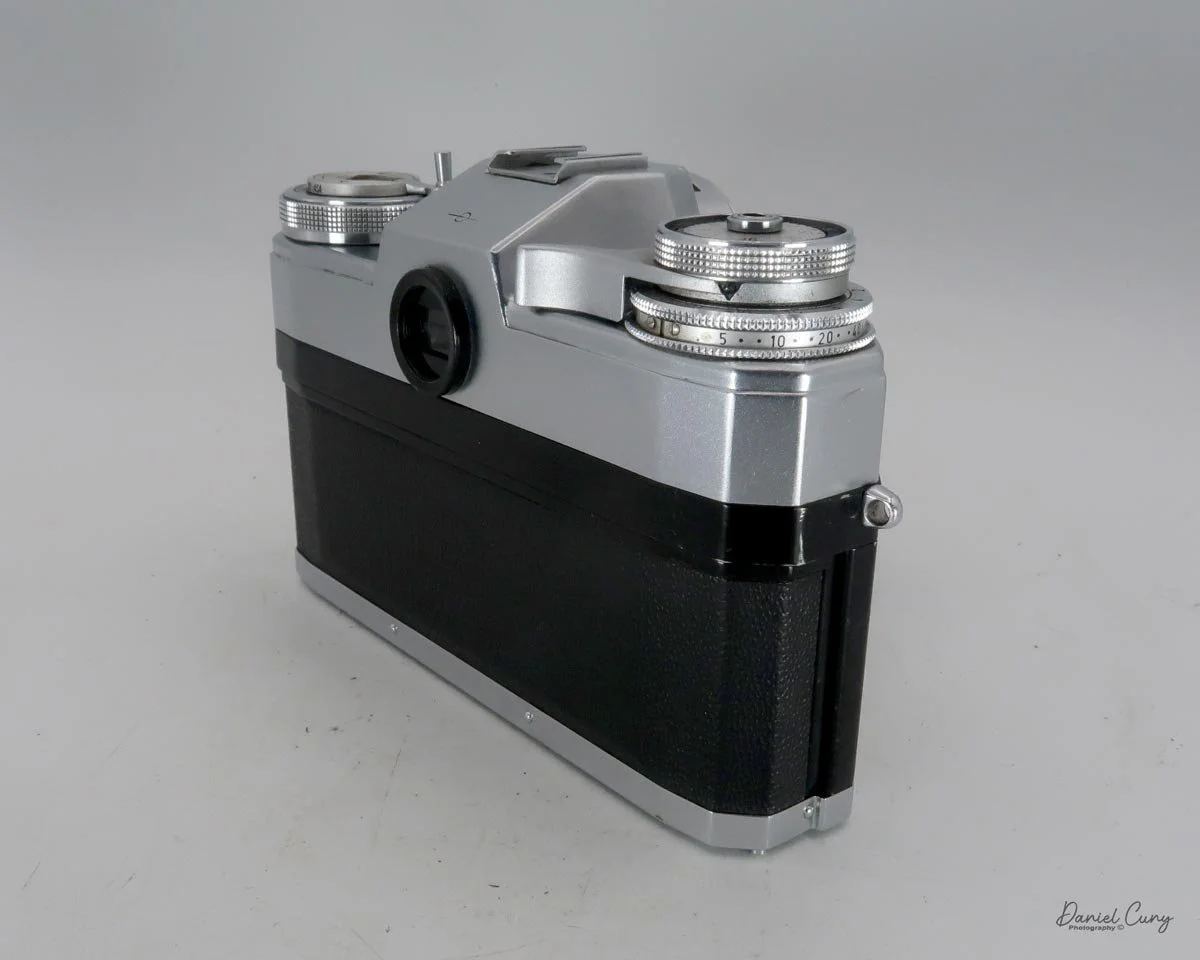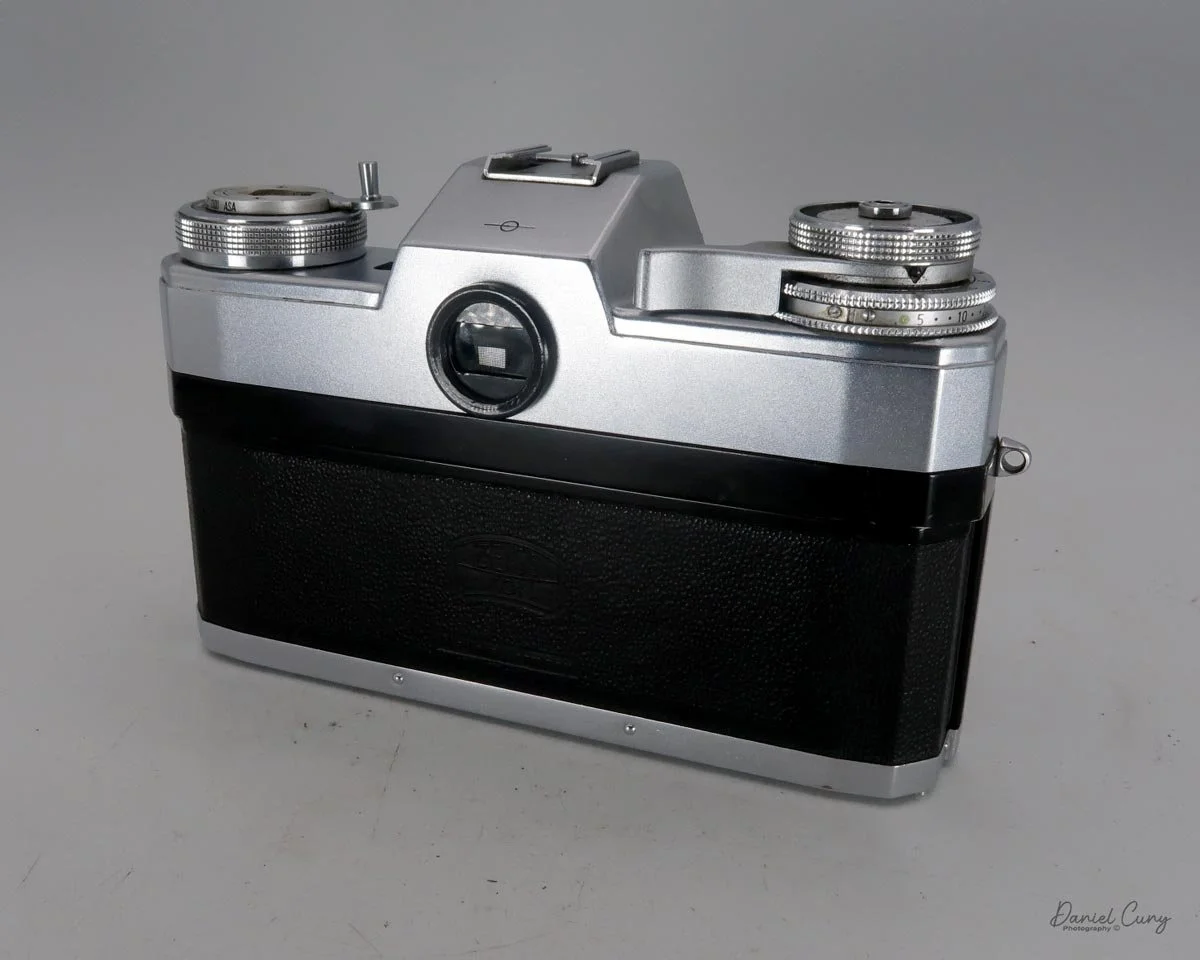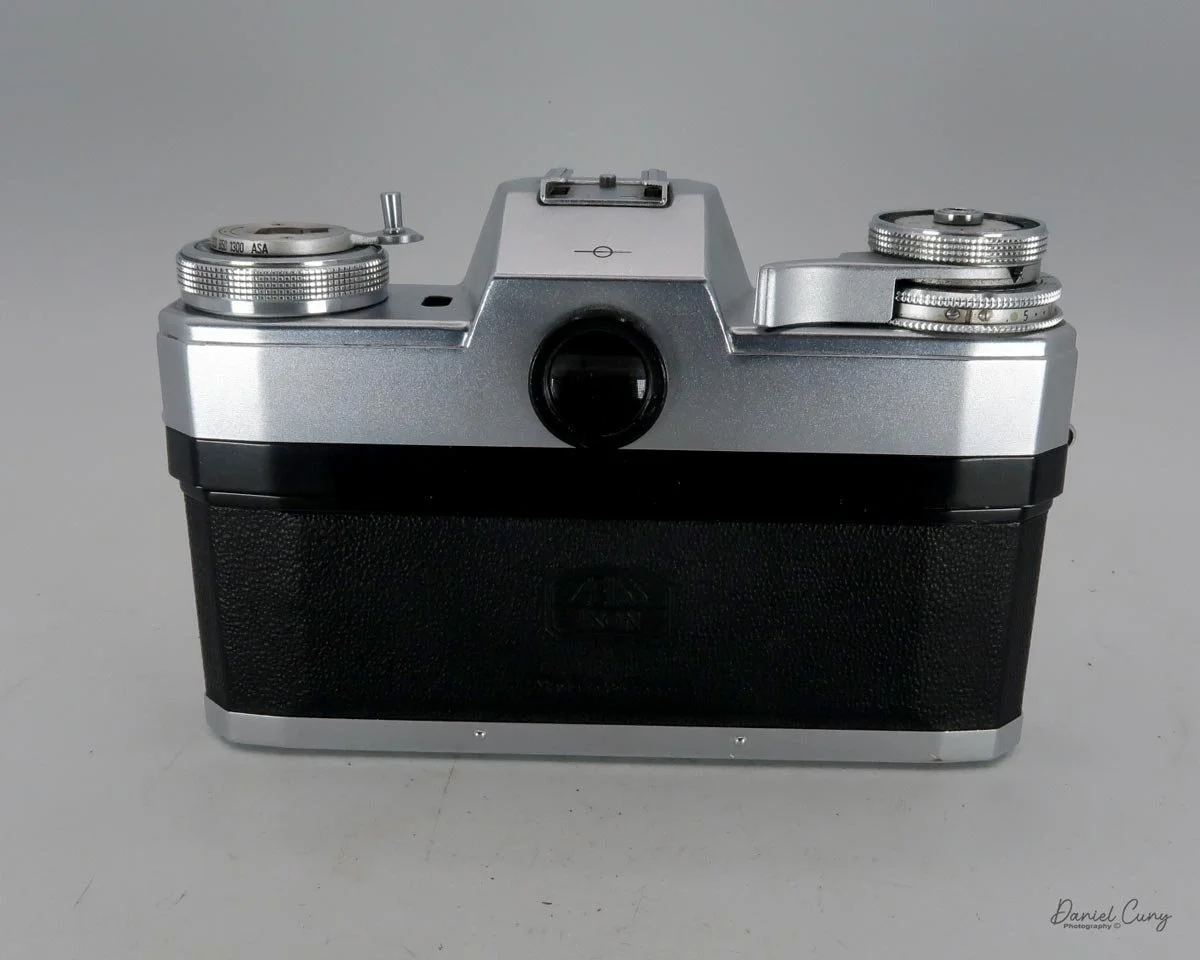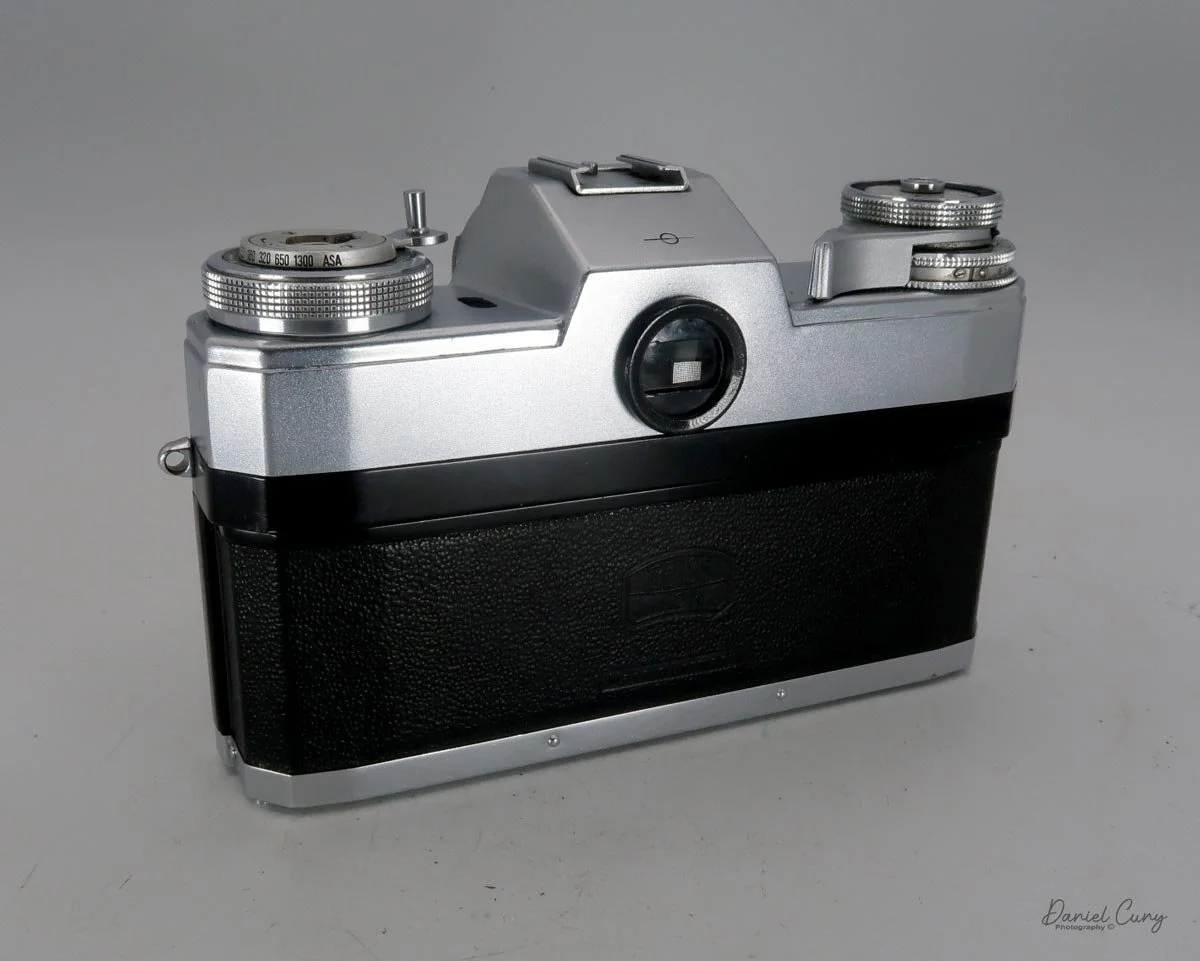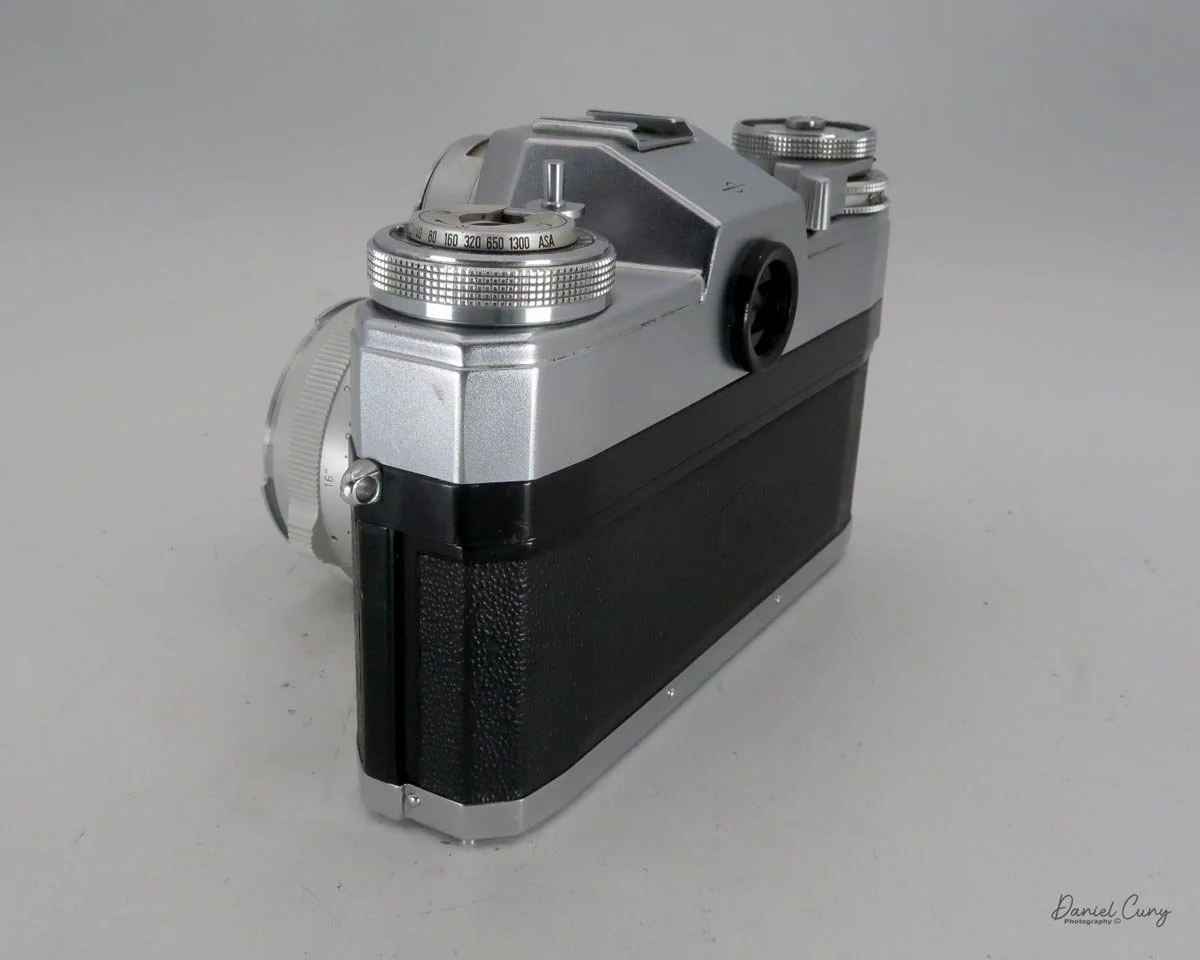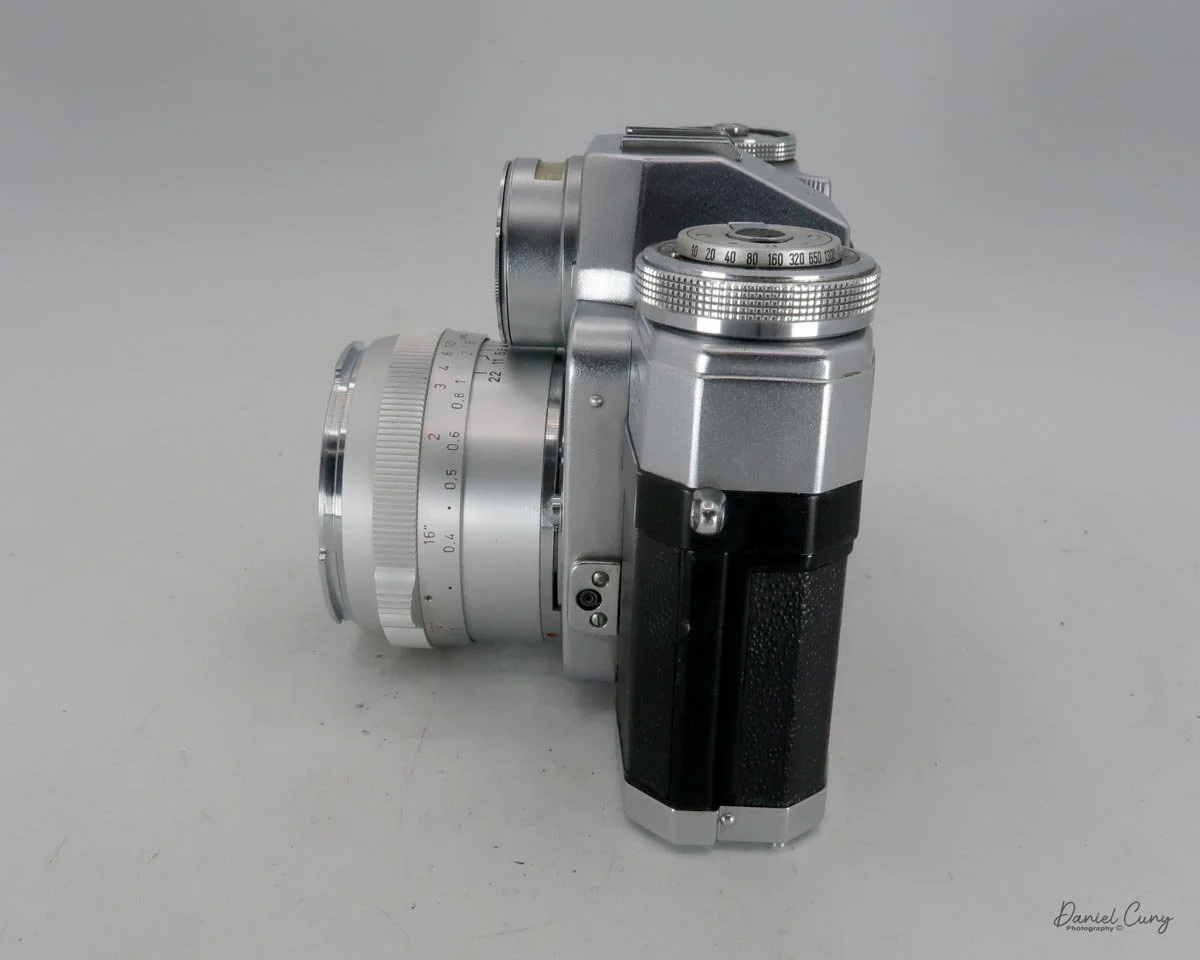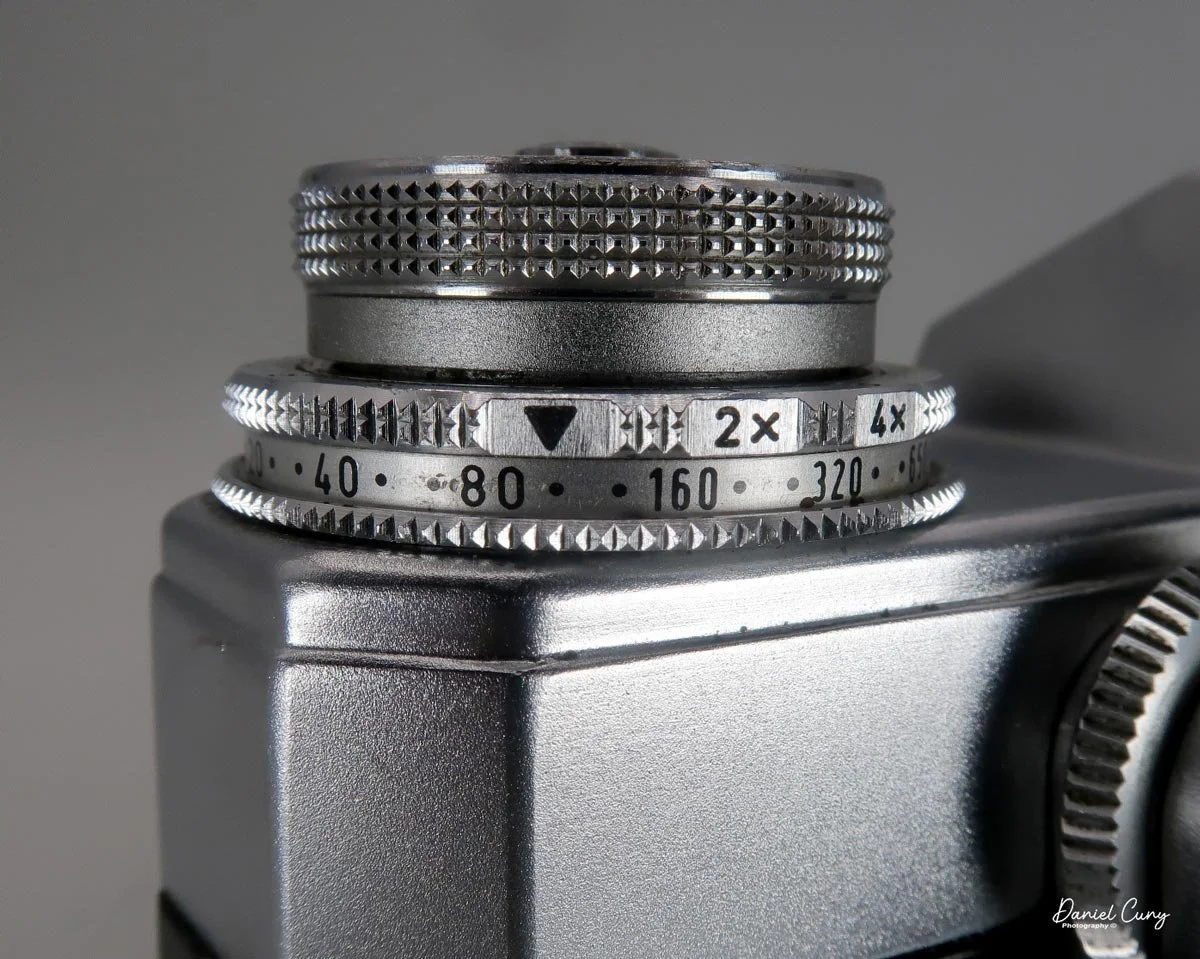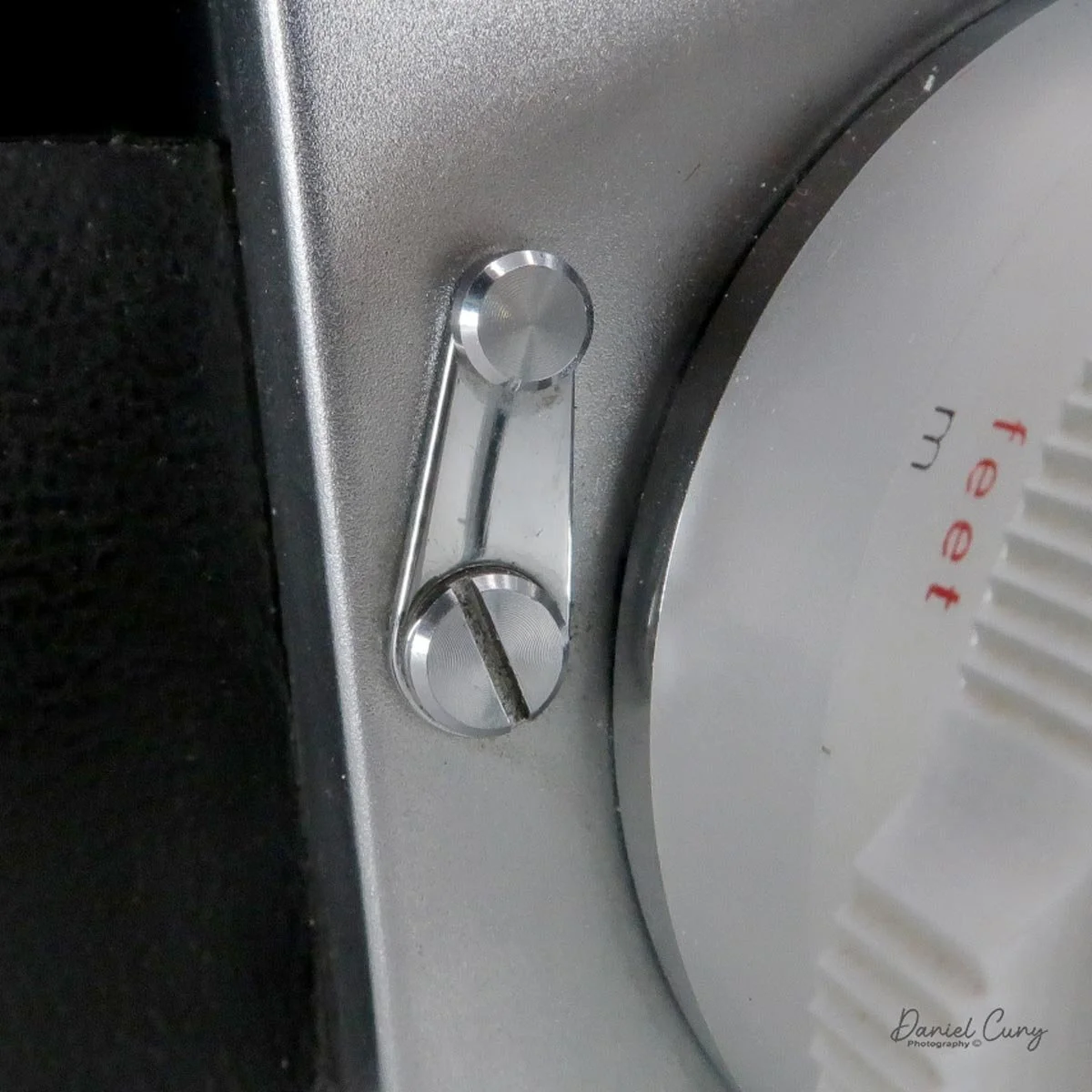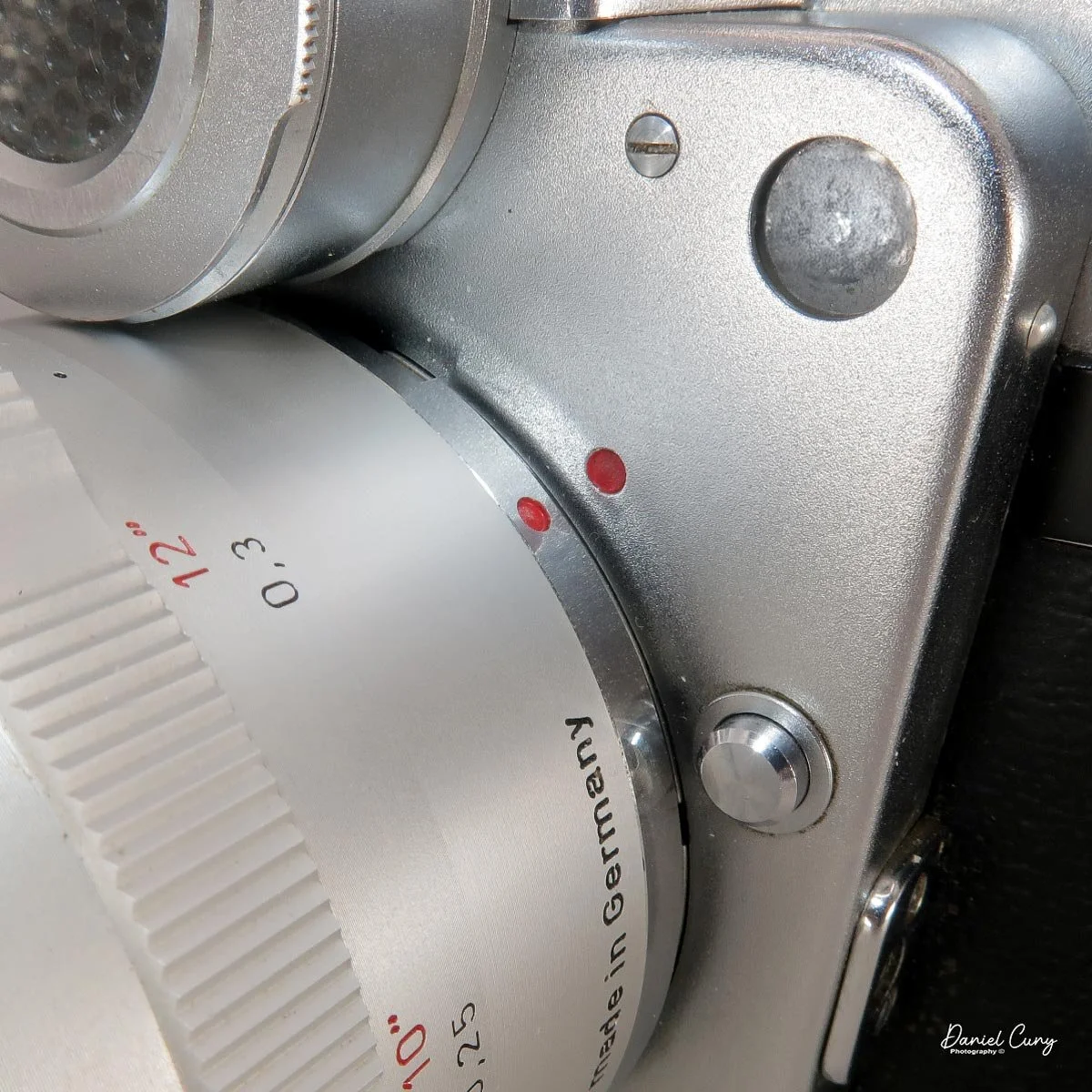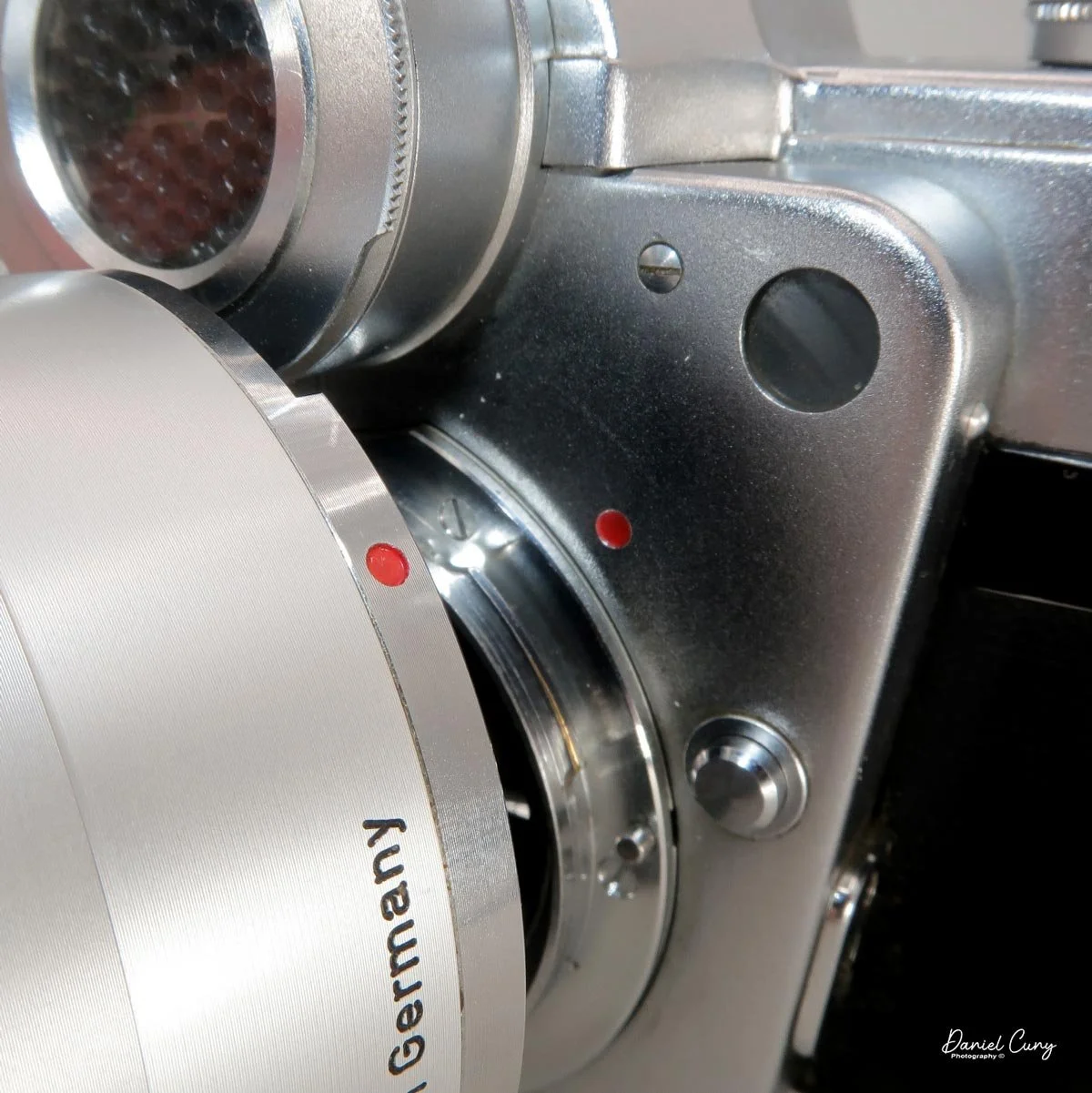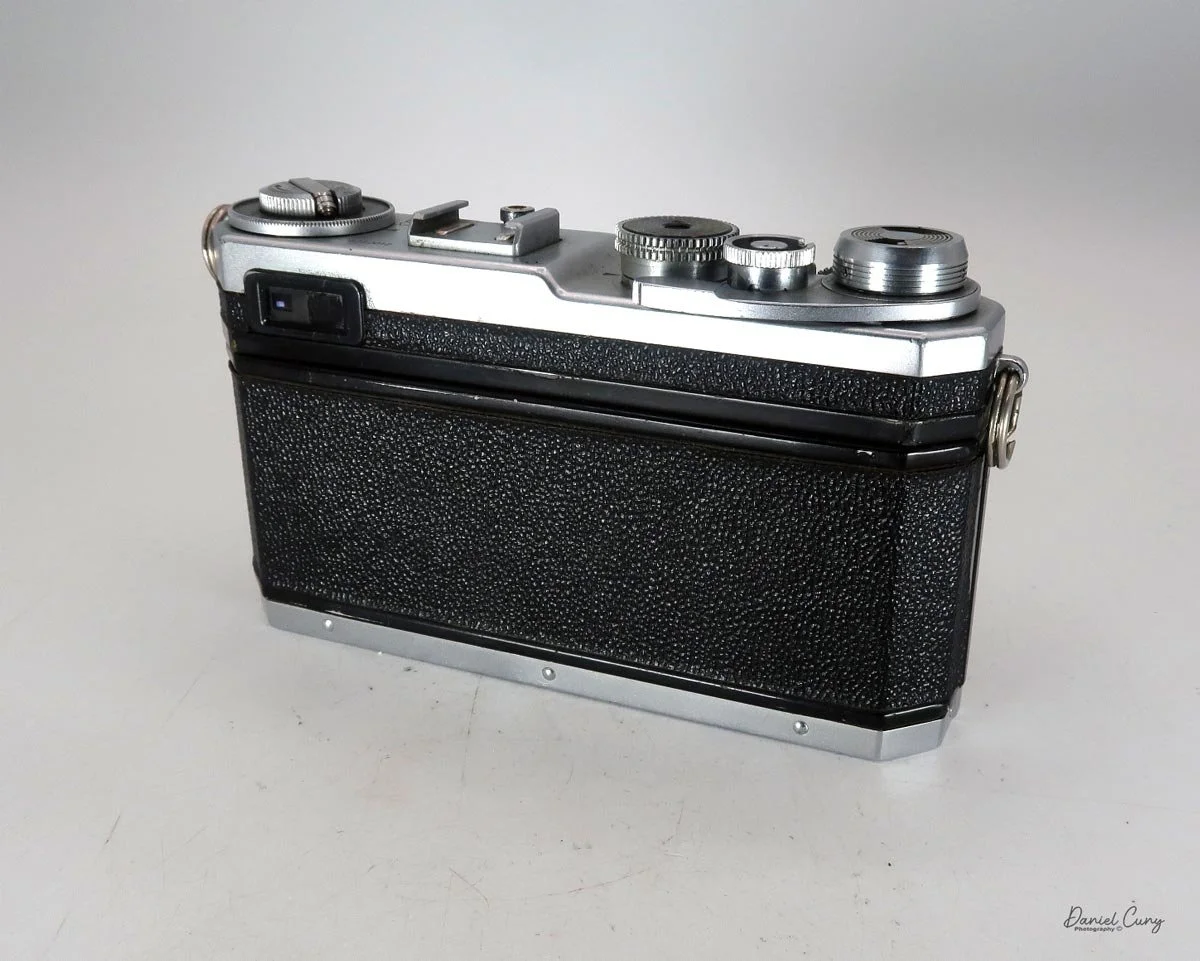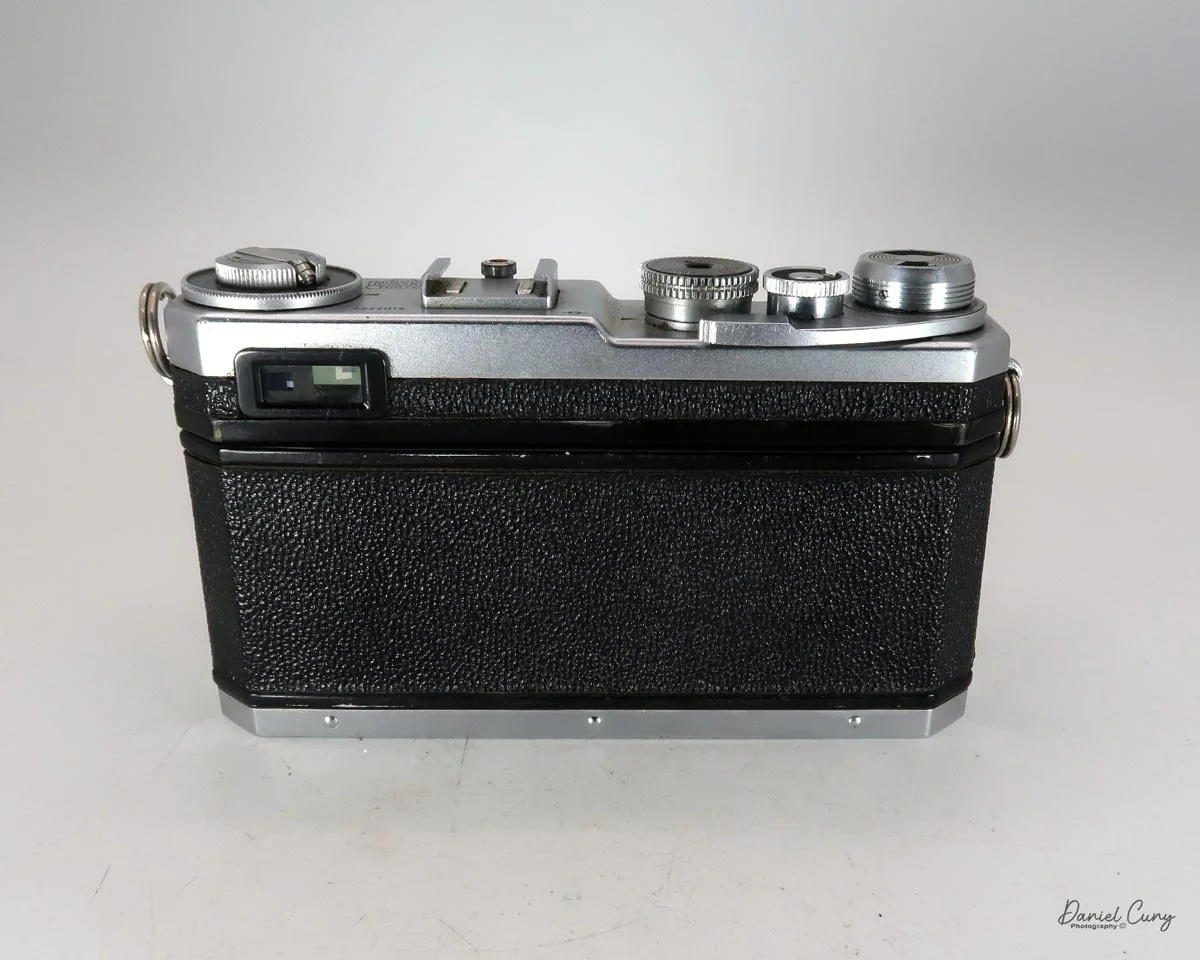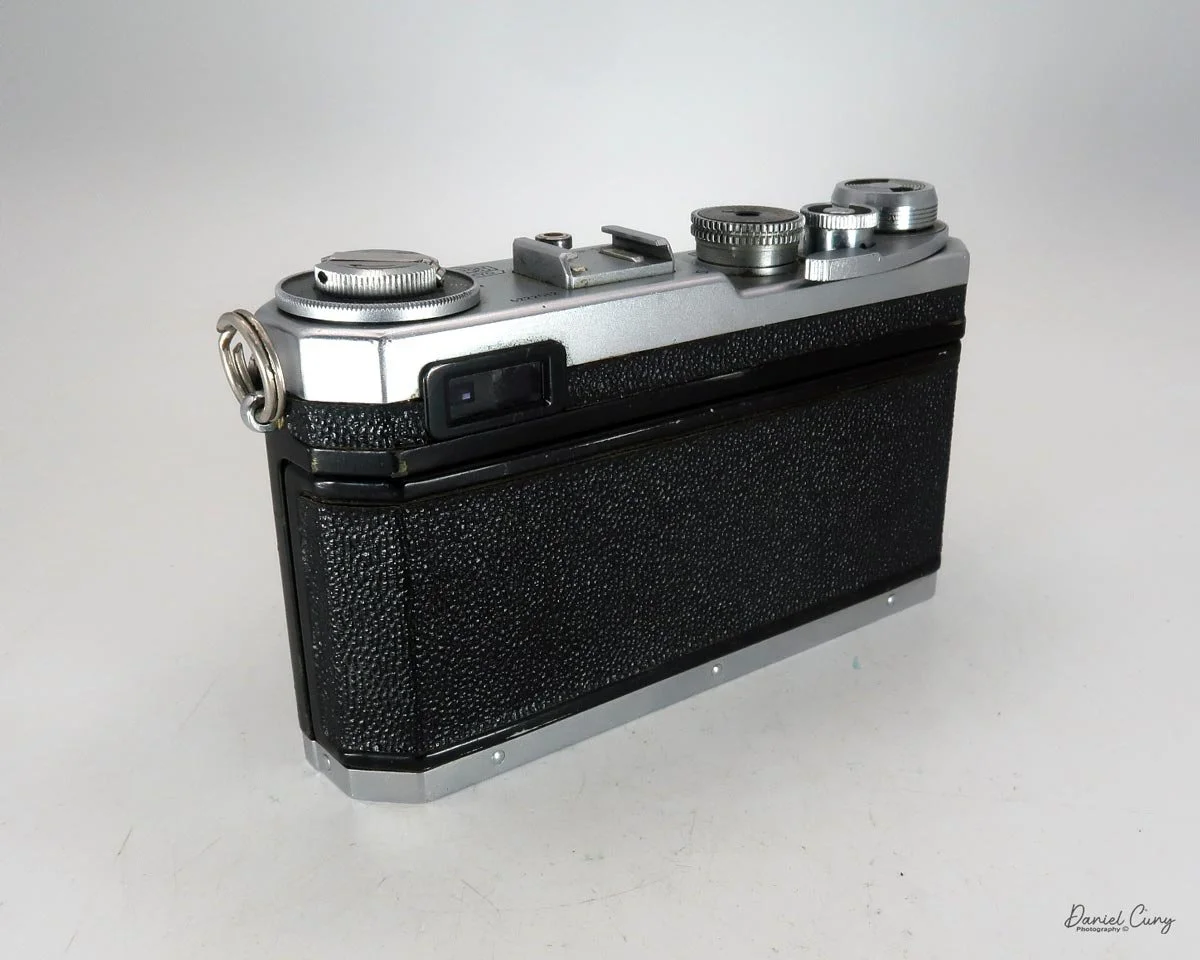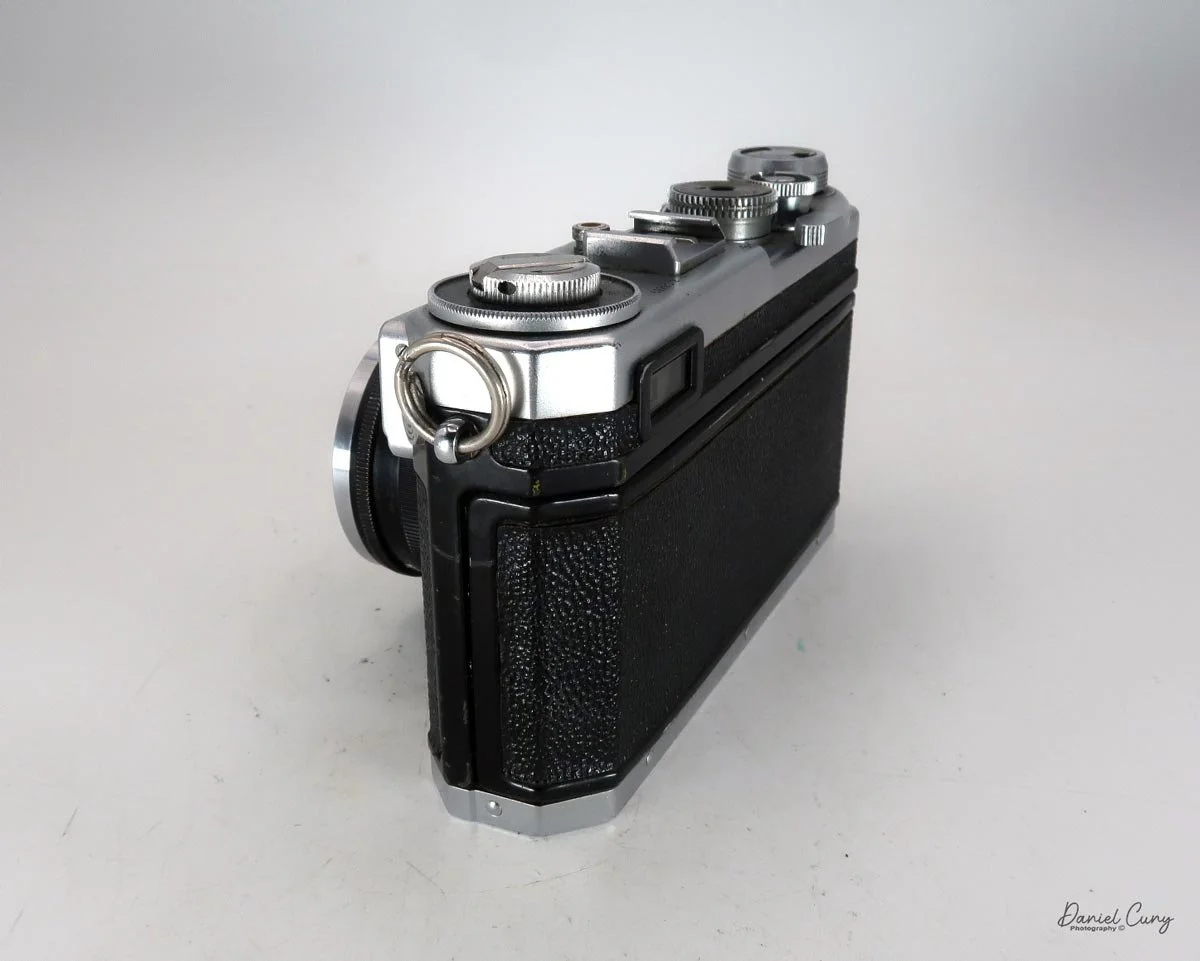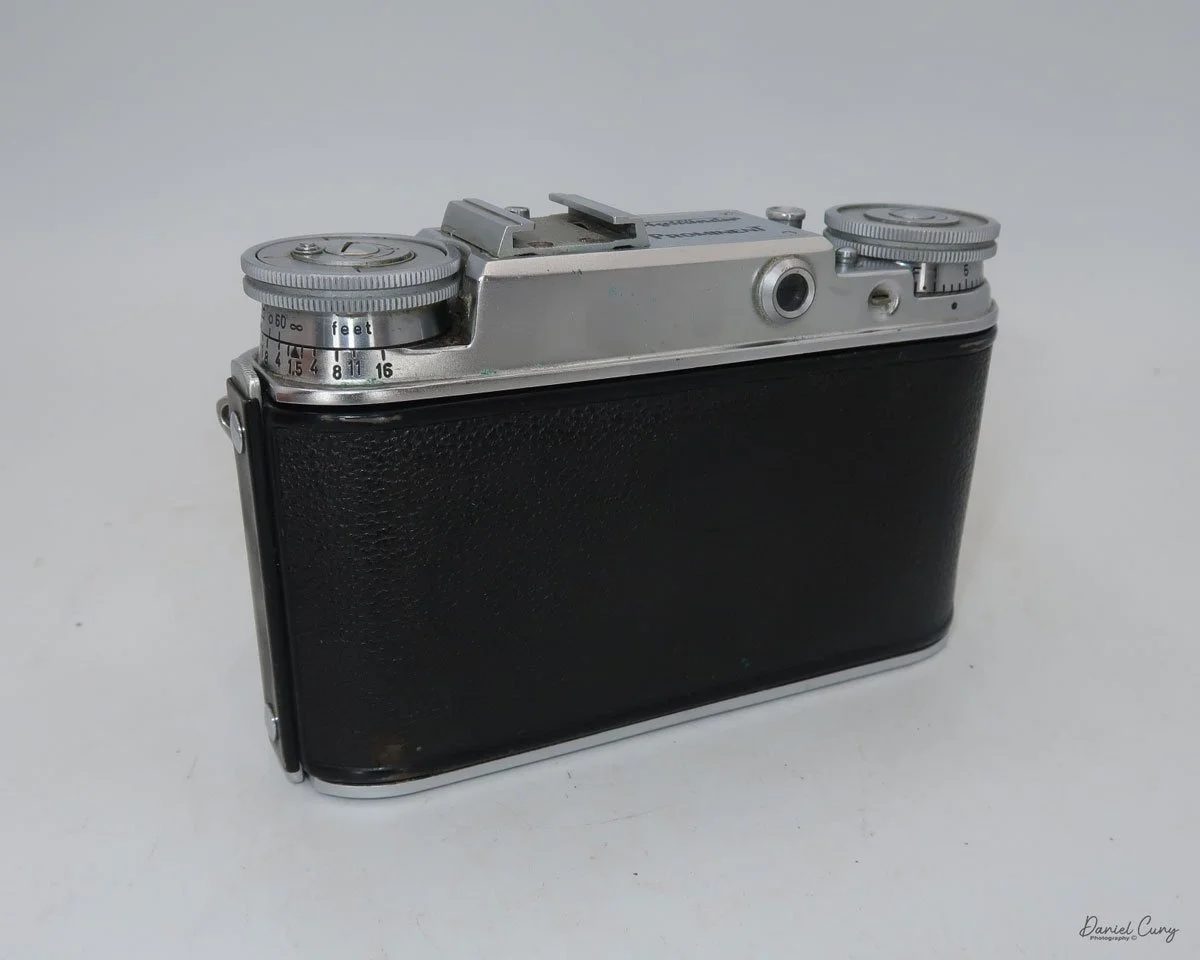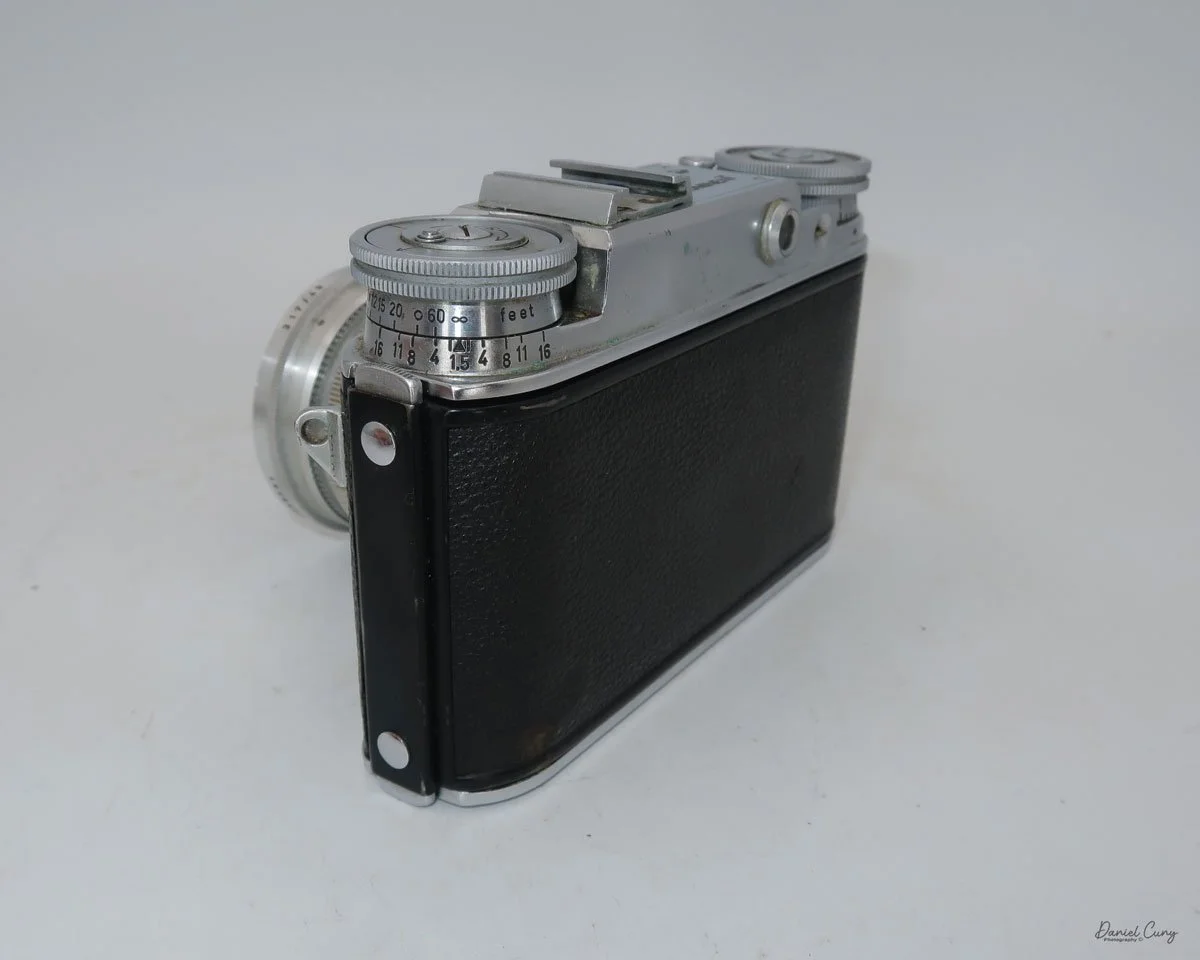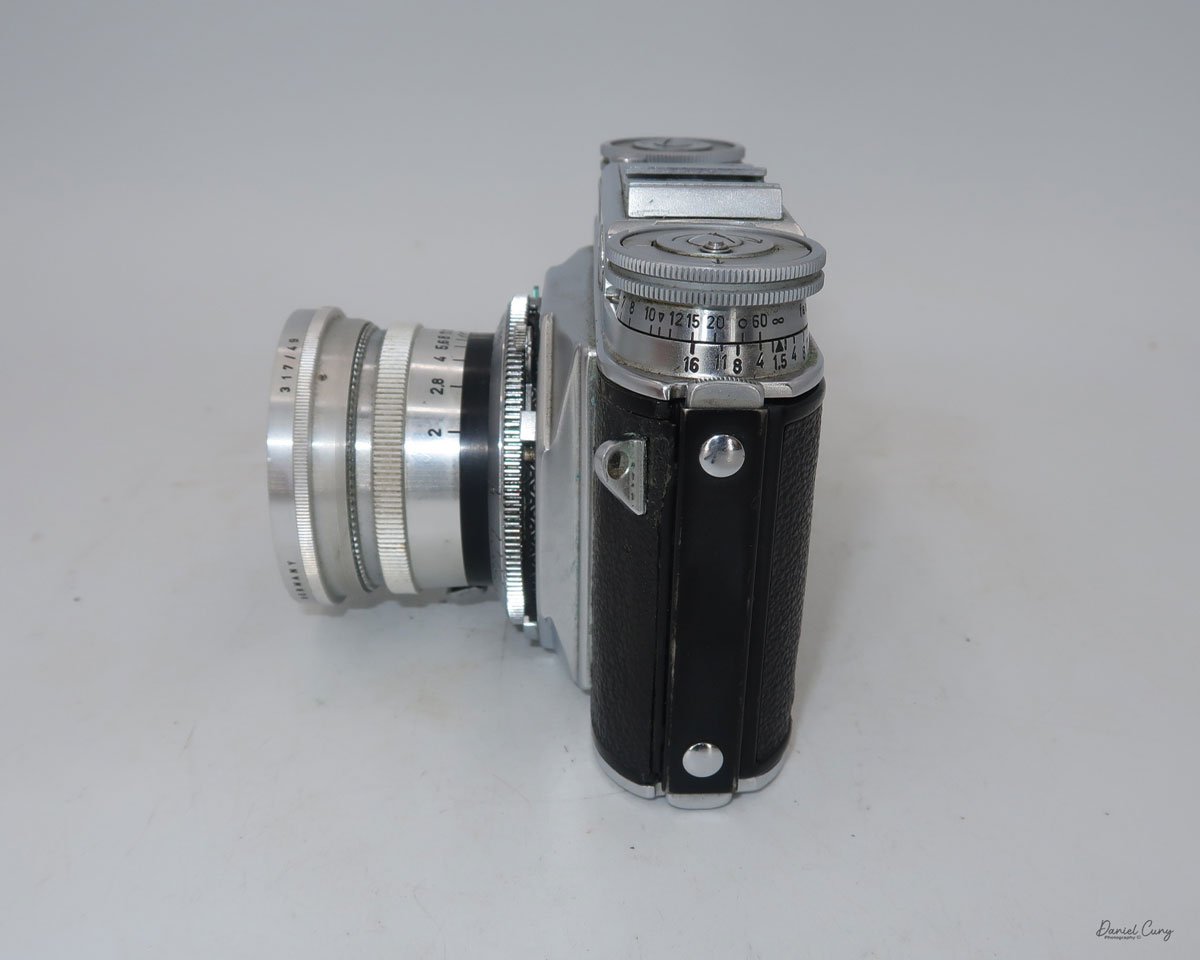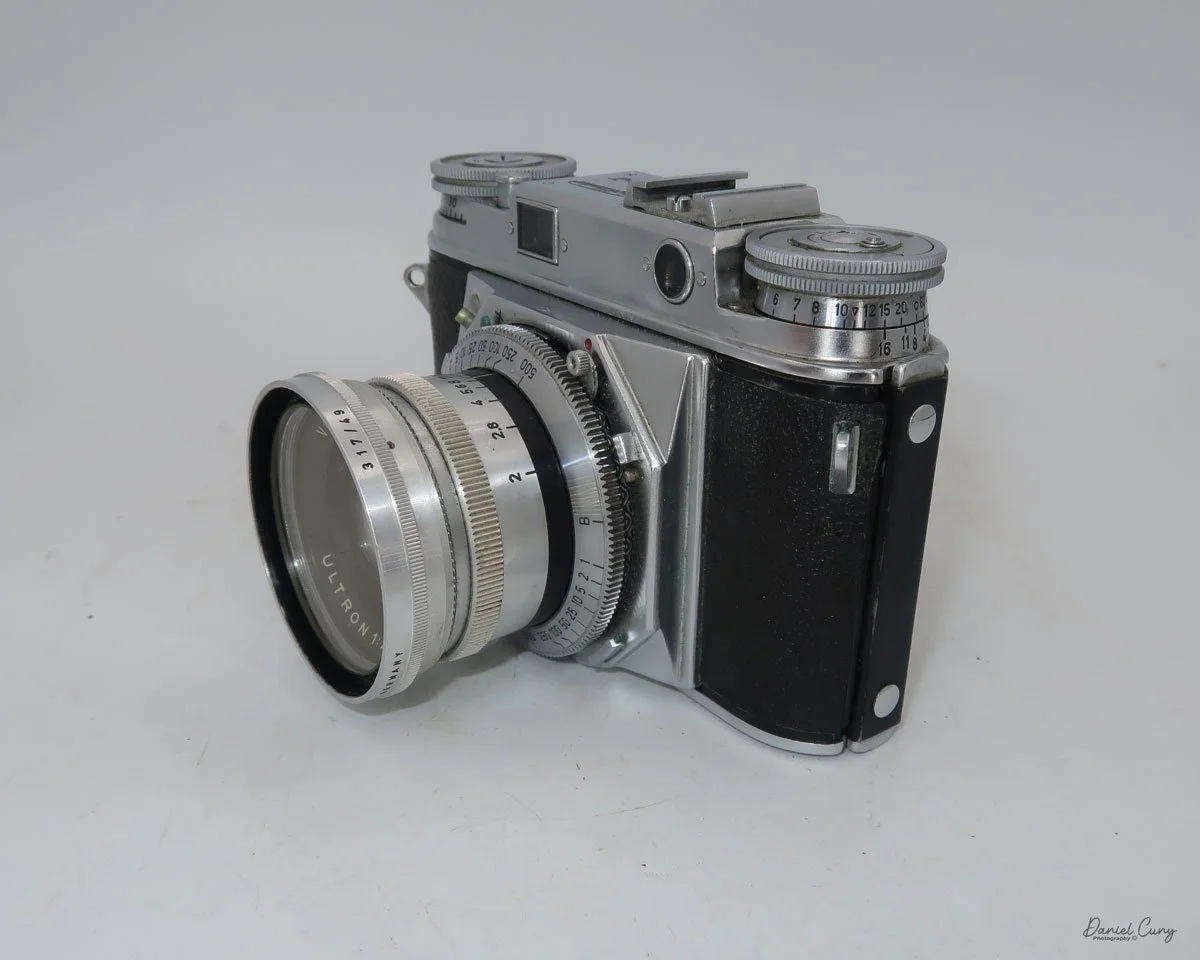
Hasselblad X-Pan

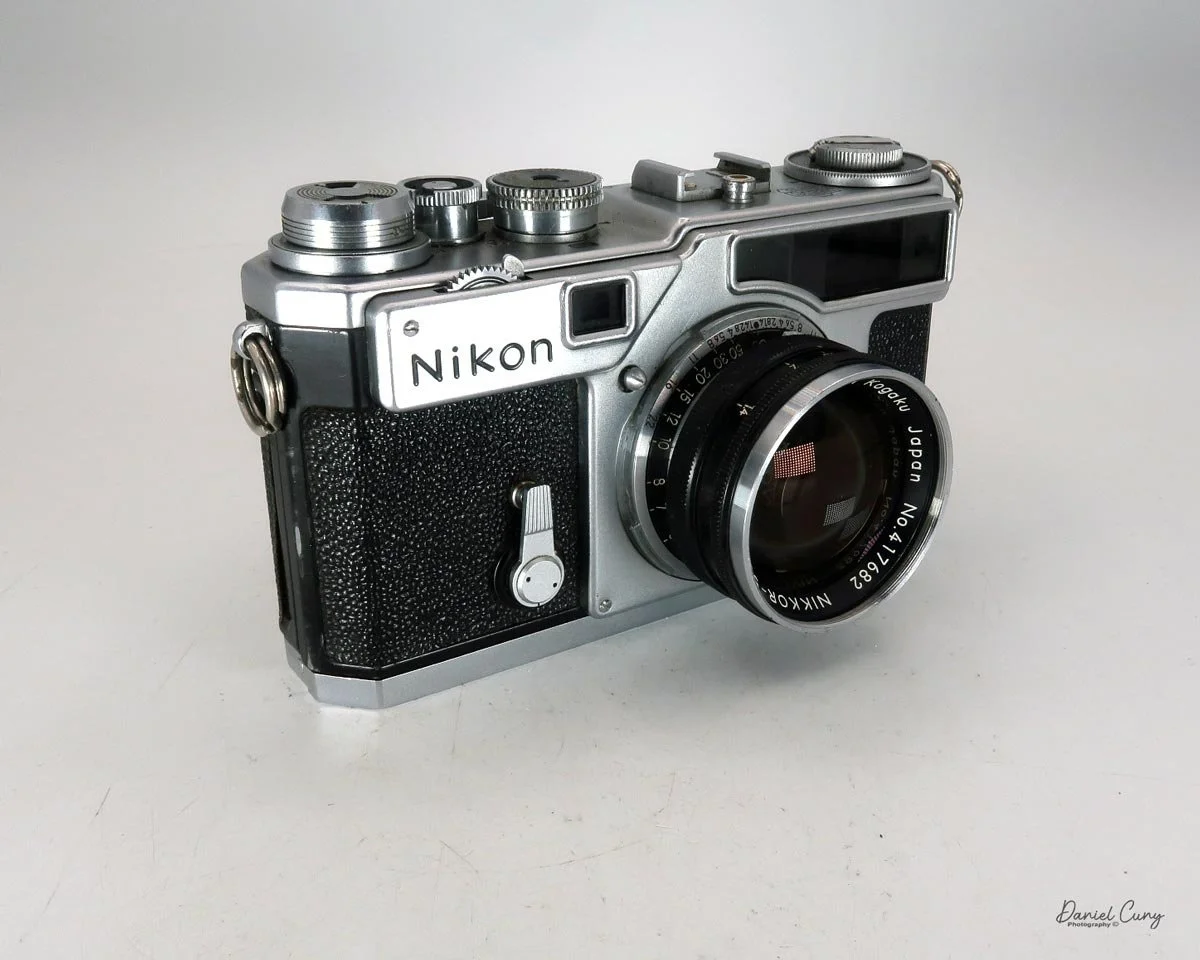
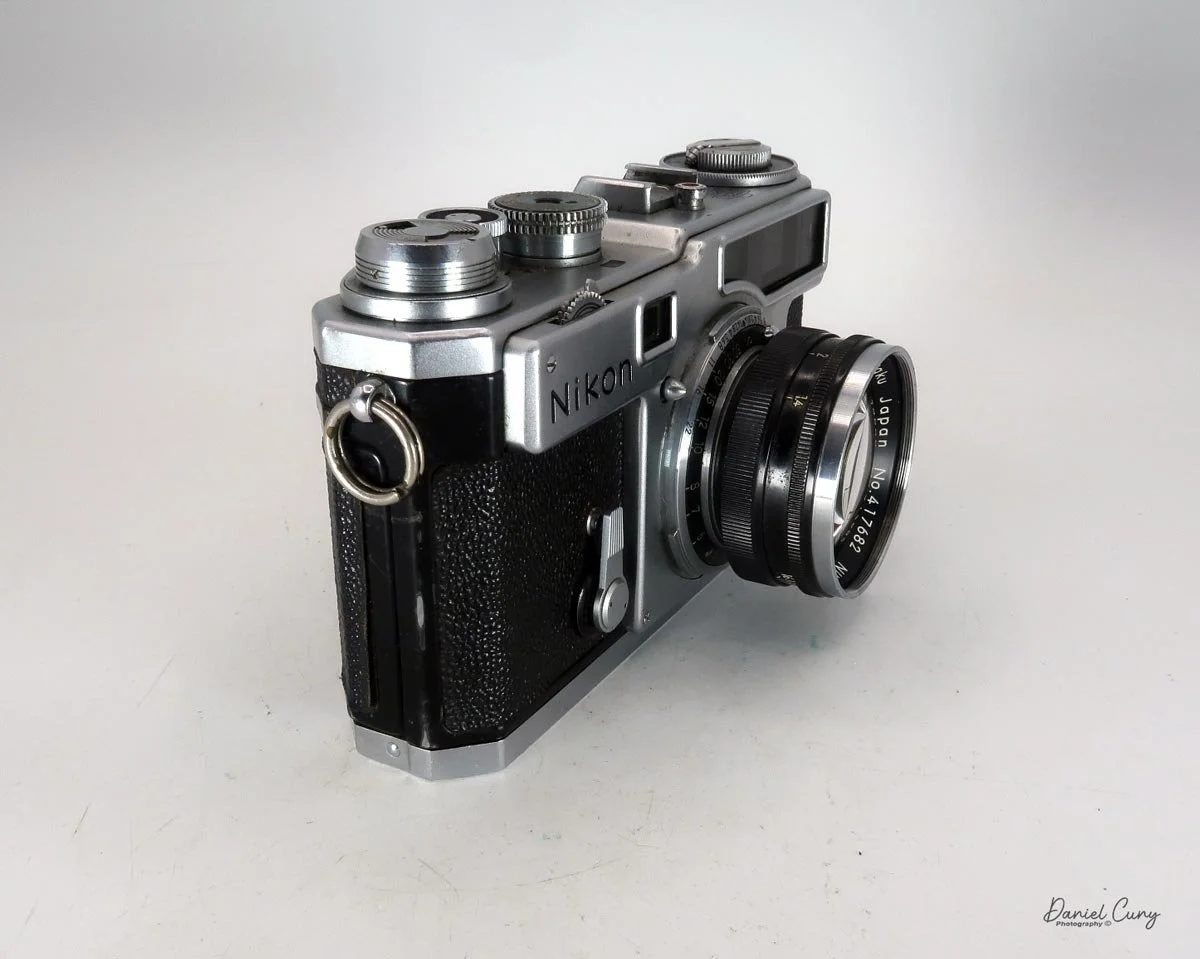
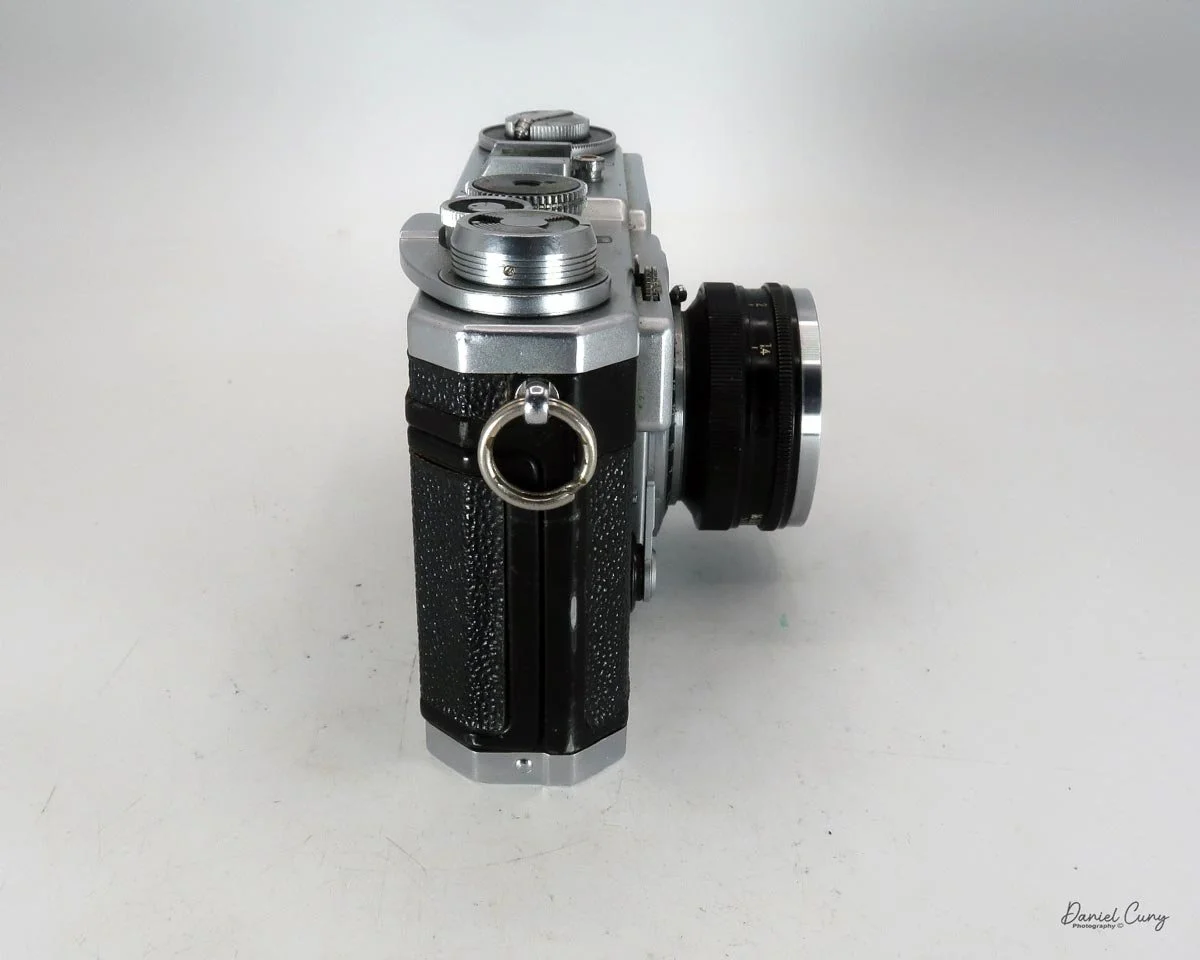
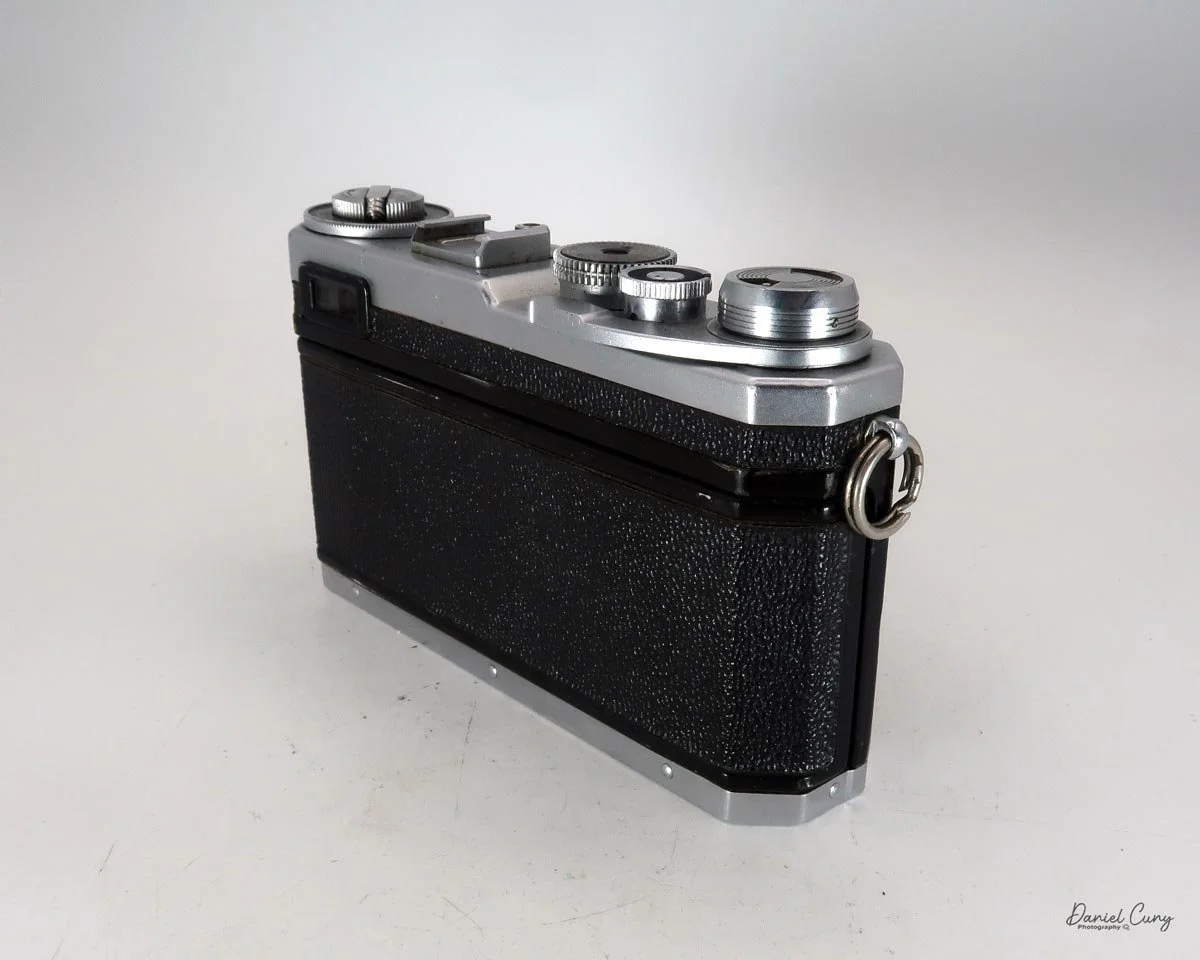
My Hasselblad X-Pan w/finder

Throughout my photographic career, my passion for panoramic images and cameras, as well as daguerreotypes, has consumed a significant part of my interest in collecting photographic items, including those with unusual or colored features. I recall the timeline when I first acquired specific working models of panoramic cameras.

 In my early days of collecting, I recall purchasing my first panoramic camera, a Russian-made 35mm Horizont camera. That camera helped spark the purchase and use of more panoramic cameras. When I bought a Kodak Panoram 1, I just put it on my shelf. When I found out that 120 film fit into the Kodak Panoram, Model 1 camera, I almost jumped for joy, because I could use it, rather than look and admire it.

 Wanting to add to the panoramic camera family, the elusive Widelux F7 was still years away, as I had a young family and was careful about the types of cameras I purchased to grow my collection. During this time, I came across a few Multiscope Al-Vista cameras, particularly the Baby, because, like the Kodak Panoram 1, the Baby Al-Vista also uses 120 film.

 As time went on, and the kids grew, and I advanced in my career, more funds became available to acquire the more exotic items that were previously out of reach financially when I was younger. A coworker had a friend who was selling an early Panon 120 panoramic camera for a very reasonable price, which I purchased and took with me to Peru’s Machu Picchu when my wife and I took a trip there.

 It was a decade ago when I finally had the chance to acquire a Widelux F7 model at an excellent price. Despite its cosmetic condition, I was determined to bring it back to life. After a visit to Precision Camera Works in Texas, the camera was given a new lease on life. Today, it's one of the most frequently used cameras in my collection, and the one that has captured many of the images in my panoramic section on my website.

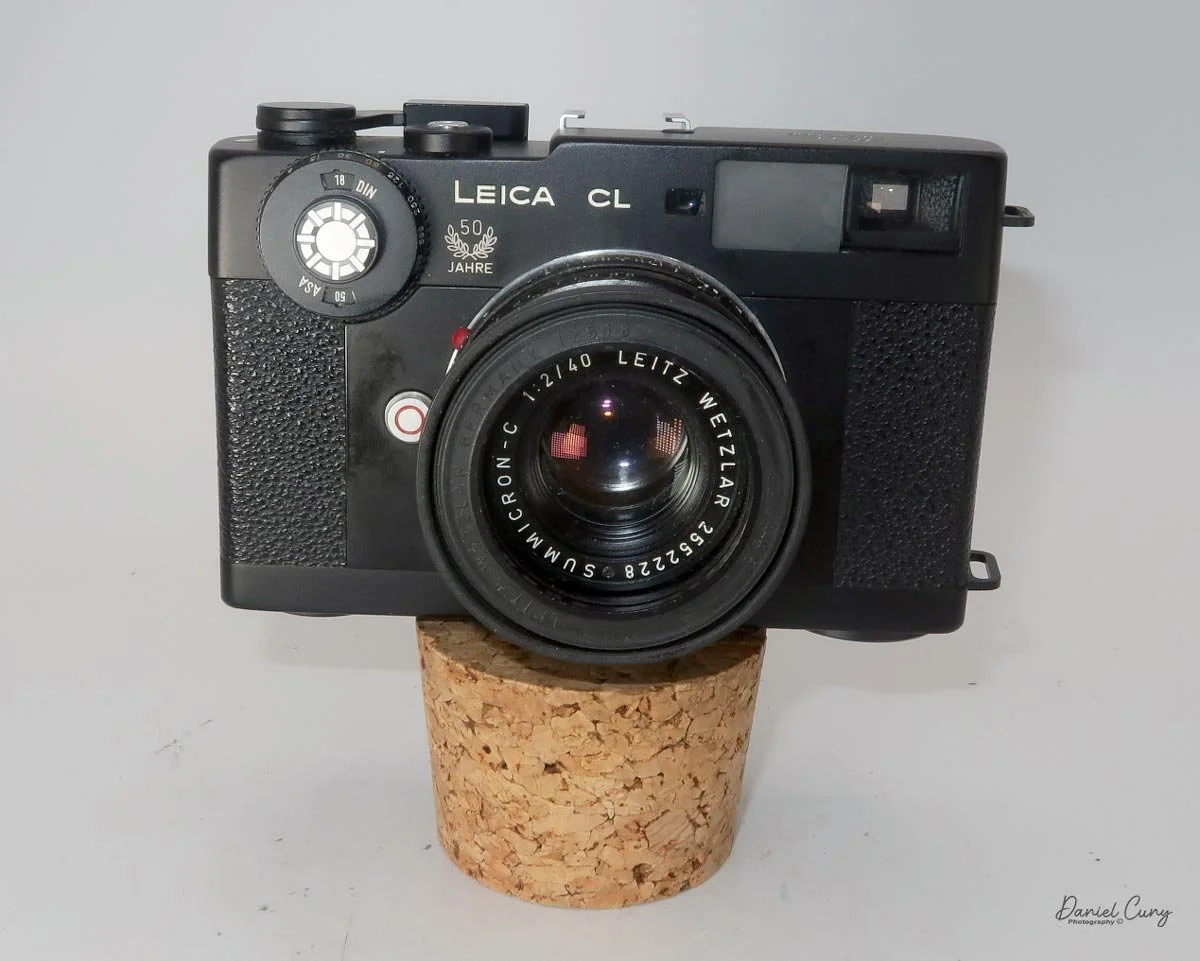
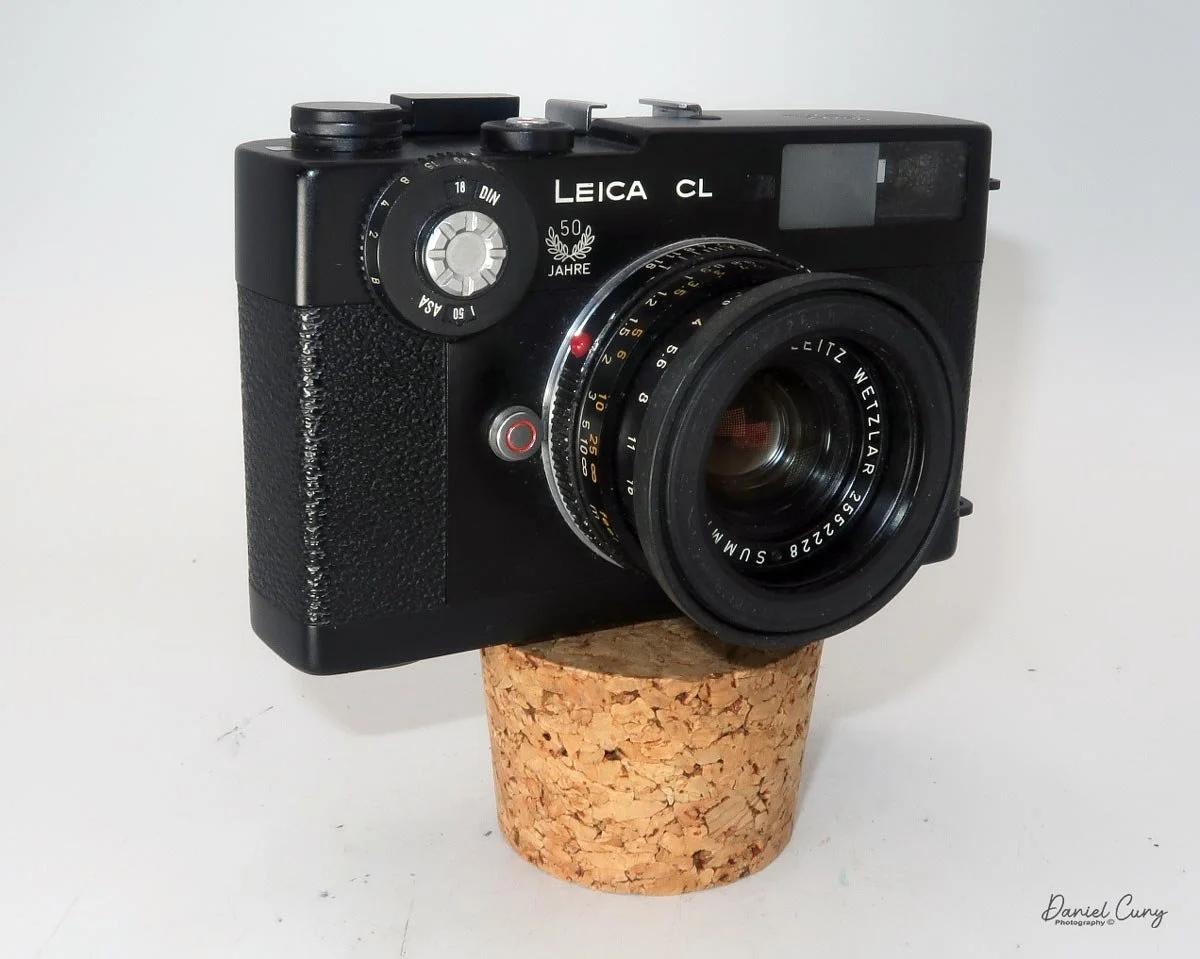
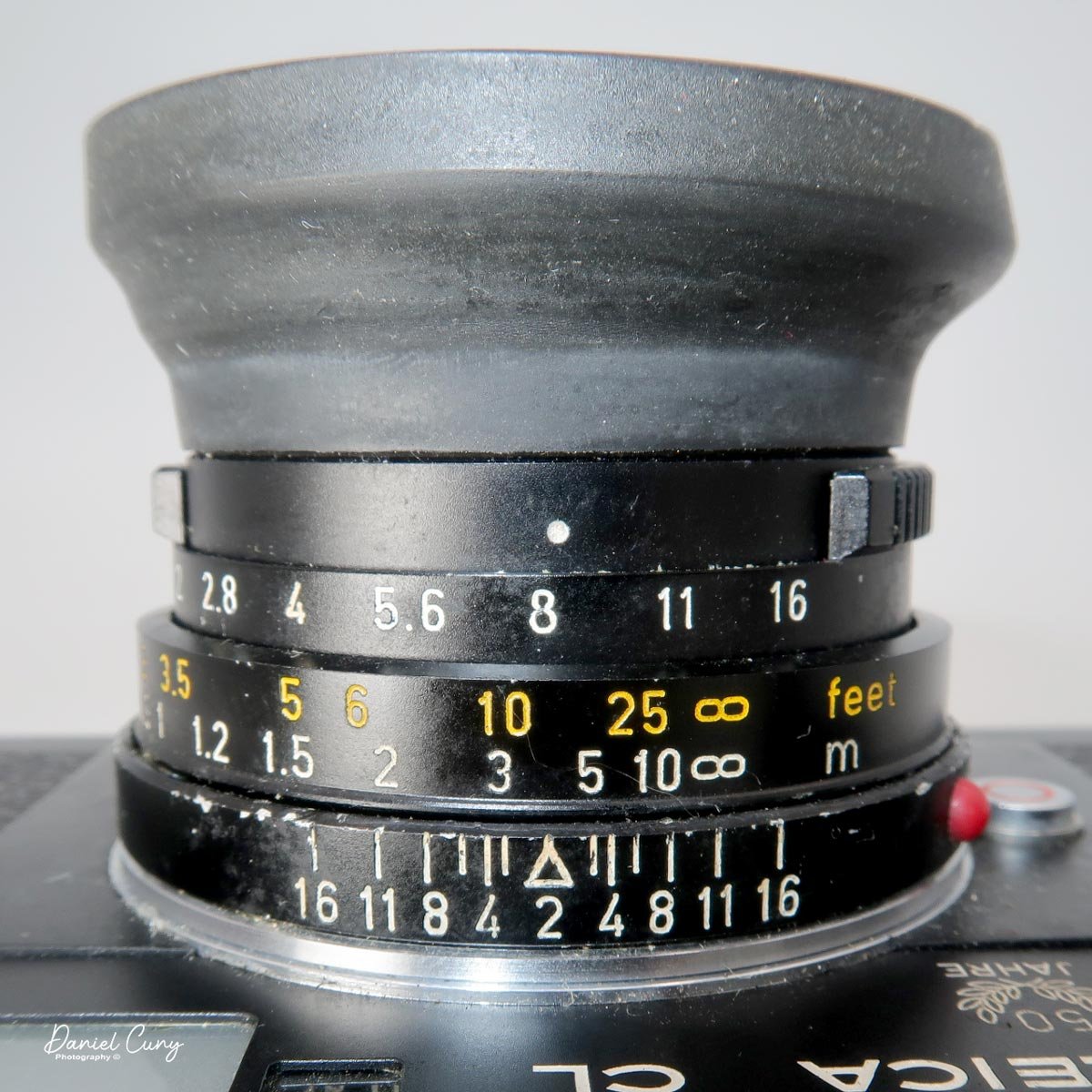
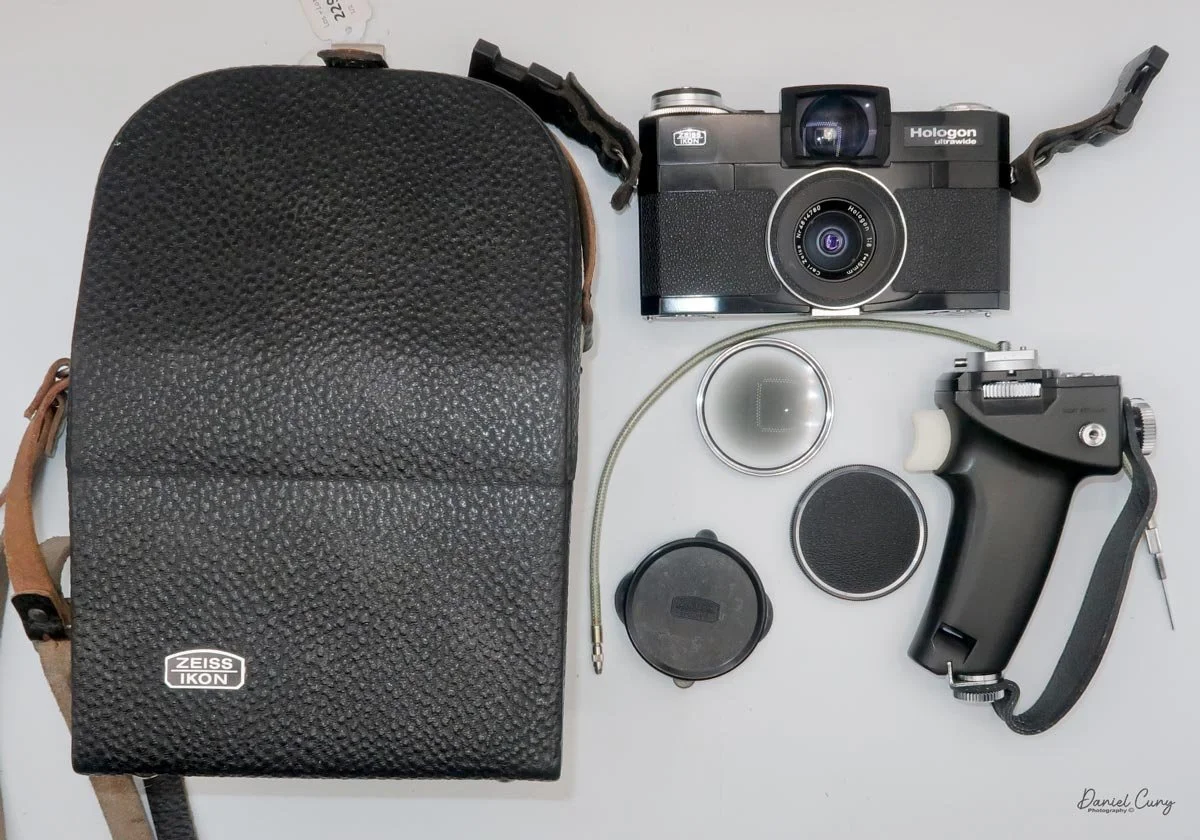
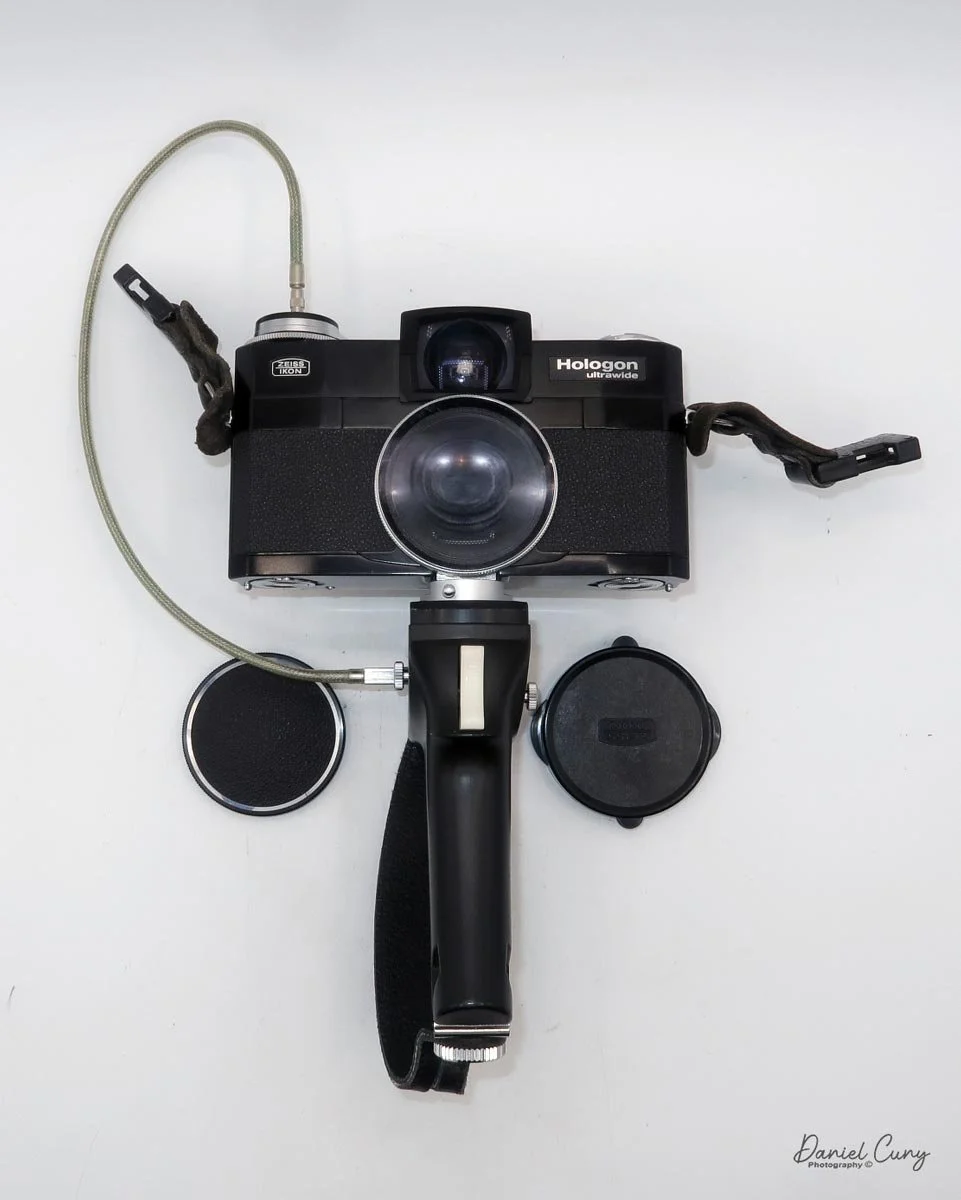
My Hasselblad X-Pan w/30mm lens, finder, center filter, 3D printed lens hood and cap.

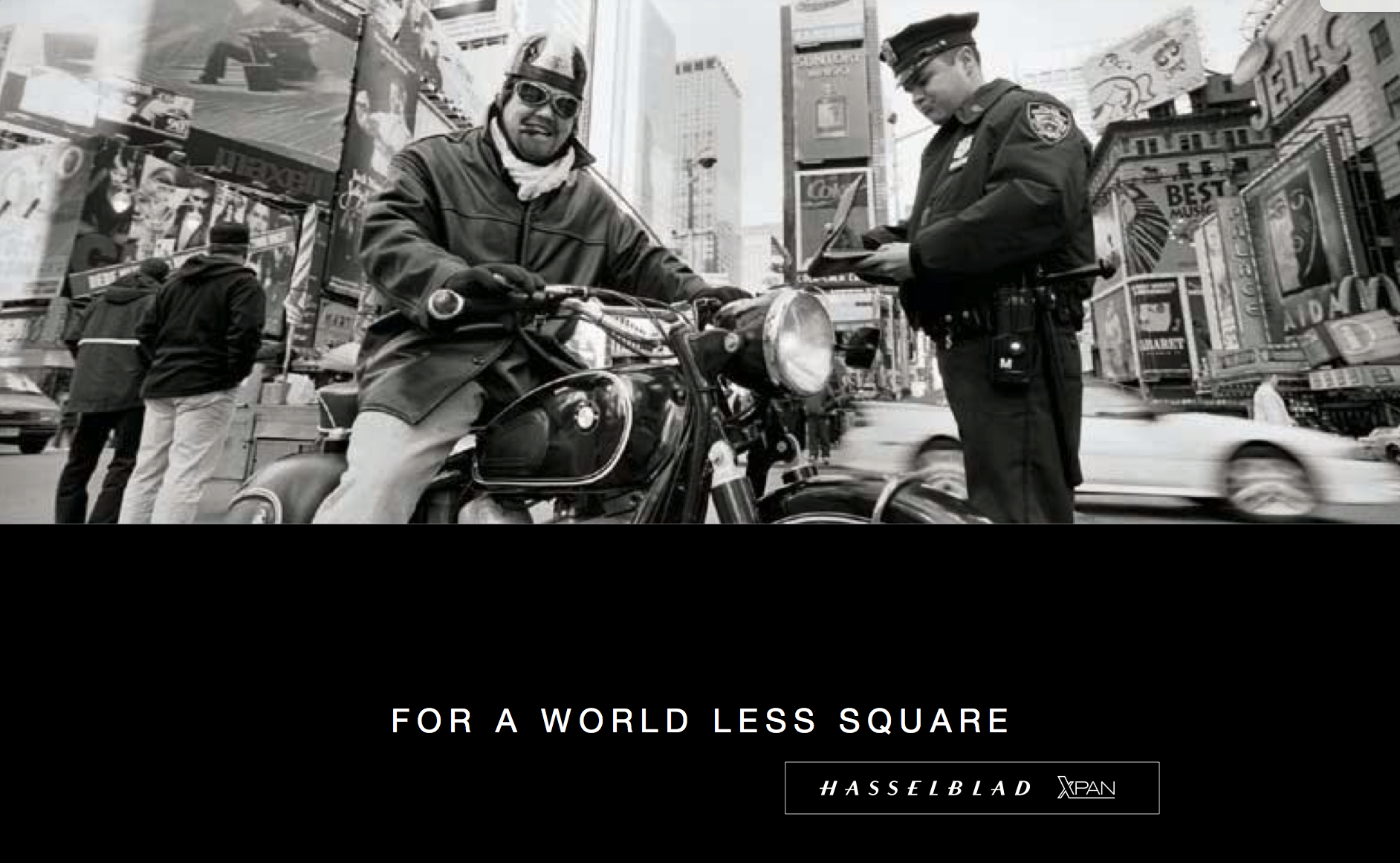
 The Hasselblad X-Pan was a camera I recall from its introduction to the market in 1998. Like several cameras from Hasselblad during those years, it was a collaboration with Fujifilm in Japan. Hasselblad sold the X-Pan worldwide, except in Japan. In Japan, Fujifilm had the TX-1, which was the same camera, just a different name and model number.

 It wasn't until about five years ago that I had the opportunity to purchase the X-Pan I currently have and am writing about in this post. The Hasselblad X-Pan is a significant addition to my collection, not only because of its unique features but also because of its history and the challenges I faced in acquiring it. I found it on an online auction, but the camera didn't have the standard lens; it only had a 30mm lens. No finder, and the top of the camera was missing the small plastic piece in front of the flash shoe. The camera was used very well, but its working condition was unknown.

 Examining other items being sold in the auction, I discovered a group of items that included the 30mm finder for the X-Pan. I notified the auction house that the finder from this lot should go with the camera from a different lot. They placed the finder in the lot with the X-Pan, which made the items more desirable, especially to me. 

 When it came time for the lot to be sold, I was surprised at the price it sold for, and fortunately for me, I was the high bidder. The price wasn't cheap, but for the items sold, it was a great deal. One of my first reactions was, Is the camera in working condition? I paid the shipping fees, and I just crossed my fingers that the camera wasn't a total wreck, but rather a pile of parts I needed to pay to get repaired. The anticipation and uncertainty of this process added to the thrill of acquiring this unique piece for my collection.

 Once the camera arrived, the first thing I noticed was its physical condition. There were many scratches on the body, and the item missing from the top, near the flash shoe, gave the camera a very "combat" look. The great news was that the center filter was there, which I hadn't noticed, and when I put batteries in the camera, it came to life. All the displays lit up, so I started to feel very good about the purchase.

 Once I put the finder on top of the camera, and it hid the missing piece by the flash shoe, I had a huge smile on my face. The next thing I needed to do was put a roll of film in the camera and try it out. After I did that and the film turned out well, I knew I had a keeper and one I needed to start adding to the rotation of shooting with, especially since it had the lens I desired, the 30mm wide-angle lens and finder.

History:

 The history of Hasselblad, the iconic Swedish camera manufacturer, is inextricably linked to the passion and ambition of its founder, Victor Hasselblad (1906–1978). Though the family business, F.W. Hasselblad & Co., began in 1841 as a trading company, it was Victor's innate interest in photography—fueled by a childhood passion for birdwatching—that transformed the firm into a global innovator. After training in the optics industry across Europe and the United States, even working under Kodak founder George Eastman, Victor opened his own shop, Victor Foto, in Gothenburg in 1937. 

 The pivotal moment for the company arrived during World War II. In 1940, the Swedish military tasked Victor with reverse-engineering and improving a German aerial surveillance camera that had been recovered. His reported reply—"No, but I can make a better one"—set the standard for the company's future. He founded Victor Hasselblad AB in 1941 to manufacture the HK-7 military camera, laying the groundwork for the company's subsequent civilian production.

After the war, Victor applied his modular military design to the consumer market, launching the Hasselblad 1600F in 1948. This medium-format, single-lens reflex (SLR) camera, with its distinctive modular design featuring interchangeable lenses, viewfinders, and film magazines, quickly became the gold standard for professional photographers worldwide, especially with the introduction of the robust 500 series in the 1950s.

 Hasselblad secured its legendary status through its partnership with NASA, which began in 1962. Astronaut Walter Schirra, an avid photographer, suggested using his personal Hasselblad 500C to document space missions. NASA modified the cameras to withstand the harsh conditions of space, and the Hasselblad became the camera system of choice for American spaceflight. The climax of this partnership occurred on July 20, 1969, when a Hasselblad Data Camera (HDC) captured the historic first steps on the Moon, solidifying the brand's legacy as a true pioneer in imaging technology.

My Camera:

 My Hasselblad X-Pan is 7" wide by 3.25" tall without the 30mm viewfinder and 5.5" tall with the viewfinder by 3.5" deep from the back of the camera to the front of the lens. The camera weighs 2 pounds, 9.6 ounces with the 30mm f/5.6 lens. The camera body serial number is 11EE13969, and the lens serial # is 8SXP13110. I purchased an aftermarket, 3D-printed lens hood and cap for the 30mm lens, which fits well. However, it is shifting on the lens and not staying in the proper position, so I may have to spring for an actual Hasselblad-made hood and cap.

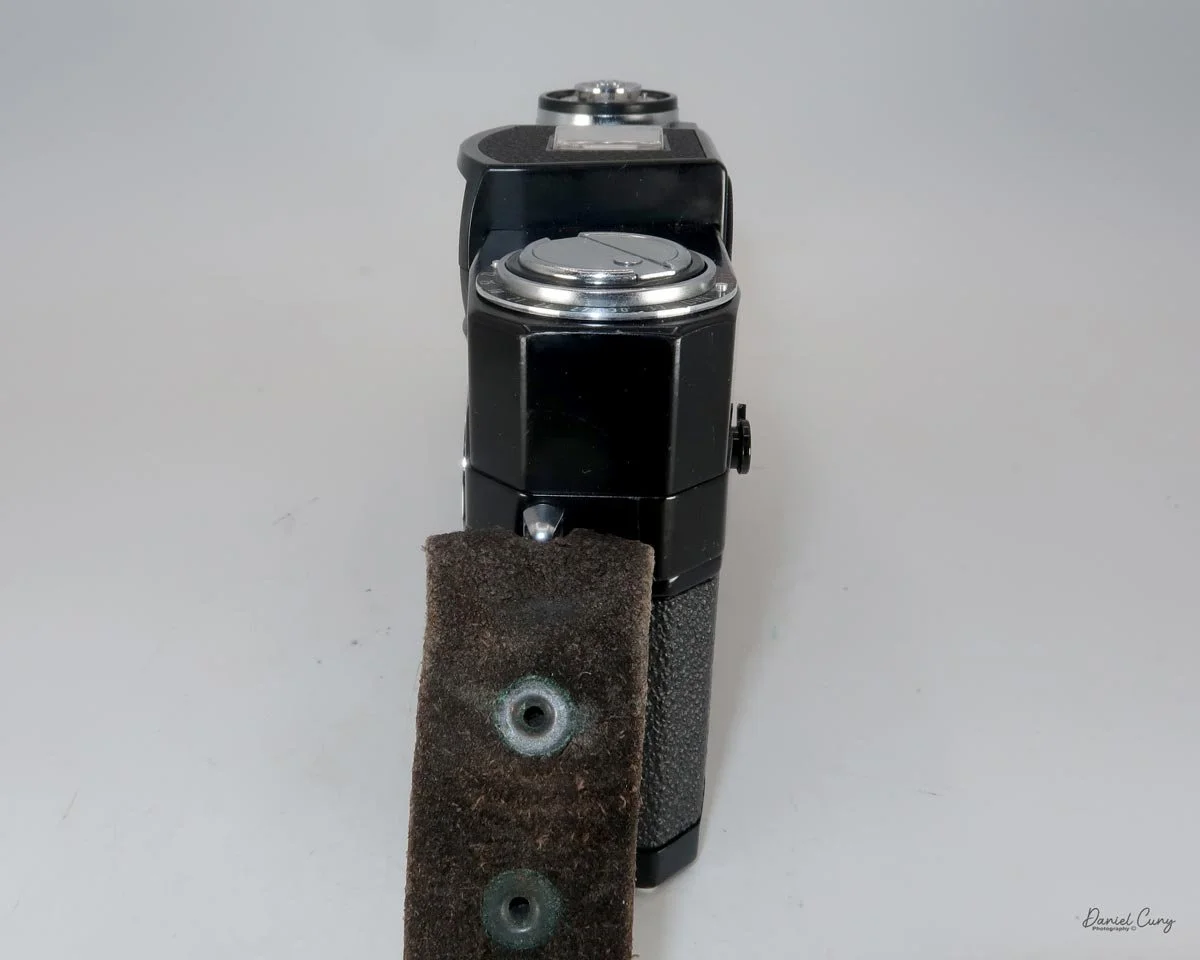
The camera is powered by 2 CR2, 3V photo batteries, which, like many cameras, fit into the bottom of the camera. Most of the controls are located on the top of the camera. Going left to right is the camera's hot shoe for flash. That's something I don't use, except for sliding the 30mm viewfinder onto the hot shoe and then screwing it down to hold it in place.

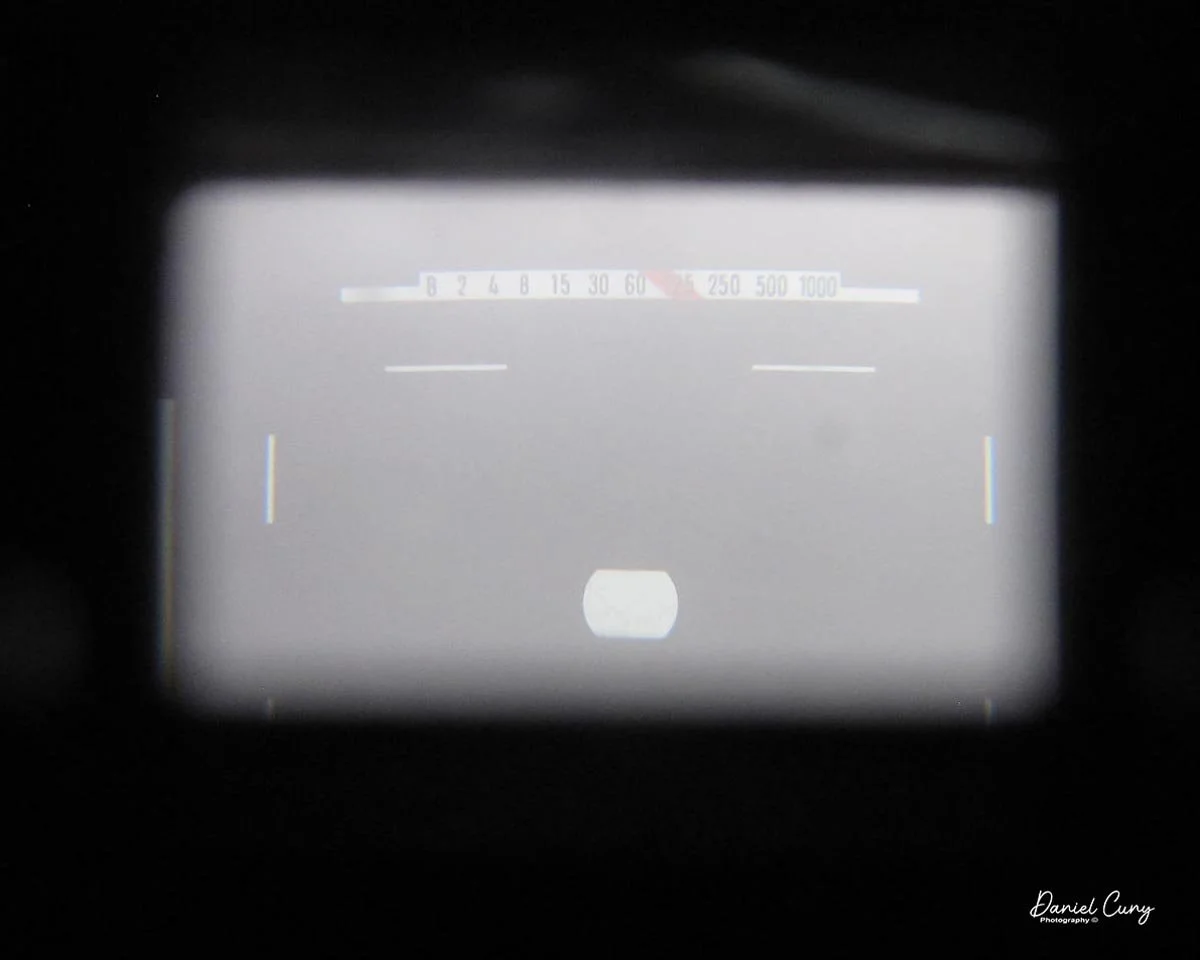
 To the right of the hot shoe is the shutter speed dial, which ranges from 1/1000 to a full 8-second exposure, accompanied by a green "A" for Auto mode. In the case of the X-Pan, when the selector is set to the green "A" position, the camera is in "aperture preferred" metering, which means you select the desired aperture, and the camera will choose the appropriate shutter speed depending on the film's ISO and the lighting conditions. Even in "auto" mode, there are warning signals within the viewfinder that indicate if you are overexposed or using a shutter speed longer than 2 seconds.

If the camera is not in the "auto" exposure mode and you're selecting both the shutter speed and aperture, a series of lights and signals, indicated by +/-, appears within the viewfinder, showing what a properly exposed image will look like depending on the selected shutter speed and aperture.

 To the right of the shutter speed dial is the shutter release, marked in silver, and a small window behind the shutter release that displays "P" if you're in panoramic mode, as well as the frame number you're on. Further to the right is the main On/Off switch at the bottom, along with "S" for single frame, "C" for continuous shooting, and a clock face for self timer. Turn the On/Off switch to the desired mode, and the camera will be on. On top of the dial is exposure compensation, which allows for up to 2 stops of light lighter or darker than the recommended meter settings when in the "A" or auto mode. These are set in half-stop increments on the dial.

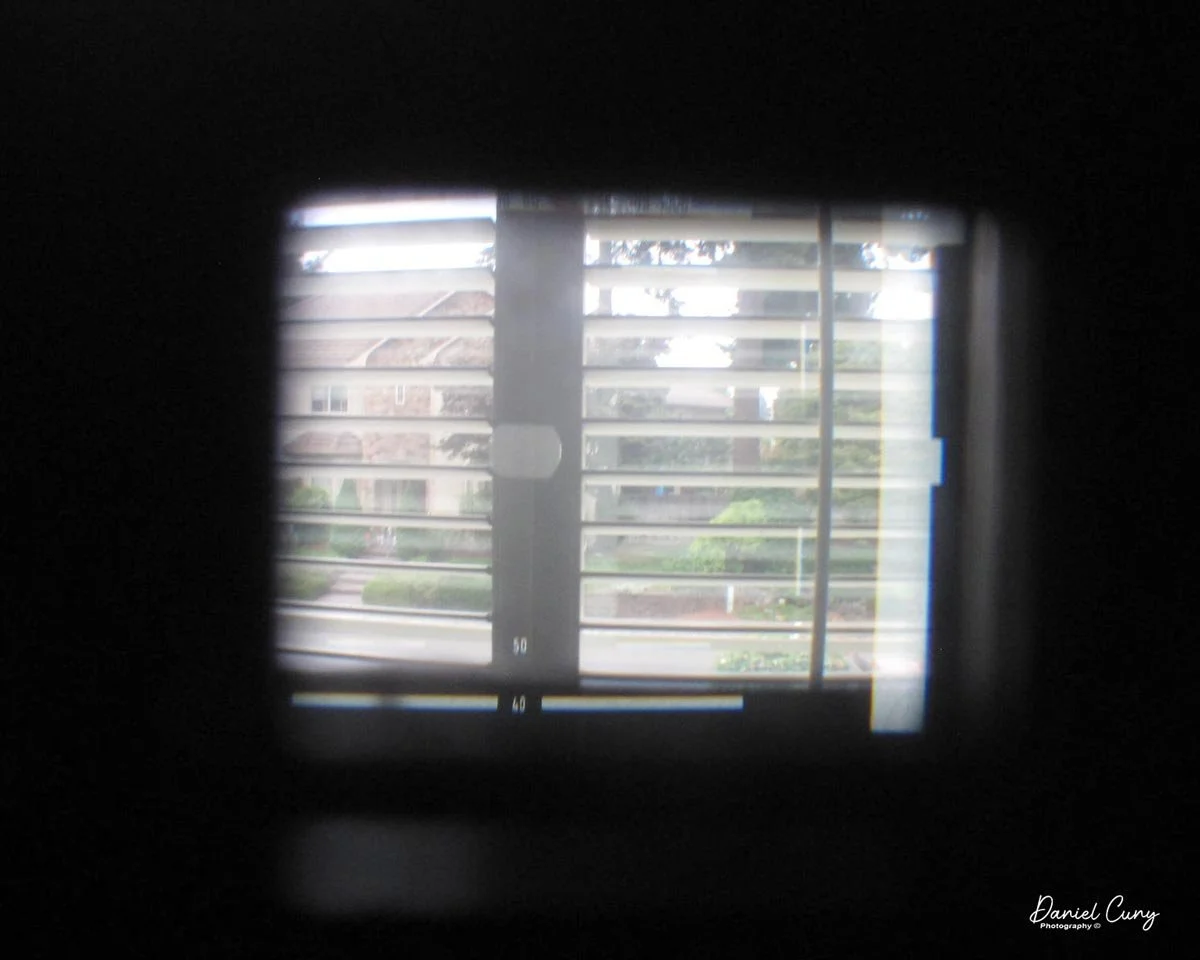
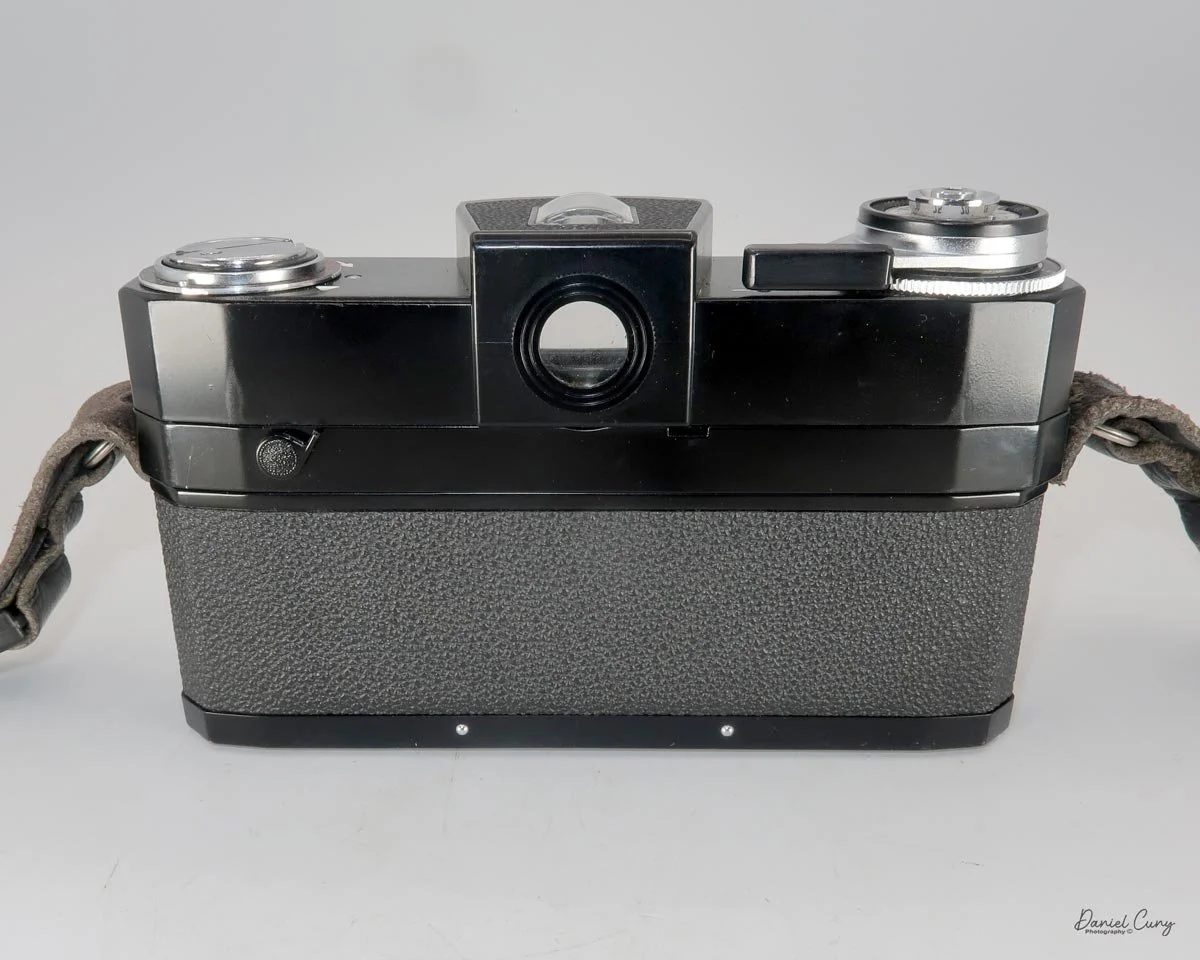
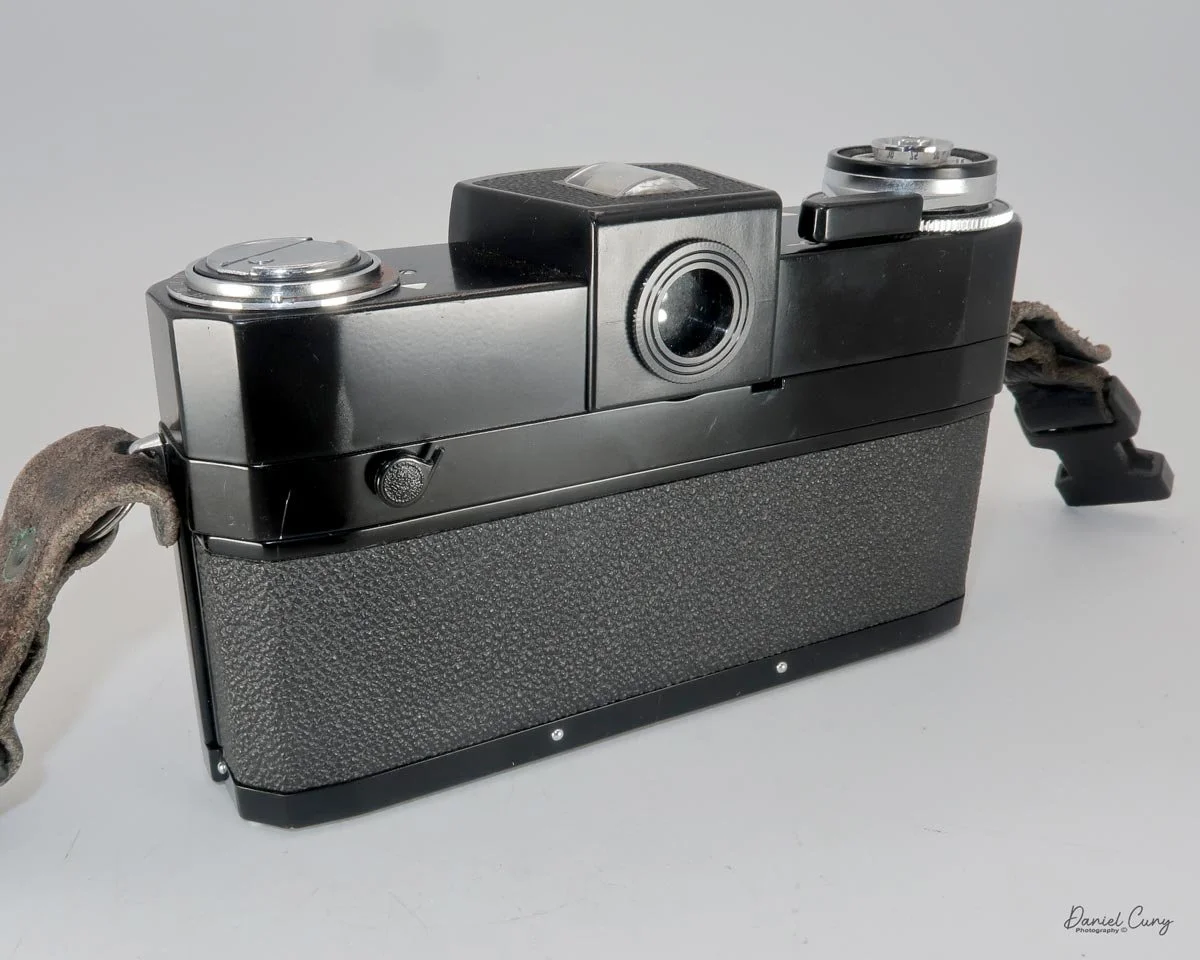
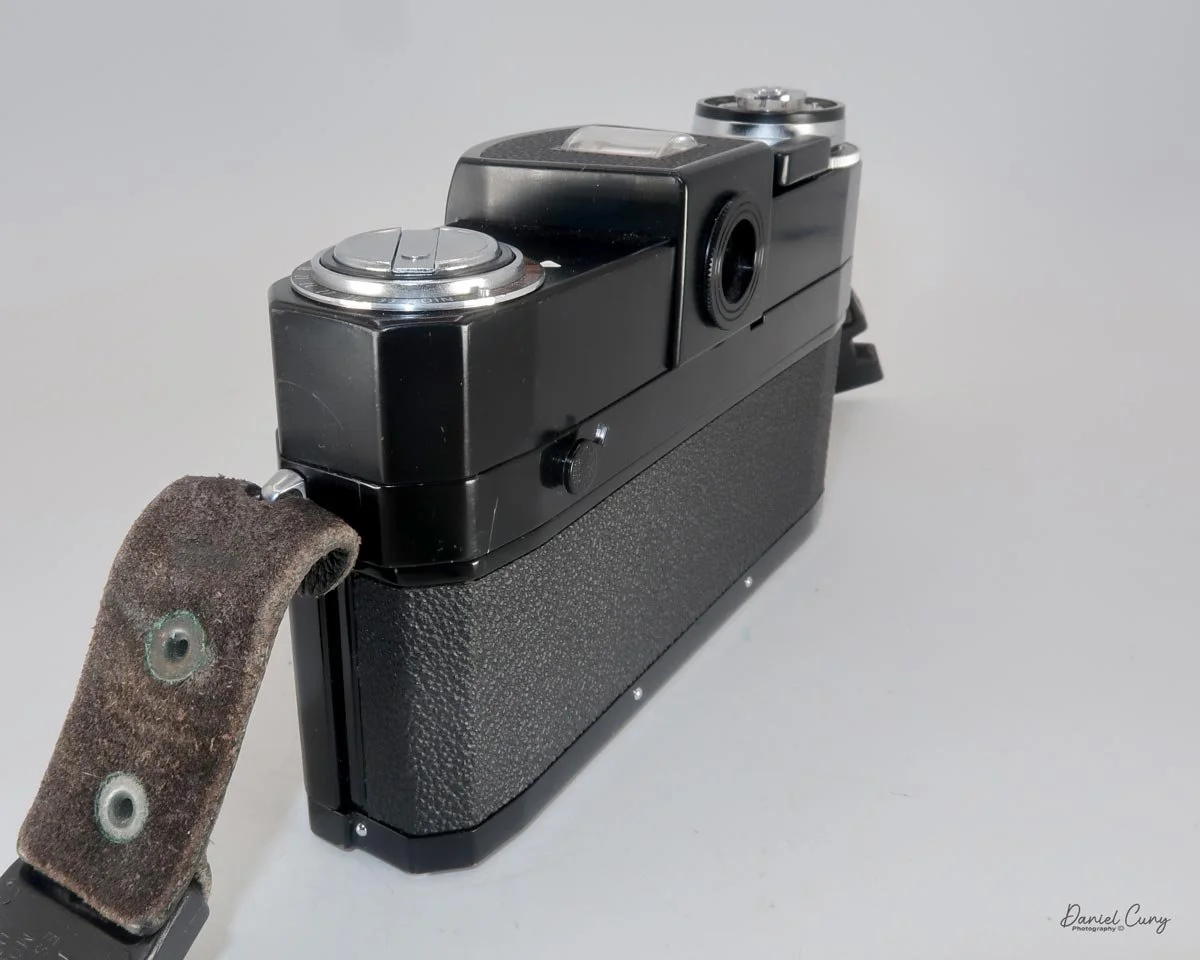
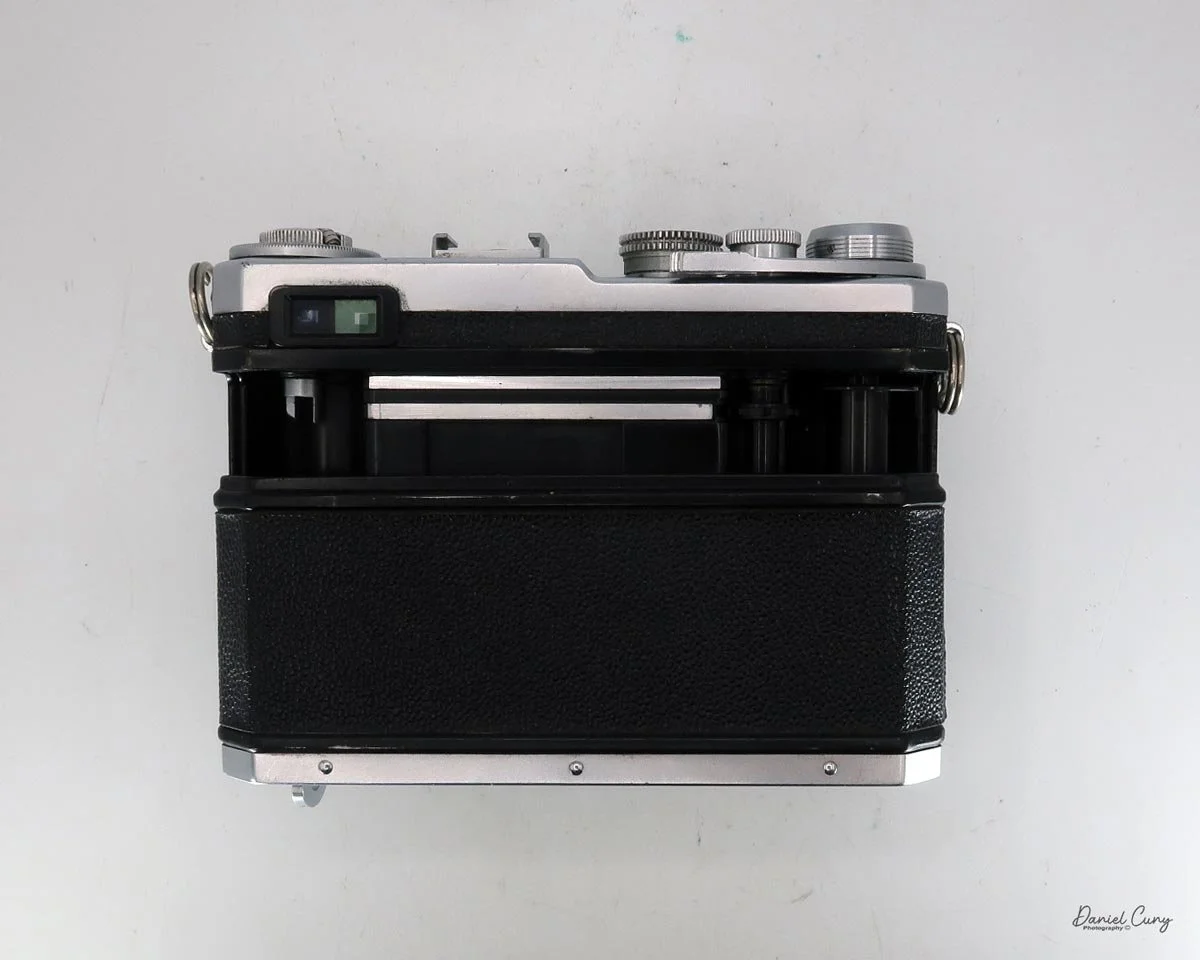
On the back of the camera, from left to right and top to bottom, is the camera's viewfinder, which incorporates a coupled rangefinder. My rangefinder is very bright, which makes the camera extremely easy to focus with. Just above the camera's viewfinder is the 30mm viewfinder. The viewfinder features several different frame lines, depending on the film format used, along with a bubble or spirit level at the bottom to check if your camera is level.

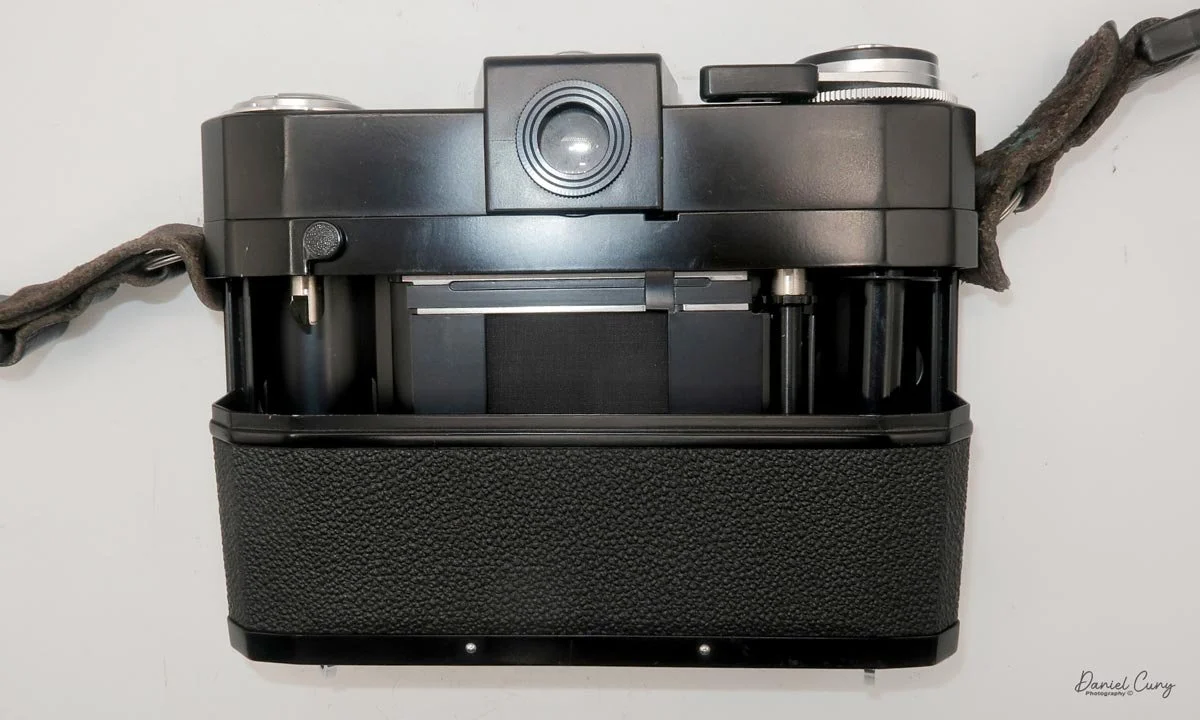
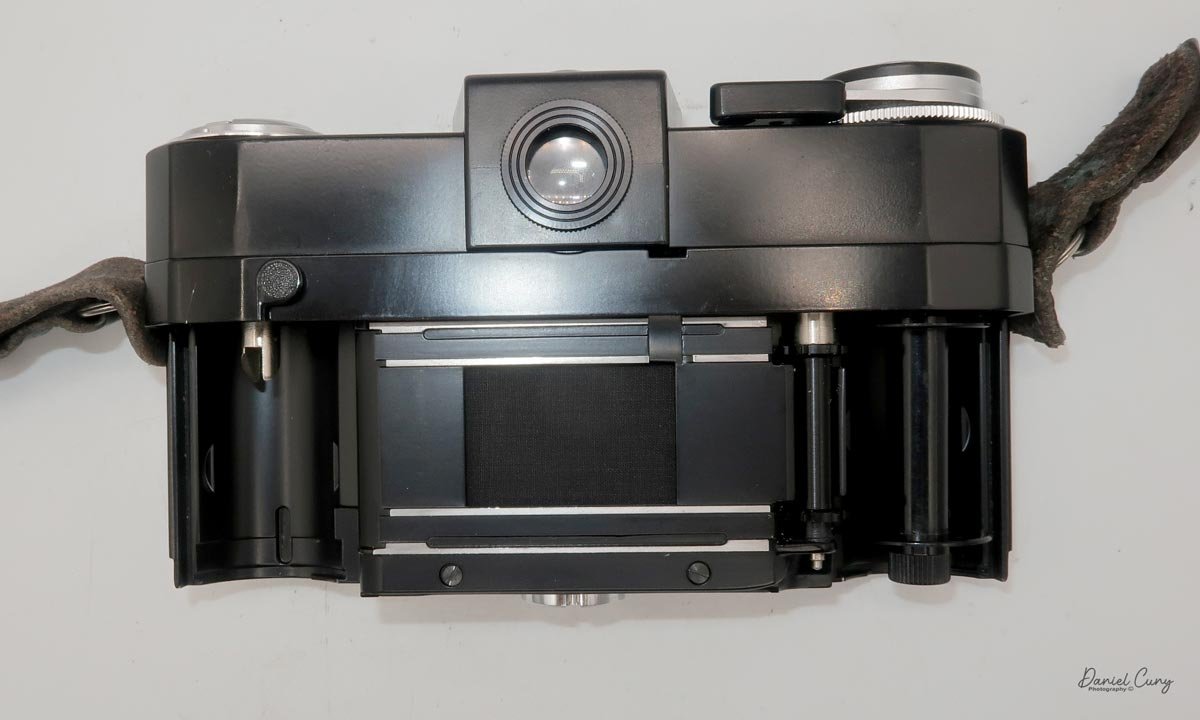
To the right of the camera's viewfinder is an essential switch. The X-Pan camera is compatible with the standard 24x35mm film format. Alternatively, by depressing the button and turning the dial to the "P" position, you can shoot in a panoramic format of 24 mm x 65 mm. On the back of the camera by the shutter, the camera will move blades in or out depending on the film format you're using. I've never really heard photographers using the X-Pan as a standard 35mm camera, only for panoramic purposes, but this can change at any time, and you can go back and forth on the same roll of film if desired.

On the back of the camera, on the back door, there are three settings. Ine is "AEB", or Auto Exposure Bracketing, which allows the photographer to automatically bracket either a half or full stop in between shots. The next button is used to light up the display, which is particularly useful at night or in dark situations. The third button is a very small, indented button that you use to rewind the film before reaching the end of the roll.

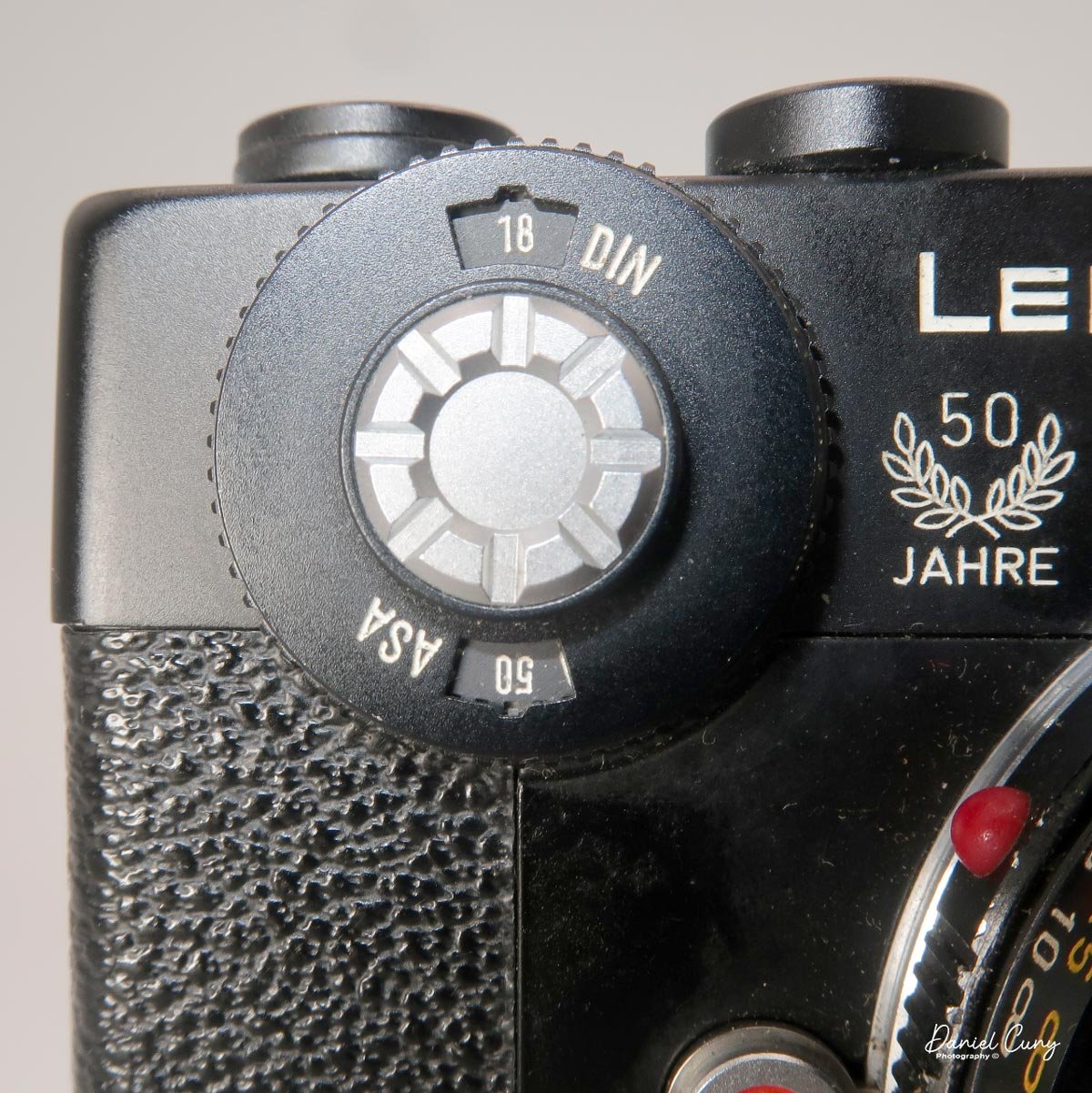
 On the front of the camera, in the 11 o'clock position, is a dial to set the film speed. The camera features fully integrated DX coding for modern film. However, if you're using a self-loaded cassette or older non-DX-coded cassettes, the ISO can be set manually. Below the dial is the lens release button, which allows the photographer to change lenses. Opposite the camera is the PC flash sync port, which enables flash use via a PC cable.

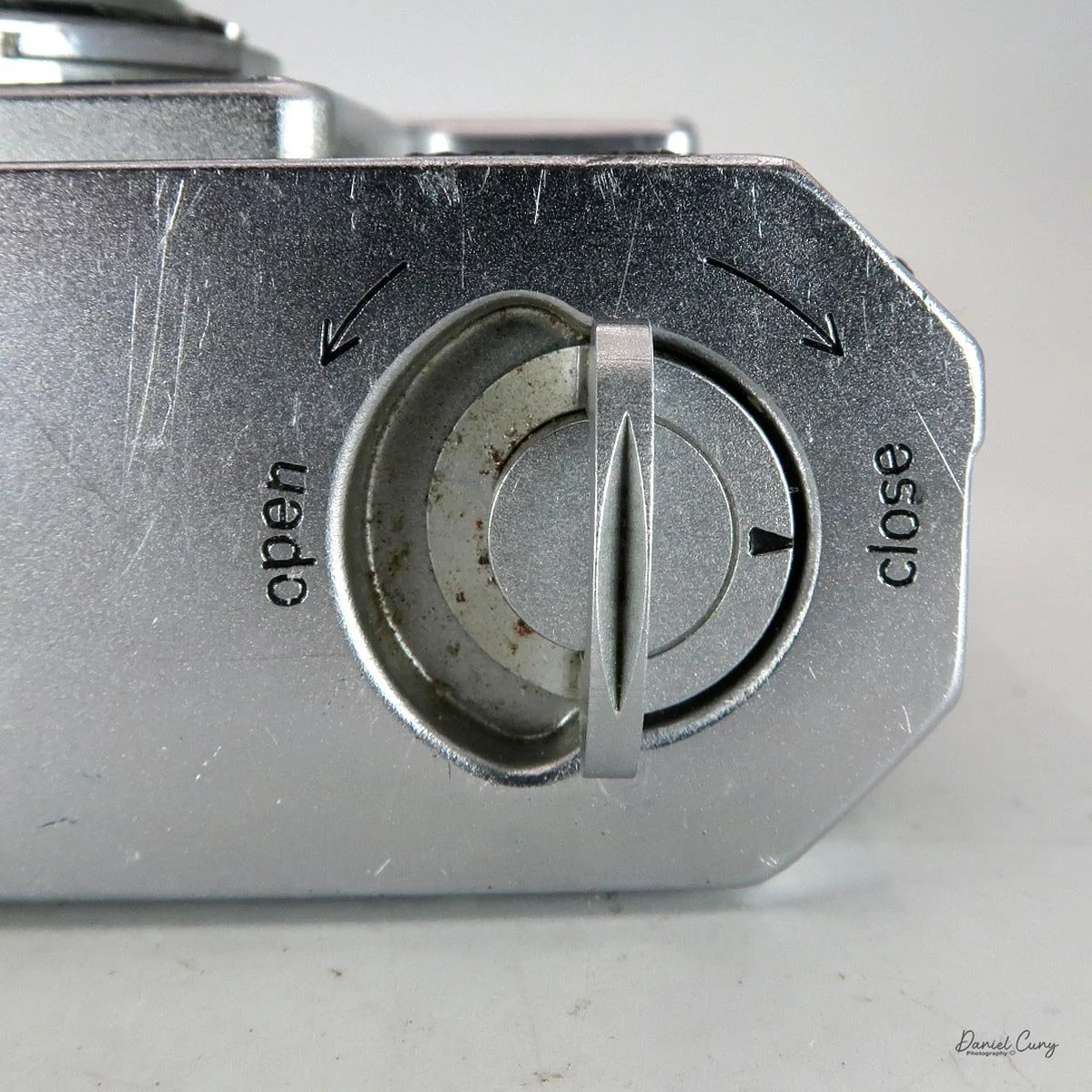
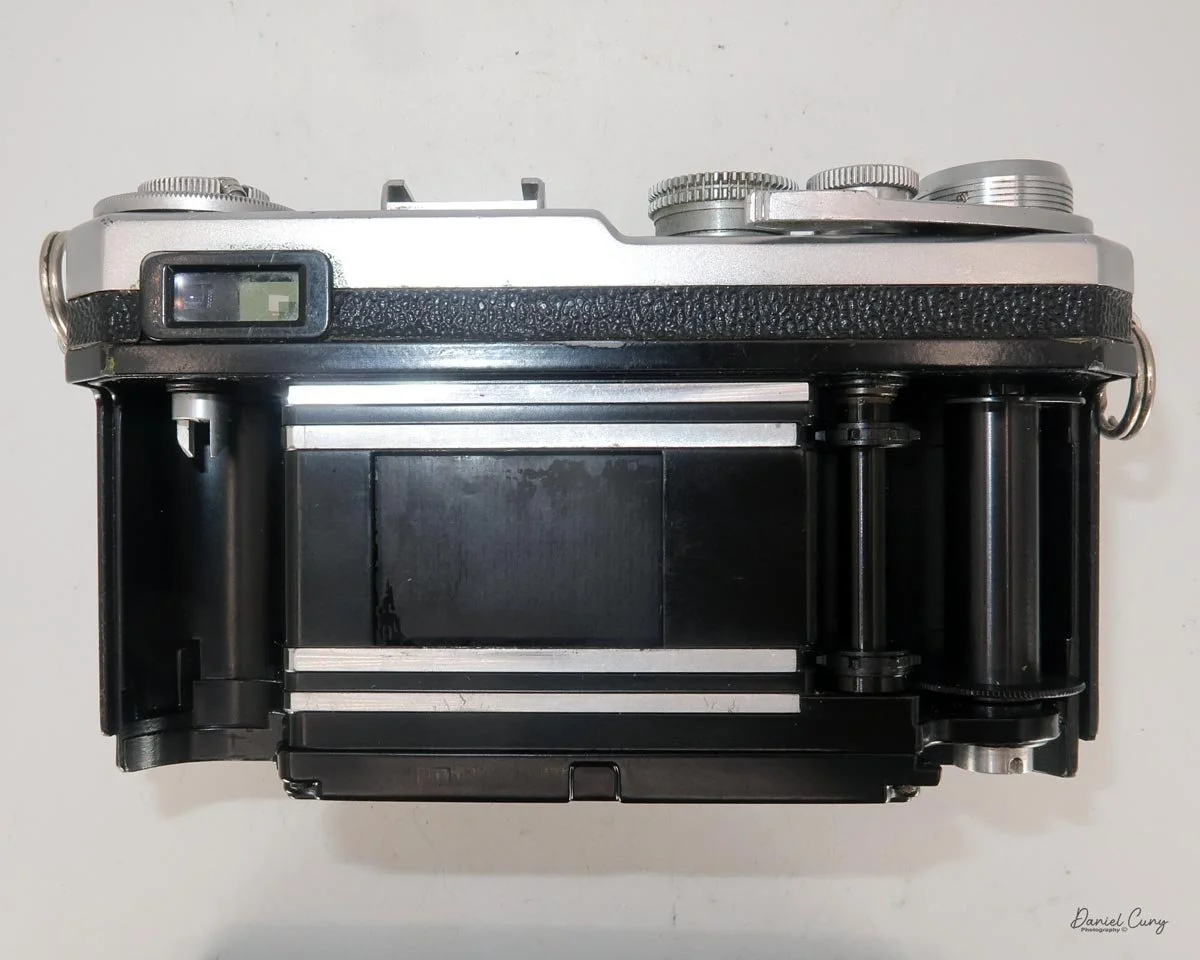
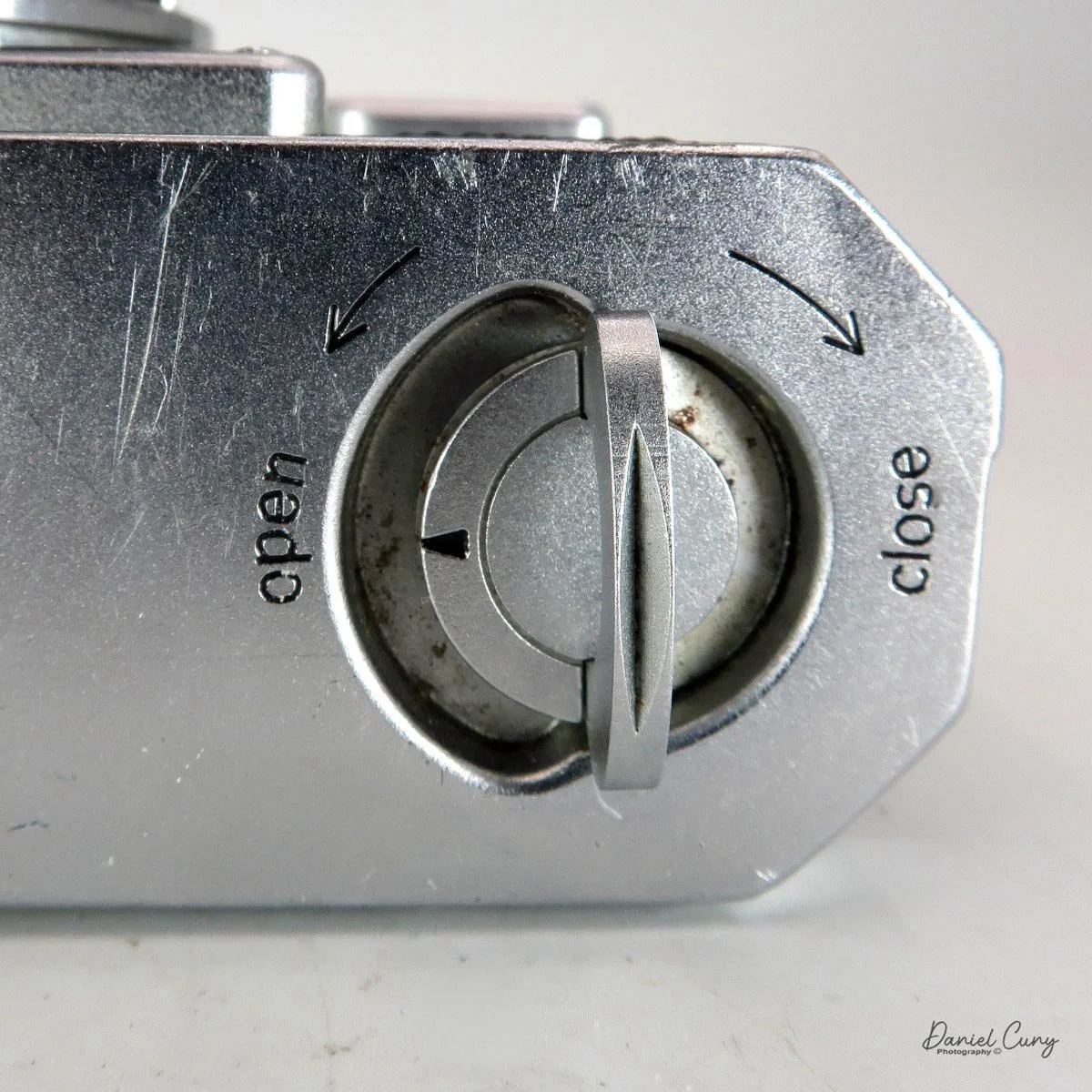
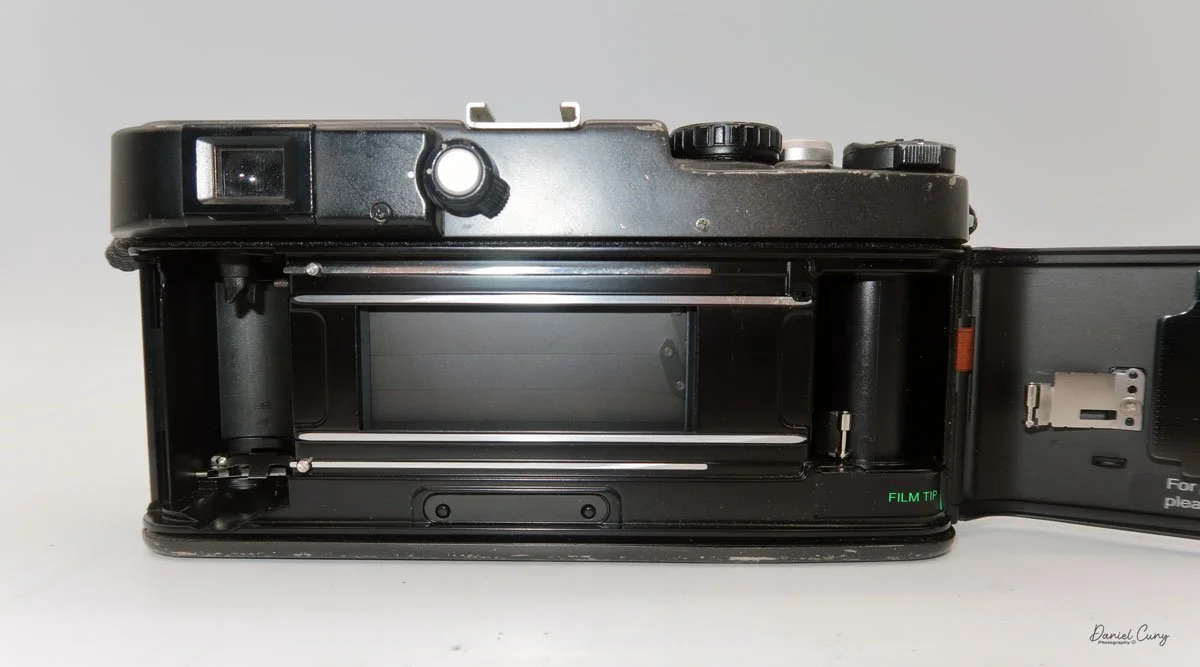
On the left side of the camera, the shutter remote cable socket is located at the top, and the camera's film door lock lever is positioned at the bottom. Flip the lever up, then slide it up to open the camera's film back and load the film.

 To load the film in the X-Pan, insert the film cassette into the film area, guide the leader to the take-up wheel, and then close the back of the camera. The camera will automatically wind the film all the way out of the cassette and onto the take-up spool before you take your first image. 

As a man, and not having read the manual before loading the camera, I started to get concerned. When I closed the door on my initial roll of film and heard the film advance for so long, I thought the camera was broken and needed servicing. That's just how the X-Pan winds film. When you receive your film back and examine the frame numbers, you will notice that the first frame, or Frame #1, is actually the last image you took, and number 36 is the first image.


My Results:

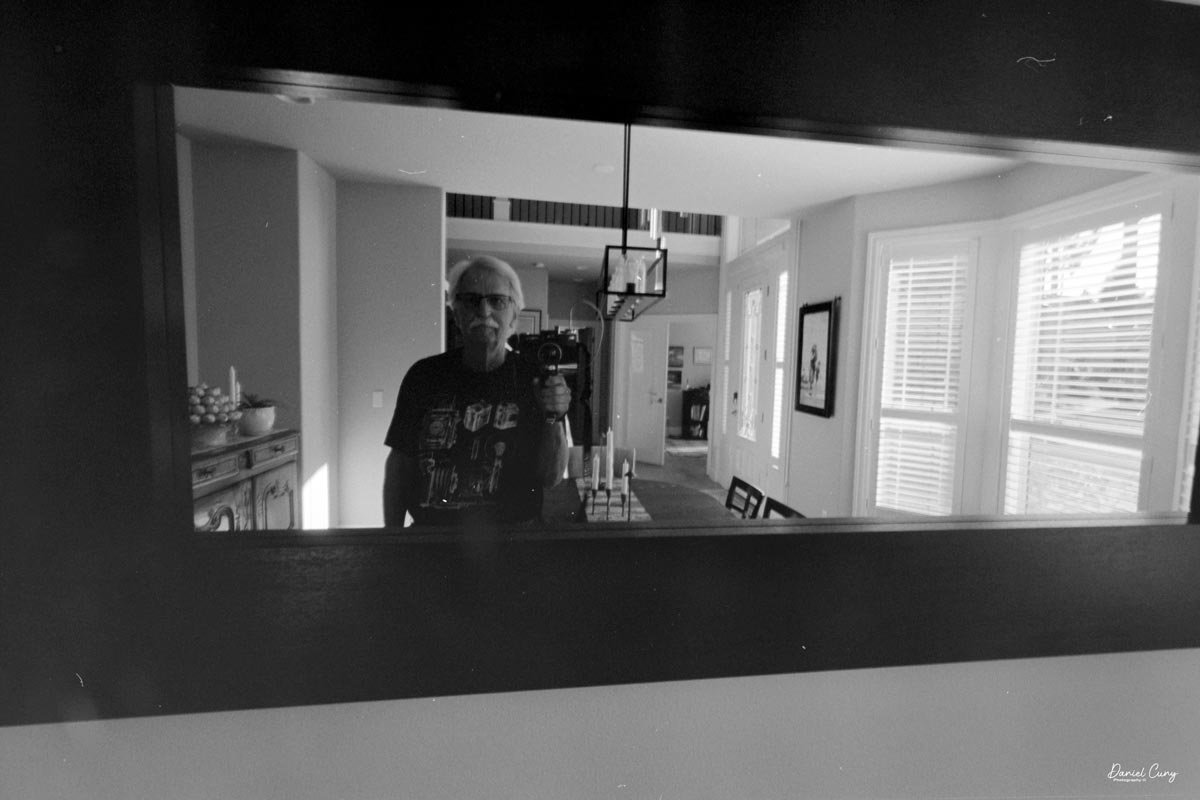
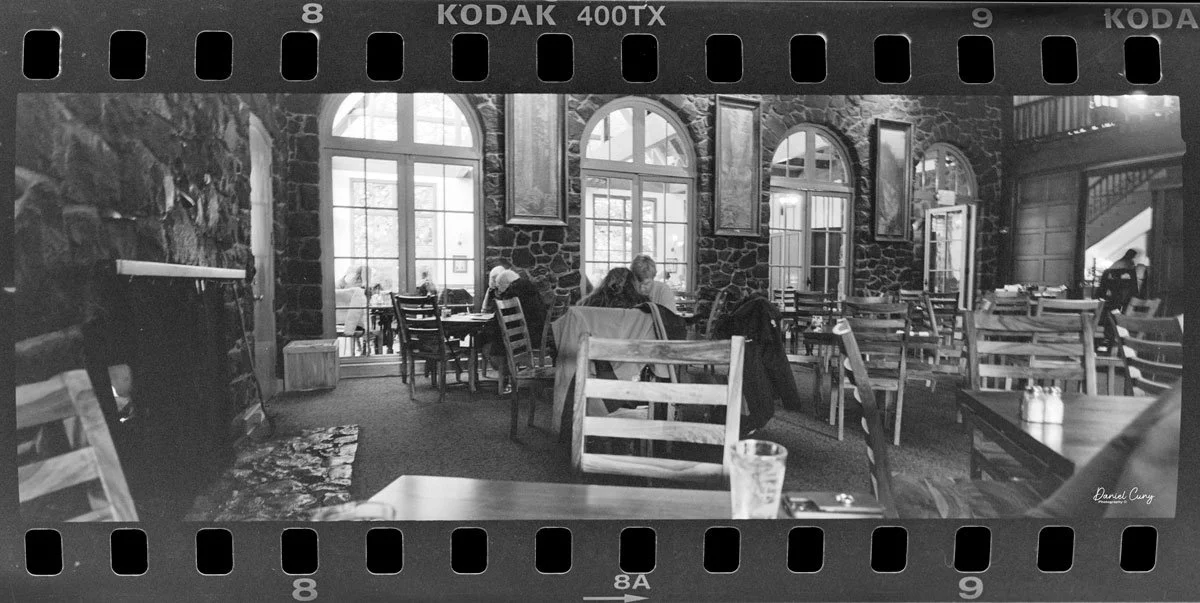
 My wife and I took a drive to Multnomah Falls outside Portland, and since I was going to write about this camera, I took it with me to see how it would perform. 

 Honestly, it's only the third or fourth time I've taken the camera out to shoot with it, mainly because I shoot with the Widelux so much, but this was an excellent time to see how the camera performed.

 The day was overcast, but the crowds were small, and since it had rained recently, the falls were rushing. After shooting the falls, we went into their restaurant to have lunch.

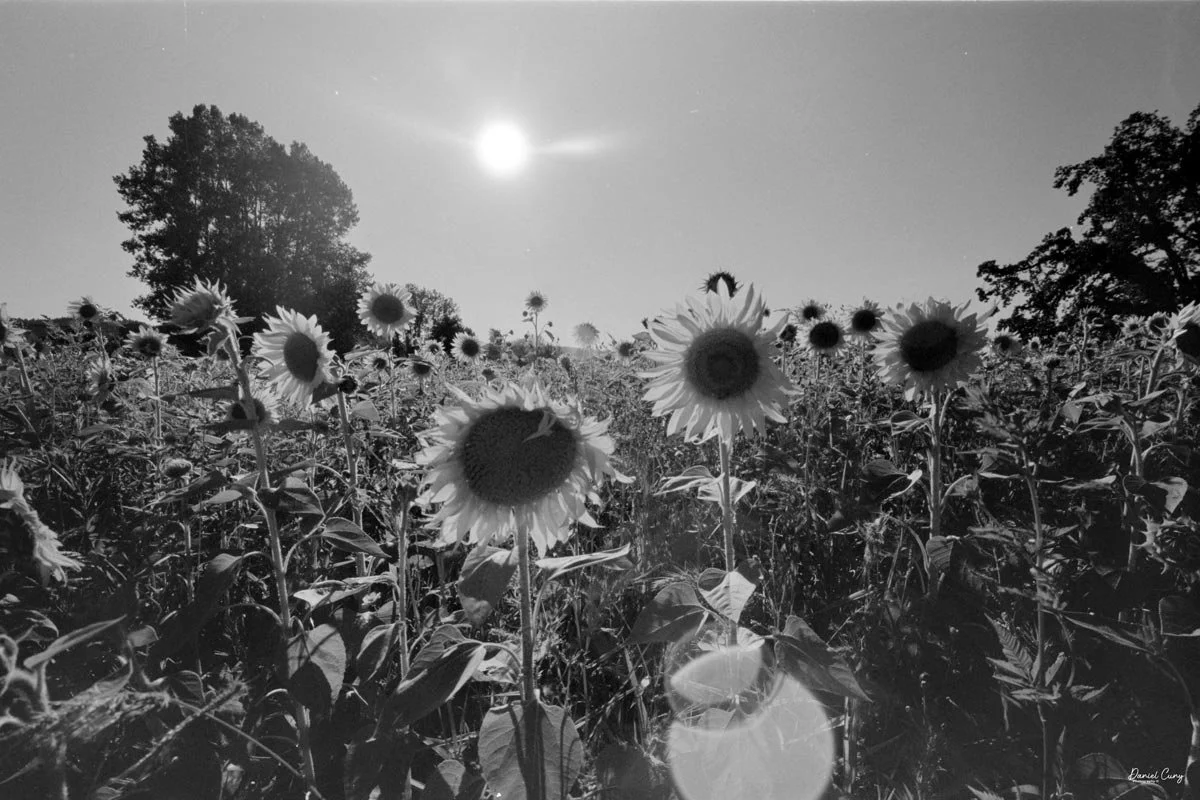
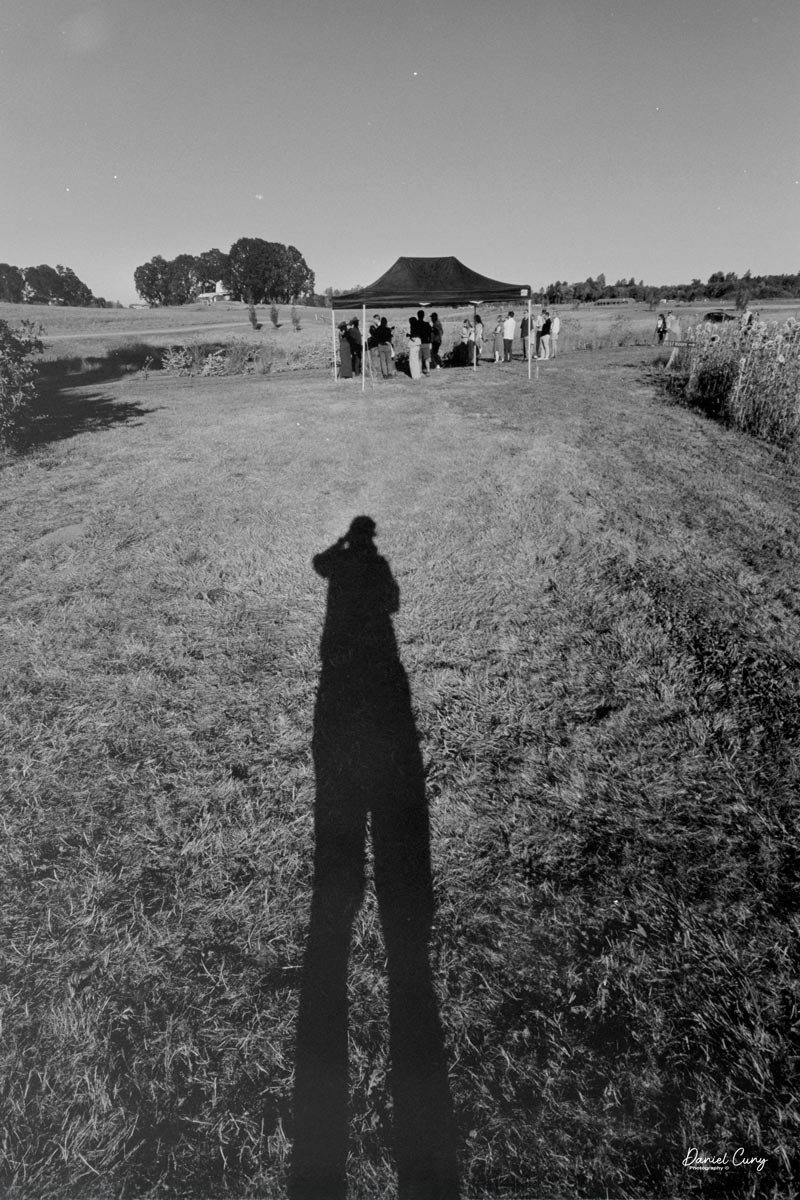
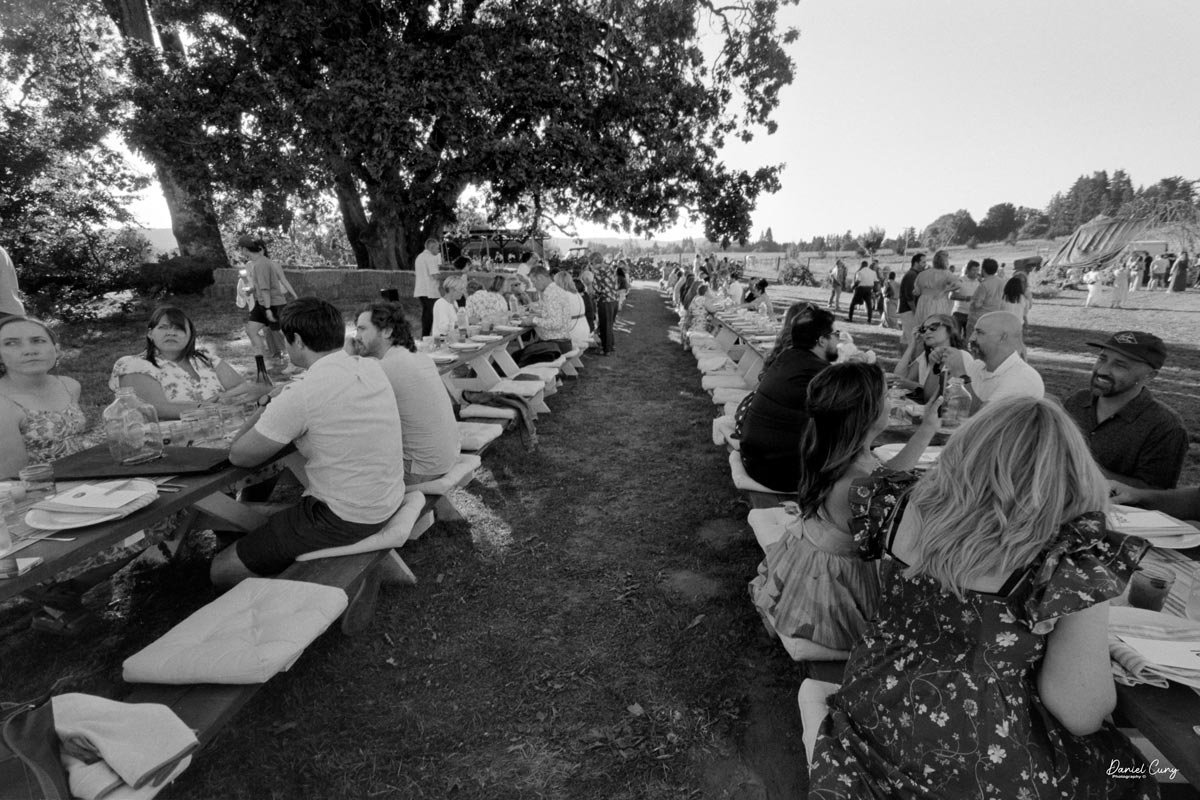
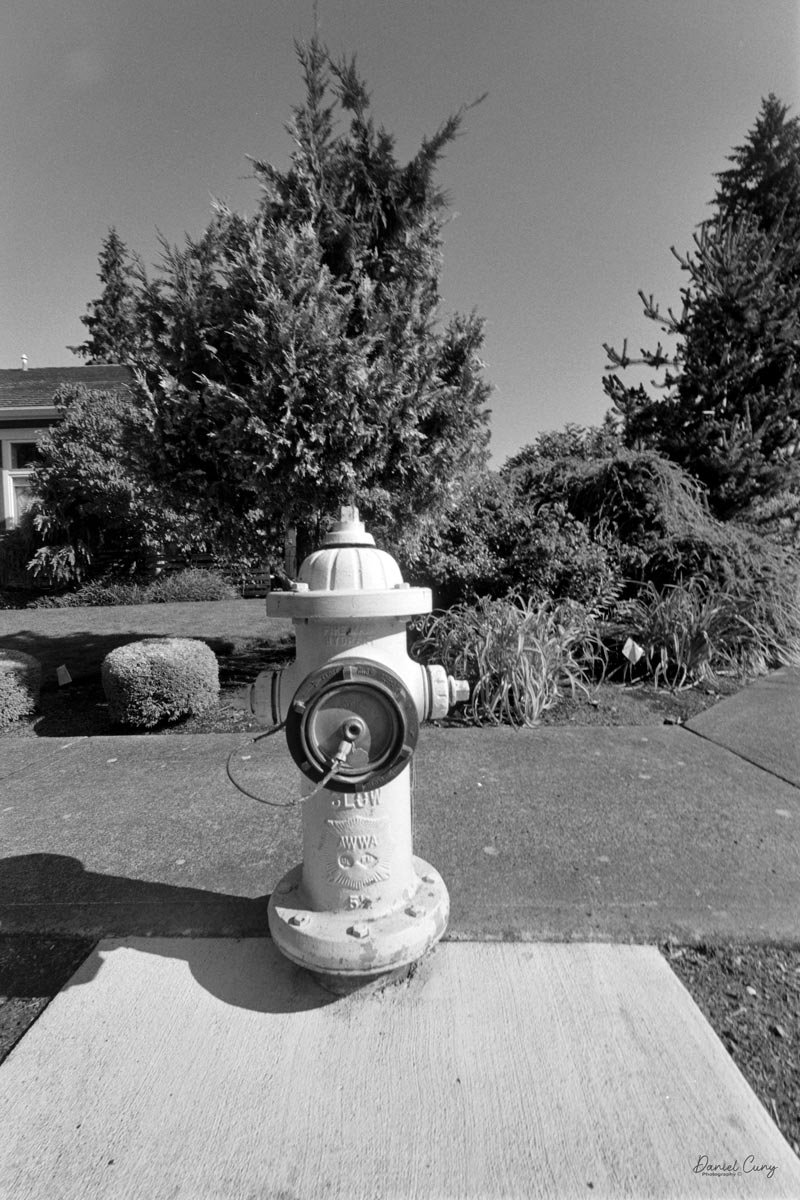
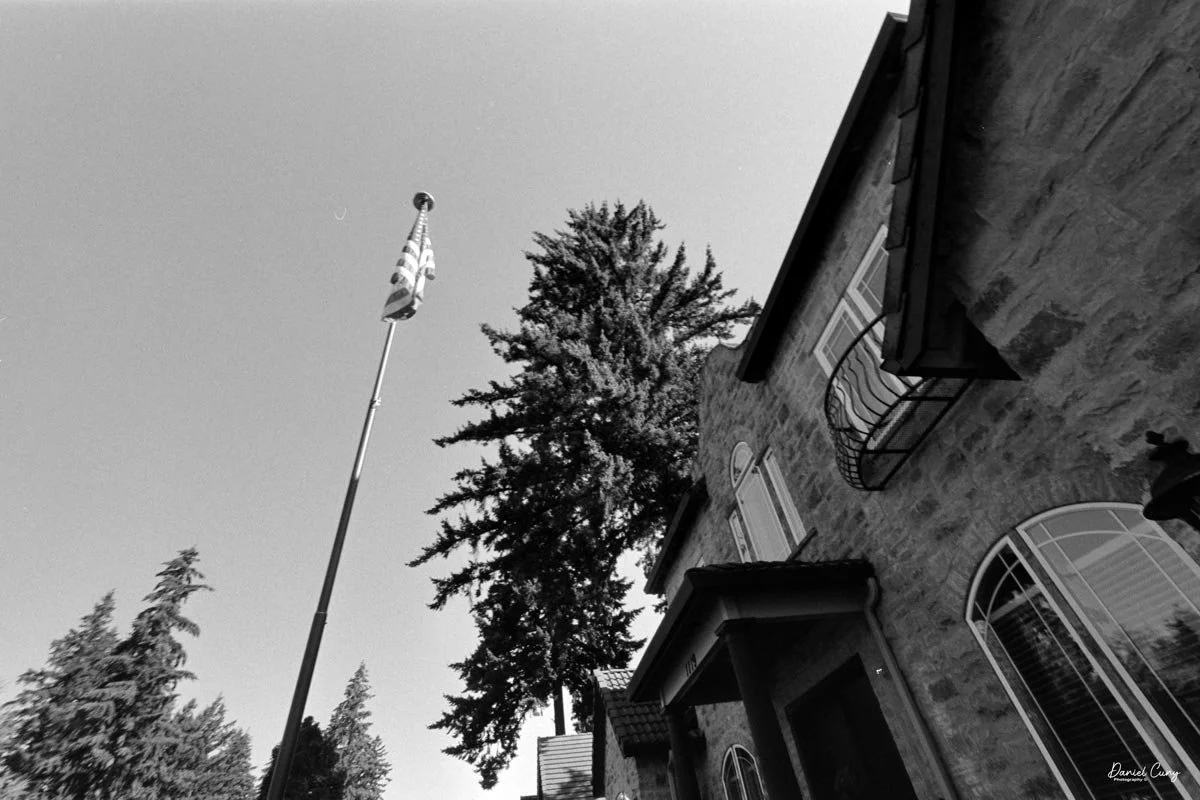
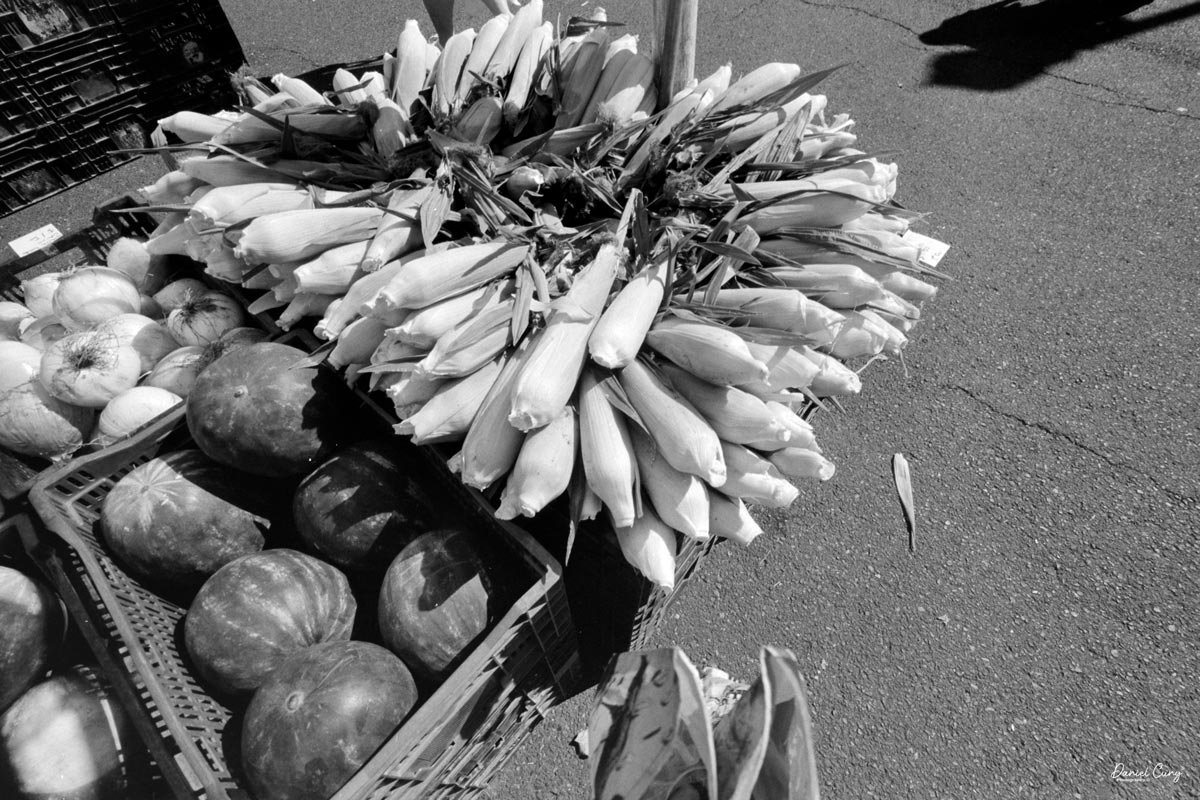
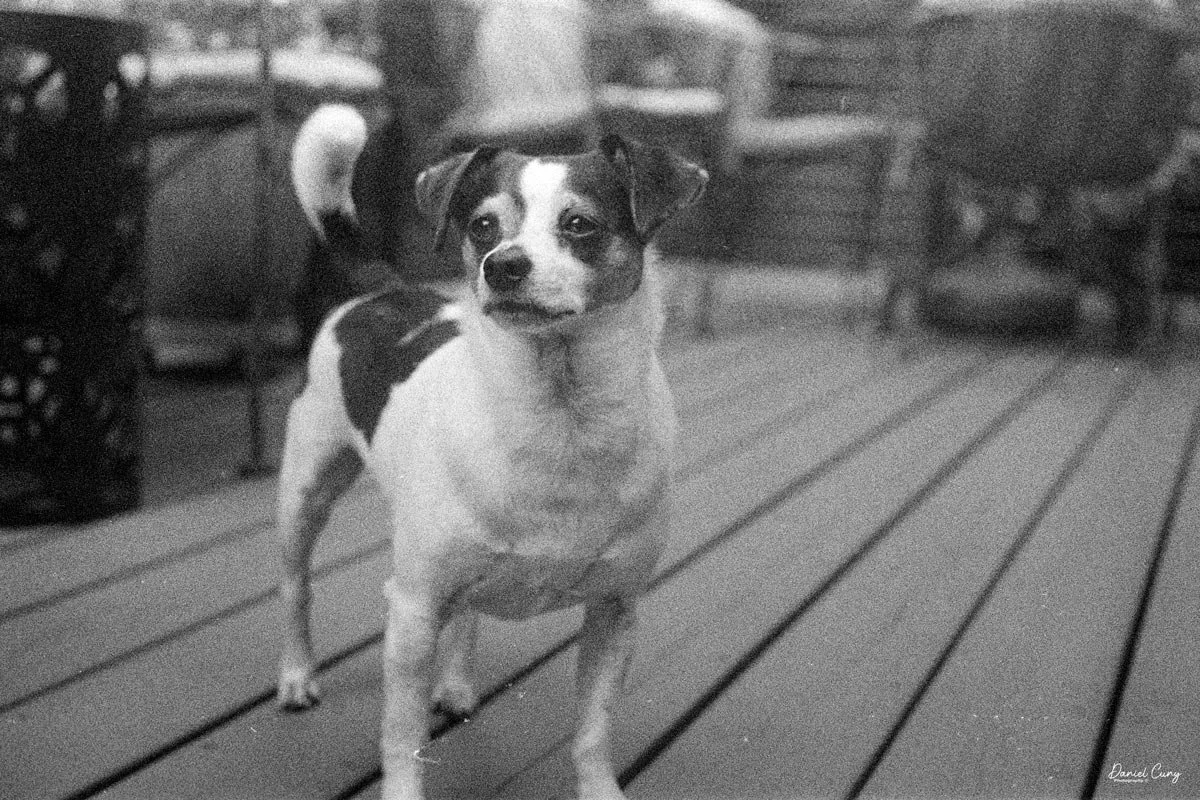
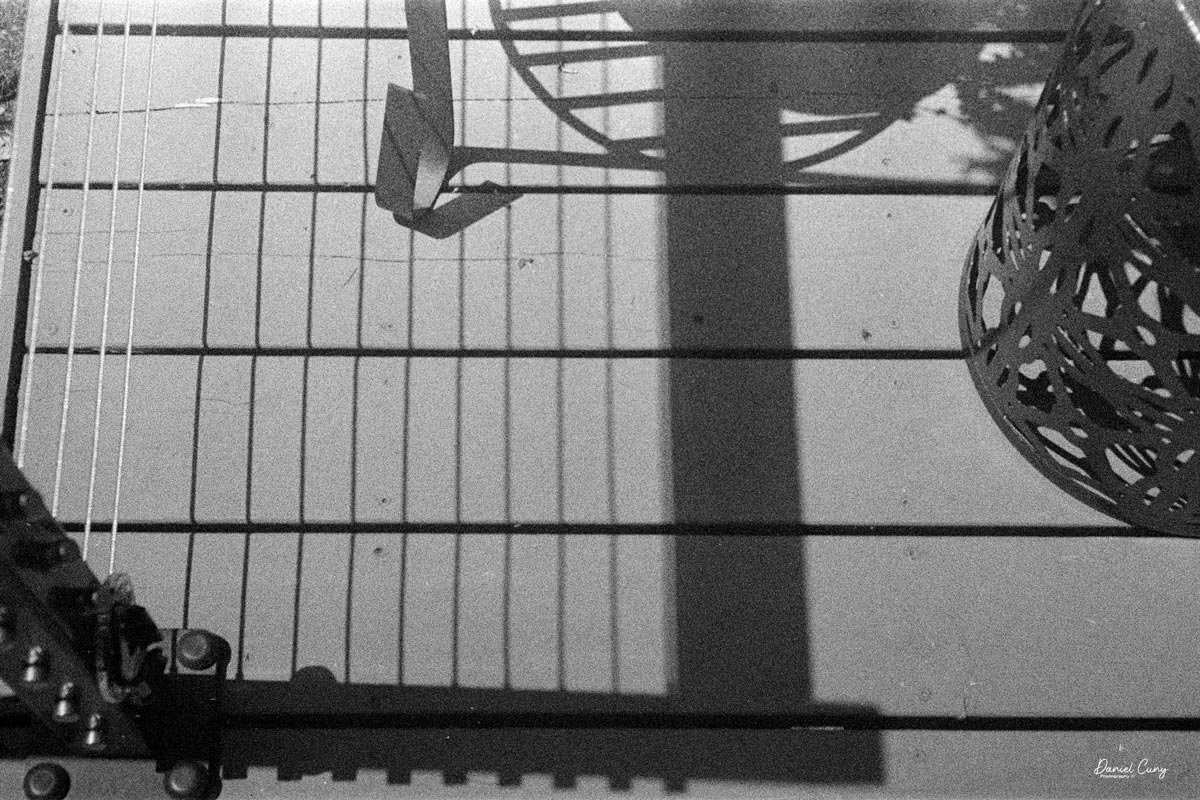
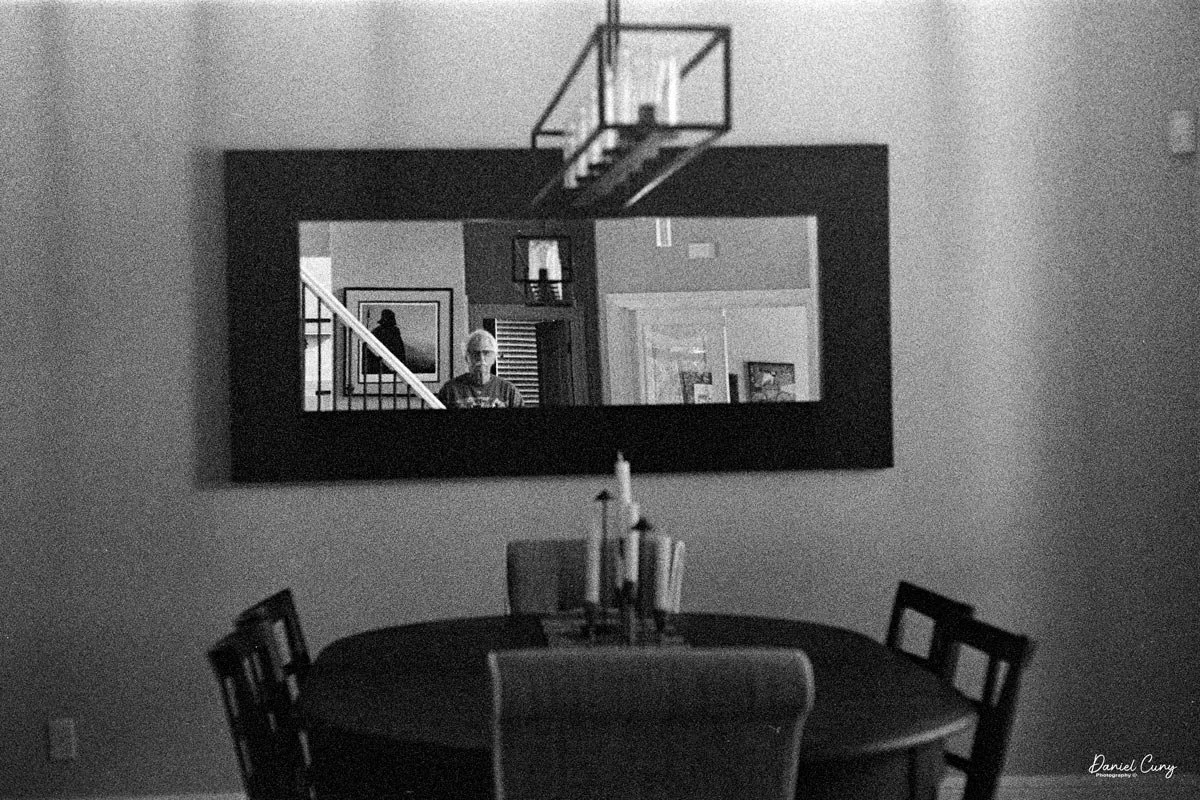
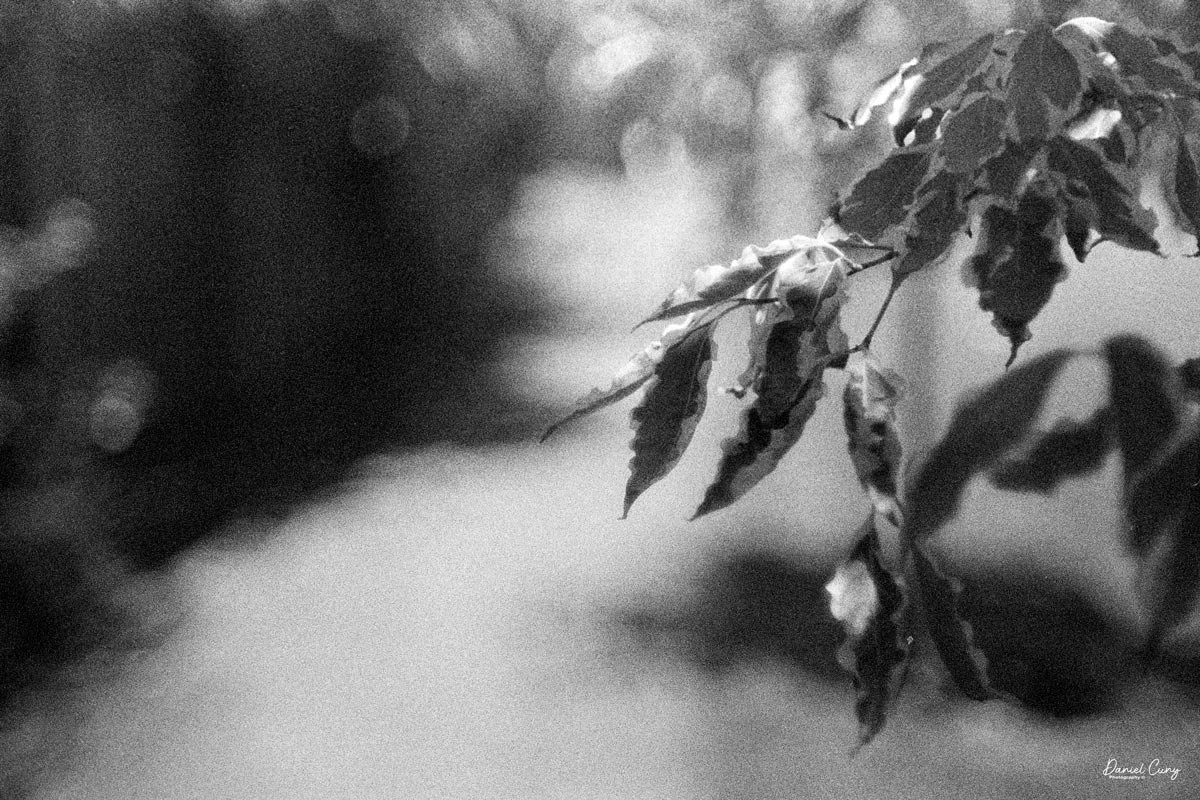
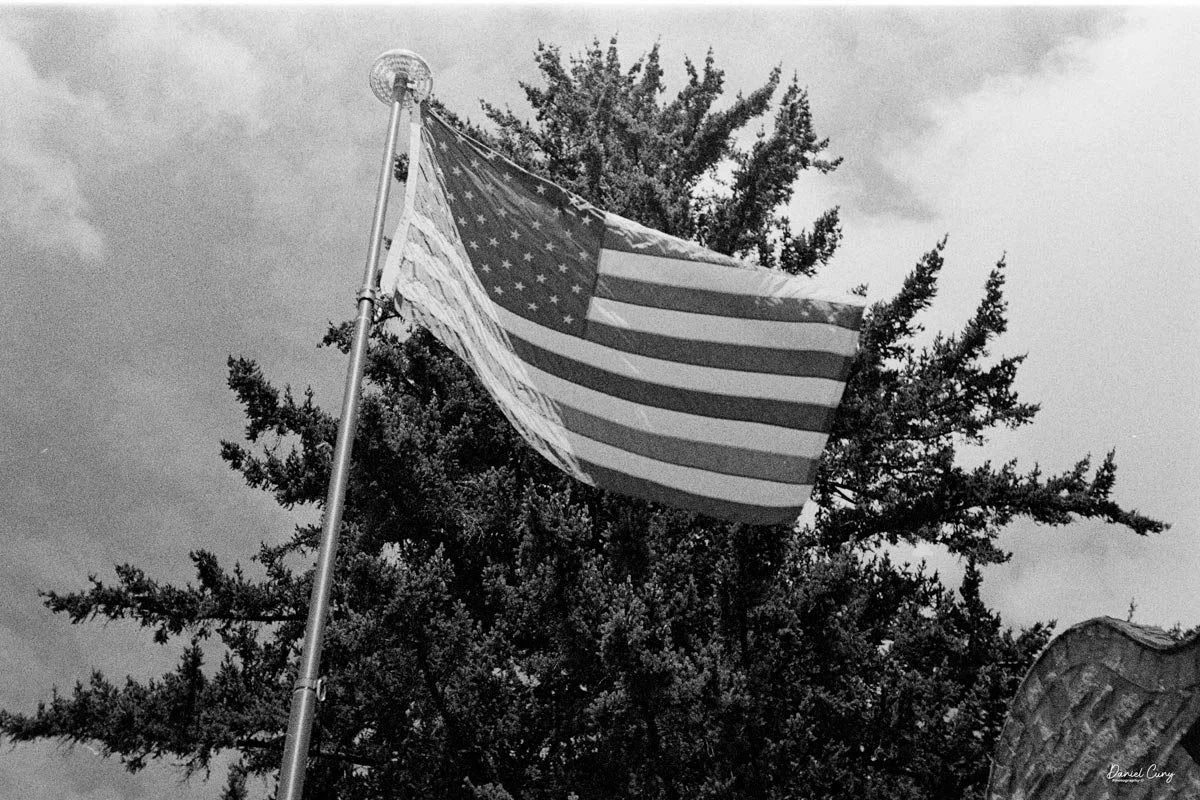
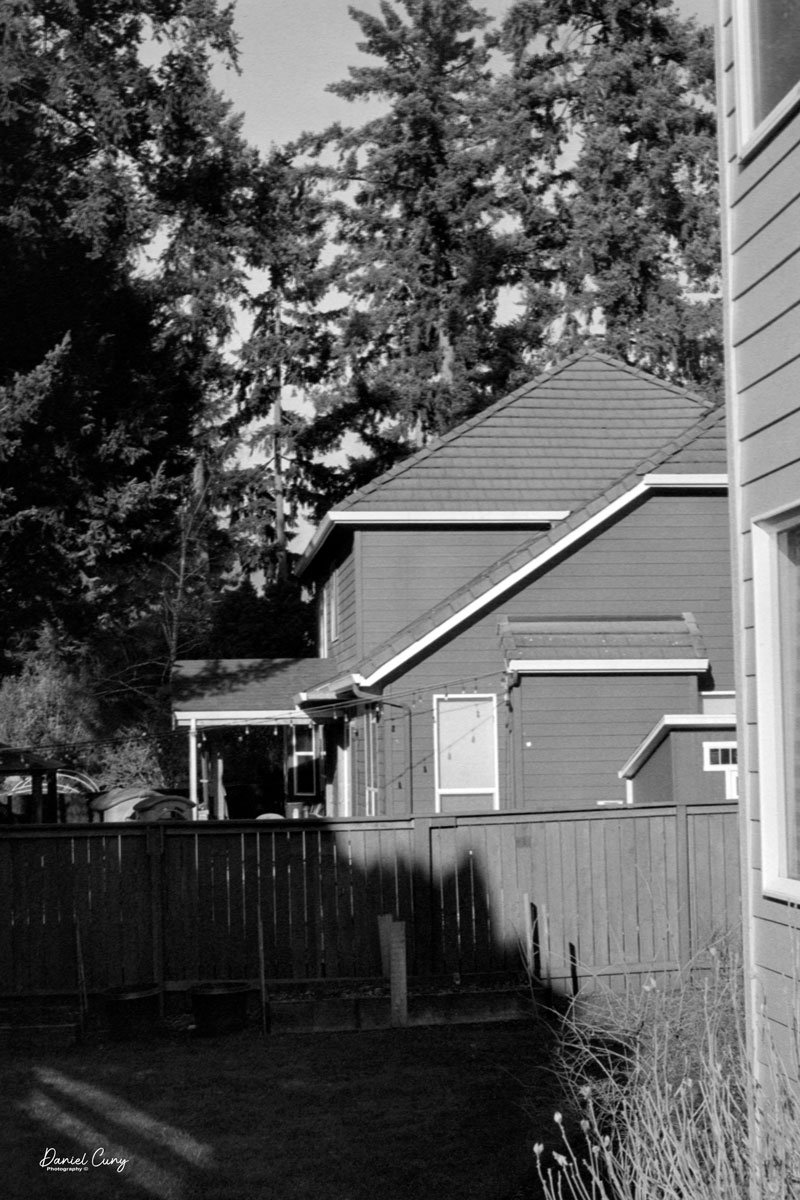
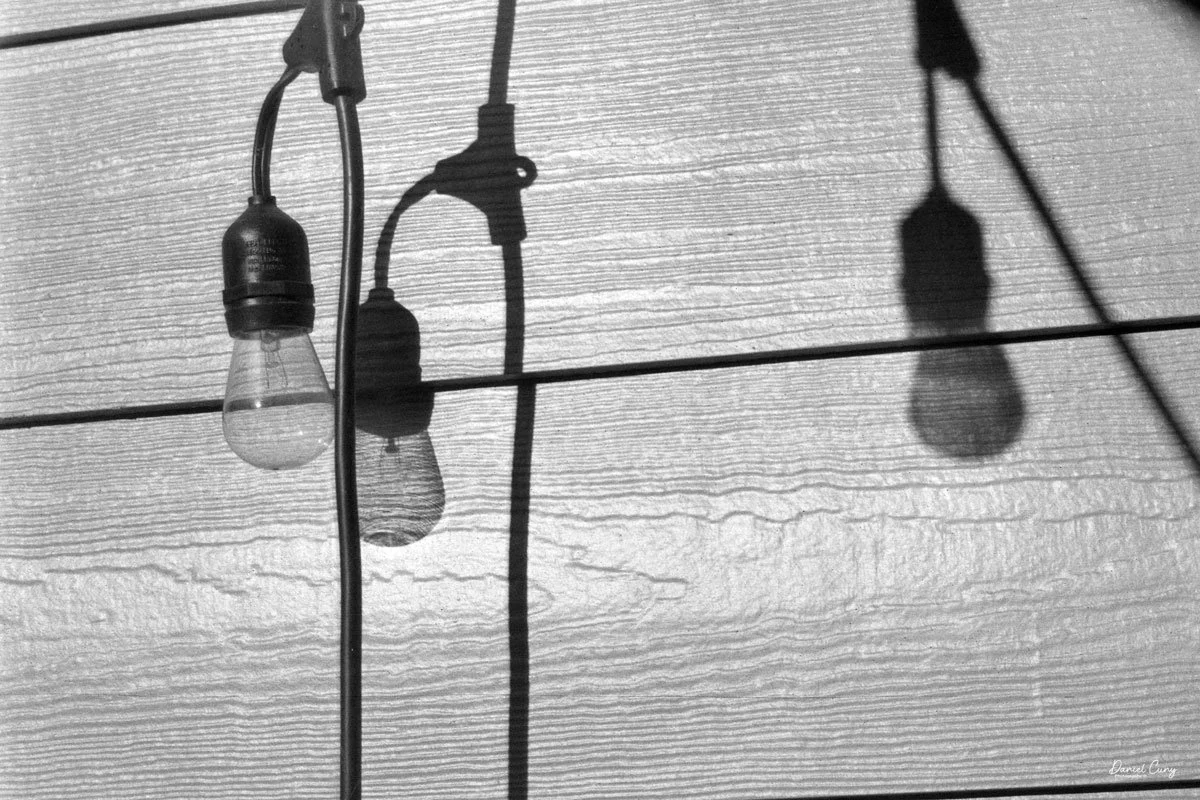
 Here are photos from that small adventure.

Conclusion:

 WOW, what amazing images and camera. I understand why so many people enjoy shooting with this camera. It doesn't have the swing lens curvature like the Widelux has. The X-Pan offers modern advancements over the Widelux, such as auto-exposure, exposure bracketing, and other features, but is physically larger and heavier.

 There's a trade-off for all things, but I'll definitely be using the X-Pan more often. It made shooting very simple and easy. I needed to focus on my subject with the X-Pan, which isn't a bad thing, and the images turned out great.

Another excellent feature of the X-Pan is that it’s a “system” camera, allowing for the use of other lenses. There is a standard wide-angle 45mm f/4 lens, along with a compact telephoto 90mm f/4 lens.

 Thank you for taking a few minutes to read about this fantastic panoramic camera from Hasselblad. A camera I'm fortunate to have in the collection.

 Here's a link to my other Camera Reviews.

 I also have an online store, Cuny's Cameras and Photo. If you see something in my store that interests you, don't hesitate to make me an offer. I'm always looking to negotiate and make deals, and I'd love it if you could share my article.

 Until next week, please be safe.
Nikon 200mm f/5.6 Medical Nikkor Lens

One of my Medical Nikkor lenses w/ AC power supply, close-up lenses, & cables

I am a lifelong Nikon fan and own a variety of Nikon cameras. I have very vivid memories of working in a camera store back in the mid to late 1970s, where I worked for almost 20 years. The Nikon 200mm Medical Nikkor was a lens I had only seen in catalogs and brochures. I'm sure I had seen the lens in showcases at conventions. 

 I don't know why I've liked this lens for so long. It has something to do with the lens being very specialized, its unique look, and the built-in ring flash around the lens. It also had to do with my love for macro photography and the idea that a lens like this would make it so much easier.

 It wasn't until very recently, while looking at items for sale at a local estate sale, that I had the opportunity to hold a Nikon 200mm Medical Nikkor and look at it closely. The estate sale was for a retired doctor who had two Nikon Medical Nikkors, along with a variety of other medical and photography equipment. The lenses were complete with the power supply, close-up lenses, and connecting cables. One of the kits had an AC power supply, and the other had a DC power supply.

My Nikon 200mm F/5.6 Medical Nikkor lens.

 The asking price seemed high, so I walked away from the sale, knowing that the prices would decrease in the days that followed. I crossed my fingers and hoped that when I came back on the final day of the sale, the lenses (and several other items) would still be there.

 When I went back on the final day of the sale, both lenses were still there, but the pricing was still too high. Talking to the owner of the estate sale, he mentioned that on Tuesday, after the sale ends, if these items are still there, he'd consider offers.  I contacted him on Monday. He said there were some items still available and that if I wanted to meet him on Tuesday morning, he'd listen to offers.

 When I arrived at the sale on Tuesday, not only were the two Medical Nikkors still there, but several other items I was interested in were as well. I made a bundle deal and gave him a price for all, which he accepted.

 Once I got the lenses home, I started to piece the items together. I plugged them into the AC power supply and found that both lenses were in good working condition. The modeling lights work, and both lenses flashed as they should. The only negative thing I found was that one of the connecting cables from the power supply to the lens was missing. Also, the DC power supply takes four "D" size batteries, which is not an issue, but it also takes an older 240V photo battery, which are no longer available from my searches. The "D" size batteries power the focusing lights, and the 240V powers the flash.

Using the Lens:

 When you first look at the lens, it can be confusing, so let me give you some basics about the Nikon 200mm Medical Nikkor lens. There is no focusing ring on the lens itself. Instead, the lens uses a series of six close-up lenses that screw into the 38mm filter ring on the front of the lens. These close-up lenses are 2x, 1x, 1/2x, 1/4x, 1/6x, and 1/8x. These close-up lenses are threaded on both sides, allowing them to be stacked for a closer view of your subject. The only one not double-threaded is the 2x. The combination of the close-up lenses along with the master lens allows the lens to have a wide range of ratios, from 1/15 to 3x.

Here's a table in the instruction manual showing when to use the specific close-up lenses, how far away you are from the subject, and how big the subject is in inches.

One of the unique features of the Nikon 200 mm Medical Nikkor lens is the built-in ring flash, which consists of two flash tubes. This ring flash provides even and shadowless lighting, making it ideal for macro photography. Additionally, there is a series of four small lights around the lens that can be turned on to aid focusing. These lights are beneficial when you're getting close to the subject, as they illuminate it and make it easier to find the proper focus point. The focusing lights are user-replaceable by unthreading the front of the lens, which exposes the focusing lamps.

Just below the removable top, which exposes the focusing lamps, is a knurled ring that has the PC connector, which connects the PC cable from the camera to the lens. Next to that is the socket where the connecting cable from the power supply fits. There is a grey cover on both lenses that keeps the connector from getting dirty. Next to the socket is a small window with the ready light, which indicates that the flash is fully charged and ready to fire. And last but not least, on the other side of the PC connector is a small, great button that you press in to turn on the focus lights. These are something I use often, especially when close to the subject.

Since the Nikon 200 mm Medical Nikkor lens does not have a focusing ring, achieving the correct focus point on your subject requires physical movement of the lens. The built-in focusing lights are a tremendous help in this process, especially when working in darker areas. Without these lights, achieving a sharp focus would be challenging. To use the lens, you need to physically move the lens in and out to find the proper focus point on your subject. Being able to light your subject with the focusing light is a tremendous help. Without the focusing light, it would be challenging to achieve a sharp focus, especially in darker areas, which is often the case when using this lens. Let me walk you through the process of using the lens: [detailed steps].

 The Nikon 200 mm Medical Nikkor lens offers a unique feature that allows you to imprint a number on your image. This imprint can be for a case number, date, frame number, etc. The lens has a thin ring with the letters A, B, C, and D, which is used to intensify the number imprinted on your frame. Just below the ABCD ring is the number being put onto your frame. The numbers range from 1 to 39 in white, and 3 to 1/15 in yellow for the ratio used, if that's what you choose to have imprinted. This feature can be particularly useful for organizing and categorizing your images, adding a unique touch to your photography.

Ring for setting imprint number or fraction, and brightness (A,B,C,D)

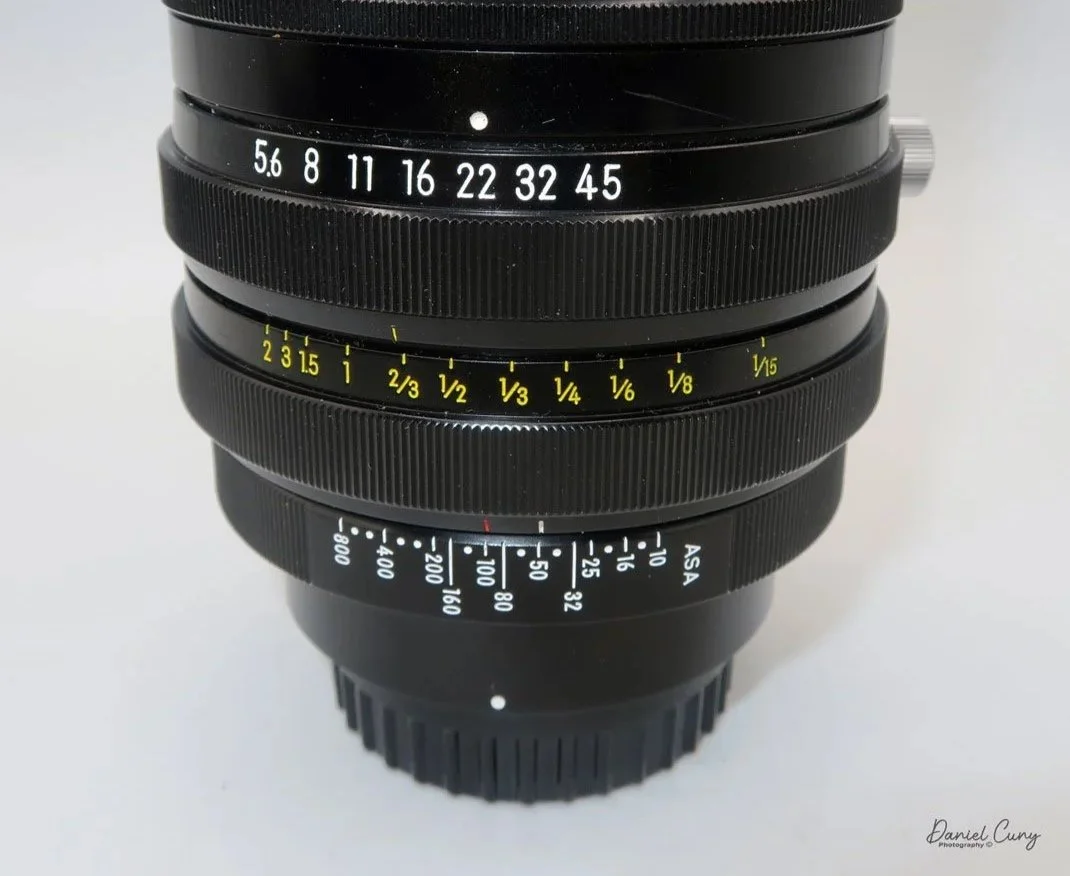
The next two rings on the lens are for exposure settings, and it actually works very well. Both of these rings have locking screws to hold the settings in place. The ring closest to the camera body and farthest down on the lens is the film speed, or the film's light sensitivity (ISO), you are using in the camera. There are two lines: one is red for color film, and the other is white for black-and-white film. The difference between the red and white lines is one F-stop. I use the red line for my camera.

 The next ring above the film speed is the aperture setting. Below the aperture setting is a guide that corresponds to the close-up lenses used. Match the close-up lenses you put on the front of the master lens to the proper aperture needed for a properly exposed image. You can lock down that setting too, so it doesn't get changed during focus. As you change magnification, you'll need to adjust the lens's aperture setting. This system works great, and the exposure is accurate. You can also lighten or darken as needed by just changing the aperture up or down, depending on your preference.

Aperture and Exposure settings dials

The wonderful thing about this lens is that it works with new and old camera bodies. The lens mount is a very generic Nikon mount with automatic aperture control. To use and test the lens, I put it on my Nikon D850, set the camera to manual mode, and set the ISO to 100; it worked great.

 While doing an initial test on the lens, I took 7-8 images, then I heard a small pop and the flash stopped working. Having worked in the photo industry, and more specifically working with commercial flash, that wasn't a good sound. I took the top off the power supply after unplugging it and found that one of the small capacitors had blown. I looked online and found one that appeared to have the same electrical needs, so I ordered it. Once it arrived, I replaced the capacitor and soldered it in. Put the top back on, and the power supply started to work again.

Before the capacitor blew, I tested the lens and took images with a camera I recently wrote about on my camera-collecting blog. The one thing that struck me was the ring flash's appearance. I've always enjoyed how the ring flash gives a halo effect around the subject, very similar to some of the fashion shoots in the 1980s and 90s, before it became unpopular.

 I also wanted to try the lens on a coin and possibly a few different objects to see how it performed on them. I didn't have a stamp to try the lens on, but I did have a few different coins.


Results:

 Here are some of the images I made with the Nikon 200mm f/5.6 Medical Nikkor lens. I attached the lens to my Nikon D850, set the camera to manual mode, and adjusted the shutter speed to 1/60 to ensure proper flash synchronization.

 I also tried to get a mix of hard and soft materials to shoot—hard shiny metals, plants, coins, etc. 

Conclusion:

 I don't understand why this lens isn't more popular for small products, like coins, given that it has a built-in focusing light, ring flash for very even illumination, and, as a telephoto, you're far away from the subject.

 The lens produced clean, sharp images; the ring light did a fantastic job on the coins; and the pictures of the plants were perfect, all for being hand-held images. I also like the product shots; the built-in ring flash gives the photos a different look than most of the younger generation people aren't used to.

Argus Model C camera

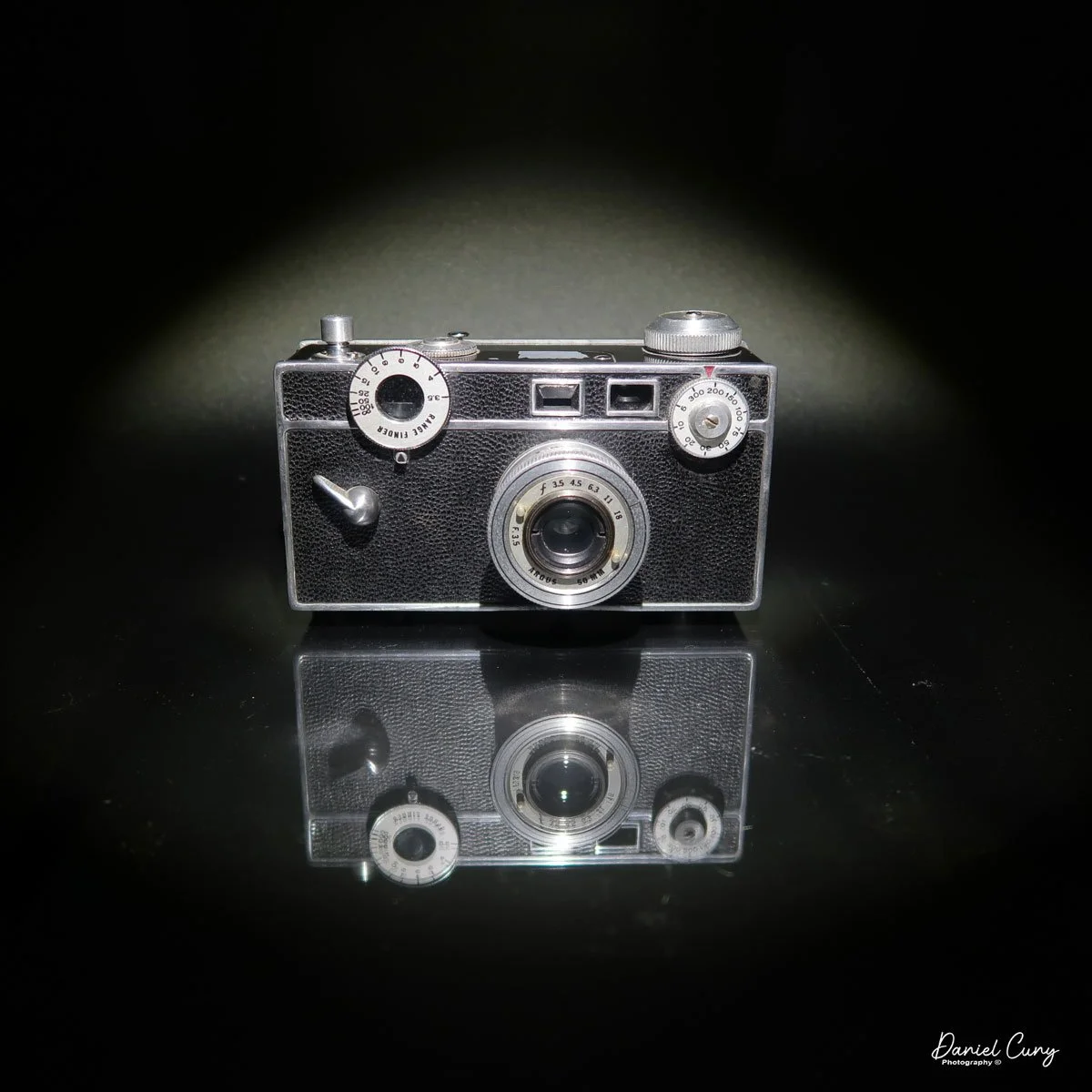
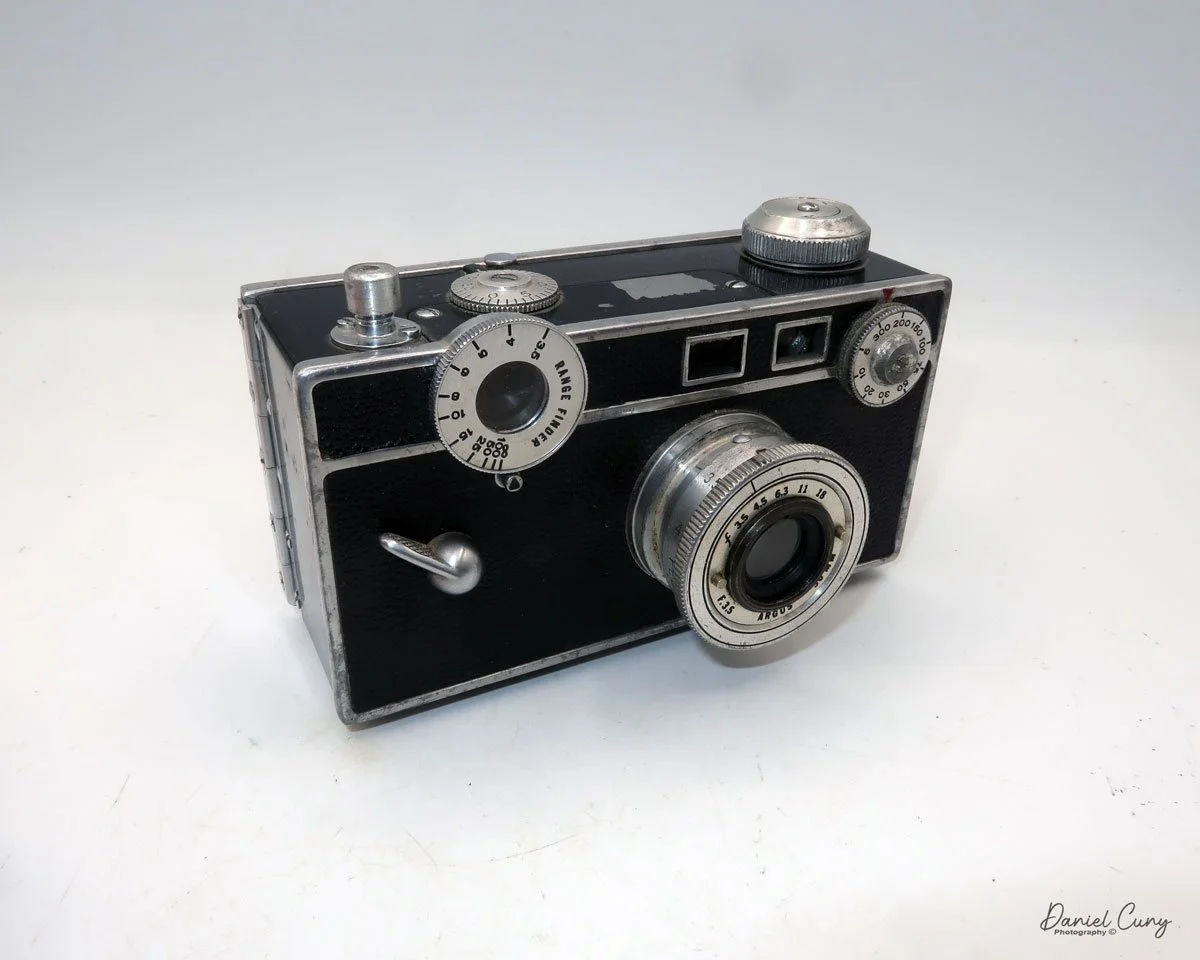
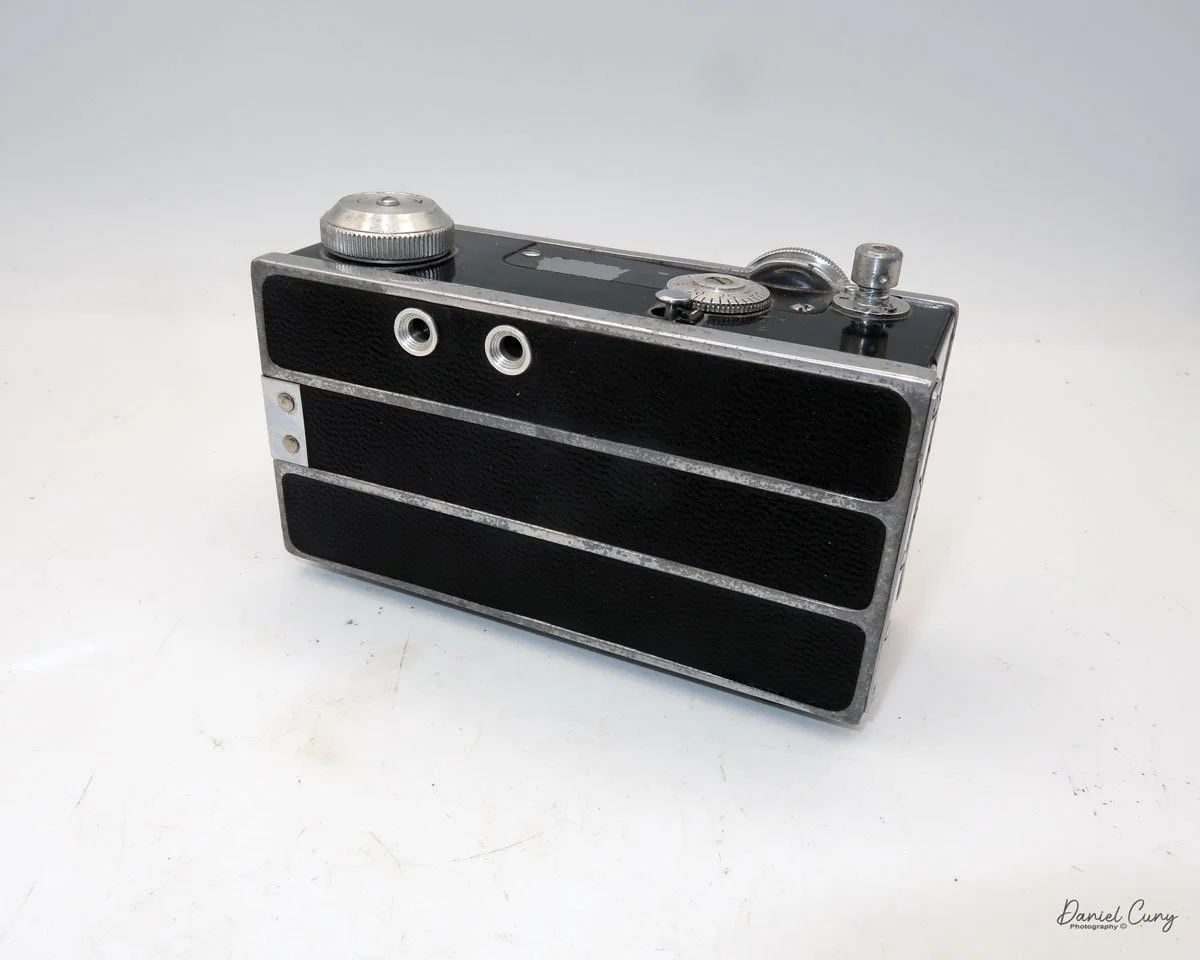
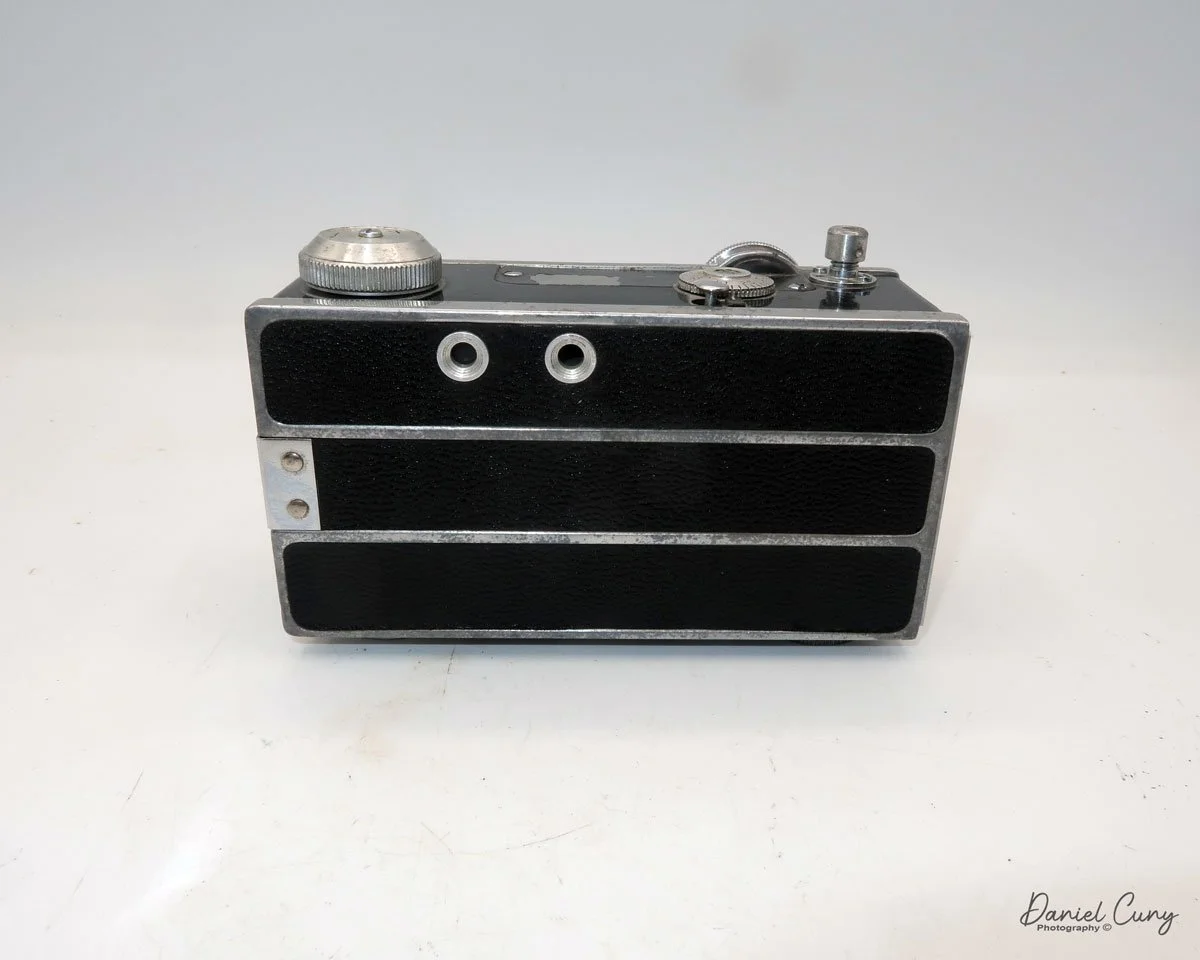
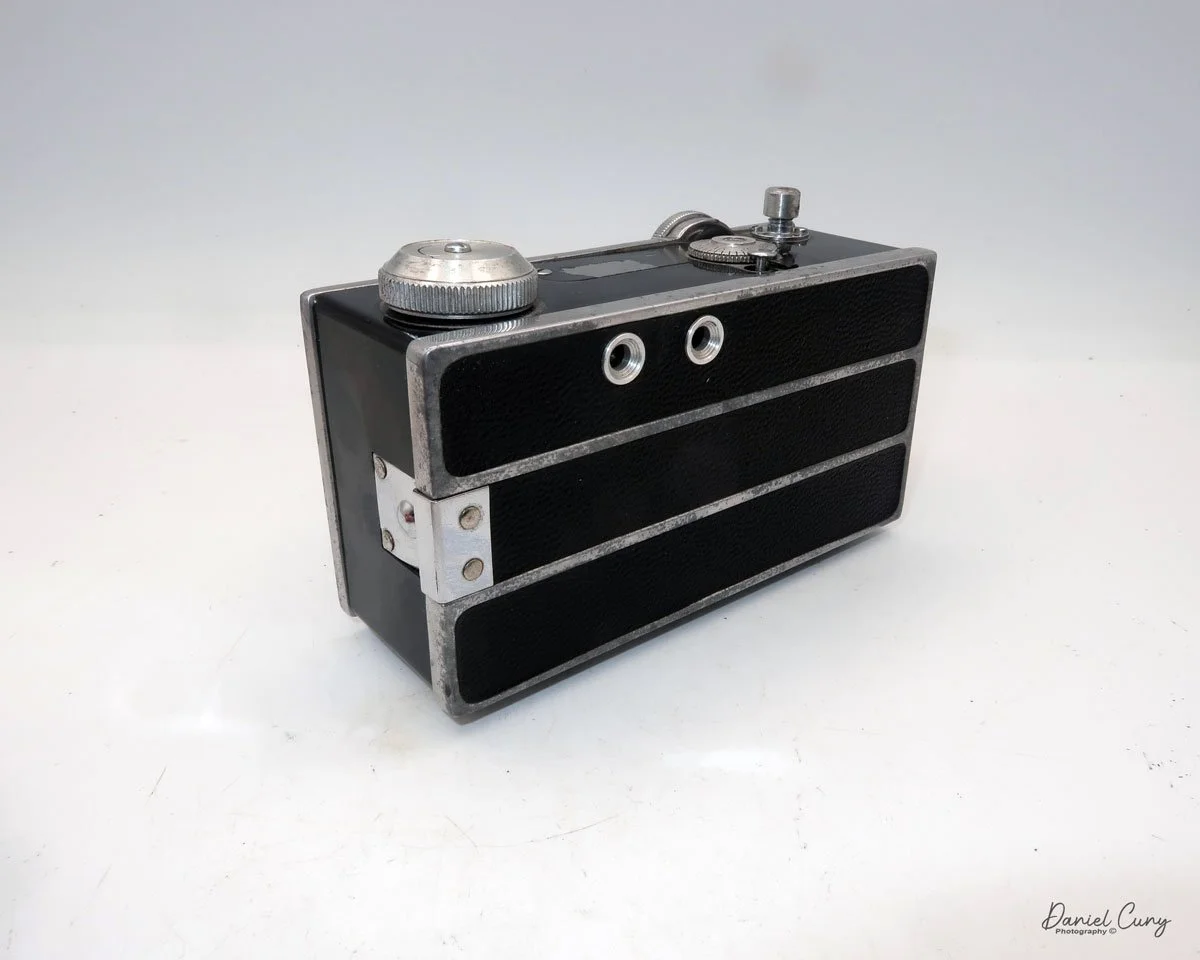
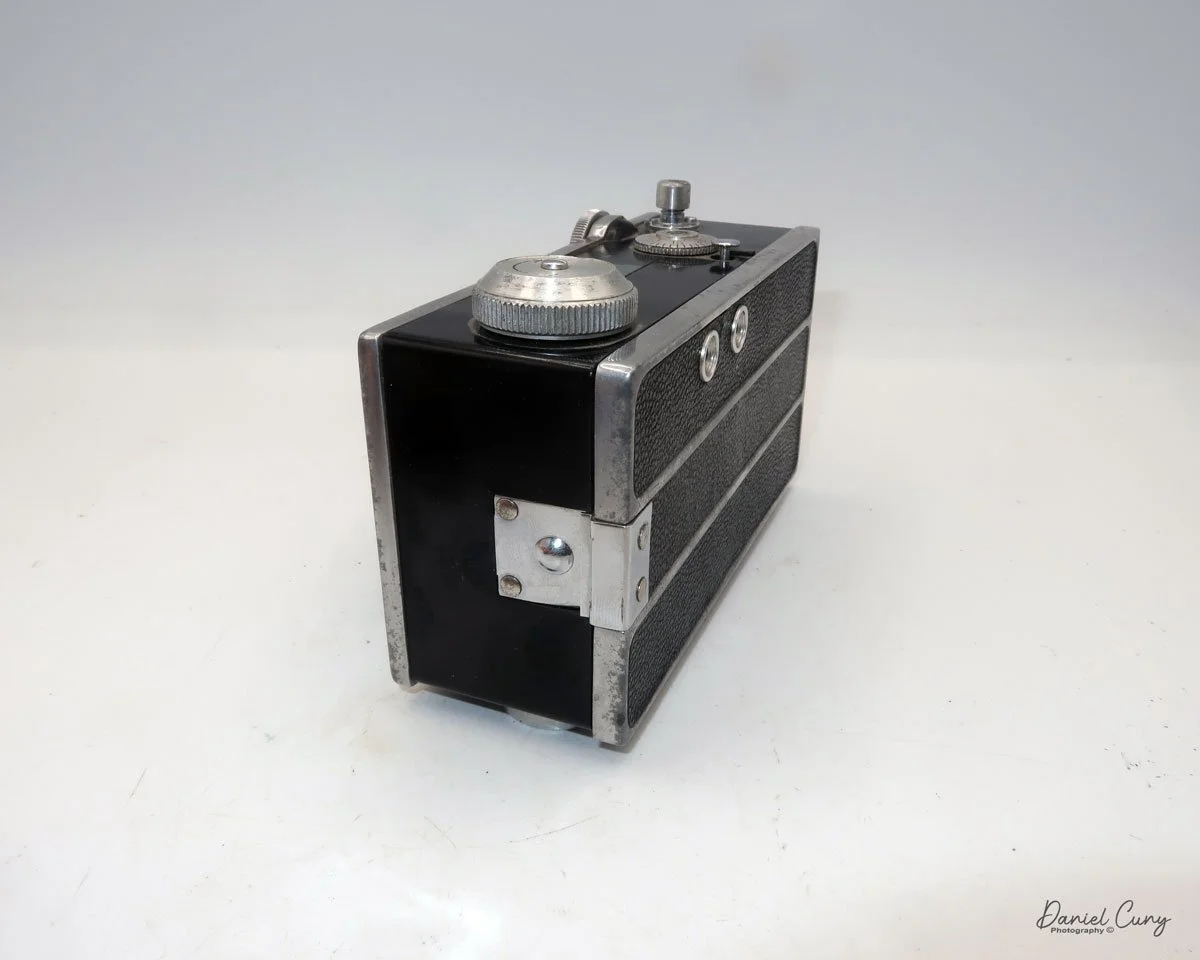
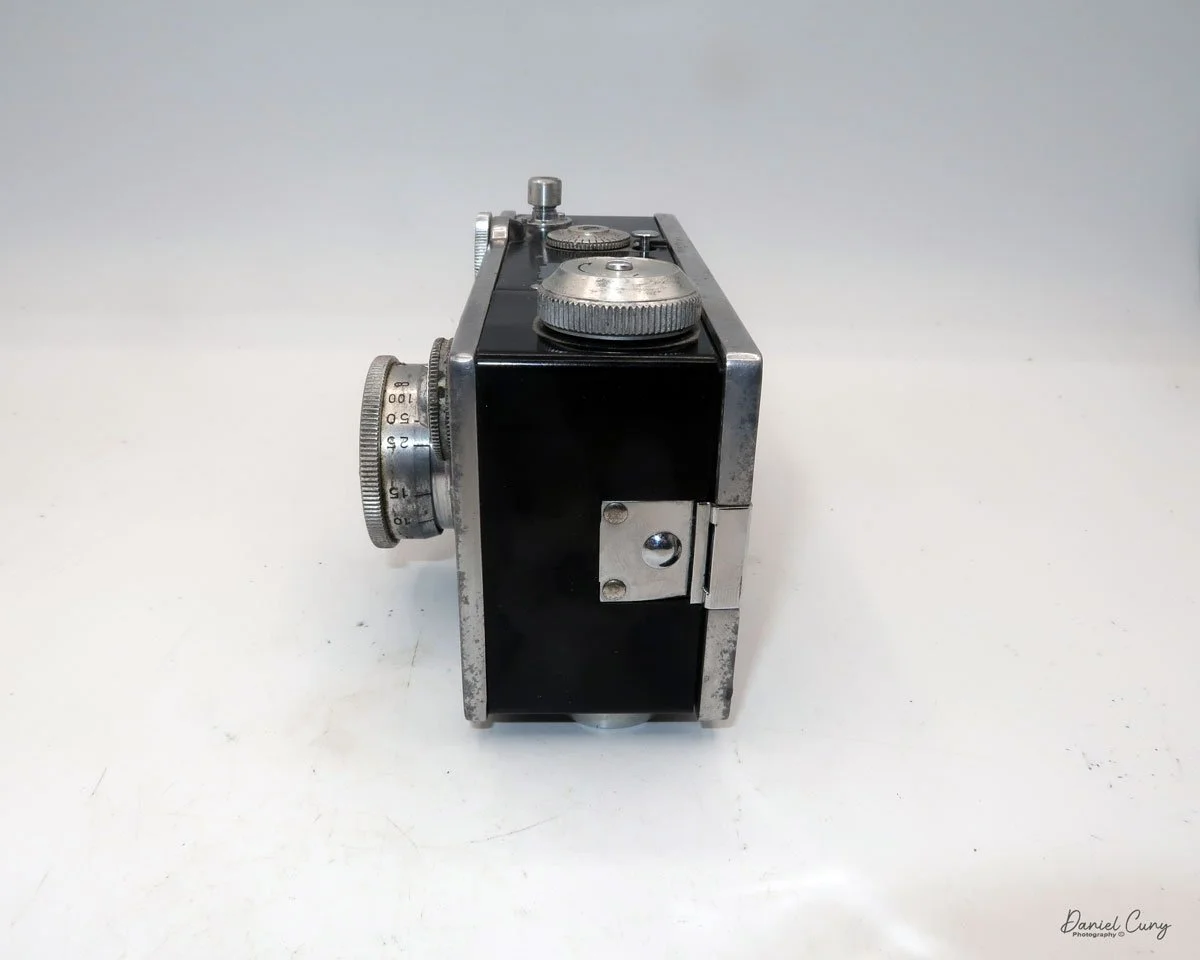
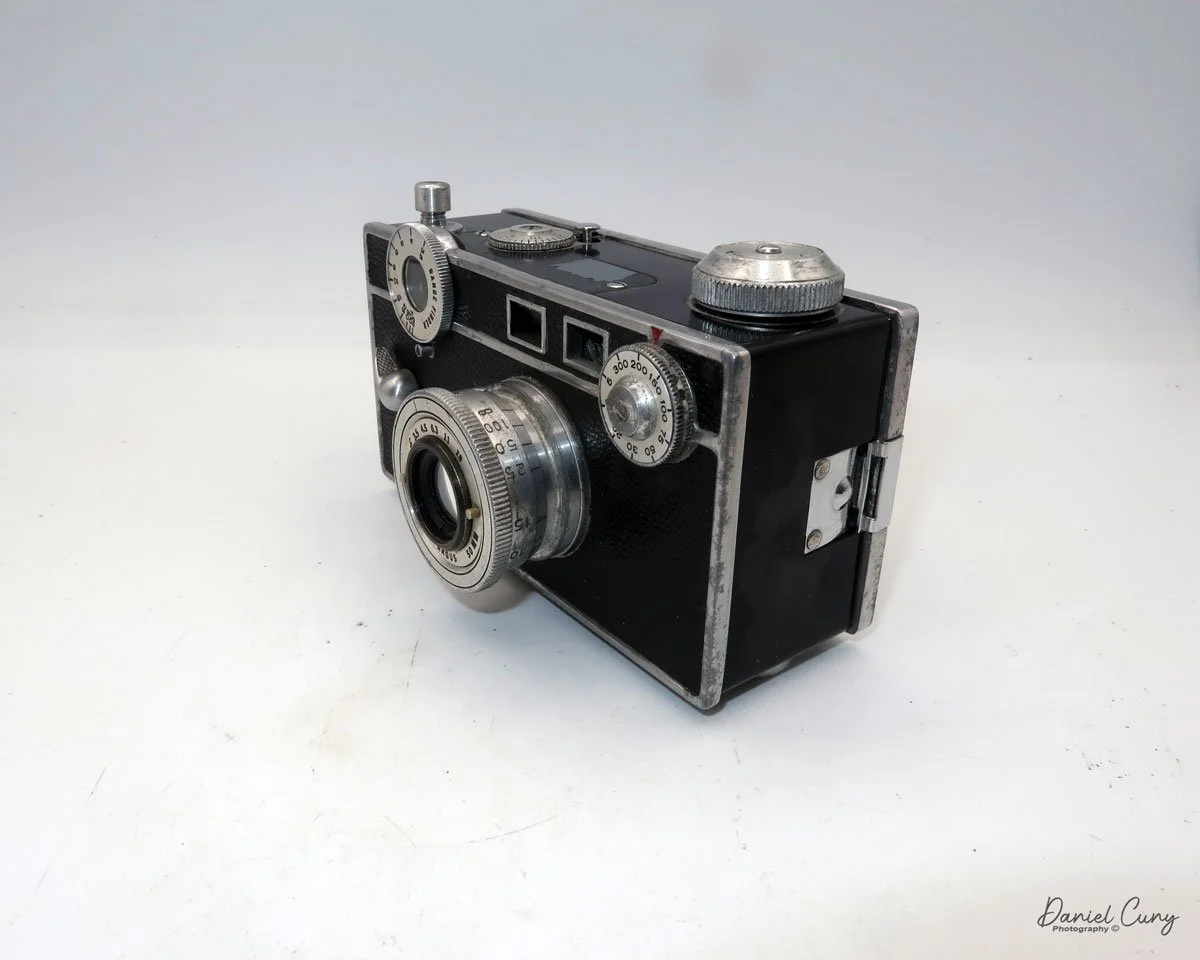
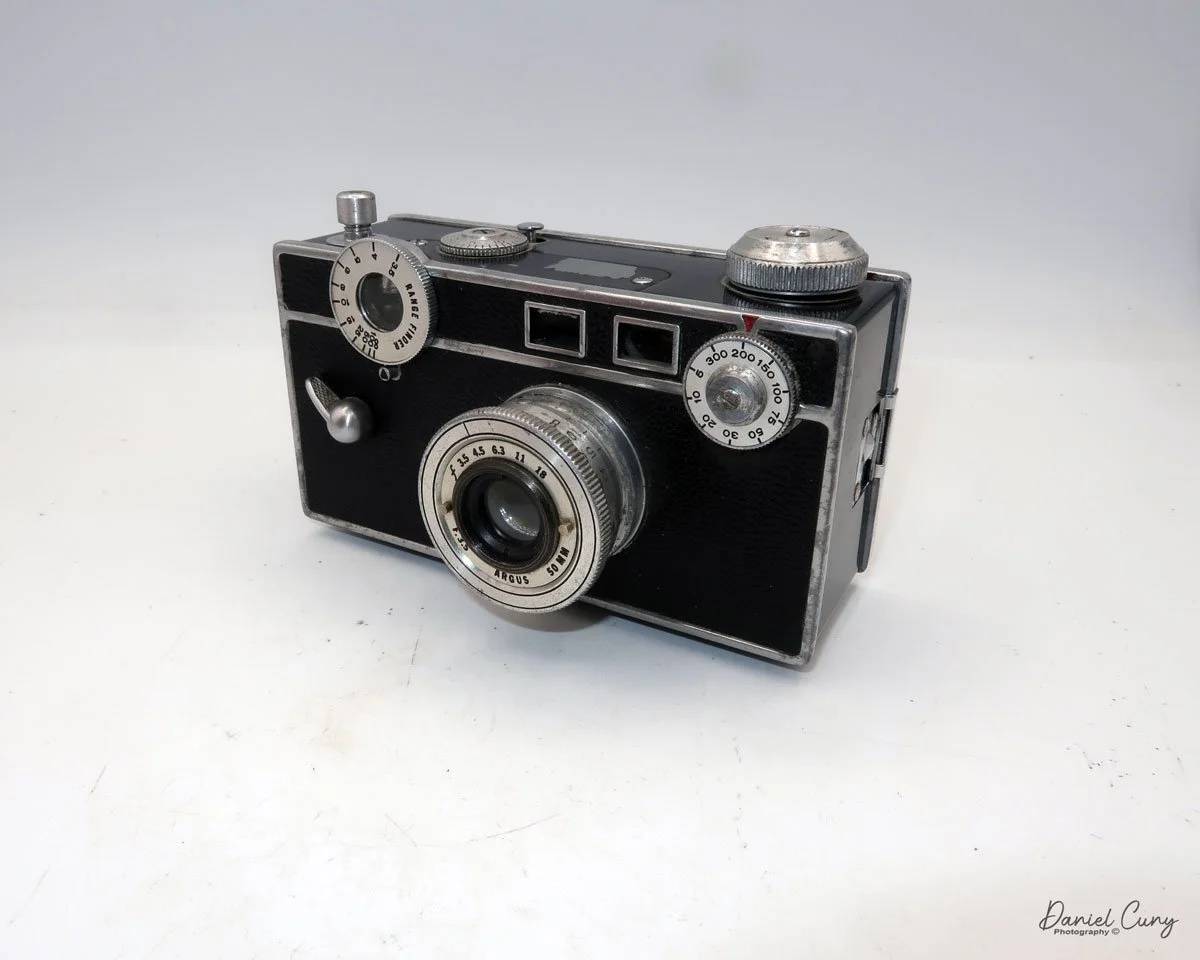
My Argus Model C camera

During my time working in a camera store from the mid-1970s until the mid-1990s, I must have seen hundreds, if not thousands, of Argus cameras, and to be more specific, the Argus C3, or as they were affectionately known as, "The Brick" because of their boxy shape and very sturdy construction. These cameras came in on an almost daily basis just because they were so popular back in the 1940s and '50s.

 I saw so many Argus C3 cameras in my time in the camera store that, when it came to collecting cameras, I had no interest in collecting this particular model. Yet, it seemed like every time I purchased a group or "lot" of cameras, there was always an Argus C3 in the groupings of cameras. 

 I still recall thinking that if I collected enough Argus C3 cameras, I could build a retaining wall in my front yard out of them, as it was cheaper to get the Argus C3 than to purchase real clay bricks.

 To this day, I still see the Argus C3, or similar models like the C2, C3 Matchmatic, or C33, all the time at people's garage sales, estate sales, and camera shows. It is undoubtedly one of the most sold cameras in the history of photography.

 With that said, I'm still looking for one model, which I'm certain I came across during my time at the camera shop. It's the original Argus Model C camera, featuring a dual range switch located under the shutter cocking lever. It's a little earlier than the camera in this blog post, but the pricing for one of these is higher than I'm willing to pay for, so I'll wait and see if I can find one during my quest for a camera. 

 For me, the fun is the hunt for the treasures. The thrill comes from finding a camera or other photo item I've been looking for, especially when it's in an unexpected place and hopefully at a reasonable price.

History:

 Argus Cameras holds a unique place in photographic history as a pioneering American camera manufacturer that made high-quality photography accessible to the masses. The company was founded in 1931 in Ann Arbor, Michigan, as the International Radio Corporation (IRC), by local businessmen including William E. Brown Jr., George Burke, and Charles Albert Verschoor. Initially, IRC's primary business was radios, but seasonal sales fluctuations led Verschoor to seek another product to stabilize revenue. Inspired by the success of his molded plastic radio cases, he envisioned an affordable camera built with similar materials.

This is the early version with switch under cocking lever

 In 1936, IRC launched the Argus Model A, the first low-cost 35mm camera manufactured in the United States. Priced at just $12.50 when most competing models were much more expensive, the Model A democratized 35mm photography and quickly found commercial success. The Model A's innovation lay in its molded plastic body, making it both durable and less costly to produce.

 This success prompted IRC to focus entirely on cameras, eventually adopting the name Argus, Inc. in 1944, and later Argus Cameras, Inc. in 1949. The company's most iconic product, the Argus C3, was introduced in 1939. With its brick-like appearance and robust rangefinder mechanism, the C3 became known as "The Brick" and enjoyed a production run lasting until 1966, with more than two million units sold. The C3 is widely regarded as one of the best-selling cameras in photographic history.

 During World War II, Argus shifted its production to support the war effort, manufacturing military optics and radio equipment for the U.S. and Allied armed forces. By the war's end, Argus had received multiple Army-Navy "E" Awards for excellence in production. After the war, civilian production resumed, and Argus became the second-largest U.S. camera manufacturer, trailing only Kodak.

 In the late 1950s, the company was acquired by Sylvania Electric Products and later sold to Mansfield Industries. Over time, as competition intensified, especially from Japanese manufacturers, Argus struggled to maintain its leadership. U.S. camera production ended by 1969, but the Argus brand persisted in importing photographic products.

Today, vintage Argus cameras, especially the Model A and C3, are valued collectibles. The legacy of Argus endures as a symbol of inventive American manufacturing and mass-market photographic innovation.

My Camera:

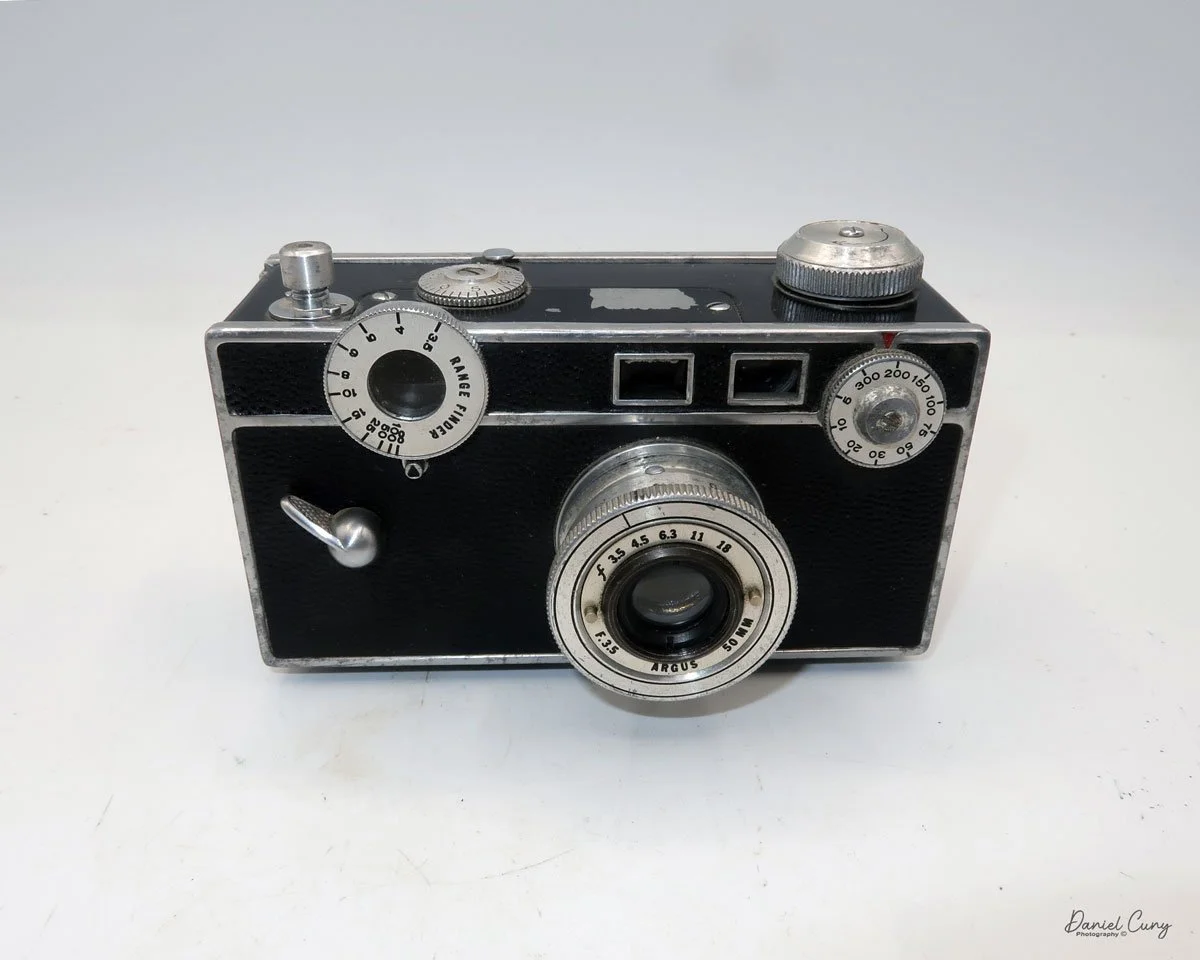
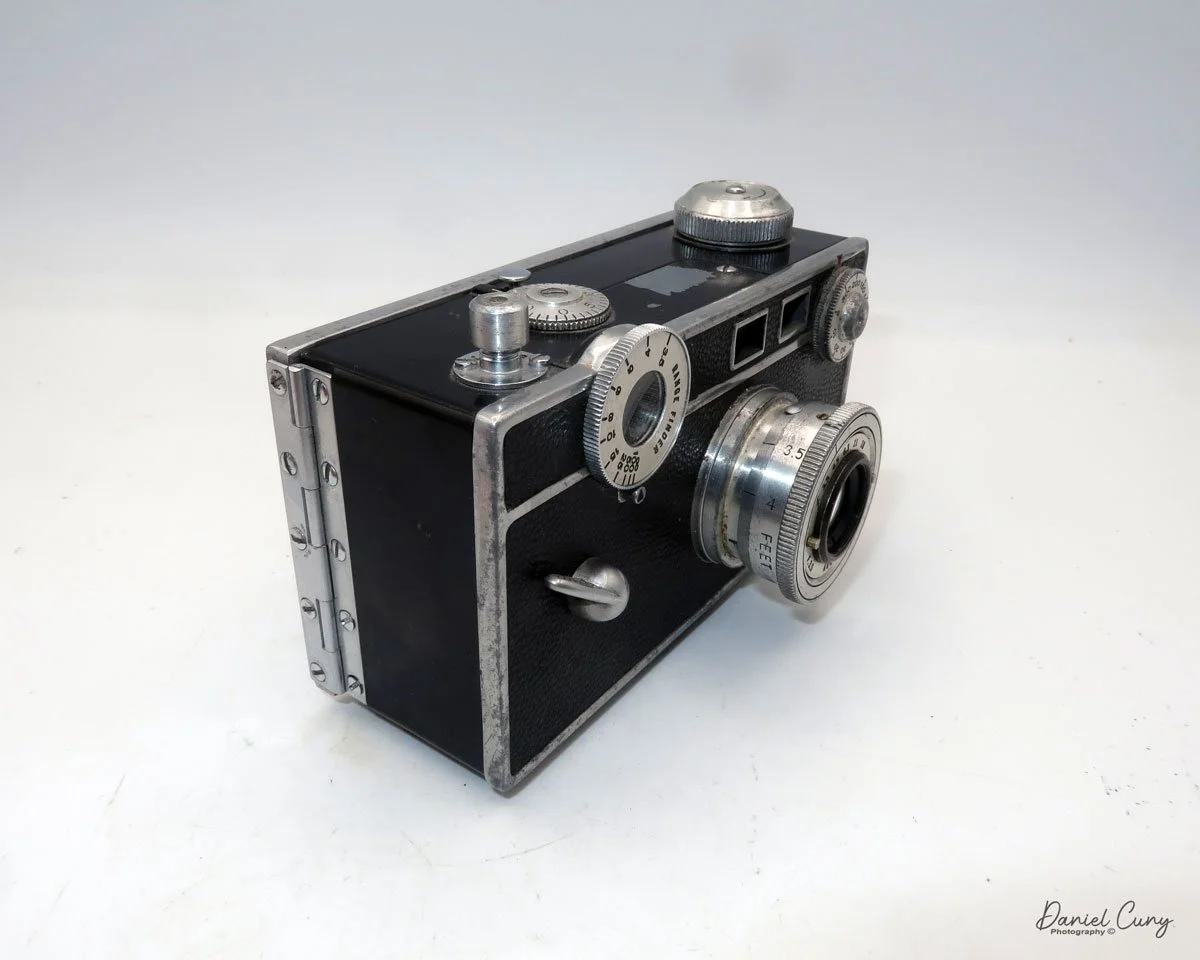
 My Argus C dates from 1938, has a serial number of 12127C, so it's not one of the earliest models, but it was introduced before the Argus C2 was introduced in late 1938. The Model C measures 5 3/8" wide by 3" tall, including the shutter release, by 3" deep, including the lens. My Argus Model C camera weighs 1 pound, 7.4 ounces without film loaded in the camera.

The camera has a 50mm f3.5 Argus lens with aperture settings of F/3.5, 4.5, 6.3, 11, & 18, which are odd compared to aperture settings now. The aperture setting is made by turning a ring with two knobs on the inside of the lens that line up with a black line on top of the lens. 

The item missing on early Model C cameras is the coupling gear connecting the focusing ring on the top left to the lens, which adjusts the lens distance during focusing. To focus this model, look through the rangefinder window on the back of the camera, bring the two lines together to focus, and then check the front of the rangefinder dial to determine your distance from the subject. Finally, set that distance on the lens. On the side of the lens, there are markings indicating the focusing distances for the subject. There is an aluminum thread in style lens cap for the Argus Model C camera I own.

The shutter speed dial is located on the top right-hand side of the camera, on the front. The shutter speed settings are 1/300, 200, 150, 100, 75, 50, 30, 20, 10 & 5. There is no "B" setting on the shutter speed dial. The "B" setting is actually set on the "mushroom" shaped shutter release. You can turn the shutter release to either settings, "I" for instant, or to "B" for bulb, or timed exposures.

 The camera's shutter also needs to be cocked before you can snap the photo. The shutter cocking lever is located on the front of the camera, positioned on the far left side, in the middle. It looks like a handle that you flip down to cock the shutter, then springs back up after the shutter is released.

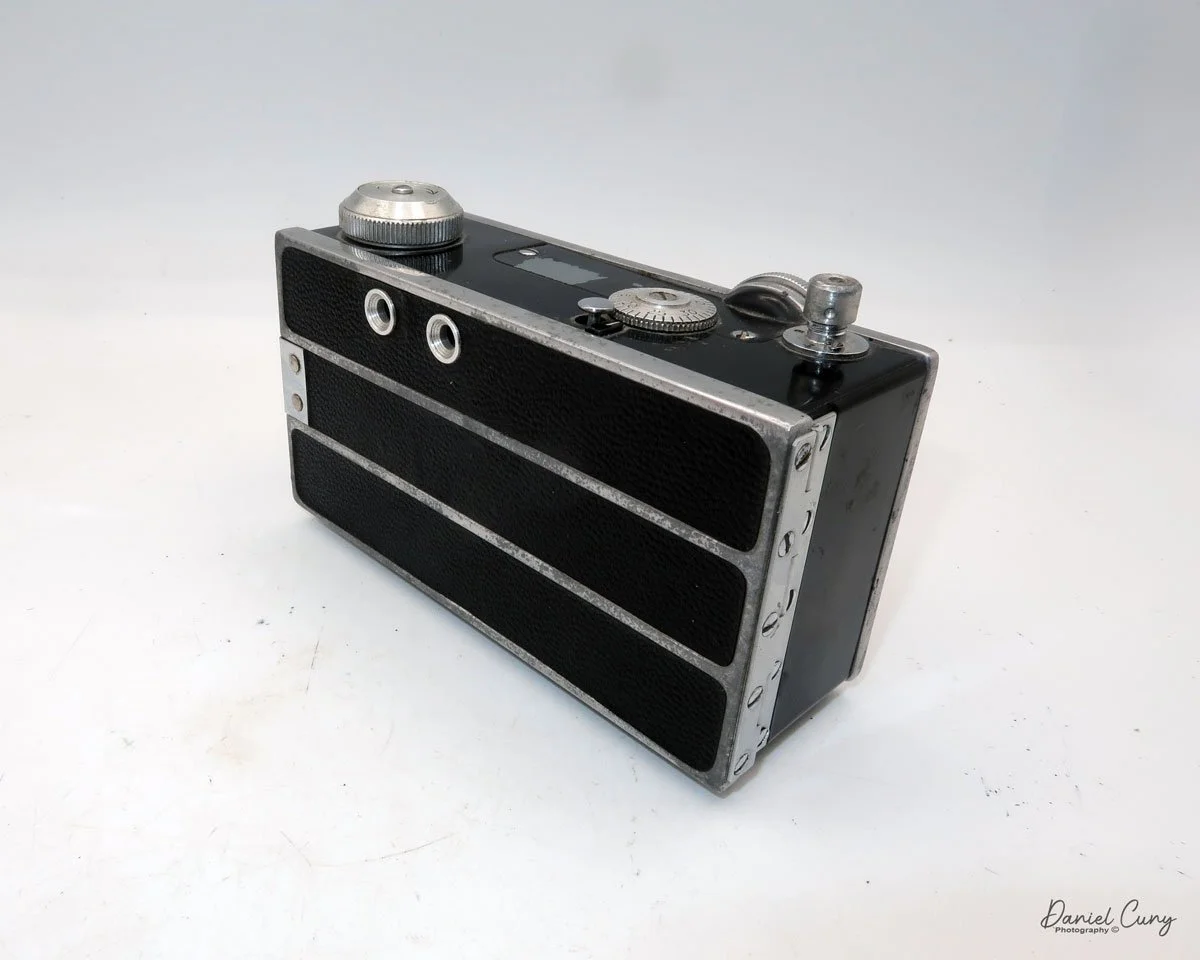
 On the back of the camera are just two small viewfinders. The one on the right is the rangefinder, which has a split that, by turning the focus wheel, will bring two separated vertical lines into one straight line when focused. The other window on the left is the framing window used to frame your subject when you're ready to take the photo.

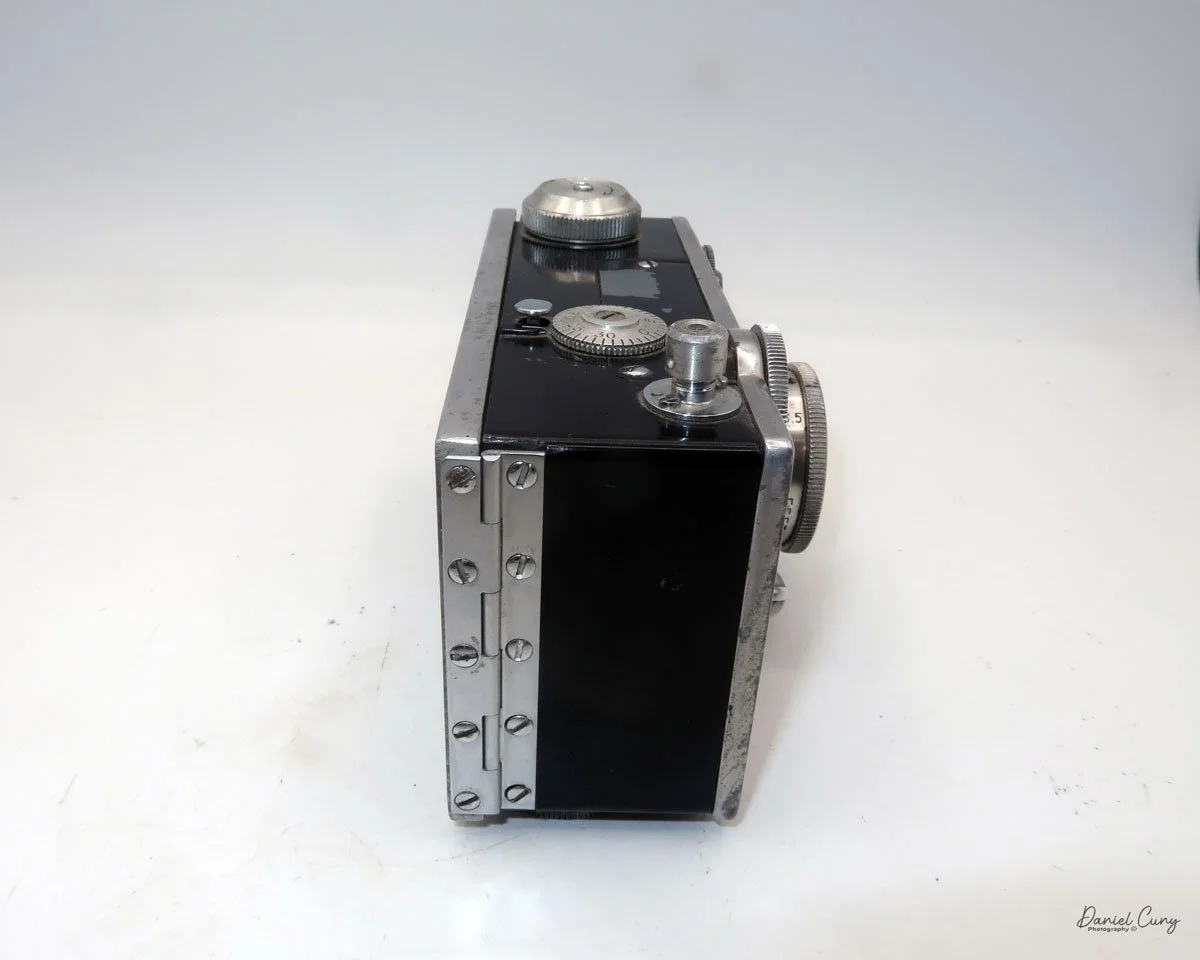
To open the back to load the film, press the bump on the left side of the camera. This presses in a bar that holds the back onto the body. My camera is very difficult to open by just pressing the button, so I sometimes need to use a small screwdriver to pry the back up slightly to get it to open.

 Once open, the camera looks like any other 35mm camera, with the take-up spool on the left side. The fresh roll fits onto the right side by pulling pot the rewind knob on the bottom of the camera, bring the lead over to the take up spool, and thread into the take up spool. The film advance knob is on top of the camera. To wind to the first frame, there is a small locking lever just behind the frame counter that needs to be pressed down. This unlocks the winding gear, allowing you to wind to the first frame. Close the back of the camera and start taking photos.

This process must be repeated every time you wish to advance to the next frame. Additionally, at the end of the roll, the locking lever must be pressed down to unlock the drive gears, allowing the film to be rewound into the 35 mm cassette.

 The real reason to write about this camera was more of an exercise on how easy it was to use the early Mode Cameras, especially during a time of rapid change with cameras. Like many cameras from this era, it's not the quick and easy cameras of today, where either the shutter or aperture is being set for you. In many circumstances, both settings are being set. 

 To use cameras from this era, you need to take your time and use an external light meter to get the proper settings for your camera. Set the shutter speed and aperture settings depending on the film used. Do you lean more to the aperture and depth of field, or shutter speeds and stopping motion? Then focus on your subject. In this case, focus, then transfer the settings to the lens regarding distance. Frame your image and take the photo.

 On my camera, I also have an accessory finder, which clips onto the top for showing what a 35mm wide-angle or 100mm telephoto will do. I leave it on my camera to hide a bit of paint scratched off by it, as it's more for show, and I don't have either of these lenses. There were several different lenses available for the Argus C line of cameras, as the lens just unthreaded from the body. 

My Results:

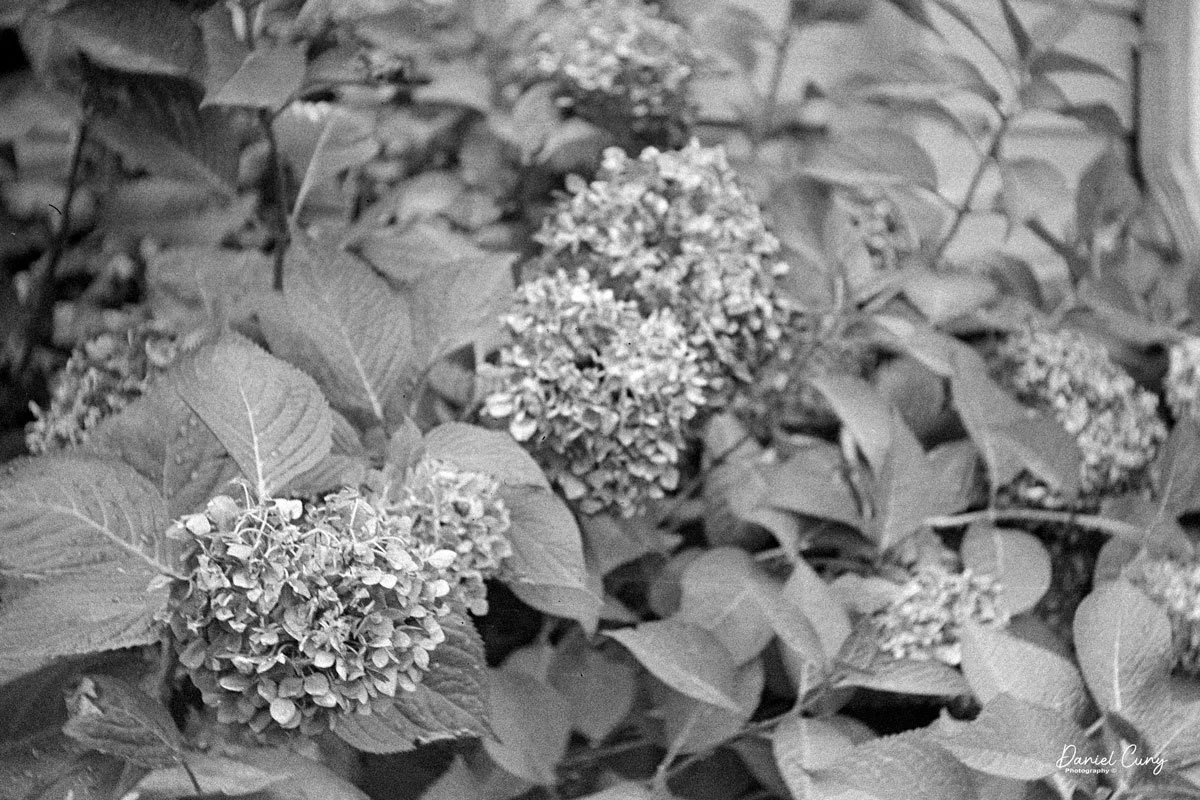
 Once you slow down and think about the process, which I'm very used to, the images are really nice. Here are a few from my walk around the neighborhood.

 I photograph similar items, which I am sure you'll notice if you're a regular reader.

Conclusion:

 While the camera isn't the most ergonomic one I've used, it's certainly not the worst.

 The camera performed very well. The images are sharp, and the shutter and aperture were easy to use. The one thing that slowed me down was the process of focusing, then transferring the distance to the lens before taking the photo. The addition of the coupling gear between the focusing wheel and the lens, which sets the distance on the lens, was a vast improvement for Argus. Without this improvement, I doubt they would have sold the number of cameras as they did.

 Thank you for taking a few minutes from your day to familiarize yourself with this early model camera from Argus.

 Here is a link to my other camera reviews.

I also have a shop on eBay, Cuny's Cameras and Photo. Please stop by and see what new and wonderful photo items I have for sale.

 Until next week, please be safe. 
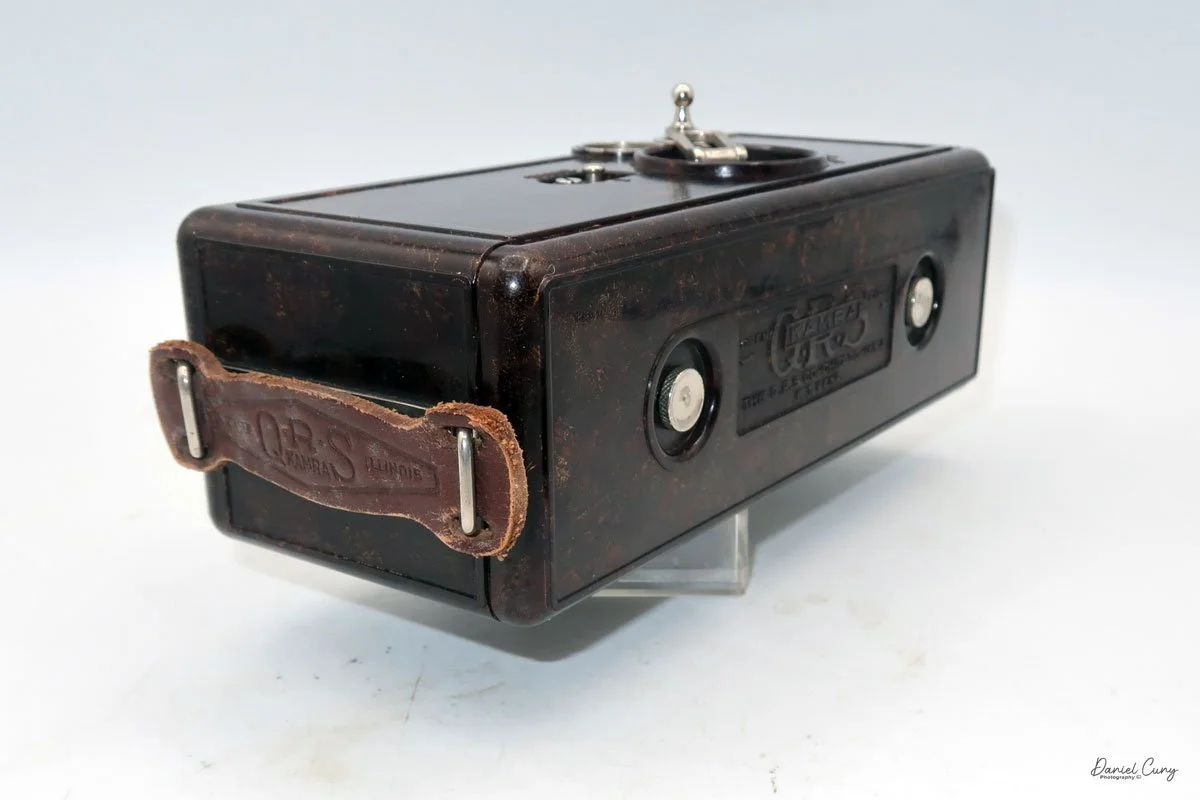
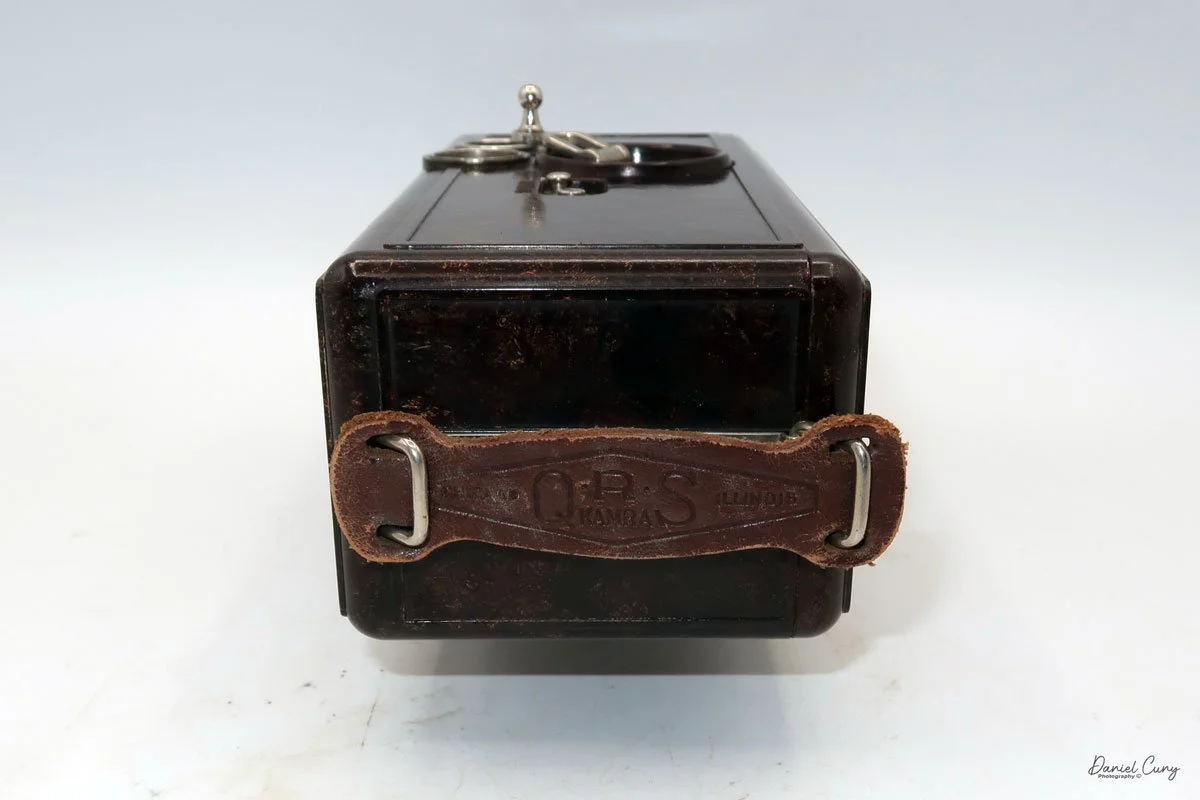
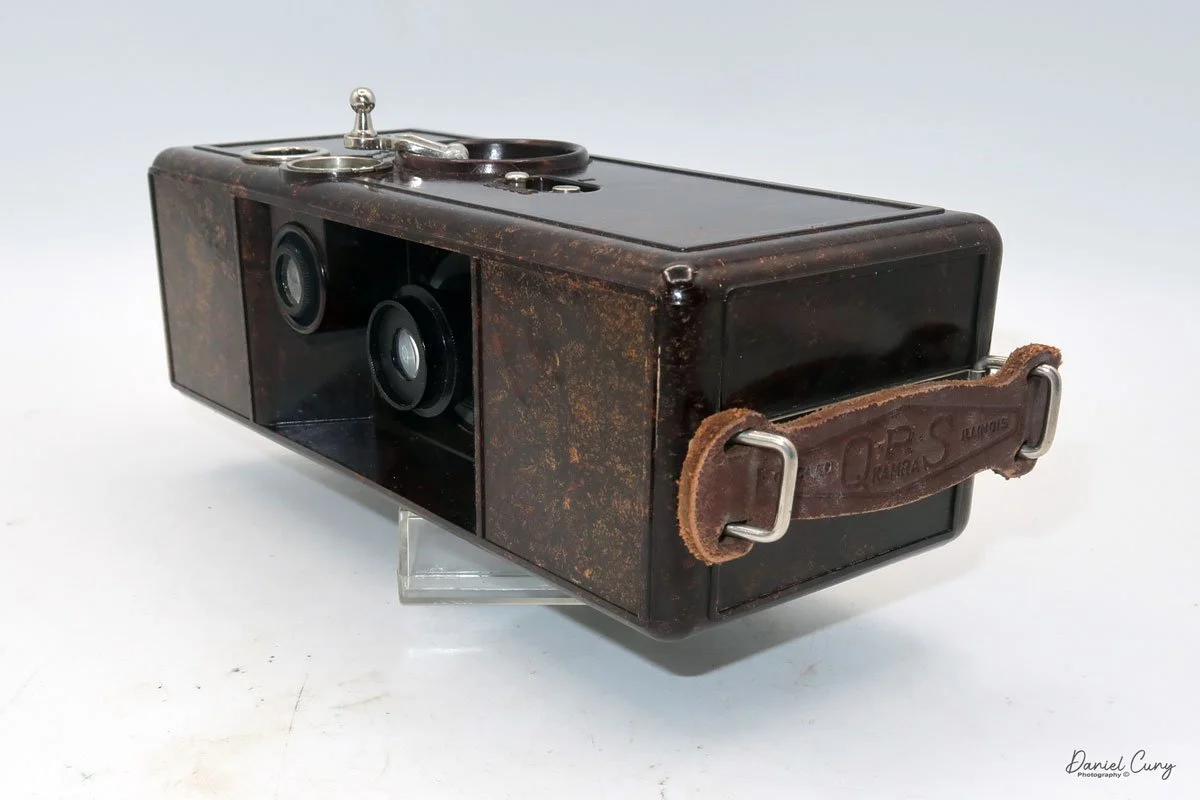
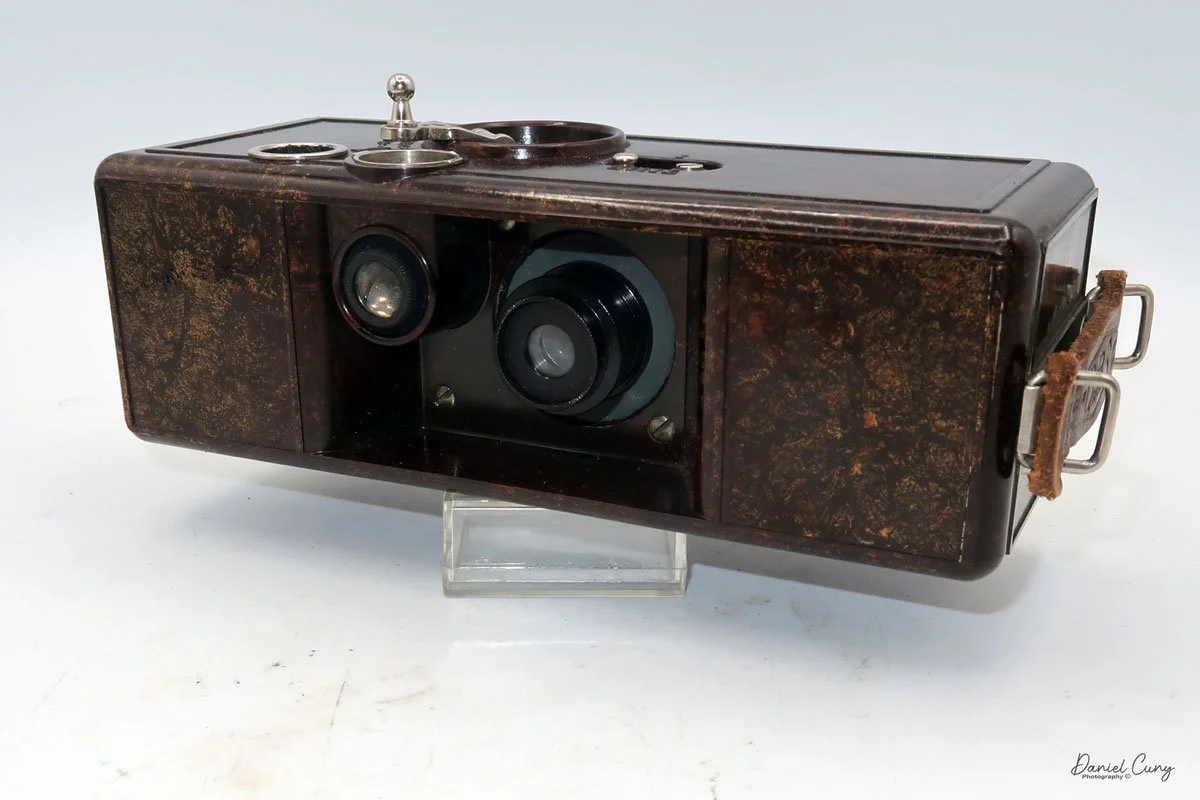
QRS Kamra

My QRS Kamra in box with manual

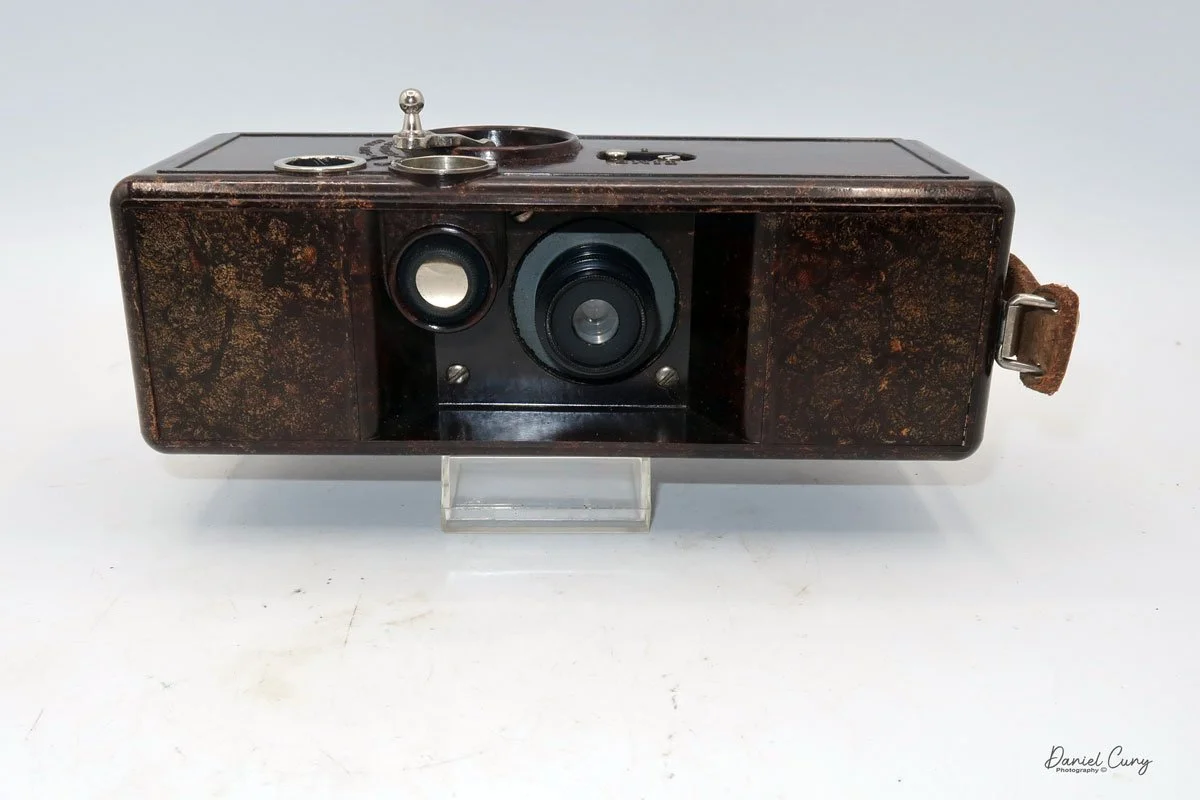
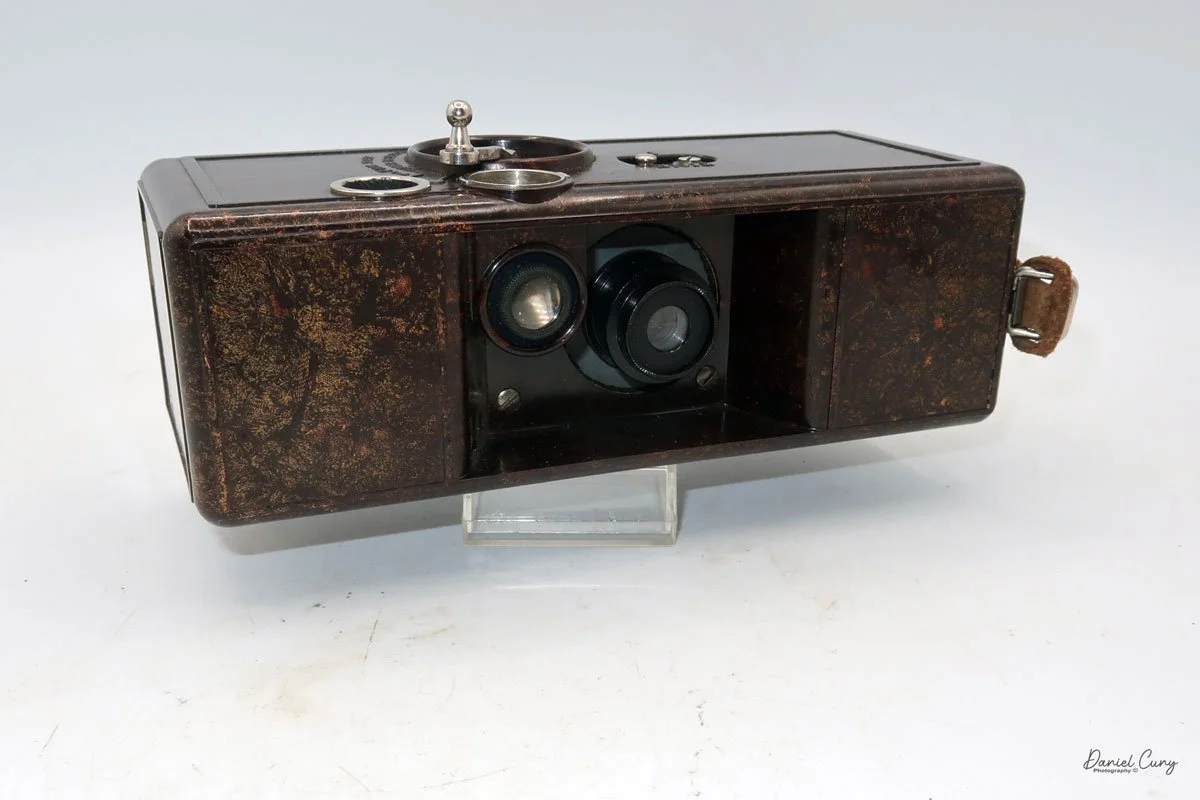
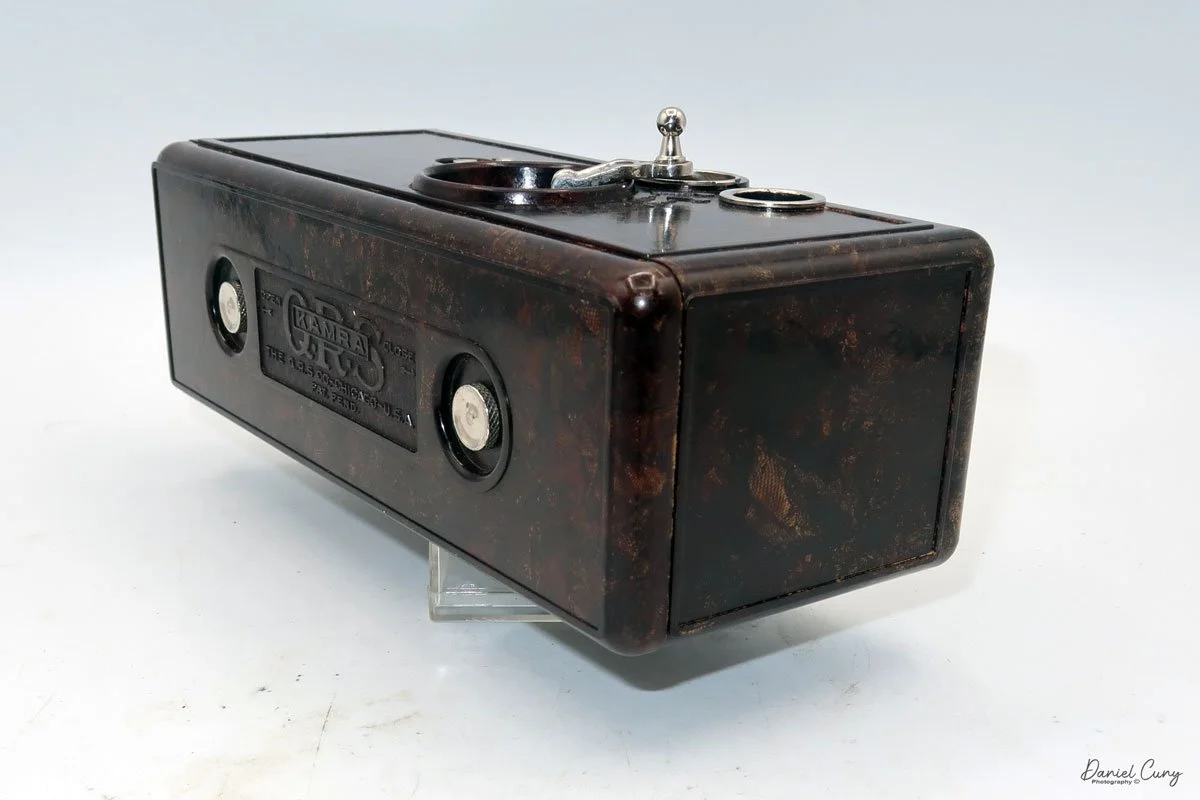
I first saw the QRS Kamra many years ago at a camera show when I was still living in the San Francisco Bay area. The camera has a look unlike any 35mm camera I had seen before. Up until this time, I was used to looking at a 35mm camera as either a single-lens reflex or a rangefinder style camera. When I first came across the QRS Kamra, my initial impression was that it was a movie camera, given that many cameras from this era have a rather boxy style.

 I spoke with the vendor who had the camera, and he let me try it out, warning me that it wasn't working, which is a common issue with this camera. Still, after picking up and looking at the beautiful brown mottled finish, odd looking shutter release that also seconds as the film transport, and the overall oddness (to me) of the camera, I told myself that I'd like to have one for my collection some day, because the price of the camera was more that I could spend on a camera at the time.

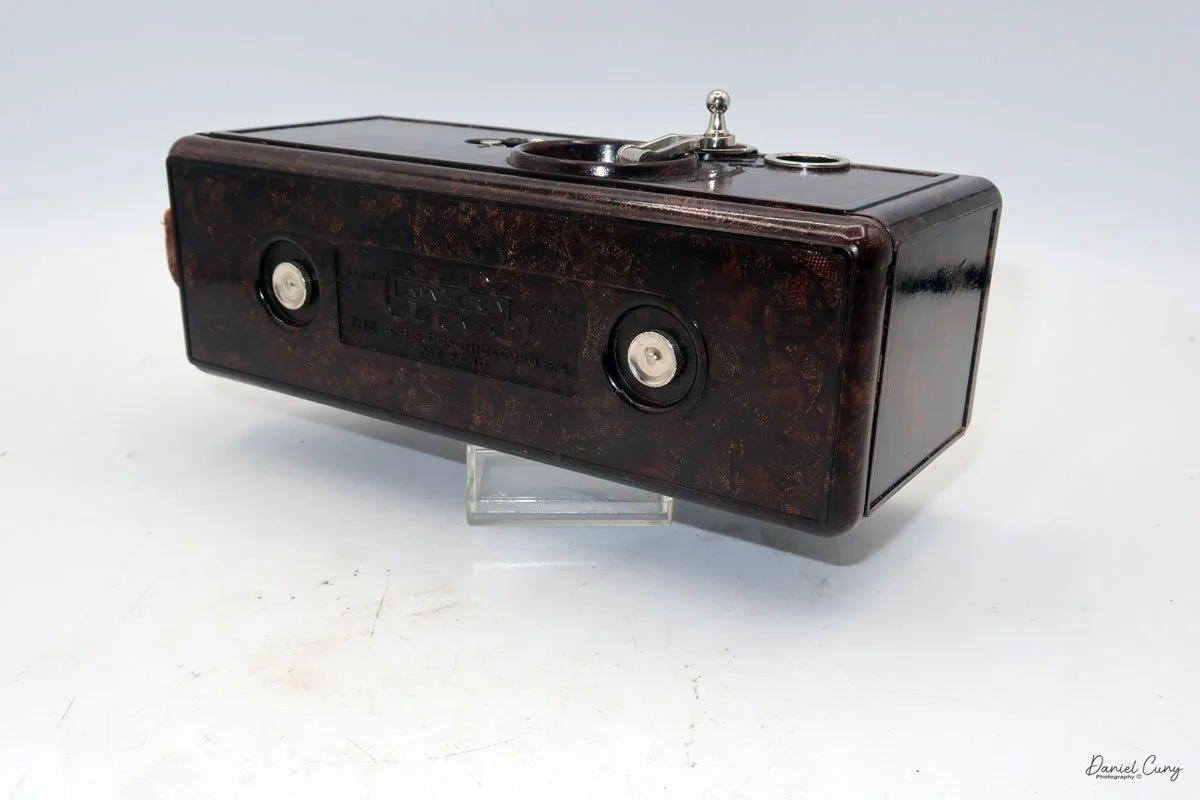
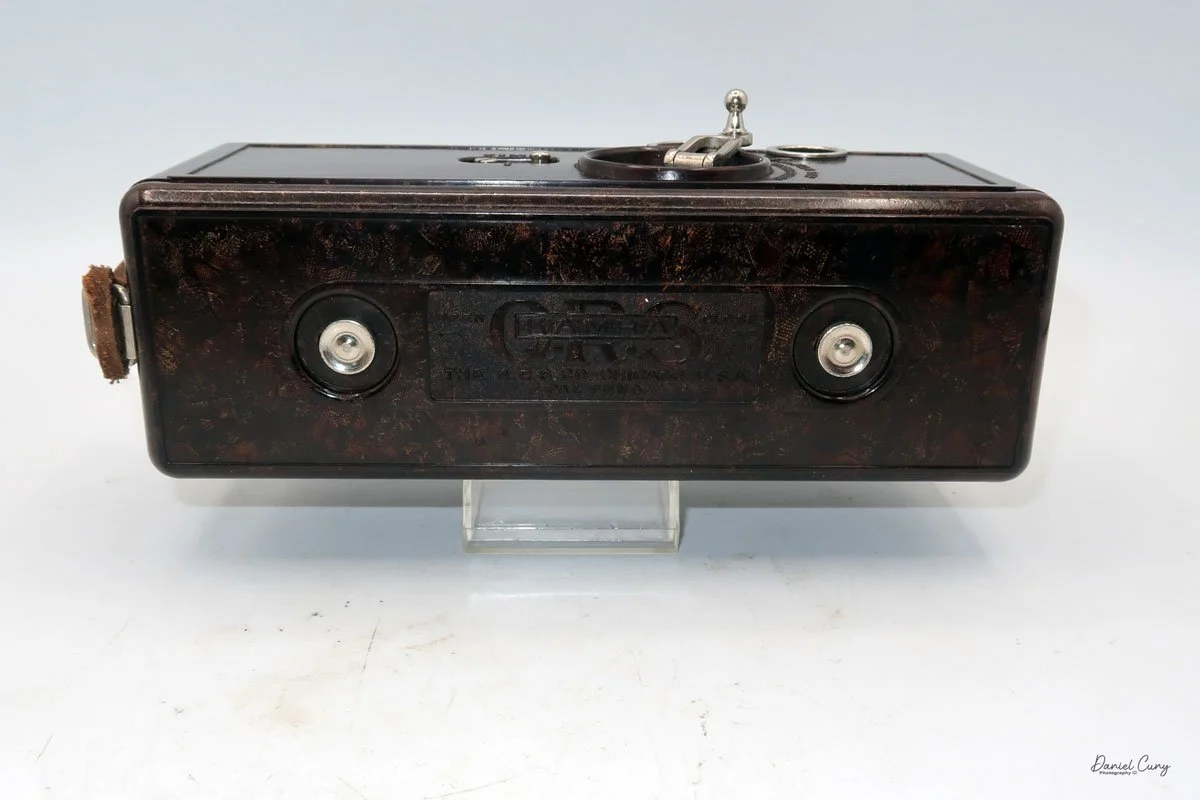
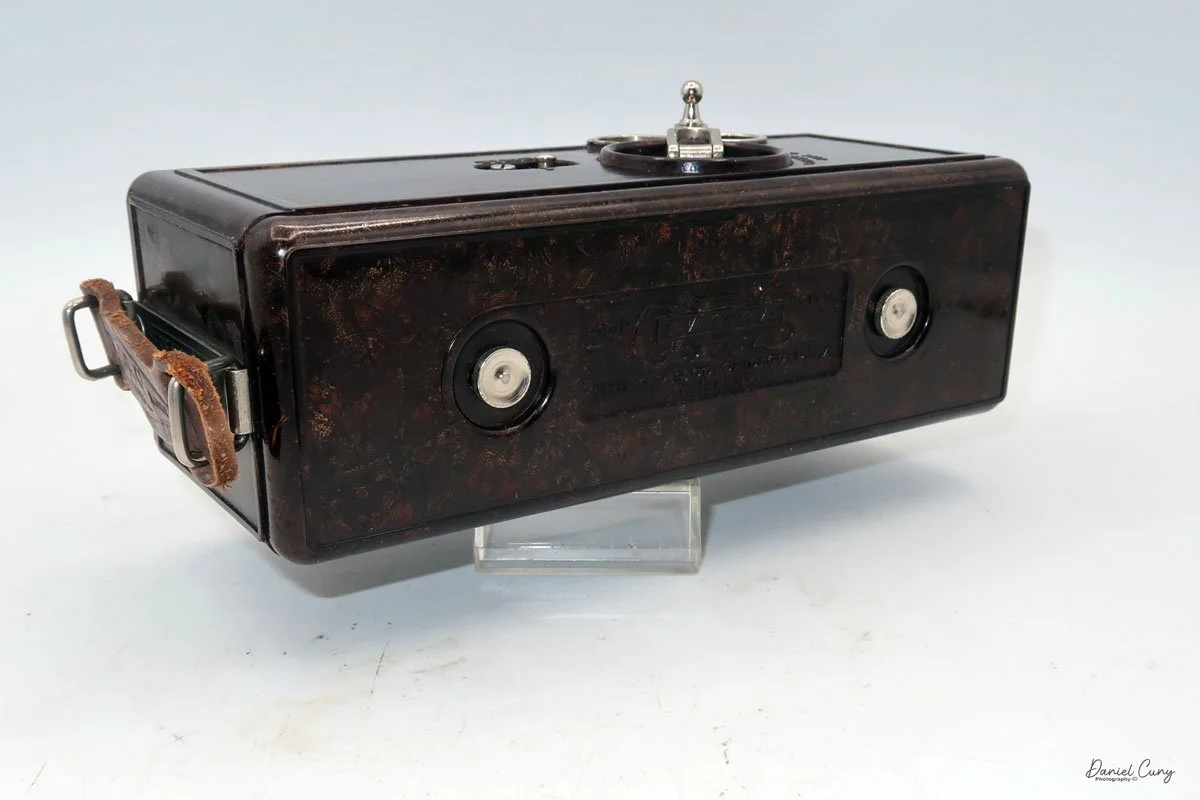
Back portion of the QRS Kamra

 Years go by, and the kids grow up, all the while my fascination with cameras kept growing. During these times, I would frequent a local flea market held at a drive-in theater on Sunday mornings, and I can still remember looking over one person's goods for sale and recognizing what I had many years earlier at the camera show. It was indeed a QRS Kamra. I spoke with the vendor at the flea market, and they mentioned that the camera was their grandfather's from a small collection he had owned. They just wanted to get rid of it, so I bought it for a reasonable price. Unfortunately, this camera was missing the shutter release and winding crank, a common issue with this model. At the time, I was thrilled to have it in my collection.

QRS Kamra w/Registration cards.

 I generally keep cameras in my collection for a few years, then look for a better version if I plan to keep it. About eight to ten years after purchasing the QRS Kamra, I put it up for sale on eBay and sold it to someone else looking to add it to their collection. Since then, I purchased another QRS Kamera in the box with a handle, although it had a broken handle.

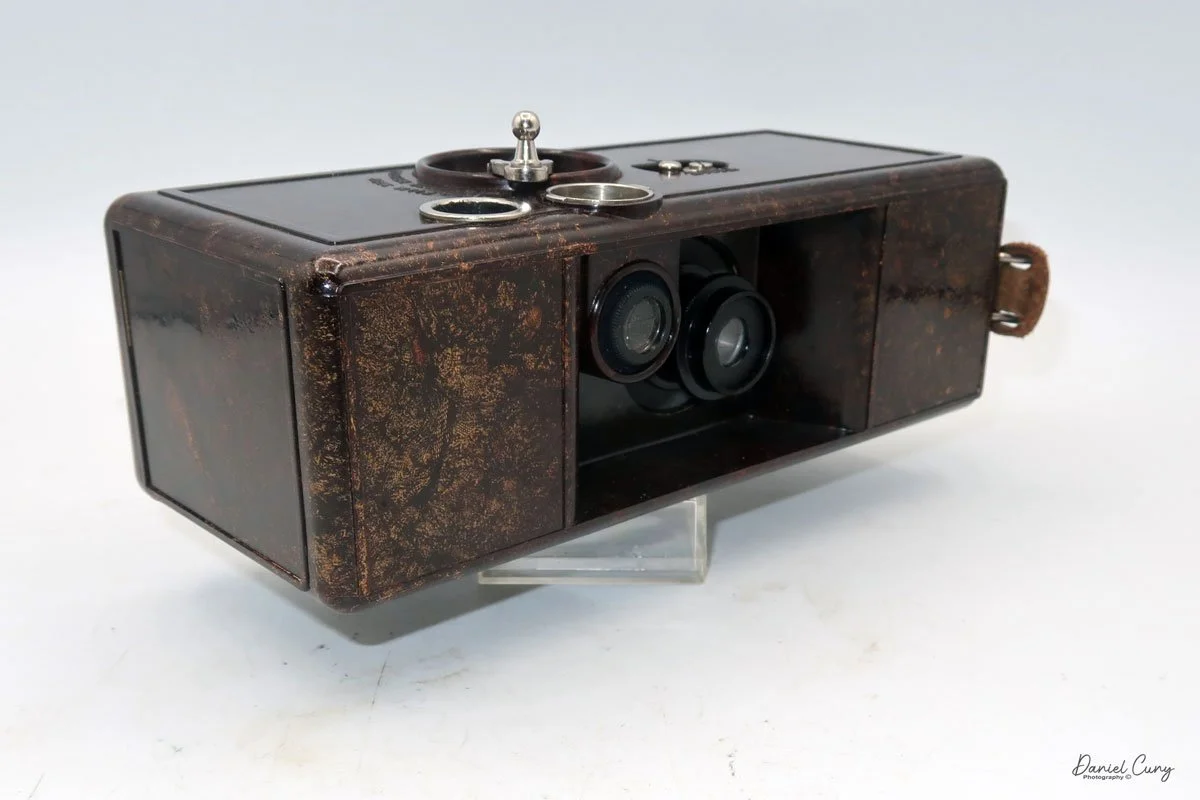
 On another occasion, many years after selling the QRS Kamra, I purchased a "lot" of cameras and photo items. Hidden in the photos, I found an Ellison Kamra, a camera very similar to the QRS Kamra. It's slightly larger, featuring a pull-down lens and viewfinder, and is made from Bakelite, dating back a couple of years. I was amazed to find it among this lot of cameras. Looking back at the photo, all you could see was one of the ends, as it was buried under several different items.

 In 1926, Michael Ellison and Edward McAuliffe of Los Angeles filed a patent for a new two-bladed shutter system. They wanted to use the new shutter on a camera they designed and built called the Ellison Kamra. They only produced one camera, which used 35mm film, a format popular in both movie and still cameras at the time. Unfortunately, the Ellison Kamra only lasted a few years, and by 1935, they were out of business.

 The QRS Kamra was also sold under the DeVry Kamra after QRS purchased DeVry in 1929, but this only lasted for a year. The unusual item I still can't put together is the relationship between both the Ellisons and QRS Kamra's. They both have similar-looking cameras, use the same shutter system, and share very similar layouts.

History:

 The histories of DeVry and QRS, though largely separate, are linked by a noteworthy, albeit brief, corporate union in the early 20th century. Both companies originated in Chicago with a focus on cutting-edge technology of their time.

Michael Ellison and Edward McAuliffe Patent

 Herman DeVry, an inventor and innovator in visual education, founded the DeVry Corporation in 1913. He made a name for himself by creating the "Theater in a Suitcase," the first portable motion picture projector, which revolutionized the use of film in schools and other institutions. His work was dedicated to making learning more visual and accessible through technology.

 Around the same time, the QRS Music Company, founded in 1900 by Melville Clark, was a dominant force in the music technology of the era: the player piano. QRS became the world's largest manufacturer of piano rolls, capturing the live performances of famous artists and making music widely available for in-home entertainment long before the advent of widespread audio recording.

 The paths of these two innovative companies converged in 1929 when QRS, looking to diversify its technology portfolio, purchased the DeVry Corporation. For a short period, the company operated under the name QRS-DeVry, producing devices like movie cameras and projectors. However, this merger was short-lived.

 By the early 1930s, the two entities went their separate ways. Herman DeVry, in collaboration with Dr. Lee de Forest, shifted his focus entirely to technical education, establishing DeForest Training School in 1931. This institution would evolve over the decades, becoming DeVry Technical Institute and eventually the well-known DeVry University, a prominent for-profit institution focused on career-oriented education.

 Meanwhile, QRS returned to its musical roots. After a series of ownership changes, it continued to produce piano rolls for decades and adapted to new technologies, eventually developing modern digital player piano systems. While their corporate marriage was brief, both DeVry and QRS left lasting, independent legacies in the fields of education and automated music technology.

My Kamra (Camera):

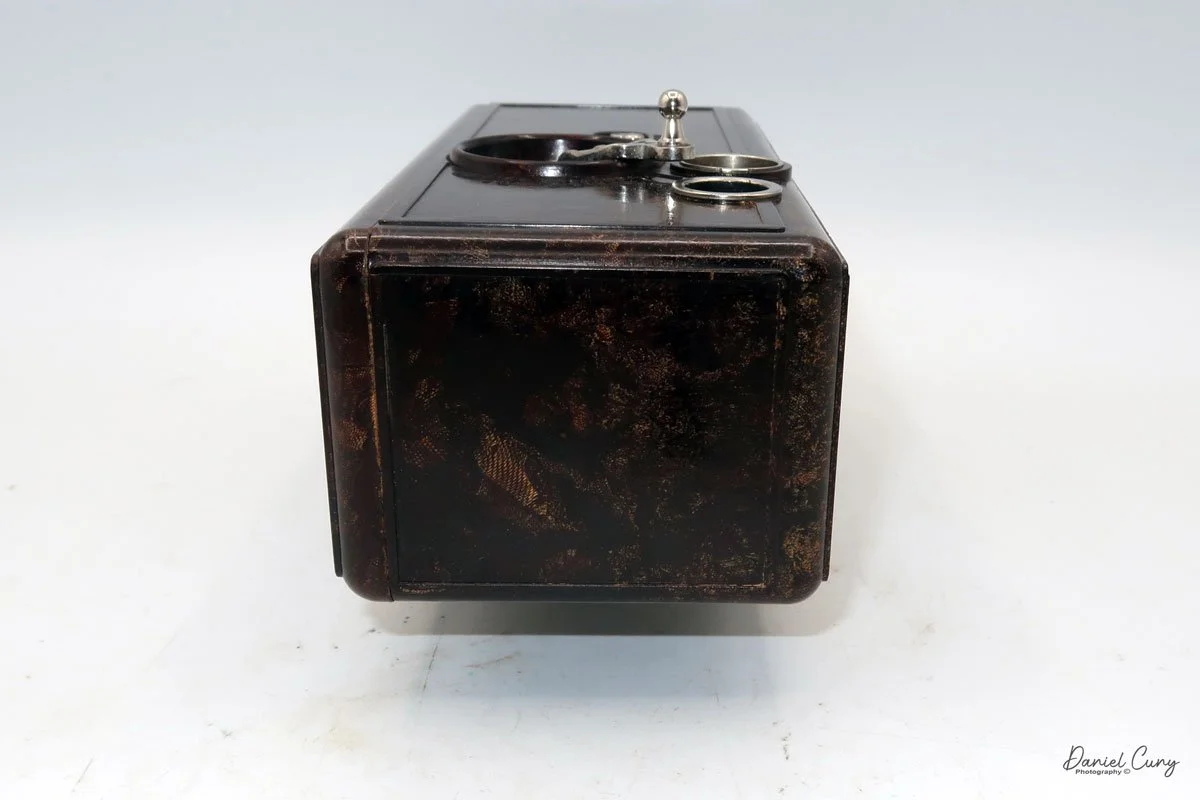
 My QRS Kamra is 7.5" wide by 3" deep by 2.5" tall, and weighs 1 pound, 14.1 ounces. The serial number on my Kamra is Series No. A 3008, so it is a relatively early version of the camera. The camera is made of a brown Bakelite material with cotton filler, which gives the camera a mottled look. The camera has a fixed focus 40mm f7.7 lens and a bright viewfinder.

On top of the camera, all the controls are located. There are really only two controls on the camera. On the far left, you'll find the shutter setting options: "time" for long exposures and "I" for instant. Just to the right of the shutter settings is the fold-up crank. This crank is turned in the clockwise direction to advance the film, or to the counterclockwise direction to snap the photo.

Just above the shutter release and film advance crank is the bright viewfinder, and to the right of that is the frame counter. This QRS Kamra allows for up to 40 photos to be loaded into their special film cassettes.

To open the back to load film, slide the two knobs on the back of the camera to the left, which allows the back to come off. Once the back is off, you can see two metal cassettes inside the camera. The cassettes take 35mm film, which you'd load into the cassette on the left, and the exposed film would travel into the cassette on the right. There is no inner spool in the cassettes; the film slides into the cassette, very similar to how the Ansco memo cameras operate.

When you turn the crank on top of the camera to advance the film, the drive gears on top and bottom transport the film from the supply cassette into the exposed cassette. The advanced gears are attached to the frame counter, which would move to the next frame. Once all the images were taken, you take the cassette on the right to be processed. Then load the camera with more film and take more photos. 

 The camera is straightforward and basic, without a lot of bells and whistles. The cameras were only made for a few years, first as the QRS Kamra, then, after QRS was purchased, the camera became the DeVry Kamra. Unfortunately, due to a few factors, the cameras were only made for a few years. One factor was the emergence of 35mm cameras, and the second was the poor quality of the advance and shutter release wheel, which broke on many of the QRS and later the DeVry Kamras.

Conclusion:

 I'm glad to have the odd and unusual camera in my collection. The more I think about the connection between the Ellison camera and the QRS Kamra, the more I realize its significance. The QRS company was looking for an inexpensive and straightforward camera. With the new two-blade shutter the Ellison company had, I'm sure they were anxious to get it onto other cameras, and they made the connection somehow.

 Like many of these cameras, mine is operational, but I discovered a fascinating individual in the UK who rebuilt the shutter and created a more reliable crank for the top of the camera. Here is his article on Restoring a QRS Kamra. Once he got the camera operational, he mentions towards the end that the quality of the images is pretty poor. Please take a look at his article; it's very well done.

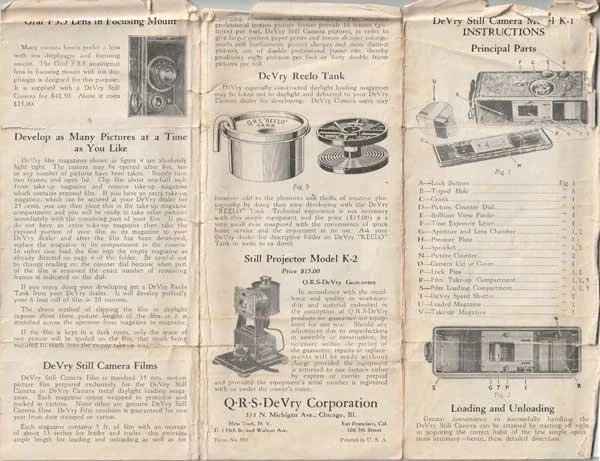
Here’s a copy of the QRS Kamra manual I found stuck to the top of the camera box.

QRS Kamra manual Pg. 1

QRS Kamra manual Pg. 2

 Thank you for taking a few minutes to read about this odd bird of a camera (Kamra).

 Here's a link to my other camera reviews.

 I also have an eBay store, Cuny's Camera and Photo, where I sell some of the cameras I've reviewed, along with many other photo odds and ends.

 Until next week, please be safe.
Ricoh Auto Half Camera

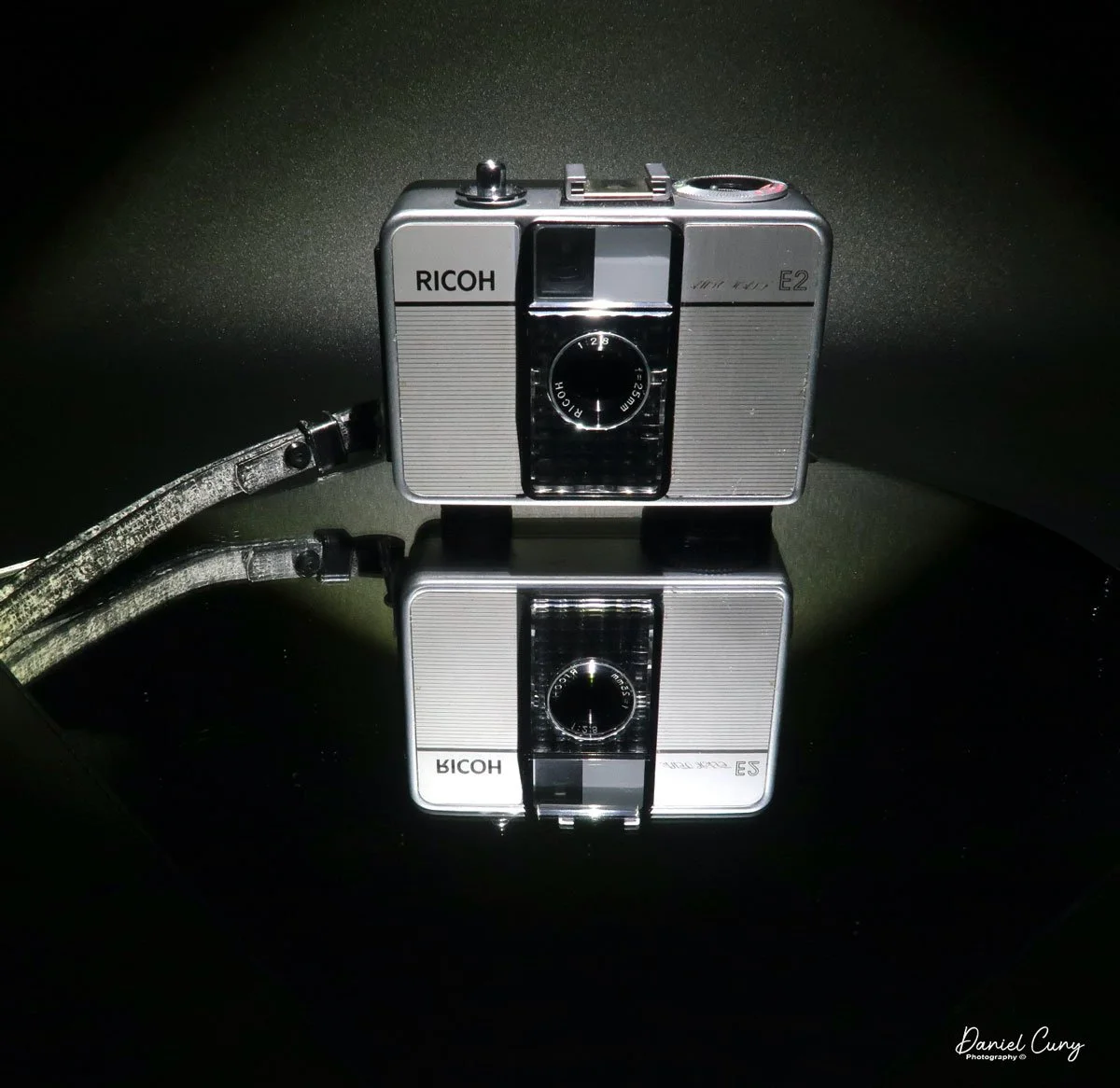
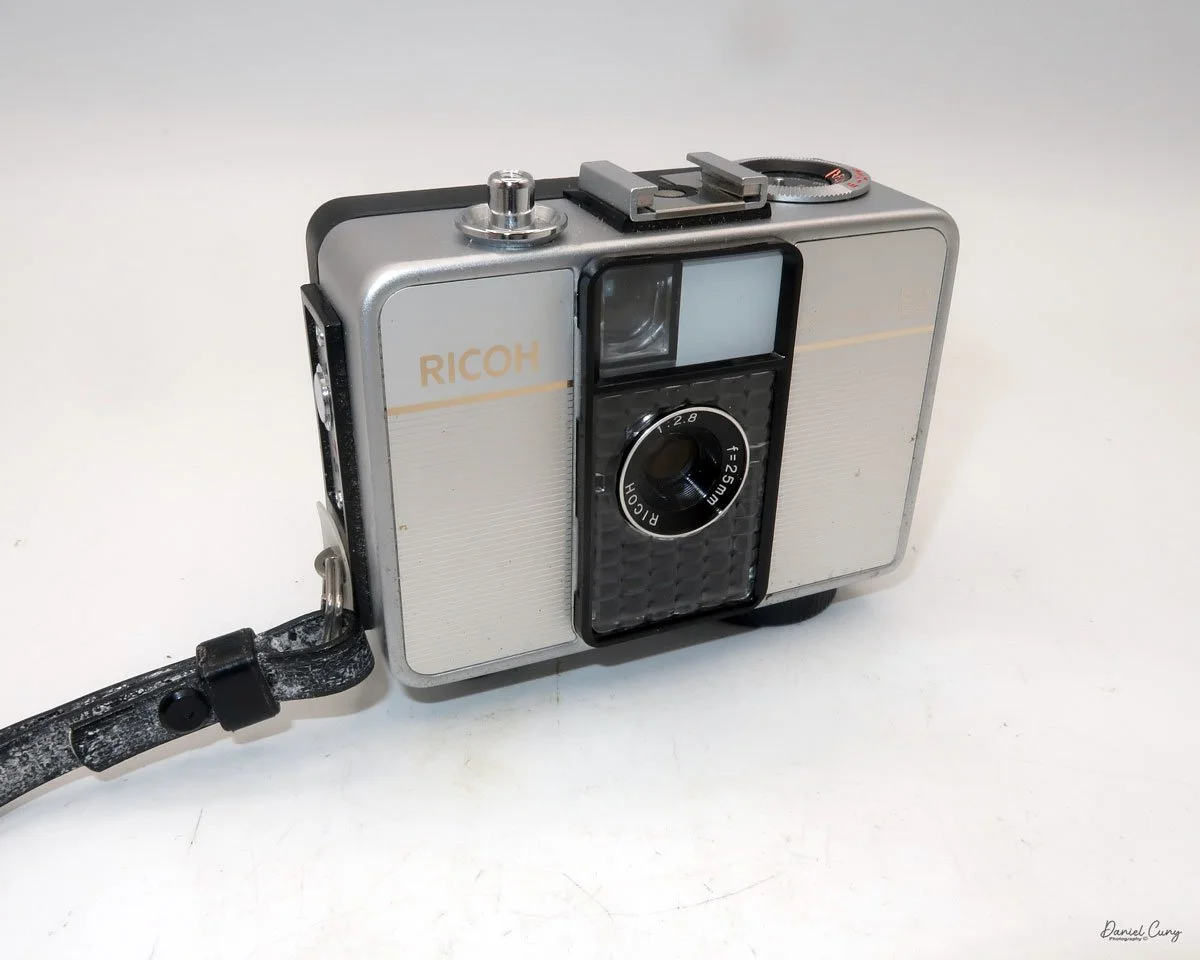
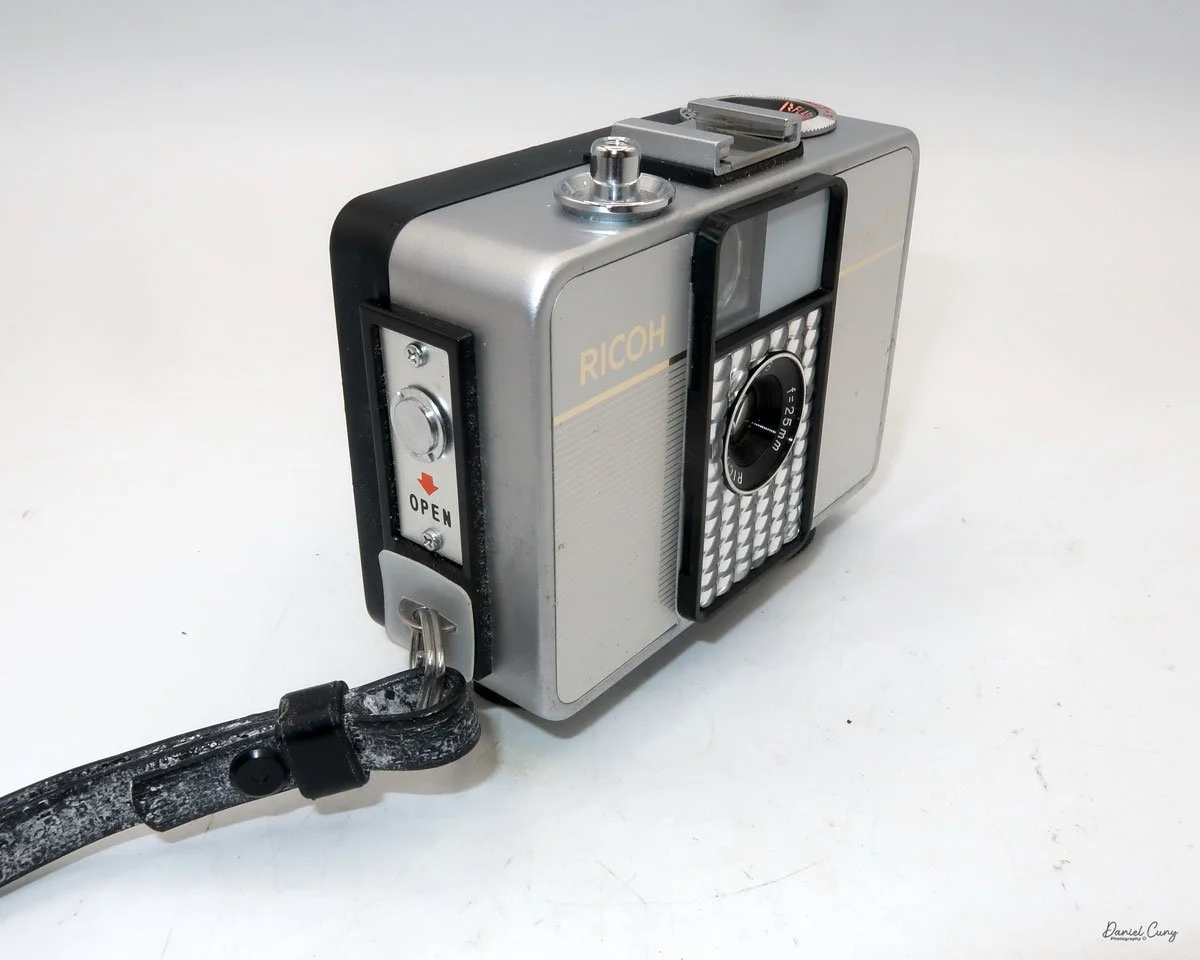
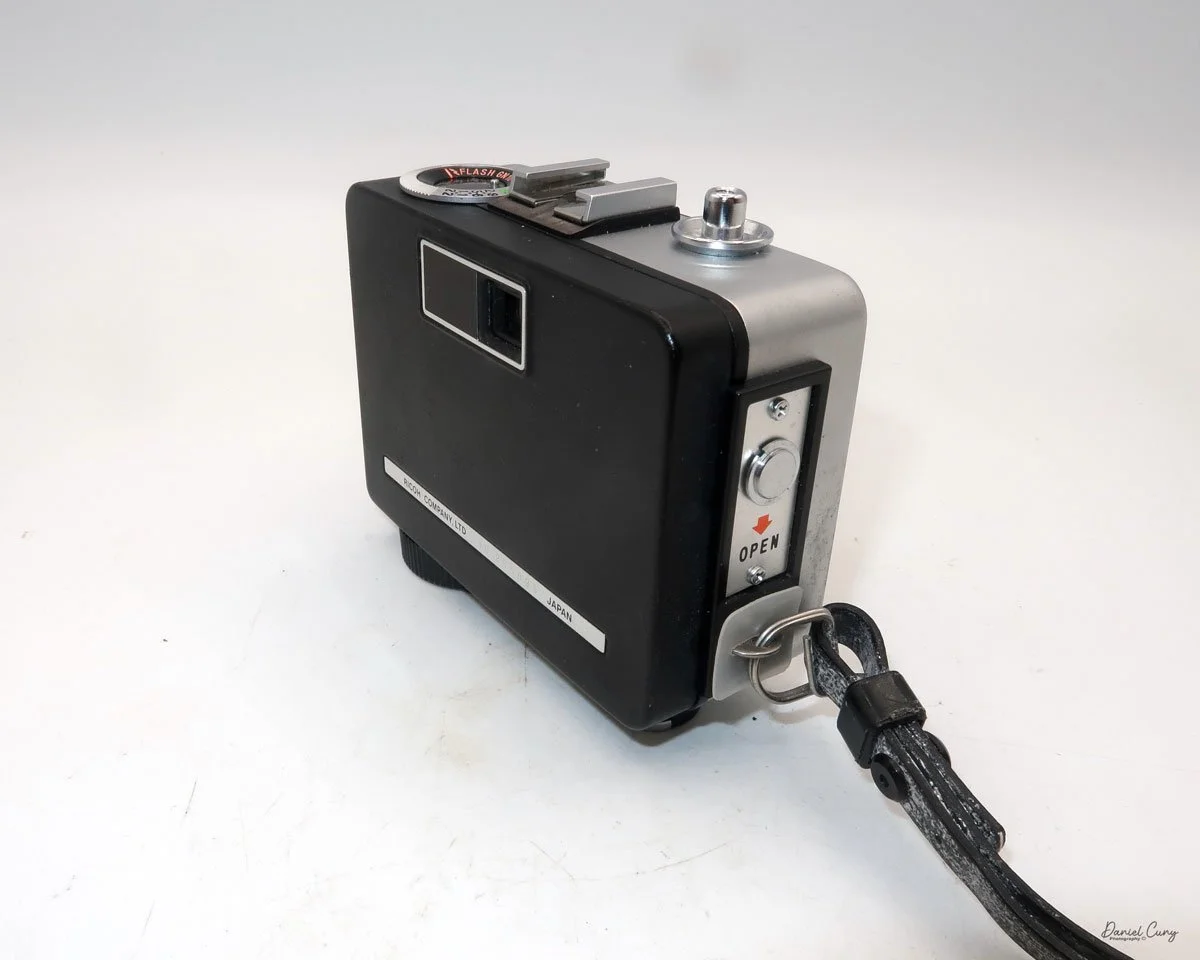
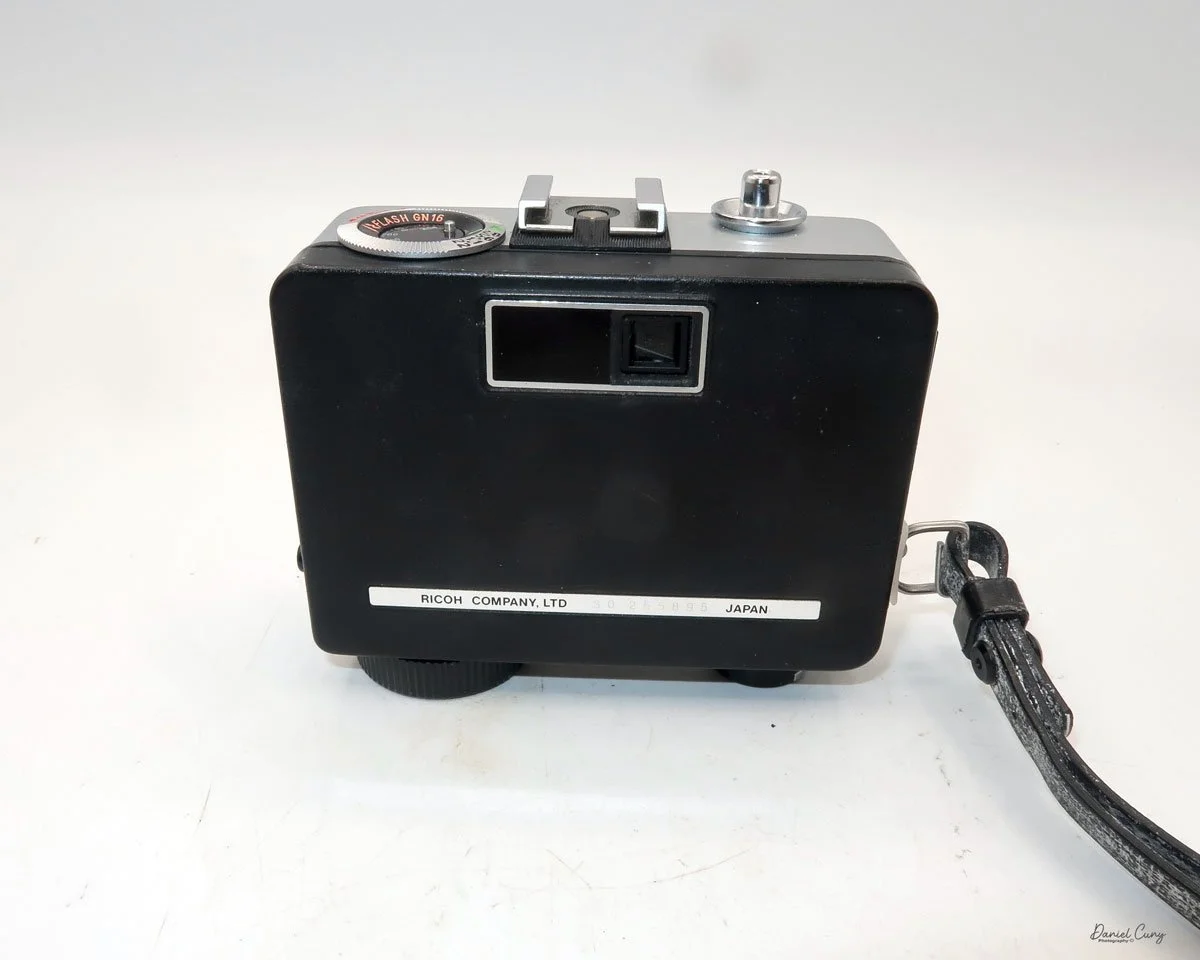
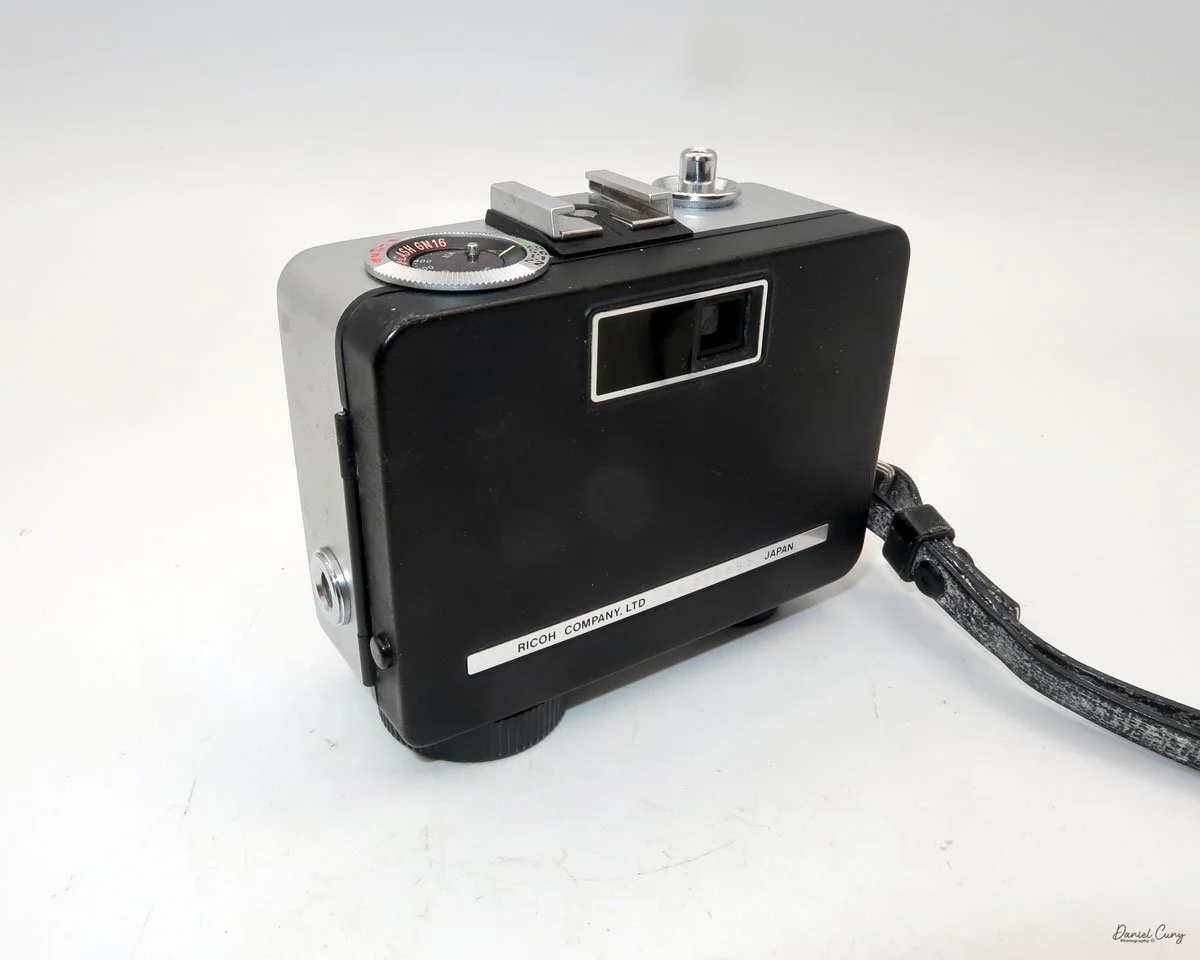
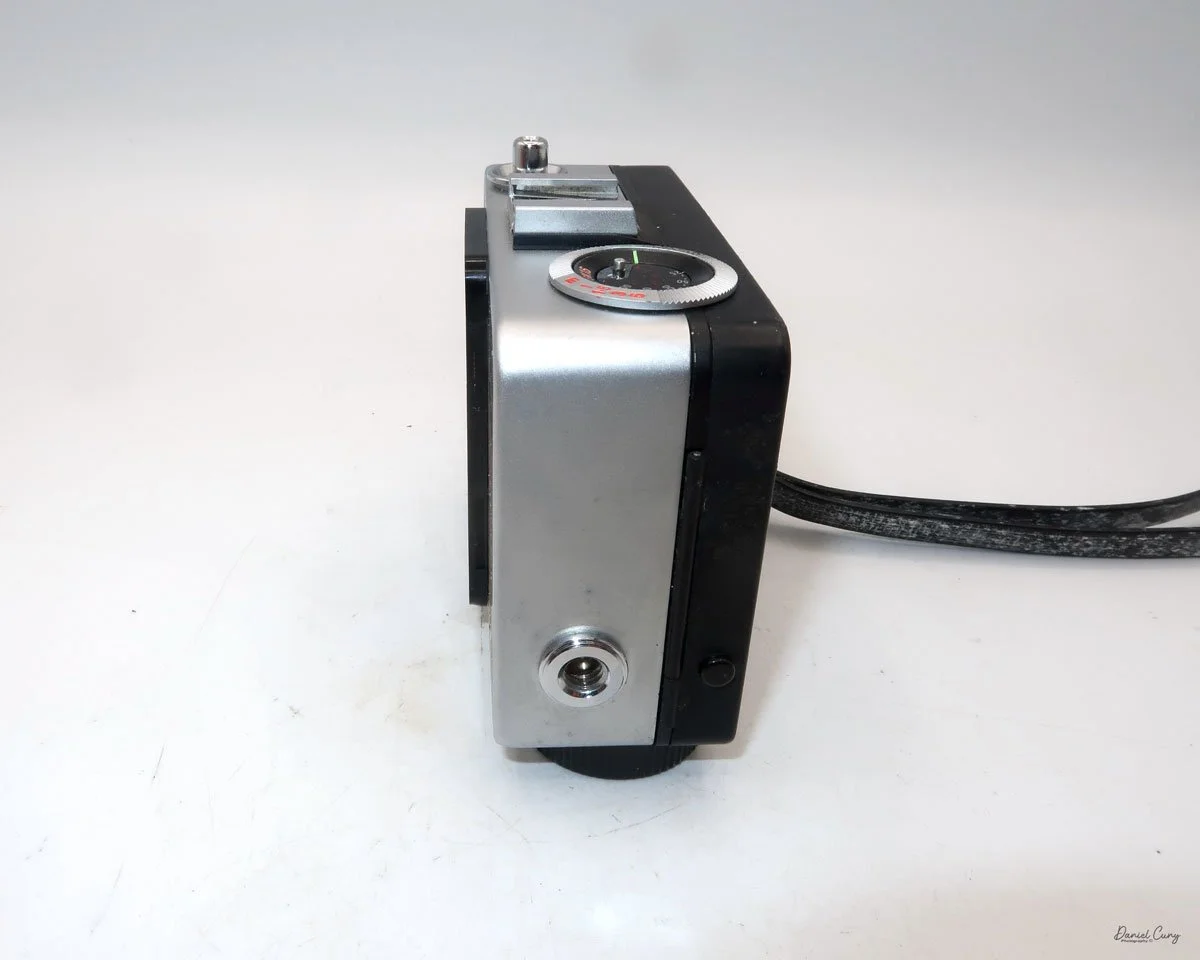
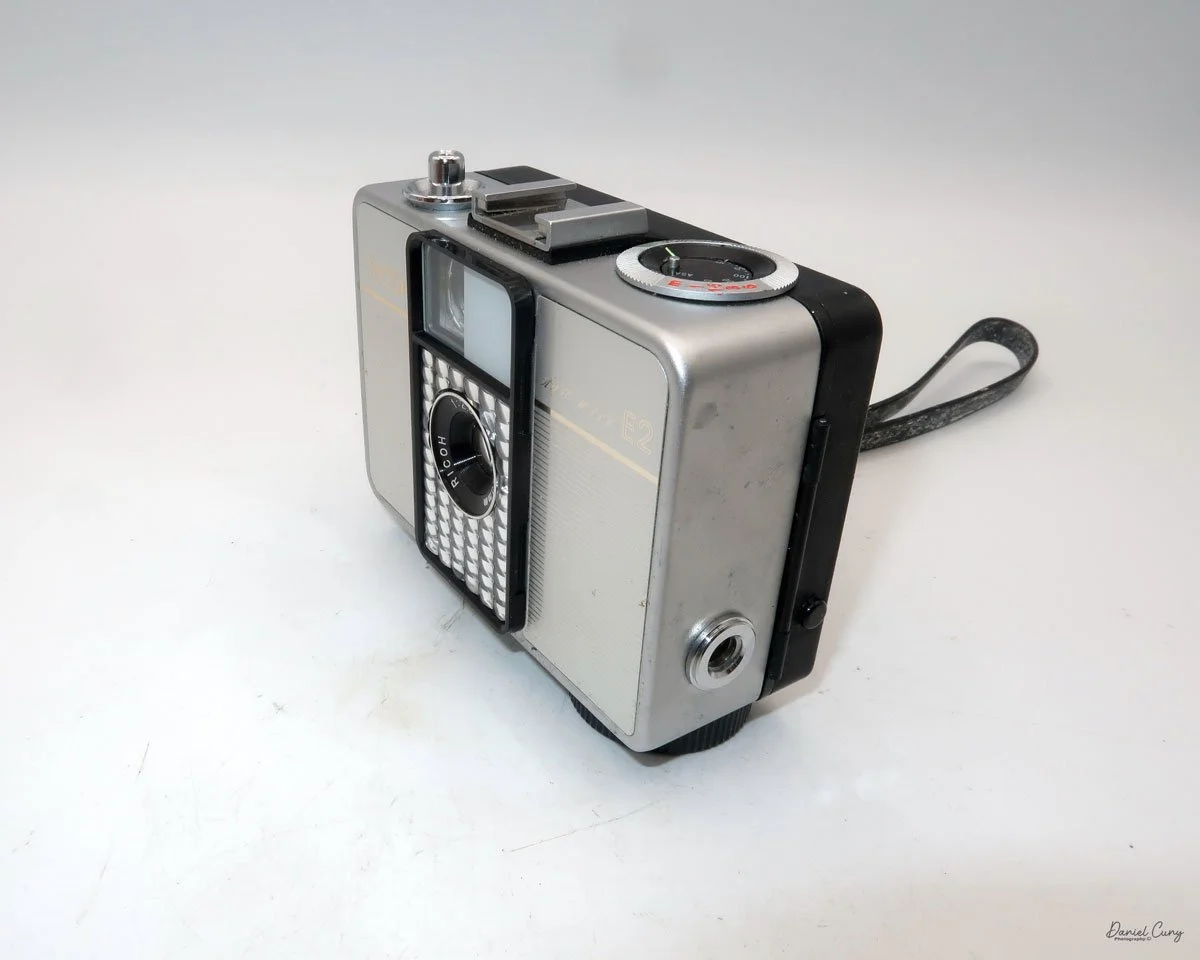
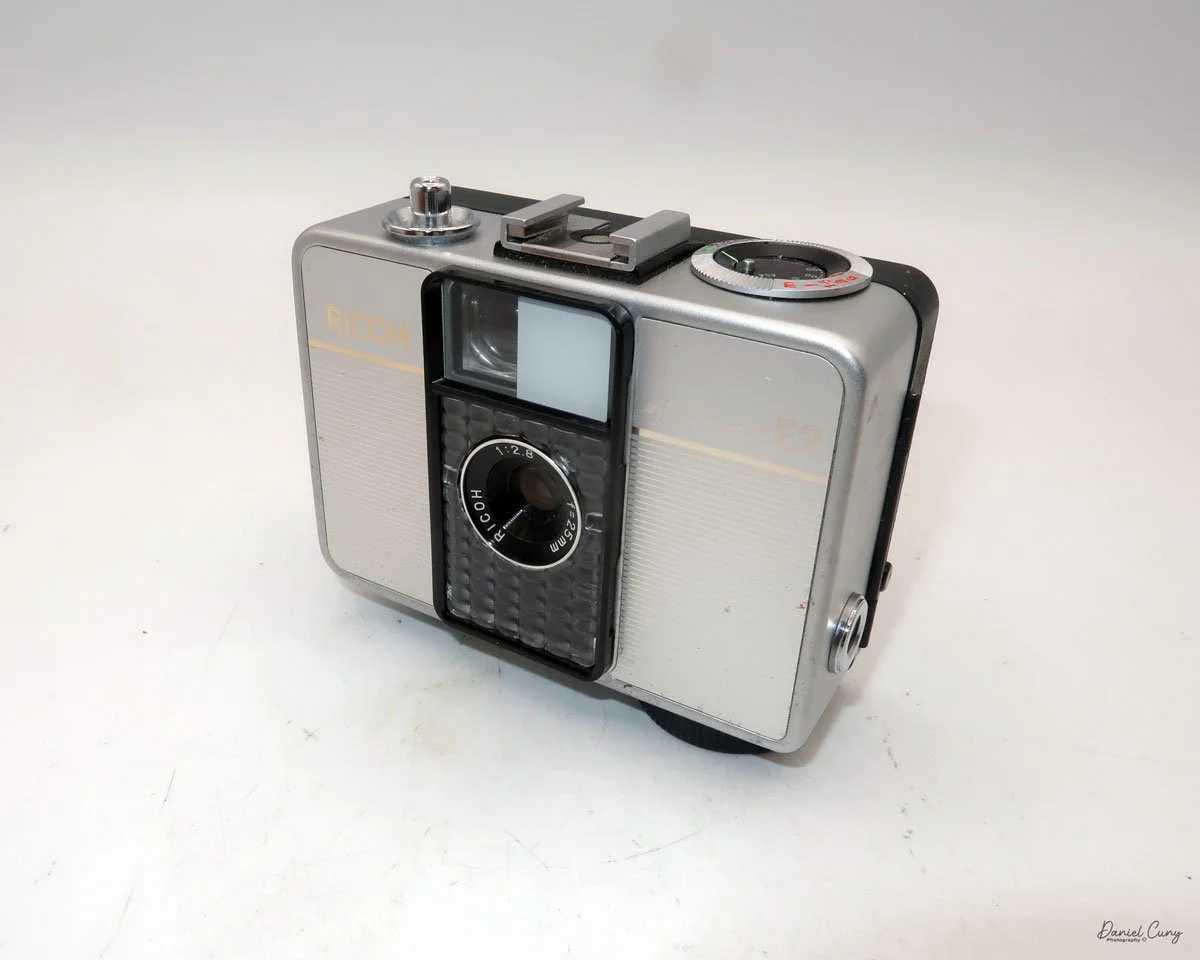
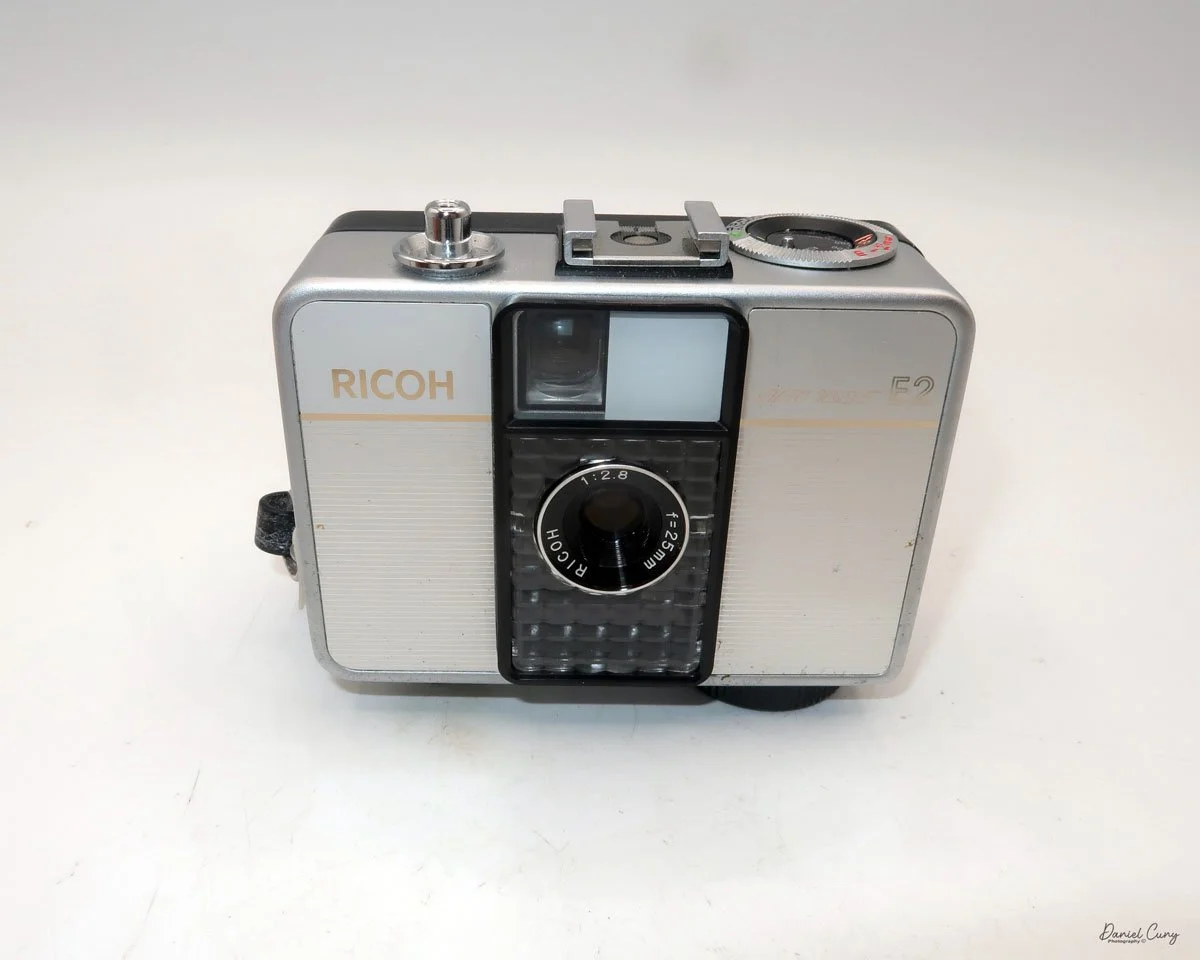
My Ricoh Auto Half E2 camera

The 1960s were a tumultuous time—a wild era—for politics, art, social change, music, and design. Having spent my early and informative years during this time, I was witness to some remarkable events that shaped the world, which I'm happy to say I lived through.

 There were the Beatles, who upended the music world; marches and protests against the war in Vietnam and civil rights; and Jackson Pollock and Andy Warhol, who were taking the art world by storm. It seemed like every month, there were issues and events in the news that shaped the world.

 In the photographic and camera design fields, in my opinion, one of the more artistic and interesting products to emerge from the 1960s was the Ricoh Auto-Half camera—a straightforward camera that underwent several model changes, keeping the design fresh for almost 20 years.

 The Ricoh Auto Half camera was introduced in December 1960. For the period, the camera was very compact and lightweight, a half-frame 35mm camera with automatic exposure, no manual focusing, and automatic winding. The size of the camera was compared to a pack of cigarettes.

 Not only were there several different model changes and improvements, but the design style, to me, was the item that kept the camera fresh. The original Ricoh Auto Half camera was available in a bright silver color and featured a wrist strap. However, later in the 1960s and well into the 1970s, the camera took on many different colors and geometric designs, which were very popular during this timeframe.
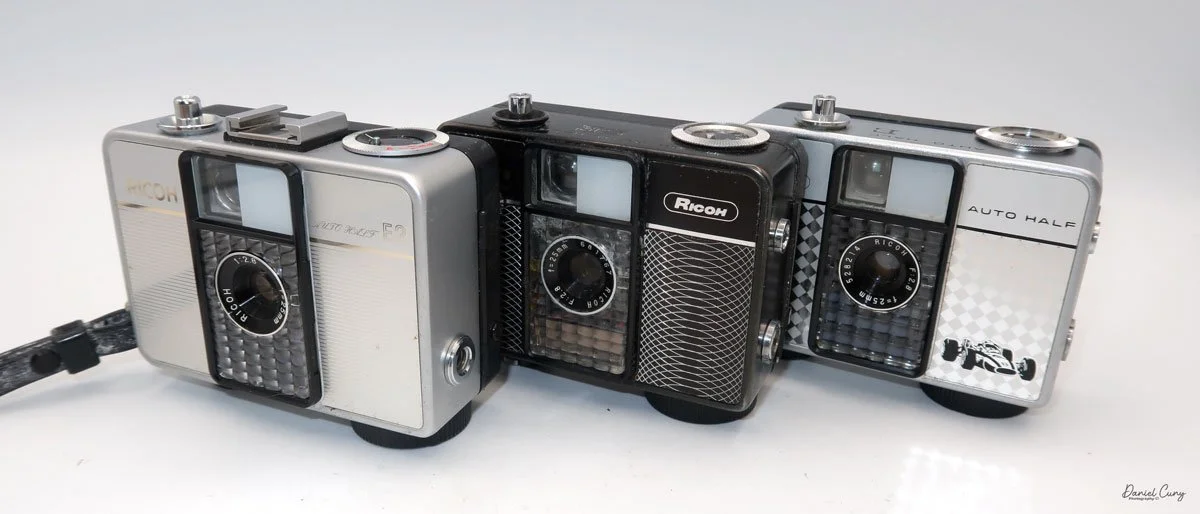
My three Ricoh Auto Half cameras

 Some of the cameras were black with a white geometric pattern on the front, like one of the models I have. Later in the production cycle of the cameras, the production became bolder and more intricate, which kept pace with the signs of the times.
 There was a yellowish-green checkerboard pattern, or some cameras had brown vertical stripes or a wavy pattern, while others had outlandish red and blue colors that appeared to create a dome pattern on the front of the camera. One of the models I saw was named "King Gold," which is a gold color camera with an interesting pattern on the front. Some have a filigree around the border, or a train or race car on the front. All of these models are just fascinating to me, and one of the main reasons I wanted to write about them.

 I own three different models of the Auto Half cameras. I have an Auto Half E model with a diamond pattern and a Formula 1 race car on the front. I have a Black Auto Half SE model with a swirly pattern on the front, and the camera I used for the post was an Auto Half E2 in superb working condition.

I own three different models of the Auto Half cameras. I have an Auto Half E model with a diamond pattern and a Formula 1 race car on the front. I have a Black Auto Half SE model with a swirly pattern on the front, and the camera I used for the post was an Auto Half E2 in superb working condition.

History:

Ricoh's journey into the world of photography began not with cameras, but with sensitized paper. Established in 1936 as Riken Kankoshi Co., Ltd., the company quickly leveraged its expertise in optics, venturing into camera production just a year later in 1937. This early period laid the groundwork for a legacy of innovation and accessibility in the photographic industry. The company, which would be renamed Riken Optical Co., Ltd. in 1938, introduced its first camera, the Olympic Four, in 1939. This simple folding camera marked its entry into a competitive market.

Japanese ad for Ricoh Auto Half camera

 The post-war era proved to be a transformative period for Ricoh. A pivotal moment arrived in 1950 with the launch of the Ricohflex Model III. This twin-lens reflex (TLR) camera was a game-changer. By implementing a revolutionary belt-conveyor system for mass production—a first in Japan's camera industry—Ricoh was able to produce the Ricohflex III at a remarkably affordable price. This move single-handedly democratized photography for the Japanese public, transforming cameras from a luxury item into an accessible consumer good. The Ricohflex III became a massive commercial success, reportedly capturing over half of the domestic market share at its peak and cementing Ricoh's reputation.
 Building on this momentum, Ricoh continued to innovate throughout the 1950s and early 1960s. The company introduced the Ricoh 500 in 1957, a popular 35mm camera notable for its user-friendly features. However, it was the Ricoh Auto Half in 1962 that truly showcased the company's forward-thinking design philosophy. This remarkably compact and lightweight half-frame camera was fully automatic, with automated exposure, focusing, and film winding. Its purse-sized dimensions and ease of use made it a massive hit, particularly with female consumers, and it became a global success.

 These formative years were crucial in shaping Ricoh's identity. From the mass-produced Ricohflex that brought photography to the masses to the stylishly simple Auto Half, Ricoh's early history is a story of creating high-quality, innovative cameras that were not only technologically proficient but also thoughtfully designed for everyday users. This foundation of accessibility and user-centric innovation would continue to define the company for decades to come.

My Camera:

My Auto Half E2 model camera is 3.5: wide, by 3" tall, by 1.5" deep, and weighs 11.9 ounces. The camera is a 35mm half-frame camera that takes a vertical image of  24x17cm on 35mm film. The camera features a fixed focus 25mm F/2.8 lens, which is typical for half-frame cameras.

The Auto Half camera incorporates a selenium cell metering system, which on many of these cameras isn't working due to the age of the selenium cell. It can no longer meter the light, but fortunately, I have one in excellent working condition. The selenium cell is located around the lens. The aperture has a range from F/2.8 to F/22. 

 The ASA (ISO) range for the film speed on the Auto Half camera goes from 25 to 400. The ASA is set on a dial located on the top of the camera.  The other setting on the dial is for "A" or automatic aperture. There are aperture settings on the dial, but these are for flash settings.

The metering is done automatically and sets the aperture to achieve the proper lighting for the subject you're pointing the camera at. When in the "A" or automatic mode, the camera sets the shutter speed to 1/125th and sets the aperture. When you use a flash, the shutter is set to 1/30th of a second, and then you manually set the aperture depending on the distance to your subject.

 According to the Auto Half manual, the only indication that the camera's lighting will be set automatically is a yellow dot appearing in the center of the viewfinder. If the yellow dot doesn't appear, then the camera will not set the proper aperture, and the image will be either too light or too dark. 

To load film into the camera, there is a lever on the side of the camera that slides down to open the back of the camera. Once open, load the camera as you would any 35mm camera, putting the film cartridge on the right side and slipping the leader under one of the silver tabs on the left. Close the back of the camera, and wind the clock drive winding lever located at the bottom of the camera in a clockwise direction. Continue winding until you can no longer wind. Click the shutter a couple of times to get to your first exposure. You're all set to take photos. The winding motor will last approximately 25 frames before it needs to be wound again.

 The frame counter is right next to the rewind lever. To rewind the film into the cartridge. The rewind release button is in the middle of the winding motor. Press the rewind button, and rewind the film into the 35mm cassette. Once that's done, you can open the back of the camera, remove the film, and have it processed.

My Results:

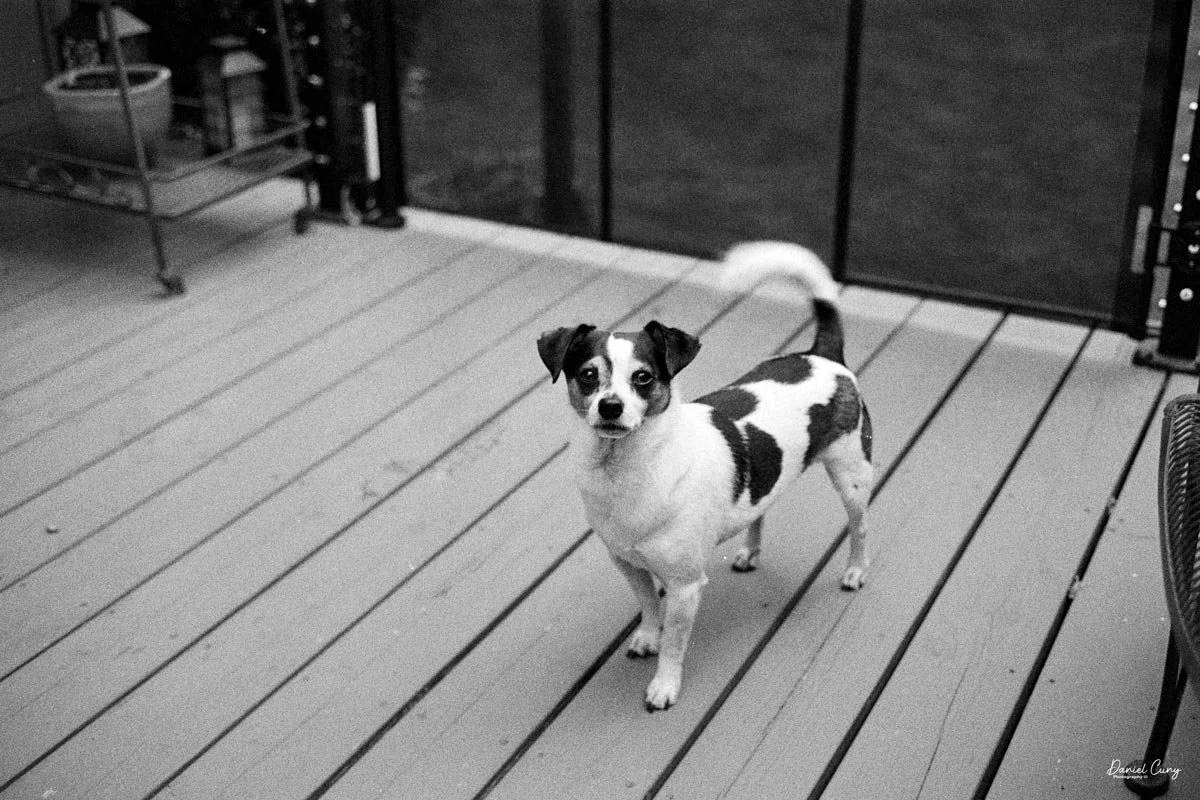
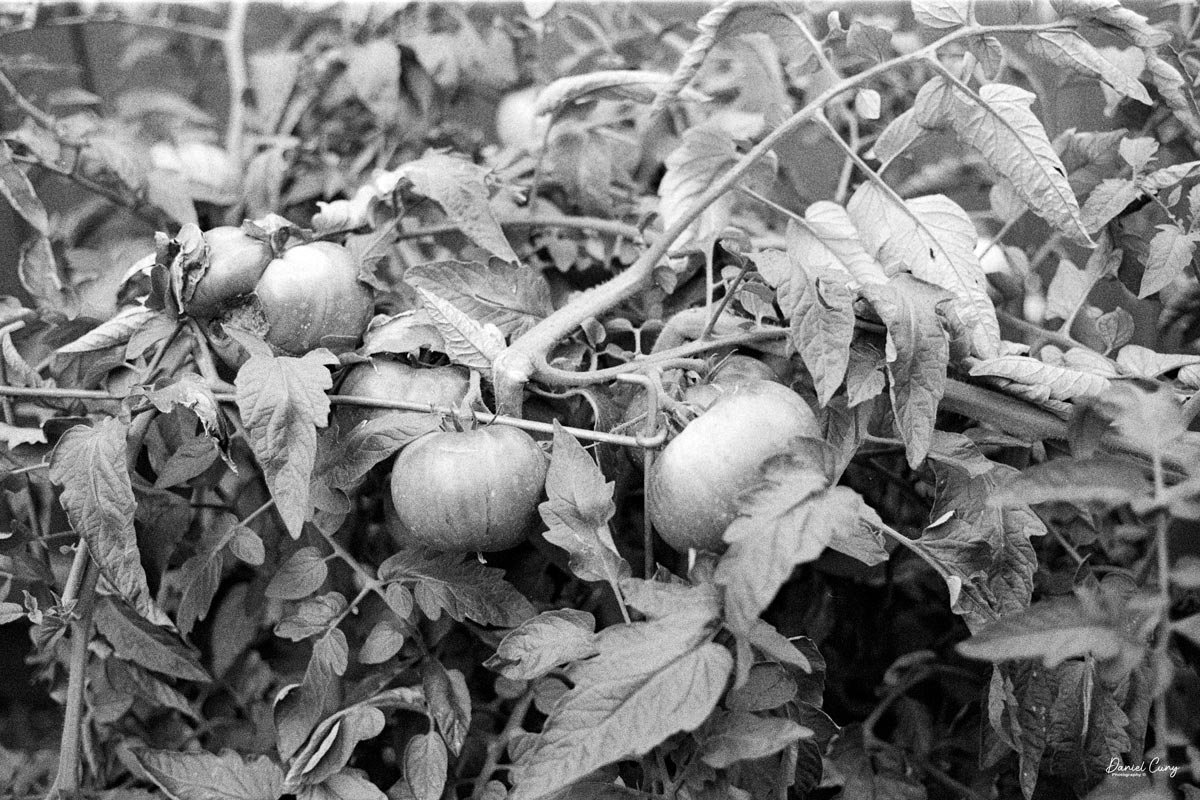
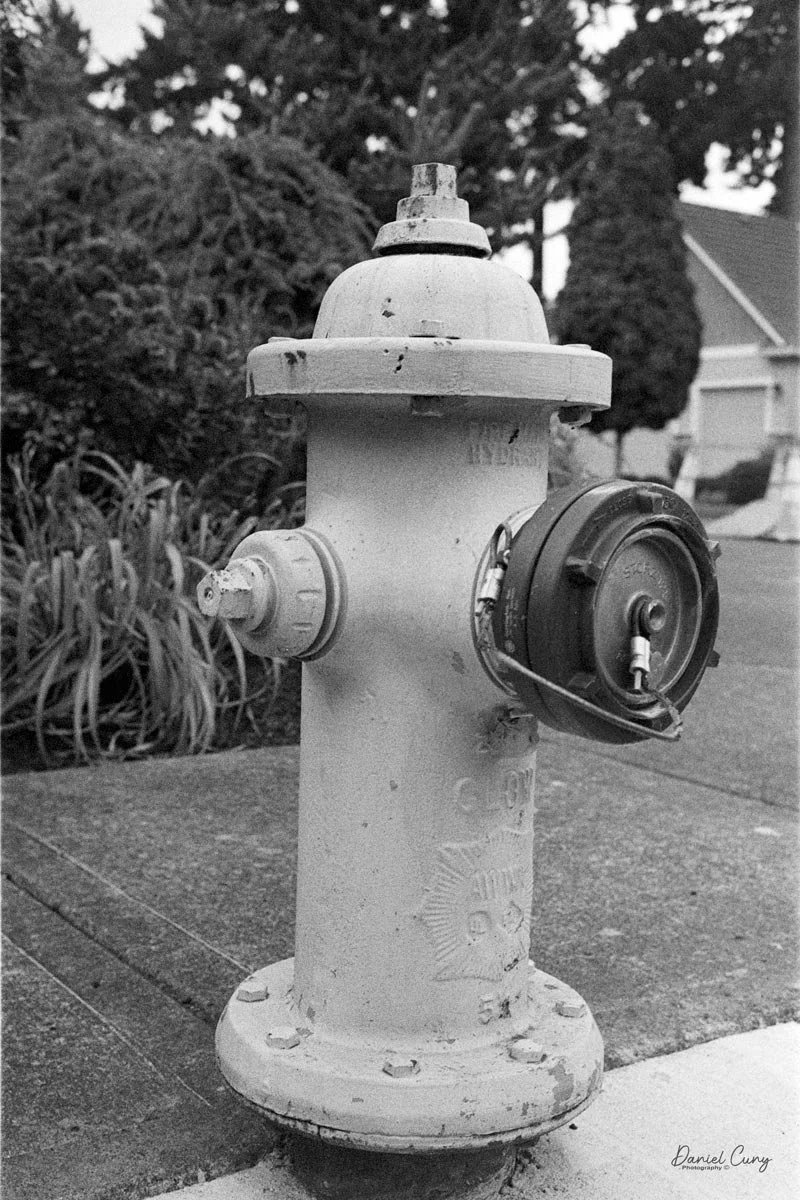
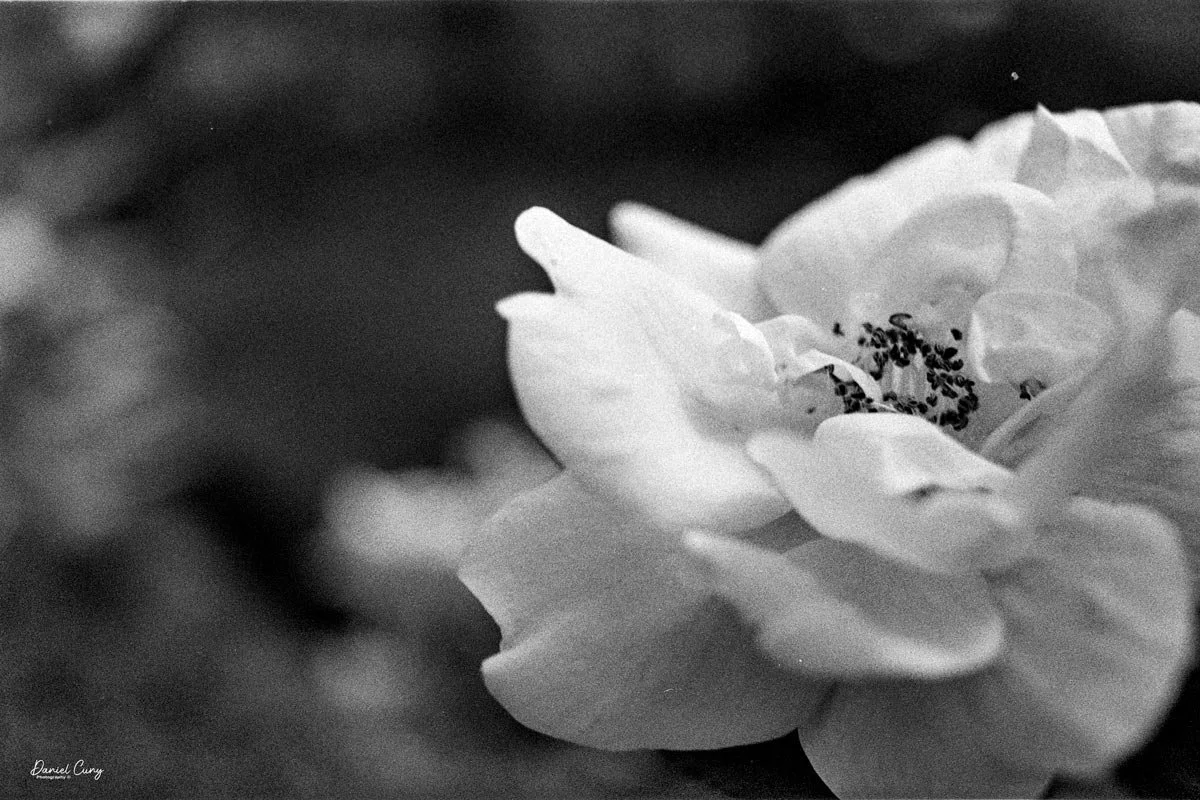
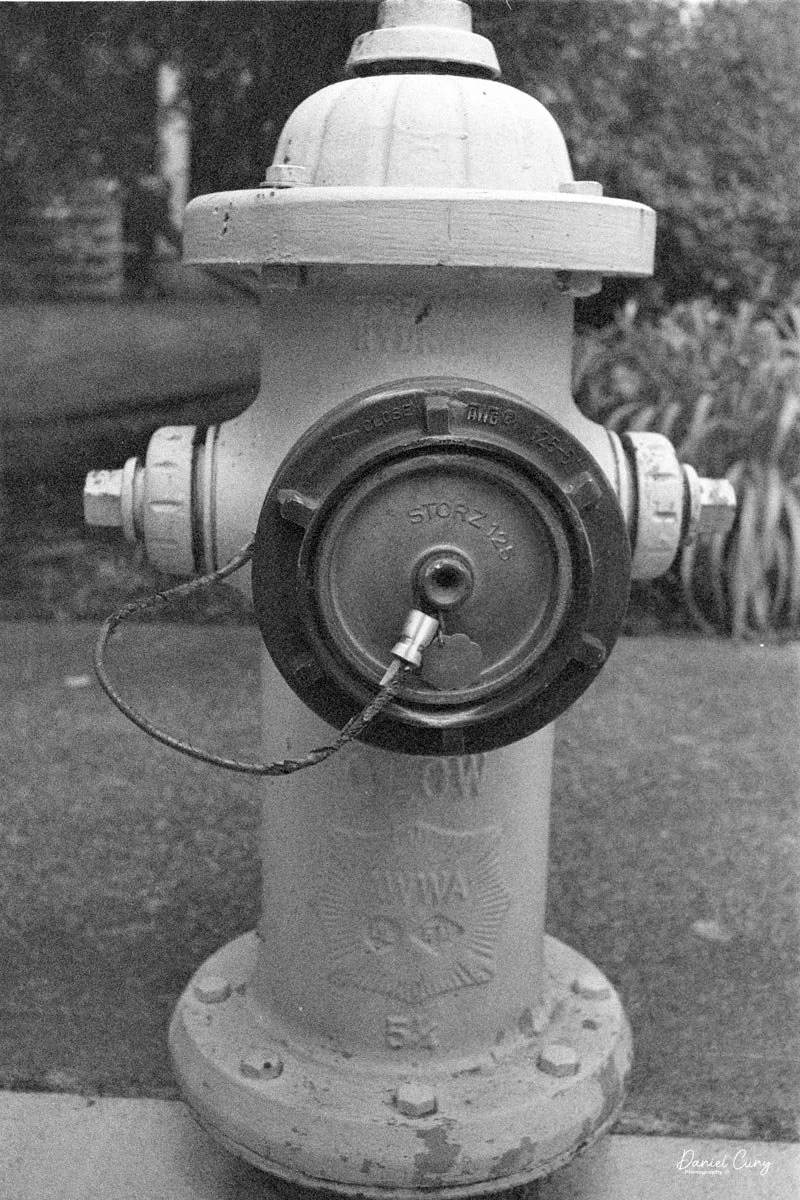
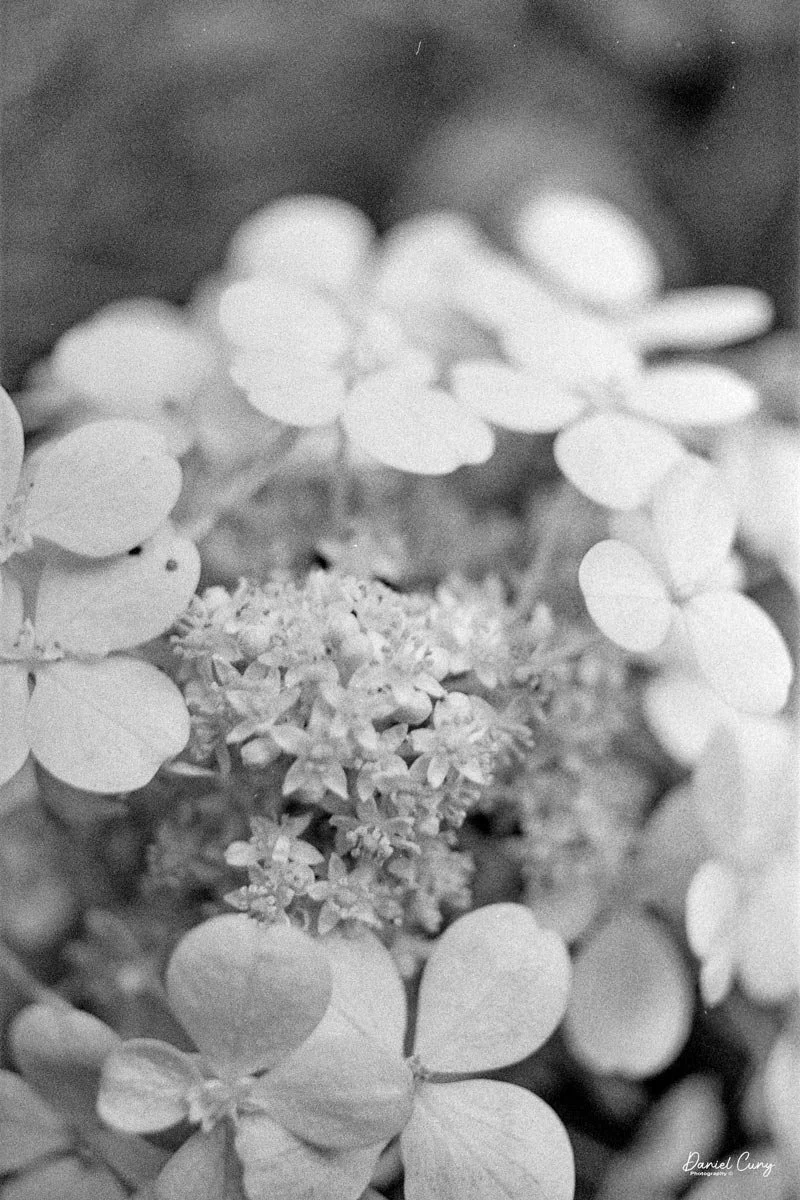
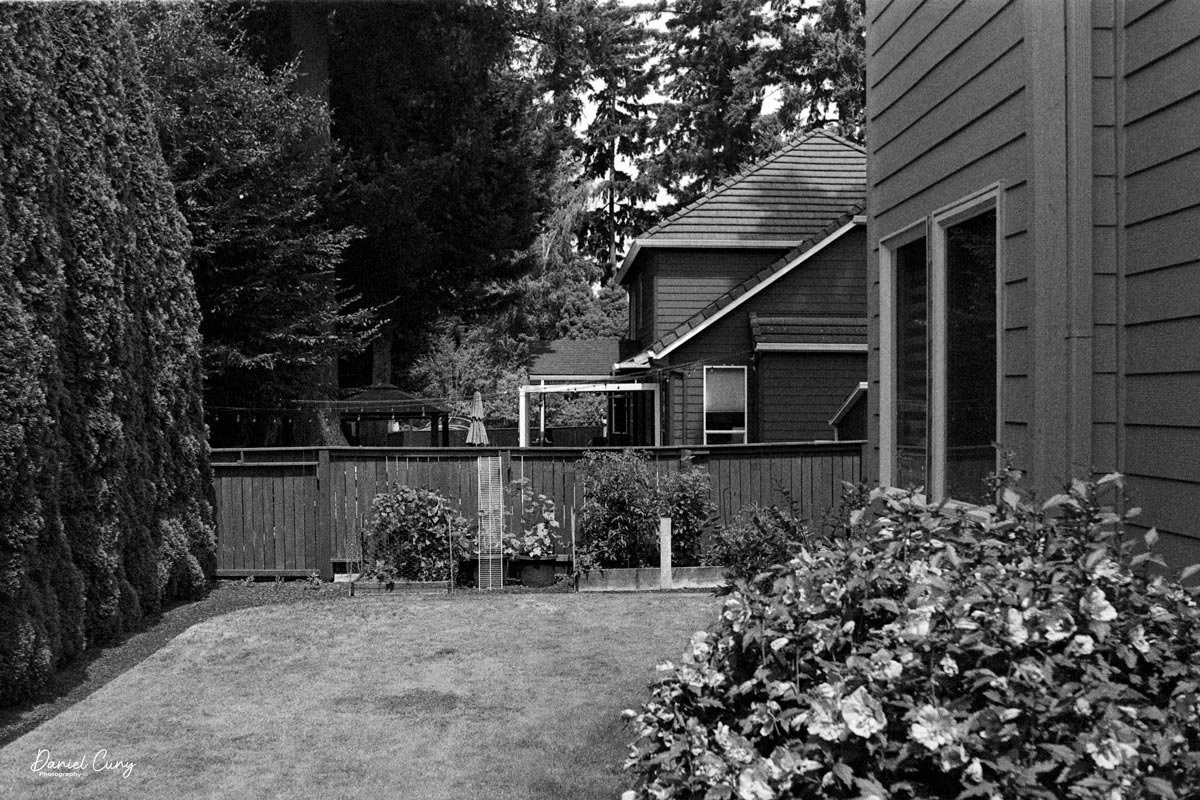
I loaded the camera with a roll of film and took it with me for a walk around the block with our 15-year-old Pug, Ernie. These walks are getting a bit slower every week, so I had time to snap photos of some of the houses in the neighborhood, as well as many of the flowers in people's yards.

 I wanted to push the limits of the camera and see just how close I could get to capturing a reasonably sharp image. It appears that the minimum focus distance is right around 3-4 feet, even with 200 ISO film in the camera and on a very bright summer day, around noon.

 Here are some of the images I took.

Conclusion:

I think I'm more impressed with this camera than the Canon Demi I did a couple of weeks ago. There was a bright yellow dot in the center of the viewfinder, so I trusted the meter's exposure, which was pretty accurate.

 The focus was pushed, and I received a few blurry images, which I had anticipated, but overall, the camera did a fantastic job. The transport worked flawlessly, the exposures were accurate, the camera fit nicely into my pocket, and all I needed to do was put the camera to my eye, frame the photo, and press the shutter button…Fantastic!!!!

 I'll be using this more often, since it's a small, compact, lightweight, and accurate meter. A real treasure to have in my collection. Now all I need to do is find other models and designs. I think this may be the start of something fun.

 Thank you for taking the time to read about this compact bundle of photographic bliss—a real underappreciated camera from the 1960s.

 If you're interested, you can read more of my camera reviews by clicking on the link.

 I have a store on eBay where I sell some of the cameras featured in my camera reviews, as well as a variety of photo odds and ends. Take a look at Cuny's Camera and Photo.

 Until next week, please be safe.